Customer Ratings & Reviews
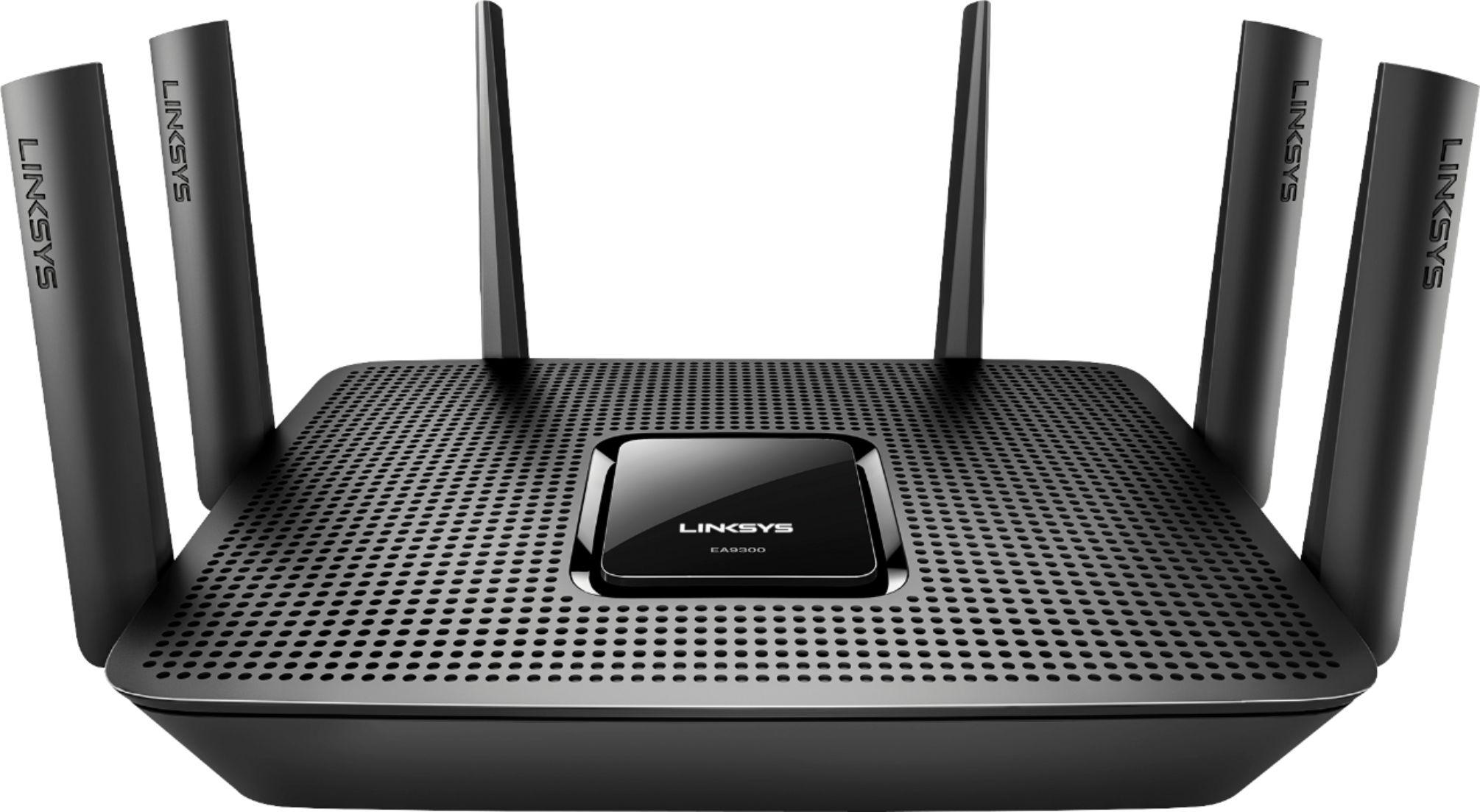
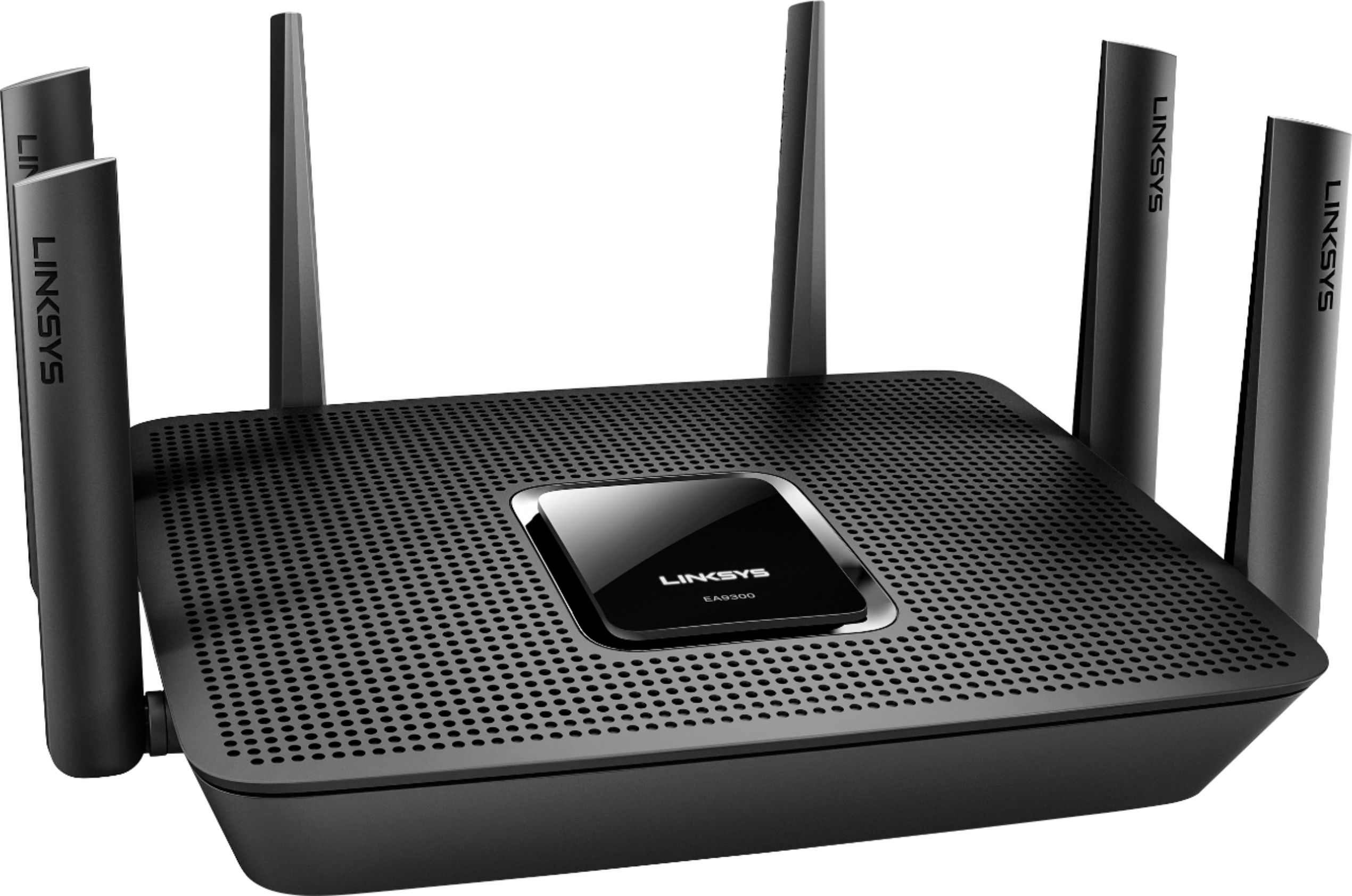
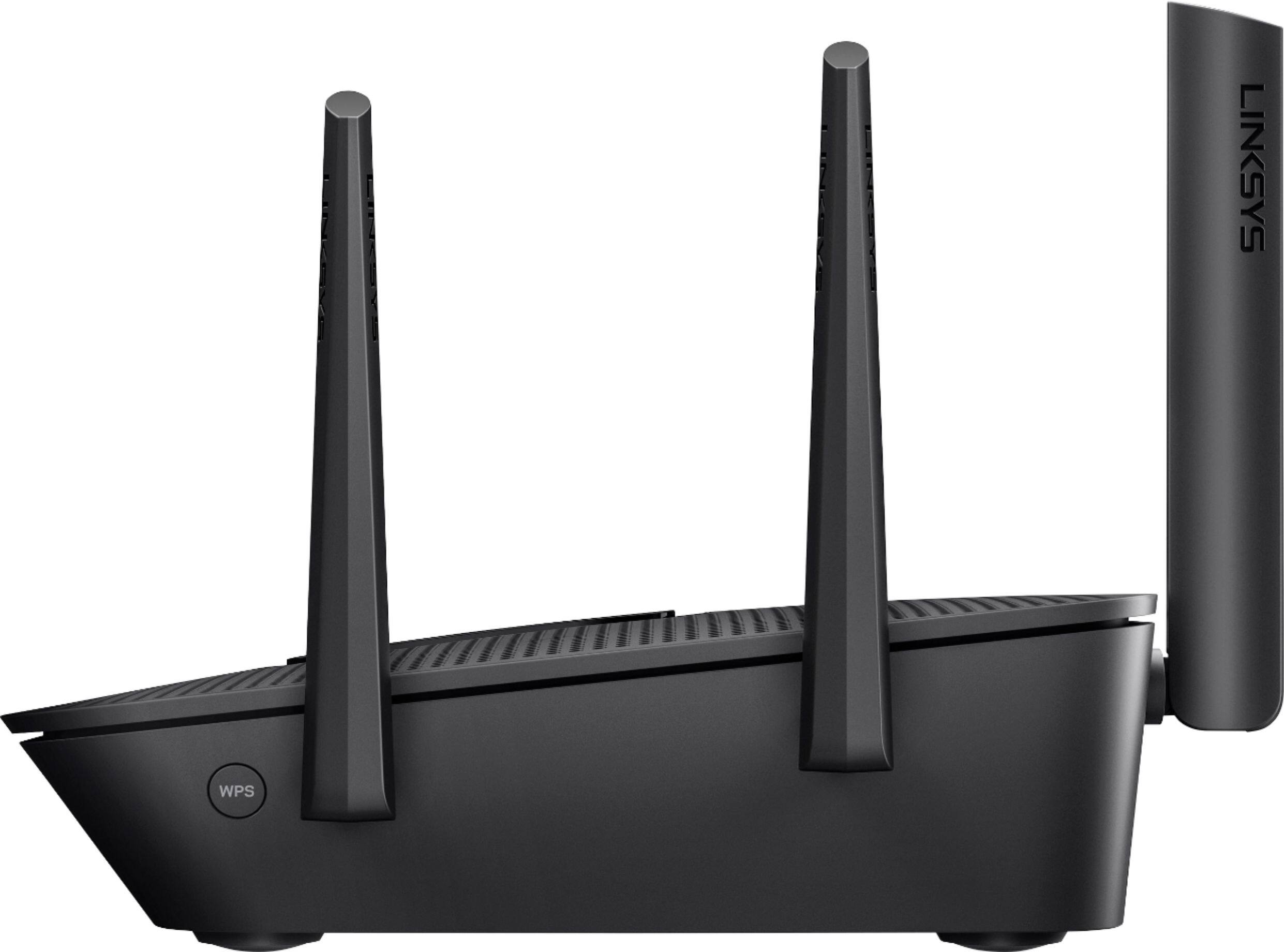

- Model:
- EA9300
- SKU:
- 5844817
Rating by feature
- Value
Rating 3.5 out of 5 stars
- Quality
Rating 3.9 out of 5 stars
- Ease of Use
Rating 3.8 out of 5 stars
Customers are saying
Customers recognize the Max-Stream™ AC4000 Tri-Band Wi-Fi Router's impressive range, ease of use, and strong performance, with many praising its simple setup and excellent signal strength for reliable coverage throughout their homes. Positive feedback also highlights smooth streaming and gaming experiences. While some users noted the router's size and higher price point, the majority found these drawbacks outweighed by the numerous benefits. A small number of users reported occasional connection issues.
This summary was generated by AI based on customer reviews.
Awesome
||Posted .This reviewer received promo considerations or sweepstakes entry for writing a review.Work horse router. Lots of control options for devices.
I would recommend this to a friendAmazing
||Posted .This reviewer received promo considerations or sweepstakes entry for writing a review.Highly recommended. Really helped me work with higher speed.
I would recommend this to a friendWorks really well
||Posted .This reviewer received promo considerations or sweepstakes entry for writing a review.Awesome product. Works great with 5 smart TVS and xbox.
I would recommend this to a friendGreat Product
||Posted .This reviewer received promo considerations or sweepstakes entry for writing a review.This is a wonderful product. I am just loving this.
I would recommend this to a friendNice
||Posted .This reviewer received promo considerations or sweepstakes entry for writing a review.Very great connection speed I am very pleased with my choice
I would recommend this to a friendGreat for extend wifi
||Posted .This reviewer received promo considerations or sweepstakes entry for writing a review.WiFi is better now. I can connect unlimited devices.
I would recommend this to a friendAwesome
||Posted .This reviewer received promo considerations or sweepstakes entry for writing a review.Does what I want it to do. Gives a good connection
I would recommend this to a friendPlenty powerful for my family house and yard.
||Posted .This reviewer received promo considerations or sweepstakes entry for writing a review.Plenty powerful for my family house and yard. Powerful
I would recommend this to a friendGreat router
||Posted .This reviewer received promo considerations or sweepstakes entry for writing a review.Replaced my old Linksys router. Works great!!!!!!!
I would recommend this to a friendGreat speed.
||Posted .This reviewer received promo considerations or sweepstakes entry for writing a review.Does a great job.state of the art. Reasonable cost
I would recommend this to a friendVery fast router
||Posted .This reviewer received promo considerations or sweepstakes entry for writing a review.It is a good router. WiFi signal is very reliable.
I would recommend this to a friendNot good for Business Users
||Posted .This reviewer received promo considerations or sweepstakes entry for writing a review.I purchased this device about 4 months ago to have in our new house. The device works fine for gaming and video streaming, but has a bug that it doesn't work well with Skype for Business, nor Webex. If you use either of these, AVOID THIS ROUTER. I spend approximately 2.5 hours with Linksys support changing a plethora settings. Nothing worked. I do IT for a living, and an average user would not be able to trouble shoot with Linksys to the level that I did. Save yourself the headache and avoid this router. Also to note, according to Linksys I have the current firmware / software versions. My older Linksys works just fine with Skype / Webex. Video & Audio conferencing was a breeze with my old device.
No, I would not recommend this to a friendBrand response from Linksys Staff
Posted .Hi, BrentonB,
We truly appreciate your taking the time to share your product review for the EA9300 Router. We'd be more than happy if you will provide us your phone number at [email protected] so we can tap one of our Escalation Engineers to further investigate why the Skype for Business nor Webex not working well with your router. Include the link to this post for reference.
Regards,
Jay
Linksys Support
Great product
||Posted .This reviewer received promo considerations or sweepstakes entry for writing a review.This router worked great for my family's needs....
I would recommend this to a friend- Pros mentioned:Speed

Best router in the market right now.
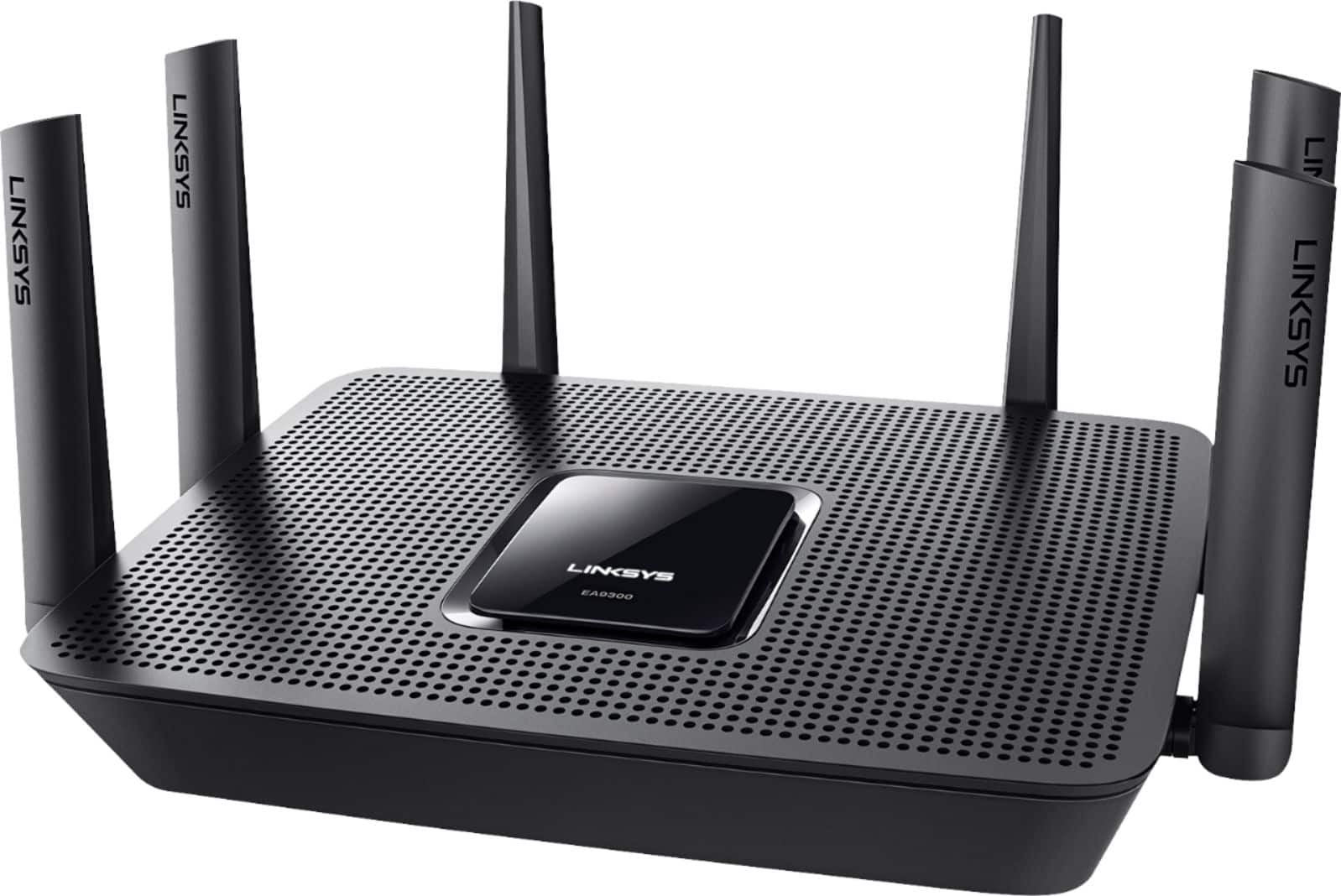
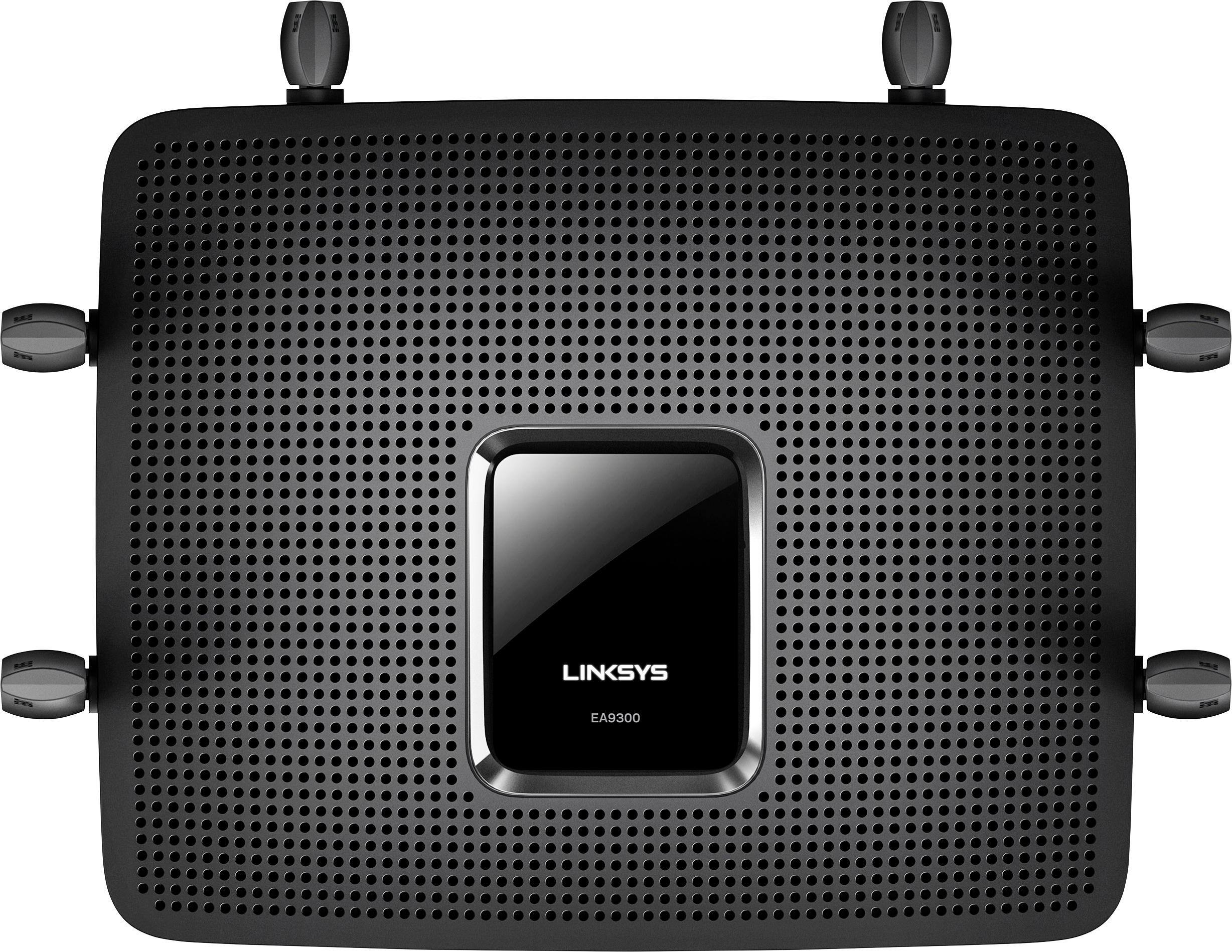
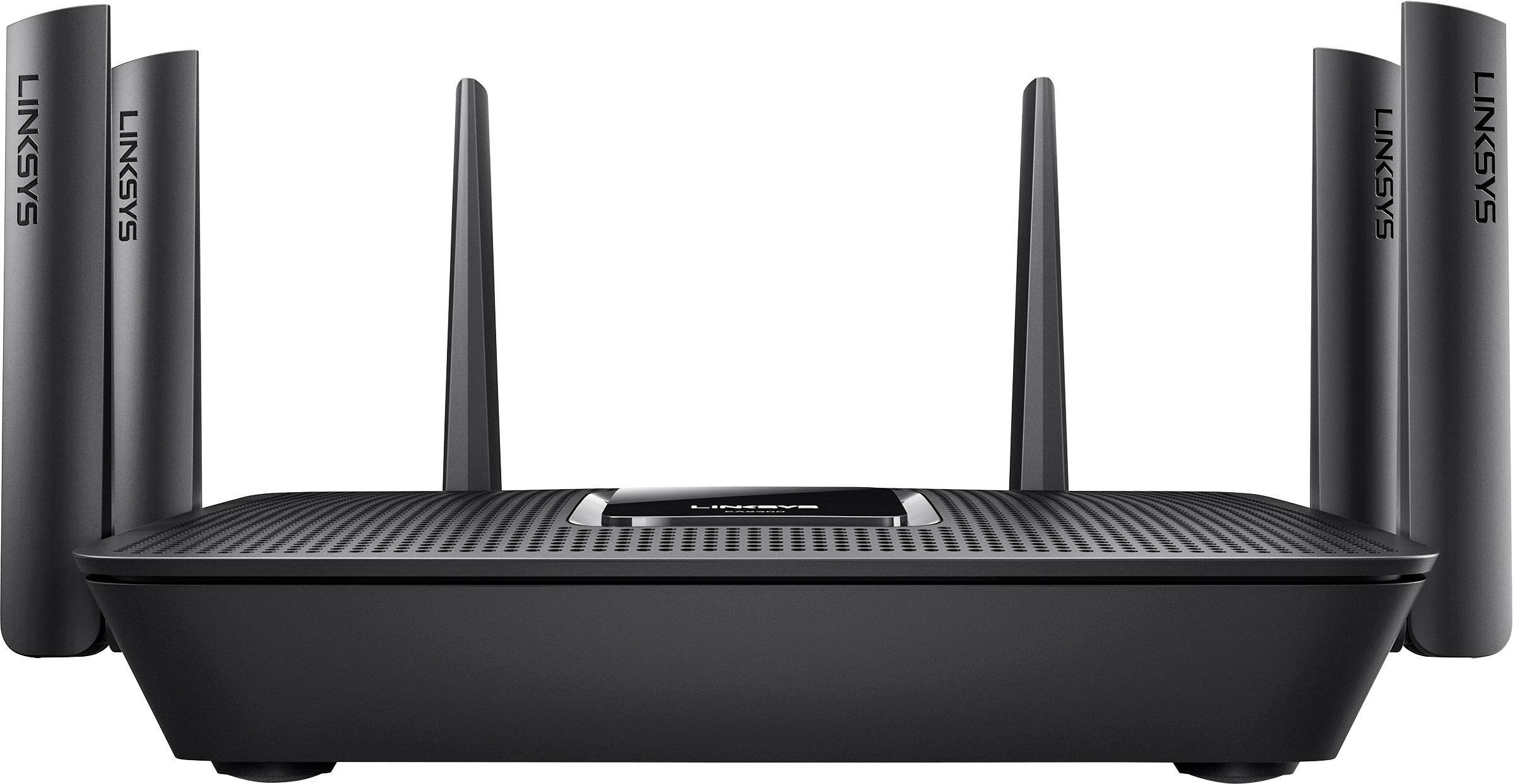
|Posted .This reviewer received promo considerations or sweepstakes entry for writing a review.Just like the other new Linksys routers, this one can be easily setup using the Linksys app or using the traditional web browser setup. The overall design is stylish and modern, but no compact. Follow the directions, connecting, and setting up was a breeze. This router has all the latest features like MU-MIMO, tri-band, gigabit Ethernet ports, great signal strength with long range covering entire home, etc. I connected 7 devices and they all have fast speeds and this router manages the load very well. If you have the old b/g/n devices, you might not experience the fastest speed. I am using the Linksys CM3024 modem with this router. The web dashboard and the app is fairly simple and easy to use. You can also use it as an additional node with Linksys Velop or as a range extender to your existing Linksys router. Haven’t experienced any drop in connection so far. The two USB 3 ports on the back can act as your own cloud storage and easily accessible on multiple devices. It is one of the best routers and I would definitely recommend to anyone looking for a new router in the market.
I would recommend this to a friend - Pros mentioned:Ease of useCons mentioned:Price, Size
A nice router
|Posted .This reviewer received promo considerations or sweepstakes entry for writing a review.Not a bad router but if you already run a tri-band AC router, I’m not sure it’s fully worth the upgrade. I have a household that’s running 20-25 connected devices. I’m not an advanced user, so just a disclaimer about that. Pros Use – Overall it was easy to setup. The web interface is nicely laid out. Easier to deal with than my old Netgear router. MU-MIMO – It appears to work. I’ve noticed that my phone is has more pep on wifi than it used to. Cons Size – The antennas have some heft and therefore it might be hard to tuck it away in an inconspicuous location. Speed – This isn’t so much a con as it is just not the results I was expecting to see. Transfer speeds aren’t any faster than they were with my other router which was also an AC3200 router. Ports - In todays connected homes, four ports is not sufficient. Price – Routers just seem to be too expensive these days.
I would recommend this to a friend - Pros mentioned:Performance, Speed
Linksys AC4000 beats the other guys.
|Posted .This reviewer received promo considerations or sweepstakes entry for writing a review.I've always liked Linksys routers because they have consistently provided the reliability and functionality I've sought over the long-term while requiring minimal attention. Now, the AC4000 I've based my home network upon has only been setup a short period but I don't have any doubts that it provides the best coverage in my house at the best speeds and will do so for a long time. After trying out extenders, multiple-node systems etc. I'm back to the single router world. My house has its problem spots and I've yet to find a better router than the AC4000 in getting a good signal to the far reaches etc. I don't tend to mess around with a router after setting up password, SSIDs, etc. even though there are several options. I just need a reliable signal wherever I am and this AC4000 delivers!
I would recommend this to a friend Extremely poor security
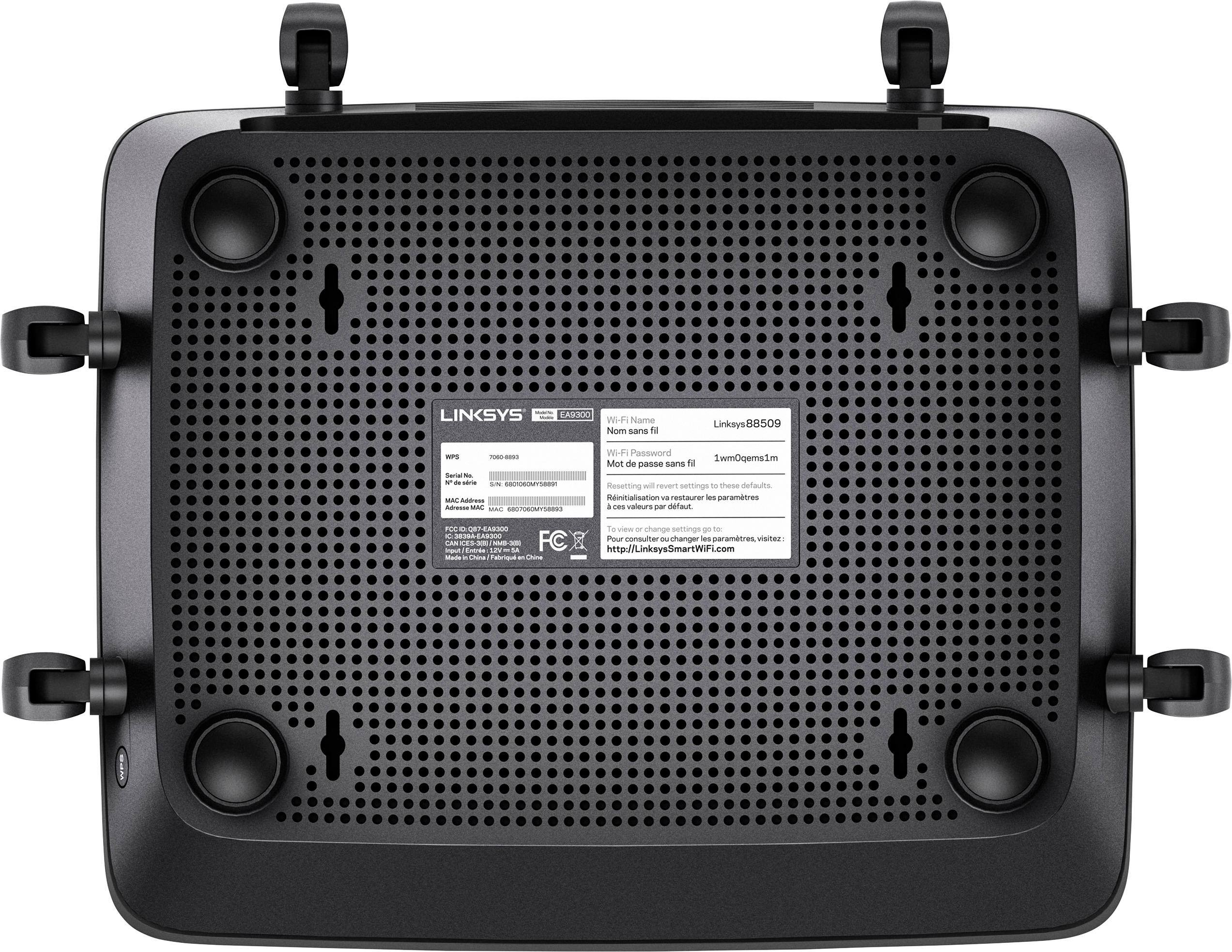
||Posted .This reviewer received promo considerations or sweepstakes entry for writing a review.The current firmware does not support HTTPS connections to the administration web page. It only supports clear text HTTP. I called Linksys support about it. They confirmed it. You can configure HTTPS on the menu, but it does not actually work. In addition, there is no way to turn off the remote access function. Anyone on the Internet can do an HTTP connection to your Linksys EA9300, and they will get a login prompt. From there, they just try password cracking techniques to get in. Unbelievable security flaws in todays Internet environment.
No, I would not recommend this to a friend- Pros mentioned:Performance, Speed
Max-Stream = Max Performance
|Posted .This reviewer received promo considerations or sweepstakes entry for writing a review.I work at home as software developer, I have over 60 devices connected to my "Home" network. Some of there are for my SmartHome, others Smart TV, and Streaming devices, a coupleos servers and Raid devices and about 20 notebooks and PC's. I've been running AC Wi-Fi with the Netgear Nighthawk X6 R8000 in my 2 story 2800 sq ft house for almost 3 years. The Netgear is a AC3200 router and this Linksys EA9300 is a AC4000 router. Can I tell the difference, I have a 300mb Cox Internet link. Via a Ethernet connection the Netgear gets 293mb down and 33mb up. The Linksys gets 297mb down and 35mb up a slight advantage, but I'd have to call it a tie. Using a AC5G WiFi connection from about 10ft away the Netgear gets 145mb down and 32mb up. The Linksys gets 166mb down and 34mb up. A slight improvement. With a 2.4G connection the Netgear gets 21mb down and 33mb up (surprising). The Linksys gets 25mb down and 30mb up. Again a slight improvement. I found both routers AC5G speeds drop significantly with distance; at 40ft both were about 75mb up & 25mb down and at 75ft 30mb/20mb - which WAS the same speed I got from 2.4G at 75ft. Clearly AC rules at shorter distances but over 100ft 2.4G is still more reliable. So don't expect to get full AC speed at longer distances. This where having a single network name supporting all network types would be a big advantage. A big Linksys+ The Linksys allows me to name all my networks the same name (2G & 5G) this simplifies connections as it automatically choose the optimal connection. This is a nice feature (that I had to disable to do the previous test) for most home users this is really nice have. For me I'd rather create multiple networks on different channels and choose what devices live where. I've not figured out how to have the Linksys dedicate separate channels to different network names. I know how to do this with the Netgear. With regard to the user interface, the Netgear is very easy to do the simple things with, the networks map is a most excellent tool. I've found it difficult dig much deeper in to the more advanced functionality, which I'm sure it has. It's just is documentation feel incomplete (still being upgraded/advanced - It's 100% online with special smart tools to manage it from your iPhone or Android Device) - this is kind of cool but the really advanced features are hard to find, as they (might not be documented). Based on calls to Linksys for advanced assistance they have been VERY helpful and knowledgeable about the product. They even followed up on some technical VPN issues I had that were not yet documented. So in comparing two routers that list for $299 and $279, I did see better performance from the newer Linksys AC4000. I did think some of the simple setup of the Linksys would be particularly helpful for most home users. I thought some of the advanced documentation was missing (but could easily be forthcoming as it's 100% online).
I would recommend this to a friend Future Proof your Home Wi-Fi
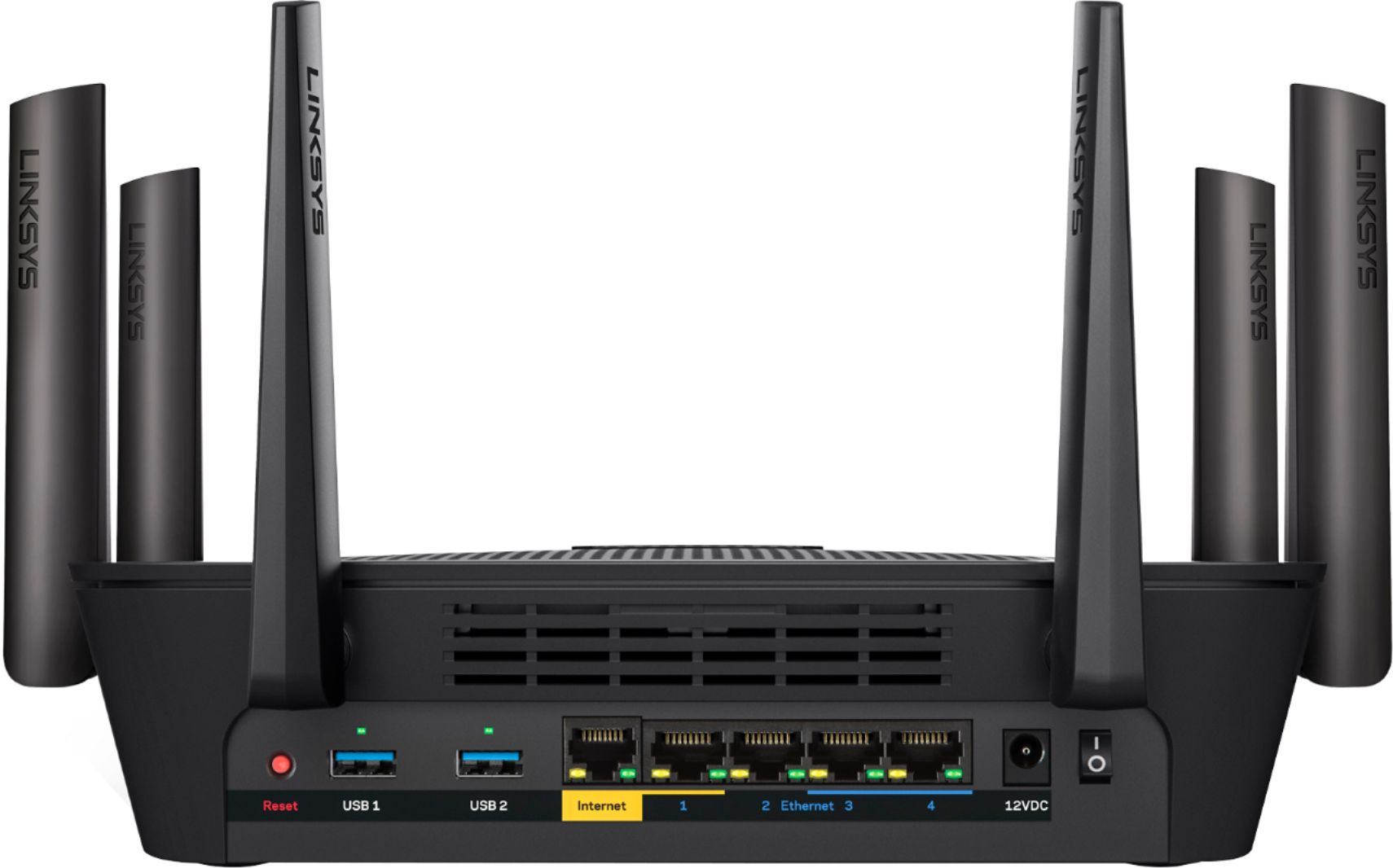
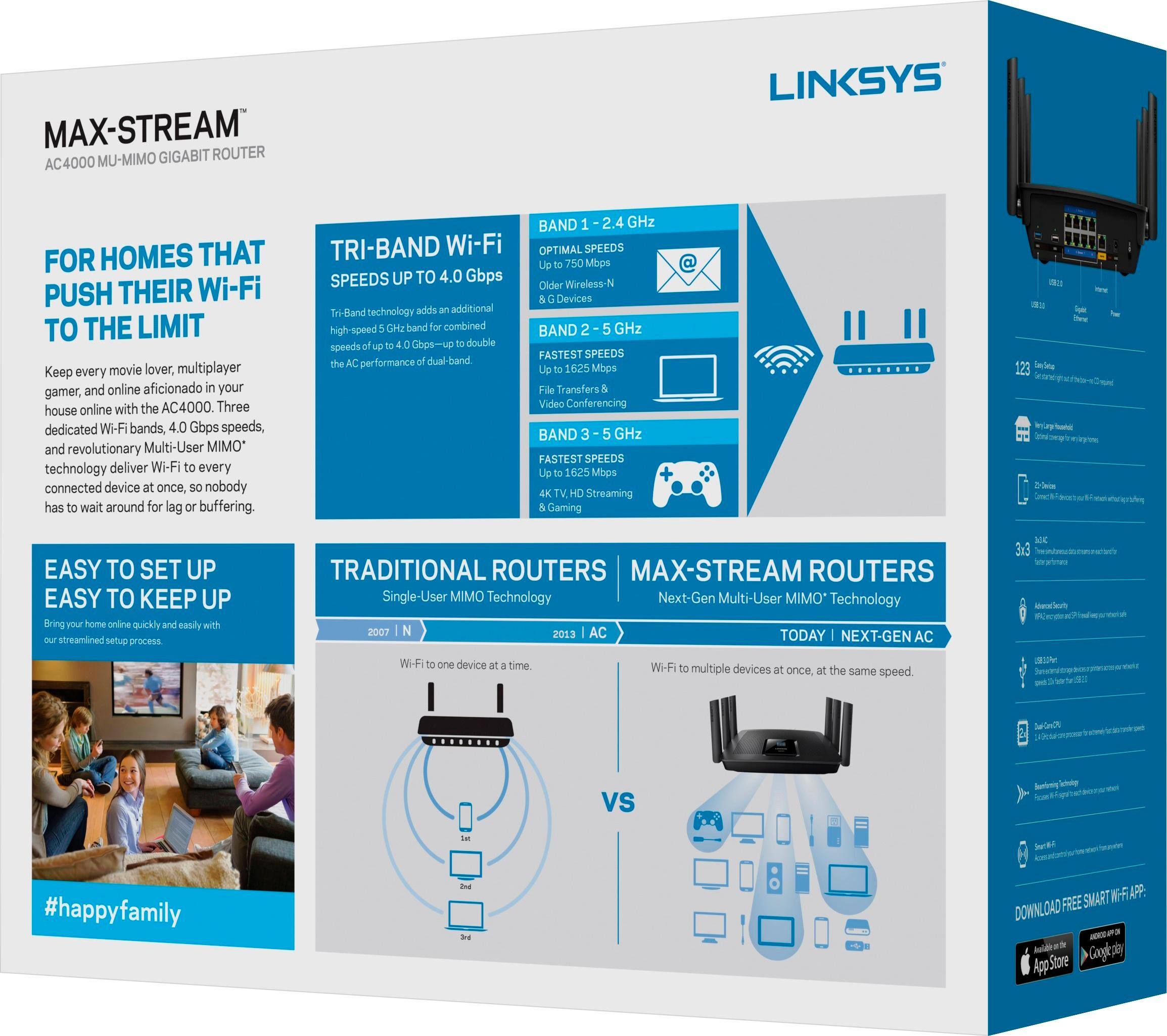
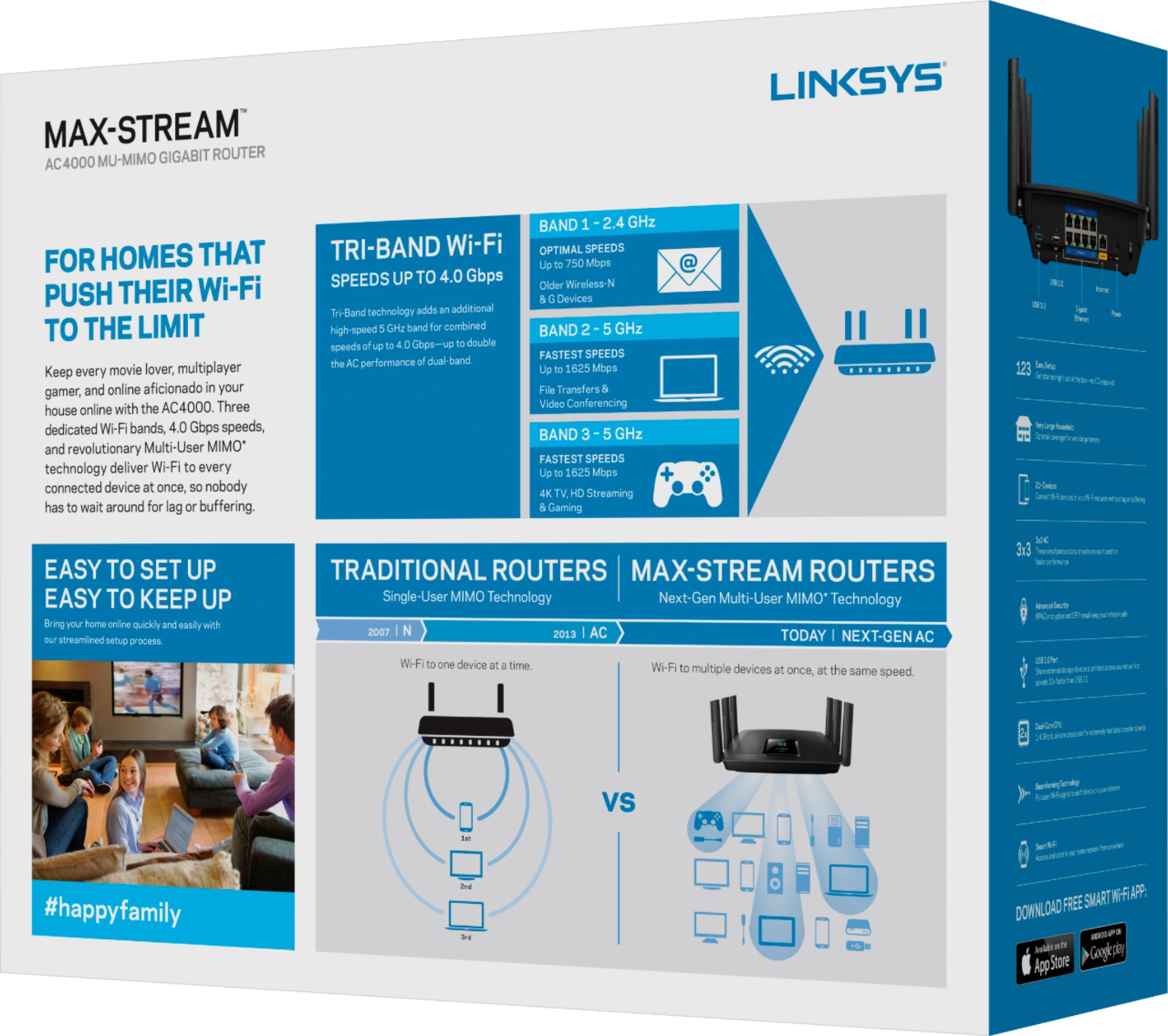
|Posted .This reviewer received promo considerations or sweepstakes entry for writing a review.like the Linksys EA 9300 AC400 Tri Band MU-MIMO. I like knowing that this router is ready for the future. Many of the new 4K TV’s, laptops, smart phones, tablets and game consoles will be supported by the EA 9300. The EA 9300 also supports next generation Wi-Fi 802.11 ac Wave 2 technology, that will help improve overall performance and efficiency of a Wi-Fi Network and provide dedicated bandwidth to MU-MIMO capable devices. This is important to me because with the rise of bandwidth intensive activities, such as 4K streaming and movie downloads, the importance of an efficient and optimized Wi-Fi network is more critical than ever. Tri-Band and MU-MIMO enables multiple devices to communicate with the router and or range extenders simultaneously, so the result is a faster and more reliable Wi-Fi. In layman’s terms this means that more devices will be able to hook up to your router and still have an efficient and effective Wi-Fi speeds. I saw this with my router. I pay for 60 mbps up and 5 mbps down. I saw 70 mbps up and 7 mbps down in the same room. When I went two rooms away from the router (a bathroom is between my router and living room that has concrete drywall for the walk in tiled shower) I still had good speeds of 68 mbps and 6 mbps down. Other routers I have had in the past would drop down to the high 50’s and low 60’s. Signal strength distance was above average too. I could still get Wi-Fi out side and about 100 feet from my house I would get speeds of 20 Mbps down and 2 Mbps up. With other router’s most times I can not get a signal to reach that far and if I could the speeds would be around 5 Mbps down and <1 Mbps up. The technology that I am looking most forward to is the router will let you roam around the home always connected to the optimal access point, either router or range extender without having to manually connect or lose connection. The EA9300 will always switch and connect your device to the strongest Wi-Fi signal at all times which is important when watching data hungry programs like Netflix and other streaming sources. This will let you more seamlessly from room to room, floor to floor and always stay connected to your Wi-Fi. This is a down fall of range extenders as it will drop Wi-Fi to connect to the range extender, but this will no longer happen with the EA 9300. The EA 9300 also has a single network name (SSID) for your entire network (the router and any range extenders you have connected to the router) which too allows for seamless roaming in your network. There is plenty of flexibility with this device if you need to connected several devices to the router. There are two USB ports and 4 additional Ethernet ports to connect laptops, computers and other streaming devices for maximum speeds. If you live in a small apartment or want to set up a network with range extenders, this is a nice main Wi-Fi router with strong performance for all of your Wi-Fi devices.
I would recommend this to a friend- Pros mentioned:Setup, Speed
Excellent Router - Latest Tech + Future Ready
|Posted .This reviewer received promo considerations or sweepstakes entry for writing a review.The LINKSYS EA9300 MAX-STREAM AC4000 TRI-BAND WI-FI ROUTER is a solid, powerful and fast router with the latest tech and ability to be upgraded for future features. The speeds I'm getting with the new Tri-Band MU-MIMO tech are amazing. Set up was simple and fast and the companion website and/or App features are easy to work with and give a wide range of options for how you manage your network. Parental Controls very helpful. This is a single unit with wide coverage and it's design is the traditional black router with multiple antennas. I'm intrigued by the mention of it's ability to be upgraded for future features.
I would recommend this to a friend