Customer Ratings & Reviews




- Model:
- LXM-00001
- SKU:
- 6379631
Rating by feature
- Value
Rating 4.5 out of 5 stars
- Quality
Rating 4.6 out of 5 stars
- Ease of Use
Rating 4.5 out of 5 stars
Customers are saying
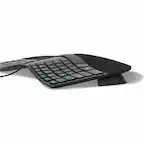
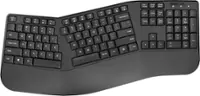
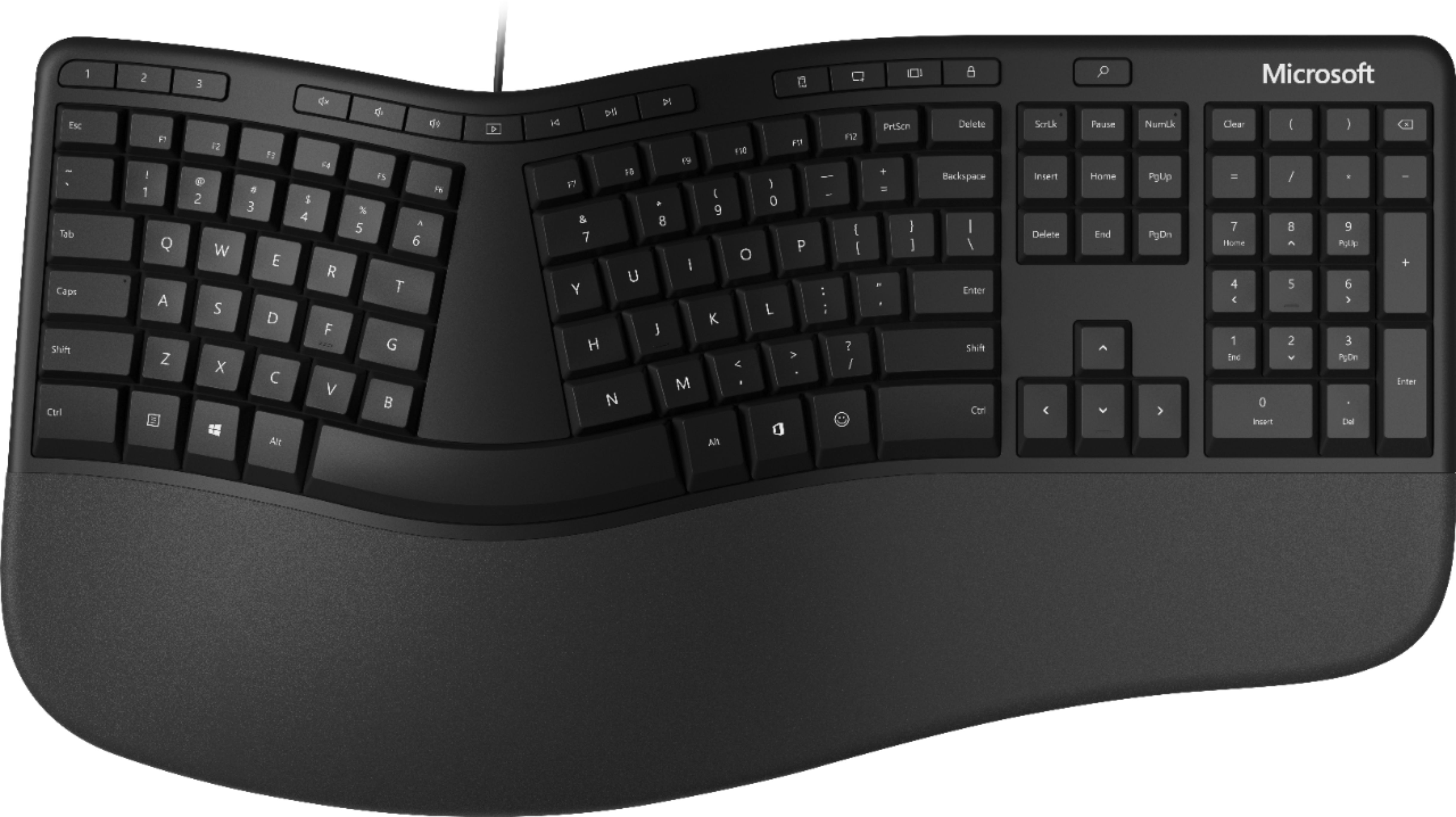
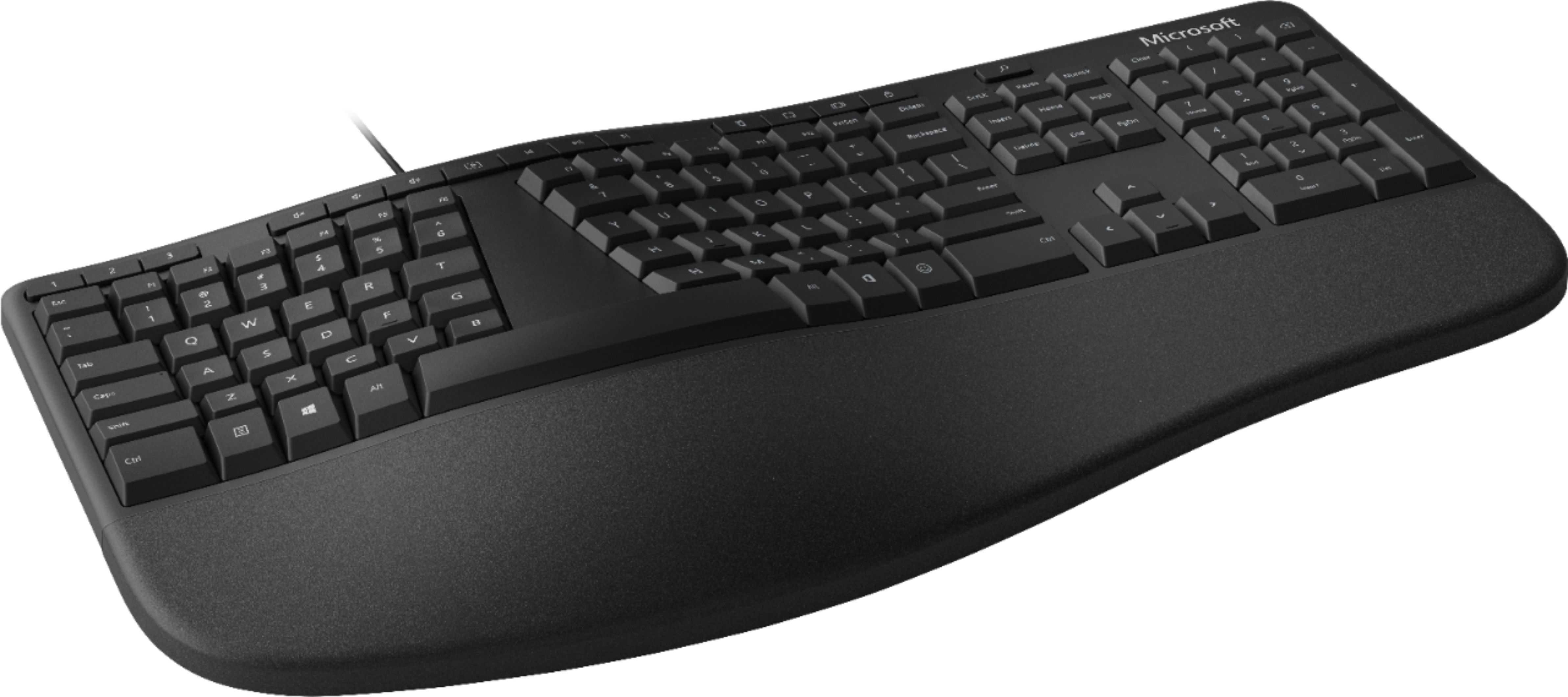
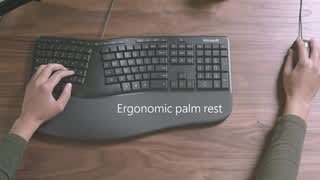
Customers love the ergonomic design, wrist rest, quiet keys, and reasonable price of the Ergonomic Full-size Wired Mechanical Keyboard. They find it comfortable to use and appreciate the tactile feel of the keys. While some users mention a learning curve and challenges with the split keyboard layout, the overall sentiment is positive.
This summary was generated by AI based on customer reviews.
- Pros mentioned:Ergonomics
Good keyboard
||Posted . Owned for 2 months when reviewed.This reviewer received promo considerations or sweepstakes entry for writing a review.Good keyboard for price and comfortable to use on my desk.
I would recommend this to a friend - Pros mentioned:ErgonomicsCons mentioned:Size
Takes up a little more space than I expected.
||Posted . Owned for 3 weeks when reviewed.This reviewer received promo considerations or sweepstakes entry for writing a review.Has lots of features built into keyboard selections. Just a little longer than I expected in terms of growing accustomed to using with an elevated laptop. As with any ergonomic keyboard, it takes a little getting used to. But, then again, it took a little time to get used to NOT using an ergonomic board after my first one stopped working!
I would recommend this to a friend - Pros mentioned:Ergonomics, Wrist support
For work at home peace
||Posted . Owned for 2 weeks when reviewed.This reviewer received promo considerations or sweepstakes entry for writing a review.SO nice and quiet! I am a hard typer, and when working from home with my partner, it causes some strife. I had the Logitech ergonomic keyboard before, and this one is more comfortable. There are other features on that keyboard (like prominent calculator and brightness display keys). The wrist pad is very comfortable.
I would recommend this to a friend - Pros mentioned:Ergonomics
Got it for my wife
||Posted . Owned for 2 weeks when reviewed.This reviewer received promo considerations or sweepstakes entry for writing a review.She really enjoys it and it helps with her arthritis
I would recommend this to a friend A tried and true keyboard with a surprise!
||Posted . Owned for 3 weeks when reviewed.This reviewer received promo considerations or sweepstakes entry for writing a review.I've used these keyboards for many years. The ergonomic features are excellent and comfortable. I like having a cord to a USB better than a wireless keyboard. The best surprise about it was the Emoji button. Hadn't had one of those before. What will they think of next?
I would recommend this to a friendBrand response from MicrosoftOutreachTeam
Posted .Hi Vicki,
We're so glad that Ergonomic Keyboard is working well for you. It's also great to know that the Emoji button has been a pleasant surprise!
Best,
Tom
Microsoft Customer Care
Great keyboard!
||Posted . Owned for 3 weeks when reviewed.This reviewer received promo considerations or sweepstakes entry for writing a review.Love this keyboard! I love that it has dedicated arrow and home/end/PgUp/PgDn keys! I inadvertantly bought an ergonomic keyboard that shared those keys with the number keypad, and that was a diasaster! Replaced that new keyboard with this one and so glad I did!
I would recommend this to a friend- Pros mentioned:Ergonomics, Wrist support
Solid and comes with a angled riser
||Posted . Owned for 5 months when reviewed.This reviewer received promo considerations or sweepstakes entry for writing a review.I got this to replace my old Microsoft Ergonomic keyboard that I had for over a decade. They're pretty solid and the streamlining of the upper shortcut keys is nice. It also comes with an optional riser to angle the keyboard that the images don't show.
I would recommend this to a friend - Cons mentioned:Key placement
Redesign of the great keyboard Missed the mark.
||Posted . Owned for 1 month when reviewed.This reviewer received promo considerations or sweepstakes entry for writing a review.No caps lock indicator. Crowded Keys on number pad. Added keys on top too close to the numbered keys. F Keys need to be separated from the rest to prevent accidental presses.
No, I would not recommend this to a friend - Pros mentioned:Wrist supportCons mentioned:Key placement
Meh, Ok Keyboard
||Posted . Owned for 1 month when reviewed.This reviewer received promo considerations or sweepstakes entry for writing a review.I've used ergo keyboards for 20 years, all were MS. This keyboard's keys are way too soft. I should have kept with the 4000 of which i've got 2 others. I replaced a 4000 with this key board. I really wanted to like this keyboard. Pros keyboard is quiet. Good cushion for your wrist. Cons The sensitivity of the keys is over the top. The keys are mushy is the best i can describe it. My typing accuracy has went down dramatically because the keys are almost too sensitive and close to each other. Barely touch one will cause the letter to show. As a database developer, the end and home keys are also in odd relation to the main keys compared to the other ergo keyboards i've used. Don't even think about using it for a treadmill desk(I have one). They key indicators are also very dark and make the keys hard to see when you need to hit the occasional
No, I would not recommend this to a friend - Pros mentioned:Ease of use, Ergonomics
Helps with my carpel tunnel
||Posted . Owned for 3 weeks when reviewed.This reviewer received promo considerations or sweepstakes entry for writing a review.I purchased this recently because my carpel tunnel symptoms were acting up due to working from home and typing more. The design helps keep my wrists in a neutral position. It took a little getting used to, especially the lower keys, but not hard. Very glad I purchased this ergonomic keyboard.
I would recommend this to a friend - Pros mentioned:Ease of use, Ergonomics
Great product!
||Posted . Owned for 6 months when reviewed.This reviewer received promo considerations or sweepstakes entry for writing a review.Love this product! I’ve had carpal tunnel issues for a while. Anything to help alleviate some pain was welcomed. This keyboard is great for my constant typing for work. Helps with the pain and tons of shortcuts built in. Took a couple tries to get use to the shape and love it now!
I would recommend this to a friend Really comfortable
||Posted . Owned for 1 month when reviewed.This reviewer received promo considerations or sweepstakes entry for writing a review.This is my first ergonomic keyboard. It's definitely comfortable to my wrist, which was the main reason I picked this up. Took me some time to get used to it but overall I'm glad with my purchase. Also the keys are really quiet and effortless when writing.
I would recommend this to a friendBrand response from MicrosoftOutreachTeam
Posted .Thanks for letting us know that this Ergonomic Keyboard is getting the job done! We're glad that your wrist is feeling better and that our quiet keys are doing the trick for you.
Tom
Microsoft Team
- Pros mentioned:Ergonomics, Wrist support
Keys to the Rescue
||Posted . Owned for 3 weeks when reviewed.This reviewer received promo considerations or sweepstakes entry for writing a review.I love the design of the keyboard. I thought the cord would be a problem since my last one was cordless. It does take up a little more space than I realized. The raised lift is an added bonus. It helps with resting my wrists.
I would recommend this to a friend - Pros mentioned:Ergonomics, Wrist support
Meets the Standards for Computer Work
||Posted . Owned for 1 month when reviewed.This reviewer received promo considerations or sweepstakes entry for writing a review.Perfect replacement for my 8 year old mechanical keyboard. I think this is the newer version of my old keyboard anyways. The lifted side is in the front as opposed to the back which does lessen the strain on my wrists.
I would recommend this to a friend - Cons mentioned:Key placement
Helps a lot with wrist pain, great value
||Posted . Owned for 7 months when reviewed.This reviewer received promo considerations or sweepstakes entry for writing a review.I've been working at home more and noticed a lot of pain in my wrist. It was bothering me while working, but it was very painful if I also tried to play a PC game the same day. I grabbed this hoping it would help and it did. In fact, the same day my pain pretty much went away. I won't pretend this has all of the bells and whistles of the gaming keyboards I usually use, but there are very few ergonomic gaming keyboards (which is finally changing). I do use it for games and have found it adequate. My only real complaint about it is that it's not backlit so I can see the keys in the dark -- there are some custom keys and nonstandard placements of things that I don't always recall instantly. This does take some time to get used to. It was a few days until I got used to the key placement and could type quickly again. But if you're having any wrist pain, this is really worth trying for the price.
I would recommend this to a friend - Pros mentioned:Ergonomics
The real deal...
||Posted . Owned for 6 months when reviewed.This reviewer received promo considerations or sweepstakes entry for writing a review.I had an ergonomic keyboard years ago, and decided to try one again. After trying out several different brands in a BB store, I quickly focused on this one. To me, it just had a better feel than the others. Love it, no looking back. One piece of advice for those upgrading from a standard keyboard--give it a few days. On a standard keyboard, your brain processes both hands together. With an ergonomic, your brain separates them. It feels awkward and uncomfortable at first, but once your brain adjusts, you are in keyboard heaven. I will never go back to a standard keyboard again. (Oh and I recently paired this keyboard with a Bluetooth ergonomic Microsoft mouse--what a combo...)
I would recommend this to a friendBrand response from MicrosoftOutreachTeam
Posted .Hey there,
We're thrilled you are enjoying your new Microsoft Ergonomic Keyboard, and that you've even paired it with Microsoft Bluetooth Ergonomic Mouse! It's quite a duo, and we're excited to know you have found them both beneficial to your workspace. Thank you for sharing your story with us. We appreciate your feedback.
Best,
Brad - Microsoft Customer Care
Upgrade from the Ergonomic Keyboard 4000
||Posted . Owned for 1 week when reviewed.This reviewer received promo considerations or sweepstakes entry for writing a review.Bought this to replace an aging MS Ergonomic Keyboard 4000. Layout is basically the same, but the center rocker control switch is no longer there. Not an issue for me, but may be for some. Angle of the keyboard doesn't change as it doesn't have the tabs on the back, but you can use the included lifter stand to raise the front, which I'm pretty sure is better for your wrists, anyway. The main improvement with this is the keys are a softer touch material and they are much quieter than the keyboard it replaced. They might have a little shorter travel, but I think the typing experience is better on this than the older model.
I would recommend this to a friendBrand response from MicrosoftOutreachTeam
Posted .Hi there,
Thanks for the great shout our about your Ergonomic Keyboard! We're thrilled to hear you're enjoying the updated features and how comfortable it is to use! Thank you for taking the time to share your experience with the community, we're sure it'll help the next person looking for the perfect accessory.
Cheers,
Rebecca
Microsoft Customer Care
- Pros mentioned:Ergonomics, Wrist support
Take care of your wrists/hands when working
||Posted . Owned for 1 month when reviewed.This reviewer received promo considerations or sweepstakes entry for writing a review.Love this keyboard. Helps me to place my wrists and work with my hands/fingers in an ergonomically correct position. I don't feel as tired at the end of the work day. My wrists, fingers, and elbows are not as sore as they were with my previous keyboard.
I would recommend this to a friendBrand response from MicrosoftOutreachTeam
Posted .Hello – We're delighted that you're enjoying the comfortable feel of your new Ergonomic Keyboard. We hope it continues to serve you well. Cheers, Erica Microsoft Outreach Team
Missed opportunity
||Posted .This reviewer received promo considerations or sweepstakes entry for writing a review.My keyboard 4000 started to show wrong characters, so I had to throw it out and get a new one. That was a nice keyboard. Too sad Microsoft chose to discontinue that keyboard and instead introduce this one. While 4000 may look a bit dated, Microsoft could do a refresh instead of creating this keyboard which is difficult to use. The keyboard layout is just stupid. Why? Why? Why do you put a context menu key in next to the left control key? It is so cramped there, and when I first started to use the keyboard, I pressed the windows key many times instead of the Alt key. And the office key and emoji key on the right? Seriously? Has ANYONE asked for them? You really think office workers are going to constantly send emojis to other people? And I created an ahk script just to disable that office key. The placement of num lock, screen lock and pause are just idiotic. I get it that people don't use these keys very much, but you could have just removed them instead of shuffling their positions? And they put print screen and delete next to F12, and the keys are tiny, which makes it difficult to find either F12 or print screen. Otherwise the keyboard is ok. I still prefer the feel of 4000. Microsoft, please get yourself together and release a proper keyboard.
No, I would not recommend this to a friend- Pros mentioned:ErgonomicsCons mentioned:Key placement
I have the keys
||Posted . Owned for 1 month when reviewed.This reviewer received promo considerations or sweepstakes entry for writing a review.I bought this keyboard when the more expensive wireless one stopped working, I like having an ergonomic keyboard. Once you head in this direction and start using these keyboards your hands will thank you.❤ My only complaint is that the keys can feel a little mushy.
I would recommend this to a friend