Customer Ratings & Reviews



- Model:
- LXM-00001
- SKU:
- 6379631
Rating by feature
- Value
Rating 4.5 out of 5 stars
- Quality
Rating 4.6 out of 5 stars
- Ease of Use
Rating 4.5 out of 5 stars
Customers are saying
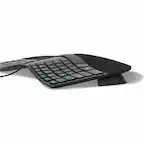
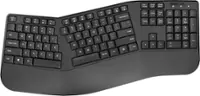
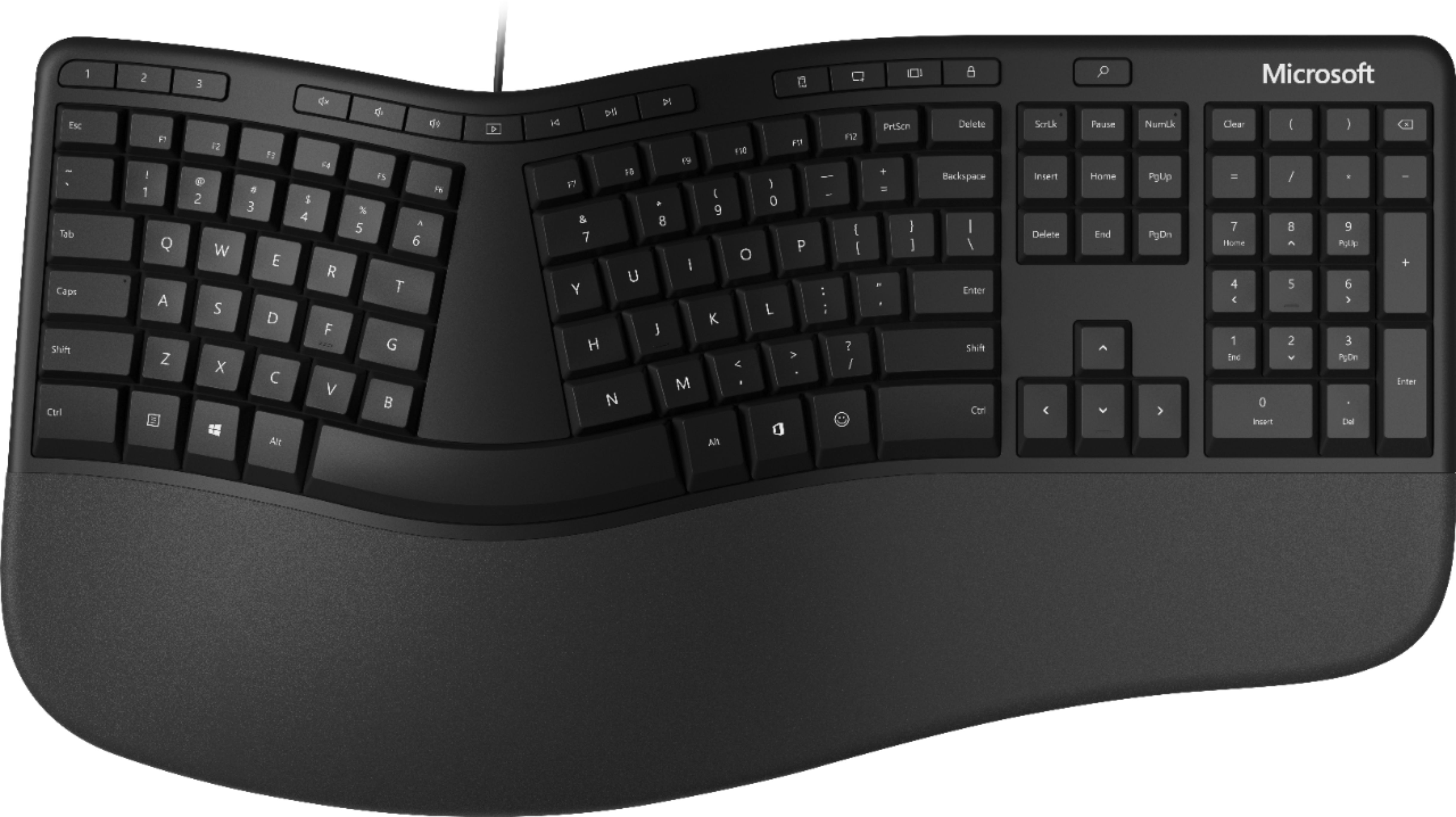
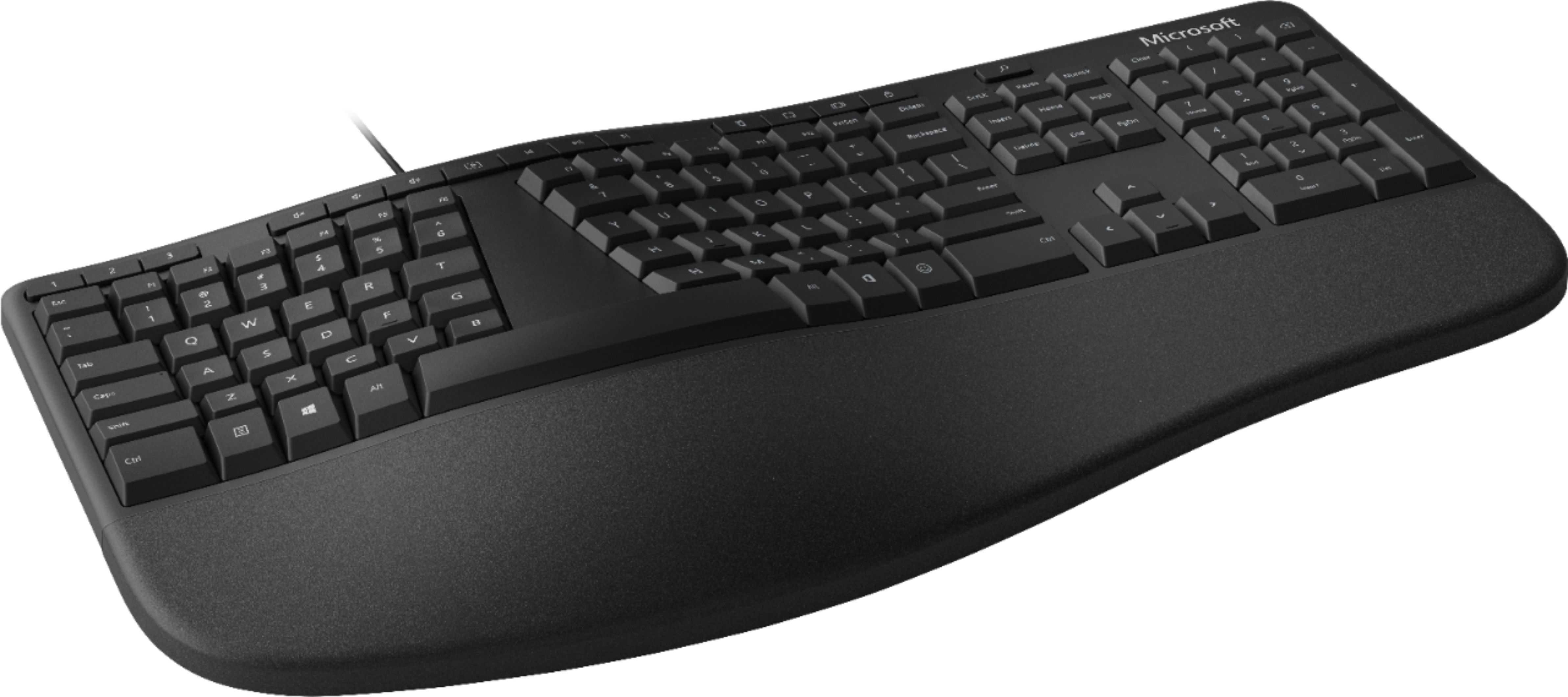

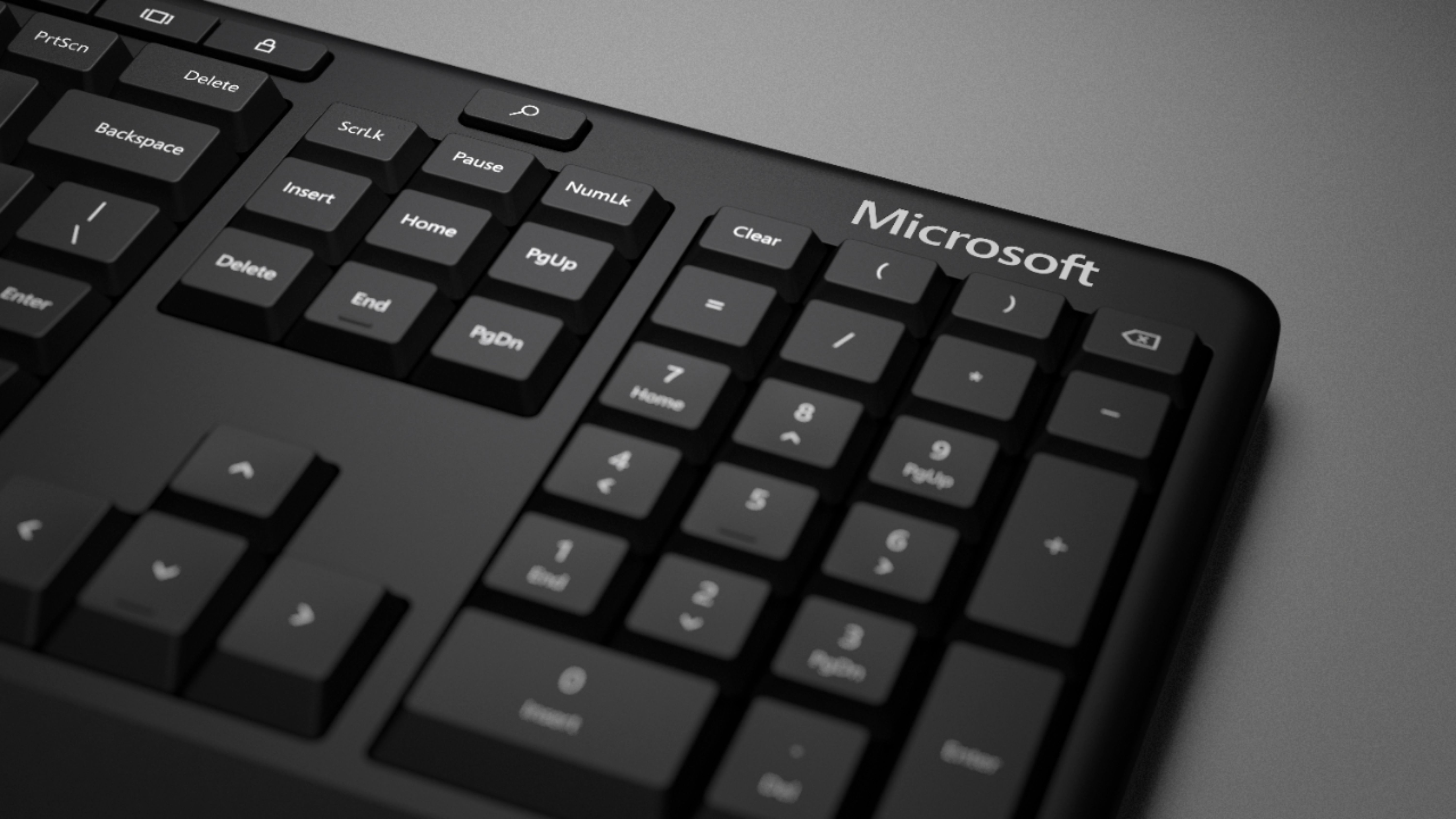
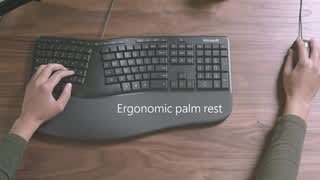
Customers love the ergonomic design, wrist rest, quiet keys, and reasonable price of the Ergonomic Full-size Wired Mechanical Keyboard. They find it comfortable to use and appreciate the tactile feel of the keys. While some users mention a learning curve and challenges with the split keyboard layout, the overall sentiment is positive.
This summary was generated by AI based on customer reviews.
- Pros mentioned:Ergonomics
Open Box worked great...
Posted .This reviewer received promo considerations or sweepstakes entry for writing a review.Fine keyboard. Bought it "open box," and it looks and functions like the brand new one that cost about twice as much.
I would recommend this to a friend - Pros mentioned:Price
Keyboard
Posted .This reviewer received promo considerations or sweepstakes entry for writing a review.After trying several other ergonomic keyboards this one was the best for the price.
I would recommend this to a friend Ergonomic Feels Right
Posted .This reviewer received promo considerations or sweepstakes entry for writing a review.Great ergonomic keyboard. Highly suggest buying one.
I would recommend this to a friend- Pros mentioned:Ergonomics
Ergo keyboard
Posted .This reviewer received promo considerations or sweepstakes entry for writing a review.Keyboard works as it should and doesnt hurt my wrists
I would recommend this to a friend Keyboard
Posted .This reviewer received promo considerations or sweepstakes entry for writing a review.Don't like the monitor as it is very difficult for me to see the print on the keys as it is black and the letters and numbers are so faint I have problems seeing them Liked my original Micrsoft keyboard. Is there a way to be able to use it?
No, I would not recommend this to a friendSmiley Faces all around
Posted .This reviewer received promo considerations or sweepstakes entry for writing a review.My favorite thing about this keyboard is the smiley face button! I actually switched to a competitor, but went back ONLY because of the smiley faces. I do wish it had a good companion mouse and that the wrist rest could be changed when it gets gummy.
I would recommend this to a friend- Pros mentioned:Ergonomics
Nice ergonomic keyboard, but keys are little flat
Posted .This reviewer received promo considerations or sweepstakes entry for writing a review.I have been using the Microsoft ergonomic keyboards for many years now and overall this is another nice addition. My previous keyboards wrist plate was scuffing up, so I figured I would try out the latest version. I do like the inclusion of a snipping button. Having an emoji button is interesting, but not sure if I would ever use it. I do wish the order of the Windows and Right Menu key were reversed. However, my main complaint is that the edges of the keys are flat on this version, instead of slightly raised like the previous version. This has resulted in me being a little off when typing.
I would recommend this to a friendBrand response from MicrosoftOutreachTeam
Posted .Hi there,
We're delighted to hear you're enjoying your new Ergonomic Keyboard and the snipping button. We appreciate you taking the time to share your experience with the community, and we know it will help the next person looking for the perfect accessory. We'll be sure to pass along your feedback about the keys to our team.
Cheers,
Rebecca
Microsoft Customer Care
- Cons mentioned:Key placement
Uncomfortable Keyboard
Posted .This reviewer received promo considerations or sweepstakes entry for writing a review.Do not like the feel of this keyboard. If you are used to typing fast, without looking at the keyboard, this is not for you. The elevation in the middle is very cumbersome.
No, I would not recommend this to a friend Yes, please
Posted .This reviewer received promo considerations or sweepstakes entry for writing a review.Easier than i thought to adjust to. Really seems to help improve typing posture. Very happy with purchase.
I would recommend this to a friendKEYBOARD - LOVE
Posted .This reviewer received promo considerations or sweepstakes entry for writing a review.Love this keyboard - this is my 2nd one - it just fits my hands so much better than the standard ones.
I would recommend this to a friendMicrosoft Ergonomic Keyboard
Posted .This reviewer received promo considerations or sweepstakes entry for writing a review.For me this is an excellent keyboard. It does all I need without cramping my shoulders. I have fairly broad shoulders & using a standard keyboard requires me to bring my elbows together in front of my body which requires me to bend shoulders forward & after a time becomes a pain in the neck. The Microsoft Ergo keyboard allows a much more relaxed posture.
I would recommend this to a friendLeft special keys are terrible
Posted .This reviewer received promo considerations or sweepstakes entry for writing a review.I really wanted to like this. I really did. I have used MS Ergo keyboards for as long as I can remember. I'm a heavy keyboard user, including shortcuts. I use CTRL, WIN, and ALT hundreds of times a day. For reasons beyond my understanding, they felt the need to jam the menu key in there too. I used this for a few days and it was incredibly frustrating with the extra key getting in the way. They need a 'business' version of this, restoring the three-key layout. You could probably lose the 'emoji' button and move the menu back to the other side. Other than that, I think I liked it. I'd prefer the function keys have some separation between them and the number keys, and the extraneous delete key makes it worse. I really wanted a wired replacement for the 4000 that wasn't 4" tall, and form-factor-wise this is perfect, but the layout.. ugh, muscle memory counts, people. Don't mess with perfection.
No, I would not recommend this to a friendBrand response from MicrosoftOutreachTeam
Posted .Hi there,
Thank you for taking the time to share your honest experience with the community about your Ergonomic keyboard. We're sorry to hear that you were not happy with your purchase and we will be sure to pass along your feedback to our team, as it gives them a chance to make products better for future customers.
Best,
Rebecca
Microsoft Customer Care
Keyboard Review
Posted .This reviewer received promo considerations or sweepstakes entry for writing a review.It takes some getting used to. My previous ergonomic keyboard felt better to me.
No, I would not recommend this to a friend- Pros mentioned:Price
Happy Fingers!!!!
Posted .This reviewer received promo considerations or sweepstakes entry for writing a review.The keyboard was an excellent price and delivery time was outstanding (two days from California to Hawaii). I would definitely recommend Best Buy and will continue to shop there myself.
I would recommend this to a friend - Pros mentioned:Ergonomics
Great keyboard for the price!
Posted .This reviewer received promo considerations or sweepstakes entry for writing a review.This is a very nice keyboard, especially for the price! The memory foam part that you rest your hands on is the most comfortable ever! Typing isn't silent, but is much quieter than some other keyboards I've had. I am very pleased with my purchase!
I would recommend this to a friend - Cons mentioned:Key placement
Palm rest is good but some keys size changed
Posted .This reviewer received promo considerations or sweepstakes entry for writing a review.I tried this keyboard to reduce my shoulder pain recently but I'm not used to the new layout. My fingers and brain got confused with the new positions of f,g and h,j keys. And some key size got changed, like the t letter, it's bigger than others; I am not sure why the design is like this. I think the raised padding will be better and easier for my palms if the keyboard raised at the top instead of the already padded palm area. My family members and I tried to like this keyboard but sorry Microsoft, it's just not for us. Maybe it's due to my desk depth. Except for the palm rest area, it didn't add extra other comfort for me unfortunately for my typing, I'm not sure how this was approved by ergonomist.
No, I would not recommend this to a friendBrand response from MicrosoftOutreachTeam
Posted .Hi there,
Thank you for taking the to share your honest experience with the community about your Ergonomic Keyboard. We appreciate your feedback about the key layout, as well as raise of the keyboard itself and we will be passing it along to our team.
Best,
Rebecca
Microsoft Customer Care
- Cons mentioned:Size
Great product
Posted .This reviewer received promo considerations or sweepstakes entry for writing a review.I loved the product but it was too large for my keyboard tray so I had to return it. If I had space on my desktop it would have been fine but I just didn't have room for my keyboard and mouse. Really disappointed I had to return.
I would recommend this to a friend - Pros mentioned:Ergonomics
ergo friendly keyboard
Posted .This reviewer received promo considerations or sweepstakes entry for writing a review.Just what I was looking for. Ergonomical keyboard for thosw that like this cofiguration and comfort.ergo
I would recommend this to a friend Doesn't sound like a mechanical keyboard should
Posted .This reviewer received promo considerations or sweepstakes entry for writing a review.If you're looking for a keyboard that clicks like a mechanical keyboard should, this isn't it. A little more resistance on the keys, but no clickety-click. The ergonomic layout is very good and the riser clicks in nicely to get the front of the keyboard up so the wrists are flat. I'd have given it a 1-star rating had it not been ergonomic. I
No, I would not recommend this to a friend- Pros mentioned:Ergonomics
Missed the mark
Posted .This reviewer received promo considerations or sweepstakes entry for writing a review.I really wanted to like this keyboard, but found some minor annoyances about it. Pro: Nice, wavy design and bought on sale. Cons: Button placement is not great. Space bar is kind of sticky. The left shift key is way smaller, you need to stretch your pinky further over to hit it. I kept pressing z instead of the shift key. Ended up returning it.
No, I would not recommend this to a friend