Customer Ratings & Reviews













- Model:
- ZGM-00062
- SKU:
- 6582845
Rating by feature
- Battery Life
Rating 4.8 out of 5 stars
- Speed
Rating 4.8 out of 5 stars
- Display
Rating 4.8 out of 5 stars
Customers are saying
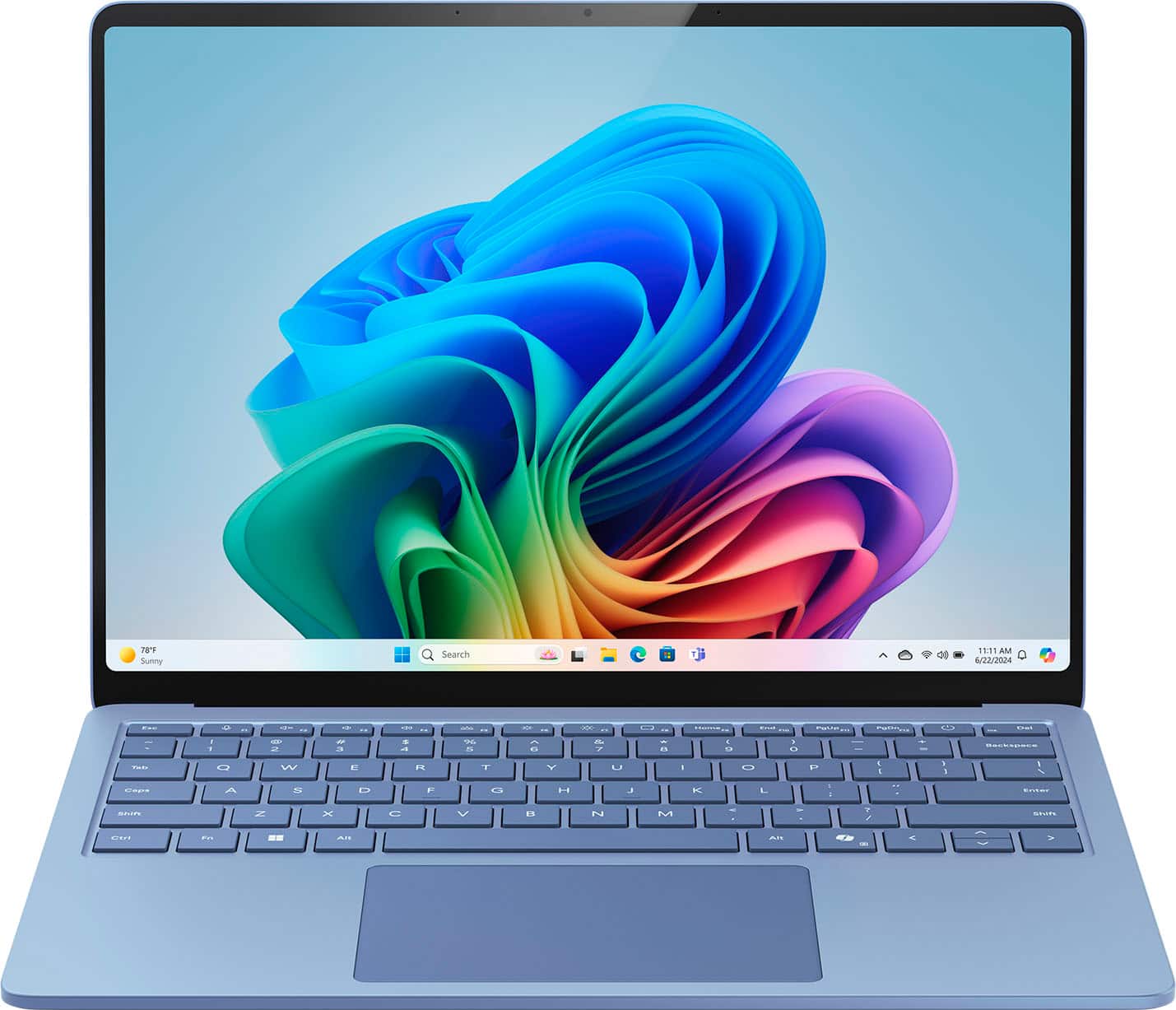
Customers consistently note the Surface Laptop's strong overall performance and impressive battery life. Many appreciate the fast processor speed and find the laptop highly portable. The design and smooth touchscreen are also well-received, along with the perfect screen size and lightweight feel.
This summary was generated by AI based on customer reviews.
- Pros mentioned:Battery life, Design
The Most Beautiful Laptop Ever
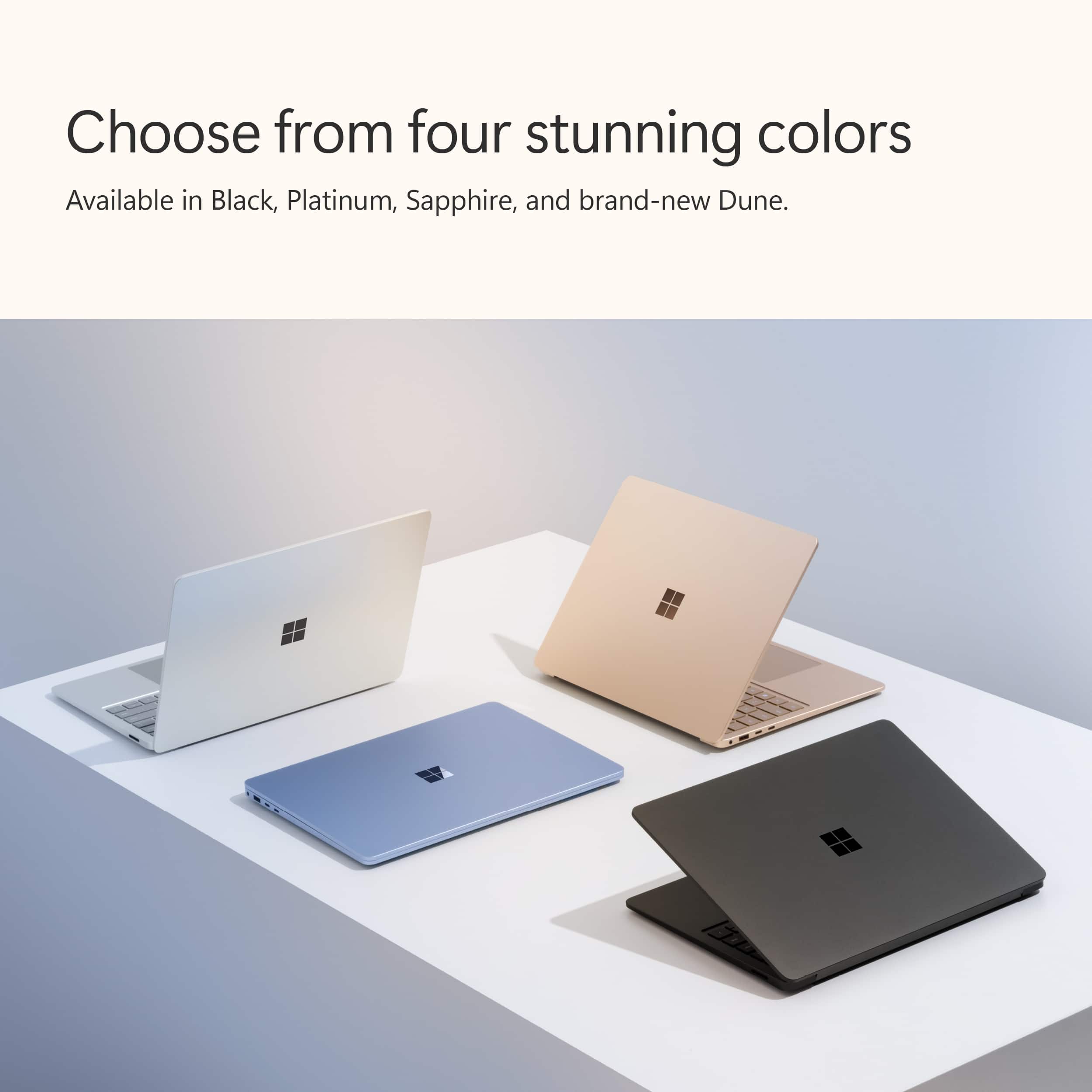
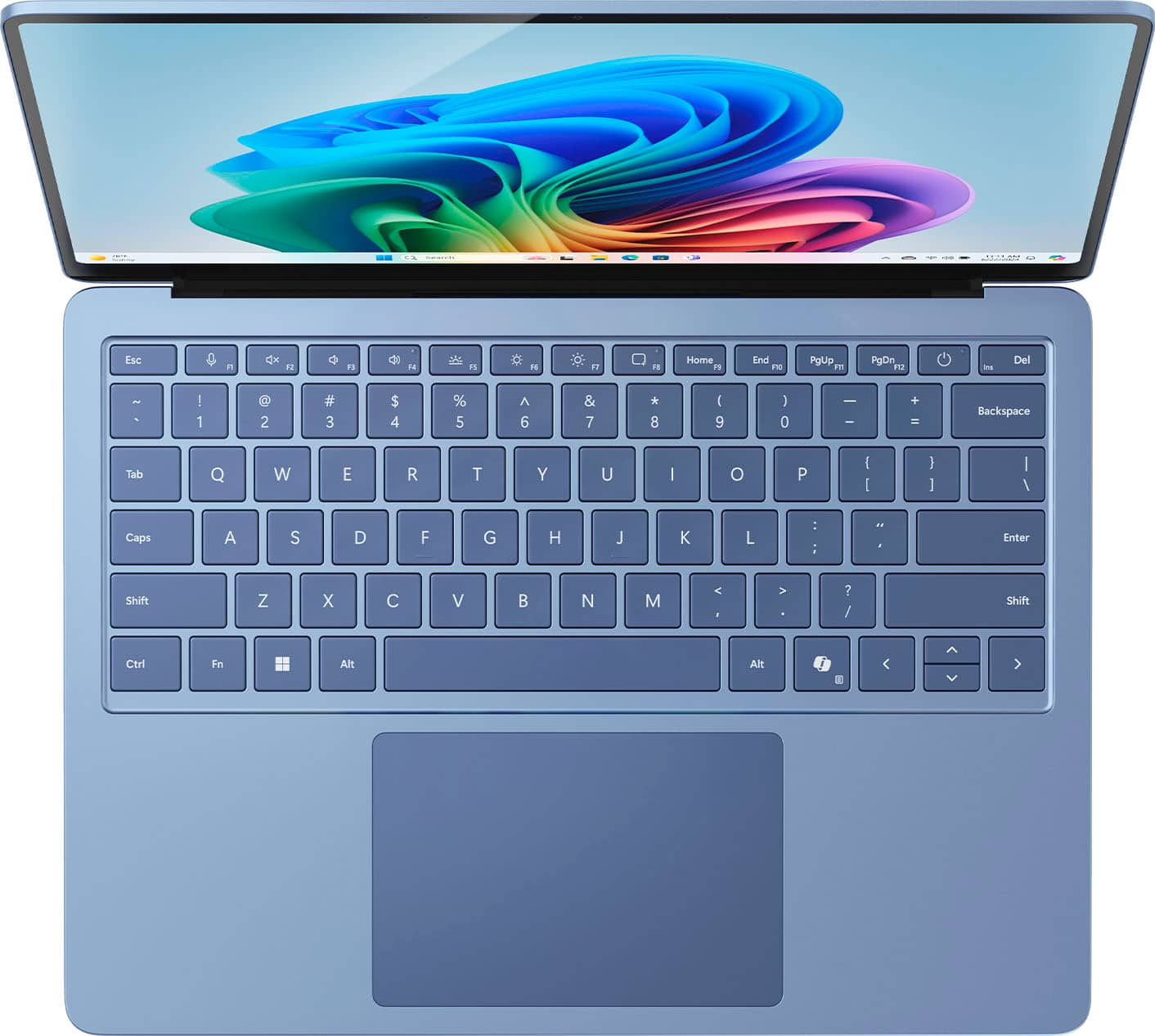
||Posted . Owned for 1 month when reviewed.This reviewer received promo considerations or sweepstakes entry for writing a review.As an avid writer, this is the perfect laptop for me. I have been using it for just over a month. I’ve found my favorite things and somethings that may not be for everyone. Well start with my list of pros: Battery Life 5/5 I am in my laptop ALL the time. Like for hours and as a result I only have to plug it in after high usage once a day. Now, coming from a laptop that had 5 hours of battery life before, this is a dream. If I’m not doing mild video watching, editing, or streaming, it easily could last longer and I probably wouldn’t have to use the charger a second time. Soft Touch Keyboard 5/5 Controversial, but the soft touch keyboard is SO NICE. Now if you’re the type of person who likes a soft keyboard, where it doesn’t click, it doesn’t have the extra bounce mechanical does, and it’s more flat, this is perfect. That’s what I personally want. I don’t want my fingers to bounce while writing. I end up hitting other keys and it’s so annoying. This doesn’t happen here. I will say, my sister HATES soft touch. She hates using my computer. Which, fine, it’s my personal preference. Touchscreen 4/5 I had a Lenovo Thinkbook for about 5-6 years that was touchscreen. I loved it. It’s so nice to scroll and you don’t have to carry around a mouse. It was one thing I looked for in a laptop actually. This blew my old laptop out of the water. It’s so smooth! The only thing is the reflective screen does show fingerprints easier from the side. But I just use a microfiber cloth here and there. Design 4.5/5 Lightweight, beautiful, soft close, sleek, light blue color, backlit keyboard. I love the design. The only thing is when sitting on a couch or somewhere that’s not a flat surface, it’s awkward with how sleek it is. Coming from a writer who sometimes likes to write on the couch. Cons Light Reflection 2/5 Now, I love the screen. It’s beautiful. I personally don’t sit outside with my laptop. So this isn’t a huge issue for me. However, it does reflect light a decent amount. So keep that in mind. Processor 3/5 This is absolutely NOT a gaming computer. I have a gaming PC. So I didn’t need it to be. I knew that going in. I did attempt to download Steam for my interactive Wallpapers. Nope. It slowed everything down so much. This is not a gaming PC at all. I haven’t tired other games because my Wallpapers were so low on the processor that I thought maybe. But I quickly uninstalled. However, minimal video editing it does seem to be decent. On the low end. Overall Laptop Rating: 4/5 My Personal Needs: 5/5
I would recommend this to a friend - Pros mentioned:Battery life, Design, Overall performance
Amazing Performance in a Sleek Package!
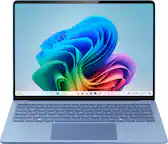
||Posted . Owned for 3 weeks when reviewed.This reviewer received promo considerations or sweepstakes entry for writing a review.I’ve had the Microsoft Surface Laptop Copilot+ PC (7th Edition) for about a month now, and I seriously love everything about it. The 13.8" touchscreen is super clear and responsive, and the performance with the Snapdragon X Plus and 16GB of memory is smooth and fast. Whether I’m streaming, browsing, or multitasking, it handles everything like a champ. The 512GB SSD gives me plenty of space for all my files, and the battery life is amazing—it easily lasts all day. The new Copilot+ AI tools are a game-changer and I can’t wait to take full advantage of them for college. I know this laptop is going to help me stay organized and productive during my studies. The Sapphire color is sleek and professional, and the price was surprisingly affordable for what you get. It feels premium without breaking the bank. Honestly, I couldn’t have asked for a better deal or a better machine to start this next chapter of my life. Highly recommend to any student looking for a reliable and a good looking laptop!
I would recommend this to a friend - Pros mentioned:Battery life, Processor speed
Thank you Microsoft for taking your time here
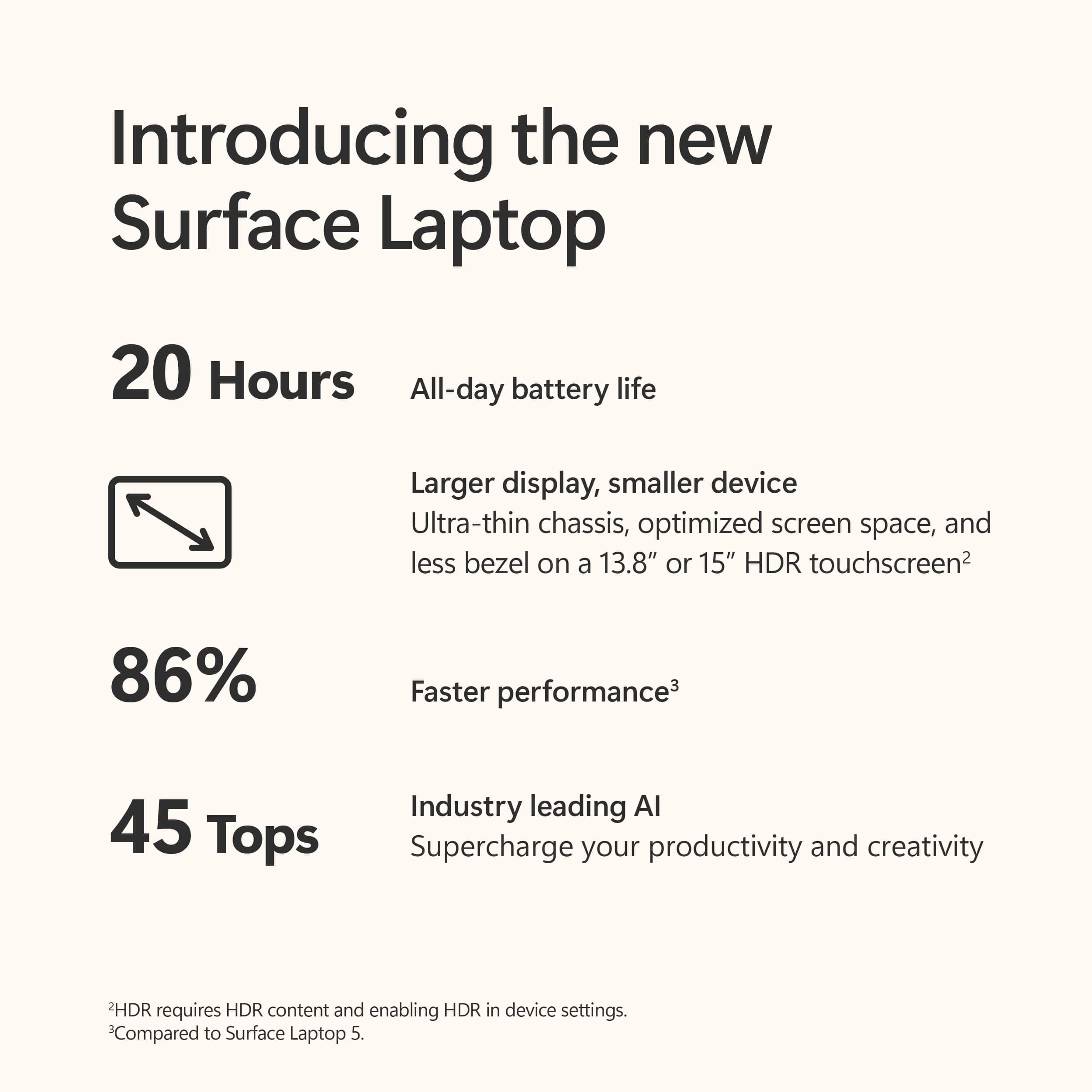
||Posted .This reviewer received promo considerations or sweepstakes entry for writing a review.I have to say that I am absolutely shocked at what Microsoft has done here. They have created a laptop that has incredible build, fluid beyond belief and it just works!. Everything works on it. I haven't ran into any issues. My biggest concern was the heat management and battery life, to which I am happy to report, has been STELLAR!. Yes, it does not get 20 hours of battery life, but after using it for half a day non-stop with multiple video calls, 8 Google tabs open, YouTube running for music, MS docs everywhere with the occasional news search, I still have over 65%!!!. The charger is a breeze and a pleasure to use and I never thought I would be saying that about a charger. Any cons??? Maybe. Its not light, which I will gladly accept for the longer battery life and quality build. No OLED??? Sure, but the LCD screen is incredibly beautiful and easy on the eyes. I'd rather lose the "pop" of color for more battery. Its incredible operation and smoothness I am attributing to the Snapdragon X Plus and the 512g of RAM. It works as it is meant to. Yes, I do not do graphic design, super intensive renderings yada yada, but for office and everyday, its a beast. Overall...I am not returning this thing. My expectations have been met and then some more.
I would recommend this to a friend - Pros mentioned:Design, Overall performance, Portability
Microsoft finally beat mac on its design
||Posted . Owned for 1 week when reviewed.This reviewer received promo considerations or sweepstakes entry for writing a review.Amazing colors and elegantly made. I liked the edge design. It is pretty smooth in operations and also super thin and light to carry anywhere. Totally worth the price match with black friday deal. Definitely go for xplus snap dragon over elite as it is much better value over the price tag. Overall super satisfied being an old intel user trying out snap dragon for the first time.
I would recommend this to a friend - Pros mentioned:Battery life
Nearly perfect if you’re OK with Windows on ARM
||Posted . Owned for less than 1 week when reviewed.This reviewer received promo considerations or sweepstakes entry for writing a review.I love this laptop. I am very particular about things like the trackpad and screen and was about to give up on Windows and go back to MacBooks because I couldn’t find something that was a complete package without something that annoyed me, but the Surface solved all my issues. The 120hz screen with the taller aspect ratio makes web browsing so much more comfortable, and is vibrant and great for content consumption. I tried other laptops first because I really wanted OLED, but those still have compromises like not being bright enough and having a “screen door effect” and consuming more power if you use light mode, the screen on the Surface is preferable to all of that IMO (not to mention not having to worry about burn in). The trackpad feels great without any palm rejection issues. The keyboard is great. The speakers sound full and get plenty loud, very close to the 13” MacBook Pro I was coming from. This laptop gets so many little things right like having a USB A port so you can use a mouse easier and it’s so nice not having to uninstall all the OEM bloatware, it’s basically stock Windows. And the battery life lasts a full day easy. I primarily just care about having premium hardware for web browsing and content consumption so Windows on ARM doesn’t bother me, and the extra battery life is worth it. The only concern I’ve run into so far is that Discord doesn’t have a native ARM version yet so it’s slightly slower in that. Basically everything I’ve tried that isn’t gaming still feels snappy and responsive. And this blue color is AMAZING. Please Microsoft keep it around for future generations!!
I would recommend this to a friend - Pros mentioned:Battery life, Overall performance
Student in Business Administration
||Posted . Owned for 2 months when reviewed.This reviewer received promo considerations or sweepstakes entry for writing a review.I love this computer! I am a business management major and It has everything I need for school. It’s easy to work with and it’s really fast. The Display is amazing and the battery life is pretty impressive.
I would recommend this to a friend - Pros mentioned:Overall performance
Great laptop from Microsoft
||Posted . Owned for 1 month when reviewed.This reviewer received promo considerations or sweepstakes entry for writing a review.I've used the surface pro 7 for years and I'm so happy I upgraded to an actual laptop that runs exactly like the surface pro. It makes schoolwork easier and runs like a charm. I've had it for a couple weeks and I've been very happy with it.
I would recommend this to a friend - Pros mentioned:Overall performance
Amazing Buy
||Posted . Owned for 1 month when reviewed.This reviewer received promo considerations or sweepstakes entry for writing a review.Was replacing my old model with this and the difference is night and day. Display is clearer, games play very well, and not too big or small. Still finding new things on here that are making things so much easier.
I would recommend this to a friend - Pros mentioned:Overall performance
Microsoft Surface Review
||Posted . Owned for 1 month when reviewed.This reviewer received promo considerations or sweepstakes entry for writing a review.Love the new computer. It really holds up with multiple windows and programs running.
I would recommend this to a friend Love it
||Posted . Owned for 5 months when reviewed.This reviewer received promo considerations or sweepstakes entry for writing a review.I love my Microsoft laptop, was between this and a MacBook and I don’t regret my decision, it’s super fast, can stand using multiple applications at a time and it’s very light itself, not to mention the battery life is great
I would recommend this to a friend- Pros mentioned:Processor speed
Microsoft Copilot laptop
||Posted . Owned for 1 month when reviewed.This reviewer received promo considerations or sweepstakes entry for writing a review.I love my Microsoft Copilot laptop with Snapdragon processor. Fast and efficient. Lot of great features. Would highly recommend.
I would recommend this to a friend - Pros mentioned:Battery life, Overall performance
Great product that can definetly be improved
||Posted . Owned for 2 weeks when reviewed.This reviewer received promo considerations or sweepstakes entry for writing a review.An amazing laptop with a long-lasting battery, a beautiful screen, and fast and powerful performance even with light gaming. The only problem is that the arm chip can't run certain software.
I would recommend this to a friend - Pros mentioned:Portability
Great for School
||Posted . Owned for 3 weeks when reviewed.This reviewer received promo considerations or sweepstakes entry for writing a review.Great laptop for school! I travel a lot, and love that this laptop is light weight.
I would recommend this to a friend a really premium latop
||Posted . Owned for 1 week when reviewed.This reviewer received promo considerations or sweepstakes entry for writing a review.Excelent laptop. easy setup, good material and the keyboad is very soft. definitely a premium laptop. I recommend buy the source dock accesory
I would recommend this to a friendClose to macbook hardware
||Posted . Owned for 1 month when reviewed.This reviewer received promo considerations or sweepstakes entry for writing a review.I originally bought this because the build is very good. The trackpad is the closest quality to a macbook you can get on a windows device. Battery life could be better, in my opinion.
I would recommend this to a friendA nice upgrade
||Posted . Owned for 3 weeks when reviewed.This reviewer received promo considerations or sweepstakes entry for writing a review.Nice laptop. I have the surface laptop 2. The keyboard feels different and the screen is larger. Nice color.
I would recommend this to a friend- Pros mentioned:Portability
Lappp
||Posted . Owned for 1 week when reviewed.This reviewer received promo considerations or sweepstakes entry for writing a review.Easy to use a lots of storage space and nice looking device
I would recommend this to a friend - Pros mentioned:Design, Overall performance, Processor speed
A powerful computer!
||Posted . Owned for 3 weeks when reviewed.This reviewer received promo considerations or sweepstakes entry for writing a review.I am really satisfied with this computer. Not only is it built beautifully (I love its design and how clean/sleek it is made, the touch-screen component, and the color options), but it is also extremely fast. I think that although most people tend to go with Macs, I truly think that it is better to invest in a Microsoft/windows computer because they are just a lot quicker. They are also more compatible with a lot of different programs and softwares, especially if you are involved in the computer science/engineering/programming world where many applications do not run as easily on Macs as they do on windows. The display is very high quality, and I love the size of the screen. Finally, I really like this keyboard. I had a Surface Laptop 4 with the Alcantara keyboard, and although it looked cool and was different than the traditional laptop keyboard material, I consistently had errors with certain keys getting stuck. I think it had a lot to do with the Alcantara keyboard material and the way the keys were made. But I do not foresee this issue occurring with this laptop (or at least I hope so...I will check in with everyone in 4 years from now). One super duper minor thing is sometimes the trackpad gets a little wonky when you use a 3rd-party USB-C cable to charge this computer. Again, that is super niche and very specific, and in my opinion, this computer charges so fast that I rarely have it charging at the same time as when I am using it...and this computer also comes with its own charger, so it really isn't a main problem for me personally. But it is something to note, and I think others have had an issue with it. But overall, I am obsessed with this computer, and I can't wait to continue to use it for the next few years of my life!
I would recommend this to a friend - Pros mentioned:Battery life, Overall performance

Finally a windows laptop I can recommend
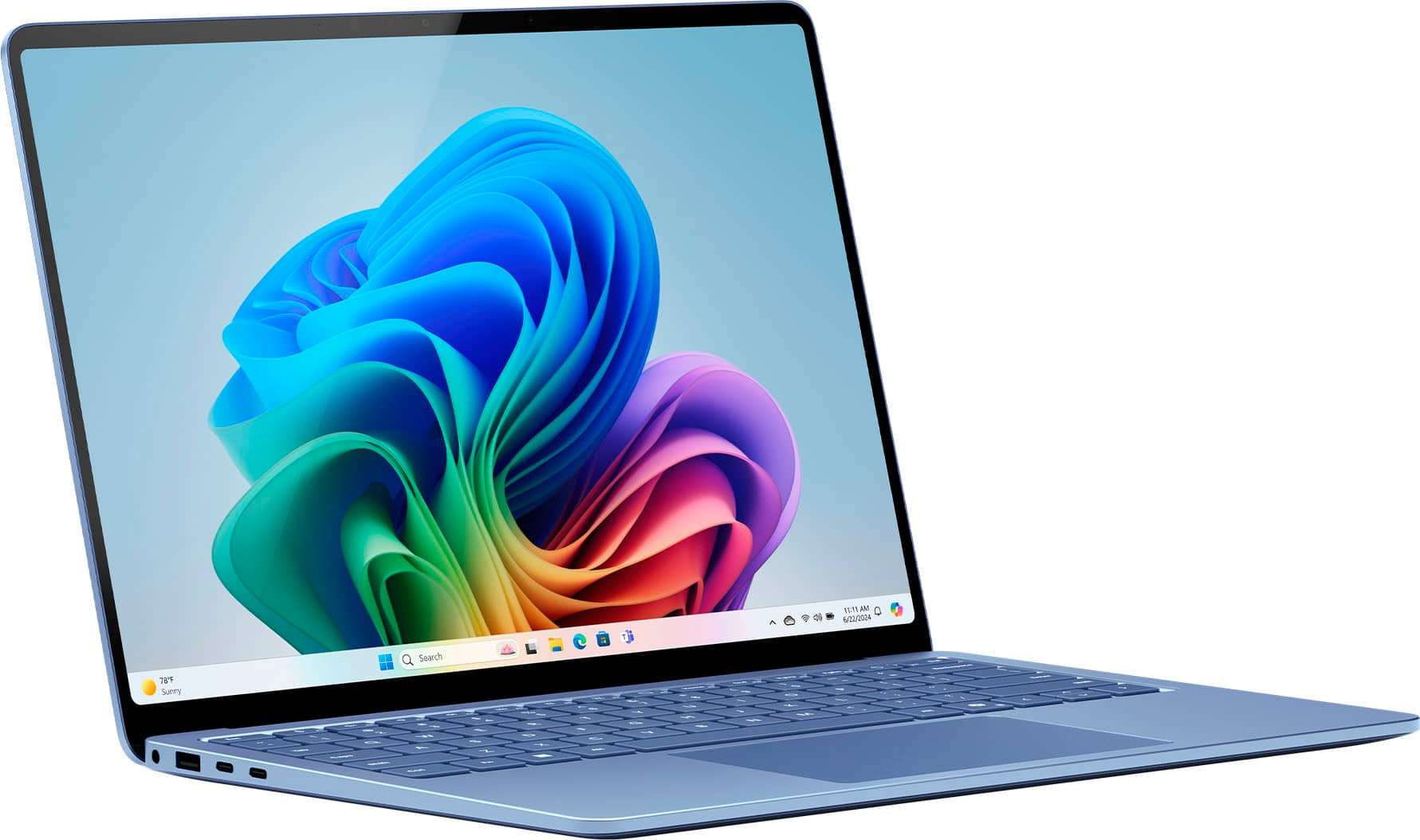
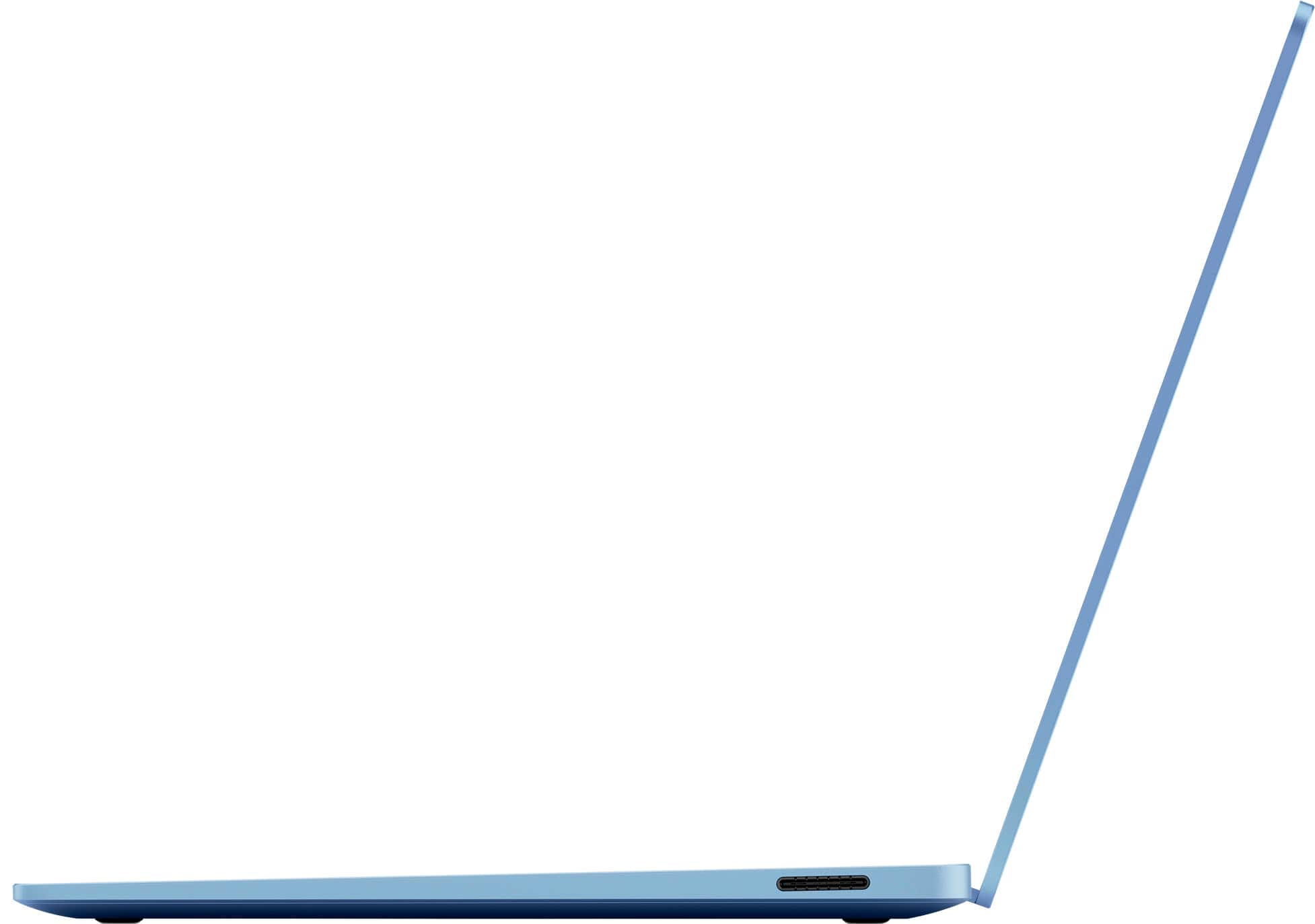
|Posted .This reviewer received promo considerations or sweepstakes entry for writing a review.So this Microsoft surface “copilot+” laptop with snapdragon x Plus has been my dedicated work / travel companion for the past week and I have to admit that I am quite impressed with this machine. It is super thin, and lightweight while having a rigid and premium machined aluminum build. The screen is beautiful, doesn’t have the best contrast ratio on the market but colors are punchy and the screen gets quite bright. It has the usual washed out blacks of an IPS screen. Most people won’t mind , but just a heads up. It’s not terrible, my unit doesn’t seem to suffer from any backlight bleeding which is great. The screen is also touch capable, and I believe it will support the Microsoft surface pen, (I’ve yet to buy one) I have to confirm it’s compatibility but I’m pretty certain you can buy one for it. The speakers are quite loud, but they lack bass. At higher volumes they don’t sound very pleasing to my ears, so I leave them below 50% volume, but even at 20% it is loud enough for me. I’m actually impressed with how loud they are. The keyboard has a very nice tactile feel and are backlit. The keys almost have a soft touch type of feel, reminds me of a silicone phone case. Not sure what material they are coated with but they feel very nice to type with and it’s kind of become one of my favorite keyboards to type on. The trackpad is smooth and accurate. As far as connectivity, you’ll get 2 USB C ports which also support video output and will charge the laptop. A full size USB port, a 3.5mm headphone jack and a proprietary charging port for the cable that it comes with. Speaking of.. that is probably my only complaint about this laptop. I don’t understand why it has that when you can charge it via usb c. I suppose it frees up the 2 usb c ports but it is a proprietary cable that works with nothing else. I feel like they could have used the space to include an SD card slot. As a photographer , I always appreciate being able to connect my sd card straight into the computer I am using. I’m tired of the dongle life. One other thing I have noticed about this laptop is that when I use it in a dimly lit room, the screen seems to flicker. Not sure if it’s a hardware or software issue. I turned off the auto brightness setting to mitigate the issue for now. Performance: this is where I’ve been most impressed. I didn’t run any benchmark tests but I did put the machine through my usual paces and it handled everything nicely. I was able to edit and upload the photos I took with my mirrorless camera. I was able to do some light gaming. I was able to run rocket league and lineage 2. Older games, but they ran quite good considering. I wouldn’t use this as a dedicated gaming laptop, but it’s nice to be able to play a game on here also, even if at low / medium settings and around 60fps. I love gaming so it’s nice to have the ability to do some light gaming with it. I made it a point to use “copilot” to assist me in my daily tasks. I tried to use it to help me edit photos, create some templates and book a trip online. I’m going to say that for now, it seems kind of trivial and gimmicky. I feel like it has a long way to go before anyone can fully rely on it to be a reliable assistant. When asking for information, it seems like it just gathers information for you from the web, which you can already do on your own. Asking it to create a photo or painting is the coolest thing about it but I could see it losing its fun after a while. I totally think copilot has potential though and I am excited to see how it evolves over time. For now, it kind of feels like a glorified search engine when trying to ask it to help you do things. You can tweak the settings for the way it responds and interacts with you. Battery life. Excellent! I have not been able to get the 20 hours of use it claims, but this is definitely the best battery life I’ve ever experienced from a windows laptop. I run it at “recommended” power settings and I would say I’m averaging about 10 hours of use before needing to plug in. Fantastic! I can finally highly recommend a windows laptop for reliable all day use. All in all, I have to say that I really really like this laptop, and I plan on carrying it with me wherever I need it.
I would recommend this to a friend - Pros mentioned:Battery life, Processor speed
Amazing AI Enhanced Laptop!
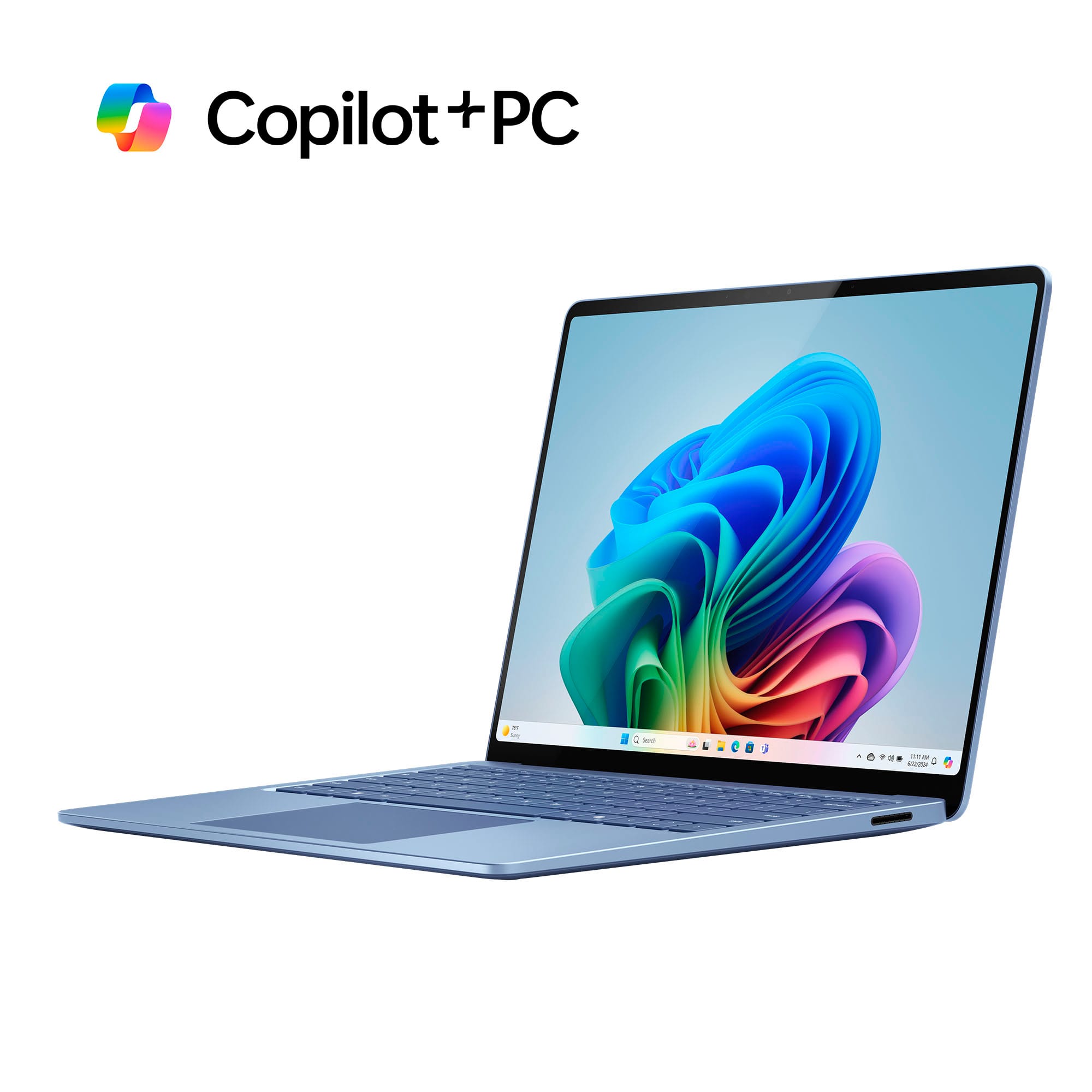
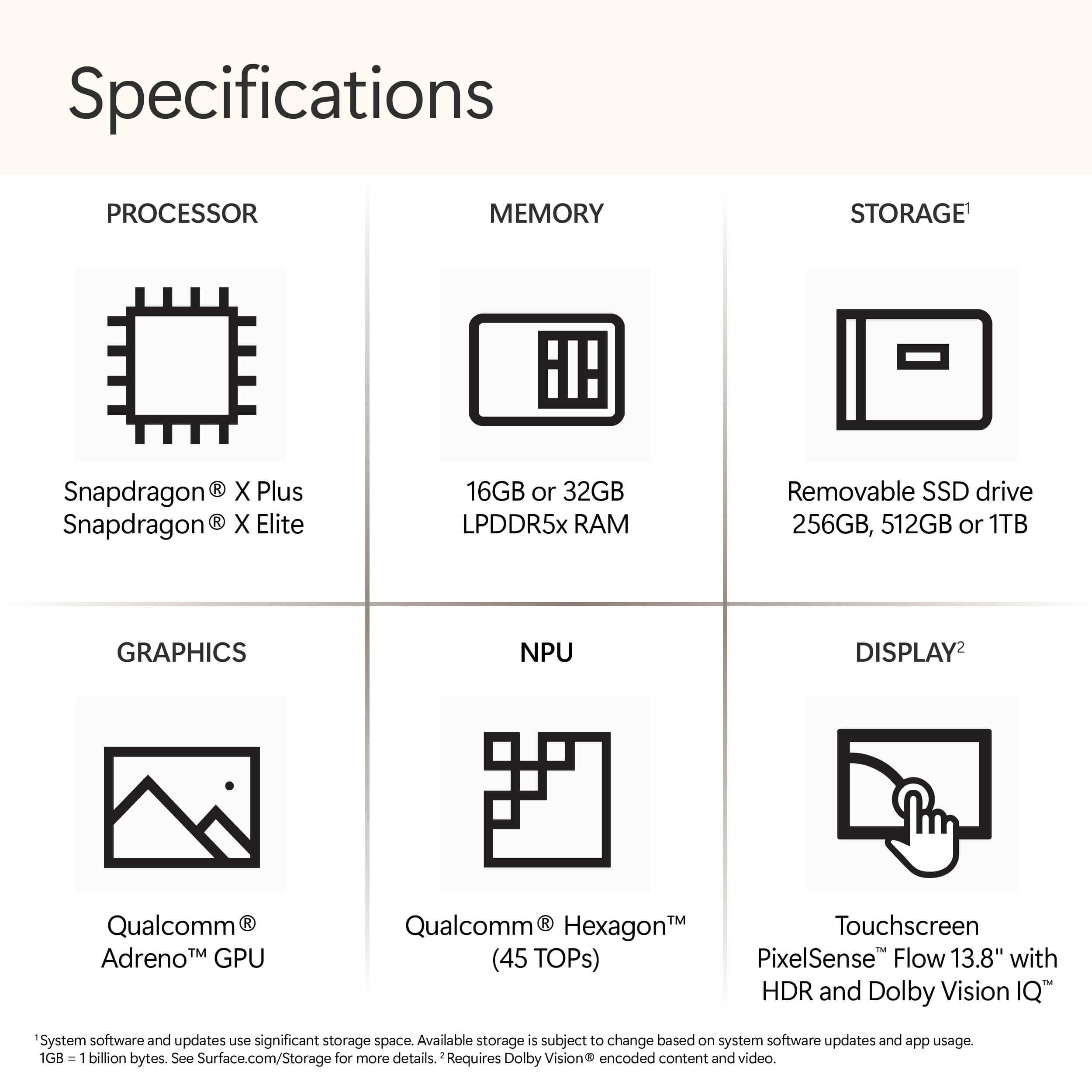
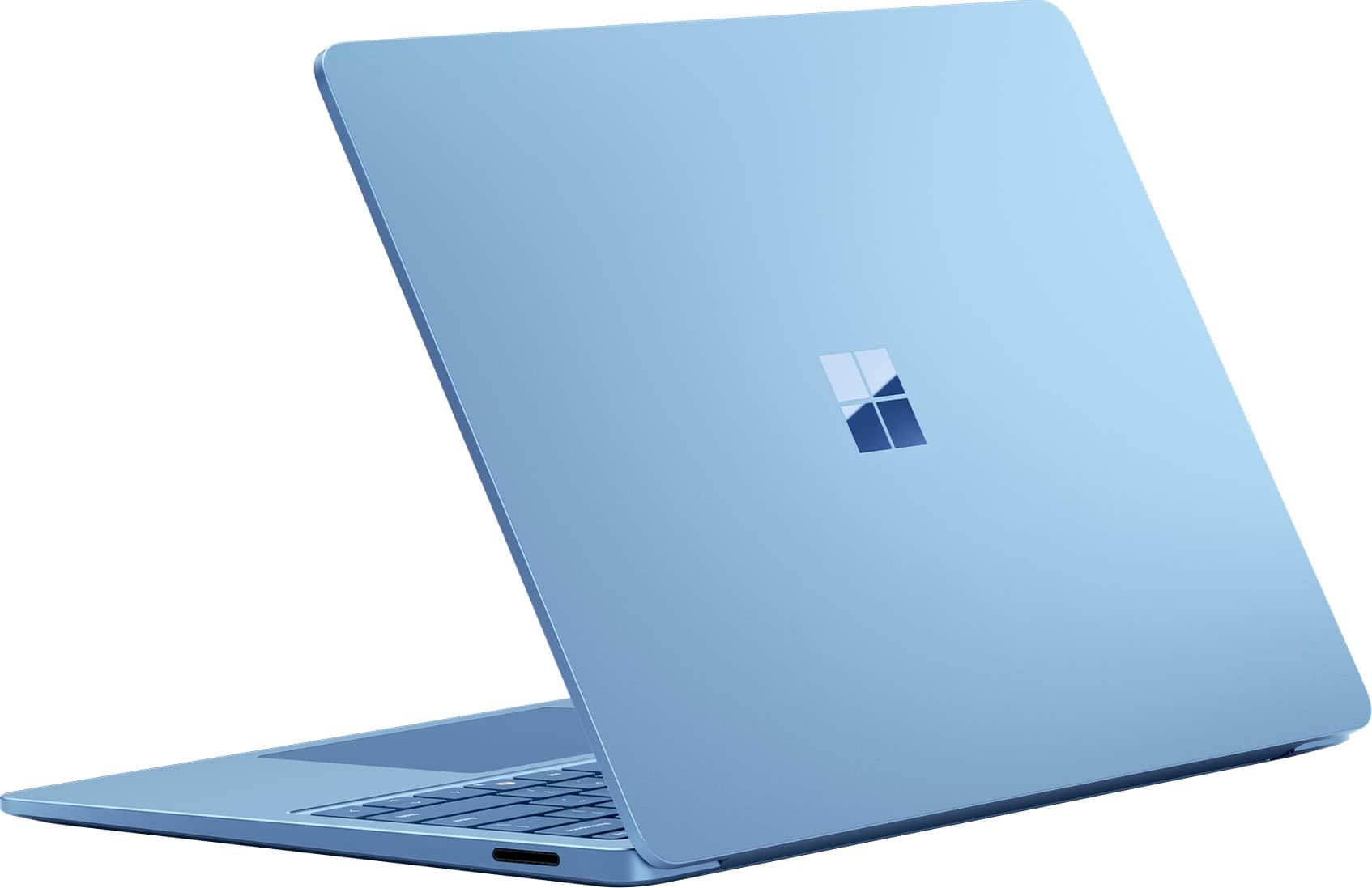
|Posted .This reviewer received promo considerations or sweepstakes entry for writing a review.The Microsoft Surface Copilot+ laptop is an incredible machine. After spending a large amount of time with this PC, I can easily say that it’s one of the most impressive computers I’ve ever used. With the addition of Copilot+ features, this laptop is packed with tools to help me with productivity, while also boosting entertainment and leisure activities as well. One of the first things that struck me about the Surface laptop is the impressive build quality. Upon opening the minimalist packaging, you’re greeted with a sleek and thin device that is simultaneously lightweight (2.96 pounds) and sturdy. I got the Sapphire blue color, translating to a gorgeous light blue finish on the aluminum body. I love that the entirety of the laptop is made of metal, and the fit and finish are absolutely top-notch. This simply feels like a piece of hardware that is made to last for a very long time. The impressive build quality continues as you open the laptop and begin to use the keyboard, trackpad, and HDR touchscreen. Typing is a joy with this keyboard, as the keys are responsive, and have the perfect amount of travel. The trackpad is also extremely responsive, and I’ve had no issues using it on a daily basis. The “clicking” sensation is precise, and multi-finger swipes and clicks are easy to accomplish as well. When using any laptop, the screen is the main thing you’ll be looking at, and in this case, you’ll have the pleasure of looking at a stunning 13.8” HDR display. With a 120 Hz refresh rate, 2304 x 1536 resolution, and 600 nits of brightness, the pictures and videos displayed always looked crisp, detailed, vibrant, and beautiful. Additionally, I found that the high resolution made it easier to read text in daily use, even on smaller fonts that typically might be harder to distinguish on less defined displays. The Surface laptop’s screen is also a touchpad, which opens up a whole new world of functionality. I found that touch inputs were responsive, and I had no problems switching from using the trackpad and keyboard, and then moving up to the touchscreen to zoom in, or tap on various items. This feature feels like an awesome bonus, as I believe that this laptop would be an amazing piece of technology even without the touchscreen. That being said, I’m certainly glad this feature was included, as it adds a useful way to interact with the content on your PC. Battery life has been rock solid during my testing. Microsoft states that you can achieve roughly 20 hours of video playback, and I found that spec to be pretty accurate during my time with the Surface laptop. With the screen brightness at a little over half and a lower volume setting, I was able to get consistently impressive battery life, with a range of 10-20 hours. I did a little bit of gaming during testing, and the battery drained quickly during that period. Other than that, the battery life was definitely one of the standout features of the Surface laptop. As for connectivity, the Surface laptop is equipped with just the right number of ports for most users. There are 2 USB-C ports, 1 USB-A port, a headphone jack, and a port for the magnetic charging cable. As for the charger, the power brick is reasonably sized and doesn't take up a huge amount of space if you plan on traveling or throwing it in your bag. The magnetic connector worked great, and the laptop charges very quickly, which is another bonus. It's time to go over the hardware in the Surface Copilot+ laptop, so here are some specs: - Qualcomm Snapdragon X Plus processor (10 core) - Qualcomm Adreno graphics - Qualcomm Hexagon NPU with 45 trillion operations per second - 16 GB of LPDDR5x RAM - 512 GB SSD Some additional specs: - 1080p Full HD front-facing camera - Sign-in via Windows Hello face authentication - Corning Gorilla Glass 5 on screen - Laptop height of just 0.69 inches - Omnisonic speakers with Dolby Atmos - Dual studio mics with voice focus - Windows key, Copilot key, and dedicated buttons for media controls and screen brightness At the heart of this machine is the Qualcomm hardware that makes daily tasks and Copilot+ AI features run blazingly fast. The Snapdragon X Plus processor was able to handle everything I threw at it, and it never got bogged down or showed any signs of struggling. One of the first Copilot+ features I used was Cocreator. For this feature, you need to open the “Paint” app, and then click on the Cocreator button at the upper right. Once there, you can draw in the box on the left, and enter a text prompt on the right. As you do this, Cocreator will begin to create a picture based off of your drawing and prompts. This was a really neat way to create AI-assisted art in almost real-time, which is something I had never done before. I found the Cocreator results to be fairly accurate in what I was asking for, while also incorporating what I was drawing and asking of the app. The Surface laptop makes accessing the Copilot+ features a breeze, with a shortcut on the taskbar, and a dedicated button on the keyboard. Pressing the “Copilot+” button will bring up the Copilot+ page, where you can chat, ask a question, generate artwork, and do just about anything that AI is capable of at this time. I used this feature to generate some album artwork for some music I had made, and with some tweaking of the prompts, I was able to get exactly what I was hoping for. I've found that AI-generated art sometimes has problems with getting spelling correct, yet I was ultimately able to get art with words spelled perfectly, which was truly a first for me. Additionally, a family member used this feature to generate artwork of a puppy that became nearly perfect as the prompts got fine-tuned and more specific. I also tested Copilot+ by asking it to do various things, like compiling a list of things I was interested in, and to help me write a birthday card. While I know I could probably search for these things on the internet, I found that the Copilot+ results were accurate, informative, and useful. The birthday card prompt served as a good jumping off point for me to write my own version of the card. Another cool Copilot+ feature is Live Captions, which is useful for videos that don’t have captions already entered. I was able to easily toggle this feature on and off, and it worked flawlessly with the video content I was watching. Windows Studio Effects are Copilot+ additions to the front-facing camera that can make video conferencing a little easier. These include things like Automatic Framing, which keeps you as the center of attention; Eye Contact, which keeps you looking at the screen; Background effects that can blur out your surroundings; and Creative Filters that can touch up your appearance with illustrated, animated, and watercolor effects. While the Creative Filters may not be best suited for professional business calls, they do work well and look pretty cool when applied. Overall, I found that the Copilot+ features worked flawlessly and that the AI tasks were fast, and easy to work with. I was able to ask the right questions or input the right information which led to me receiving content that was precisely what I was looking for. The Microsoft Surface Copilot+ laptop has been a joy to use, and has exceeded all of my expectations. If you are looking for a laptop that can be used daily for a wide range of tasks and applications, you need to look no further than the Surface laptop. On its own, this PC would be an amazing piece of hardware; add in the Copilot+ functionality, and you have a true marvel in the world of computing.
I would recommend this to a friend