Customer Ratings & Reviews
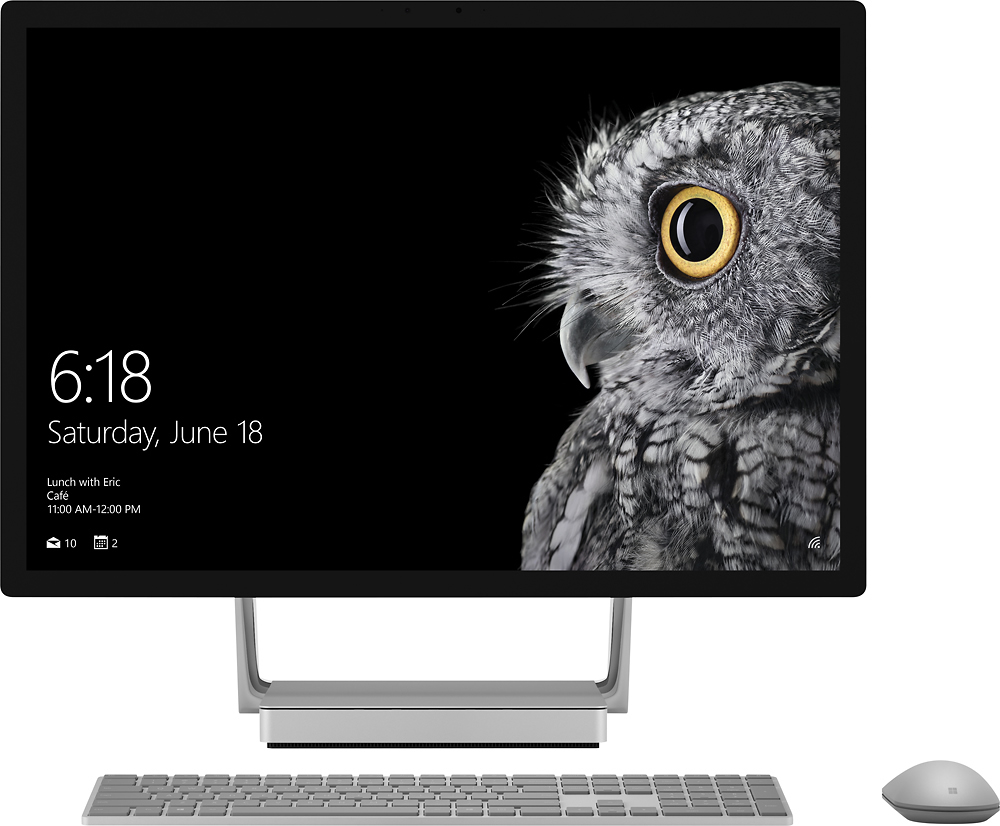
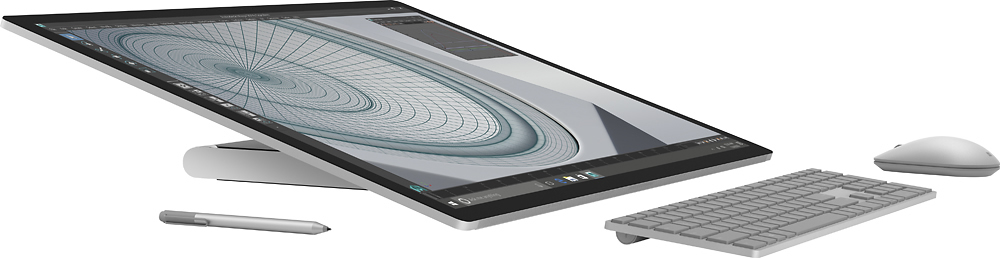
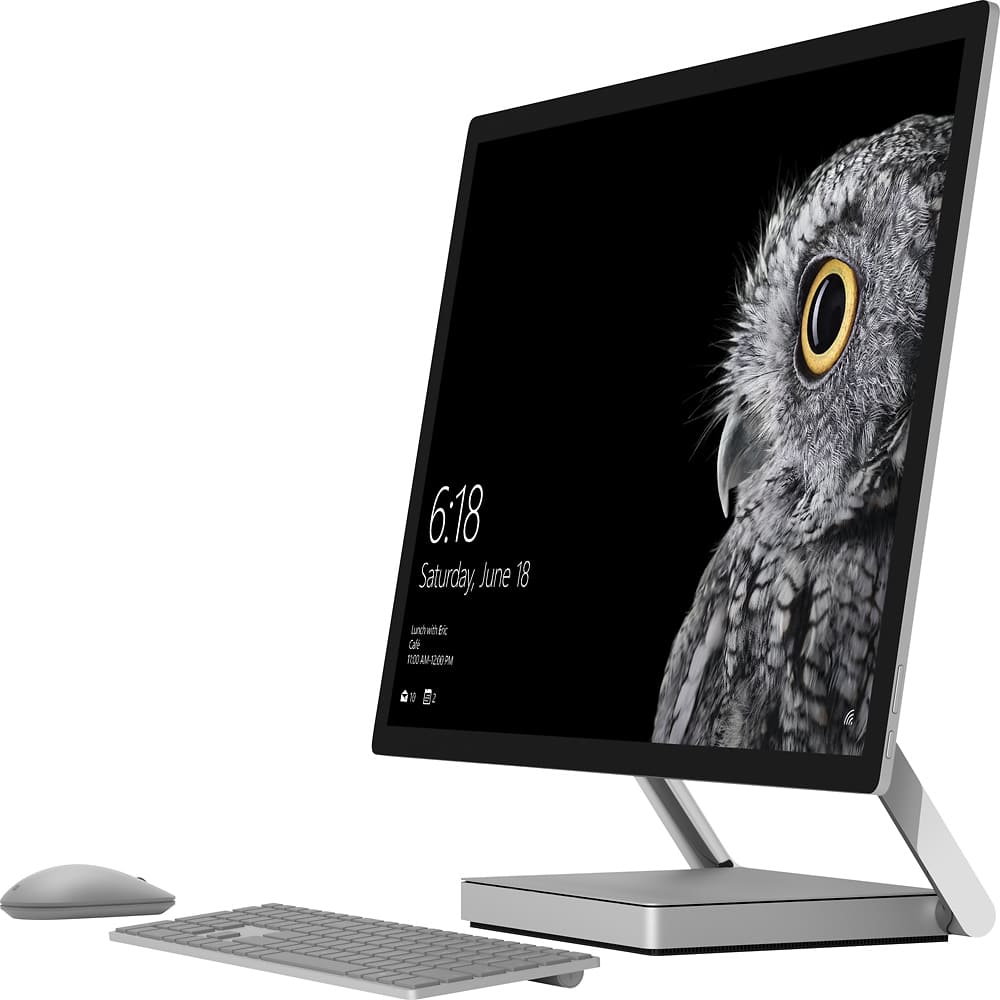
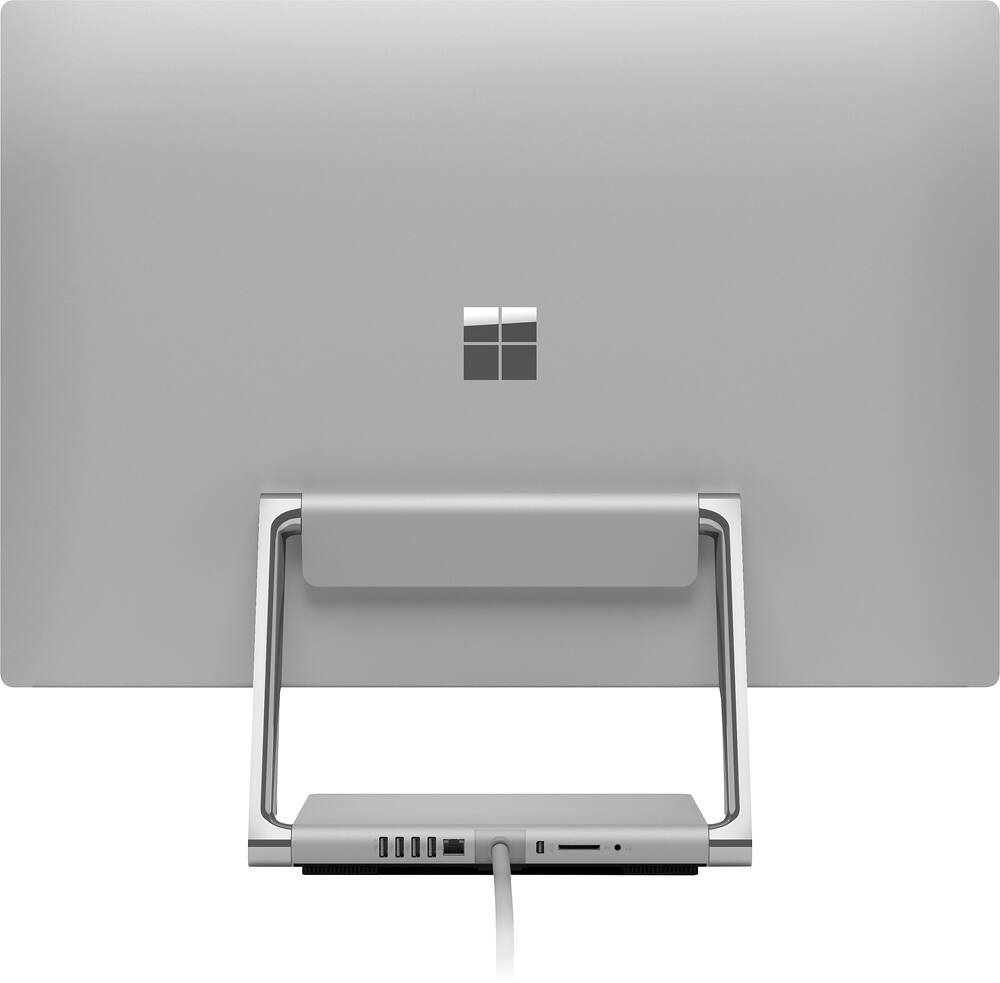
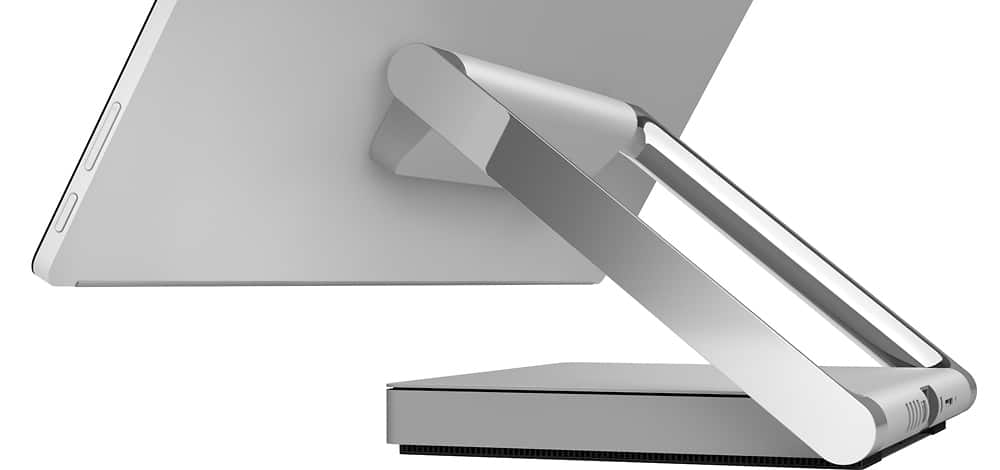
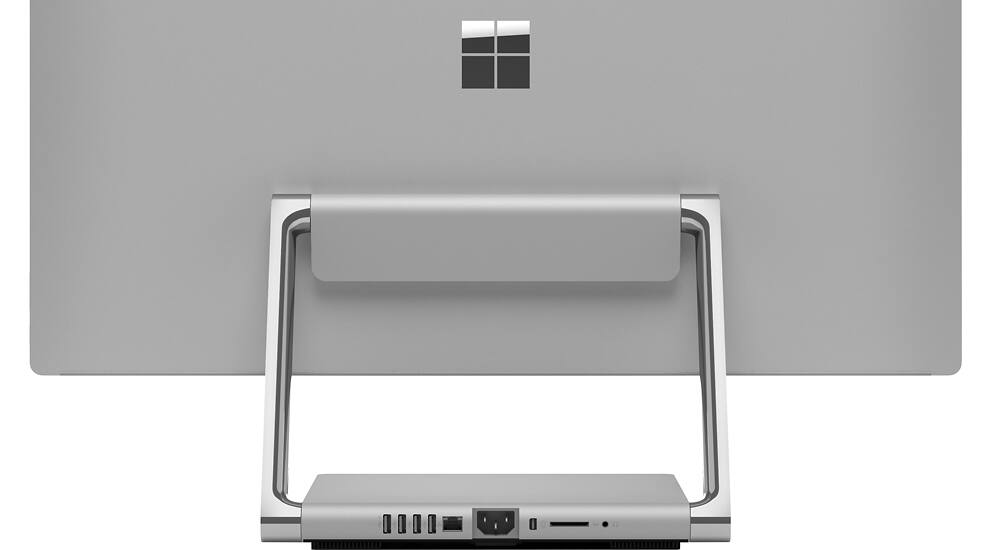
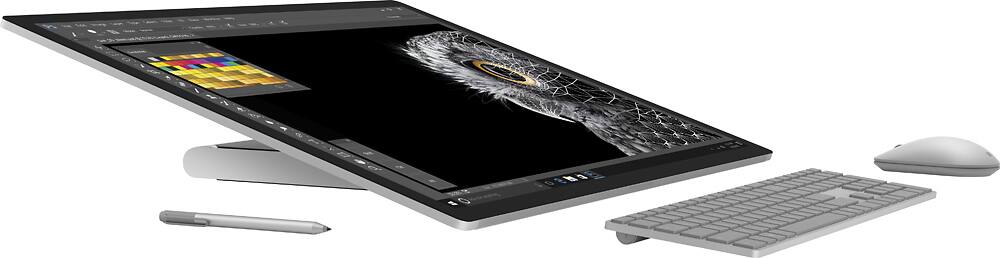
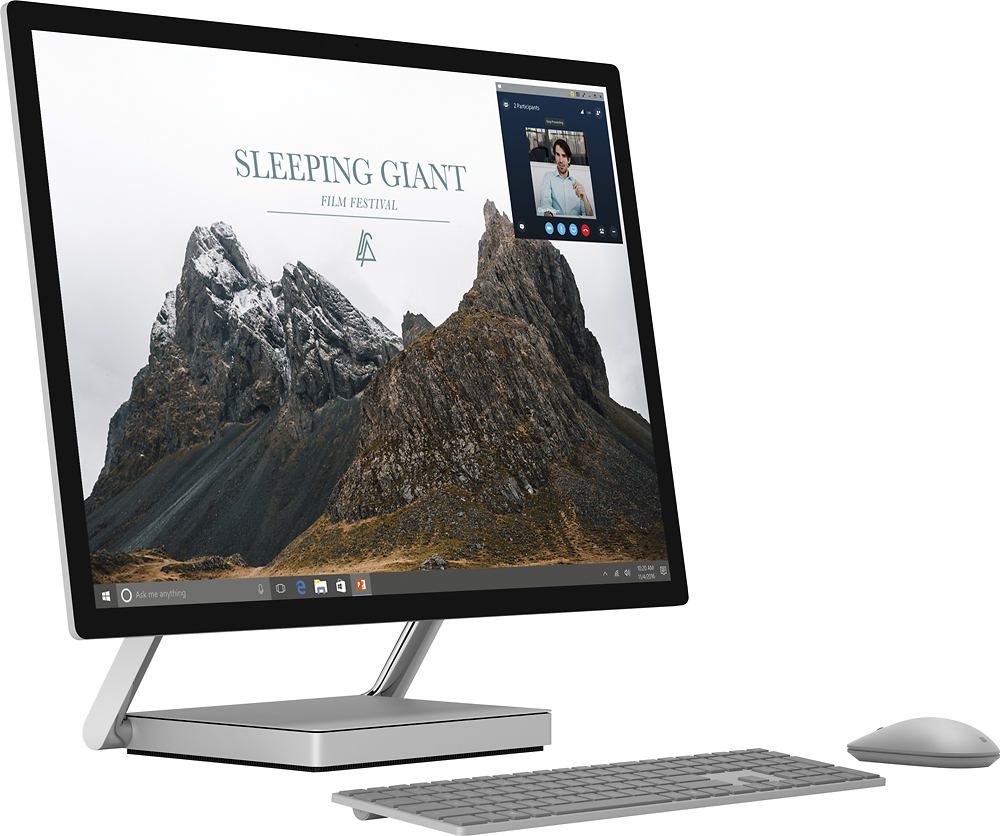
- Model:
- 43Q-00001
- SKU:
- 5678749
to a friend
Customers are saying
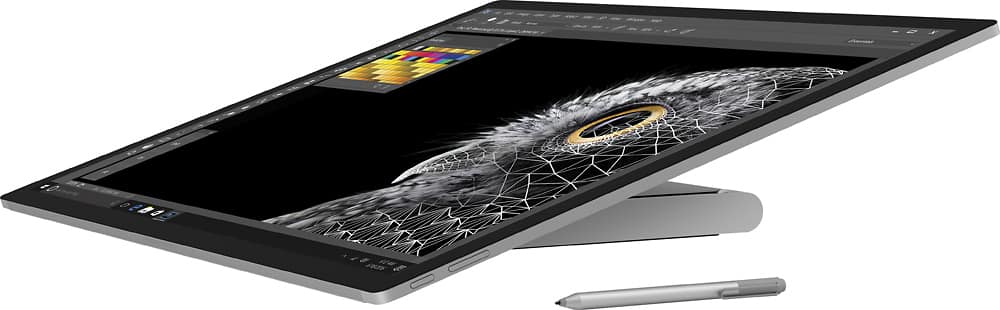
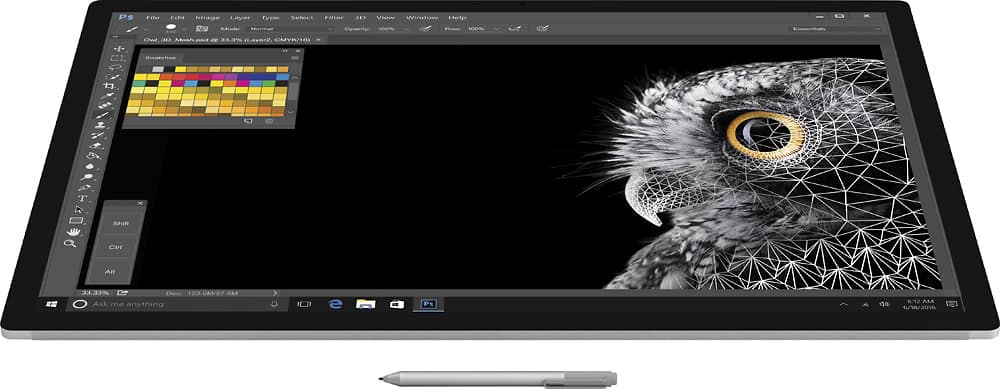
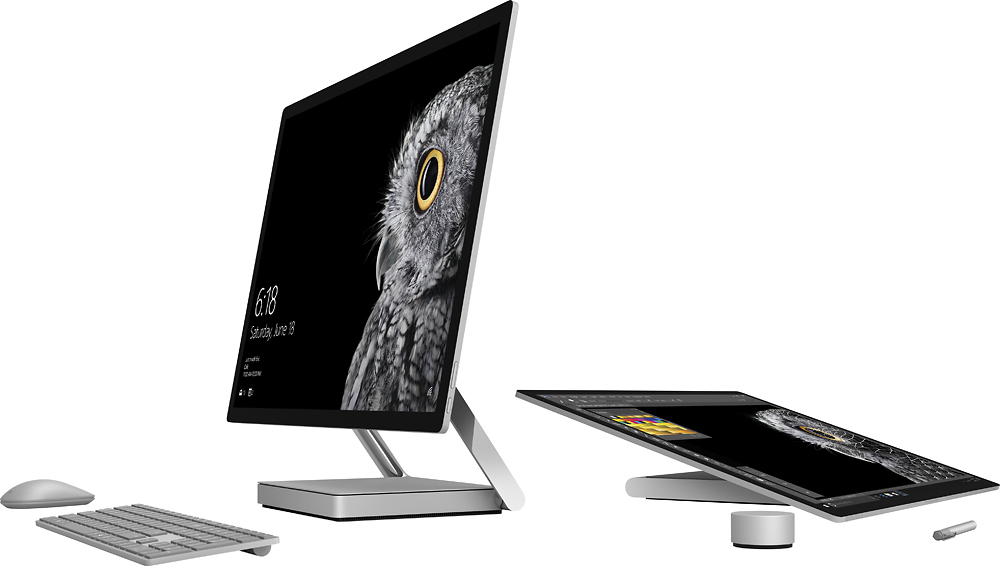
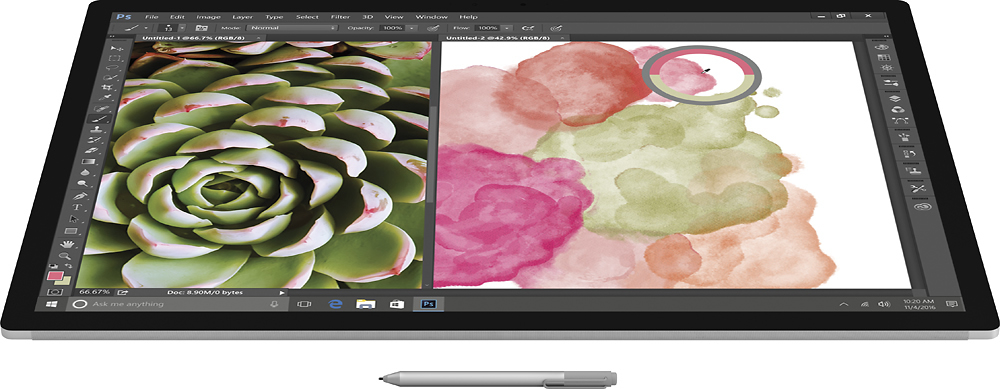
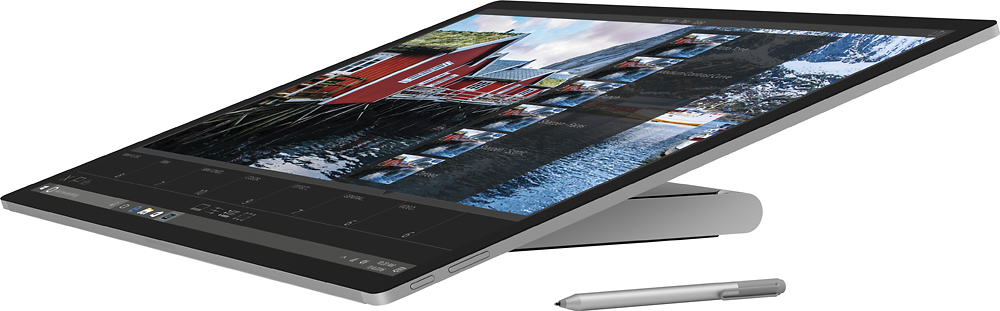
Customers enjoy the Surface Studio's expansive screen size, praising its impressive display and suitability for multitasking. The ease of setup and use are also frequently highlighted as positive aspects. However, some users express concerns regarding the speed of the hard drive.
This summary was generated by AI based on customer reviews.
Satisfaction
||Posted .This reviewer received promo considerations or sweepstakes entry for writing a review.This is a very premium unit. I did my research and spent the money for top of the line. Absolutely no regrets and would purchase again. I have not had any of the issues you will find in other reviews.
I would recommend this to a friendBrand response from MicrosoftOutreachTeam
Posted .Hi there,
Thanks for filling us in on your Surface Studio experience! We're glad to hear that you've been enjoying your device!
Kindly,
Victoria
Surface Customer Care
Excellent choice for anyone
||Posted .This reviewer received promo considerations or sweepstakes entry for writing a review.Best Desktop! The design is excellent and to use it everyday is a joy. Initially i was hesitant to spend that much money but i am glad that i did
I would recommend this to a friend- Pros mentioned:Screen size
Microsoft Surface Studio - expensive
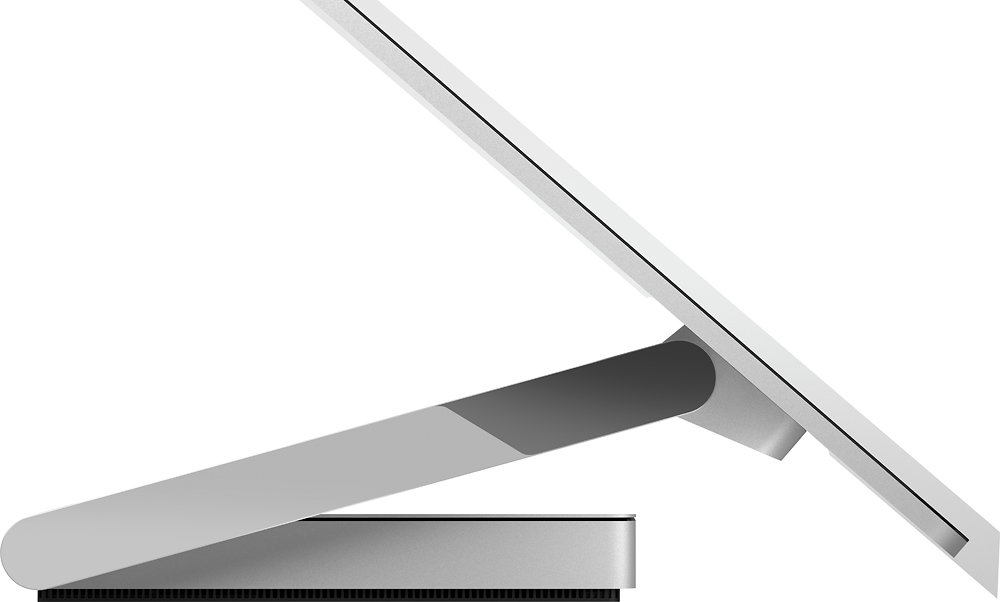
Posted .This reviewer received promo considerations or sweepstakes entry for writing a review.The real question is, "is the Surface Studio worth the expense?" I got the full blown version....do I need it? Not sure but I didn't want to regret it later...so went all out. I did the same thing when I bought the Surface Pro4. Pluses.... A. The display is a marvel to look at. I am afraid after using it I can never go back to anything else. I used to think that my iPad Pro (large) had great images....this screen leaves that one in the dust with colors and clarity. One word to describe it, SPECTACULAR! B. The all in one design (AIO) frees up a lot of space previously used for speakers, case, etc. I needed to get some of my space back. C. The tilt of the screen is nice and I am guessing after using it, it will be hard to use a screen that isn't adjustable. D. Set up was extremely easy, far easier than any other computer I have owned to date. It found my wifi and locked into the signal, no problems there. E. The screen is like a giant iPad with touch controls just like the iPad. Minuses F. The speakers while functional do not have the rich sound of my iPad Pro. Don't expect them to have that rich stereo sound, it isn't there. G. The Dial needs more software support. This is to be expected with a new device, it will be interesting to see what the software people come up with. H. It doesn't matter how the screen is adjusted, the Dial will begin to slide slowly down the screen. If you have it in your hand it won't go anywhere. This is another one of those items that will take getting used to in the workflow. I. Did I say the price? Yikes it is expensive.....you had better like your toys because this is big bucks. J. The software keyboard is exactly like my Surface Pro4 small and limited. My iPad Pro has a full software keyboard and given the size of the Studio screen this should have the same thing. I wanted to use the software keyboard with Photoshop, but the SW keyboard doesn't have ALT key.....big problem! Hopefully there will be an update that will incorporate a full software keyboard. In summary, if you can swallow the cost of this, you will find a spectacular computer. I gave it 4 stars because of the cost and the SW limited keyboard.....get a full function keyboard then I would give this 5 stars....
I would recommend this to a friend Good for a designer
||Posted .This reviewer received promo considerations or sweepstakes entry for writing a review.I like the presentation and the speed Studio provides. The graphics are exactly what I thought they would be AMAZING. I am happy I purchased it.
I would recommend this to a friendAmazing Machine
||Posted .This reviewer received promo considerations or sweepstakes entry for writing a review.This machine is amazing good. The writing ability is also top notch
I would recommend this to a friendComputer is great, does just what I wanted
||Posted .This reviewer received promo considerations or sweepstakes entry for writing a review.Love the computer. Works great with different media.
I would recommend this to a friendGreatest gift ever!
||Posted .This reviewer received promo considerations or sweepstakes entry for writing a review.This is by far the best gift I have ever bought...ever!!!
I would recommend this to a friendFast
||Posted .This reviewer received promo considerations or sweepstakes entry for writing a review.This Microsoft surface studio is have a lot of fun...
I would recommend this to a friend- Cons mentioned:Hard drive
Beware of cheap parts and sneak warranty!
Posted .This reviewer received promo considerations or sweepstakes entry for writing a review.I’m am beyond words with how disappointed and angry I am with Microsoft about this product. First off, we are LOYAL MS customers. I have had several Surface products and always been pretty happy (I’m actually typing this on a Surface Book). So much so that I have convinced several friends to purchase Surfaces. We own 2 xboxes (soon to be 3) and my husband is even part of the MS “developer community.” 5 months back I got a Surface Studio for my photography and graphic design work. I was beyond happy. I really loved the thing and used it all the time. I was thrilled with this device until 3 weeks ago. I had just loaded 800 photos to my OneDrive shared folder on the Studio. I shuffled through a few, but then walked off to enjoy a Saturday. An hour or so later, we went in to the office to find it was trying to fix itself. Windows usually handles this pretty well, so I walked away. 1 hour later it was still stuck, so I tried a hard reboot. Ended up at the same screen. I should say at this time that we are not computer novices. We used to build our own computers, I do IT at my work and my husband does all manner of computer and network repair as well as programming. We tried all the usual software/driver stuff, including trying to boot from USB. No avail. We decided it had to be something major with the hardware and I immediately feared for my photos. To my horror I found that only 10% of the pictures had uploaded by the time the computer failed and I immediately started scheming to figure out how to save them. They could not be recreated. My husband called Microsoft and the (very nice) tech ran through a few things and agreed that it was a catastrophic hardware failure and per our warranty should be replaced. He told us that they would want to save the screen but would scrap everything in the “computer” part. But what of the hard drive? Per Microsoft, if you repair or replace a device, MS reformats and/or destroys the hard drive. You lose your files. They don’t give you ANY way to get them off the drive. So, since the thing was declared dead, my husband endeavored to remove the hard drive so we could mount it in an external drive bay and get the files off. He carefully took it apart and extracted the drive. The screen wasn’t touched in this process, the computer part is on the bottom. He was frustrated to find that it is installed upside down, so the hard drives are as far away from the access door as possible. Basically, huge PITA. But he succeeded and we managed to get all the files off the drive (horray!). He put it all back together and gave it to the courier from MS who came to get it a couple days later (yeah, the screen is so valuable that they send a courier). Then we waited, and waited, and waited. Finally, my husband called 2 weeks later. The person on the phone had no idea what was going on and said he was going to “elevate” our query. Then we waited. Two days later my husband called again. They supervisor he got said “I don’t know why I’m just hearing about this now…” He then looked into our case. Turns out that since we had removed the hard drive (which had 1. Already been declared dead, and 2. Contained files I owned), we had violated the warranty, so they could not replace my computer. Which was 5 months old. Which cost $3,000. Which died because of their bad hardware. Which contained MY files. We have since been jacked around by MS about this. My husband asked about an “out of warranty repair,” which is a thing that MS does if your product is too old for its warranty. They said it didn’t qualify (but you just said we voided the warranty?). Then someone later said it did… We still have NO idea. So, at this moment, nearly a month later, I have paid $3,000 and don’t have a computer. We don’t even have the DEAD computer.. MS still has it. Basically, I’m NOT mad that the hardware failed. I’ve built and installed enough computers to know that sometimes independent pieces of hardware fail and the whole computer goes down. I’m mad that I got in trouble for retrieving MY files, my PROPERTY, from their failed computer and now they say I violated a warranty. They gave me NO other option. If they had told me to take it to the MS store and let them take it apart, I would have. If they would have offered a service… ANYTHING. They just told me I was SOL even though the hard drive was totally serviceable and MY files were recoverable. Not only that, when we took out the drive, we had already been told that the computer was dead AND that they were going to scrap everything but the screen. So.. why do they care that I took out the hard drive (we put it back, btw). Neat product idea, cheap parts, terrible service. I’m still hoping I have an excuse to amend this review because Microsoft came around to doing the right thing – but I’m not holding out much hope.
No, I would not recommend this to a friendBrand response from MicrosoftOutreachTeam
Posted .Hi Juliette,
First off, on behalf of the Surface and Microsoft Customer Care Teams, we want to sincerely apologize that this is the experience you have had, and the way you have been treated throughout this time. This is not our standard, neither for our products or our customer care, and we want to make sure this is taken care of for you.
You should not have to worry that you've made a poor investment when it comes to Microsoft, our technology, and the support and care we give out customers. We urge you to reach out to us directly at [email protected], using the individual reference number 1710312200140. We want to get this taken care of and give you an experience and product that truly reflects the Microsoft name.
Talk soon,
Victoria
Surface Customer Care
- Pros mentioned:Screen sizeCons mentioned:Hard drive
Good with Flaws
Posted .This reviewer received promo considerations or sweepstakes entry for writing a review.Unfortunately, I had to return mine. I work with a canon 1dx Mark II and it wouldn't play my videos back in Windows Media Player (at all). This isn't easy to do given the bandwidth, but it didn't play at all. I worked with microsoft for two months before giving up. Microsoft also seemed clueless when I pointed out the video card was not certified by Adobe. This doesn't effect how the machine works today, but it could effect the future when Adobe updates their software. Premiere became unusable for a time on my dell xps 15 with a 960m card for the same reasons. That said the screen is as awesome as everyone says. The pen input on such a large an high resolution screen was amazing. The boot times were very slow. I would have though the hybrid drive would fix this, but it did not. So if you are looking, it depends what you want it for and what your budget is.
No, I would not recommend this to a friend