Customer Ratings & Reviews
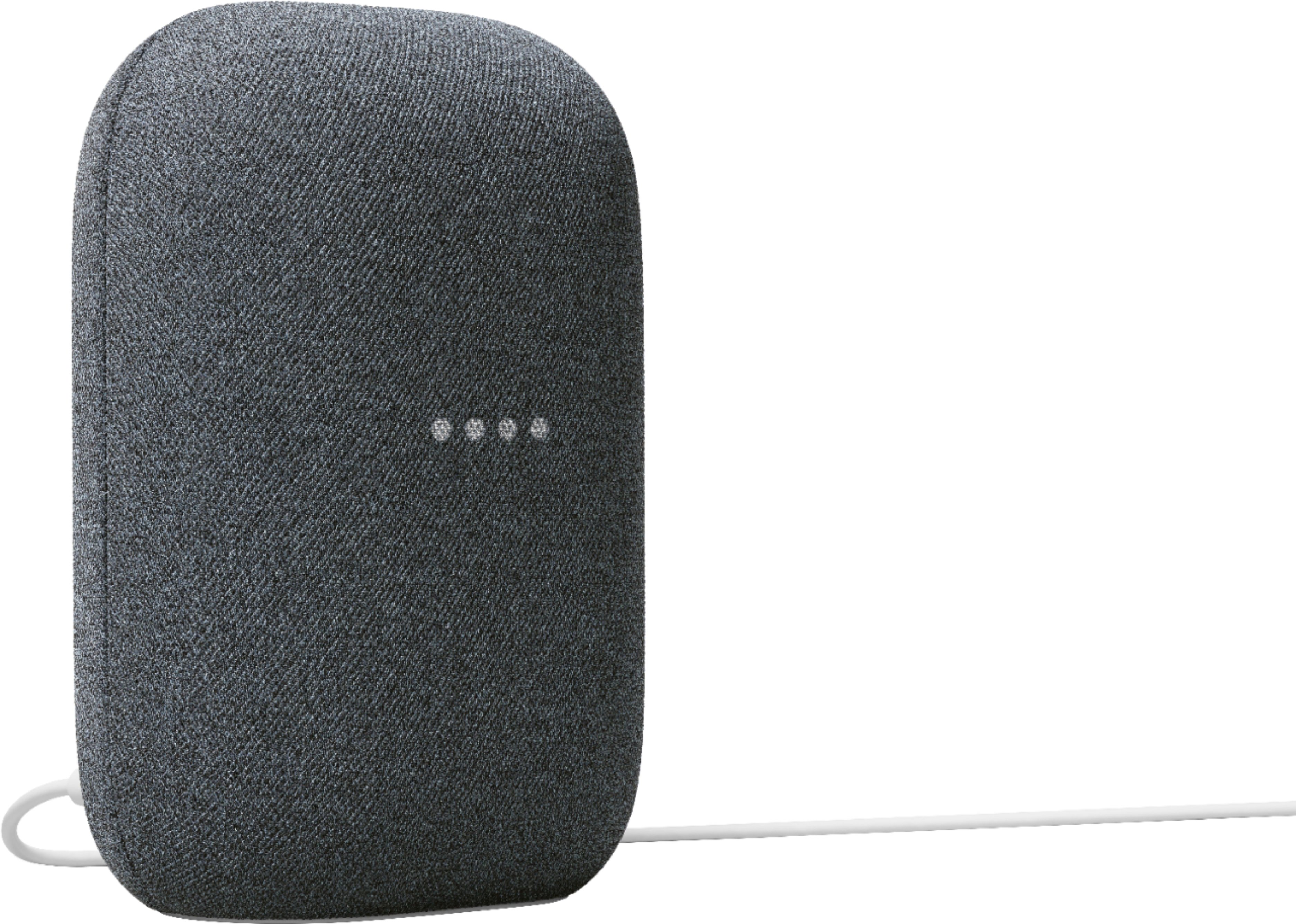
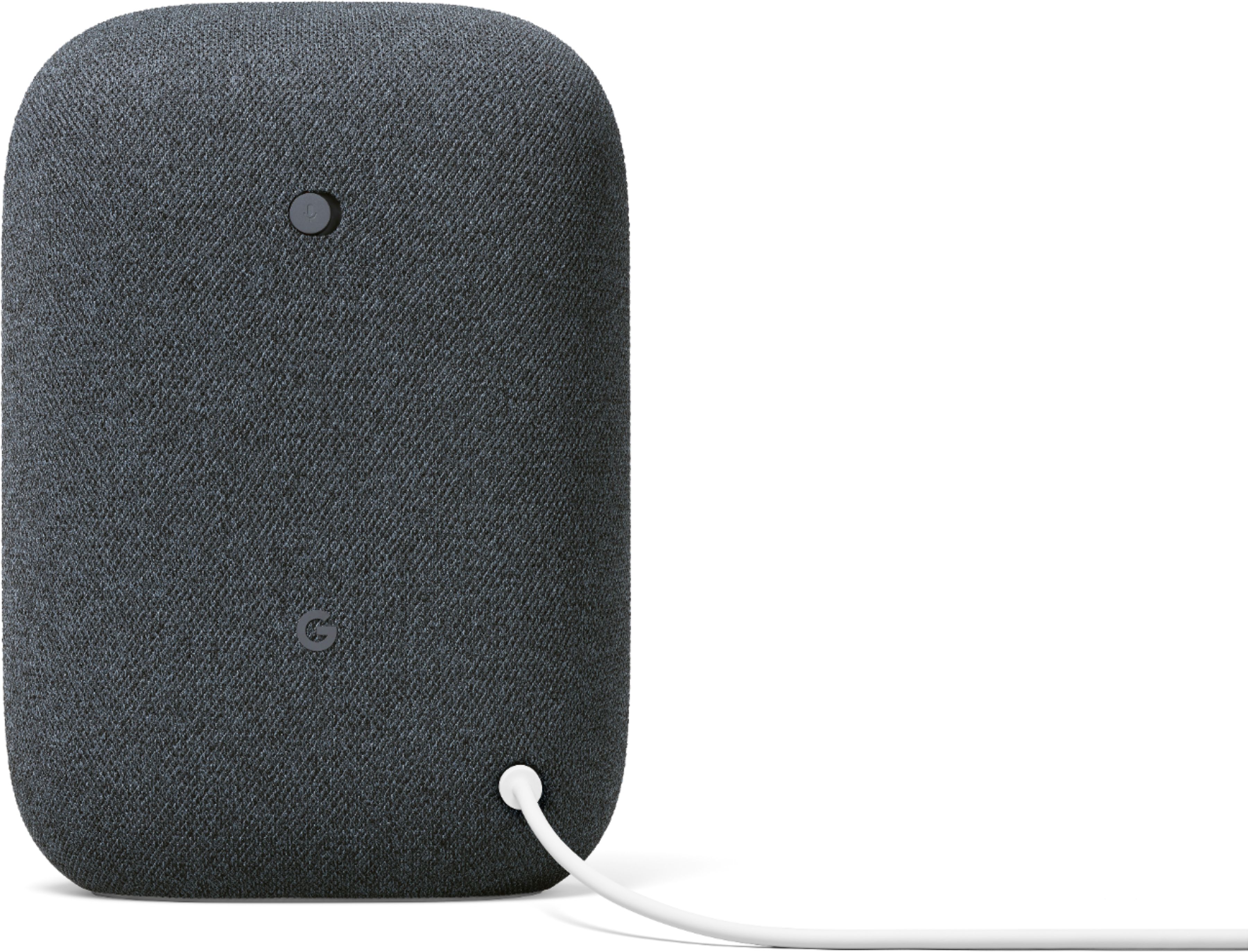
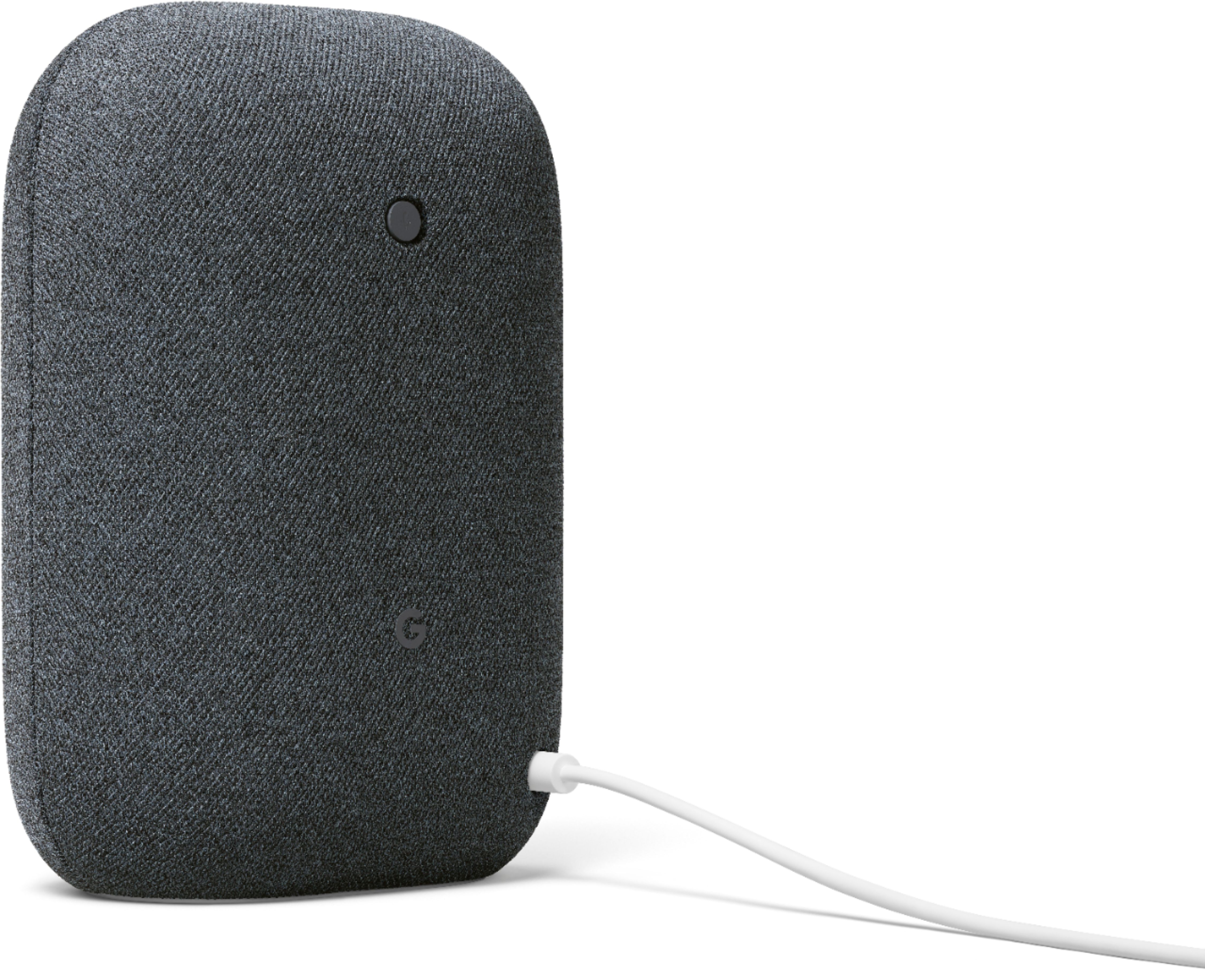
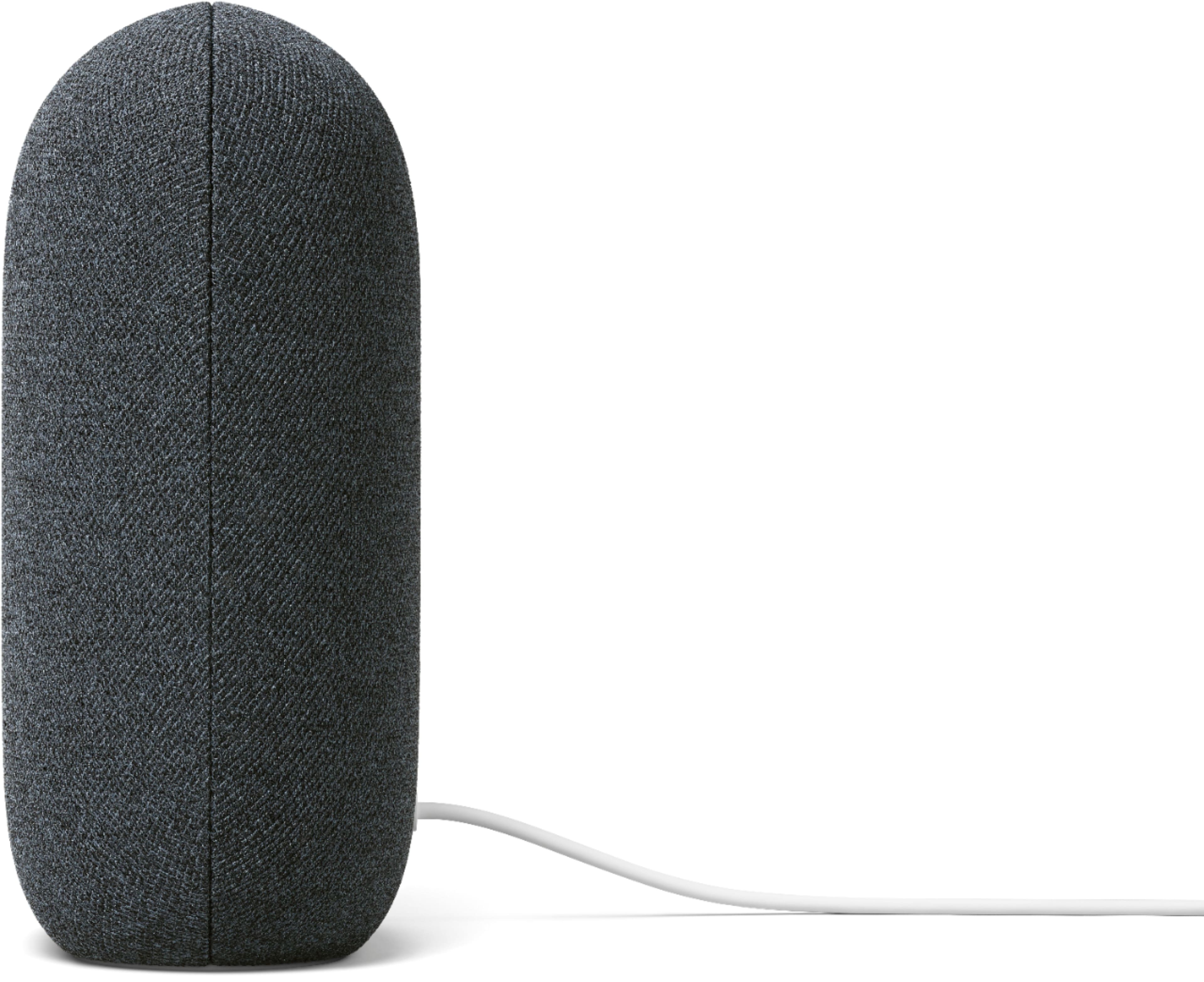




- Model:
- GA01586-US
- SKU:
- 6428302
Rating by feature
- Value
Rating 4.6 out of 5 stars
- Quality
Rating 4.7 out of 5 stars
- Ease of Use
Rating 4.7 out of 5 stars
Customers are saying
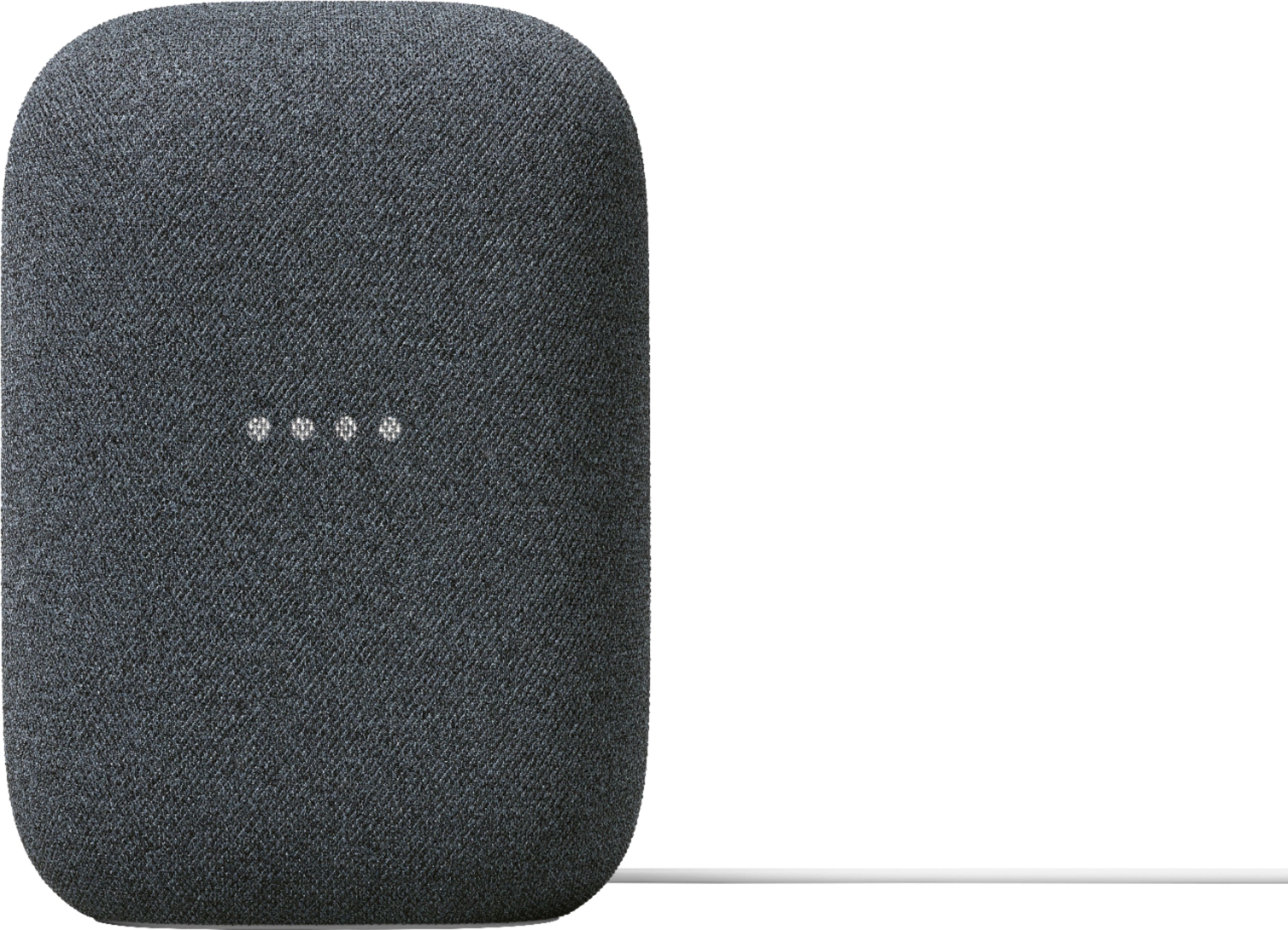
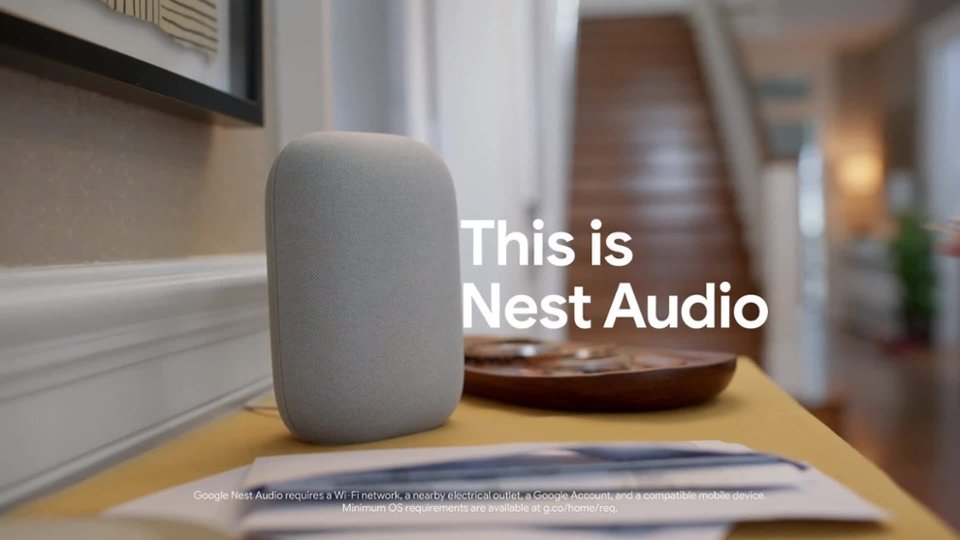
Customers commend the Nest Audio Smart Speaker for its excellent sound quality and ease of use. Many appreciate its quick and easy connectivity with Google Assistant, along with its appealing design and suitable size. Some have noted that the bass could be improved, while others have mentioned its light weight.
This summary was generated by AI based on customer reviews.
- Pros mentioned:Sound quality
Good with a minor issue
||Posted . Owned for 3 weeks when reviewed.This reviewer received promo considerations or sweepstakes entry for writing a review.Loud and clear. My only issue is that when music is being played loudly from it, it has trouble catching your voice.
I would recommend this to a friendBrand response from Nest Support
Posted .Hi XequalsJ, thanks for taking the time to share your feedback about the Nest Audio, and we’re sorry to hear that it has trouble catching your voice commands when playing loud music.
Google Assistant might not respond properly when you say “Hey Google” or “Ok Google,” particularly in a noisy environment. After you ask your Google Assistant to play media, you can control the volume using commands. You can set the volume to a specific level (1–10) or percent (1–100%). So you may need to lower the volume down before saying another voice command. Adjusting how sensitive Google Assistant responds to the hotword “Hey Google'' may also be helpful:
- Open the Google Home app.
- At the bottom, tap Home.
- Select your Nest Mini or the device you want to adjust.
- At the top right, tap Device settings > “Hey Google” sensitivity.
- If you don’t find “Hey Google sensitivity,” first tap Audio.
- Choose how sensitive you want Google Assistant to be when it responds to you.
- To change this setting on another device, tap Adjust more devices.
We have our dedicated team always available to help and provide you a better experience, and you’ll find us ready anytime here: https://support.google.com/googlenest/gethelp
- Pros mentioned:Sound quality
Awesome!
||Posted . Owned for 3 weeks when reviewed.This reviewer received promo considerations or sweepstakes entry for writing a review.This is actually a pretty good quality item. The sound is amazing in the living room.
I would recommend this to a friend - Pros mentioned:Sound quality
Great sound quality
||Posted . Owned for 1 week when reviewed.This reviewer received promo considerations or sweepstakes entry for writing a review.Easy to set up great sound for a smart speaker. I look forward to purchasing more
I would recommend this to a friend Dope
||Posted .This reviewer received promo considerations or sweepstakes entry for writing a review.I’m liking it so far, cheaper than normal speakers and does more in its price range
I would recommend this to a friendeasy way to listen to music
||Posted .This reviewer received promo considerations or sweepstakes entry for writing a review.love it. So simple to set up and use. Will probably add the tv to it.
I would recommend this to a friend- Pros mentioned:Sound quality
Good but not great
||Posted .This reviewer received promo considerations or sweepstakes entry for writing a review.Turns off on it's own sometimes, otherwise it sounds good and is a great replacement for the under the countertop cd/radio we had.
I would recommend this to a friend - Pros mentioned:Sound quality
Excellent sounding speaker!
||Posted . Owned for 3 weeks when reviewed.This reviewer received promo considerations or sweepstakes entry for writing a review.Excellent sounding speaker and it responds better to voice commands thanks to its upright design!
I would recommend this to a friend - Pros mentioned:Sound quality
great sound
||Posted . Owned for 8 months when reviewed.This reviewer received promo considerations or sweepstakes entry for writing a review.bigger sound and more base. prefer this one to the google mini.
I would recommend this to a friend - Pros mentioned:Sound quality
Small speaker big sound
||Posted . Owned for 3 weeks when reviewed.This reviewer received promo considerations or sweepstakes entry for writing a review.A great bookshelf speaker that fills the room with sound.
I would recommend this to a friend - Pros mentioned:Sound quality
Google Speaker
||Posted . Owned for 1 week when reviewed.This reviewer received promo considerations or sweepstakes entry for writing a review.Google that says it all. Great sound quality. Very pleased with purchase.
I would recommend this to a friend - Pros mentioned:Sound quality
Just enough bass
||Posted . Owned for less than 1 week when reviewed.This reviewer received promo considerations or sweepstakes entry for writing a review.Nice smart speaker - appropriately loud. There's just enough bass.
I would recommend this to a friend - Pros mentioned:Sound quality
A title.
||Posted . Owned for 2 months when reviewed.This reviewer received promo considerations or sweepstakes entry for writing a review.Sounds good, listens a little too good, my other Google devices closer should take note.
I would recommend this to a friend - Pros mentioned:Sound quality
speaker
||Posted . Owned for 2 months when reviewed.This reviewer received promo considerations or sweepstakes entry for writing a review.this speaker is a good quality product. it sounds great.
I would recommend this to a friend - Pros mentioned:Sound quality
Loved
||Posted .This reviewer received promo considerations or sweepstakes entry for writing a review.The wife loves it and said she has to have one in every room in the house.
I would recommend this to a friend I love google
||Posted .This reviewer received promo considerations or sweepstakes entry for writing a review.I love my google. I was using alexa but it kept crashing on me. Not a problem with google.
I would recommend this to a friend- Pros mentioned:Sound quality
Good speaker
||Posted . Owned for 2 months when reviewed.This reviewer received promo considerations or sweepstakes entry for writing a review.Good sound! Use it in my kitchen to help with recipes and to list to JRE while i cook
I would recommend this to a friend - Pros mentioned:Sound quality
Good sound from a small package
||Posted . Owned for 1 month when reviewed.This reviewer received promo considerations or sweepstakes entry for writing a review.I ordered this speaker to add to my room for a fuller sound. Sounds good.
I would recommend this to a friend - Pros mentioned:Sound quality
Very simple and easy to use
||Posted . Owned for 1 month when reviewed.This reviewer received promo considerations or sweepstakes entry for writing a review.Simple to setup, excellent audio quality. Very simple and easy to use.
I would recommend this to a friend - Pros mentioned:Sound quality
Clear Winner
||Posted . Owned for 3 weeks when reviewed.This reviewer received promo considerations or sweepstakes entry for writing a review.Much better than the previous Google Home. Don't waste your time with the minis. Go with these.
I would recommend this to a friend Good sound - overall experience could be improved
||Posted . Owned for 2 weeks when reviewed.This reviewer received promo considerations or sweepstakes entry for writing a review.There’s no simple way (or any at all) to lower the volume of the Google Assistant’s voice without affecting the volume of music you’re playing. When music plays at a normal level to fill a small room, and the assistant starts to talk, the volume is painfully loud compared to the music. It’s very annoying and makes me fear i’m disrupting my neighbors. I will likely opt to try the Homepod Mini instead.
No, I would not recommend this to a friend