Customer Ratings & Reviews
- Model:
- W08K
- SKU:
- 6503887
Rating by feature
- Value
Rating 4.1 out of 5 stars
- Quality
Rating 4.4 out of 5 stars
- Ease of Use
Rating 4.3 out of 5 stars
Customers are saying
Customers value the W08K Touch 8-inch LCD Smart Digital Photo Frame's ease of use and excellent picture quality, with many praising the simple setup and crisp, clear images. The touchscreen functionality and included stand also receive positive feedback. However, some users express concern about the limitations of the cloud storage options and the necessity of a cloud account.
This summary was generated by AI based on customer reviews.
- Pros mentioned:Ease of use, Picture quality, Touchscreen

Digital Photo Album!
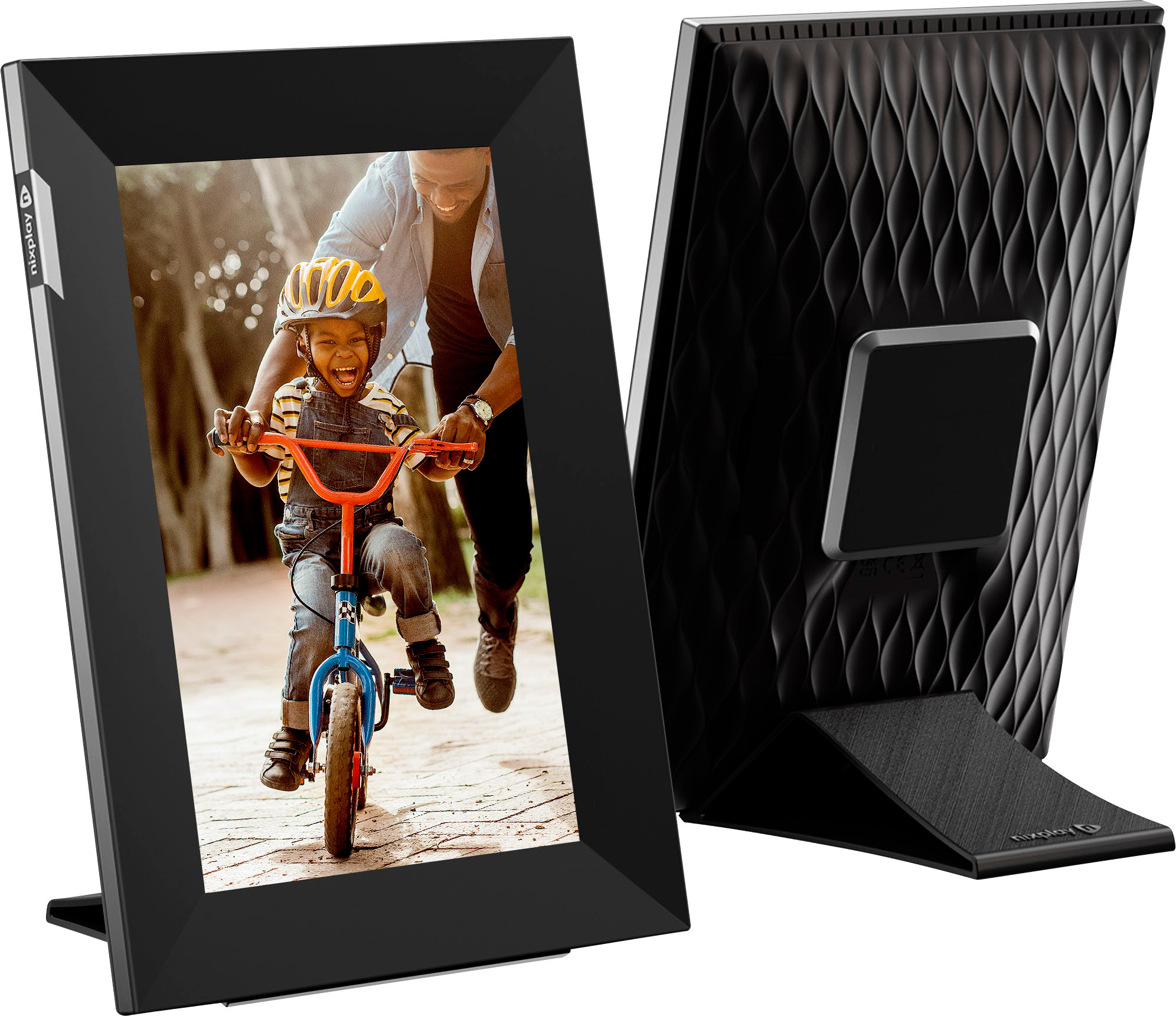
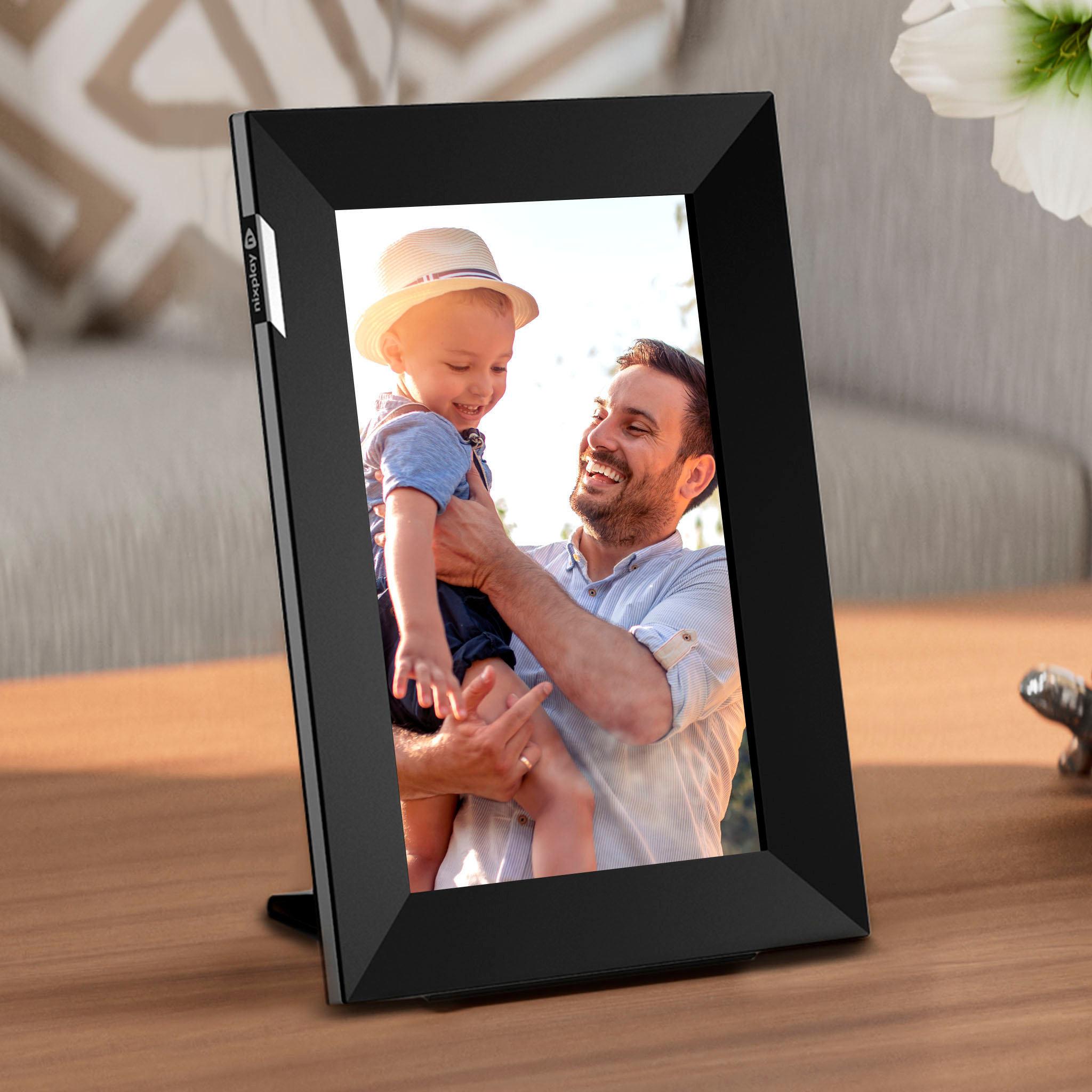
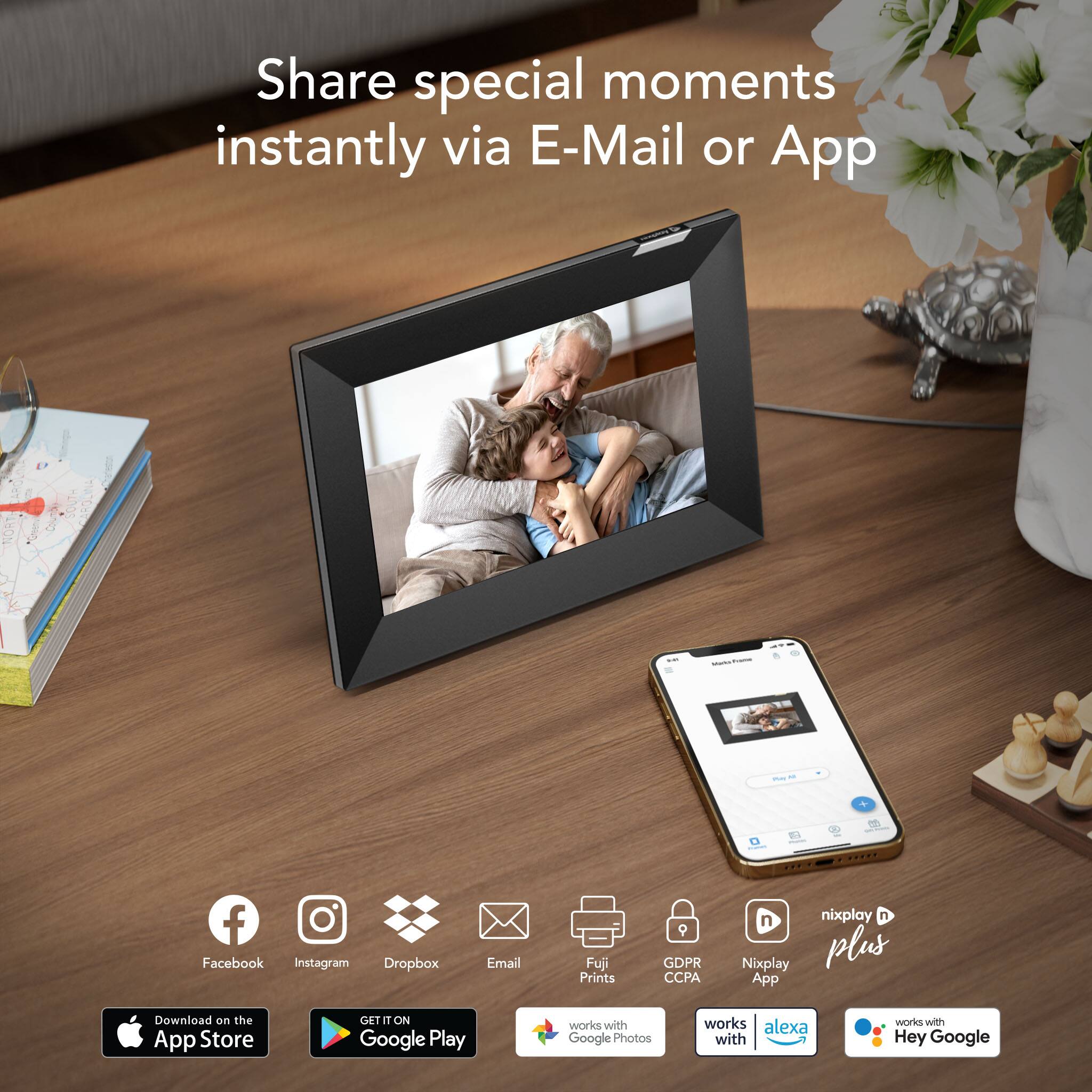
|Posted .This reviewer received promo considerations or sweepstakes entry for writing a review.I love, love, love this smart photo frame!! It's a digital photo album that allows you to see your photo's all day long without pulling a book! It is super easy to set up-even for a 55 year old. It connects to your wifi and the Nixplay app makes it so easy to control your frame options. The frame allows for others in send/share photo's/video's to the frame through a secure passcode. I can get photo's of my children and grand children sent to me daily-it's so awesome to see them show up! The frame can be used either vertically or horizontal - depending on your preference. The frame is touch screen, another feature that makes it easy to use/control. My frame is an 8 inch black frame that comes with a black stand. I have the frame in my kitchen where everyone can see it. The picture and video quality is outstanding - colors are very vivid and clear. This frame is such a great way for families to share content with a click of a few buttons! It brings me such JOY to see photo's of my loved ones that I don't get to see in person very often. I highly recommend this frame as a gift for someone or a treat for yourself!
I would recommend this to a friend Pictures frame
||Posted . Owned for 1 month when reviewed.This reviewer received promo considerations or sweepstakes entry for writing a review.I bought the picture frame tried connecting it i downloaded the app instructions not vey clear finally got through that wouldn't let me send pictures from phone to frame i had a friend look at it he couldn't get it either i went back to best buy for help he sad to download it from another wifi network if it didn't work to get another. I ended up returning for a refund
No, I would not recommend this to a friend- Pros mentioned:Ease of use, Picture quality
Easy Setup and Great Gift Idea
|Posted .This reviewer received promo considerations or sweepstakes entry for writing a review.My kids and I bought an earlier edition of one of these Nixplay digital frames (the bigger 10.1-inch one) for my husband for Christmas, and he loves it. We have it on our fireplace mantel and it’s such a great way to see all the pictures of our family everyday, instead of them being buried in his iPhone. I got this newer, smaller version, and it’s just as great. I placed it in our living room on one of the side tables where I like to sit daily to read, and again, it’s just such a satisfying way to see my family’s pictures from my iPhone, displayed daily for all of us to see and enjoy instead of stuck in my iPhone. Set up is easy peasy lemon squeezy. Just take out the frame, set it up in either landscape or portrait mode, plug it in, download the app, and connect the frame to your WiFi network. Choose up to 100 pictures to display straight from your smartphone and Voila!—done. You can create different sets or folders of pictures if you want to mix it up and display different pictures from day to day, you can also choose the transitions between each picture (the time intervals, how they change from picture to picture), how the pictures fit to the screen, the order of the pictures, if you want to display a clock, captions, or connectivity status. You can also set the times you want it to turn on or off, so it’s not going 24/7. For example, I have it set to turn on at 6:00am and turn off at 7:00pm daily. There is an option to join a “Nixplay Plus Membership” for a monthly fee which gives you added benefits such as unlimited playlists, longer videos, 50gb of cloud storage, etc. but it is by no means necessary. Without it, there is an internal storage of 8gb and 10gb of cloud storage, which I find to be plenty enough for our needs. It does have a touchscreen but honestly I never utilize that feature (our other Nixplay 10.1 inch digital frame does not have a touchscreen, so we’re probably used to not having that option). This digital frame is so simple and easy to use, looks classy and understated which really makes the pictures stand out, and the quality is great, of both the hardware and the software. I would definitely recommend this (or any other Nixplay digital frame) to anyone in the market for one, or to give as a gift.
I would recommend this to a friend - Pros mentioned:Touchscreen
Good digital media frame with a few niggles
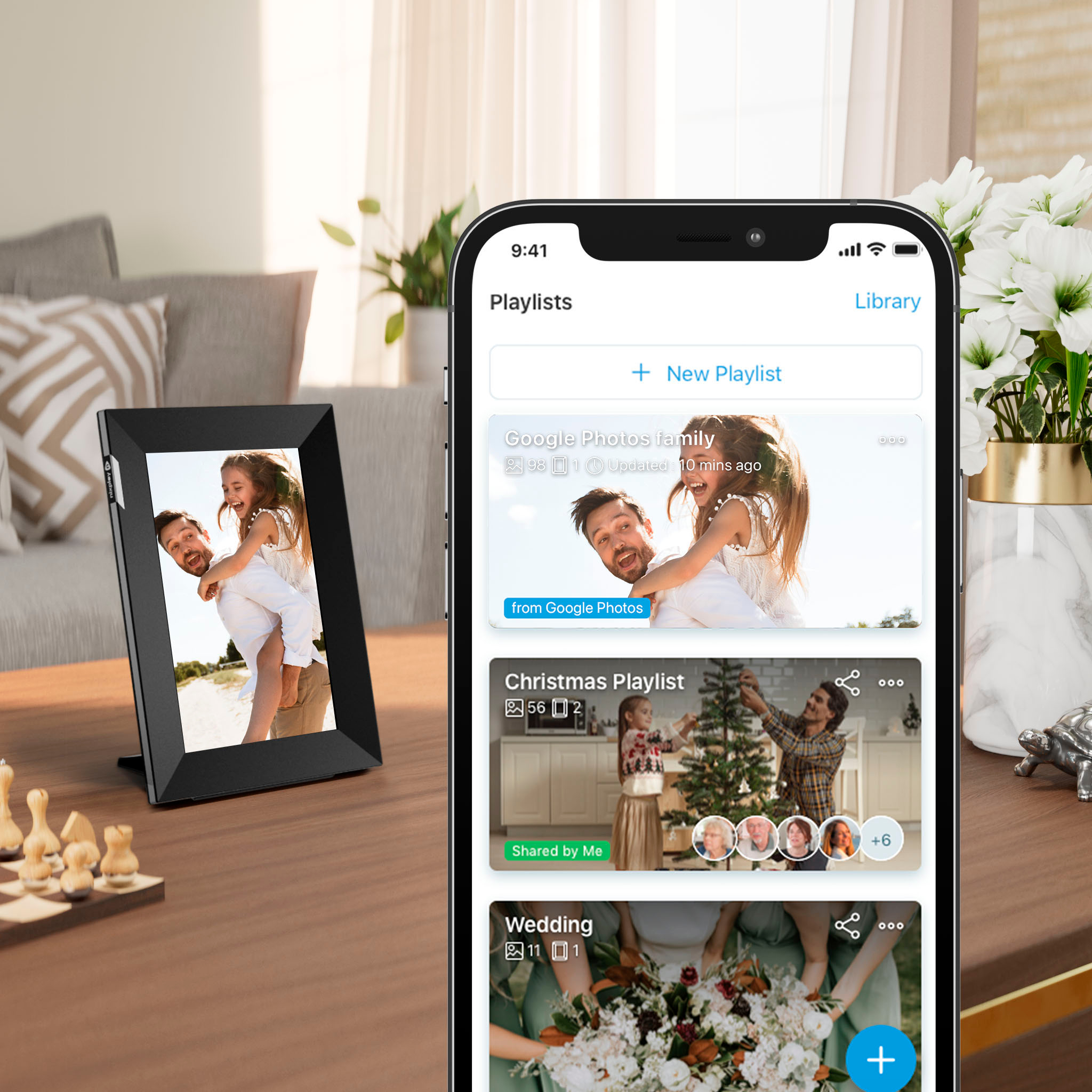
|Posted .This reviewer received promo considerations or sweepstakes entry for writing a review.GOOD - Social media account integration - Email playlist for sharing pictures - Touchscreen for easy control - Scheduled stand-by times BAD - Initial configuration can be confusing - Videos can only be uploaded from the mobile app - No 4K video - Doesn't seem to turn on with motion sensor The picture frame itself is easy to setup since it's essentially a touchscreen tablet. Power it on, connect it to your WiFi, and the frame will automatically check for updates. To actually use the frame, you must make an account with Nixplay and link your frame serial number to your account. After that, you upload images to your account, create playlists, then link those playlists to the picture frame. The frame will then automatically download those images to play. If you change a playlist, it will be reflected on the frame almost instantly ( or as fast as it can download the new pictures ). You can do this from both a mobile application and from your desktop web browser. It sounds basic and simple because it largely is. The frame itself can display both JPEG and PNG image formats and has a resolution of 1280x800. That may seem lo-res compared to a normal phone or tablet, but it's perfectly adequate for a small display primarily viewed at a distance. Since most media you upload will be much higher resolution, the Nixplay back-end scales them down to the display's native resolution. This helps more files fit on the frame's limited internal storage space while the hi-res originals stay on the Nixplay servers ( you can re-download the originals if you need and can even order physical prints of them through Nixplay ). To save power, you can give the frame a daily on/off schedule ( so it's not lighting up a room at night ). It also has a motion sensor so it will go to sleep when no one is around and then wake back up when someone enters the room ( though mine had to be touched to turn back on ). The Nixplay service can integrate with other accounts, automatically pulling in your photos and images from Facebook, Google Photos, Instagram, Dropbox, and Flickr. You also get a special email address linked to a special playlist. Any pictured emailed to the address will automatically be added to your Nixplay account and playlist. It's a great feature for sharing pictures with family and friends. You can also include videos in your frame's playlists, though it's fairly limited at this point. Videos can be uploaded from the mobile app ( either your phone or tablet ), but not from a computer. The Nixplay mobile app has limited video editing options before uploading, specifically trimming the length, as uploaded videos can't be over 15 seconds. Like uploaded photos, videos will also be processed and scaled down before the frame downloads them. Videos with framerates above 30 fps will be re-rendered at 30 fps, which can sometimes affect playback quality. You also can't upload videos above 1920x1080 resolution, which can be a big problem considering many current phones have 4K capture capabilities. And since you can't upload videos from a desktop, that typically means first transferring the video to your computer, scaling the video, transferring it back to your phone, and then uploading it. Not an easy task for most people. Another thing that may not be easy is the initial configuration of the folders and content on your account. Photos in your account are divided into "Albums" and "Playlists" and the two are not the same. An Album is like a folder in your content gallery to group and sort pictures. When you upload pictures, by default they go into an Album. A Playlist is a list of various pictures and videos from Albums that are sent to the frame. If you remove a Playlist, the pictures and videos remain in their respective Albums. If you remove an album, you're deleting the actual pictures and videos themselves, so those also get removed from any Playlists they may be in. Still with me? But the app and website both allow you to upload files directly to a Playlist. That made me wonder why the system bothered having the two different groups at all since they behave differently. When creating or editing Playlists, you can add pictures from an Album, but you can't create an Album from a Playlist. What's actually happening when uploading directly to a Playlist is the files are getting uploaded to the default "My Uploads" Album and then automatically added to the chosen Playlist. This results in all your files being in only one Album. And since you can't move a file from one Album to another ( short of deleting and re-uploading ), it ruins the point of having Albums to organize your content. It would be much clearer if the system had one upload workflow that asked you to select an Album first and then Playlist. Nixplay offers two levels of service plans for their frames. The base tier is free of charge, can link up to five frames, and has 10 GB of storage space for you photos and videos. The paid service is $50 / year, which increases storage to 50 GB, allows 10 frames on the account, extends video length to 60 seconds, offers pricing discounts when purchasing new frames, and extends the frame warranties from 1-year to full lifetime. For most people, the free level is more than sufficient. As a whole, I really like this frame. It might be a bit confusing at first to setup playlists, but it's very easy to keep it going after that. The special email playlist and ability to link to social media albums gives it a self-updating aspect. I'd like to see them add better tools and navigation for computer users, especially the ability to upload videos from a desktop, which Nixplay claims they're currently working on. But for the price and how it's working now, there's not a lot to complain about.
I would recommend this to a friend - Pros mentioned:Ease of use, Picture quality
Easy smart phone interface and great clarity
|Posted .This reviewer received promo considerations or sweepstakes entry for writing a review.I am really amazed with this photo frame already. It came with a big user instructions for setup, but it seemed very simple to get started. Took me less than 5 mins to get it up and running. Within 10 mins, I was able to easily upload about 300 photos from my laptop to the photo frame. It’s the perfect size and you can position it either vertical or horizontal - most importantly, it works perfect with your iPhone. It’s also not too big or too small - it’s the right size for my desk. The only delay was the initial startup - there were several updates needed before I was able to pair with my phone - nothing wrong with the updates but it seemed to have to cycle through about the restarts before it was ready. Pictures look great - lots of options to choose from. I downloaded roughly 200 photos and they consumed 8% of storage - once you make a playlist and the pics are on the frame, it’s so super easy to add to or delete. There is no delay with downloaded pics at all. Remote controls are easily accessed via the app. The display auto updates with new pictures regularly. It works very well. The pictures are crisp and super clear with High resolution. Great product overall!
I would recommend this to a friend - Pros mentioned:Picture quality, Setup
Great Resolution, ok user experience
|Posted .This reviewer received promo considerations or sweepstakes entry for writing a review.Pictures look great. Setup is pretty straight forward. However, once it is set-up and ready to use getting photos on the device can be somewhat of a chore. I chose to select my own photos on my hard drive to upload to my library on the user account that I have created. From the information that is provided you could just use your Facebook account or Instagram account. I didn't want to go this route for the sake of security. It would be better if there was an app to control what goes on with the pictures on the frame. Currently the control is web based. Which makes everything that you do with it from adding photos to setting the randomness of the displayed photos rely on an internet connection. As far as randomness goes the slideshow that is presented once you have photos loaded onto the frame does not seem to be all that random. I have seen one photo displaying 6-7 times in a series of 7 photos that are loaded into the playlist. The biggest negative is the glossy screen, it is a fingerprint magnet. A matte screen would be better for both hiding fingerprints and seeing the photos in bright daylight. Even though you can adjust the screen brightness is would still be better with a not so shiny screen. Overall, this is not a bad product, it just needs some improvements with user experience.
I would recommend this to a friend Does Its Job Well
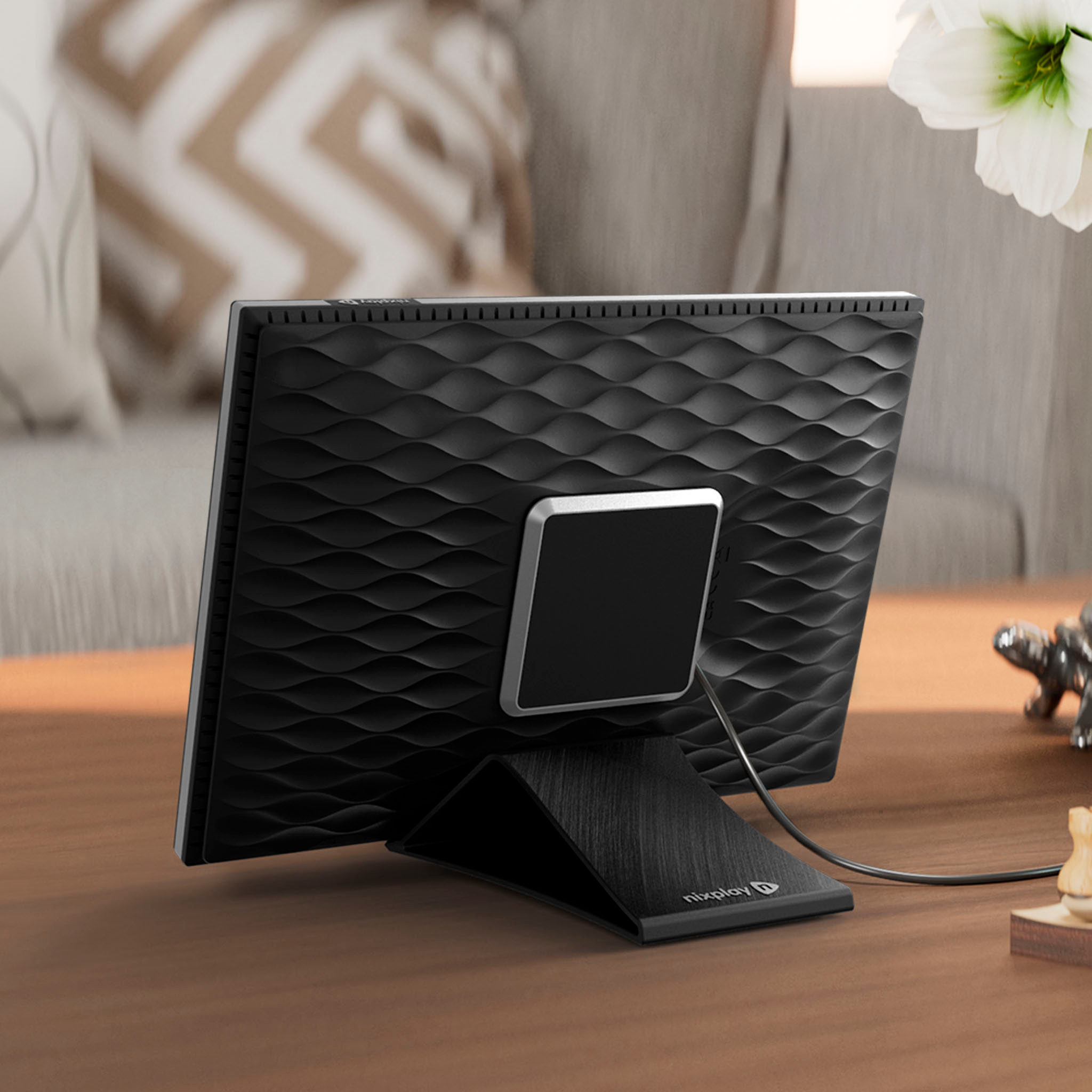
|Posted .This reviewer received promo considerations or sweepstakes entry for writing a review.This is a basic, yet attractive digital photo frame. Like most, the outer casing is plastic - and doesn't feel particularly premium; but this keeps things very lightweight. It comes with a magnetic stand that doesn't need to stick out too much (and this is probably also thanks to the light weight of the frame). The stand can be used in either portrait or landscape mode, but its magnetic "hold" to the frame is not the strongest. It does the job, but it seems the expectation is that you'll set the frame down and not move it. I would sometimes find myself not lining up the magnets properly and had to really pay attention to the placement. But this is a small thing. This photo frame does not have a memory card slot: you have to connect the frame to wifi, download an app and create a Nixplay account to use it. This frame is meant to be connected - but this makes things fairly simple. For one, the app is pretty decent, actually. It's a bit confusing at first trying to figure out how to upload pictures to the frame (vs. adding them to a library), but once I got the hang of it, I found the frame to be very responsive. One other bonus of the app (and creating a Nixplay account) is the ability to send pictures to the frame using your own dedicated email address. This makes it easy for family members to send digital pictures directly to the frame. Also, the screen itself has a 1280x800 resolution and very good viewing angles! There are onscreen touch controls where you have a bunch of configuration options (including sleep, screen brightness, etc.) All in all, this frame has a permanent home on my bookshelf.
I would recommend this to a friendNot a simple photo frame - requires wifi and app
||Posted . Owned for less than 1 week when reviewed.This reviewer received promo considerations or sweepstakes entry for writing a review.Not a simple photo frame. You have to setup app on your phone to load photos. If you looking for simple photo frame with memory card, this is not it.
No, I would not recommend this to a friend- Pros mentioned:Ease of use
Perfect for Parents
|Posted .This reviewer received promo considerations or sweepstakes entry for writing a review.This was extremely easy to use and my parents truly appreciate the gift. At first glance you might think this product is useless, and that may very well be the case for you. However, your technologically challenged loved ones will love it. I set up an account and was able to begin uploading pictures to the digital frame immediately after setup. I set up the frame in my parent’s home wifi and loaded one picture. After leaving, I remotely uploaded two additional pictures to the frame without telling my parents and they called me shortly after to tell me more pictures were showing up. I let them know this is how I will be able to provide them updated pictures of myself and my family. Needless to say they couldnt wrap their head around how it worked but truly appreciated the thoughtfulness. If you have a technologically challenged loved one that would love numerous pictures of you or you and your family then this gift is perfect. It looks like a photo frame and is easy to use and I don’t think every picture needs to be on social media. The fact that you don’t need to manually connect to the frame makes updating the pictures easy to do anywhere in the world. The next time I travel somewhere I can upload a family photo to the digital photo frame so my parents can enjoy the pictures.
I would recommend this to a friend Picture Frame
||Posted . Owned for 3 weeks when reviewed.This reviewer received promo considerations or sweepstakes entry for writing a review.Returned because i misread and thought it was wireless like one ive had in the past. I hate wires.
No, I would not recommend this to a friendA nice upgrade to the Nixplay line
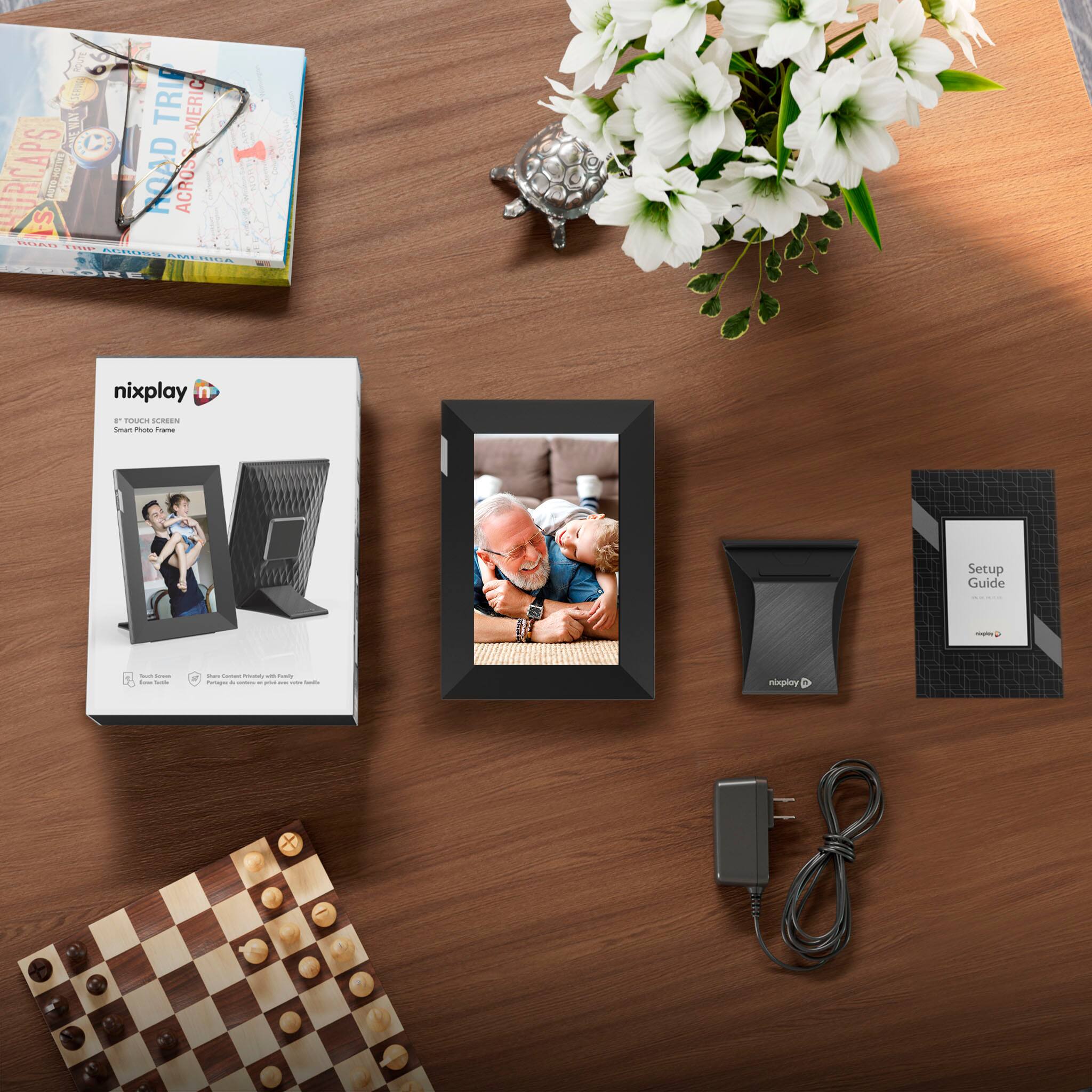
|Posted .This reviewer received promo considerations or sweepstakes entry for writing a review.I've purchased a few Nixplay frames over the years, mostly as gifts but we also have three of them in our home, including this frame. The Nixplay 8" Touch Screen is a perfect size to sit on my desk - not too large for a desktop, but not too small so you can't see what's going on in your photos. Inside the box is the frame itself, a power brick, and a stand that allows one to orient the frame either in portrait or landscape mode. One thing that differs this frame from older Nixplay models I have is that the power cord plugs into the device directly. The older models had a neat feature where you didn't necessarily need a separate stand, as the power plugged into a rigid, but flexible extension that doubled as both the power port as well as the stand. You could bend it to adjust the display angle as well as to switch from portrait to landscape mode depending on how you wanted to display your frame. That had it's own set of challenges, but the current stand limits the display angle to a fixed angle which works for me, but may not for you depending on where you place the frame. The setup is pretty easy. Download the Nixplay app, create an account, add your frame, add photos from your devices to an album, then associate that album with a frame. This allows for great flexibility to have all your photos uploaded, but only display a portion of them on certain frames to either match a motif of a room or display photos that mean something special to the target of the frame. One recommendation would be to create separate albums for portrait and landscape photos. The touch screen is a nice touch on this for the initial setup, but after the frame was set up, I only touched the screen to see what features were available. It mostly sits on my desk and I never interact with it - only adding photos and changing albums with the iOS app. However, the touch screen setup is infinitely easier than the previous remote control based setup, especially for entering complex Wi-Fi PSKs. Overall, the picture quality on the frame is excellent. The screen is bright, the pictures are sharp, and the color is good. I didn't measure anything with a protractor, but the viewing angle is pretty good - once you get farther off to the side, the image does get a bit darker - but it's not something you are looking at for hours on end, so it's perfectly acceptable. One challenge comes with portrait and landscape photos. I'd recommend creating two albums, one for portrait photos and one for landscape photos and displaying only those photos that match the orientation of the frame. Portrait photos in landscape mode get large bars on the side, and the image is considerably smaller. It's not a huge deal, but does make for a lot of wasted screen real estate and a smaller image displayed. Perhaps rotate your frame and your albums every so often to keep the images being displayed fresh as well as in the proper orientation. The only negative I can speak of on this frame is the screen is exceptionally glossy. So glossy that just sitting on my desk I can see my reflection on the screen even when the photos are displaying. You don't really notice it most of the time, but once you do it's hard to lose focus of it and it does become distracting. A little bit more of a matte screen may have done better here, but I recognize that can affect overall image quality. Overall, this is a great frame that's perfect for a desktop or other closer viewing settings. I'd opt for the larger 10" model if you're going to put this on display in your home where the typical viewing distance will be a bit farther away.
I would recommend this to a friendSturdy digital frame with special video effects
|Posted .This reviewer received promo considerations or sweepstakes entry for writing a review.The Nixplay - Smart Photo Frame 8-inch Touch Screen - Black is a great digital frame to place in my living room or any room with traffic whereby people can view my family photos. Setting up the Nixplay - Smart Photo Frame 8-inch Touch Screen - Black is as easy as installing the Nixplay app and then create an account. Following instructions connected my Wi-Fi and generated a code to connect with my android device for uploading pictures to my Nixplay - Smart Photo Frame 8-inch Touch Screen - Black. I can create my playlist by setting up the frame and adding photos to a designated playlist. I can share my playlist with up to ten members, without any of them having a Nixplay - Smart Photo Frame 8-inch Touch Screen - Black. There is a way for me to invite family and friends to assign content to my Nixplay - Smart Photo Frame 8-inch Touch Screen - Black. I can also change the timing of the pictures intervals. The Nixplay - Smart Photo Frame 8-inch Touch Screen - Black makes a nice addition to my home to create a generational family portrait.
I would recommend this to a friend