Customer Ratings & Reviews
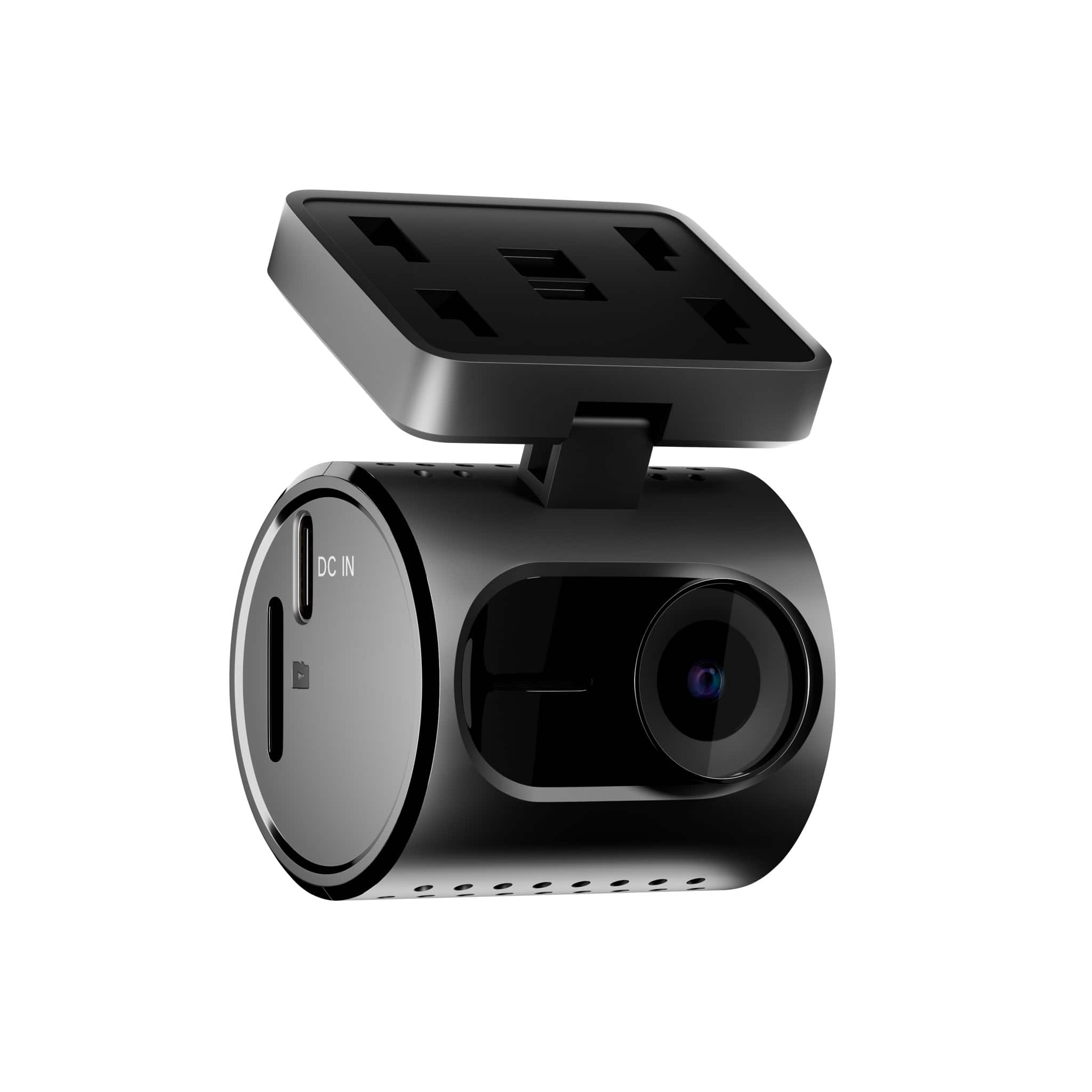
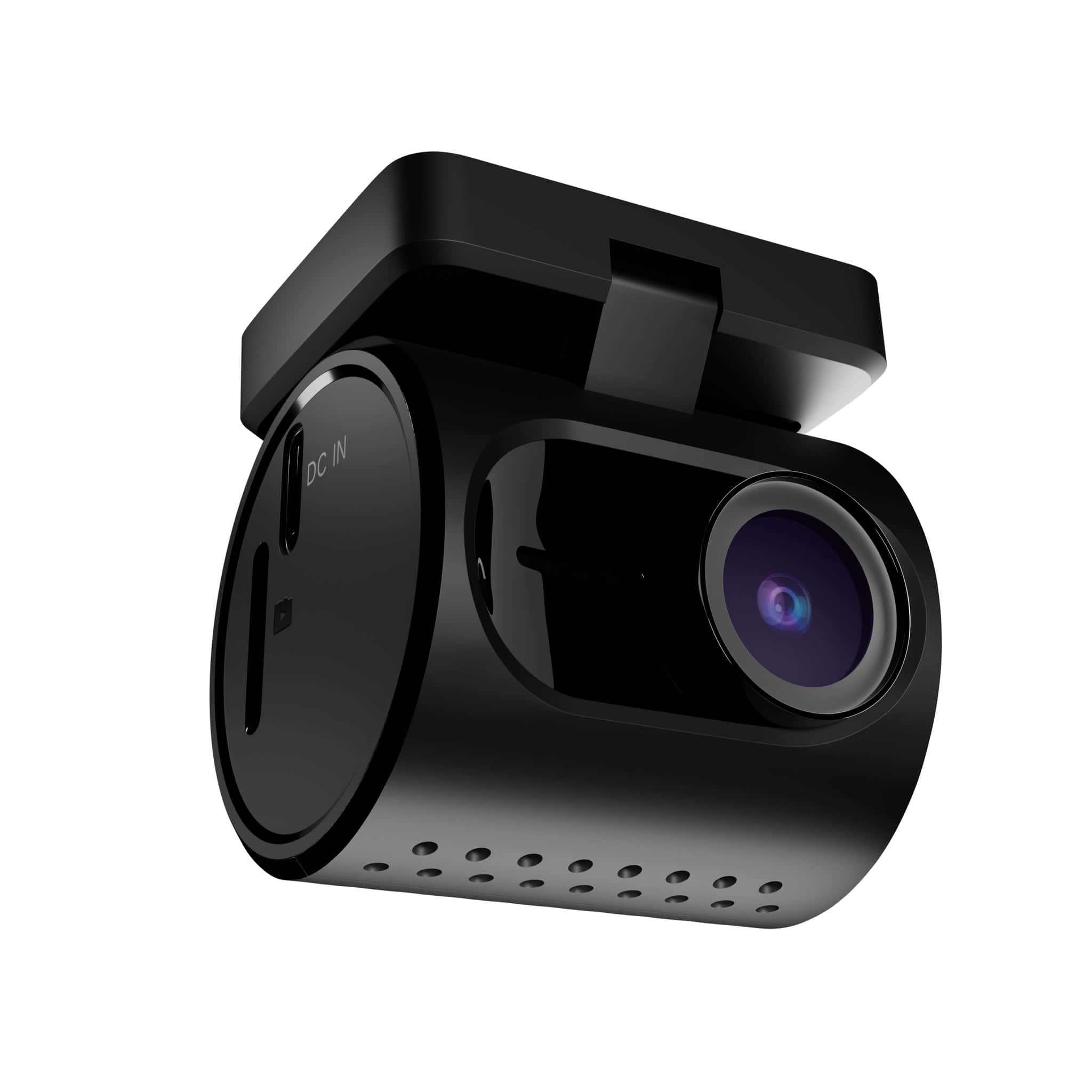
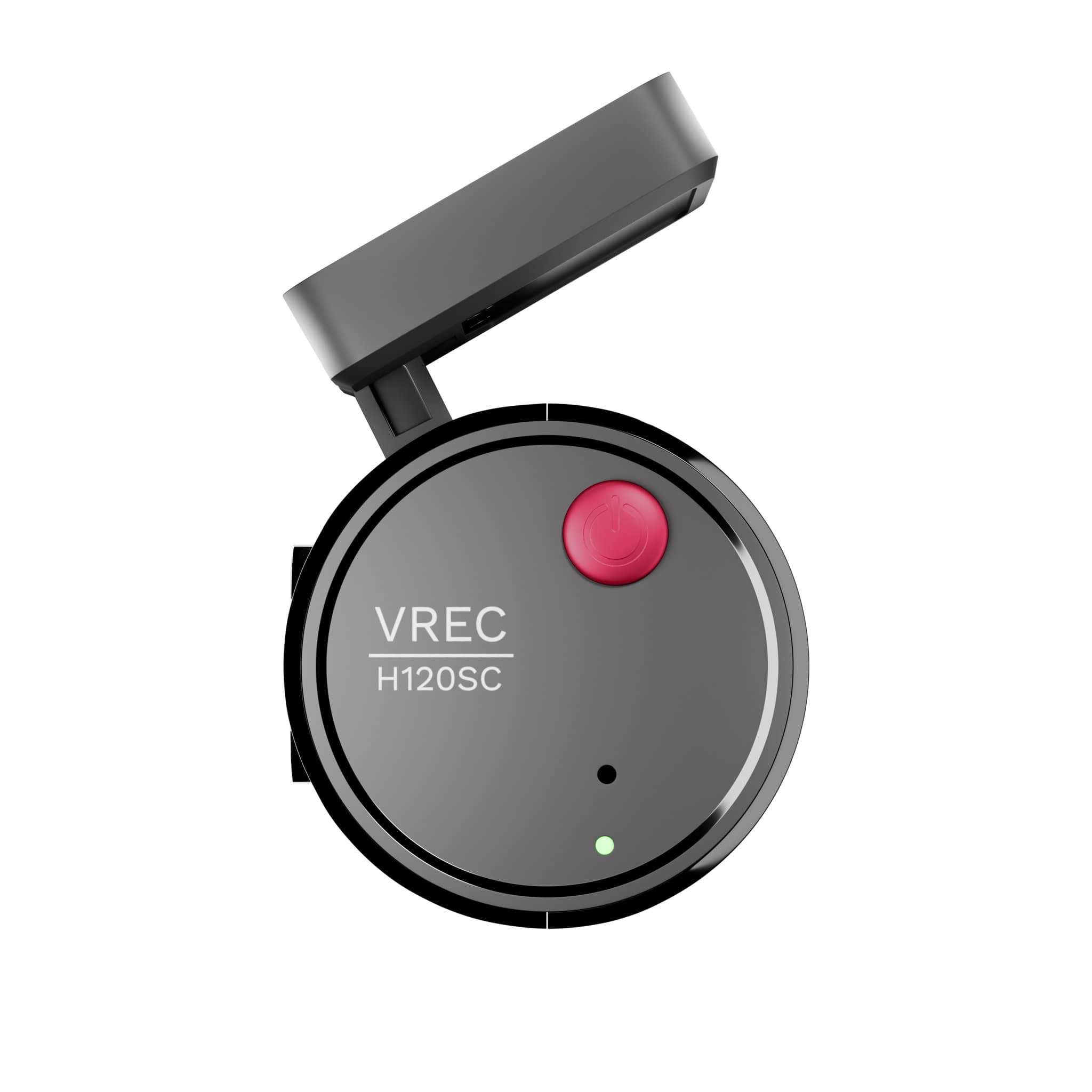
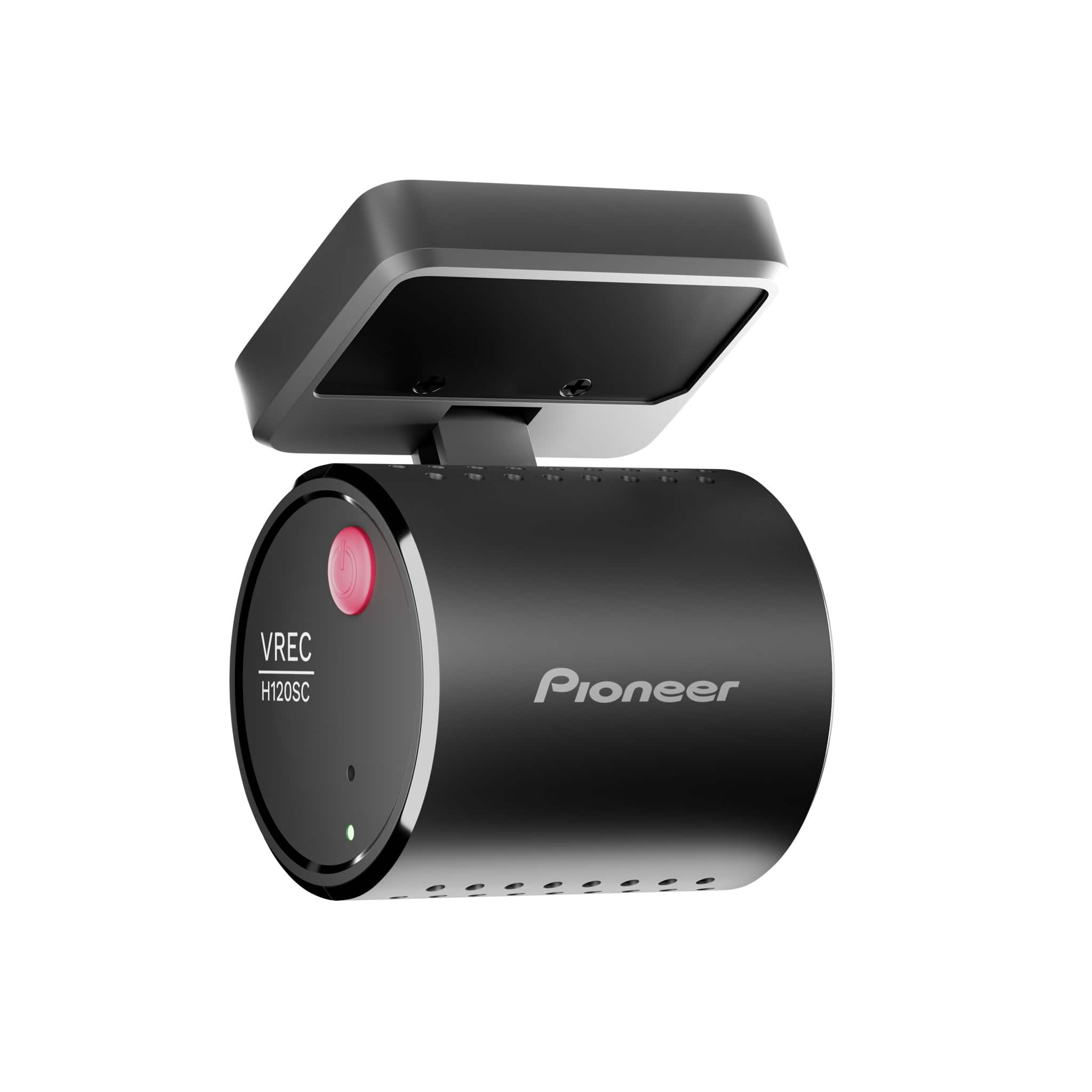

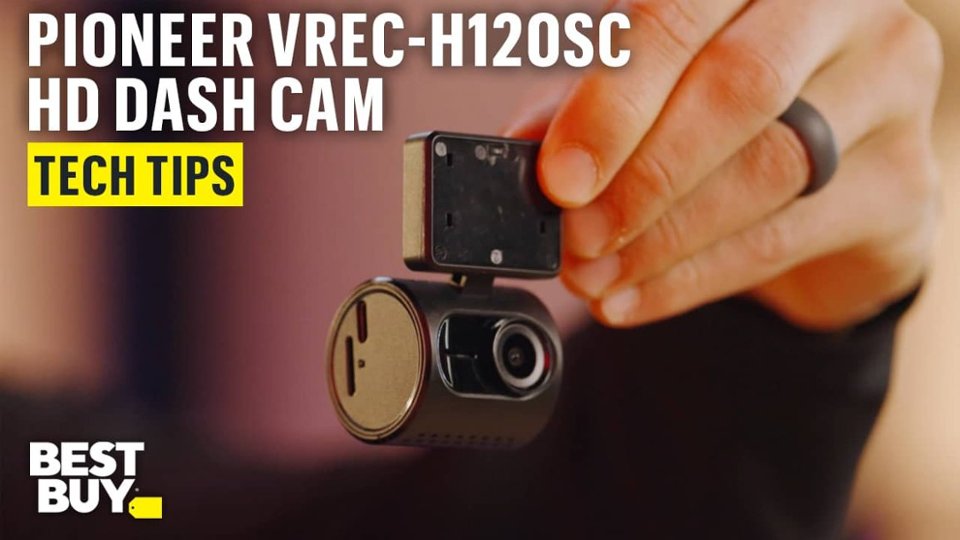
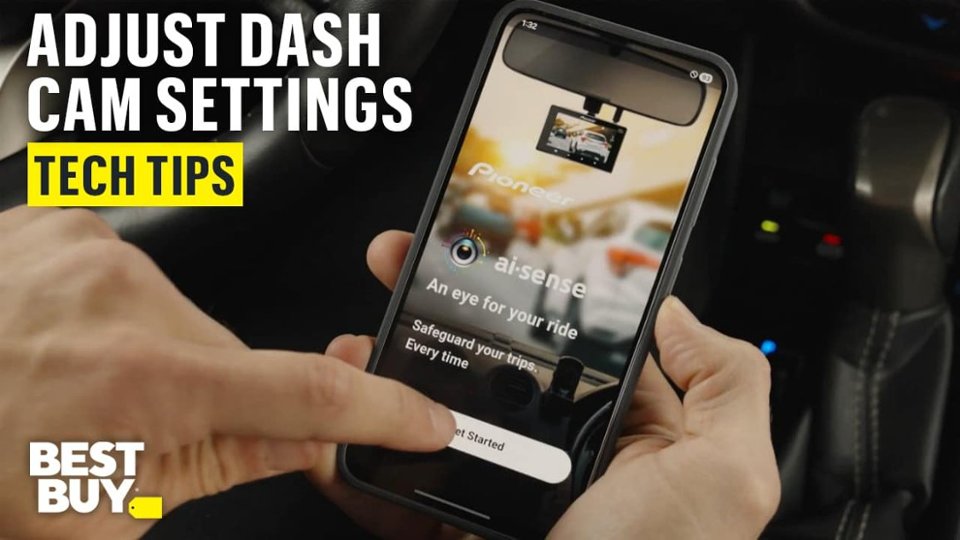
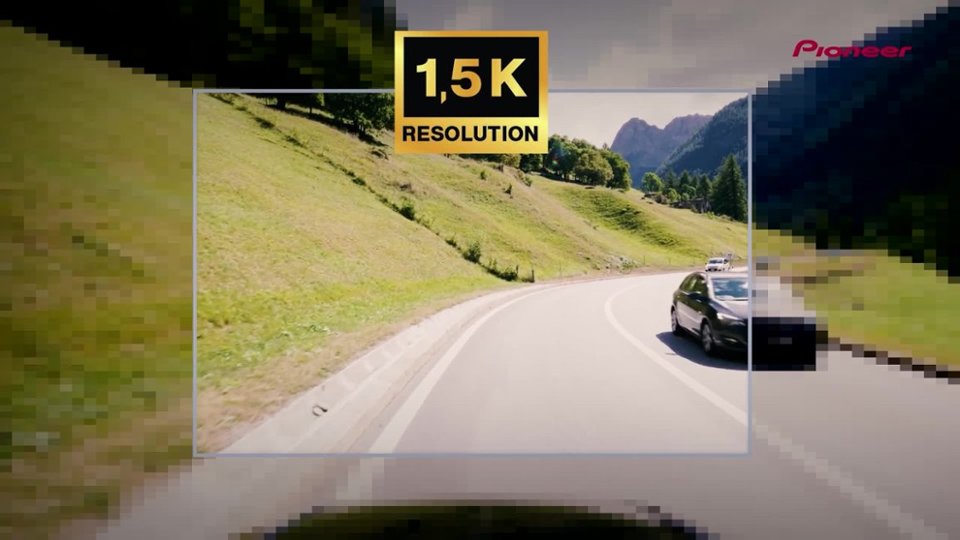
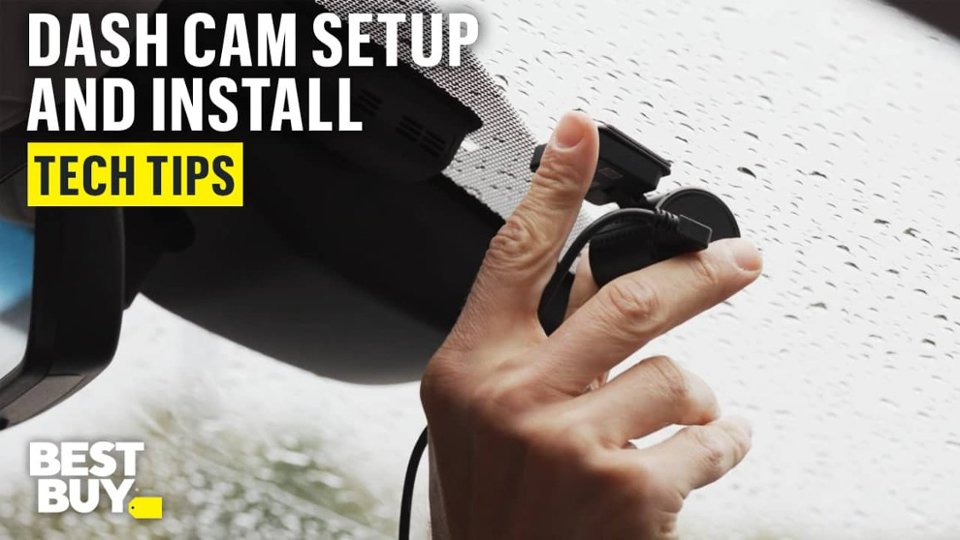
- Model:
- VREC-H120SC
- SKU:
- 6644076
Rating by feature
- Value
Rating 4.4 out of 5 stars
- Quality
Rating 4.1 out of 5 stars
- Ease of Use
Rating 4.1 out of 5 stars
Customers are saying
Customers enjoy the Universal Compatibility Compact dash camera with its small size and sharp video quality. Users find the installation straightforward and appreciate the wide field of view. However, some customers have reported issues with connectivity. The inclusion of accessories is also a positive aspect for some users.
This summary was generated by AI based on customer reviews.
- Pros mentioned:Ease of use, Size, Video quality
HUGE BENEFITS / Easy Set Up
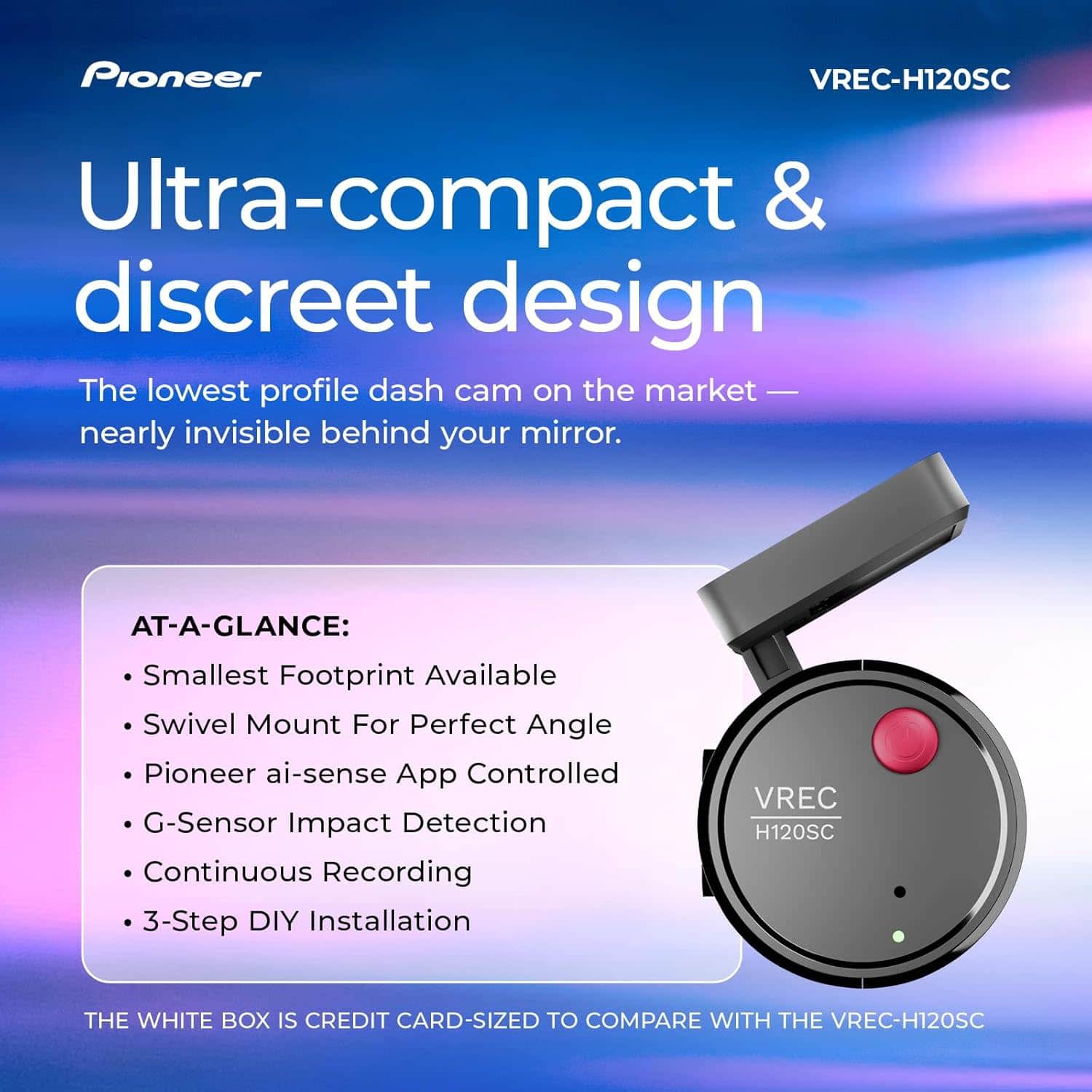
||Posted .This reviewer received promo considerations or sweepstakes entry for writing a review.Super Convenient and Easy set up! So I waited a month to review so I could give honest opinion. This camera is about the size of a golf ball so it can right behind rear view mirror so it's not in the way and the cord easily tucks in headliner and can be ran all the way to power source so that it's not seen at all. Total set up took less than 5 minutes. Once you start/stop vehicle, it automatically turns on or off. Anytime I have to stop quickly or swirve or the camera detects any driving irregularities, it will tell automatically tell you that emergency recording has started. The app is extremely user friendly and the videos are great. I have had no issues or bad experiences with it so far. I am extremely happy I bought this rather than spending more money on something I wouldn't have needed. Thanks Pioneer.
I would recommend this to a friendBrand response from Pioneer Electronics Team
Posted .Thank you for providing the detailed feedback on the VREC-H120SC, we appreciate your time.

Not bad compare to the price
||Posted . Owned for 1 month when reviewed.This reviewer received promo considerations or sweepstakes entry for writing a review.Very average video quality. Hard to see the other car license plate numbers. Do the job done. I am keeping it since other dash cameras on this price point or even higher have similar quality.
I would recommend this to a friendBrand response from Pioneer Electronics Team
Posted .Thank you for providing the feedback on the product, we appreciate your time.
- Pros mentioned:Size, Video qualityCons mentioned:Connectivity

Good basic dash cam however app isn't the best
|Posted .This reviewer received promo considerations or sweepstakes entry for writing a review.As a parent with two teenage drivers, I find that dash cameras are a major help in navigating some of the situations that teenagers find themselves in. I was looking for an easy plug and play solution to be able to move between two vehicles, which is why I picked up the Pioneer Compact Dash Cam. TL:DR - Overall the Dash cam is meant for plug and play use, and targets users who want a basic peace of mind that a dash cam can offer without all the extra features such as GPS and emergency assist. Accessing the app, changing settings, and reviewing video through the app takes time and patience as you must connect directly to the camera through wifi, which doesn't always connect reliably or stay connected. Pros: Compact, very small footprint Easy plug and play setup with the included 9V power adaptor You can view events and recordings via the app You can turn off the audible alerts that state when settings are changed or when the cam stops recording Cons: Connecting to the camera takes time, must connect directly using wifi every time The hardwire kit is not included, which is required to utilize parking mode feature If you have Andriod Auto or other IoT connections, the cam connection seems to get deprioritized and drops frequently. This happens to me if I don't have the app open and actively using it. In the box is the dash cam, windshield adhesive strip, 64 GB microSD Card, 9v (cigarette) charging adaptor, and paperwork. You'll scan the box to download the Pioneer AI-Sense app, which will then walk you through the complete setup. This takes approximately 10 minutes, including connecting to the camera, formatting the SD card, and making sure settings are optimized for your setup. Using the camera is as expected, once you have placed it on the windshield via the adhesive sticker, you need to ensure that you have power either from the enclosed 9v charging adaptor or by hardwiring the camera into the vehicle fuse box. The hardwire kit is not included, which is fine if you prefer to not have the camera hard wired into the vehicle. Upon driving you'll find that the camera records 1 minute video clips, at the resolution you set, up to 1.5k resolution. App features include turning on/off video and audio recording, video resolution quality (1.5k, 1080p, 720p resolution options), turning on parking mode (if hardwire kit is installed), and adjusting measurement settings. You can also view or download from an event library in 1 minute increments, saved by day with a visible time stamp. The best experience I have with this camera is to connect via the app only when needed, for example, when the teenager advised that someone tried to run her off the road on her way to school, I can look through the recorded events and determine if further action is needed. I can also have her download the events, to send to me or to review from the app later. This will ensure they are available after the SD card fills up and starts writing over the existing events (approximately every 8 hours pending usage and resolution). I don't recommend this camera if you intend to interact with recordings via the app on a daily basis, as that is cumbersome to keep and stay connected to the dash cam. On the flip side, you can remove the microSD card and view events from a computer, which bypasses the frustration from the wifi connection issues.
I would recommend this to a friendBrand response from Pioneer Electronics Team
Posted .Thank you for providing the detailed feedback on the VREC-H120SC, we appreciate your time.
- Pros mentioned:Field of view, Size, Video quality
Simple Install and Perfectly Inconspicuous
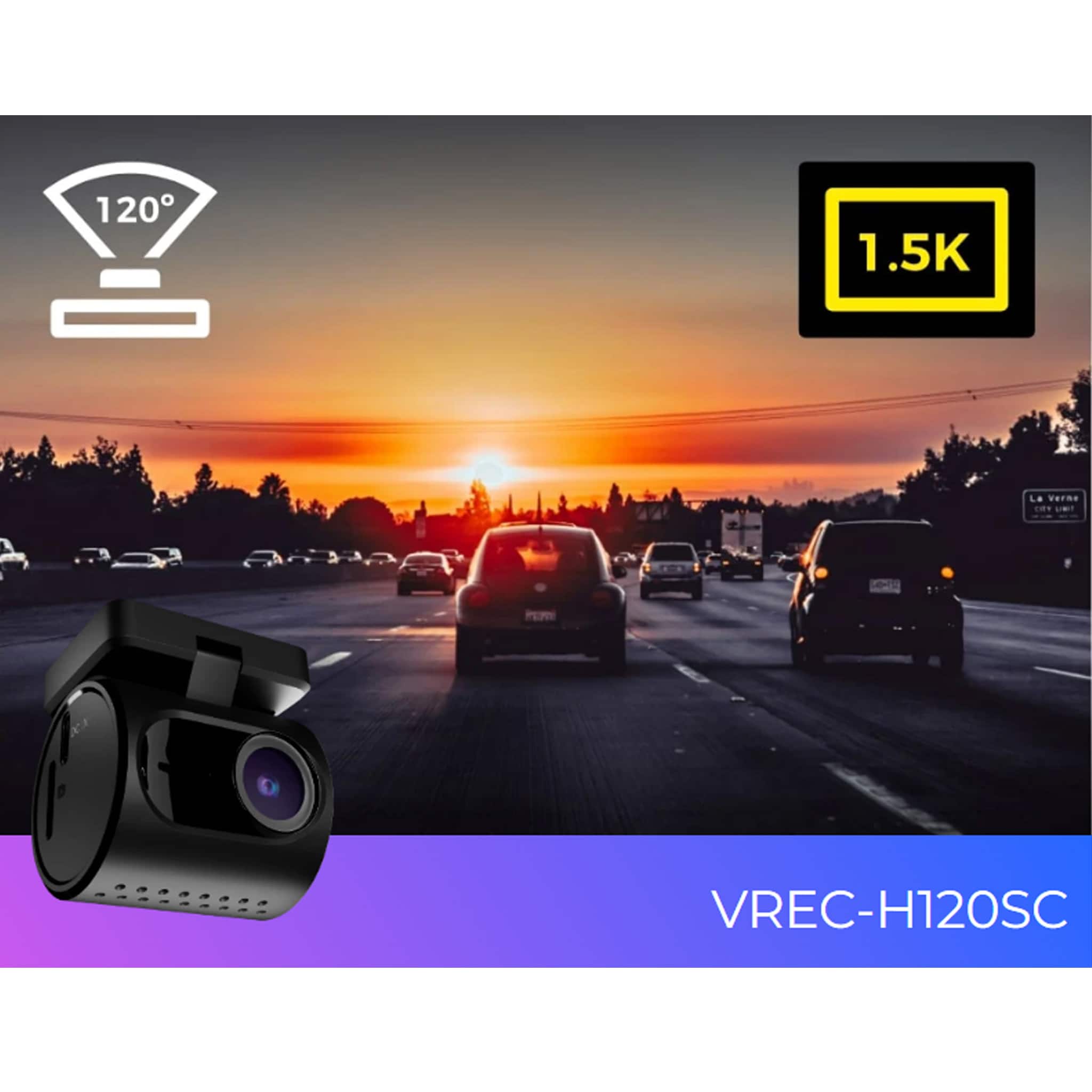
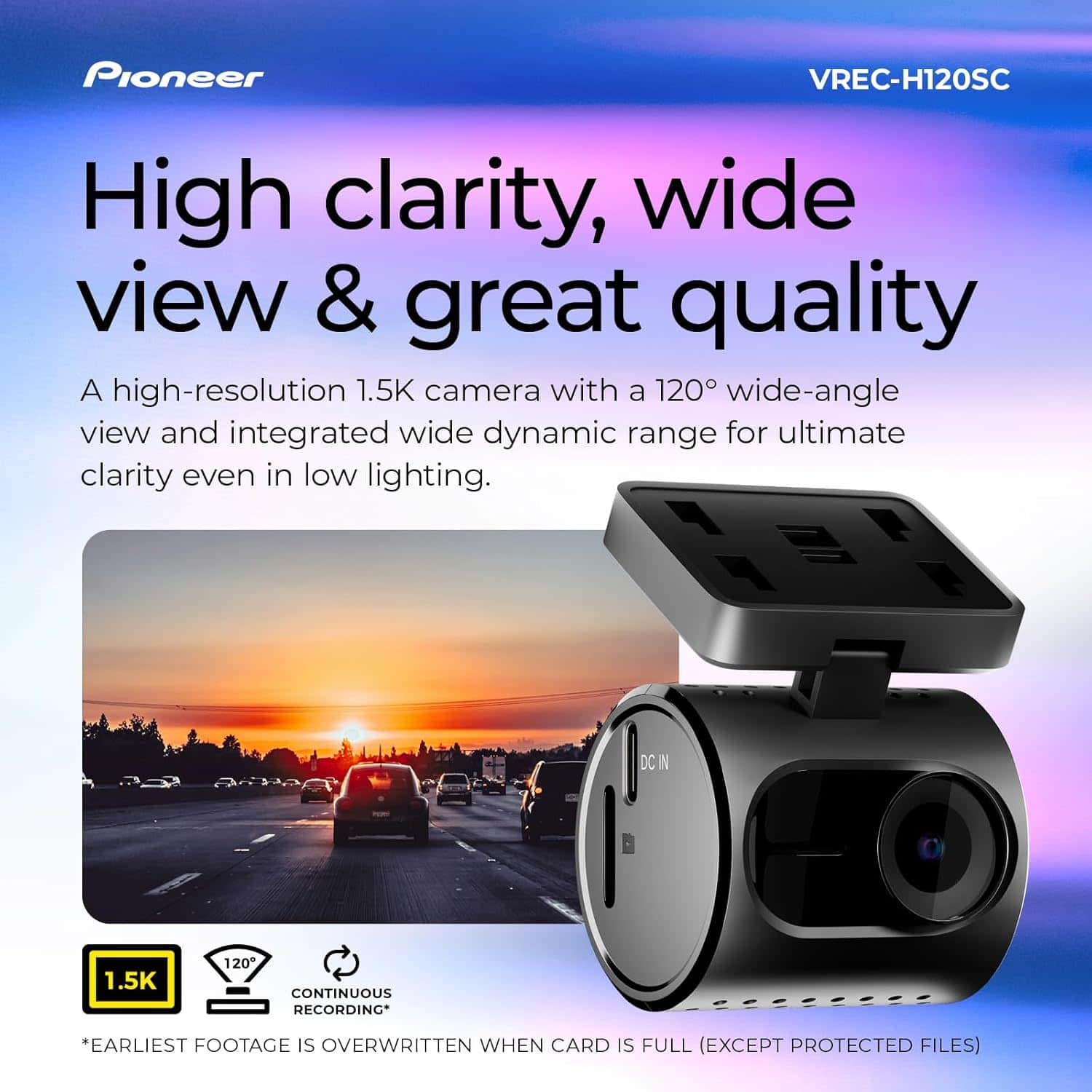
|Posted .This reviewer received promo considerations or sweepstakes entry for writing a review.Over the last week, I tested the Pioneer Compact dash camera, which features 1.5K resolution and a 120-degree wide-angle view. Overall, this is an excellent dash cam for someone looking for an inconspicuous, plug-and-play camera with great video quality. I installed it in a 25 Mustang, which was the easiest install ever. I was fortunate to have a USB-A port on my rearview mirror, so the only effort required was finding a short enough USB cable and deciding where to stick the camera on the windshield. From there, I installed the included MicroSD card and downloaded the Pioneer AI-Sense App. The Pioneer app is intuitive and provides the user interface for the camera. Within the app, I can view live events, download captured footage, modify settings, and turn on parking mode. The only drawback is that the app connects to the camera via Wi-Fi. This caused challenges because my phone would detect that the Wi-Fi connection did not have internet access and would immediately switch to a network that did, unless I intervened and manually told it to stay connected. The faster method for obtaining my footage was simply removing the MicroSD card and plugging it into my computer. The camera features a 120-degree view, which is wide enough to easily capture footage across five lanes of traffic. The 1.5K resolution is excellent, providing sharp visuals without any visible pixelation. Color reproduction was very lifelike, and there was virtually no glare coming from the windshield. All in all, it is a great camera. My favorite thing about this camera is just how inconspicuous it is. It easily hides behind my rearview mirror, resulting in no obstructed view for the driver. Furthermore, from the outside of the vehicle, I could barely see it when looking through the windshield. In conclusion, I think this is the perfect dash cam for me. I would recommend this for anyone who wants an inconspicuous, easy-to-install dash cam with great video quality.
I would recommend this to a friendBrand response from Pioneer Electronics Team
Posted .Thank you for providing the detailed feedback on the VREC-H120SC, we appreciate your time.
- Pros mentioned:Size, Video qualityCons mentioned:App operation
Protect yourself
|Posted .This reviewer received promo considerations or sweepstakes entry for writing a review.People are pretty bad drivers. After having 4 cars totaled, yes 4, within a couple of years of each other, none of which were my fault. I decided a Dashcam could be pretty useful. In three of the accidents I was in, I was rear ended, and in each case, I was pushed into the car in front of me. Luckily for me, it was pretty clear this was the case, but they still ask, and there is still a chance, since you technically hit someone from behind, that you could be blamed. The question is generally, did you feel an impact from the front before the one from the back. With a dashcam, there is no question. You can just show the video. This was very easy to install and has a crisp clear picture. It came with the SD card needed and some double sided tape to hold it in place. The USB C power cable is nice and long allowing for many placement options. The fact that it does not include a built in display, is actually a benefit. It reduces size, weight, and cost. It makes it a rather straight forward and cost effect form of insurance. My only recommendation would be, I would like to be able to easily move this from car to car to car. I drive several cars, and it would be nice to be able to just move this to whichever what I happen to be using. The way you install it, it becomes permanently fixed where it is installed. It would have been nice if it came with some sort of mount that you could slip it into, and then slip it out of and then install another mount in a second car. For my EZ pass, I use Duolock, so I can move my EZ pass between cars. Even that would have been a better option than permanently mounting it. The app was easy to download and install as well. Unfortunately, you do have to install an app before you can use it, because it formats the SD card. And formats it, and formats it. It formatted it quite a few times for some reason. Upon impact, it automatically saves a clip capturing the event. It can capture events while you are parked too. It was nice that the required SD card was included so I didn’t have to figure out which one was the one I needed. Just not sure why it couldn’t be formatted in advance, without requiring me to install an app on my phone to do so. I am not a huge fan of physical products that require another product in order to function. It is fine to require it to enable additional features and make it better, but bare essential operation should be possible without it. If you don’t have a smartphone, and/or are not willing to install their app on your phone, you won’t be able to use this product. With that said, It could pay for itself many times over from a single event. In fact, just knowing you have video of the incident could prevent a scammer or ambulance chaser from trying to sue you. That has also happened to me by the way, which wasn’t fun. It removes all speculation of what happened, how fast was someone going, who hit who first. The way people drive today, it is almost negligent not to have a dash cam to protect yourself, and this is an affordable and effective option.
I would recommend this to a friendBrand response from Pioneer Electronics Team
Posted .Thank you for providing the feedback on the product, we appreciate your time.
- Pros mentioned:SizeCons mentioned:App operation
Mighty Mouse Dash Cam
|Posted .This reviewer received promo considerations or sweepstakes entry for writing a review.A lot of value in a little package! While event detection is nice, loop recording is what I was after. Drivers just seem to be getting crazier lately and I wanted something small and out of the way to fit in my Frontier windshield; which is already not very tall. This size of the dash cam is the size of what a rear window camera or just a little bigger than a universal license plate back up camera. It feels like the VREC-HS120SC is an accessory to go with a bigger package it is so small. Recording capabilities are decent enough, while it can do 1.5k (2304x1296) it is limited to 25 frames per second. I found that footage to be very grainy and too blurry. At 1920x1080 it unlocks 30 frames per second and it was definitely smoother and cleaner footage. It has been overcast and/or raining this week so while not the best weather to get the best footage. I was glad to test in those conditions and happy with the quality. Audio quality was really good and definitely better than I was anticipating. The Android App worked fine, but there is a bit of lag and I don’t like that if you downloaded video or audio to the phone via the app, you cannot later view through the app if you are not connected to the dash cam. Of course, it is accessible via the system file manager, but still odd it is not via the app. Changing any recording settings is a bit of a pain as it requires a restart with each setting change. Since the connection to the camera is done via WiFi and not bluetooth, you have to re-establish connection manually each time it restarts…if you have the connection to not automatically connect each time you turn on the vehicle/dash cam, in which you will want it setup that way so you can retain Cellular data. I was able to run the camera off of a 20,000 maH battery pack so I could test how the camera operated and gauge the field of view before mounting. In the end I decided to not use the sticky mount included and ordered a third-party universal suction mount. It does make the device stick down a little more, but it lets you dial in the exact way you want it without worry of making a mistake. Storage/Recording Time All files record only 1 minute in length, so you will end up with a lot of them! But it makes for faster file creation and reduces the risk of a file not saving. 1 Minute of 1920x1080 = 120MB; 57GB formatted card = 486 Clips or 8 hours of footage. 1 Minute of 2304x1296 = 170MB; 57GB formatted card = 343 Clips or 5.72 hours of footage. 128GB MicoSD card is the maximum storage size so figure on doubling the clip/hours of footage stored with a formatted card if upgrading from the included 64GB card. For my purposes it is fine. I thought about just using an action camera, but the issue with those is overheating because it is continuous recording. Being in the window means direct sunlight and less airflow over the action camera, plus needing to manually start and stop recording without a crash detection. So in the end a dedicated dash cam is definitely a better option for the job. Overall the VREC-HS120SC is a good option for a small and simple dash cam. While the app is a bit laggy and I cannot understand any of the audio alerts, the dash cam gets the job done and at great value. My only real complaint is it not coming with a suction cup attachment to begin.
I would recommend this to a friendBrand response from Pioneer Electronics Team
Posted .Thank you for providing the detailed feedback on the product, we appreciate your time.
- Pros mentioned:Ease of use, Size, Video quality
Little Dashcam... Mighty Power
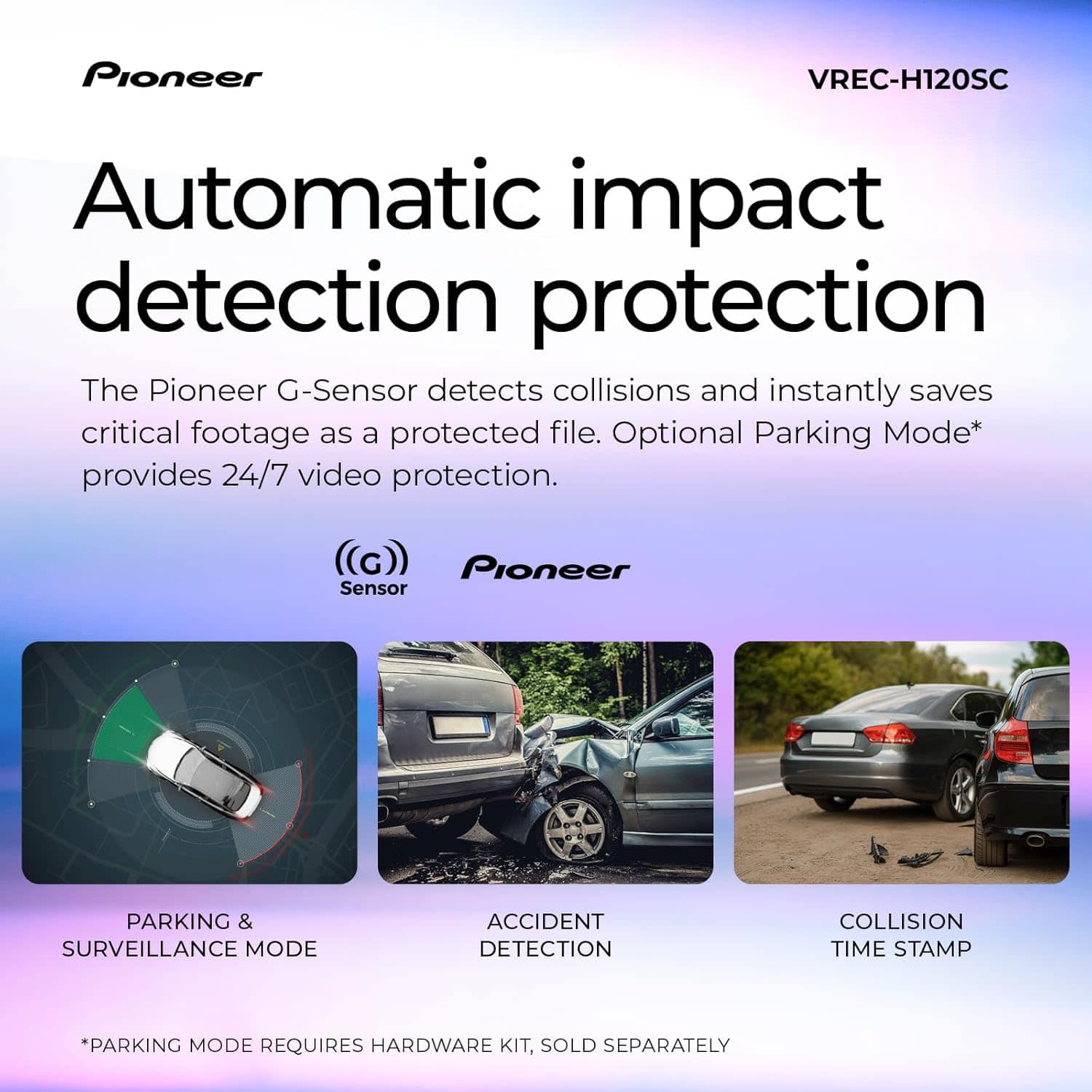
|Posted .This reviewer received promo considerations or sweepstakes entry for writing a review.The Pioneer VREC-H120SC Dashcam is a great compact dashcam option if you're in the market for footage to keep you safe and other accountable. The H120SC comes with everything you need to get up and running and recording the view from your dash, that includes the camera, USB-C cable, 12v cigarette lighter charger, 2-sided sticky pad and a 64GB industrial grade MicroSD card. Setting up the dashcam was straight forward and I would recommend that you set it up before sticking it to your windshield so you can preview the placement before you stick it. The app you download to install it is very simple and user friendly and gives you various options to toggle such as the voice prompts, video quality and parking mode. I would say the quality of the video and footage is satisfactory and should be able to get you out of a jam if required. The unit does get a little hot after a few hours of use but it has vent holes for the heat to escape. The G-Sensor on the dashcam is a little sensitive, I had mine on the lowest setting but it would still trip from time to time and do an emergency recording. These can get a little annoying especially with the voice prompts, maybe in the future they can make a per action voice prompt toggle with a firmware upgrade. All in all, I was impressed with the Pioneer VREC-H120SC Dashcam it is a great option for its price point.
I would recommend this to a friendBrand response from Pioneer Electronics Team
Posted .Thank you for providing the detailed feedback on the VREC-H120SC, we appreciate your time.
- Pros mentioned:Field of view, Size
Pioneer VREC-H120SC
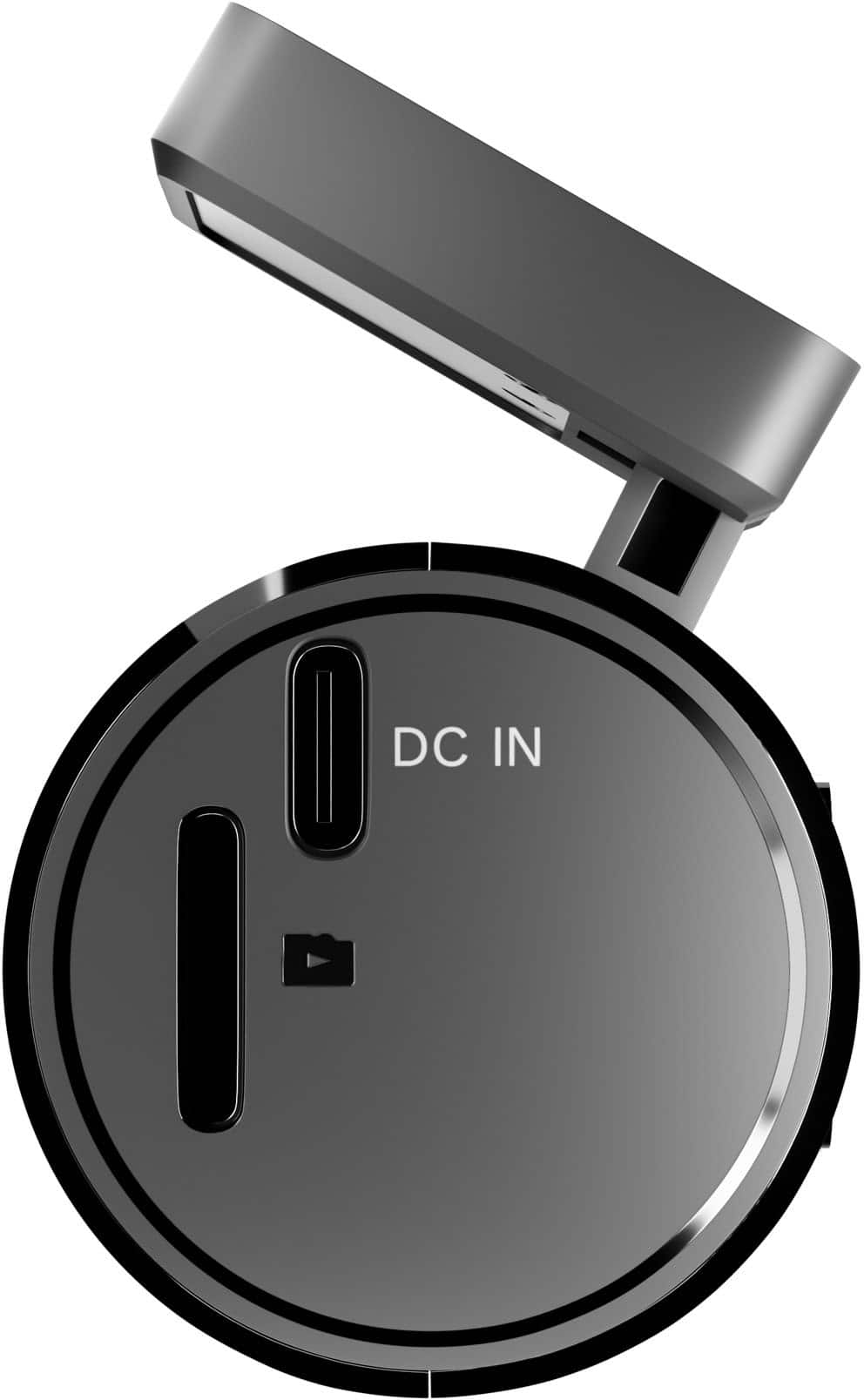
|Posted .This reviewer received promo considerations or sweepstakes entry for writing a review.This Pioneer camera is very compact, I prefer cameras like this that don’t have a video screen built in. I don’t need or want the light pollution of another screen in front of me especially at night. It’s small enough that I can mount it out of sight behind the rearview mirror so it doesn’t obstruct my vision and it has a good view of the road. Once installed, you may not need to view anything for days or weeks at a time so using my mobile device to connect and view/download the clips works fine. It comes with a power cable about 136” long, it’s a usb-C at the camera and usb-A at the power adapter. The power adapter for the car is rated at 1.5a, I was able to use a phone charger in the house to get it initially set up and have a look at it before I moved it to the car. Ideally you will plug in the power adapter to a power point that is only on when the car is running, otherwise you will need to unplug the adapter when you shut the car off to prevent battery drain. In order to have full functionality of parking mode it needs to be hardwired, the hardwire kit is Pioneer RD-HWK300 which is sold separately. One thing I have seen with this and other dash cams that use apps to connect, you have to temporarily turn off Apple CarPlay in order to use the app to view the camera. Your mobile device connects thru the camera’s wifi to view clips and I believe that competes with CarPlay trying to connect to your mobile device. The camera will record just fine with CarPlay running, you just need to turn it off when connecting via the Pioneer app. No big deal, on your mobile device go the Settings/General/CarPlay/select your vehicle/ toggle CarPlay off and then do the same thing to switch CarPlay back on after you exit the Pioneer app. It’s quick and painless, the app connects to my iPhone easily. Once in the app you can configure the camera to your liking. Use the live view before and during mounting to frame your shot. It can make use of up to a 128gb micro SD card, it came with a 64gb card which is about 8 hours worth of recording before it begins overwriting the oldest recording. We took it on a four hour road trip and the card shows as half full. Unless the g sensor triggers a recording it saves in 1 min long clips, they are between 80 and 120 mb per clip. Thru the app you can view and download clips from the SD card for use. Takes between 17 and 26 seconds to download a minute long clip, they are then stored in the app’s Gallery for viewing without connecting to the camera. Clips stored due to the camera’s g sensor can vary in length, I have seen between 5 and 30 seconds saved. Not sure why some are longer than others, a pothole on the highway saved a 5 sec clip and when I was adjusting the camera during mounting it saved the longer clip. Those g sensor activated clips are saved separately in the app for review, the continuous clips are stored by date and time in order so you can find a particular clip easily. The camera records in 1080p by default, you can change that to record 1.5k (1296p) in the app. Video quality is about what you would expect, I’ll attach some screenshots here. With 120 degree field of view you should have good coverage. It does record in-car audio also, that can be turned off if it’s not wanted. You can hear the turn signals clicking when they are on, anyone talking in the car or standing outside the open car windows is recorded so if you had a road rage incident I believe you’d have the audio even if they’re not in front of the camera for the authorities to review. We drove through a light rainstorm on a road trip with it and you could hear the small raindrops hitting the windshield. There is a note in the FAQ that says the camera is fitted with a rechargeable lithium ion battery just to run the built in clock for the video timestamps. The battery will run the clock for three days without a recharge. If the camera is not powered on for more than three days then the clock loses its reference and the timestamp may be off. Powering the camera to recharge the internal battery and connecting to the app will reset the timestamp. At this price point I think this camera is a deal, 1080p may not be able to read license plate numbers especially at night with the headlight glare unless you’re pretty close to the other vehicle but it should be more than enough in the case of a mishap to show what happened and at this price you could afford to put one in every vehicle.
I would recommend this to a friendBrand response from Pioneer Electronics Team
Posted .Thank you for providing the detailed feedback on the product, we appreciate your time.
- Pros mentioned:Ease of use
Great Starter Dash Cam
|Posted .This reviewer received promo considerations or sweepstakes entry for writing a review.I'm so loving how simple this dash camera is. It literally is "Plug n Play" right outta the box. The only real deal is basically the same as everything that has anything to do with the internet. And that, my friend, is the need to download and install the accompanying app to your smart phone. After you do that, you'll on the road. Of course, you'll first have to apply the double-sided tape onto the base and affix it to a clean surface on the interior of your windshield of choice. Impersonally, use it for my work truck, since it's so easy to grab and go. But mind you, once it's affixed to your windshield, you'll have a time getting it off. That being said, just make sure that you choose the optimal area for your camera. It comes with a 64GB micro-SD card (That's awfully kind of them.) so you can start building your traffic log. The charging cable is plenty long enough to install in a large box truck windshield and still have space to feed through interior and reach the charging port. I love that. However, if you want to hardwire this little guy into your vehicle and have it on aware mode, you'll need to buy that kit separately. That's my only real qualm with this on. The price point makes it worth looking over that issue. I think with the holidays coming up, this would be a great for you're young drivers. You may want to buy them that car first. though.
I would recommend this to a friendBrand response from Pioneer Electronics Team
Posted .Thank you for providing the detailed feedback on the VREC-H120SC, we appreciate your time.
- Pros mentioned:Size, Video quality
Great Little Affordable Dash Cam
|Posted .This reviewer received promo considerations or sweepstakes entry for writing a review.PRODUCT Pioneer - Compact dash camera with 1.5K resolution and a 120° wide-angle view - Black Model: VREC-H120SCSKU: 6644076 SUMMARY REVIEW A fine basic small compact affordable dashcam. Because it has no built-in screen you must access the camera from a phone app. However, this can interfere with other wireless devices like android auto. SETUP If very straight forward, insert the included memory card, scan the QR code with your phone and activate. A minor annoyance is that it has the longest terms and conditions I have ever seen on a mobile app, and you must scroll through it all before you can use the device. I’m sure nobody is reading what might be an 80 page document on their phone. There are a few features you can customize on the phone app including video resolution, volume, and so on. There are not many features compared to other dash cams I’ve owned, but certainly enough options for this price point. I suggest you change the storage option to allow it to store highest resolution files and of course the higher resolution files in general. USAGE Overall, it works perfectly fine. I would not hesitate to recommend it for most users who just want to have something unobtrusive record all the time, just in case you need it. I did not love that it creates 1 minute video files. Every other dashcam I have used stores 30 or 60 minute files or at an interval you can control. Again, just a minor thing. PRO’s - Wide Angle Lens - Sufficient Quality Movies and Stills - Small Size - Easy to Set up and Operate Though it does not have all the bells and whistles of some other models, it is also much more affordable. There is no need to spend 10x more for a few more features. I do miss a screen, so that I could use it without a phone, but that is OK at this price point for a name brand dashcam. RECOMMENDATION I would recommend this to anyone who wants a brand name affordable good quality dashcam.
I would recommend this to a friendBrand response from Pioneer Electronics Team
Posted .Thank you for providing the detailed feedback on the VREC-H120SC, we appreciate your time.
- Pros mentioned:Ease of use, Size, Video quality
Solid Dash Cam With Clear Video and FairEasy Setup
||Posted .This reviewer received promo considerations or sweepstakes entry for writing a review.I’ve just started using this Pioneer dash cam but overall it’s been a great experience. The 1.5K video quality is crisp, and the 120° wide‑angle lens captures plenty of the road without distortion. Setup was quick, but you should scan the QR code in the app before mounting. The compact size keeps it from blocking my view while driving. The camera starts recording automatically when the car turns on, which is exactly what I want in a dash cam. The build quality feels solid for the price. For the value, this is a reliable and easy‑to‑use dash cam that does exactly what it promises. It replaced my existing dash can and I purchased one for all of the vehicles that I own.
I would recommend this to a friendBrand response from Pioneer Electronics Team
Posted .Thank you for providing the feedback on the product, we appreciate your time.
- Pros mentioned:Video quality
Super small but nice picture clarity
|Posted .This reviewer received promo considerations or sweepstakes entry for writing a review.Pretty simple but effective dash cam that offers good picture quality. I've used a few different dash cams from other manufacturers and all have their strengths/weaknesses and this one is no different. That said, for something so relatively small, it's a very nice dash cam to use. The first thing I found interesting was the size of this thing. Compared to other dash cams which are usually larger in size, this thing is really tiny. Also it's very lightweight as well so hanging it from wherever in your automobile is going to be a cinch. Most dash cams I've used have had some sort of built-in screen which I find quite useful. This one is so small that it doesn't however, if you download the companion smartphone app, you can connect through to the dash cam using your phone. As such, you're able to make necessary adjustments to the camera as needed as well as share/download any data you have stored on the camera. Included with the camera is a MicroSD card and case, charging cable and cigarette plug as well as mounting tape. Having used this for a bit, quite surprised with its performance. Little thing works very well and can be mounted just about anywhere making it nearly out of sight. Looking for an option/cable to have this auto enable whenever I turn my truck on but that's about it.
I would recommend this to a friendBrand response from Pioneer Electronics Team
Posted .Thank you for providing the feedback on the product, we appreciate your time.
- Pros mentioned:Ease of use, Size, Video quality
Very good Dashcam for the price
||Posted .This reviewer received promo considerations or sweepstakes entry for writing a review.I bought this dashcam on a deal of the day sale and was pleasantly surprised. - Picture is clear - small and discreet - easy to setup - was a very good price Some negstives are to connect you need to connect via wifi to use the software. Since it has no internet, may disconnect when you cell finds another known wifi. Also there is an upgrade needed for other features. All in all it does what I need. Record while driving.
I would recommend this to a friendBrand response from Pioneer Electronics Team
Posted .Thank you for providing the feedback on the product, we appreciate your time.
- Pros mentioned:Size
Just OK, Minimalist Design and Features
|Posted .This reviewer received promo considerations or sweepstakes entry for writing a review.I went with Pioneer because it was a brand I've trusted and because the design and style of this dash cam was compact and minimalist. I didn't want a huge display that dominated the center of my front dash because I already had my phone holder there and I didn't want more stuff blocking my view when driving. This Dash Cam certainly is tiny but I didn't realize how limited that made the functionality. My biggest issue, and to be fair, the camera instructions and setup does state this very clearly, is that this Camera WILL NOT work with Wireless CarPlay at all. That's because both end up communicating with your phone using Wi-Fi and you can't connect to two networks at once. Similarly, you can't connect your phone to a Cellular hotspot while using this camera's app. You can however, use wired CarPlay if your vehicle supports it. Mine does natively, wireless CarPlay is actually a module I use. Unfortunately the App and the Live view both need to connect to the Dash Cam via Wi-Fi. You also need to connect via Wi-Fi if you want to download pictures or videos. So you really are tethered to your phone to use most of the features that might've been usable if you had a screen. That is the big trade-off of no screen. You don't need your phone to start recording, because the Camera will record with certain movements and motion detection and you can also start recording by hitting the side button once. The voice is not very clear unfortunately, but luckily you can at least turn down the volume in the phone app as it is very loud at default. I actually bought a $30 kit to split power from my Car's auto-dimming rear view mirror which was an easy mod that made it look very professional with wire conceal. Unfortunately this does not provide constant power to the unit so parking mode is not enabled. That is a separate kit that requires you to clamp into a constant power source on the car, which then enables the camera to capture other events. While this is somewhat useful, without an internet source while the car is off, you can only record and review later, you can't live monitor your vehicle for events/activity or dings in the parking lot. For a minimalist, basic camera this Pioneer offering is a decent option. My favorite part is that it is tiny and uses very little power and looks very unassuming almost like a spy cam. The quality even at 1.5K isn't great so if you really want to see details like license plate numbers and such, you might consider getting a 4K camera. I did appreciate this unit came with 64GB but it only supports 128GB max.
I would recommend this to a friendBrand response from Pioneer Electronics Team
Posted .Thank you for providing the feedback on the product, we appreciate your time.
- Pros mentioned:Ease of use, Field of view, Video quality
Good product
||Posted . Owned for 1 month when reviewed.This reviewer received promo considerations or sweepstakes entry for writing a review.Iloved the VREC-H120SC! The image quality is excellent, with 1080p Full HD resolution and a 120° viewing angle that captures everything I need. Installation was easy and quick. Motion detection is a great feature. Overall, I'm very happy with this dash cam and highly recommend it.
I would recommend this to a friendBrand response from Pioneer Electronics Team
Posted .Thank you for providing the feedback on the product, we appreciate your time.
- Pros mentioned:Ease of use, Overall performance, Video quality
Overall Impression
||Posted . Owned for 1 month when reviewed.This reviewer received promo considerations or sweepstakes entry for writing a review.This dash cam stands out for its sharp 2K footage, easy setup, and solid performance in both day and night conditions. It’s ideal for drivers who want clear evidence in case of accidents, insurance claims, or just capturing scenic road trips.
I would recommend this to a friendBrand response from Pioneer Electronics Team
Posted .Thank you for providing the feedback on the VREC-H120SC, we appreciate your time.
Brand response from PioneerCustomerSupport
Posted .Hello Calito, thank you for your review. We’re glad to hear the dash cam’s clear 2K video, simple setup, and reliable day‑and‑night performance are serving you well and you are happy with your purchase. Your feedback is truly appreciated. If you ever need help or have questions, we’re here for you.
Sudeep | Team Pioneer
- Pros mentioned:Video qualityCons mentioned:Connectivity
Great value when at a discount
||Posted . Owned for 2 weeks when reviewed.This reviewer received promo considerations or sweepstakes entry for writing a review.Does what it needs to. Good quality image, nothing that will impress but sufficient. The biggest negative is app/setup, the wireless is a pain to configure, buggy. And you can’t go around that to make it work. This is a product from pioneer India and doesn’t serm to have the same refinement that I was used to get with pioneer Japan products.
I would recommend this to a friendBrand response from Pioneer Electronics Team
Posted .Thank you for providing the feedback on the product, we appreciate your time.
If needed, contact our Product Support at 1-800-421-1404, select option 1.
They will provide operational assistance.
Small in size but big in capabilities
|Posted .This reviewer received promo considerations or sweepstakes entry for writing a review.Don't let the diminutive size fool you- this little dash cam gets the job done. With up to 1080p video, a small footprint, crash detection, smartphone app integration, and SD card, the Pioneer H120SC is a high-value dash cam. Installation was a breeze. The included power adapter and cord allowed me to mount the cam on the windshield in my daughter's Spark and stow the cable in the trim around the windshield and by the doors, and under the dash to where it plugged in. Took me all of ten minutes to attach it to the windshield and get it powered up. The H120SC speaks to you too. When powered up, I was instructed to use the app to format the micro-SD card. I downloaded the ai-sense app and connected to the H120SC. Using the app, I could set video quality, format the SD card, and set G recognition (for auto record on accidents). You can also view what the H120SC sees through your phone since there isn't a screen built into the dash cam itself. Throughout testing, the H120SC worked flawlessly, even picking up a spot where we drove a little too fast through a dip in the road and letting us know that it was automatically recording. I know I feel better having this in my teenage daughters car, it truly is a safety device worth having. Highly recommended!
I would recommend this to a friendBrand response from Pioneer Electronics Team
Posted .Thank you for providing the detailed feedback on the VREC-H120SC, we appreciate your time.
- Pros mentioned:Overall performance, Size
SMALL
||Posted . Owned for 2 months when reviewed.This reviewer received promo considerations or sweepstakes entry for writing a review.Just what i was looking for, size wise. other dashcams are bulky and block views. this one is so small i forget it's there. night vision could be improved but good camera overall
I would recommend this to a friendBrand response from Pioneer Electronics Team
Posted .Thank you for providing the feedback on the VREC-H120SC, we appreciate your time.
- Pros mentioned:Ease of use
Easy to install, clear video recording.
||Posted . Owned for 2 weeks when reviewed.This reviewer received promo considerations or sweepstakes entry for writing a review.The device was wasy to install, especially if you have an existing usb input that is out of sight. Wires were a little thick but still able to hide. Does not include a parking kit.
I would recommend this to a friendBrand response from Pioneer Electronics Team
Posted .Thank you for providing the feedback on the product, we appreciate your time.