The vast majority of our reviews come from verified purchases. Reviews from customers may include My Best Buy members, employees, and Tech Insider Network members (as tagged). Select reviewers may receive discounted products, promotional considerations or entries into drawings for honest, helpful reviews.
Page 5 Showing 81-100 of 114 reviews
Rated 2 out of 5 stars
Not what I expected…
|
|
Posted . Owned for 5 months when reviewed.
This reviewer received promo considerations or sweepstakes entry for writing a review.
These cut in and out. They have to be turned off and on in order for my computer to recognize them. Def not a fan.
This reviewer received promo considerations or sweepstakes entry for writing a review.
Caller do not hear me, this headset is not compatible for Dell laptop or ring central.
I thought the headset mic was not working, i exchanged for 2nd one. Nope its the device.
I end up purchasing another brand that was VERY expensive. It work perfectly with dell and its 100% noises cancellation.
This reviewer received promo considerations or sweepstakes entry for writing a review.
I've tried countless headsets, headphones and earbuds over the years and I'm still holding out hope for a top-performing, all around best choice that can deliver equally well with both its microphone(s) and drivers. And to be clear--the 4320 is not that all around performer. But let me explain.
Since the pandemic hit, me (along with countless others) have been looking for this holy grail device for obvious reasons--who doesn't want great media consumption headphones alongside something you can use for work-from-home? More than anything else, I find headphones and earbuds that have onboard microphones--some good, some not so good--but deliver reasonably clear and enjoyable audio playback. The sort of holy grail of headsets is something that still elludes us, and least as far as I've discovered.
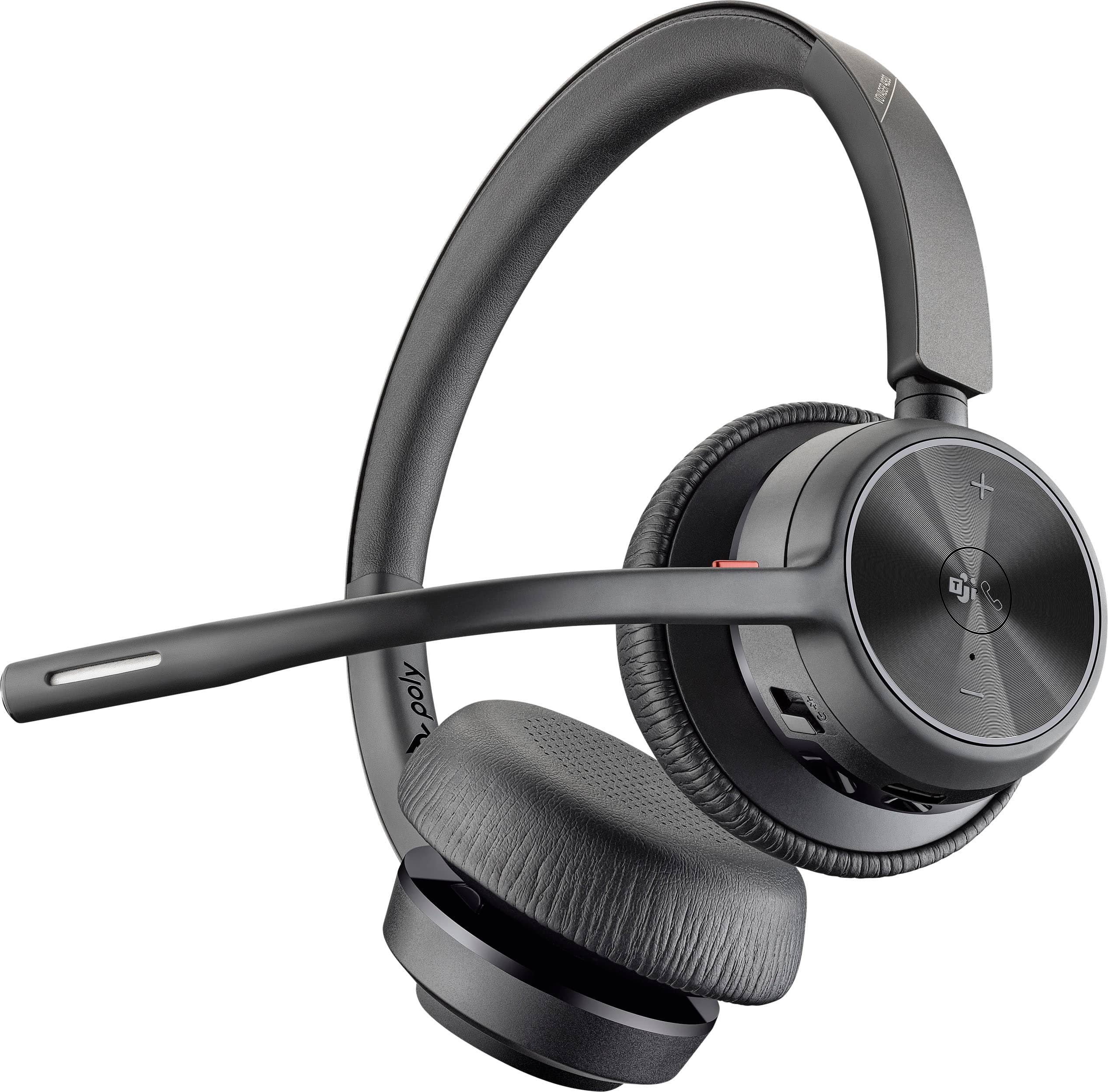
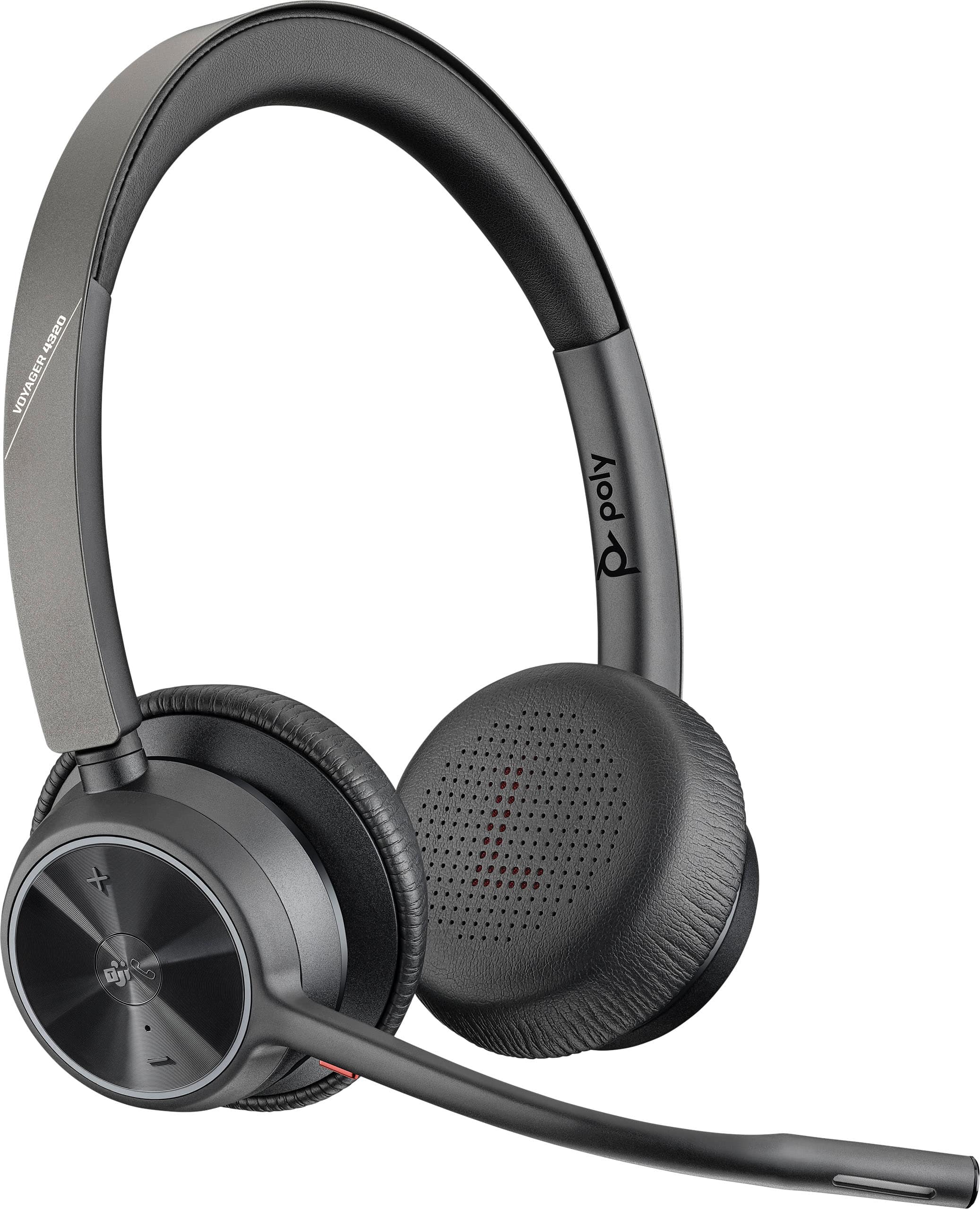
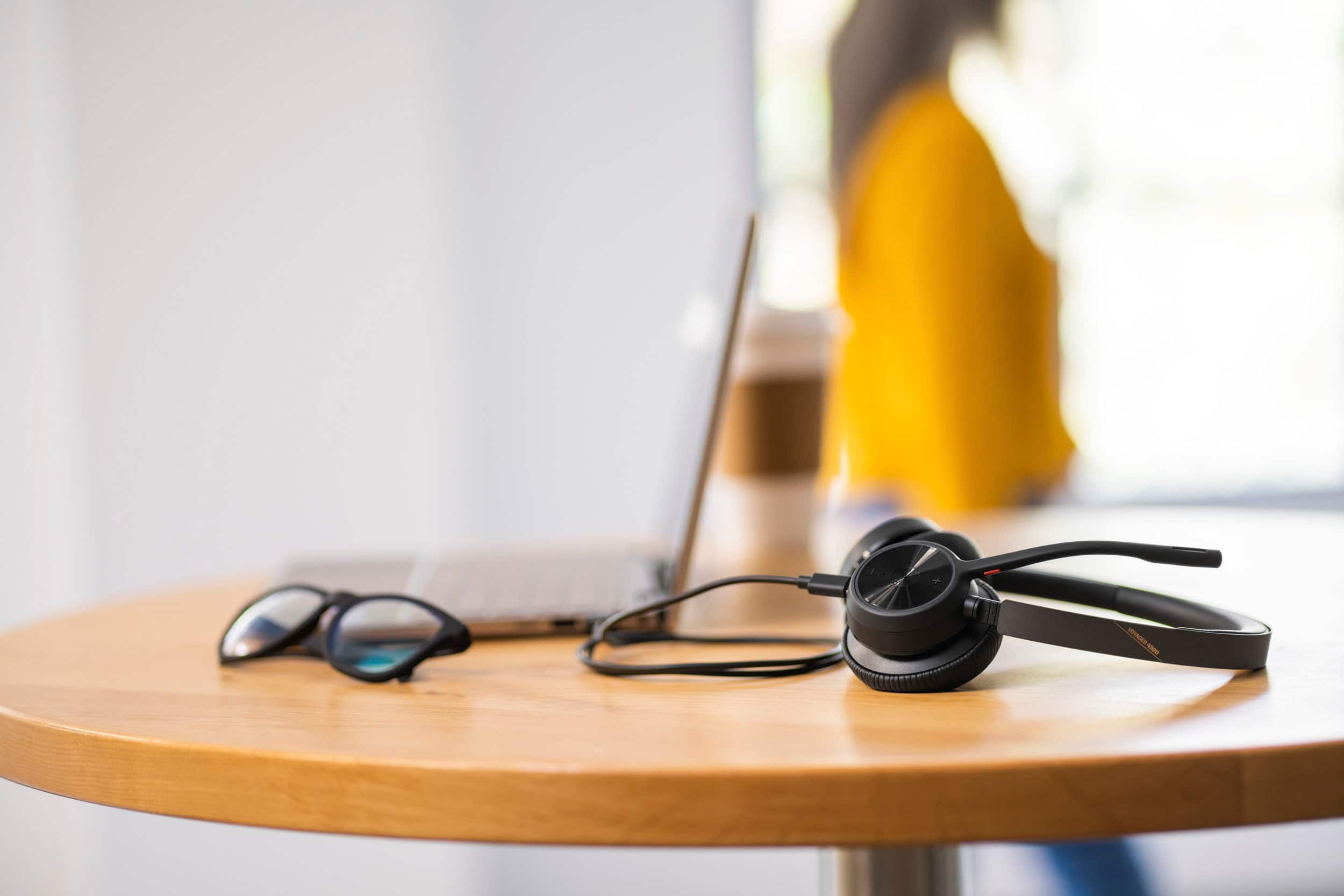
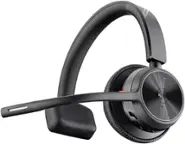
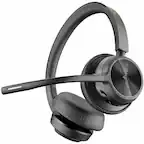
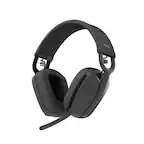
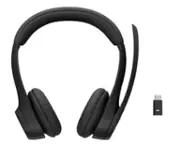
But that's not to say you can't have an awesome set of headphones, and also an awesome headset for work. The Voyager 4320 UC might fill that gap in your repertoire. This is a very lightweight headset, with a boom mic that extends toward your mouth, providing optimal microphone performance. The ear cups aren't overly thick or bulky, and sit on your ears. Due to their position on your ears and the light weight, there is little-to-no wearing fatigue for longer meetings (or strings of meetings), and everything breathes well so it doesn't get too hot.
The 4320 has a dedicated button for Microsoft Teams, comes with a USB adapter for connecting to your PC, and can connect via Bluetooth to your cell phone. It can quickly switch between multiple devices, so you can leave a call on your cell and join a webinar on your computer fluidly. Onboard buttons allow you to put the headset in pairing mode as well as quickly mute (the boom, when folded all the way up, also mutes).
In some ways this headset is built for an enterprise environment--the aforementioned USB adapter allows for plug-and-play operation on your corporate computer, without any installation/administrative rights required. And, the 4320 is compatible with many mainstream phone systems: Cisco, Avaya, Mitel, Ring Central, and others (requires an additional accessory if your desk phone doesn't have bluetooth capabilities).
As a standalone headset, it charges via a USB-A to USB-C cable, which can also be used simultaneously when on a call (if you run out of battery). But, you can easily get through an entire day of meetings without worrying about recharging.
Although the microphone can't be moved from ear to ear, the headset can be turned around and warn comfortably if you prefer the mic on the left side. Included in the box is a soft carrying case that doesn't offer much protection, but does a good job holding the headset and any accessories.
The headset retails for $169, and even if purchasing this out of your own pocket (i.e., your employer doesn't buy it for you), I think it's well worth the price. Two and a half years after the start of the pandemic, I wish I had gotten this sooner...would have saved a lot of "technical difficulties" at the start of meetings.
This reviewer received promo considerations or sweepstakes entry for writing a review.
Although I’ve used other Plantronics single ear headsets before, and used Polycom speaker phones in conference rooms in my past working life when situated in an office, I did not know that Plantronics acquired Polycom in 2018 in order to create a leader in voice and video collaboration technology.
However, the experience of living through a global pandemic and working exclusively from home made the use of a comfortable headset for daily video conference calls a must. My requirements were to find a headset that did not produce ear fatigue like in ear buds and had all day comfort. I want to be able to participate in Teams calls, answer my cell phone, and listen to music without having to switch back and forth between different types of headsets. The Voyager 4320 UC meets all of those requirements superbly.
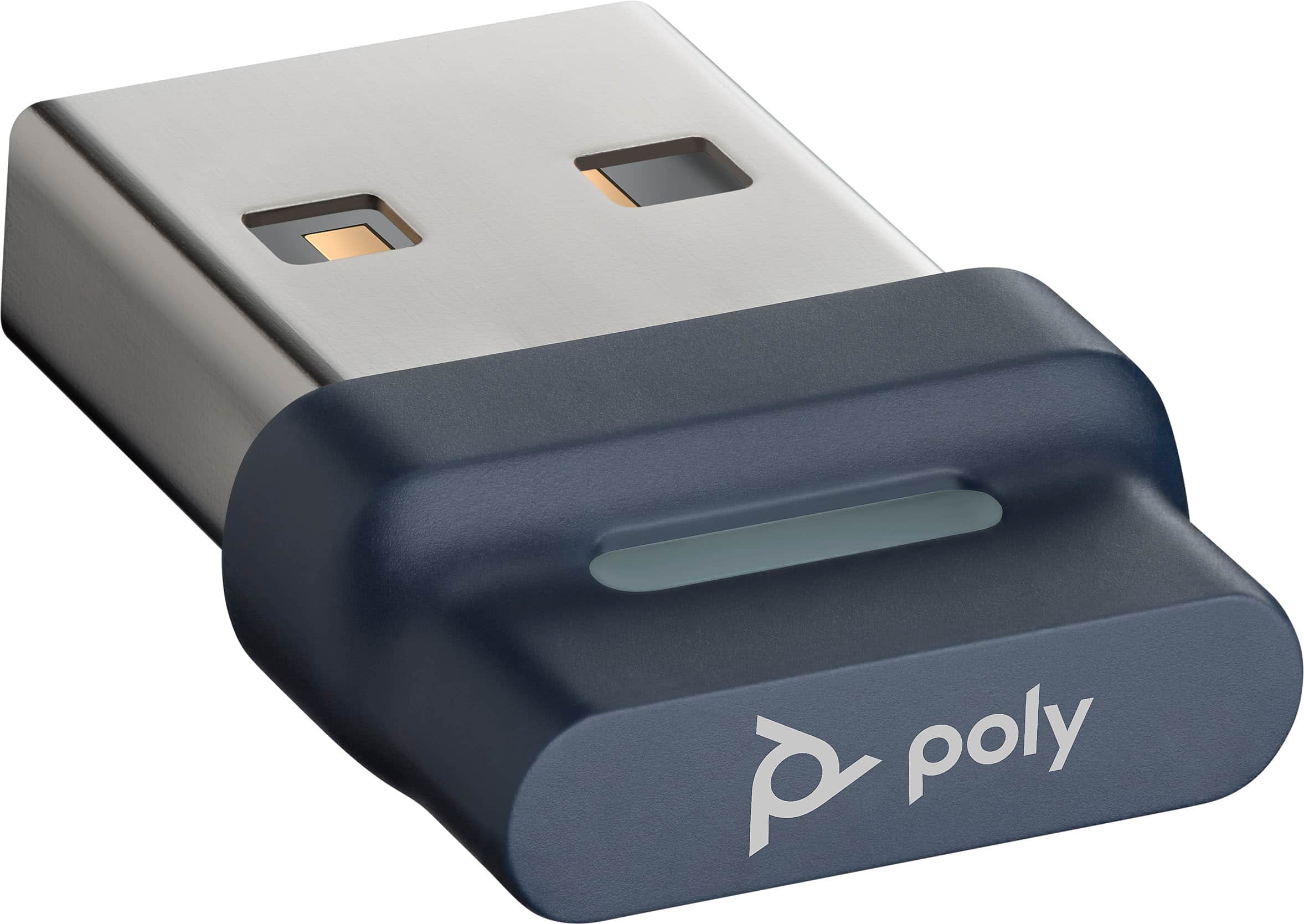
To start at the beginning, the packaging is pretty sturdy to prevent any shipment crushes. Besides the headset itself, the box includes a USB-C charging cable, a BT700 USB Adapter (which has been paired to the headset at the factory) and a soft carrying case.
The Voyager 4320 UC is a product that enhances productivity by connecting to both a desktop and a mobile device simultaneously via multi point technology (up to eight devices can be paired to it). Bluetooth is v5.2 The Bluetooth range is a generous 164 feet (50 meters) thanks to the custom USB adapter. The adapter is paired to the headset at the factory, but you can re-pair it if you need to.
It is strongly recommended to use the supplied Bluetooth adapter rather than relying on the personal computer’s Bluetooth to achieve this kind of range. There’s a light on the dongle to display status: flashing red and blue indicates pairing, solid blue means the headset is connected, flashing blue indicates on a call, solid red indicates mute is on, and flashing purple shows that streaming media is coming from the computer. . The USB-C Charging cable is 4.9 foot (1.5 meters) long. I did not test it using Zoom, but did find it easy to use with Microsoft Teams
Although multipoint technology is becoming more prevalent with in ear headphones, it’s satisfying to see it being brought to this type of headset and is easy to configure.
There are status lights on the headset to indicate to people around you (whether still at home or back in an office)
The flexible boom mic is attached to the right ear cup; you can flip the headset around and swing it over if you prefer your mic on the left.
The weight of the headset is .35 lbs (162 g). I normally experience ear fatigue when using in ear buds all day long, so this is a good solution to the work from home situation.
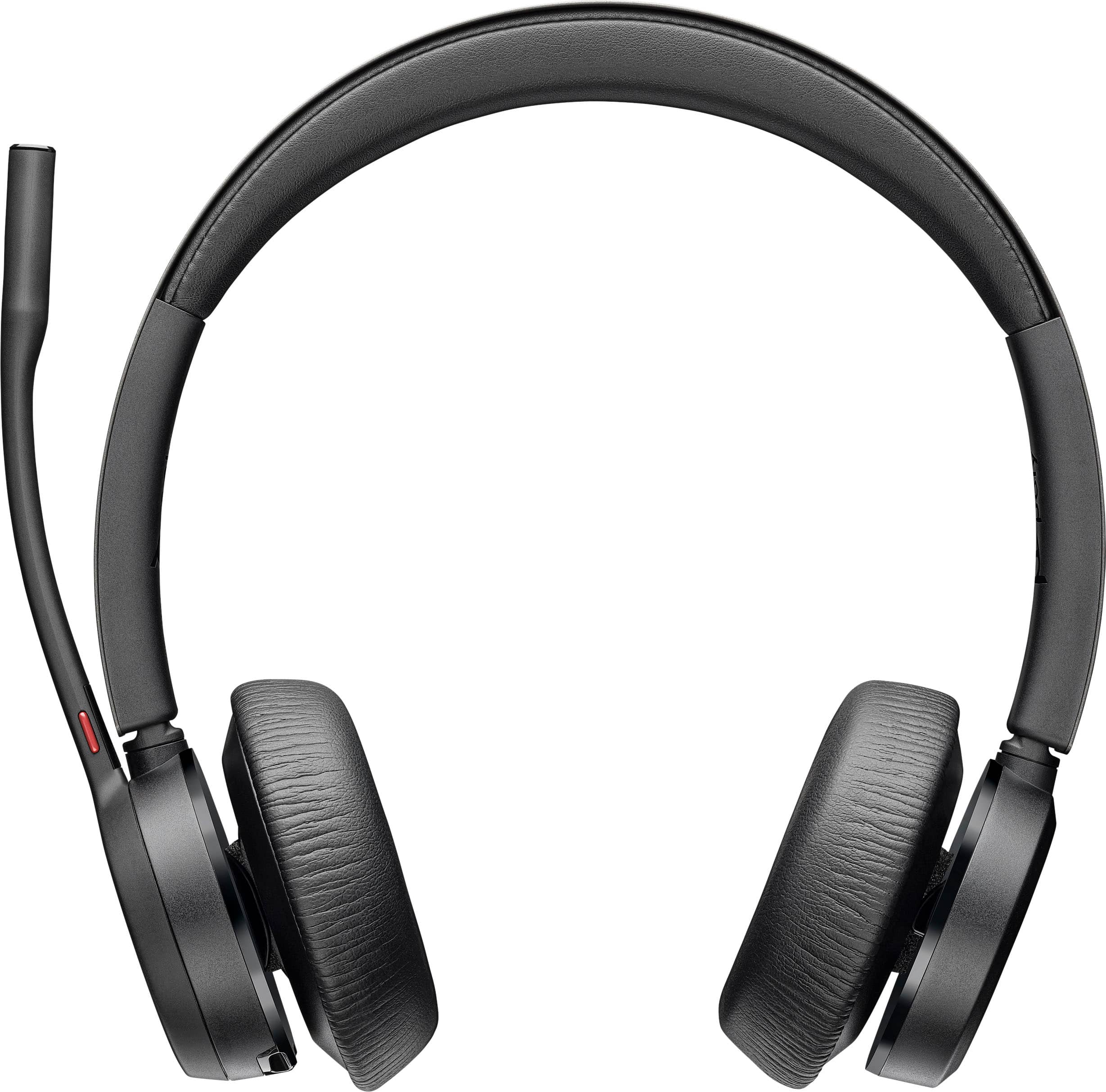
The head band and both ear cups are well padded, although the headset felt a bit tight the first few days of use. I didn’t have any problems with wearing glasses while wearing the headset, which is good to know if you do wear glasses while working. The head band can be adjusted to accommodate varying head sizes.
The headset has about an 80% charge in the box so you can begin to use it immediately. The battery life is supplied by a 350 mAH lithium ion. Although it’s rated at 24 hours wireless talk time (listening time is 47 hours), you can plug in the charging cable and use it as a wired device if you don’t have time to charge it. It’s rated at 1.6 hours for a full charge, and you can get 10 hours of listening time after a 15 minute charge. Standby time is up to 50 days.
The box contains a Quick Start card with a QR code that links to the online manual from your phone. The card itself shows a view of the manual controls as well as how to quickly connect to a computer and to pair it with your mobile device.
I downloaded the Poly Lens desk app for a Windows PC (MAC app version is also available) to allow for customization, since it’s not intuitive for adjusting the voice audio for phone calls in order to hear my own voice through the headset. I had to read the manual online to get it to work the way I wanted. The box contains a printed manual, but the print but it’s so much easier to read it on line. The Lens app will also indicate battery status.
I don’t normally use Siri, Google Assistant or Cortana, but you can designate one of these as your default voice assistant if you use them.
There are two mics in the boom, and something called Acoustic Fence technology that creates a virtual fence around you for major noise reduction. People listening to me on calls commented on how clear and crisp my voice sounded for a Bluetooth headset. They did not hear any room noises (like a dog barking or garbage trucks going by the house) so the fence must be doing its job pretty well.
When not on calls, the sound is excellent for listening to music during the day. I was pleasantly surprised how high quality the sound is and is comparable to higher priced music headphones. The lows and the mids seem well balanced.
The headset itself has easy to use physical controls are call answer/end, mute, volume +/-, power on/off/pairing. When not on a call and connected to a desktop computer you can tap the TEAMS button to view the TEAMS app (TEAMS app on the phone is not supported)
Overall, this takes a little bit of getting used to compared to other types of in ear headphones. In ear buds don’t always interact seamlessly with TEAMS on the desktop, or other soft phone technology. Since Plantronics has always been superior for this type of use, they make it easy to use once you get everything set up properly. Being able to effortlessly switch between listening to music, participating in TEAMS call, and answering cell phone calls makes working from home a breeze.
This reviewer received promo considerations or sweepstakes entry for writing a review.
Bought in April. Four months in and the mic is no longer working properly. It’s either not capturing my voice or capturing half sentence. I have to hold the mic closer to my mouth to get a full sentence heard. Absolute rubbish.
This reviewer received promo considerations or sweepstakes entry for writing a review.
These headphones connected easily by bluetooth and by the dongle. The range that I could move away from my computer was really good — I’m on a three floor townhome and it didn’t cut out from the 3rd floor until I reach the first (garage)…and then re-connected when I stepped outside to set the trash out.
I had to find just the right spot on top of my head for comfort, but was able to find a spot (the band is cushioned a little). The ear pieces are fine - my left ear gets a little sore if I’m in (online) meetings quite a bit, so I have to move it forward some, but that’s no different than other on ear headphones.
The headset does a good job quieting noise and the microphone does a good job cancelling surrounding sound - before my computer connected to my headset she could hear my husband talking on his online meeting and when I connected the headset, she couldn’t hear him talking.
These are easy to charge and have held a charge well all week. I’ve been in 9+ hours of meetings since I started using them this week and haven’t gotten a notice that they’re low yet. I do turn them off in between meetings.
The one little drawback is that I wish the dongle had a spot to store it in the headset itself. It comes with a bag to carry the headset, cable, and dongle. Otherwise, I’m happy with these: good sound, good mic, and wireless with good range.
This reviewer received promo considerations or sweepstakes entry for writing a review.
For my job, a high quality, reliable headset is part of my dress code. I am on the phone between four to eight hours a day. I moved to work from home several years ago and was given a wireless Plantronics headset for my home office. The Plantronics headset is still running like a champ five years later. Except the battery can no longer operate the headset for more than four hours before requiring charging. My choices were to buy a new battery, if I could find one, or replace the headset. I chose to go with the Voyager 4320 UC mostly because the styling and the headset controls were very similar to my original Plantronics headset. And so far, I feel like I made a great choice.
First, the headset is lightweight and very comfortable. The headband is made up of several parts. The band is a combination of plastic sleeves, metal, and a vinyl wrapped cushion. The plastic sleeves contain armatures that extend and retract to fit a head size up to about 9” in diameter. The armatures are notched so they will stay put when set. The ear cups can move about 5 to 10 degrees off axis in every direction, and the mic boom is flexible enough to allow almost any position you find it the most comfortable for use. The attention to detail regarding comfort and adjustability is really first class in my opinion. Probably the best I have used, for business, in my 20+ year career.
So how do the Voyager 4320 UC sound? They sound excellent! My primary use is Microsoft Teams. MS Teams calls were clear and without disruption on my end. The headset will not magically make someone with a junk connection sound any better or clear up any static. But, it also did not change the way anyone sounded.
Poly reports that the microphone employs a technology they call an Acoustic Fence. Essentially, this feature filters out background sounds like people talking or making other bothersome noises in the background while you are trying to conduct a meeting. The background noise for my environment includes random road noise, breathing (yes, this is an actual concern), and typical work from home noises such as TV, talking, and radio. Now, I did not go as far as flush a toilet, cook lunch, or wash my hands while un-muted. Those are sometimes referred to as “career ending” moves and not something I am going to risk for a review. But feel free to give it a try if you want. I did ask several times how I sounded. I was told that my voice was strong and clear. What more can I ask for?
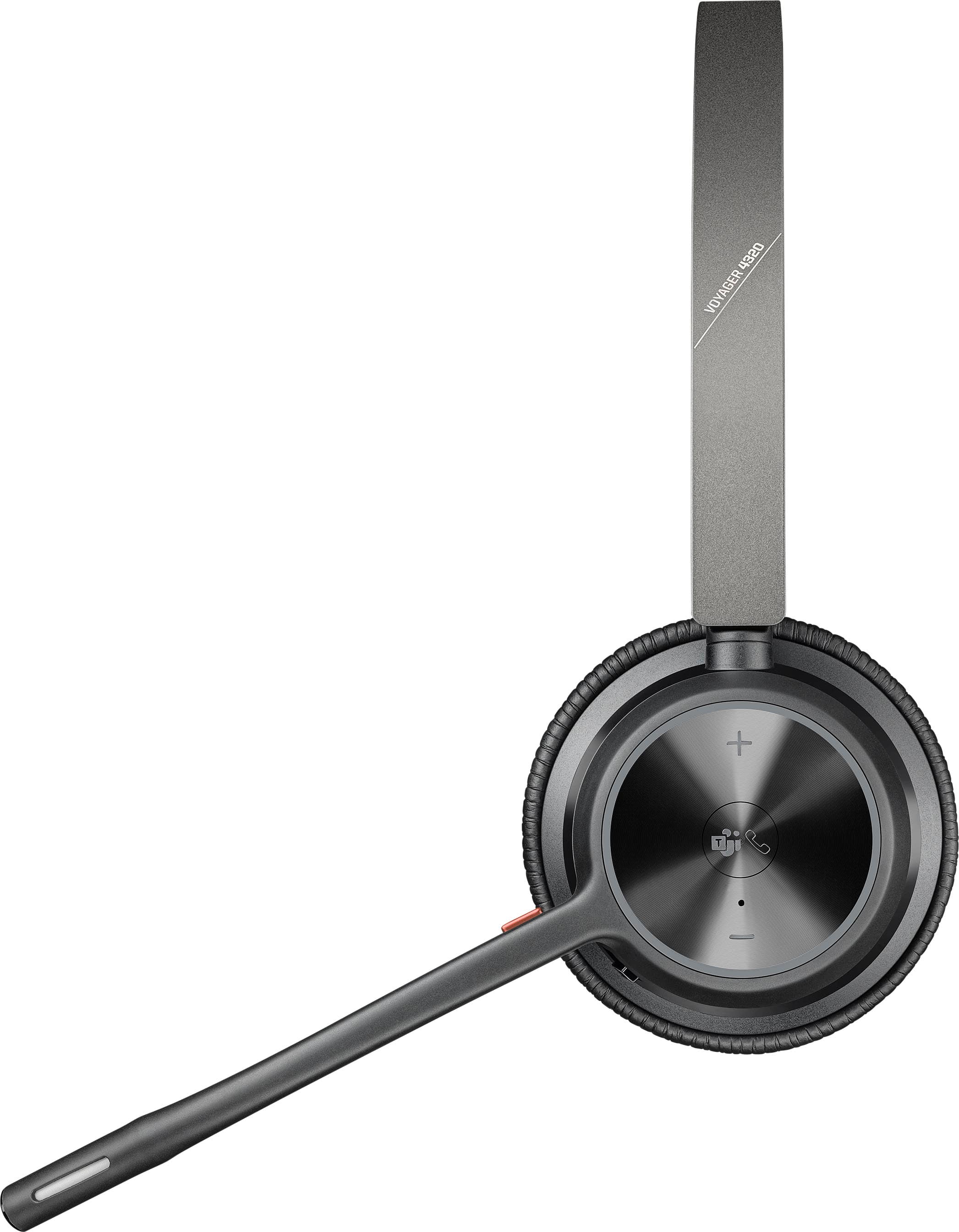
The controls are on the right ear cup. The vinyl covers on the ear cups have an R and L cut out with a red background for easy identification. If you are using the Voyager just for phone calls and conferencing, then there is no reason to worry about which ear cup is for which ear. It’s all mono. The right ear has volume controls, a Phone/MS Teams button, and a combination Power/Bluetooth pairing switch. The volume buttons are essentially a giant, round rocker switch tactile plus and minus symbols. The MS Teams/phone button is a separate button and is dead center on the right ear cup. The MS Teams/Phone button also has tactile symbols on the surface for easy identification.
Mute is a little red button at the base of the mic boom. The headset will give you an audible warning if you try speaking while muted during a MS Teams meeting. The mic boom will also rotate 270 Degrees around the right ear allowing you to wear the headset with the mic boom on the left or right. This maximizes comfort and customization.
The included dongle is small, has an indicator light, and was instantly identified and configured by Windows 10 when I plugged it into my work computer. Pairing the heads with the dongle was instantaneous. Windows also set the headset up as the default sound and recording device. Finally, MS Teams found the headset and set up the Voyager as the preferred recording and listening device. The light on the dongle is green when transmitting and red when on mute. I also have a wireless dongle for my mouse in the USB port next to the dongle for the Voyager 4320 UC. Zero issues with this configuration.
So, what don’t I like about the Voyager 4320 UC? First, I do not totally understand the Microsoft Team’s button. There is a 50/50 chance that pressing the button will bring up the Join Meeting screen in teams if the Outlooks provides the pop-up reminder. If there are competing meetings (like no one reading this review has ever been double or triple booked) then the Teams button does nothing. The button works with incoming calls. Then, so does lowering my mic boom from straight up to its normal listening position. This button may be more useful when leverage with a cell phone or office phone. I just have not found any good use for it.
Second, the integrated verbal and non-verbal prompts can get loud if you are not careful. For whatever reason, the prompts do not move in lockstep with the call volume. For example, I may have the meeting volume turned down to a comfortable level but the beep when pressing the mute button blows out my ears. I found that the only way to adjust the volume is to disconnect from wireless and then use the volume buttons on the right ear to adjust the Voyager’s prompts to something comfortable. It can be done. But it was a bit of a guessing game to figure this out.
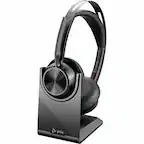
Finally, I wish the headset shipped with the matching cradle. Poly sells several matching cradles so I can always go buy one. The Voyager 4320 UC does ship with a USB A to USB C cable for charging from either the USB port on my computer or from a separate USB equipped power supply. I also have a headset stand that I use for my gaming headset. I have since repurposed it hold the Voyager. The good news is that the headset will hold a charge for a few days of usage. So, inconvenient yes, but the long battery life offsets this a bit.
Final thoughts: I am really liking this new headset. It checks all my boxes. There are some minor issues that are relatively easy to work around. The speakers and headband are comfortable. Transmitting and receiving are crystal clear. I can adjust the headband to pretty much any position I need to. And the Voyager 4320 UC screams quality. Transmission quality is excellent. The headset is so light that I often forget that it is hanging around my neck when not in use. I highly recommend giving these a try.
Great All-Day Headset for Users and IT Departments
|
Posted .
This reviewer received promo considerations or sweepstakes entry for writing a review.
It was truly amazing timing that I got a chance to review the Plantronics Voyager 4320 headset. My company has recently begun a migration to a new VOIP provider and I've only been on the periphery of the project on the IT side. Once I started reading up on the 4320 in advance of this review, I found out about the Poly Lens desktop app and the cloud management features possible through the Poly Lens management site. As an IT Engineer, this was a huge deal for me and I got (embarrassingly) pretty excited about getting the 4320 in my hands (and on my head).
As a headset, the Voyager 4320 is in a satisfying middle ground for features and price. It's a significant upgrade from budget headsets in pretty much every way. To me, the two most important features for an office headset are that it has electronic noise canceling on the microphone, and that it is comfortable to wear all day. The Poly 4320 checks both these boxes. The only negative with the noise canceling mic is that you may want to disable the lower quality noise canceling that's built into Teams or Zoom, but I haven't had a problem with it yet personally. Lower end headsets won't be as comfortable and won't have a noise canceling mic, higher end headsets will usually add active noise canceling to the headphones. I found the Voyager 4320 does a good job of sealing my ears (as an on-ear headset) without needing people to shout to get my attention, so the lack of ANC doesn't seem like a big deal given the price.
Range is very good with the included BT700 dongle. At home, I was able to walk down to my kitchen to get a drink while staying on a call, and that's a welcome feature for me. The 4320 can also function as a wired headset if you connect the included USB-C charging cable - I'm so glad more devices are coming with USB-A to USB-C adapters, and that it continues to work while charging.
For IT Departments, the Poly Lens app is HUGE. I've already done a deployment to some test users via Intune and added SSO capability with Azure AD. Once installed on the end user's PC, they just sign in with their MS 365 account and it automatically adds their headset to inventory. You can check for devices that need a firmware upgrade, adjust settings like sidetone or hearing protection, and your helpdesk staff can use the software to help a remote worker troubleshoot. Totally awesome and VERY easy to implement - I had it set up for deployment in less than an hour. And it's totally free. Well done, Poly!
This reviewer received promo considerations or sweepstakes entry for writing a review.
This is BY FAR the best headset I've ever used! Zoom or Teams; my iPhone or my PC. It works perfectly. We've all spent the last 2.5 years working at home and in the office; I wish I had this headset the entire time. Seems like a lot to say, but the Voyager 4320 is really just that good.
I use Teams extensively for work, as well as Zoom for online collaborative team projects. Whatever platform I use, my calls are crystal clear, with no dropped calls and no garbled sound; pretty amazing actually. The USB dongle is wonderful, and there is no pairing; it works in seconds on my PC.
I wear these for 8+ hours sometimes, with remaining battery at the end of the day. The ear cushions feel like a buttery kid leather, and are amazingly comfortable even with 8 hours of use. The boom microphone is constantly adjustable, instead of having pre-set 'clicks'. The boom mic also has a prominant mute button, so there is no searching for it if you need to quickly go on mute during a meeting.
The Voyager 4320 paired flawlessly with my iPhone 11 PRO, and equally well with my iPhone 14 PRO. The same result as with my PC; crystal clear stereo sound with no dropped calls. Pairing was easy, with no errors.
The construction is very solid. It comes with a soft black drawstring bag for storage and transport; a small pocket with hook-and-loop closure is thoughtfully placed at the top of the bag for storage of the USB dongle. The ear cups have 'L' & 'R' incorporated into them as small perforations in the leather so the cups are comfortable.
The app is extremely functional and useful for the adjustment of settings, like choices for button functions and lights, and even has a 'Find My Headset' feature. Hands down, the best headset I've ever used!
This reviewer received promo considerations or sweepstakes entry for writing a review.
I've been using the Poly Voyager 4320C all day in the office and sharing my thoughts, but first:
In the box
- Plantronics/Poly Voyager 4320 UC Headset
- USB A to USB C cable (for charging, but also as a wired headset)
- USB A receiver/connection dongle
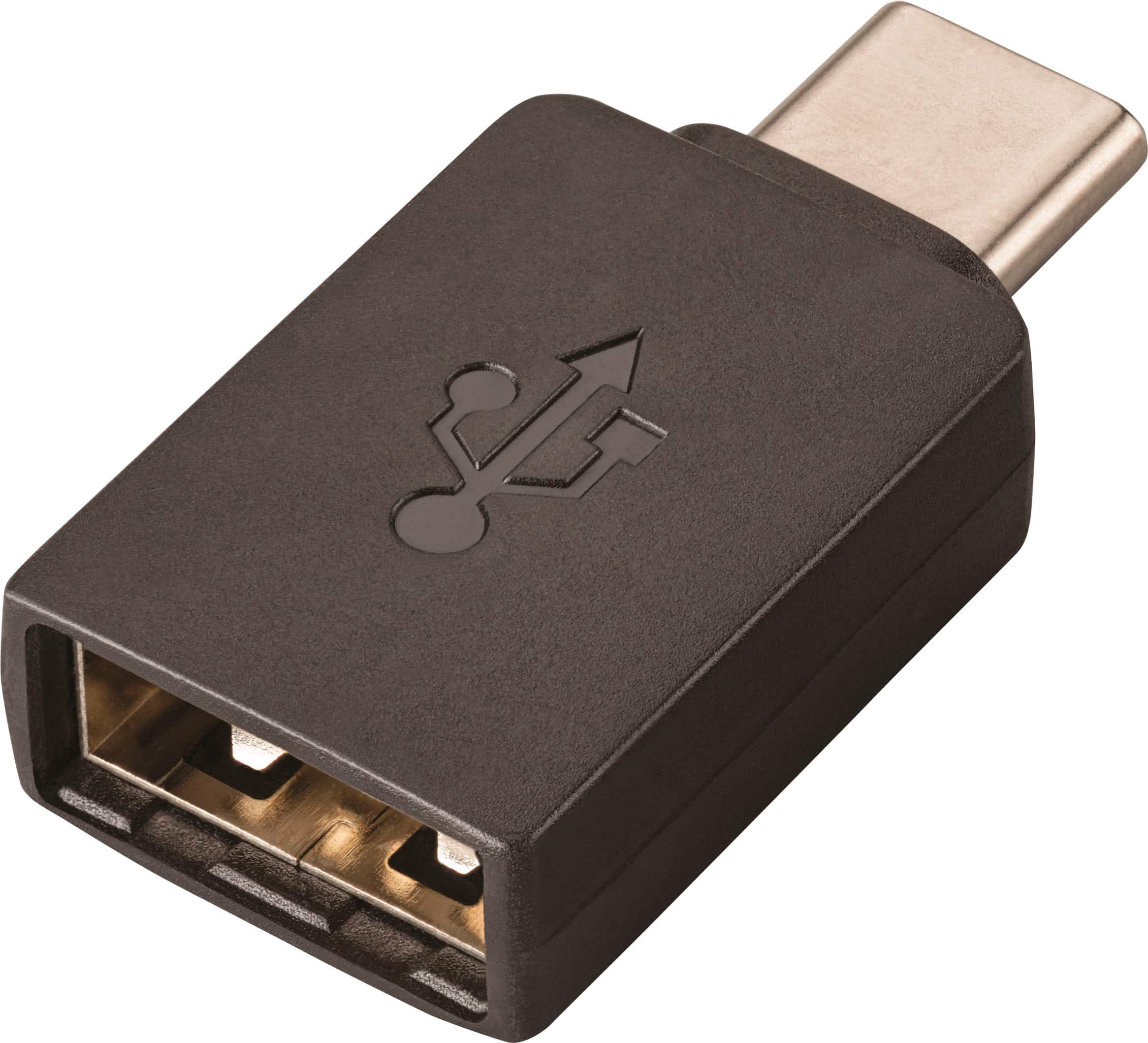
- USB C to USB A converter (for the receiver)
- very nice carry bag (thanks for including)
IMPORTANT: there's free Poly Lens software you can download for macOS and Windows. I recommend you download this as there were software updates for both the USB dongle and the headset out of the box - not sure what the 'fix' does, but important to know. You don't need to install the software for the Voyager to work, so if you buying this for work use but they don't let you install software, you can still use it out of the box.
The audio quality is very clear, these do not have active noise cancellation, but they do a decent job of blocking ambient background noise. The microphone is noise canceling, and I had no complaints when on a call that I must be in a noisy office.
I use Teams, which is both mandatory in my office and which the Voyager 4320UC is 'certified' for - not sure what that means? But this is where I think the features of the Poly 4320UC could be better. The headset is designed to be worn with the boom mic on the right. While it can be worn the other way, and the boom mic swings a full 180, the L/R printed on the earcups and the mute button on the boom mic are a constant reminder you should only wear this in one direction. My personal view is a work headset should be reversible for left/right handed users, etc.
On the subject of the mute button, this is the only way to mute your calls - you can't swing the microphone up to mute. It's a feature that's lacking and common on other headsets. As a personal preference, I prefer muting my putting the microphone "up", it's a good reminder your microphone is muted. Poly do change the color of the LED on the dongle when you're muted (blue=connected, red=mute) but if your running a USB hub to power pother peripherals e.g. keyboard, mouse, camera, etc. you may completely miss that visual cue.
Comfort wise, I had no ear ache/pain after wearing all day. Some other headsets tend to make my ears feel "crushed" after a full day. The band that goes over your head is also very well padded. Kudos Poly on making a comfortable headset. But there's some weird oversights. The boom mic, while flexibile, is designed in a way that both the base (the bit nearest the earcups) and the mic graze the headset arms when you move it. It's not a deal breaker, just feels like a lack of attention to detail in the design process.
In terms of portability, they headset is lightweight and the bag means it's easy to throw into a backpack. The headset doesn't fold or anything similar - a bit of a miss as comparable headsets do fold. Makes me anxious that it may get snapped in my backpack, plus it takes up more room than is needed. I do like that it has large physical on/off switch, hard to make a mistake with a proper switch. Kudos for a smart decision here.
The big question though is what's my final verdict? Overall I think the Poly Voyager UC 4320 is a good not great headset. It's a good work headset, which is how I will use it. It is comfortable all day which is a positive. I do wish you could lift the boom mic to mute (instead of pressing a button) but that's a personal preference and that it was fully reversible. After much though, I'm going to give this a 4, because being fair, what frustrates me might not frustrate all users (I'm left handed) and the audio clarity and comfort is great.
This reviewer received promo considerations or sweepstakes entry for writing a review.
Now that most of my sales calls are happening over Zoom, I was curious to try this new headset from Poly. I am going into my office more and more and grew tired of using a wired headset along with Airpods for my iPhone. I've tried using Airpods on my Windows PC and iPhone at the same time, but it's not as seamless as I'd like. Plantronics is a brand I've known for years so I was excited to try these.
The included instructions were easy to go through and the headset was a breeze to set up on my laptop and my phone. The controls are simple enough, pause/play music, receive/end calls, volume +/- and a dedicated Teams button. The Teams button was wonky at first but after a Windows restart, it worked perfectly fine.
The sound for music and videos is outstanding. They're pretty good at cutting out background noise, but I wish there was a transparency mode as well. I'm told I sound crystal clear on the other end and that the mic does a great job of focusing on my voice. I would have liked these a little better if the mic was muted when lifted up, but it does have an easy to access mute button on the mic boom.
The range on this headset is outstanding, I like to get up and move around a lot and I never lose signal with these. I might look to try the mono option as I prefer to keep one ear open when speaking.
This reviewer received promo considerations or sweepstakes entry for writing a review.
I have been working on the phone, in various forms, for the last 20 years. The brand of choice for headsets were always Plantronics (now known as Poly). Currently, I use a Voyager 5200 series, which is a monaural earbud-type headset that hooks around my ear.
Usually, I prefer the type that fits in your ear rather than the headband style. I have found that the headband typically will give me headaches, and I wasn’t a fan of earmuffs. However, I was looking for something with a longer range than my current headset that could also be a backup if necessary. The last time I had to replace my unit, I had to use a video game headset and the results…weren’t great.
There’s not much in the box. A Quick Start guide, a charging cable with USB to USB-C adapter, the headset, the dongle, and a carrying case with a cinch. The cable can also be used to turn the headset into a wired headset if needed.
I went to the Poly website to find the full-size copy of the manual. There was a video there introducing the unit, which I watched. I found, to my dismay, that this model offers a headset charging stand that was NOT included in the box.
I went online to look for the stand shown in the video. I found the stand at only a few outlets, one a major office supply retailer. Their price was approximately $109. I also found another stand that might work to charge it (no added features) at another online retailer for approximately $40. The Poly site only carried the more expensive version. If something like that is important to you, be prepared to pay for the accessory on top of the cost of the headset.
Poly offers an “app” for your computer to control additional features. The app is not yet available for phones. I downloaded the software without issue.
I used the dongle to connect to my computer. You can also use Bluetooth on your computer or phone if you wish. It was Plug-and-Play, easy to setup.
The Poly app allowed for software updates for the headset. It also tells you the remaining battery life.
The software also has features to encourage health and wellness. You can have it remind you to drink water, or to look away from your screen, or even reminders to get up from your desk.
It offers ambient noise (Gentle Ocean, Babbling Brook, or Mountain Ranch – all water sounds) to play in your headset while doing heads down work, trying to drown out office noise, or for relaxation. I found these to be distracting, as I work at home where it’s already quiet. I could see these being beneficial in an open floor plan office.
Each earmuff is labeled – L for left, R for Right. I like this – it’s easy to read, rather than try to read a tiny icon, printed on the headband.
What I’m not crazy about is that the mic is on the right side. I prefer my mic on the left – it’s what I’m used to. You cannot move the mic to the left side. I could reverse the unit to have the mic on my left (it has nearly a 180-degree movement) but then the R muff is on my left ear, which defeats the purpose.
The earmuff covers are a vinyl-type wipeable material. One thing I noticed is that they make my ears SWEAT. After a couple hours of wear, the muffs had condensation and was partially covered by makeup. They wiped clean easily.
The headband is comfortable. It’s not as heavy as other headsets I’ve used. I still don’t like the sound coming through the muff that is ON my ear versus the bud IN my ear. This is not a fault, just a personal preference.
I was able to walk to my coffeemaker to the other side of the house without the connection dropping, which is what I wanted.
It’s a good headset for working on the phone.
This reviewer received promo considerations or sweepstakes entry for writing a review.
I've now been using this headset for 4 or 5 days now at my workplace. I really enjoy being wireless and not tethered to my desk. I can get up and move around while on calls with my users.
The audio quality on this thing is astounding. I truly was blown away. I didn't expect the sound to be near as full as it is. Even given the price, I would think the focus would be on clarity and connection, but there's a ton of bass in these, which in downtime between calls I'll listen to music and these are fantastic for bass centric music.
Call quality is great as well. Everyone sounds fantastic in Teams. We use Avaya, which has it's own quirks and issues, but callers have had no issues hearing me unless it's an issue on their end. Hearing callers is much better than my wired Poly headset.
As for the features, the Poly app is easy to use and setup. The headset did need a firmware update but I was able to use it without updating initially. The mute button is in a good place, I do wish it was a little further down the boom but it works great. The volume controls are easy to use as well. The answer button sadly doesn't work with our version of Avaya so I wasn't able to test it. We will be switching to Genesys later this year so I'll be able to utilize it there.
For battery life, I can use it over 3 or 4 days without needing to charge it and that's with it connected for 6-8 hours a day. Constant talk time I imagine I'd need to charge every other day.
I would definitely recommend this regardless of it being as costly as it is since it's certified to work with multiple VOIP & Softphone products. I plan on getting as much use out of this headset as possible.
This reviewer received promo considerations or sweepstakes entry for writing a review.
I've really enjoyed this headset. It has enough battery that my 6 - 9 hours of conference calls can be handled without a problem with an overnight charge. I can also stream music when not on calls without worrying that I will have to switch mic's/speakers in the middle of a call. I primarily use this with the USB-A dongle. That wireless dongle can work in a Mac if you have a USB-A to USB-C adapter (included), which I used, or with the included hardwire (eww!). I like the dongle so that I can use the headset with both personal and work laptops as well as my wife's laptop without worrying about the number of paired devices -- just plug and play!
I have also paired this using bluetooth to my phone. The headset supports being simultaneously connected to computer and bluetooth with mixed results -- if I get a call on my phone the headset doesn't always move back over to get computer audio after word. When this happens I have to turn the headset off and on in order to get the computer back to happy.
My biggest NIT is that I have a relatively small house, and if I go more than a room and half away from a connected device the headset starts to lose connection: this is more like 25 feet, not 50 meters! If you're some kinda extreme zoom caller who is trying to do BMX tricks on your backyard halfpipe while on the call this is probably not the right headset for you. I say NIT because most of us will be happy to stay with 25 feet of our laptop or phone while we use the device, but it feels a touch ridiculous that the advertised range is so far away from actual.