Customer Ratings & Reviews

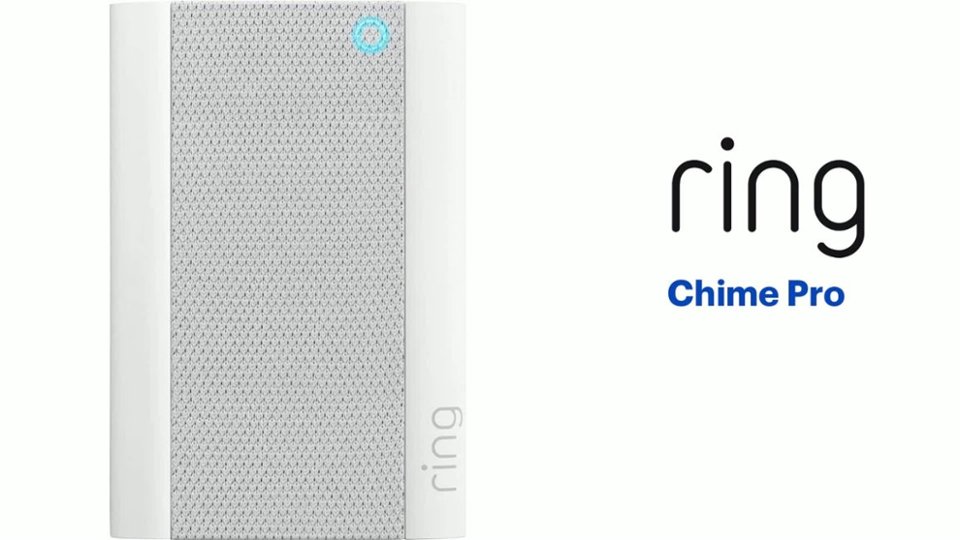
- Model:
- 8AC1PZ-0EN0
- SKU:
- 10560220
Rating by feature
- Video Quality
Rating 4.7 out of 5 stars
- Mobile App
Rating 4.8 out of 5 stars
- Sound Quality
Rating 4.7 out of 5 stars
Ring my bell
||Posted . Owned for 1 month when reviewed.This reviewer received promo considerations or sweepstakes entry for writing a review.Nice I like it.shfgjjingdej grrr 2ho re h7btv ferre fj
I would recommend this to a friendRing chime
||Posted . Owned for 5 months when reviewed.This reviewer received promo considerations or sweepstakes entry for writing a review.The product works well and the purpose it was bought for it doing its job great product and affordable
I would recommend this to a friendWorks great!
||Posted . Owned for 2 weeks when reviewed.This reviewer received promo considerations or sweepstakes entry for writing a review.Works great! Plan to buy more for my family as gifts!!
I would recommend this to a friendSound
||Posted . Owned for 1 month when reviewed.This reviewer received promo considerations or sweepstakes entry for writing a review.It works well, but I was expecting sound to be a bit louder. But other than that it works well.
I would recommend this to a friendBetter than my older chime
||Posted . Owned for 1 month when reviewed.This reviewer received promo considerations or sweepstakes entry for writing a review.I like it better than the basic chime I replaced this with.
I would recommend this to a friendThey help but could go further.
||Posted . Owned for 1 month when reviewed.This reviewer received promo considerations or sweepstakes entry for writing a review.These helped, but still didn't get me the powerful range coverage I had hoped for.
I would recommend this to a friendBrand response from Ring
Posted .Hi jack.
Thank you for taking the time to share your experience with us. We understand the importance of having a consistent wifi signal on your Ring device. Having a solid connection ensures you do not miss any activity around your home. We are eager to address the issue you raised in your review and provide you with a resolution today.
It sounds like the device is not operating as expected. Even with your Chime Pro, your router is still your main source of connection for your Ring device. Ideally, the maximum distance between the router and your device is 20-25 feet with the Chime Pro about halfway between the Ring device and your router. If possible, try moving the router closer to the device. Also, make sure your router is not in a closet or behind furniture, like a sofa, so the router has an unobstructed signal.
We invite you to reach out to our community if any additional information is needed regarding your Ring Chime Pro. The Ring Community is our first peer-to-peer community forum, giving our customers the ability to help one another by sharing their feedback and experiences with each other.
Thank you,
Miyuki from Ring.
DrewPam
||Posted . Owned for more than 2 years when reviewed.This reviewer received promo considerations or sweepstakes entry for writing a review.This is the only Ring item I haven't been happy with bc it doesn't really help the Cameras at all. It suppose to help with WIFI if the camera are far from your router but other than that it works a little.
I would recommend this to a friendBrand response from Ring
Posted .Hi DREW7270PAM.
We understand the importance of having a consistent wifi signal on your Ring device. Having a solid connection ensures you do not miss any activity around your home. We are eager to address the issue you raised in your review and provide you with a resolution today.
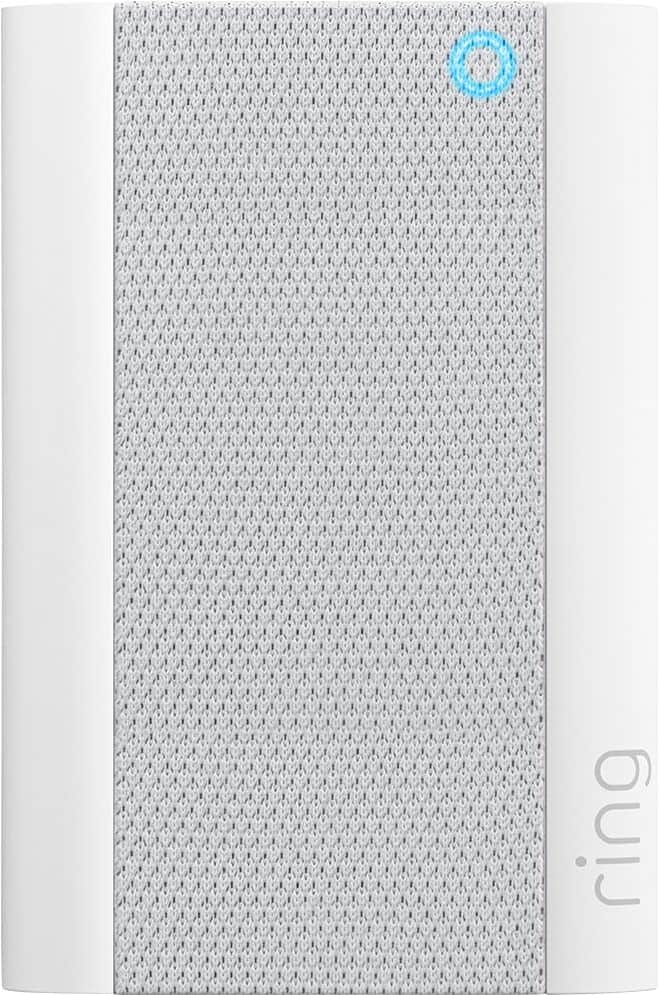
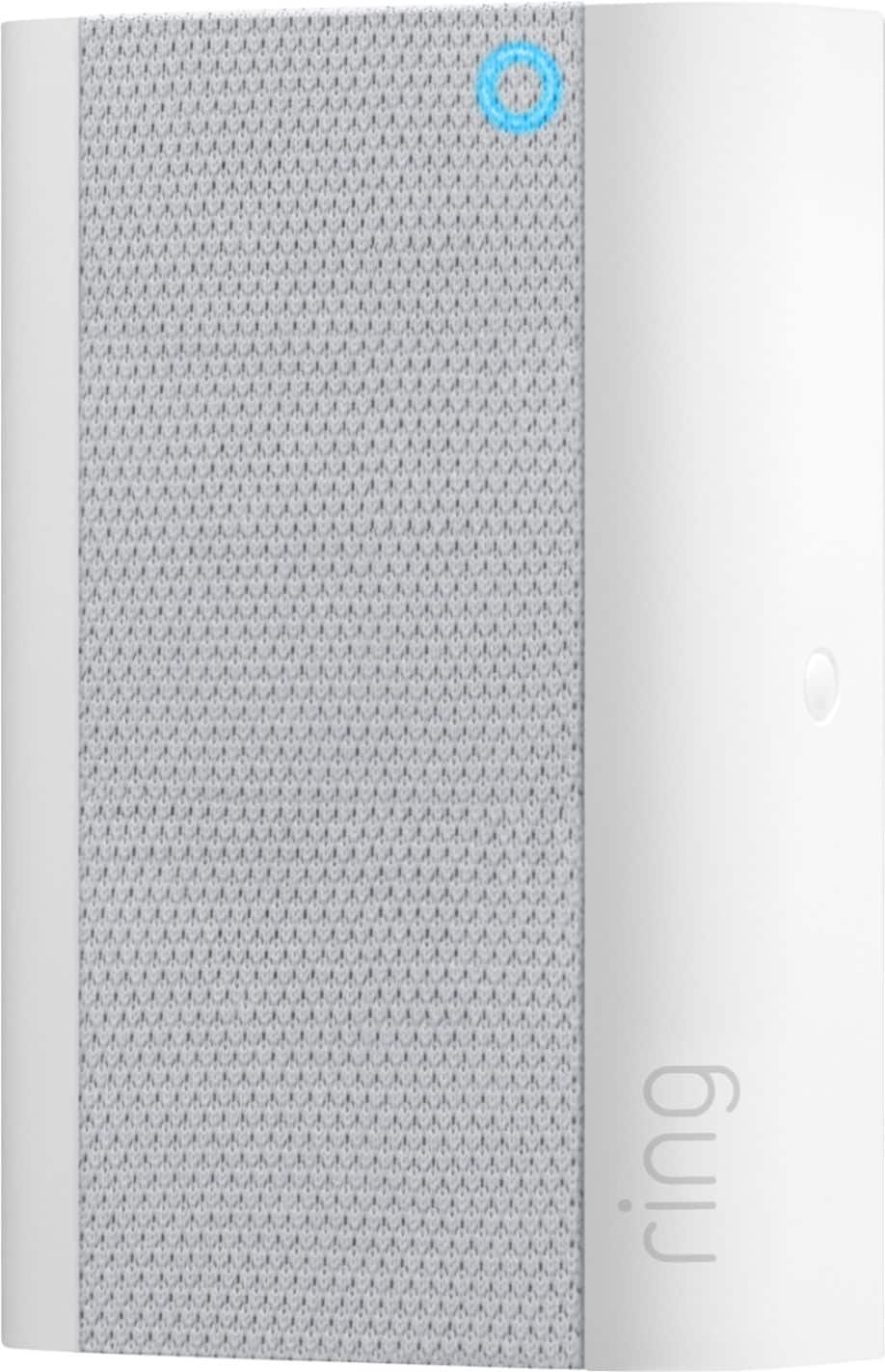
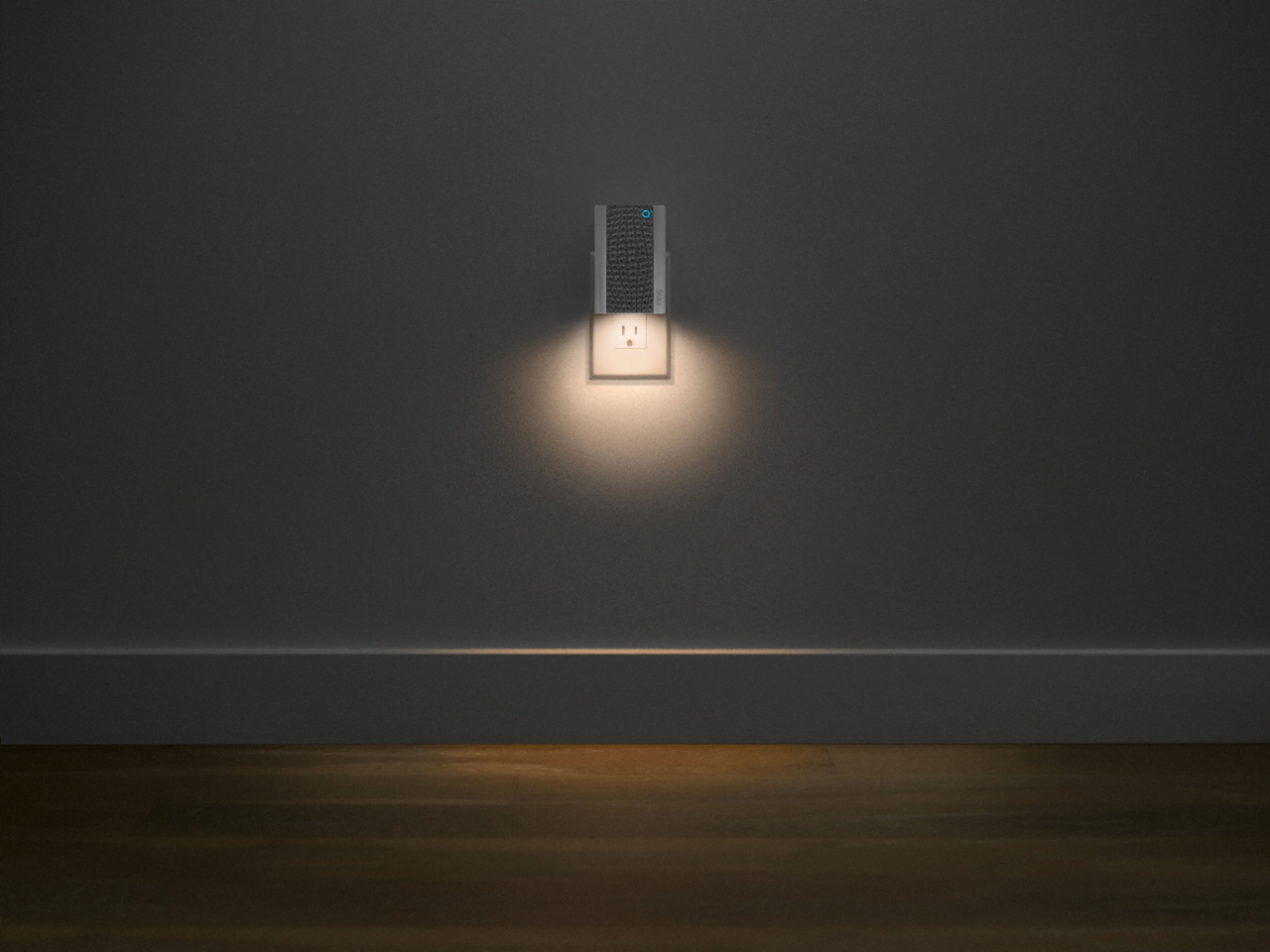
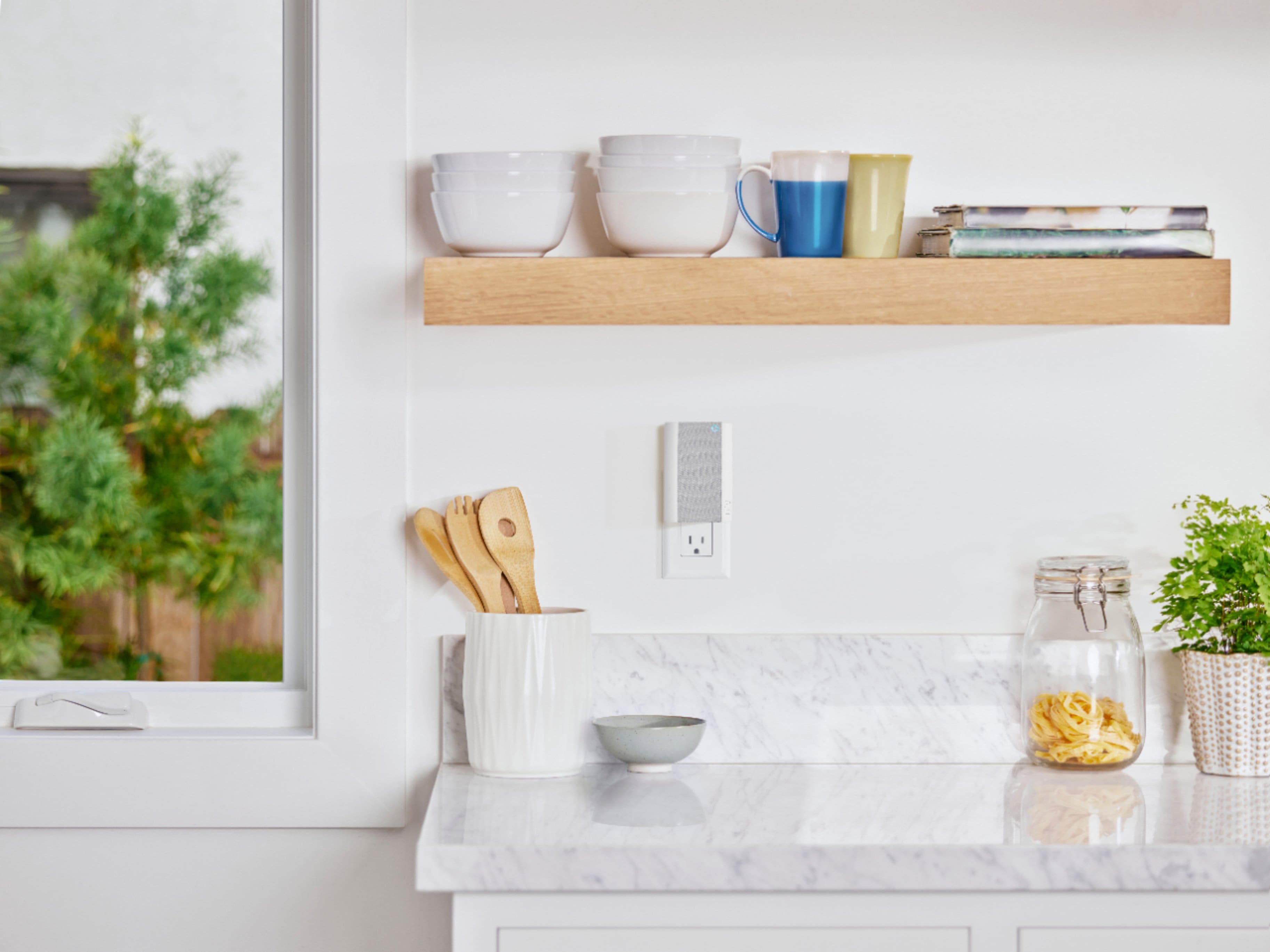
It sounds like the device is not operating as expected. The Ring Chime Pro (2nd Gen.) features a new design, built-in nightlight, dual-band 2.4 GHz and 5 GHz wifi connectivity, and guided feedback during setup that helps you find the best location for your Chime Pro. Even with your Chime Pro, your router is still your main source of connection for your Chime Pro. Ideally, the maximum distance between the router and your device is 20-25 feet with the Chime Pro about halfway between the Ring device and your router. If possible, try moving the router closer to the device. Also, make sure your router is not in a closet or behind furniture, like a sofa, so the router has an unobstructed signal.
We invite you to reach out to our Community if any additional information is needed regarding your Ring Chime Pro. The Ring Community is our first peer-to-peer community forum, giving our customers the ability to help one another by sharing their feedback and experiences with each other.
Thank you,
Melissa from Ring.
Ring chime for ring doorbell
||Posted . Owned for less than 1 week when reviewed.This reviewer received promo considerations or sweepstakes entry for writing a review.This is so much better the then your standard home chime.
I would recommend this to a friendWorking great so far
||Posted . Owned for 1 month when reviewed.This reviewer received promo considerations or sweepstakes entry for writing a review.We've had it for a month now, and it hass worked as expected.
I would recommend this to a friendI thought it would work a lot better
||Posted . Owned for 3 weeks when reviewed.This reviewer received promo considerations or sweepstakes entry for writing a review.It’s OK, but I thought it would be a lot better.I’m going to give it a little bit longer to see if it gets better
I would recommend this to a friendChime
||Posted .This reviewer received promo considerations or sweepstakes entry for writing a review.Its great and works well with the ring door bell/peephole
I would recommend this to a friendGreat product!
||Posted . Owned for 1 week when reviewed.This reviewer received promo considerations or sweepstakes entry for writing a review.Great product! Fast shipping! Best buy always great!!
I would recommend this to a friendRing Door Bell Chime
||Posted . Owned for 1 week when reviewed.This reviewer received promo considerations or sweepstakes entry for writing a review.I needed this because my mechanical doorbell is starting to fail. This is nice and loud and also serves as a wifi extender for my ring doorbell.
I would recommend this to a friendGood product
||Posted . Owned for 1 month when reviewed.This reviewer received promo considerations or sweepstakes entry for writing a review.Now I can hear the door bell when the phone is not with me.
I would recommend this to a friendDoor chime
||Posted . Owned for 3 weeks when reviewed.This reviewer received promo considerations or sweepstakes entry for writing a review.Bought this to enhance my ring door bell. Glad I did!
I would recommend this to a friendRings
||Posted . Owned for 1 month when reviewed.This reviewer received promo considerations or sweepstakes entry for writing a review.This project was useful. We have several in my home.
I would recommend this to a friendCool stuff
||Posted .This reviewer received promo considerations or sweepstakes entry for writing a review.Works as expect. No problems or complains here. :)
I would recommend this to a friendIt works well, but with limited range
||Posted . Owned for 1 month when reviewed.This reviewer received promo considerations or sweepstakes entry for writing a review.It works well, but with limited range. We had to move it to several locations for it to connect to the doorbell.
I would recommend this to a friendProduct satisfaction
||Posted . Owned for 3 weeks when reviewed.This reviewer received promo considerations or sweepstakes entry for writing a review.Happy with product and service. Attendance where professional and polite
I would recommend this to a friendGreat
||Posted . Owned for 3 weeks when reviewed.This reviewer received promo considerations or sweepstakes entry for writing a review.Love the light when something or someone comes on my porch
I would recommend this to a friend