Customer Ratings & Reviews
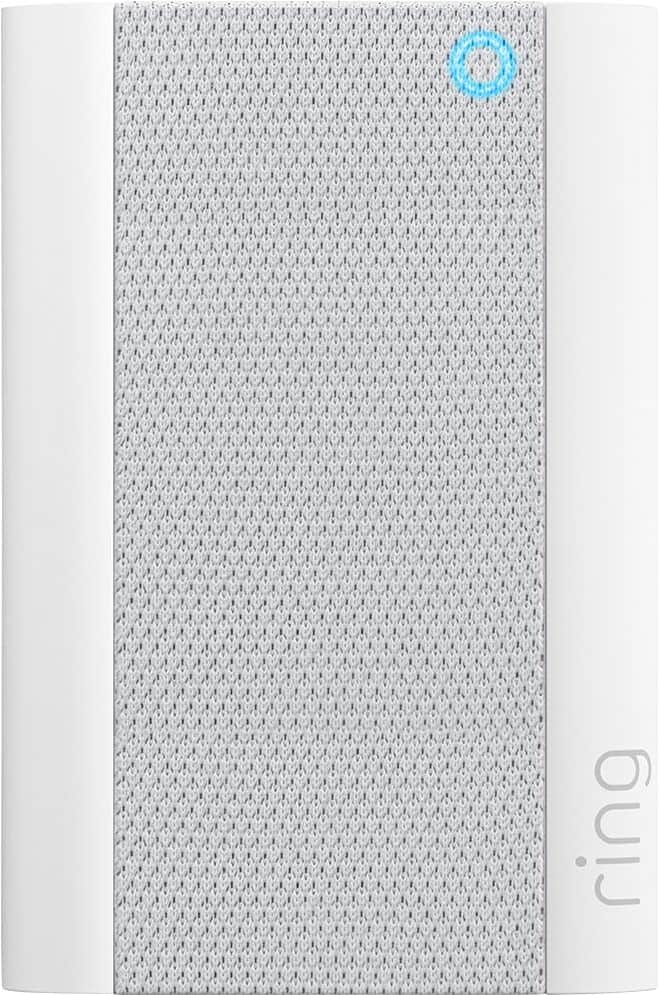
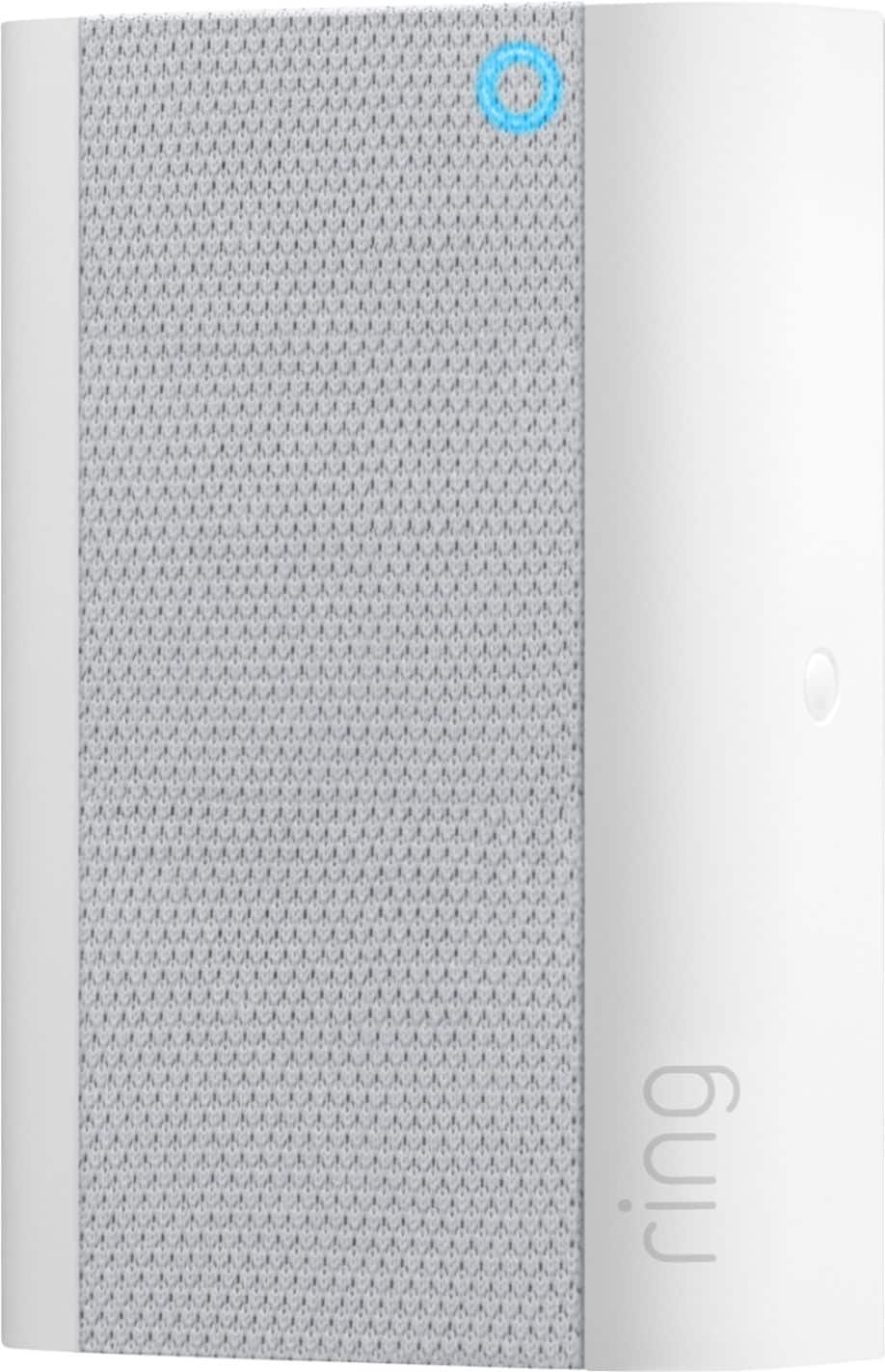

- Model:
- 8AC1PZ-0EN0
- SKU:
- 10560220
Rating by feature
- Video Quality
Rating 4.7 out of 5 stars
- Mobile App
Rating 4.8 out of 5 stars
- Sound Quality
Rating 4.7 out of 5 stars
Very easy to use.
||Posted . Owned for 1 month when reviewed.This reviewer received promo considerations or sweepstakes entry for writing a review.I bought ring chime pro to extend wifi network. It works great with my ring door bell.
I would recommend this to a friendRing
||Posted . Owned for 3 weeks when reviewed.This reviewer received promo considerations or sweepstakes entry for writing a review.Strong signal for weak Wi-Fi could be better but it works
I would recommend this to a friendIt helps to hear doorbell.
||Posted .This reviewer received promo considerations or sweepstakes entry for writing a review.It does help hear the ring doorbell but it seems it still lags when viewing live view.
I would recommend this to a friendDid what I needed
||Posted . Owned for 1 month when reviewed.This reviewer received promo considerations or sweepstakes entry for writing a review.I needed an extender for our ring 3 and this works like a champ!! Perfect addition.
I would recommend this to a friendRing Chime Pro Wifi Extender
||Posted . Owned for 1 week when reviewed.This reviewer received promo considerations or sweepstakes entry for writing a review.Ring chime pro wifi extender is helpful in expanding your wifi signal and it was helpful in taking other devices and adding them to ring chime pro extender while freeing up your personal wifi giving you better service with less interruptions.
I would recommend this to a friendBrand response from Ring
Posted .Hello Kitty1,
It's great to know that you're getting good use out of your Ring Chime Pro. As you mention, this device is intended to better the internet connection to your Ring devices. It also doubles as a wireless chime to amplify Ring alerts.
If you have any questions or need further support, please visit our community forum at https://community.ring.com/. We look forward to helping improve your experience.
All the best,
Marlom at Ring
Chime and WiFi extender
||Posted . Owned for 3 weeks when reviewed.This reviewer received promo considerations or sweepstakes entry for writing a review.Good chime to separate front ring door and for camera chimes but range not that far and not that strong unfortunately , no choice at this moment
No, I would not recommend this to a friendBrand response from Ring
Posted .Hi BobLee1.
Thank you for taking the time to share your experience with us.
We understand the importance of having a consistent wifi signal to your Ring devices. Having a solid connection ensures you do not miss any activity around your home. We are here to provide you with some information to resolve the connectivity issue you mentioned in your review.
It sounds like the Ring Chime is not providing the wifi coverage you are looking for. For homes that are 1500 square feet or under, a wifi extender such as the Ring Chime Pro can be a good solution to extend your wifi range. Ring Chime Pro is a wifi extender that was designed to work with Ring devices.
Wifi extenders can be a good solution to stretch a wifi signal between a router and an electronic device. They work best when they’re used with one or two devices that always stay in the same place. The best placement for a wifi extender is halfway between a router and an electronic device. Wifi extenders will stretch a wifi signal, but they don’t strengthen the signal. They need to be within a reasonable distance from a wifi router, about 20 feet max, in order for them to work effectively.
For larger homes that may have a lot of electronic devices spread throughout the house, a mesh network may be a better solution than a wifi extender. When wifi signals have to travel between the floors of a house, or building materials (brick, stucco, or metal) that interfere with wifi signals, a mesh network is more likely to be able to overcome wifi obstacles than a wifi extender.
Visit our support center for more information on how to make your wifi work best for you.
Ring Community was launched to help deliver the most current news and educational information to our neighbors. This online forum is divided into four categories: Product Boards, Ring Updates, Tips + Tricks, and a Moderators’ Corner. The Product Boards are where you can begin new topics with your questions or feedback; there is also a search option that helps you find topics that have already been posted by other neighbors.
All the best,
Nicole from Ring.
Needed set up support from ring.
||Posted . Owned for 1 month when reviewed.This reviewer received promo considerations or sweepstakes entry for writing a review.Had to buy a WiFi extender or it doesn’t always work. Battery doesn’t last very long.
I would recommend this to a friendGreat addition to Ring system
||Posted . Owned for 2 weeks when reviewed.This reviewer received promo considerations or sweepstakes entry for writing a review.Not as easy to set up as we had hoped. We would buy again.
I would recommend this to a friendChime Pro
||Posted .This reviewer received promo considerations or sweepstakes entry for writing a review.Ring Chime Pro - Allows Audio Signal that the Ring units put out.
I would recommend this to a friendChime
||Posted . Owned for 1 week when reviewed.This reviewer received promo considerations or sweepstakes entry for writing a review.I brought this product it works really really good.
I would recommend this to a friendGreat value
||Posted . Owned for 1 month when reviewed.This reviewer received promo considerations or sweepstakes entry for writing a review.This thing works as it should. I would not hesitate to buy it agai
I would recommend this to a friendWorks Well
||Posted . Owned for 1 week when reviewed.This reviewer received promo considerations or sweepstakes entry for writing a review.Does the job of extending my WiFi to the Ring while providing an indoor chime.
I would recommend this to a friendNot doing what I thought it would
||Posted .This reviewer received promo considerations or sweepstakes entry for writing a review.I can hear the chime indoors, but if I am standing by the front door outside, I can't hear it. Maybe my front door is too sound-proof. But I thought that people standing on my front porch (perhaps an intruder) would be able to hear the "barking dogs" I chose on the chime. Not so.
No, I would not recommend this to a friendBrand response from Ring
Posted .Hello Babs,
It is important to us that you are able to enjoy the benefits that the Ring Chime brings. This device should help amplify Ring alerts. The Ring Chime is intended to amplify Ring alerts so that you can hear them when you are away from your phone. It is not designed t
If you haven't already, please use the Ring app to increase the volume on your device. As a reference, here is how:
- Launch the Ring app and tap the main menu.
- Select the word Devices.
- Tap your Chime.
- Select Audio Settings.
- Tap Chime Tones.
From here, you can choose the sounds your device makes and increase the volume. If you happen to run into issues or need further assistance, please reach us directly. For any additional questions or concerns, please feel free to reach out on our community forum at https://community.ring.com/.
All the best,
Antonio from Ring
Easy to set up
||Posted . Owned for 1 month when reviewed.This reviewer received promo considerations or sweepstakes entry for writing a review.Would like more options for the ringer sounds, but that is only complaint.
I would recommend this to a friendBrand response from Ring
Posted .Hi Jenni.
Thank you for taking the time to share your feedback with us. We are always looking for ways to improve our neighbor's experience, and your feedback is an invaluable part of this process. That is why we are dedicated to offering devices that help you safeguard what is most important at home, while also allowing you to connect with your neighbors from anywhere. We’re glad to read that you are finding the provided features useful.
Ring Community was launched to help deliver the most current news and educational information to our neighbors. This online forum is divided into four categories: Product Boards, Ring Updates, Tips and Tricks, and a Moderators’ Corner. The Product Boards are where you can begin new topics with your questions or feedback; there is also a search option that helps you find topics that have already been posted by other neighbors.
Sincerely,
Matthew from Ring.
Lisa
||Posted . Owned for 3 weeks when reviewed.This reviewer received promo considerations or sweepstakes entry for writing a review.Product works very well and has been dependable and would purchase again.
I would recommend this to a friendBrand response from Ring
Posted .Hi Lisaicemachine.
Thank you for taking the time to share your experience with us. We are pleased to read that you are enjoying your new Ring Chime Pro and that the features included are meeting your expectations. At Ring, we believe in keeping people close to what’s important. That is why we are driven to create products that help you protect what matters most at home and empower you to connect with your visitors from wherever you are. Together, we’ll make neighborhoods safer!
Ring Community was launched to help deliver the most current news and educational information to our neighbors. This online forum is divided into four categories: Product Boards, Ring Updates, Tips and Tricks, and a Moderators’ Corner. The Product Boards are where you can begin new topics with your questions or feedback; there is also a search option that helps you find topics that have already been posted by other neighbors.
Thank you,
Amilia from Ring.
Hard to connect
||Posted . Owned for 9 months when reviewed.This reviewer received promo considerations or sweepstakes entry for writing a review.Hard to connect to devices even when it’s close to WiFi
No, I would not recommend this to a friendBrand response from Ring
Posted .Hi Angel.
Thank you for taking the time to share your feedback with us. We are always looking for ways to improve our neighbor's experience, and your feedback is an invaluable part of this process. That is why we are dedicated to offering devices that help you safeguard what is most important at home, while also allowing you to connect with your neighbors from anywhere. Together, we’ll make neighborhoods safer!
It sounds like the device is not operating as expected in regard to connectivity. Even with your Ring Chime Pro, your router is still your main source of connection for your Ring device. Ideally, the maximum distance between the router and your device is 20-25 feet with the Ring Chime Pro about halfway between the Ring device and your router. If possible, try moving the router closer to the Ring device. Also, make sure your router is not in a closet or behind furniture, like a sofa, so the router has an unobstructed signal. To connect the Ring device to the Ring Chime Pro network, please follow the steps below.
1. Open the Ring app.
2. Tap the menu (≡).
3. Tap Devices and select your Ring Chime Pro.
4. Tap the Chime Pro Network tile.
5. Select Switch to Chime Pro Network and follow the prompts in the app.
6. Allow some time for your device to fully reconnect to the network, then check your wifi signal strength in Device Health to confirm it has successfully reconnected.
If any additional information is needed regarding your Ring Chime Pro, please reach out to our community. Ring Community is our first peer-to-peer community forum, giving our customers the ability to help one another and share their feedback and experiences directly with Ring.
Thank you,
Amilia from Ring.
Chrime Pro
||Posted . Owned for 3 weeks when reviewed.This reviewer received promo considerations or sweepstakes entry for writing a review.Just what I needed to enhance functionality of ring camera
I would recommend this to a friendRing - Chime Pro - White
||Posted . Owned for 3 weeks when reviewed.This reviewer received promo considerations or sweepstakes entry for writing a review.Chime is not loud enough, bough it for the Wi-Fi extender
I would recommend this to a friendChime
||Posted . Owned for 3 months when reviewed.This reviewer received promo considerations or sweepstakes entry for writing a review.Seems like it doesnt work as well as my Alexa Speakers
I would recommend this to a friendSame as the regular Chime
||Posted . Owned for 3 weeks when reviewed.This reviewer received promo considerations or sweepstakes entry for writing a review.I was kind of disappointed about this product. I never could get my ring security light that is over my garage door to conmect to the Chime Pro to give me better range. So basically it was a waste of money because iI could have just replaced it with the regular Chime for half the price.
No, I would not recommend this to a friendBrand response from Ring
Posted .Hi Griffin,
We understand how valuable the Ring Chime Pro can be to your home security, when it's properly extending your wifi signal as it is designed to do. After the Chime Pro has been set up, you will want to ensure the device has been linked to the desired Ring devices. Here is a helpful article that walks through the linking process between your Ring device and the Chime: https://support.ring.com/hc/en-us/articles/360034840052-How-to-Link-your-Ring-Devices-to-a-Chime-or-Chime-Pro.
Once the device has been set up and linked, follow these steps to verify the device has been properly connected:
* Tap the three-lines on the top left of the Dashboard screen.
* Select Devices.
* Choose your Chime or Chime Pro.
* Make sure the camera or doorbell you want is connected to the Chime or Chime Pro.
* If not connected select Chime Pro Network and connect your device.
We invite you to also visit our support forums, where you can learn more tips, tricks and find additional support. For any additional questions or concerns, please feel free to reach out on our community forum at https://community.ring.com/.
Best,
Caitlin with Ring