Customer Ratings & Reviews
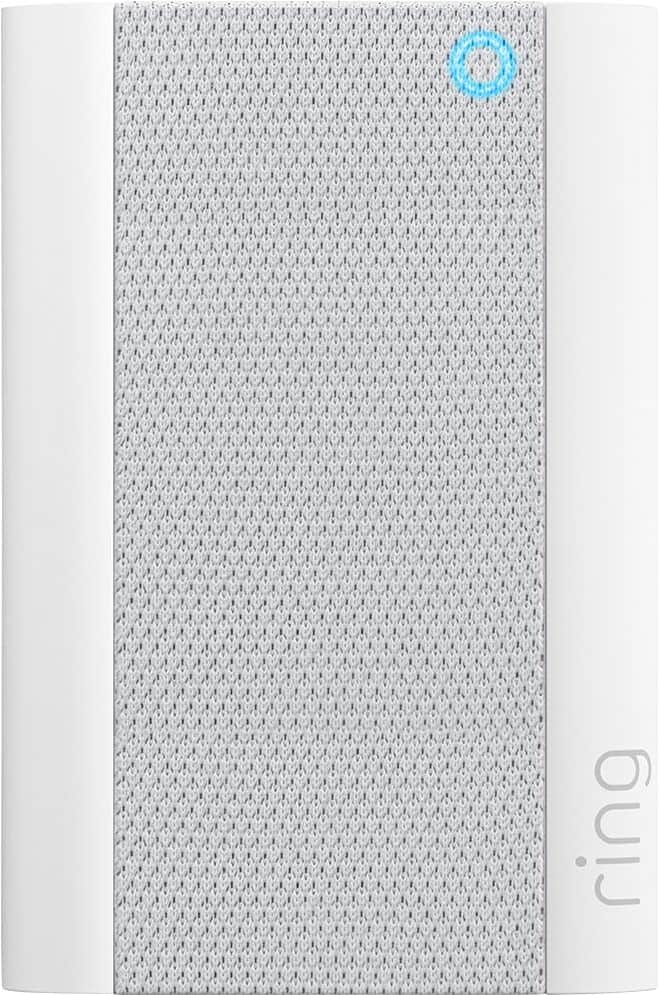
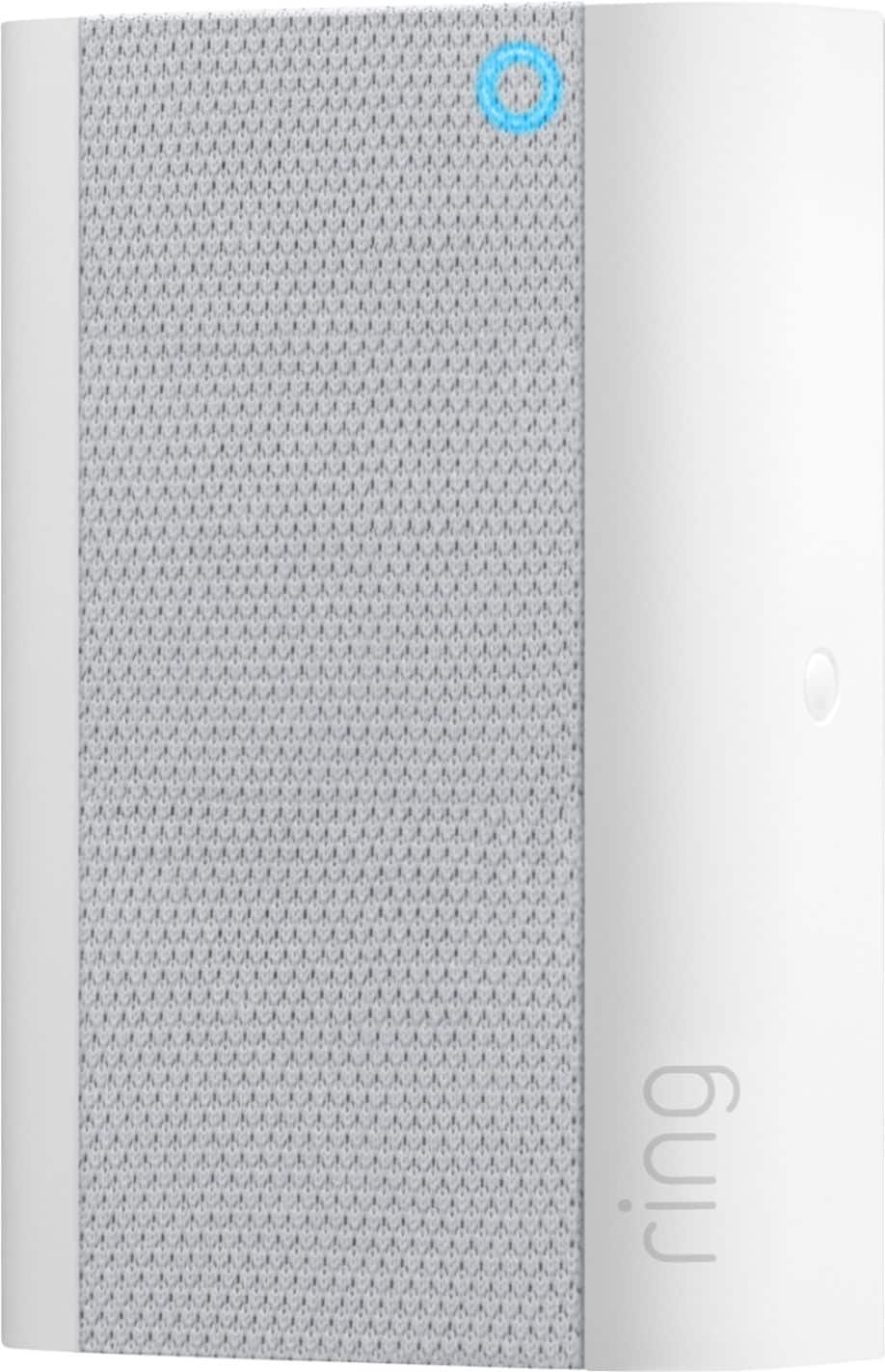
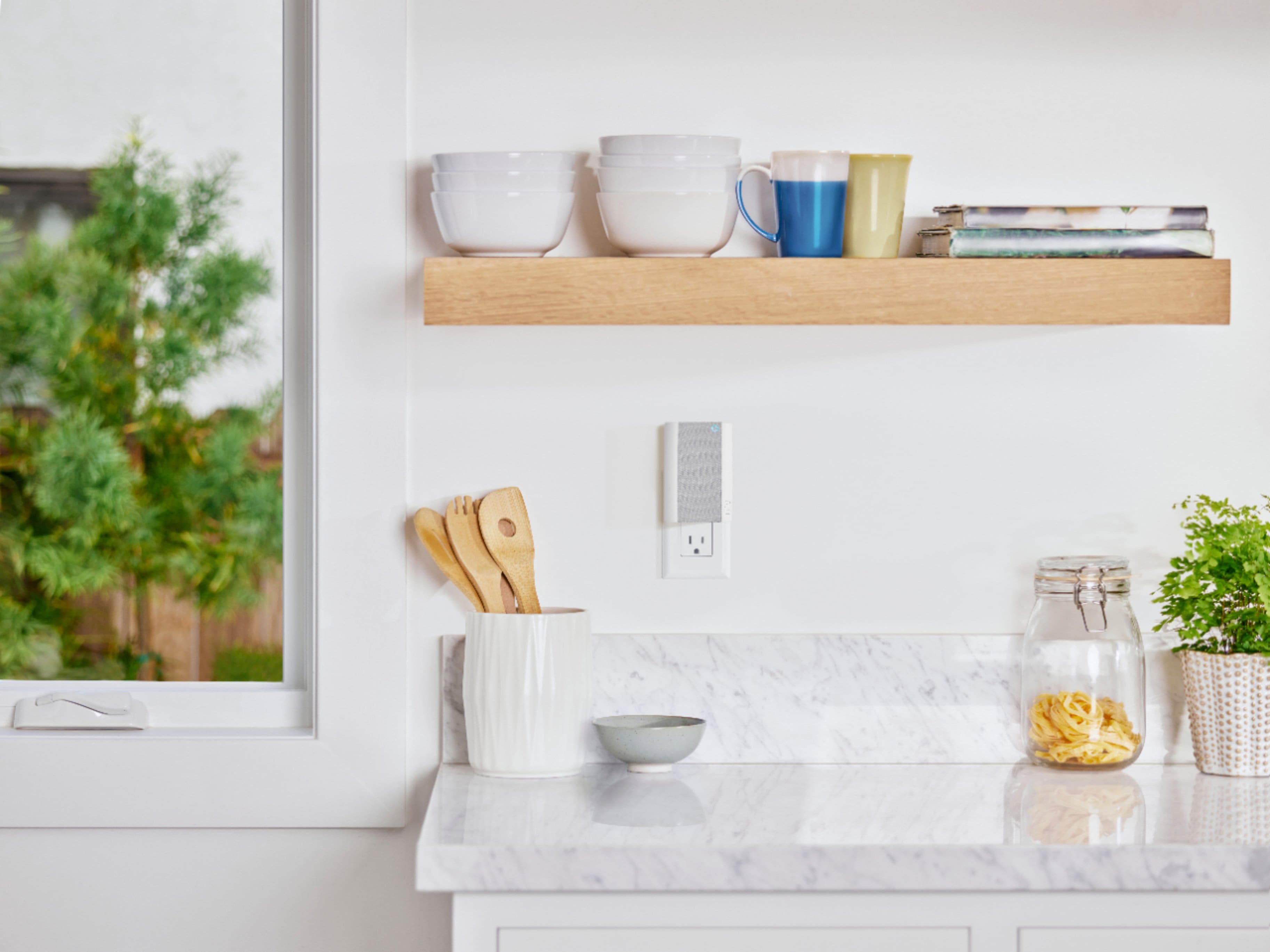

- Model:
- 8AC1PZ-0EN0
- SKU:
- 10560220
Rating by feature
- Video Quality
Rating 4.7 out of 5 stars
- Mobile App
Rating 4.8 out of 5 stars
- Sound Quality
Rating 4.7 out of 5 stars
RIng Chime Pro, no thumbs up.
||Posted . Owned for 1 month when reviewed.This reviewer received promo considerations or sweepstakes entry for writing a review.This did not extend our WIFI range like the ad on Ring app said it would. Not thrilled with this product. It may work for a small house with WIFI connection problems but not made for square footage of 2500 and higher.
No, I would not recommend this to a friendBrand response from Ring
Posted .Hello Brickwaugh,
Here at Ring, we understand how critical it is for your Ring Chime Pro to work as intended. It's a key component to ensure all connected Ring devices have a strong signal, along with providing an
internal audio effect through your home. We are here to lend some assistance.
Based on your review, it seems that you are having trouble with your Ring Chime
Pro extending your wifi. When this happens, we recommend adjusting your placement of the Chime Pro. The ideal placement for your Chime Pro is about halfway between your wifi router and the device it’s connected to. Wifi extenders work best with devices that won’t be moved, and ideally, the
maximum distance between the router and the device should be under 30 feet.
If the distance is greater than 30 feet, you might need a different solution to a weak wifi signal, like a mesh network instead of a wifi extender. A wifi router creates a single access point that broadcasts a
signal. The further the signal has to go, the weaker the signal gets. For more
information on troubleshooting your Ring Chime, please see our help center
article: https://support.ring.com/hc/en-us/articles/360048673232-Troubleshooting-Your-Ring-Chime-Pro-and-Understanding-Light-Patterns.
For any additional questions or concerns regarding your Ring Chime Pro, please feel free to reach out on our community forum at https://community.ring.com/. We look forward to hearing from you soon.
Thank you, Jamila, with Ring.
Redundant purchase if you have other Alexa devices
||Posted . Owned for 2 months when reviewed.This reviewer received promo considerations or sweepstakes entry for writing a review.Unnecessary purchase if you already have other Alexa devices like Echo or Show. Purchased it to go with my Ring Door Bell but Alexa Dot or Echo does a good job of announcing when someone is at the door making this a redundant purchase.
I would recommend this to a friendBrand response from Ring
Posted .Hi Shibu,
We're pleased to know that you're getting good use out of your Alexa enabled speakers. Aside from amplifying security alerts, Ring Chime Pro doubles as a wifi extender. You can use it to better the internet connection to your Ring devices. Our team is here to help you get the most out of your device.
If needed, you can pair your Ring doorbells and cameras to the Chime Pro Network. This is an extension of your home wifi, and can help reach areas of your home that may otherwise be too far to reach. You can learn how here: https://support.ring.com/hc/en-us/articles/115003763123-Connecting-an-Existing-Ring-Product-to-Chime-Pro
Please visit our community forum at https://community.ring.com/, for some additional tips and support. We look forward to hearing from you.
Best,
Marlom at Ring
Ring Door Bell
||Posted . Owned for 7 months when reviewed.This reviewer received promo considerations or sweepstakes entry for writing a review.Bought this as they told me it would help the Wi-Fi so the door bell would consistently work. Still have problems with the door bell working.
No, I would not recommend this to a friendBrand response from Ring
Posted .Hello Samantha,
Thank you for leaving a review. Here at Ring, we understand how critical it is for your Ring Chime Pro to work as intended. It's a key component to ensure all connected Ring devices have a strong signal, along with providing an internal audio effect through your home. We are here to lend some assistance.
Based on your review, it seems that you are having trouble with your Ring Chime Pro extending your wifi signal. When this happens, we recommend moving your Chime Pro. The ideal placement for your Chime Pro is about halfway between your wifi router and the device it’s connected to.
Wifi extenders work best with devices that won’t be moved, and ideally, the maximum distance between the router and the device should be under 30 feet. If the distance is greater than 30 feet, you might need a different solution to a weak wifi signal, like a mesh network instead of a wifi extender. A wifi router creates a single access point that broadcasts a signal. The further the signal has to go, the weaker the signal gets.
For more information on troubleshooting your Ring Chime Pro, please see our help center
article: https://support.ring.com/hc/en-us/articles/360048673232-Troubleshooting-Your-Ring-Chime-Pro-and-Understanding-Light-Patterns.
For any additional questions or concerns regarding your Ring Chime Pro, please feel free to reach out on our community forum at https://community.ring.com/. We look forward to hearing from you soon.
Thank you, Jamila with Ring.
Ring Pro
||Posted . Owned for 3 weeks when reviewed.This reviewer received promo considerations or sweepstakes entry for writing a review.Strongly recommend if you are having poor signal. Definitely improved my ring performance.
I would recommend this to a friendNot particularly helpful.
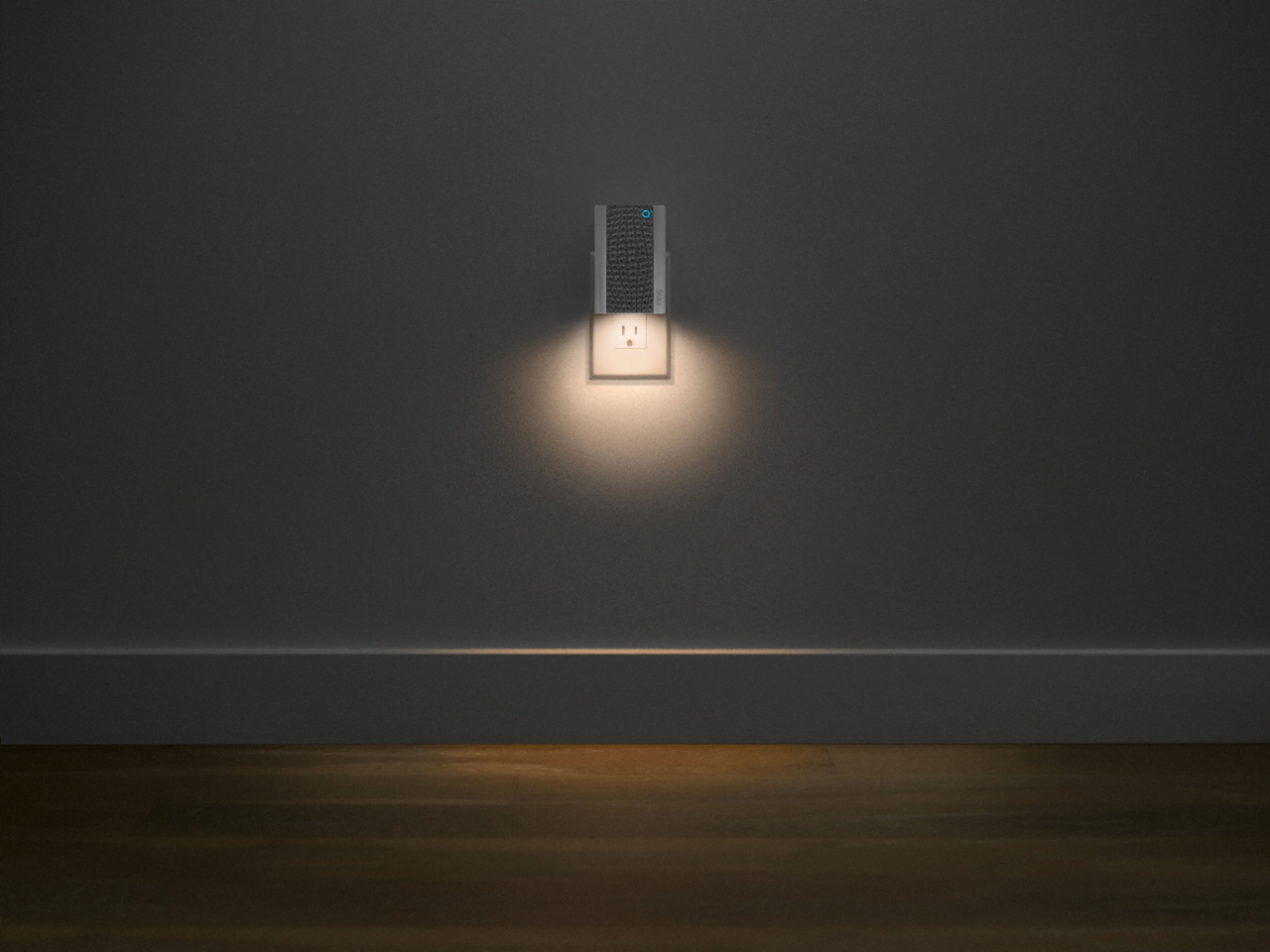
||Posted .This reviewer received promo considerations or sweepstakes entry for writing a review.I cannot see how this helped my ring doorbell in anyway. The only thing it did was make a doorbell sound in the basement. It does have a small nightlight.
No, I would not recommend this to a friendBrand response from Ring
Posted .Hello Lynne,
It is important to us that you are able to enjoy the benefits that the Ring Chime Pro brings. The Ring Chime Pro is intended to help better your connection to Ring doorbells and cameras. With proper placement and the Chime Pro Network, you should notice a significant difference. Our team is here to ensure that is the case.
For the Chime Pro to work as intended, you’ll need to switch your Ring doorbells and cameras to the Chime Pro Network. Please reference this article to learn how: https://support.ring.com/hc/en-us/articles/115003763123-Connecting-an-Existing-Ring-Product-to-Chime-Pro. Please pay close attention to the “Best Practices for Wifi Extenders” portion of the article, as device placement is key.
Should you have additional questions, we are happy to find the best solution for you. Additionally, please feel free to reach out to our Ring Community forum at https://community.ring.com/, where Ring users like yourself share their personal experiences with Ring.
Regards,
Alexis with Ring
Ring guy
||Posted . Owned for 1 month when reviewed.This reviewer received promo considerations or sweepstakes entry for writing a review.It works just as advertised worth the price it’s does everything they it will o like it
I would recommend this to a friendRingdoorbell chime
||Posted .This reviewer received promo considerations or sweepstakes entry for writing a review.The ring doorbell chime only worked when I used 2 extension cords and placed it 2 feet away from the ring doorbell
No, I would not recommend this to a friendBrand response from Ring
Posted .Hi Neighbor. I recommend checking the WiFi channels that your Ring devices are using. This Help Center article here has information on how to do this: https://support.ring.com/hc/en-us/articles/4407014643732-How-to-Change-Router-Channels-. If you have any further questions or concerns, try browsing the Ring Community at https://community.ring.com/. As our first peer-to-peer forum, the Ring Community allows you to ask questions and interact with other neighbors to discuss your Ring devices. Best wishes, David with Ring.
Would Recommend
||Posted . Owned for 5 months when reviewed.This reviewer received promo considerations or sweepstakes entry for writing a review.This was purchased to replace a broken chime, this products works better than the old.
I would recommend this to a friendBetter than original but not so much an extender.
||Posted . Owned for 3 weeks when reviewed.This reviewer received promo considerations or sweepstakes entry for writing a review.It didn’t really work to be honest. The light and chime functionality is great but the extended didn’t really do much.
I would recommend this to a friendBrand response from Ring
Posted .Hello SophiaP,
Thank you for leaving a review. Here at Ring, we understand how critical it is for your Ring Chime Pro to work as intended. It's a key component to ensure all connected Ring devices have a strong signal, along with providing an internal audio effect through your home. We are here to lend some assistance.
Based on your review, it seems that you are having trouble with your Ring Chime Pro extending your wifi signal. When this happens, we recommend moving your Chime Pro. The ideal placement for your Chime Pro is about halfway between your wifi router and the device it’s connected to.
Wifi extenders work best with devices that won’t be moved, and ideally, the maximum distance between the router and the device should be under 30 feet. If the distance is greater than 30 feet, you might need a different solution to a weak wifi signal, like a mesh network instead of a wifi extender. A wifi router creates a single access point that broadcasts a signal. The further the signal has to go, the weaker the signal gets.
For more information on troubleshooting your Ring Chime Pro, please see our help center
article: https://support.ring.com/hc/en-us/articles/360048673232-Troubleshooting-Your-Ring-Chime-Pro-and-Understanding-Light-Patterns.
For any additional questions or concerns regarding your Ring Chime Pro, please feel free to reach out on our community forum at https://community.ring.com/. We look forward to hearing from you soon.
Thank you, Jamila with Ring.
Terrible to hook up
||Posted . Owned for 3 months when reviewed.This reviewer received promo considerations or sweepstakes entry for writing a review.Once I finally got it hooked up it finally connected, I was next to the router and it would never hook up, reset, even changed routers same thing left off for a week started over and finally got it to work
No, I would not recommend this to a friendBrand response from Ring
Posted .Hello Plumber,
Here at Ring, we understand how critical it is for your Ring Chime Pro to work as intended. It's a key component to ensure all connected Ring devices have a strong signal, along with providing an internal audio effect throughout your home. We are here to lend some assistance.
Based on your review, it seems that you are having trouble with your Ring Chime Pro extending your wifi signal. When this happens, we recommend moving your Chime Pro. The ideal placement for your Chime Pro is about halfway between your wifi router and the device it’s connected to.
Wifi extenders work best with devices that won’t be moved, and ideally, the maximum distance between the router and the device should be under 30 feet. If the distance is greater than 30 feet, you might need a different solution to a weak wifi signal, like a mesh network instead of a wifi extender. A wifi router creates a single access point that broadcasts a signal. The further the signal has to go, the weaker the signal gets.
For more information on troubleshooting your Ring Chime Pro, please see our help center article: https://support.ring.com/hc/en-us/articles/360048673232-Troubleshooting-Your-Ring-Chime-Pro-and-Understanding-Light-Patterns.
For any additional questions or concerns regarding your Ring Chime Pro, please feel free to reach out on our community forum at https://community.ring.com/. We look forward to hearing from you soon.
Thank you, Jamila with Ring.
Can not hear the chime
||Posted . Owned for 6 months when reviewed.This reviewer received promo considerations or sweepstakes entry for writing a review.It is not very loud to hear even in the next room.
No, I would not recommend this to a friendBrand response from Ring
Posted .Hi CREID.
Thank you for taking the time to share your experience with us.
We understand how important it is to be able to clearly hear the alerts of any visitors. Being able to rely on the alerts to know when there is a doorbell ring or motion detected is an essential feature of the Ring Chime Pro. Rest assured, we are here to provide you with a concrete resolution as quickly as possible.
It sounds like you have some concerns with the volume of your Ring Chime Pro. You can change the volume of your Ring Chime Pro unit and configure which device will trigger your Chime Pro. Follow these steps to adjust the volume on your Ring Chime Pro:
Tap on the menu (☰).
Tap Devices.
Select your Chime.
Tap Audio Settings.
Tap Chime Tones.
Adjust the volume sliders under Rings and Motion.
If you do not want to trigger your Chime Pro, it's easy to turn off the connection from the Device Settings in your app. You can also use the Do Not Disturb function to temporarily disable notifications. Visit our support center for more information.
Ring Community was launched to help deliver the most current news and educational information to our neighbors. This online forum is divided into four categories: Product Boards, Ring Updates, Tips + Tricks, and a Moderators’ Corner. The Product Boards are where you can begin new topics with your questions or feedback; there is also a search option that helps you find topics that have already been posted by other neighbors.
All the best,
Nicole from Ring.
Not satisfied
||Posted . Owned for 1 month when reviewed.This reviewer received promo considerations or sweepstakes entry for writing a review.I can't connect it to my doorbell ring. There may be a problem with the connection to the wifi i don't think this product can connect to wifi. I wasted my money I can't even use this thing
No, I would not recommend this to a friendBrand response from Ring
Posted .Hello Lilbit,
This isn't the experience we want our customers to have. The Ring Chime Pro is intended to improve the internet connection to your Ring devices. Please know we are here to help find a solution.
This device is compatible with both 2.4 GHz and 5 GHz networks. If you haven't already, please try a set up on each of the networks. Typically, one of the two performs better and should resolve any set-up issues.
Otherwise, you can reboot your router to help clear out any underlying network issues. You should only have to power down your router for 30 seconds.
If you have any questions about your Chime Pro, or anything else, please feel free to reach out on our community forum at https://community.ring.com.
Regards,
Marlom at Ring
A MUST HAVE!!
||Posted . Owned for 1 week when reviewed.This reviewer received promo considerations or sweepstakes entry for writing a review.Ring Chime Pro is a "MUST HAVE" if you plan to purchase the Ring system.
I would recommend this to a friendRing chime box
||Posted . Owned for 3 weeks when reviewed.This reviewer received promo considerations or sweepstakes entry for writing a review.Ring chime works great. I put it on a soft tone in the hallway.
I would recommend this to a frienddo not be fooled
||Posted . Owned for 3 months when reviewed.This reviewer received promo considerations or sweepstakes entry for writing a review.this does not improve signal of ring devices I wish Arlo had the line up of products that Ring has I would go back in a heartbeat bc I never had connection issues like I do with Ring.
No, I would not recommend this to a friendBrand response from Ring
Posted .Hello tres,
Here at Ring, we understand how critical it is for your Ring Chime Pro to work as intended. It's a key component to ensure all connected Ring devices have a strong signal, along with providing an internal audio effect through your home. We are here to lend some assistance.
Based on your review, it seems that you are having trouble with your Ring Chime Pro extending your wifi signal. When this happens, we recommend moving your Chime Pro. The ideal placement for your Chime Pro is about halfway between your wifi router and the device it’s connected to.
Wifi extenders work best with devices that won’t be moved, and ideally, the maximum distance between the router and the device should be under 30 feet. If the distance is greater than 30 feet, you might need a different solution to a weak wifi signal, like a mesh network instead of a wifi extender. A wifi router creates a single access point that broadcasts a signal. The further the signal has to go, the weaker the signal gets.
For more information on troubleshooting your Ring Chime Pro, please see our help center
article: https://support.ring.com/hc/en-us/articles/360048673232-Troubleshooting-Your-Ring-Chime-Pro-and-Understanding-Light-Patterns.
For any additional questions or concerns regarding your Ring Chime Pro, please feel free to reach out on our community forum at https://community.ring.com/. We look forward to hearing from you soon
Thank you, Jamila with Ring
Wifi connector
||Posted . Owned for 1 month when reviewed.This reviewer received promo considerations or sweepstakes entry for writing a review.Connection was very easy and helps with our wifi we are pleased
I would recommend this to a friendGreat
||Posted . Owned for 3 weeks when reviewed.This reviewer received promo considerations or sweepstakes entry for writing a review.Work great i didnt have a doorbell in my house so i got this
I would recommend this to a friendBattery is built-in
||Posted . Owned for 1 month when reviewed.This reviewer received promo considerations or sweepstakes entry for writing a review.The battery is built-in. To charge the battery, the doorbell has to be removed from the wall and connected to power. First charge lasted 30 days. Video quality is good.
No, I would not recommend this to a friendBrand response from Ring
Posted .Hi Anne,
We are pleased to learn that you are enjoying your Ring Video Doorbell. It seems that you intended to leave a review for your doorbell and not for the Ring Chime Pro. Regardless, we want to ensure you have an excellent experience with each of your Ring products.
If you have any questions about your Chime Pro, or anything else, please feel free to reach out on our community forum at https://community.ring.com/.
Regards,
Marlom at Ring
Home plug layout problem
||Posted . Owned for 3 weeks when reviewed.This reviewer received promo considerations or sweepstakes entry for writing a review.The device was hard to synch (available outlets not close enough to source and destination).
No, I would not recommend this to a friendBrand response from Ring
Posted .Hello analogkidjeff,
Thank you for leaving a review. Here at Ring, we understand how critical it is for your Ring Chime Pro to work as intended. It's a key component to ensure all connected Ring devices have a strong signal, along with providing an internal audio effect through your home. We are here to lend some assistance.
Based on your review, it seems that you are having trouble with your Ring Chime Pro extending your wifi signal. When this happens, we recommend moving your Chime Pro. The ideal placement for your Chime Pro is about halfway between your wifi router and the device it’s connected to.
Wifi extenders work best with devices that won’t be moved, and ideally, the maximum distance between the router and the device should be under 30 feet. If the distance is greater than 30 feet, you might need a different solution to a weak wifi signal, like a mesh network instead of a wifi extender. A wifi router creates a single access point that broadcasts a signal. The further the signal has to go, the weaker the signal gets.
For more information on troubleshooting your Ring Chime Pro, please see our help center
article: https://support.ring.com/hc/en-us/articles/360048673232-Troubleshooting-Your-Ring-Chime-Pro-and-Understanding-Light-Patterns.
For any additional questions or concerns regarding your Ring Chime Pro, please feel free to reach out on our community forum at https://community.ring.com/. We look forward to hearing from you soon.
Thank you, Jamila with Ring.
ABSOLUTE GARBAGE
||Posted . Owned for 3 weeks when reviewed.This reviewer received promo considerations or sweepstakes entry for writing a review.Absolute garbage. Doesn't extend more than 3 feet. Difficult to install and get it recognized by the router. You also have to bring the thing (spotlight camera) within 3 feet and then reset the thing multiple times. Ring support will ultimately blame your router because that is an easy fix for them. Still can't get a live view from our garage even after 15 or so hours over 3 weekends with support. Support will also leave you on hold for 30 minutes before you can get to an actual person
No, I would not recommend this to a friendBrand response from Ring
Posted .Hello MrBri,
We understand how important it is to have a solid internet connection to your Ring cameras. By installing a Chime Pro, you should be able to improve the connection to your Ring devices. How far the Chime Pro Network reaches is based on various factors. Our team is here to provide you with the means to get the most out of your device.
Each home's unique layout will affect how far this device's network will reach. Please bear in mind that heavy-duty materials such as brick, metal, cement and large appliances can affect a wifi signal.
For optimal performance, please use the Chime Pro Placement Test feature. This can help ensure you have a good installation location. To learn more, please visit this article: https://support.ring.com/hc/en-us/articles/360052520292-Using-Chime-Pro-Placement-Test-to-optimize-your-wifi
For any additional questions or concerns, please feel free to reach out on our community forum at https://community.ring.com/.