Customer Ratings & Reviews
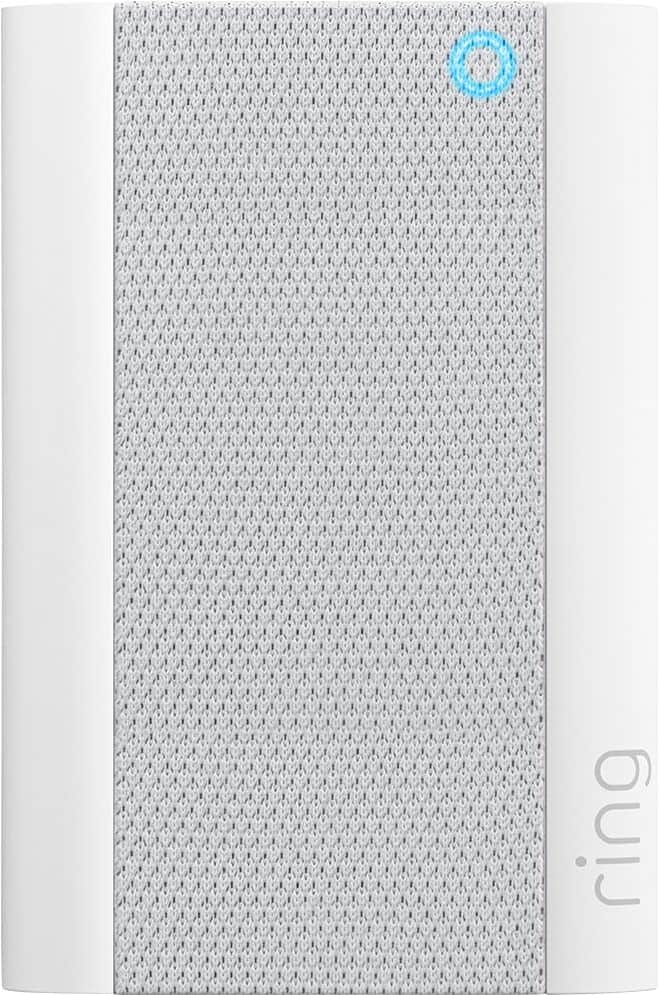
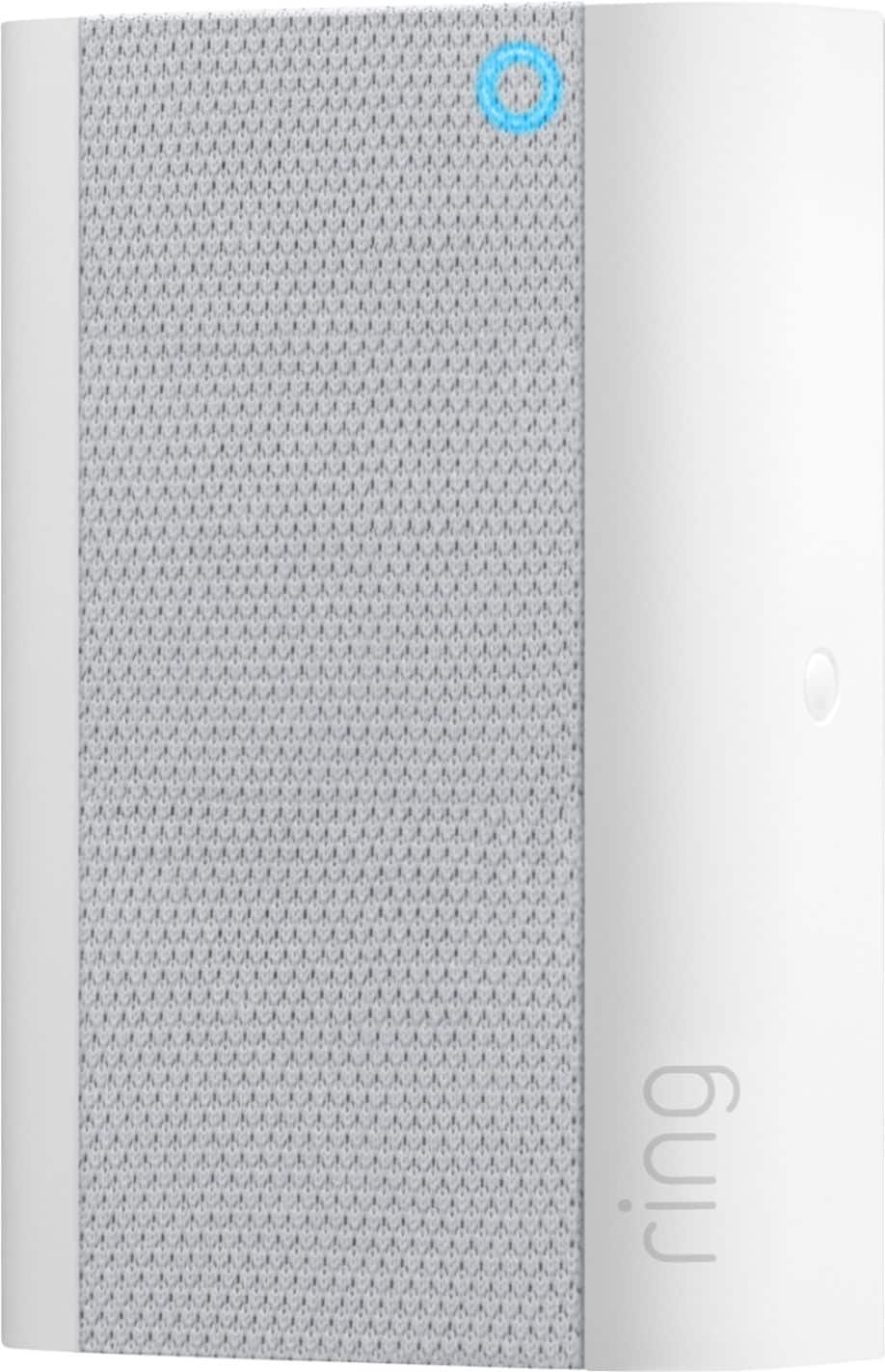
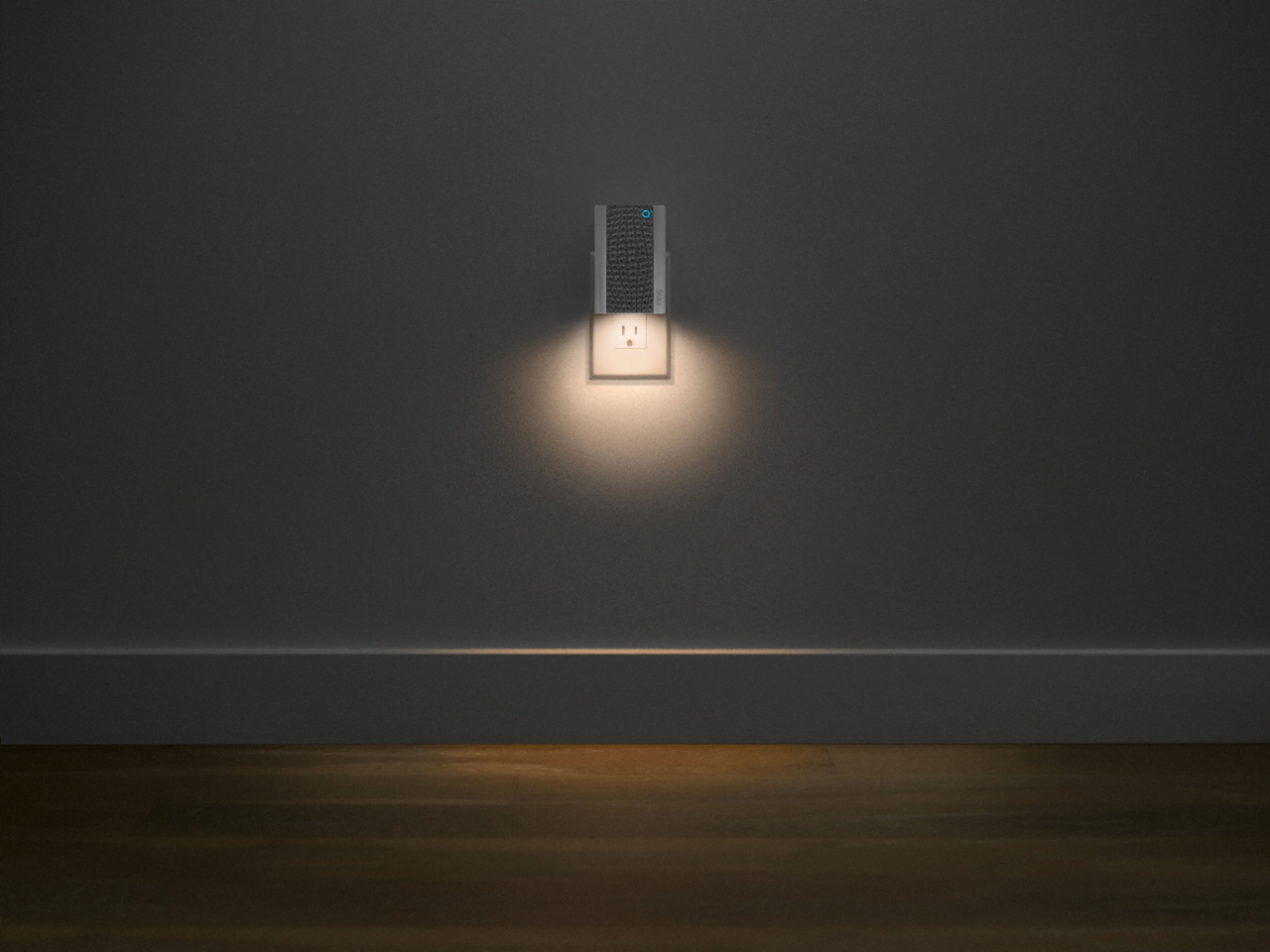
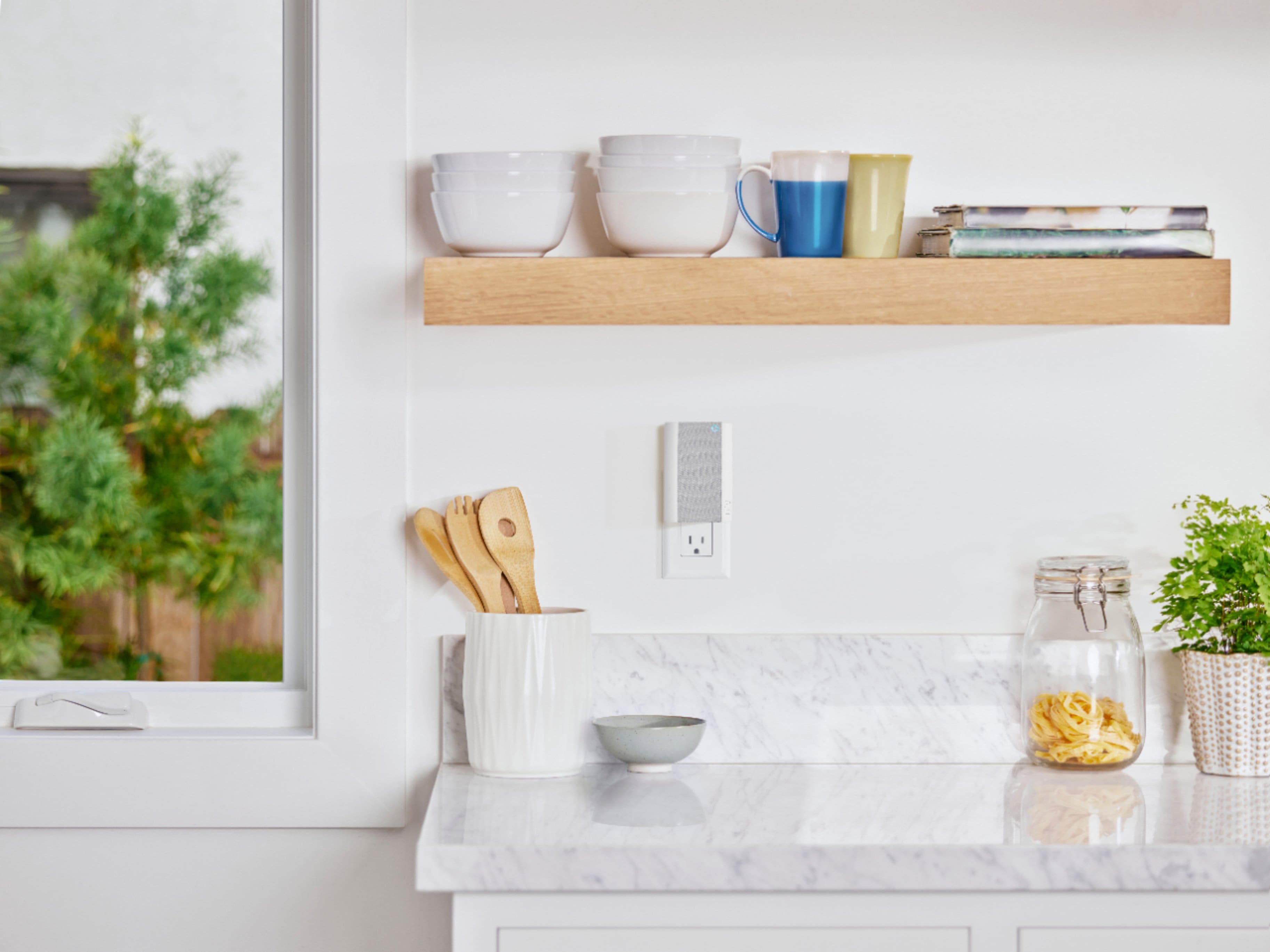

- Model:
- 8AC1PZ-0EN0
- SKU:
- 10818419
Rating by feature
- Video Quality
Rating 4.7 out of 5 stars
- Mobile App
Rating 4.8 out of 5 stars
- Sound Quality
Rating 4.7 out of 5 stars
I know for sure someone is at my door
||Posted . Owned for 1 week when reviewed.This reviewer received promo considerations or sweepstakes entry for writing a review.The chime works great. Especially when I can't hear my phone. It let me know someone is at my door. Very well worth it
I would recommend this to a friendRing
||Posted . Owned for 3 weeks when reviewed.This reviewer received promo considerations or sweepstakes entry for writing a review.Great product works well good quality Wi-Fi strong
I would recommend this to a friendGreat Addition To a Ring Doorbell System
||Posted . Owned for 1 year when reviewed.This reviewer received promo considerations or sweepstakes entry for writing a review.Works great with our front door Ring System. Very happy with it.
I would recommend this to a friendA big help, but not perfect
||Posted . Owned for 2 months when reviewed.This reviewer received promo considerations or sweepstakes entry for writing a review.Allowed me to get an outdoor camera connected to Wifi, but the singal is still intermittent.
I would recommend this to a friendRing
||Posted .This reviewer received promo considerations or sweepstakes entry for writing a review.Great Product!! Give it along with cameras and doorbell to my Sister for her new house .
I would recommend this to a friendPairs well, works good with app
||Posted . Owned for 3 months when reviewed.This reviewer received promo considerations or sweepstakes entry for writing a review.Pairs very easily with home network and Ring Doorbell. Works great with app to control and monitor all devices.
I would recommend this to a friendGreat WiFi connectivity
||Posted . Owned for 1 week when reviewed.This reviewer received promo considerations or sweepstakes entry for writing a review.Solved the issue of connecting cameras to WiFi. I now get a picture in less than 3 seconds. Easy to set up.
I would recommend this to a friendVery Pleased
||Posted . Owned for 1 month when reviewed.This reviewer received promo considerations or sweepstakes entry for writing a review.A needed item for the Ring Doorbell. Proves to do a more than satisfactory job.
I would recommend this to a friendGreat Product
||Posted . Owned for 1 year when reviewed.This reviewer received promo considerations or sweepstakes entry for writing a review.Works great!!! Replaced my old chime pro. No problems
I would recommend this to a friendWi-extension and door bell
||Posted . Owned for 1 month when reviewed.This reviewer received promo considerations or sweepstakes entry for writing a review.Works great right out of the box, easy set up and Wi-Fi extension.
I would recommend this to a friendA must have
||Posted . Owned for 3 months when reviewed.This reviewer received promo considerations or sweepstakes entry for writing a review.It seems that this is a must have if you are going to be just a little distance for the best results in performance.
I would recommend this to a friendLove it
||Posted . Owned for 1 year when reviewed.This reviewer received promo considerations or sweepstakes entry for writing a review.Love it. It goes so well with the camera and doorbell and never disconnected.
I would recommend this to a friendChime pro.
||Posted .This reviewer received promo considerations or sweepstakes entry for writing a review.Product works very well and I'm satisfied with the ring CHIME pro and all my Ring products thanks best buy.
I would recommend this to a friendRing Chime Pro
||Posted .This reviewer received promo considerations or sweepstakes entry for writing a review.these article loose connectivity from the router; very good quality, easy to use, but loose connectivity frequently.
No, I would not recommend this to a friendBrand response from Ring
Posted .Hi there,
We understand how important it is to experience a reliable connection to your home security devices. The Ring Chime Pro is intended to help better your connection to Ring doorbells and cameras. With proper placement and the Chime Pro Network, you should notice a significant difference. Our team is here to ensure that is the case.
Once set up, your Ring Chime Pro should remain connected to your home network without an issue. Should you experience frequent disconnects, you'll want to have a closer look at the wifi network in use. You can use the Device Health feature in the Ring app to learn more.
Please follow these steps:
* Open the Ring app, then select the menu in the upper left-hand corner.
* Select the Devices tab.
* Tap on your Ring Chime Pro
From the menu tiles below, please select Device Health. Here, you'll see your RSSI, which is an indication of your network signal strength. To learn more about RSSI, please visit the support article:
https://support.ring.com/hc/en-us/articles/217271526-Understanding-RSSI-Values-and-Wireless-Signal-Strength
Also, within the Device Health section is your Network Name. Please ensure that the network your Chime Pro is connected is the correct network. If not, you'll need to switch it over. Use the Change Wifi Network feature to do so. The below article will teach you how:
https://support.ring.com/hc/en-us/articles/360034825092-How-to-Reconnect-Your-Ring-Device-to-Wifi-or-Change-Your-Wifi-Network
It is also a good idea to ensure your Ring camera or doorbell is connected to the Chime Pro Network. Please check your doorbell or camera's Device Health section to ensure that is the case. If not, you can use the same steps in the article above to make the proper network change.
For a better understanding on how to improve your situation, please view the guidance in this article:
https://support.ring.com/hc/en-us/articles/360020044511-How-to-Make-Wifi-Work-For-You
We encourage you to share your experience with Ring on our Ring Community page, to find more information regarding your concerns, as well as helping others like yourself: https://community.ring.com/.
All the best,
Marlom at Ring
Wi-Fi extender.
||Posted . Owned for 1 month when reviewed.This reviewer received promo considerations or sweepstakes entry for writing a review.Works great. Need a Wi-Fi extender for my ring camera and this item was perfect for it.
I would recommend this to a friendRing
||Posted . Owned for 1 month when reviewed.This reviewer received promo considerations or sweepstakes entry for writing a review.Great product! Great price. Would purchase again!!
I would recommend this to a friendFront door
||Posted . Owned for 1 month when reviewed.This reviewer received promo considerations or sweepstakes entry for writing a review.Works well help keep the load off my wifi.but setting up was a little difficult
I would recommend this to a friendUpgraded
||Posted . Owned for 1 month when reviewed.This reviewer received promo considerations or sweepstakes entry for writing a review.Excellent upgrade of my Ring Chime. Nicer appearance and more functionality.
I would recommend this to a friendThe Are great for beginners.
||Posted . Owned for 1 week when reviewed.This reviewer received promo considerations or sweepstakes entry for writing a review.I just love my cameras and my video door bell and chime .So far everything is working just .Im very please we the service I’ve received from you guys Thank you all very much.
I would recommend this to a friendWifi booster
||Posted . Owned for 1 month when reviewed.This reviewer received promo considerations or sweepstakes entry for writing a review.Works great for the wifi booster to the installed Ring doorbell.
I would recommend this to a friend