Customer Ratings & Reviews



- Model:
- B08F6DWKQP
- SKU:
- 10736759
Rating by feature
- Value
Rating 4.7 out of 5 stars
- Quality
Rating 4.8 out of 5 stars
- Ease of Use
Rating 4.8 out of 5 stars
Ring Cam flood light purchase
||Posted . Owned for 1 month when reviewed.This reviewer received promo considerations or sweepstakes entry for writing a review.Works great! I am able to go have comfort knowing I can see what is going on when I’m not home
I would recommend this to a friendGreat item
||Posted .This reviewer received promo considerations or sweepstakes entry for writing a review.Very clear video and snapshot. (Early morning visitors) Haven't set sensitivity yet. Trees blowing set it off. Lights can be turned off or on. Haven't read up on it yet.
I would recommend this to a friendBrand response from Ring
Posted .Hi Bubba,
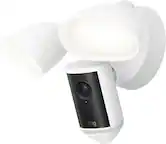
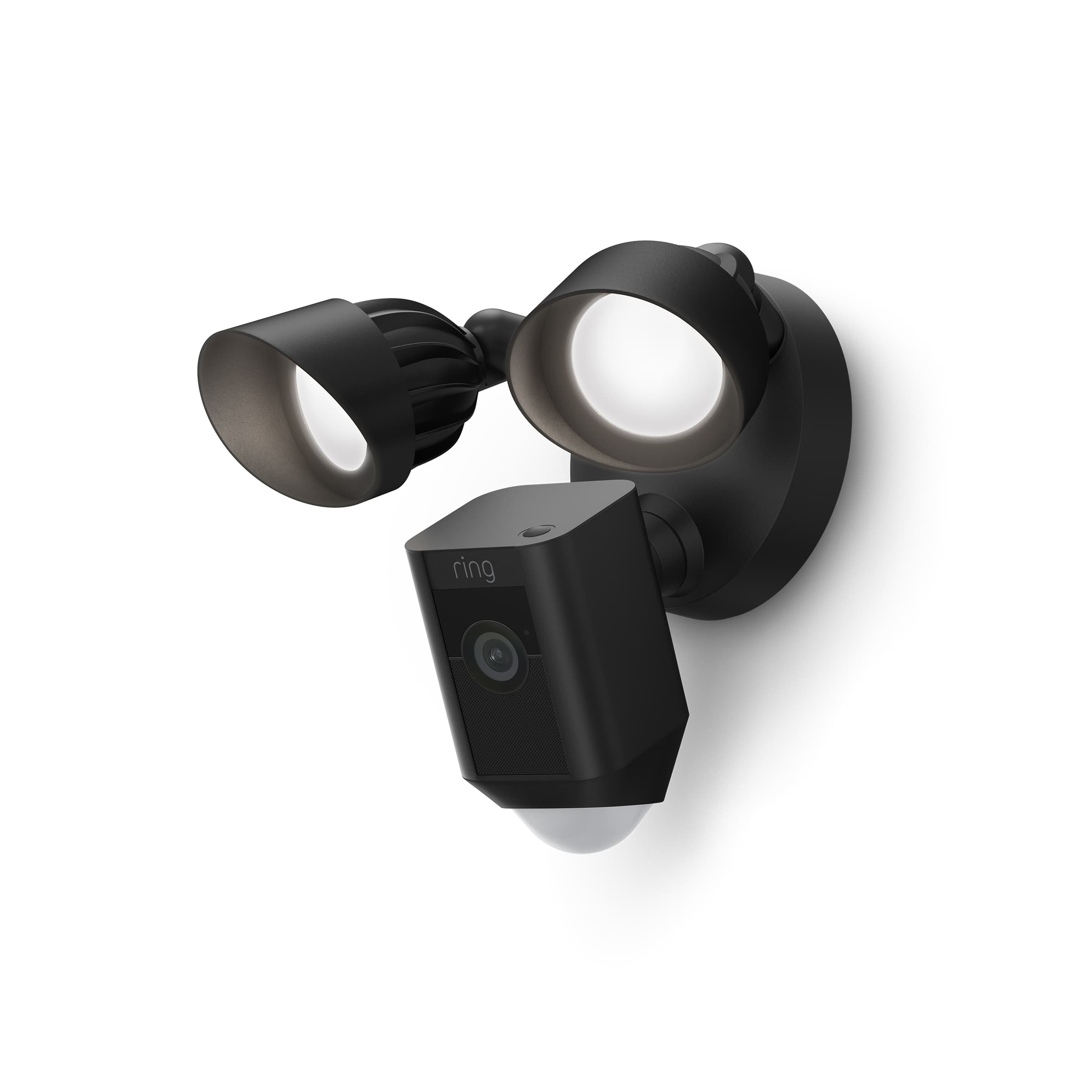
Thank you for taking the time to share your experience with us and other consumers. We appreciate the value and trust you have placed in Ring for your home security needs. The Ring Floodlight Cam is designed to work in many environments to provide you with peace of mind and security. The camera features 1080p HD video, two-way audio, and motion-activated notifications.
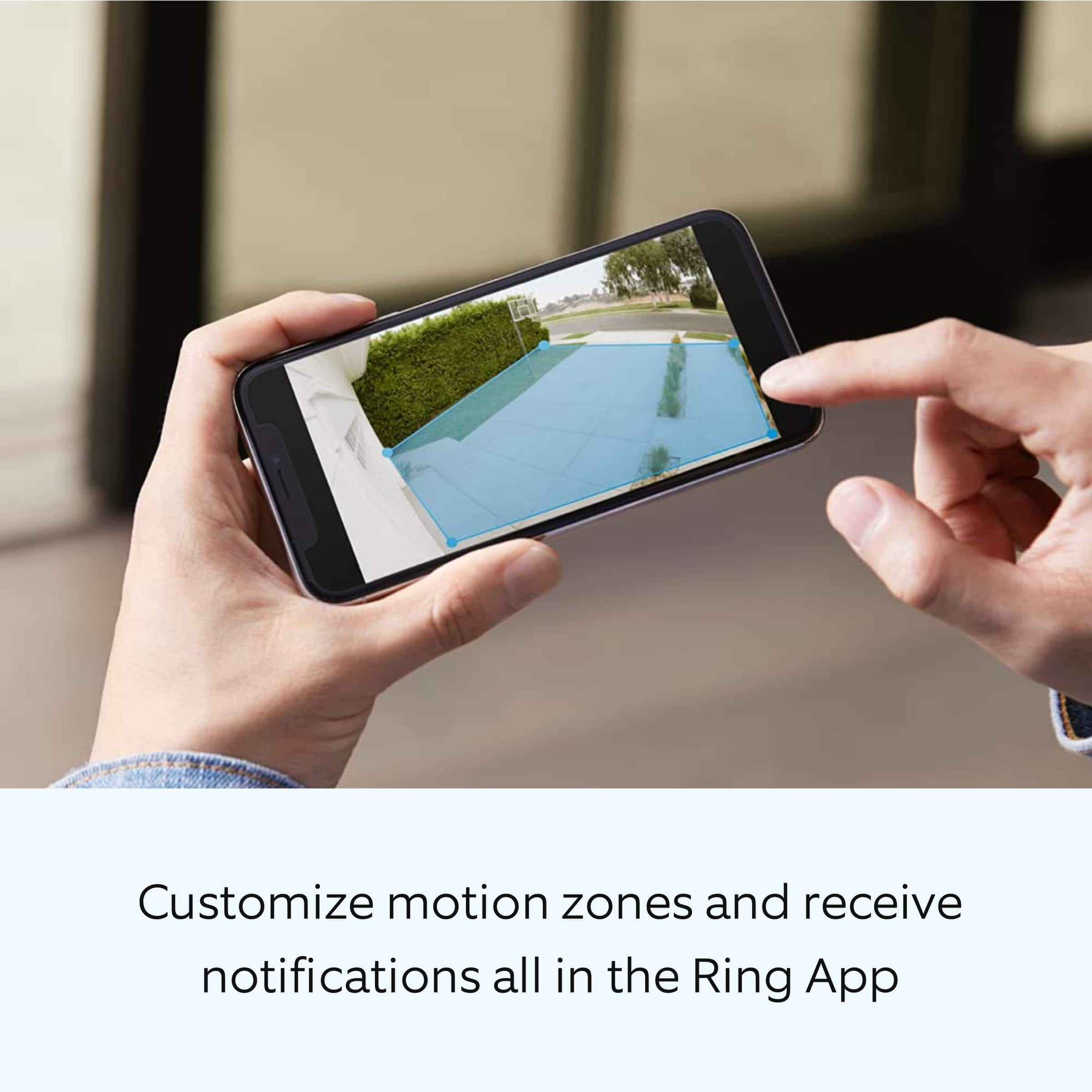
We love reading that the video quality and snapshot feature, is meeting your needs and expectations! Your motion sensitivity slider is your tool to determine exactly what you want your Floodlight Cam to react to. By moving the slider between Less Motion and All Motion. You can fine-tune your Ring device to fit the particular circumstances of your location. Here is a great article explaining this feature and how to use it.
https://support.ring.com/hc/en-us/articles/115002734606-Using-the-Motion-Sensitivity-Slider-on-Your-Floodlight-Cam
We believe that stronger communities are the key to safer neighborhoods. That is why we are driven to create products that help you protect what matters most at home and empower you to connect with your neighbors from wherever you are. If you have any questions, please visit us at https://community.ring.com/ today. The Ring Community launched in March 2019 to help deliver the most current news and educational information to our customers. This peer-to-peer forum allows our neighbors to share their feedback and experiences.
Sincerely,
Danielle with Ring
Floodlights Ring Camera
||Posted . Owned for 1 month when reviewed.This reviewer received promo considerations or sweepstakes entry for writing a review.Great security Camera. Very clear and great view, loud alert
I would recommend this to a friendNeed better connections
||Posted .This reviewer received promo considerations or sweepstakes entry for writing a review.Has really good quality but for some reason it drops your WiFi connection and even sometimes you have to do the whole process again
I would recommend this to a friendBrand response from Ring
Posted .Hi JoseD.
Thank you for taking the time to share your experience with us. We understand the importance of having a consistent wifi signal on the Ring Floodlight Cam Plus. Having a solid connection ensures you do not miss any activity around your home. We are here today to provide you with education to assist you in finding the best solution for your home’s environment.
It sounds like you experienced some connection issues with the device. Usually, devices falling offline repeatedly is related to poor wifi connectivity caused by signal fluctuations, channel congestion, or data loss.
To determine whether the problem is caused by poor upload speed, run a speed test to determine if your network can support Ring devices. In addition to ensuring that you have sufficient wifi speeds, you will also want to check the signal strength of your device. Ring devices with 1080p video require at least 1 Mbps upload and download speeds, though 2 Mbps is recommended for optimal performance.
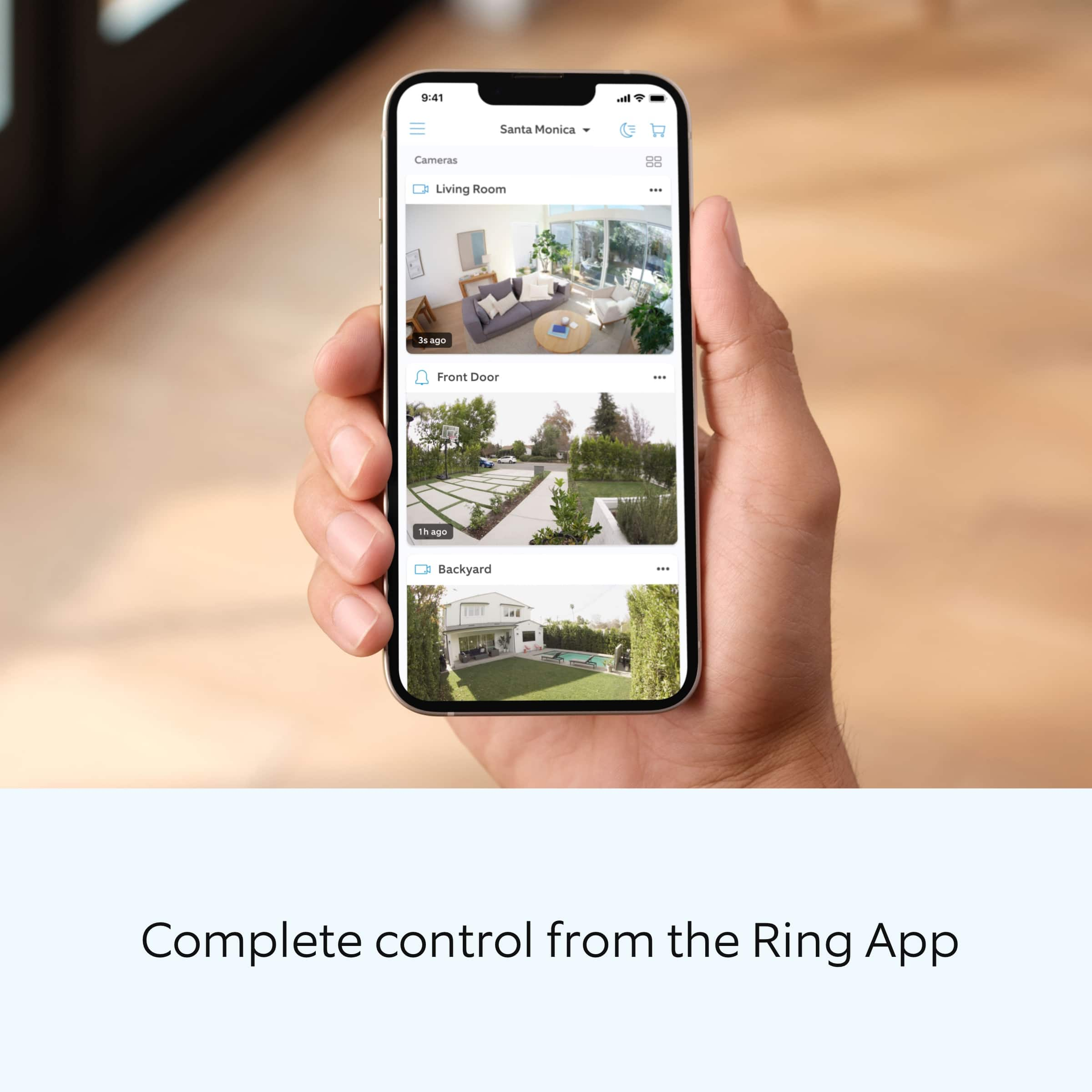
A poor wifi signal can cause connectivity with your Ring device to be unreliable. Check the Device Health section of your Ring application to ensure the device’s RSSI is within an acceptable range. The recommended range for optimal performance is 0 to -60 for the RSSI.
If your networking equipment hasn’t been power cycled in a while, try unplugging it for 30 seconds and plugging it back in. Wireless networks utilize different channels for communication. In the United States, the 2.4 GHz band uses channels 1-11 and the 5 GHz band uses channels 36-165. In some cases, setting up your Ring device(s) can fail due to wireless interference or congestion.
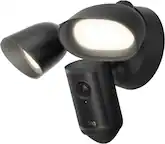
We also recommend adding a Ring Chime Pro to your network. The Ring Chime Pro simply plugs into a wall outlet between your router and the Ring Floodlight Cam Plus to assist with the wifi signal strength to the device.
For more information on your Ring Floodlight Cam Plus, we invite you to reach out to our community. Ring Community is our first peer-to-peer community forum, giving our customers the ability to help one another and share their personal feedback and experiences with Ring. We look forward to hearing from you if we can be of any further assistance!
Thank you,
Miyuki from Ring.
Ring floodlight is a must have
||Posted . Owned for 3 weeks when reviewed.This reviewer received promo considerations or sweepstakes entry for writing a review.Love these cameras! Can’t get enough of them! Every new home should have them.
I would recommend this to a friendMotion light
||Posted . Owned for 1 month when reviewed.This reviewer received promo considerations or sweepstakes entry for writing a review.Great product Actually really helps my daily life My wife loves it makes her feel so much safer
I would recommend this to a friendPerfect Day +Night
||Posted . Owned for 3 weeks when reviewed.This reviewer received promo considerations or sweepstakes entry for writing a review.The best Camaras perfect I can see everything very clearly
I would recommend this to a friendBasement walkout
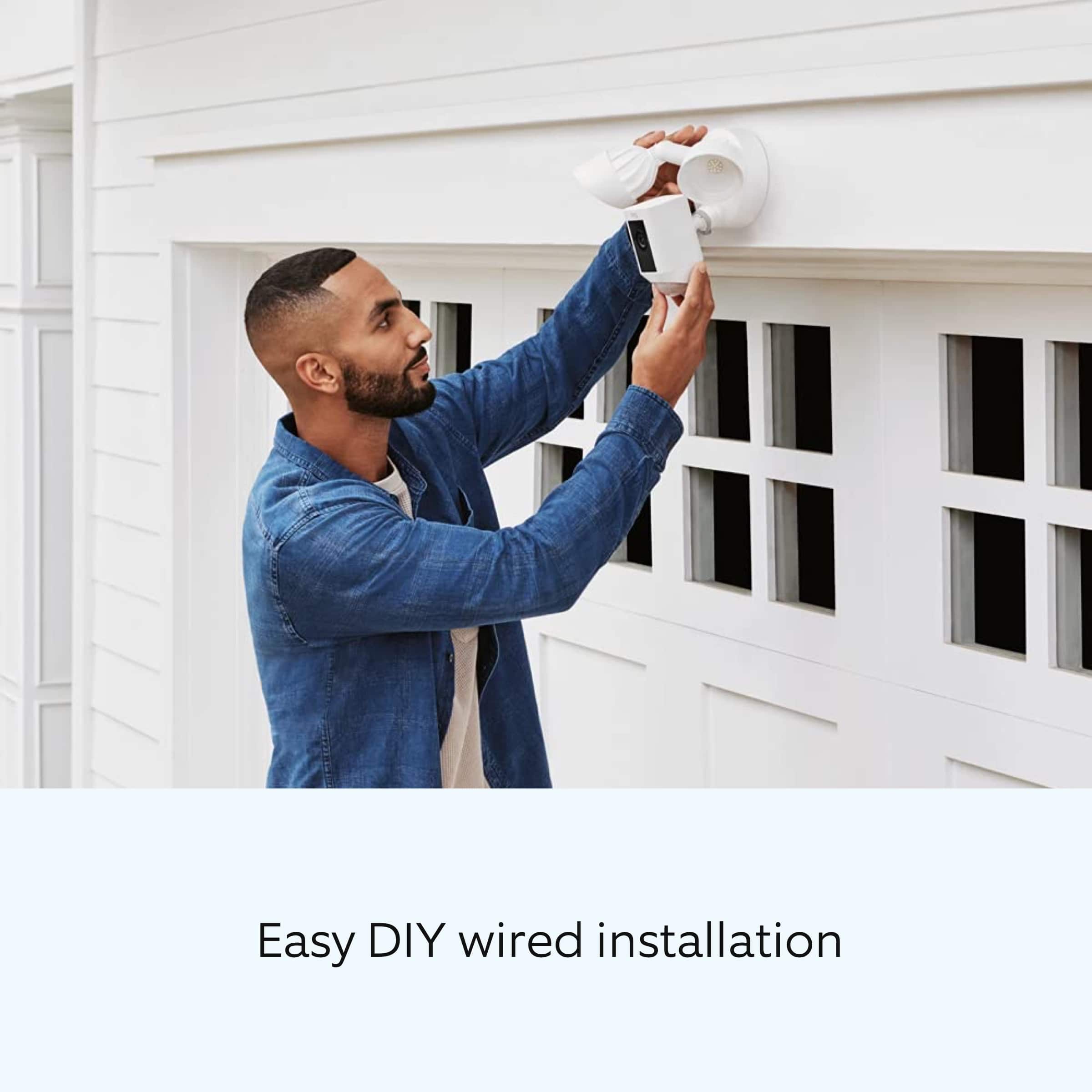
||Posted . Owned for 1 month when reviewed.This reviewer received promo considerations or sweepstakes entry for writing a review.Loved the camera easy to install great price. This the 4th camera we have at our home.
I would recommend this to a friendEasy and perfect
||Posted . Owned for 2 weeks when reviewed.This reviewer received promo considerations or sweepstakes entry for writing a review.I love it I’m so happy with this camera, I install it was so easy and works perfectly
I would recommend this to a friendRing spotlight
||Posted . Owned for 1 month when reviewed.This reviewer received promo considerations or sweepstakes entry for writing a review.Works great even at night and low light highly recommend.
I would recommend this to a friendHouse Dr
||Posted . Owned for 8 months when reviewed.This reviewer received promo considerations or sweepstakes entry for writing a review.I can see ocean on the back of my house like im there and peacock
I would recommend this to a friendRing Floodlight wired plus.
||Posted . Owned for less than 1 week when reviewed.This reviewer received promo considerations or sweepstakes entry for writing a review.Product works great! The focus is clear, lights are bright. Everything works as is designed.
I would recommend this to a friendGreat bang for your buck
||Posted . Owned for 1 month when reviewed.This reviewer received promo considerations or sweepstakes entry for writing a review.Awesome camera truly worth while very clear picture
I would recommend this to a friendUseful camera
||Posted . Owned for 5 months when reviewed.This reviewer received promo considerations or sweepstakes entry for writing a review.Excellent camera pretty useful for me specially at night
I would recommend this to a friendGreat buy
||Posted . Owned for 2 weeks when reviewed.This reviewer received promo considerations or sweepstakes entry for writing a review.This was a great but,very easy to install n lightens up really bright
I would recommend this to a friendGreat Investment
||Posted . Owned for 3 weeks when reviewed.This reviewer received promo considerations or sweepstakes entry for writing a review.Previously we order 6 of these cameras for our Airbnb overseas. Having these provide piece of mind. Our second Airbnb is about to be complete and we just got 4 more. Highly recommended... The application is very easy to use...The annual fee is very reasonable...Happy customer
I would recommend this to a friendRing floodlight cam
||Posted . Owned for 3 weeks when reviewed.This reviewer received promo considerations or sweepstakes entry for writing a review.Video not as crisp and clear. Lights have a middle dead zone if it’s mounted horizontally. Easy to install. Very good coverage.
I would recommend this to a friendSafety
||Posted . Owned for 3 weeks when reviewed.This reviewer received promo considerations or sweepstakes entry for writing a review.Shows everything,wonderful. Can see everything coming and going.
I would recommend this to a friendGreat camera
||Posted . Owned for 4 months when reviewed.This reviewer received promo considerations or sweepstakes entry for writing a review.Absolutely love our ring spotlight camera! It connected to our doorbell and other cameras nicely!
I would recommend this to a friendGift
||Posted . Owned for 2 months when reviewed.This reviewer received promo considerations or sweepstakes entry for writing a review.Very easy to install and use. Highly recommended!!
I would recommend this to a friend