Customer Ratings & Reviews
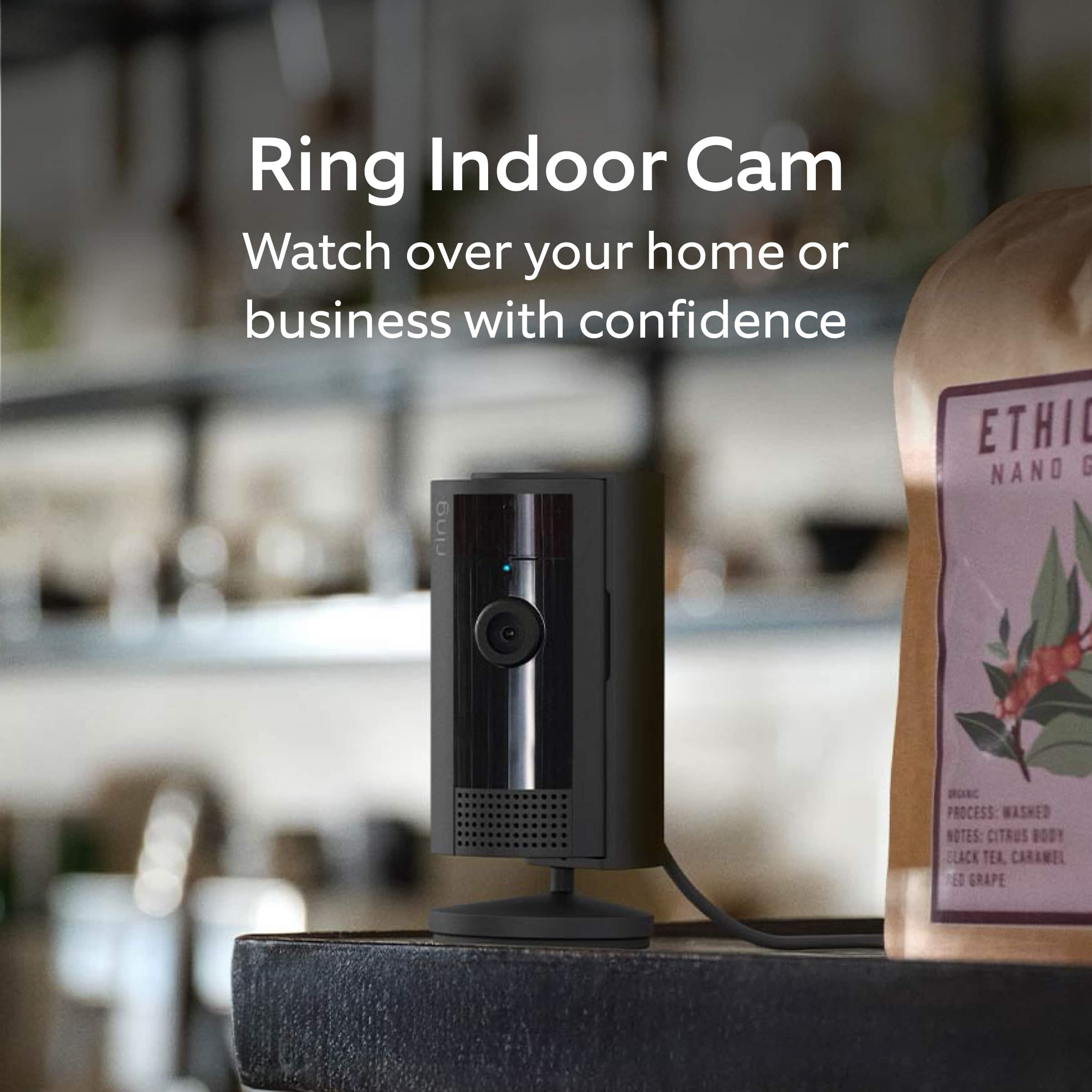
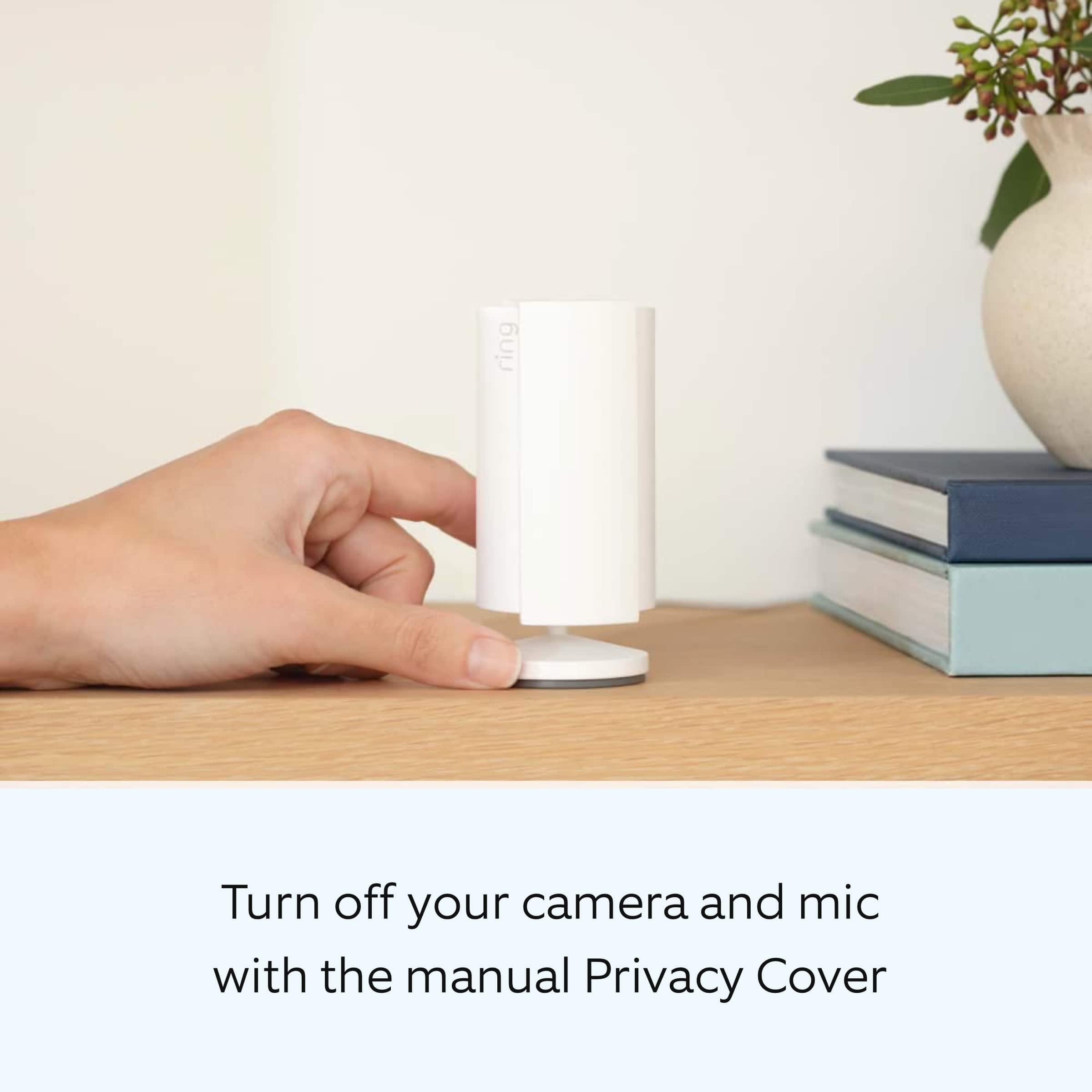
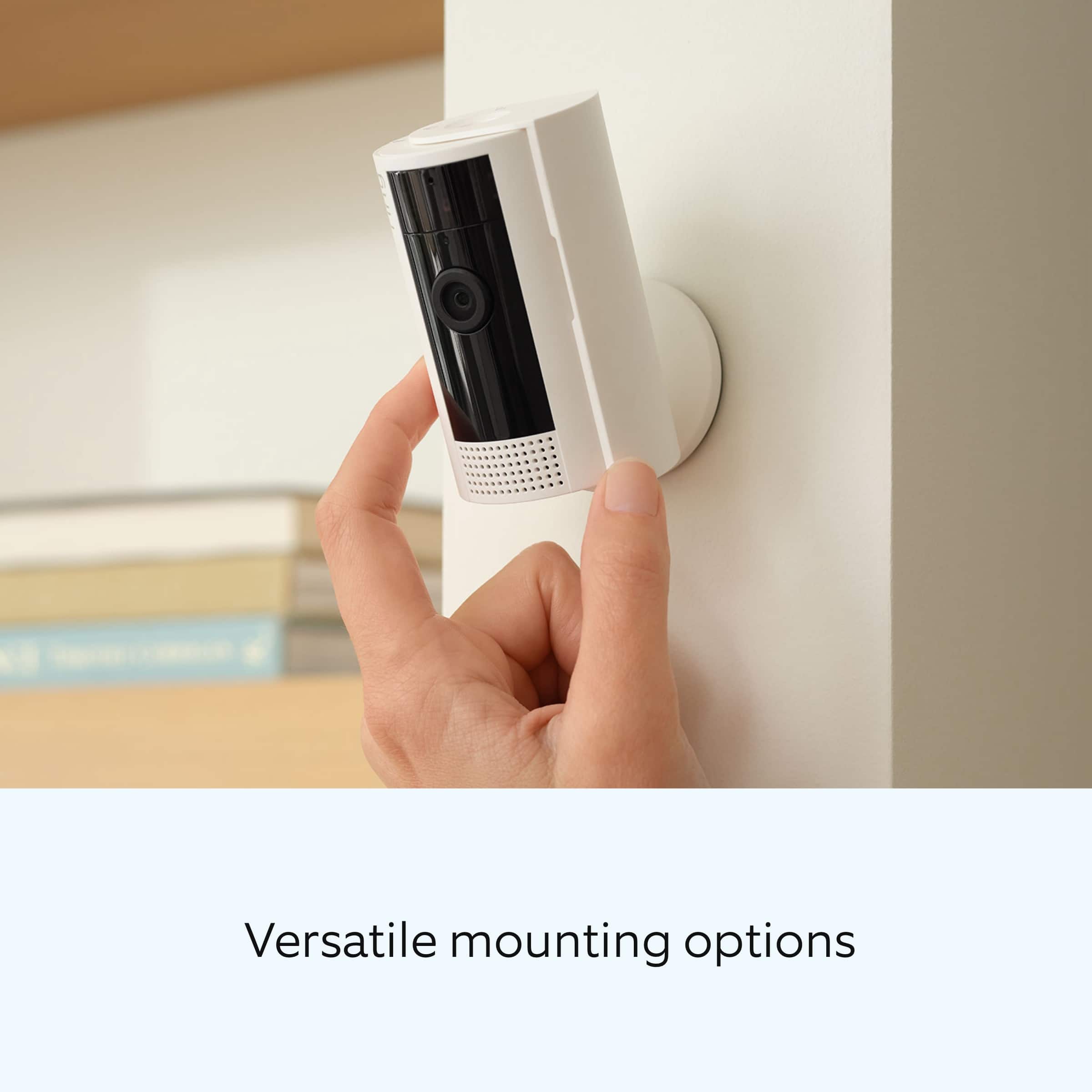
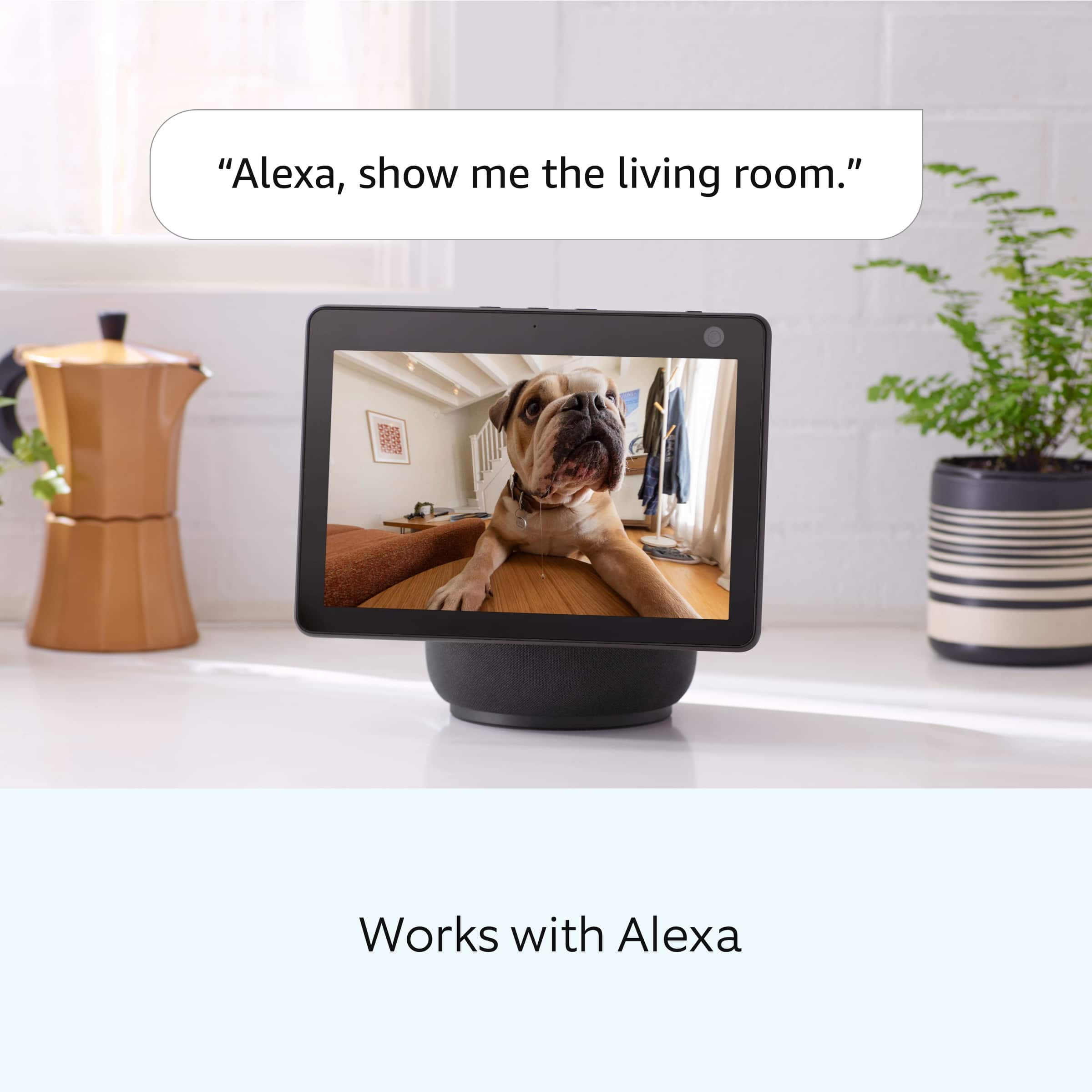
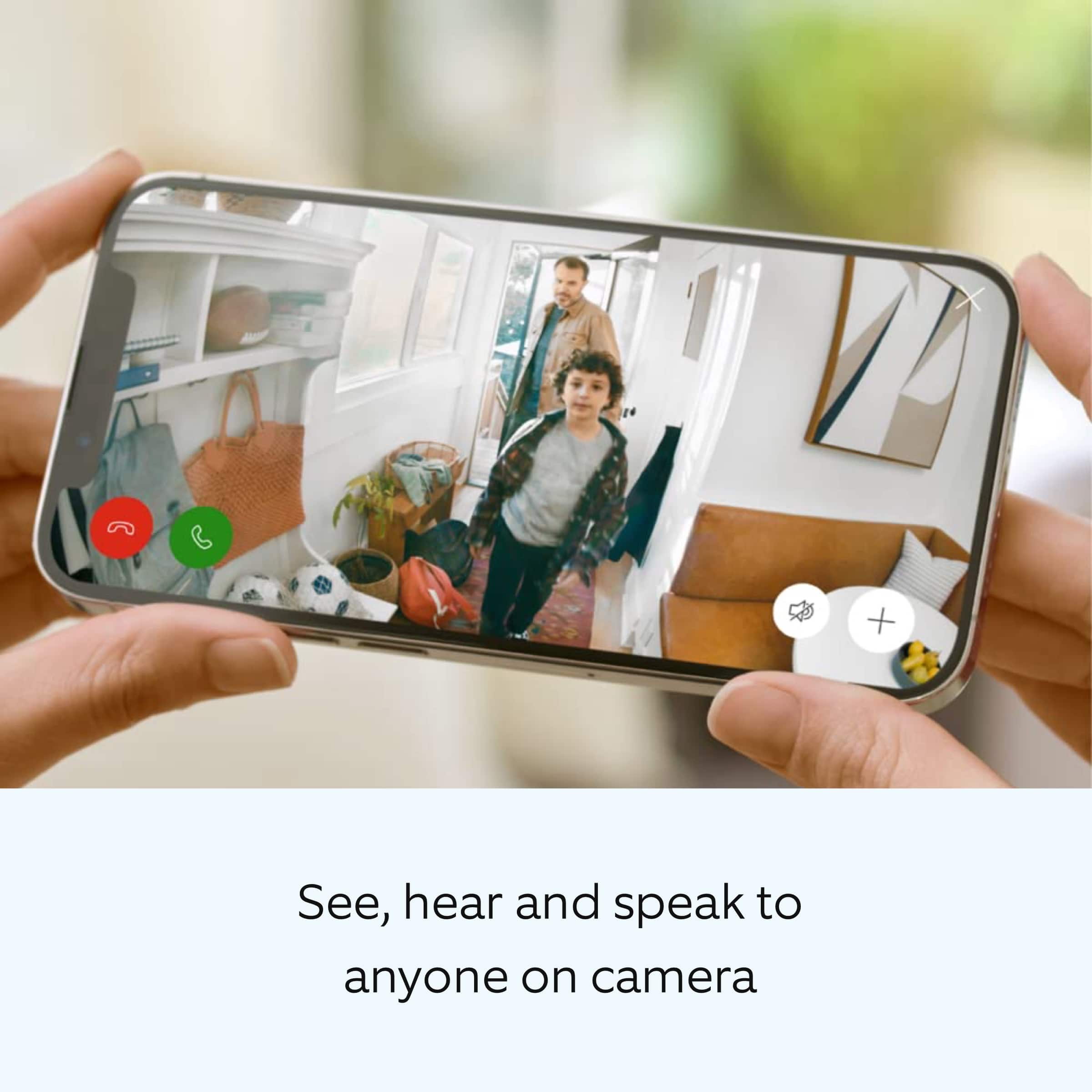
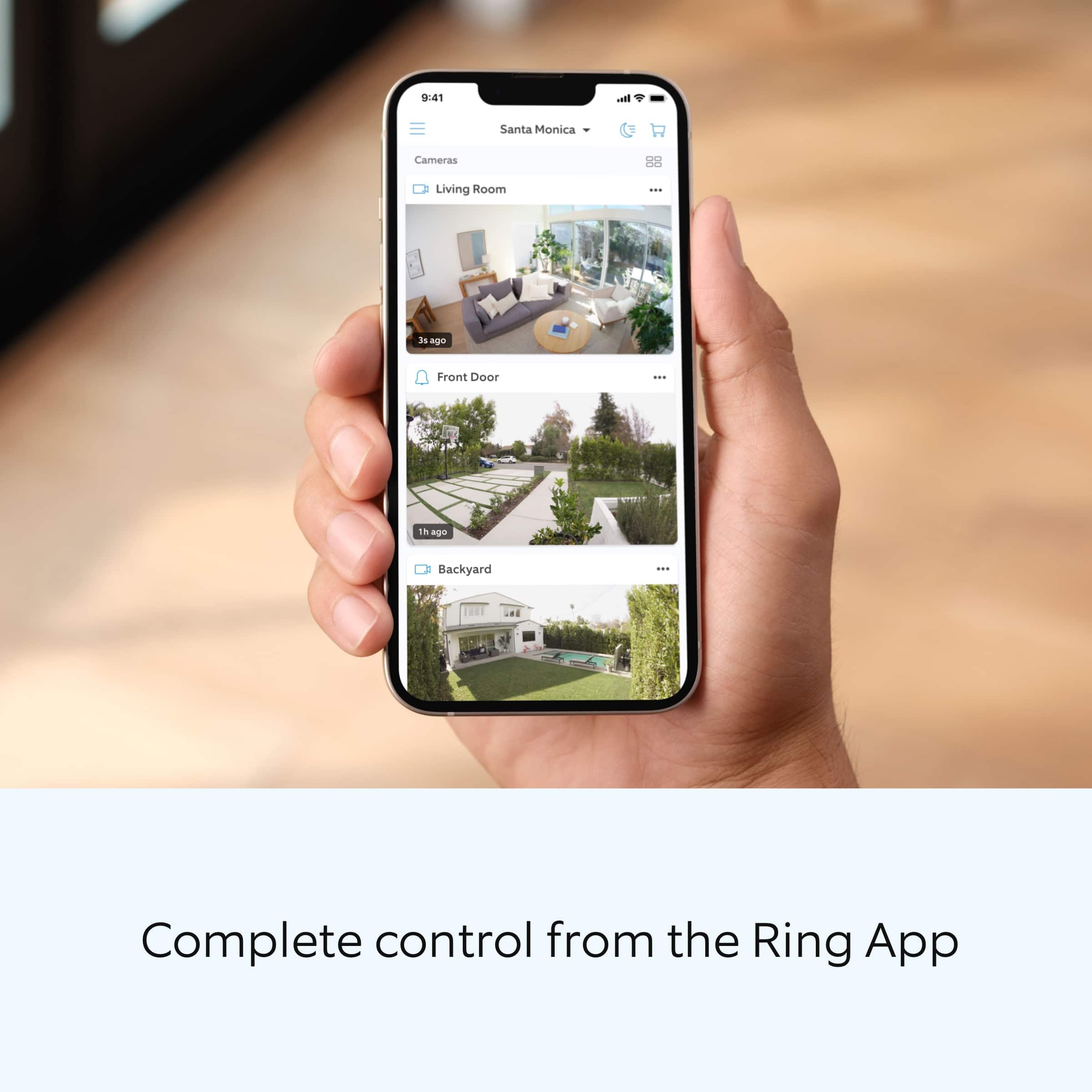
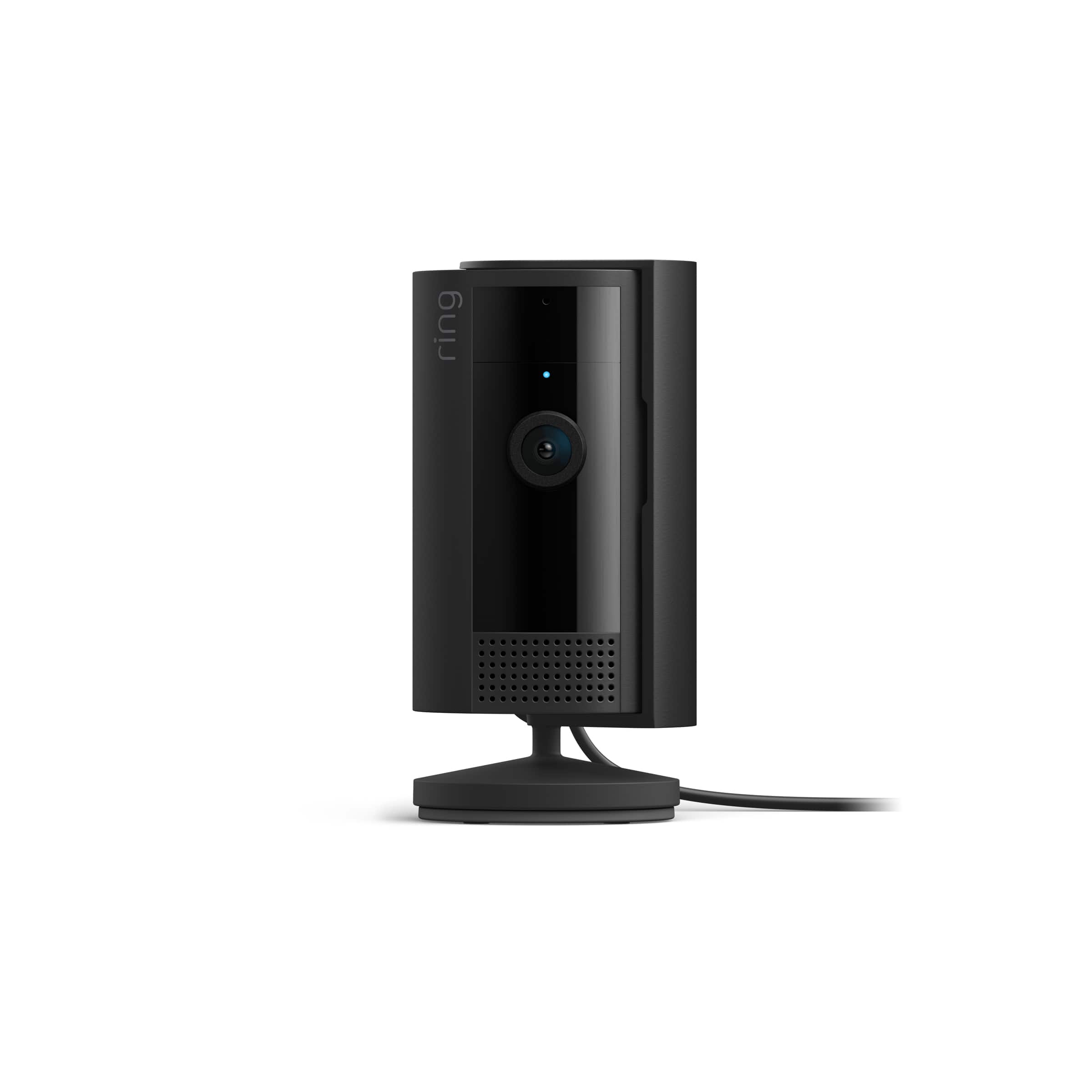
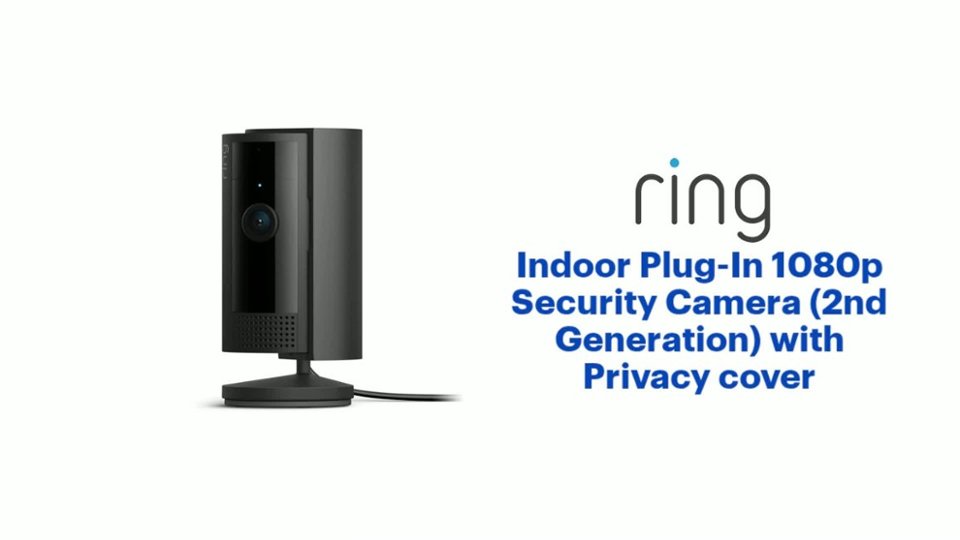
- Model:
- B0B6GJBKRK
- |
- SKU:
- 11470658
Customer reviews
Rating 4.8 out of 5 stars with 1538 reviews
(1,538 customer reviews)Rating by feature
- Value4.8
Rating 4.8 out of 5 stars
- Quality4.8
Rating 4.8 out of 5 stars
- Ease of Use4.8
Rating 4.8 out of 5 stars
Rated 5 out of 5 stars
Great camera
||Posted . Owned for 2 weeks when reviewed.This reviewer received promo considerations or sweepstakes entry for writing a review.Love my camera. The video is clear and works for what I need.
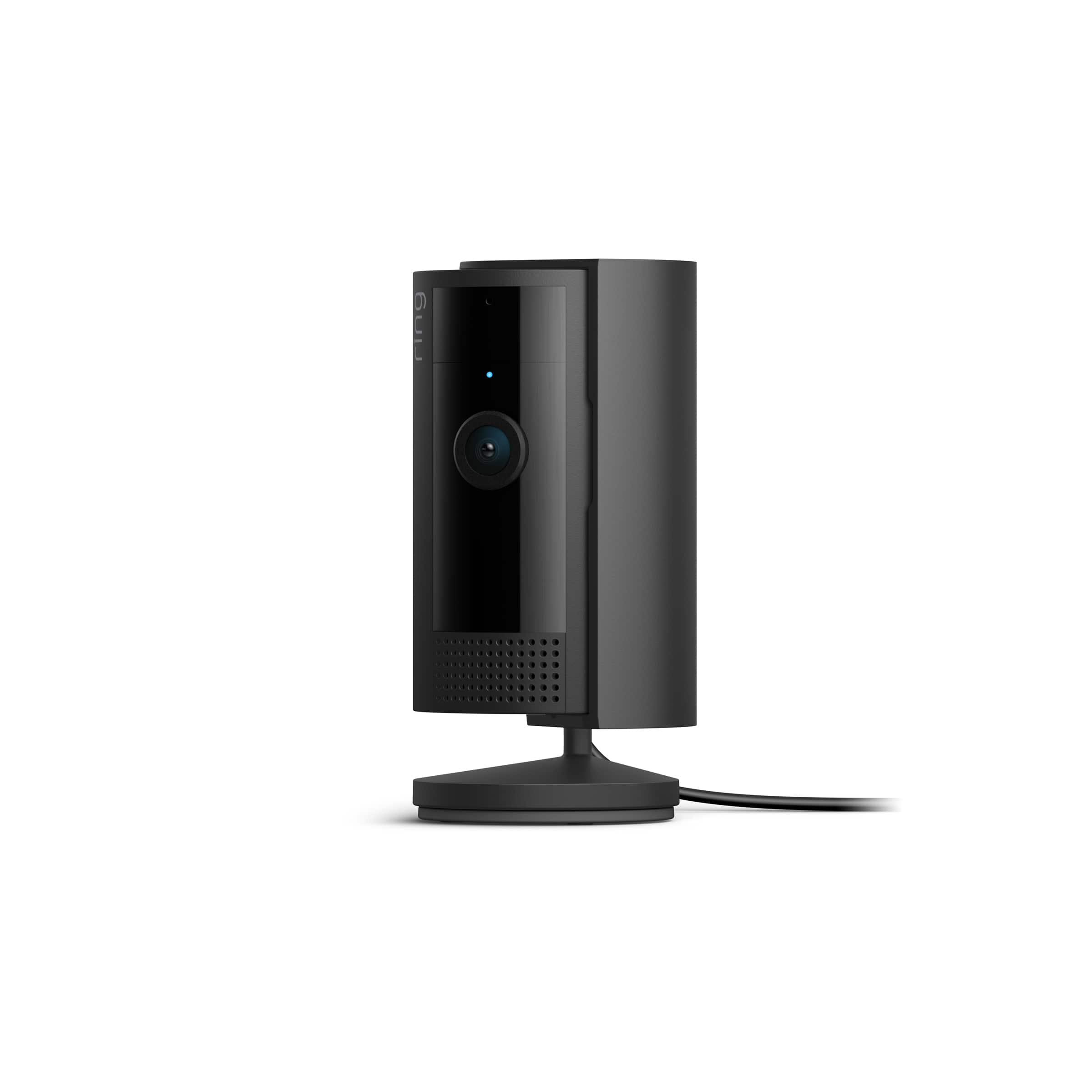
This review is from Ring - Indoor Plug-In 1080p Security Camera (2nd - Generation) with Privacy cover - White
I would recommend this to a friendRated 5 out of 5 stars
Excellent Ring camera
||Posted . Owned for 1 week when reviewed.This reviewer received promo considerations or sweepstakes entry for writing a review.Easy to set up, easy to use; connected to the Ring app quickly
This review is from Ring - Indoor Plug-In 1080p Security Camera (2nd - Generation) with Privacy cover - Black
I would recommend this to a friendRated 5 out of 5 stars
Great Camera + neighborhood watch
||Posted . Owned for 1 week when reviewed.This reviewer received promo considerations or sweepstakes entry for writing a review.After trying a couple other indoor cameras, I like this one the best. I bought this for my new puppy so I can see what she’s up to in my living room. An unexpected feature that I really appreciate is the “neighbors.” It’s basically an anonymous neighborhood watch and people post what’s going on. (Lost dogs they’ve found, cats, bears in the area, gunshot fires ,and more).
This review is from Ring - Indoor Plug-In 1080p Security Camera (2nd - Generation) with Privacy cover - White
I would recommend this to a friendRated 5 out of 5 stars
Nice ring indoor camera
||Posted . Owned for 1 week when reviewed.This reviewer received promo considerations or sweepstakes entry for writing a review.This camera is perfect for indoor, I can see my daughter play in the toy room
This review is from Ring - Indoor Plug-In 1080p Security Camera (2nd - Generation) with Privacy cover - Black
I would recommend this to a friendRated 5 out of 5 stars
Plug In Ring
||Posted . Owned for 3 weeks when reviewed.This reviewer received promo considerations or sweepstakes entry for writing a review.Great price, easy to install, and works great. Shipment arrived in just a few days.
This review is from Ring - Indoor Plug-In 1080p Security Camera (2nd - Generation) with Privacy cover - White
I would recommend this to a friendRated 5 out of 5 stars
Ring indoor camera
||Posted . Owned for 1 month when reviewed.This reviewer received promo considerations or sweepstakes entry for writing a review.This works great. I’m glad I got it. It’s cool you can talk thru it.
This review is from Ring - Indoor Plug-In 1080p Security Camera (2nd - Generation) with Privacy cover - Black
I would recommend this to a friendRated 5 out of 5 stars
Indoor camera
||Posted . Owned for 1 month when reviewed.This reviewer received promo considerations or sweepstakes entry for writing a review.Bought a indoor camera for my home does exactly what I bought it for
This review is from Ring - Indoor Plug-In 1080p Security Camera (2nd - Generation) with Privacy cover - Black
I would recommend this to a friendRated 5 out of 5 stars
Ring
||Posted . Owned for 1 month when reviewed.This reviewer received promo considerations or sweepstakes entry for writing a review.This camera it’s really good and recommended ring it’s the best camera and system for my house
This review is from Ring - Indoor Plug-In 1080p Security Camera (2nd - Generation) with Privacy cover - Black
I would recommend this to a friendRated 5 out of 5 stars
Camera
||Posted . Owned for 1 month when reviewed.This reviewer received promo considerations or sweepstakes entry for writing a review.Works as It should. I get to monitor mybdogs when I'm near t home
This review is from Ring - Indoor Plug-In 1080p Security Camera (2nd - Generation) with Privacy cover - White
I would recommend this to a friendRated 5 out of 5 stars
Security
||Posted . Owned for 1 month when reviewed.This reviewer received promo considerations or sweepstakes entry for writing a review.One camera did the job for indoor salon, very easy to install.
This review is from Ring - Indoor Plug-In 1080p Security Camera (2nd - Generation) with Privacy cover - White
I would recommend this to a friendRated 5 out of 5 stars
Great camera.
||Posted . Owned for 1 month when reviewed.This reviewer received promo considerations or sweepstakes entry for writing a review.Ring products are great. These fit right in with my outside cameras and system.
This review is from Ring - Indoor Plug-In 1080p Security Camera (2nd - Generation) with Privacy cover - White
I would recommend this to a friendRated 5 out of 5 stars
Works great
||Posted . Owned for 1 week when reviewed.This reviewer received promo considerations or sweepstakes entry for writing a review.Works great you can see everything really clear highly recommend
This review is from Ring - Indoor Plug-In 1080p Security Camera (2nd - Generation) with Privacy cover - Black
I would recommend this to a friendRated 5 out of 5 stars
Smile
||Posted . Owned for less than 1 week when reviewed.This reviewer received promo considerations or sweepstakes entry for writing a review.Smile say cheese your in camera. Nice clean video cant zoom in to great
This review is from Ring - Indoor Plug-In 1080p Security Camera (2nd - Generation) with Privacy cover - White
I would recommend this to a friendRated 4 out of 5 stars
Fine
||Posted . Owned for 2 months when reviewed.This reviewer received promo considerations or sweepstakes entry for writing a review.It records fine. Does the job. Clarity is good too.
This review is from Ring - Indoor Plug-In 1080p Security Camera (2nd - Generation) with Privacy cover - White
I would recommend this to a friendRated 5 out of 5 stars
Great buy
||Posted . Owned for 3 weeks when reviewed.This reviewer received promo considerations or sweepstakes entry for writing a review.This camera has a crystal clear view and is very reliable. I’m super happy with this camera.
This review is from Ring - Indoor Plug-In 1080p Security Camera (2nd - Generation) with Privacy cover - Black
I would recommend this to a friendRated 5 out of 5 stars
Gift
||Posted . Owned for 1 month when reviewed.This reviewer received promo considerations or sweepstakes entry for writing a review.Price was great bought them as a gift recipient was happy to get them
This review is from Ring - Indoor Plug-In 1080p Security Camera (2nd - Generation) with Privacy cover - Black
I would recommend this to a friendRated 5 out of 5 stars
Works great
||Posted . Owned for 1 month when reviewed.This reviewer received promo considerations or sweepstakes entry for writing a review.This is great to have for when your away. It is just the right size.
This review is from Ring - Indoor Plug-In 1080p Security Camera (2nd - Generation) with Privacy cover - Black
I would recommend this to a friendRated 5 out of 5 stars
Works great
||Posted . Owned for 2 weeks when reviewed.This reviewer received promo considerations or sweepstakes entry for writing a review.Love the camera. Used for indoor video. Thought it would cost more so great price.
This review is from Ring - Indoor Plug-In 1080p Security Camera (2nd - Generation) with Privacy cover - Black
I would recommend this to a friendRated 5 out of 5 stars
My SecurIty team !
||Posted . Owned for 2 weeks when reviewed.This reviewer received promo considerations or sweepstakes entry for writing a review.It does agreat job as a security camera, this is a very good product.
This review is from Ring - Indoor Plug-In 1080p Security Camera (2nd - Generation) with Privacy cover - Black
I would recommend this to a friendRated 5 out of 5 stars
Amazing
||Posted . Owned for 1 month when reviewed.This reviewer received promo considerations or sweepstakes entry for writing a review.Great. Works amazing. As advertised and couldnt be happier
This review is from Ring - Indoor Plug-In 1080p Security Camera (2nd - Generation) with Privacy cover - White
I would recommend this to a friend