Customer Ratings & Reviews
- Model:
- B0B6GJBKRK
- SKU:
- 11470658
Rating by feature
- Value
Rating 4.8 out of 5 stars
- Quality
Rating 4.8 out of 5 stars
- Ease of Use
Rating 4.8 out of 5 stars
Camera
||Posted . Owned for 2 weeks when reviewed.This reviewer received promo considerations or sweepstakes entry for writing a review.Camera wasn’t what I expected when purchasing it. When it first arrived it took a while to even charge after I charged it the camera didn’t turn on. That was the only thing I didn’t like. I had to return it.
I would recommend this to a friendBrand response from Ring
Posted .Hi Damaris.
Thank you for taking the time to share your experience with us. We understand how important it is for your Ring Indoor Cam (2nd Gen.) to function consistently and reliably, so you are alerted to any wanted or unwanted activity in or around your home. The features and technology provided by the Ring Indoor Cam (2nd Gen.) are incredibly valuable and help provide you with peace of mind about your home security. We are eager to address the issue you raised in your review and provide you with a resolution today.
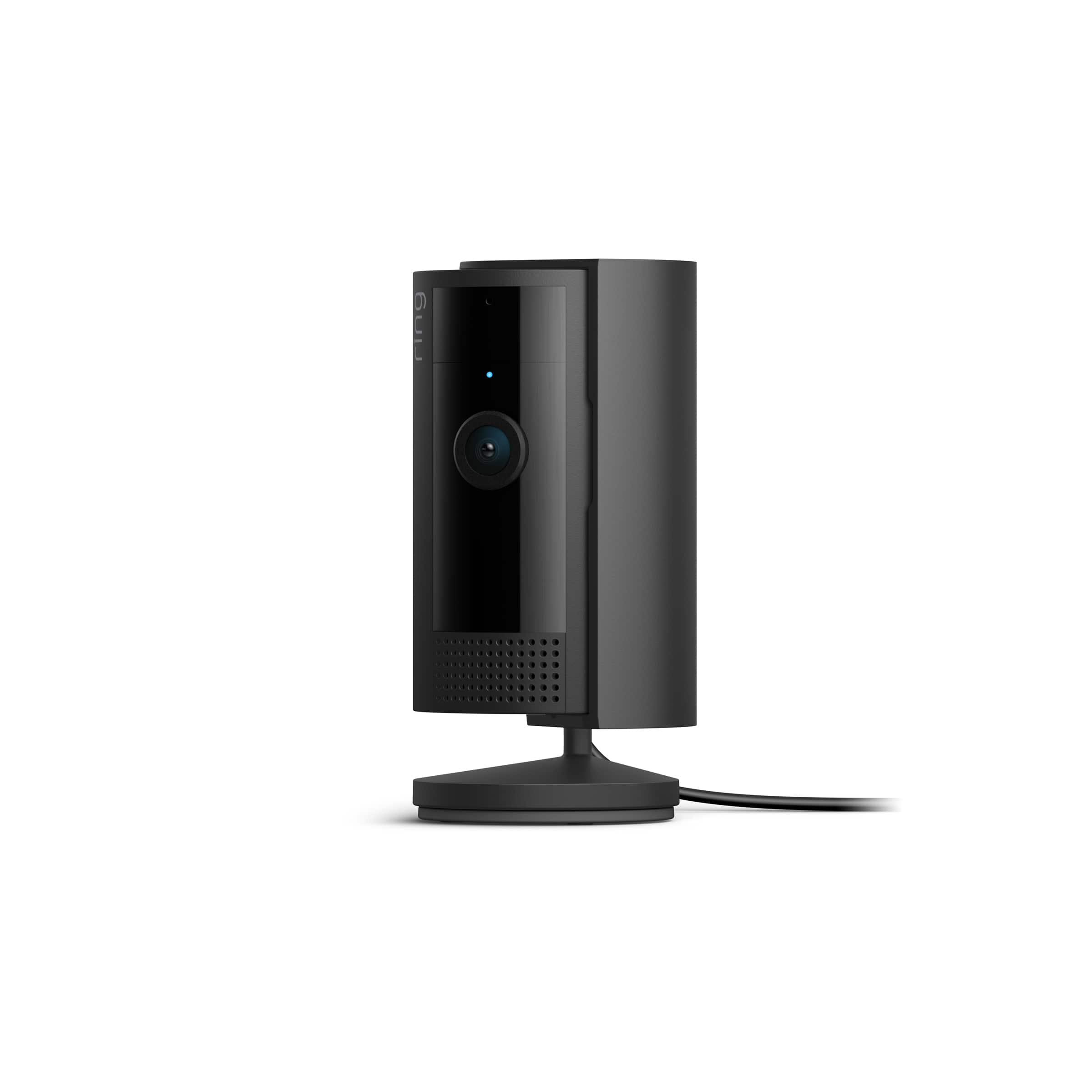
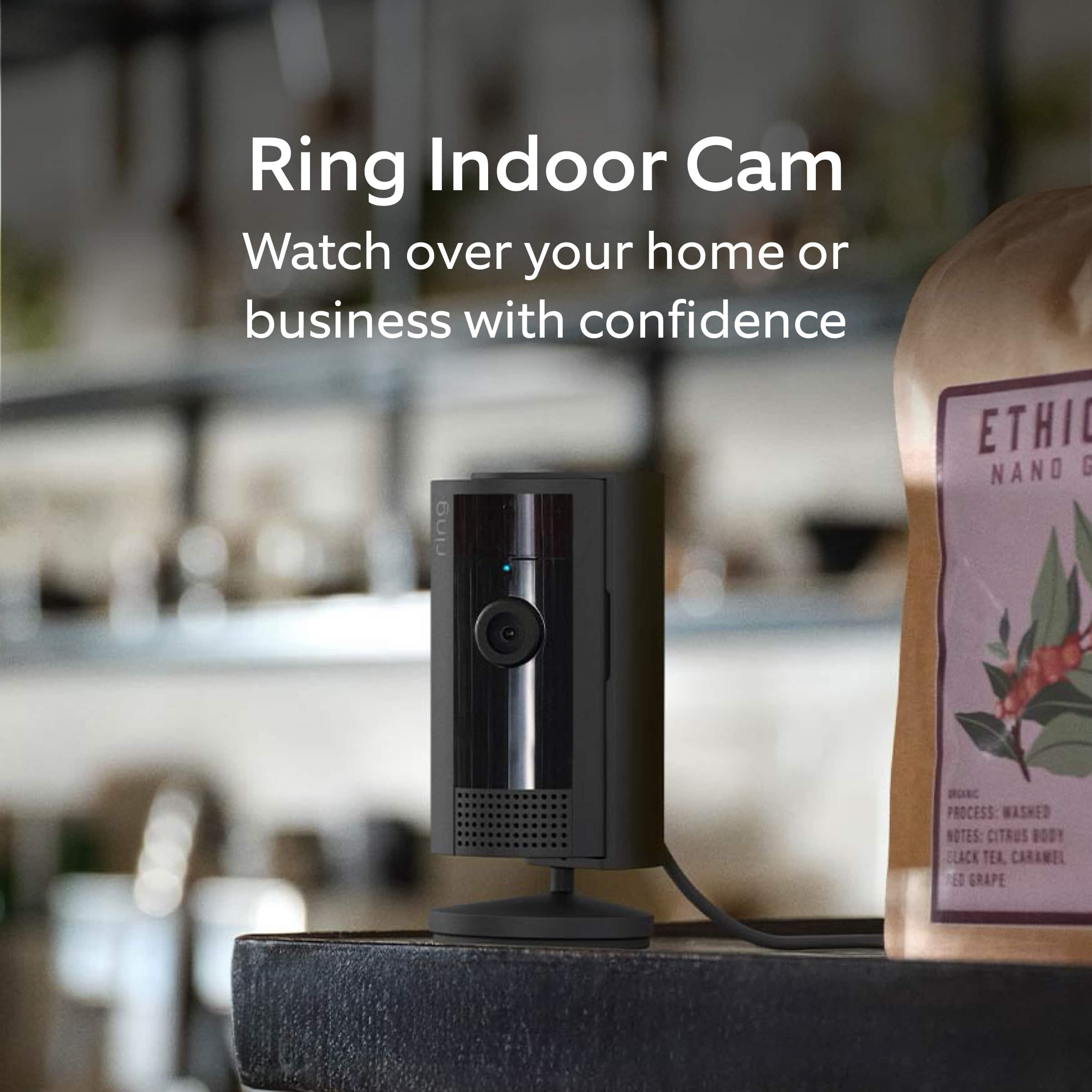
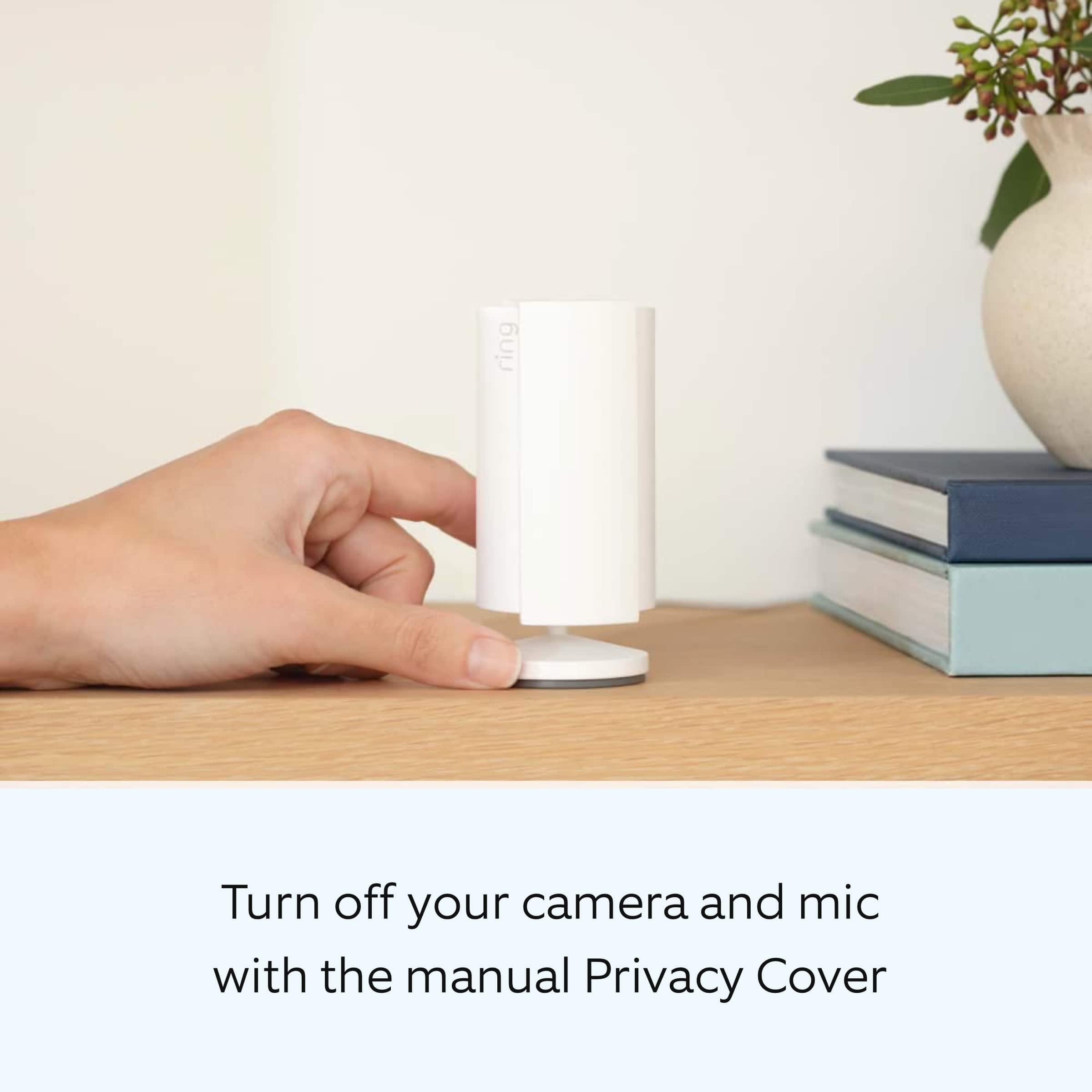
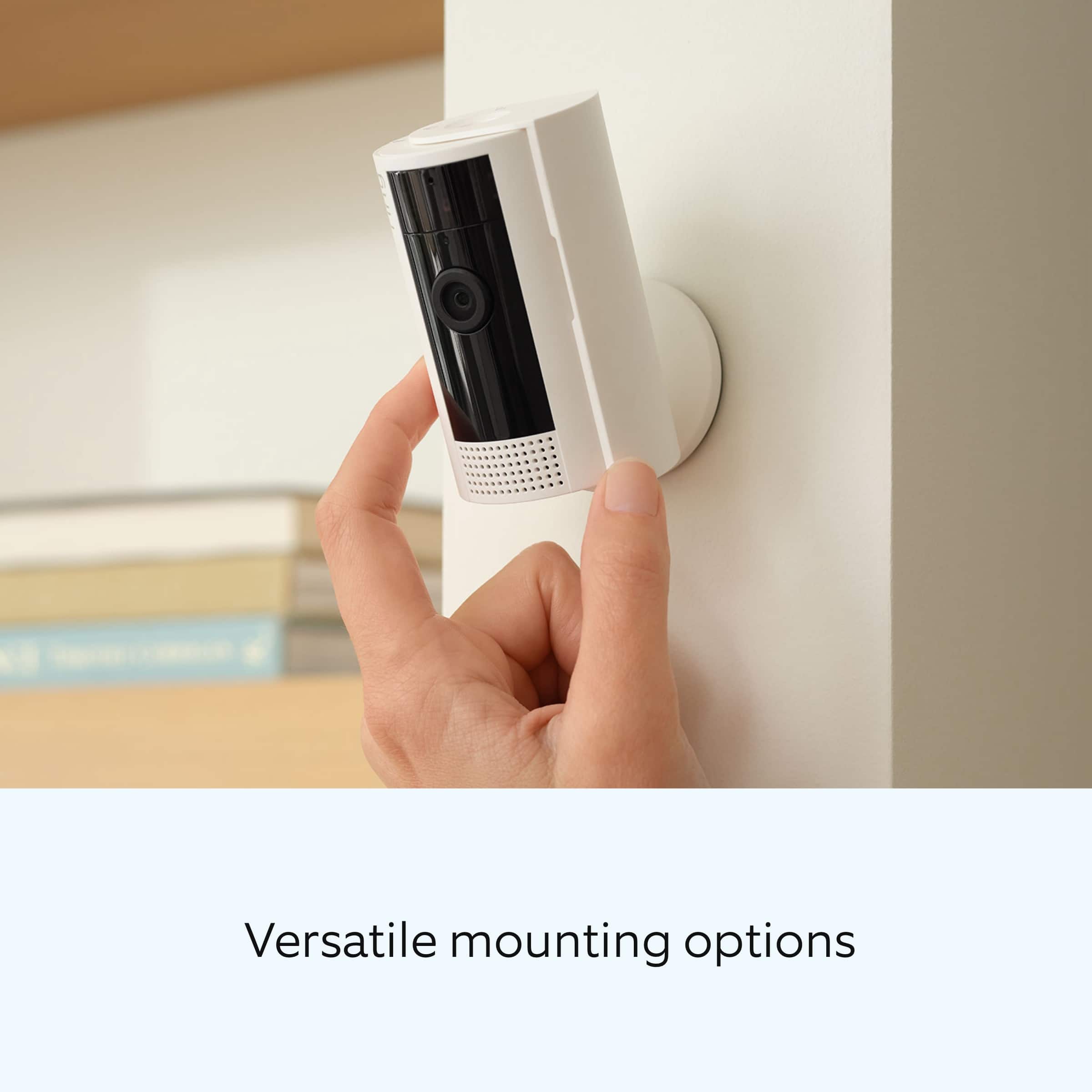
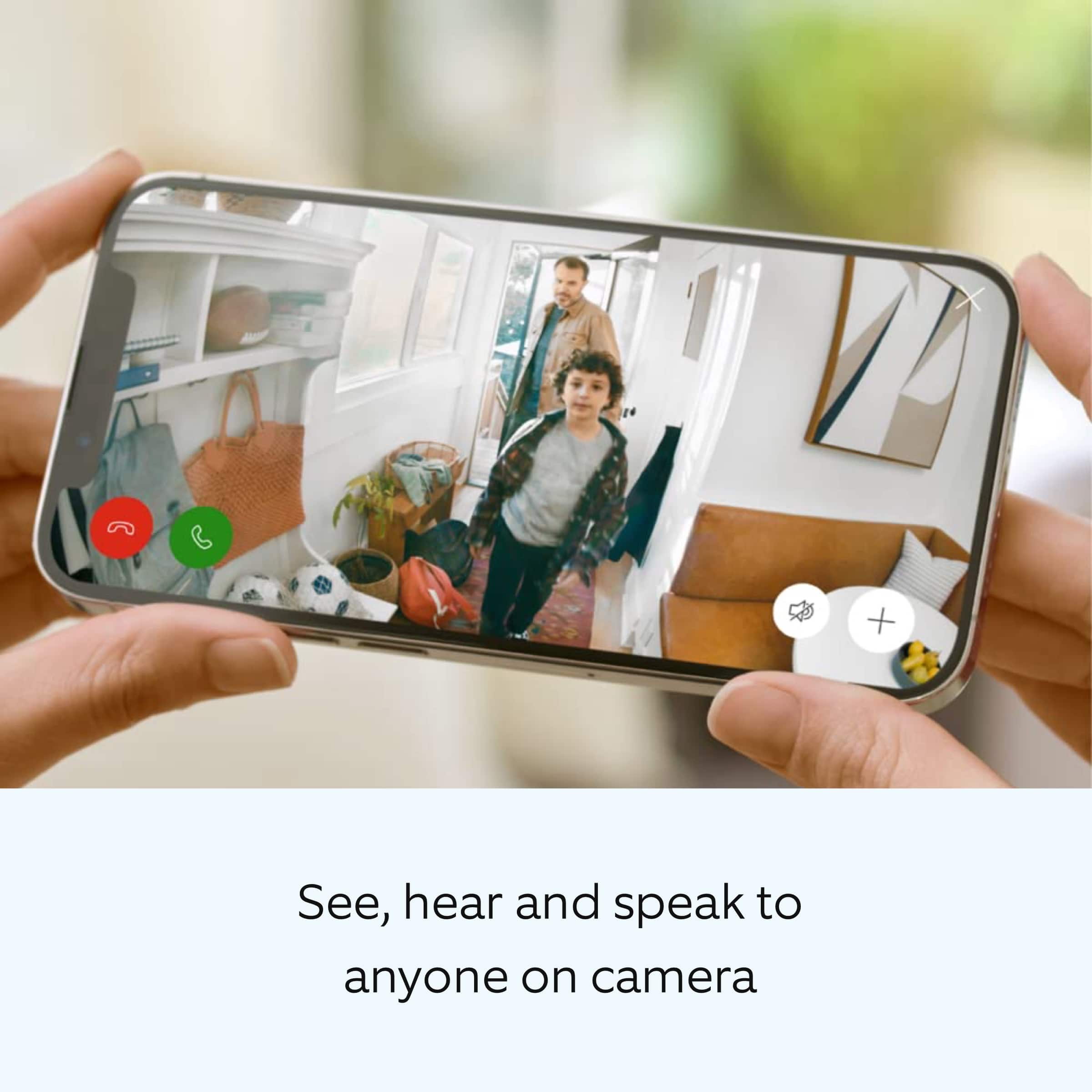
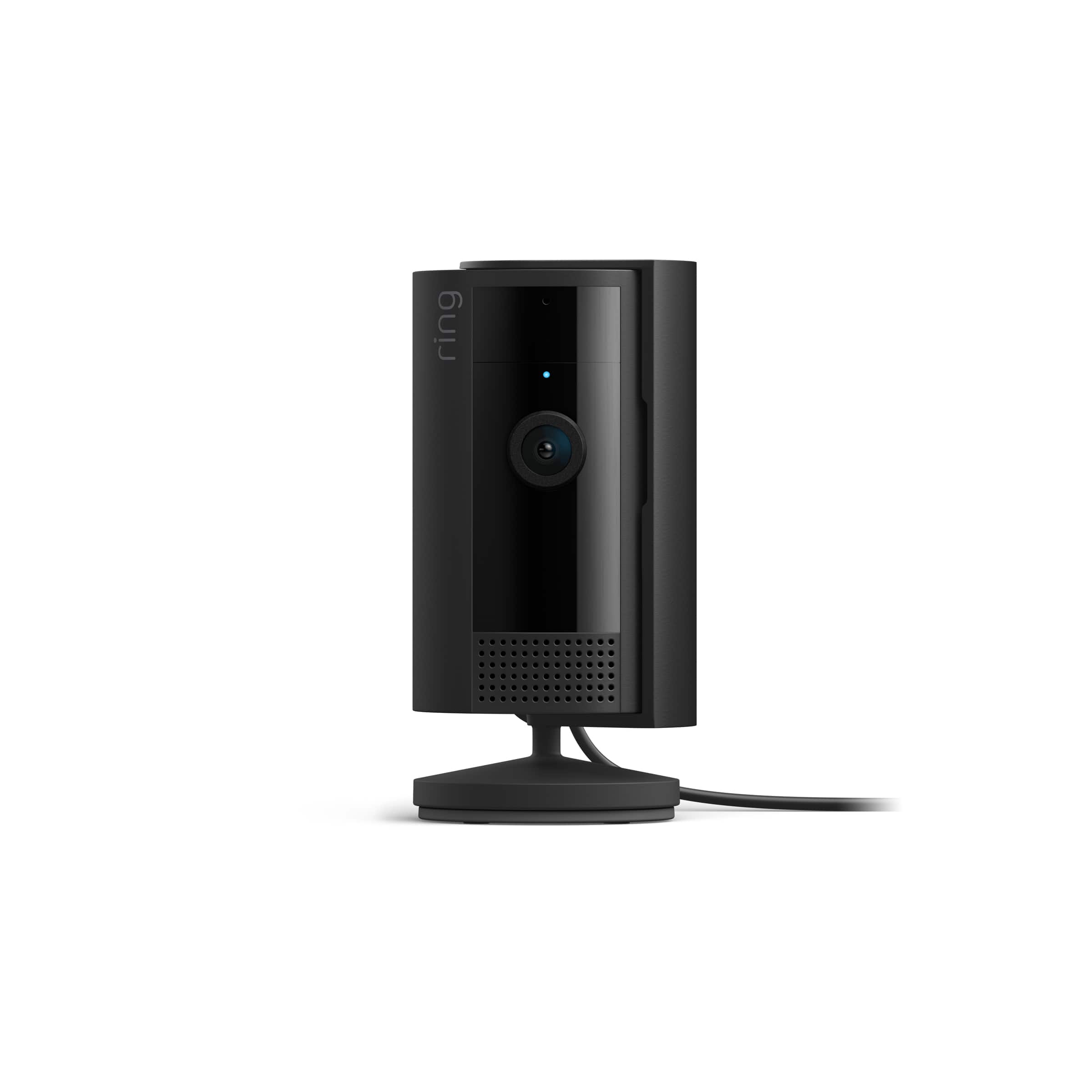
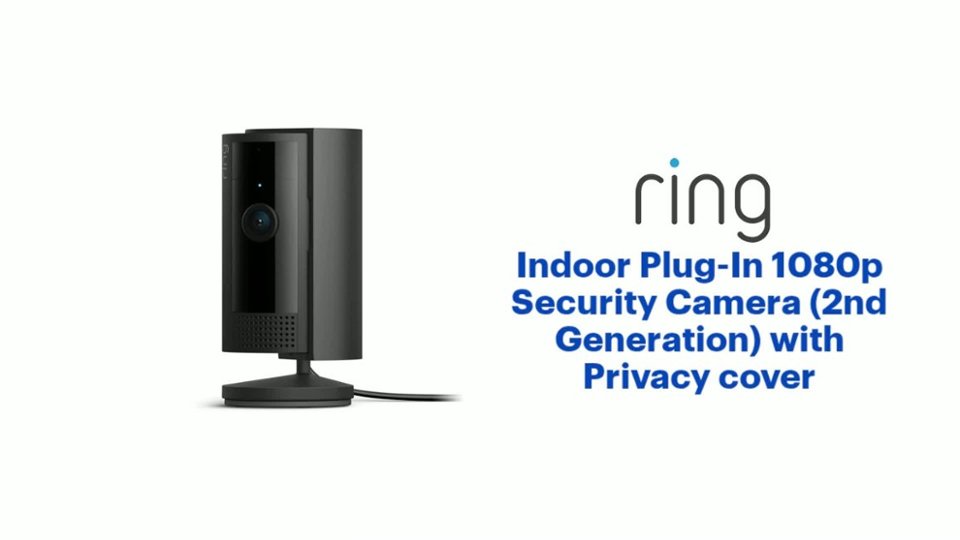
It sounds like the device is not performing as intended. The Ring Indoor Cam (2nd Gen.) is a small, lightweight security camera with flexible mounting options specifically designed to be used indoors. The Ring Indoor Cam (2nd Gen.) features 1080p HD video recording, two-way audio with noise cancellation, a wide viewing angle, a built-in siren, a power cable/adapter, and an included removable privacy cover. A tone will sound when the cover is secured and active. If your Ring Indoor Cam (2nd Gen.) isn’t working after you plug it in, we recommend following these steps: Try another outlet in case the one you’re using is faulty or associated with a light switch. Make sure the micro-USB cord is securely attached to the port. Press the reboot button or use the reboot feature in the Ring app if the camera is out of reach. If the device remains unresponsive, press and hold the setup button on top of the camera for 10 seconds. Allow a full 60 seconds for the camera to power back on after the reset is complete.
If you still have the device in your possession, we invite you to reach out to our community for more information. The Ring Community is our first peer-to-peer community forum, giving our customers the ability to help one another by sharing their feedback and experiences with each other.
Thank you,
Melissa from Ring.
Rin Camera
||Posted . Owned for 3 weeks when reviewed.This reviewer received promo considerations or sweepstakes entry for writing a review.Ring camera is an additional camera to Ring camera on front door. Great alarm system
I would recommend this to a friendIndoor camera
||Posted . Owned for 1 month when reviewed.This reviewer received promo considerations or sweepstakes entry for writing a review.Got these indoor cameras for security, and to keep a eye on my girlfriends mom while she is alone. She has had a few falls.
I would recommend this to a friendGood
||Posted . Owned for 3 months when reviewed.This reviewer received promo considerations or sweepstakes entry for writing a review.Works good with the ring app. Handles well in the arizona heat. No idea how it handles in weather below 30 degrees
I would recommend this to a friendRing camera
||Posted . Owned for 1 month when reviewed.This reviewer received promo considerations or sweepstakes entry for writing a review.Easy to install, works well with the other Ring equipment. Overall very happy with this product!
I would recommend this to a friendExcellent
||Posted . Owned for 3 months when reviewed.This reviewer received promo considerations or sweepstakes entry for writing a review.Bought as a gift so I'm not sure on the quality. Can't go wrong with a Ring.
I would recommend this to a friendIndoor protection
||Posted . Owned for 2 weeks when reviewed.This reviewer received promo considerations or sweepstakes entry for writing a review.I love my new Ring setup. This device and others like it give me protection when I’m home and away. It
I would recommend this to a friendBeardie cam
||Posted . Owned for less than 1 week when reviewed.This reviewer received promo considerations or sweepstakes entry for writing a review.I'm using this to keep an eye on my bearded dragon.. it's been fun to watch him from work
I would recommend this to a friendBest Indoor Security Camera
||Posted . Owned for 1 month when reviewed.This reviewer received promo considerations or sweepstakes entry for writing a review.Best indoor security camera AND it doesn't require a separate module to connect to the internet.
I would recommend this to a friendGreat camera
||Posted . Owned for 2 weeks when reviewed.This reviewer received promo considerations or sweepstakes entry for writing a review.Great mini camera. Love the privacy fixture. Great value for the price, especially if it is on sale.
I would recommend this to a friendIndoor Home security camera
||Posted . Owned for 3 months when reviewed.This reviewer received promo considerations or sweepstakes entry for writing a review.Best purchase yet! Can always keep my family & pets safe even just to check on them during the day while at work
I would recommend this to a friendGreat product
||Posted . Owned for 1 week when reviewed.This reviewer received promo considerations or sweepstakes entry for writing a review.Great for my siblings to keep a eye on our parents when we are not around.
I would recommend this to a friendRing camera
||Posted . Owned for 2 weeks when reviewed.This reviewer received promo considerations or sweepstakes entry for writing a review.I love it so much always active always on and always sending me notification being alert
I would recommend this to a friendVery good
||Posted . Owned for 7 months when reviewed.This reviewer received promo considerations or sweepstakes entry for writing a review.This is a must get. All the security you need for your home
I would recommend this to a friendAmazing Security camera. Great buy.
||Posted . Owned for 3 weeks when reviewed.This reviewer received promo considerations or sweepstakes entry for writing a review.Amazing security camera, useful and a lot of good features, price is good
I would recommend this to a friendCamera
||Posted . Owned for 1 month when reviewed.This reviewer received promo considerations or sweepstakes entry for writing a review.Really good camera but, work more on clarity of the person detected and color of the surroundings or objects.
I would recommend this to a friendcamera
||Posted . Owned for 1.5 years when reviewed.This reviewer received promo considerations or sweepstakes entry for writing a review.good product makes a good nanny or dog camera indoor use only
I would recommend this to a friendBrand response from Ring
Posted .Hi Locks.
We appreciate you taking the time to share your experience with us. We are pleased to read that you are enjoying your new Ring Indoor Cam (2nd Gen)! At Ring, we believe in keeping people close to what’s important. That is why we are driven to create products that help you protect what matters most at home and empower you to connect with your visitors from wherever you are. Together, we’ll make neighborhoods safer!
Ring Community was launched to help deliver the most current news and educational information to our neighbors. This online forum is divided into four categories: Product Boards, Ring Updates, Tips and Tricks, and a Moderators’ Corner. The Product Boards are where you can begin new topics with your questions or feedback; there is also a search option that helps you find topics that have already been posted by other neighbors. We invite you to visit our Ring Community today.
Thank you,
Miyuki from Ring.
Great Camera
||Posted . Owned for 1 month when reviewed.This reviewer received promo considerations or sweepstakes entry for writing a review.Great product and does exactly what I need it for.. Security!!!
I would recommend this to a friendExcellent Purchase
||Posted . Owned for 3 weeks when reviewed.This reviewer received promo considerations or sweepstakes entry for writing a review.This camera has added another level of security to my home.
I would recommend this to a friendGood security camera
||Posted . Owned for 1 week when reviewed.This reviewer received promo considerations or sweepstakes entry for writing a review.Great security camera. Clarity on live view is perfect. Small and easy to place anywhere.
I would recommend this to a friend