Customer Ratings & Reviews
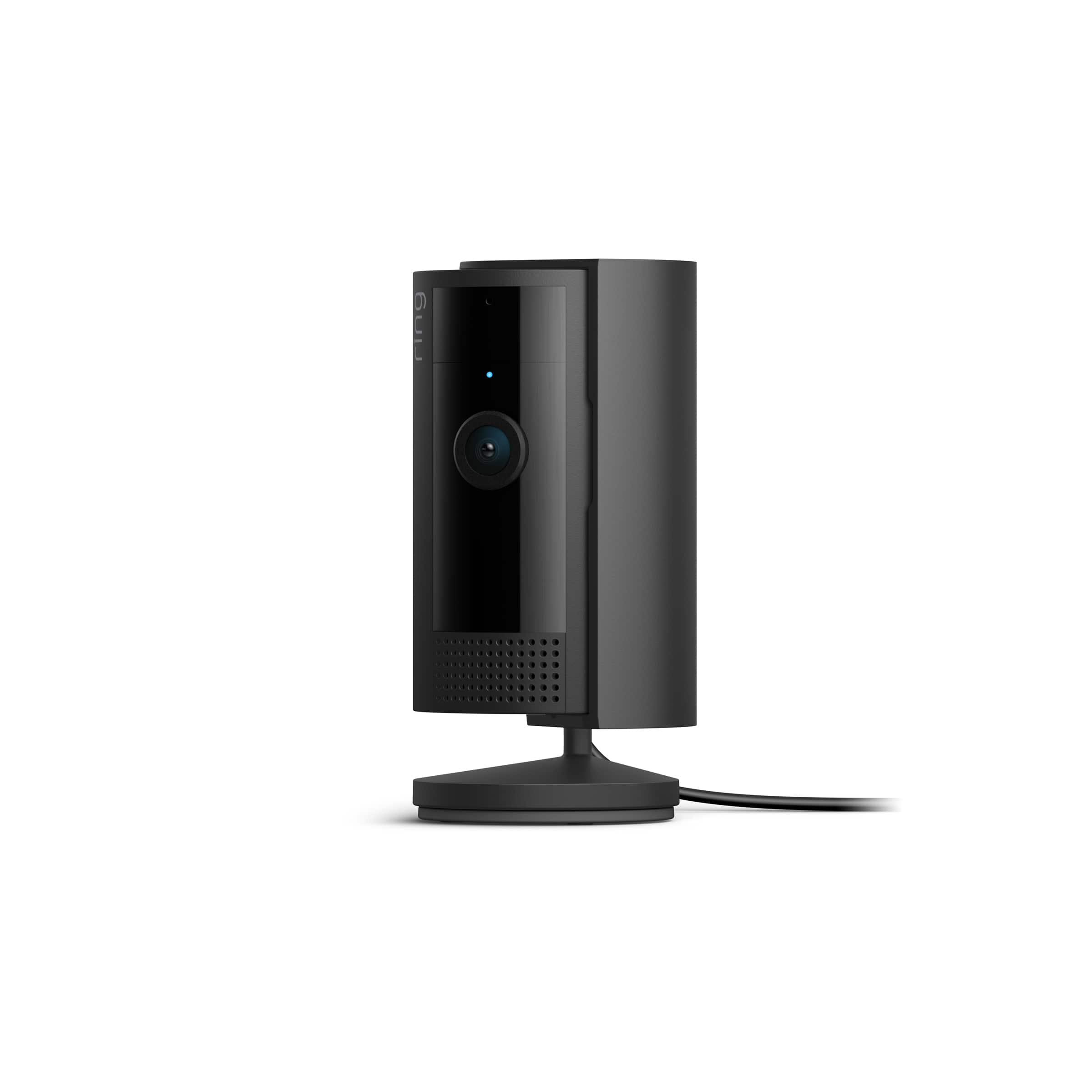
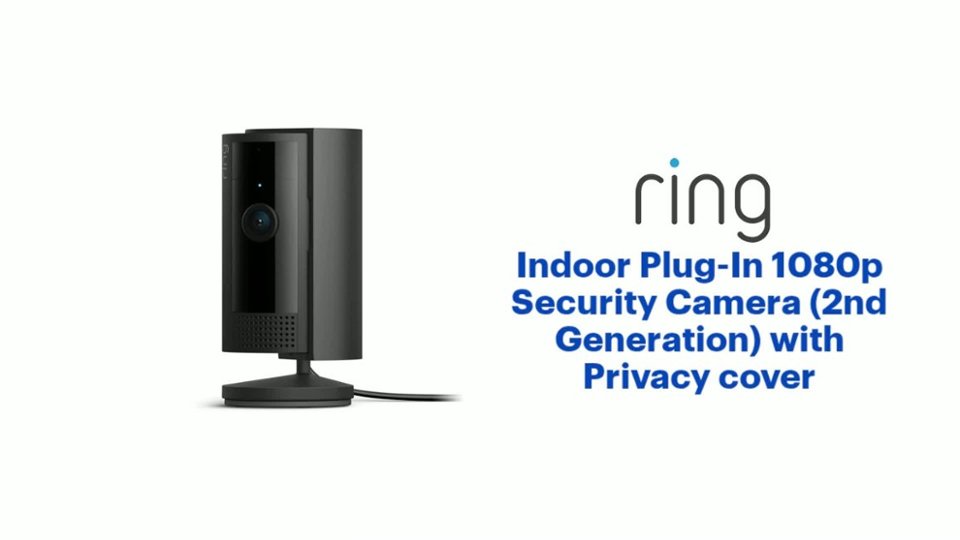
- Model:
- B0B6GJBKRK
- SKU:
- 11470658
Rating by feature
- Value
Rating 4.8 out of 5 stars
- Quality
Rating 4.8 out of 5 stars
- Ease of Use
Rating 4.8 out of 5 stars
It works
||Posted . Owned for 2 weeks when reviewed.This reviewer received promo considerations or sweepstakes entry for writing a review.I’m not sure the quality is as good as the wireless cameras. It works for what I need it for though (spying on my pets when I am not home)
I would recommend this to a friendRandom clicks in the middle of the night
||Posted . Owned for 5 months when reviewed.This reviewer received promo considerations or sweepstakes entry for writing a review.Love the ring cameras however this model randomly clicks on and off in the middle of the night and it's creepy.
I would recommend this to a friendBrand response from Ring
Posted .Hi Gaminglacky.
At Ring, we appreciate you taking the time to share your feedback with us. We are glad to read that you are enjoying your new Ring Indoor Cam (2nd Gen.)! Furthermore, we believe in keeping people close to what’s important. That is why we are driven to create products that help you protect what matters most at home and empower you to connect with your visitors from wherever you are. Together, we’ll make neighborhoods safer!
The Ring Indoor Cam (2nd Gen.) uses adjustable motion detection and runs on passive infrared sensors. The system identifies visitors via a moving heat signature and sends a notification to your smart device when one is detected. You can adjust three preset motion zones and their distances under the "Motion Settings" tab on the device's page in the Ring app. Additionally, you can choose how often the camera checks for movement in those predefined zones via the "Motion Frequency" setting. If you find that your camera is missing some motions, please set the motion frequency to "Frequently." You can also choose to set up a motion schedule in the Ring app. Using a motion schedule allows you to snooze motion alerts for a certain amount of time.
Ring Community launched in March 2019 to help deliver the most current news and educational information to our neighbors. It is our first peer-to-peer community forum, giving our customers the ability to help one another and share their feedback and experiences with Ring. Please reach out to our community if any additional information is needed regarding your Ring Indoor Cam (2nd Gen.).
Thank you,
Melissa from Ring.
Indoor Camera
||Posted . Owned for 1 month when reviewed.This reviewer received promo considerations or sweepstakes entry for writing a review.The camera functions exactly as claimed but the recordings could be clear.
I would recommend this to a friendBrand response from Ring
Posted .Hi Nealy.
Thank you for taking the time to share your experience with us. We are glad to read that you are enjoying your new Ring Indoor Cam (2nd Gen.)! Furthermore, we believe in keeping people close to what’s important. That is why we are driven to create products that help you protect what matters most at home and empower you to connect with your visitors from wherever you are. Together, we’ll make neighborhoods safer!
We are happy to share some information with you on how to optimize video quality from your Ring Indoor Cam (2nd Gen.). Ring devices require high-speed internet to bring you crisp, clear video and audio. Poor network connectivity can affect the performance of your Ring device. We are happy to share some troubleshooting steps to help you diagnose and fix common video issues that you may experience with Ring doorbells and cameras.
Check the Device Health section of your Ring application to ensure the device’s RSSI is within an acceptable range. The recommended range for optimal performance is 0 to -60 for the RSSI. Turn off your mobile device's cellular data and connect to the same wifi network as your Ring device. Open the Ring app. Tap the menu (☰). Tap “Devices.” Select your device. Trigger an event on your Ring device. This could mean pressing the button on a doorbell or activating the motion sensors on a camera. Answer the event and examine the resulting video.
We have listed some possible outcomes from this test here:
1. The footage is crisp and clear.
If your video appears good when next to the router, the issue may be caused by a disruption in between your router and your Ring device’s normal location. To fix this, try moving your device closer to the router or extending your wifi signal with a wifi extender like the Ring Chime Pro.
2. The footage is heavily pixelated.
If you’re seeing heavy pixilation, even next to the router, this may be due to slow wifi speeds.
3. There are severe pauses in live video.
If your video pauses, stutters, or gets frozen and your wifi speed meets the minimum standards, try rebooting your router. Unplug your router, wait 30 seconds, and then plug it back in. It should take three to four minutes to reboot. Then, test your Ring device again and see if there's any difference.
4. There is a long delay before your video starts.
This is also caused by slow wifi speeds. Assuming you have high-speed internet, reboot your router and the mobile phone, tablet, or PC you're accessing the video feed on. Test an event when it's back online to see if there's any difference.
For more information on your Ring Indoor Cam (2nd Gen.), we invite you to reach out to our community. Ring Community is our first peer-to-peer community forum, giving our customers the ability to help one another and share their personal feedback and experiences with Ring. We look forward to hearing from you if we can be of any further assistance!
Ring community launched in March 2019 to help deliver the most current news and educational information to our neighbors. It is our first peer-to-peer community forum, giving our customers the ability to help one another and share their feedback and experiences with Ring. Please reach out to our community if any additional information is needed regarding your Ring Indoor Cam (2nd Gen.).
Thank you,
Melissa from Ring.
Ring Indoor camera shady service
||Posted . Owned for 1 month when reviewed.This reviewer received promo considerations or sweepstakes entry for writing a review.Bought this product to use indoor in my living room. I noticed the motion detection was much more accurate when I hadnt yet paid, which meant there was no video recording available, just motion detection. As soon as I paid it now seems the motion detection barely picks up anything.
No, I would not recommend this to a friendBrand response from Ring
Posted .Hi EssienB.
Thank you for taking the time to share your experience with us.
We understand how important it is to have your Ring Indoor Cam capture and notify you of all the motion events you want it to. Consistent and dependable motion alerts are an essential feature for the Ring Indoor Cam to function properly. We would love the opportunity to work with you and ensure your device is working as intended.
It sounds like a setting for your motion detection may have been adjusted that is causing your device to detect less motion. With an active Ring Protect Plan, you can refine your motion alerts for people and other motions using the Smart Alerts feature. To access Smart Alerts once you've enabled them:
Tap the menu (≡) on the top left.
Tap Devices.
Tap the device that you want to adjust.
Tap Motion Settings.
Tap Smart Alerts.
If you've double-checked your settings and are still having trouble, please reach out to our support team for additional guidance.
Ring Community was launched to help deliver the most current news and educational information to our neighbors. This online forum is divided into four categories: Product Boards, Ring Updates, Tips + Tricks, and a Moderators’ Corner. The Product Boards are where you can begin new topics with your questions or feedback; there is also a search option that helps you find topics that have already been posted by other neighbors.
All the best,
Nicole from Ring.
Security Cam
||Posted . Owned for 1 month when reviewed.This reviewer received promo considerations or sweepstakes entry for writing a review.It does the job as stated. Just don’t like the idea of having to pay to store some of the captured videos.
I would recommend this to a friendBrand response from Ring
Posted .Hi AIA1.
Thank you for taking the time to share your experience with us. We are happy to hear that you are enjoying the functionality of the device. We believe in keeping people close to what’s important. That is why we are driven to create products that help you protect what matters most at home and empower you to connect with your visitors from wherever you are. Together, we’ll make neighborhoods safer!
We understand the importance of having all relevant product information prior to purchasing. The Ring Protect Plan provides valuable capabilities, such as accessing paid features and the ability to save, download, and review footage captured by your Ring device. We can definitely provide you with more information regarding the concern mentioned in your review.
With a Ring Protect Plan, you can save, review, and share video recordings from your Ring devices to your Ring account. Without a Ring Protect Plan, you can still view real-time video for Ring doorbells and cameras and answer doorbell notifications when they happen, but you don’t get video recordings of those events.
Also, Ring Community is our first peer-to-peer community forum, giving our customers the ability to help one another and share their feedback and experiences with Ring. We invite you to reach out at to our community if any additional information is needed regarding your Ring Indoor Cam (2nd Gen.).
Thank you,
Melissa from Ring.
Ok
||Posted . Owned for 3 weeks when reviewed.This reviewer received promo considerations or sweepstakes entry for writing a review.Works ok sound quality not that good picture is fine
I would recommend this to a friendBrand response from Ring
Posted .Hi MarkH.
Thank you for taking the time to share your experience with us.
We understand how important it is to be able to clearly see and hear activity around your home with the Ring Indoor Cam. The features and technology provided by the Ring Indoor Cam are incredibly valuable and help provide you with peace of mind about your home security. We would like to provide you with solutions to the audio concerns you are experiencing today!
It sounds like you are enjoying the features of the Ring Indoor Cam, but you have some concerns with the audio quality. We recommend that you check your Ring device's signal strength. Poor wifi can often cause Ring device issues, including with recording or capturing audio.
Open the Ring app.
Tap the top menu (☰), then Devices.
Choose your device.
Tap the Device Settings tile.
Tap Device Health.
Under the Network section, you'll see your device's signal strength.
If your signal strength (RSSI) is amber or red, your Ring device likely has a poor connection to your location's wifi. Try moving your wifi router closer to your Ring device.
Ring Community was launched to help deliver the most current news and educational information to our neighbors. This online forum is divided into four categories: Product Boards, Ring Updates, Tips + Tricks, and a Moderators’ Corner. The Product Boards are where you can begin new topics with your questions or feedback; there is also a search option that helps you find topics that have already been posted by other neighbors.
All the best,
Nicole from Ring.
Decent camera
||Posted . Owned for 3 weeks when reviewed.This reviewer received promo considerations or sweepstakes entry for writing a review.Great quality. Its just very light so it moves around a lot. Its hard for me to keep it in one spot
I would recommend this to a friendCamera Quality is kinda bad
||Posted . Owned for 2 months when reviewed.This reviewer received promo considerations or sweepstakes entry for writing a review.Not sure what the issue is but in dim to dark light the camera Quality 8s just flat bad. If your camera faces a window it will look terrible they definitely changed the sensor in the camera from the 1st gen cameras and this one is arguably worse. Still get the job done but yeah can't recommend this one sadly maybe the gen 3 cams will be better
No, I would not recommend this to a friendBrand response from Ring
Posted .Hi The EverydayUser.
Thank you for taking the time to share your experience with us. We understand the importance of having your Ring Indoor Cam (2nd Gen.) record clear and concise videos so that you can effectively monitor your home. The features and technology provided by the Ring Indoor Cam (2nd Gen.) are incredibly valuable and help provide you with peace of mind about your home security. We can definitely assist you with this today, and we are confident we can find the correct settings for your home’s environment.
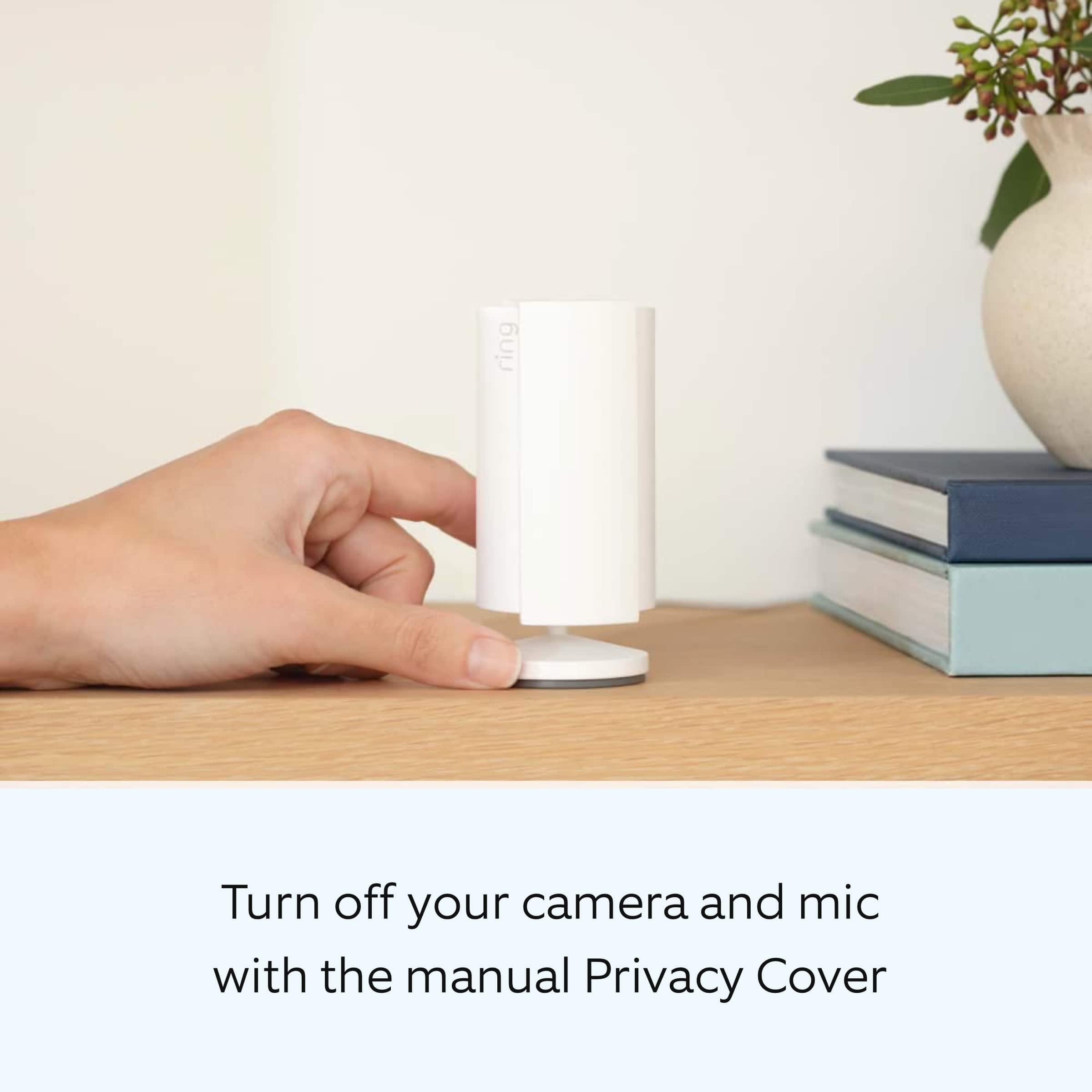
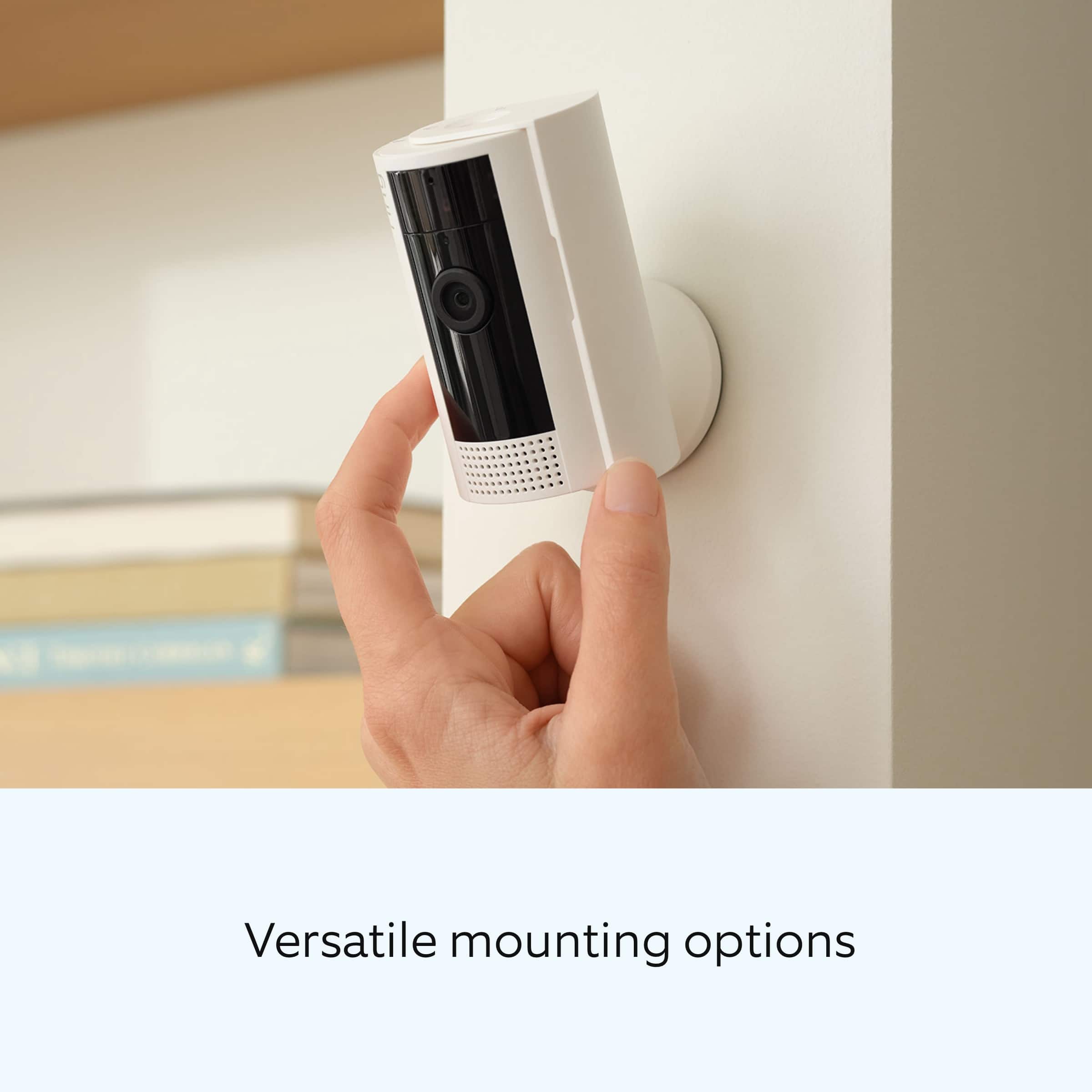
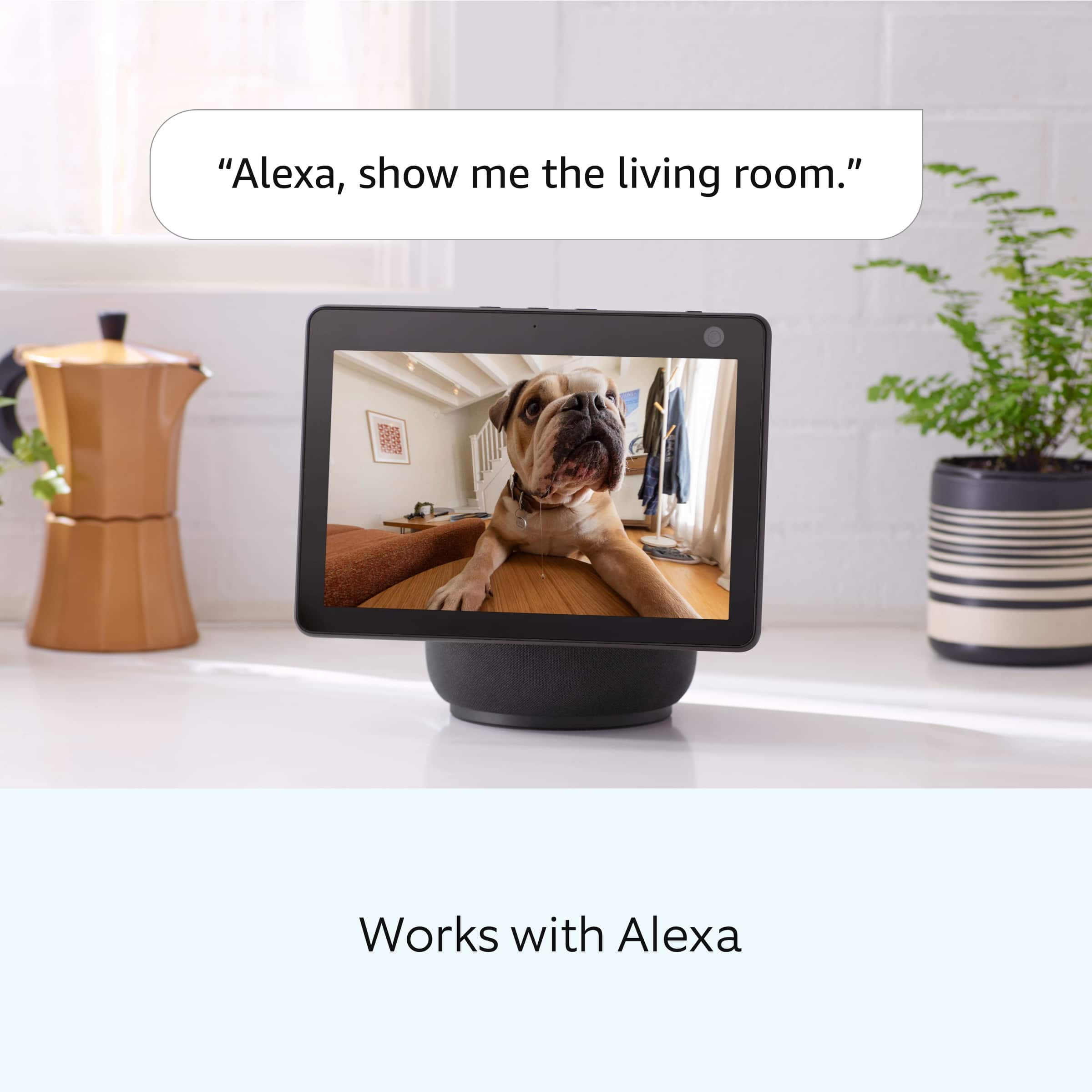
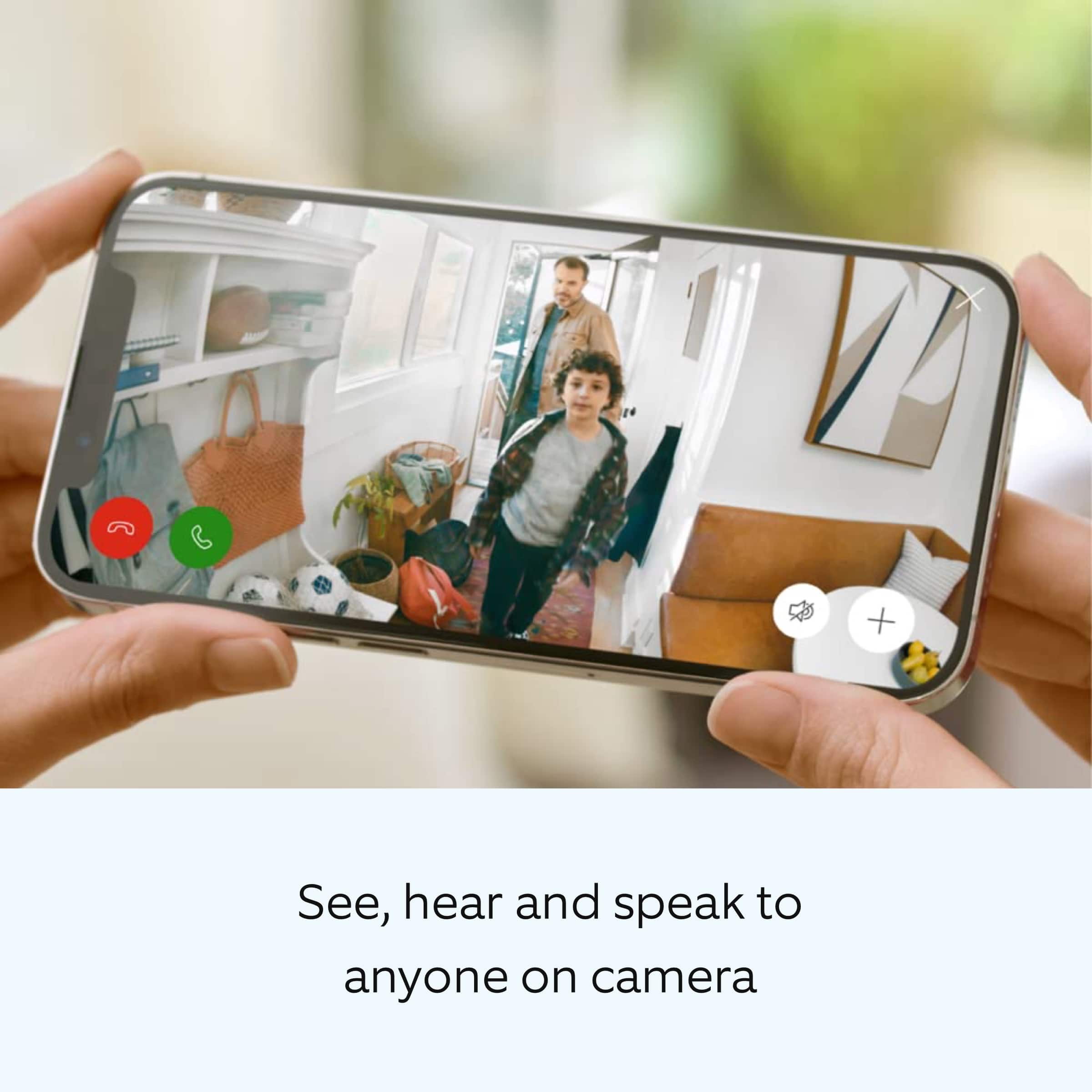
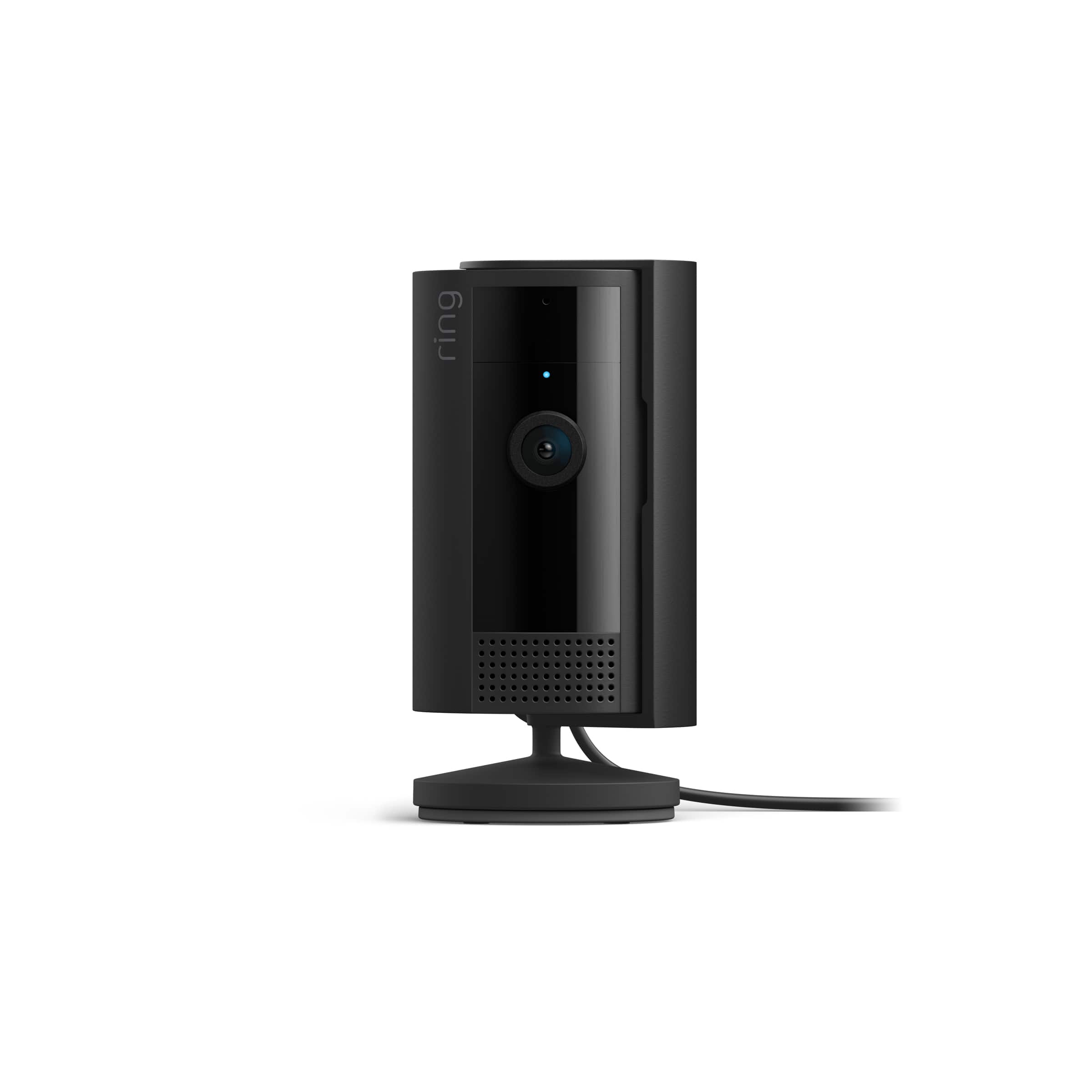
It sounds like the device is not performing as expected in regards to video quality. Indoor Cam (2nd Gen.) is a small, lightweight security camera with flexible mounting options specifically designed to be used indoors. Indoor Cam features 1080p HD video recording, two-way audio with noise cancellation, a wide viewing angle, a built in siren, and a removable privacy cover. A tone will sound when the cover is secured and active. It is also compatible with connected Echo devices.
To ensure the best possible video quality for your environment, make sure your Indoor Cam’s Infrared Lights for Night Vision is toggled on in the Ring app.The infrared light control is in your Ring app under Video Settings. If your camera is facing a window, we recommend disabling the infrared light control. Enable Color Night Vision in the Ring app to help improve clarity at night.
To turn the Color Night Vision on or off, follow these instructions:
Open the Ring app.
Tap the Menu (☰).
Tap Devices.
Select the device you want to adjust.
Tap Device Settings.
Tap Video Settings.
Toggle Color Night Vision on or off.
Although rare, there have been instances where a Ring device can experience black, pink, and other distorted video quality like night vision video captured during daytime hours. Here are a few things to try.
Check your Ring device's signal strength.
If your Ring device is far from your wifi router, it may be experiencing connection or video issues.
Open the Ring app.
Tap the Menu (☰).
Tap Devices.
Select the Ring device you would like to test.
Tap on the Device Health tile.
Scroll to Signal Strength under the Network section.
The green, amber, and red colors are indicators of your device connection. Green is good, red is poor.
Reboot your Ring Doorbell or Camera in the Ring app.
In order to reboot your Ring device, it must be connected to wifi.
Open the Ring app.
Tap the Menu (☰).
Tap Devices.
Select the Doorbell or Camera you wish to reboot.
Tap on the Device Health tile.
Scroll down to Reboot This Device.
Give your device a few moments to start back up.
We invite you to reach out to our Community if any additional information is needed regarding your Ring Indoor Cam (2nd Gen.). The Ring Community is our first peer-to-peer community forum, giving our customers the ability to help one another by sharing their feedback and experiences with each other.
Thank you,
Melissa from Ring.
Good product
||Posted . Owned for 1 week when reviewed.This reviewer received promo considerations or sweepstakes entry for writing a review.Second generation could be better , Excellent product quality and modern look easy to install
I would recommend this to a friendAutomate / Schedule Turning The Camera On & Off
||Posted . Owned for 1 month when reviewed.This reviewer received promo considerations or sweepstakes entry for writing a review.This camera has basic features, it is lacking the ability to set a schedule to automate the on and off times. Amazon has the ability to add this feature, I do not understand why they refuse to.
No, I would not recommend this to a friendBrand response from Ring
Posted .Hi RodneyB.
Thank you for taking the time to share your feedback with us. We are always looking for ways to improve our neighbor's experience, and your feedback is an invaluable part of this process. That is why we are dedicated to offering devices that help you safeguard what is most important at home, while also allowing you to connect with your neighbors from anywhere.
It sounds like you are experiencing an issue setting up a motion schedule for your Ring Indoor Cam. Below is a list of steps to create a motion schedule for your Ring Indoor Cam.
Open the Ring app to the main dashboard.
Tap more (•••) on the camera you want to access.
Tap your device's Settings.
Tap Motion Settings.
Tap Motion Schedules.
Tap Add Schedule.
Name your schedule (Night Time, Morning, Evening, Custom).
Tap Continue.
Select the time frame you'd like to Turn Alerts Off or Turn Alerts On. (e.g. 1:00 a.m.- 6:00 a.m).
Tap Continue.
Select the days of the week you'd like to apply the schedule to.
Tap on the circles to enable the day you'd like to apply to the schedule.
Tap Save when done.
If any additional information is needed regarding your Ring Indoor Cam, please reach out to our community. Ring Community is our first peer-to-peer community forum, giving our customers the ability to help one another and share their feedback and experiences directly with Ring.
Sincerely,
Matthew from Ring.
Ring Indoor Cam
||Posted . Owned for 3 weeks when reviewed.This reviewer received promo considerations or sweepstakes entry for writing a review.It good it just delays a little. But that might be my wi-if over all good.
I would recommend this to a friendBrand response from Ring
Posted .Hi TinaN.
Thank you for taking the time to share your Ring experience with us. We appreciate the value and trust you have placed in Ring for your home security needs. We are happy to hear that you are enjoying your Ring Indoor Cam (2nd Gen.) and that the included features are meeting your needs and expectations. We are happy to provide you with more information regarding the delay concern that you mentioned in your review.
Notification delays are often related to wifi connection or mobile device variables. A delay of under six seconds is expected due to signal fluctuation. To learn more about your device's signal strength, follow these steps:
Open the Ring app.
Tap the menu (☰).
Tap Devices.
Select the Ring device you would like to test.
Tap on the Device Health tile.
Scroll to Signal Strength under the Network section.
The green, amber, and red colors are indicators of your device connection. Green is good; red is poor.
Ring Community was launched to help deliver the most current news and educational information to our neighbors. This online forum is divided into four categories: Product Boards, Ring Updates, Tips + Tricks, and a Moderators’ Corner. The Product Boards are where you can begin new topics with your questions or feedback; there is also a search option which helps you find topics that were already posted by other neighbors. We invite you to visit our community today!
Thank you,
Melissa from Ring.
Night glare through window
||Posted . Owned for 3 weeks when reviewed.This reviewer received promo considerations or sweepstakes entry for writing a review.Its good for inside use, but can't get night time through front window.
I would recommend this to a friendBrand response from Ring
Posted .Hi Avidgamer.
Thank you for taking the time to share your experience with us. We are pleased to read that you are enjoying your new Ring Indoor Cam (2nd Gen.) and that the features included are meeting your expectations. At Ring, we believe in keeping people close to what’s important. That is why we are driven to create products that help you protect what matters most at home and empower you to connect with your visitors from wherever you are. Together, we’ll make neighborhoods safer!
To ensure that the "Night Vision" feature works as intended, enable "Color Night Vision" in the Ring app to help improve clarity at night.
To turn the "Color Night Vision" on or off, follow these instructions:
Open the Ring app.
Tap the "Menu" (☰).
Tap "Devices."
Select the device you want to adjust.
Tap "Device Settings."
Tap "Video Settings."
Toggle "Color Night Vision" on or off.
Scroll to the bottom of the page and toggle off "Infrared Lights for Night Vision."
If your camera is facing a window, you may get distorted images at night. To avoid lights reflecting back into the camera, be sure to toggle off "Infrared Lights for Night Vision" in the Ring app.
Ring Community was launched to help deliver the most current news and educational information to our neighbors. This online forum is divided into four categories: Product Boards, Ring Updates, Tips and Tricks, and a Moderators’ Corner. The Product Boards are where you can begin new topics with your questions or feedback; there is also a search option that helps you find topics that have already been posted by other neighbors. We invite you to visit our community today.
Thank you,
Melissa from Ring.
Ring indoor camera
||Posted . Owned for less than 1 week when reviewed.This reviewer received promo considerations or sweepstakes entry for writing a review.It’s a ring indoor camera. Make sure you have good Wi-Fi signal or it will work intermittently.
I would recommend this to a friendIndoor Cam
||Posted . Owned for 1 week when reviewed.This reviewer received promo considerations or sweepstakes entry for writing a review.The picture quality could be better but the range on the camera is nice.
I would recommend this to a friendSafety tool
||Posted . Owned for 1 month when reviewed.This reviewer received promo considerations or sweepstakes entry for writing a review.This was needed for savety of our parents. This is helpful.
I would recommend this to a friendBrand response from Ring
Posted .Hi TurnersKingdom.
Thank you for taking the time to share your feedback with us. We are pleased to read that you are finding value in your Ring Indoor Cam (2nd Gen.). At Ring, we believe in keeping people close to what’s important. That is why we are driven to create products that help you protect what matters most at home and empower you to connect with your visitors from wherever you are. Together, we’ll make neighborhoods safer!
We invite you to reach out to our community if any additional information is needed regarding your new Ring device. Ring Community is our first peer-to-peer community forum, giving our customers the ability to help one another and share their feedback and experiences with Ring.
Thank you,
Melissa from Ring.
Ring indoor camera
||Posted . Owned for 2 months when reviewed.This reviewer received promo considerations or sweepstakes entry for writing a review.I really cant give a review bc i cant get it connected to my wi fi bc it wont connect to my password. If i could get it connected id gove a higher review
No, I would not recommend this to a friendBrand response from Ring
Posted .Hi Josie.
Thank you for taking the time to share your experience.
We understand the importance of a seamless setup process so that you can begin using your Ring Indoor Cam right away. The features and technology provided by the Ring Indoor Cam are incredibly valuable and help provide you with peace of mind about your home security. We want to ensure your device is working as intended by providing you with solutions to resolve the concern you mentioned in your review.
It sounds like your Ring Indoor Cam is not connecting to your home's wifi network. If you have issues connecting to your home wifi, try making sure your password doesn't have any special characters. If your password contains characters like an asterisk (*), pound sign (#), or exclamation mark (!), remove them by changing the password in your router's settings. If you do not have access to these settings, contact your internet service provider to change the password.
Ring Community was launched to help deliver the most current news and educational information to our neighbors. This online forum is divided into four categories: Product Boards, Ring Updates, Tips + Tricks, and a Moderators’ Corner. The Product Boards are where you can begin new topics with your questions or feedback; there is also a search option that helps you find topics that have already been posted by other neighbors.
All the best,
Nicole from Ring.
Simple and Clear
||Posted . Owned for 1 month when reviewed.This reviewer received promo considerations or sweepstakes entry for writing a review.Simple and clear inside camera with audio and the ability to talk through the camera.
I would recommend this to a friendNot worth the money
||Posted . Owned for 1 month when reviewed.This reviewer received promo considerations or sweepstakes entry for writing a review.This is a very convenient product, however, I would not buy it again. The reason for that is that it makes a loud beep when a person is detected, it will say "you are being recorded" and it has a very noticeable blue light. Clearly if I am buying this I do not want someone to know that I am recording what they are doing.
No, I would not recommend this to a friendBrand response from Ring
Posted .Hi JanetB.
Thank you for taking the time to share your experience with us. We understand the importance of having your device operate as intended so that you can effectively monitor your home. The features and technology provided by the Ring Indoor Cam (2nd Gen.) are incredibly valuable and help provide you with peace of mind about your home security. We can definitely assist you with this today, and we are confident we can find the correct settings for your home’s environment.
It sounds like the device is not performing as expected. Indoor Cam is a small, lightweight security camera with flexible mounting options specifically designed to be used indoors. Indoor Cam features 1080p HD video recording, two-way audio with noise cancellation, a wide viewing angle, and a built in siren. It is also compatible with connected Echo devices.
The "Motion Warning" feature is a voice announcement that can play when motion is detected on select doorbells and cameras – letting visitors know your home is protected by Ring:
"Hi, you are currently being recorded.".
To turn "Motion Warning" on or off, please follow these steps:
Open the Ring app.
Tap the menu (☰).
Tap "Devices."
Tap the relevant device.
Toggle on "Motion Warning" on the top right.
Toggle off "Motion Warning" to turn the feature off.
You'll need to define at least one "Motion Zone" in order to activate "Motion Warning."
Once "Motion Warning" is turned on, you'll see a message saying that it's enabled.
To disable "Motion Warning," simply toggle the feature off.
If your device is not eligible for the "Motion Warning" feature, the toggle button will be grayed out and you will not be able to use the feature.
We invite you to reach out to our community if any additional information is needed regarding your question. The Ring Community is our first peer-to-peer community forum, giving our customers the ability to help one another by sharing their feedback and experiences with each other.
Thank you,
Melissa from Ring.
It’s OK
||Posted . Owned for 2 weeks when reviewed.This reviewer received promo considerations or sweepstakes entry for writing a review.Works great a lot smaller than I thought seems real real cheap.
No, I would not recommend this to a friendBrand response from Ring
Posted .Hi Curt.
Thank you for taking the time to share your feedback with us. We are always looking for ways to improve our neighbor's experience, and your feedback is an invaluable part of this process. That is why we are dedicated to offering devices that help you safeguard what is most important at home, while also allowing you to connect with your neighbors from anywhere. We’re glad to read that you are finding the provided features useful.
Ring Community launched in March 2019 to help deliver the most current news and educational information to our customers. You can find tips and tricks from other Ring users in our community. This peer-to-peer forum allows our neighbors to share their feedback and experiences.
Thank you,
Melissa from Ring.
Always in the know
||Posted . Owned for 1 week when reviewed.This reviewer received promo considerations or sweepstakes entry for writing a review.I have a few of these however one did not work at all when I plugged it in and it's nice to be able to check in on the house but sometimes the audio will not work and I don't know why and that is an issue for me. But if you need to keep an eye on the house, you can't go wrong.
I would recommend this to a friendBrand response from Ring
Posted .Hi AngelitaB.
Thank you for taking the time to share your experience with us.
We understand how important it is for your Ring Indoor Cam (2nd Gen) to function consistently and reliably. The features and technology provided by the Ring Indoor Cam (2nd Gen) are incredibly valuable and help provide you with peace of mind about your home security. We can definitely assist you with this today to ensure your Ring device is performing optimally.
It sounds like your device is having some connectivity issues. You can troubleshoot poor audio or video quality in Live View by making adjustments to your router. Here are the most common reasons you may be experiencing audio or video quality issues:
If Live View audio and video are poor but recordings are okay:
There could be a poor connection between your mobile device and the server.
There could be a connectivity issue between your Ring doorbell or security camera and the router.
If both Live View and recordings have poor audio and video:
There could be an issue with the wifi signal or data loss.
There could be an issue with your router’s settings.
Audio and video issues while in Live View could also be due to the placement of your router in relation to your device. If it’s behind a couch, in a closet, or otherwise obstructed, try moving it to a new location to get a stronger signal.
Visit our support center for additional troubleshooting steps.
Ring Community was launched to help deliver the most current news and educational information to our neighbors. This online forum is divided into four categories: Product Boards, Ring Updates, Tips + Tricks, and a Moderators’ Corner. The Product Boards are where you can begin new topics with your questions or feedback; there is also a search option that helps you find topics that have already been posted by other neighbors.
All the best,
Nicole from Ring.