Customer Ratings & Reviews
- Model:
- B0CG2WNRHF
- SKU:
- 6580179
Rating by feature
- Value
Rating 4.8 out of 5 stars
- Quality
Rating 4.8 out of 5 stars
- Ease of Use
Rating 4.8 out of 5 stars
Customers are saying
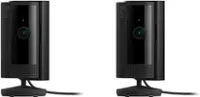
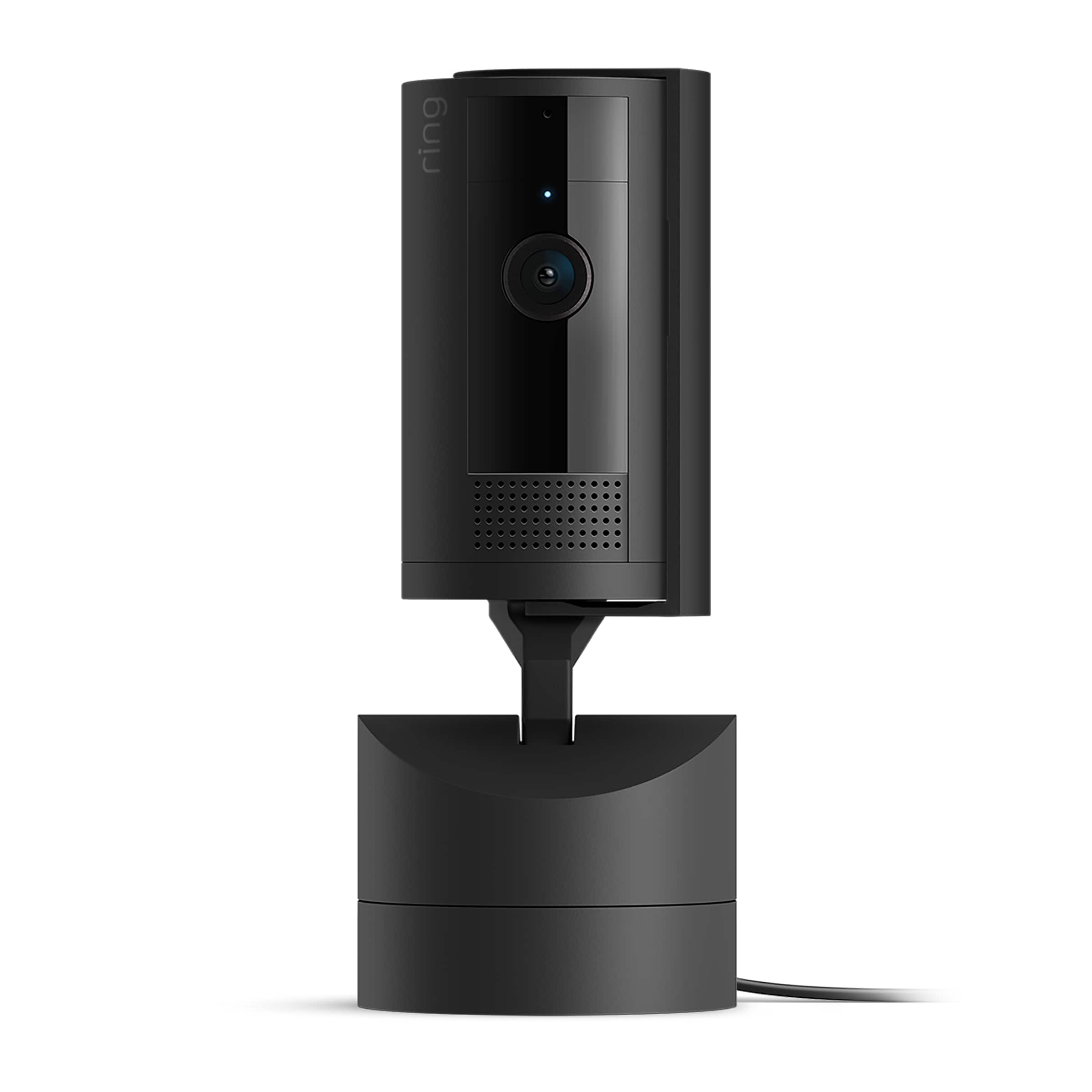
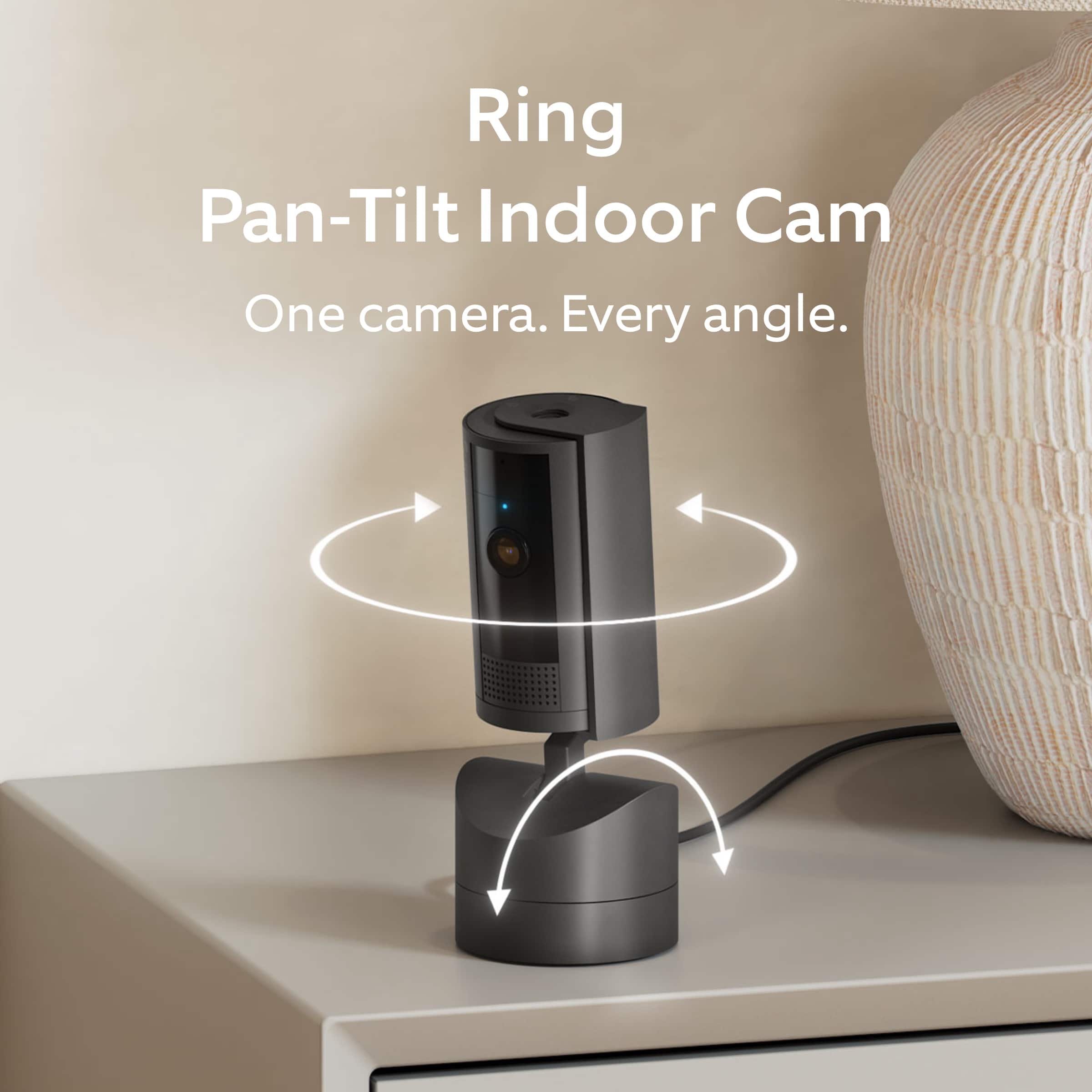
Customers commend the Pan-Tilt Indoor Security Cam for its clear video quality, overall performance, and ease of use. The pan and tilt feature and coverage are also well-received. While some users desire automatic pan/tilt movement tracking, the camera is generally praised for its functionality.
This summary was generated by AI based on customer reviews.
- Pros mentioned:Ease of use
Ring Movable Camera - A+
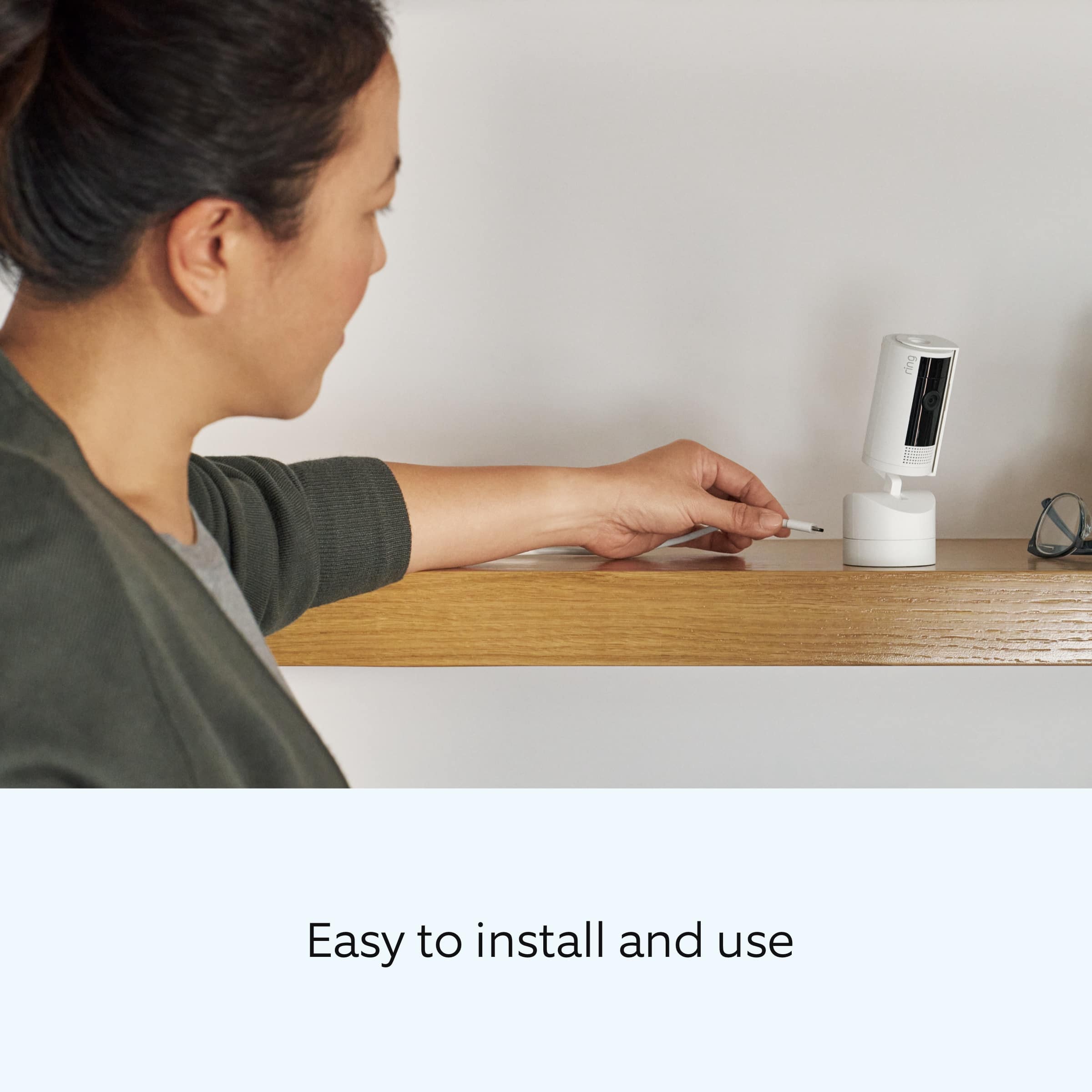
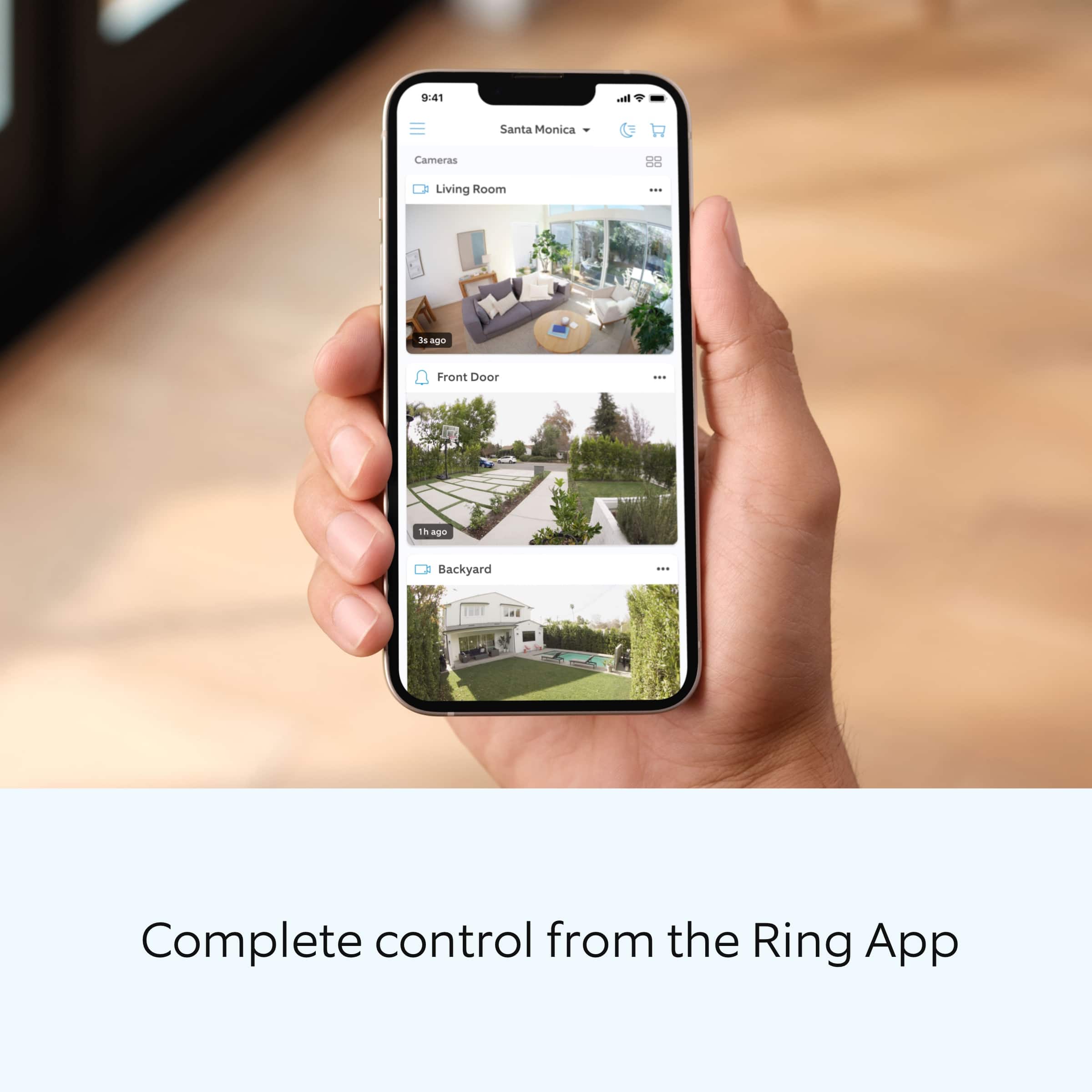
||Posted . Owned for 1 week when reviewed.This reviewer received promo considerations or sweepstakes entry for writing a review.Very easy to install and set up. Integrated with other Ring products within minutes. Being able to move the camera remotely is a big bonus so you can see the entire room.
I would recommend this to a friend - Pros mentioned:Video quality
Amazing
||Posted . Owned for 3 weeks when reviewed.This reviewer received promo considerations or sweepstakes entry for writing a review.Works great good definition view great angles place anywhere
I would recommend this to a friend Checking on the cat
||Posted . Owned for 2 months when reviewed.This reviewer received promo considerations or sweepstakes entry for writing a review.Bought this to check to see if our automatic cat feeder was putting out enough food while we were gone. Could check easily and it worked at night.
I would recommend this to a friend- Pros mentioned:Overall performance
Awesome camera
||Posted . Owned for 2 weeks when reviewed.This reviewer received promo considerations or sweepstakes entry for writing a review.This thing is awesome. Great picture, you can move around to look at different spots. Zoom in. The mic picks up very good.
I would recommend this to a friend - Pros mentioned:Ease of use
Good indoor camera
||Posted . Owned for 1 month when reviewed.This reviewer received promo considerations or sweepstakes entry for writing a review.The ability to rotate the camera is a much appreciated feature. It's very easy to use this camera and setup is a breeze.
I would recommend this to a friend - Pros mentioned:Video quality
Camera is amazing.
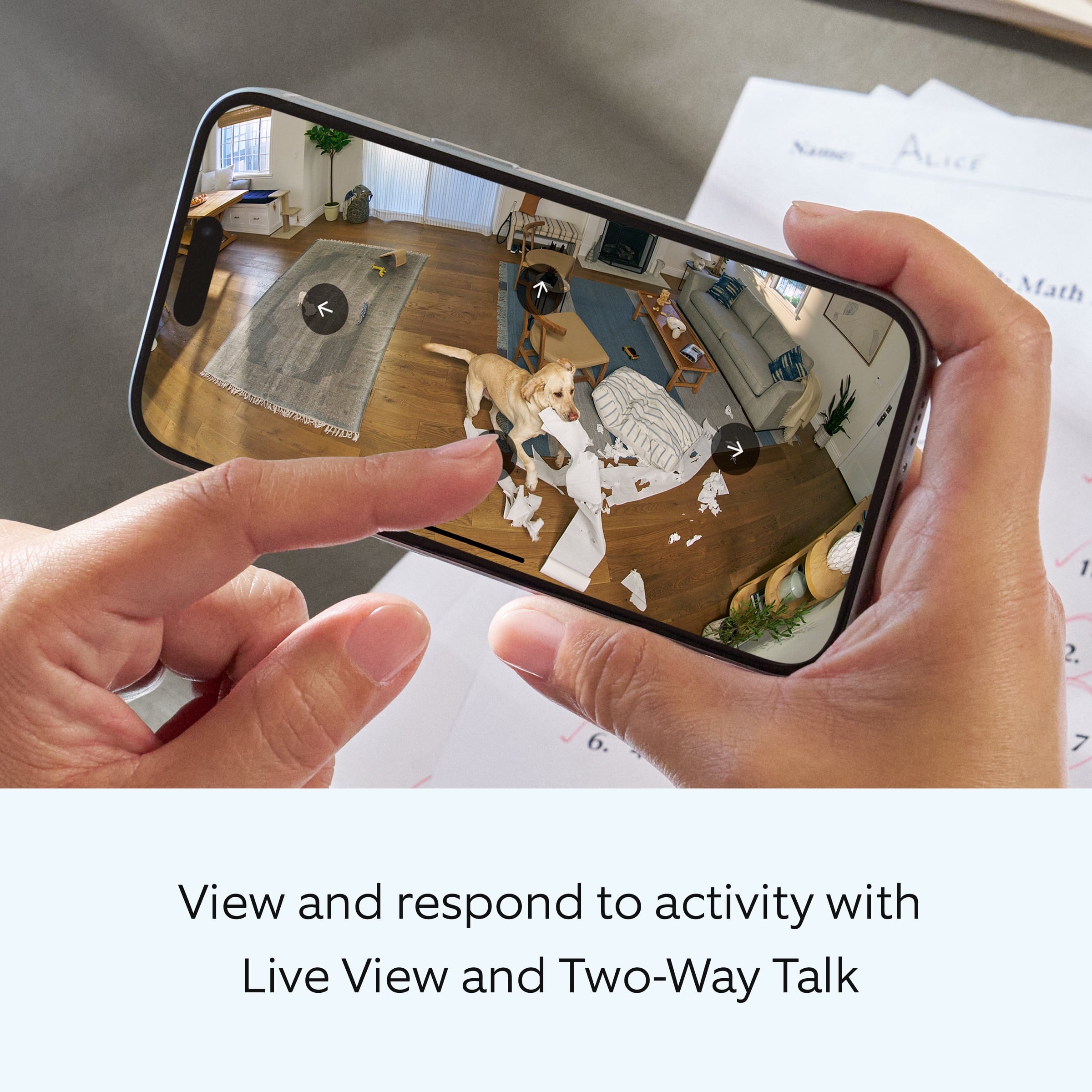
||Posted . Owned for 1 month when reviewed.This reviewer received promo considerations or sweepstakes entry for writing a review.Great camera. I like that it can turn and tilt and you can also talk through the microphone.
I would recommend this to a friend great camera
||Posted .This reviewer received promo considerations or sweepstakes entry for writing a review.works like any other camera from ring, but like the fact you can control it remotely to swivel to any direction.
I would recommend this to a friendSons holder
||Posted .This reviewer received promo considerations or sweepstakes entry for writing a review.Bought for my son who is a video editor and loves to take pictures and needed a holder
I would recommend this to a friendJust what we needed!
||Posted . Owned for 1 month when reviewed.This reviewer received promo considerations or sweepstakes entry for writing a review.We’ve had no connectivity issues with this camera and it works in low light very well!
I would recommend this to a friend- Pros mentioned:Coverage
Great product
||Posted .This reviewer received promo considerations or sweepstakes entry for writing a review.Is great! It literally covers every spot you want to see anywhere
I would recommend this to a friend A great security camera!
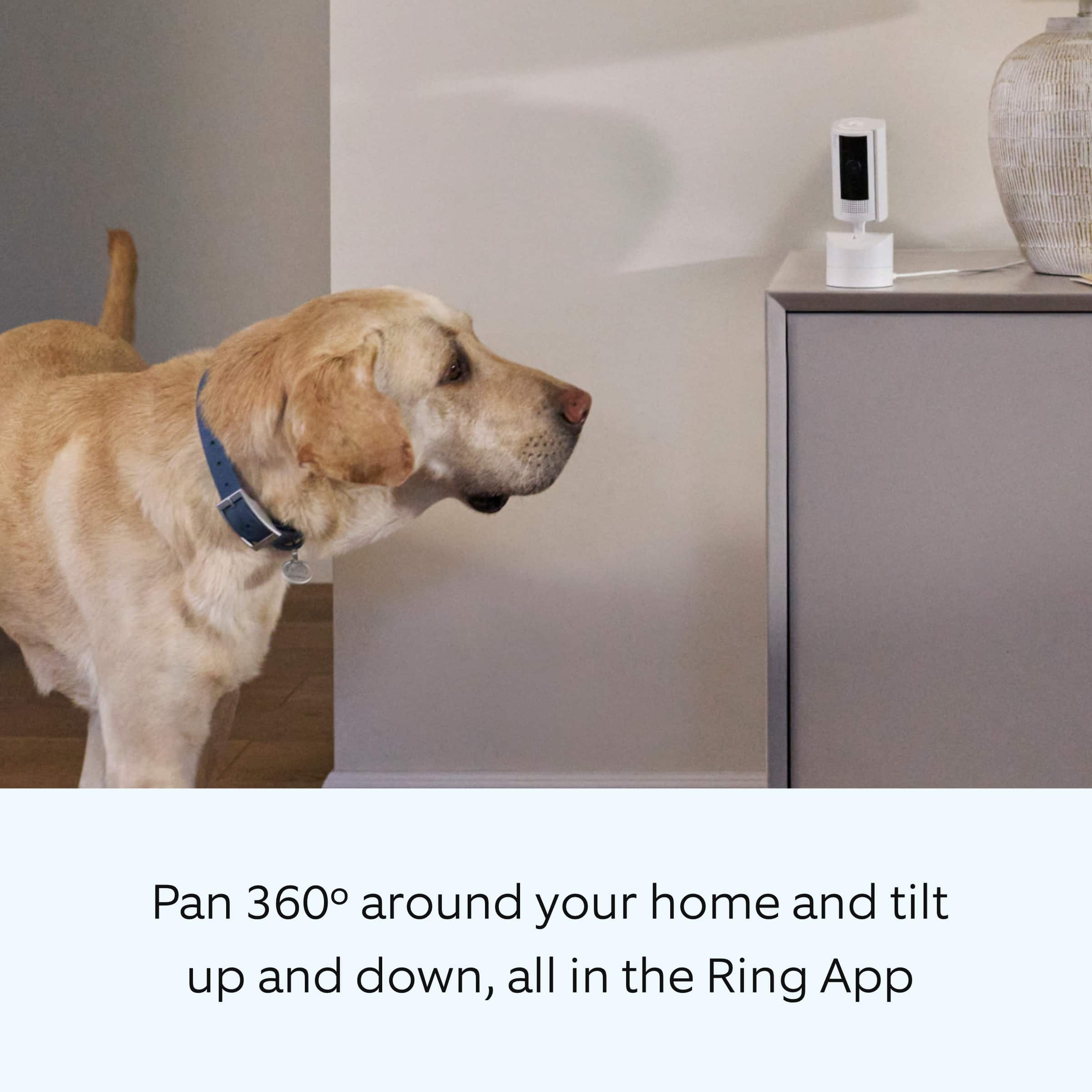
||Posted .This reviewer received promo considerations or sweepstakes entry for writing a review.I love it. Our place is small and with the camera I can see most of the house. It's great to check on our elderly dog when we are out for a while. Makes us feel better to know she's okay.
I would recommend this to a friend- Pros mentioned:Pan and tilt
Awesome camera
||Posted . Owned for 1 month when reviewed.This reviewer received promo considerations or sweepstakes entry for writing a review.Perfect addition to my existing Ring system. Easy to setup and the clarity of the video is superb. It is awesome that it can pan and tilt. Definitely recommended!
I would recommend this to a friend - Pros mentioned:Ease of use
Easy to Use Cam - Works Great!
||Posted . Owned for 3 weeks when reviewed.This reviewer received promo considerations or sweepstakes entry for writing a review.Works great and very easy setup! I especially love that you can remotely control the tilt functionality.
I would recommend this to a friend Ring camera
||Posted . Owned for 1 year when reviewed.This reviewer received promo considerations or sweepstakes entry for writing a review.I was in dire need of a reliable camera system, and I must say, I stumbled upon a gem with this one.
I would recommend this to a friend- Pros mentioned:Overall performance
Love it
||Posted .This reviewer received promo considerations or sweepstakes entry for writing a review.Better than expected, can’t complain… it does its job
I would recommend this to a friend - Pros mentioned:Pan and tilt
Ring Cam
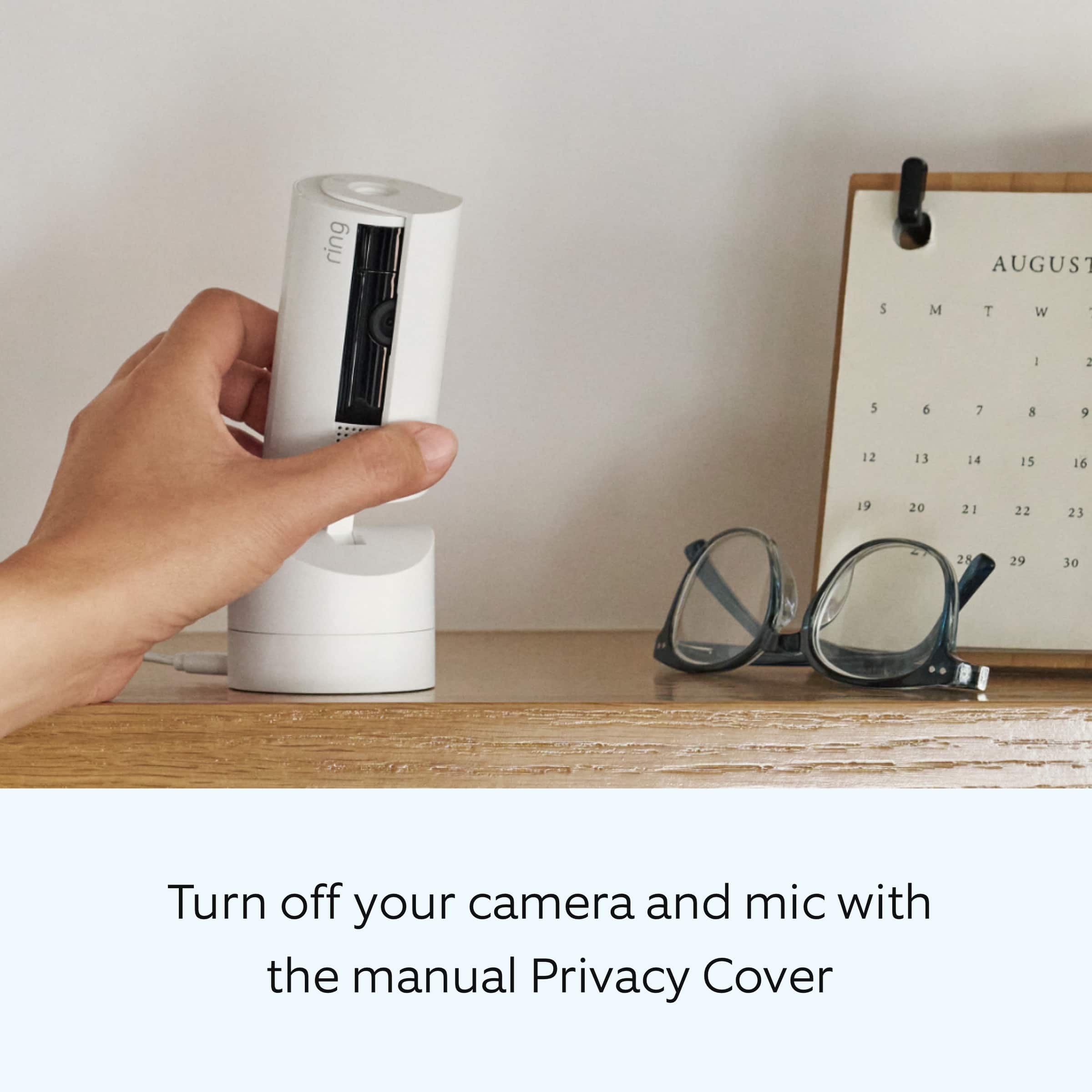
||Posted . Owned for 2 weeks when reviewed.This reviewer received promo considerations or sweepstakes entry for writing a review.Base is to light weight. Camera tips over when you plug it in caused from it tipping backwards and forwards. So anchor it down before plugging it in. I do like it because you can rotate it left, right, forwards, and backwards from the app.
I would recommend this to a friendBrand response from Ring
Posted .Hi EARL.
Thank you for taking the time to share your experience with us. We are pleased to read that you are enjoying your new Ring Pan-Tilt Indoor Cam and that the features included are meeting your expectations. At Ring, we believe in keeping people close to what’s important. That is why we are driven to create products that help you protect what matters most at home and empower you to connect with your visitors from wherever you are. Together, we’ll make neighborhoods safer!
Ring Community was launched to help deliver the most current news and educational information to our neighbors. This online forum is divided into four categories: Product Boards, Ring Updates, Tips and Tricks, and a Moderators’ Corner. The Product Boards are where you can begin new topics with your questions or feedback; there is also a search option that helps you find topics that have already been posted by other neighbors. We invite you to visit our Ring Community today.
Thank you,
Miyuki from Ring.
- Pros mentioned:Overall performance
Great camera
||Posted . Owned for 3 months when reviewed.This reviewer received promo considerations or sweepstakes entry for writing a review.Works great. I use it to watch the pets when I’m away.
I would recommend this to a friend - Pros mentioned:Ease of use
Works great
||Posted . Owned for 3 months when reviewed.This reviewer received promo considerations or sweepstakes entry for writing a review.I love these cameras! They do film & record right through windows. It’s simple & easy to use. Just plug & play.
I would recommend this to a friend - Pros mentioned:Overall performance
Great Camera
||Posted . Owned for 1 month when reviewed.This reviewer received promo considerations or sweepstakes entry for writing a review.This Ring camera works perfectly. The picture quality is amazing. Connectivity is easy.
I would recommend this to a friend - Pros mentioned:Overall performance
Ring 360
||Posted . Owned for 1 week when reviewed.This reviewer received promo considerations or sweepstakes entry for writing a review.By far the best ring camera out there. 360 controlled and audio 2 way.
I would recommend this to a friend