Customer Ratings & Reviews
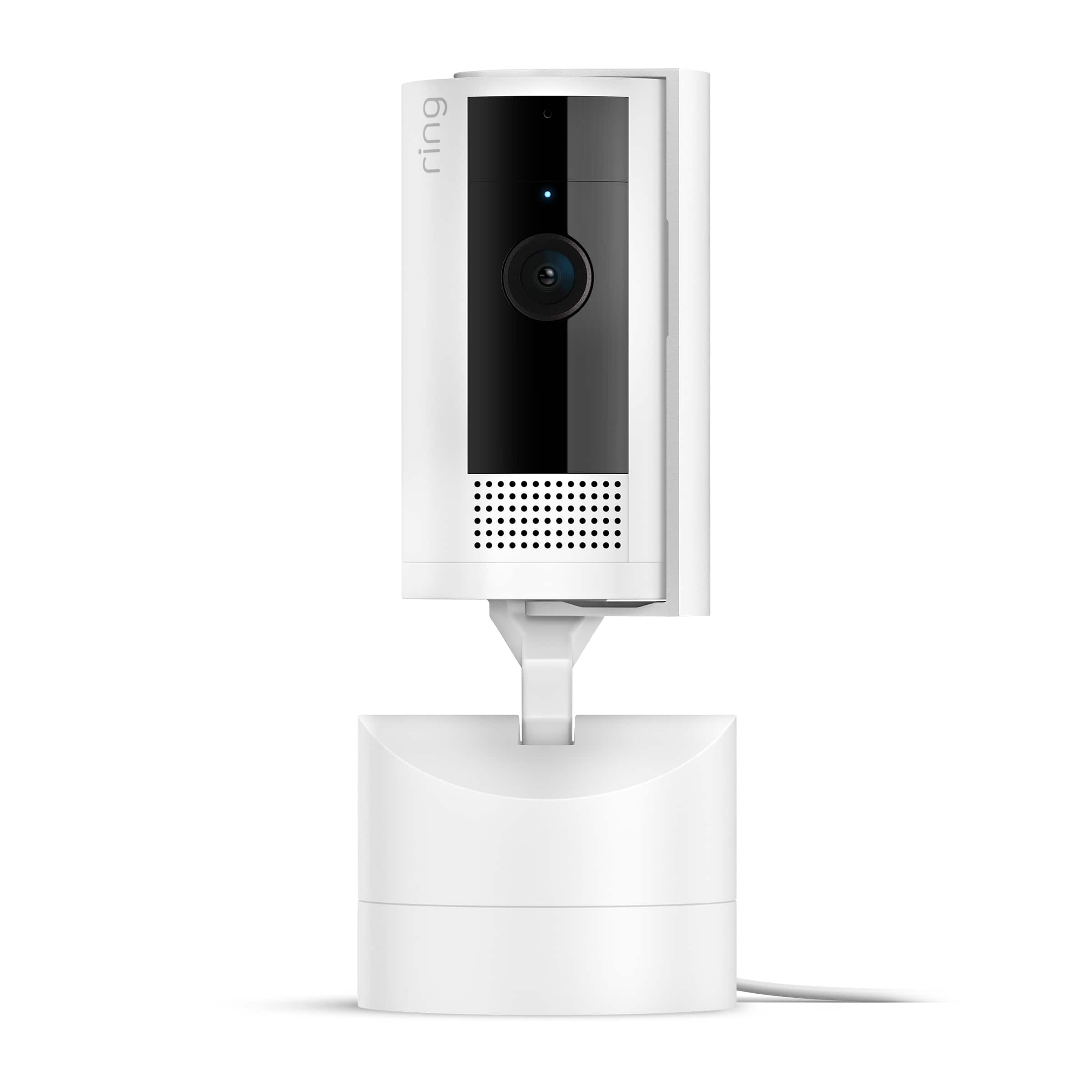
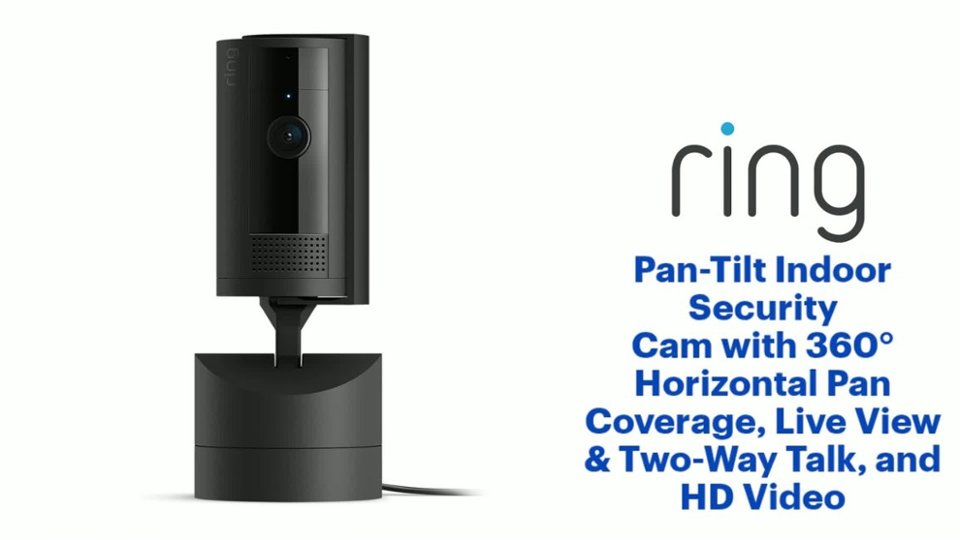
- Model:
- B0CG2VS5FD
- SKU:
- 10926583
Rating by feature
- Value
Rating 4.8 out of 5 stars
- Quality
Rating 4.8 out of 5 stars
- Ease of Use
Rating 4.8 out of 5 stars
Great little security camera.
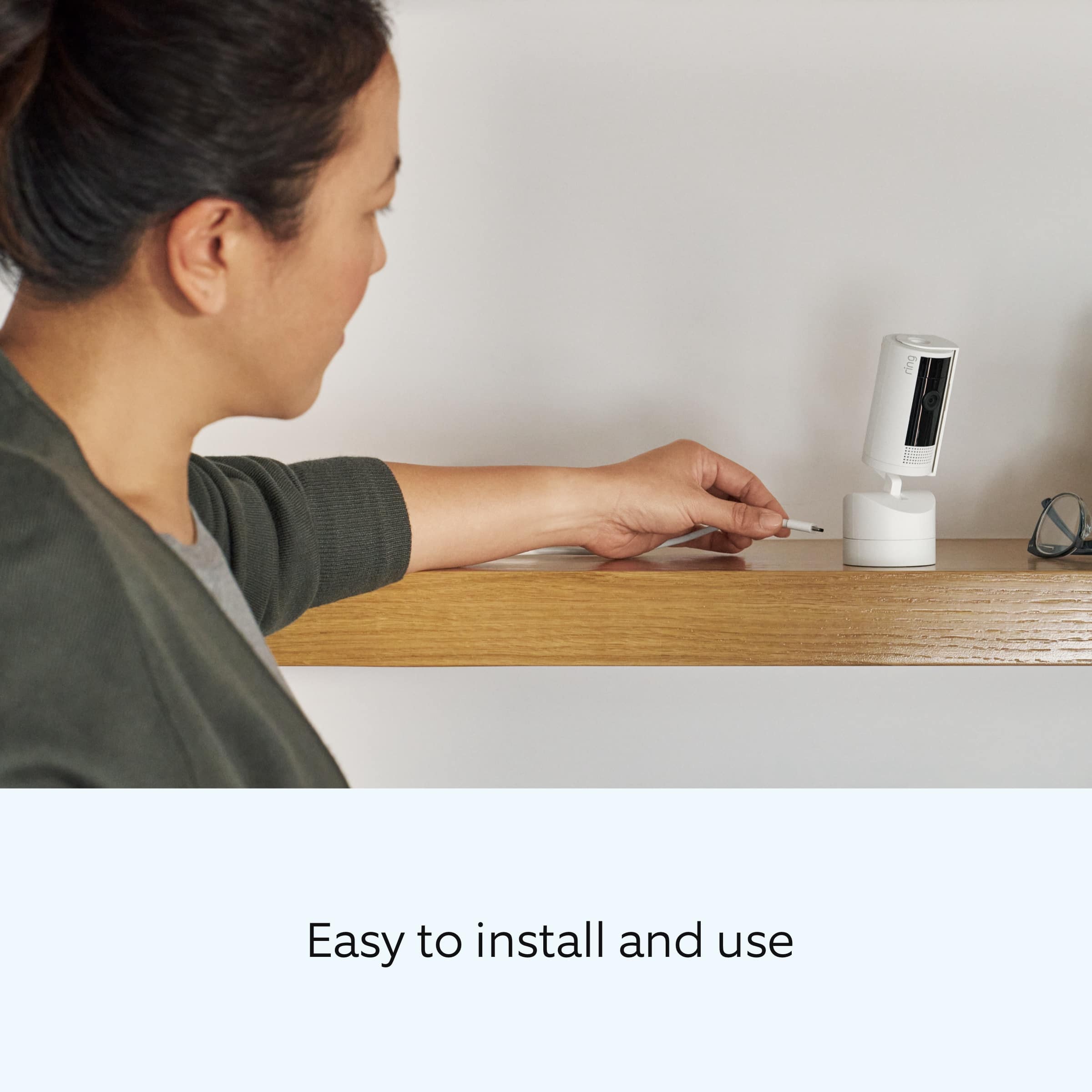
||Posted . Owned for 1 week when reviewed.This reviewer received promo considerations or sweepstakes entry for writing a review.Easy set up and the tilt and pan feature is a lot more impressive than I thought.
I would recommend this to a friendGreat quality
||Posted . Owned for 3 weeks when reviewed.This reviewer received promo considerations or sweepstakes entry for writing a review.Works great! Good quality highly recommend. Sleek look.
I would recommend this to a friendLiving room camera
||Posted . Owned for 1 week when reviewed.This reviewer received promo considerations or sweepstakes entry for writing a review.I love this camera, its a Crystal clear view and I would recommend it to you.
I would recommend this to a friendCool feature
||Posted . Owned for 1 month when reviewed.This reviewer received promo considerations or sweepstakes entry for writing a review.Great that I can move the angle when checking on my foster pets from afar.
I would recommend this to a friendRing camera
||Posted . Owned for 1 week when reviewed.This reviewer received promo considerations or sweepstakes entry for writing a review.great item, good size and great black colour! Do need app to use with
I would recommend this to a friendGreat Product!!
||Posted . Owned for 1 week when reviewed.This reviewer received promo considerations or sweepstakes entry for writing a review.Very good quality product with amazing quality and great features
I would recommend this to a friendRING Pan-tilt Camera
||Posted . Owned for 1 week when reviewed.This reviewer received promo considerations or sweepstakes entry for writing a review.Excellent! Would highly recommend this camera. It is EASY to use.
I would recommend this to a friendGreat product.
||Posted . Owned for less than 1 week when reviewed.This reviewer received promo considerations or sweepstakes entry for writing a review.Would buy again also received great service from store clerk.
I would recommend this to a friendit's ok
||Posted . Owned for less than 1 week when reviewed.This reviewer received promo considerations or sweepstakes entry for writing a review.The price is great. Doesn't rotate like I expected or maybe just haven't figured it out yet. Too doon to tell, but I do like the ptoduct for the price.
I would recommend this to a friendBrand response from Ring
Posted .Hi David.
Thank you for taking the time to share your experience with us. We understand how important it is for your Ring Pan-Tilt Indoor Cam to function consistently and reliably, so you can effectively monitor your home. The features and technology provided by the Ring Pan Tilt Indoor Cam are incredibly valuable and help provide you with peace of mind about your home security. We can definitely provide you with more information regarding the concern mentioned in your review.
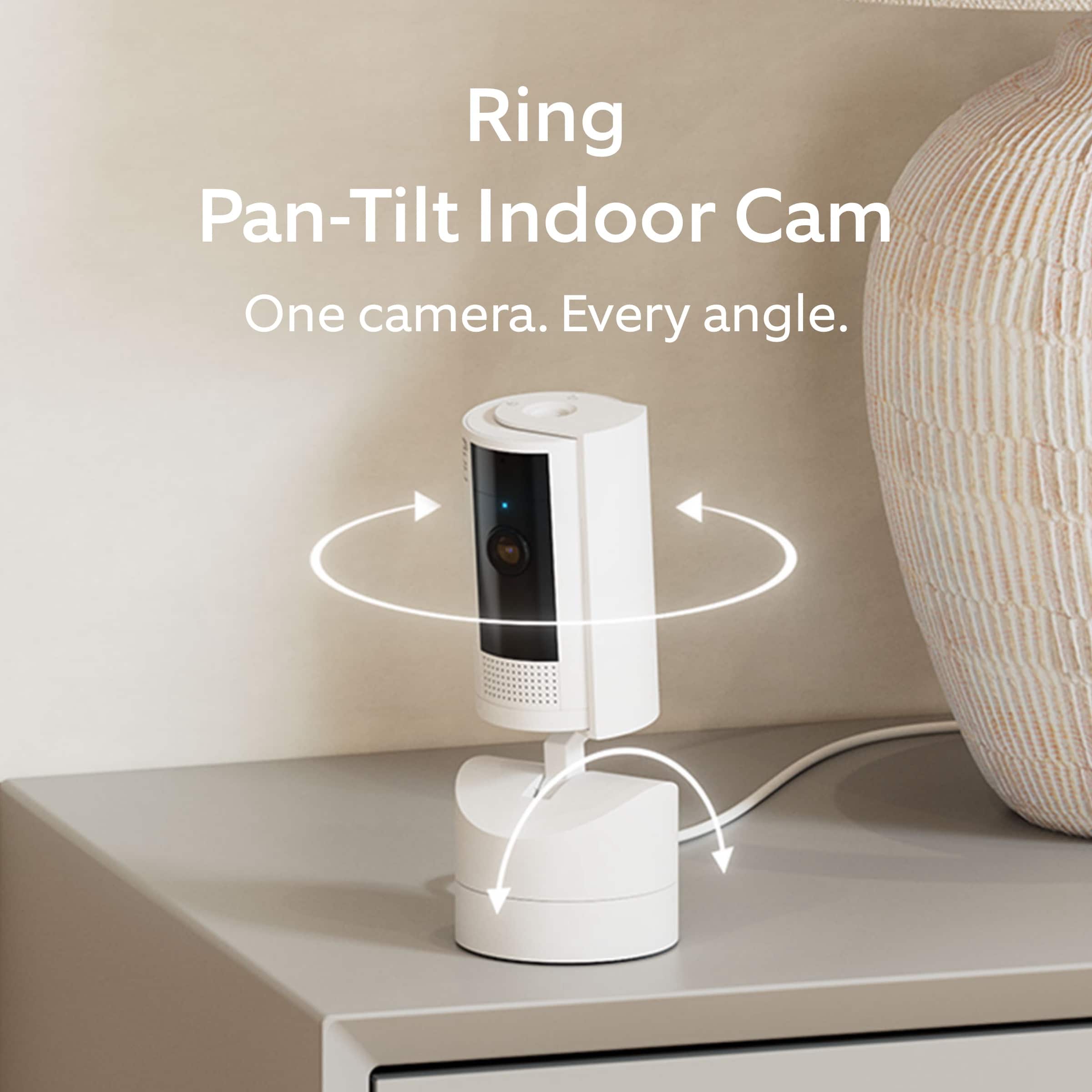
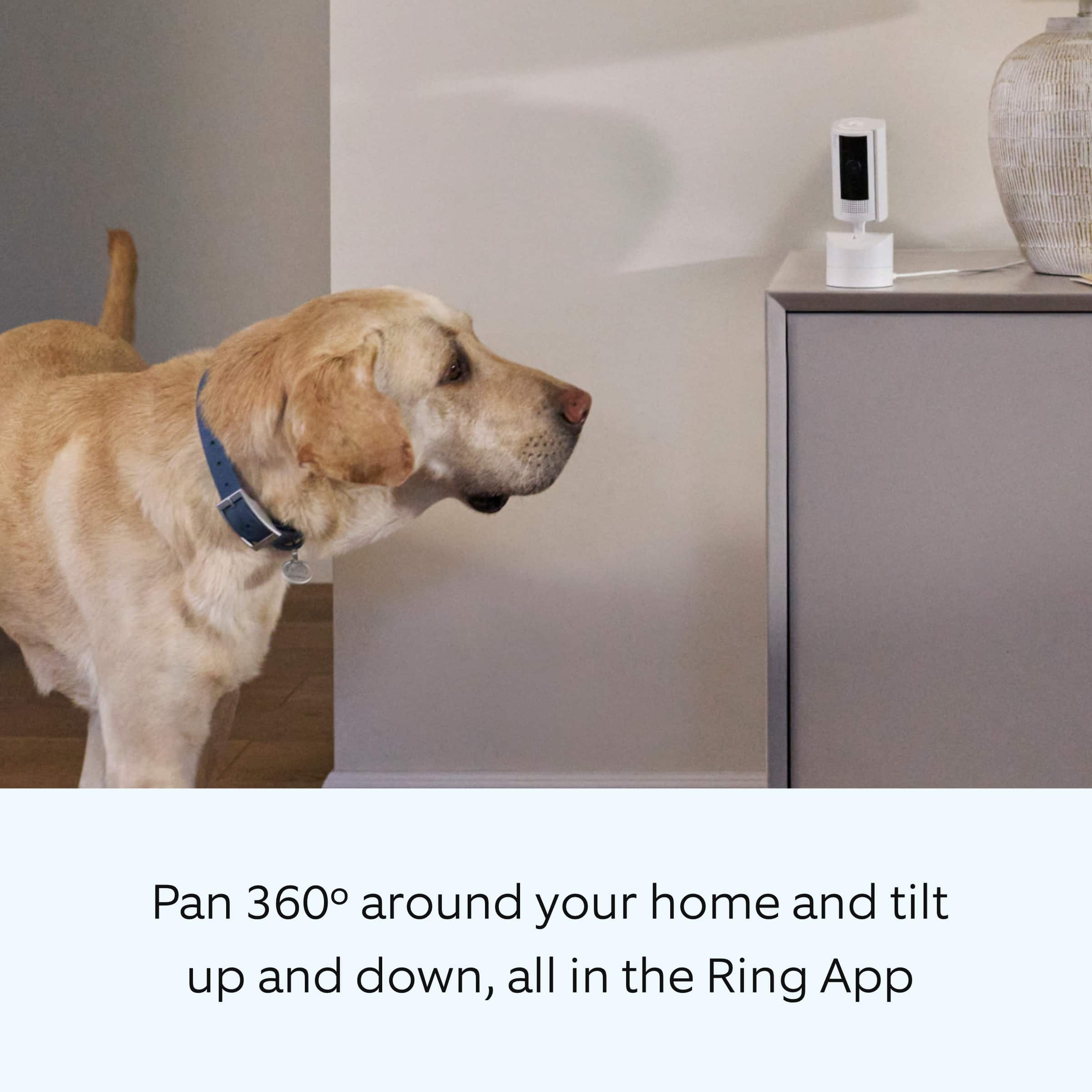
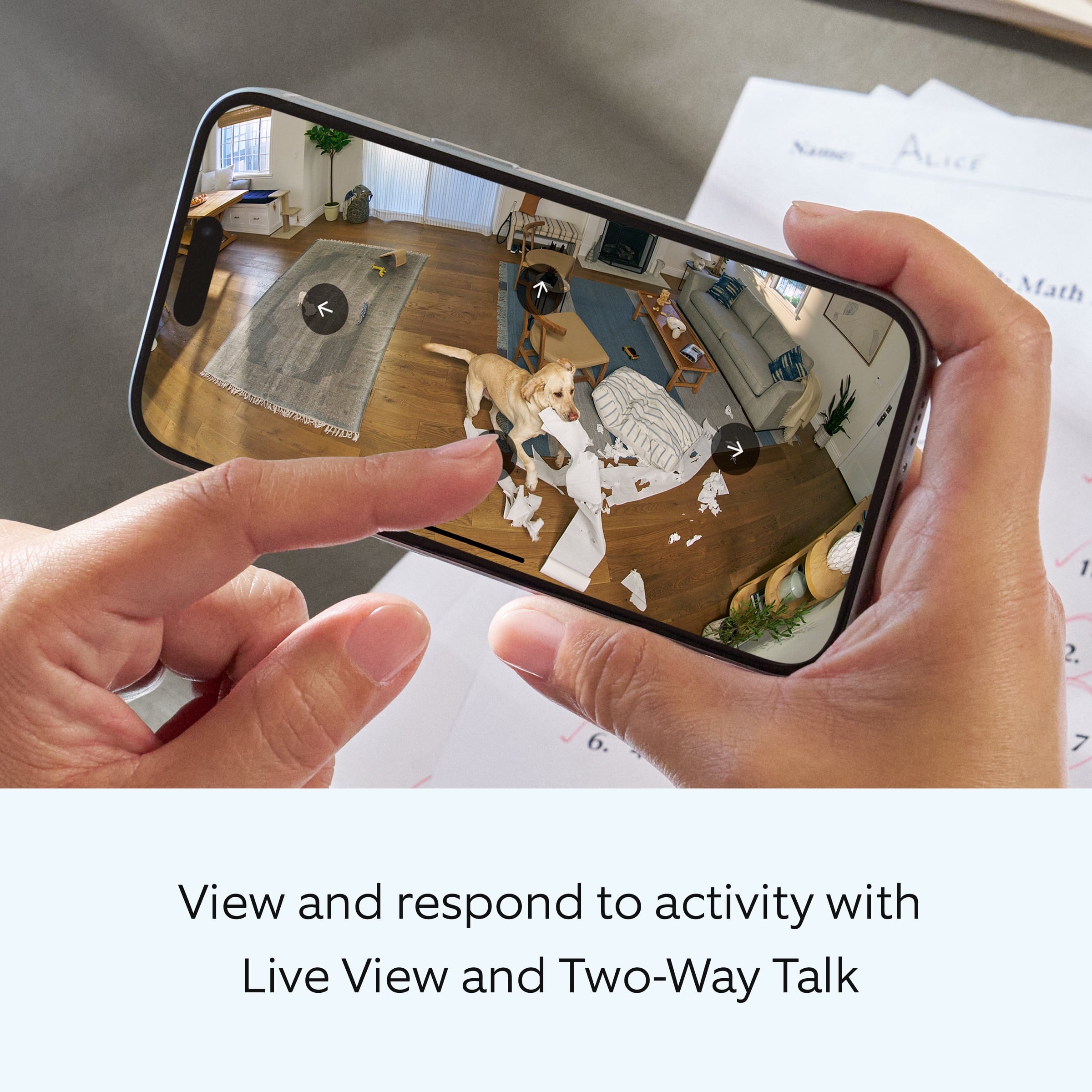
It sounds like the device is not performing as expected. You can control your view from corner to corner with the Ring Pan-Tilt Indoor Cam, our first camera that lets you smoothly pan 360° across any room, all on your phone. To use the pan and tilt feature, you can take the following steps:
In Live View, tap Rotate then use the horizontal and vertical motion control arrows to pan or tilt your camera.
Tap and hold an arrow to move your camera until you lift your finger or the camera reaches the end of its coverage range.
Tap an arrow once to move the camera in smaller increments.
If any additional information is needed regarding your Ring Pan-Tilt Indoor Cam, please reach out to our community. Ring Community is our first peer-to-peer community forum, giving our customers the ability to help one another and share their feedback and experiences directly with Ring. Join the Ring Community today!
All the best,
Miyuki from Ring.
Works Great
||Posted . Owned for 2 weeks when reviewed.This reviewer received promo considerations or sweepstakes entry for writing a review.Works as advertised and is a great addition to my other 5 Ring devices.
I would recommend this to a friendring
||Posted . Owned for 3 weeks when reviewed.This reviewer received promo considerations or sweepstakes entry for writing a review.perfect for the application. to add to the existing 2 already on site
I would recommend this to a friendTilt camera
||Posted . Owned for less than 1 week when reviewed.This reviewer received promo considerations or sweepstakes entry for writing a review.I have had other ring devices and this tilt 360 hands down is the best
I would recommend this to a friendRing camera
||Posted . Owned for less than 1 week when reviewed.This reviewer received promo considerations or sweepstakes entry for writing a review.Works well but not easy to set up with the app. Good for watching the puppy.
I would recommend this to a friendBrand response from Ring
Posted .Hi MarianD.
Thank you for taking the time to share your feedback with us. We are always looking for ways to improve our neighbor's experience, and your feedback is an invaluable part of this process. That is why we are dedicated to offering devices that help you safeguard what is most important at home, while also allowing you to connect with your neighbors from anywhere. We’re glad to read that you are finding the provided features useful.
To set up your Ring Pan-Tilt Indoor Cam, you can scan the QR code on your Ring device or product packaging via the Ring app. Follow these instructions in the Ring app:
Tap the three lines (≡) on the left side of your dashboard in the Ring app.
Tap "Set up a Device" and select the type of your device.
Tap "I’m Ready to Scan."
Point your smartphone’s camera at the QR code on your Ring device or product packaging. (Note: If you don’t see the QR code, please remove your video doorbell’s faceplate).
Center the code in the phone camera’s view at the bottom half of the screen.
When the code is recognized, a green square will appear and a pop-up with your device image detected.
If you experience issues scanning the QR code, please follow these steps:
Move your camera closer or further from the QR code to help it focus.
Once your camera finds focus, hold it steady for a few seconds.
If your camera won’t focus, clean your camera lens, move to a well-lit area, and try again.
If you continue to experience issues, please follow these additional steps:
Tap "Other Options" below the scanner.
Select Can’t Scan the QR code.
Confirm by selecting "Enter code manually" (this corresponds to PIN code digits underneath the QR code).
Find your device in the list.
Enter your five digit PIN which can be found below the QR code.
For more information on your Ring Pan-Tilt Indoor Cam, we invite you to reach out to our community. Ring Community is our first peer-to-peer community forum, giving our customers the ability to help one another and share their personal feedback and experiences with Ring. We look forward to hearing from you if we can be of any further assistance!
Thank you,
Miyuki from Ring.
Amazing
||Posted . Owned for 2 weeks when reviewed.This reviewer received promo considerations or sweepstakes entry for writing a review.Great product and quality. The panoramic feature is wonderful.
I would recommend this to a friendPanel shut
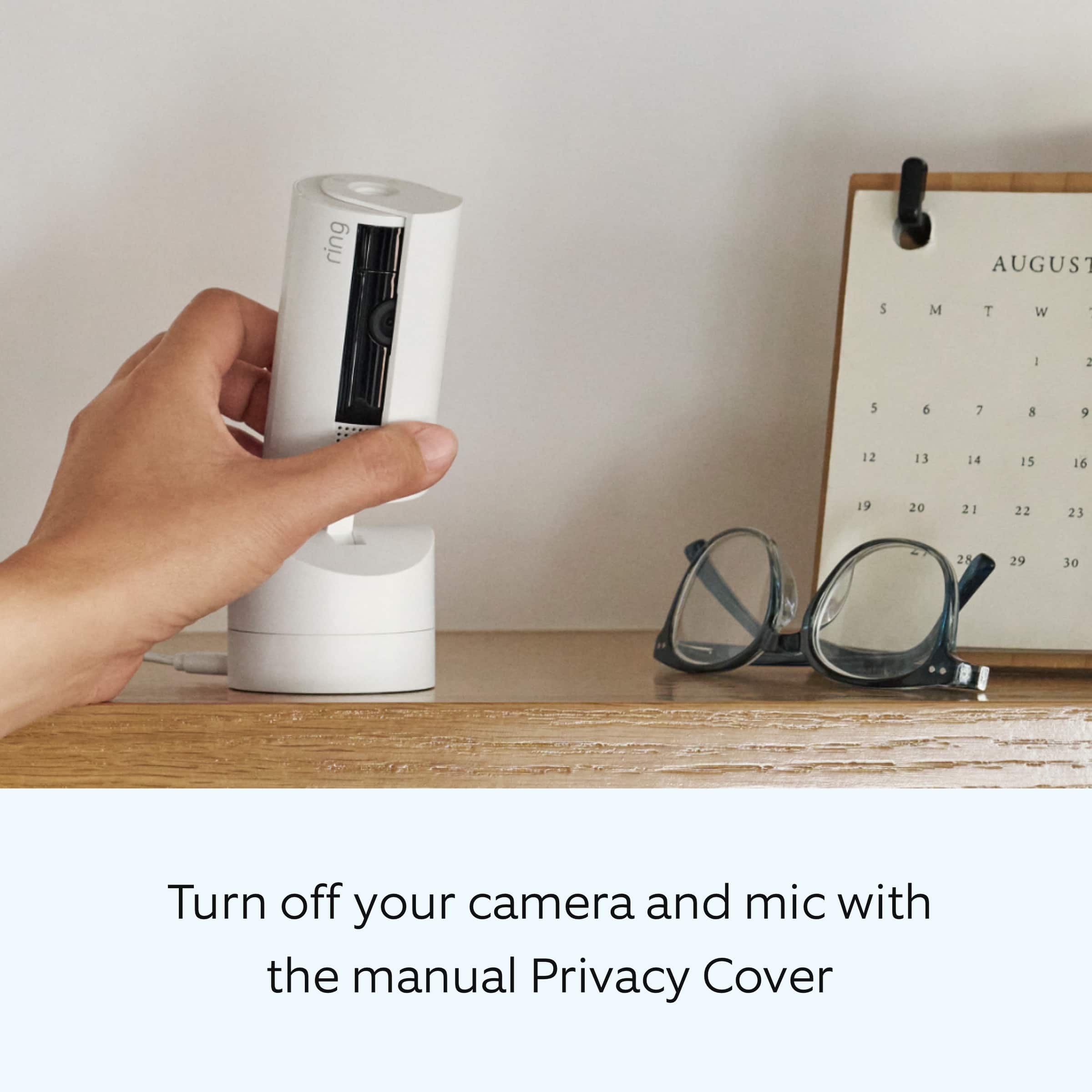
||Posted . Owned for 1 week when reviewed.This reviewer received promo considerations or sweepstakes entry for writing a review.Love the shut panel from open and close whenever needed
I would recommend this to a friend
Nice cam for pets
|Posted . Owned for 3 weeks when reviewed.This reviewer received promo considerations or sweepstakes entry for writing a review.Nice to watch the home when you’re not around and for a pet cam. Smoothish motion
I would recommend this to a friendBrand response from Ring
Posted .Hi alex.
Thank you for taking the time to share your experience with us. We are pleased to read that you are enjoying your new Ring Pan-Tilt Indoor Cam and that the features included are meeting your expectations. At Ring, we believe in keeping people close to what’s important. That is why we are driven to create products that help you protect what matters most at home and empower you to connect with your visitors from wherever you are. Together, we’ll make neighborhoods safer!
Ring Community was launched to help deliver the most current news and educational information to our neighbors. This online forum is divided into four categories: Product Boards, Ring Updates, Tips and Tricks, and a Moderators’ Corner. The Product Boards are where you can begin new topics with your questions or feedback; there is also a search option that helps you find topics that have already been posted by other neighbors. We invite you to visit our site at https://community.ring.com/ today.
Thank you,
Melissa from Ring.
really nice
||Posted . Owned for 1 month when reviewed.This reviewer received promo considerations or sweepstakes entry for writing a review.great and useful anywhere in the house, small but fits most places and price is good
I would recommend this to a friendDisappointing Ring Camera
||Posted . Owned for 1 month when reviewed.This reviewer received promo considerations or sweepstakes entry for writing a review.The camera is good and has a wide angle even before start panning it. But the whole thing just feels flimsy and cheap. We felt like we had to handle it with utmost care or any part could break in our hands. The absolute worst part was the mounting. There are no directions in the box to even get you started. The grey little circle mount did not seem to easily go together with any side of the 3 possible mounting positions, if we got that right. And we pray we do not have to climb back up the ladder to unhook it for any reason. The good part was that there was a nice long cord to reach an outlet.
No, I would not recommend this to a friendBrand response from Ring
Posted .Hi Ringer10.
Thank you for taking the time to share your feedback with us. We are always looking for ways to improve our neighbor's experience, and your feedback is an invaluable part of this process. That is why we are dedicated to offering devices that help you safeguard what is most important at home, while also allowing you to connect with your neighbors from anywhere. The features and technology provided by the Ring Pan-Tilt Indoor Cam are incredibly valuable and help provide you with peace of mind about your home security. We can definitely provide you with more information regarding the concern mentioned in your review.
It sound like your device is not operating as expected in regards to the installation.
We have included the installation instructions for the Ring Pan-Tilt Indoor Cam here:
Wall installation:
Use the mounting plate as a guide to mark screw holes on the wall with 6.5 inches (16.5 cm) of space in every direction.
Install the mounting plate with the UP arrow pointing up.
On stucco, brick, or concrete, use a 3/16 inch (5mm) masonry bit to drill holes for the included wall anchors.
Run the power cable through the hole in the mounting bracket and plug in.
Secure your camera to the mounting bracket by sliding until you feel a click.
Secure your camera and bracket to the mounting plate by sliding until you feel a click.
We invite you to reach out to our community if any additional information is needed regarding your Ring Pan-Tilt Indoor Cam. The Ring Community is our first peer-to-peer community forum, giving our customers the ability to help one another by sharing their feedback and experiences with each other.
Thank you,
Amilia from Ring.
Good product
||Posted . Owned for 1 week when reviewed.This reviewer received promo considerations or sweepstakes entry for writing a review.I ordered this for another property bu i havent had the chance to install it yet
I would recommend this to a friendBrand response from Ring
Posted .Hi RobertV.
Thank you for taking the time to share your Ring experience with us and other consumers. We believe in keeping people close to what’s important. That is why we are driven to create products that help you protect what matters most at home and empower you to connect with your visitors from wherever you are. Together, we’ll make neighborhoods safer!
Ring Community was launched to help deliver the most current news and educational information to our neighbors. This online forum is divided into four categories: Product Boards, Ring Updates, Tips + Tricks, and a Moderators’ Corner. The Product Boards are where you can begin new topics with your questions or feedback; there is also a search option that helps you find topics that were already posted by other neighbors.
Sincerely,
Matthew from Ring.
Ring pan tilt camera
||Posted . Owned for 1 week when reviewed.This reviewer received promo considerations or sweepstakes entry for writing a review.Great product. Wish there were a model that works on battery.
I would recommend this to a friend