Customer Ratings & Reviews
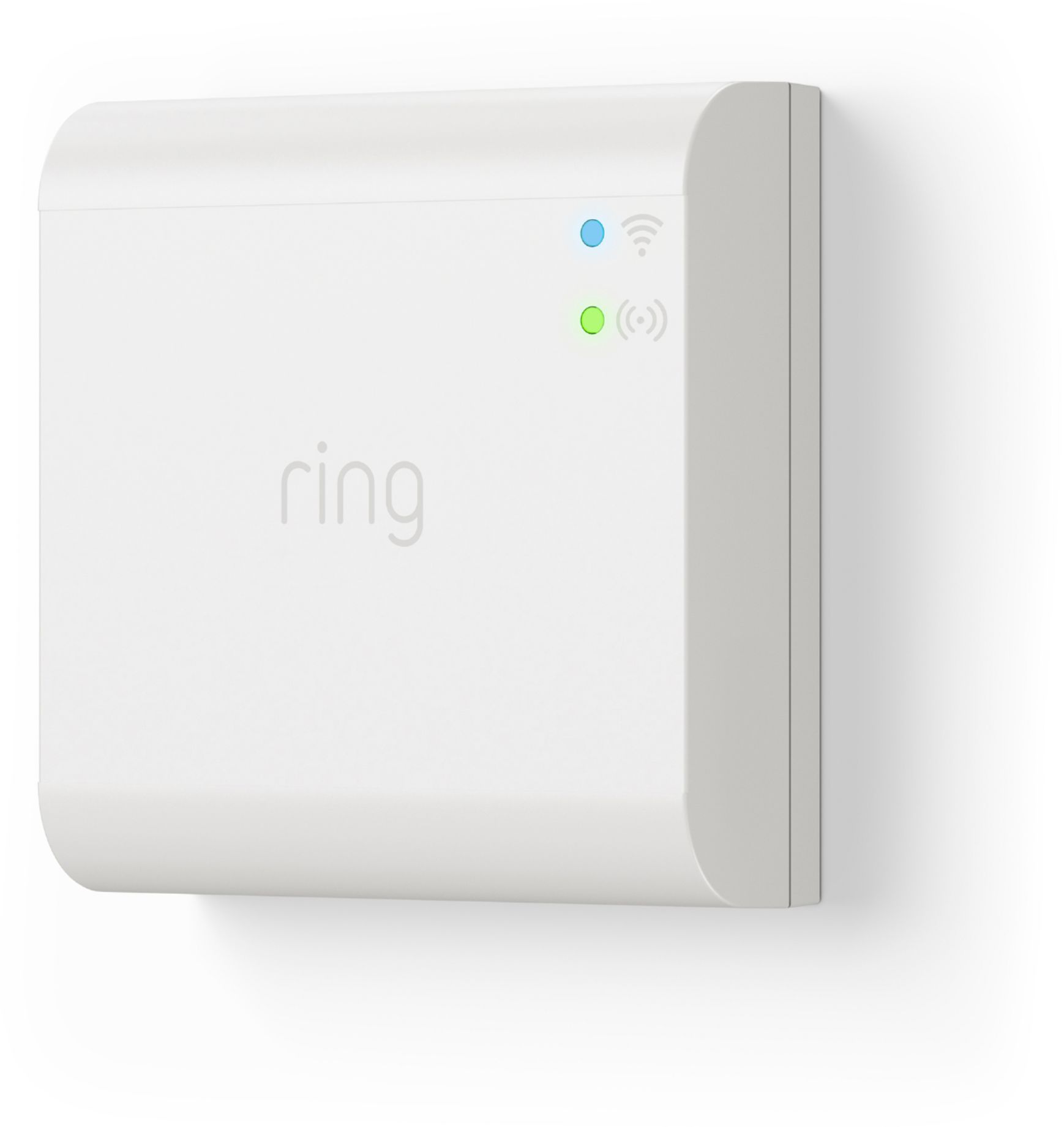


- Model:
- 5B01S8-WEN0
- SKU:
- 6322653
Rating by feature
- Value
Rating 4.3 out of 5 stars
- Quality
Rating 4.5 out of 5 stars
- Ease of Use
Rating 4.5 out of 5 stars
Customers are saying
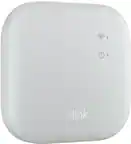
Customers are positive about the easy setup, compatibility, and functionality of the Smart Lighting Bridge. They appreciate how simple it is to install and use, and they find that it works well with their smart lights. Customers are negative about the connectivity issues and the price, with some feeling that it is overpriced for what it offers.
This summary was generated by AI based on customer reviews.
connection
||Posted . Owned for 2 weeks when reviewed.This reviewer received promo considerations or sweepstakes entry for writing a review. You can ask for my lights keep everything together
I would recommend this to a friendNot impressed by the product
||Posted . Owned for 3 weeks when reviewed.This reviewer received promo considerations or sweepstakes entry for writing a review.Bridge is only good if you have many Ring devices.
No, I would not recommend this to a friendBrand response from Ring
Posted .Hi there, thank you for sharing your feedback. You can connect your Ring Smart Lighting devices to the Ring Bridge to unlock smart controls, such as Light Groups and Light Scheduling. You can learn more about what features the Ring Bridge offers here https://support.ring.com/hc/en-us/articles/360025181851-Ring-Smart-Lighting-Bridge-Information. I hope this helps clarify. All the best, Ashley from Ring.

Should not have to purchase this bridge
||Posted . Owned for 1 month when reviewed.This reviewer received promo considerations or sweepstakes entry for writing a review.I have alarms and several cameras. The basic bridge needs to be able to handle this lighting arrangement.
No, I would not recommend this to a friendBrand response from Ring
Posted .Hi CoolBreeze.
Thank you for taking the time to share your experience with us. We understand the importance of a seamless setup process so that you can begin using your Ring Smart Lighting Bridge right away. The features and technology provided by the Ring Smart Lighting Bridge are incredibly valuable and help integrate your Ring devices to simplify home monitoring from the Ring app. We can definitely provide you with more information regarding the concern that you mentioned in your review.
Ring Bridge is the central hub that integrates Ring Smart Lights, Motion Sensors, and Transformers into your Ring system. The Bridge connects to the Ring app using your home wifi network and connects to other Ring Smart Lighting products using a proprietary long-range communication protocol. Without the Ring Bridge, your Floodlight Wired functions only as a standard motion-sensing light. With a Ring Bridge, you can control whole groups of lights at once and be notified via the Ring app when any light or motion sensor senses movement.
Follow these steps to setup your Ring Smart Lighting Bridge in the Ring app:
If there is an update available for your Ring app, please update it before you begin. Remind any shared users to update their app too. Updating the app ensures that everyone on your account will be able to see this new device. Learn how to update your Ring app.
Be sure to install and set up your Bridge before installing and setting up your Smart Lights. You will need to have a Ring Bridge installed and set up in order to connect your Smart Lights to the Ring app and the rest of your Ring devices.
Open the menu by tapping the Menu (≡) on the left side of your Dashboard.
Tap Set Up a Device.
Tap Smart Lighting Bridge.
Select your location.
Follow the steps in the Ring app to connect the device to your network.
Now that your Ring Bridge has been set up, you can set up your Ring Smart Lights.
To get started, tap Add a Light in your Ring app and select the device you would like to install.
We invite you to reach out to our community if any additional information is needed regarding your Ring Smart Lighting Bridge. The Ring Community is our first peer-to-peer community forum, giving our customers the ability to help one another by sharing their feedback and experiences with each other.
Thank you,
Melissa from Ring.
Would not recommend
||Posted . Owned for 8 months when reviewed.This reviewer received promo considerations or sweepstakes entry for writing a review.I returned this item twice and still no luck getting them to work. I was on the phone with Ring for hours setting it up multiple times. The tech told me both times the units were bad. Not trying a third time.
No, I would not recommend this to a friendBrand response from Ring
Posted .Hi SEANZA,
We appreciate you providing feedback on your experience with the Ring Smart Lighting Bridge.
We understand the importance of a seamless setup experience so that you can begin using your Ring Smart Lighting devices right away. The Ring Bridge is intended to strengthen your home's security while illuminating your home and property. It enables smart lighting to be controlled from anywhere, using the Ring app. We would love to provide some tips and tricks to ensure your Ring Bridge sets up quickly on your home’s wifi network.
It sounds like the Ring Lighting Smart Bridge is unable to connect properly set up to your wifi. There are several things that could be impacting the device's setting up. Check the following items:
Log out of the Ring app and then re-open it.
Check to make sure your Ring Bridge is turned on.
Check the power supply from the power source to make sure your Ring Bridge is receiving electricity.
Restart the router and run through the setup process again.
Make sure you entered your wifi password correctly.
For additional guidance on setting up the Ring Smart Lighting Bridge, please visit our support center: https://support.ring.com/hc/en-us/articles/360022835212-Setting-Up-and-Installing-your-Ring-Smart-Lighting-Bridge
In addition, you can also visit Ring Community. It is our first peer-to-peer community forum, giving our customers the ability to help one another and share their feedback/experiences with Ring. We invite you to reach out at https://community.ring.com/ if you have any additional questions or feedback regarding your Ring Smart Lighting Bridge.
Thank you,
Nicole with Ring
Took three units before it set up
||Posted . Owned for 1 month when reviewed.This reviewer received promo considerations or sweepstakes entry for writing a review.Went through three units before it finally set up, had to get a unit from the factory to get it to work
No, I would not recommend this to a friendBrand response from Ring
Posted .Hello RocketJohnny,
Thank you for taking a moment to leave your review on the Ring Smart Bridge. At Ring, we believe that stronger communities are the key to safer neighborhoods. That is why we are driven to create products that help you protect what matters most at home, and empower you to connect with your visitors from wherever you are.
Your experience with Ring is impactful on our future as a company, and we would love to hear from you directly on our Ring Community forum. If you have any experiences to share, questions regarding Ring and our services, or any feedback and product suggestions, we encourage you to have your voice be heard: https://community.ring.com/!
Thank you, Jamila with Ring
Worse quality
||Posted . Owned for 3 weeks when reviewed.This reviewer received promo considerations or sweepstakes entry for writing a review.I have gone thru 7 of these and none have worked and all different tech’s
No, I would not recommend this to a friend- Pros mentioned:Ease of useCons mentioned:Connectivity
No WPA2-PSK support/will not connect to my network
Posted .This reviewer received promo considerations or sweepstakes entry for writing a review.Setup worked as described in the instructions until the bridge tried to connect to my network. The screen displayed a rotating blue circle until it timed out and said something went wrong. Tried several times. Note: Changed router security settings to WPA-PSK/WPA2-PSK (TKIP) which is weaker encryption + slower speed than WPA2-PSK (AES). Rebooted router, still no luck. Returning smart lighting products to store. Probably buy another Ring camera to augment already installed floodlight and Chime pro.
No, I would not recommend this to a friendBrand response from Ring
Posted .Hello Keryl,
Having peace of mind that your Ring Bridge has a strong connection is very important. As consumers we expect a product to perform at its best. Please know that we are here to take a deep look into everything and ensure that this gets resolved quickly. The Ring Bridge is designed to work in many environments to provide you with peace of mind and security. If you are having connection issues with your Bridge, you might want to try a reset.
If you try to reset your device, be aware of the following time frames:
Holding the button down for one to five seconds: This should force the Bridge into setup mode.
Holding the button down for six to 10 seconds: This is a power cycle/reset - This will cause the device to forget any of the settings previously saved and will force you to re-set up all the lights.
If you’re still having issues, try resetting your modem and/or router. To do this, follow the instructions below:
Unplug your router or model from its power supply (don’t just turn it off).
If your router and modem are separate, unplug both of them.
Wait 15-20 seconds, then plug them back in.
Wait a minute or two for the internet to be restored.
Confirm that your internet has been restored by connecting another device to your wifi network and trying to access a website, then repeat the setup process.
We would love to connect with you today to help ensure your device is set up and you’re able to take advantage of all the great features your Ring Bridge has to offer.
Thank you, Jamila with Ring
Very good.
Posted .This reviewer received promo considerations or sweepstakes entry for writing a review.I liked it.The product works perfectly and was hard to install.
I would recommend this to a friend