Customer Ratings & Reviews

- Model:
- B0F151GFYR
- SKU:
- 11913914
Rating by feature
- Video Quality
Rating 4.8 out of 5 stars
- Mobile App
Rating 4.7 out of 5 stars
- Sound Quality
Rating 4.6 out of 5 stars
Nice safety item
||Posted . Owned for 2 weeks when reviewed.This reviewer received promo considerations or sweepstakes entry for writing a review.Great way to know if a package arrives and to see who is at your door even if you’re not home.
I would recommend this to a friendThe best!
||Posted . Owned for 2 weeks when reviewed.This reviewer received promo considerations or sweepstakes entry for writing a review.Much improved from previous model by a long shot!!
I would recommend this to a friendCamera clarity concern
||Posted .This reviewer received promo considerations or sweepstakes entry for writing a review.The camera takes a while to load, and I think the image quality could be a little clearer. It is worth considering a lower-quality option to get the clear view I'm looking for, but I still have to try out the microphone and speaker to see how good they actually are.
I would recommend this to a friendBrand response from Ring
Posted .Hi photo.
Thank you for taking the time to share your experience with us. We understand how important it is for your Ring Wired Doorbell Pro (3nd Gen.) to record clear and concise videos so that you can effectively monitor your home. The features and technology provided by the Ring Wired Doorbell Pro (3nd Gen.) are incredibly valuable and help provide you with peace of mind about your home security. We want to ensure your device is working as intended by providing you with solutions to resolve the concern you mentioned in your review.
It sounds like the device is not performing as expected. Ring devices require high-speed internet to bring you crisp, clear video and audio. Poor network connectivity can affect the performance of your Ring device. We are happy to share some troubleshooting steps to help you diagnose and fix common video issues and delays that you may experience with Ring doorbells and cameras.
Here are some examples of video quality issues:
Overexposed, washed-out videos: Washed-out videos may be due to overexposure to sunlight.
Poor wifi signal strength: A decline in wifi signal strength may be caused by a weak connection between the router and your Ring device.
Traveling signal strength: This may be due to a wifi dead zone in your home where you lose signal strength between the router and your Ring device.
For our 4K models, a minimum upload speed of 15 Mbps is recommended, and video resolution may vary depending on internet bandwidth. In addition to ensuring that you have sufficient wifi speeds, you will also want to check the signal strength of your device. A poor wifi signal can cause connectivity with your Ring device to be unreliable.
Check the Device Health section of your Ring application to ensure the device’s RSSI is within an acceptable range. The recommended range for optimal performance is 0 to -60 for the RSSI. Turn off your mobile device's cellular data and connect to the same wifi network as your Ring device. Open the Ring app. Tap the menu (☰). Tap “Devices.” Select your device. Trigger an event on your Ring device. This could mean pressing the button on a doorbell or activating the motion sensors on a camera. Answer the event and examine the resulting video.
We have listed some possible outcomes from this test here:
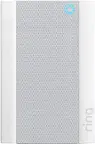
Footage is crisp and clear: If your video appears good when next to the router, the issue may be caused by a disruption in between your router and your Ring device’s normal location. To fix this, try moving your device closer to the router or extending your wifi signal with a wifi extender like the Ring Chime Pro.
Footage is heavily pixelated: If you’re seeing heavy pixilation, even next to the router, this may be due to slow wifi speeds.
Severe pauses in live video: If your video pauses, stutters, or gets frozen and your wifi speed meets the minimum standards, try rebooting your router. Unplug your router, wait 30 seconds, and then plug it back in. It should take three to four minutes to reboot. Then, test your Ring device again and see if there's any difference.
Long delay before your video starts: This is also caused by slow wifi speeds. Assuming you have high-speed internet, reboot your router and the mobile phone, tablet, or PC you're accessing the video feed on. Then, see if there's any difference when it's back on line.
For more information on your Ring Wired Doorbell Pro (3nd Gen.), we invite you to reach out to our community. Ring Community is our first peer-to-peer community forum, giving our customers the ability to help one another and share their personal feedback and experiences with Ring. We look forward to hearing from you. Please let us know if we can be of any further assistance!
Thank you,
Miyuki from Ring.
Not A Material Improvement Over Past Gen
||Posted . Owned for 1 month when reviewed.This reviewer received promo considerations or sweepstakes entry for writing a review.This is not a major improvement over the prior generation as expected. Works well. Don’t like it that the different color covers need to be ordered separately (unlike the previous generation)
No, I would not recommend this to a friendBrand response from Ring
Posted .Hi LookingSoGood.
Thank you for taking the time to share your feedback with us. We are always looking for ways to improve our neighbor's experience, and your feedback is an invaluable part of this process. That is why we are dedicated to offering devices that help you safeguard what is most important at home, while also allowing you to connect with your neighbors from anywhere. Together, we’ll make neighborhoods safer!
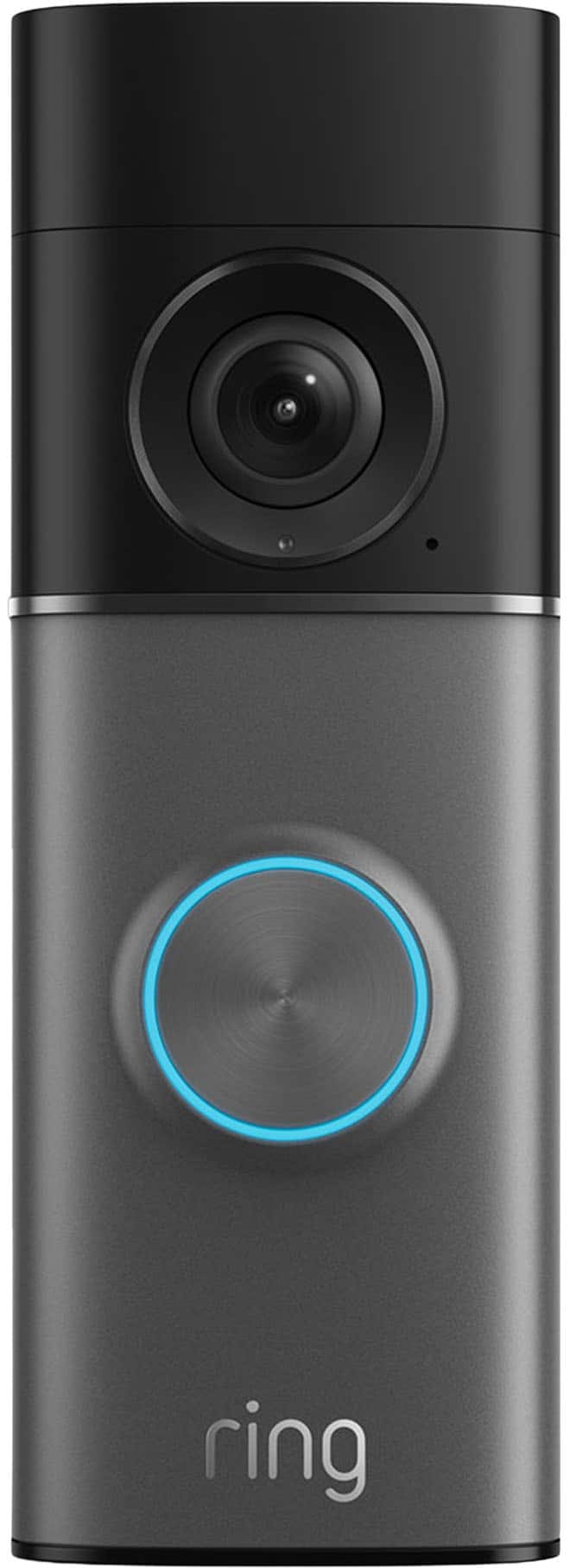
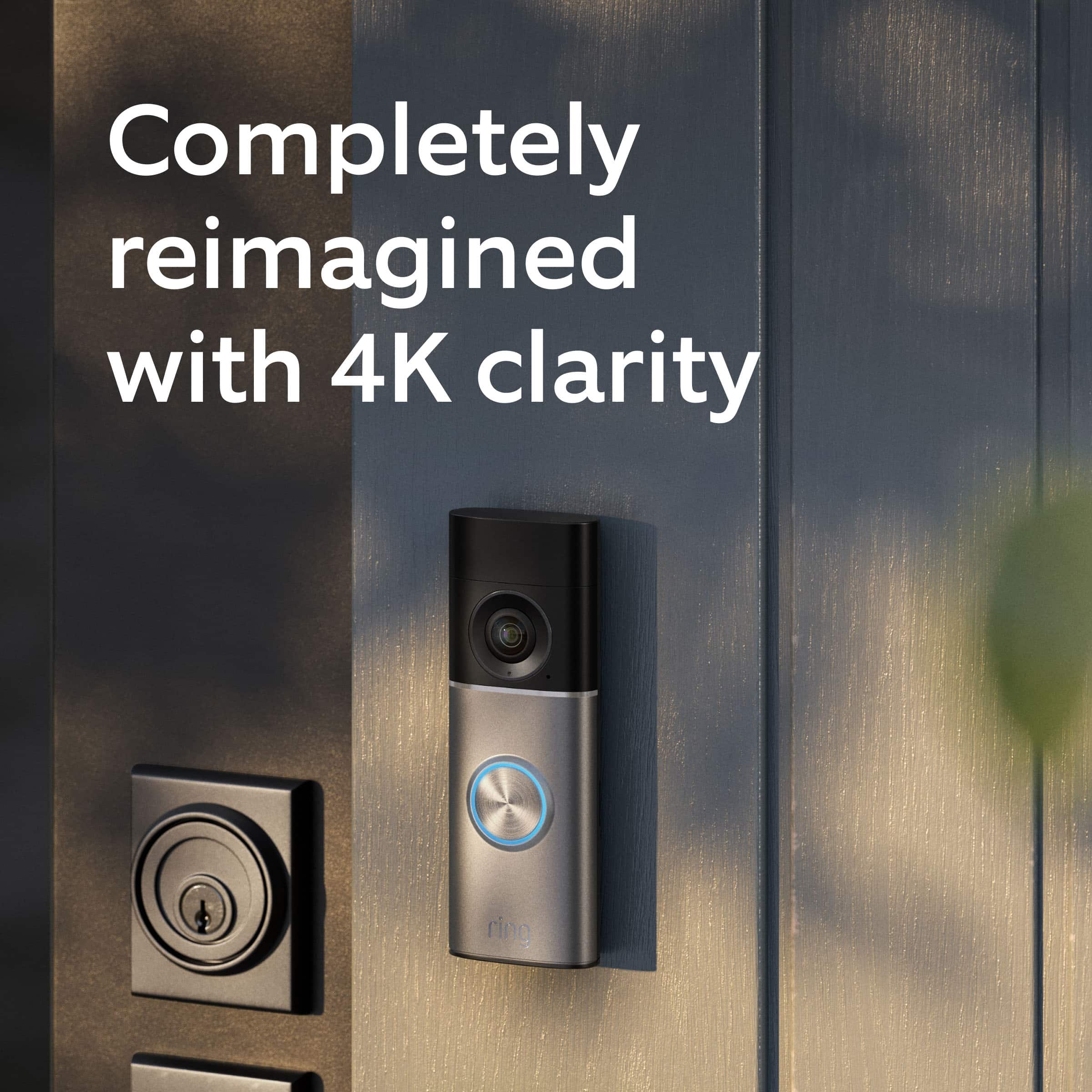
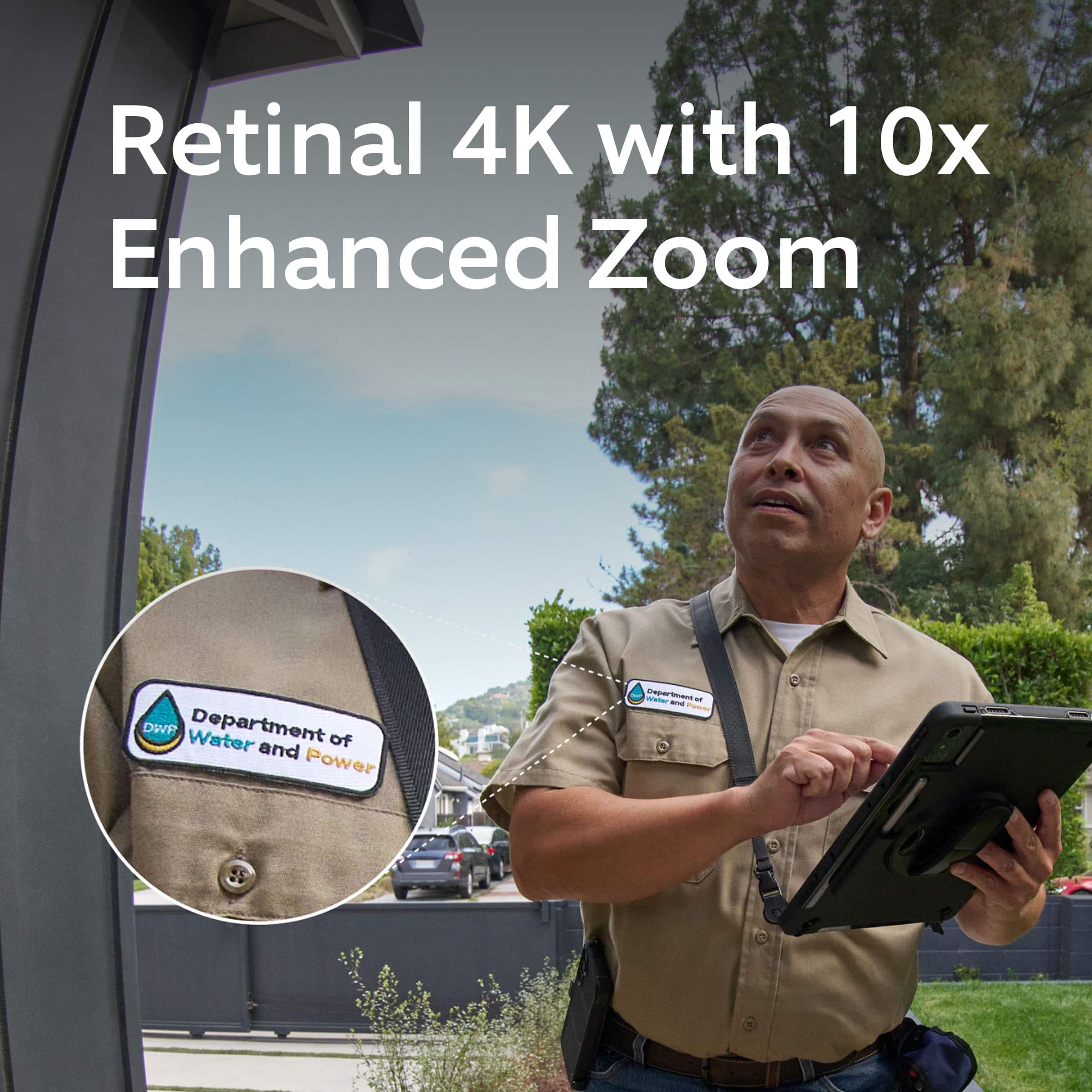
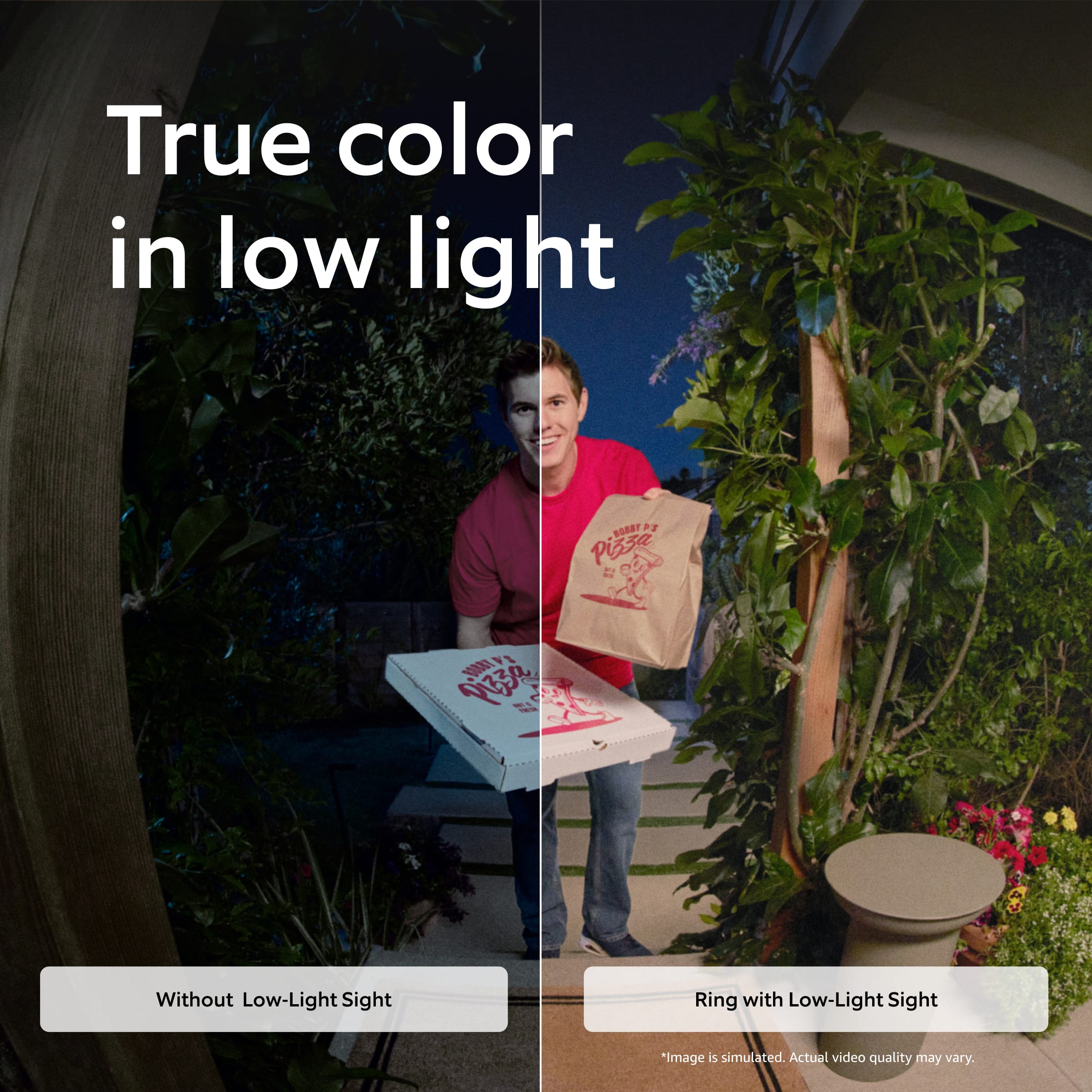
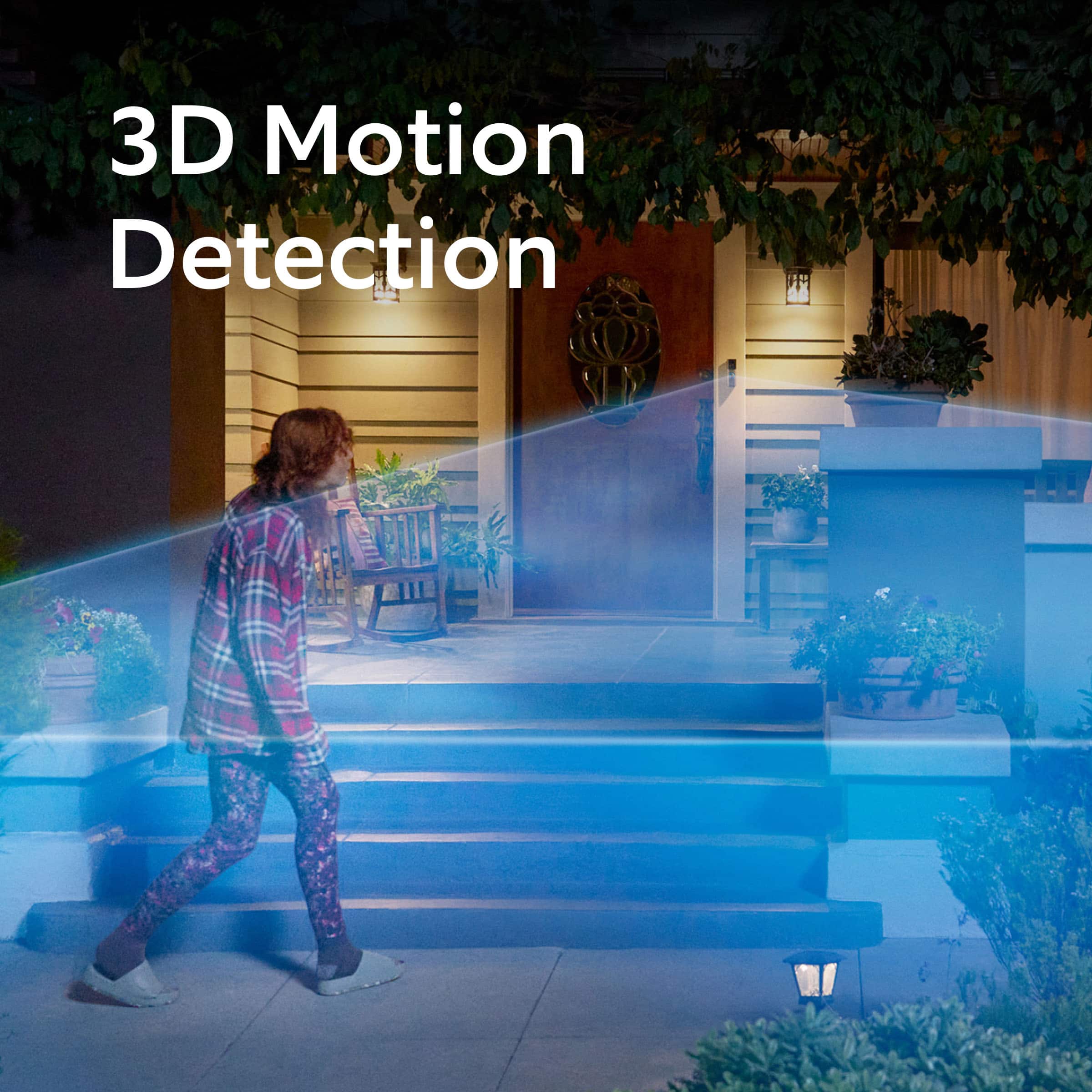
It sounds like the Ring Wired Doorbell Pro (3nd Gen.) was not what you expected. We wanted to share with you some of the key features that the device offers. The Ring Wired Doorbell Pro (3rd Gen) delivers upgraded Retinal 4K video with enhanced clarity and up to 10x zoom for seeing important details more clearly. With improved Live View and Two-Way Talk with Audio+, you can see, hear, and speak to visitors from anywhere using your phone. Advanced 3D Motion Detection provides more precise alerts, while Low-Light Sight offers improved color video in low-light and clear black-and-white footage in complete darkness.
Ring Community was launched to help deliver the most current news and educational information to our neighbors. This online forum is divided into four categories: Product Boards, Ring Updates, Tips and Tricks, and a Moderators’ Corner. The Product Boards are where you can begin new topics with your questions or feedback; there is also a search option that helps you find topics that have already been posted by other neighbors. We invite you to visit our Ring Community today.
All the best,
Miyuki from Ring.
Great buy
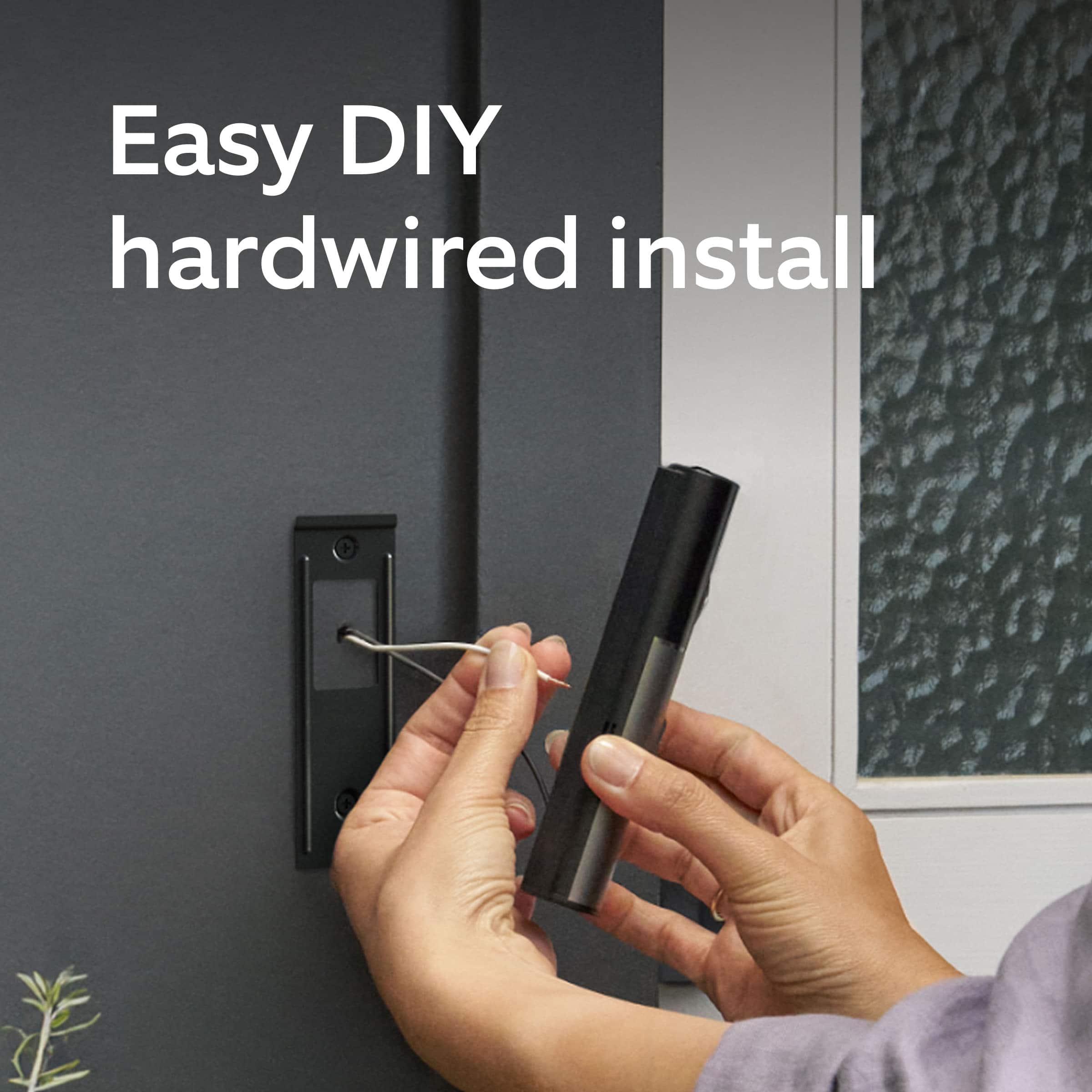
||Posted . Owned for less than 1 week when reviewed.This reviewer received promo considerations or sweepstakes entry for writing a review.Happy with this purchase. It was easy to install. Excellent clarity in the photos and sound.
I would recommend this to a friendRing Works Great!!
||Posted . Owned for 2 weeks when reviewed.This reviewer received promo considerations or sweepstakes entry for writing a review.Best Buy installed our Ring Doorbell and it has worked flawlessly since. It sends a notification to our phones as well as our Alexa home system. Great product!!
I would recommend this to a friendRing door bell
||Posted .This reviewer received promo considerations or sweepstakes entry for writing a review.Bought as a gift for a new home. He loved it! Watched the snowstorm from work, and his new neighbor snowblowed his driveway. Great neighbors too!
I would recommend this to a friendLooking out with Ring
||Posted .This reviewer received promo considerations or sweepstakes entry for writing a review.Picked up where my old ring doorbell left off. The button on my old ring doorbell was cracked, so I upgraded to the newer version. Not disappointed.
I would recommend this to a friendAnother Great Ring Product
||Posted . Owned for 2 months when reviewed.This reviewer received promo considerations or sweepstakes entry for writing a review.Ring doorbells work great. This one has amazing clarity.
I would recommend this to a friendBell upgrade
||Posted . Owned for 1 month when reviewed.This reviewer received promo considerations or sweepstakes entry for writing a review.Excellent color photos and sound. Easy to install and wire to 24 volt power. The blink program has been upgrade and user friendly.
I would recommend this to a friendHighly recommend!
||Posted .This reviewer received promo considerations or sweepstakes entry for writing a review.Love the 4k resolution! Almost went with another camera until I noticed Ring came out with 4k. Super easy installation too.
I would recommend this to a friendRing doorbell
||Posted . Owned for 3 weeks when reviewed.This reviewer received promo considerations or sweepstakes entry for writing a review.Camera resolution is great! Its a nice upgrade from previous ring doorbell
I would recommend this to a friendGet yours now
||Posted . Owned for 1 week when reviewed.This reviewer received promo considerations or sweepstakes entry for writing a review.Excellent upgrade from Prugh two, the minor things like network speeds on screen are handy
I would recommend this to a friendGood doorbell!
||Posted .This reviewer received promo considerations or sweepstakes entry for writing a review.God value! Arrived on time and the installers were respectful of my time and acted in a professional manner. Very pleased!
I would recommend this to a friendNice little camera
||Posted .This reviewer received promo considerations or sweepstakes entry for writing a review.Overall the product is good. Zoom in advertisment is false. Image gets grainy and blurry when u zoom in.
I would recommend this to a friendRing doorbell
||Posted . Owned for 1 month when reviewed.This reviewer received promo considerations or sweepstakes entry for writing a review.Its a very good ring bell. But it's not showing license plate.
I would recommend this to a friendA good leap in technology
||Posted . Owned for 2 weeks when reviewed.This reviewer received promo considerations or sweepstakes entry for writing a review.Great doorbell, a a big improvement from previous gen’s.
I would recommend this to a friendCarpenter
||Posted .This reviewer received promo considerations or sweepstakes entry for writing a review.Very clear love the 10x zoom would definitely recommend.
I would recommend this to a friendGreat Product
||Posted .This reviewer received promo considerations or sweepstakes entry for writing a review.Great enhance to the ring door bell. Clear and very easy to install.
I would recommend this to a friendRing doorbell cam pro 3 verses pro 2
||Posted .This reviewer received promo considerations or sweepstakes entry for writing a review.It freezes a lot my internet is good because all other cameras work fine and this doorbell was purchased and installed by Best Buy paid 150 dollars for 30 minutes swapped out the ring doorbell pro 2
No, I would not recommend this to a friendBrand response from Ring
Posted .Hi Duck.
Thank you for taking the time to share your experience with us. We understand how important it is for your Ring Wired Doorbell Pro (3nd Gen.) to function consistently and reliably, so you can effectively monitor your home. The features and technology provided by the Ring Wired Doorbell Pro (3nd Gen.) are incredibly valuable and help provide you with peace of mind about your home security. We want to ensure your device is working as intended by providing you with solutions to resolve the concern you mentioned in your review.
It sounds like you experienced some connection issues with the device. Usually, devices video freezeing repeatedly is related to poor wifi connectivity caused by signal fluctuations, channel congestion, or data loss.
To determine whether the problem is caused by poor upload speed, run a speed test to determine if your network can support Ring devices. In addition to ensuring that you have sufficient wifi speeds, you will also want to check the signal strength of your device. Ring devices that show higher resolution video need faster internet. For our 4K models, a minimum upload speed of 15 Mbps is recommended, and video resolution may vary depending on internet bandwidth.
A poor wifi signal can cause connectivity with your Ring device to be unreliable. Check the Device Health section of your Ring application to ensure the device’s RSSI is within an acceptable range. The recommended range for optimal performance is 0 to -60 for the RSSI.
For more information on your Ring Wired Doorbell Pro (3nd Gen.), we invite you to reach out to our community. Ring Community is our first peer-to-peer community forum, giving our customers the ability to help one another and share their personal feedback and experiences with Ring. We look forward to hearing from you if we can be of any further assistance!
Thank you,
Miyuki from Ring.