Customer Ratings & Reviews
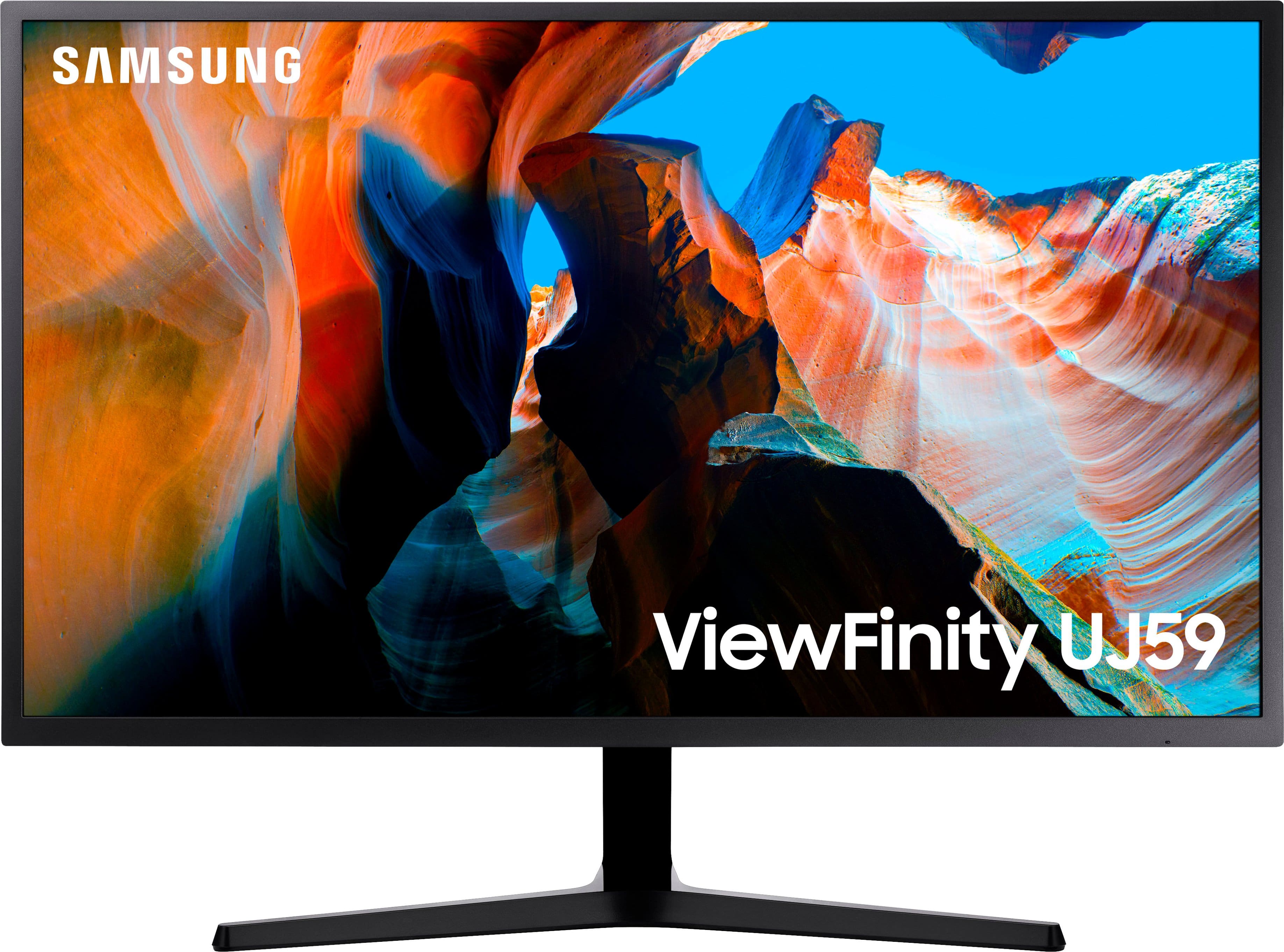
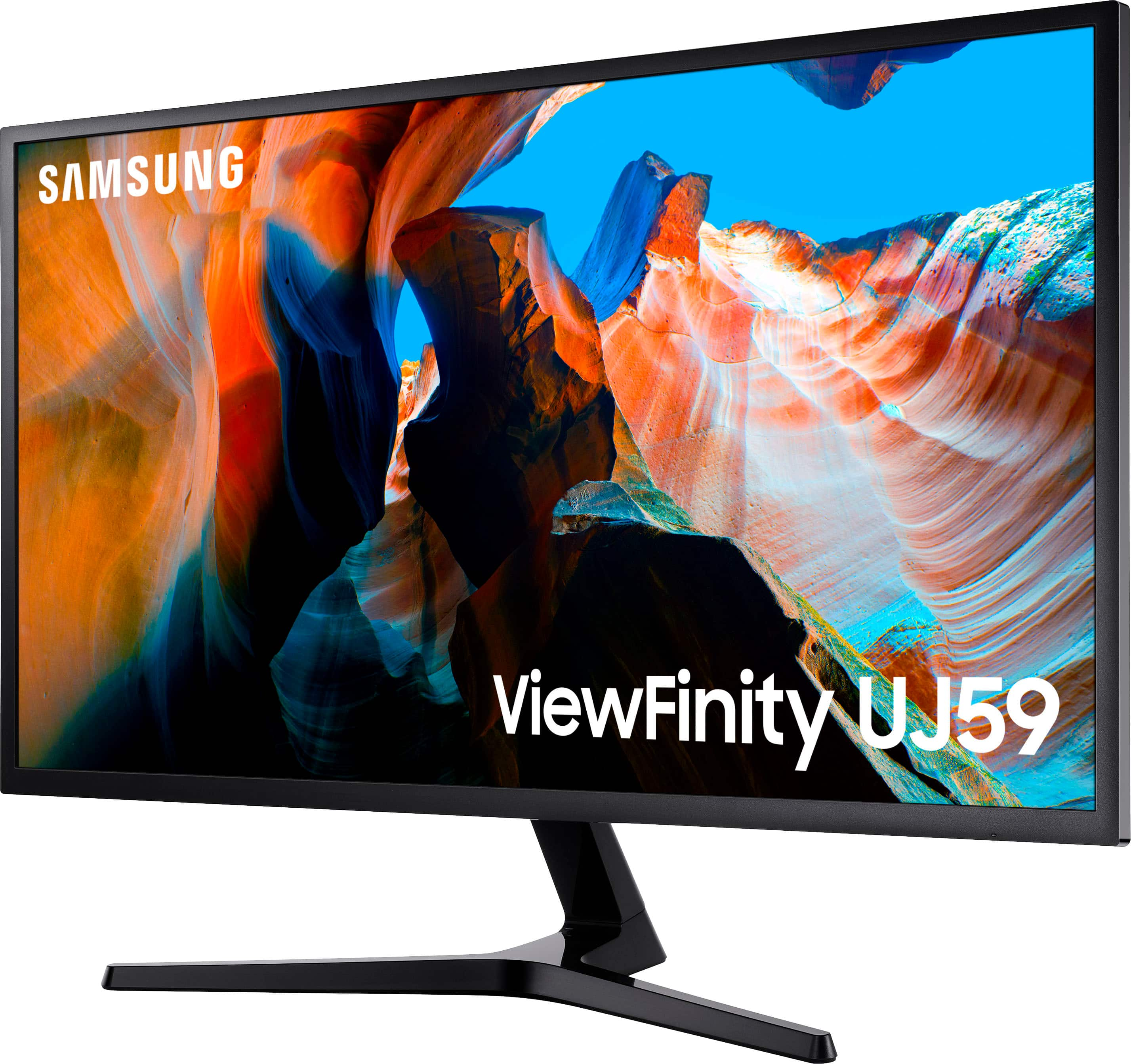
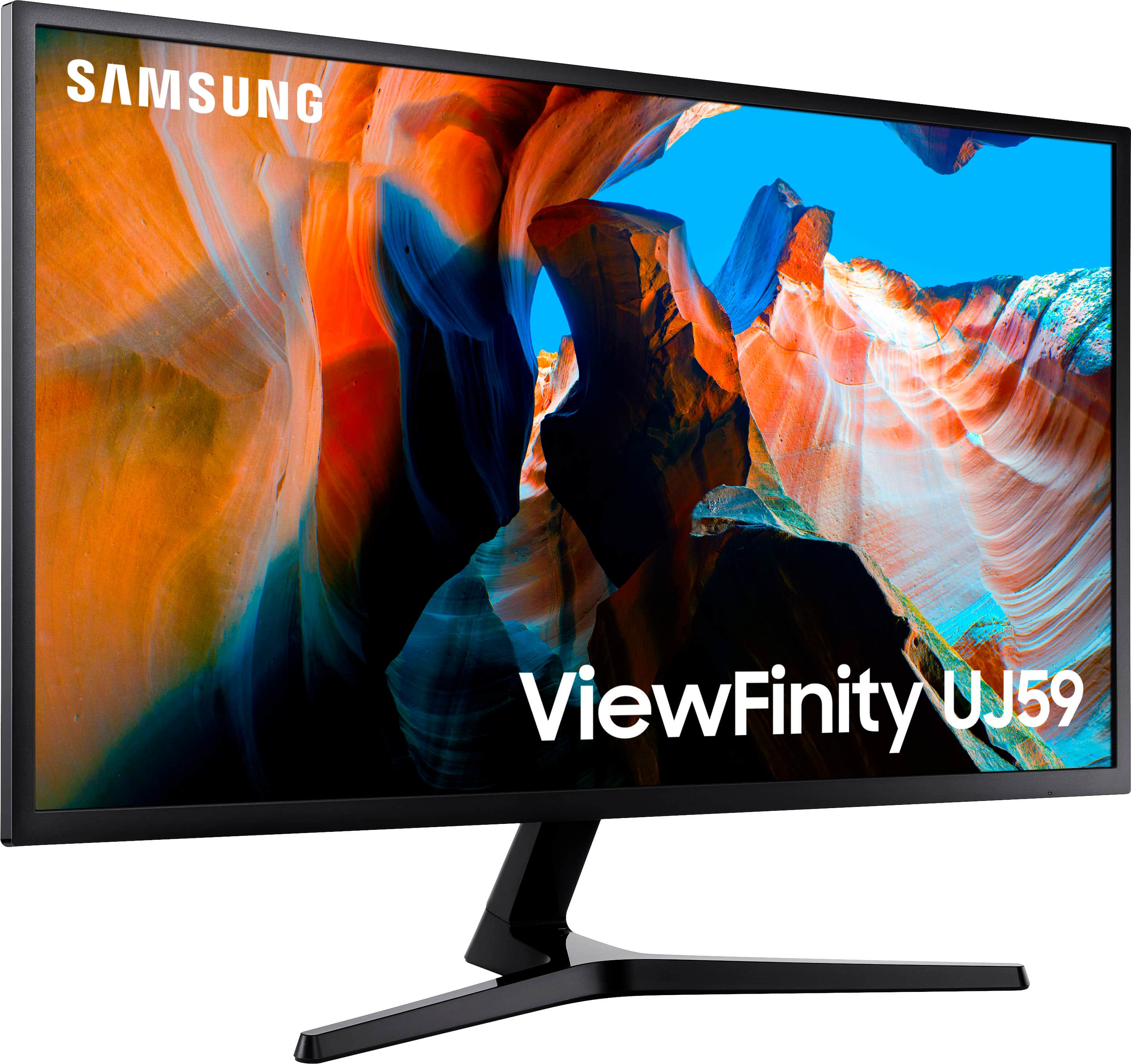
- Model:
- U32J590
- SKU:
- 10995476
Rating by feature
- Display Quality
Rating 4.6 out of 5 stars
- Ease of Use
Rating 4.5 out of 5 stars
- Features
Rating 4.5 out of 5 stars
Razor sharp and very readable - excellent value
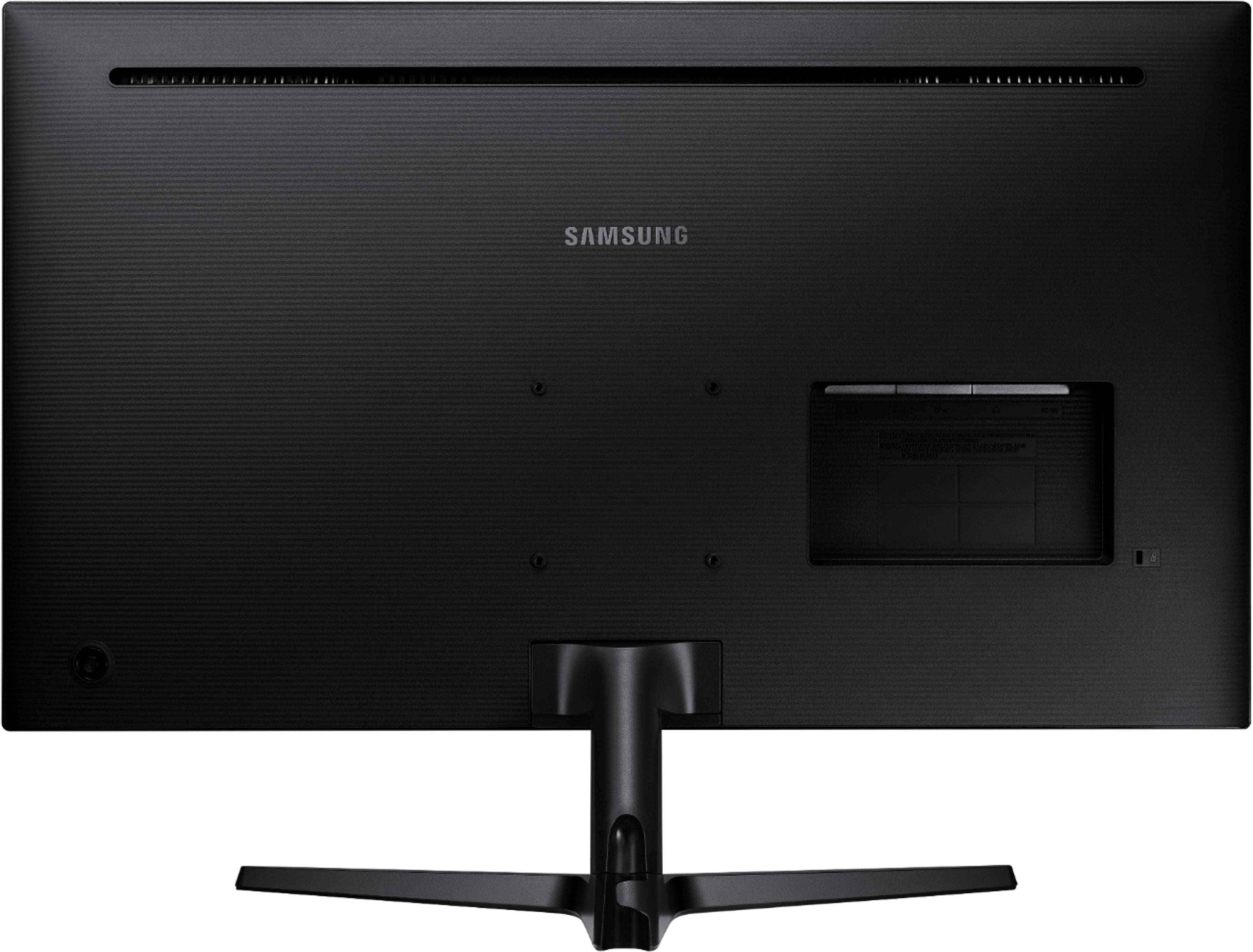
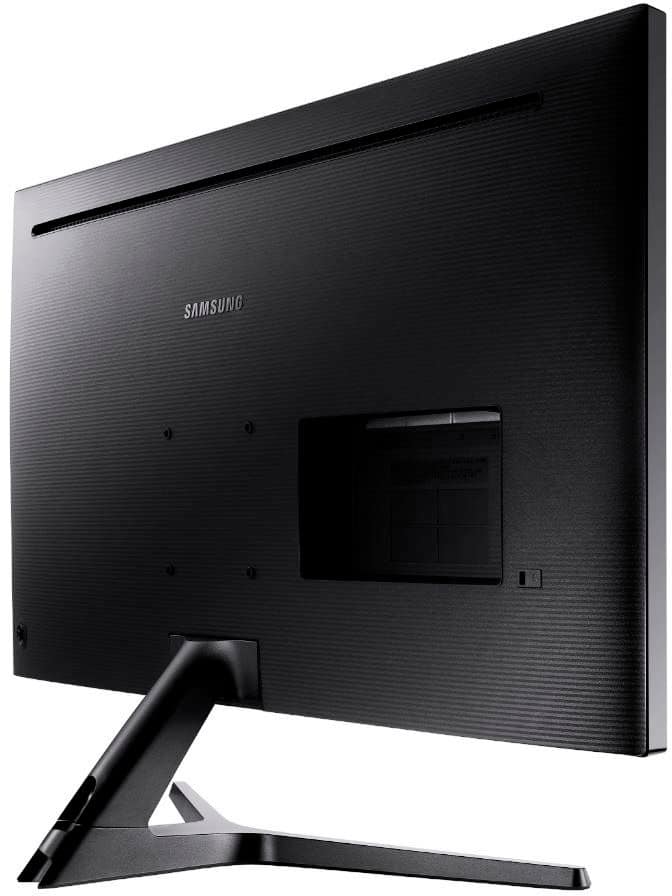
||Posted . Owned for 3 weeks when reviewed.This reviewer received promo considerations or sweepstakes entry for writing a review.This monitor is my second 4K monitor and it cost less than my Dell 28”, has better colors and at 32” is far more readable. I highly recommend this for folks who edit photos and video, as well as technical graphics etc. I am amazed at the value this monitor represents. I have not tested the responsiveness for gaming since I leave my gaming to PlayStation pro with a 55” Samsung Series 8000 4K tv. I love the Samsung colors! The only “trick” to use is that the control is a joystick on the back of the monitor and it is not intuitively obvious to the casual observer
I would recommend this to a friendGreat Screen
||Posted . Owned for 3 weeks when reviewed.This reviewer received promo considerations or sweepstakes entry for writing a review.I bought a 28" 4K from Samsung and then upgraded to this one within a week. This is big enough for me to layout several windows without needing glasses to read them. I wouldn't be surprised if I upgrade to a still larger screen before long because I like the print to be large enough to read without glasses. Only complaints are that I still haven't gotten the hang of the on/off button -- its a joystick that is kind of hard to figure out; and I had to send It back for service -- it arrived with the HDMI2 port flickering, but service was quick and free (including shipping)
I would recommend this to a friendGreat monitor
||Posted . Owned for 1 month when reviewed.This reviewer received promo considerations or sweepstakes entry for writing a review.I'm using this monitor with a Mac Mini and it perfectly replaces my 4K monitor from my previous iMac. Color rendition is very good too, it feels like you are in the Mac environment. Only drawback; this monitor does not include a camera or speakers, so you end up with a bunch of cables on your desk, once again...After having used my iMac for many years, this feels very much like a step down.
I would recommend this to a friendBig but still useful
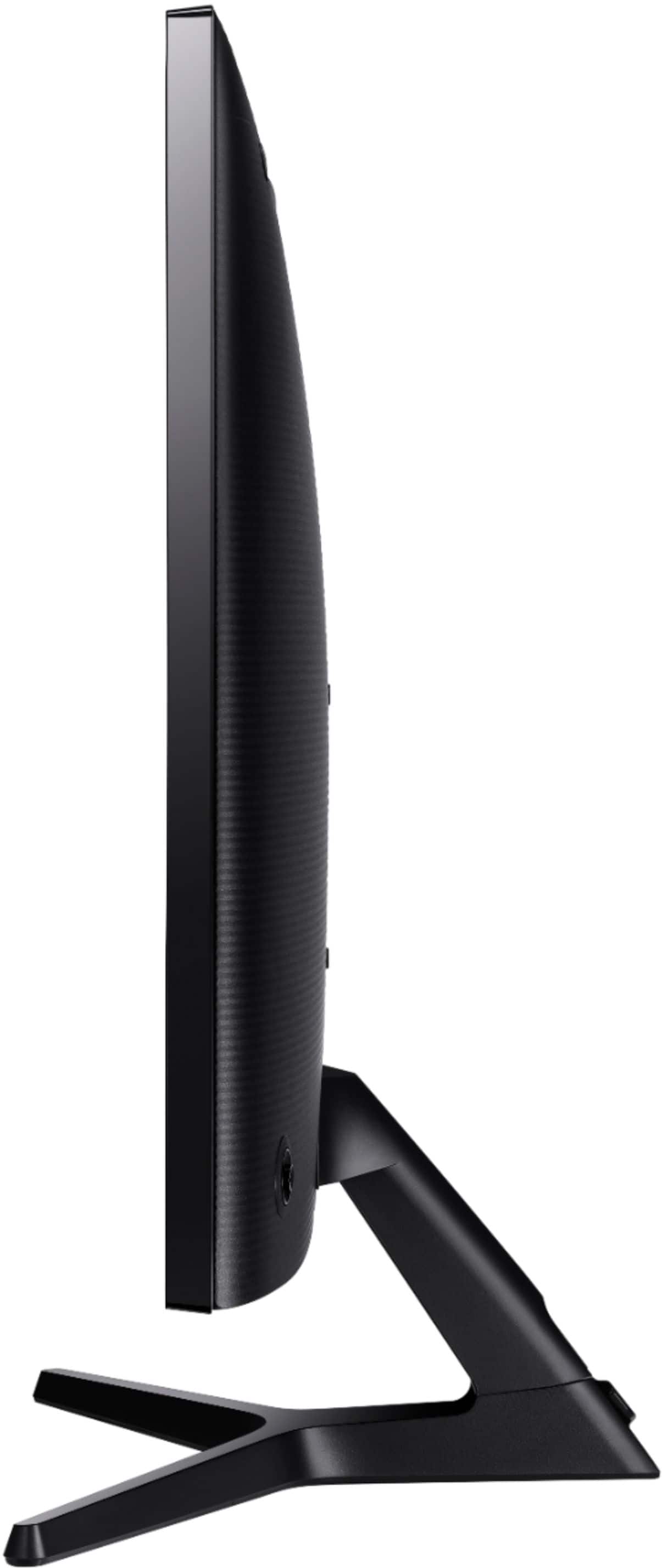
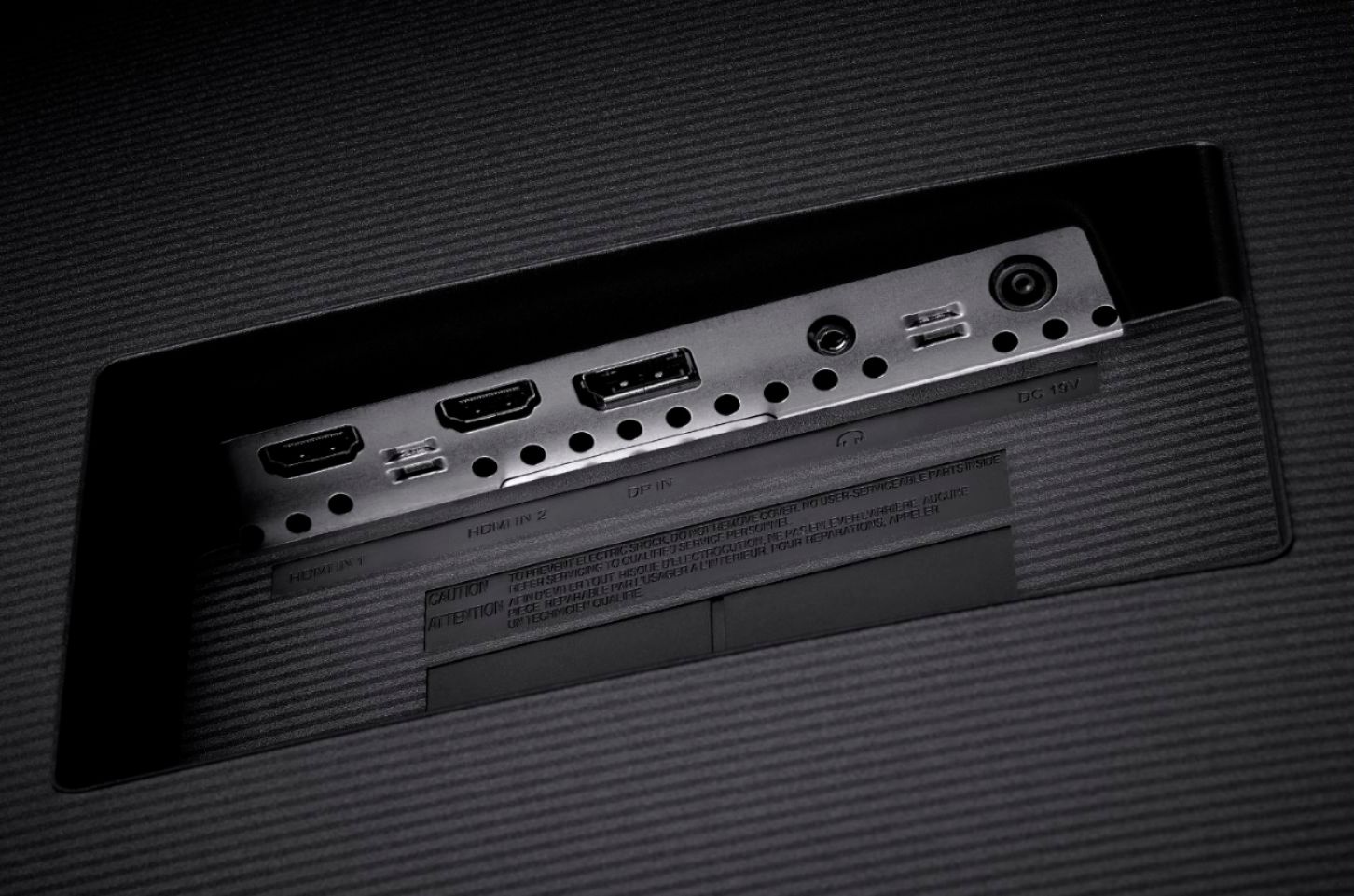
||Posted . Owned for 1 month when reviewed.This reviewer received promo considerations or sweepstakes entry for writing a review.Make sure you have room on your desk! The stand isn’t large but it does take up room. I went with monitor arms for both my 32 in monitors. Makes more space on the desk and is more adjustable. This monitor right out of the box is great. It’s not going to be the best or have the truest colors but for most things you will find it great. Just use hdmi2 output or the DisplayPort to connect the cable. For the price it can’t be beat especially if you can get it on sale or open box.
I would recommend this to a friendGreat for photo editing.
||Posted . Owned for 3 weeks when reviewed.This reviewer received promo considerations or sweepstakes entry for writing a review.Beautiful picture! I got this to do photo editing. Brilliant colors, easy hookup, good price. Only wish I had purchased it sooner.
I would recommend this to a friendBeautiful monitor!
||Posted . Owned for 1 month when reviewed.This reviewer received promo considerations or sweepstakes entry for writing a review.Beautiful monitor! Synced up nicely using display port to my PC. Using HDMI to run a fire stick with the ability to use pic in pic option.
I would recommend this to a friendthumbs up
||Posted . Owned for 2 months when reviewed.This reviewer received promo considerations or sweepstakes entry for writing a review.Good monitor for the price. High resolution but 60hz refresh rate so be aware of what you are paying for. Good for work, not for gaming
I would recommend this to a friendgets the job done
||Posted . Owned for 3 months when reviewed.This reviewer received promo considerations or sweepstakes entry for writing a review.i got this for working from home. i don't think it's the greatest deal out there, but for what it is, 4k and the size, it gets the job done. it does "disconnect' randomly, where even if its been plugged into my laptop and working fine it suddenly glitches, the screen goes dark and then i have to disconnect and reconnect. not a huge deal as it doesn't happen every day, but definitely enough that i notice
No, I would not recommend this to a friendSamsung monitor
||Posted . Owned for less than 1 week when reviewed.This reviewer received promo considerations or sweepstakes entry for writing a review.This monitor is very nice for the price… just remember to plug your system into HDMI port 2 to get 4K at 60 hertz!
I would recommend this to a friendGood large monitor
||Posted .This reviewer received promo considerations or sweepstakes entry for writing a review.Usual quality from Samsung. Simple hook up, install, and then ready to use. Haven’t used 4K yet. Very happy with the choice.
I would recommend this to a friendPoor m1 mac support
||Posted . Owned for less than 1 week when reviewed.This reviewer received promo considerations or sweepstakes entry for writing a review.Pretty poor viewing angles even from straight on at the optimal distance, edges get washed out. But the bigger problem is it doesn't really support the m1 macs. It looks great once in 4k, but it defaults to the full resolution which makes everything super tiny. You can fix this by going to the scale options and picking the second to the left. However, if you mac goes to sleep the monitor has trouble waking back up and will sometimes turn on, then turn back off. Sometimes it will come on but display a 1080p image for a few seconds then settle in to 4k. It also has this annoying info box that comes up every time. The stand isn't height adjustable and whoever at Samsung designed it didn't realize it needs to be placed higher up due to the size. Ultimately returned it due to the Mac issues. My other monitors don't have these issues.
No, I would not recommend this to a friendBrand response from Samsung
Posted .Troy,
I am very sorry to see that you have encountered issues with the Samsung - UJ59 Series U32J590UQN 32" Monitor and have returned it.
Your feedback is very important to us and will be shared with our product team.
Should you ever decide to give Samsung Monitor products another try and have concerns or questions, please know we are always here to help. You can contact Samsung Customer Support via:
1-800-SAMSUNG, available 8AM - 12AM EST (Mon-Fri) / 9AM - 11PM EST (Sat-Sun).
Again, thank you for taking the time to share your experience and provide us with information that helps improve our service. We hope to regain you as a customer in the near future.
Samsung Monitors
Great quality monitor
||Posted . Owned for 1 month when reviewed.This reviewer received promo considerations or sweepstakes entry for writing a review.Great quality, huge, was very easy to set up. Great for having more than one browser open , Probably more than I need but it is nice.
I would recommend this to a friendGreat Value!
||Posted . Owned for 1 month when reviewed.This reviewer received promo considerations or sweepstakes entry for writing a review.Great monitor. It’s big and the extra resolution really makes things look great. I can fit a lot more in one screen.
I would recommend this to a friendGood monitor
||Posted . Owned for 1 week when reviewed.This reviewer received promo considerations or sweepstakes entry for writing a review.Good monitor. It’s 4k easy to install and just the right size
I would recommend this to a friendGreat Monitor!
||Posted . Owned for 1 week when reviewed.This reviewer received promo considerations or sweepstakes entry for writing a review.After reading other reviews, I jumped on this while the sale was going, and there are no regrets! Even if it wasn't on sale, there would be no regrets either. Screen and resolution are crystal clear and the color is amazing! esp. the HDMI 2 @ 60hz, there's no lag, but this is for computer use, which I mainly do, not gaming. But the mac is pushing it to its full potential and there are no issues! Would have bought 2 while the sale was on, but can always buy another which I plan for dual set up.
I would recommend this to a friendSamsung Entry level monitor 4K.
||Posted . Owned for less than 1 week when reviewed.This reviewer received promo considerations or sweepstakes entry for writing a review.Monitor is a good value 4K, colors are accurate and resolution is high, the contrast dark are average. Great priced.
I would recommend this to a friendGreat Monitor of Developers
||Posted . Owned for 7 months when reviewed.This reviewer received promo considerations or sweepstakes entry for writing a review.Great Display for Office work/development or any job that involves a lot of windows to be open. The resolution and the colors are great, can see everything clearly at the smallest font. Cons: The monitor controls are slow and the build in firmware is old. ex: when changing the source (HMD1 to HDMI2) the monitor can take a couple of second to cycle to the source you want. Will give it -> 4.5 / 5 starts
I would recommend this to a friendGreat 4k Monitor WORTH it
||Posted . Owned for 3 weeks when reviewed.This reviewer received promo considerations or sweepstakes entry for writing a review.I bought this weeks ago and it’s been perfect. Delivery was quick no complications. Packing was great no damages, the monitor itself has been working as should produces 4k you’ll need to buy speakers if you don’t already have any because this monitor won’t come with built in speakers but other than that you’ll get what you’re paying for with this product.
I would recommend this to a friendCould be better but not bad
||Posted . Owned for 1 month when reviewed.This reviewer received promo considerations or sweepstakes entry for writing a review.Used it for a little bit and other than the fact that it only supports 4k at 60Hz through one of the 2 hdmi ports, it's pretty good overall. the stick on the back to control everything can be pretty wonky pretty often though. It shows a picture very cleanly though and the color settings are good. I use it mainly to edit 4k footage and I don't think this is the best monitor for that but it's definitely good enough for whatever you could use a 4k monitor for.
I would recommend this to a friendAmazing Monitor with some cool features
||Posted . Owned for 1 month when reviewed.This reviewer received promo considerations or sweepstakes entry for writing a review.This has been a great monitor now that I work sometimes at home and do school work. I can do them side by side with PIP or PBP (picture in picture or picture by picture). I did have an issue with a cheap USB C to HDMI cable that wouldn't do the right resolution. It does take a little getting the resolution right with having more than one input broadcasting at the same time. Quality seems great, it does also take sometime to get use to the one button on the back of the monitor, but nothing crazy if you are techy
I would recommend this to a friend