Customer Ratings & Reviews
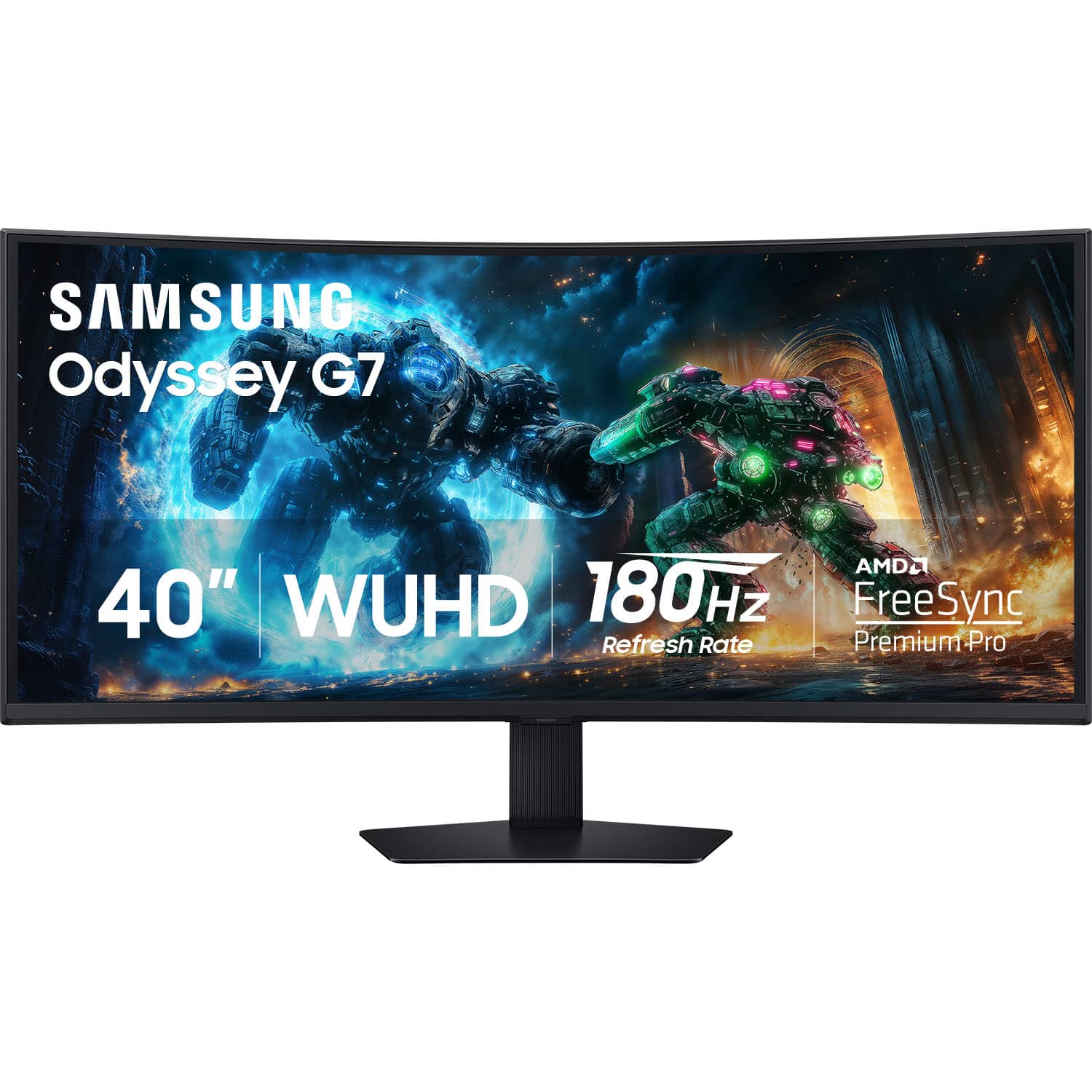
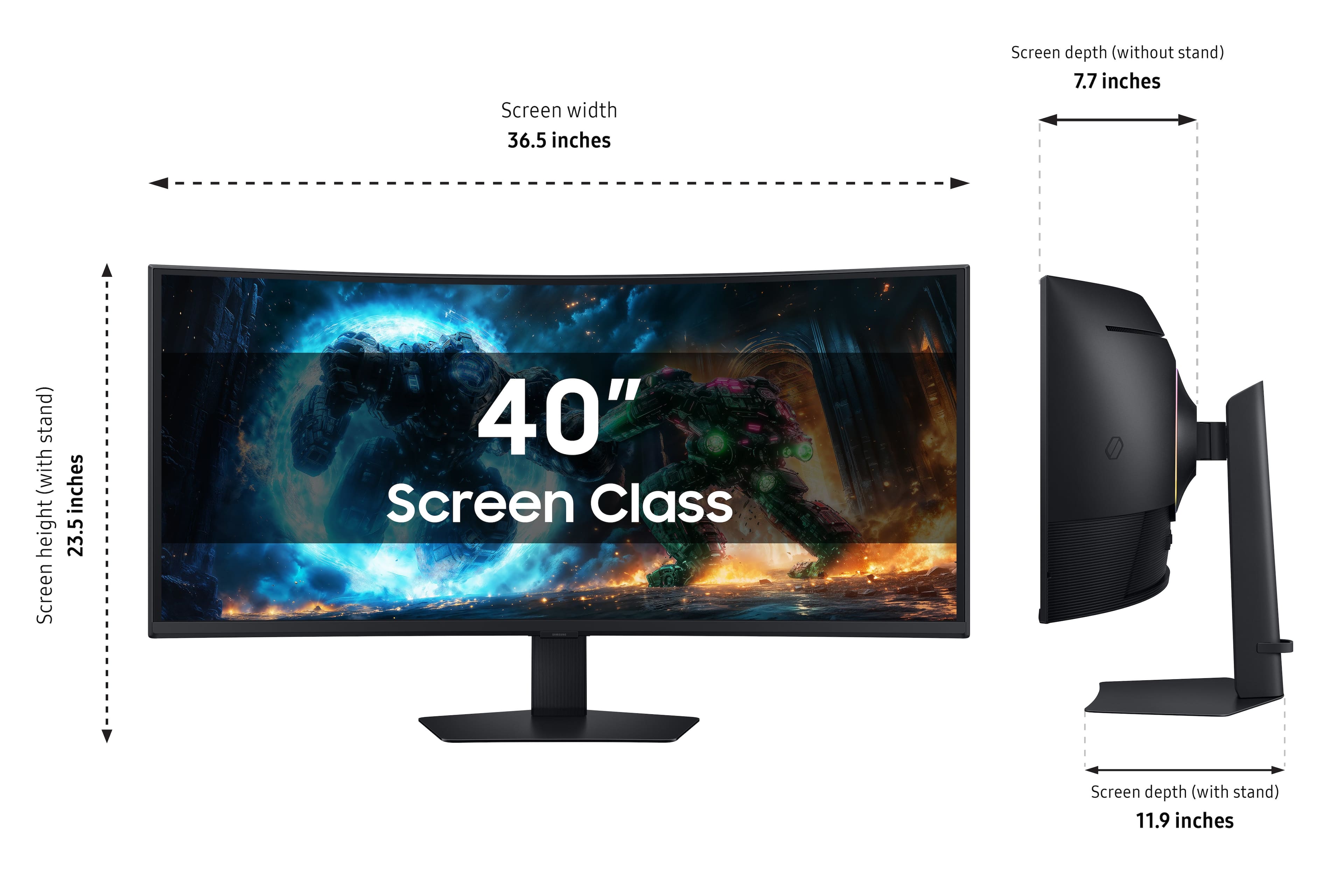
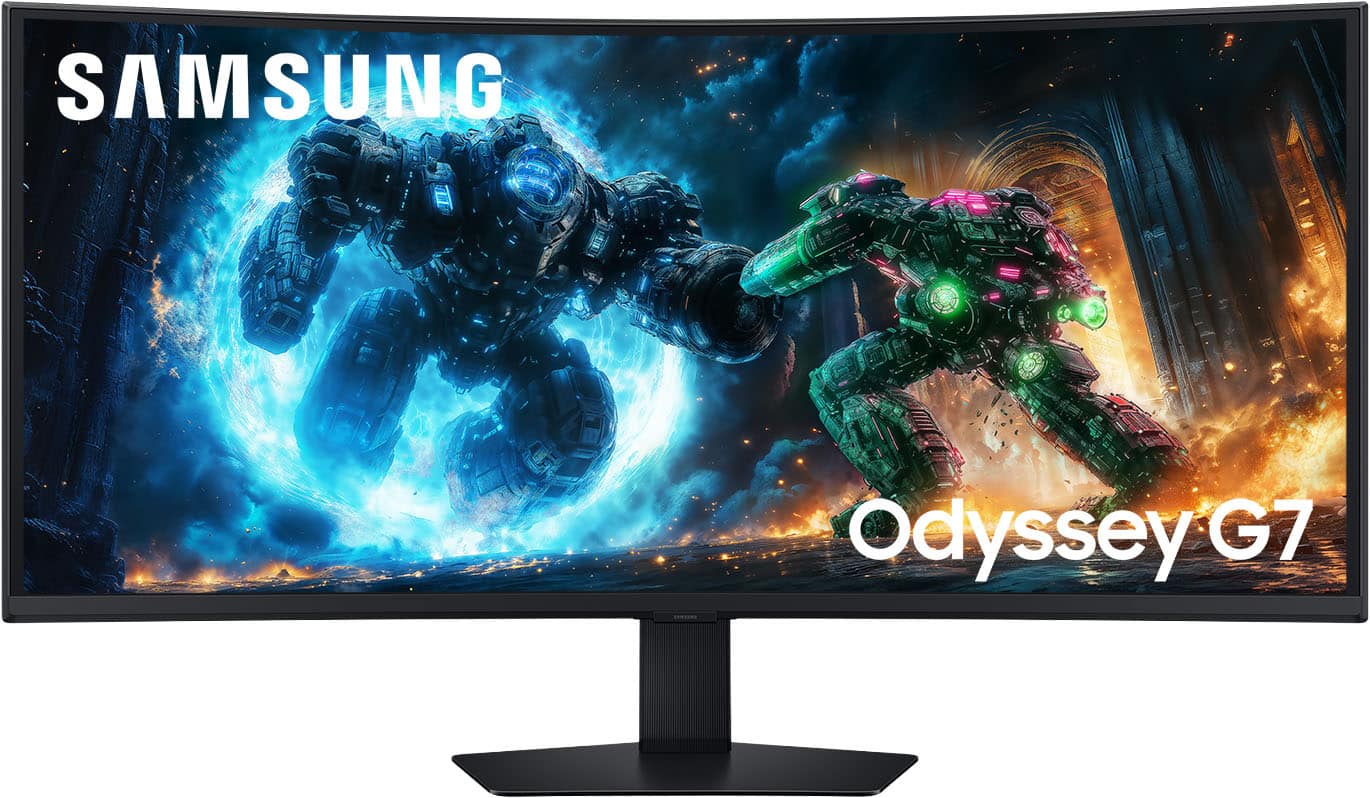
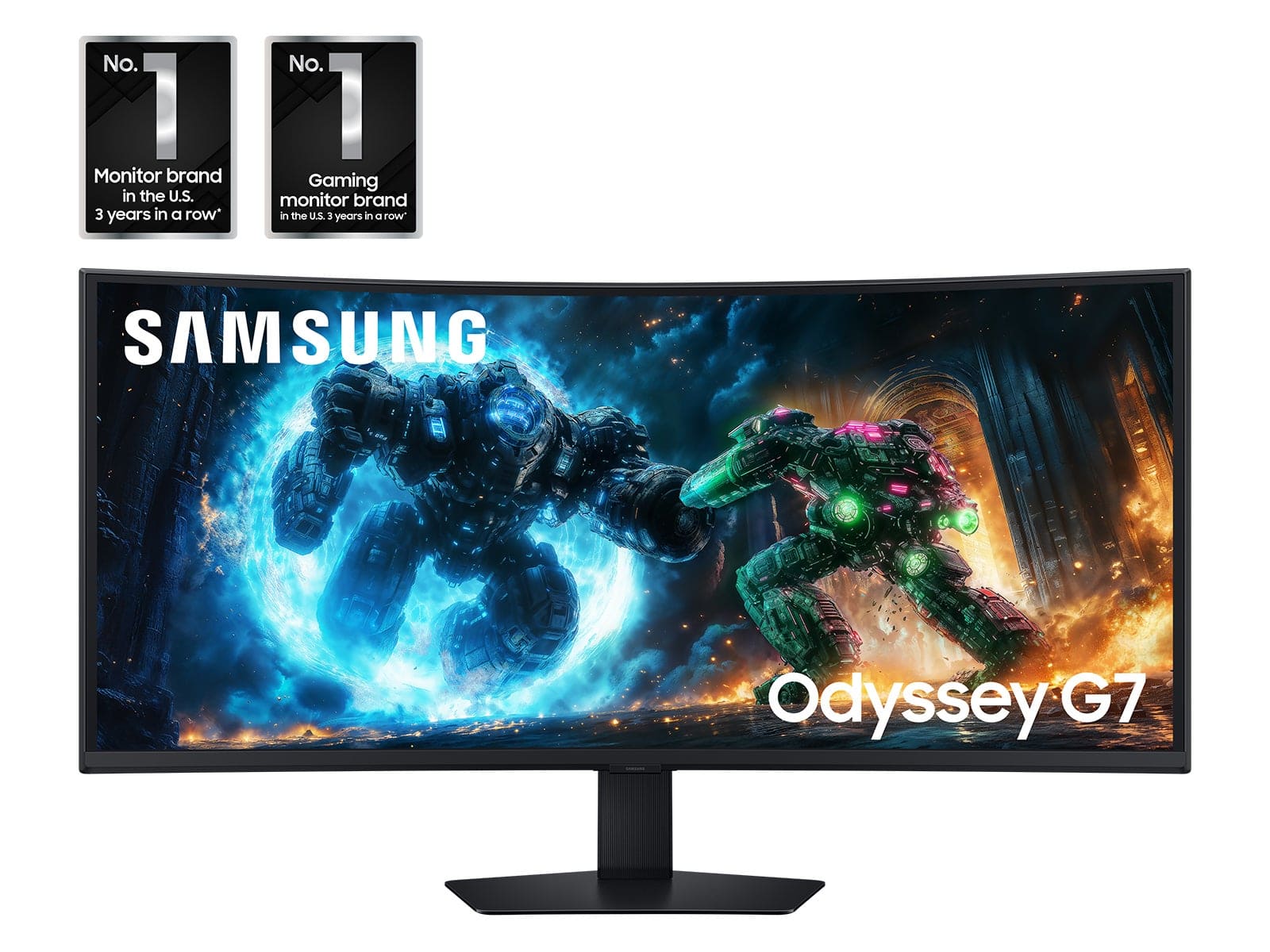
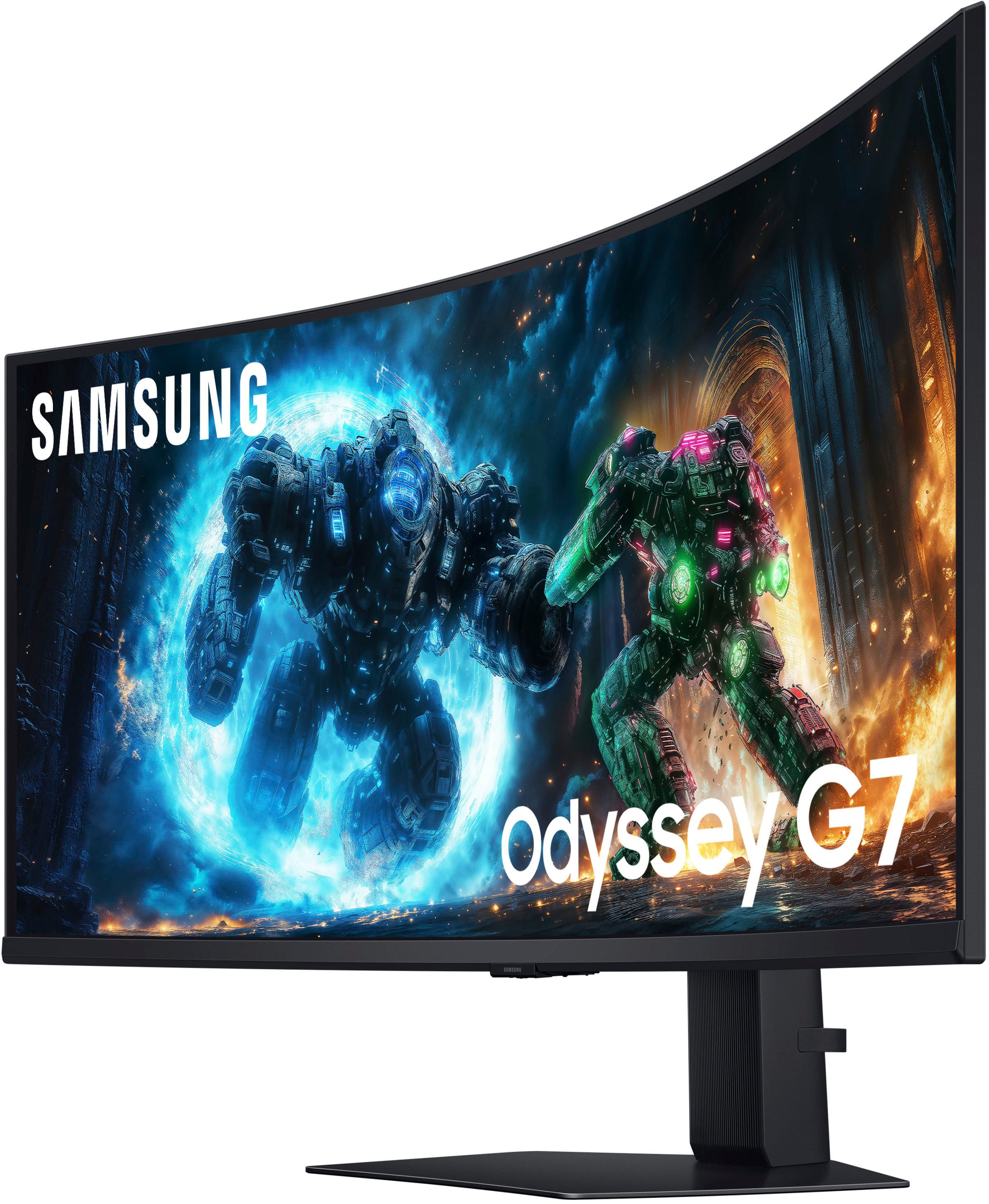
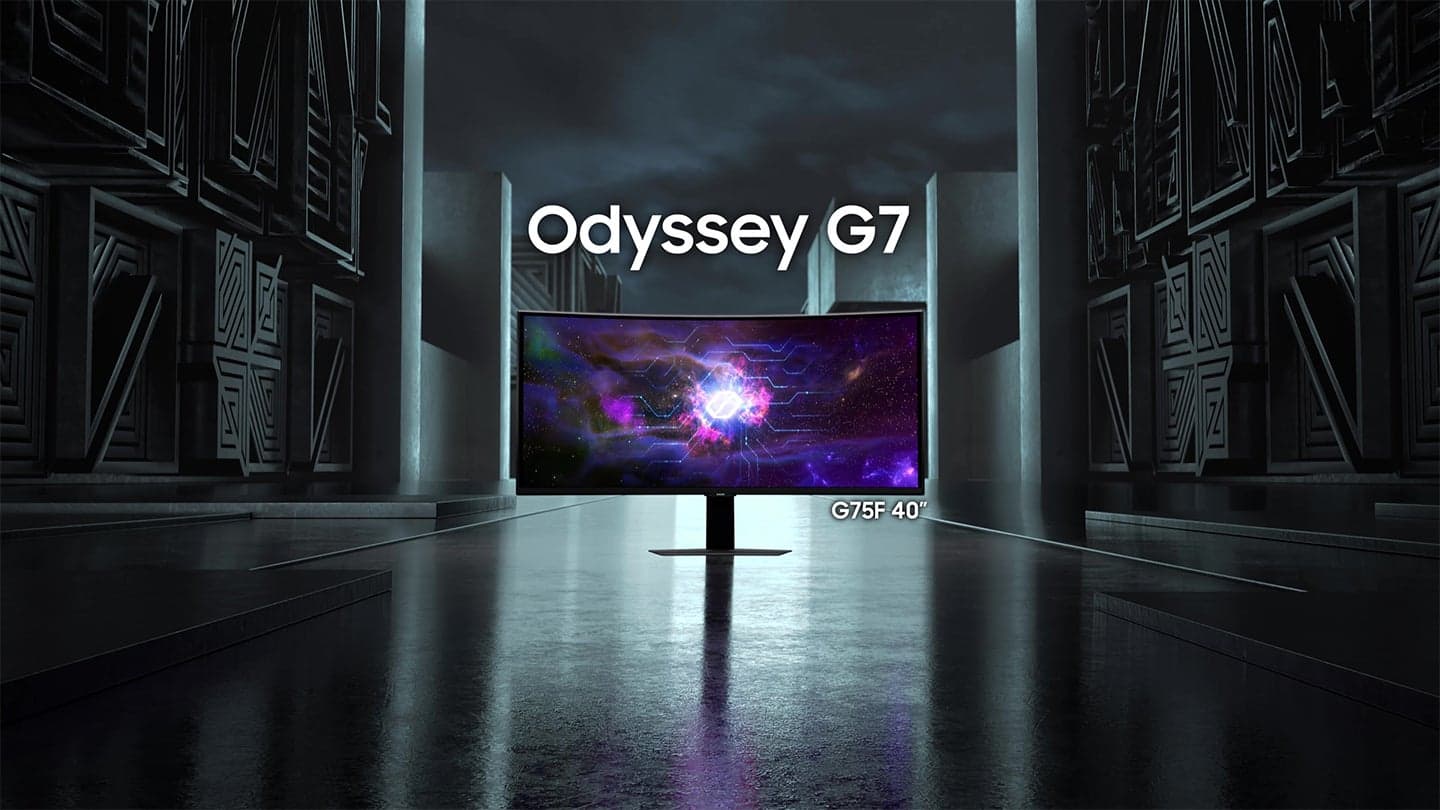
- Model:
- LS40FG75DENXZA
- SKU:
- 11975067
Rating by feature
- Display Quality
Rating 4.9 out of 5 stars
- Ease of Use
Rating 4.7 out of 5 stars
- Features
Rating 4.7 out of 5 stars
Customers are saying
Customers appreciate the monitor's exceptional image quality and impressive refresh rate, which contribute to a highly immersive gaming experience. Users also value the versatile connectivity options, the native 4K HDR performance, and the ideal physical size of the display. While the screen offers great visuals, some users noted that the viewing angles are limited and the black levels could be more consistent. Additionally, a few customers found the built-in speakers to be underwhelming and the physical settings buttons somewhat difficult to navigate.
This summary was generated by AI based on customer reviews.
Awesome monitor.
||Posted .This reviewer received promo considerations or sweepstakes entry for writing a review.Great monitor, I have been loving it. I am using a 5080 for reference. I updated to the latest firmware and everything is looking fantastic. Just as good as my other monitor which is an oled.
I would recommend this to a friendAmazing monitor!!
||Posted . Owned for 2 weeks when reviewed.This reviewer received promo considerations or sweepstakes entry for writing a review.Despite the negative reviews, I gave this monitor a try and I am absolutely in love!
I would recommend this to a friendGood.
||Posted . Owned for 1 month when reviewed.This reviewer received promo considerations or sweepstakes entry for writing a review.It’s good. .
I would recommend this to a friendVery good monitor for the price
||Posted . Owned for 1 month when reviewed.This reviewer received promo considerations or sweepstakes entry for writing a review.Very good monitor for the price. Use this monitor mainly for work. Text is very clear even at 100% scale
I would recommend this to a friendIts great
||Posted . Owned for 3 weeks when reviewed.This reviewer received promo considerations or sweepstakes entry for writing a review.Its an amazing monitor. I use this for work, its a lot easier to use one large monitor then having two.
I would recommend this to a friend- Pros mentioned:Connectivity, Image quality, Refresh rate

Excellent Choice for Any Gaming PC or Console
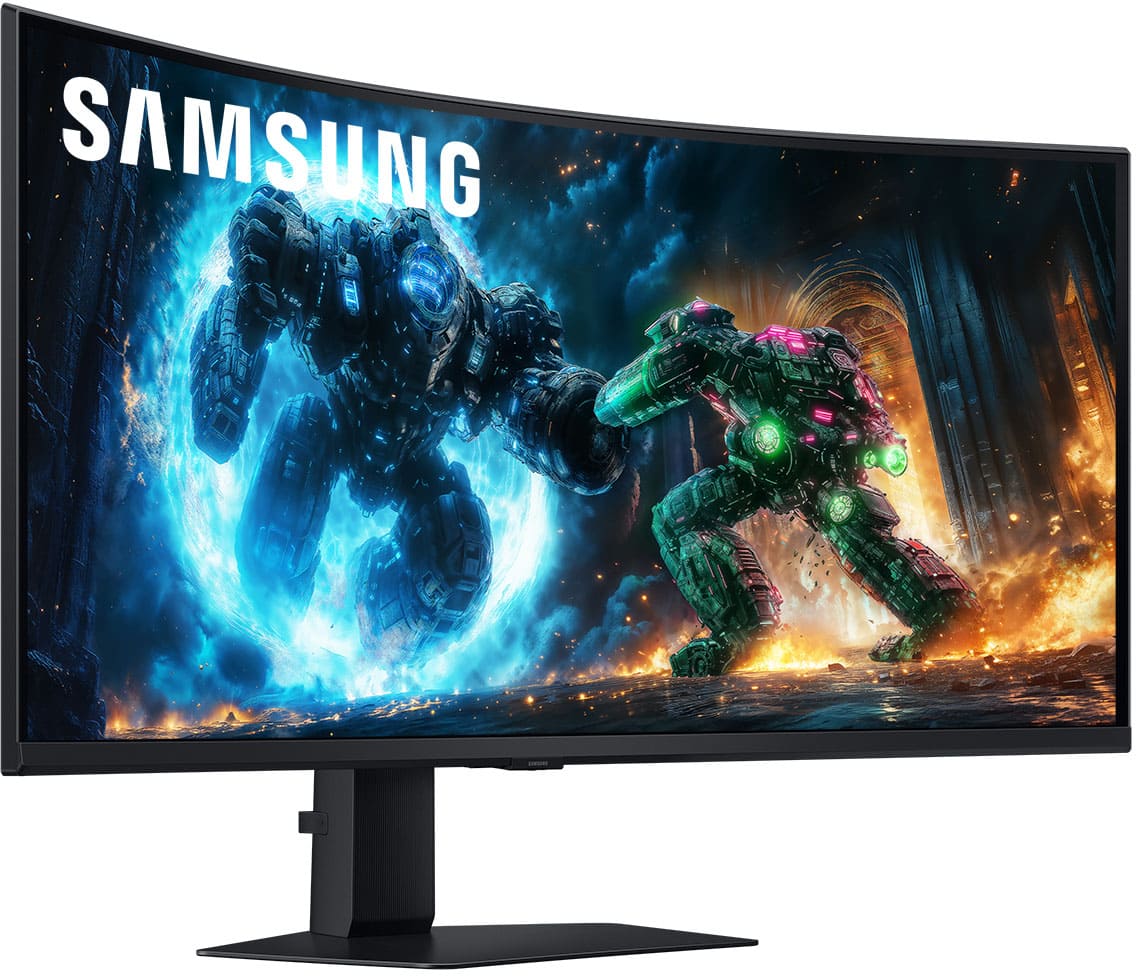
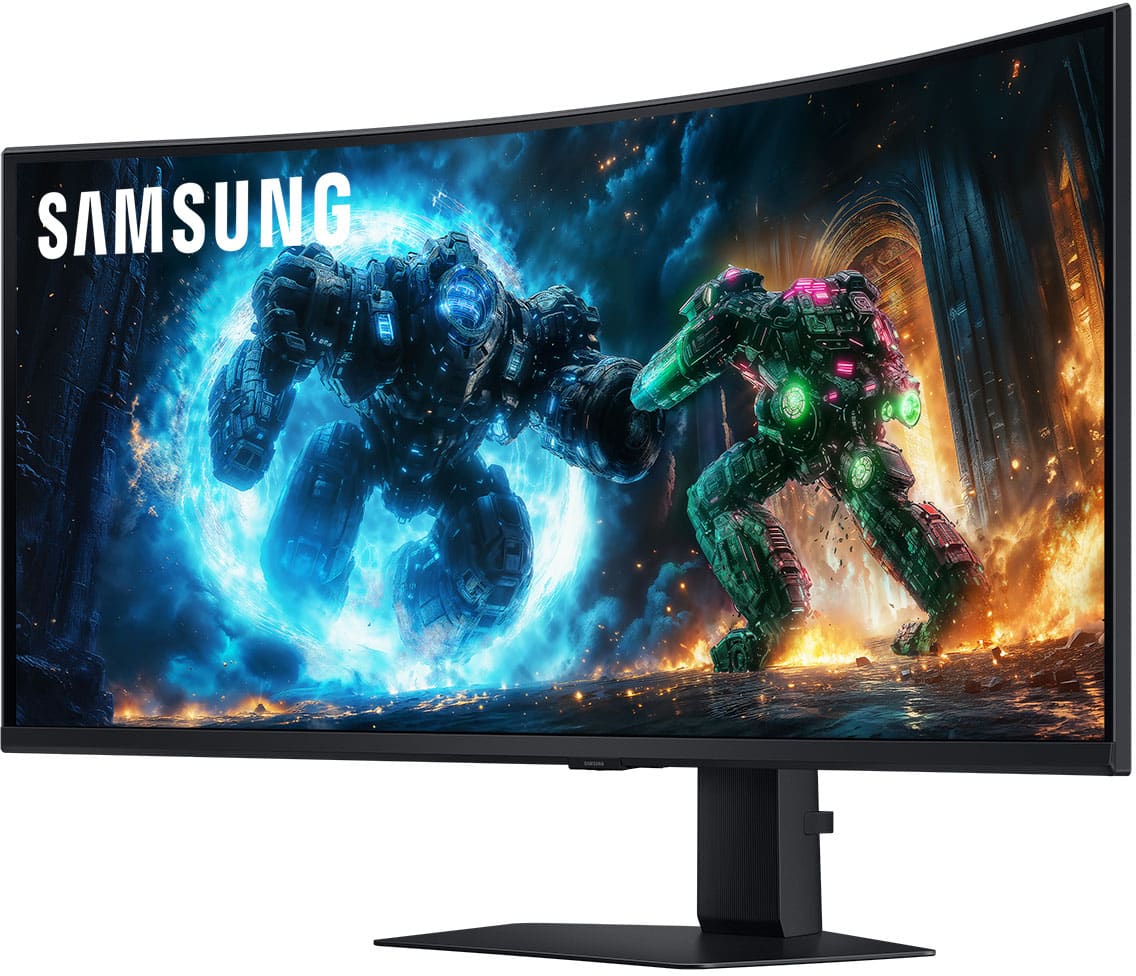
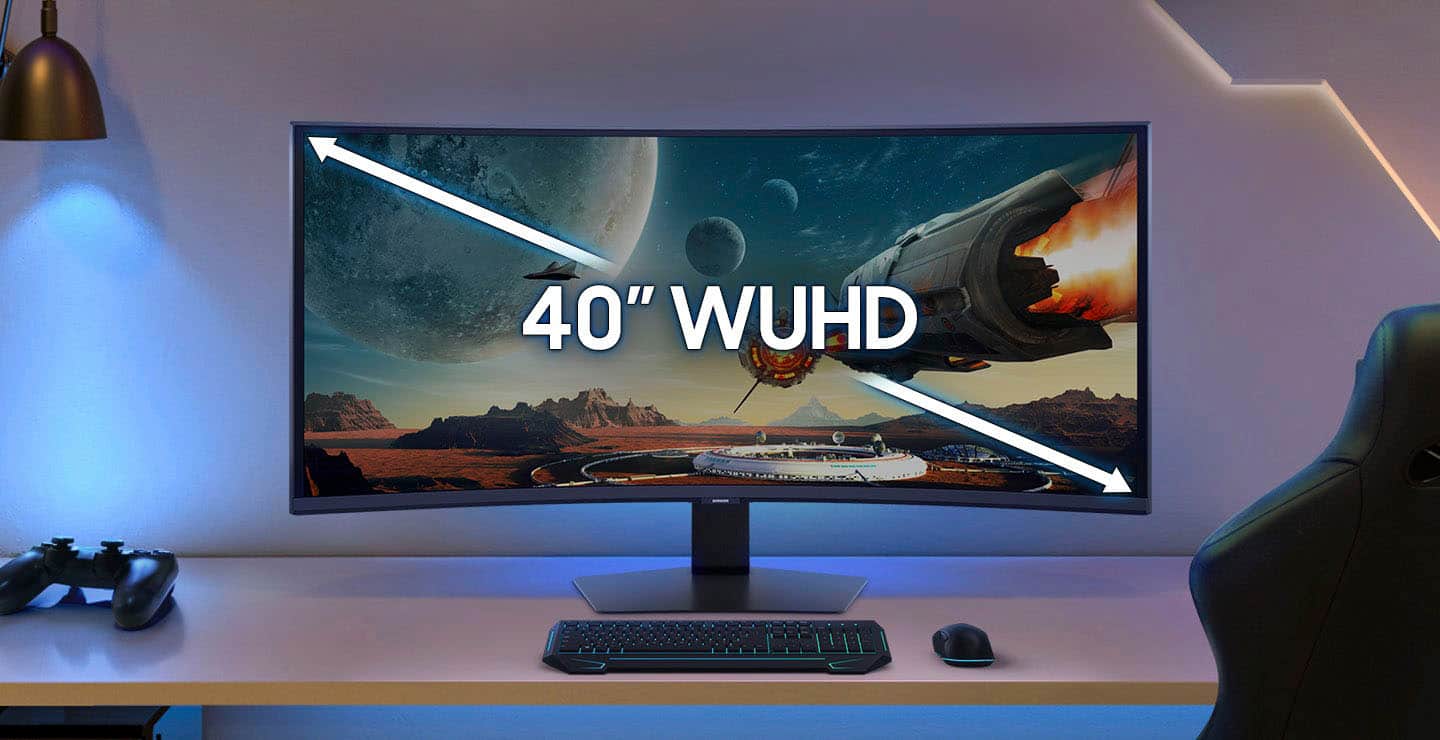
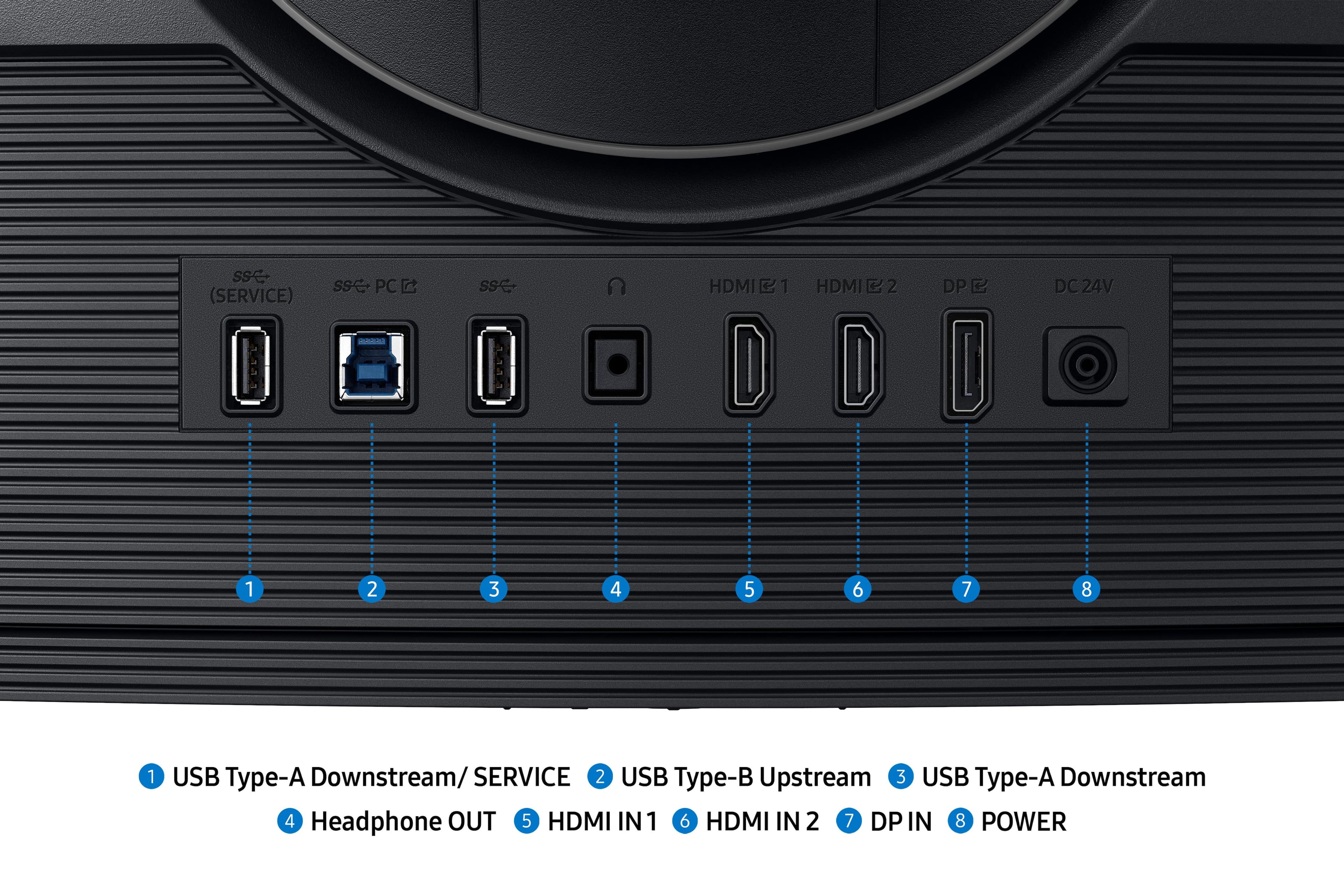
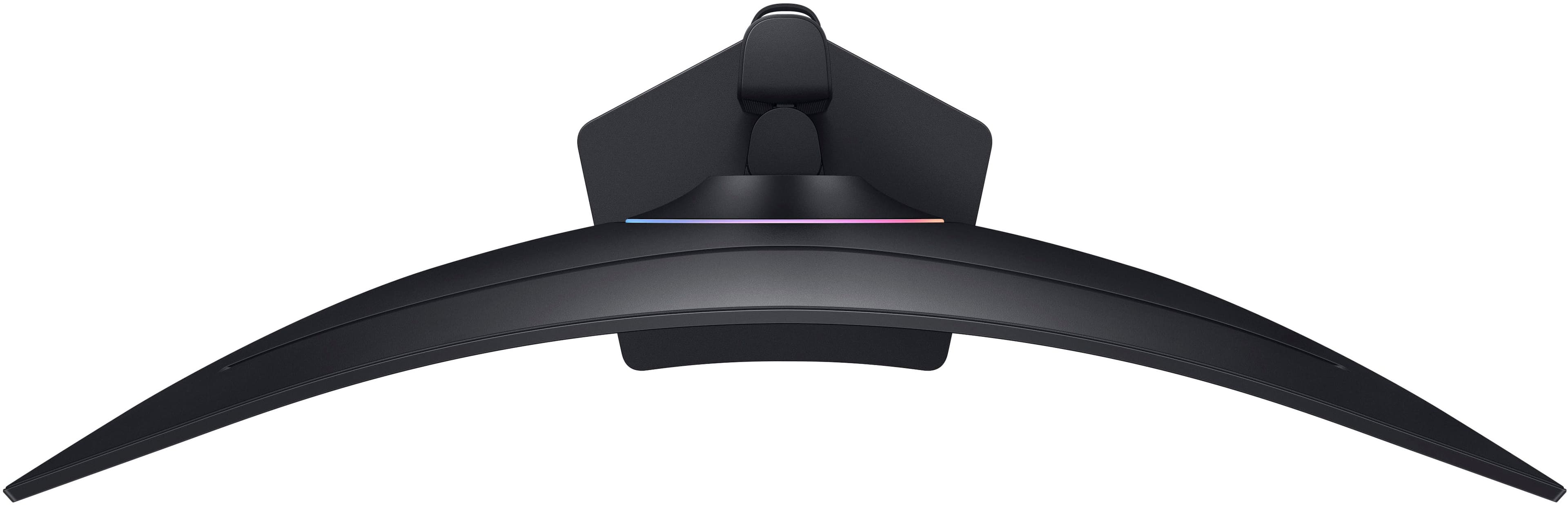
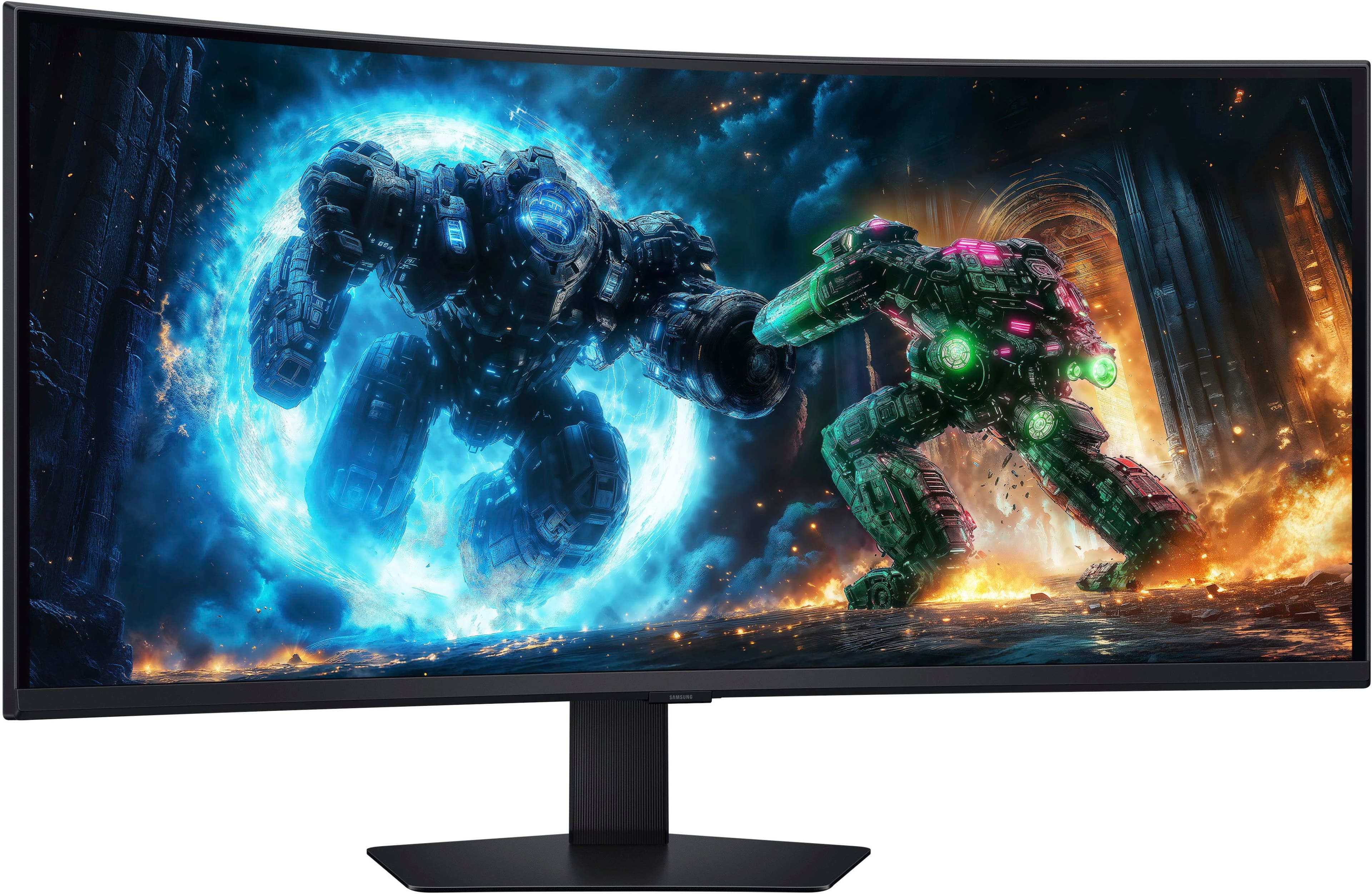
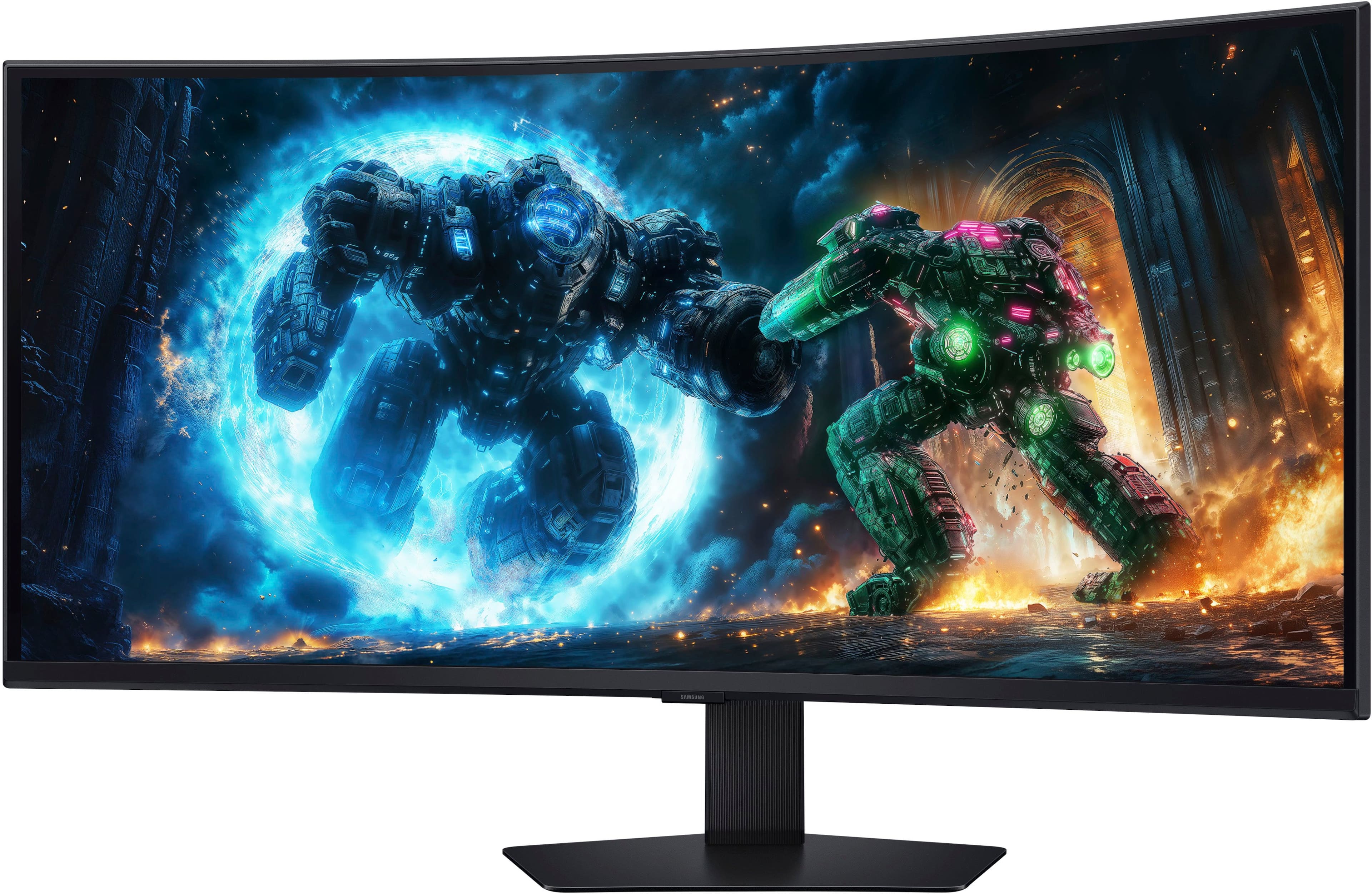
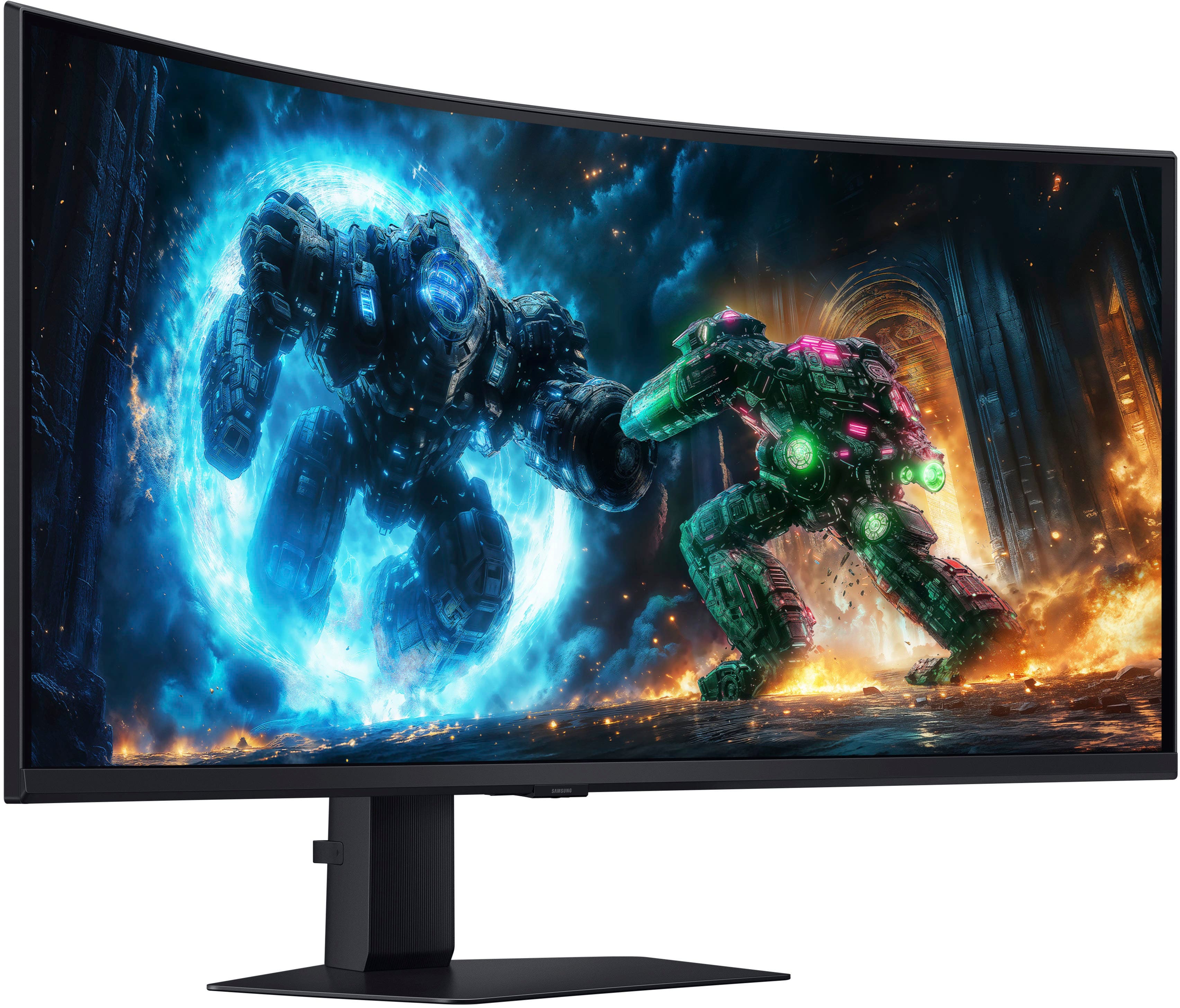
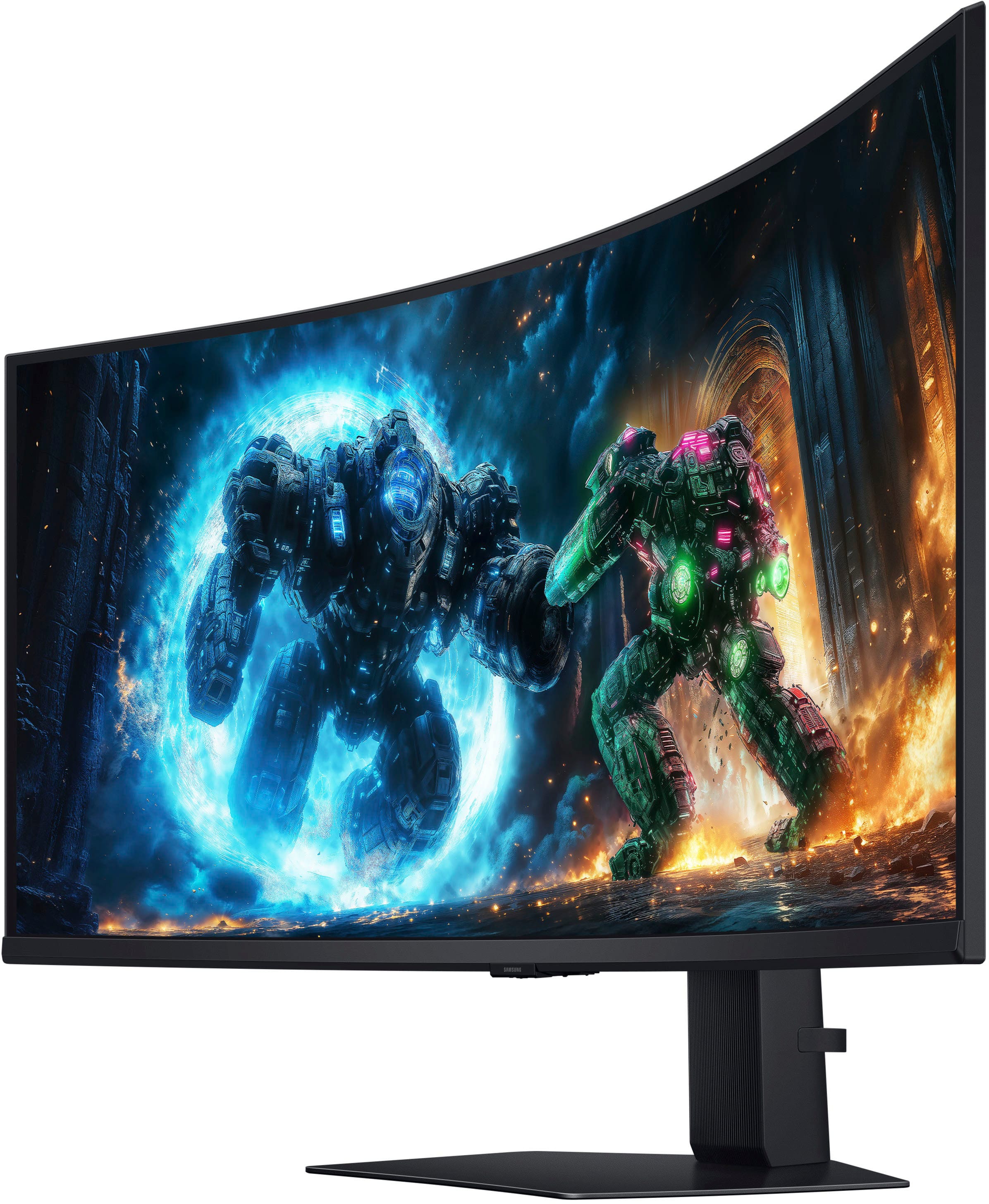
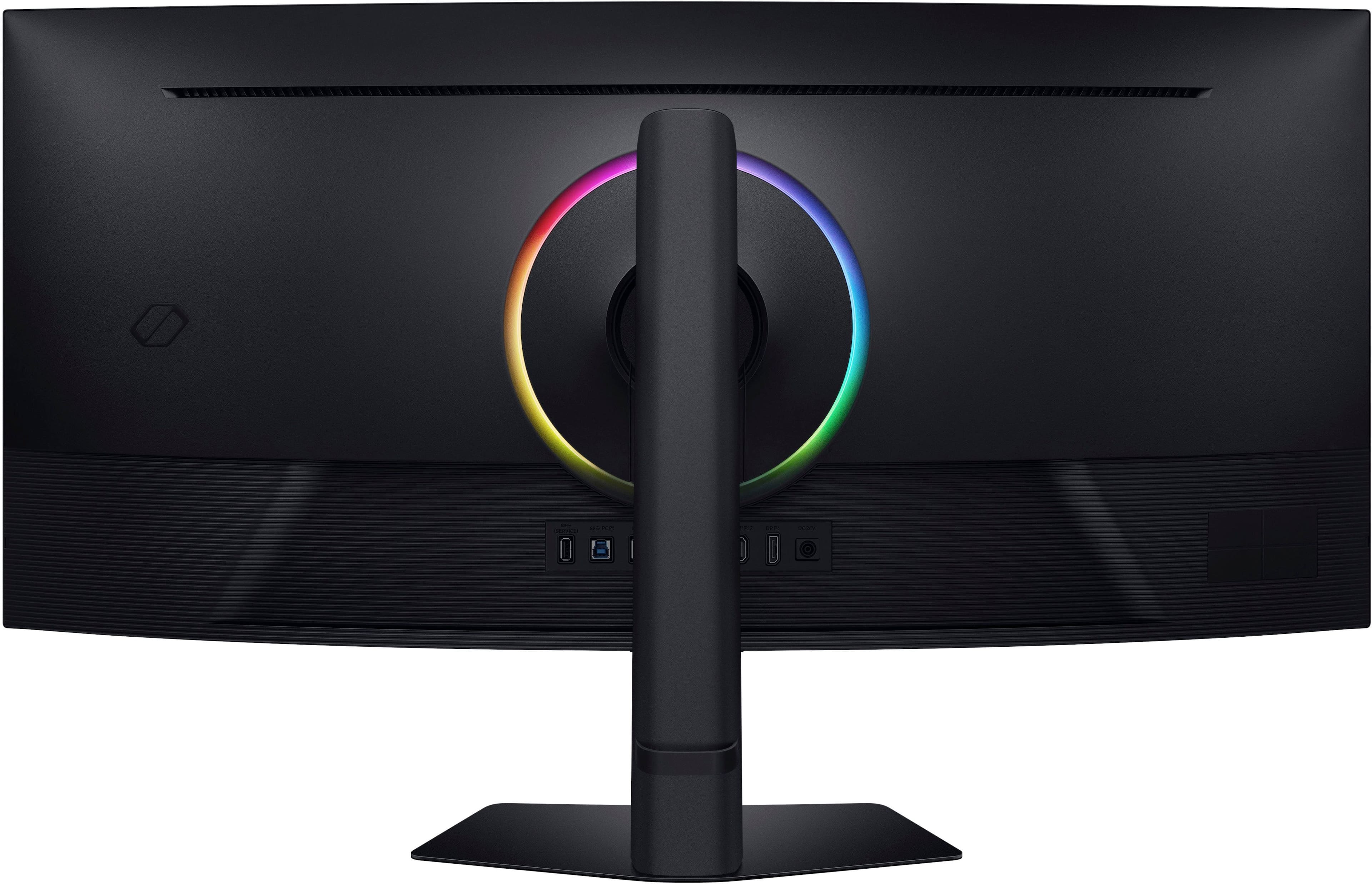
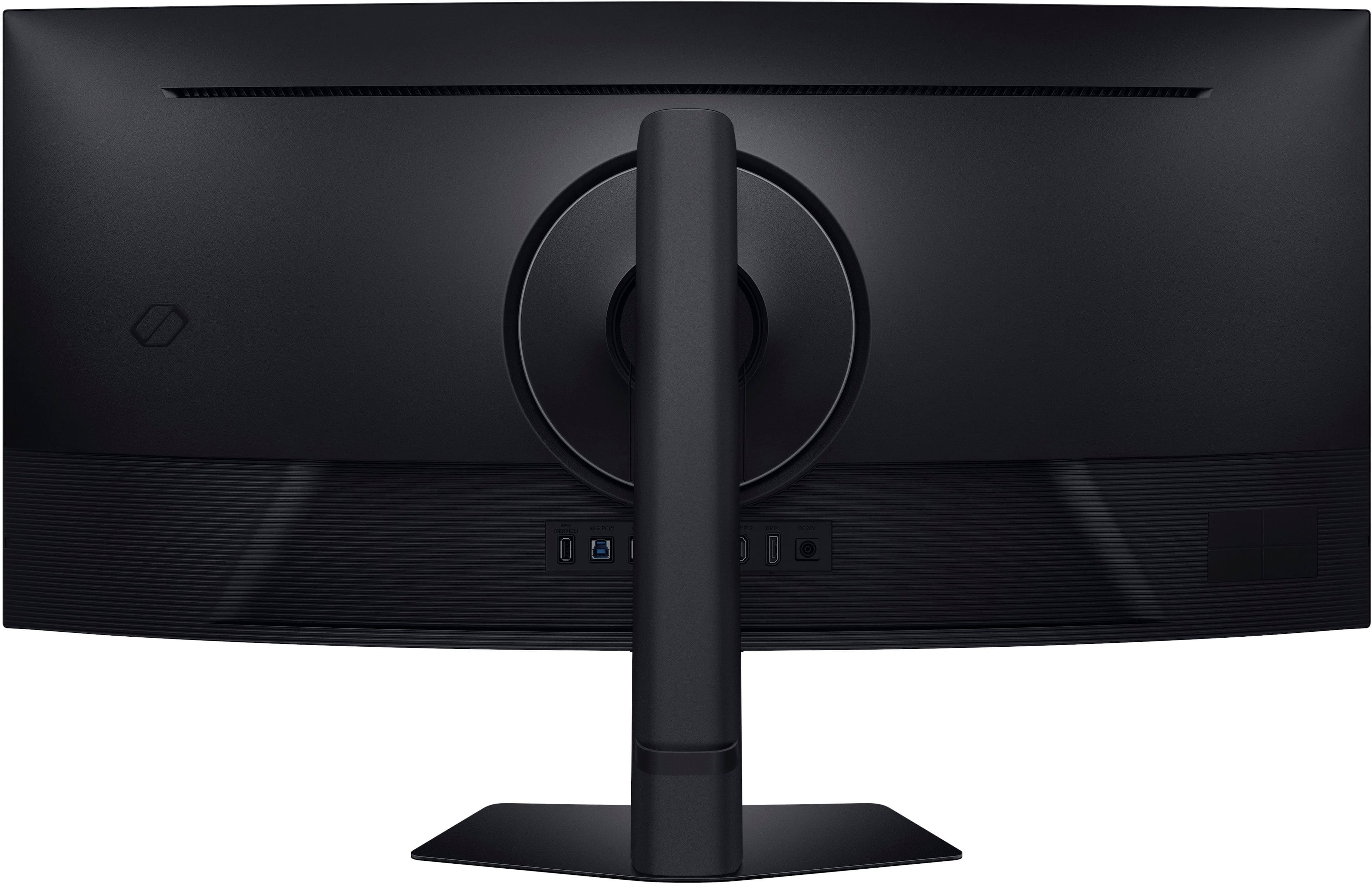
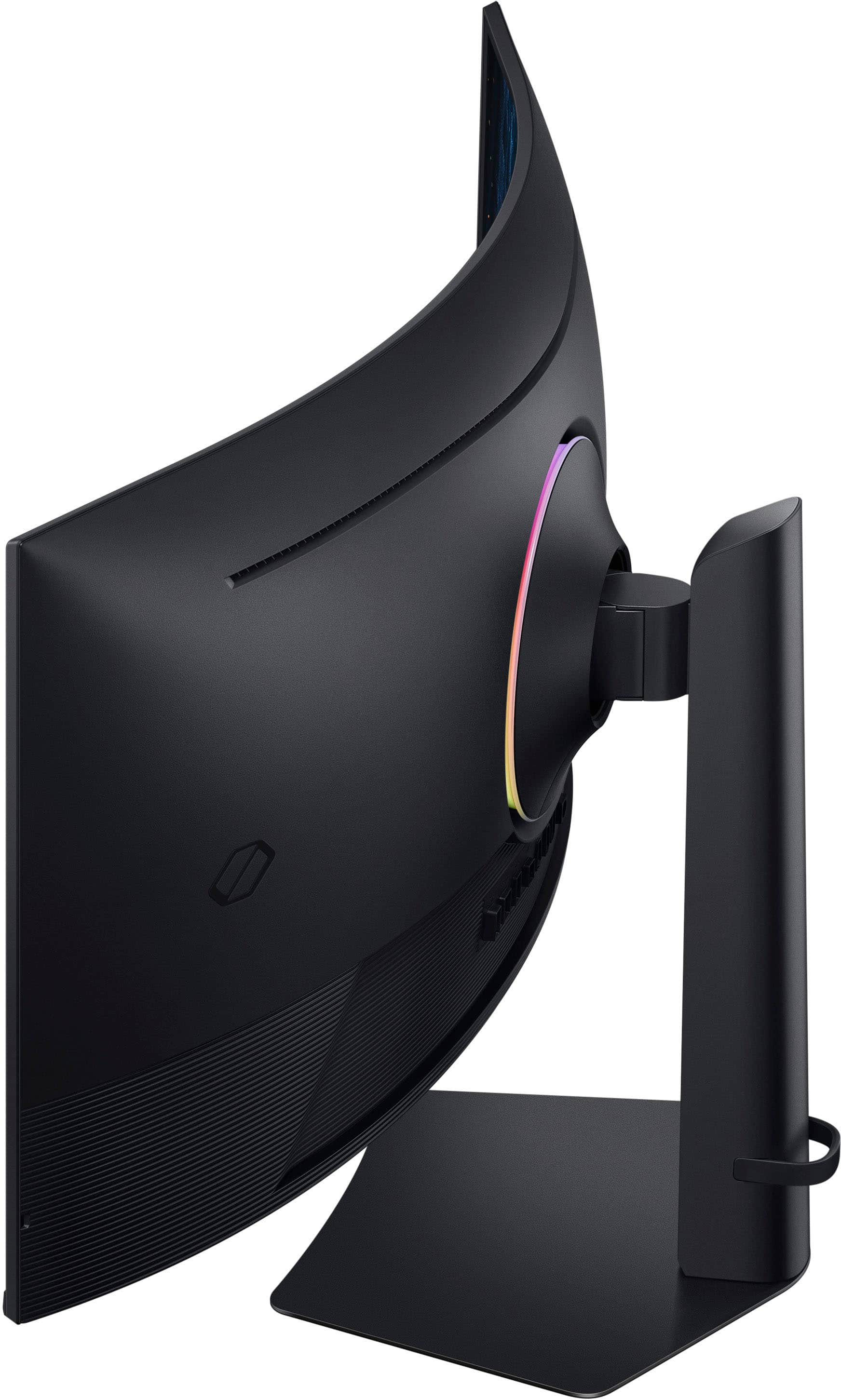
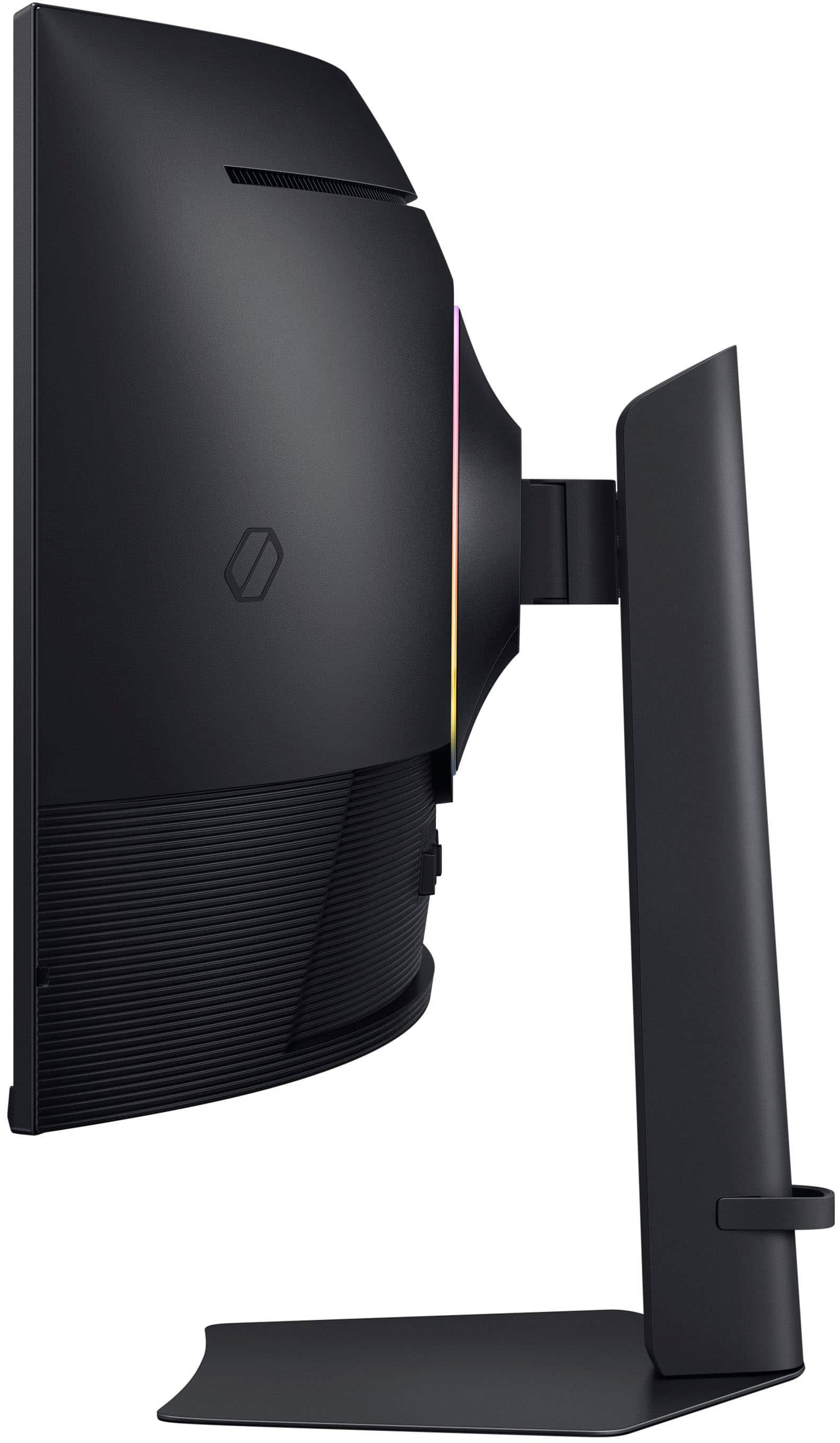
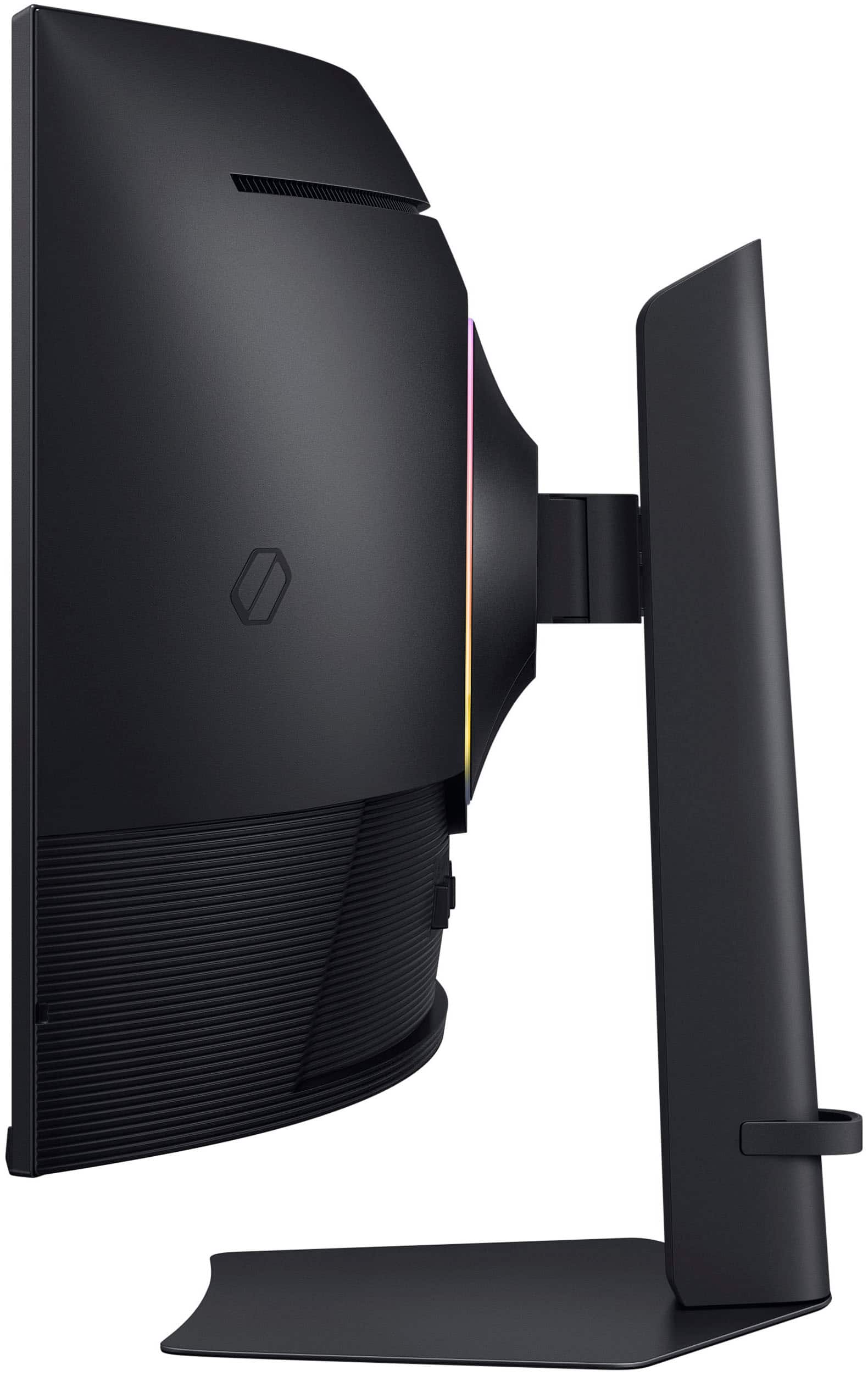
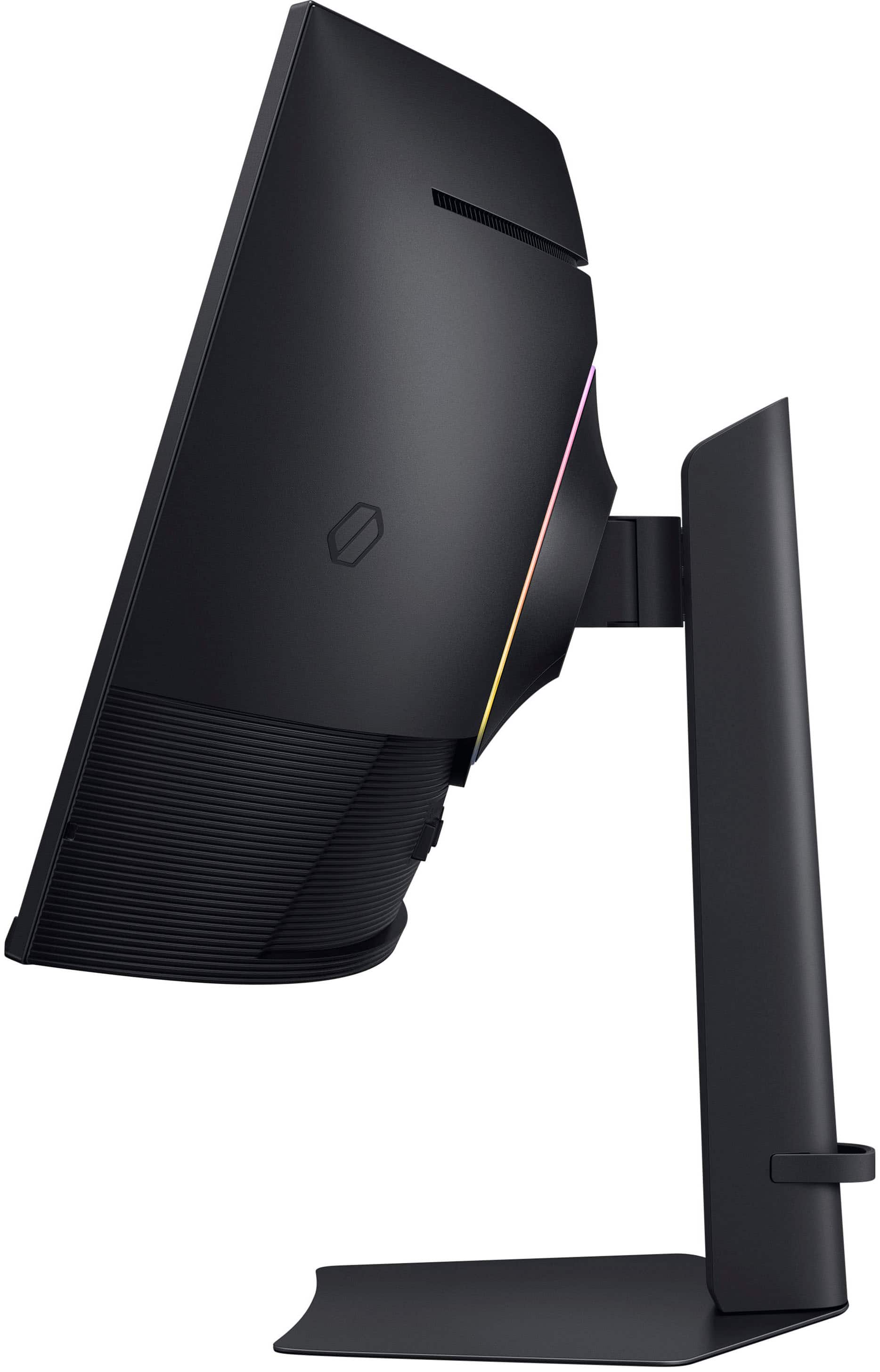
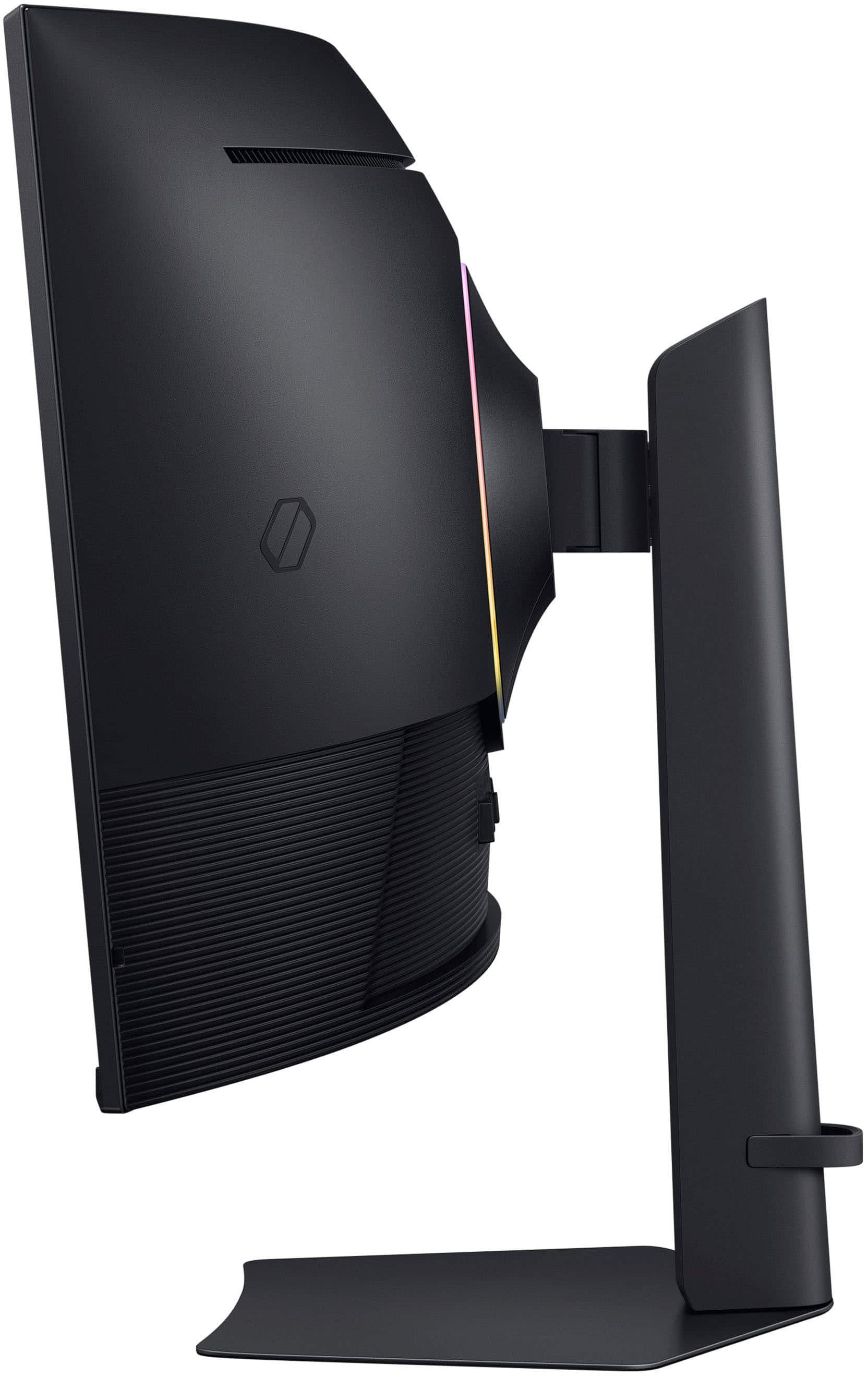
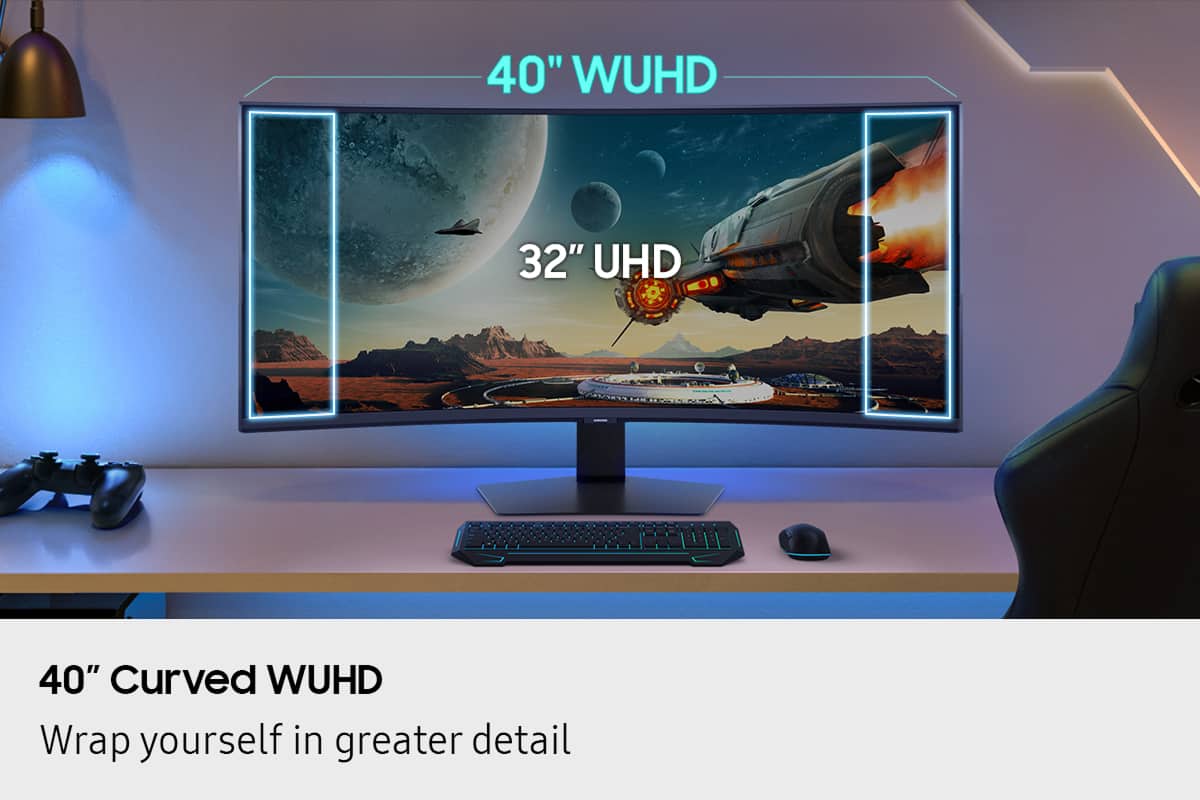
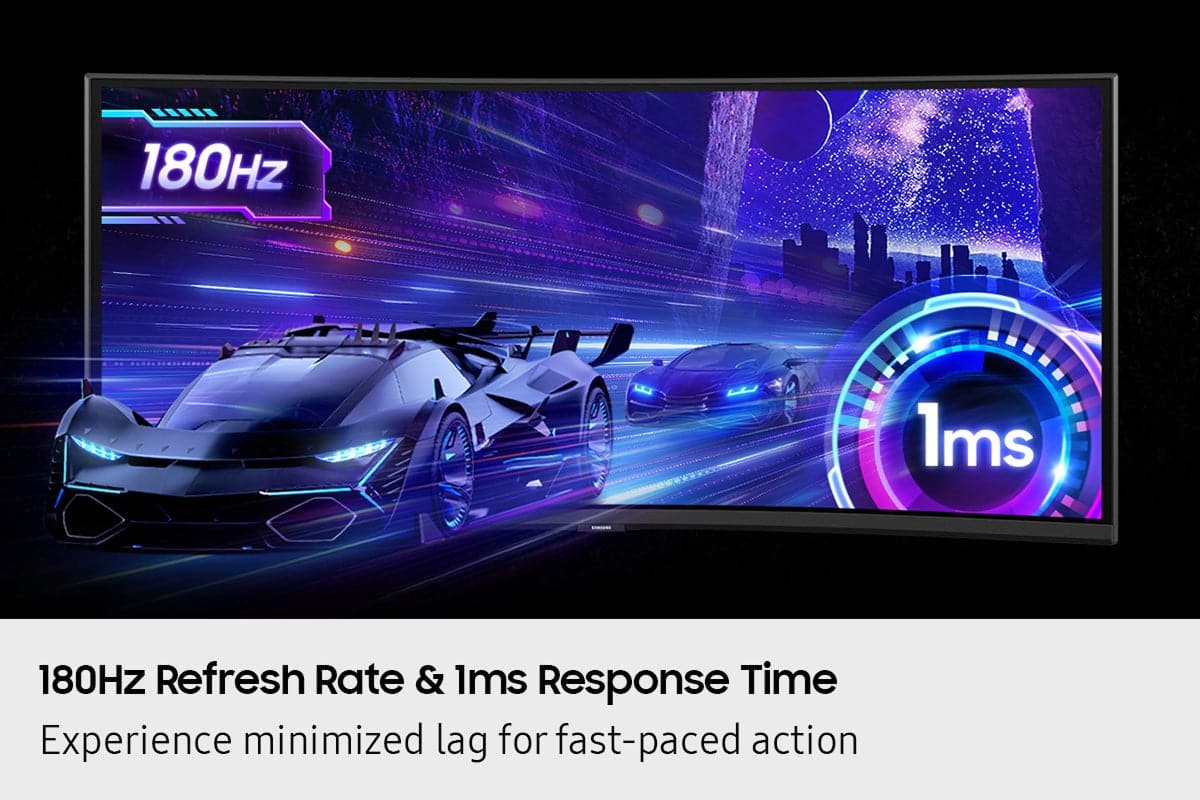
|Posted .This reviewer received promo considerations or sweepstakes entry for writing a review.Every year, seems like Samsung has been producing better monitors geared to Gaming and productivity and this year is no different. I have had my older Samsung curved 32" monitor for several years now and when I was given an opportunity to upgrade to a 40" screen, I jumped on it. Here are a few things I wanted to share with those who are looking to get this monitor. So this is 40" Odyssey G75F WUHD 180Hz 1ms AMD FreeSync Prem Pro Curved Gaming Monitor with HDR 600 - I am sure all this tech wording may make someone pretty confused. Let's unpack it some. First of all, since it is a bigger display, it comes in a big box, well protected. The assembly is pretty straightforward and easy - attach the arm to the main display and to the base stand and you are done. This gaming monitor packs a very nice VA panel, which simply means it a type of LCD display known for its high contrast ratio, that can produce nice blacks and excellent images, making it ideal for gaming and content watching. It is also a Curved display which again aims to envelope you as a gamer and help you immerse into its graphics. Monitor: I like the size of this model as at 40" it is still not too huge and does not take a ton of space on my desk. All the connections are conveniently located on the back of the LCD, you got your usual DisplayPort 1.4 and two HDMI 2.1 ports (it also has a headphone input, and 2 USB-A connections). It is a 4K resolution monitor that can output at 5120X2160 with Refresh rate of 180 Hz which made my gaming experience smoother. My PC games as well as PS5 games were vibrant and uniform however HDR was a bit on a weaker side (I am sure if it was one of their OLED models, it would have been perfect). Interestingly, you can mount this monitor on the wall if you want to, I have seen it done before as it completely frees your desk space, I am glad this feature is available as I might consider mounting it on a swivel bracket. One negative is - it is a bit pricey, and I am sure the price will go down later on as this is a new model. There are other Samsung OLED models in this category that are similarly priced. If you are looking for a good monitor with a Curved screen, this would be the one to consider. It has all the bells and whistles to output a beautiful 4K image, smooth gaming which will result in your enjoyment at the end of the day.
I would recommend this to a friend Good for gaming
||Posted . Owned for 1 month when reviewed.This reviewer received promo considerations or sweepstakes entry for writing a review.It was good. We couldnt use it because it distorted the word documents. But would be good only for gaming
I would recommend this to a friendExceptional Quality
||Posted . Owned for 1 month when reviewed.This reviewer received promo considerations or sweepstakes entry for writing a review.I use this for my office for work and school. I used to use 3 monitors this lets me do all my work on one monitor and its soooo smooth.
I would recommend this to a friendWorks as advertised
||Posted . Owned for 2 weeks when reviewed.This reviewer received promo considerations or sweepstakes entry for writing a review.The monitor is working well with MacBook Pro M4 Max using a usb-c to DP cable. I do wish it had USB-C connectivity. Hopefully in the next update.
I would recommend this to a friendGreat Monitor
||Posted . Owned for 1 month when reviewed.This reviewer received promo considerations or sweepstakes entry for writing a review.This a fun monitor that is so clear, easy on the eyes.
I would recommend this to a friendSamsung Odyssey 5K2K Monitor
||Posted .This reviewer received promo considerations or sweepstakes entry for writing a review.Excellent product at an excellent price, I bought it as an open item in excellent condition. Thank you BestBuy!
I would recommend this to a friendGreat Monitor
||Posted . Owned for 1 week when reviewed.This reviewer received promo considerations or sweepstakes entry for writing a review.For th eprice this monitor is good! It is sleek looking and has a good picture.
I would recommend this to a friend- Pros mentioned:Image quality
Not for weak laptops. Need a strong PC
||Posted . Owned for 1 week when reviewed.This reviewer received promo considerations or sweepstakes entry for writing a review.Unusable with HDMI on a laptop. This monitor looked fantastic when connected via display port or to a powerful PC. But when connecting it to an average laptop, then I couldn't get the full 4k resolution and had to downgrade it to 1440p and a stretched screen. But also, even after I messed with the display settings, I wasn't able to get a full screen in windows again. There was always this black border around the windows OS. But when connected to a capable PC, then everything looked good.
I would recommend this to a friendBrand response from Samsung
Posted ."Thank you for your review.
We are sorry you were not satisfied with your experience. Your overall feedback is important to us and we will document your concerns.
We also recommend you contact Best Buy directly for assistance in correcting the situation.
If you ever need assistance with the monitor itself, please contact Samsung Customer Support and a rep will be happy to assist you:
1-800-SAMSUNG, available 8AM - 12AM EST (Mon-Fri) / 9AM - 11PM EST (Sat-Sun)
Samsung is committed to providing the best possible product experience, quality, and value, and we are always here to help with any of your questions or concerns.
"
Good monitor but only at sale price
||Posted .This reviewer received promo considerations or sweepstakes entry for writing a review.This monitor is great but at more of the 700 price for value… definitely not worth it at 1100 dollar but great monitor ocerall
I would recommend this to a friendFantastic Monitor!
||Posted .This reviewer received promo considerations or sweepstakes entry for writing a review.Fantastic Monitor for it to not be an OLED. I been using it for BF6, Sim Racing, and work. It met my needs and I am very satisfied.
I would recommend this to a friend- Pros mentioned:Image quality, Refresh rateCons mentioned:Button layout
Great product ruined by clunky interface
|Posted .This reviewer received promo considerations or sweepstakes entry for writing a review.UNBOXING AND INSTALLATION I have never owned a Samsung monitor before. So my experience is a genuine newbie one. This unit is huge so be careful. I pulled out all of the supporting hardware, power source, and other items and carefully unwrapped them. I found the instructions to be woeful - and finding them on the Samsung website to see a clearer representation was not easy. Contrary re-directs did not help and there were contrary user manuals - one "user manual" - one "user manual (PC)". Of course since I'm using a PC I went there. Confusing and this is where I was taken away back to the monitor page, not support. I then went for just the user manual and it seemed more logical. Hooking up the monitor to the stand was tedious. I somehow managed to get the monitor on the arm but I still don't know if it is secure. But it didn't fall off after a few days so I guess it is okay. Clunky experience at best and below average compared to other manufacturer installation procedures. THE DEAL BREAKER Being able to use the monitor and its features is why one gets a monitor. The control part in the bottom underside (middle) is so clunky and awkward that I rate it the worst monitor experience I've ever had. I still don't know how to turn the monitor off. To turn it on, I move the mouse. No power indicator light is even visible even though the instructions say there is a light. How can a manufacturer take a good monitor and clunk it up like this? It is hard to find the button that does things and even in various attempts I haven't had an experience that finds what I want. Different screens pop up that I have no idea how to navigate. OVERALL EXPERIENCE Beautiful display and colors - thankfully my graphics card had a menu where i could adjust brightness and contrast etc, but never could I do this directly from the monitor. Refresh rate is very fluid and there appear to be no distortions on the actual monitor curve (something I was worried about). As a newbie to Samsung I am not impressed with the use experience. At night I just let the monitor turn itself off since I can't find how to do it with that awful button navigation finger dance the navigation area requires. My suggestion is to go to a store and to try this to see if you can figure out how to use a monitor. This is the worst monitor use experience I've ever encountered. I guess with this monitor it will be set it and forget it.
No, I would not recommend this to a friend Incredible!
||Posted . Owned for 1 month when reviewed.This reviewer received promo considerations or sweepstakes entry for writing a review.Absolutely amazing, best monitor I've ever had. 5 stars!
I would recommend this to a friendLightweight monitor super clear
||Posted .This reviewer received promo considerations or sweepstakes entry for writing a review.Great price, super clear monitor. Great for gaming
I would recommend this to a friendSamsung Odysey 40" - great monitor
||Posted . Owned for less than 1 week when reviewed.This reviewer received promo considerations or sweepstakes entry for writing a review.Great monitor and no issues (other than the depth space it takes up)
I would recommend this to a friendgreat monitor
||Posted . Owned for 3 weeks when reviewed.This reviewer received promo considerations or sweepstakes entry for writing a review.awesome monitor good for gaming and for muti tasking
I would recommend this to a friend