Customer Ratings & Reviews
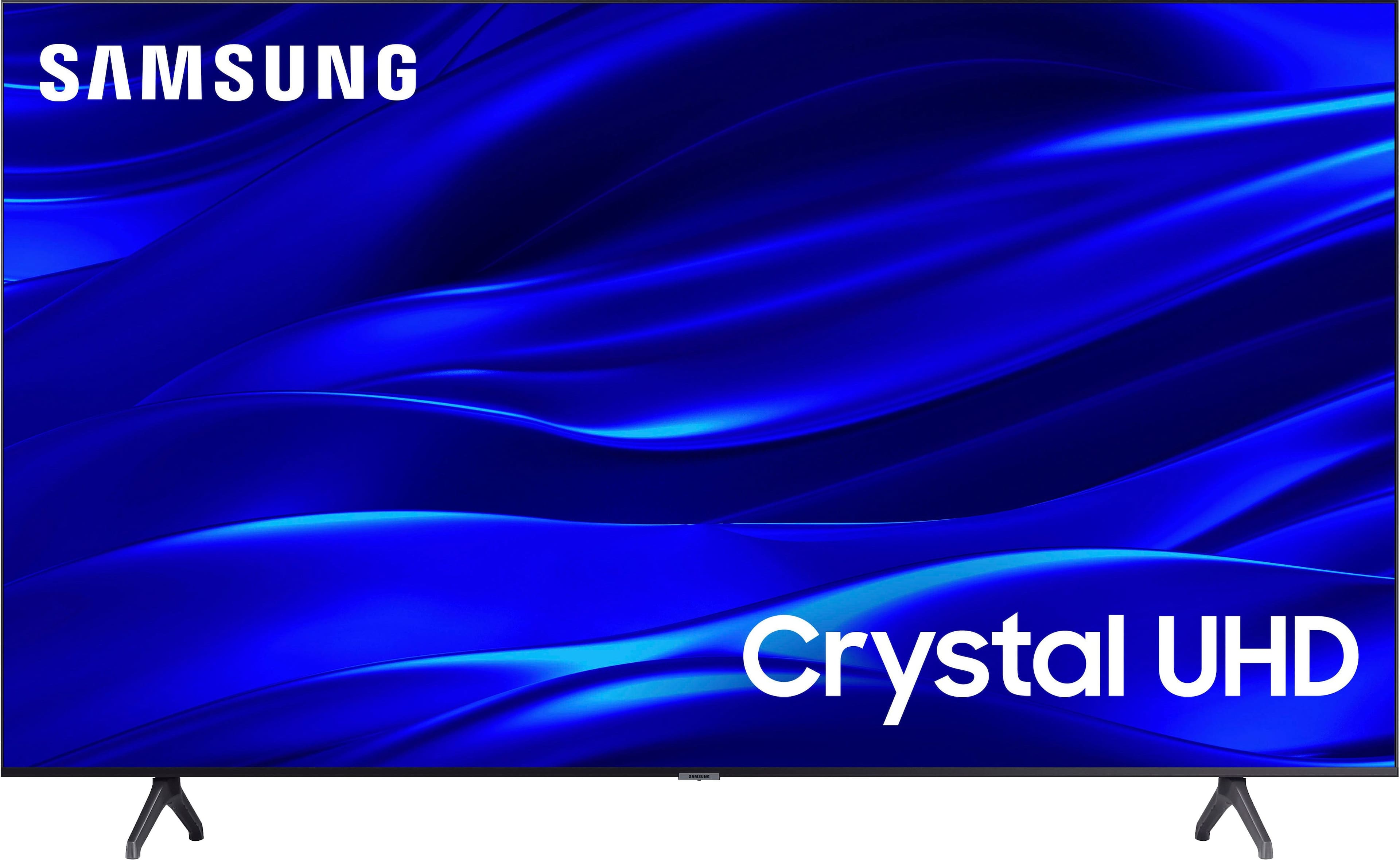
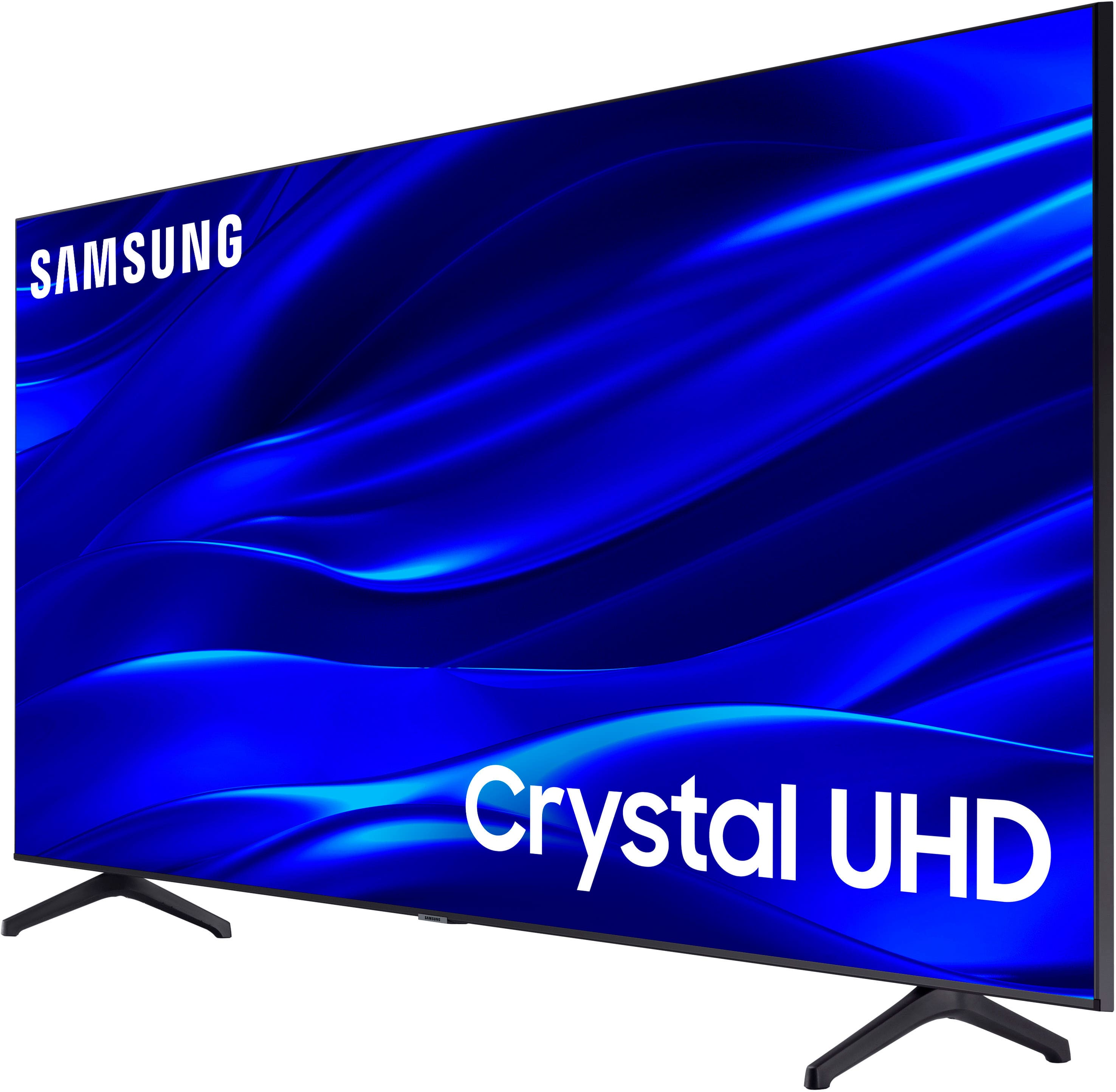
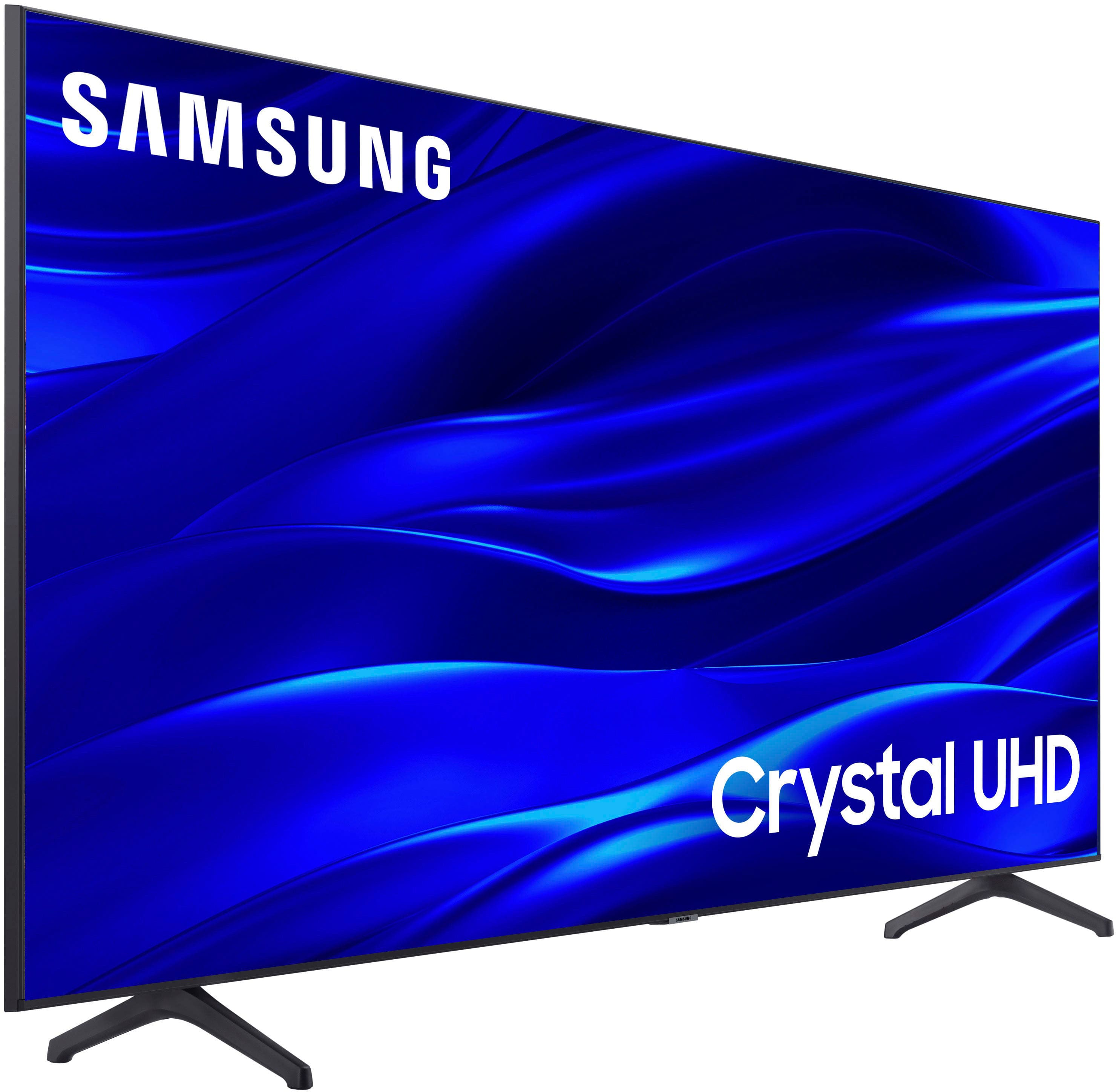



- Model:
- UN43TU690TFXZA
- SKU:
- 6514057
Rating by feature
- Picture Quality
Rating 4.8 out of 5 stars
- Sound Quality
Rating 4.6 out of 5 stars
- Brightness
Rating 4.7 out of 5 stars
Customers are saying
Customers are satisfied with the picture quality, ease of use, and value for the price of the 43" Class TU690T Crystal UHD 4K Smart Tizen TV (2022). Many appreciate its smart TV capabilities, beautiful color display, and quick setup. However, some customers have expressed concerns regarding the remote control, connectivity options, volume levels, and processing speed.
This summary was generated by AI based on customer reviews.
It fit our need
||Posted . Owned for 3 weeks when reviewed.This reviewer received promo considerations or sweepstakes entry for writing a review.It is exactly what we were looking for to use in our bedroom!
I would recommend this to a friendHaven't decided if I'll keep it or not.
||Posted . Owned for 1 week when reviewed.This reviewer received promo considerations or sweepstakes entry for writing a review.I honestly don't know how to review this TV when I don't know how I feel about it. It's not that there's anything wrong with it I guess, I just really don't like it that much. I've spent two weeks playing with the settings for both colors and audio and I can't get it to where I like it. Some stations look different than others but not on my other TV so what's going on with this one? The picture has this weird quality I can't describe. And the sound is just hollow to me no matter what I do. I took a chance on this brand as I have a Vizio I don't like. But now I just don't know if I want to keep this one. There's only so much you can do with the size of the picture unlike my other tv which really fits well to the screen with adjustments. I only have so much time left to decide and I'm really on the fence about it. Maybe it's these new types of screens that I'm not used to but it's weird to me.
No, I would not recommend this to a friendBrand response from Samsung
Posted .Hi LisaP,
We appreciate your purchase and feedback on the sound and picture quality of the TU690T TV. I have a few troubleshooting steps I would like for you to try that may resolve some of the problems you are experiencing.
The TU690T features a Crystal Processor 4K that transforms everything you watch into 4K. That can cause different apps and channels to appear differently.
However, the quality you are describing may be the "Soap Opera Effect." The Samsung TV has Motion smoothing features to eliminate ghosting and blurring that occurs from fast-moving images. However, when watching movies or regular programming, which are filmed at lower frames per second and are not intended to be viewed with these features.
To adjust this setting, go to Settings > Picture > Expert Settings > Picture Clarity Settings.
- Off: Picture Clarity Settings will always be off
- Auto: Picture Clarity Settings will automatically activate and deactivate based on the type of program being watched
- Custom: Allows custom adjustments and settings to be used. By selecting the Custom option, you can access these advanced settings for Judder Reduction, LED Clear Motion, and Noise Reduction.
You also mentioned adjusting a few of the Sound and Audio Settings. In case you have not used these exact ones, I will put a few down below that you can try.
Select a Sound Mode that you prefer for your content type or listening environment. Go to Home > Settings > Sound > Sound Mode.
You can also customize balance and equalizer settings by going to Home > Settings > Sound > Expert Settings.
Additionally, there are image adjustments you can make to optimize your picture to suit your preferences. Your TV has several Picture Modes to choose from, allowing you to enjoy content in optimal conditions. Go to Home > Settings > Picture > Picture Mode.
You can also go to Settings > Picture > Expert Settings to manually fine-tune your image.
If you’d like more help with settings, please know we’re here to help! Call us at 1-800-SAMSUNG, 8 AM - 12 AM EST, seven days a week. Or visit us on the Samsung website and click on the ‘Support’ link for:
1) LiveChat
2) Manuals, Software, & Warranty Info
I do hope this helped and you decide to keep your Samsung TV!
~ Samsung Advisor
Samsung Crystal LED TV
||Posted . Owned for 1 month when reviewed.This reviewer received promo considerations or sweepstakes entry for writing a review.We are very pleased with this purchase! Excellent purchase!
I would recommend this to a friendPretty cool
||Posted . Owned for 1 week when reviewed.This reviewer received promo considerations or sweepstakes entry for writing a review.I liked the UHD quality, the packaging was organized as well
I would recommend this to a friendAwesome
||Posted . Owned for 1 month when reviewed.This reviewer received promo considerations or sweepstakes entry for writing a review.You can connect to Alexa just enable smart things skills.
I would recommend this to a friendGood TV
||Posted . Owned for 3 weeks when reviewed.This reviewer received promo considerations or sweepstakes entry for writing a review.Good machine, met expectations. Set up instructions were difficult to find. Set up had many poorly defined functions
I would recommend this to a friendGreat!
||Posted . Owned for 2 weeks when reviewed.This reviewer received promo considerations or sweepstakes entry for writing a review.Would recommend to a friend! It is great fir my bedroom!
I would recommend this to a friendJust Because Gift
||Posted . Owned for 1 month when reviewed.This reviewer received promo considerations or sweepstakes entry for writing a review.Bought as a gift for my granddaughter and she loves it.
I would recommend this to a friendNew TV
||Posted . Owned for 3 weeks when reviewed.This reviewer received promo considerations or sweepstakes entry for writing a review.Great TV VERY LIGHT AND MOBILE. HAVEN’T SET IT UP YET.
I would recommend this to a friendGreat technology
||Posted . Owned for less than 1 week when reviewed.This reviewer received promo considerations or sweepstakes entry for writing a review.Great technology and highly recommended for all ages
I would recommend this to a friendSamsung
||Posted . Owned for 1 month when reviewed.This reviewer received promo considerations or sweepstakes entry for writing a review.Good value smart tv,.. ............................
I would recommend this to a friendNew tv
||Posted . Owned for 3 weeks when reviewed.This reviewer received promo considerations or sweepstakes entry for writing a review.Nice tv, sound quality is not that good. Very little adjustment ( no equalizer )to help with the audio.
I would recommend this to a friendBrand response from Samsung
Posted .Hi there,
We appreciate your feedback on the Samsung TU690T TV's sound quality. Please know you can adjust the Equalizer by going to Settings> Sound> Equalizer. If Equalizer is greyed out, make sure Amplify and any Auto-Adjust Settings have been disabled.
If you’d like more help with settings, please know we’re here to help! Call us at 1-800-SAMSUNG, 8 AM - 12 AM EST, seven days a week. Or visit us on the Samsung website and click on the ‘Support’ link for:
1) LiveChat
2) Manuals, Software, & Warranty Info
~ Samsung Advisor
Just what I wanted
||Posted . Owned for 3 weeks when reviewed.This reviewer received promo considerations or sweepstakes entry for writing a review.nice TV, works well, just seems to be a bit dark on some shows, it's just what I wanted in a TV
I would recommend this to a friendpick it up yourself and save the hassle
||Posted . Owned for 3 weeks when reviewed.This reviewer received promo considerations or sweepstakes entry for writing a review.your delivery sucked. Supposed to get it Saturday. Was not until tuesday it was delivered
I would recommend this to a friendDoes the job
||Posted . Owned for 1 month when reviewed.This reviewer received promo considerations or sweepstakes entry for writing a review.Nice simple entry level TV with decent video quality - took a star away for the laggy OS.
I would recommend this to a friendIts a cheap tv
||Posted . Owned for 2 weeks when reviewed.This reviewer received promo considerations or sweepstakes entry for writing a review.Dont kid yourself, this thing isnt amazing. Its a cheap TV. Looks halfway decent.
I would recommend this to a friendTv
||Posted . Owned for 1 month when reviewed.This reviewer received promo considerations or sweepstakes entry for writing a review.Bought tv on sale.after only week of owning I am happy with tv so far.
I would recommend this to a friendDO NOT BUY - BROKE IN UNDER A YEAR :(
||Posted . Owned for 1 year when reviewed.This reviewer received promo considerations or sweepstakes entry for writing a review.Broke in under a year. TV goes insane when you turn it on, flips through channels on its own and does not respond to any buttons pressed. SAD TV DO NOT WASTE YOUR MONEY. I expected better from Samsung.
No, I would not recommend this to a friendBrand response from Samsung
Posted .Hi LaurenG,
Thank you for letting us know you are experiencing issues with the TU690T TV. Please know we are here to help and have some troubleshooting steps for you to try.
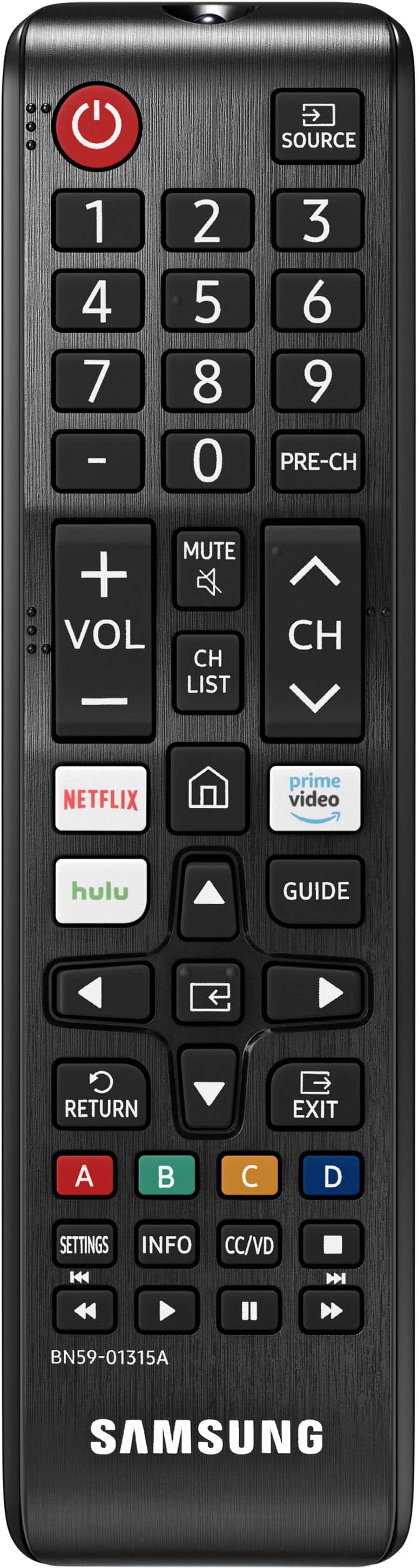
If your remote is not responsive, please ensure nothing is blocking the remote and the IR sensor located at the bottom of the TV, below the Samsung logo. Next, please try replacing the batteries in your remote.
If your remote begins to work, please update the Firmware. Go to Settings> Support> Software Update.
If you continue to have issues, please know we back this TV with a 1-year limited manufacturers warranty. If you need more help, Samsung is here for you. Please call us at 1-800-SAMSUNG, 8 AM - 12 AM EST, seven days a week. Our LiveChat agents are also available by clicking on the ‘Support’ link on our website.
~ Samsung Advisor
old man
||Posted .This reviewer received promo considerations or sweepstakes entry for writing a review.some what difficult to set up when turned on the st.
I would recommend this to a friendOn budget
||Posted .This reviewer received promo considerations or sweepstakes entry for writing a review.Great quality for the price, love Samsung products
I would recommend this to a friend