Customer Ratings & Reviews
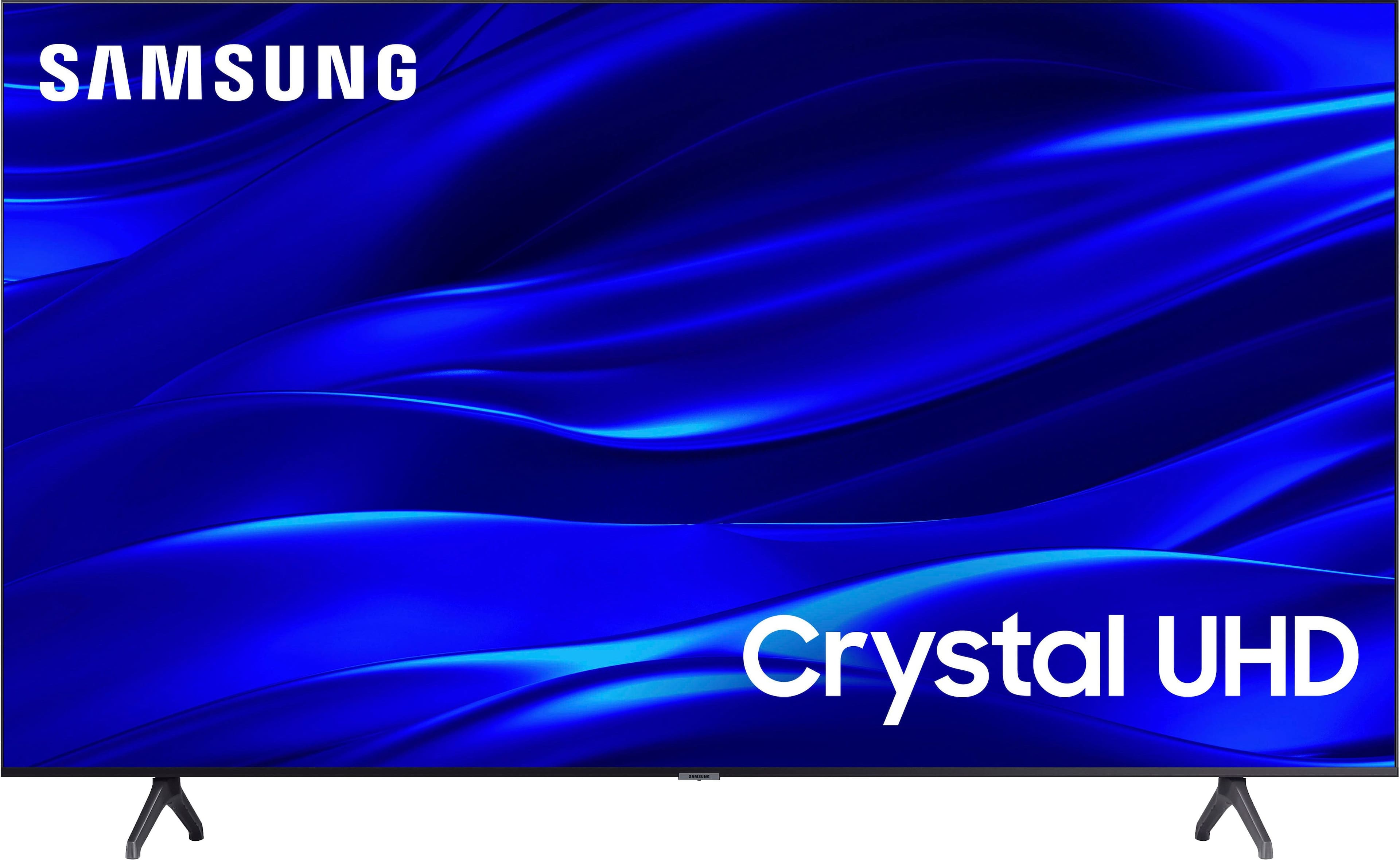
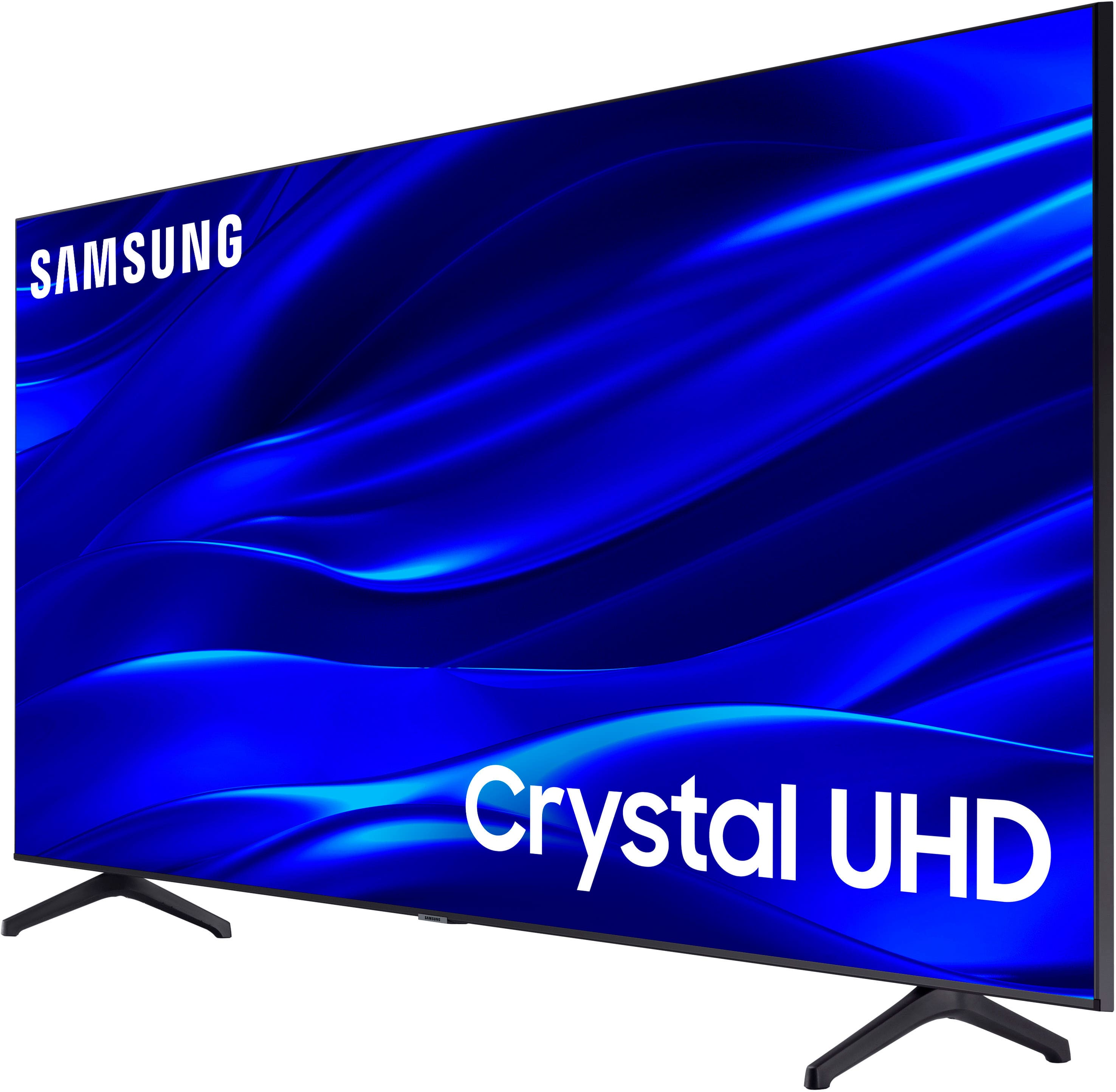
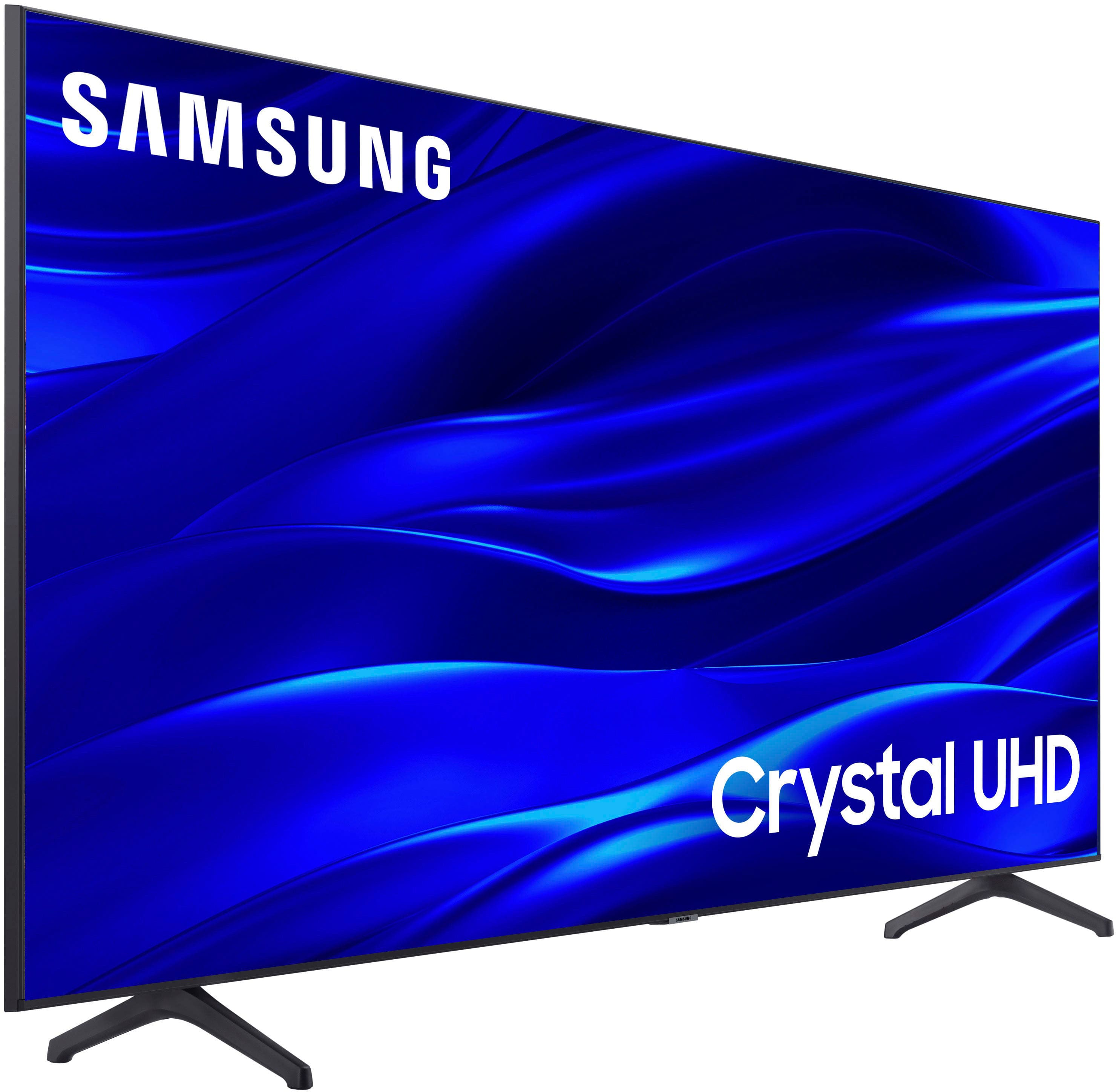



- Model:
- UN43TU690TFXZA
- SKU:
- 6514057
Rating by feature
- Picture Quality
Rating 4.8 out of 5 stars
- Sound Quality
Rating 4.6 out of 5 stars
- Brightness
Rating 4.7 out of 5 stars
Customers are saying
Customers are satisfied with the picture quality, ease of use, and value for the price of the 43" Class TU690T Crystal UHD 4K Smart Tizen TV (2022). Many appreciate its smart TV capabilities, beautiful color display, and quick setup. However, some customers have expressed concerns regarding the remote control, connectivity options, volume levels, and processing speed.
This summary was generated by AI based on customer reviews.
Smart Buy
||Posted . Owned for less than 1 week when reviewed.This reviewer received promo considerations or sweepstakes entry for writing a review.This tv seamlessly connects with steaming Xfinity.
I would recommend this to a friendDon’t purchase
||Posted . Owned for 4 months when reviewed.This reviewer received promo considerations or sweepstakes entry for writing a review.Purchased July 2024 I barely turn the TV on. Nov 19, 2024 - TV no longer works.
No, I would not recommend this to a friendOpen box error
||Posted . Owned for 1 week when reviewed.This reviewer received promo considerations or sweepstakes entry for writing a review.Open box excellent condition came with everything missing so im guessing failed.
No, I would not recommend this to a friendVery basic. Poor picture quality in 4K UHD.
||Posted . Owned for 3 weeks when reviewed.This reviewer received promo considerations or sweepstakes entry for writing a review.I made the mistake of looking at the cost instead of ratings. Picture did not get bright enough banding, when looking at scenes with similar shades of color. My other TV is OLED so maybe my opinion was a little jaded.
No, I would not recommend this to a friendBrand response from Samsung
Posted .Hi Raystrom,
It’s unfortunate to hear you’re not fully satisfied with the brightness of your TU690T TV’s picture. Please know that we are here to help you.
First, let’s ensure you are running the latest Firmware Update. Go to Settings> Support> Software Update.
Next, If the colors on your TV are correct but just a little too dark or bright, you can try adjusting Picture Modes, Contrast, Brightness, or Sharpness settings.
For darker scenes, I recommend Dynamic Picture Mode, which makes pictures brighter and clearer in bright viewing environments. Go to Settings > Picture > Picture Mode > Dynamic.
Or you can manually adjust the Brightness by pressing the HOME button on your remote, then navigating to Settings > Picture > Expert Settings.
You may also want to disable Power Saving Mode, which automatically adjusts the brightness to reduce the TV’s power consumption. Go to: Settings > General > Eco Solution> Power Saving Mode.
If you need more help, Samsung is here for you. Please call us at 1-800-SAMSUNG, 8 AM - 12 AM EST, seven days a week. Our LiveChat agents are also available by clicking on the ‘Support’ link on our website.
~ Samsung Advisor
Customer service is not high and priority
||Posted . Owned for 2 weeks when reviewed.This reviewer received promo considerations or sweepstakes entry for writing a review.Can not reach out to some help by telephone. Long VERY long hold times. Chat is usless
No, I would not recommend this to a friendCracked screen
||Posted . Owned for 4 months when reviewed.This reviewer received promo considerations or sweepstakes entry for writing a review.Check it as soon as you receive it - mine came with a cracked screen and BB and Samsung will not exchange it.
No, I would not recommend this to a friendBrand response from Samsung
Posted .Darr,
We appreciate you sharing your situation with a crack having developed in your screen. Please know that a crack will not spontaneously develop; a physical impact – perhaps small but done at just a certain degree – would be the most likely cause.
Our warranty covers manufacturing defects in materials and workmanship encountered in normal, noncommercial use of this product, and does not apply to damage incurred during shipment, delivery, and /or installation. You can read more about our warranty here: https://www.samsung.com/us/support/service/warranty/UN43TU690TFXZA
We recommend you contact Best Buy directly for assistance. If we can further help, you can call us at 1-800-SAMSUNG, 8 AM - 12 AM EST, seven days a week. Our LiveChat agents are also available by clicking on the ‘Support’ link on our website.
~ Samsung Pro
I do not reccomend
||Posted . Owned for 10 months when reviewed.This reviewer received promo considerations or sweepstakes entry for writing a review.I bought this model less than a year ago and suddenly could not turn it on, and subsequent decline in quality after a brief recovery.
No, I would not recommend this to a friendBrand response from Samsung
Posted .Hi JoannaP,
I'm sorry to hear that your TU690T TV is no longer turning on. Samsung is committed to providing the best possible product experience, quality, and value. We back this Samsung TV with a 1-year limited manufacturer's warranty, including authorized repair for manufacturer defect, if purchased brand-new directly from an authorized seller.
Before calling in, I have a few troubleshooting steps you can try. have a few troubleshooting tips for you to try:
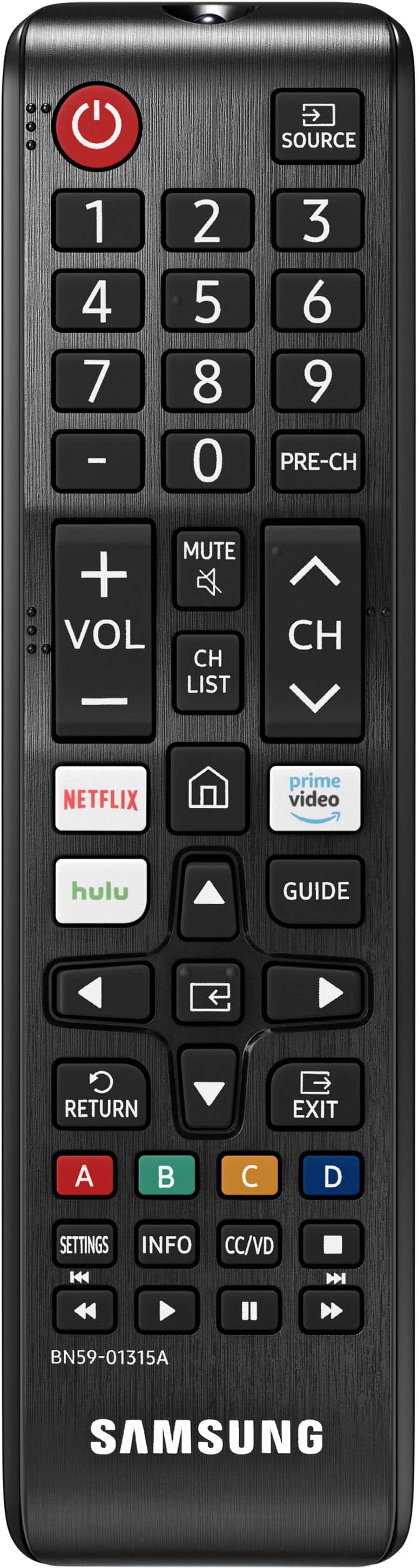
Check the red standby light, a little red light at the edge of the TV that you aim the remote at. If it is on, it means that your TV is receiving power, and the culprit is likely the remote. Please try to power the TV on through the button below the Samsung logo. If it powers on, I recommend changing the batteries on the remote and possibly replacing the remote.
If the red light below the TV is not on, please try the following:
1) Unplug the TV from its power source for 30 seconds. Then try to power it on again.
2) Try a different outlet that you have confirmed works properly
3) Press the Menu button on your remote. If the Menu appears, then this confirms your TV is powered on. Next, follow these steps:
・Confirm that the TV is set to the same source as the external device.
・Test the HDMI cable. Go to Settings > Support > Self Diagnosis > Signal Information > HDMI Cable Test > Start Test. If the test says the cable is bad, replace the cable. Service is not required.
・Test different external devices. The final thing to rule out is the external device you're using. Try connecting a different device or using a different source port.
If the TV can display a picture in any other setup, then you've ruled the TV out as the cause of the issue.
If you continue to have issues, please give us the opportunity to assist you by contacting Samsung Customer Support at 1-800-SAMSUNG, 8 AM - 12 AM EST, seven days a week. Our LiveChat agents are also available by clicking on the ‘Support’ link on our website.
~Samsung Advisor
Roku won't work
||Posted . Owned for 3 weeks when reviewed.This reviewer received promo considerations or sweepstakes entry for writing a review.can not get the Roku to work right it comes on every time I turn on the tv and blocks the lower 1/3 of the screen.
No, I would not recommend this to a friendBrand response from Samsung
Posted .mikes52Chevy3600,
Thank you for taking the time to provide feedback on your TU690T TV. Please know that your feedback will be shared with our internal product teams. We take pride in our products and are sorry to hear of the issues you are having when connecting Roku to your TU690T TV.
If there’s anything we can ever help with, please call us at 1-800-SAMSUNG, 8 AM - 12 AM EST, seven days a week. Or visit us on the Samsung website and click on the ‘Support’ link for:
1) LiveChat
2) Manuals, Software, & Warranty Info
~ Samsung Pro
44 in TV
||Posted . Owned for 3 weeks when reviewed.This reviewer received promo considerations or sweepstakes entry for writing a review.The volume quality is bad you have to turn it all the way up to hear it in a small living space.
No, I would not recommend this to a friendBrand response from Samsung
Posted .EdithG,
Thank you for sharing your experience with low volume. There are several volume features you can adjust, which may improve your audio experience.
1) Auto Volume automatically adjusts the sound to a certain level when changing channels or switching to another external input. Go to Settings > Sound > Expert Settings > Auto Volume.
2) Adaptive Sound automatically adjusts to a specific volume level while watching TV. The TV analyzes your volume usage history by time period to automatically adjust the volume when you use an app or switch to an external input source. Go to Settings> Sound> Sound Mode> Adaptive Sound.
3) Several Sound Modes are likewise available to meet your personal preferences: Home > Settings > Sound > Sound Mode.
Also, some sources have their own volume control, which might need to be set higher. Please check the volume control of the external device (cable box or satellite box, DVD, Blu-ray, etc.) connected to your TV. Also, check the cable connection between an external device and the TV and then try the cable connection again.
If we can further help with any other issues, please know we are here for you. Just call us at 1-800-SAMSUNG, 8 AM - 12 AM EST, seven days a week. Our LiveChat agents are also available by clicking on the ‘Support’ link on our website.
~ Samsung Pro
Defective tv
||Posted . Owned for 2 months when reviewed.This reviewer received promo considerations or sweepstakes entry for writing a review.This tv stopped working , I replaced it for the Same one and did the exact same thing.
No, I would not recommend this to a friendBrand response from Samsung
Posted .Hi Aracelyl,
Thank you for sharing your experience with the TU690T TV. We back this TV with a 1-year manufacturer’s warranty when purchased brand-new from an authorized dealer. Please give us the chance to make this right by calling us at 1-800-SAMSUNG (ask for TVs), available 8 AM – 12 AM EST, seven days a week, or Chat with us on Samsung.com: https://www.samsung.com/us/support/contact/
~Samsung Advisors
Bad buy
||Posted . Owned for 1 month when reviewed.This reviewer received promo considerations or sweepstakes entry for writing a review.This TV has lines going through it . Very disappointed with the quality of this TV
No, I would not recommend this to a friendBrand response from Samsung
Posted .Hi MichaelC,
Thank you for purchasing the Samsung TU690T TV and for sharing your experience with your TV not displaying properly. You may want to try the following troubleshooting steps:
1. If any external devices are connected, check all input cable connections
2. If the issue persists, define precisely what is wrong with the display. For example, mosaics and blocks, multiple lines or white dots, and fixed horizontal or vertical lines.
3. Try changing channels using the remote control. Is the issue the same on all channels?
4. Press the Home button (looks like a house), select Source, and choose another input source. Is the issue the same on all sources?
5. If the same problem persists, run a diagnostic test. (Home > Settings > Support > Device Care > Self Diagnosis > Picture Test)
6. If the problem disappears during the test, check your TV signal (Home > Settings > Support > Device Care > Self Diagnosis > Signal Information) to check the signal strength. The signal strength must be more than 20 dB (more than 4 bars on the icon) for stable signal reception
Should your issue persist, please contact Samsung Customer Support so we can schedule a service appointment. You can call us at 1-800-SAMSUNG, 8 AM - 12 AM EST, seven days a week. Our LiveChat agents are also available by clicking on the ‘Support’ link on our website.
~ Samsung Advisor
Samsung suck
||Posted . Owned for 1 year when reviewed.This reviewer received promo considerations or sweepstakes entry for writing a review.Fried itself within 24 hours. Go ahead and get yourself an LG tv!
No, I would not recommend this to a friendBrand response from Samsung
Posted .NotCool,
It’s unfortunate to hear about your experience with Samsung’s TU690T TV. Samsung is committed to providing the best possible product experience, quality, and value. We back this Samsung TV with a 1-year limited manufacturer's warranty, including authorized repair for manufacturer defect, if purchased brand-new directly from an authorized seller. You can see the full details of your warranty here: https://www.samsung.com/us/support/service/warranty/UN43TU690TFXZA
Please give us the chance to make this right by contacting Samsung Customer Support at 1-800-SAMSUNG, 8 AM - 12 AM EST, seven days a week. Our LiveChat agents are also available by clicking on the ‘Support’ link on our website.
~ Samsung Pro
Broken screen from the inside
||Posted . Owned for 2 months when reviewed.This reviewer received promo considerations or sweepstakes entry for writing a review.Didint like it screen was broken from the indside.
No, I would not recommend this to a friendBrand response from Samsung
Posted .Bonjour,
We appreciate you sharing that your TV exhibited damage upon opening and setup. Unfortunately, even if a TV is double-boxed and the packaging shows no evidence of harm, a TV can still be damaged during transit if proper care is not taken. For example, if the TV were sitting in an incorrect orientation – laid on its side or tilted – during transit, damage could have been done.
We recommend you contact Best Buy directly for assistance in correcting this situation. We hope your issue is resolved in a timely manner.
Should you have questions or concerns regarding the usage or setup of your TV once your issue has been resolved, please contact Samsung Customer Support. You can call us at 1-800-SAMSUNG, 8 AM - 12 AM EST, seven days a week. Our LiveChat agents are also available by clicking on the ‘Support’ link on our website.
~ Samsung Pro
Bad product
||Posted . Owned for 1 month when reviewed.This reviewer received promo considerations or sweepstakes entry for writing a review.Tv broke 4 weeks after used . Bad luck or a lemon ???
No, I would not recommend this to a friendBrand response from Samsung
Posted .DuniazadS,
It’s unfortunate to hear about your experience with Samsung’s TU690T TV. Samsung is committed to providing the best possible product experience, quality, and value. We back this Samsung TV with a 1-year limited manufacturer's warranty, including authorized repair for manufacturer defect, if purchased brand-new directly from an authorized seller. You can see the full details of your warranty here: https://www.samsung.com/us/support/service/warranty/UN43TU690TFXZA
Please give us the chance to make this right by contacting Samsung Customer Support at 1-800-SAMSUNG, 8 AM - 12 AM EST, seven days a week. Our LiveChat agents are also available by clicking on the ‘Support’ link on our website.
~ Samsung Pro
lost order
||Posted . Owned for 3 weeks when reviewed.This reviewer received promo considerations or sweepstakes entry for writing a review.never came.im still waiting for refund 7 weeks later.
No, I would not recommend this to a friendBrand response from Samsung
Posted .TinaC,
I'm sorry you have not received your TV yet. Please follow up directly with Best Buy for further assistance. We hope your issue is resolved in a timely manner. Should you have questions regarding the usage or setup of your TV once you've received it, please contact Samsung Support at 1-800-SAMSUNG, 8 AM – 12 AM EST, 7 days a week. Our LiveChat agents are also available by clicking on the ‘Support’ link on our website.
~Samsung Pro
Owner
||Posted . Owned for 1 month when reviewed.This reviewer received promo considerations or sweepstakes entry for writing a review.It is working well for me. It would be little better for me if the sound would go loader.
I would recommend this to a friendBrand response from Samsung
Posted .Hi canon,
Thank you for your purchase and feedback on the Samsung TU690T TV's volume quality. I have a few suggestions which may improve your audio experience.
There are several volume features you can adjust, which may improve your audio experience.
1) Auto Volume automatically adjusts the sound to a certain level when changing channels or switching to another external input. Go to Settings > Sound > Expert Settings > Auto Volume.
2) Adaptive Sound automatically adjusts to a specific volume level while watching TV. The TV analyzes your volume usage history by time period to automatically adjust the volume when you use an app or switch to an external input source. Go to Settings> Sound> Sound Mode> Adaptive Sound.
3) Several Sound Modes are likewise available to meet your personal preferences: Home > Settings > Sound > Sound Mode
Also, some sources have their own volume control, which might need to be set higher. Please check the volume control of the external device (cable box or satellite box, DVD, Blu-ray, etc.) connected to your TV. Also, check the cable connection between an external device and the TV and then try the cable connection again.
If you’d like more help with settings, please know we’re here to help! Call us at 1-800-SAMSUNG, 8 AM - 12 AM EST, seven days a week. Or visit us on the Samsung website and click on the ‘Support’ link for:
1) LiveChat
2) Manuals, Software, & Warranty Info
~ Samsung Advisor
No not Samsung
||Posted . Owned for 1 month when reviewed.This reviewer received promo considerations or sweepstakes entry for writing a review.We just upgraded the boys tvs as they were the last in the house to be promoted to Samsungs… Anyways we purchased teo of these tvs abd like a few others have said, obe works perfectly fine the other worked two times and now will not turn back on…now I have to waste time exchanging this tv for another
No, I would not recommend this to a friendBrand response from Samsung
Posted .Hi Kendra,
Thank you for your continued loyalty to Samsung and for providing feedback on the TU690T TVs. I'm very sorry that one of the TVs is no longer functional. Please know that your feedback will be shared with our internal teams.
If you need any help with a replacement TV, please give us a call at 1-800-SAMSUNG, 8 AM - 12 AM EST, seven days a week. Our LiveChat agents are also available by clicking on the ‘Support’ link on our website.
~ Samsung Advisor
Best buy sucks!
||Posted . Owned for 1 month when reviewed.This reviewer received promo considerations or sweepstakes entry for writing a review.I ordered it and they didn't have it in stock....best buy sucks!
No, I would not recommend this to a friendBrand response from Samsung
Posted .Hi BigMike,
I'm sorry to hear that you did not have a good purchase experience. I recommend reaching out to Best Buy to better assist you.
If there’s anything we can help with, please call us at 1-800-SAMSUNG, 8 AM - 12 AM EST, seven days a week. LiveChat with an agent, as well as manuals, software, and warranty info, can be found at the ‘Support’ link on our Samsung website.
~ Samsung Advisor
- Pros mentioned:Picture quality
Closed captions? NO!
||Posted . Owned for 1 week when reviewed.This reviewer received promo considerations or sweepstakes entry for writing a review.Great picture but I have hearing problems and the closed captions on this TV do not work! If you are hearing impaired, better pass on this "smart" tv. It doesn't live up to the name.
No, I would not recommend this to a friendBrand response from Samsung
Posted .Hi NinaM,
I'm glad you reached out to let us know that the Closed Captioning on your TU690T TV is not working. Please note that certain streaming apps require that you turn on the Closed Captioning inside of the Settings of that specific app.
Otherwise, to turn on the Closed Captioning and adjust the size, font, and color, go to Settings > General > Accessibility > Caption Settings.
If it is still not working or you need help with any other Settings, please call us at 1-800-SAMSUNG, 8 AM - 12 AM EST, seven days a week. Our LiveChat agents are also available by clicking on the ‘Support’ link on our website.
~ Samsung Advisor
Blurred picture.
||Posted . Owned for 2 weeks when reviewed.This reviewer received promo considerations or sweepstakes entry for writing a review.This is the second tv I've gotten, had to return the first and as soon as my son can get time off to help me carry this one back I will return it. The picture is doing the same thing as the first one did, The picture blur, all the colors run together and freeze for a second or two.
No, I would not recommend this to a friendBrand response from Samsung
Posted .Hi EddieT,
I'm very sorry that you have had two Samsung TU690T TVs with display issues. Please know we are here to help and have a few troubleshooting steps for you to try.
1. If any external devices are connected, check all input cable connections
2. Try changing channels using the remote control. Is the issue the same on all channels?
3. Press the Home button (looks like a house), select Source, and choose another input source. Is the issue the same on all sources?
4. If the same problem persists, run a diagnostic test. (Home > Settings > Support > Device Care > Self Diagnosis > Picture Test)
5. If the problem disappears during the test, check your TV signal (Home > Settings > Support > Device Care > Self Diagnosis > Signal Information) to check the signal strength. The signal strength must be more than 20 dB (more than 4 bars on the icon) for stable signal reception
If the issue remains, please know that Samsung is here for you. Call us at 1-800-SAMSUNG, 8 AM - 12 AM EST, seven days a week. Our LiveChat agents are also available by clicking on the ‘Support’ link on our website.
~ Samsung Advisor