Customer Ratings & Reviews
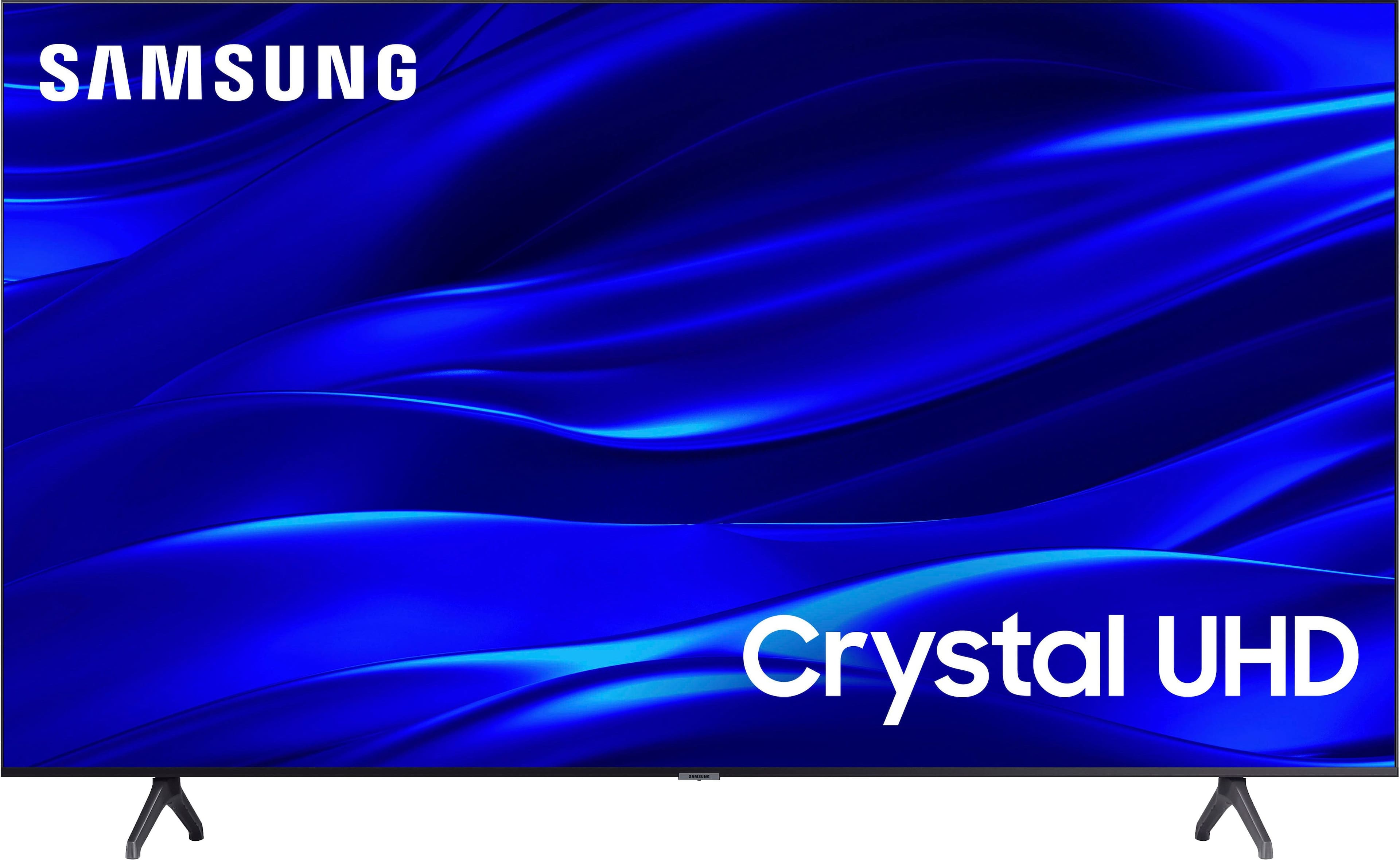
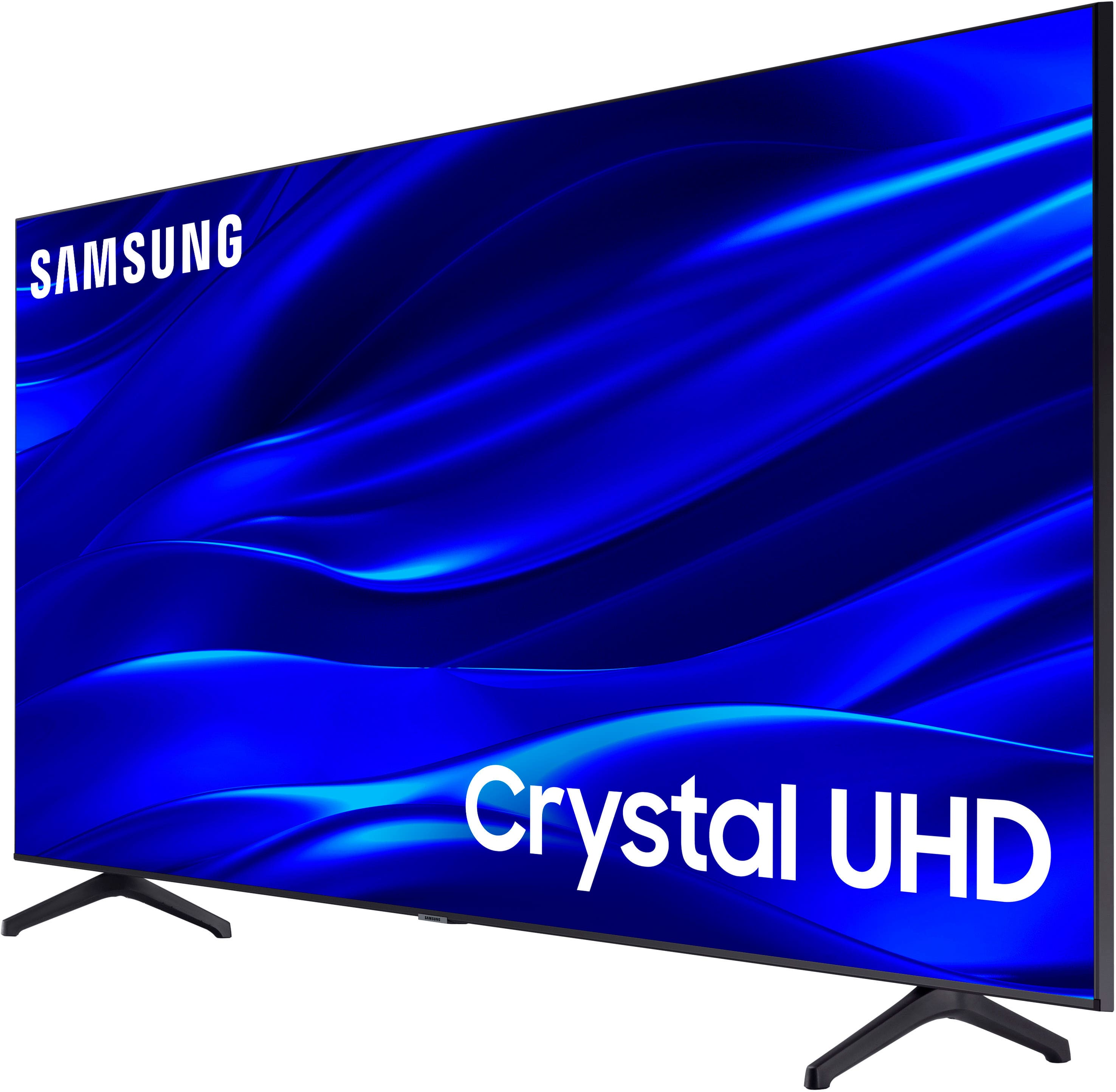
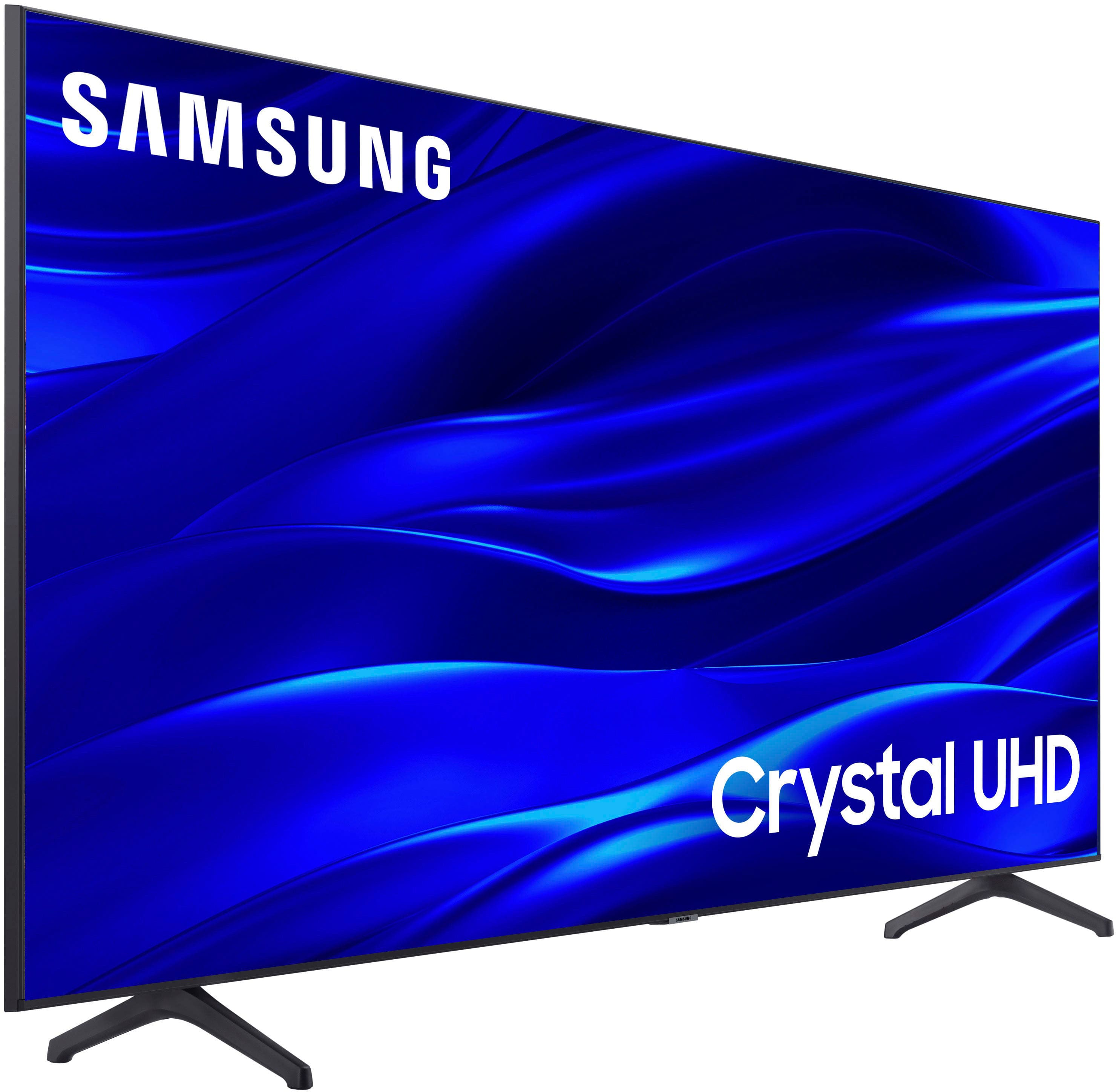



- Model:
- UN43TU690TFXZA
- SKU:
- 6514057
Rating by feature
- Picture Quality
Rating 4.8 out of 5 stars
- Sound Quality
Rating 4.6 out of 5 stars
- Brightness
Rating 4.7 out of 5 stars
Customers are saying
Customers are satisfied with the picture quality, ease of use, and value for the price of the 43" Class TU690T Crystal UHD 4K Smart Tizen TV (2022). Many appreciate its smart TV capabilities, beautiful color display, and quick setup. However, some customers have expressed concerns regarding the remote control, connectivity options, volume levels, and processing speed.
This summary was generated by AI based on customer reviews.
Nice Buy
Posted .This reviewer received promo considerations or sweepstakes entry for writing a review.Cannot think of anything bad or negative about this TV. Screen is clear and the remote enables easy surfing a wide variety of stations and movies. Nice buy.
I would recommend this to a friend- Pros mentioned:Picture quality
Samsung
Posted .This reviewer received promo considerations or sweepstakes entry for writing a review.Love Samsung. Unfortuately product destroyed on new years day by a 5.4 earthquake . Unable to find a way to warrantee the product. Enjoyed it the week before it was destroyed
I would recommend this to a friendBrand response from Samsung
Posted .HI user733897,
Thank you for sharing your experience with the TU690T TV. I'm sorry that your TV broke, due to an earthquake.
Our warranty covers manufacturing defects in materials and workmanship encountered in normal, non-commercial use of this product and does not apply to damage incurred during shipment, delivery, and /or installation. You can read more about our warranty here: https://www.samsung.com/us/support/service/warranty/UN43TU690TFXZA
If you have questions or need help, Samsung is here for you! Call us at 1-800-SAMSUNG, 8 AM - 12 AM EST, seven days a week. Our LiveChat agents are also available by clicking on the ‘Support’ link on our website.
~ Samsung Advisor
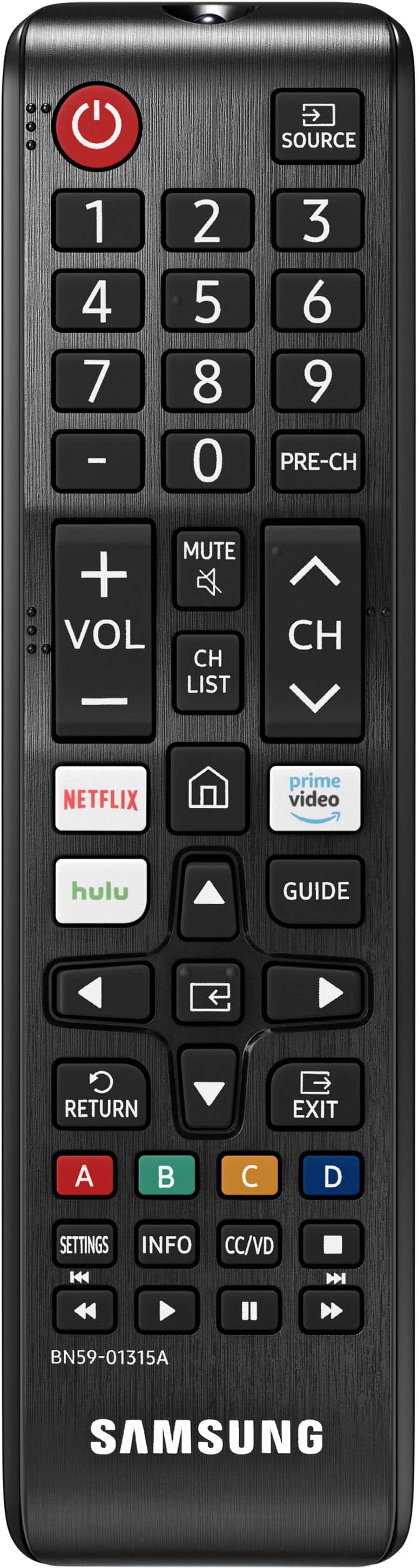
No power button
Posted .This reviewer received promo considerations or sweepstakes entry for writing a review.Good tv for the price but no power button Is an inconvenience that eclipses almost everything else
No, I would not recommend this to a friendBrand response from Samsung
Posted .user946211,
Thank you for taking the time to provide feedback on your TU690T TV. Please know that your feedback will be shared with our internal product teams. We take pride in our products and are sorry to hear that your experience was not up to our high standards.
If there’s anything we can ever help with, please call us at 1-800-SAMSUNG, 8 AM - 12 AM EST, seven days a week. Or visit us on the Samsung website and click on the ‘Support’ link for:
1) LiveChat
2) Manuals, Software, & Warranty Info
~ Samsung Pro
They don't make Samsung's like they used to
Posted .This reviewer received promo considerations or sweepstakes entry for writing a review.Bought this TV 12/30/22 with a 2 year plan. My previous Samsung tv lasted nearly 15 years. Not even a year old and this one has a picture that goes dark after you turn on the tv. Tried soft resets, different outlets with no resolution. Called Samsung and got absolutely nowhere. Geek Squad can't come for days. Just want to take it back and exchange. Fed up.
No, I would not recommend this to a friendBrand response from Samsung
Posted .Hi AmyW,
We appreciate your feedback on the TU690T and are sorry that your TV picture is having issues. Please know we back this TV with a 1-year limited manufacturer's warranty and are available to help. To schedule a warranty appointment, please contact Samsung Support at 1-800-SAMSUNG, 8 AM - 12 AM EST, seven days a week. Our LiveChat agents are also available by clicking on the ‘Support’ link on our website.
~Samsung Advisor
Failed in less than 6 months!
Posted .This reviewer received promo considerations or sweepstakes entry for writing a review.Purchased Nov 30 2022. Started glitching May 2023. Had serviced under warranty July 14 2023. Buy July 15 2024 screen was shot and repair quoted at almot $500. Tv didn't last. Had limited app availability. Will not be purchasing again
No, I would not recommend this to a friendGreat tv
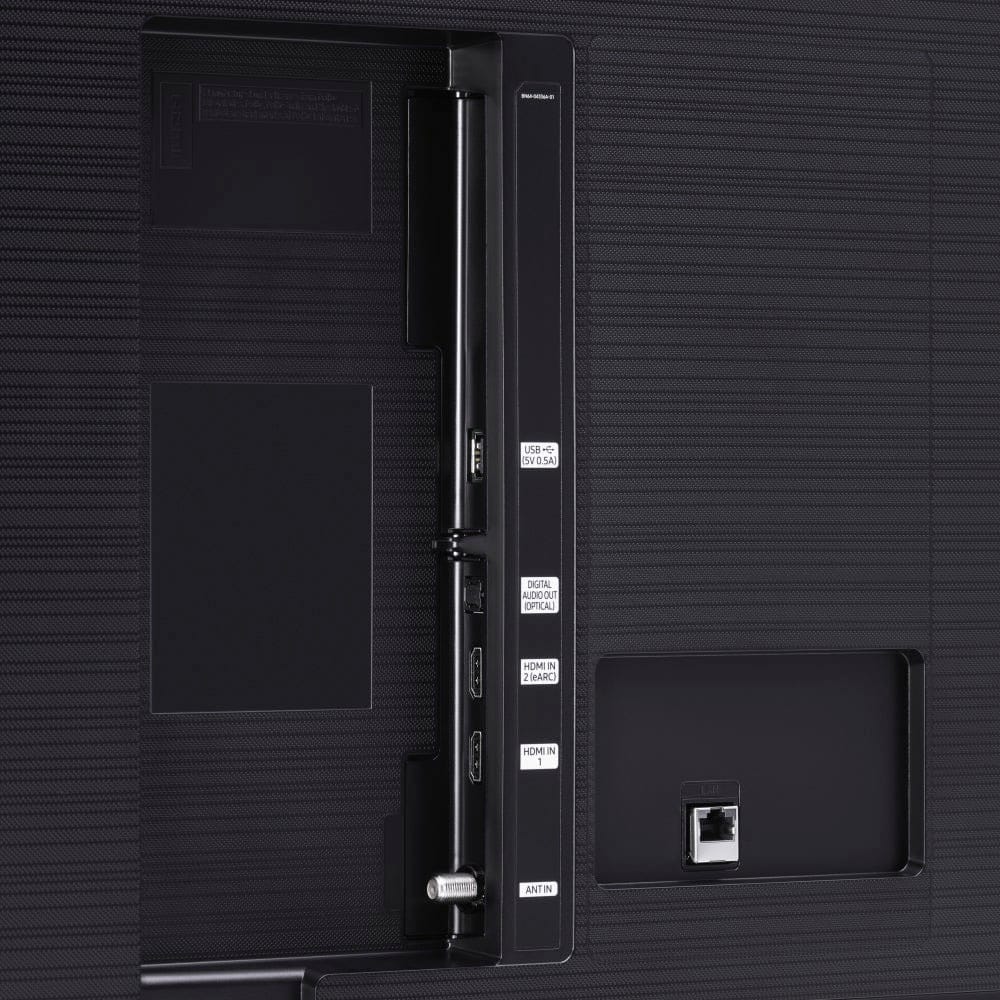
Posted .This reviewer received promo considerations or sweepstakes entry for writing a review.9/10 could use more inputs. All other aspects are great.
I would recommend this to a friend- Cons mentioned:Remote control
Take the Smart out of STV
Posted .This reviewer received promo considerations or sweepstakes entry for writing a review.This tv sucks, and the guys at the Colorado Blvd store said it was highly recommended yeah right. The tv does not respond well to internet apps at all they glitch: Peacock, Netflix, HBO Max. (And it is not the internet itself). The remote also does not respond well with the tv either seems like overall low quality products.
No, I would not recommend this to a friendBrand response from Samsung
Posted .Hi KatL,
I’m sorry to hear about the issues you’re experiencing with slow and glitchy apps. To ensure performance is fully optimized, please make sure your TV is running the latest firmware. To do so, go to Settings> Support> Software Update. You can easily update from there if necessary.
Next, I recommend utilizing the self-diagnostic tool, which checks memory, frees unused cached memory, and closes background apps. Go to Settings > Support > Device Care > Start Device Care.
I hope this helps improve your experience. For more help, please call us at 1-800-SAMSUNG, 8 AM - 12 AM EST, seven days a week. LiveChat with an agent, as well as manuals, software, and warranty info, can be found at the ‘Support’ link on our Samsung website.
~ Samsung Advisor
Navigation terrible
Posted .This reviewer received promo considerations or sweepstakes entry for writing a review.Navigation is terrible. I still haven’t figured it out. Other smart TV’s we have are so much easier. Would love to return it for something else. My son who scored 1360 on his SAT said he can’t make sense of it.
No, I would not recommend this to a friendBrand response from Samsung
Posted .Hi Robert,
We appreciate your review of the TU690T TV's navigation and user interface. Please know we are here to help you. To assist you in learning the various features, functions, and settings of the TV and Remote, you can download the User Manual and Remote Guide directly from Samsung’s website under ‘Support’ (top right corner) > Manuals & Software > TVs & Home Theater. From there, you can search for the TU690T and download the guides you would like.
Also, please know that we are here to help and are happy to answer any questions you may have. Please call us at 1-800-SAMSUNG, 8 AM - 12 AM EST, seven days a week. Or visit us on the Samsung website and click on the ‘Support’ link for:
1) LiveChat with an agent
2) Manuals, Software, & Warranty Info
~ Samsung Advisor
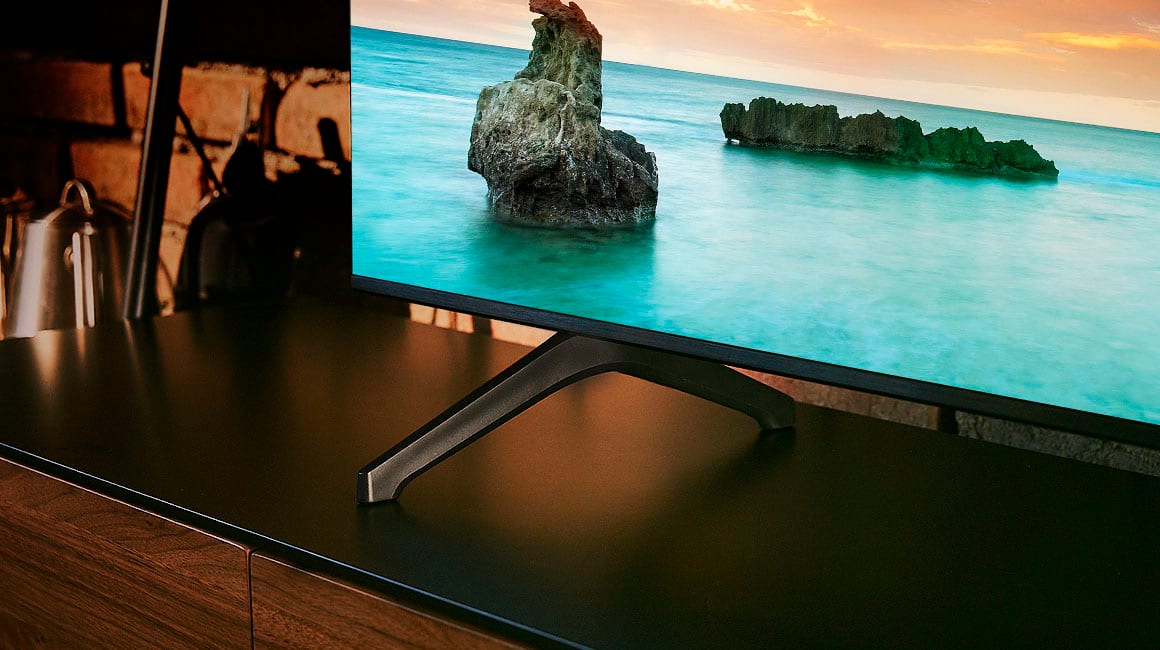
Very dark
Posted .This reviewer received promo considerations or sweepstakes entry for writing a review.Super dark during dark scenes. I do not recommend at all.
No, I would not recommend this to a friendBrand response from Samsung
Posted .Hi bassplaya,
It’s unfortunate to hear you’re not fully satisfied with the brightness of your TU690T TV’s picture. Please know that we are here to help you.
First, let’s ensure you are running the latest Firmware Update. Go to Settings> Support> Software Update.
Next, If the colors on your TV are correct but just a little too dark or bright, you can try adjusting Picture Modes, Contrast, Brightness, or Sharpness settings.
For darker scenes, I recommend Dynamic Picture Mode, which makes pictures brighter and clearer in bright viewing environments. Go to Settings > Picture > Picture Mode > Dynamic.
Or you can manually adjust the Brightness by pressing the HOME button on your remote, then navigating to Settings > Picture > Expert Settings.
You may also want to disable Power Saving Mode, which automatically adjusts the brightness to reduce the TV’s power consumption. Go to: Settings > General > Eco Solution> Power Saving Mode.
I hope this helps to improve your picture. Should you need further assistance, please contact us at 1-800-SAMSUNG, 8 AM - 12 AM EST, seven days a week. Our LiveChat agents are also available by clicking on the ‘Support’ link on our website.
~ Samsung Advisor
- Cons mentioned:Remote control
Remote controls
Posted .This reviewer received promo considerations or sweepstakes entry for writing a review.Remote controls don’t work after one month and I called Samsung customer service is very bad and I have now almost 1 month and a half to replace my remote control Samsung is suck
No, I would not recommend this to a friendBrand response from Samsung
Posted .Hi AmgadH,
I'm very sorry that your remote control on the Samsung TU690T TV is not working and that you did not have a great experience with Samsung Customer service.
If your remote control is not working, first, I recommend replacing the batteries inside the remote. Next, please ensure that nothing is blocking the IR Sensor, which is below the Samsung logo on the bottom center of the TV.
If this does not resolve your issues, please call us again so we can assist you. Contact us at 1-800-SAMSUNG, 8 AM - 12 AM EST, seven days a week. Our LiveChat agents are also available by clicking on the ‘Support’ link on our website.
~ Samsung Advisor