Customer Ratings & Reviews
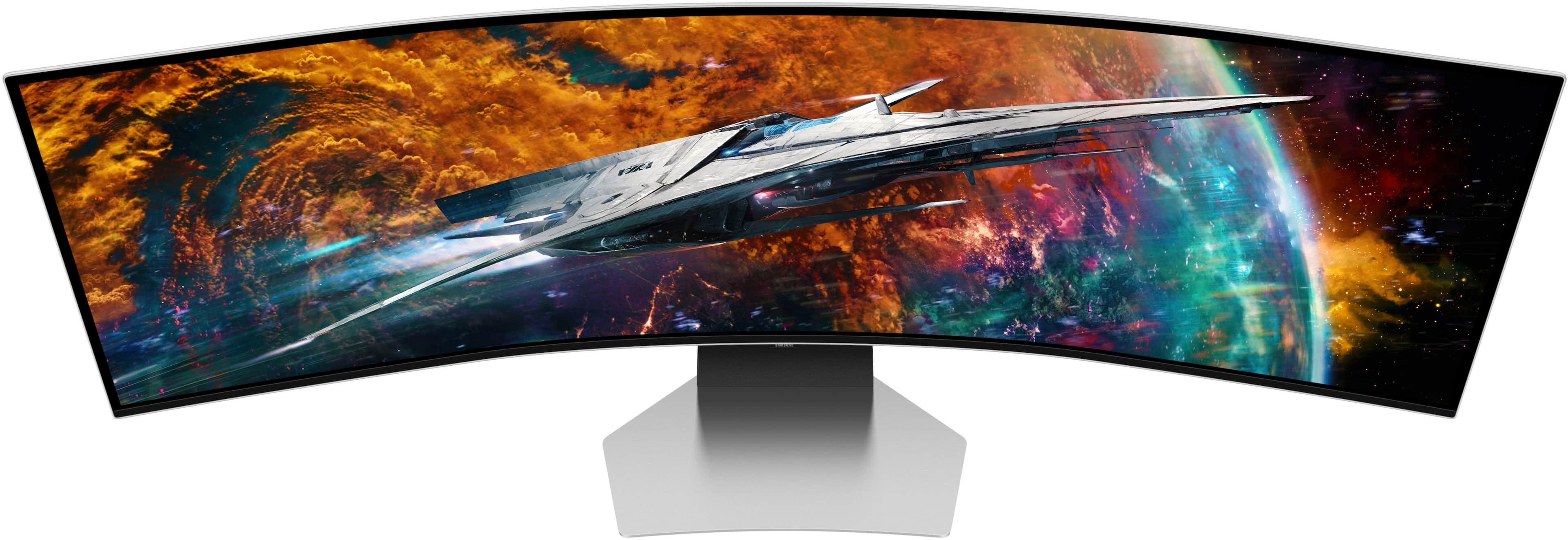
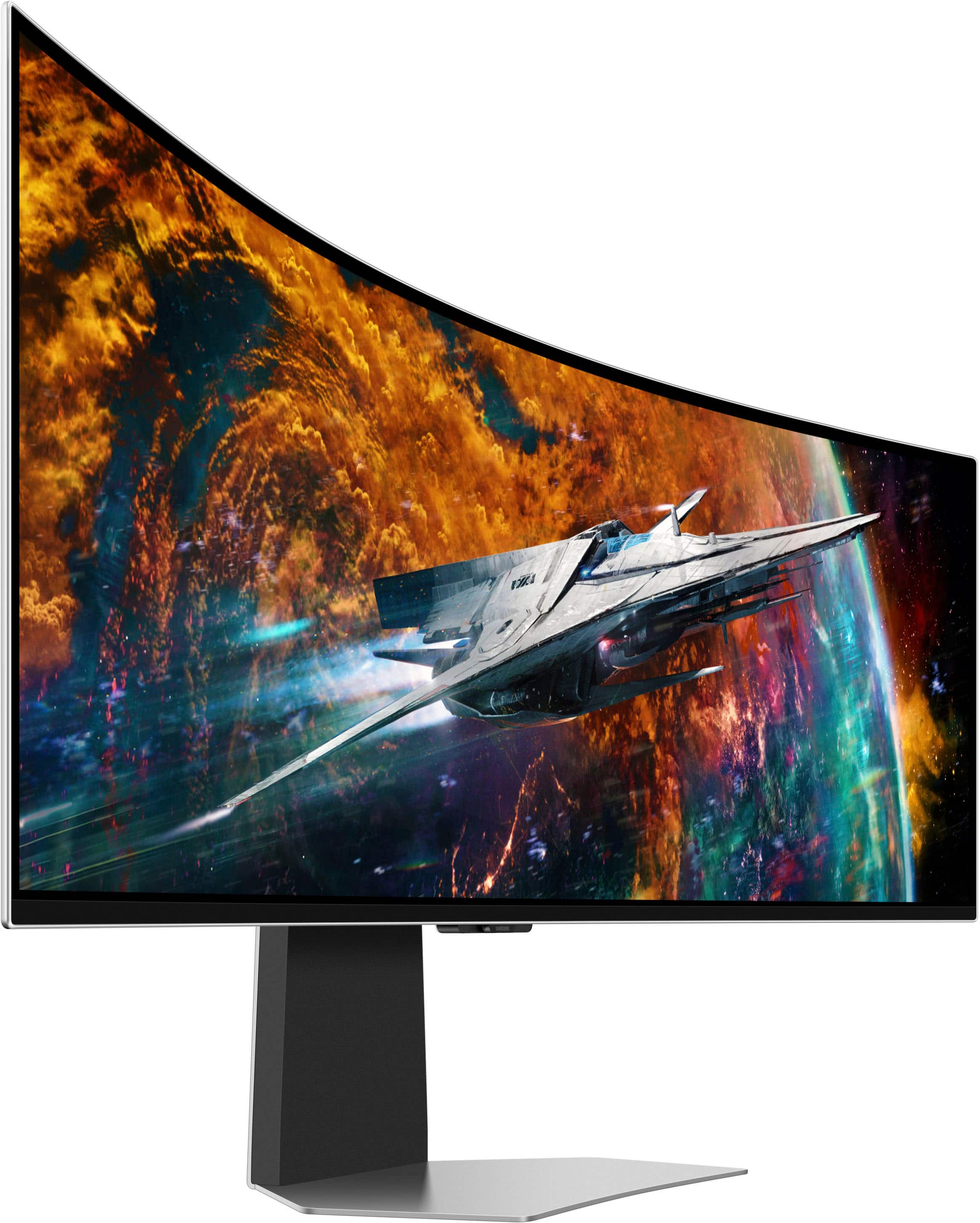

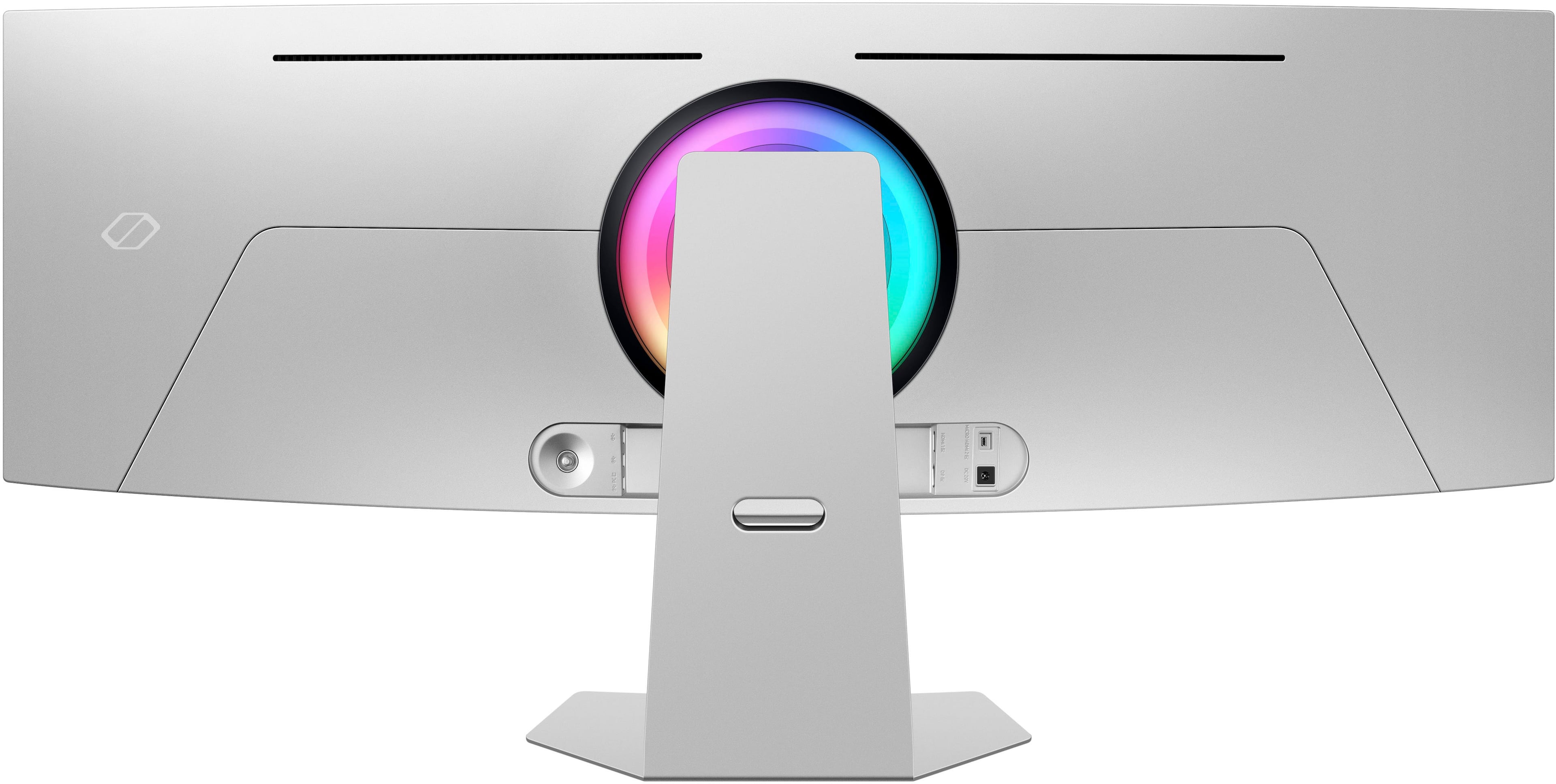
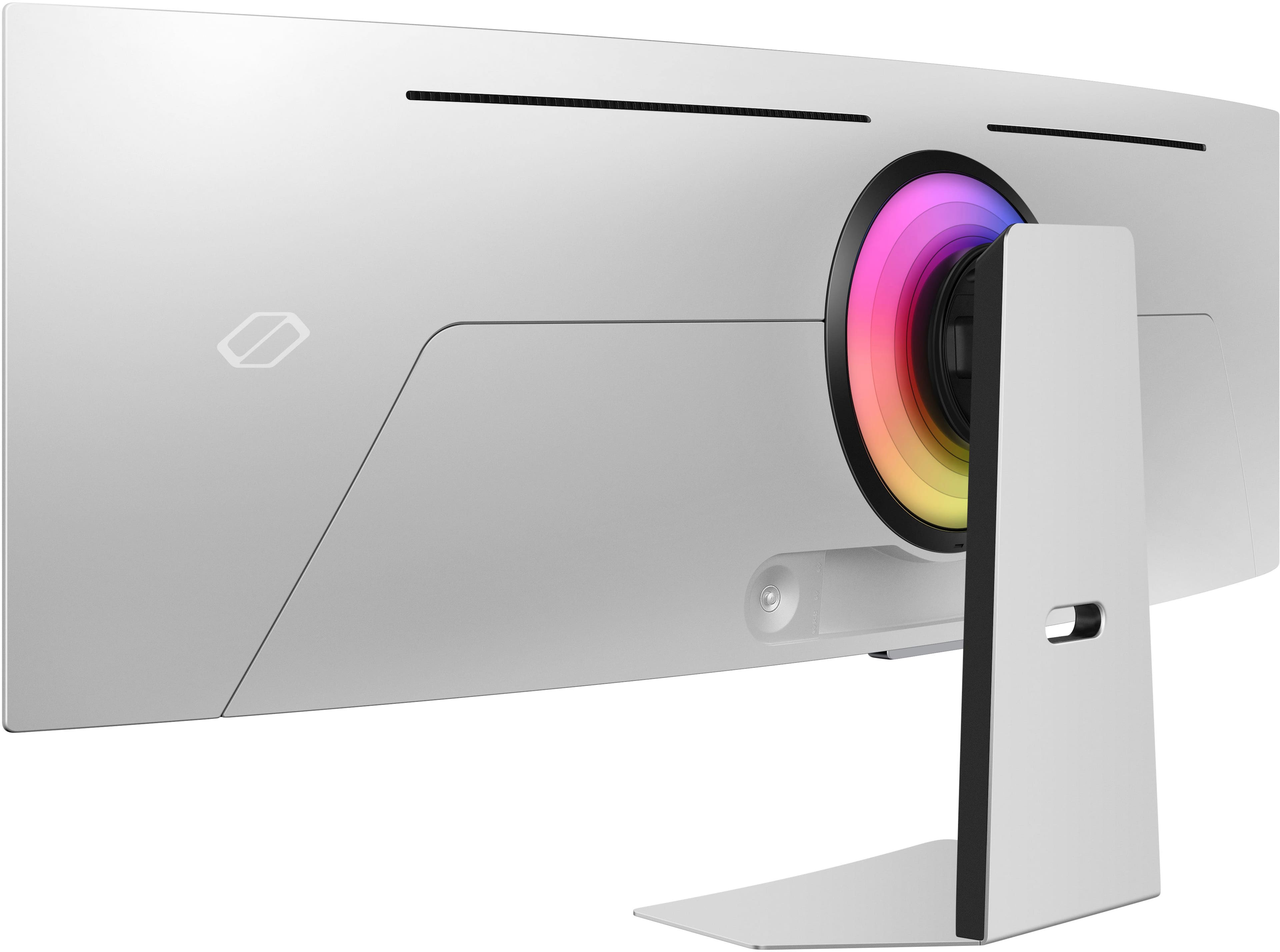
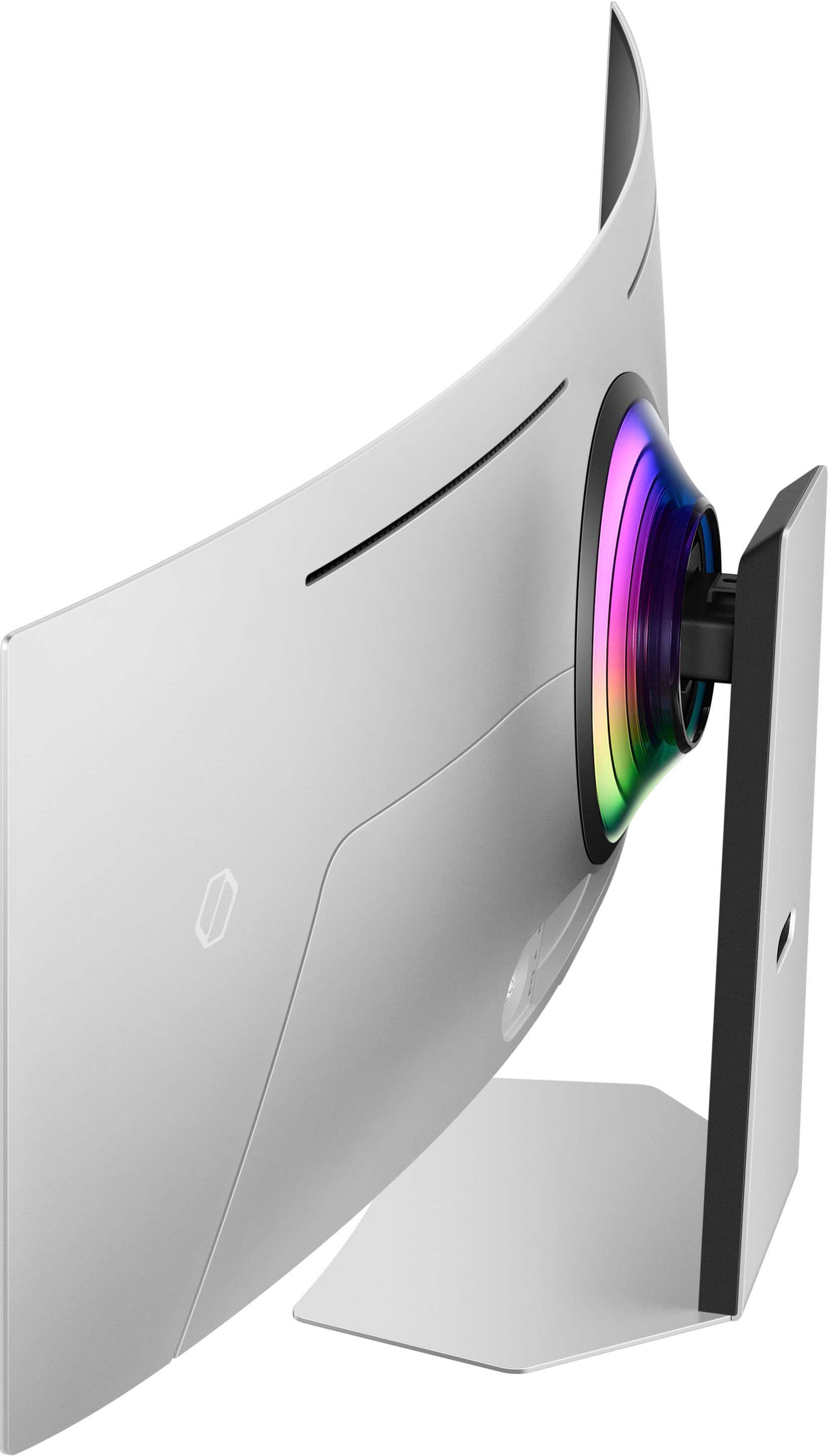
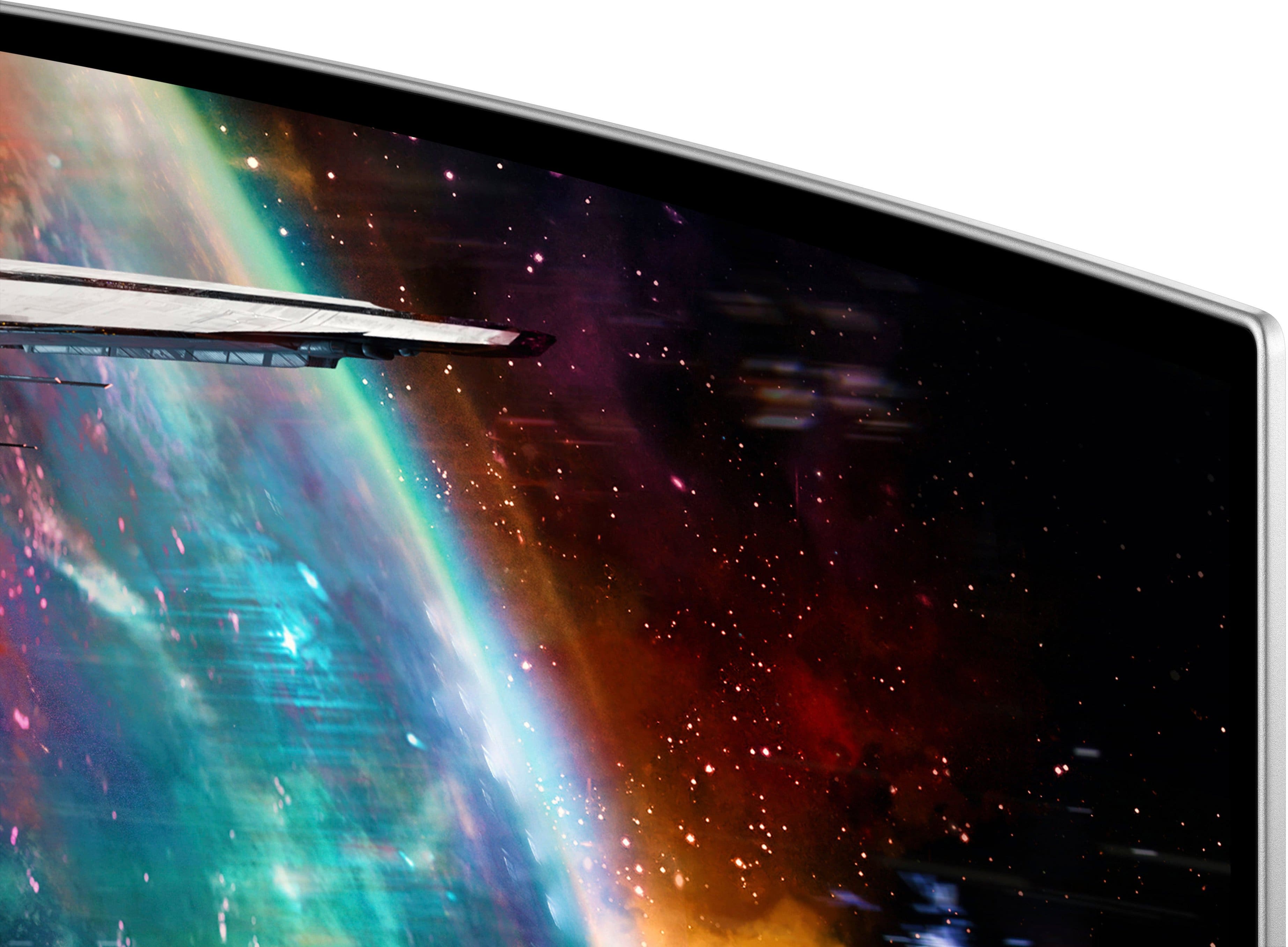

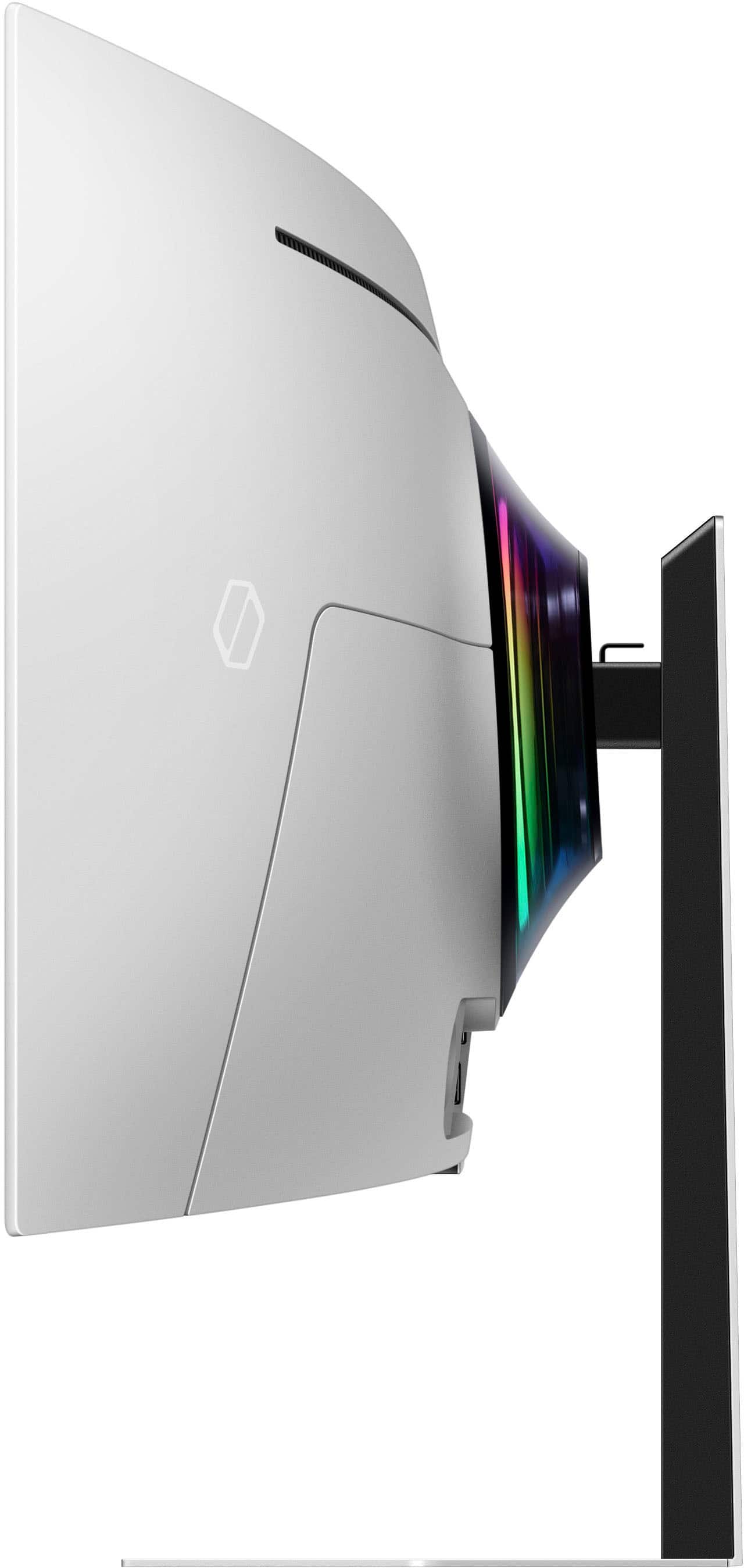
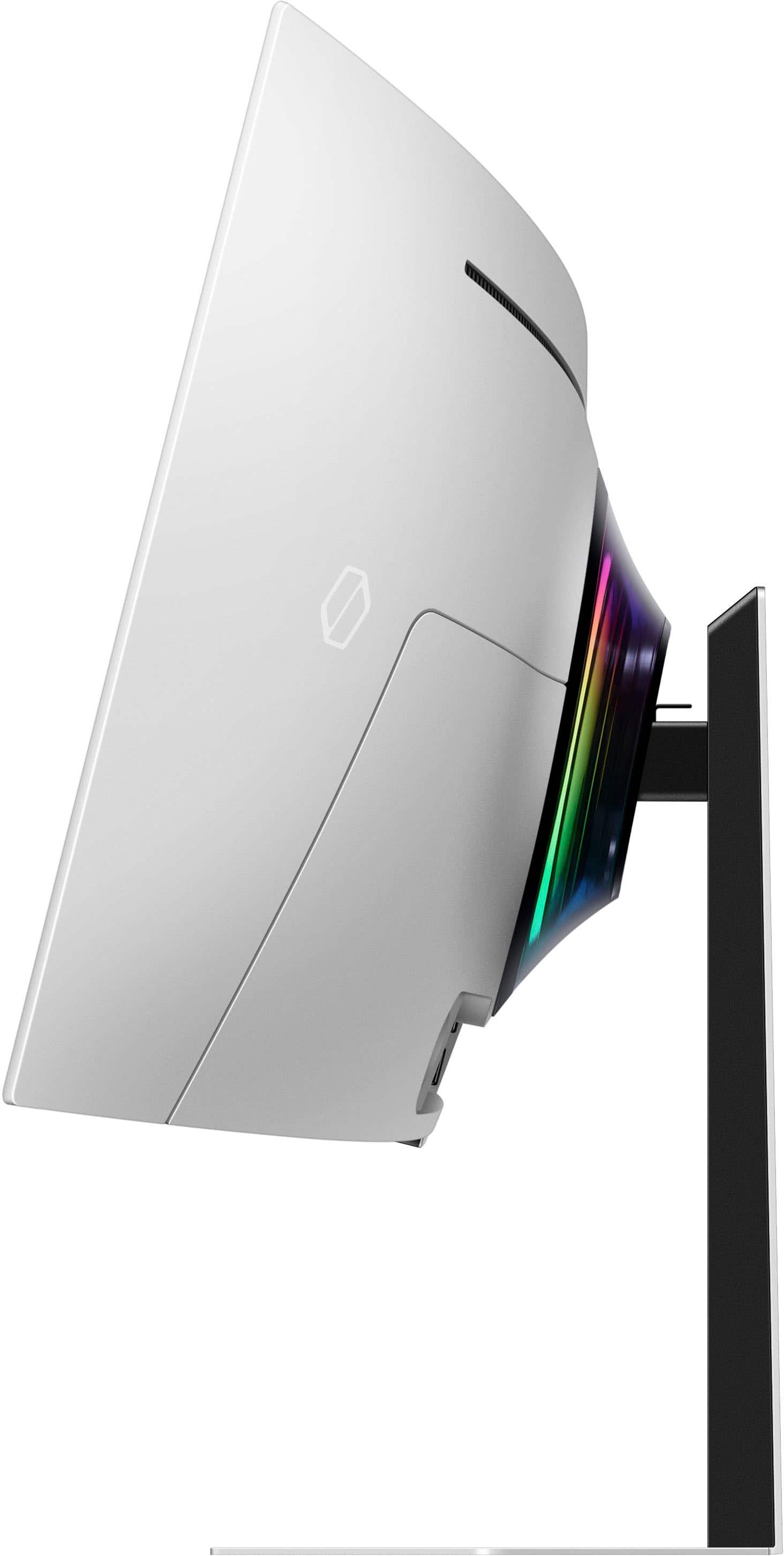

- Model:
- LS49CG954SNXZA
- SKU:
- 11359130
Rating by feature
- Display Quality
Rating 4.7 out of 5 stars
- Ease of Use
Rating 4.2 out of 5 stars
- Features
Rating 4.4 out of 5 stars
Best gaming monitor pick?
||Posted . Owned for 2 weeks when reviewed.This reviewer received promo considerations or sweepstakes entry for writing a review.Works great! I love the oled and it really brings out the colors in your games. Personally it’s honestly a little on the large side for competitive games other than racing and mobos, but it hasn’t done me wrong. I use a ryzen 7 7800x3d and a rx 7900xt and it’s a good set up. I would recommended for nvidia graphics however but either way its great
I would recommend this to a friendNICE
||Posted . Owned for 1 month when reviewed.This reviewer received promo considerations or sweepstakes entry for writing a review.This monitor is amazing.... once you get it set up correctly. It could use a bit more factory calibration but its easily achievable. Cant wait for a dual 4k 240hz OLED. This isnt far off though. I cant wait to finish my other build and push it to its limit. My biggest and only complaint is the lack of PNP. This was a HUGE missed opportunity. Being a smart monitor with decent sounding speakers (for a monitor) is what made up for lack if pnp. Sti) at the end of the day it has a geeat picture and has not ginen me any problems so far.
I would recommend this to a friendWorth it
||Posted . Owned for 3 weeks when reviewed.This reviewer received promo considerations or sweepstakes entry for writing a review.Using this 49" oled for my racing simulator. Has exceeded my expectations. I wish the menu system was better as it functions more like a tv than a hi end monitor but this thing is a beast. Perfect picture. Id run 3 of them if I had a video card that could do it. :)
I would recommend this to a friendOne of the best monitor to game with
||Posted . Owned for 3 weeks when reviewed.This reviewer received promo considerations or sweepstakes entry for writing a review.For a non 4K monitor it looks amazing. Sounds is ok. Could use more boom for sure. Loving my game times with this monitor. Great for all those open world games, Wukong, God of War, Ghost of Tsushima etc. you won’t regret playing games on this monitor. I’m running RX 6900 XT card at mostly Max settings just fine. No Ray tracing enabled. Annoying that some of the options are non accessible.
I would recommend this to a friendToo real!!!
||Posted . Owned for 2 months when reviewed.This reviewer received promo considerations or sweepstakes entry for writing a review.This Samsung G9 is an absolute beast! The 49-inch curved screen pulls you right into the action. Perfect for gaming and work. Simply out of this world!
I would recommend this to a friendAmazing staff
||Posted .This reviewer received promo considerations or sweepstakes entry for writing a review.Great amazing monitor and amazing staff i did unfortunately get a defective one and have too claim it but not their fault!!
I would recommend this to a friendM2 Max perspective
||Posted . Owned for 1 week when reviewed.This reviewer received promo considerations or sweepstakes entry for writing a review.M2 Max MBP works at full res - albeit limited to 120hz - when using DP input. Image quality is a bit overly saturated, very high in wow factor.
I would recommend this to a friendPerfect for sim setups. Works on some games.
||Posted . Owned for 1 month when reviewed.This reviewer received promo considerations or sweepstakes entry for writing a review.Probably the best OLED monitor for simulator games and the immersion with the color accurate display. Some games dont support ultrawide aspect raito 32:9 but when they do. The games feel awesome to play on.
I would recommend this to a friendTHIS MONITOR IS AWESOME!!
||Posted . Owned for 1 week when reviewed.This reviewer received promo considerations or sweepstakes entry for writing a review.This monitor is phenomenal. I was extremely hesitant to make this purchase since i had a 32” Oled monitor. This monitor exceeded my expectations. The glossy oled look gives the monitor a very expensive and sharp look and feel. The monitor also has incredible color, the new Call Of Duty looks amazing on it. 10/10 recommend.
I would recommend this to a friendIt was on sale!
||Posted . Owned for less than 1 week when reviewed.This reviewer received promo considerations or sweepstakes entry for writing a review.I’ve been using the monitor daily for about 5 days; it’s amazing! I am able to have three application windows open for work so it is a lot more efficient than my previous dual monitor setup. I also use it to play games on the Xbox app! Setup with my less than 6 month old gaming laptop was a little complicated - it wouldn’t recognize a connection. Ran some updates on the computer and it finally worked. My only concern with the monitor is the rear lighting: I turned off the monitor one night and saw a bright white flash of light - I believe it came from the rear led light. I had it set on aurora but when I turned on the monitor, the lights started to randomly flicker - after I power cycled the monitor, the light returned back to normal. I’m not sure what caused this to happen but everything seems to be working just fine, for now.
I would recommend this to a friendBrand response from Samsung
Posted .We are delighted to hear you've had an overall, positive experience with your OLED G9 Monitor.
Thank you for your feedback to help us improve our products and services. If there is anything we can do to assist you and improve your product experience, please don't hesitate to contact Samsung Customer Support via:
1-800-SAMSUNG, available 8AM - 12AM EST (Mon-Fri) / 9AM - 11PM EST (Sat-Sun).
Your thoughts and opinions are very important to Samsung.
Must Have if you want to Treat Yo Self
||Posted . Owned for 2 weeks when reviewed.This reviewer received promo considerations or sweepstakes entry for writing a review.Beautiful monitor. Very pricey but well worth it! Beautiful colors and it is capable of 4k at 60 hertz for console gaming (PS5) at 16:9 ratio. Great for pc gaming but make sure your PC can utilize it. Happy with my purchase. It is also mountable on the wall. It does have a glossy finish on the screen but it doesn’t distract while gaming with reflections. Smart TV feature is a plus to relax and watch streaming services.
I would recommend this to a friendBetter than three monitors
||Posted . Owned for 1 month when reviewed.This reviewer received promo considerations or sweepstakes entry for writing a review.Great immersive picture the built-in software is a little slow to use but overall very happy with the purchase.
I would recommend this to a friendSamsung is tops!!!!
||Posted . Owned for 5 months when reviewed.This reviewer received promo considerations or sweepstakes entry for writing a review.Best Screen ever!! The picture, sound, interface make this the best monitor for me hands down. I paired it with 2 Samsung smaller monitors and it’s amazing. This is my main game play screen.
I would recommend this to a friendGood monitor
||Posted .This reviewer received promo considerations or sweepstakes entry for writing a review.Good monitor, no complaints. Clear, works well and feels good to use.
I would recommend this to a friendNot Reliable or Stable
||Posted . Owned for 2 weeks when reviewed.This reviewer received promo considerations or sweepstakes entry for writing a review.This monitor is unfortunately not what I expected in a Samsung product. While it does have impressive build quality and a beautiful picture, that’s where the positives end. Because it is a smart display, Samsung placed their TV OS on it and even threw in a remote (which you are required to use). Out of box, it requires a Samsung account and an internet connection for setup. If you don’t have that, you can’t use the monitor. Once setup , you find out that certain features also require a Samsung account and internet connection to be enabled. If you don’t have that, your monitor won’t function fully. If you care to use PIP or PBP, it doesn’t exist. It has been replaced with multiview, which is similar but badly buggy and unreliable. At random, the display will turn bright green, distort, reboot, freeze, or simply refuse to work. And the only way to get it to behave again is to power cycle it by disconnecting and reconnecting the power cable (the power button doesn’t actually turn it off). While they did include cables, it didn’t come with an HDMI cable……. Why? Also, you can’t buy any HDMI cable. Only a high grade 1.2 cable will do, otherwise random distortion will occur (and sometimes certain settings make it worse). And while I could go on and on about all the various issues, such as the monitor forgetting settings, resetting settings, and changing settings to prove how much smarter it was than me, I will let the negatives rest. In absolute honesty, this is a gorgeous display when it works……. “when it works”. But if your looking for a reliable, stable display, look elsewhere.
No, I would not recommend this to a friendBrand response from Samsung
Posted .Thank you for your review. Samsung is committed to providing the best possible product experience, quality, and value. Samsung greatly values our customers’ feedback and we utilize your concerns and opinions in our relentless efforts towards delivering world-class products. We are very sorry to hear this product didn't meet your expectations and hope to have you back as a customer again. If there is anything we can do to assist you and improve your product experience, please don't hesitate to contact Samsung Customer Support via: 1-800-SAMSUNG, available 8AM - 12AM EST (Mon-Fri) / 9AM - 11PM EST (Sat-Sun)
Amazing productivity, soon a pc gaming monitor.
||Posted . Owned for 1 week when reviewed.This reviewer received promo considerations or sweepstakes entry for writing a review.A great productivity monitor and definitely not a console or media monitor. I have used this monitor more for productivity. For years i have been looking for a dual monitor setup that does not have a gap, you can do this with monitor as it can slpit into two inputs. I am looking foward to use the 32:9 format, not achievable with consoles, with a gaming pc. In the picture you can see the input from a PS5 can only do 27 inch 16:9 format
I would recommend this to a friendWorks great. Smart TV features a nice addition.
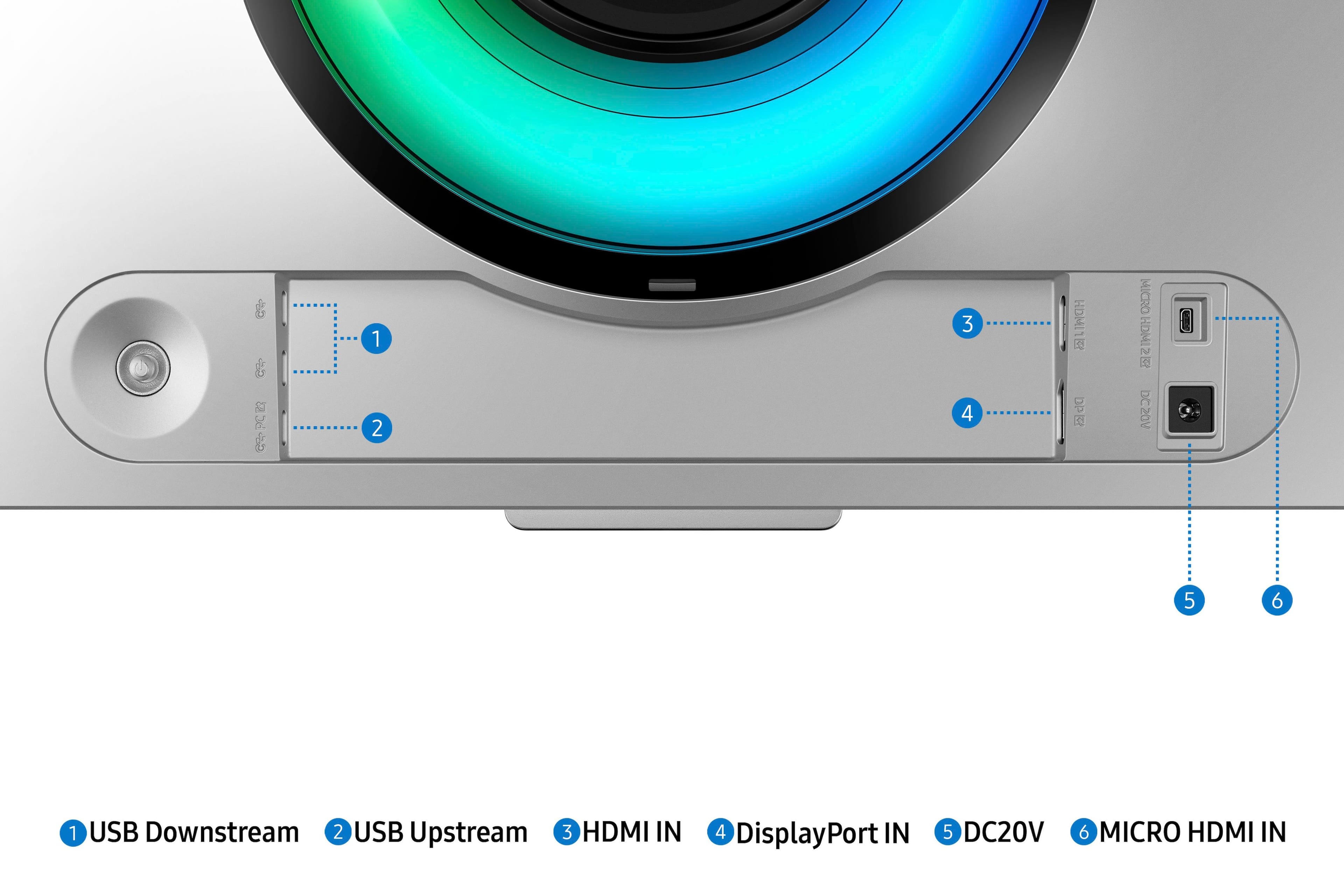
||Posted . Owned for 4 months when reviewed.This reviewer received promo considerations or sweepstakes entry for writing a review.Great display, only the supplied DP cable is working properly and its a bit short, so i need to purchase an upgraded cable. It looked washed out with my older cables. I also would like to try a high end HDMI cable. Currently connected to an EVGA FTW3 3090 NVIDIA GPU. This is my 3rd and best looking 49". Brightness is pretty decent, being a QD Oled. Got the 49" for a decent deal through BB. Thanks
I would recommend this to a friendTerrible Monitor experience. Gorgeous display tho
||Posted .This reviewer received promo considerations or sweepstakes entry for writing a review.Reviewing this at just under (1) year of owning it. This monitor is gorgeous, and that’s about all it has going for it. I’ve had countless problems with this monitor from day 1, like screen flickering & random color distortion. Not to mention all of the absolutely useless ‘smart’ features that the monitor includes that only serve to gum up the UI and slow down any user navigation. Switching inputs is an actual joke as you have to go to the main menu of monitor and then navigate to inputs and the UI is just slow and choppy at times. And now, at just less than a year of owning the product, the panel glows bright white when turned on, flickers a few times on/off then goes black indefinitely. I’ve seen this issue online for several others after their warranty went out. Thankfully I’m still within the year with the manufacturer, but even then I’ve had such a poor experience with this monitor I just want my money back for something else. I paid $1100 for it on sale and it’s crazy to me how many useless “features” are packed into this monitor just for the baseline experience of how you’d expect a monitor to function, to absolutely suck. I’ve had other Samsung monitors in the past that work just fine because they’re just that. A monitor. Nothing with all of these gimmicks. Again besides being a gorgeous display when it does work, I could not ever recommend this monitor to anyone given my experience and seeing so many others share the same struggles online.
No, I would not recommend this to a friendBrand response from Samsung
Posted .Please know you are leaving a review for the Samsung OLED G9 monitor, not the service provided by a third party seller. Please follow up directly with the seller for further assistance. We hope your issue is resolved in a timely manner. Should you have questions regarding Samsung monitors, please contact Samsung Support at 1-800-SAMSUNG, 8AM - 12AM EST, 7 days a week. Our LiveChat agents are also available by clicking on the ‘Support’ link on our website
Only a few days in
||Posted . Owned for less than 1 week when reviewed.This reviewer received promo considerations or sweepstakes entry for writing a review.Bought it for $1100 on sale - immediately feels like a major steal because of how beautiful of a screen it is. Tested it out for productivity gaming & television, all look amazing. The size in person is truly stunning. Would not advise for competitive gaming bc screen is too wide to see everything but it looks awesome for casual gaming, viewing content, or productivity.
I would recommend this to a friendgreat but one problem
||Posted . Owned for 8 months when reviewed.This reviewer received promo considerations or sweepstakes entry for writing a review.I love the monitor but when my connected HP laptop wakes from sleep mode sometimes the view is distorted. The screen is shrunk horizontally and unreadable. This never happens when I am connected to my desktop PC
I would recommend this to a friendBrand response from Samsung
Posted .We are delighted to hear you've had an overall, positive experience with your Odyssey OLED G9 Monitor.
Thank you for your feedback to help us improve our products and services. If there is anything we can do to assist you and improve your product experience, please don't hesitate to contact Samsung Customer Support via:
1-800-SAMSUNG, available 8AM - 12AM EST (Mon-Fri) / 9AM - 11PM EST (Sat-Sun).
Your thoughts and opinions are very important to Samsung. We are delighted to hear you've had an overall, positive experience with your [Name/Model] Monitor.
Thank you for your feedback to help us improve our products and services. If there is anything we can do to assist you and improve your product experience, please don't hesitate to contact Samsung Customer Support via:
1-800-SAMSUNG, available 8AM - 12AM EST (Mon-Fri) / 9AM - 11PM EST (Sat-Sun).
Your thoughts and opinions are very important to Samsung.