Customer Ratings & Reviews
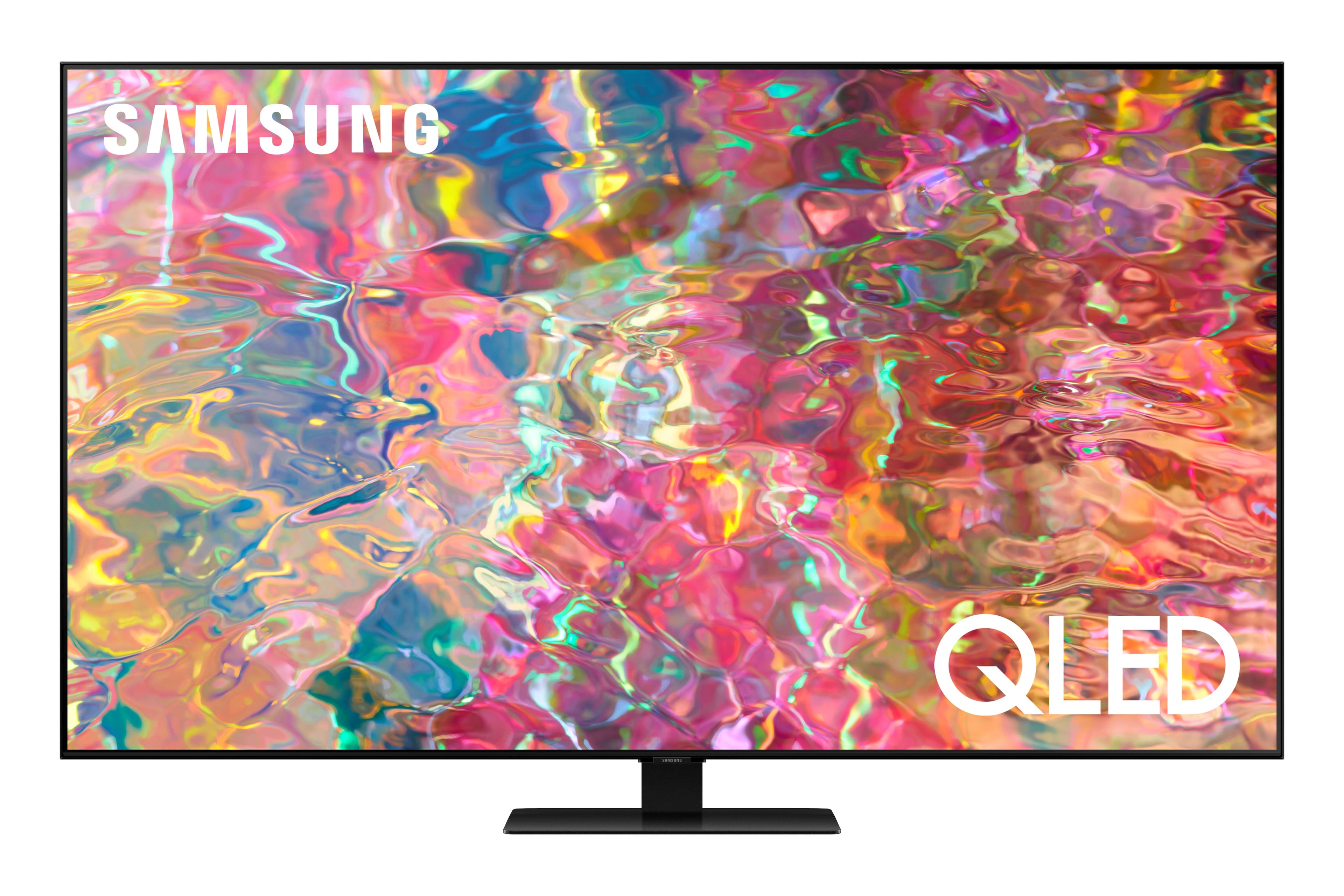
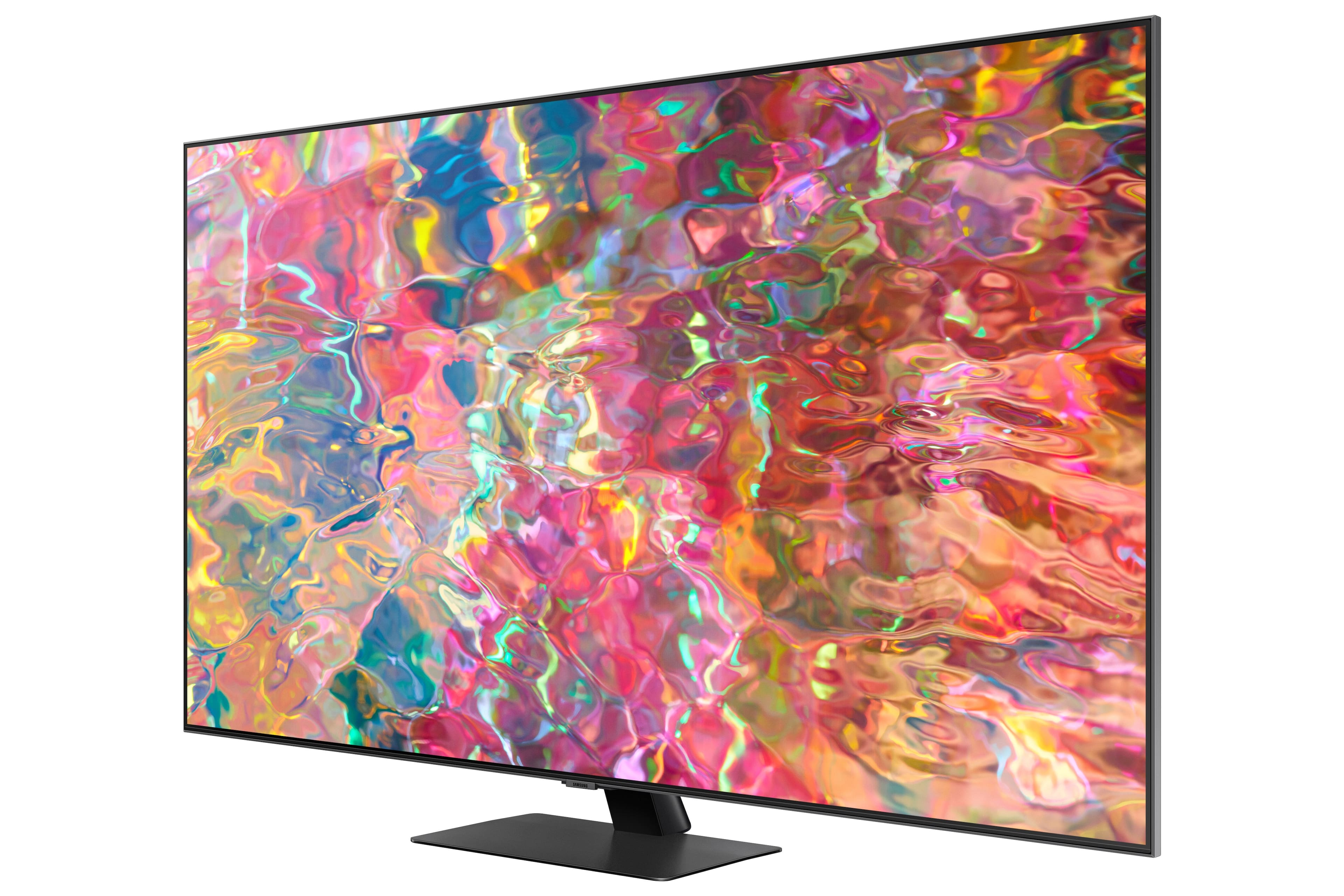
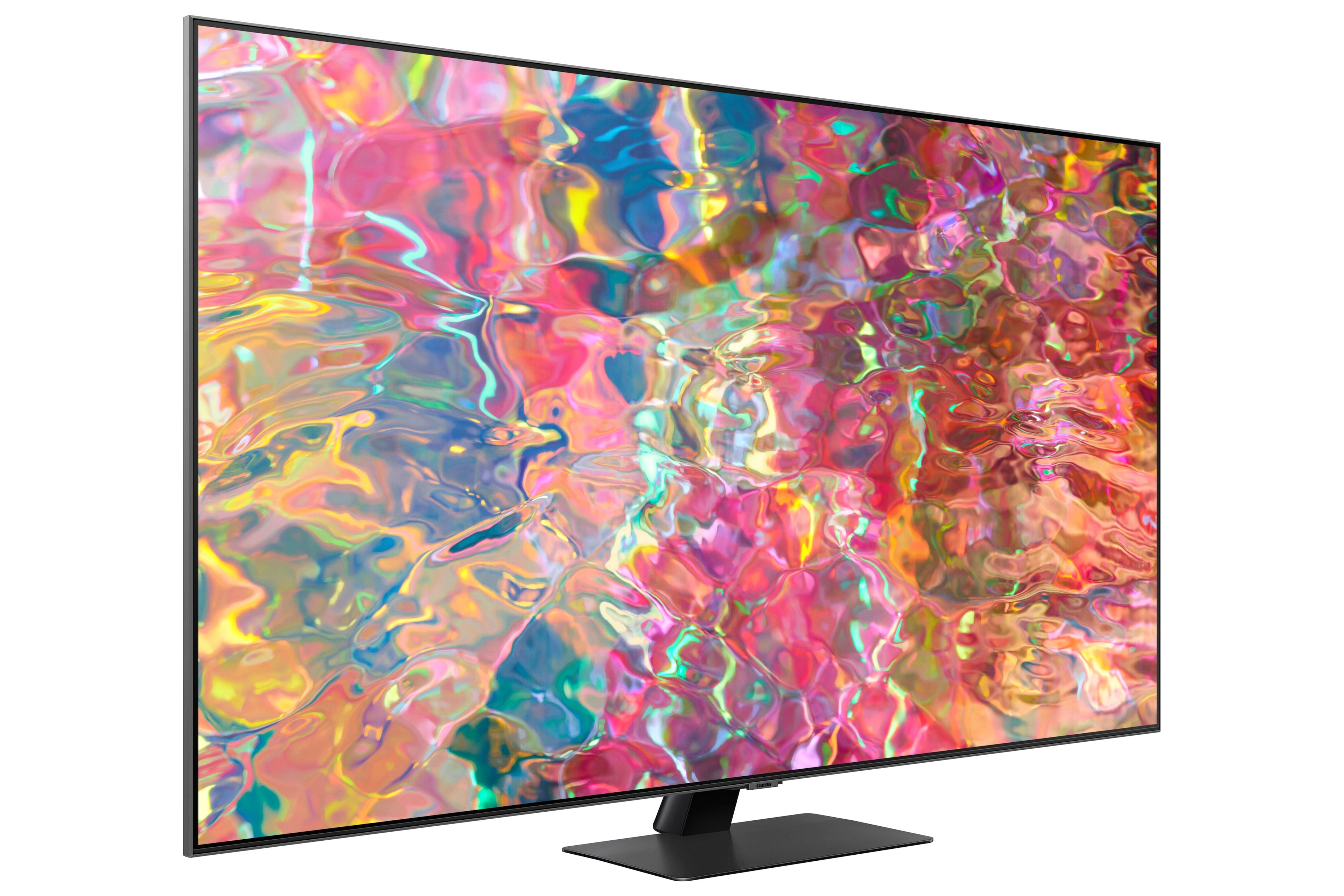
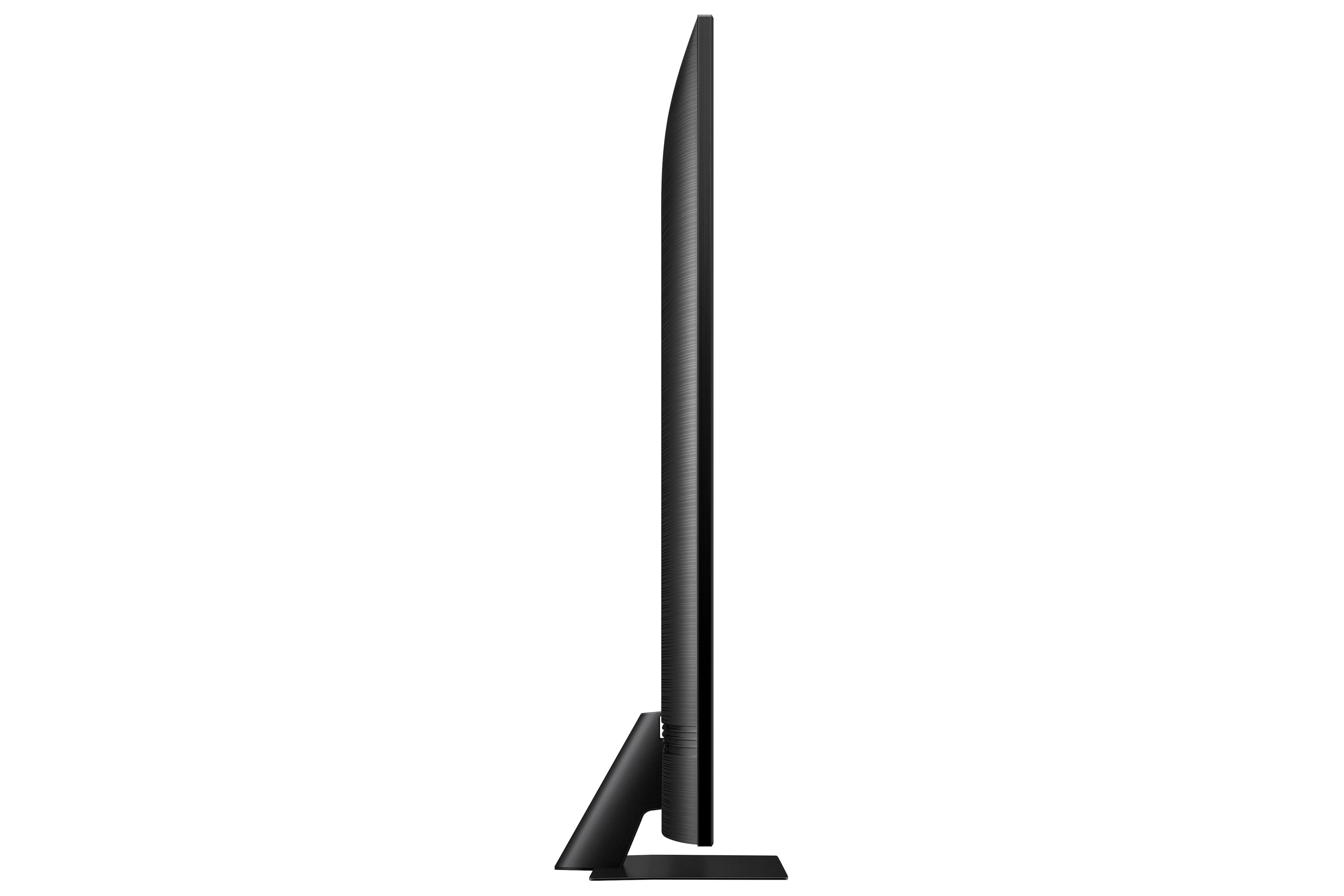

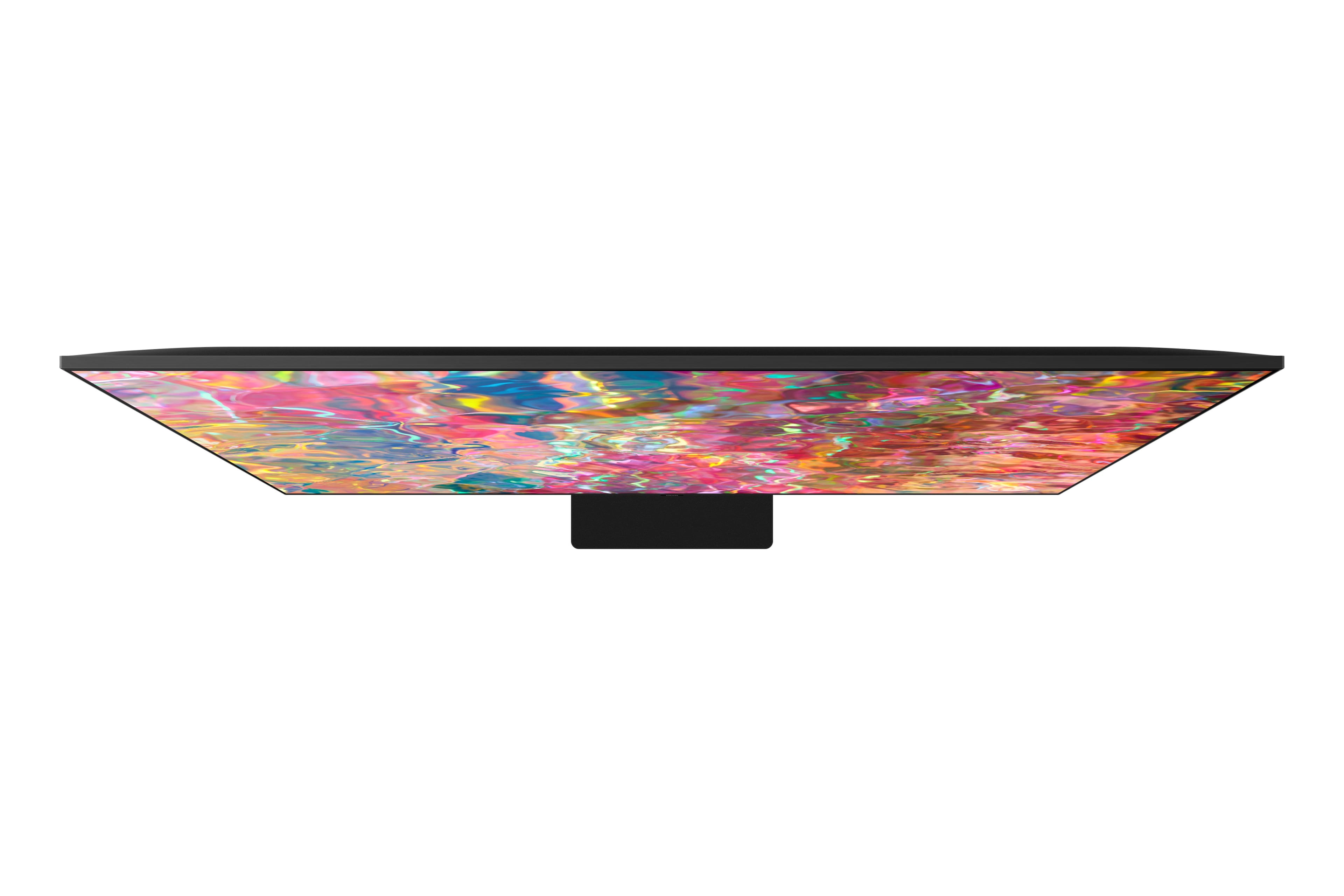
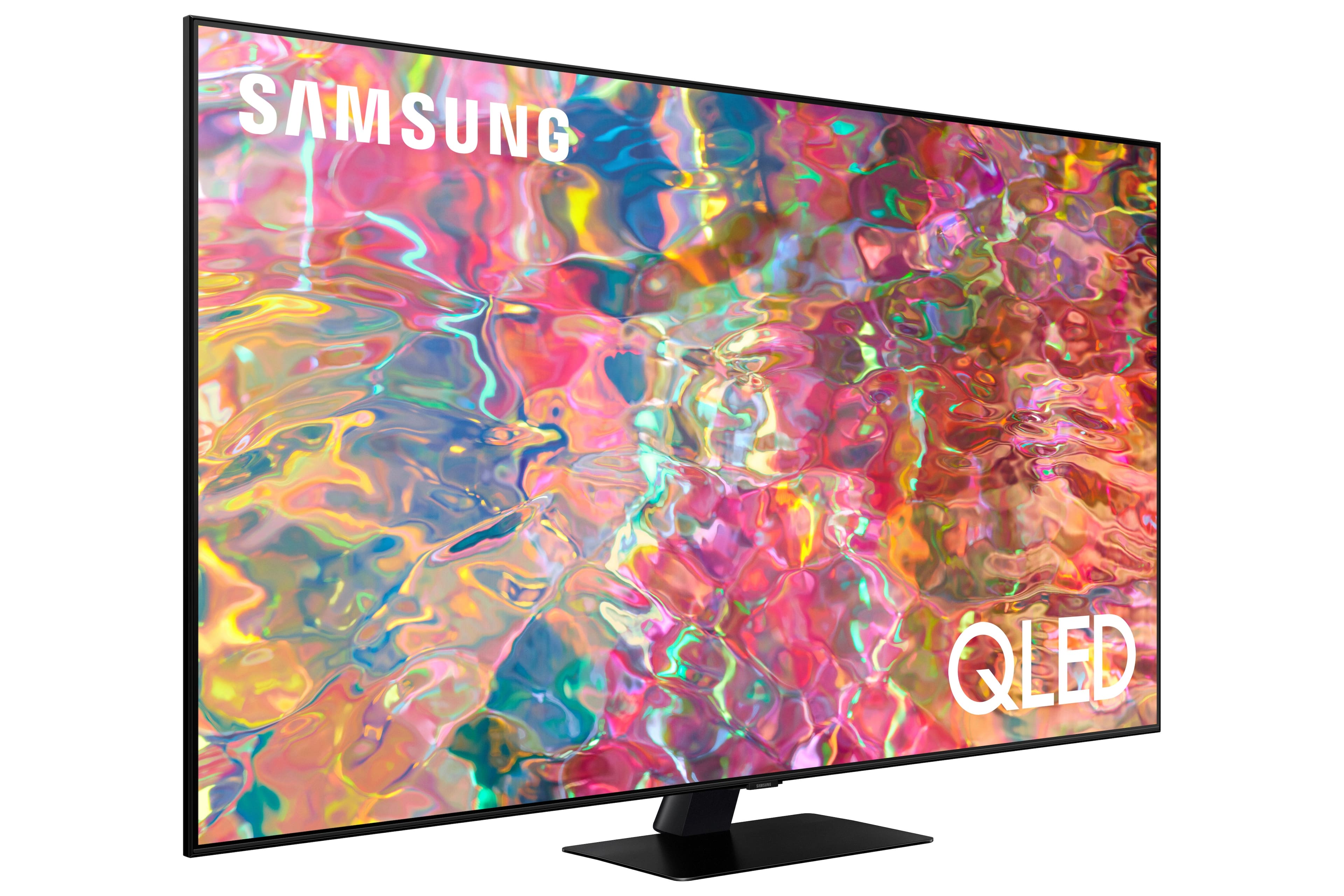
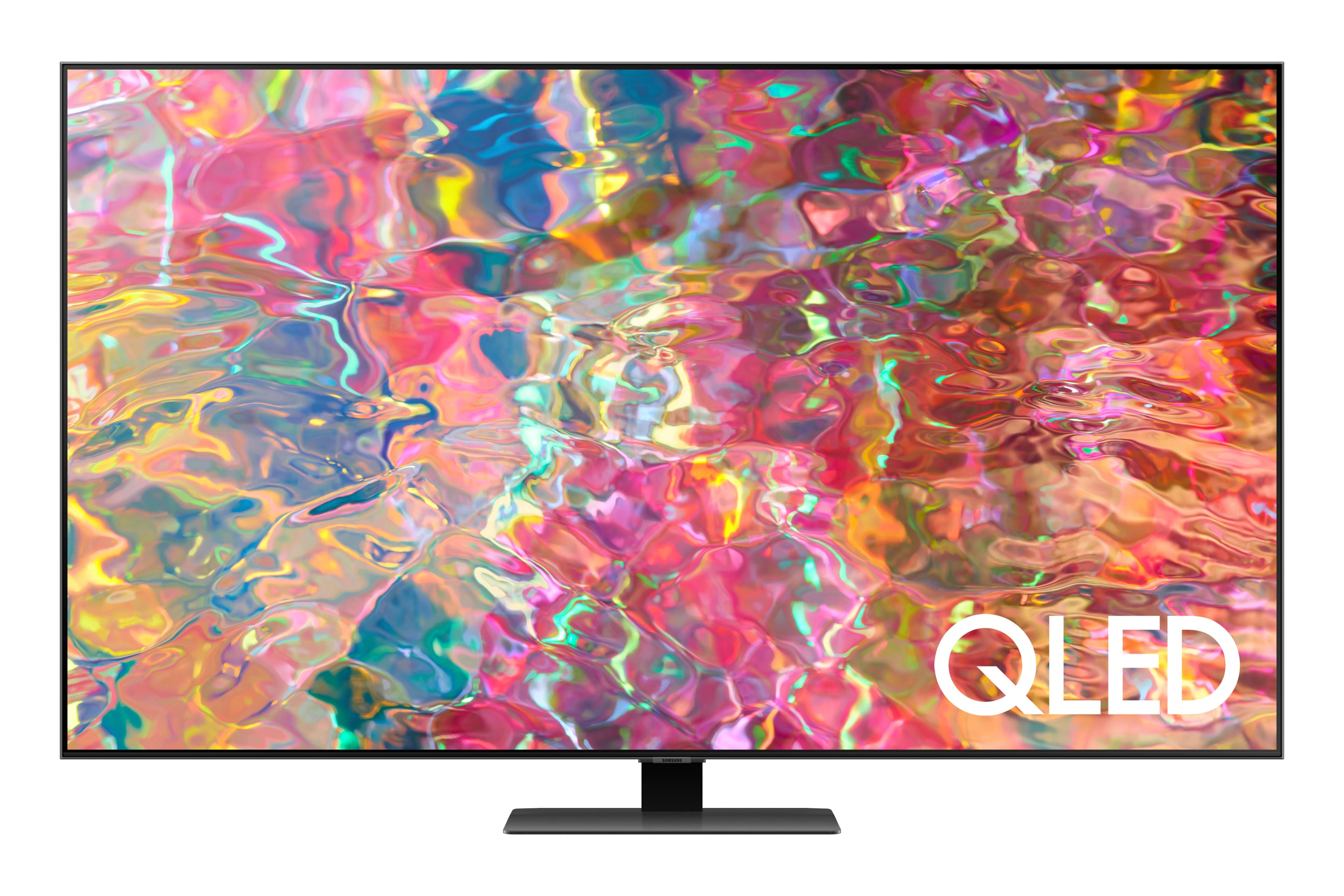
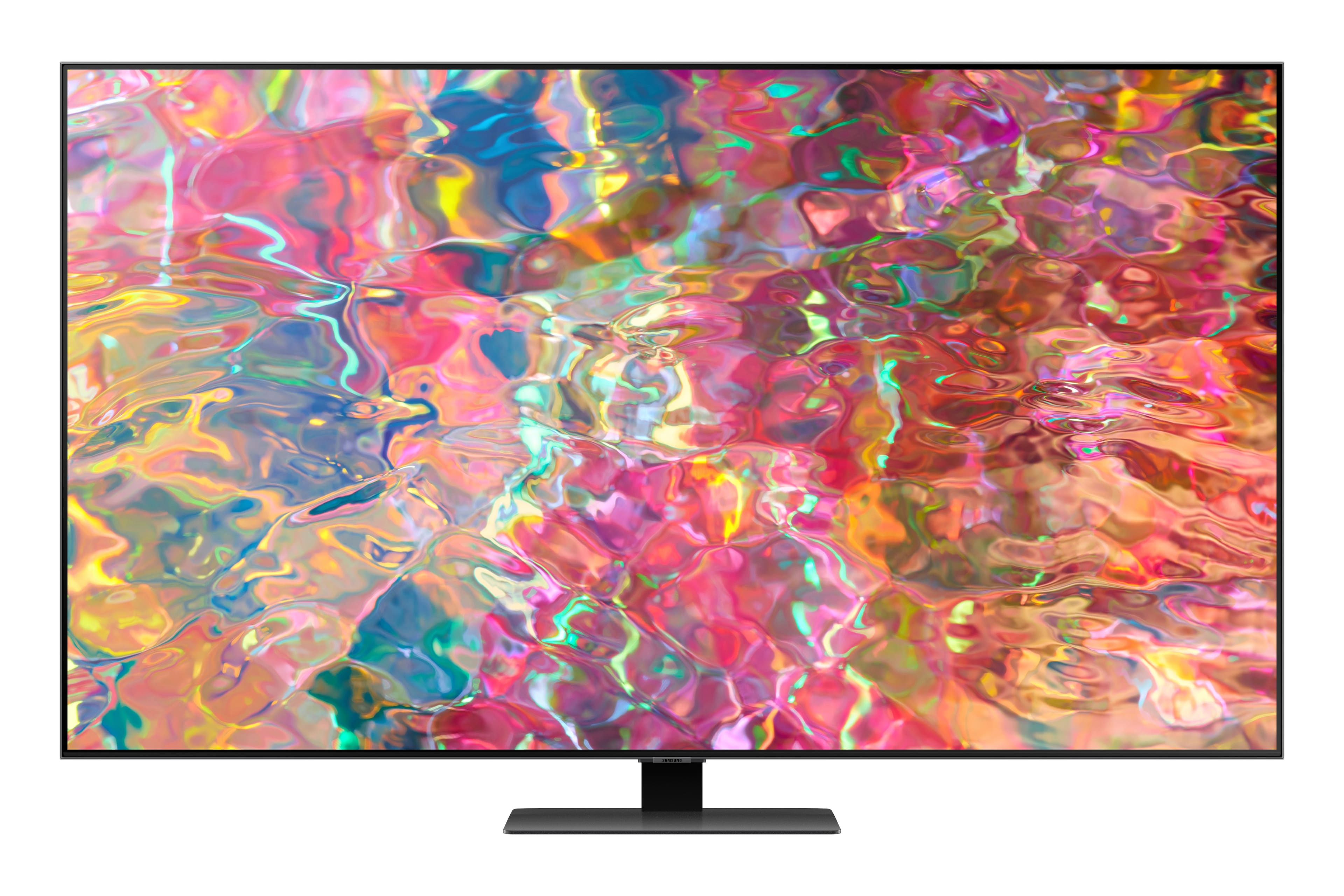
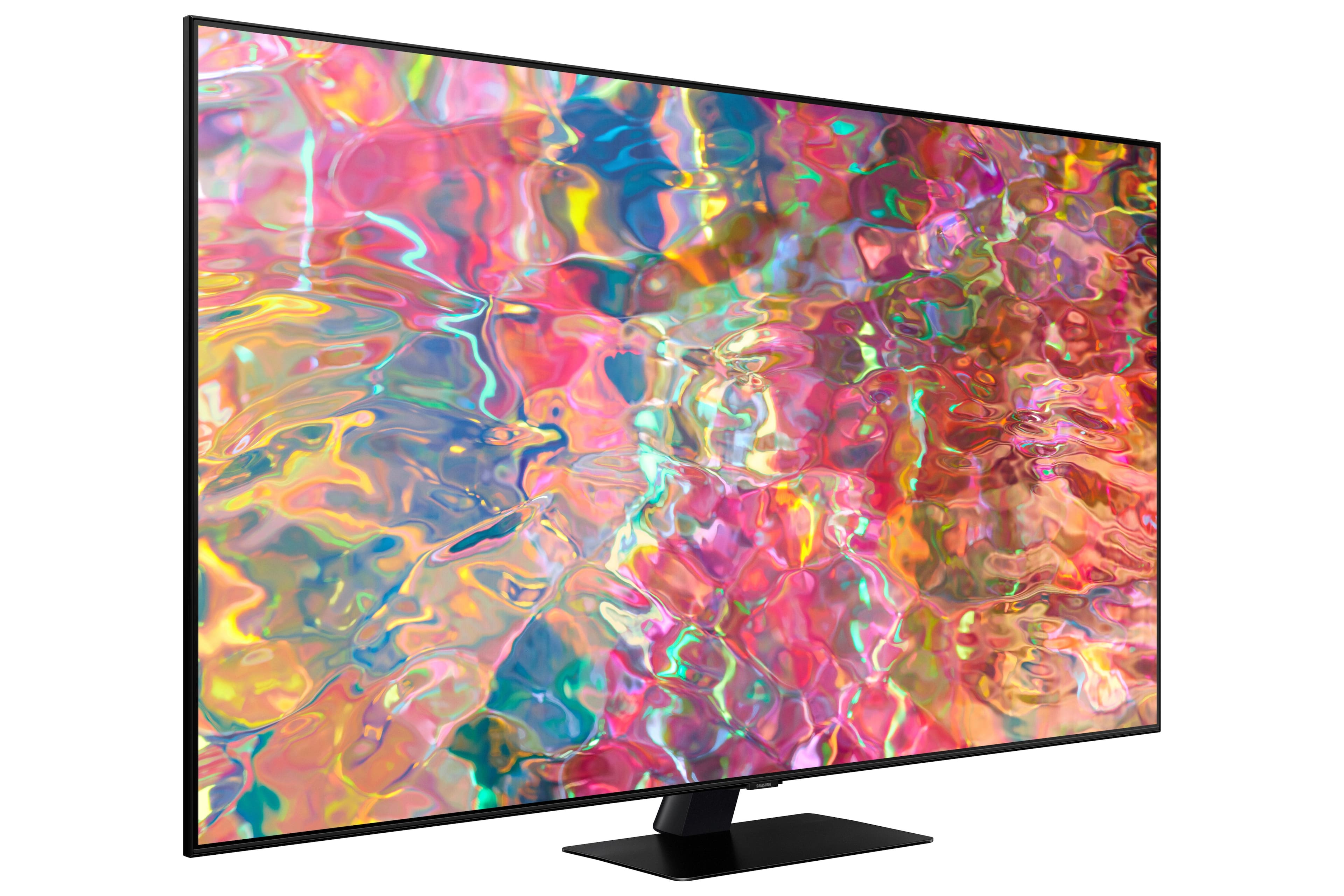
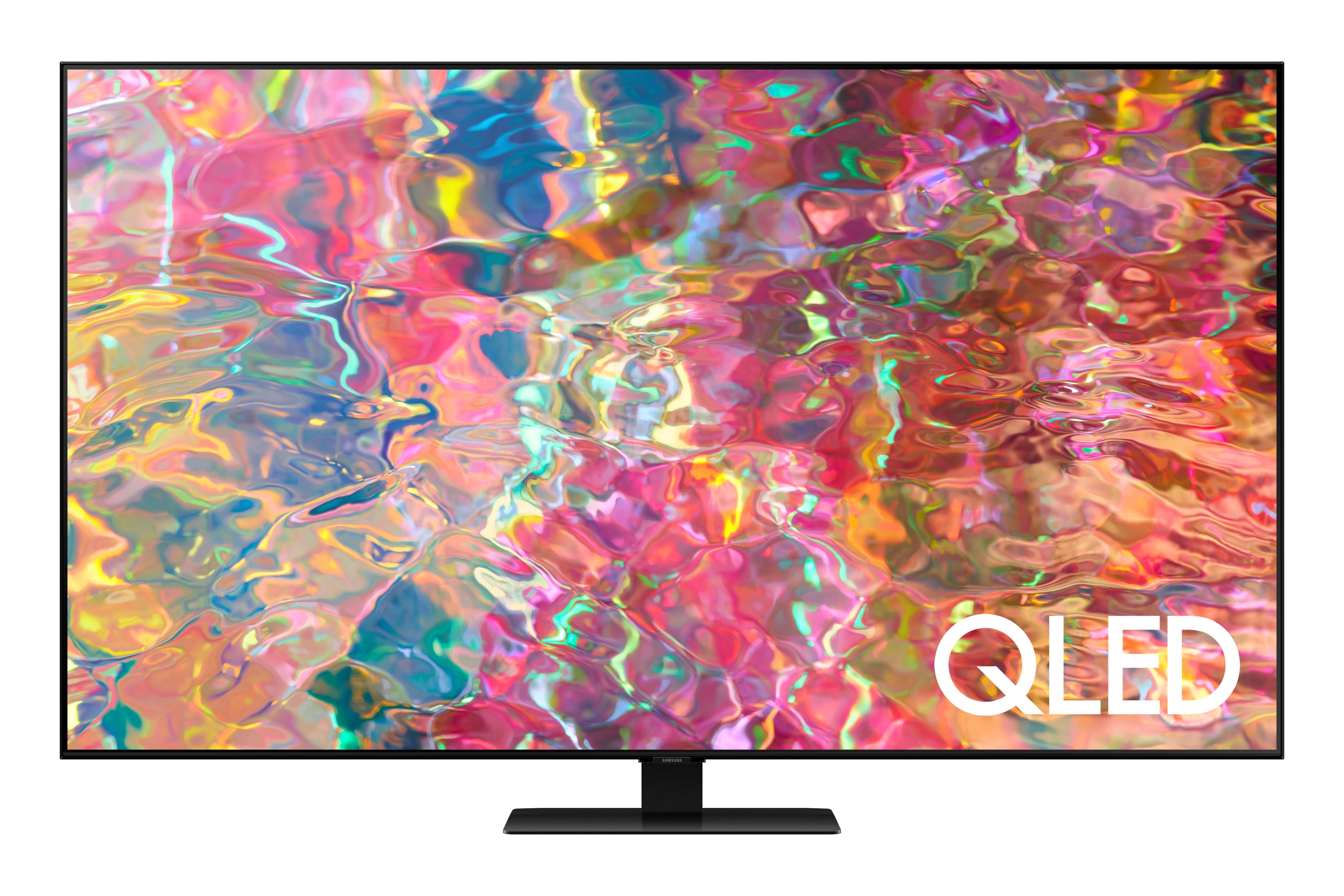
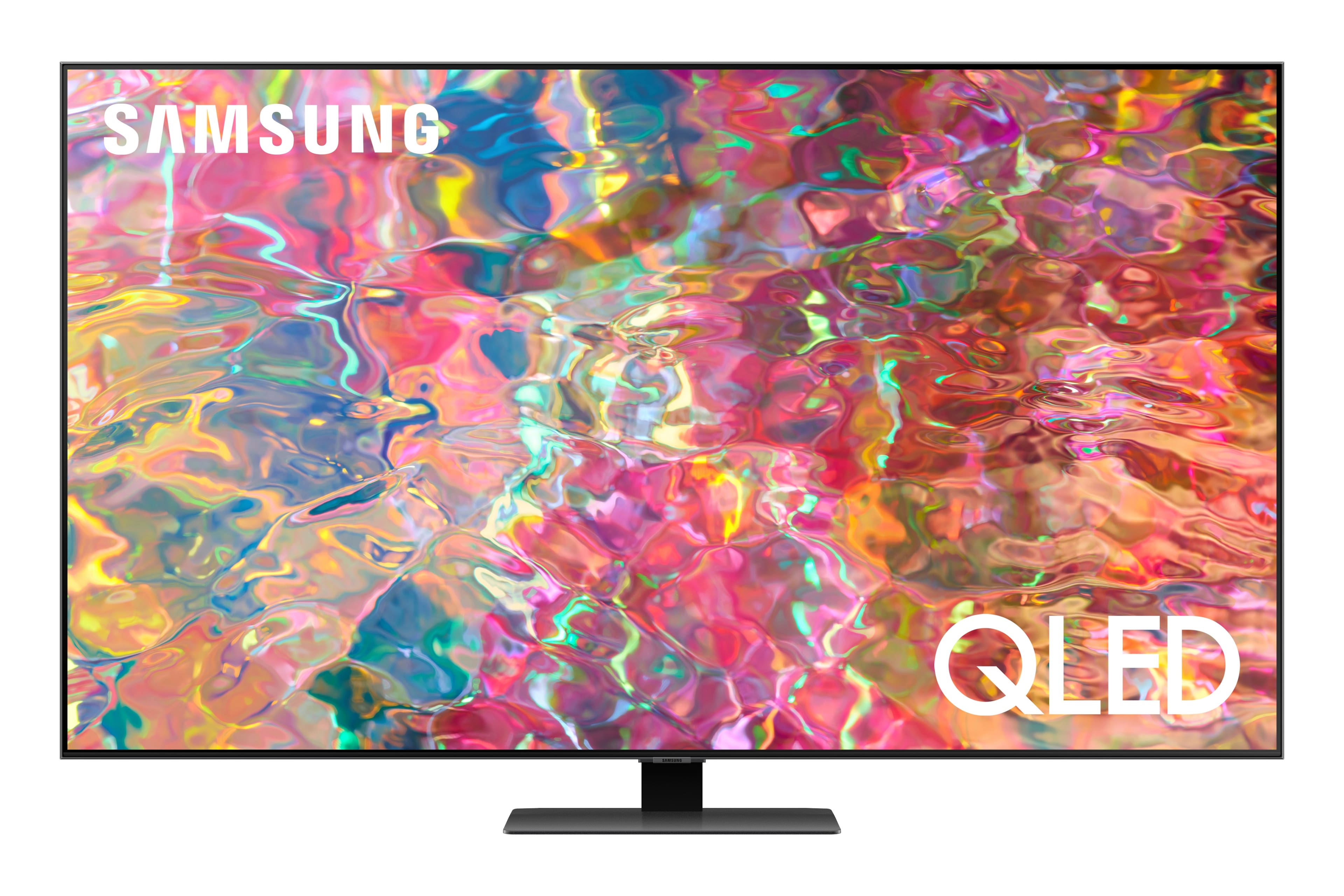
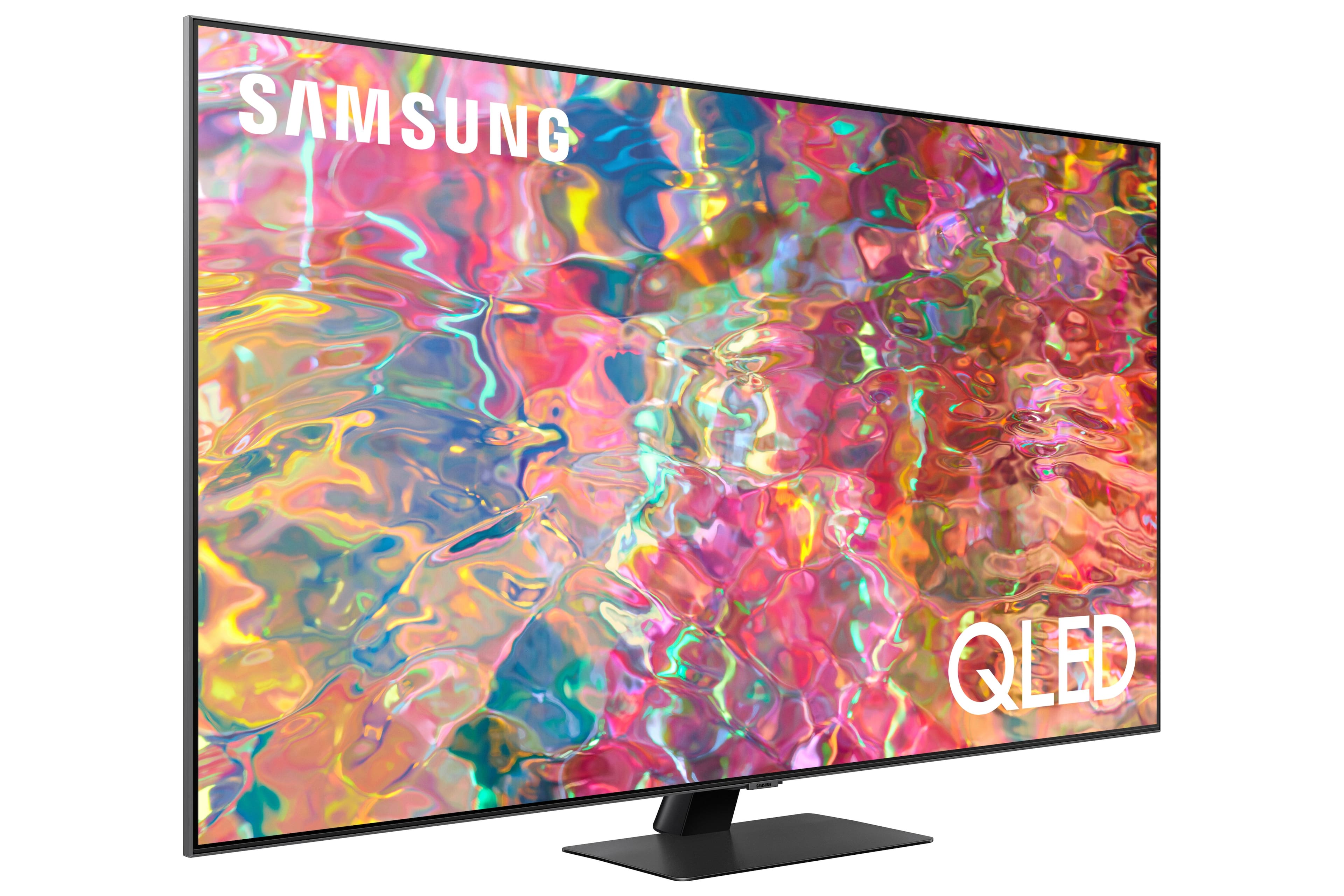

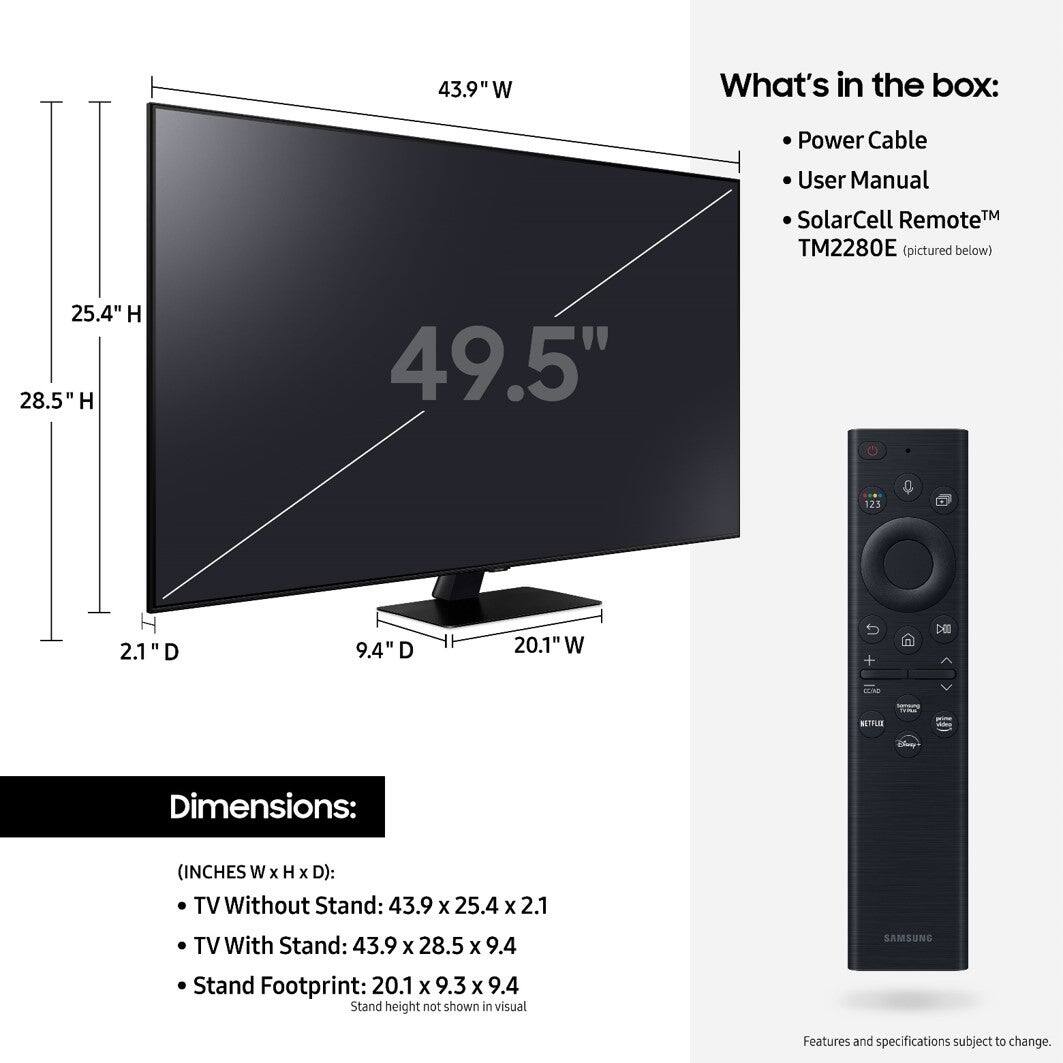










- Model:
- QN50Q80BAFXZA
- SKU:
- 6503084
Rating by feature
- Picture Quality
Rating 4.8 out of 5 stars
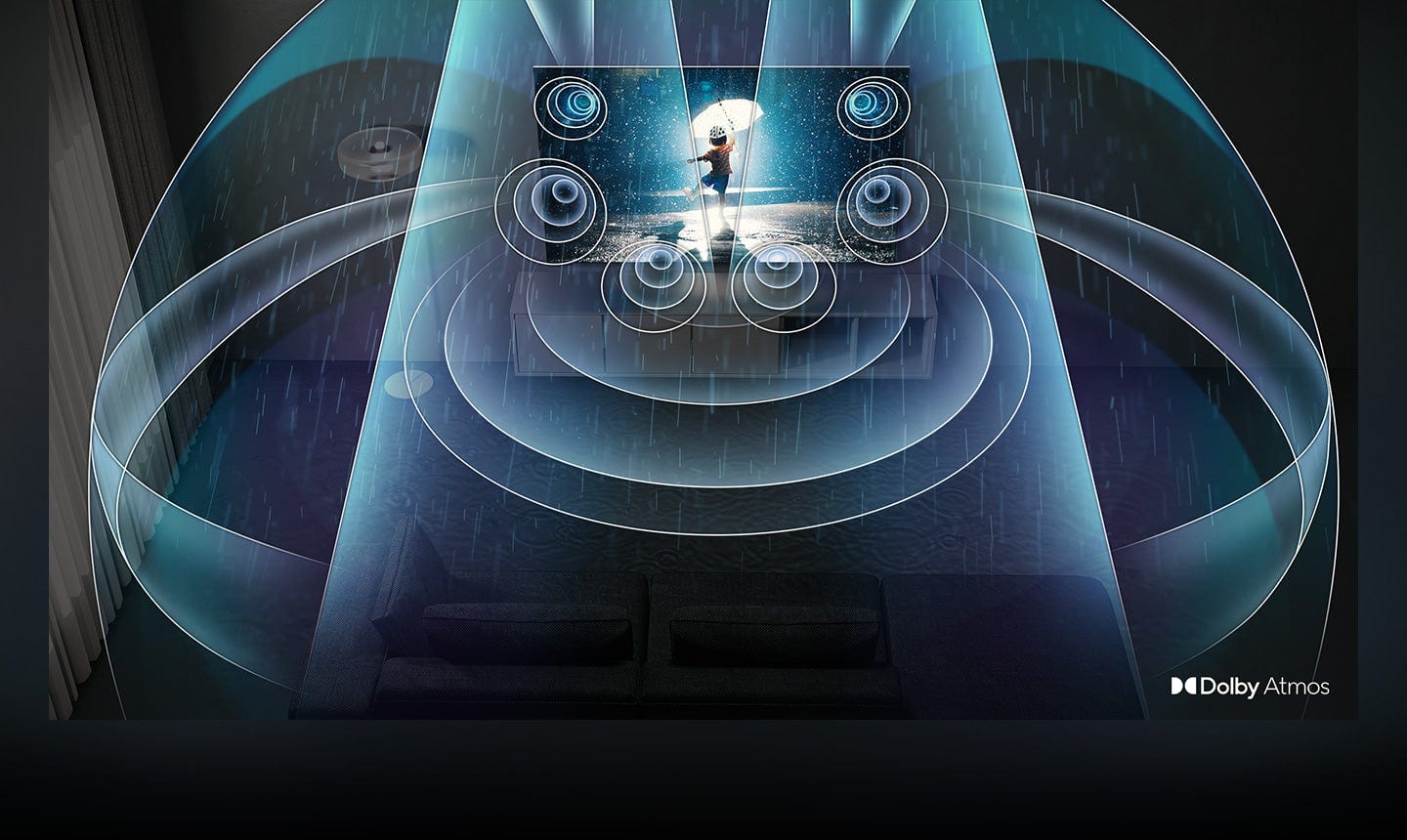
- Sound Quality
Rating 4.7 out of 5 stars
- Brightness
Rating 4.8 out of 5 stars
Customers are saying
Customers commend the 50” Class Q80B QLED 4K Smart Tizen TV's picture quality, color accuracy, and ease of use. Many also appreciate the TV's features and the overall user experience. However, some users find the remote control challenging to navigate. Improvements to the remote's design and functionality could enhance the overall user experience.
This summary was generated by AI based on customer reviews.
Not worth it for a quarter of the price
||Posted . Owned for 1 week when reviewed.This reviewer received promo considerations or sweepstakes entry for writing a review.Terrible tv. The picture atrocious and the motion is so poor it makes the shows unwatchable. Absolutely look for another option besides this one.
No, I would not recommend this to a friendBrand response from Samsung
Posted .ThomasK,
Thank you for sharing your thoughts on the picture quality of your Q80B TV. To ensure you’ve got the latest image quality updates, please confirm that your TV is up to date with the latest firmware version. You can check by going to: Home > Menu > Settings > Support > Software Update.
If the picture you’re seeing is still not to your liking after updating firmware, there are several picture settings you may want to try adjusting.
Go to Home > Menu > Settings > All Settings > Picture > Picture Mode
...and select the mode that best fits your usage:
1) Standard: Is the default mode suitable for general viewing environments.
2) Movie: Is suitable for watching TV or movies in a dark room.
3) Dynamic: Makes the picture brighter and clearer in bright viewing environments.
4) Filmmaker Mode: You can watch the source content (e.g., movie) as it is. If the image is defined as Filmmaker Mode, it will automatically switch to Filmmaker Mode while watching.
You can also go to: Home > Menu > Settings > All Settings > Picture > Expert Settings to manually fine tune your image.
Lastly, for optimal motion performance, you may also want to adjust the picture clarity setting by going to: Menu > Settings > All Settings > Picture > Expert Settings > Picture Clarity Settings
- Off: Picture Clarity Settings will always be off
- Auto: Picture Clarity Settings will automatically activate and deactivate based on the type of program being watched
- Custom: Allows custom adjustments and settings to be used. By selecting the Custom option, you can access these advanced settings for Judder Reduction, LED Clear Motion, and Noise Reduction.
Should you need further assistance with features or other product usage, please reach out to Samsung Support at 1-800-SAMSUNG, 8AM - 12AM EST, 7 days a week. Our LiveChat agents are also available by clicking on the ‘Support’ link on our website.
~ Samsung Specialist
Not freindly use
||Posted . Owned for 3 weeks when reviewed.This reviewer received promo considerations or sweepstakes entry for writing a review.Tv is is a mussion to get to the regular tv channels
No, I would not recommend this to a friendBrand response from Samsung
Posted .Alfredo,
We appreciate your review of Samsung’s Q80B TV. So we can better understand the problems you are experiencing and provide you with troubleshooting assistance, please reach out to Samsung Customer Support at 1-800-SAMSUNG, 8AM - 12AM EST, 7 days a week. Our LiveChat agents are also available by clicking on the ‘Support’ link on our website.
We look forward to hearing from you.
~ Samsung Specialist
- Pros mentioned:Picture quality
Qled
Posted .This reviewer received promo considerations or sweepstakes entry for writing a review.Love it. Picture is crystal clear remote Runs the tv DVR and cable box
I would recommend this to a friend - Pros mentioned:Picture quality
TV Review
Posted .This reviewer received promo considerations or sweepstakes entry for writing a review.Great TV! Works well in our living room and the sound is super.
I would recommend this to a friend - Pros mentioned:Picture quality
Excellent value and performance
Posted .This reviewer received promo considerations or sweepstakes entry for writing a review.The sharpest picture ever with outstanding sound. This is our 3rd Samsung TV and the best picture quality yet.
I would recommend this to a friend QLED 50" TV
Posted .This reviewer received promo considerations or sweepstakes entry for writing a review.Great product. Despite multiple delays in delivery, the tech guys did a super job of installation and quick education on product usage. Very pleased with product (finally).
I would recommend this to a friendMr.
Posted .This reviewer received promo considerations or sweepstakes entry for writing a review.Our new Samsung 50" QLED 4K Smart Tizen TV is working great! No problems setting it up and connecting to other apps.
I would recommend this to a friend