Last-Minute SavingsLimited quantities.Shop now

Skip to content
Gift Ideas
Main Content

Customer Ratings & Reviews
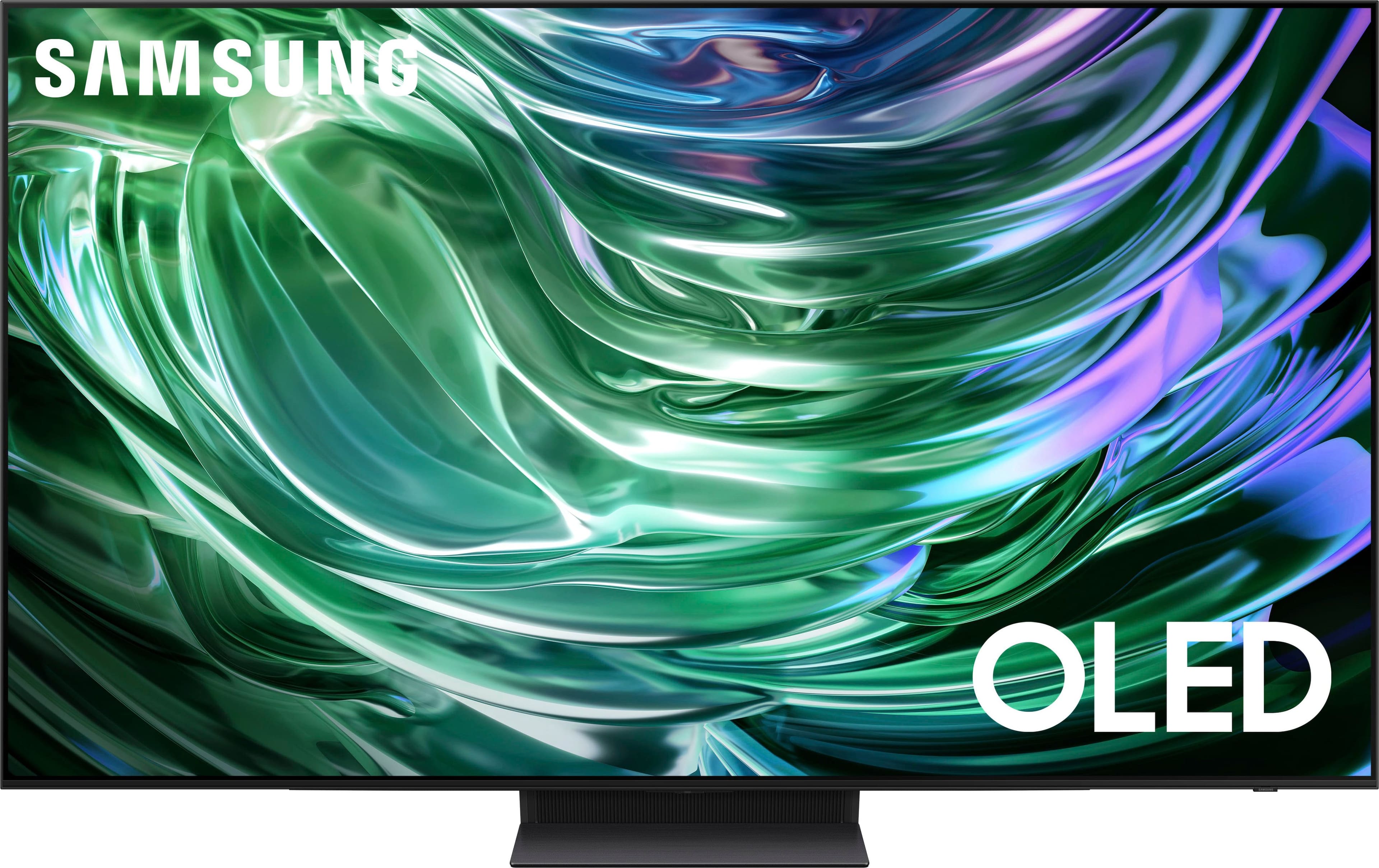
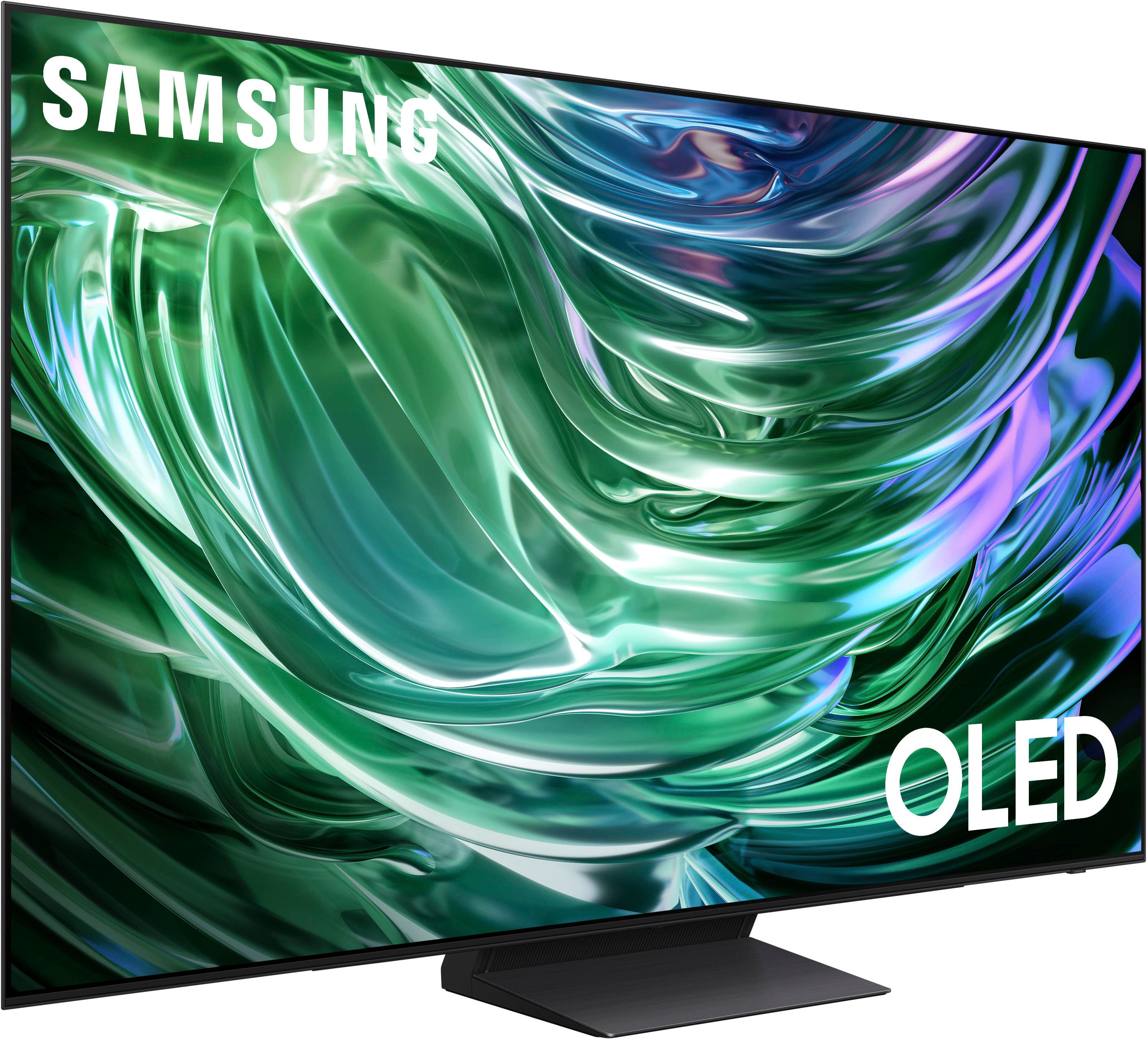
Customer reviews

Rating 4.7 out of 5 stars with 572 reviews

Rating Filter

Rating by feature

  • Picture Quality

    Rating 4.9 out of 5 stars

  • Sound Quality

    Rating 4.6 out of 5 stars

  • Brightness

    Rating 4.9 out of 5 stars

Pros mentioned filter

Cons mentioned filter

94%would recommend to a friend

Customers are saying

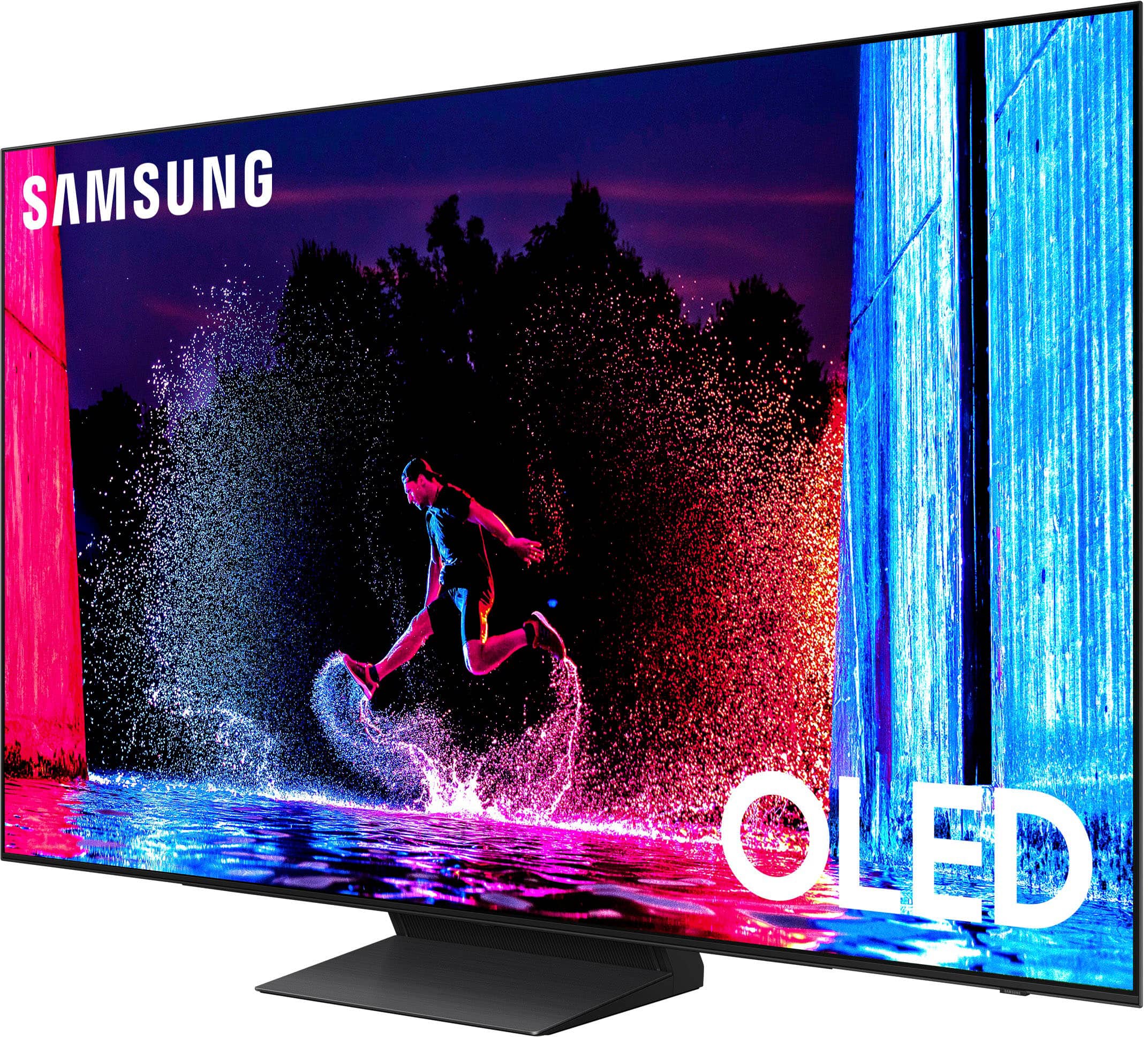
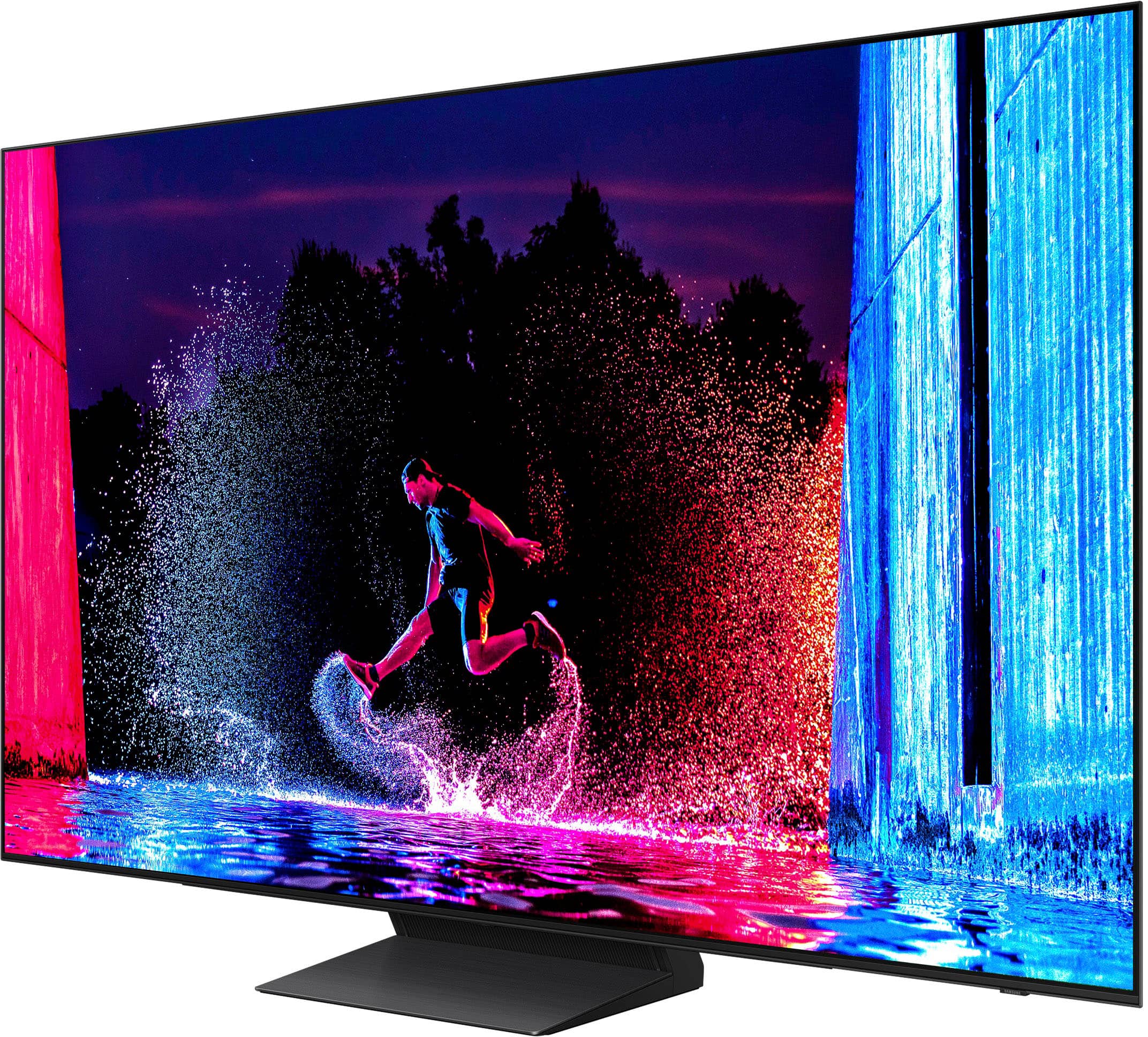
Customers find value in the exceptional picture quality, vibrant colors, and ease of setup and use of this 55" Class S90D Series OLED 4K UHD Smart Tizen TV. Many appreciate the smooth refresh rate, perfect for gaming and streaming, and the wide viewing angles. However, some users have expressed concerns regarding the remote control's design and occasional connectivity issues with certain apps. The overall experience is largely positive, focusing on the impressive visual performance.

This summary was generated by AI based on customer reviews.

The vast majority of our reviews come from verified purchases. Reviews from customers may include My Best Buy members, employees, and Tech Insider Network members (as tagged). Select reviewers may receive discounted products, promotional considerations or entries into drawings for honest, helpful reviews.
Page 28 Showing 541-560 of 572 reviews
  • Rated 4 out of 5 stars

    Samsung 55" 590 series

    |
    |
    Posted . Owned for 1 month when reviewed.
    This reviewer received promo considerations or sweepstakes entry for writing a review.

    Sharp picture. Vivid color. little reflection. Big improvement over my old TV.

    I would recommend this to a friend
  • Rated 5 out of 5 stars

    Retiree

    |
    |
    Posted . Owned for 1 month when reviewed.
    This reviewer received promo considerations or sweepstakes entry for writing a review.

    Awesome smart tv, lots of good features and good quatlity for an OLED.

    I would recommend this to a friend
  • Rated 5 out of 5 stars

    Delighted

    |
    |
    Posted . Owned for 1 month when reviewed.
    This reviewer received promo considerations or sweepstakes entry for writing a review.

    Very happy with this purchase. Have already recommended Samsung to others.

    I would recommend this to a friend
  • Pros mentioned:
    Picture quality

    Rated 1 out of 5 stars

    DO NOT BUY!!! PLEASE READ!!!!

    |
    |
    Posted . Owned for less than 1 week when reviewed.
    This reviewer received promo considerations or sweepstakes entry for writing a review.

    Picture quality in-store is great, no dispute there. However, the settings are mostly grayed out. You can’t modify one mode, without disabling other modes. I really sat on YouTube and Reddit trying to find solutions, but it was absolutely too much. Returned the morning and blew out my back carrying this piece of junk. Ended up with the Sony - 65" class BRAVIA XR A75L OLED 4K UHD Smart Google TV (2023). It was worth me blowing out my back, again.

    No, I would not recommend this to a friend
    • Brand response from Samsung
      Posted .

      Xohxoh,

      We're sorry to hear of this misunderstanding. If a menu setting is grayed out, this does not indicate that something is wrong with your TV. It just means that a function or certain settings are not available based on the current source, settings, or connections. For example, some options may be grayed out if you are currently watching content from an app or external device. Long press the 'Return' key on your remote to exit the program you are in and go back to the menu - all settings should now be available.

      Should you ever decide to give Samsung TVs another try and have questions or need help with settings, setup, or features, please know we’re here to help. Call us at 1-800-SAMSUNG, 8AM - 12AM EST, 7 days a week.

      LiveChat with an agent as well as manuals, software, and warranty info can be found at the ‘Support’ link on our Samsung website.

      ~ Samsung Specialist Samsung

  • Rated 3 out of 5 stars

    Lacking

    |
    |
    Posted . Owned for 2 months when reviewed.
    This reviewer received promo considerations or sweepstakes entry for writing a review.

    Everything was good until I realized that the Samsung OLED TV does not support Dolby Vision, I returned it and replaced it with an LG OLED C4.

    No, I would not recommend this to a friend
    • Brand response from Samsung
      Posted .

      Sewman1,

      Thanks for sharing your feedback. Should you ever decide to give Samsung TVs another try and have questions or need help with settings, setup, or features, please know we’re here to help. Call us at 1-800-SAMSUNG, 8AM - 12AM EST, 7 days a week.

      LiveChat with an agent as well as manuals, software, and warranty info can be found at the ‘Support’ link on our Samsung website.

      ~ Samsung Specialist Samsung

  • Rated 1 out of 5 stars

    Missing Remote - Little to no resolution support

    |
    |
    Posted . Owned for 1 week when reviewed.
    This reviewer received promo considerations or sweepstakes entry for writing a review.

    Purchased as Open Box Excellent Condition which according to Best Buy's policy means that the item will include original manufacturers packaging and all accessories. The product works fine but did not come in original packaging and did not include the remote. I contacted Best Buy support via chat and was told that I could obtain a replacement remote free of charge by visiting any local best buy store with proof of the purchase. This mattered to me because the store at which I picked up the item was not the closest one to me and I would haver to go significantly out of my way to revisit that store. I went to my local store and was told there was nothing they could do for me and they suggested that I visit the original store where I picked up the purchase. I tried to call the original store only to be routed to a call center where I was informed that it was impossible to reach individual stores by phone and the only option I had was to travel in person to the original store and even then it would be up to manager discretion as to how my issue would be handled. Otherwise my only option was to return the entire TV. So no matter what I will be forced to spend my own money and time for only the possibility of an acceptable resolution to my issue. Pretty disappointing level of customer support for a company which pushes the sales of open box items. To botch the order, and then shift all subsequent responsibility for making things right onto the customer seems like a poor business decision. I would advise against utilizing the open box option if you care about the completeness of your order.

    No, I would not recommend this to a friend
    • Brand response from Samsung
      Posted .

      MickeyP,

      We appreciate your feedback regarding parts missing from your TV. If purchased in open-box condition, we recommend contacting Best Buy directly for assistance. We hope your issue is resolved in a timely manner.

      Should you have questions or concerns on usage or setup of your TV once your issue has been resolved, please call us at 1-800-SAMSUNG, 8AM - 12AM EST, 7 days a week. Or visit us on the Samsung website and click on the ‘Support’ link for:
      • LiveChat
      • Manuals, Software, & Warranty Info

      ~ Samsung Specialist Samsung

  • Rated 4 out of 5 stars

    Tv

    |
    |
    Posted . Owned for less than 1 week when reviewed.
    This reviewer received promo considerations or sweepstakes entry for writing a review.

    This is a decent tv but the brightness comes and goes

    No, I would not recommend this to a friend
    • Brand response from Samsung
      Posted .

      Sharon,

      I’m sorry to hear you’re not fully satisfied with the S90D TV’s picture quality. If the image is too dim, please try disabling some of the TV's energy efficiency functions, as these will automatically adjust your picture and may cause your screen to appear brighter or darker than preferred. Go to: Home > Menu > Settings > All Settings > General & Privacy > Power and Energy Saving > turn off Brightness Optimization, Brightness Reduction, and Motion Lighting

      You may also want to try adjusting image settings to improve your picture. Go to Home > Menu > Settings > All Settings > Picture > Picture Mode
      1. Standard: Is the default mode suitable for general viewing environments
      2. Dynamic: Makes the picture brighter and clearer in bright viewing environments
      3. Eco: Provided to save energy
      4. Movie: Suitable for watching TV or movies in a dark room
      5. Filmmaker Mode: Provides source content just as the creators intended. If the image is defined as Filmmaker Mode, it’ll automatically switch to Filmmaker Mode while watching.

      You can also customize the brightness level of your screen between 0 – 50 to your preference. Go to: Home > Menu > Settings > All Settings > Picture > Expert Settings

      Please also make sure you’ve got the latest firmware version installed on your TV. You can check this by going to: Home > Menu > Settings > Support > Software Update > Update Now

      I hope these tips help. Should you need further assistance, please call us at 1-800-SAMSUNG, 8AM - 12AM EST, 7 days a week. Or visit us on the Samsung website and click on the ‘Support’ link for:
      • LiveChat
      • Manuals, Software, & Warranty Info

      ~ Samsung Specialist Samsung

  • Pros mentioned:
    Picture quality

    Rated 1 out of 5 stars

    Beautiful tv

    |
    |
    Posted . Owned for 1 month when reviewed.
    This reviewer received promo considerations or sweepstakes entry for writing a review.

    Nice. Tv images are very clear and easy to handle I like too much

    I would recommend this to a friend
    • Brand response from Samsung
      Posted .

      RaulM,

      Thanks for taking a moment to review Samsung’s S90D TV. If you’re experiencing specific issues which caused you to give this a 1-star rating, please know Samsung Customer Support is here to help.

      You can reach us at 1-800-SAMSUNG, 8AM - 12AM EST, 7 days a week. Our LiveChat agents are also available by clicking on the ‘Support’ link on our website.

      ~ Samsung Specialist Samsung

  • Rated 1 out of 5 stars

    JUNK TV

    |
    |
    Posted . Owned for 1 month when reviewed.
    This reviewer received promo considerations or sweepstakes entry for writing a review.

    TV HASN'T WORKED PROPERLY SINCE THE DAY IT WAS PUT INTO SERVICE AND SAMSUNG HAS NO IDEA HOW TO REPAIR. HAVE CALLED SAMSUNG MANY TIMES AND IT'S ALWAYS THE SAME OLD STORY WE ARE WORKIING ON IT AND WILL GET BACK TO YOU BUT THAT NEVER HAPPENS---TV IS A PEICE OF JUNK.

    No, I would not recommend this to a friend
    • Brand response from Samsung
      Posted .

      RogerF,

      Thank you for sharing your review, and we’re sorry to hear that your experience with Service was not up to standards. We would like the opportunity to assist and further investigate your feedback. You can reach us at 1-800-SAMSUNG, 8AM - 12AM EST, 7 days a week. Our LiveChat agents are also available by clicking on the ‘Support’ link on our website.

      We look forward to hearing from you.

      ~ Samsung Specialist Samsung

  • Rated 2 out of 5 stars

    Samsung Oled

    |
    |
    Posted . Owned for 3 weeks when reviewed.
    This reviewer received promo considerations or sweepstakes entry for writing a review.

    At this time I’m disappointed in the Samsung TV. The picture is jumpy. I have tried adjusting the blur and judder with no luck. I do have a geek squad appointment coming up. Hopefully they can set it up properly.

    No, I would not recommend this to a friend
    • Brand response from Samsung
      Posted .

      RonaldP,

      Thank you for sharing your thoughts on the picture quality of your S90D TV. To ensure you’ve got the latest image quality updates, please confirm that your TV is up to date with the latest firmware version. You can check by going to: Home > Menu > Settings > Support > Software Update.

      If the picture you’re seeing is still not to your liking after updating firmware, there are several picture settings you may want to try adjusting.

      Go to Home > left direction button > Settings > All Settings > Picture > Picture Mode
      ...and select the mode that best fits your usage:
      1. Standard: Is the default mode suitable for general viewing environments
      2. Dynamic: Makes the picture brighter and clearer in bright viewing environments
      3. Eco: Provided to save energy
      4. Movie: Suitable for watching TV or movies in a dark room
      5. Filmmaker Mode: Provides source content just as the creators intended. If the image is defined as Filmmaker Mode, it’ll automatically switch to Filmmaker Mode while watching.

      You can also fine-tune your picture with expert settings such as brightness, contrast, sharpness and more (All Settings > Picture > Expert Settings).

      For further assistance with settings adjustments, please contact Samsung Customer Support at 1-800-SAMSUNG, 8AM - 12AM EST, 7 days a week. Or visit us on the Samsung website and click on the ‘Support’ link for:
      • LiveChat
      • Manuals, Software, & Warranty Info

      ~ Samsung Specialist Samsung

  • Rated 1 out of 5 stars

    Shallow mounting holes.

    |
    |
    Posted .
    This reviewer received promo considerations or sweepstakes entry for writing a review.

    The mounting holes were very shallow. We did not want to take the risk of damaging the screen and voiding the warranty and not being able to return the unit. So we didn't try to mount it and returned the TV unused.

    No, I would not recommend this to a friend
    • Brand response from Samsung
      Posted .

      ConsumerShopper,

      It’s unfortunate to hear of the issues that have caused you to return your TV. Your experience is very important to us and will be shared with our product team.

      Should you ever decide to give Samsung TVs another try and have questions or need help with settings, setup, or features, please know we’re here to help. Call us at 1-800-SAMSUNG, 8AM - 12AM EST, 7 days a week.

      LiveChat with an agent as well as manuals, software, and warranty info can be found at the ‘Support’ link on our Samsung website.

      We hope to regain you as a customer in the future.

      ~ Samsung Specialist Samsung

  • Rated 1 out of 5 stars

    Disappointed

    |
    |
    Posted . Owned for 1 month when reviewed.
    This reviewer received promo considerations or sweepstakes entry for writing a review.

    I purchased a 65" S95C last November (2023) for the family room and I couldn't believe my eyes, hell of a TV. I then purchased a 55" S90D last month (2024) for the bedroom and the image looks grainy and not very clear. I have tried adjusting settings and I cannot match the same clarity and quality and overall WoW factor from the other TV. I will be returning.

    No, I would not recommend this to a friend
    • Brand response from Samsung
      Posted .

      jcstriker,

      Thank you for sharing your thoughts on the picture quality of your S90D TV. To ensure you’ve got the latest image quality updates, please confirm that your TV is up to date with the latest firmware version. You can check by going to: Home > Menu > Settings > Support > Software Update.

      If the picture you’re seeing is still not to your liking after updating firmware, there are several picture settings you may want to try adjusting.

      Go to Home > Menu > Settings > All Settings > Picture > Picture Mode
      ...and select the mode that best fits your usage:

      1. Standard: Is the default mode suitable for general viewing environments
      2. Dynamic: Makes the picture brighter and clearer in bright viewing environments
      3. Eco: Provided to save energy
      4. Movie: Suitable for watching TV or movies in a dark room
      5. Filmmaker Mode: Provides source content just as the creators intended. If the image is defined as Filmmaker Mode, it’ll automatically switch to Filmmaker Mode while watching.

      Intelligent Mode enables the TV to recognize and analyze the surroundings, noise, content, and your usage patterns to provide the best viewing experience. You can enable Intelligent Mode by going to Menu > Settings > All Settings > General & Privacy > Intelligent Mode Settings > Intelligent Mode.

      You can also fine-tune your picture with expert settings such as brightness, contrast, sharpness and more (All Settings > Picture > Expert Settings).

      For further assistance with settings adjustments, please contact Samsung Customer Support at 1-800-SAMSUNG, 8AM - 12AM EST, 7 days a week. Or visit us on the Samsung website and click on the ‘Support’ link for:
      • LiveChat
      • Manuals, Software, & Warranty Info

      ~ Samsung Specialist Samsung

  • Rated 1 out of 5 stars

    Tv didnt turn on poor quality

    |
    |
    Posted . Owned for 2 months when reviewed.
    This reviewer received promo considerations or sweepstakes entry for writing a review.

    Tv didnt even turn on out of box new no picture just light on tv. I wish it worked it was a good deal for 999.00

    No, I would not recommend this to a friend
    • Brand response from Samsung
      Posted .

      Mason,

      It’s unfortunate to hear of your experience with Samsung’s S90D TV. Samsung is committed to providing the best possible product experience, quality, and value. We back this Samsung TV with a 1-year limited manufacturer's warranty, including authorized repair for manufacturer defect, if purchased brand-new directly from an authorized seller. You can enter your model number to review the full warranty details here: https://www.samsung.com/us/support/legal/LGL10000312/#standard-limited-warranty

      Please give us the opportunity to assist you by contacting Samsung Customer Support at 1-800-SAMSUNG, 8AM - 12AM EST, 7 days a week. Our LiveChat agents are also available by clicking on the ‘Support’ link on our website.

      ~ Samsung Pro Samsung

  • Rated 1 out of 5 stars

    Defective panel

    |
    |
    Posted . Owned for 1 week when reviewed.
    This reviewer received promo considerations or sweepstakes entry for writing a review.

    Unfortunately I didn't discover an issue with the panel until a couple days after my return window ended. https://eu.community.samsung.com/t5/tv/diagonal-lines-on-s90d/td-p/11383849 - wish Bestbuy could have helped me exchanged for a new one.

    No, I would not recommend this to a friend
    • Brand response from Samsung
      Posted .

      WatertownGK,

      It’s unfortunate to hear of your experience with Samsung’s S90D TV. Samsung is committed to providing the best possible product experience, quality, and value. We back this Samsung TV with a 1-year limited manufacturer's warranty, including authorized repair for manufacturer defect, if purchased brand-new directly from an authorized seller. You can enter your model number to review the full warranty details here: https://www.samsung.com/us/support/legal/LGL10000312/#standard-limited-warranty

      Please give us the opportunity to assist you by contacting Samsung Customer Support at 1-800-SAMSUNG, 8AM - 12AM EST, 7 days a week. Our LiveChat agents are also available by clicking on the ‘Support’ link on our website.

      ~ Samsung Specialist Samsung

  • Rated 1 out of 5 stars

    None

    |
    |
    Posted . Owned for 1 month when reviewed.
    This reviewer received promo considerations or sweepstakes entry for writing a review.

    Hard to review when it hasn’t been delivered yet. Need to check records before send out emails to review. Way too many emails.

    I would recommend this to a friend
    • Brand response from Samsung
      Posted .

      Jazzman,

      I'm sorry you have not received your TV yet. Please follow up directly with Best Buy for further assistance. We hope your issue is resolved in a timely manner.

      Should you have questions regarding the usage or setup of your TV once you've received it, please contact Samsung Support at 1-800-SAMSUNG, 8AM - 12AM EST, 7 days a week. Our LiveChat agents are also available by clicking on the ‘Support’ link on our website.

      ~ Samsung Specialist Samsung

  • Rated 2 out of 5 stars

    TV

    |
    |
    Posted . Owned for 3 weeks when reviewed.
    This reviewer received promo considerations or sweepstakes entry for writing a review.

    Not as spectacular as I thought it would be. Could just be me but if you can get a bigger screen… go for it.

    I would recommend this to a friend
    • Brand response from Samsung
      Posted .

      Hi GeorgeD,

      Thank you for sharing your thoughts on the picture quality of your S90D TV. To ensure you’ve got the latest image quality updates, please confirm that your TV is up to date with the latest firmware version. You can check by going to: Home > Menu > Settings > Support > Software Update.

      If the picture you’re seeing is still not to your liking after updating firmware, there are several picture settings you may want to try adjusting.

      Go to Home > Menu > Settings > All Settings > Picture > Picture Mode
      ...and select the mode that best fits your usage:

      1. Standard: Is the default mode suitable for general viewing environments
      2. Dynamic: Makes the picture brighter and clearer in bright viewing environments
      3. Eco: Provided to save energy
      4. Movie: Suitable for watching TV or movies in a dark room
      5. Filmmaker Mode: Provides source content just as the creators intended. If the image is defined as Filmmaker Mode, it’ll automatically switch to Filmmaker Mode while watching.

      You can also fine-tune your picture with expert settings such as brightness, contrast, sharpness and more (All Settings > Picture > Expert Settings).

      Intelligent Mode also enables the TV to recognize and analyze the surroundings, noise, content, and your usage patterns to provide the best viewing experience. You can enable Intelligent Mode by going to Menu > Settings > All Settings > General & Privacy > Intelligent Mode Settings > Intelligent Mode.

      If adjusting image settings does not improve your picture, please contact Samsung Customer Support at 1-800-SAMSUNG, 8AM - 12AM EST, 7 days a week. Or visit us on the Samsung website and click on the ‘Support’ link for:
      • LiveChat
      • Manuals, Software, & Warranty Info

      ~ Samsung Specialist Samsung

  • Rated 1 out of 5 stars

    Great TV, Terrible Customer Support

    |
    |
    Posted . Owned for 2 weeks when reviewed.
    This reviewer received promo considerations or sweepstakes entry for writing a review.

    THE TV ITSELF 5 stars. BEST BUY CUSTOMER SUPPORT is ONE STAR. Bought this TV and it went on sale 17 days after I bought it for 300 dollars cheaper. They would not price match it. Thanks Best Buy you just lost a customer.

    I would recommend this to a friend
    • Brand response from Samsung
      Posted .

      Hoptimus,

      Please know you are leaving a review and 1-star rating for the S90D TV, but we are sorry to hear of your Best Buy experience, nonetheless. You may want to consider providing feedback directly to the Best Buy store where you made your purchase.

      Should you have questions on the S90D TV itself, Samsung is here for you. You can reach us at 1-800-SAMSUNG, 8AM - 12AM EST, 7 days a week. Our LiveChat agents are also available by clicking on the ‘Support’ link on our website.

      ~ Samsung Specialist Samsung

  • Rated 1 out of 5 stars

    Bad management

    |
    |
    Posted . Owned for 3 weeks when reviewed.
    This reviewer received promo considerations or sweepstakes entry for writing a review.

    The tv is 5/5 stars but the trouble I had to go through to get the tv is worth a 1 star review. The management at Best Buy Simi Valley are completely unprofessional and quite useless.

    I would recommend this to a friend
    • Brand response from Samsung
      Posted .

      Scoob12,

      Please know you are leaving a review and 1-star rating for the S90D TV, but we are sorry to hear of your Best Buy experience, nonetheless. You may want to consider providing feedback directly to the Best Buy store where you made your purchase.

      Should you have questions on the S90D TV itself, Samsung is here for you. You can reach us at 1-800-SAMSUNG, 8AM - 12AM EST, 7 days a week. Our LiveChat agents are also available by clicking on the ‘Support’ link on our website.

      ~ Samsung Specialist Samsung

  • Rated 1 out of 5 stars

    Angry

    |
    |
    Posted . Owned for 1 month when reviewed.
    This reviewer received promo considerations or sweepstakes entry for writing a review.

    Your failure to advise me about the TV mounting process I purchased through you cost me an extra $260. I have five computers, three televisions and several other electronic products. Based upon this purchase, I hope to never shop in Best Buy again.

    No, I would not recommend this to a friend
    • Brand response from Samsung
      Posted .

      FrankF,

      Please know you are leaving a review and 1-star rating for the S90D TV, but we are sorry to hear of your Best Buy experience, nonetheless. You may want to consider providing feedback directly to the Best Buy store where you made your purchase.

      Should you have questions on the S90D TV itself, Samsung is here for you. You can reach us at 1-800-SAMSUNG, 8AM - 12AM EST, 7 days a week. Our LiveChat agents are also available by clicking on the ‘Support’ link on our website.

      ~ Samsung Specialist Samsung

  • Pros mentioned:
    Picture quality

    Rated 5 out of 5 stars

    Great TV

    Posted .
    This reviewer received promo considerations or sweepstakes entry for writing a review.

    I am very pleased with this television. The picture is beautiful, such an upgrade from our older TV. It's amazing the details we can see now!

    I would recommend this to a friend