Customer Ratings & Reviews
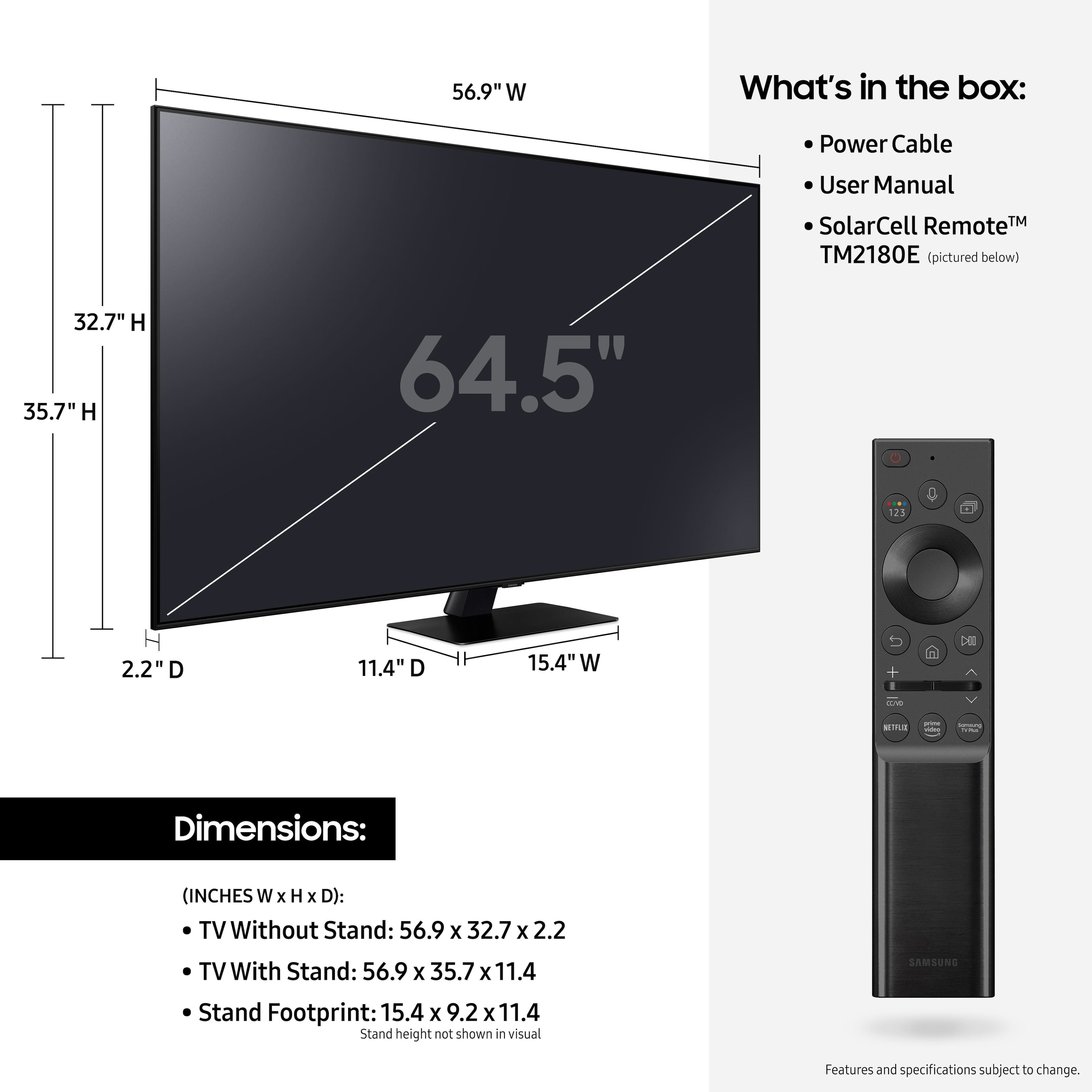
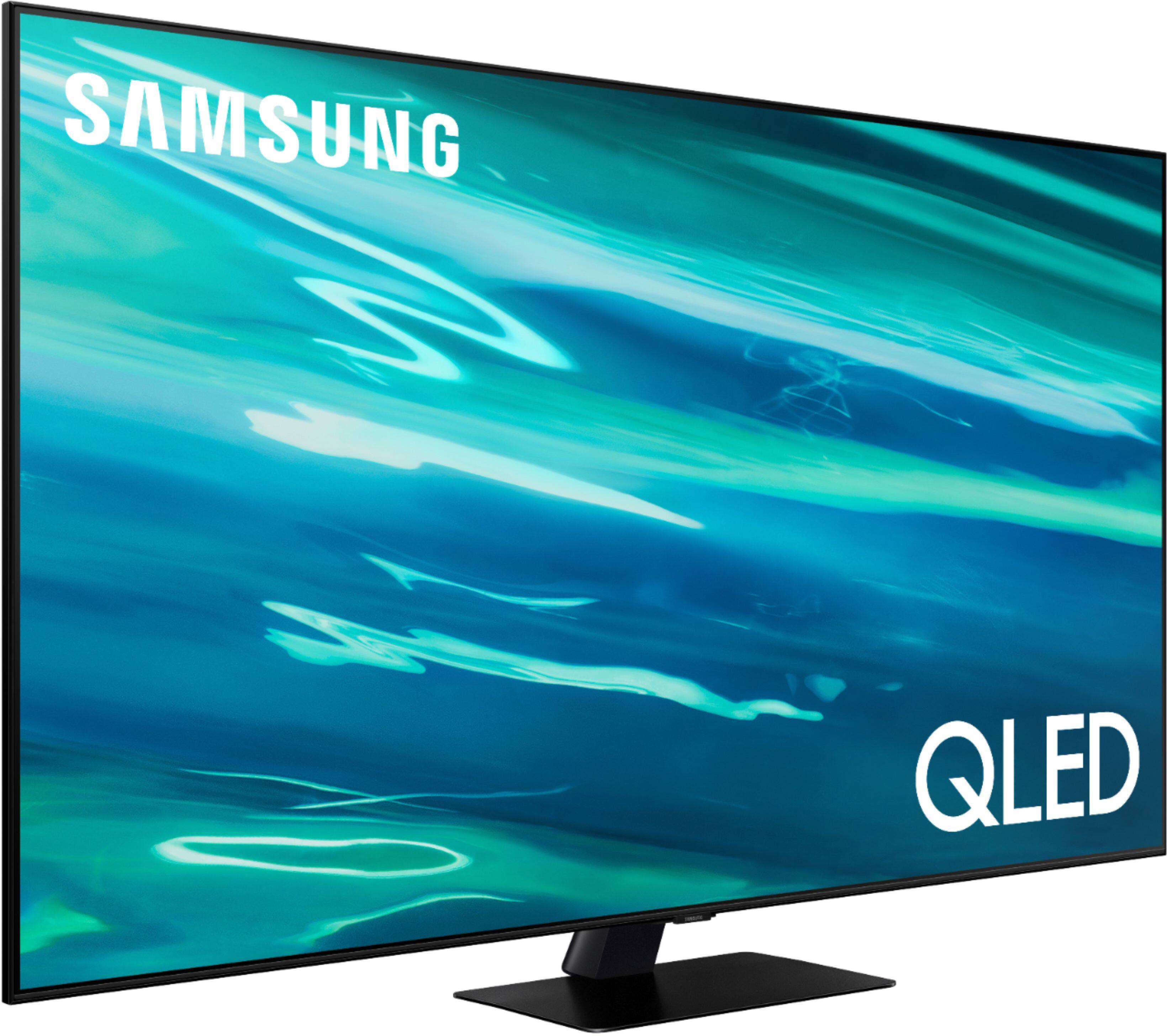
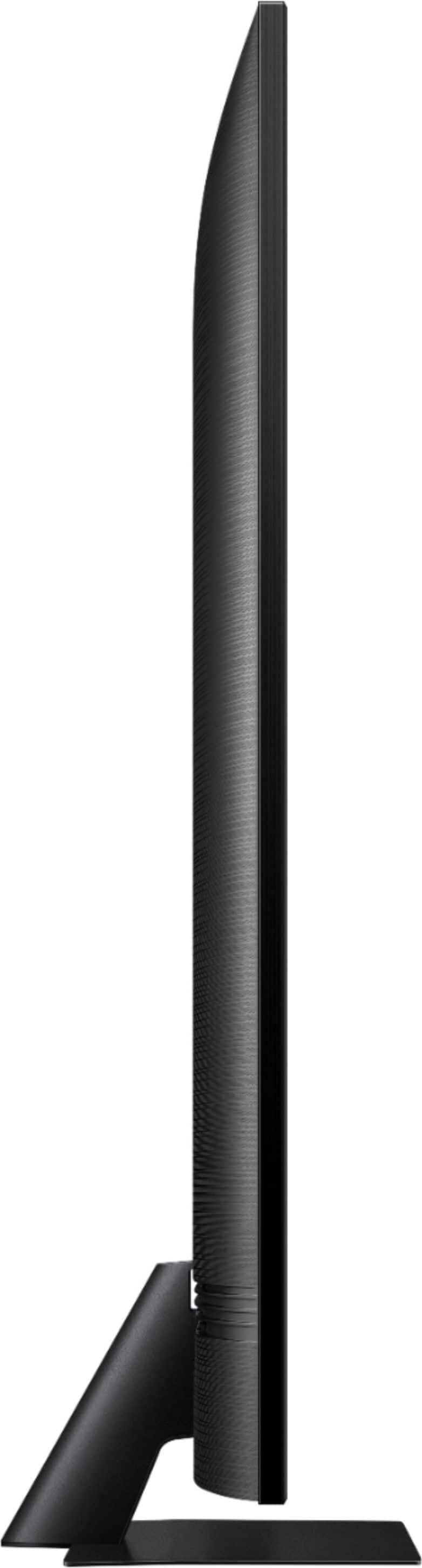
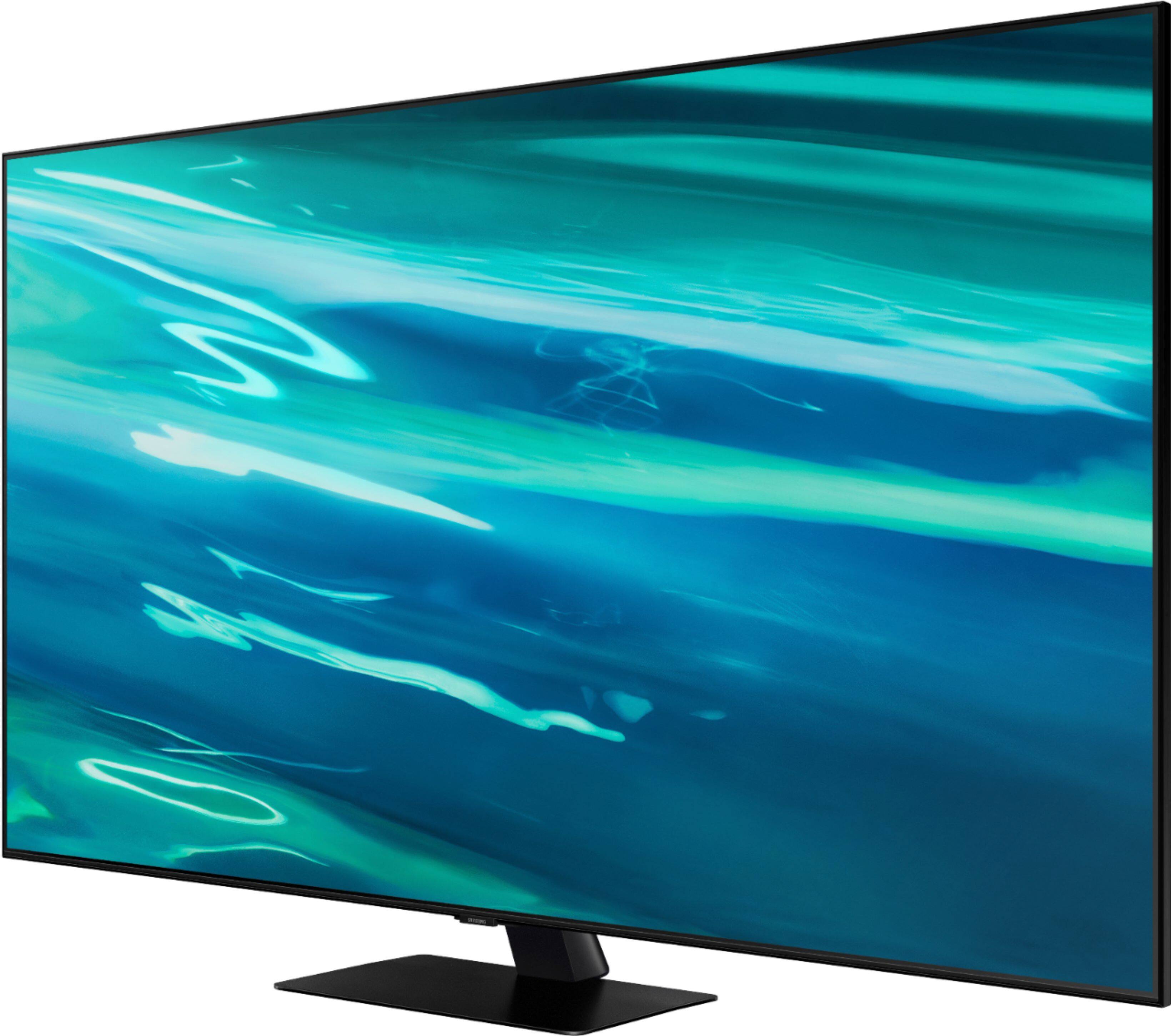
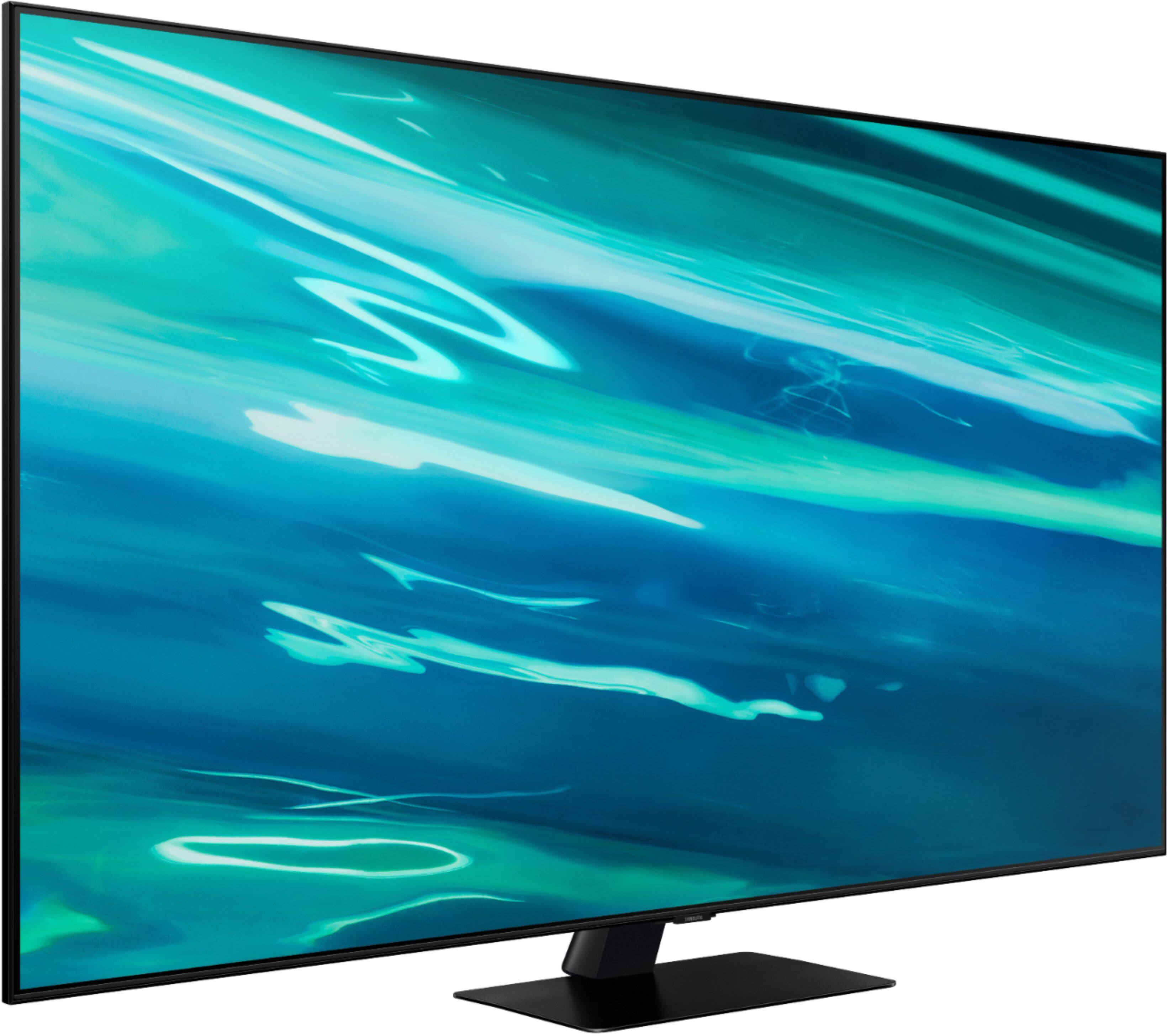
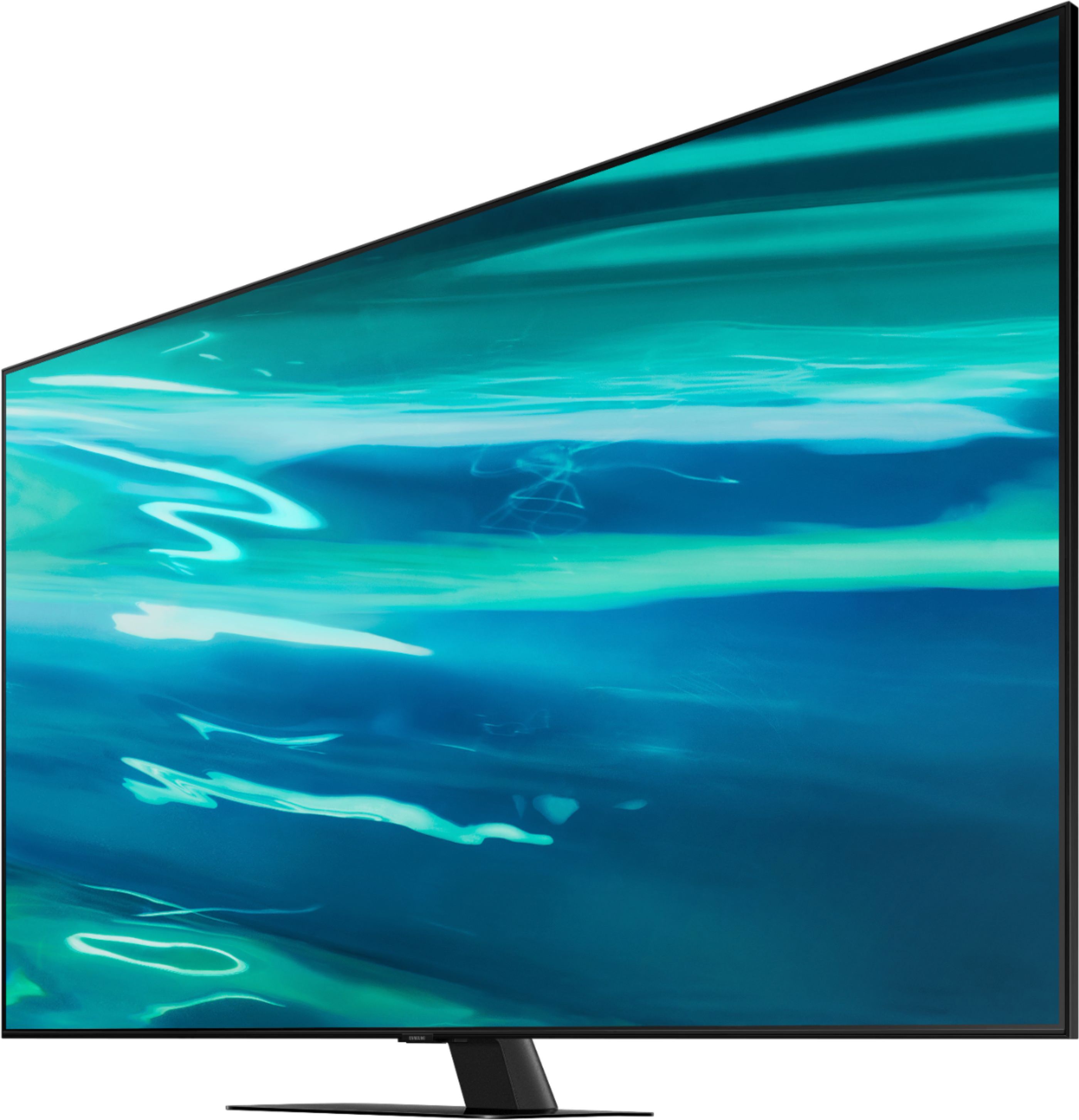
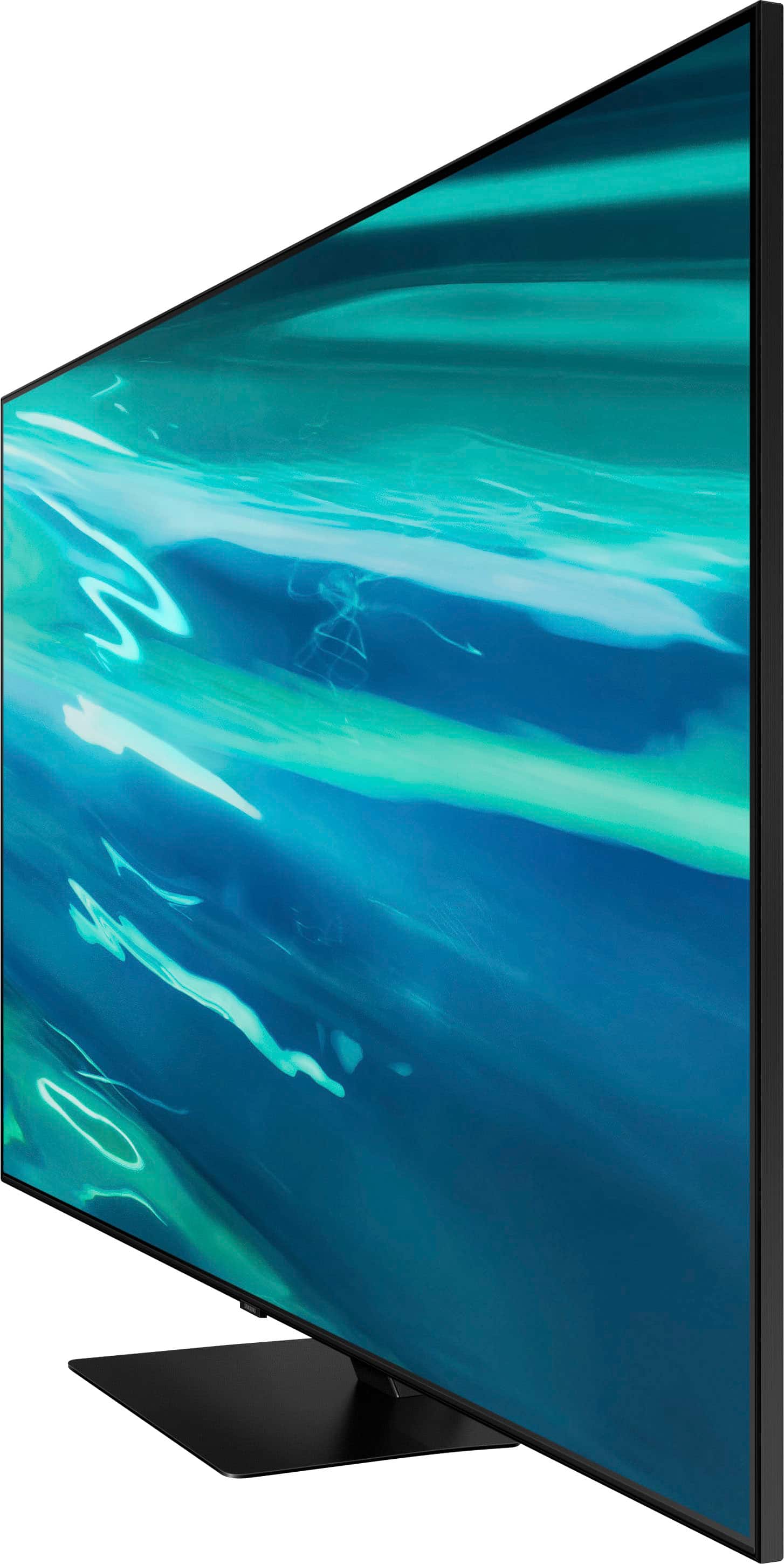

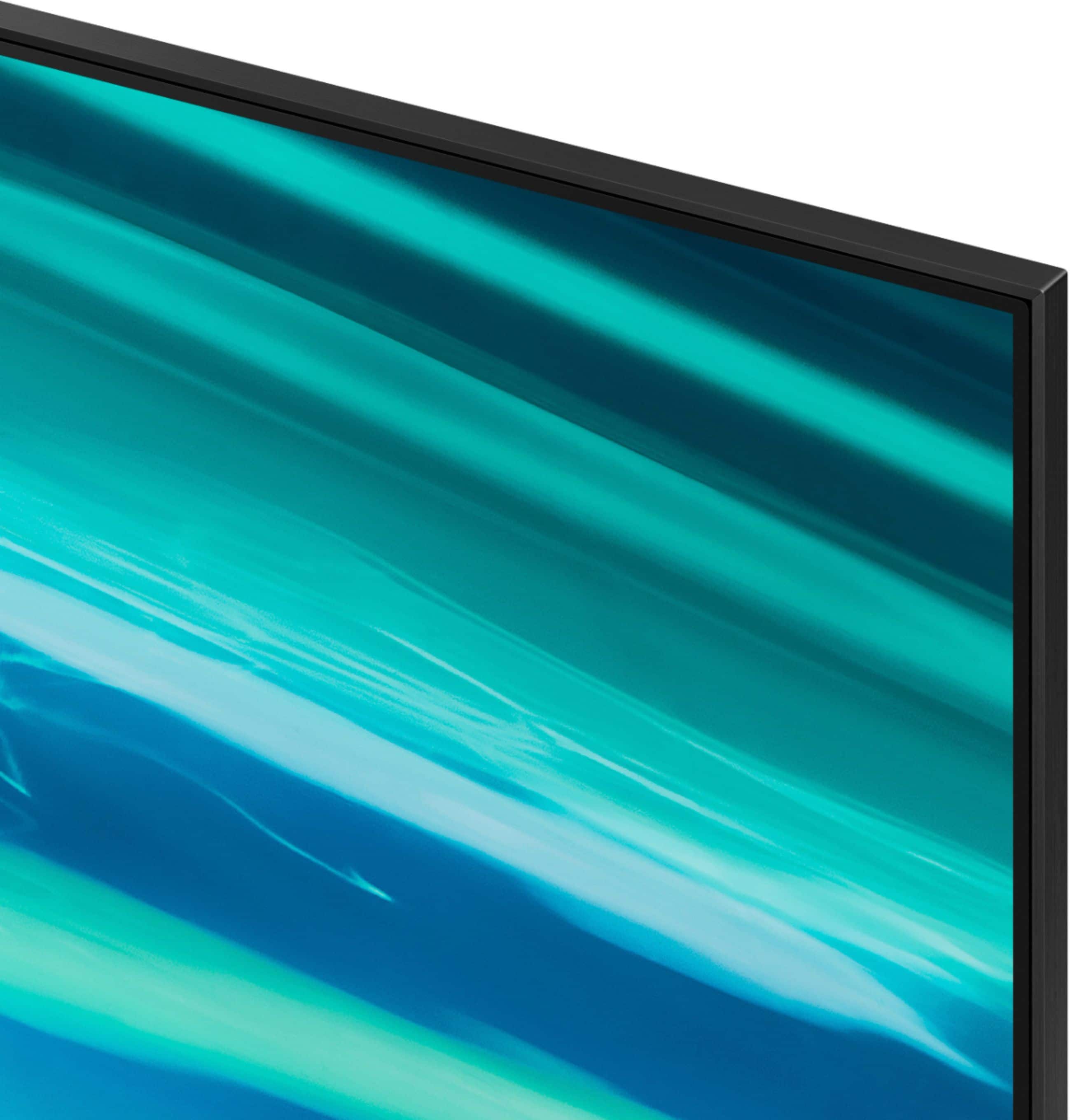
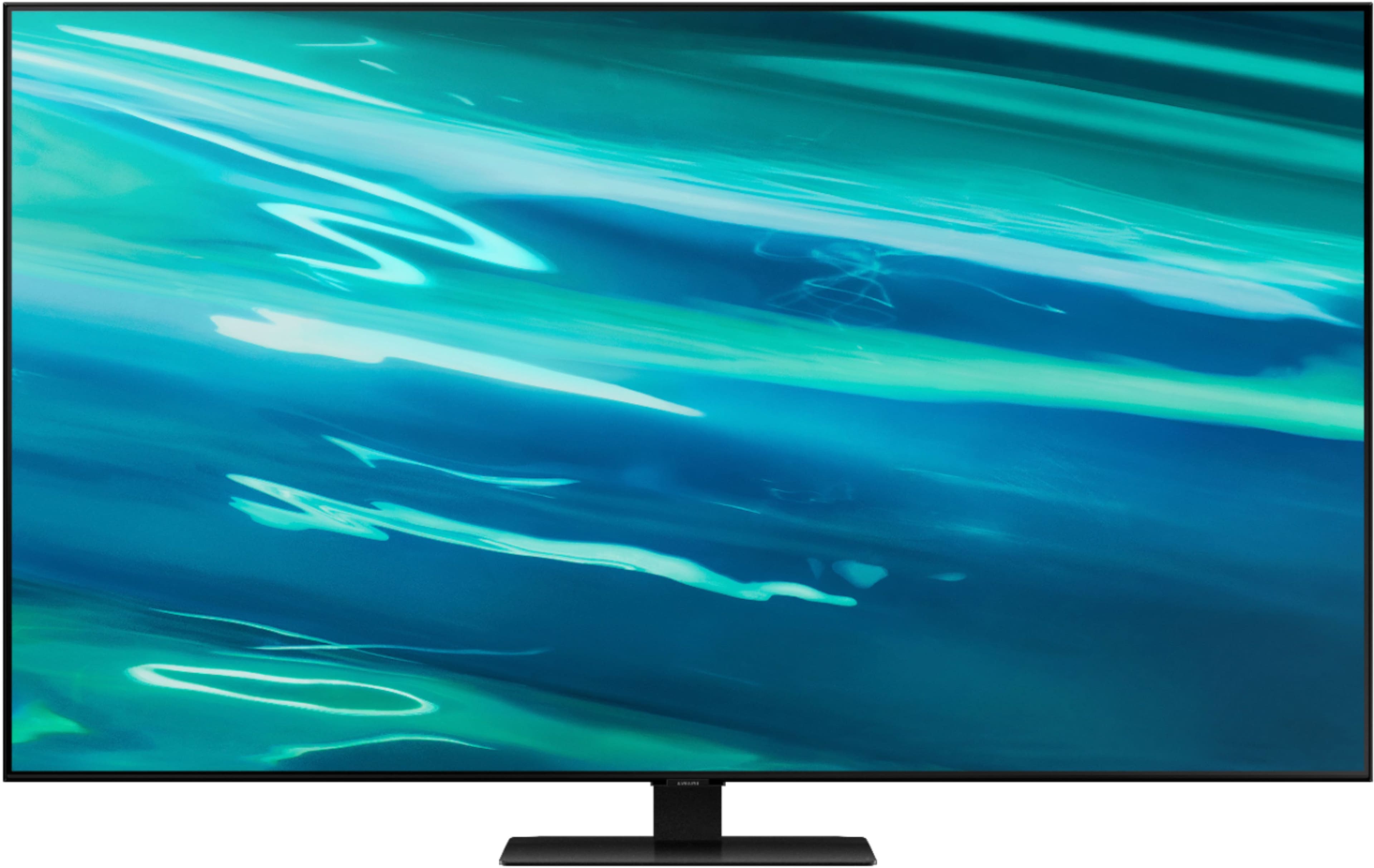
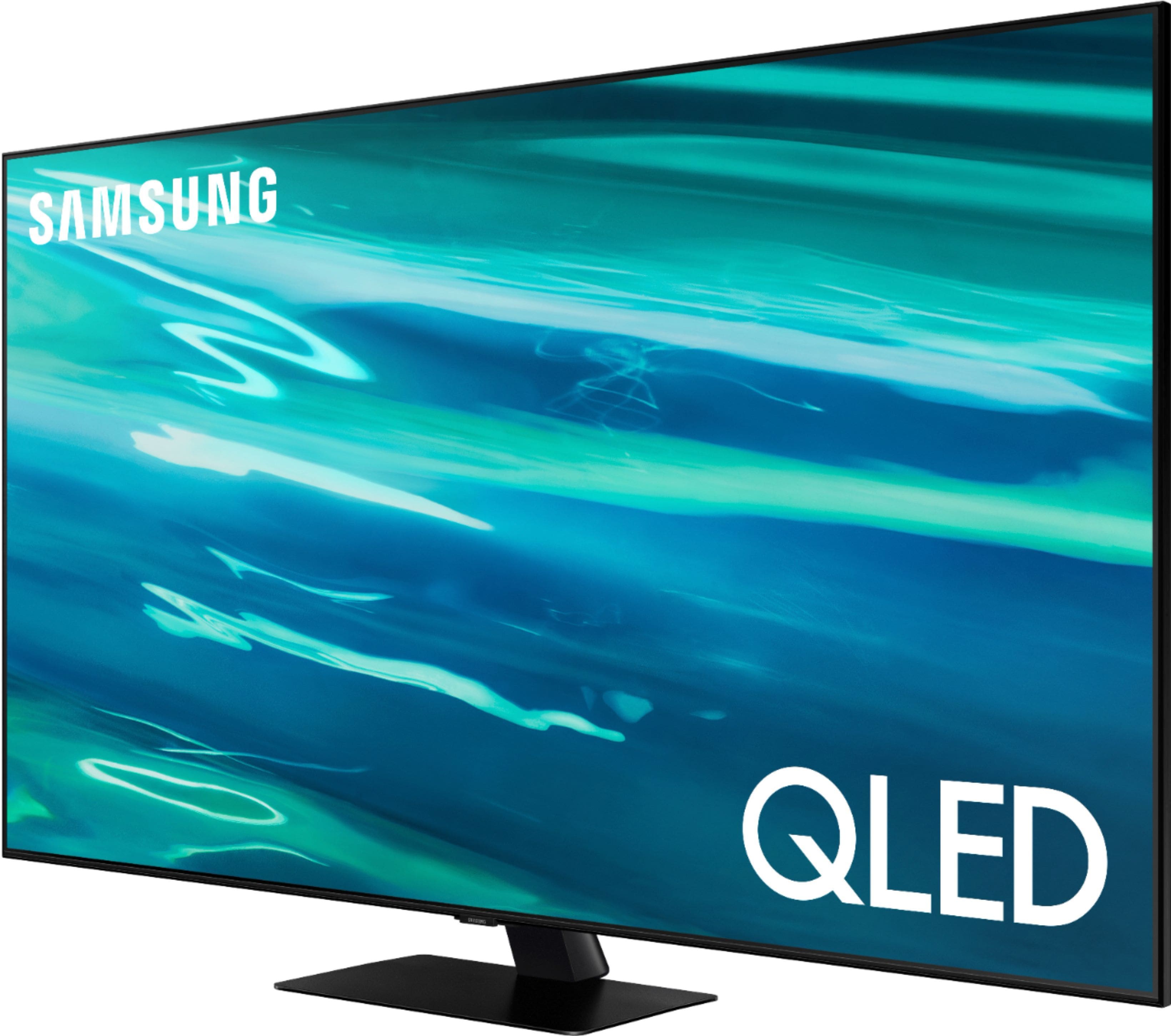






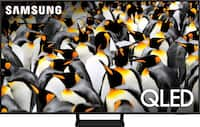
- Model:
- QN65Q80AAFXZA
- SKU:
- 6451478
Rating by feature
- Picture Quality
Rating 4.7 out of 5 stars
- Sound Quality
Rating 4.5 out of 5 stars
- Brightness
Rating 4.7 out of 5 stars
Customers are saying
Customers praise the 65" Class Q80A Series QLED 4K UHD Smart Tizen TV for its exceptional picture quality, easy setup, and reasonable price. Many users are impressed with the vibrant colors and clear, crisp images, while others appreciate the user-friendly interface and quick setup process. The TV is also commended for its great sound quality, making it a great choice for gaming and streaming.
This summary was generated by AI based on customer reviews.
- Pros mentioned:Color, Picture quality, Remote control
Q80A Worth the Money? Yes it is!
||Posted .This reviewer received promo considerations or sweepstakes entry for writing a review.After going thru several selections thru research a d returning 1 model that wasnt what it said it was i settled on the Q80A. It is an awesome tv. Out of the box the settings are maxed on brightness and contrast. I recommend brightness down at least 10 points and contrast cut in half. Thats where i found the best results. The local area dimming is not bad. Considerably better then the M555 65" fire tv that i returned. It does run the Xbox X at 4k doing 120Htz of refresh. It has an HDMI 2.1 port even though it says it doenst. It is labeled game or HDMi 4. Over all i recommend this tv as an upgrade from standard 4k flat screens. Its a lottle more money but the overall benefits weigh out. Also another thing to note about this TV. I am extremely OCD about how well i can hear what i am watching. This TV accomplishes the best souns from a modern flat screen i have personnaly ever heard. I have owned well over 20 tvs ov the years. This one has sound nailed down. Also turn on Itelligent systems and all its features. Thus settles the TVs settings a bit more and adds to the greatness of this model. The rechargeable remote is awesome as well. Its not clogged up with useless buttons. Charging off thw Xbox X teither works great to recharge it. Enjoy. Game On.
I would recommend this to a friend - Pros mentioned:Color, Ease of use, Picture quality
Great tv.
||Posted . Owned for 1 month when reviewed.This reviewer received promo considerations or sweepstakes entry for writing a review.Bought this tv as replacement for an old and too small one. This tv is used practically 24 hours a day. So far no complaints, has a great picture and is easy to handle. The remote was on the small side with no numbers, but once you get the hang of it, it's actually pleasant to use. It reacts real quick to the tv. It is definitely a big improvement in the living room, could have actually gone one more size up. Love the tv, it's clear screen with lively colours and the ease of using. Would definitely recommend to buy, you won't be disappointed. And I read all the reviews before I bought. Even set it up myself as an a-technical woman, it was a piece of cake. The pictures don't do justice to the real view.
I would recommend this to a friend - Pros mentioned:Picture qualityCons mentioned:Contrast
Great TV
||Posted . Owned for 1.5 years when reviewed.This reviewer received promo considerations or sweepstakes entry for writing a review.Love the tv. It does have some weird moments with it's adaptive backlighting on ocassion, as well as some strange moments with its contrast particularly with game mode (I believe I just adjusted too much). Other than those moments it makes a beautiful picture and certainly runs fast enough to get things done. The adaptive lighting really helps bring out the sense of contrast and add visual drama in a great way. It's no OLED but I told it better than a standard led backlit screen
I would recommend this to a friend - Pros mentioned:Color, Picture qualityCons mentioned:Glare
Bang for the $$$
||Posted . Owned for 1.5 years when reviewed.This reviewer received promo considerations or sweepstakes entry for writing a review.Everything I expected & more! Awesome picture, color & sound. No glare! Cant go wrong at the price.
I would recommend this to a friend - Pros mentioned:Ease of use, Picture quality
Best T.V. ever!
||Posted . Owned for 1.5 years when reviewed.This reviewer received promo considerations or sweepstakes entry for writing a review.Fabulous picture and even better sound! Extremely easy to set up with my Google account login. Just login and all of my apps were automatically signed into! I love it!
I would recommend this to a friend - Pros mentioned:Remote control
Beautiful image, can't get any better than this.
||Posted . Owned for 1.5 years when reviewed.This reviewer received promo considerations or sweepstakes entry for writing a review.My favorite tv of all times. We always have the latest tvs because we are big tv watchers. I don't know how this could get better. I love samsung tvs. Easy to use, images is crisp and beautiful and so far after 1 year is working perfectly fine. Love the remote control does not need batteries is rechargeable with sunlight. The voice commands are not the best but we don't care for that anyways. Love the fact you can turn it off with your voice when you are trying to run out of the house and can't find the remote.
I would recommend this to a friend - Pros mentioned:Picture quality
Great tv
||Posted . Owned for 1.5 years when reviewed.This reviewer received promo considerations or sweepstakes entry for writing a review.This tv is one of my favorite purchases I have ever made clear picture smart tv has everything I need I recommend it to everybody it won’t disappoint I promise u that. Comes with a controller that you can’t charge or use solar charging.
I would recommend this to a friend - Pros mentioned:Picture quality
Great picture but too much looming/bleeding
||Posted . Owned for 3 weeks when reviewed.This reviewer received promo considerations or sweepstakes entry for writing a review.I bought this TV on September 19, 2021 and the picture was the most crystal clear picture I've ever seen. I LOVED it. Movies, TV shows, and video games looked fantastic. The interactive menu was a bit sluggish as but still worked fairly well. Then all of a sudden, we had a blooming/bleeding/clouding issue that remains on the screen no matter what was showing. This showed up in the upper left corner of the screen. It remained to the point that we wanted a replacement, so we replaced on September 29, 2021. This TV set had the exact same issue, which makes me believe it's an issue with the way this Samsung TV model is made. Blooming or clouding in the with the same placement but taking over a larger portion of the screen on the right side instead of the left (pics attached). I loved the TV so much and it was the most clear picture I could imagine. Refresh rate was top notch. It was like a window instead of a TV screen. However, the constant blooming was too much to bear and was terrible while watching dark scenes at night. I used a receiver for surround sound so I did not use the speakers on the TV. I played around with the picture settings many times and checked out the firmware update. There was nothing that could have fixed the issue. I've had $300 tvs for years that have had no issues but two straight flagship Samsung's costing over $1,000 gave me the issue. It was disappointing and unacceptable. I replaced with a Sony which has its own myriad of issues. The quality of TVs in this day don't seem to match the quality of yesteryear.
No, I would not recommend this to a friendBrand response from Samsung
Posted .Alex,
Thank you for your review of the Samsung Q80A TV and for sharing the issues that have caused you to return your unit. Your experience is very important to us and will be shared with our product team.
Should you ever decide to give Samsung TVs another try and have questions or need assistance with settings, setup, or features, please know we are always here to help. Call us at 1-800-SAMSUNG (ask for TVs), available 8AM - 12AM EST, 7 days a week.
For additional support resources, visit us on the Samsung website and click on the ‘Support’ link in the upper right corner of the homepage for:
1) Contact Us: For additional Chat & Text options, choose ‘TVs & Home Theater’ and select your model & topic.
2) Manuals, Software, & Warranty Info
We hope to regain you as a customer in the future.
~ Samsung Specialist
- Pros mentioned:Picture quality
Love our new TV!
||Posted . Owned for 1 month when reviewed.This reviewer received promo considerations or sweepstakes entry for writing a review.We had a 55" that was starting to have screen issues and decided before we had to get a new TV we would get one now and thought we could not get a 65" one as the space we had was limited, but we measured and found the Samsung 65" would fit perfect in there as it is so slim. So we got it! We love the picture quality, it is so clear and the colors are beautiful. So happy we decided to purchase this Samsung 65" TV. The Geek Squad came out and showed how to program and get cable TV and they were so great and took such time to make sure we knew how to program, etc.
I would recommend this to a friend - Pros mentioned:Color, Ease of use
More than satisfied
||Posted . Owned for 3 weeks when reviewed.This reviewer received promo considerations or sweepstakes entry for writing a review.The color,clarity,sound and ease of use with apps and remote are all great! Great streaming!Great contrast between bright and shaded areas with vivid detail! This is my first Samsung and it has won me over!
I would recommend this to a friend - Pros mentioned:Picture quality
The best
||Posted . Owned for 1.5 years when reviewed.This reviewer received promo considerations or sweepstakes entry for writing a review.Ive had this TV for 2 years with no issues. The quality is amazing.
I would recommend this to a friend - Pros mentioned:Color, Picture quality
Beautiful Screen watching Adventure
||Posted . Owned for 3 weeks when reviewed.This reviewer received promo considerations or sweepstakes entry for writing a review.I am in Love with this TV. You want options on screen. You can change this to whatever your fancy is. So much full brightness and color and sound is out of this world. This is so worth it all.
I would recommend this to a friend - Pros mentioned:Picture quality
Beautiful picture!!
||Posted .This reviewer received promo considerations or sweepstakes entry for writing a review.I had a 55 inch 4k TV purchased 3 years ago and wanted to upgrade. This totally worth the money. The picture is so vibrant and clear. I definitely recommend this. I was looking at the Neo QLED TV also but didn’t want to spend the extra $900. I feel like i made the right choice with this.
I would recommend this to a friendBrand response from Samsung
Posted .Nthm:
I am happy to hear that you are enjoying the upgrade to your new 2021 Q80A QLED 4K TV. The vibrant and clear picture you are seeing is brought to you by our Direct Full Array designed to bring scenes to life with more precise contrast controlled by in-screen lighting that delivers deep blacks and pure whites with minimal halo or blooming.
Should you ever have questions or need help, you can reach us at 1-800-SAMSUNG (ask for TVs), available 8AM -12AM EST, 7 days a week. Or text HELP to 62913.
For additional support resources, visit us on the Samsung website and click on the ‘Support’ link in the upper right corner of the homepage for:
1) More ‘Contact Us’ options – LiveChat, Facebook, Twitter, Samsung Community, Samsung Members app
2) Manuals & Software
3) Warranty Info
4) Product Registration: For access to easy warranty support, convenient opt-in to special promos and offers, faster troubleshooting and service, and quick notification of system updates.
~ Samsung Solutions
- Pros mentioned:Color, Picture quality
Qled Color tv
||Posted . Owned for 1 week when reviewed.This reviewer received promo considerations or sweepstakes entry for writing a review.It’s 4.8 Star for me! It has really variety color in it! It’s beautiful and clear! It’s bright when it’s on! When it’s white! It’s like light on but as colorful are so beautiful, enjoy that tv! I love it! When I watched movies as Netflix, HboMax , Disney Plus and Prime video movies, it’s awesome to watch it , it’s as like going to AMC Movies! Awesome!
I would recommend this to a friend - Pros mentioned:Picture quality, Remote control
Gr8 value, useful features
||Posted . Owned for 1 month when reviewed.This reviewer received promo considerations or sweepstakes entry for writing a review.Gr8 picture, perfect size, useful apps & features, a definite value 4the price. Especially like the voice remote...if you're used 2 Fire TV, it's just about the exact same! Samsung tv is sweet, there's always something 2 watch.
I would recommend this to a friend - Pros mentioned:Picture quality
A well priced upgrade.
||Posted . Owned for 1 week when reviewed.This reviewer received promo considerations or sweepstakes entry for writing a review.I took a chance on this TV despite mediocre reviews by highly rated electronics reviewers online and I'm happy to say that Samsung didn't disappoint. The picture quality is great. It has a bright, crisp picture. Movies and games on PS4 look great. The black uniformity and light bleeding/blooming have not been an issue as other reviewers have mentioned. I'm using a 7.1 surround system so I can't comment on the TV sound quality. The only issue I have, and it's more nit-picking, is that the controller is too small. I do like the design of the new Samsung controller though. So overall I'm happy with this TV and would recommend and I will continue to stick with Samsung products.
I would recommend this to a friend - Pros mentioned:Picture quality
Perfect picture
||Posted . Owned for 1.5 years when reviewed.This reviewer received promo considerations or sweepstakes entry for writing a review.The quality of the material and picture quality is perfect
I would recommend this to a friend - Pros mentioned:Picture quality
Major upgrade, but with a cost.
||Posted . Owned for less than 1 week when reviewed.This reviewer received promo considerations or sweepstakes entry for writing a review.Going from a 10 year old 50” 1080p to this 65” was a huge upgrade. The picture quality is phenomenal and Matt (Best Buy tv tech) was super helpful. Our old sound bar still works fine so I can’t attest to the sound. The Tv also came with some additional help (see pics lol). Playing SpiderMan (ps5) in this is absolutely stunning. Setup wasn’t too bad either, a learning curve having to create an account (that it didn’t work at first). I would recommend but with an * Reason for 4 stars (and *) is the price, especially for a year + old technology. If this would be closer to the $700 price point I think it be a no brainer. My wife and I saved up and with the $300 sale price, it was still very high on the price.
I would recommend this to a friend - Pros mentioned:Ease of use, Picture quality
Great TV
||Posted . Owned for 3 weeks when reviewed.This reviewer received promo considerations or sweepstakes entry for writing a review.I love the QLED Q80A 65 inch TV. It's exactly what I have wanted for quite some time. Great picture. Ease if use. Is great with my Alexa.
I would recommend this to a friendBrand response from Samsung
Posted .wildkat811:
Thank you for your purchase of Samsung’s new 2021 Q80A TV. It’s great to hear that you are finding your new TV easy to use. With Alexa, you control your TV with just your voice to easily change the channel, play music, control smart home devices, and more — all you have to do is ask.
Should you ever have questions or need help, you can reach us at 1-800-SAMSUNG (ask for TVs), available 8AM -12AM EST, 7 days a week. Or text HELP to 62913.
For additional support resources, visit us on the Samsung website and click on the ‘Support’ link in the upper right corner of the homepage for:
1) More ‘Contact Us’ options – LiveChat, Facebook, Twitter, Samsung Community, Samsung Members app
2) Manuals & Software
3) Warranty Info
4) Product Registration: For access to easy warranty support, convenient opt-in to special promos and offers, faster troubleshooting and service, and quick notification of system updates.
~ Samsung Solutions
- Pros mentioned:Price
Samsung QLED 65"
||Posted . Owned for 1 month when reviewed.This reviewer received promo considerations or sweepstakes entry for writing a review.I had a 65 in curved Samsung TV that I thought was very good I went and looked at these Samsung qleds flat screen and I purchased one the price was very good and the TV is excellent
I would recommend this to a friend