Customer Ratings & Reviews

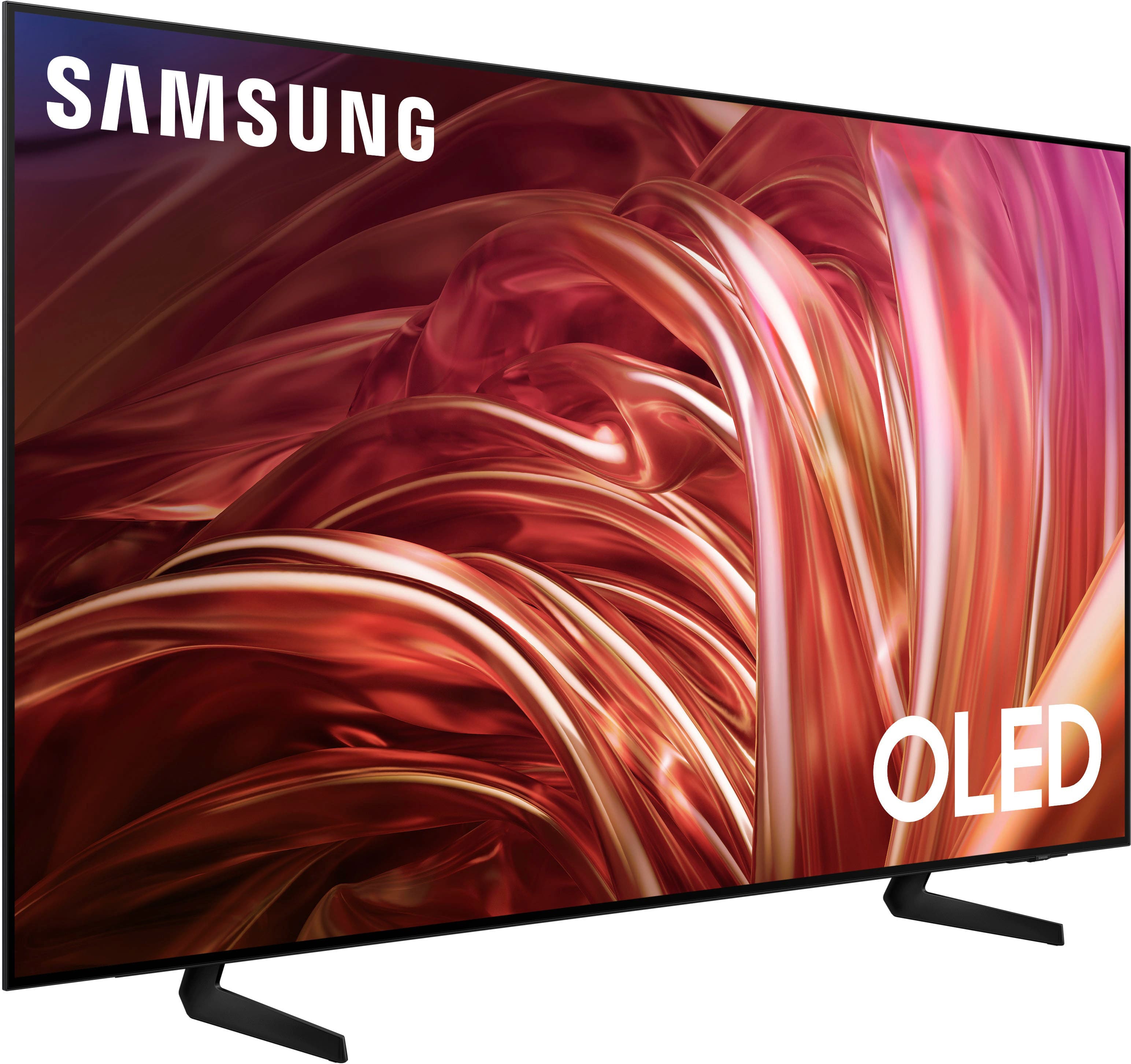
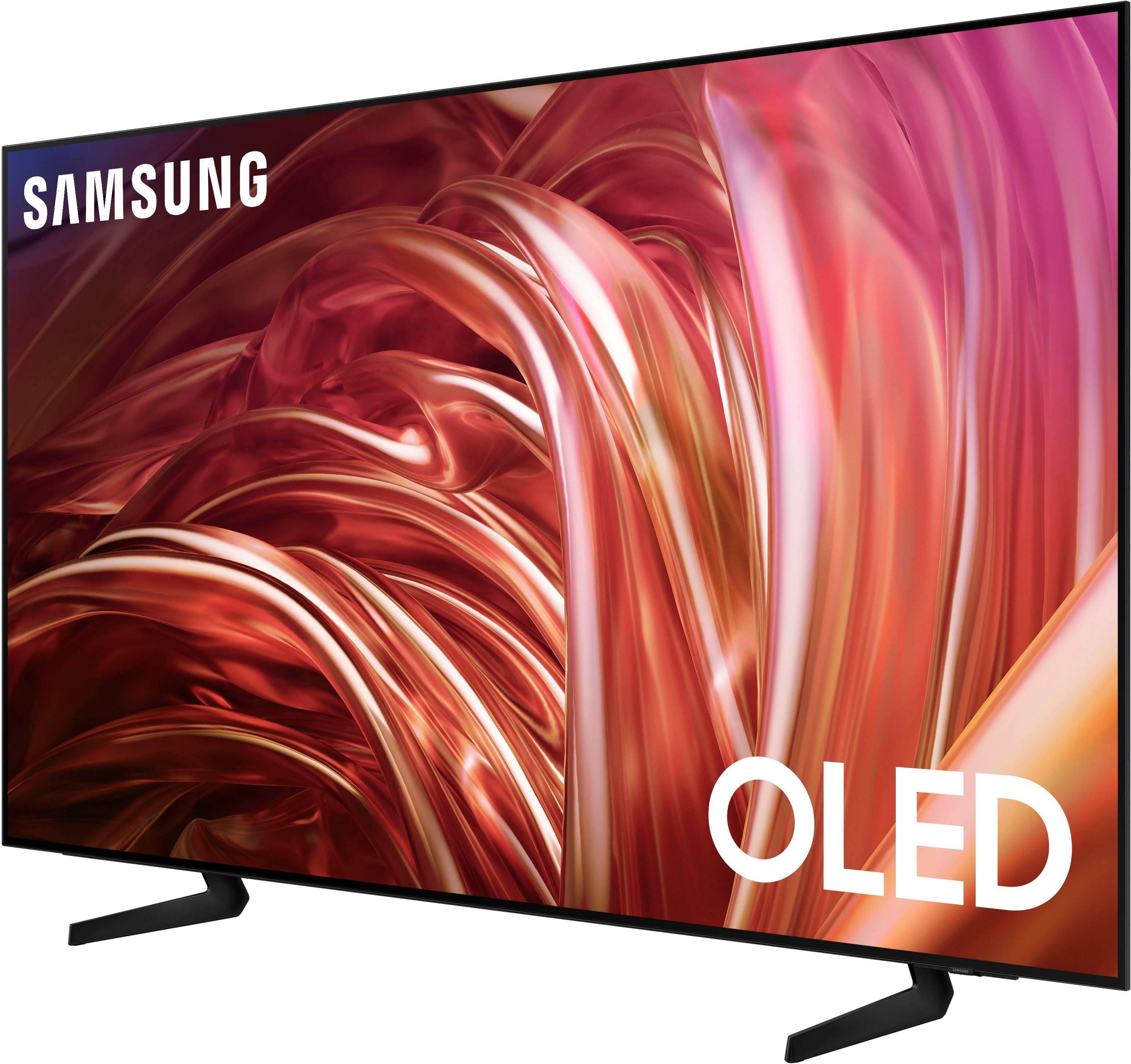
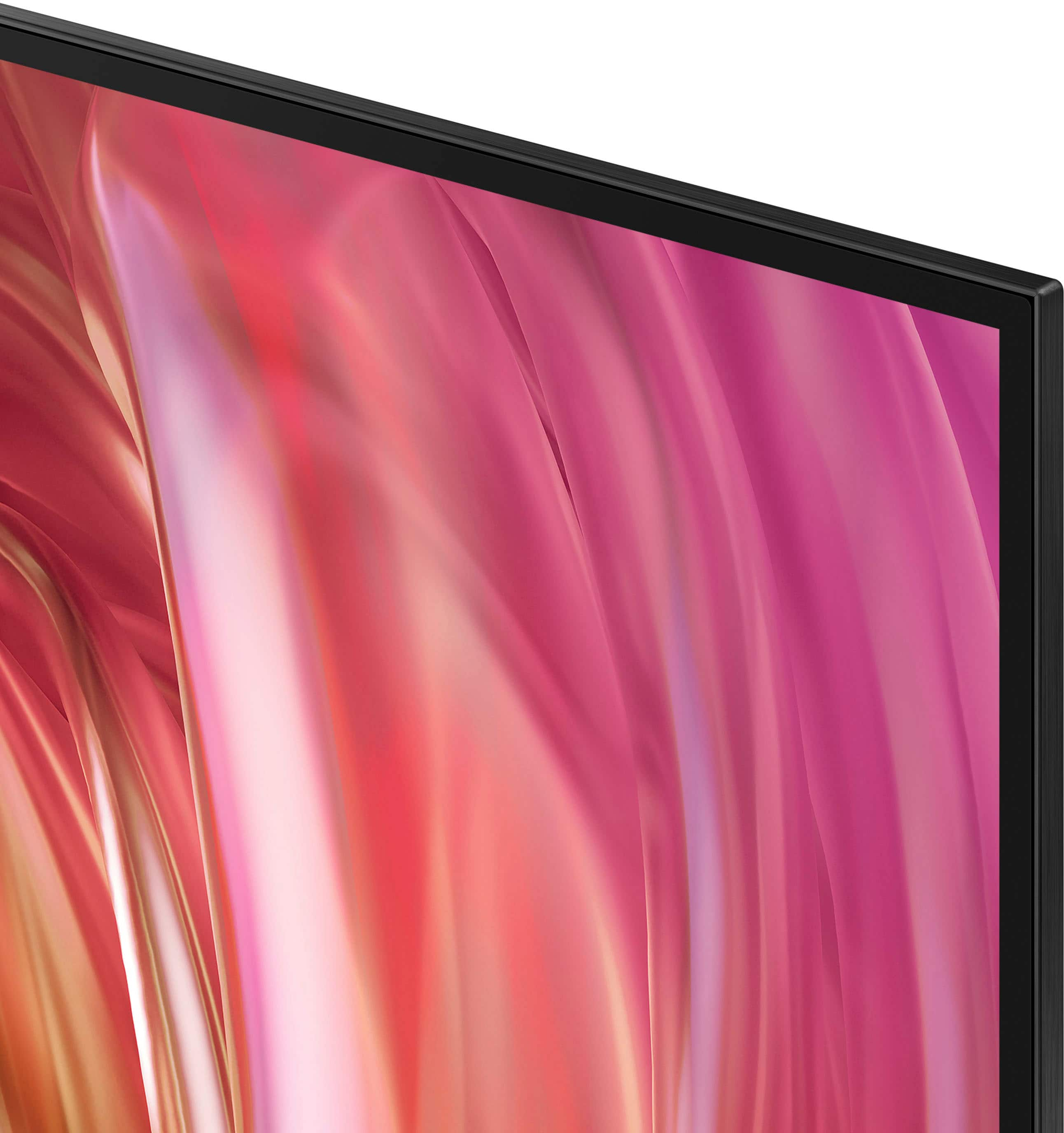
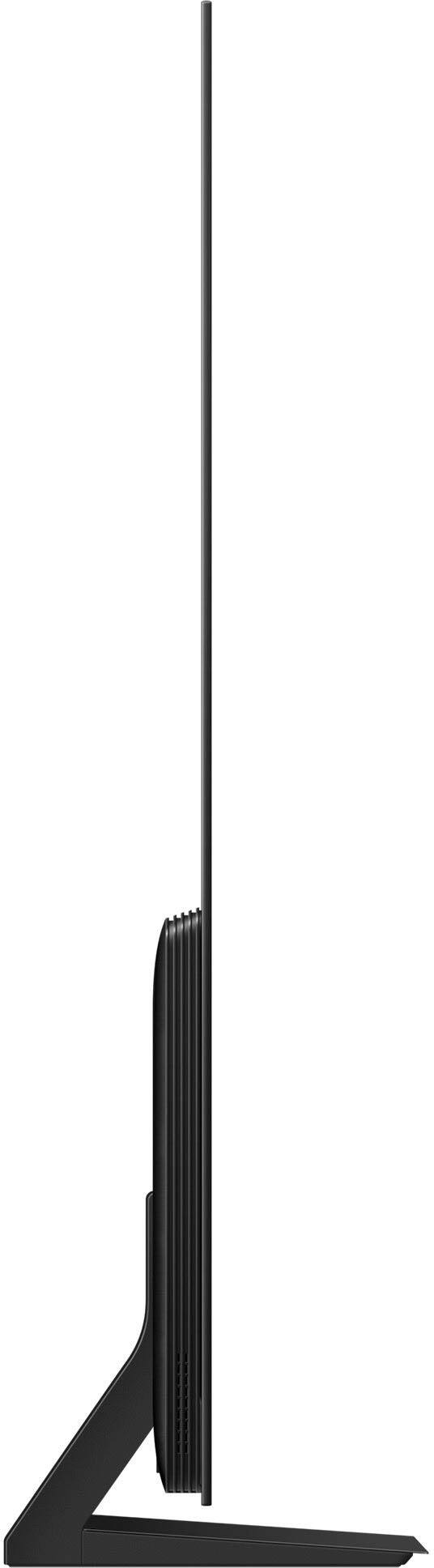
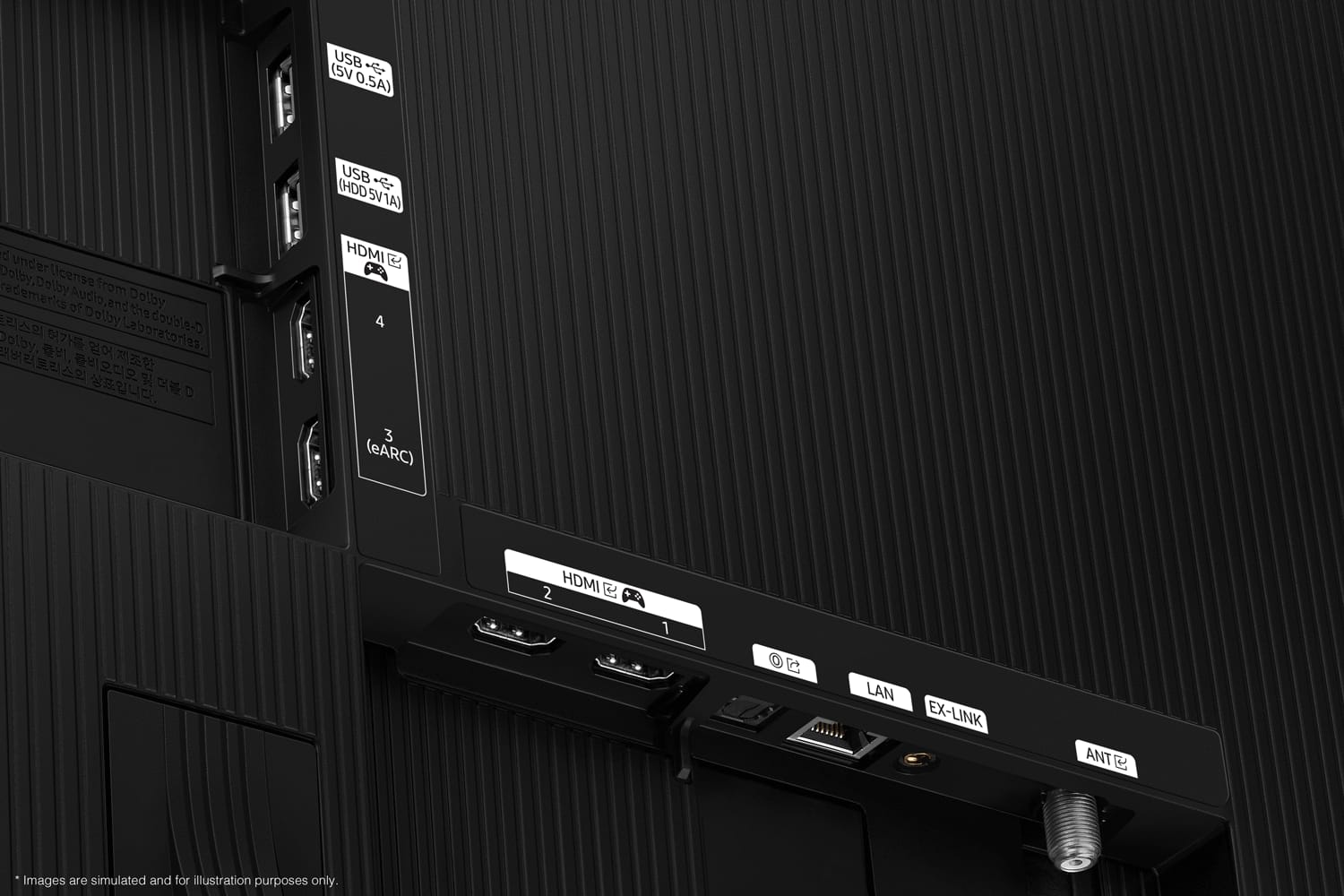
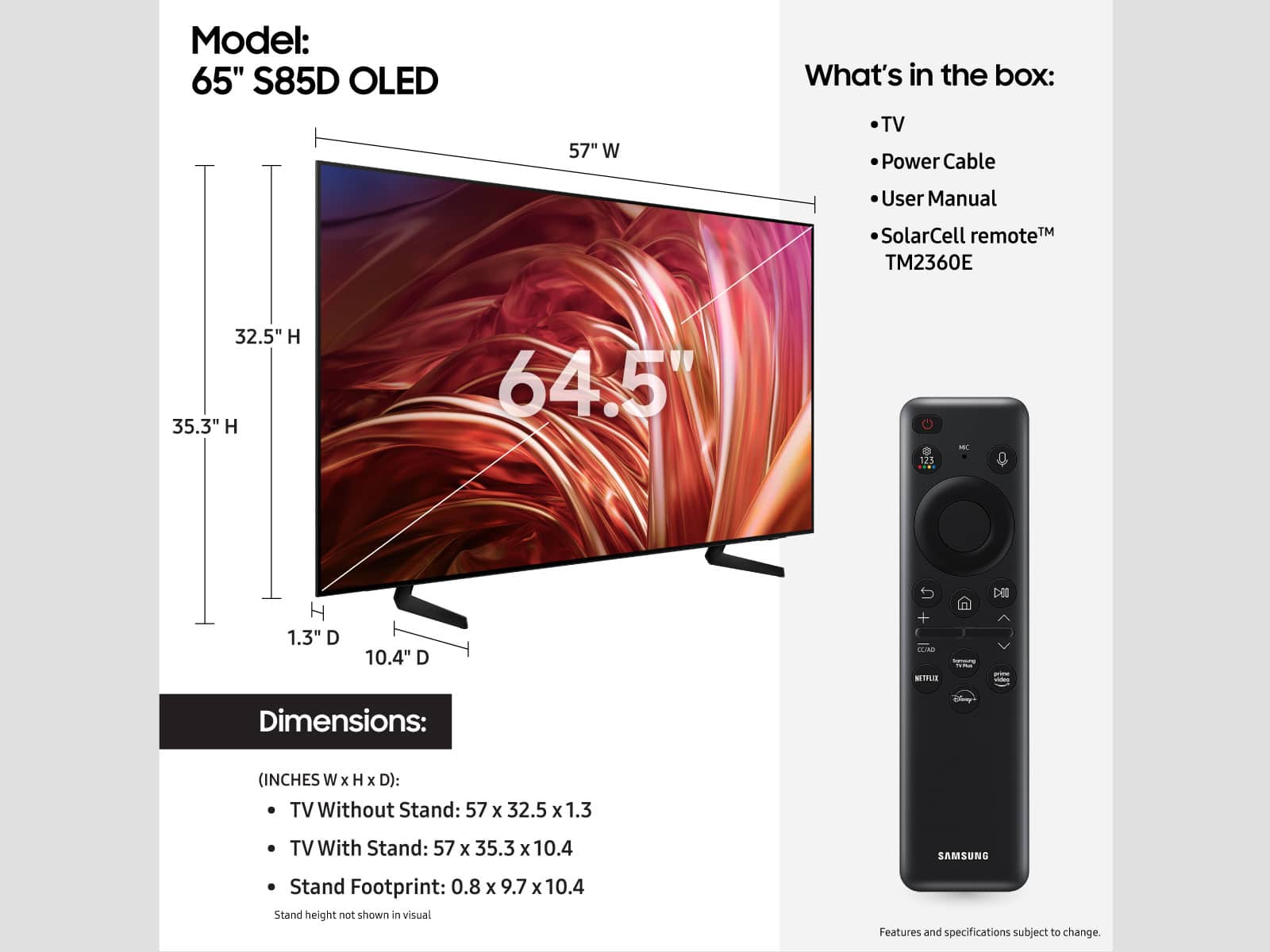











- Model:
- QN65S85DAEXZA
- SKU:
- 6578059
Rating by feature
- Picture Quality
Rating 4.8 out of 5 stars
- Sound Quality
Rating 4.5 out of 5 stars
- Brightness
Rating 4.8 out of 5 stars
Customers are saying
Customers praise the 65” Class S85D Series OLED 4K Smart Tizen TV (2024) for its excellent picture quality, vibrant colors, and terrific viewing angle, also noting the great sound. However, some customers find the remote control to be easily misplaced.
This summary was generated by AI based on customer reviews.
65” TV
||Posted . Owned for 1 month when reviewed.This reviewer received promo considerations or sweepstakes entry for writing a review.Excellent TV. We use a soundbar not the TV’s speakers.
I would recommend this to a friendNot the greatest tv
||Posted . Owned for 3 weeks when reviewed.This reviewer received promo considerations or sweepstakes entry for writing a review.When we first bought this TV it was nothing but problems it kept shutting off and sound had crackling noise but we bought the insurance and had it replaced the new has had crackling issues in the sound here and there but it only been about a week and a half so we'll see if this one holds up
No, I would not recommend this to a friendBrand response from Samsung
Posted .Hi Ronn,
Thank you for your feedback. If you are hearing a loud static noise, it could be caused by electrical feedback. I recommend the following:
1. Arranging the cables and making sure the TV has good ventilation will keep it quiet.
2. Check the cables. Make sure all cables are connected firmly to the proper, color-coded inputs on the TV and on the external devices.
3. Replace the audio connection cable.
Replace the audio connection cable, even if it is an HDMI or RF coaxial cable. Then test again to see if the issue still occurs.
4. Try connecting a different external device to the same input on the TV.
Connect a different device to the same input on the TV using the same connection cables.
For example, if a cable box is connected using the component connections, try connecting a DVD player to the same input with the same cables.
If there is no buzzing, crackling, or humming with the second external device connected, the original device (the cable box in this example) is the source of the noise. If you need more help, Samsung is here for you! Please call us at 1-800-SAMSUNG, 8 AM - 12 AM EST, seven days a week. Our LiveChat agents are also available by clicking on the ‘Support’ link on our website.
~ Samsung Advisor
Slow AI
||Posted . Owned for 2 months when reviewed.This reviewer received promo considerations or sweepstakes entry for writing a review.I waited to review this item. I wanted to love it, I got a refurbished model, and everything looked perfect out of the box. It was blazing fast for the first two months. Now, there is quite a bit of lag (everything is updated). Also, the built on Alexa does not work great. I can command it to pause the tv, but not unpause.. weird.
No, I would not recommend this to a friendBrand response from Samsung
Posted .Soap,
We appreciate your feedback on the response time, and for optimal performance, we ask that you please ensure you've got the latest firmware version installed on your TV. You can check this by going to: Home > Menu > Settings > Support > Software Update.
You may also want to further optimize performance with the self-diagnostic tool, which checks memory, frees up unused cached memory, and closes background apps. Go to: Home > Menu > Settings > Support > Device Care > Start Device Care
I hope these tips help.
You can always contact us for further help at 1-800-SAMSUNG, 8AM - 12AM EST, 7 days a week. Our LiveChat agents are also available by clicking on the ‘Support’ link on our website.
~ Samsung Specialist
- Pros mentioned:Picture quality
Poor Experience
||Posted . Owned for 2 weeks when reviewed.This reviewer received promo considerations or sweepstakes entry for writing a review.I went into the store on Feb 4 to buy this item. It wasn't in stock so they offered me a delivery option for Feb 15. Waited for the delivery and it never came. I called to see what was going on and they said they couldn't find in the warehouse and rescheduled the delivery for Feb 25. Received a message today on 02/18 that they still can't find this item in the warehouse and more than likely it is out of stock. Now the item is $200 more on other websites and BestBuy. The rep who helped didn't seem to care about losing my business on this item or future items. I am never been so disappointed with BestBuy and I have shopped with Best Buy for over 15 years. Now I am not sure if I ever will buy again here again. The TV looked great in store.
I would recommend this to a friendBrand response from Samsung
Posted .VictorM,
I'm sorry you have not received your TV yet. Please follow up directly with Best Buy for further assistance. We hope your issue is resolved in a timely manner.
Should you have questions regarding the usage or setup of your TV once you've received it, please contact Samsung Support at 1-800-SAMSUNG, 8AM - 12AM EST, 7 days a week. Our LiveChat agents are also available by clicking on the ‘Support’ link on our website.
~ Samsung Specialist
Great experience at Best Buy
||Posted . Owned for 2 months when reviewed.This reviewer received promo considerations or sweepstakes entry for writing a review.The person helping us in store gave us a lot of information on various TVs. He took the time to explain what different features were.
I would recommend this to a friendTv
||Posted . Owned for 1 month when reviewed.This reviewer received promo considerations or sweepstakes entry for writing a review.The price was okay the setup was great and so far the tv is good
I would recommend this to a friendMarkH
||Posted . Owned for 1 month when reviewed.This reviewer received promo considerations or sweepstakes entry for writing a review.Did not like the picture quality, i bought a 9o series instead
No, I would not recommend this to a friendTV set up
||Posted . Owned for 1 month when reviewed.This reviewer received promo considerations or sweepstakes entry for writing a review.The contracted people were not helpful at all in setting up the TV The TV itself is great.
I would recommend this to a friendBrand response from Samsung
Posted .PhyllisC,
It's unfortunate to hear of your installation experience. We recommend you contact Best Buy directly for assistance. You also may want to consider providing feedback to the Best Buy store where you made your purchase. We hope your issue is resolved quickly.
Should you ever need help or have questions on Samsung TVs, please reach Samsung Support at 1-800-SAMSUNG, 8AM - 12AM EST, 7 days a week. Our LiveChat agents are also available by clicking on the ‘Support’ link on our website.
~ Samsung Specialist
Thanks
||Posted . Owned for 1 month when reviewed.This reviewer received promo considerations or sweepstakes entry for writing a review.Good set. I like it. Better documentation would be a plus.
I would recommend this to a friendopen box TV in terrible condition
||Posted .This reviewer received promo considerations or sweepstakes entry for writing a review.I understand that I purchased an open box item, but the condition of this TV was very unpleasant. It was broken later. However, due to the complexity of the return shipment, I decided to keep it. They shouldn't offer equipment in such poor conditions.
No, I would not recommend this to a friendnot what i was hoping for
||Posted . Owned for 2 months when reviewed.This reviewer received promo considerations or sweepstakes entry for writing a review.The sound is strange, it changes by it self the picture is not as good as my last samsung which lasted for 15 years and had the best picture i have ever seen
I would recommend this to a friendBrand response from Samsung
Posted .DonaldB,
We appreciate you taking the time to let us know about your experience with your TV. So that we can better troubleshoot this issue and provide steps towards a solution, please contact Samsung Support at 1-800-SAMSUNG, 8AM - 12AM EST, 7 days a week. Our LiveChat agents are also available by clicking on the ‘Support’ link on our website.
~ Samsung Specialist
Service / Install Sucks
||Posted . Owned for 3 weeks when reviewed.This reviewer received promo considerations or sweepstakes entry for writing a review.2/20/25 Can't review TV due to fiasco with installation. Best Buy / Geek Squad have been more of an obstacle than a help and no one will take responsibility for resolving the issues. Orig purchase 1/28/25, now sched install 2/24/25 and TV now priced $300 higher on Mfg site. Best Buy okay if you carry product out immediately. Services supplied by Geek Squad are obstructionist rather than helpful.
I would recommend this to a friendBrand response from Samsung
Posted .JohnP,
We appreciate you sharing your experience; however, we recommend you contact Best Buy directly for assistance in correcting this situation. We hope your issue is resolved in a timely manner.
Should you have any questions or need help with your TV once your issue has been resolved, please reach Samsung Support at 1-800-SAMSUNG, 8AM - 12AM EST, 7 days a week. Our LiveChat agents are also available by clicking on the ‘Support’ link on our website.
~ Samsung Specialist
So tired of apps not responding
||Posted . Owned for 1 month when reviewed.This reviewer received promo considerations or sweepstakes entry for writing a review.I’m tired of having to reinstall apps to make them work. Annoying at best. A lot of money for a tv and I’d expect all that to work well. Otherwise good tv
No, I would not recommend this to a friendBrand response from Samsung
Posted .JeffH,
We appreciate your feedback on Samsung's S85D. For optimal performance, we ask that you please ensure you've got the latest firmware version installed on your TV. You can check this by going to: Home > Menu > Settings > Support > Software Update.
You may also want to further optimize performance with the self-diagnostic tool, which checks memory, frees up unused cached memory, and closes background apps. Go to: Home > Menu > Settings > Support > Device Care > Start Device Care
I hope these tips help you enjoy your new product.
You can always contact us for further help at 1-800-SAMSUNG, 8AM - 12AM EST, 7 days a week. Our LiveChat agents are also available by clicking on the ‘Support’ link on our website.
~ Samsung Specialist
Disappointed Buyer
||Posted . Owned for less than 1 week when reviewed.This reviewer received promo considerations or sweepstakes entry for writing a review.I would love to write a review but I am still waiting for it to get installed and setup. I ordered it on 3/3/25 with setup and\mounting, was delivered on 3/7 thinking that it was gong to be setup and installed (it was only delivered no setup). I contacted then that day and they said that they would make arrangements for install and setup and get back to me. contacted them again on 3/10 and 3/11. Still no timeline on the appointment??? they say there is a problem with them getting in contact with installers.?? WHY. It has been sitting in my front room since then blocking up my couch I did make arrangements for them to pickup and return the tv on Friday 3/14 if they cannot get it installed by then.. would I recommend buying from Best Buy NOT
No, I would not recommend this to a friendBrand response from Samsung
Posted .Unhappybuyer,
Please know you are leaving a review and 1-star rating for the S85D TV, but we are sorry to hear of your Best Buy experience, nonetheless. You may want to consider providing feedback directly to the Best Buy store where you made your purchase.
Should you have questions on the S85D TV itself, Samsung is here for you. You can reach us at 1-800-SAMSUNG, 8AM - 12AM EST, 7 days a week. Our LiveChat agents are also available by clicking on the ‘Support’ link on our website.
~ Samsung Specialist
Defective TV, Poor Customer Service
||Posted . Owned for 3 weeks when reviewed.This reviewer received promo considerations or sweepstakes entry for writing a review.I don’t know if I am more upset at Best Buy or Samsung. I bought this TV as an open box and was told that it was in working condition. I got it home and mounted it on the wall only to find out about 30 minutes in that the TV had the Samsung black screen of death. I reached out to Best Buy to try and get this fixed because I’m a my Best Buy total member and spent almost an hour with chat support arguing about how the protection plan works because clearly Best Buy support doesn’t even understand their own terms and conditions. I then had to go through Samsung to get this fixed and Samsung is doing right by me and getting me a brand new TV and instead as to where Best Buy simply gave me the answer of come return it. Super disappointing.
I would recommend this to a friendBrand response from Samsung
Posted .JimT,
We appreciate you sharing your experience with Samsung’s S85D TV. If purchased brand-new and unopened, please contact Samsung Customer Support and a representative will gladly help you. If purchased in open-box condition, we recommend contacting Best Buy directly for assistance. We hope your issue is resolved in a timely manner.
Should you have questions or concerns on usage or setup of your TV once your issue has been resolved, please call us at 1-800-SAMSUNG, 8AM - 12AM EST, 7 days a week. Our LiveChat agents are also available by clicking on the ‘Support’ link on our website.
~ Samsung Specialist
- Cons mentioned:Remote control
Volume on remit not working
||Posted .This reviewer received promo considerations or sweepstakes entry for writing a review.Remote volume does not work with external speaker. I have to use a fire stick remote for that. The Samsung remote volume takes me to a different screen that won’t fix it. Be aware!
No, I would not recommend this to a friendBrand response from Samsung
Posted .JohnD,
We appreciate you taking the time to let us know about your experience with your S85D TV. So that we can better troubleshoot this issue and provide steps towards a solution, please contact Samsung Support at 1-800-SAMSUNG, 8AM - 12AM EST, 7 days a week. Our LiveChat agents are also available by clicking on the ‘Support’ link on our website.
~ Samsung Specialist
DONT BUY IT!!!!
||Posted . Owned for 1 week when reviewed.This reviewer received promo considerations or sweepstakes entry for writing a review.Came broken and in store customer service was very rude. The manager Brienna told me she could do the return but she did not want to.
No, I would not recommend this to a friendBrand response from Samsung
Posted .BiancaR,
We appreciate you sharing your delivery experience and having received a damaged unit. We recommend you contact Best Buy directly for assistance in correcting this situation. We hope your issue is resolved in a timely manner.
Should you have questions regarding the usage or setup of your TV once your issue has been resolved, please contact Samsung Support at 1-800-SAMSUNG, 8AM - 12AM EST, 7 days a week. Our LiveChat agents are also available by clicking on the ‘Support’ link on our website.
~ Samsung Specialist
Picture died after two months
||Posted . Owned for 3 months when reviewed.This reviewer received promo considerations or sweepstakes entry for writing a review.Had it less than two months and the picture died. Samsung finally picked up the defective unit after a month but I still can't get my money back because I'm supposed to enter an account # but they never have me an account #. I will never but Samsung again. "Samsung Care" is really "Samsung doesn't care."
No, I would not recommend this to a friendBrand response from Samsung
Posted .KarenP,
We appreciate you sharing your experience with Samsung's S85D as well as Care. We would like the opportunity to assist and further investigate your feedback.
Please reach Samsung Support at 1-800-SAMSUNG, 8AM - 12AM EST, 7 days a week. Our LiveChat agents are also available by clicking on the ‘Support’ link on our website.
We look forward to speaking with you.
~ Samsung Specialist
Display problematic
||Posted . Owned for 1 month when reviewed.This reviewer received promo considerations or sweepstakes entry for writing a review.TV did not power on at all and I had to drive all the way back to my nearest Best Buy which is 1 hour away to return and exchange it. Super inconvenient.
No, I would not recommend this to a friendBrand response from Samsung
Posted .DanielColiz,
It’s unfortunate to hear of the issues that have caused you to return your TV. Your experience is very important to us and will be shared with our product team.
Should you ever decide to give Samsung TVs another try and have questions or need help with settings, setup, or features, please know we’re here to help. Call us at 1-800-SAMSUNG, 8AM - 12AM EST, 7 days a week.
LiveChat with an agent as well as manuals, software, and warranty info can be found at the ‘Support’ link on our Samsung website.
~ Samsung Specialist
Volume issue
||Posted . Owned for 1 month when reviewed.This reviewer received promo considerations or sweepstakes entry for writing a review.Sound while watching different shows comes on very loud and then reverts back to very soft.
No, I would not recommend this to a friendBrand response from Samsung
Posted .CathleenR,
Thank you for sharing your experience with volume fluctuations. Please try the following which may help resolve this:
1. Turn off the Sound Sensor switch by using the button at the bottom of the TV, beneath the Samsung logo. With the TV on, you can push the button to the left to turn the sound sensor on or to the right to turn it off.
2. Try disabling some of the TV's intelligent functions, as these will automatically analyze and adjust your sound which may cause your volume to fluctuate. Go to Settings > All Settings > General & Privacy > Intelligent Mode Settings and select Intelligent Mode to turn off all the functions or select each option to turn it off.
3. Please also make sure your TV’s firmware is updated. You can check this by going to: Menu > Settings > Support > Software Update.
I hope these tips help. If you need further assistance, please reach out to Samsung Support at 1-800-SAMSUNG, 8AM - 12AM EST, 7 days a week. Or visit us on the Samsung website and click on the ‘Support’ link for:
• LiveChat
• Manuals, Software, & Warranty Info
~ Samsung Specialist