Customer Ratings & Reviews

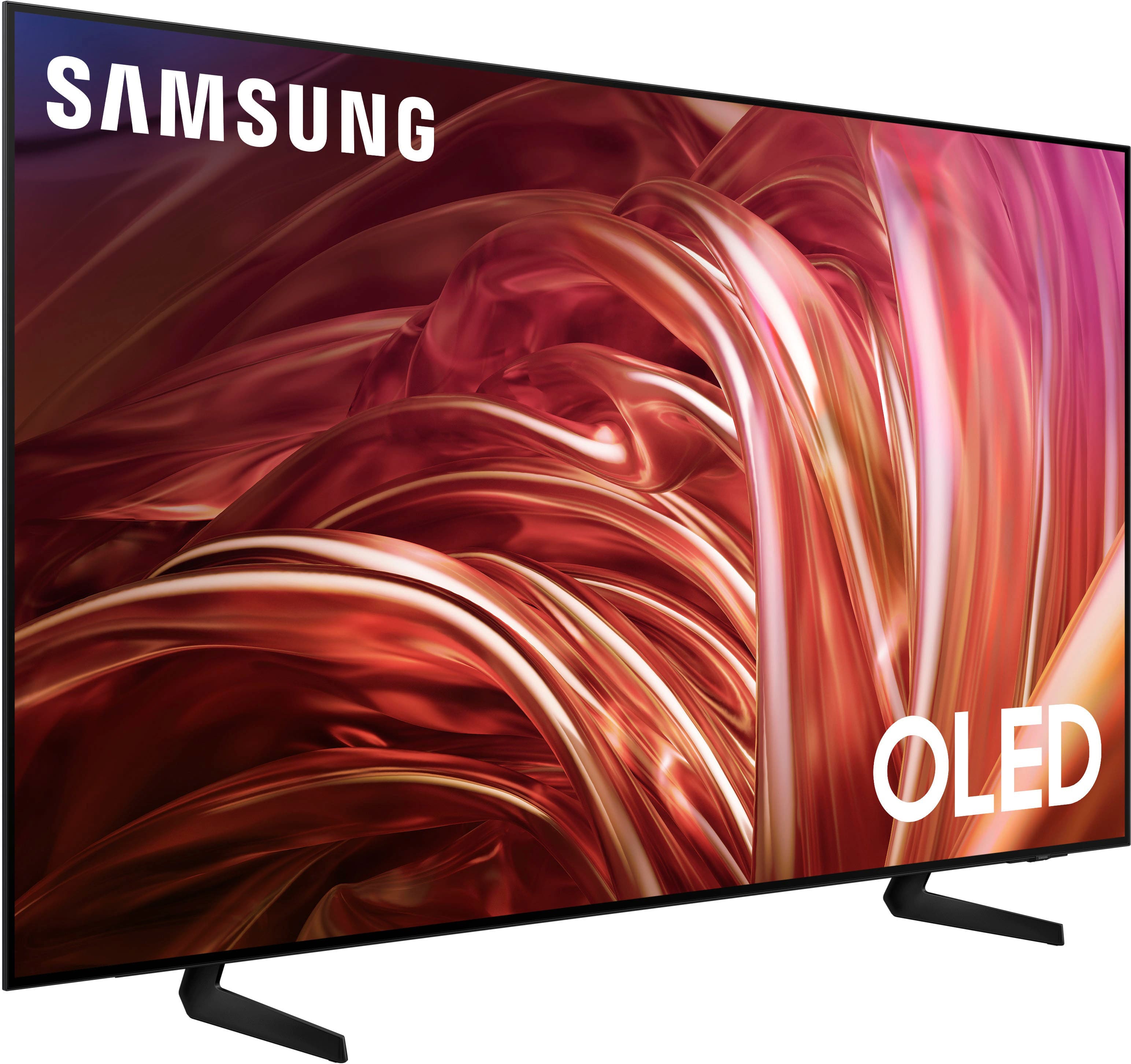
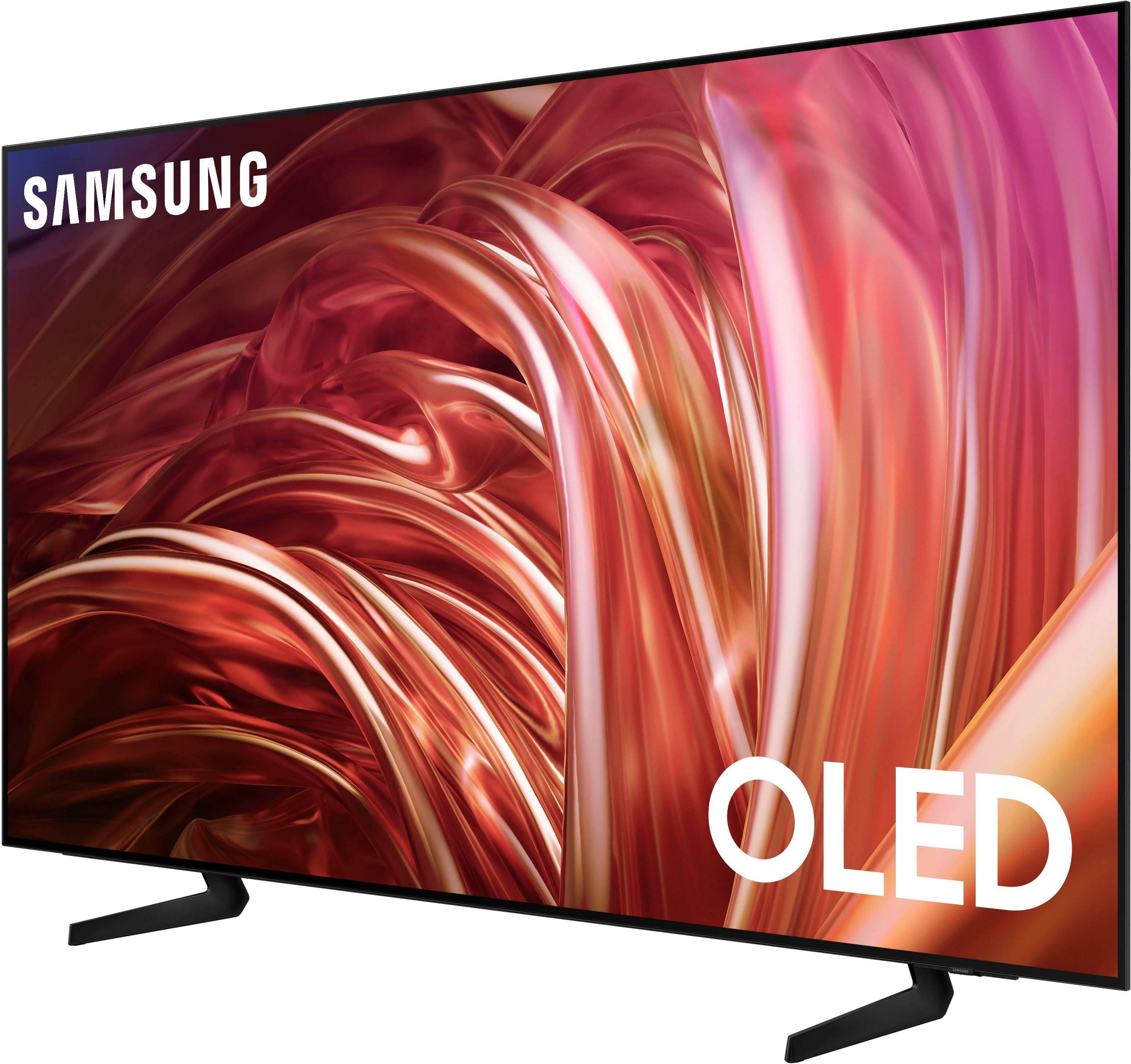











- Model:
- QN65S85DAEXZA
- SKU:
- 6578059
Rating by feature
- Picture Quality
Rating 4.8 out of 5 stars
- Sound Quality
Rating 4.5 out of 5 stars
- Brightness
Rating 4.8 out of 5 stars
Customers are saying
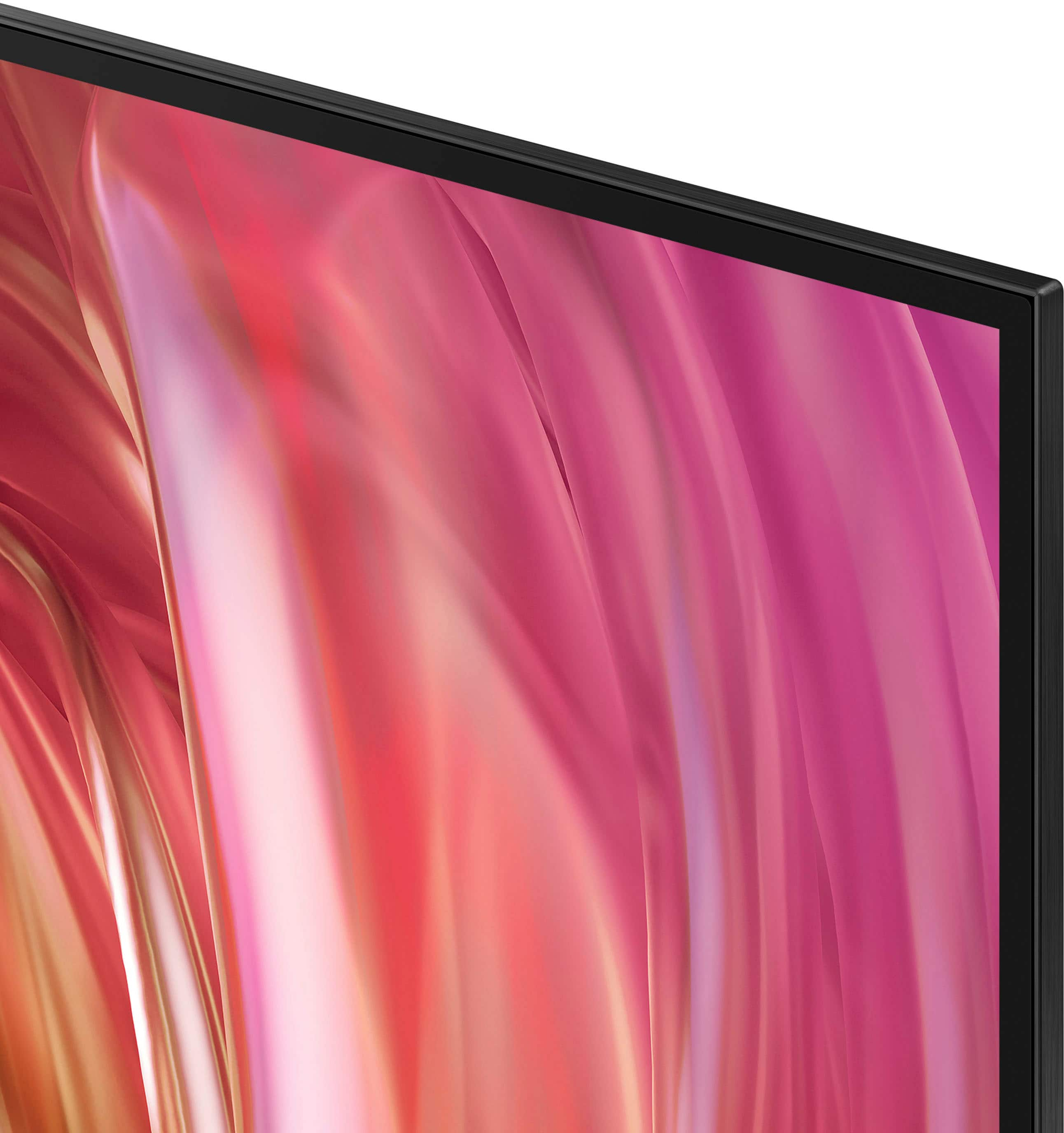
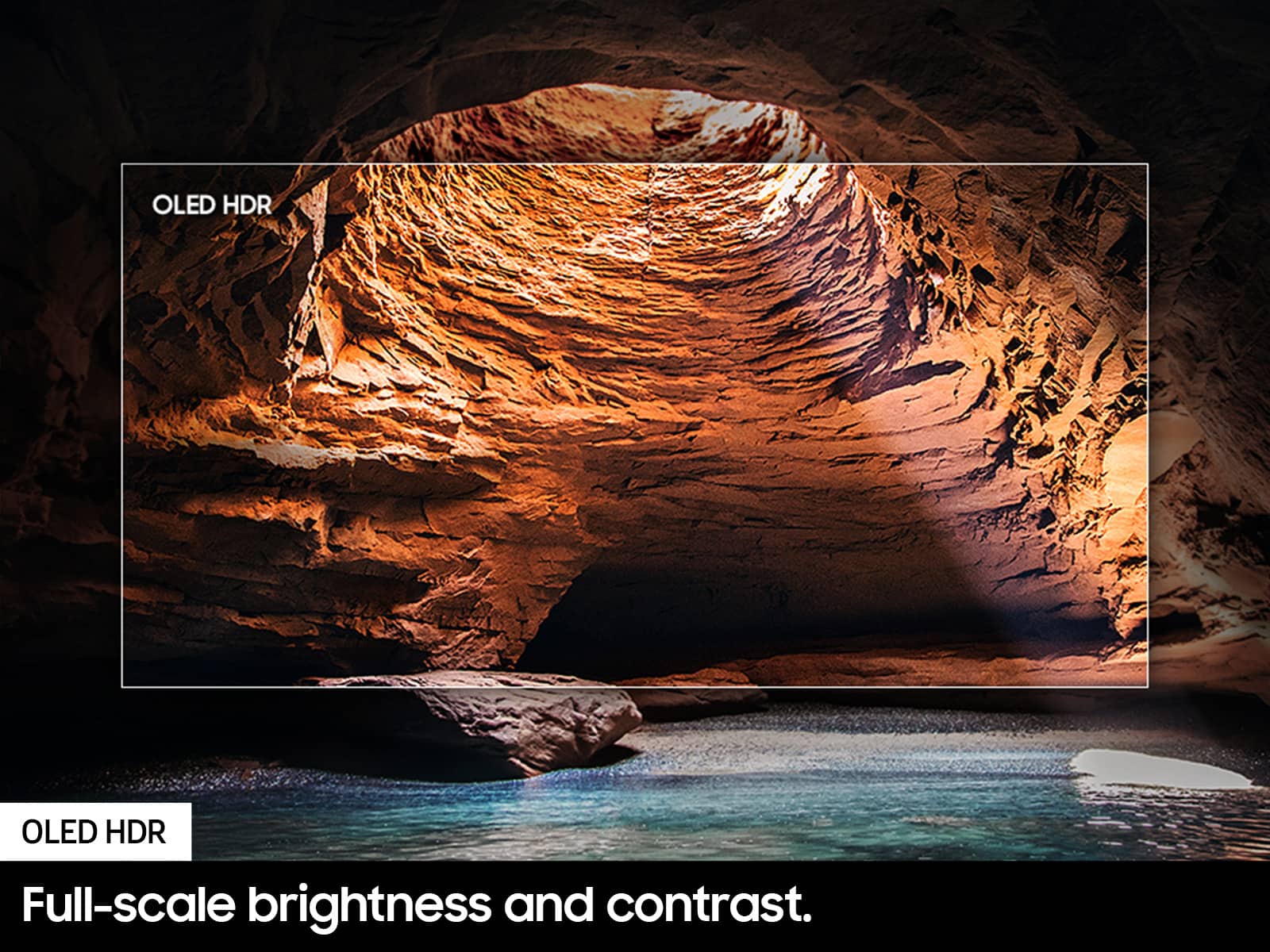
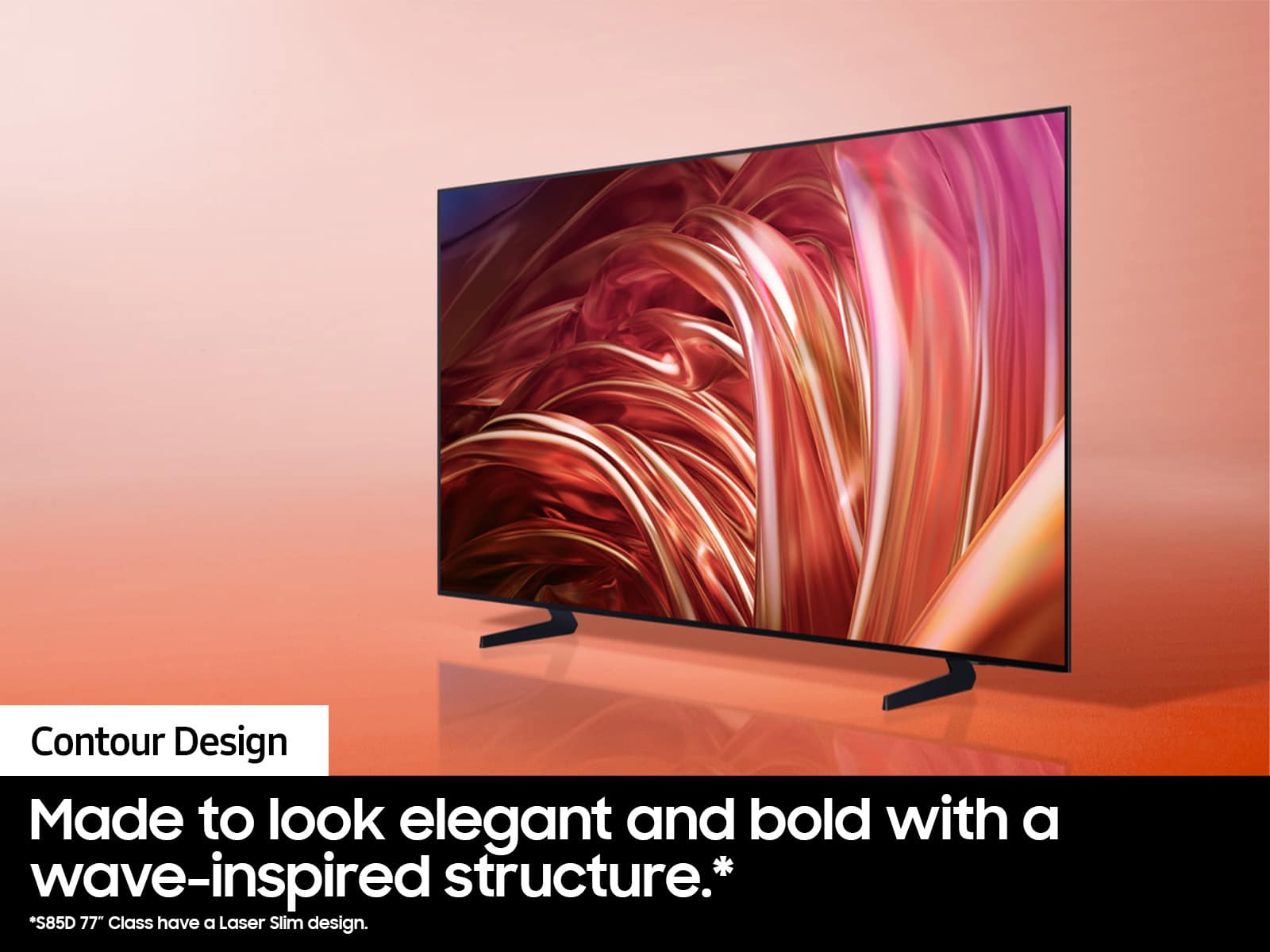
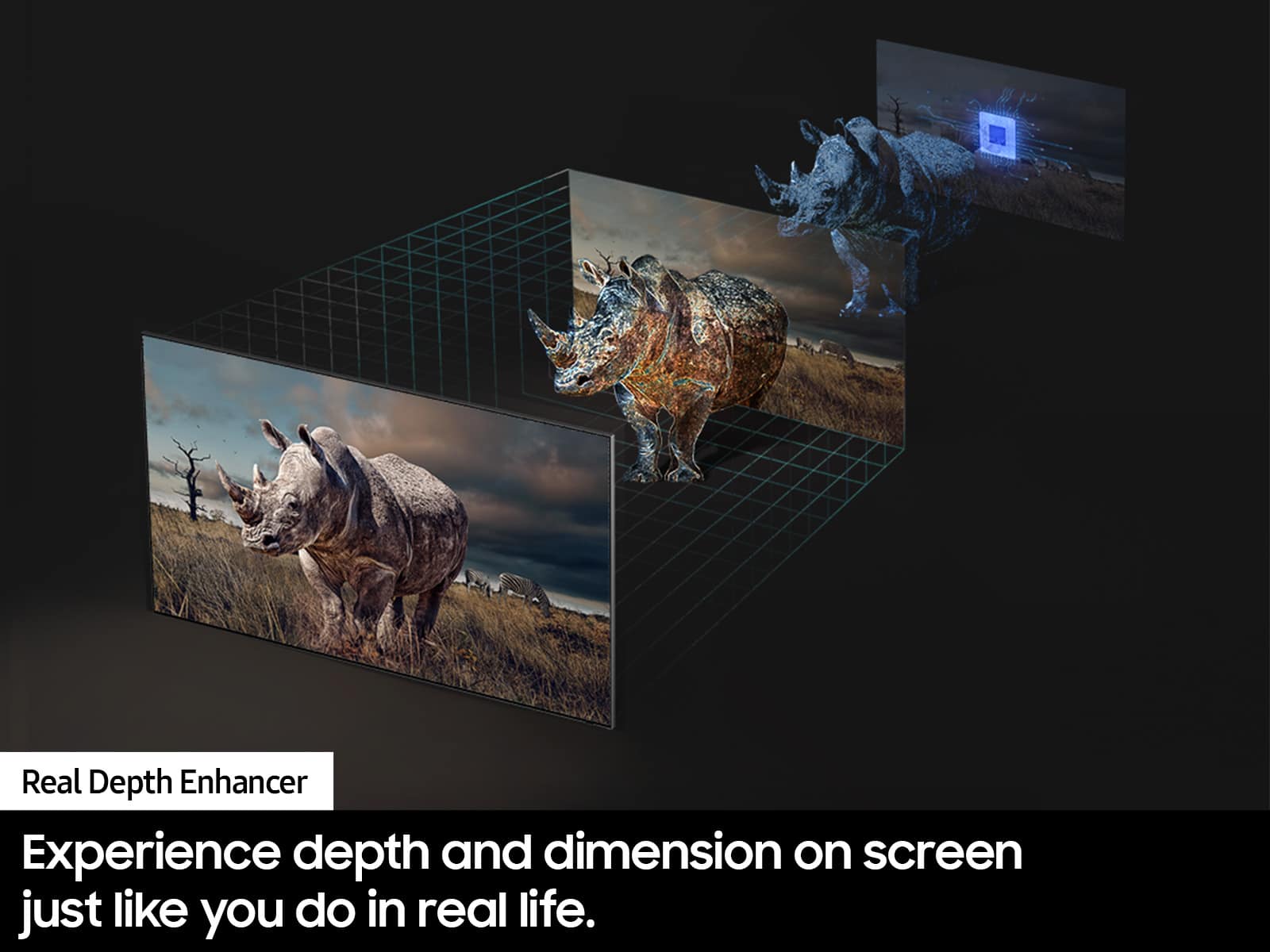
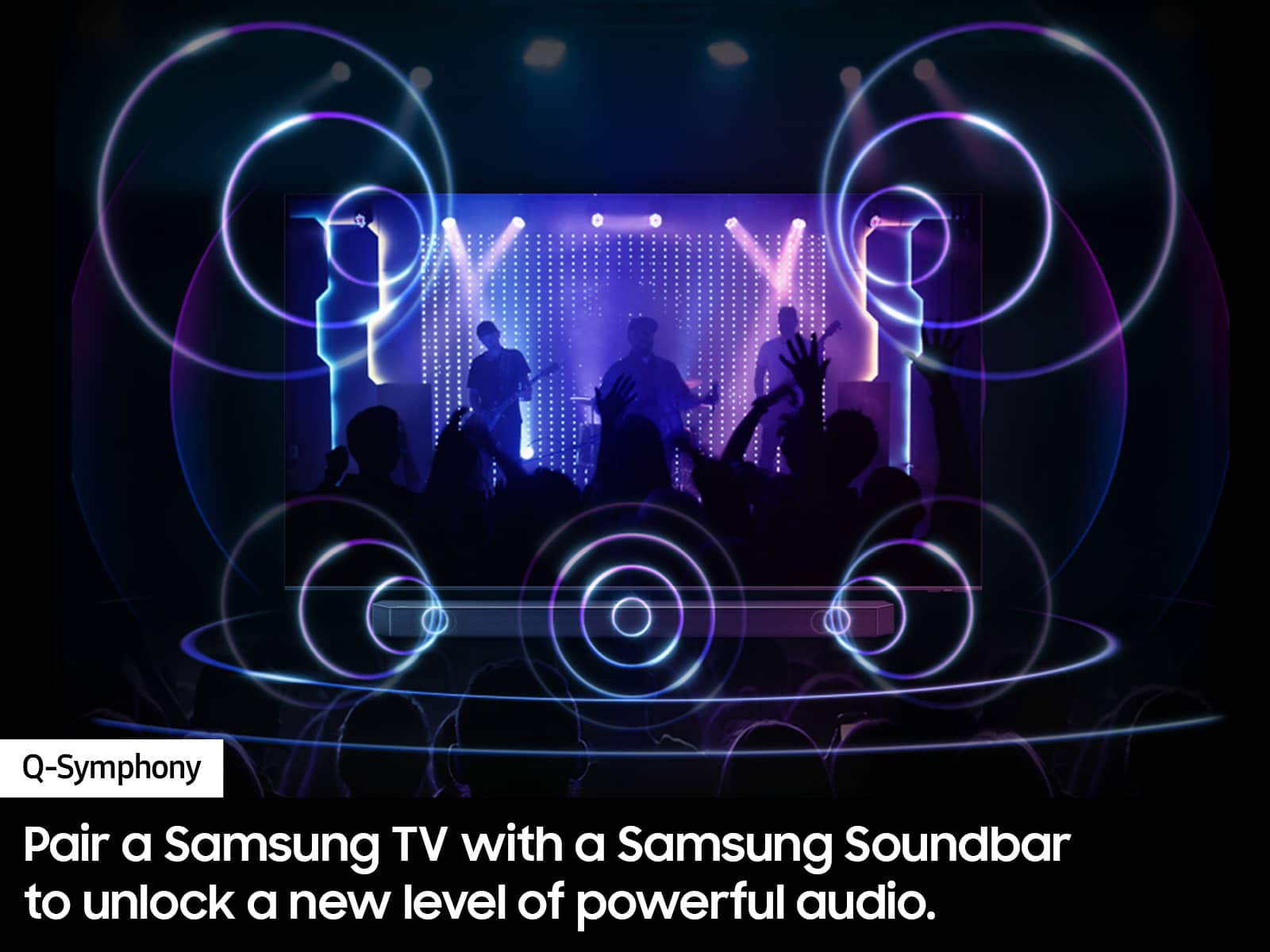
Customers praise the 65” Class S85D Series OLED 4K Smart Tizen TV (2024) for its excellent picture quality, vibrant colors, and terrific viewing angle, also noting the great sound. However, some customers find the remote control to be easily misplaced.
This summary was generated by AI based on customer reviews.
Defective
||Posted . Owned for 2 months when reviewed.This reviewer received promo considerations or sweepstakes entry for writing a review.Picture went black after 10 weeks and no help provided
No, I would not recommend this to a friendBrand response from Samsung
Posted .MaryD,
We appreciate you sharing your experience with your S85D TV. We recommend you contact Best Buy Customer Support or your local Best Buy store directly for assistance in correcting this situation. We hope your issue is resolved in a timely manner.
Should you have questions or concerns regarding the usage or setup of your TV once your issue has been resolved, please contact Samsung Customer Support at 1-800-SAMSUNG, 8AM - 12AM EST, 7 days a week. Or visit us on the Samsung website and click on the ‘Support’ link for:
• LiveChat
• Manuals, Software, & Warranty Info
~ Samsung Specialist
control freak!
||Posted . Owned for 1 month when reviewed.This reviewer received promo considerations or sweepstakes entry for writing a review.this TV takes charge of your cable box , you turn this TV off it turns off your cable box, any other TV has to connect to IPS.
No, I would not recommend this to a friendBrand response from Samsung
Posted .DennisA,
Thank you for your review. If you're having issues with externally connected devices turning on/off when you turn your TV on/off, please make sure Anynet+ is enabled. To turn on Anynet+ (HDMI-CEC), go to: Settings > All Settings > Connection > External Device Manager > Anynet+ (HDMI-CEC) = ON.
If you need more help with this function, Samsung is here for you. Please call us at 1-800-SAMSUNG, 8AM - 12AM EST, 7 days a week. Our LiveChat agents are also available by clicking on the ‘Support’ link on our website.
~ Samsung Specialist
- Pros mentioned:Picture quality, Viewing angle
Great picture!
Posted .This reviewer received promo considerations or sweepstakes entry for writing a review.I was looking for a tv with a great picture with wide viewing angles. This tv exceeded both expectations!
I would recommend this to a friend - Pros mentioned:Picture quality
Samsung S85D
Posted .This reviewer received promo considerations or sweepstakes entry for writing a review.Very high quality TV for this price point, especially as an OLED. Accepting that it is an entry level OLED, this TV performs very well across a wide spectrum of experiences - sports, movie, and gaming. Only knock is that it operates a bit slower than desired.
I would recommend this to a friend - Pros mentioned:Picture quality
TV
Posted .This reviewer received promo considerations or sweepstakes entry for writing a review.Good quality, great sound ! I’d definitely recommend it
I would recommend this to a friend WAS SHIPPED A RETURNED TV!!
Posted .This reviewer received promo considerations or sweepstakes entry for writing a review.I received an open box item with someone logged in when this is listed as new. After calling customer service to have the price adjusted since the tv was working, I was transferred around 6 times for about 40 minutes. Do not buy from bestbuy period, they lie on what you are buying…
No, I would not recommend this to a friendBrand response from Samsung
Posted .Chris,
We appreciate you sharing your experience; however, we recommend you contact Best Buy directly for assistance in correcting this situation. We hope your issue is resolved in a timely manner.
Should you have any questions or need help with your TV once your issue has been resolved, please reach Samsung Support at 1-800-SAMSUNG, 8AM - 12AM EST, 7 days a week. Our LiveChat agents are also available by clicking on the ‘Support’ link on our website.
~ Samsung Specialist
terrible
Posted .This reviewer received promo considerations or sweepstakes entry for writing a review.TV came in damaged. Screen has vertical lines on both sides. impossible to get an American on the phone to help with this issue
No, I would not recommend this to a friendBrand response from Samsung
Posted .JohnV,
We appreciate you sharing your delivery experience and having received a damaged unit. We recommend you contact Best Buy directly for assistance in correcting this situation. We hope your issue is resolved in a timely manner.
Should you have questions regarding the usage or setup of your TV once your issue has been resolved, please contact Samsung Support at 1-800-SAMSUNG, 8AM - 12AM EST, 7 days a week. Our LiveChat agents are also available by clicking on the ‘Support’ link on our website.
~ Samsung Specialist