Customer Ratings & Reviews
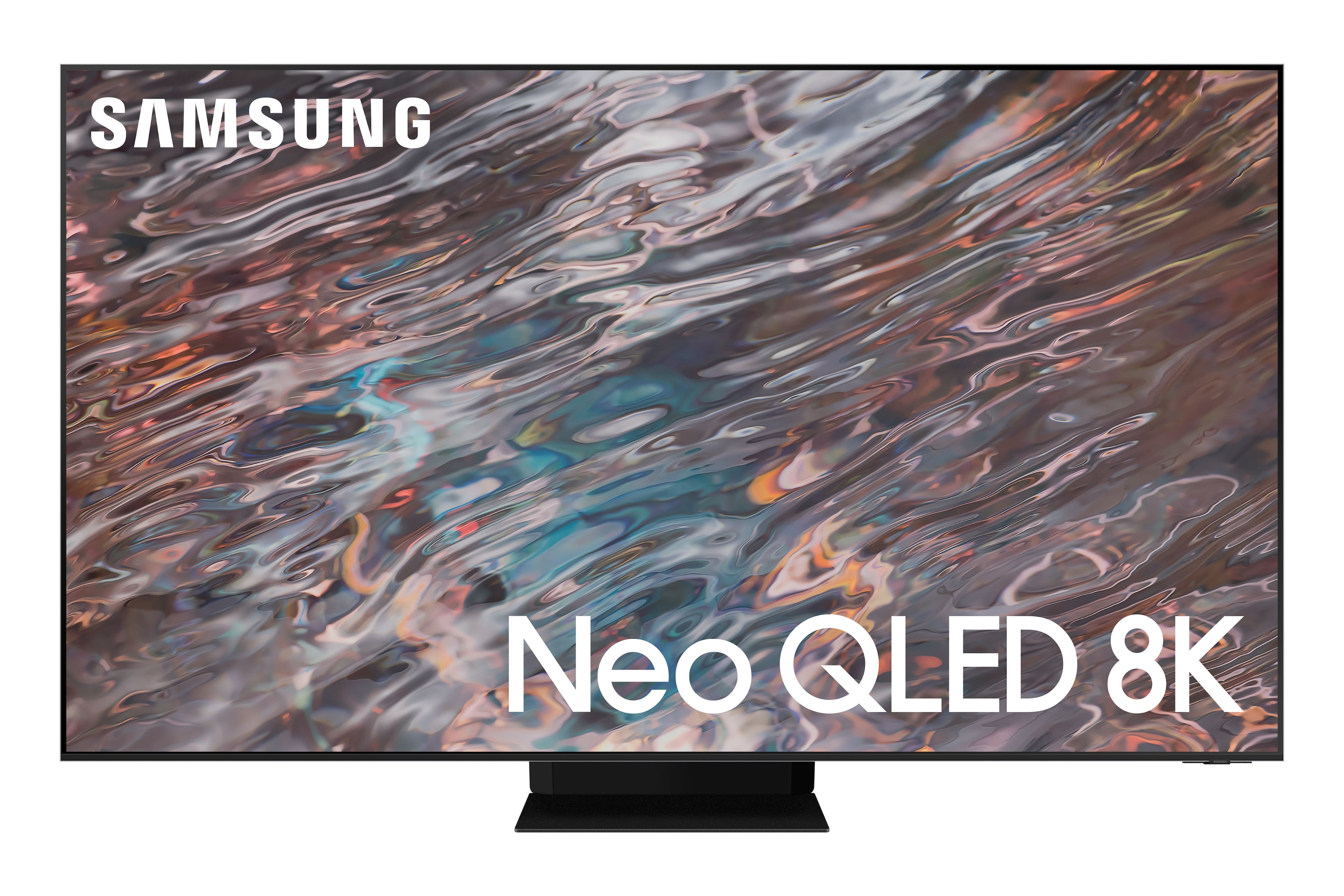

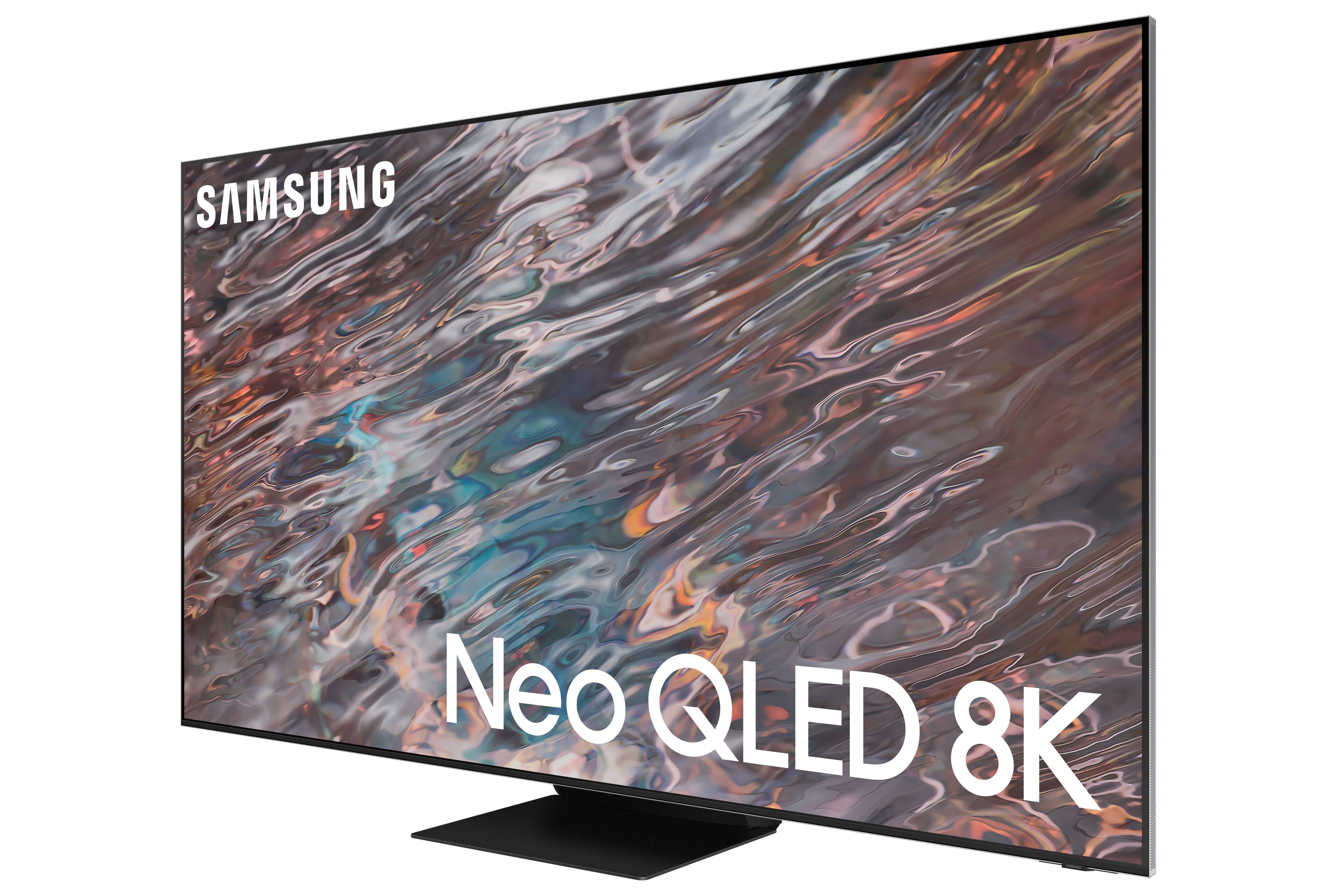
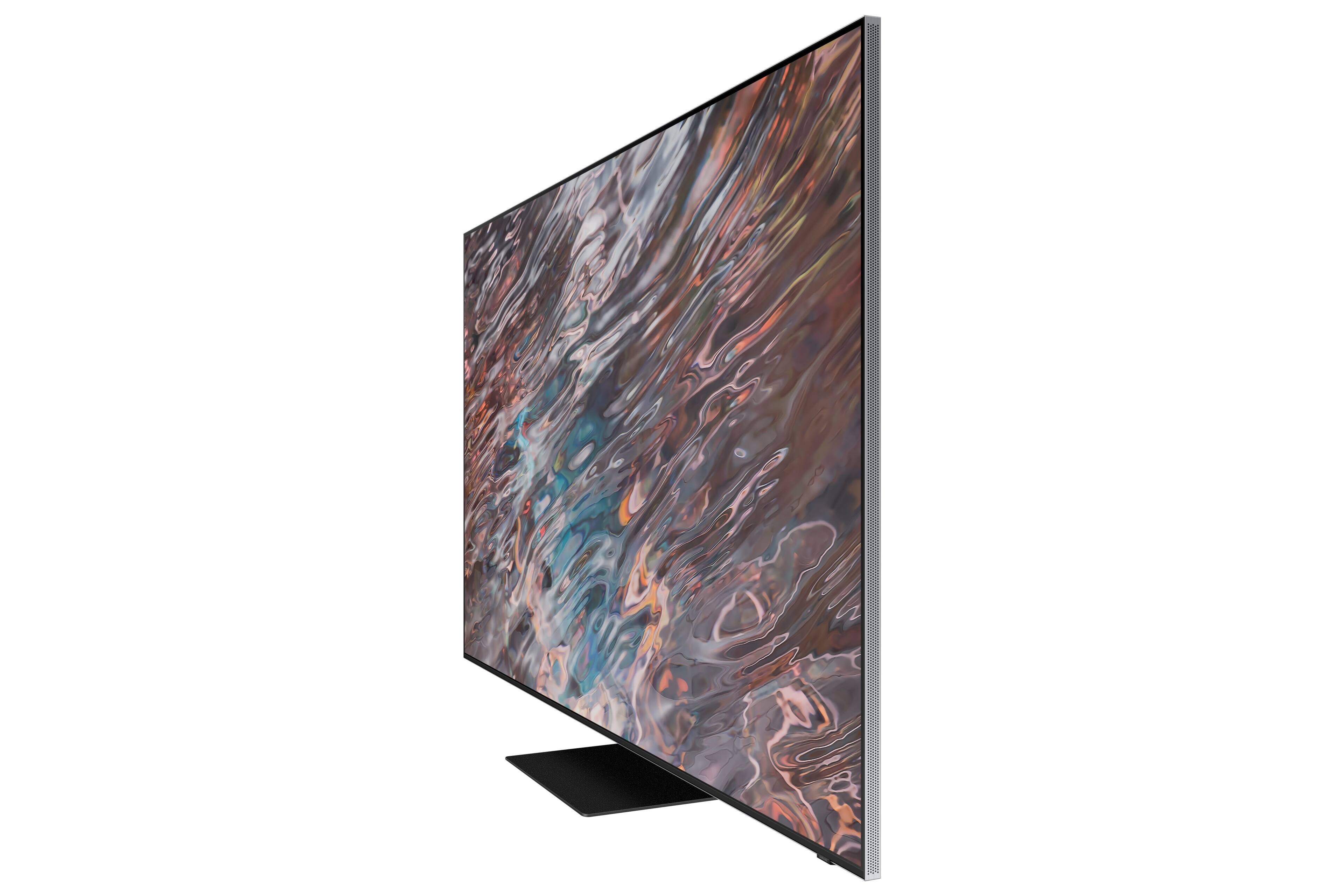
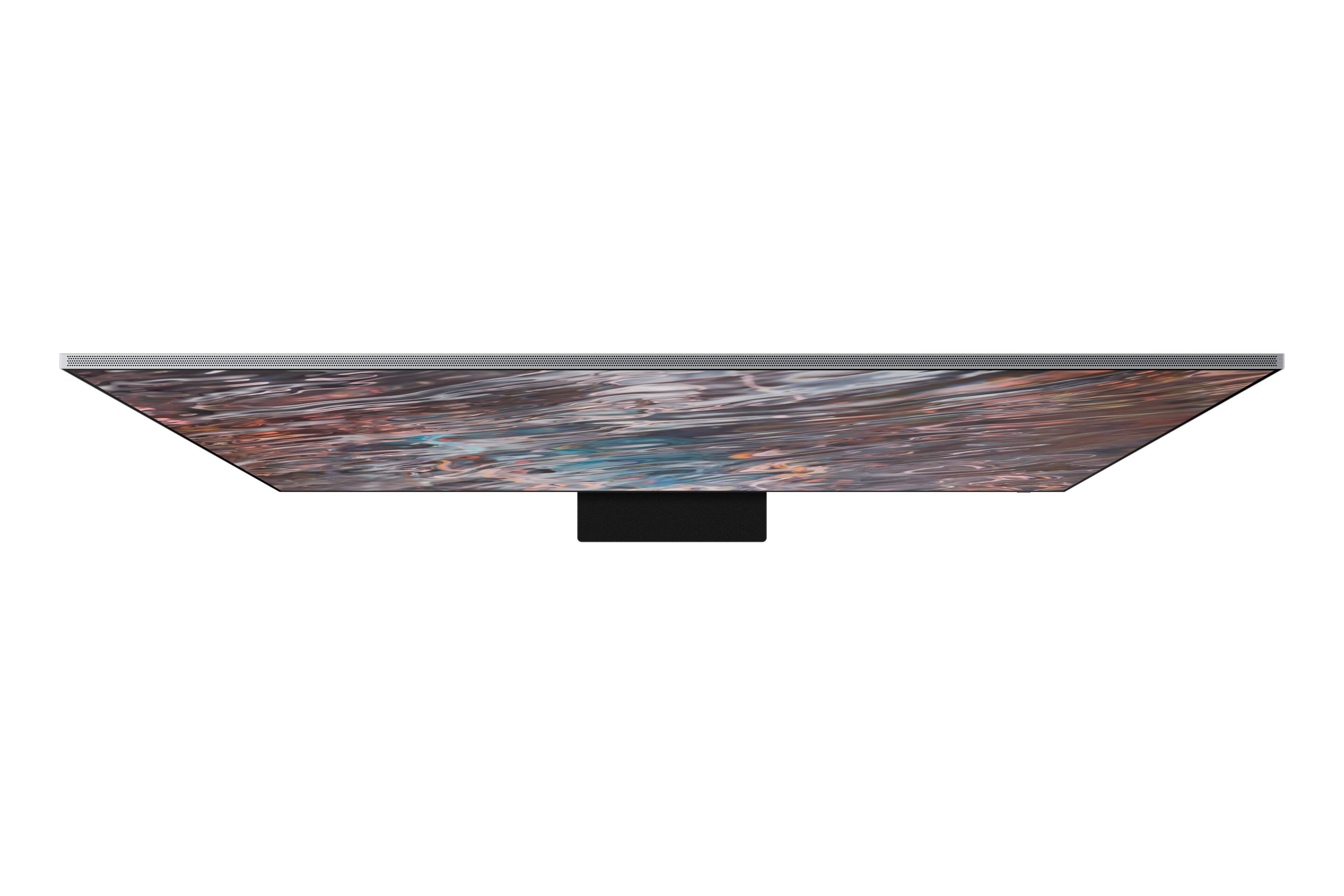
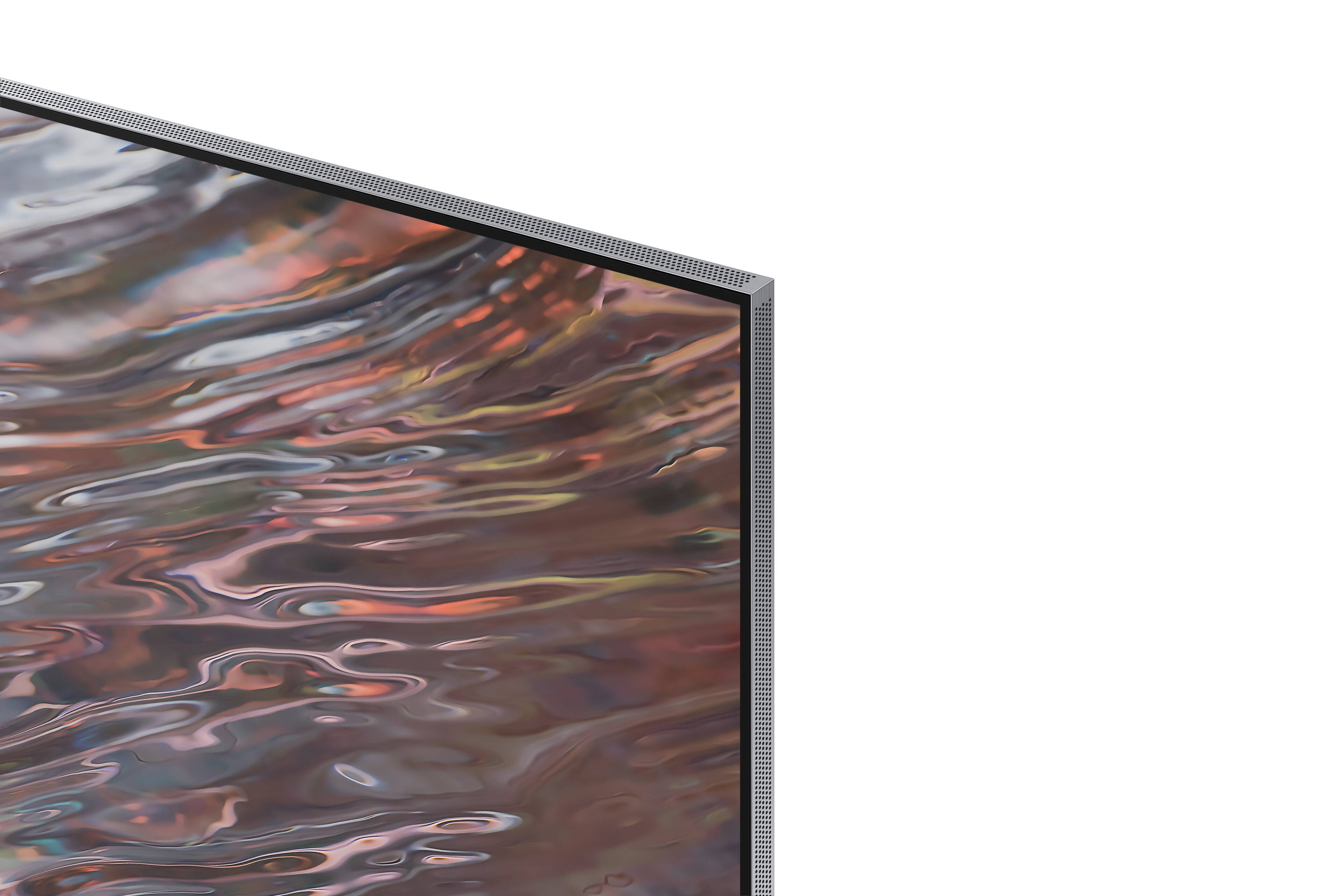









- Model:
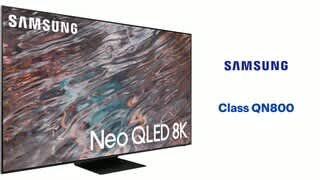
- QN75QN800AFXZA
- SKU:
- 6451492
Rating by feature
- Picture Quality
Rating 4.6 out of 5 stars
- Sound Quality
Rating 4.3 out of 5 stars
- Brightness
Rating 4.6 out of 5 stars
Customers are saying
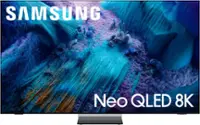
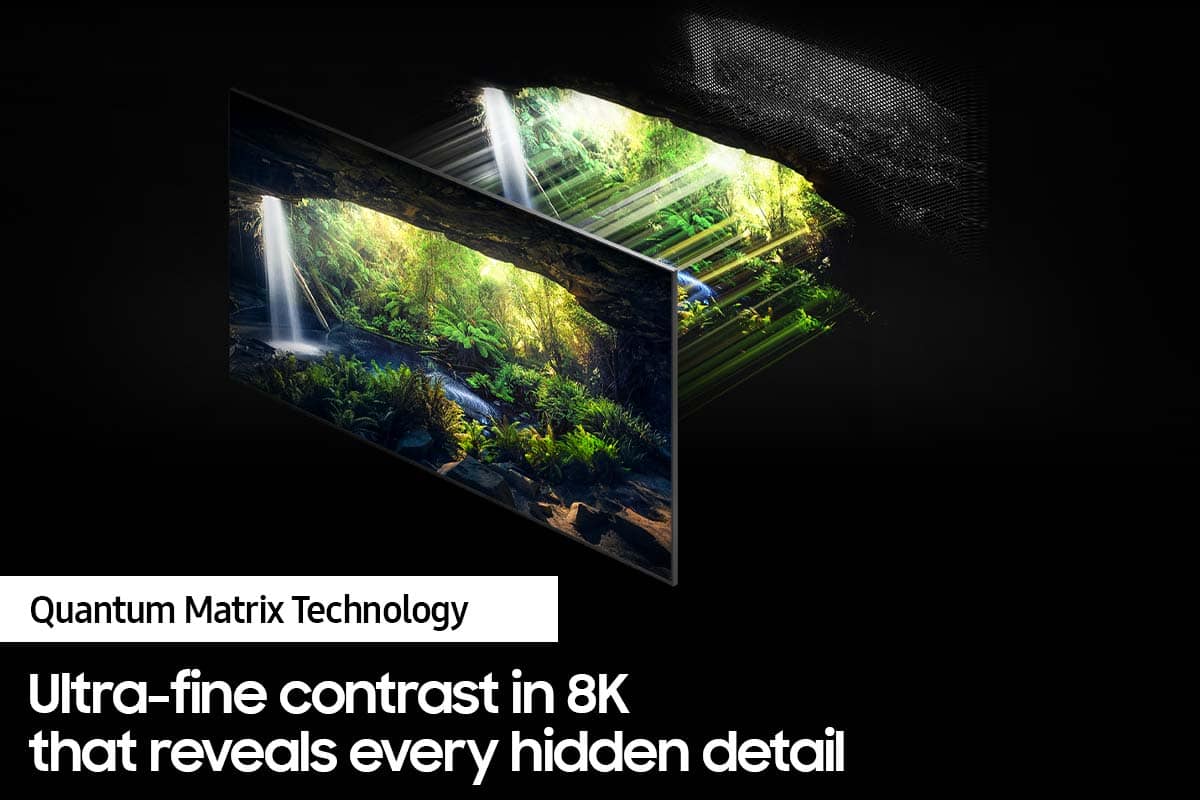
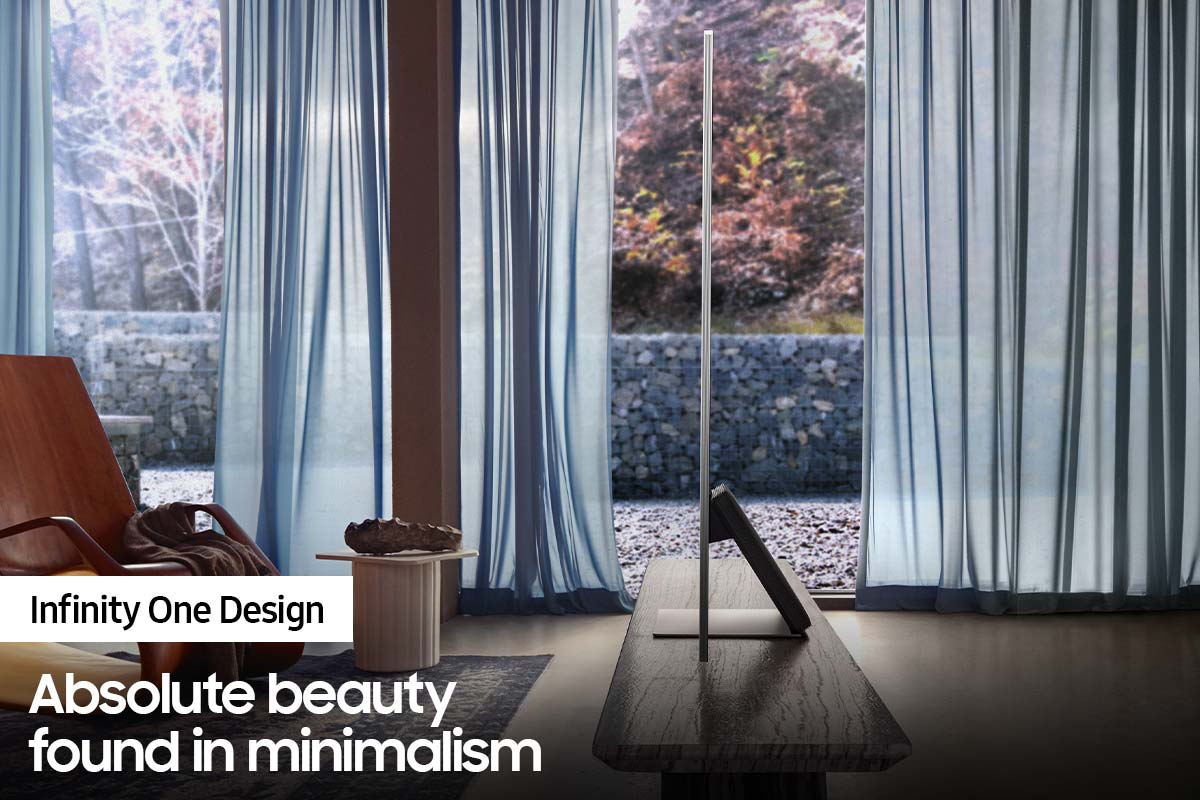
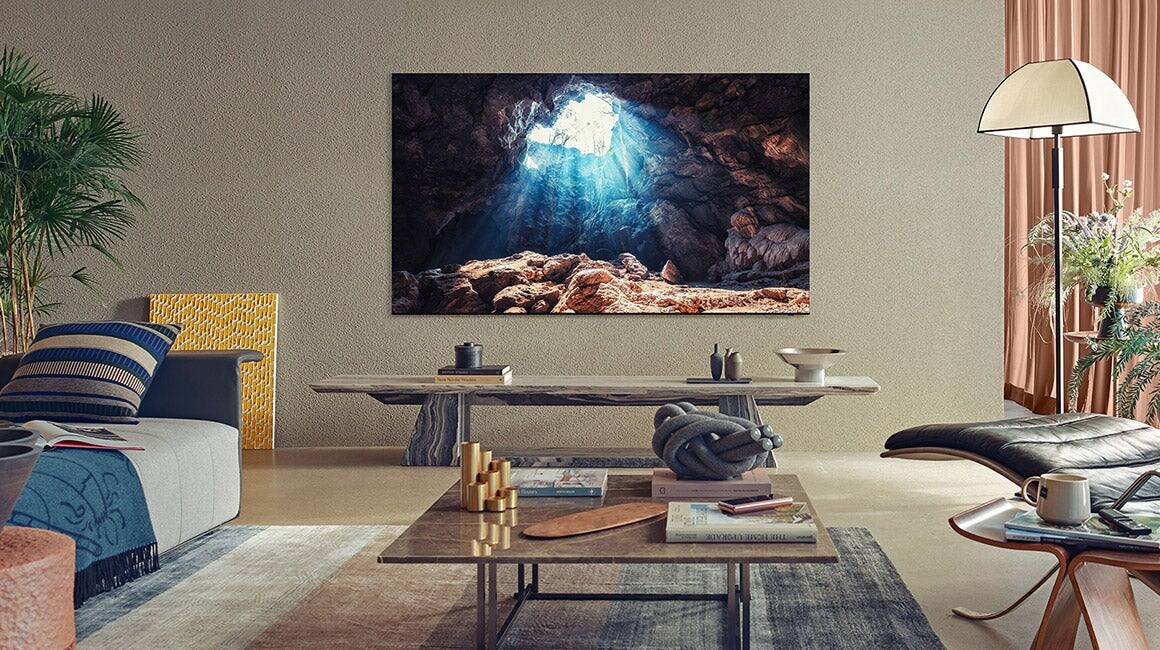
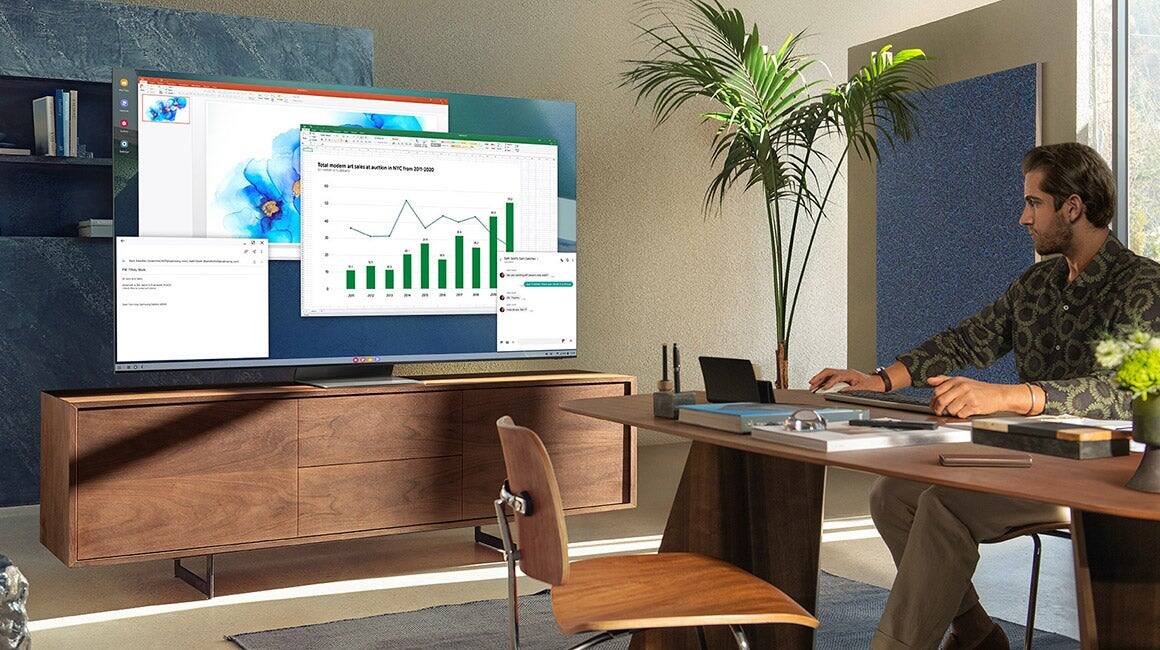
Customers value the 75" Class QN800A Series Neo QLED 8K UHD Smart Tizen TV for its exceptional picture quality, particularly its 8K resolution and vibrant colors. Many customers found the setup process to be easy and were pleased with the overall value for the price. While some mentioned the TV being a bit more expensive than they would have liked, the positive feedback on the TV's features outweighs this concern.
This summary was generated by AI based on customer reviews.
- Pros mentioned:Picture quality
Opps-C ....
||Posted . Owned for 1 month when reviewed.This reviewer received promo considerations or sweepstakes entry for writing a review.It accidentally tipped over and screen shattered while installers were setting it up. Never saw it in operation. Bought a 65" Samsung 8K instead.
No, I would not recommend this to a friend Even Samsung Tech Support said "Return it" (3x)
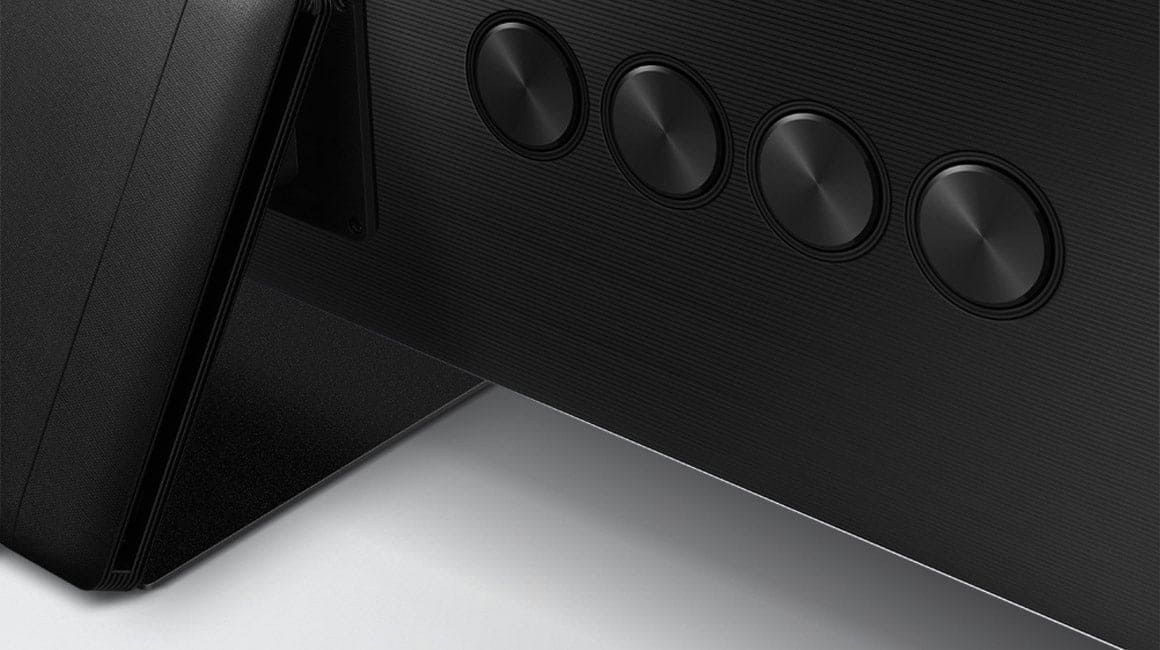
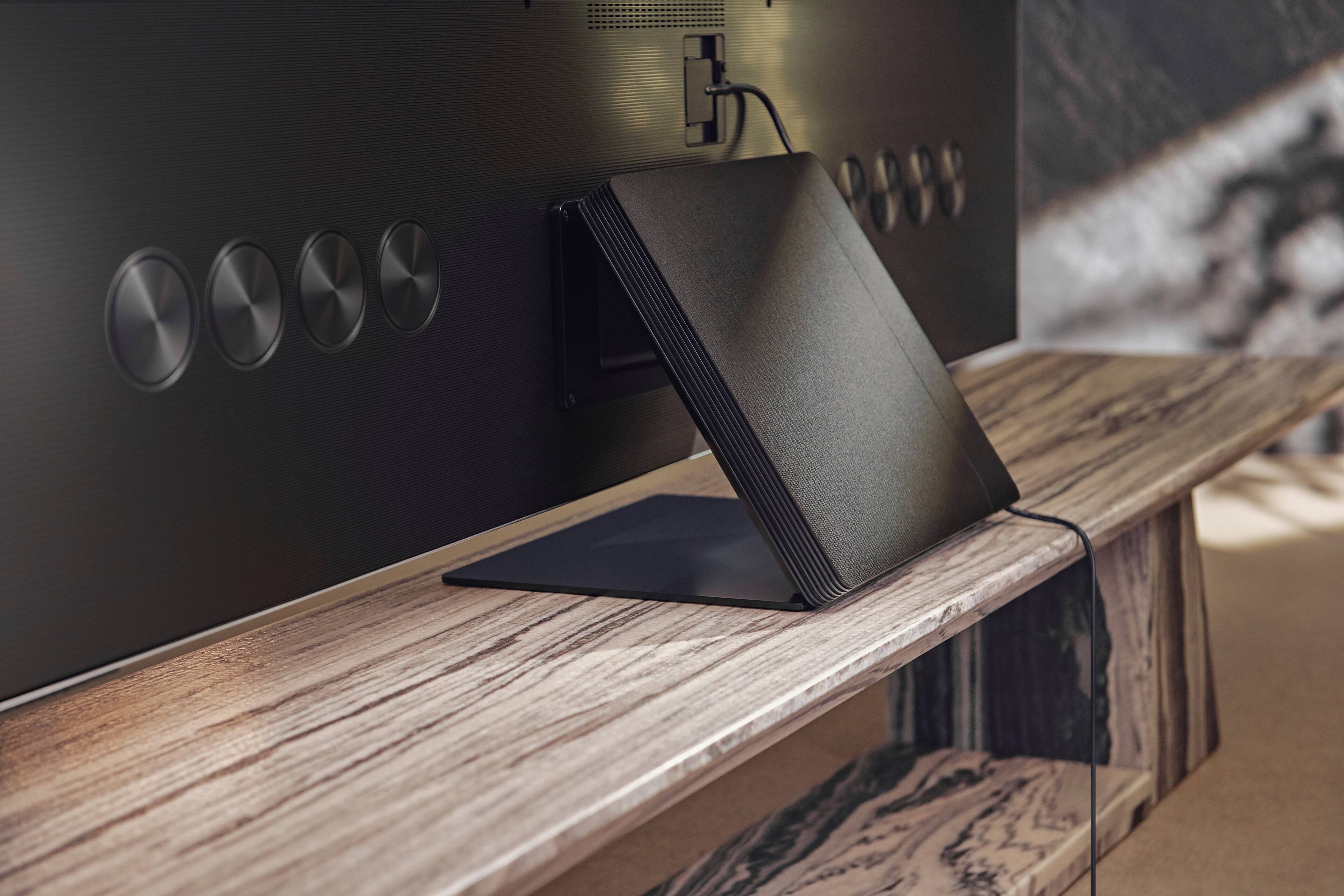
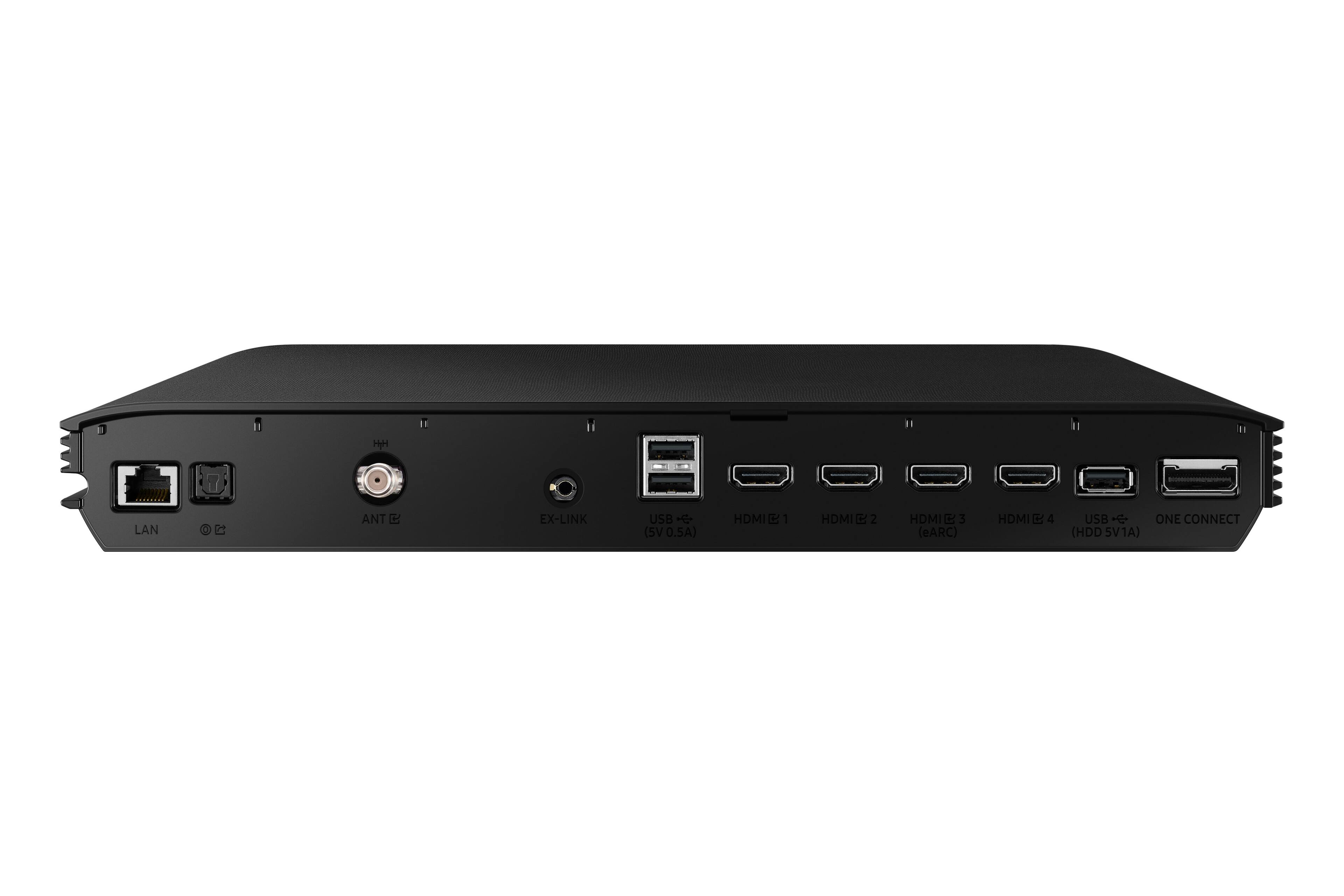
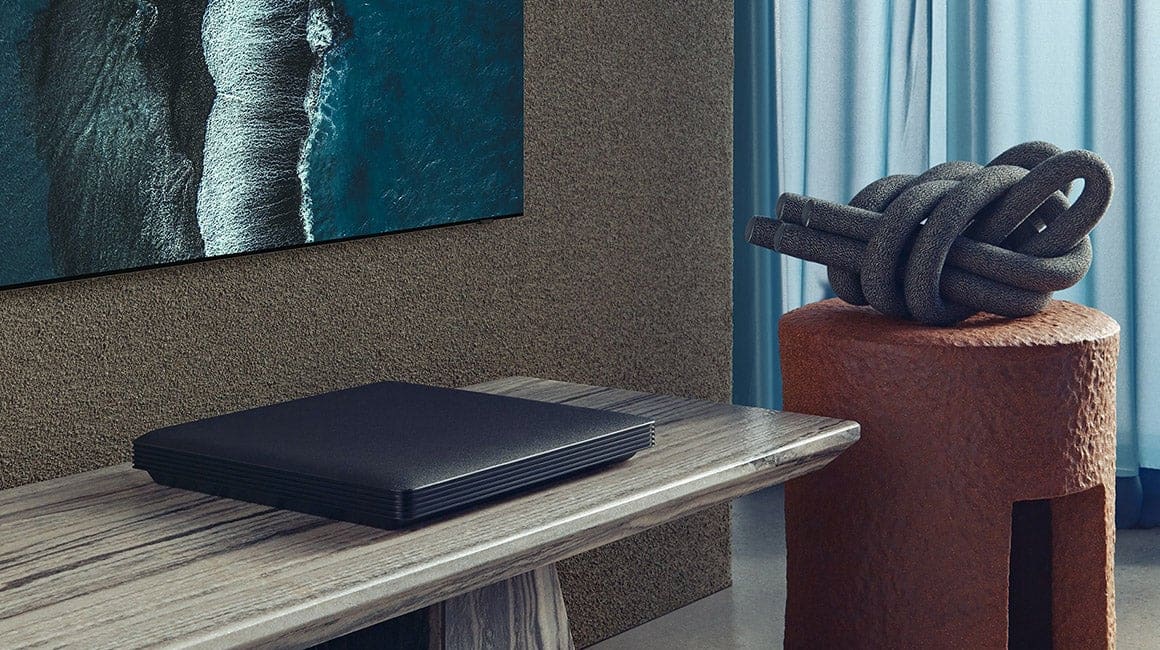
||Posted . Owned for 1 week when reviewed.This reviewer received promo considerations or sweepstakes entry for writing a review.Audio dropouts well documented here, Reddit, HiFi reviewers. Listen to the reviews. Returning our 3rd TV. Giving up and going back to a 2012 Plasma. What they don't tell you about is that it also comes with a 13"x13"x1.75" box they call "Connect One" that has all your connections. So you aren't just buying a TV, you're buying a set-top box as well that everything has to plug into including the TV. It's a nightmare. I've been on with Samsung's tech support for hours and they've said "return it".
No, I would not recommend this to a friendQuality Control Issues
||Posted . Owned for 1 month when reviewed.This reviewer received promo considerations or sweepstakes entry for writing a review.The subject TV was delivered to my home. I used it very sparingly (approximately 10 hours of viewing) over the first 20 days of owning the set. A few days later the set would not turn on. The screen was dark. Samsung has lost me as customer. Be careful buying this set.
No, I would not recommend this to a friendBrand response from Samsung
Posted .Lookout,
Thank you for purchasing the Samsung QN800A TV. We appreciate your feedback regarding the issues you are experiencing with turning your TV on. If the TV screen is black, it is generally caused by a loose power cord, or the external device is turned off. Please try a few troubleshooting steps that may help solve the issue:
1. Make sure that the AC power cord is securely plugged in to the TV and the wall outlet.
2. If your TV does not turn on, check whether the remote control sensor is on. By holding a reflective object like mirror under the TV, you can easily find the remote control sensor.
3. If the remote control sensor is not turned on, unplug the power cable and plug it back in.
4. Disconnect and reconnect the One Invisible Connection or One Connect Cable between the TV and the One Connect Box. Make sure that the One Invisible Connection or One Connect Cable is not pinched or bent sharply.
5. Check the remote control sensor again. If the LED is turned on, press the power button on your remote control to turn on your TV.
- If the remote control sensor turns off when you press the power button, your TV is correctly connected to the power supply.
- If the TV screen is still blank, softly tap it with your finger. If the part of the screen you tapped on blinks, your TV is correctly connected to the power supply.
On the remote, press the Home button. If the Home Screen appears, the TV is turned on but the connected external device does not work or is not connected correctly. Please check the following:
- Check the connection of the HDMI cable to your TV or One Connect Box.
- Make sure that the external device is turned on.
- If it does not turn on, make sure the power cable is properly connected to the device and to the wall outlet.
- Make sure that the correct source is selected on the Home Screen.
If the issue persists after these steps, please contact us so that we can better investigate your issue and assist you towards a solution or replacement. You can reach us at 1-800-SAMSUNG (ask for TVs), available 8AM - 12AM EST, 7 days a week.
For additional support resources, visit us on the Samsung website and click on the ‘Support’ link in the upper right corner of the homepage for:
1) Chat with Us/Product Help: To begin a chat or find solutions, choose ‘TVs & Home Theater’ and select your model & topic.
2) Manuals, Software, & Warranty Info
~ Samsung Specialist
Screen cracks when stand is attached.
||Posted . Owned for 2 weeks when reviewed.This reviewer received promo considerations or sweepstakes entry for writing a review.There is a definite defect with this TV when utilizing the stand. On two different days when geek Squad came to install this TV, when they attached the stand the TV screen cracked. After the second time the TV screen cracked, I cancelled my order and Best Buy gave me a refund. I still want this TV but only after the manufacturer fixes this problem. Please let me know when this problem is resolved.
No, I would not recommend this to a friendBrand response from Samsung
Posted .Hi FredRiley,
Thank you for your review of the Samsung QN800A Neo QLED 8K Smart TV. We appreciate you bringing your concerns to our attention. From your description of the panel damage incurred, it is most likely that this is due to packing & shipping.
Samsung is committed to providing the best possible product experience, quality, and value. We back this TV with a 1-year limited manufacturer's warranty if purchased brand-new directly from an authorized seller. For full warranty information on your product, please see: https://www.samsung.com/us/support/service/warranty/QN75QN800AFXZA
Please reach out to Samsung Customer Support so we can gather further information on your issue and provide you with assistance. You can reach us at 1-800-SAMSUNG (ask for TVs), available 8AM -12AM EST, 7 days a week. Or text HELP to 62913.
For additional support resources, visit us on the Samsung website and click on the ‘Support’ link in the upper right corner of the homepage for:
1) More ‘Contact Us’ options – LiveChat, Facebook, Twitter, Samsung Community, Samsung Members app
2) Manuals, Software, & Warranty Info
We hope to hear from you.
~ Samsung Specialist
Third time not a charm.
||Posted . Owned for 1 month when reviewed.This reviewer received promo considerations or sweepstakes entry for writing a review.After receiving 2 with broken screens and one with partial LED backlight defect, I’ll be going with LG OLED.
No, I would not recommend this to a friendStay away
||Posted .This reviewer received promo considerations or sweepstakes entry for writing a review.Horrible, returned defective model, very dark and not worth the investment go with the 4k.
No, I would not recommend this to a friend- Pros mentioned:Picture quality
wonderful
Posted .This reviewer received promo considerations or sweepstakes entry for writing a review.wonderful product would buy again from best buy the size is great and very clear picture
No, I would not recommend this to a friend - Pros mentioned:Picture quality
TV mounted above fireplace
Posted .This reviewer received promo considerations or sweepstakes entry for writing a review.I love the superb TV picture quality. It has been installed above my living room fireplace. Wonderful to watch.
I would recommend this to a friend Satisfied but disappointed
Posted .This reviewer received promo considerations or sweepstakes entry for writing a review.So this is a wonderful TV, but there is a slight defect maybe. While playing/watching our games/shows there is an intermittent black screen that happens. Loses video and audio for about 3-7 seconds and will come back on, then proceeds to happen multiple times in a row. Sometimes won't happen for another hour after that. Sometimes happens within another 5-10 minutes. Can't return or exchange as its after the date. Tried a new hdmi cord as well that is 8k compatible.
No, I would not recommend this to a friendBrand response from Samsung
Posted .Benaiah,
Thank you for choosing Samsung's QN800A TV and for sharing details of your picture and audio intermittently cutting out. It is quite possible it could actually be your external device and not your TV. Please try these troubleshooting steps for your blank screen issue:
1. Check the One Connect cable for damage and solid connection. Disconnect and firmly reconnect the One Connect cable at both ends.
Note: If the One Connect cable is bent, broken, kinked, pinched, or has a heavy object on top of it, it can cause an issue. The cable needs to be replaced if damaged.
2. Disconnect the One Connect Box (either by disconnecting its power cord, or the One Connect cable) to see if the TV displays an error message.
If you see anything (like a message or picture) on the TV after disconnecting the One Connect Box, the One Connect Box needs to be replaced.
If the TV is plugged into a wall outlet, turned on, and disconnected from the One Connect Box, but no message appears, your TV will need service.
3. Press the Home button on the remote. If the menu does not appear, the TV may be having power issues.
Check the red standby light, a little red light at the edge of the TV that you aim the remote at. In normal use, the red standby light is on when the TV is off (indicating the TV is on standby), and the red standby light is off when the TV is in use (or doesn't have power).
4. Confirm the TV is set to the same source as the external device.
For instance, if your external device is connected to HDMI 1, set the TV source to HDMI 1.
If the TV is set to the correct source, but there is still no image, unplug and reconnect all connections one cable at a time, from both ends of each cable. If there's any damage to the cable, it will need to be replaced.
After you've reconnected the external device, turn it off and then back on.
5. Test the HDMI cable.
Some TVs have an HDMI cable test. Some models only have this test after a software update, and older models do not have it. If your model does not have this test, or is not connected by HDMI, skip to the next step.
The test is designed for HDMI cords less than 6 feet long and may not give accurate results on longer cords.
To perform the test, make sure the TV's source is still on the HDMI setting for the cable you want to test, and then navigate to Settings > Support > Self Diagnosis > Signal Information > HDMI Cable Test > Start Test.
If the test says the cable is bad, replace the cable. Service is not required.
6. Test different external devices.
The final thing to rule out is the external device you're using. Try connecting a different device or using a different source port. If you were unable to test the cable in the previous step, then try swapping the cable, too.
If the TV can display a picture in any other setup, then you've ruled the TV out as the cause of the issue. Keep trying various setups until you identify the device or cable that is not working and troubleshoot or replace it.
Please also be sure your firmware is up to date with version 1805.4 which includes updates to address input device performance. You can check this by going to: Settings > Support > Software Update.
If the issue persists after these steps, then the TV will need service. Please contact us so that we can better investigate your issue or assist you towards a solution or replacement. You can reach us at 1-800-SAMSUNG (ask for TVs), available 8AM - 12AM EST, 7 days a week.
For additional support resources, visit us on the Samsung website and click on the ‘Support’ link in the upper right corner of the homepage for:
1) Contact Us: For additional Chat & Text options, choose ‘TVs & Home Theater’ and select your model & topic.
2) Manuals, Software, & Warranty Info
~ Samsung Specialist
samsung
Posted .This reviewer received promo considerations or sweepstakes entry for writing a review.super good i love it always prefers to buy electronic from best buy
I would recommend this to a friendDon’t buy Samsung
Posted .This reviewer received promo considerations or sweepstakes entry for writing a review.Terrible went out after three months of very light use. Tv over heated and could have caught fire. While it was off!
No, I would not recommend this to a friend