Customer Ratings & Reviews


- Model:
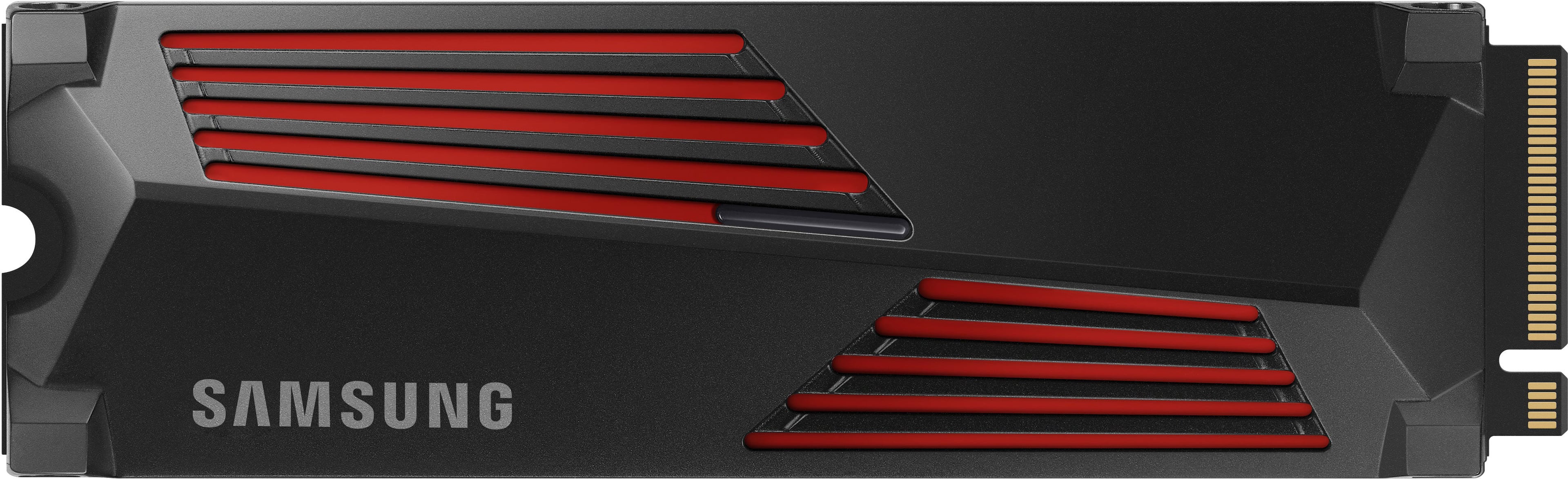
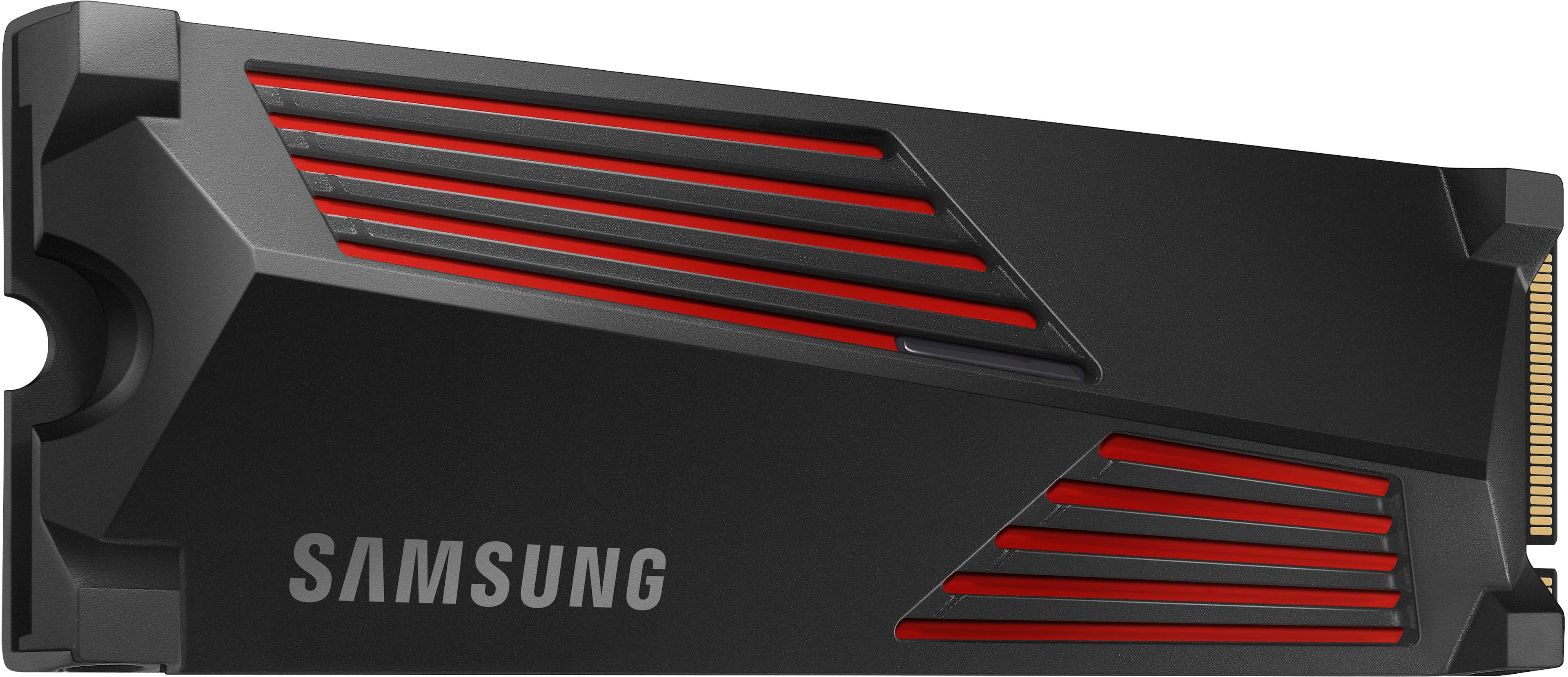
- MZ-V9P2T0CW
- SKU:
- 11615217
Rating by feature
- Value
Rating 4.8 out of 5 stars
- Quality
Rating 4.9 out of 5 stars
- Ease of Use
Rating 4.9 out of 5 stars
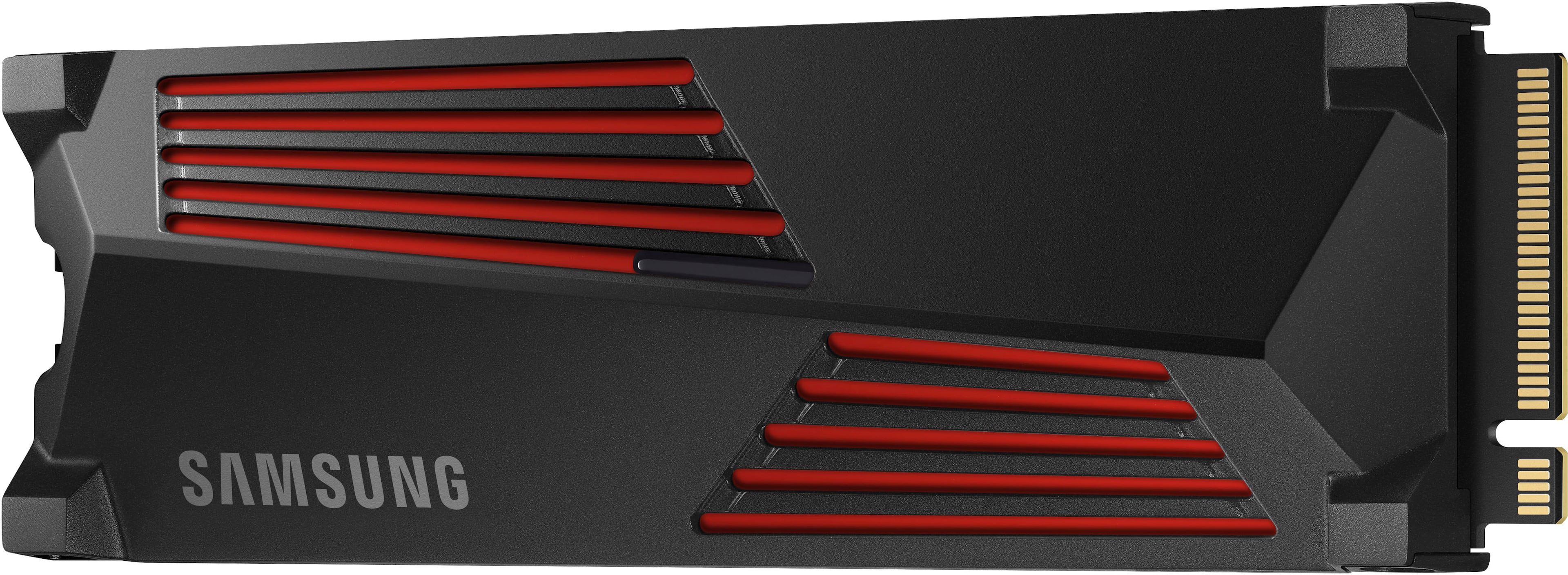
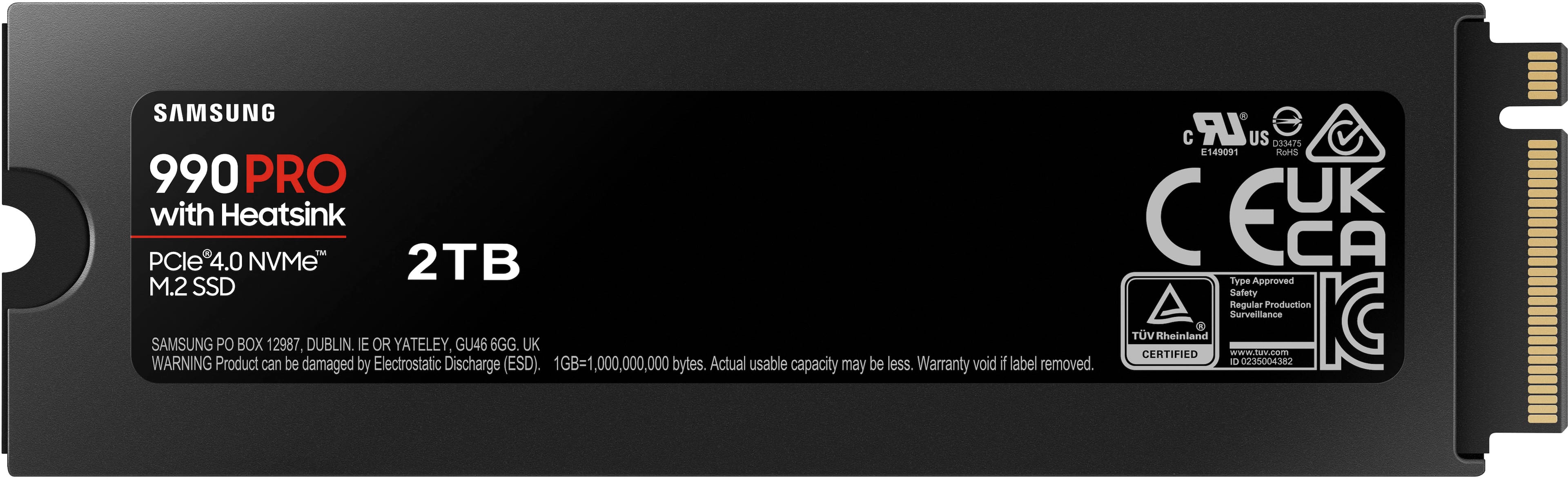
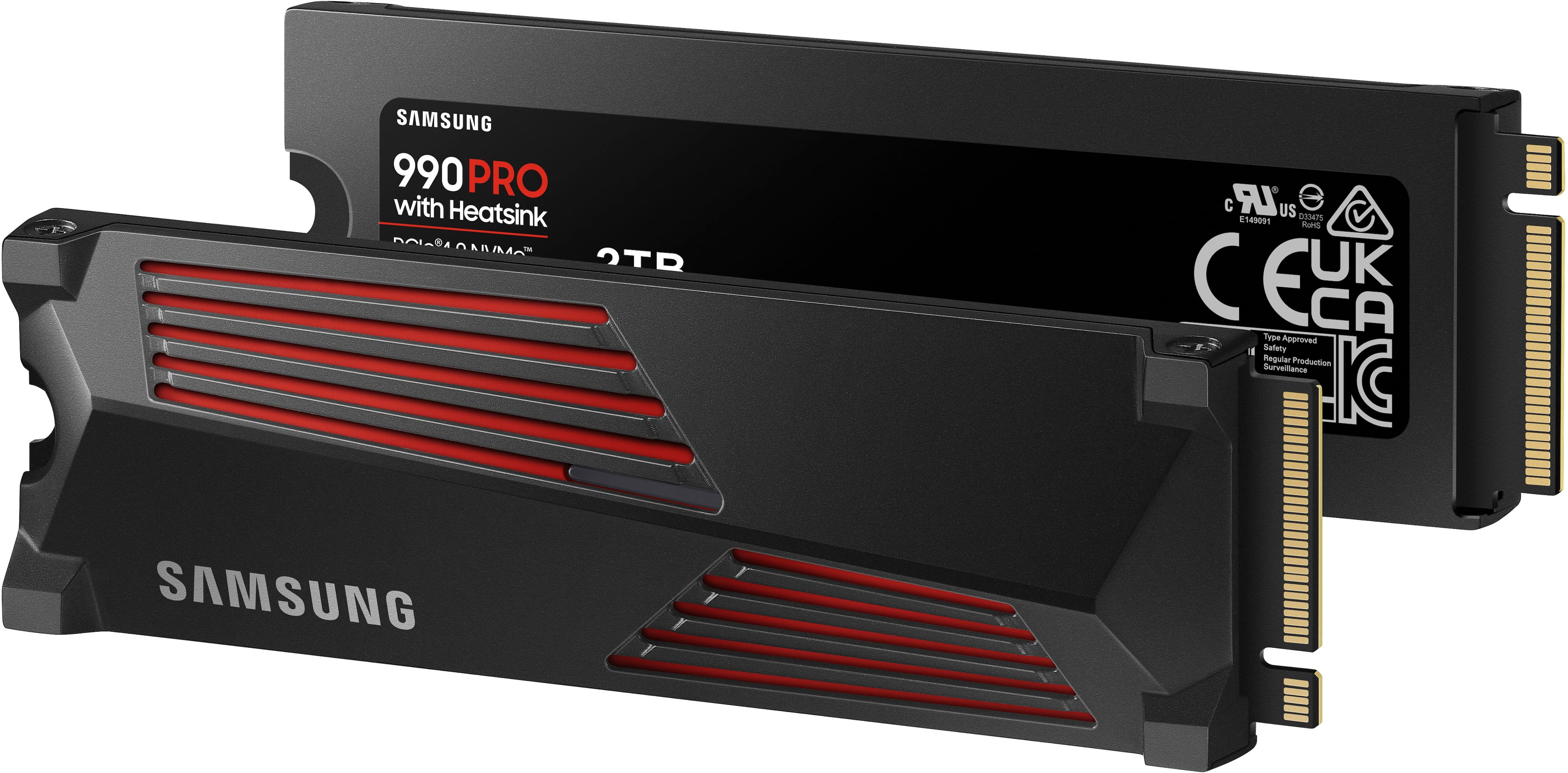
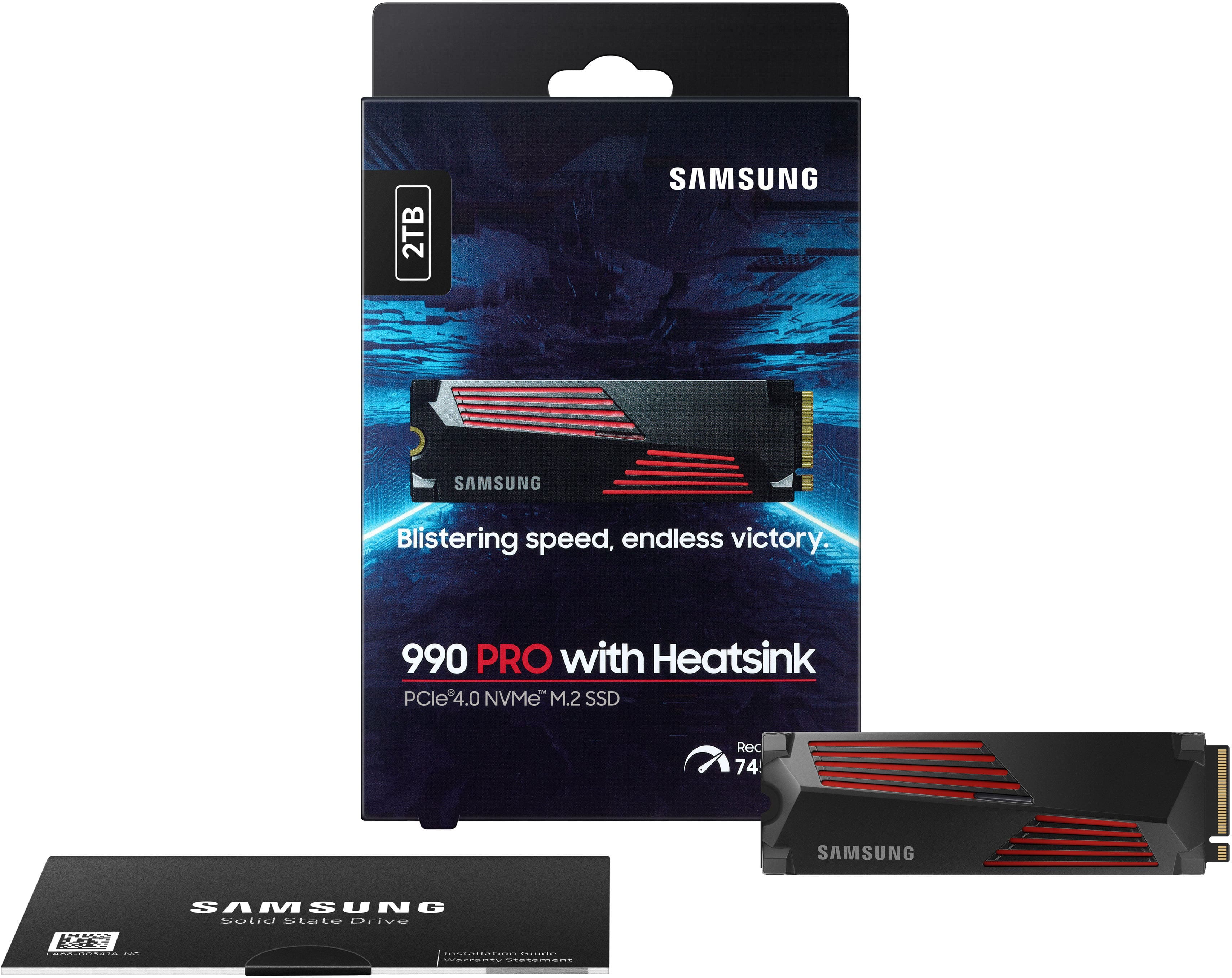
SSD Samsung 990 Pro
||Posted . Owned for 2 weeks when reviewed.This reviewer received promo considerations or sweepstakes entry for writing a review.It was a little cheap by the time I bought this SSD Overrall it has a good performance is definitely one of the best out in the market but firmware need to be updated due to some issues with the firmware other than that you cannot go wrong with the 990 PRO if you want the best performance for your device.
I would recommend this to a friendSamsung 990 Pro M.2 SSD 2TB With Heatsink
||Posted . Owned for 3 weeks when reviewed.This reviewer received promo considerations or sweepstakes entry for writing a review.Works absolutely fantastic! Easy to install. I bought it bought my PlayStation 5. Honestly the most stressful part about the installation was taking the side plate off of the PS5. I definitely recommend the 2TB if you have the money and if you play multiple different kinds of games at once.
I would recommend this to a friendSamsung ssd
||Posted .This reviewer received promo considerations or sweepstakes entry for writing a review.Great card for the price, no over heating and holds space good.
I would recommend this to a friendBest SSD for your PS5
||Posted . Owned for 2 months when reviewed.This reviewer received promo considerations or sweepstakes entry for writing a review.This SSD Was a perfect fit for my PlayStation 5. There are others that are marketed specifically towards the system, but this one works perfectly fine. Overall, I have no complaints and installation was easy.
I would recommend this to a friendSamsung 990 PRO 2T SSD W/ Heatsink
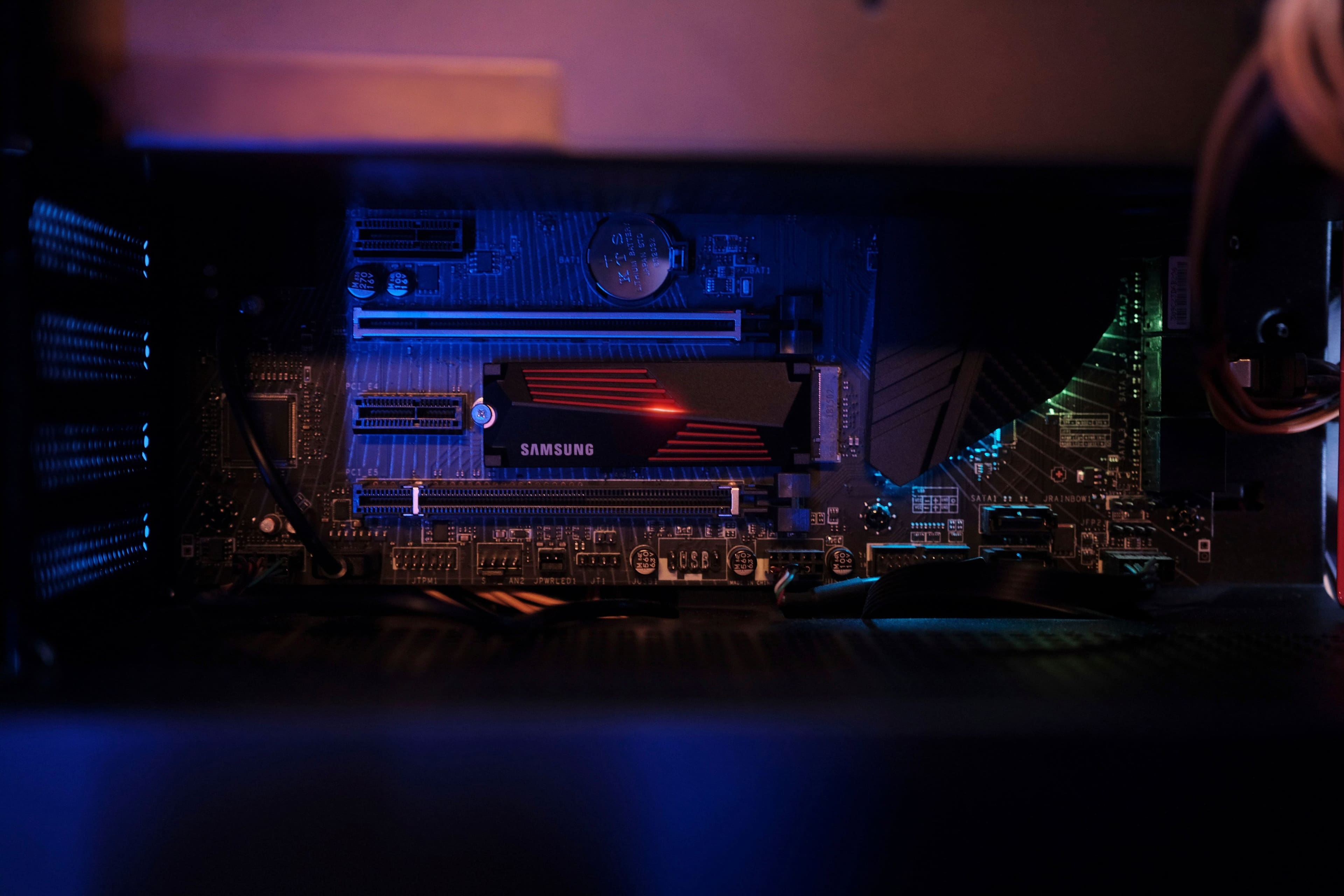
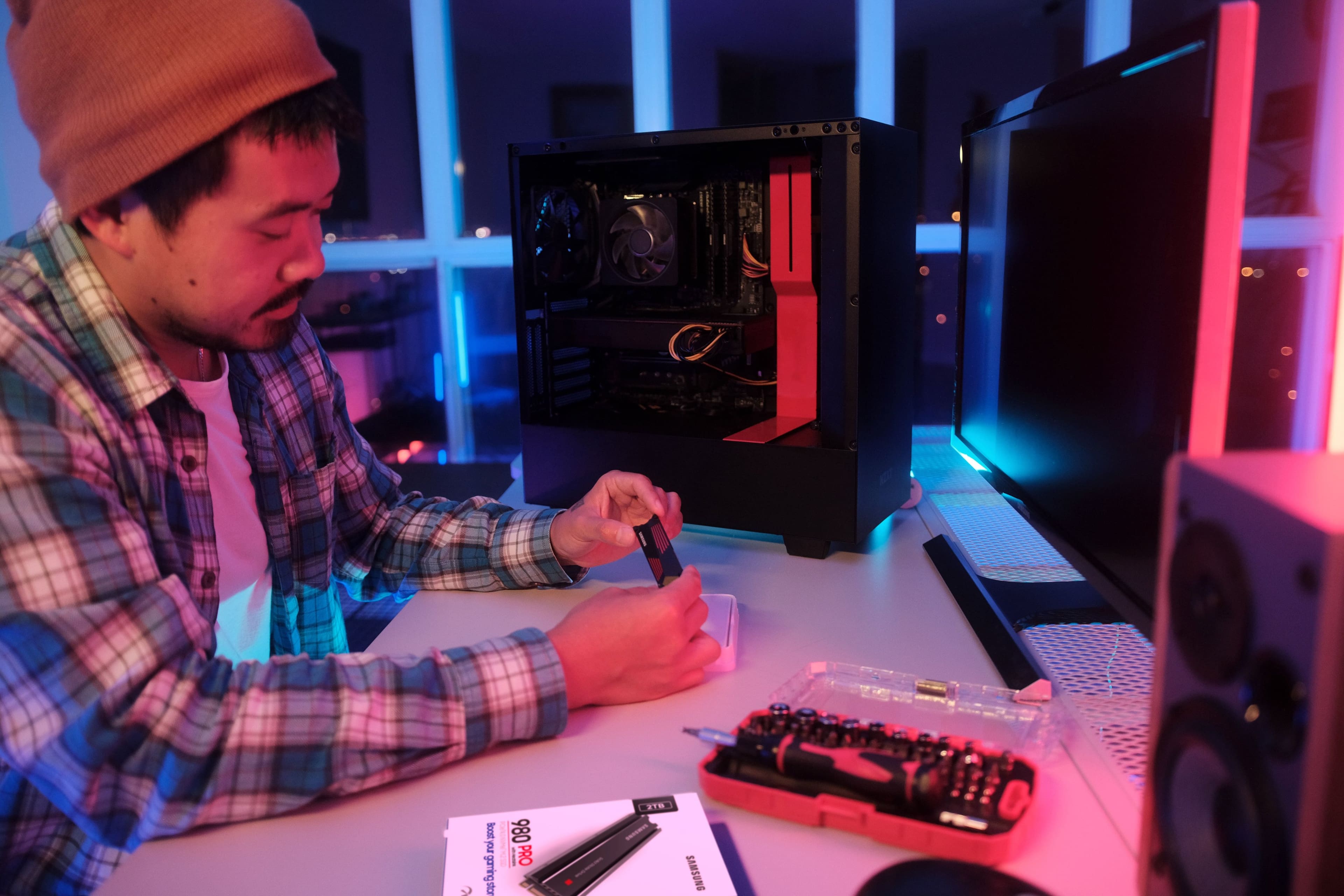
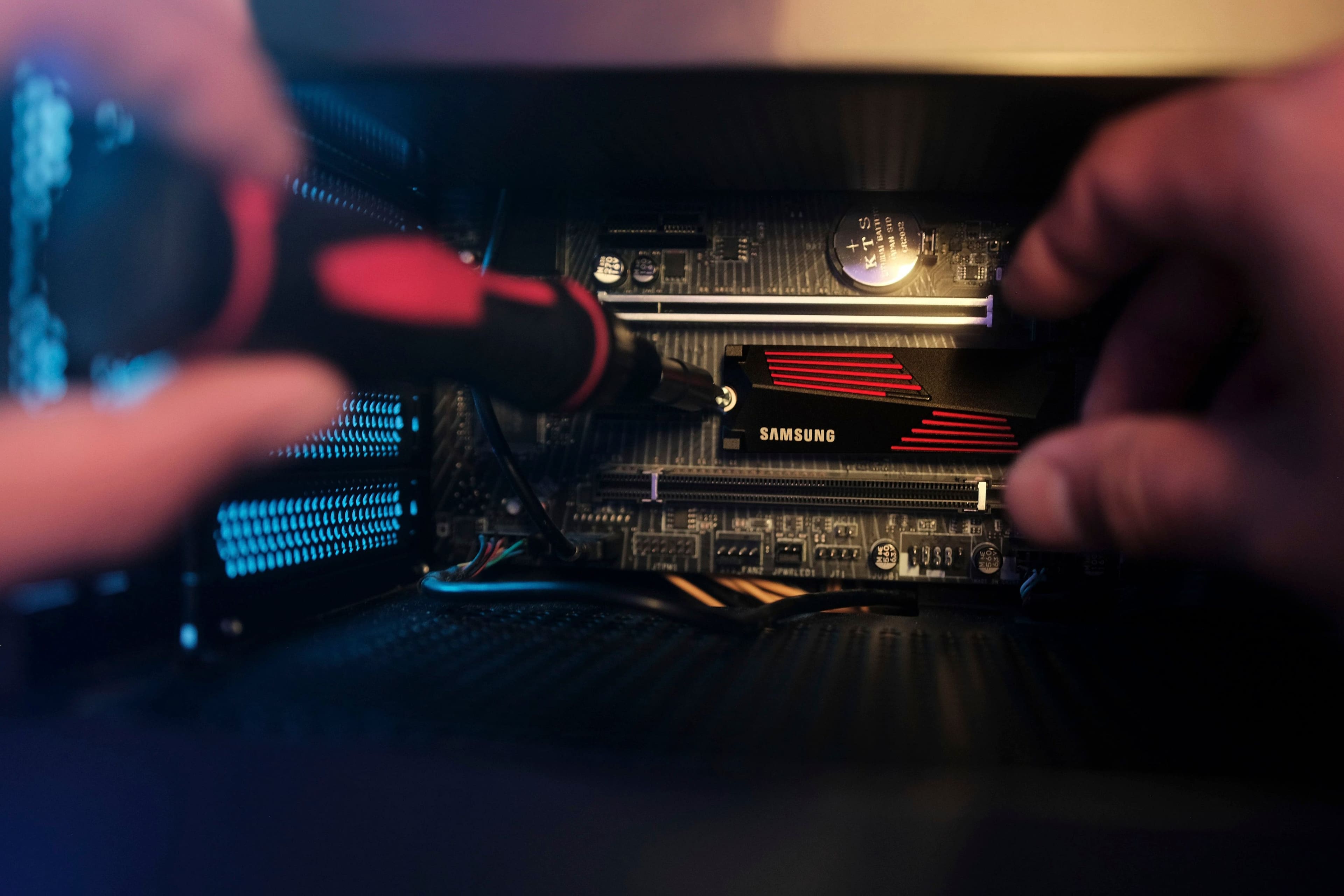
||Posted . Owned for 1 month when reviewed.This reviewer received promo considerations or sweepstakes entry for writing a review.Works great, easy install with no issues and also looks great on my motherboard. Got a good deal as well
I would recommend this to a friendProbably a good device...if you have a newer pc
||Posted . Owned for 3 weeks when reviewed.This reviewer received promo considerations or sweepstakes entry for writing a review.Haven't used it yet after a month since i dont have a brand new pc with an m.2 pcie slot. I use linux and this was my first attempt at using an m.2 nvme ssd. Tried asking earlier if samsung provides support for linux users to update the ssd's firmware but sadly they ignored that part of my question. Giving this device a 2 star due to the hardship of even updating the firmware on these things unless youve dumped a couple grand into a brand new pc in past couple years
I would recommend this to a friendBrand response from Samsung
Posted .MeMania:
I’m very sorry for the difficulties you’ve experienced with your 990 PRO with heatsink SSD. We completely understand your frustrations, and we are here to help.
For Linux users, download ISO file and make it as a bootable image by using USB flash drive
a. If your system is not able to download or install Magician, you can download the firmware files from our Samsung SSD site. (http://samsung.com/samsungssd )
b. Go to “Firmware” in the menu bar, then you can find the latest firmware ISO File.
I hope these tips help. Should you need further assistance, please call contact us at:
1) Call: 1-800-SAMSUNG (ask for Storage Devices). Available 9AM - 12AM EST (Mon-Fri)
2) Email: [email protected]
3) LiveChat 9AM-9PM EST (Mon-Fri) - https://www.livehelpnow.net/lhn/lcv.aspx?d=34834&ms=&zzwindow=0&lhnid=29783
Thank you for choosing Samsung.
- Samsung Memory
Efficient
||Posted . Owned for 2 weeks when reviewed.This reviewer received promo considerations or sweepstakes entry for writing a review.Works like a charm in the ps5 just plug and play. I’m happy that I can store and play my ps5 games in it without any issues while I get to keep the console storage free.
I would recommend this to a friendBest storage ever
||Posted . Owned for 3 weeks when reviewed.This reviewer received promo considerations or sweepstakes entry for writing a review.This product is an amazing upgrade from my completely terrible hard drive. the download and upload speeds paired with a good ethernet connect is unbeatable
I would recommend this to a friendI love it
||Posted . Owned for 3 weeks when reviewed.This reviewer received promo considerations or sweepstakes entry for writing a review.The built in heat sink is amazing, it works perfectly for the last slot in my tomahawk motherboard, which doesn't have a built in heat sink.
I would recommend this to a friendi recommend all pc gamers to grab one
||Posted . Owned for 1.5 years when reviewed.This reviewer received promo considerations or sweepstakes entry for writing a review.100 percent the best bang for buck on a pc. A huge quality of life improvement
I would recommend this to a friendSamsung 990 pro
||Posted . Owned for 1 month when reviewed.This reviewer received promo considerations or sweepstakes entry for writing a review.I have 2 ssd and 1 hard drive and the samsing is by far the fastest of all of them. I do NOT regret buying it at all.
I would recommend this to a friendBest SSD hands down
||Posted . Owned for 1 week when reviewed.This reviewer received promo considerations or sweepstakes entry for writing a review.Fast and efficient! Very easy install. Install and format took 5 minutes. Delivery was fast too.
I would recommend this to a friendBest ever!
||Posted . Owned for 1 week when reviewed.This reviewer received promo considerations or sweepstakes entry for writing a review.Best M.2 I’ve ever used! 10/10 would recommend for any size builds, even bought two.
I would recommend this to a friendA+++
||Posted . Owned for 1 week when reviewed.This reviewer received promo considerations or sweepstakes entry for writing a review.Love the style and speed of this nvme would recommend
I would recommend this to a friendSleek build
||Posted . Owned for 1 month when reviewed.This reviewer received promo considerations or sweepstakes entry for writing a review.I bought two of these for my new pc im excited to see them run
I would recommend this to a friendWay Better than itself build in
||Posted . Owned for 3 weeks when reviewed.This reviewer received promo considerations or sweepstakes entry for writing a review.Super fast and smooth performance for your PS5 than ssd
I would recommend this to a friend6750 ps5 write speed
||Posted . Owned for less than 1 week when reviewed.This reviewer received promo considerations or sweepstakes entry for writing a review.5 minutes to move 500gb from console to sdd. 15 to move 500gb from ssd to console
I would recommend this to a friendGreat drive for the PS5!!
||Posted . Owned for 2 weeks when reviewed.This reviewer received promo considerations or sweepstakes entry for writing a review.This drive functions as expected in my PS5. I can’t tell the difference from loading a game on this drive from the internal storage that came with the PS5. Great drive even better when you can catch it on sale!!
I would recommend this to a friend2tb ssd
||Posted . Owned for 9 months when reviewed.This reviewer received promo considerations or sweepstakes entry for writing a review.Best one for starters and fast downloads speeds and nice look
I would recommend this to a friendSamsung 990 Pro
||Posted . Owned for 1 month when reviewed.This reviewer received promo considerations or sweepstakes entry for writing a review.Good m.2 ssd!!! Fast and reliable, installation was fairly simple!!!
I would recommend this to a friend