Customer Ratings & Reviews
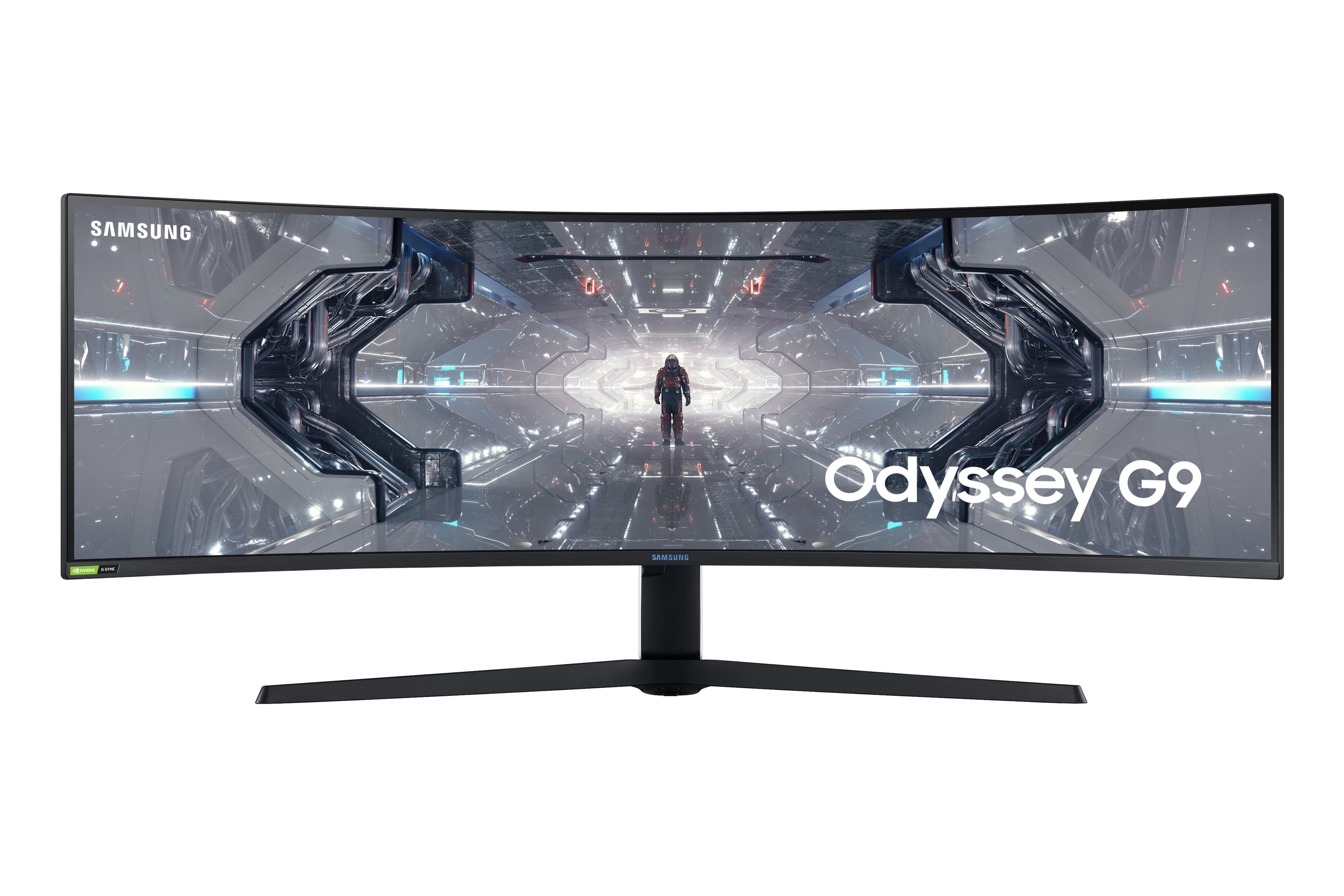
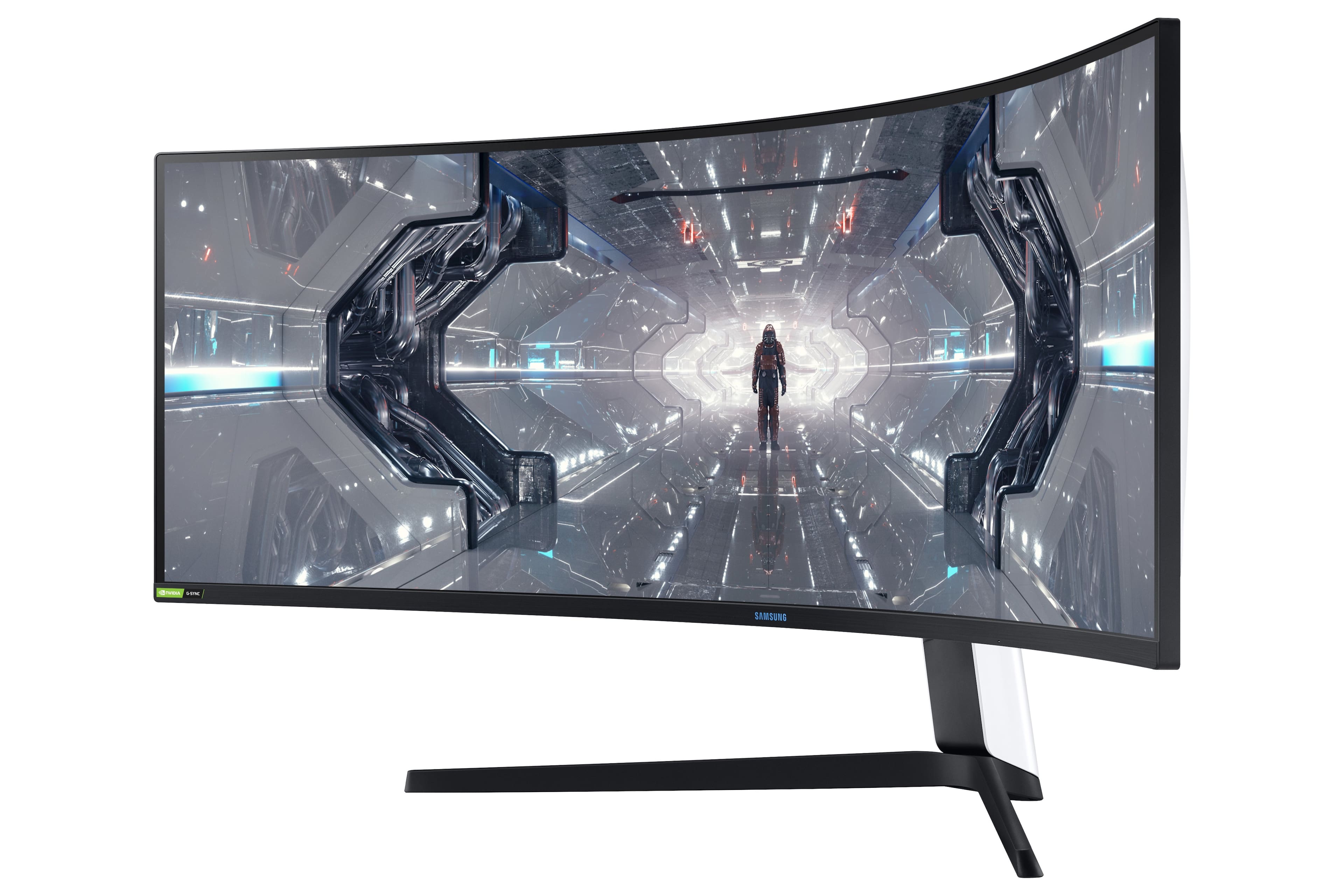
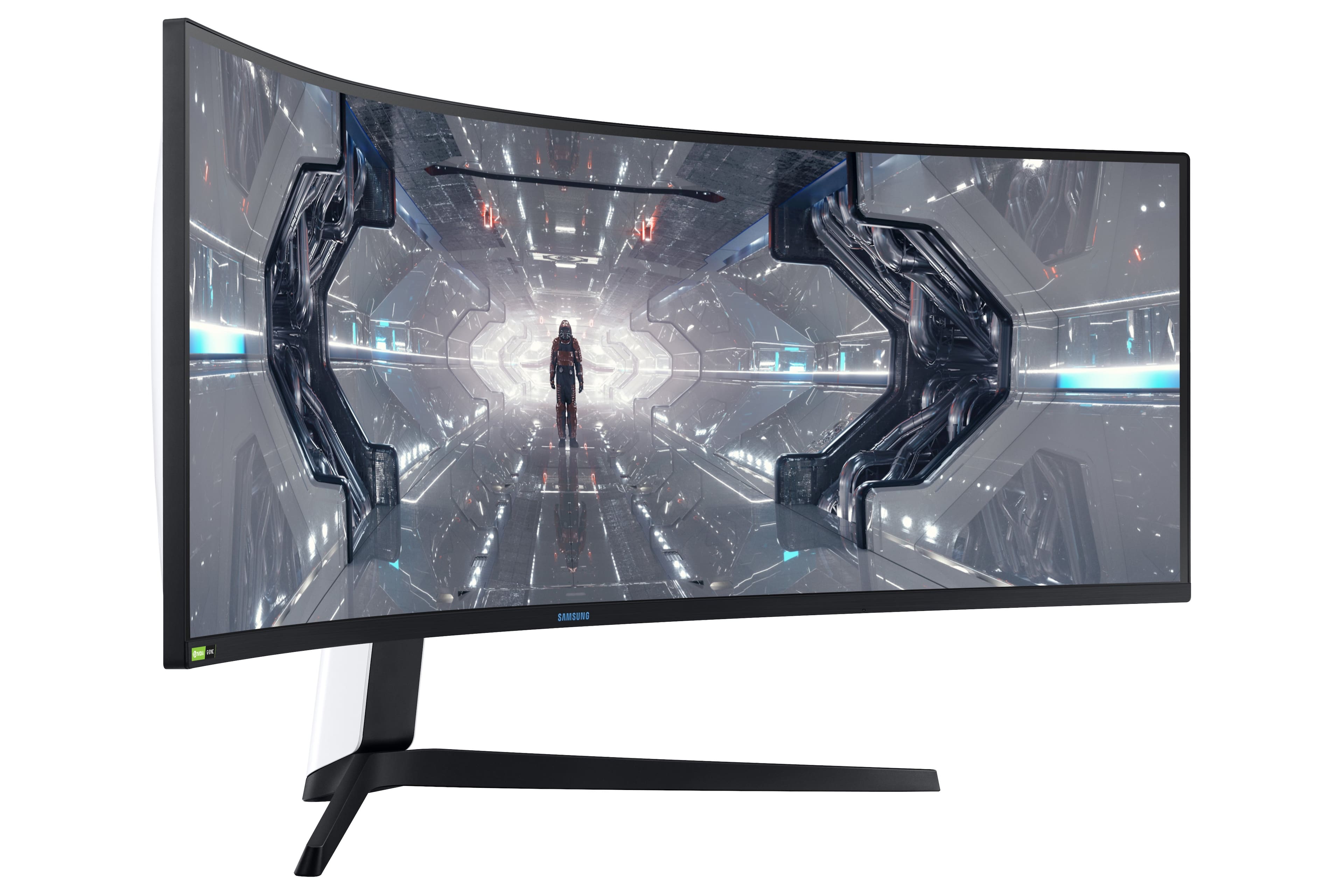
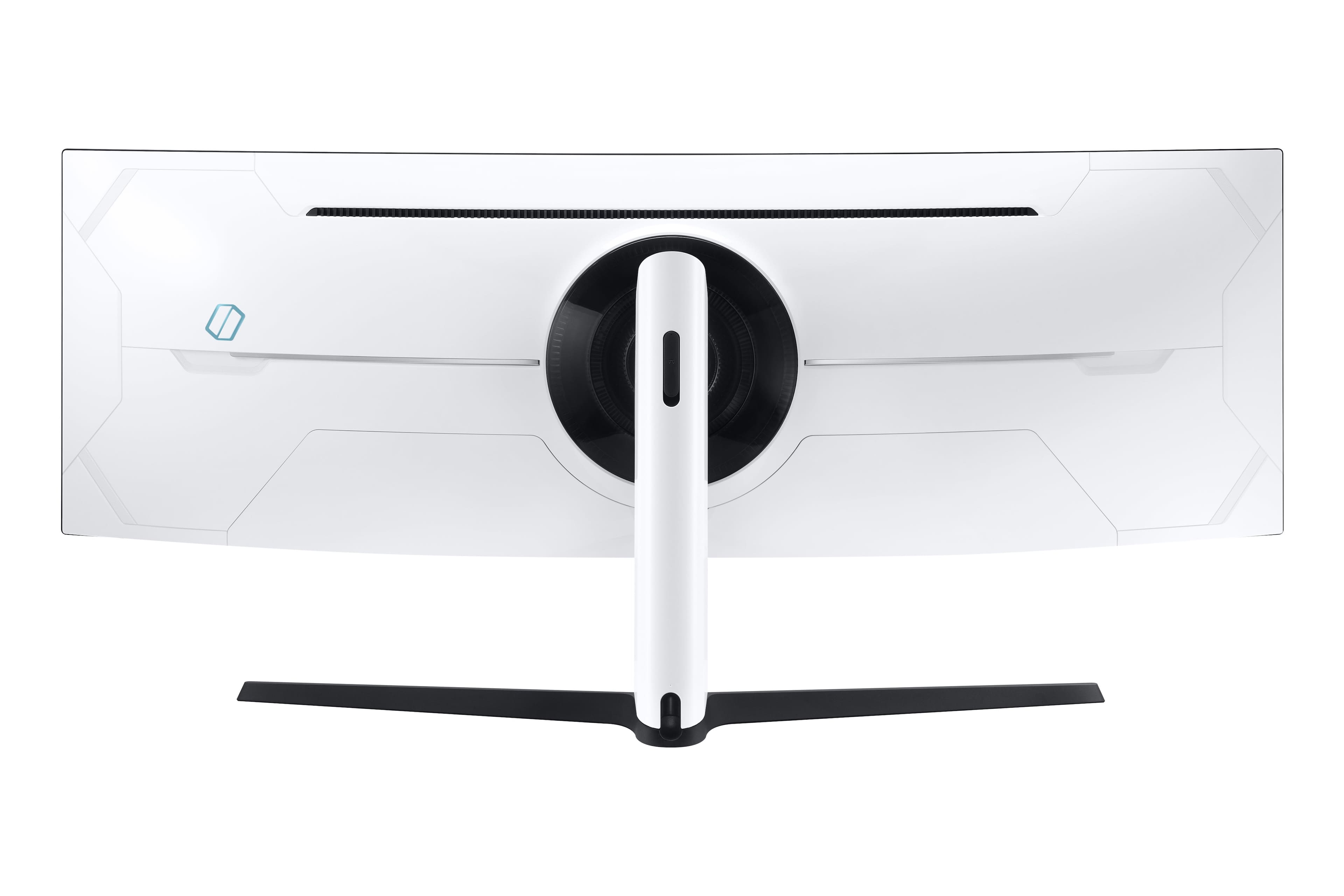
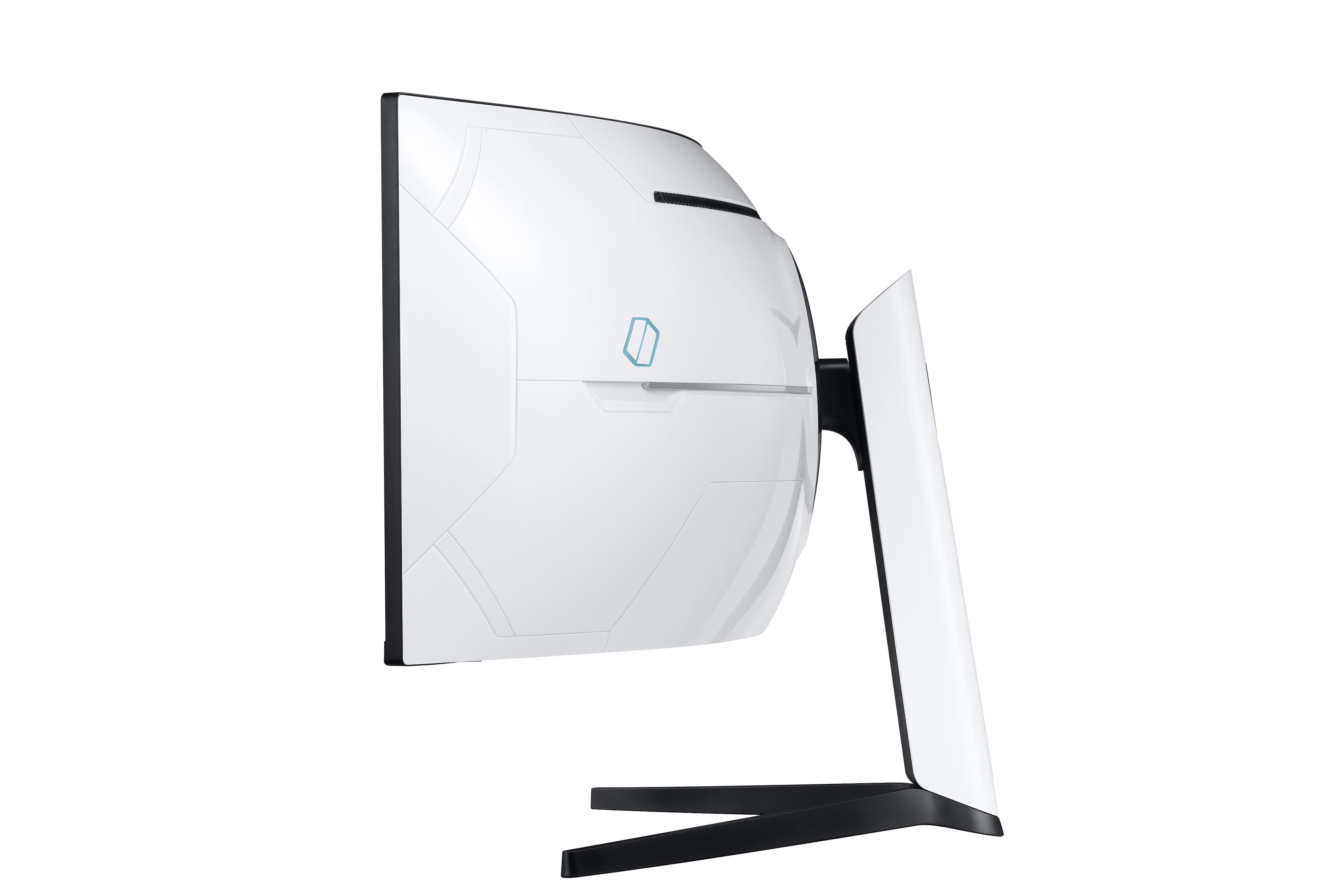
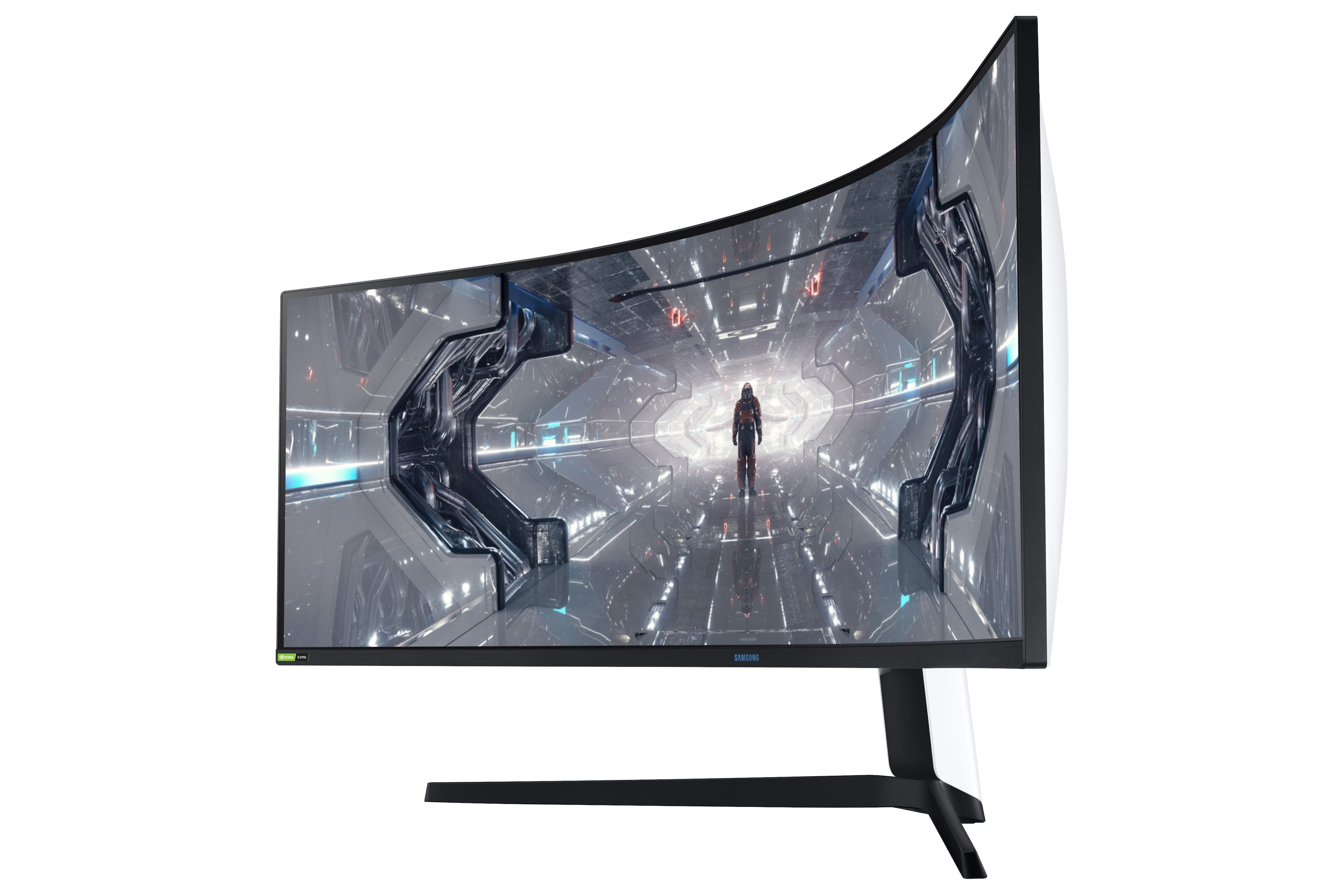
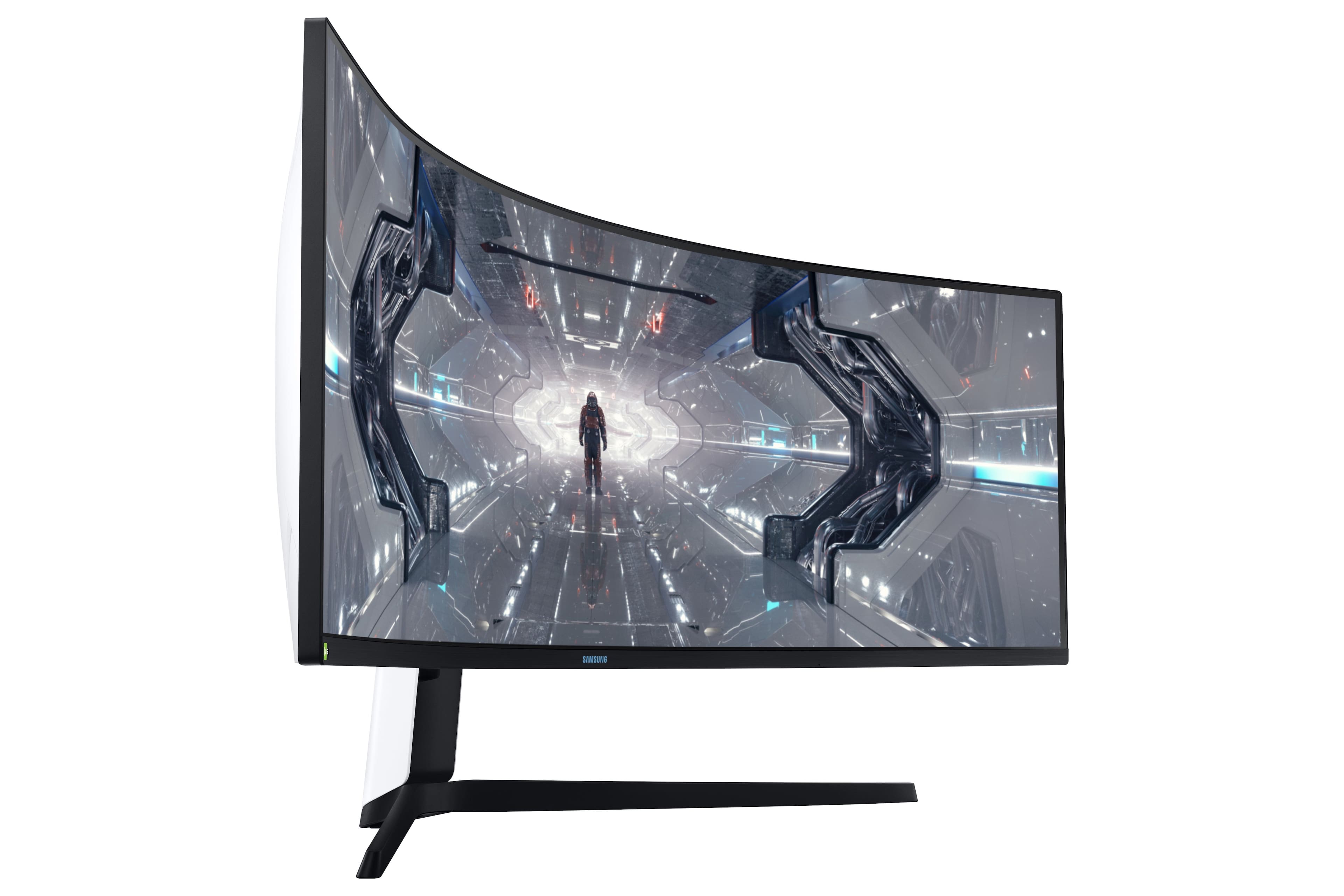
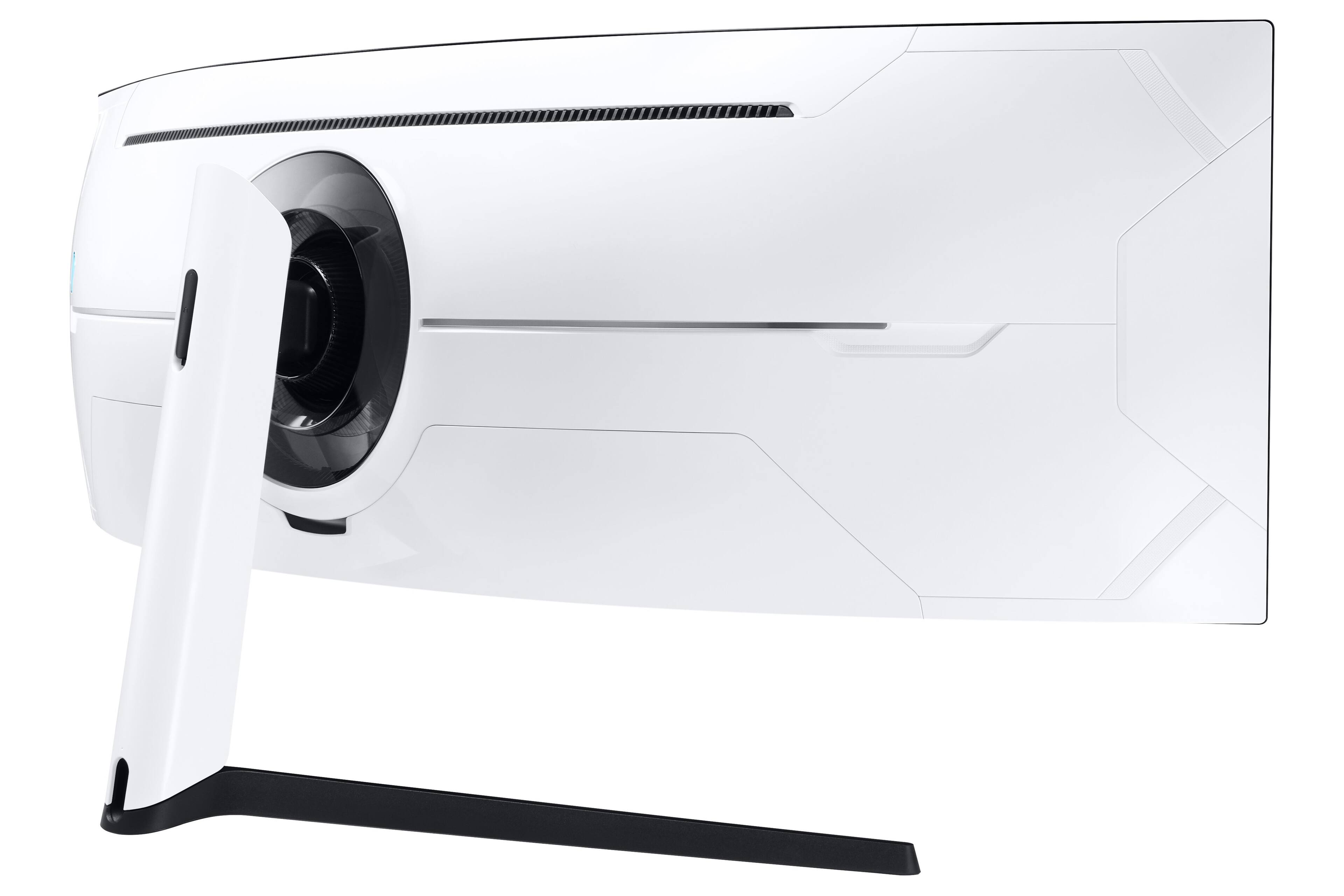
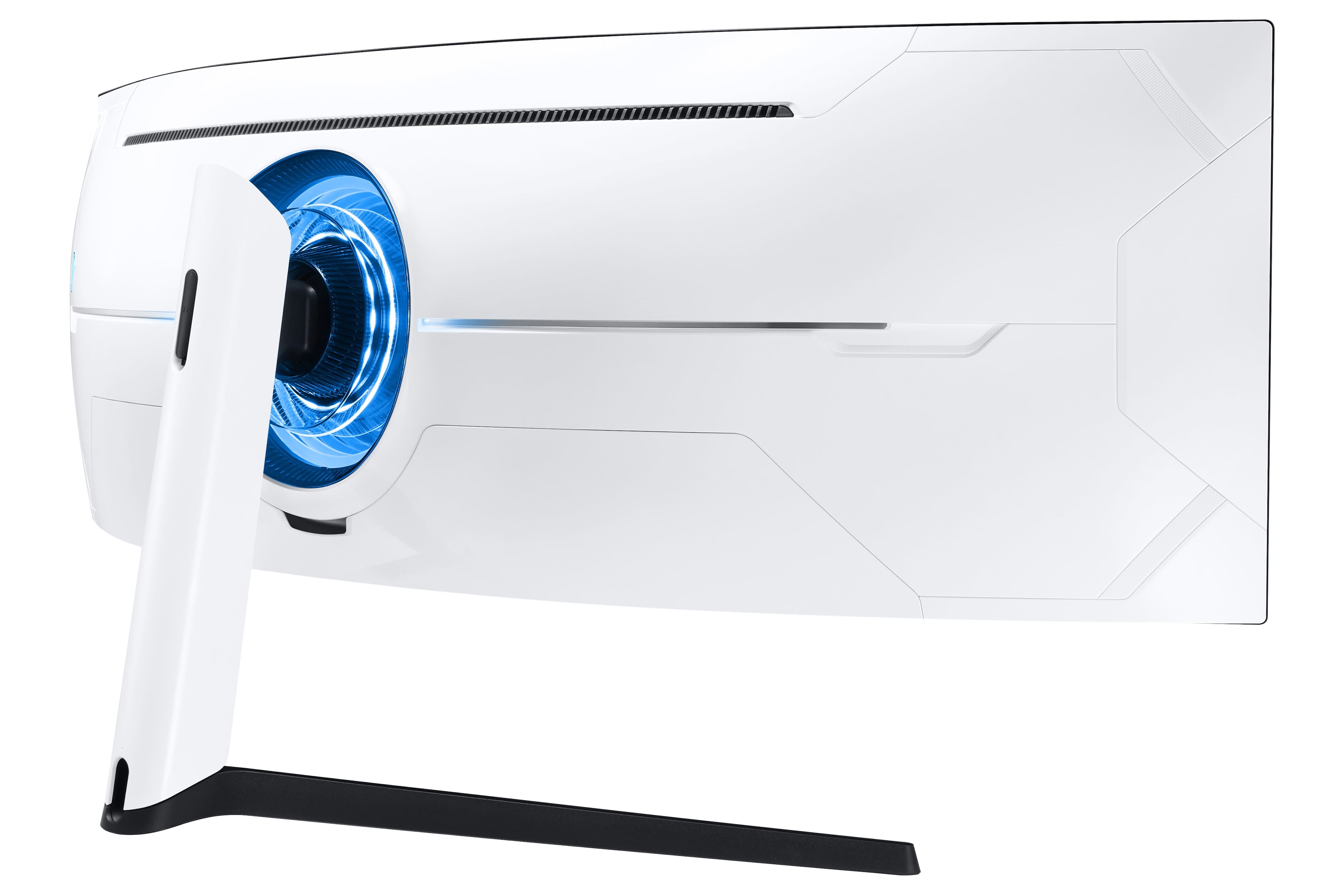
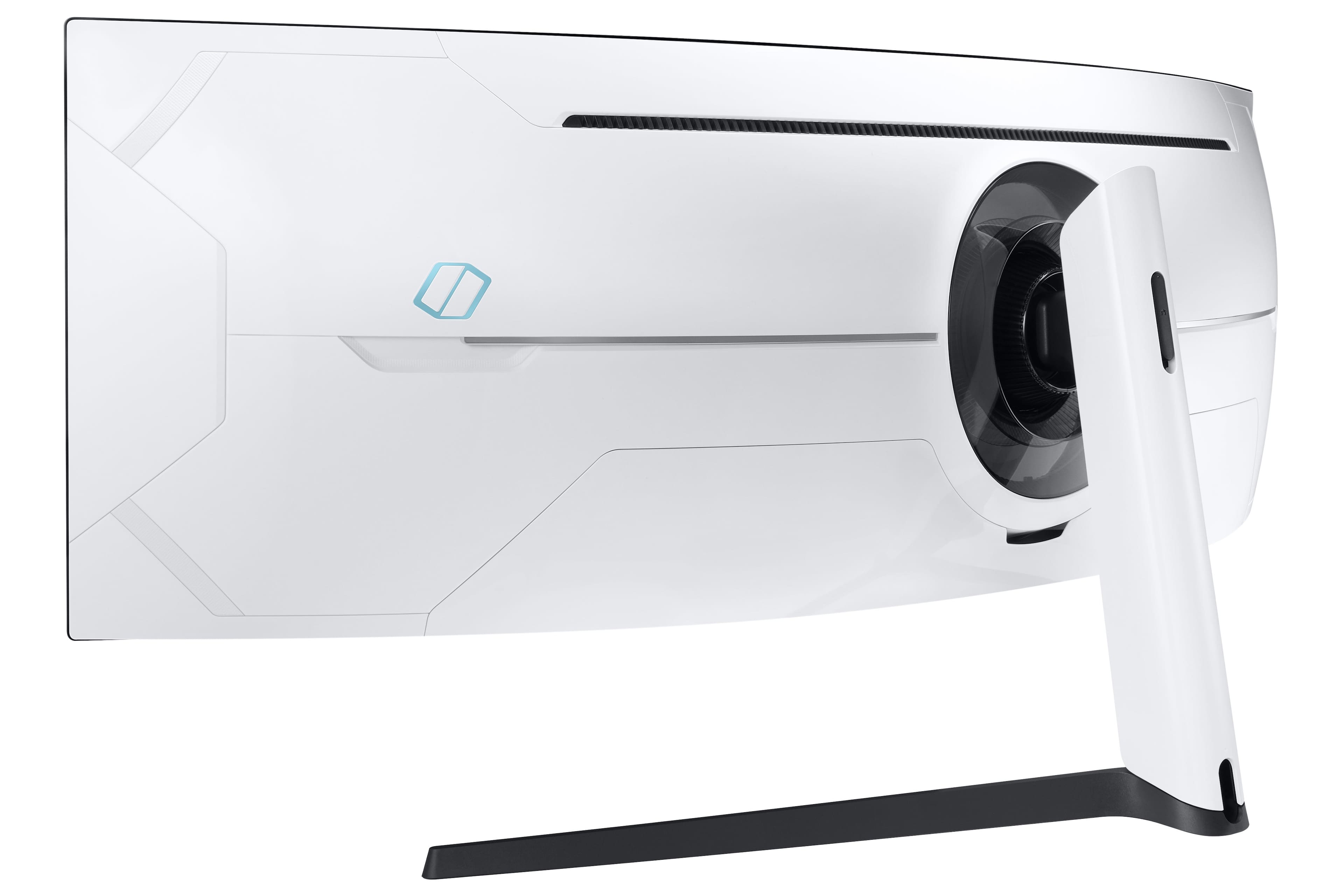
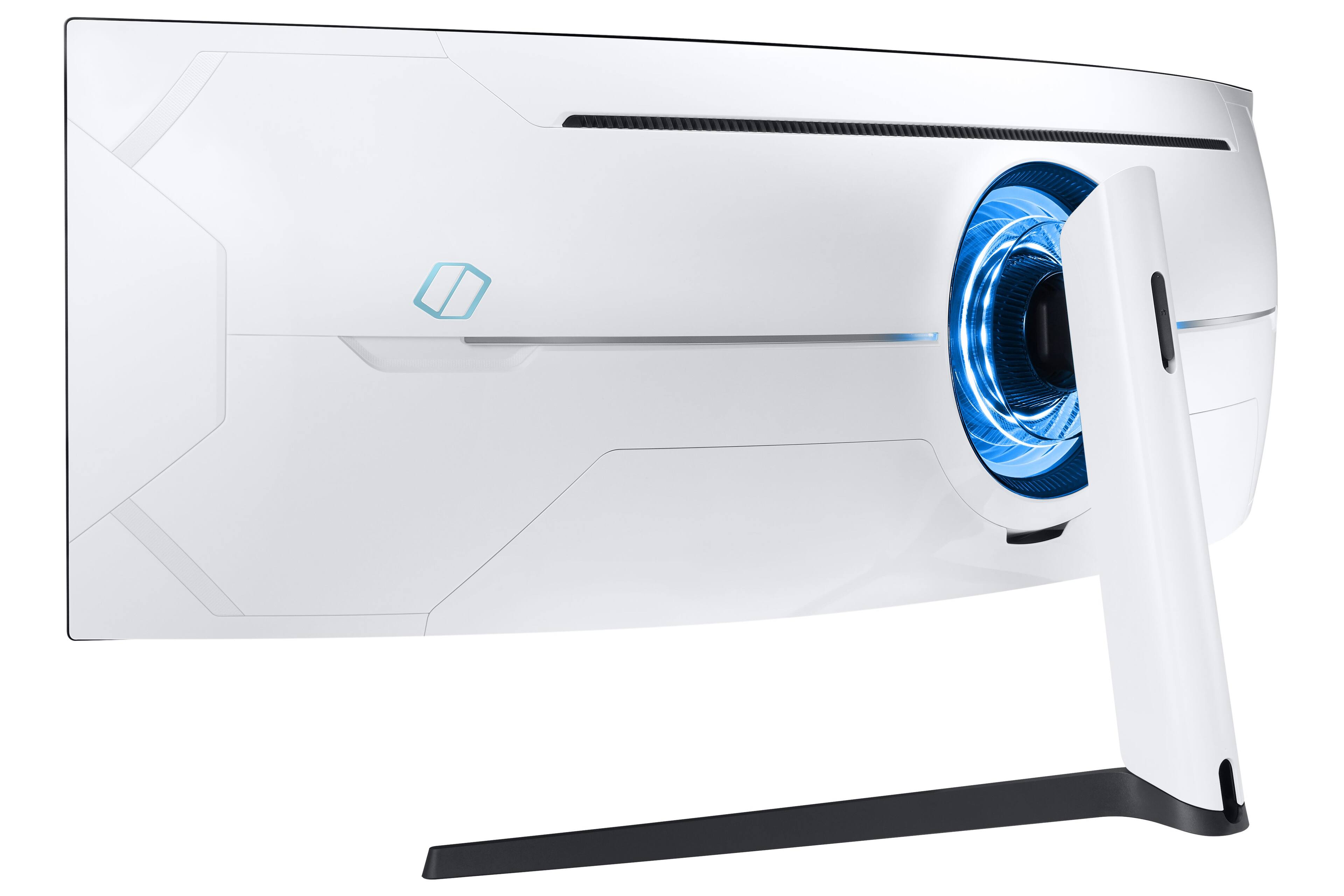
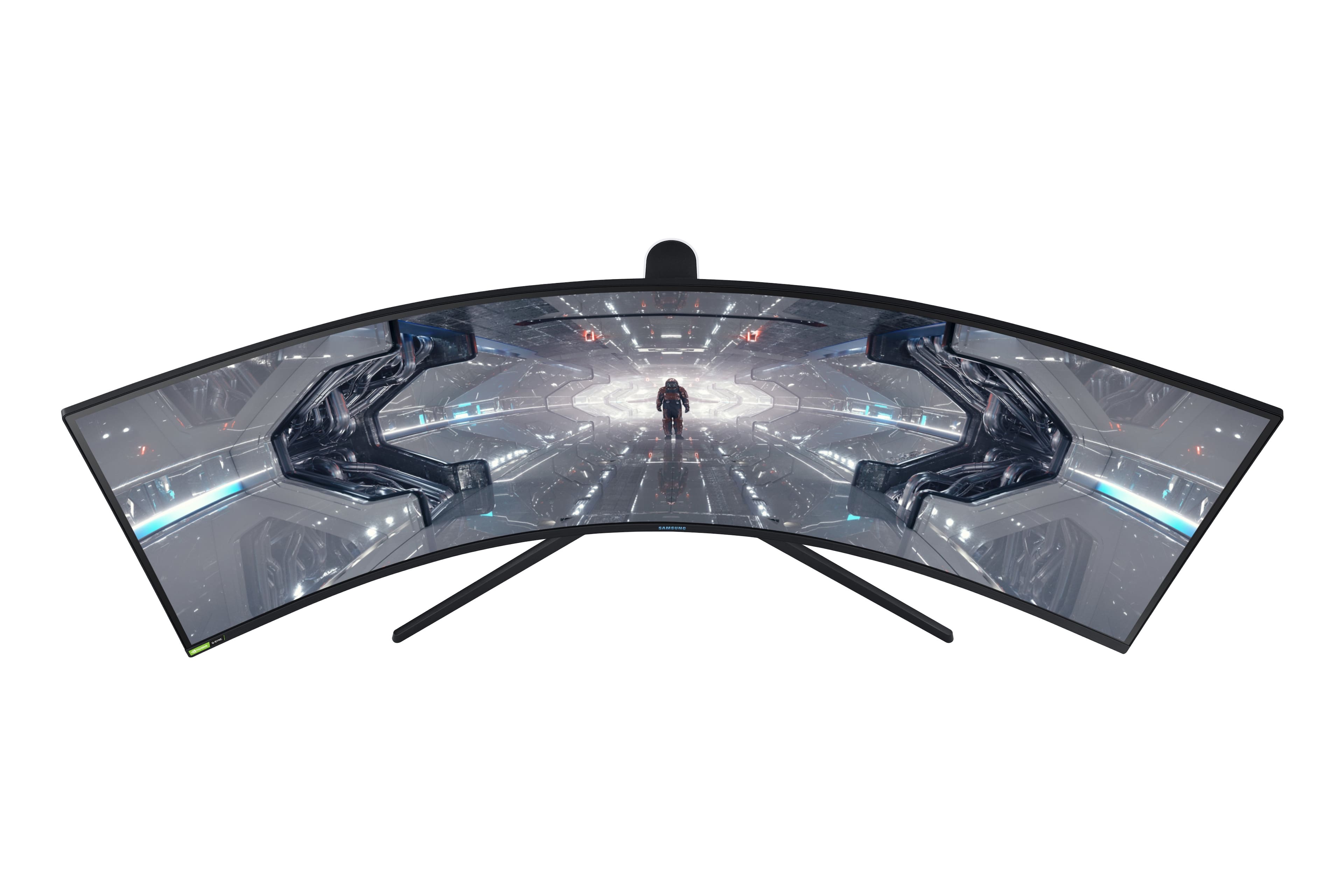
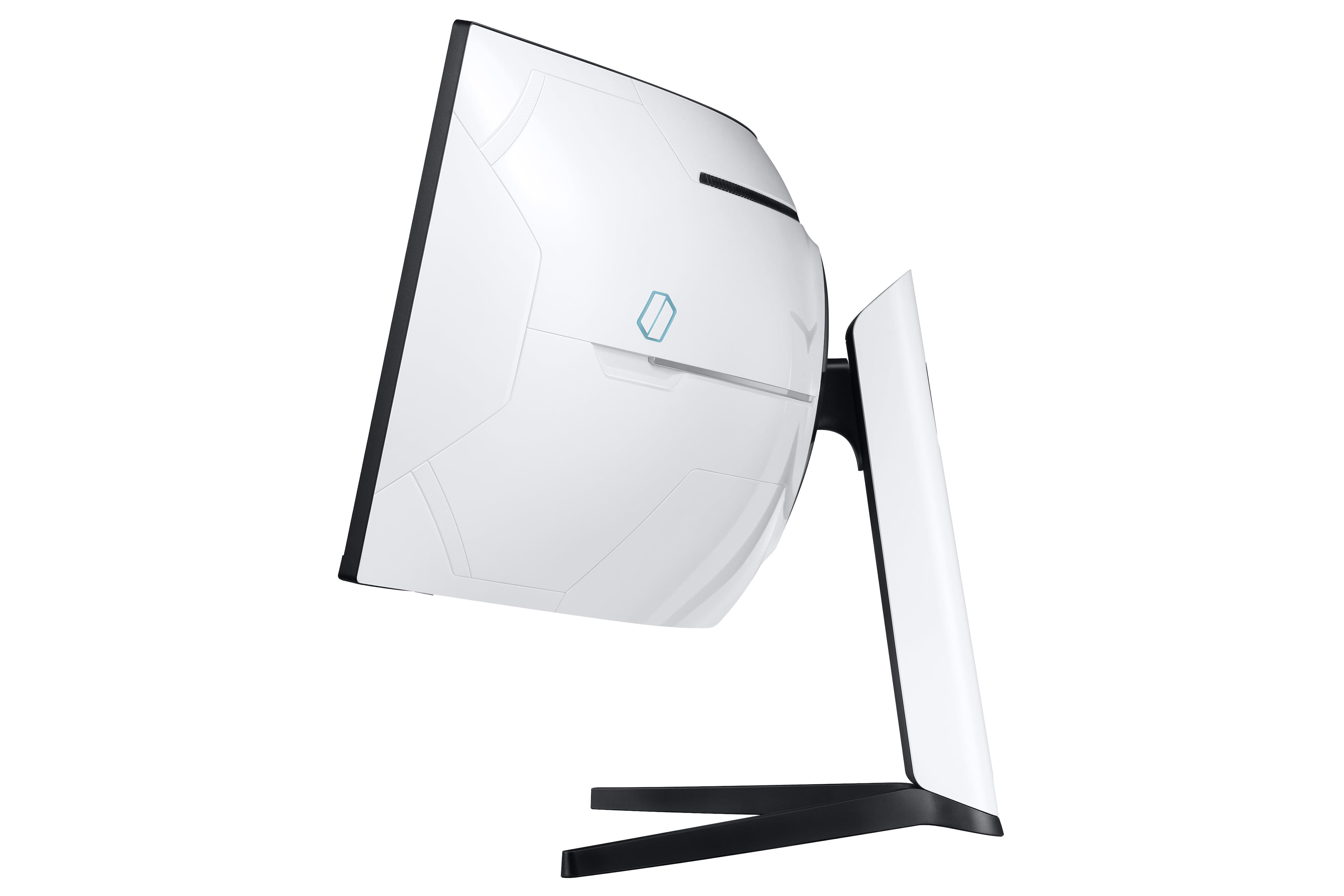
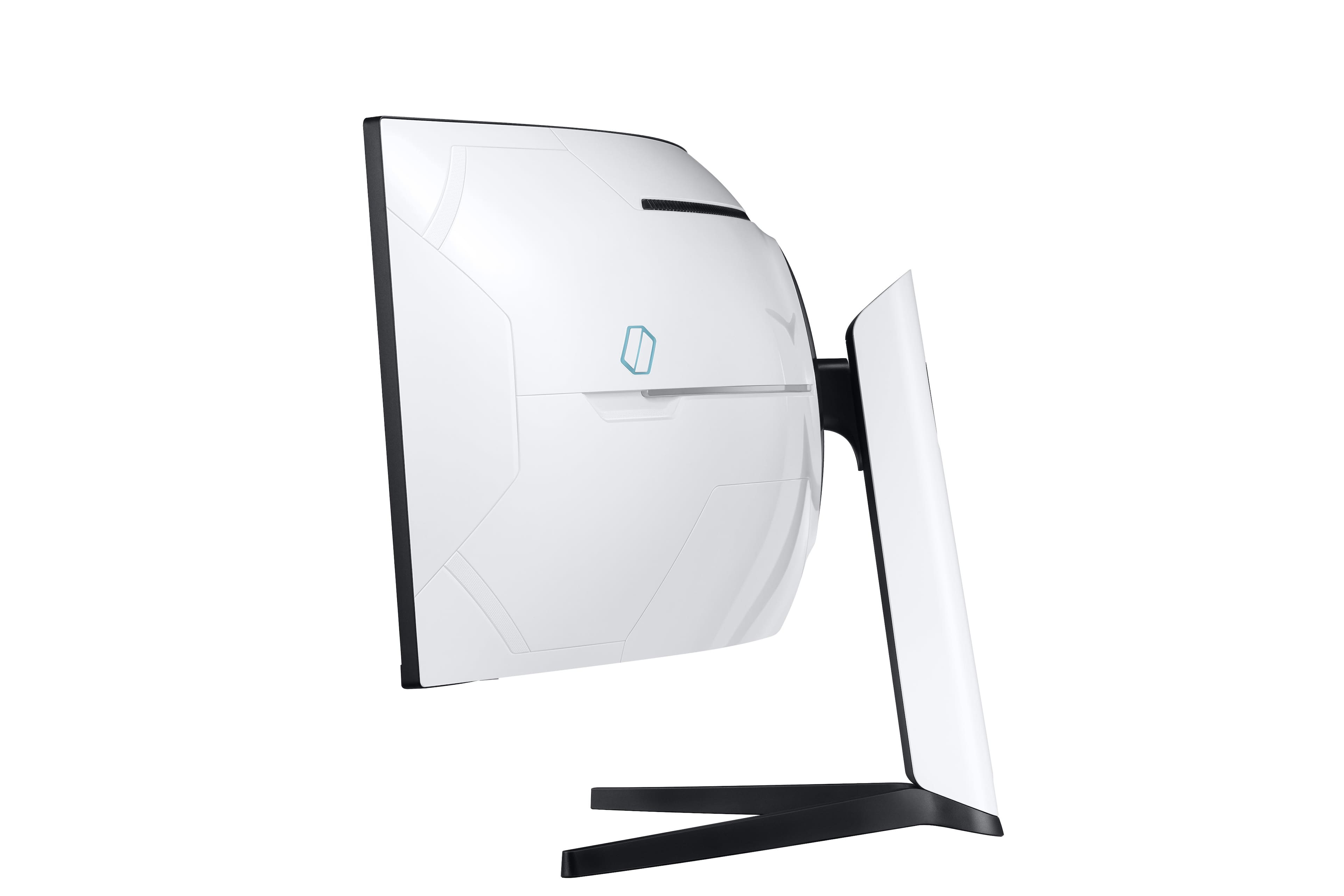
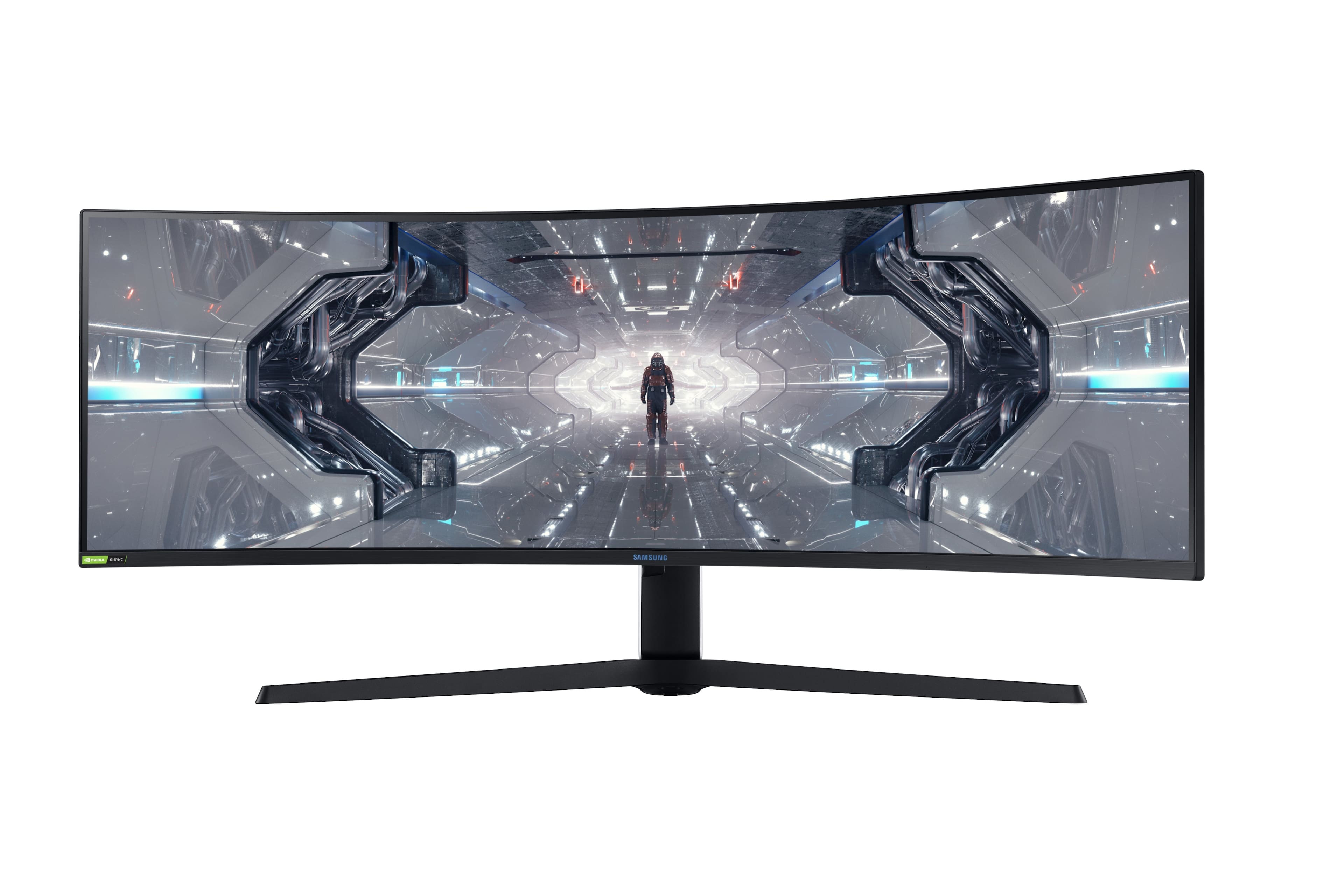
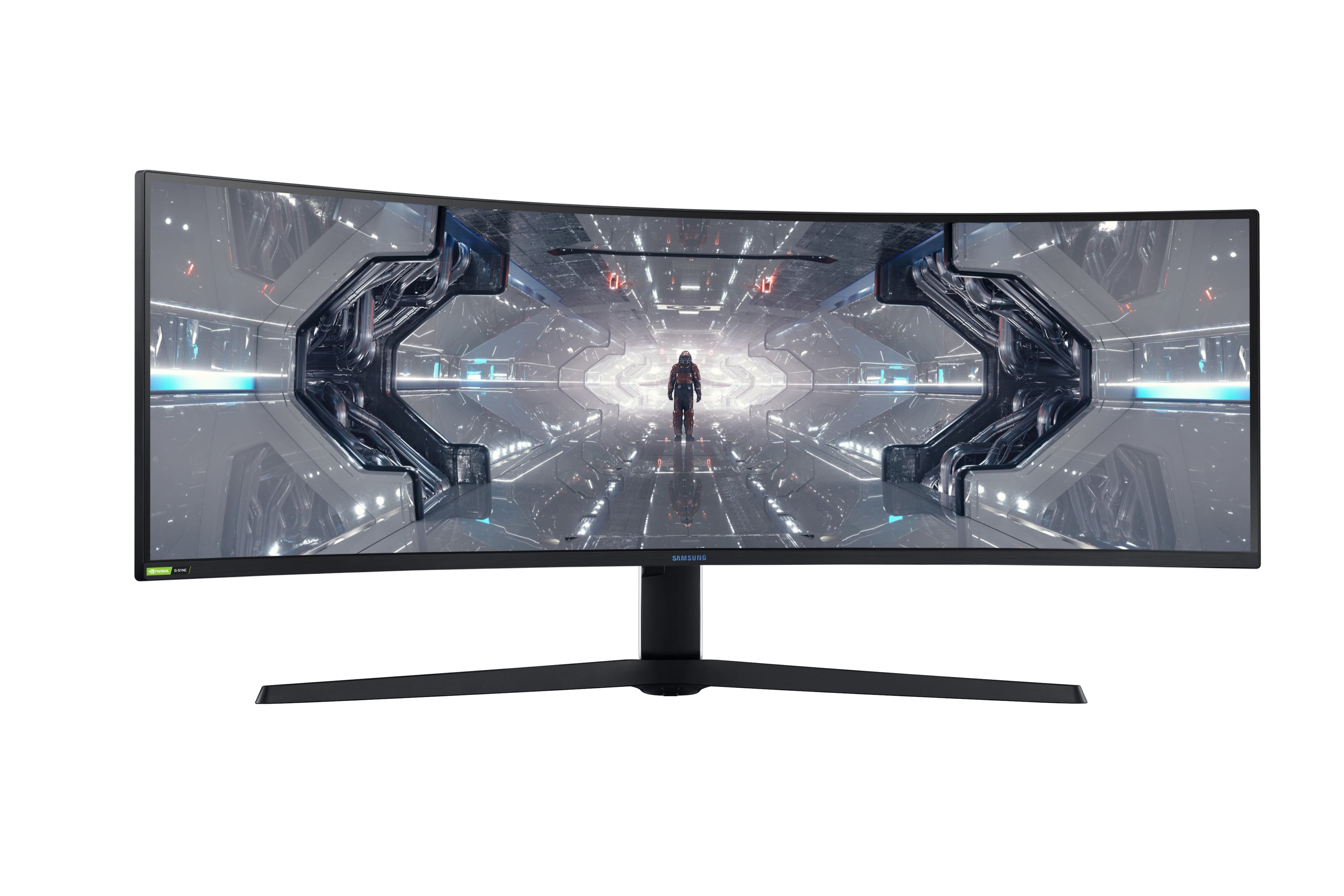
- Model:
- LC49G97TSSNXDC
- SKU:
- 6425569
Rating by feature
- Display Quality
Rating 4.6 out of 5 stars
- Ease of Use
Rating 4.5 out of 5 stars
- Features
Rating 4.6 out of 5 stars
Customers are saying
Customers are impressed with the Odyssey 49” monitor's large screen size and immersive curvature, praising the fast refresh rate and sharp resolution for an amazing gaming experience. Many appreciate its high quality and ease of use for both gaming and multitasking, although some experienced issues with dead pixels or flickering. A few users noted the monitor's substantial weight and some initial firmware challenges.
This summary was generated by AI based on customer reviews.
one of a kind experience!
||Posted . Owned for 3 months when reviewed.This reviewer received promo considerations or sweepstakes entry for writing a review.Amazing monitor, truly one of a kind. I mostly use it for productivity but do some slight gaming on the side. Went with this for the more intense curve because I felt it'd be better for my eyes. I love it! Extremely easy to setup and use. It's heavy so be aware of that. Truly only ONE monitor stand on the market can hold this up. Quality is really good, no issues so far (knock on wood). I've heard horror stories from others regarding this monitor but decided to try my luck. I did buy the BestBuy additional warranty just in case. The monitor crackles every now and again due to the technology heating up but it's not noticeable unless you're truly nitpicking. The resolution is clear and easy to read text. I recently bought a PS5 and have been using the PIP/BIP display settings to have split screens.
I would recommend this to a friend- Pros mentioned:Resolution
Beast Monitor
||Posted . Owned for 2 weeks when reviewed.This reviewer received promo considerations or sweepstakes entry for writing a review.This is a beast of a monitor. Great resolution, great features and no backlight or flickering issues some people had in the past. Samsung did a great job. I used to run a 3 monitor RIG, but switched to this, and I am more than happy with the choice. I recommend this monitor for any gamer! This thing is a beast.. I play League of Legends, CD, BF, PUBG, and many other games and I am running it at the 240. This thing also has PIP and I can run my PS5 or anything else next to my PC. If you are a gamer, this monitor is for you!
I would recommend this to a friend Love the monitor, but dead pixel is an issue
||Posted . Owned for less than 1 week when reviewed.This reviewer received promo considerations or sweepstakes entry for writing a review.This monitor could hit 5 stars, but It doesn’t quite make it there for me. Personally I was really worried as a PC gamer that older games would not display right. Well I can safely assure that even tho some older games do not cope well if even at all with the 32:9 aspect ratio, you still do have the option to cut the screen down to a regular 2560x1440p 16:9 aspect ratio. And games work perfectly fine. So for anyone contemplating like I was, so far I have had no issues getting them to work once I figured out how to size them properly in the games menu. That was probably the hardest thing to figure out, but not terribly difficult so don’t be distraught. Second a lot of people said they had flickering, I am on the 1013 firmware that shipped with the model (most current at this time) and yes with Gsync you will see some flickering going on mostly in game menus and or loading screens, but in game gameplay I have seen zero flickering. As far as visual quality goes, actually pretty good. I do not personally use HDR but the screen does and can get bright. Color accuracy is pretty good I would say. The size of this monitor is actually a bit smaller than I anticipated for my desk I was also worried about how it would fit, and with my L shaped desk it fit absolutely fine. Lastly the unfortunate thing I have experienced with this monitor is I noticed a dead pixel. It’s hard to pick out since it is a 1440p monitor but still there, which kind of sucks especially when it’s a $1,600 monitor. Samsung, this thing should have absolutely ZERO dead pixels. Quality control should not even be a thing when we’re paying close to $1,700 after tax. I’m afraid to exchange it out for a new one because I might get one with more dead pixels and other symptoms people have mentioned. If your reading this Samsung or Best Buy, make it right please. I love so much about the monitor, but just the fact that I’ve seen a dead pixel, and can’t forget that it’s on my super expensive monitor… It’s disappointing. Especially knowing that I’ve spent ALOT of money with Best Buy building my PC and other expensive items throughout 2020-2021. This monitor is mainly intended for gamers looking for simulation games but it is a very versatile monitor. It has accomplished everything I intended to do with it so far. One thing to note is you will need a beefy pc to get good framerates and graphic fidelity on most games new and old. I have an rtx 3080 and a R9 5900x and still have to compensate in a good amount of games to make them playable. Overall do your research before buying.
I would recommend this to a friendPRODUCTIVITY BEAST! G97T+ Microsoft Studio laptop
||Posted . Owned for 2 weeks when reviewed.This reviewer received promo considerations or sweepstakes entry for writing a review.PRODUCTIVITY BEAST! Samsung G97T + Microsoft Surface Studio Laptop i7 = AMAZING I have watched a TON of reviews on this monitor before I purchased it, and there were some you-tubers who said “this is not the best screen for productivity” … They couldn’t be more wrong! I’m not much of a gamer (I have an oculus) but this screen might make me start gaming. I use this to work from home spread sheets, word, outlook, internet etc. I have it connected to Microsoft Surface Laptop Studio i7 (model with the better graphics card) and let me tell you the setup is so clean! The pics below don’t do it justice at all, it is really something you must see in person. The second picture is just a screen shot I took from my computer. I purchased the Samsung - CRG9 and had it side by side with the G97T, if you can swing the extra few hundred bucks, trust me DO IT! I returned the CRG9 the next day. Also, I was using the surface doc 1 and it only supports 60hz, I had to upgrade to the surface dock 2 and it such a noticeable difference regarding picture quality. Once you get all the setting calibrated correctly you will be so happy! (There are a bunch of YouTube videos that can help you calibrate the screen) Also I Never leave reviews and I love buying consumer electronics and this is easily one of my favorite purchases I have made in the past 5 years. If your thinking about you wont regret it.
I would recommend this to a friend- Cons mentioned:Flickering
Blown away! Good bye 5k 27” iMac
||Posted . Owned for less than 1 week when reviewed.This reviewer received promo considerations or sweepstakes entry for writing a review.Since Apple won’t make an ultrawide iMac I built my own and this display is the crown jewel of the build. My 5k iMac had probably the best looking picture I’ve ever seen before so I was nervous to spend so much on a monitor with less pixel density, but I’m in awe of this monitor. I love: picture quality, 1000R curvature is perfect, PBP running two computers at once is simply amazing for my needs and one of the main reasons I purchased the G9, I use PBP almost every day. Gaming so far I’m in love playing MS flight sim and others. I only have an RX580 at the moment (waiting for 3070 or NAVI2) so I’ve never tried 240hz and I’m happy with 120hz for now. I love gaming on this, but I need better GPU, especially for MSFS! Maybe I’m lucky as I have nearly zero light bleed, even in dark room, 100% brightness, black background it’s hard to see any, See my photo, sorry bottom has the windows bar could not remove it completely. Follow the instructions when removing from the box I think people are damaging the display by not removing from the box as instructed!! This might be causing light bleed and cracked issues...there are YouTube videos of people cracking these displays by not following the instructions when removing from the box!! For reference that’s a 55” 4K Vizio hanging above it in the photos! It’s huge! I’m blown away by this monitor, I’m keeping it and the Best Buy warranty gives me peace of mind in case something goes wrong in the future. But after a week it’s exceeded my expectations and calmed my fears from the bad reviews...maybe I’m lucky?
I would recommend this to a friend Multi-tasking beautiful best of a screen!
||Posted . Owned for 2 months when reviewed.This reviewer received promo considerations or sweepstakes entry for writing a review.First off the monitor is a delight to look at on or off. Tech that elevates or at least fits in a living space is always a bonus. Not every piece of tech is in a cold boring office building. Bring on the colors and style! We've been using Ultrawide monitors for years, starting with a 29" and multiple 34" monitors. I couldn't wait to get a 49"in my wife's office space. She didn't know she was getting it and now she doesn't want to go back. My only issue was not ordering 2 when they were on sale. Being able to access 4 full screen windows at once makes light work of multitasking! We don't PC game so I can only speak to the potential immersion any gamer would benefit from thanks to the curve. The screen is native but it doesn't feel out of place. It's pleasantly soft on the eyes even after an 8+ hour shift. Hands down this is the best monitor I've worked on. It's not the only 49" I've setup but it's the best so far. This is an investment, make sure it fits your wants and it needs. Gaming, graphic designer, film, maybe a seasoned professional or stock trader.
I would recommend this to a friendSamsung Ultra-wow!!!
||Posted . Owned for 1 month when reviewed.This reviewer received promo considerations or sweepstakes entry for writing a review.Amazing display, and it is so wide that I sometimes forget that I am only using one monitor now. I had two 25" HP 2511x LED (1080P @ 60Hz) units, but wanted to upgraded to bigger monitors, a wide or ultra wide monitor, and the Samsung G9 was on sale so I jumped on it... Early Christmas present for myself. The only drawback I had after I finally got it unboxed and set-up was the DisplayPort (DP) cable was bad, and I had to contact Samsung Customer Support online ( I was using the included HDMI cable to establish a video feed from my GPU). So, I purchased a new DP cable to verify that it was in fact the DP cable and not something else. I reached back out to the Samsung Customer Support team the next, and they are sending me a new one free of charge. I am now running 240Hz and everything I am doing is buttery smooth and crystal clear! It is big, it is kind of heavy and there are less expensive units from other brands, but I am extremely pleased with this monitor. It is essentially two 27" monitors, and when you have two PCs or laptops you can split the monitor in different views This allows the user to share the screen at the same time, or just switch back and forth; depending upon their needs. Note - If you elect to replace the DP cable look for a "VESA Certified" DP 1.4 8K cable for this monitor. Other cables may not support the bandwidth to carry a 240hz audio/video signal, and this is necessary to optimize the resolution capabilities of this monster monitor! Only drawback other than the DP cable... It would have been nice if Samsung had included a basic remote with this unit so users can change options, settings, or inputs easier.
I would recommend this to a friend- Cons mentioned:Flickering
The zero compromise monitor, but...
||Posted . Owned for 6 months when reviewed.This reviewer received promo considerations or sweepstakes entry for writing a review.This monitor looks amazing! I love it. There it is not without it's issues though. First, there is an issue with flickering when G-Sync is enabled. This goes away if you disable G-sync. What seems to trigger it are medium gray colors. I believe this to be an issue with Nvidia's GPU drivers (I am using a 3090FE). Also, Nvidia has messed up Display Stream Compression in it's latest drivers so you cannot go to 240hz refresh with the current drivers, You have to use Nvidia's driver version 456.98 to enable 240hz mode. Lastly, there are now adjustable monitor arms that can support the weight of this monitor as it is curved, the one I bought even though I tightened the tilt bolt all the way would still sag. I ended up using a steel pin though the hinge to stop the sag. If you are planning on using the included stand or using a wall mount you will be fine.
I would recommend this to a friend Great job Samsung!
||Posted . Owned for less than 1 week when reviewed.This reviewer received promo considerations or sweepstakes entry for writing a review.Where do I even begin with this beast? I own many Samsung products including 3 TV's and the Fold so I expected the best and I wasn't let down! I completed my gaming rig a couple of weeks ago with some pretty decent specs (and yes I got a GPU at MSRP...effing scalpers). I previously had a three monitor setup for the longest and couldn't convince me to change. I ran across this on Amazon and despite the negative reviews I wanted it. There was ONE at a Best Buy near me and I sped to get it before the after Christmas shoppers got it. Setup The box is huge and took up my entire back seat (I have a big trunk but not 80 feet long)! The manual tells you to put it together while it is still in the box...HIGHLY recommend you do that...makes it easier especially if you are setting it up by yourself. It was pretty easy, only needing a total of 8 screws for the legs and back of monitor and you are done. Took me longer to lift it out the box to get it on my desk. The stand takes up a LOT of real estate on your desk so if you don't have a deep one then it can be a little bothersome. It also sits pretty low even at the tallest point of the stand so my joystick was getting in the way. It also came with a VESA mount which I ended up utilizing and mounted this bad boy on the wall (also highly recommend). It now sits perfectly eye level and allowed me to put it underneath my 39" TV with my laptop underneath. I also recommend putting in the cables first before mounting as you will have little room when its setup. My computer recognized it immediately and didn't take long to update to the newest firmware. I do gaming and own a business, this monitor exceeds the standards of doing both! I saw in some reviews that NVIDIA didn't let you use the 240Hz when gaming...I didn't have that problem. You just have to take a little time and make sure your options match the monitor and it will work. The only issue I ran into is GSync that causes the monitor to flicker with grays so I turned that off. Everything else is amazing especially the HDR! Games all work with the 32:9 aspect ratio as it did with my 3 monitor setup. They also run super smooth with the DisplayPort 1.4 as I was using three DP's in the past for each monitor putting a lot of stress on my GPU and slowing things down. Works great with windows 11 with multiple windows open. Just hover your mouse over the window resize on the top right and it shows different display options. I give this 5 stars even with the missing back plate that wasn't in the box (feel free to send me one SAMSUNG!) Pros: -Size 49" -Speed (1ms @ 240Hz) -Vivid (HDR or SDR) -Excellent for gaming or business -price matches what its worth Cons -WHERE IS MY BACK PLATE?! Whomever buys two of these...I'll send you my address so you can get me a second one! Thanks Best Buy and Samsung!
I would recommend this to a friendWorth every Dollar!
||Posted . Owned for 2 weeks when reviewed.This reviewer received promo considerations or sweepstakes entry for writing a review.Simply phenomenal! First gaming monitor, which I choose to refrain from having 2 separate monitors. Definitely best decision I made. My games I formatted to the correct resolution and WOW. Anno 1800, League, New World all look amazing! Even better than my television. And when I want to multitask I can window play my games and have 3+ screens up to play multiple games at a time, watch shows etc. Definitely worth the extra expense.
I would recommend this to a friend- Pros mentioned:ResolutionCons mentioned:Flickering
Must have monitor! Wow
||Posted . Owned for 2 weeks when reviewed.This reviewer received promo considerations or sweepstakes entry for writing a review.Holly cow this monitor is sick. My first ever ultra wide monitor rocks! This monitor definitely has a wow factor about it. Love this monitor and so glad I bought it! I was gonna get the Neo but you can’t beat the lower price tag. Cons: sometimes there are flickering but that can be fixed by going to menu and turn on and off certain effects like 120HZ. Secondly, this is not Oled. The blacks aren’t deep black. Third, the you need a really powerful computer to take advantage of the 240hz and widescreen resolution.
I would recommend this to a friend - Pros mentioned:Quality, Resolution

Samsung 49” monitor is the best!!!!
|Posted . Owned for 1 year when reviewed.This reviewer received promo considerations or sweepstakes entry for writing a review.[Employee of bestbuy] This is the best monitor ever!! The quality and craftsmanship is awesome. Very sturdy and the resolution is amazing!!!
I would recommend this to a friend - Pros mentioned:Resolution
Game changer
||Posted . Owned for more than 2 years when reviewed.This reviewer received promo considerations or sweepstakes entry for writing a review.Delivered fast and easy. The monitor itself is amazing, took a while to adjust from smaller lower resolution screens but was 100% worth it. Gaming on it is amazing,not all games support this resolution scale but most do. Its pricey, but it will be a keeper for years to come.
I would recommend this to a friend Almost perfect.
||Posted . Owned for less than 1 week when reviewed.This reviewer received promo considerations or sweepstakes entry for writing a review.Got the updated version of this monitor a few days ago. This thing is pretty sweet. I really love the curve. The new screen real estate takes awhile to get used to. I’m not sure it makes me more productive over a 34 inch, but it is glorious to look at. I have a 10 series gtx card so I can only do 120hz for now but it still looks great. Not much BAck light bleed. Colors look great. One thing about putting it together is please follow the instructions as leaving it in the box for the stand install. You will need a good fit screwdriver for the legs as my screw required a lot of torque but eventually it gets tight. I actually do not like how far forward the mount leans the screen (likely for balance reasons). The position is 3-5 inches further towards me than I would like. I am going to use a desk clamp mount so it can be moved back further towards the back of my desk. I thought I would like the white back color. I don’t, it clashes with all my black peripherals and my desk. Not a big deal though Infinity lighting is cool. Wish it could sync with my razer ecosystem but doesn’t seem it can. I just leave it static blue and it still looks pretty cool. The screen has a few weird bugs. I don’t have g sync flicker but a few times when I turn on the comp or after a restart. It has some issues bringing up the screen. If I tap the moise or turn it off then on its fine. Probably a firmware/driver issue that should get fixed Alienware 34 had some of these issues too on release when I had one a few years ago that I think were fixed quickly. Main problem is I have to time the turn off turn on to get into bios sometimes I still love the monitor. Even with some of those issues I would still give it 5 stars. I hope at at 240hz after I get one of those rare 30 series cards isn’t crappy after some driver fixes. If you look at other 49 2k ultra wides they have their own. Issues too. I have not had the monitor for that long so cannot comment on the frame build issue yet but so far so good
I would recommend this to a friendBig and hungry
||Posted . Owned for 3 weeks when reviewed.This reviewer received promo considerations or sweepstakes entry for writing a review.This monitor is wild. I havent had any of the issues that i had seen mentioned with the earlier versions like flickering, black screen, etc. I was running a 3700x/sapphire nitro+ 5700xt and was struggling to get 60 fps on most games with med-epic. Upgraded to a 5900x/sapphire toxic 6900xt and it is far better but this monitor wont even be close to being fully utilized by any gpus right now. Gaming or productivity this monitor feels like a whorthwhile upgrade. If youre going to wallmount, a tv mount rated for 50ish pounds will work, i went with a fairly inexpensive one one amazon and just tightened down the tilt. Still have in/out and left/right movement, just no tilt. If you want full range of motion, you will need the ergotron with upgraded spring.
I would recommend this to a friendPerfect single monitor setup for Racing.
||Posted . Owned for 2 weeks when reviewed.This reviewer received promo considerations or sweepstakes entry for writing a review.I also own the CHG90 and wanted to upgrade to the 1440P version and so far it surpasses the CHG90. I have this attached to my sim rig so it's mostly used in racing games and it's the perfect single monitor for racing. The 1440P resolution really is noticeable since I'm sitting very close to the monitor and it's very sharp compared to the 1080 CHG90. The extra curve radius is also a nice improvement as you can don't have to move your head that much to see the edges of the screen. The only negative of the monitor is the local dimming option that when turned on makes the screen brighter in certain areas and throws off the uniformity which doesn't look good at all in dark scenes so I turned that feature off. The HDR suffers from this, but it's still much better than the CHG90 HDR mode. Forza Horizon 5 does look great on this monitor and other games running in the 32:9 aspect ratio really do impress and adds another layer of immersion.
I would recommend this to a friendHonest review
||Posted . Owned for more than 2 years when reviewed.This reviewer received promo considerations or sweepstakes entry for writing a review.Geat overall performance! I use it for work and gaming
I would recommend this to a friendSamsung Odyssey G9
||Posted . Owned for 1 week when reviewed.This reviewer received promo considerations or sweepstakes entry for writing a review.Its a great Monitor for Multitasking and gaming. It work as expected.
I would recommend this to a friendGreat BUT
||Posted .This reviewer received promo considerations or sweepstakes entry for writing a review.Great monitor, but please be aware that it is a very common issue. Do your research, there is a lot of Reddit posts about this. A year and a half in and I turned it on to this issue. Unfortunately my warranty ran out but would recommend getting the coverage plan! It is a beautiful monitor and great for gaming + work. Unfortunate it happened but it is what it is.
I would recommend this to a friendAwesome piece of kit
||Posted . Owned for 3 weeks when reviewed.This reviewer received promo considerations or sweepstakes entry for writing a review.Absolute beast of a monitor, picture is incredible and the curve takes a bit of getting used to but it doesn't take long. Monitor does get warm (it's huge so no surprise) I grabbed a USB fan which I keep on and aimed at the unit to keep it cooler. No big issue just something to be aware of. It is super fast and crisp at all speeds and the g-sync compatability works well. All in all this thing is incredible but make sure you have the desk space for it, pictures do not do it justice. It is Massive!
I would recommend this to a friend