Customer Ratings & Reviews




- Model:
- NE63D6711SR/AA
- SKU:
- 6602405
Rating by feature
- Performance
Rating 4.0 out of 5 stars
- Ease of Cleaning
Rating 3.7 out of 5 stars
- Quality
Rating 3.8 out of 5 stars
- Pros mentioned:Overall performance
Fantastic!!!
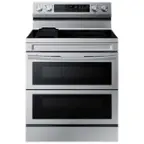
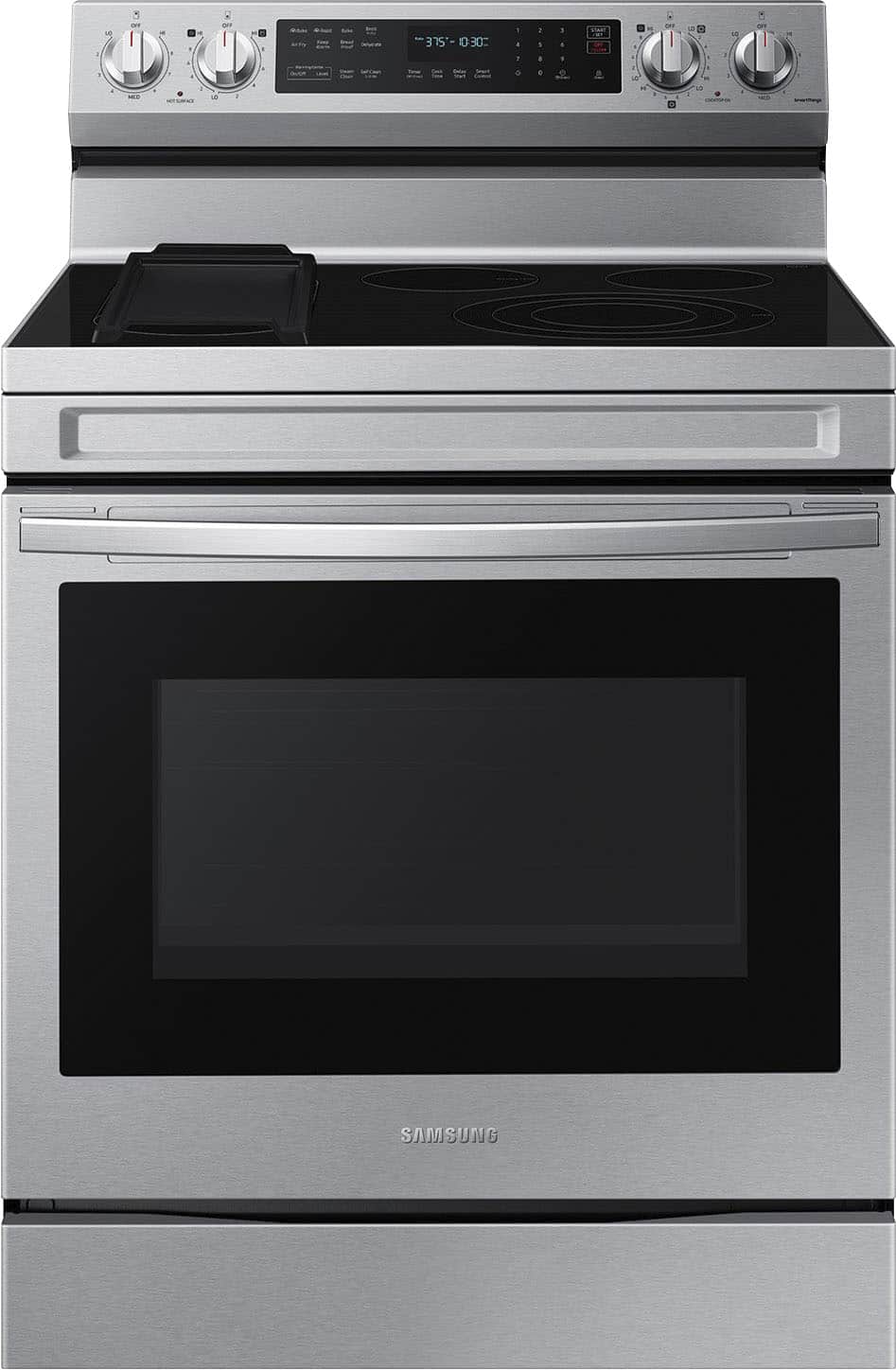
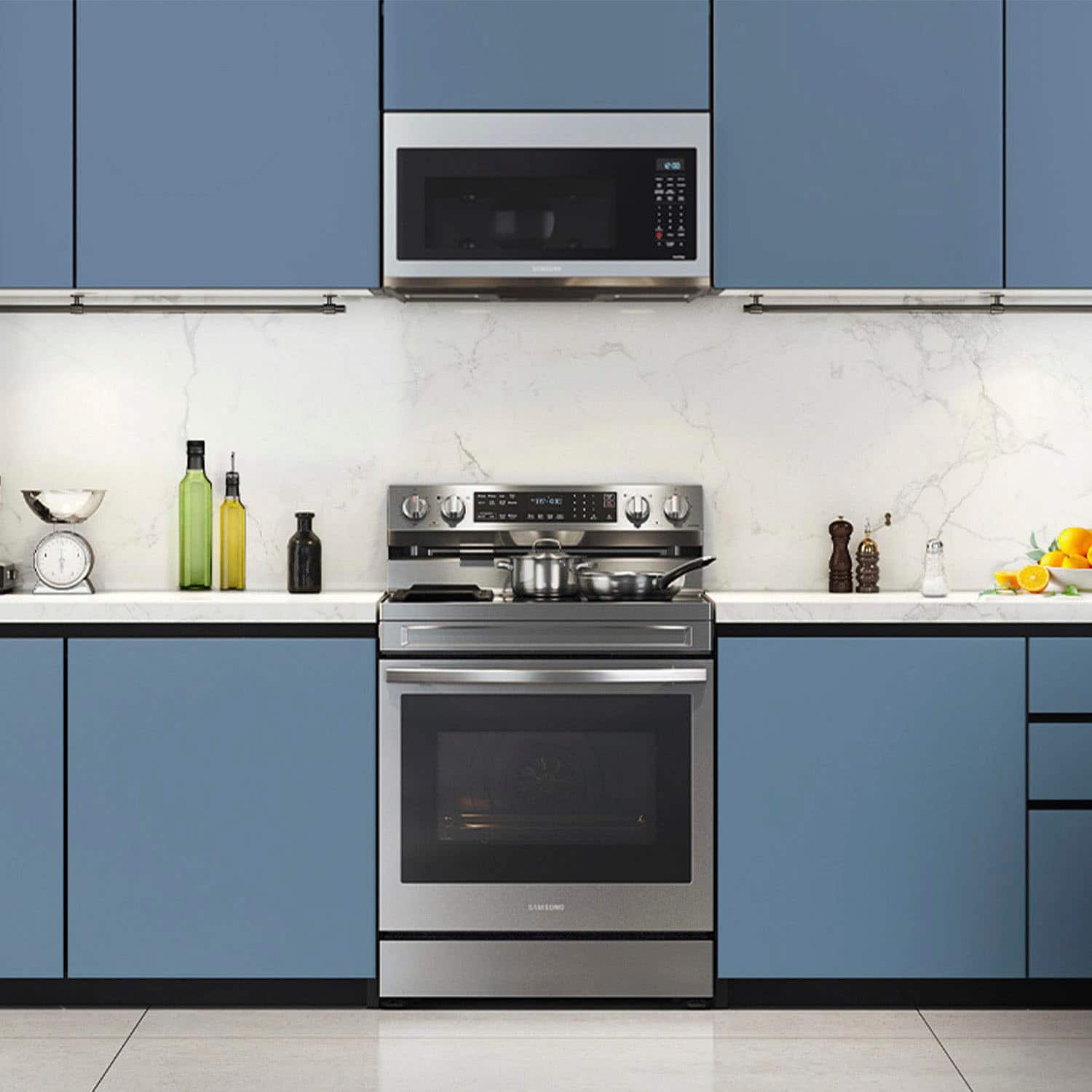
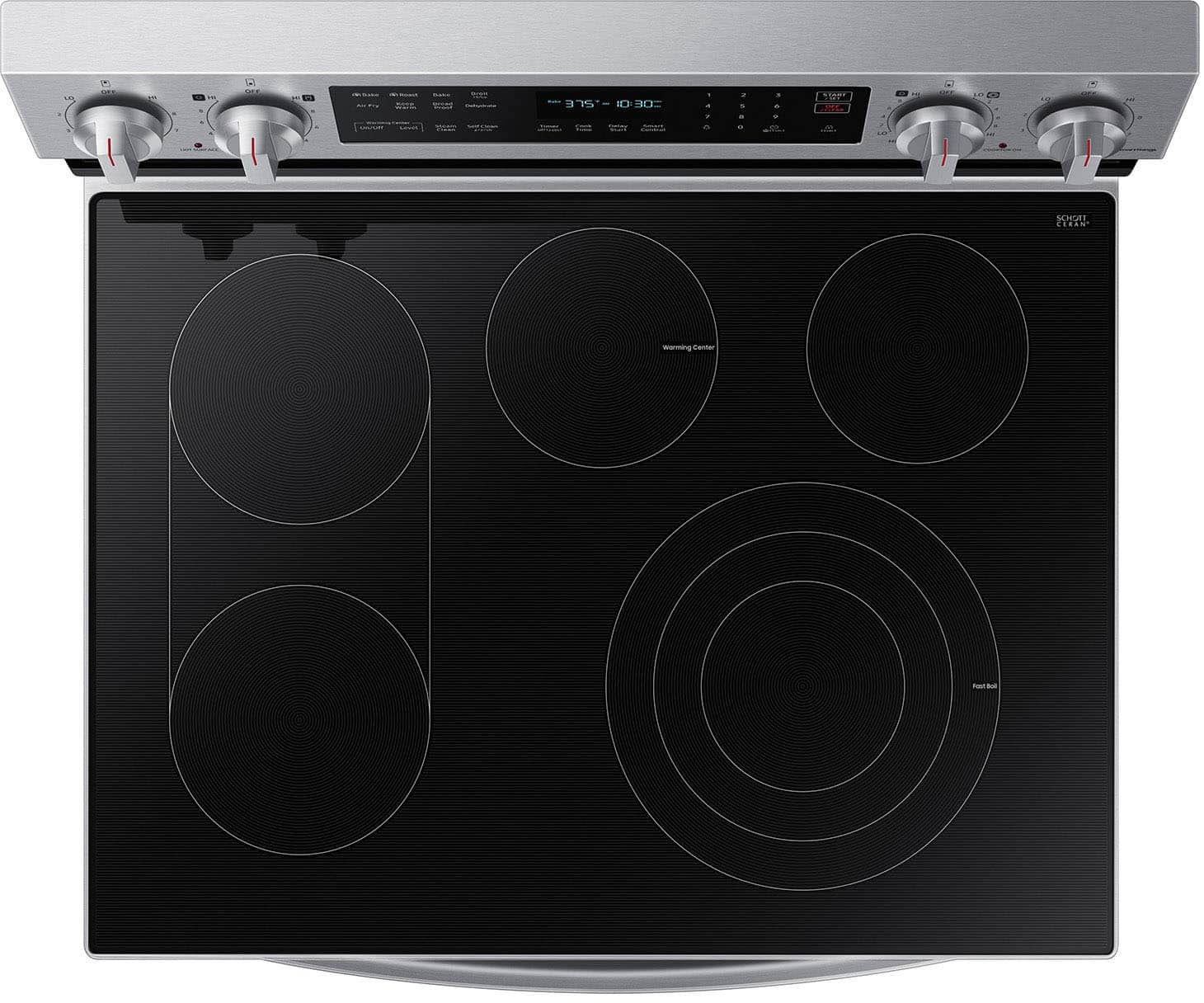
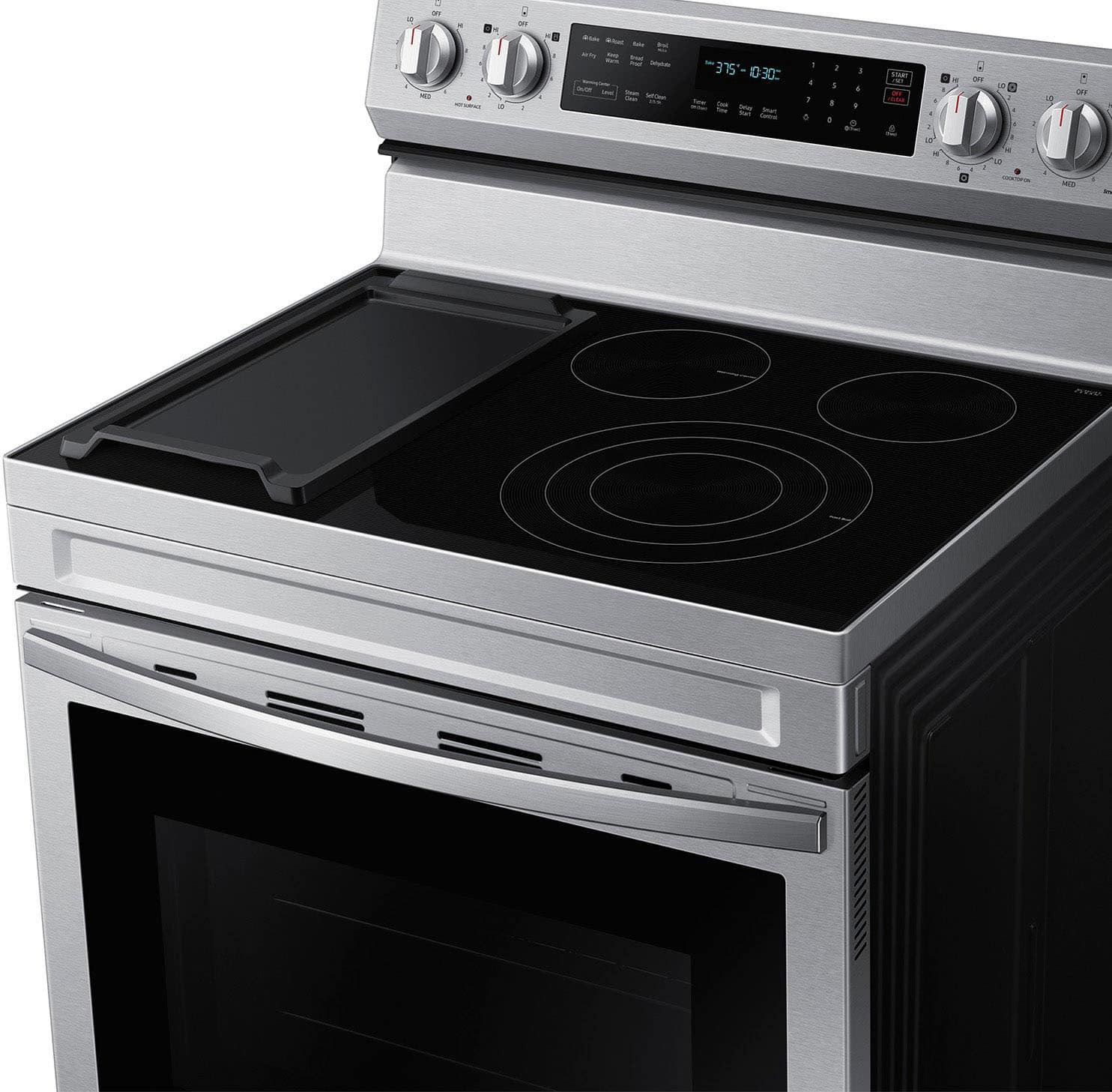
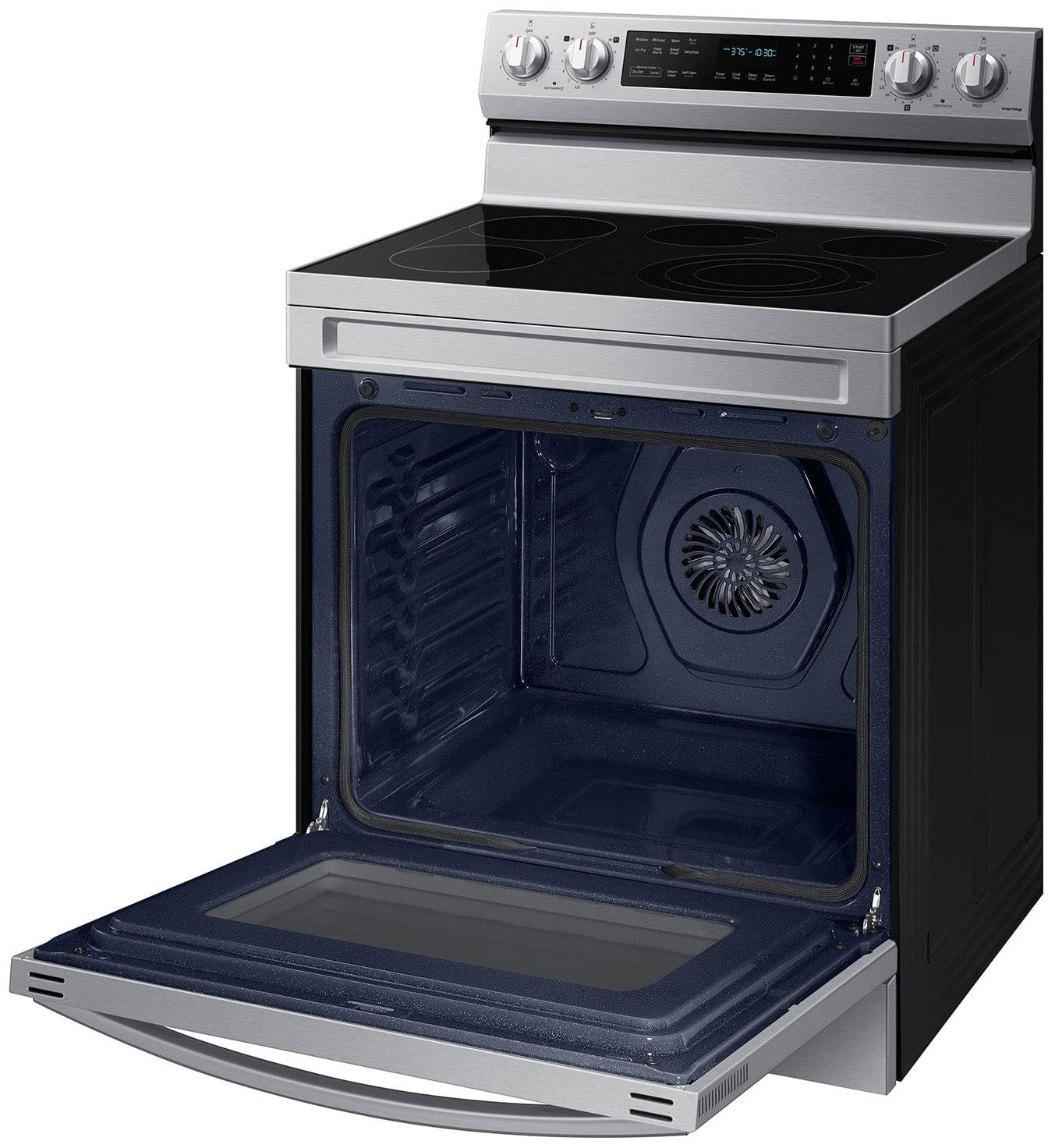
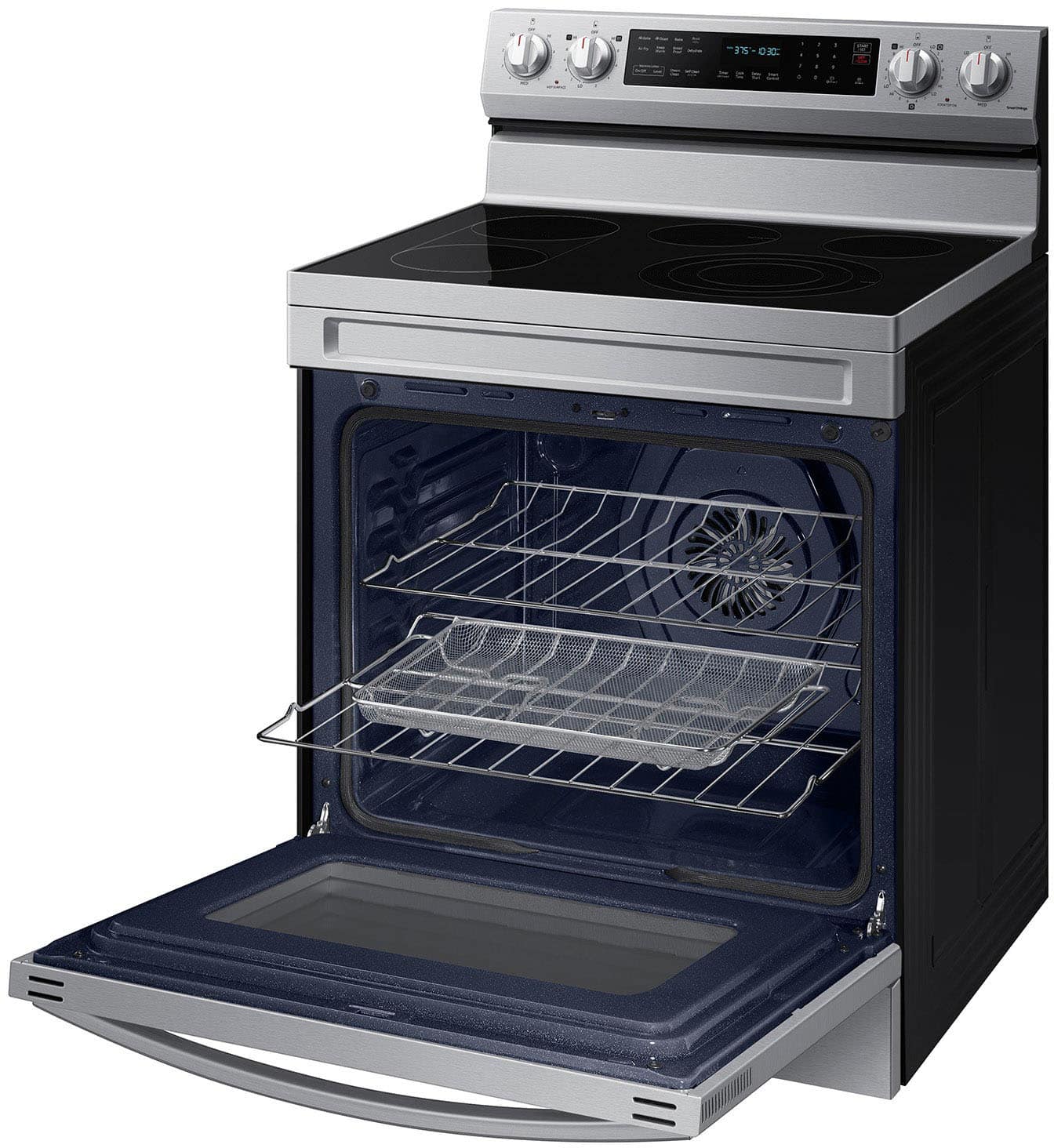
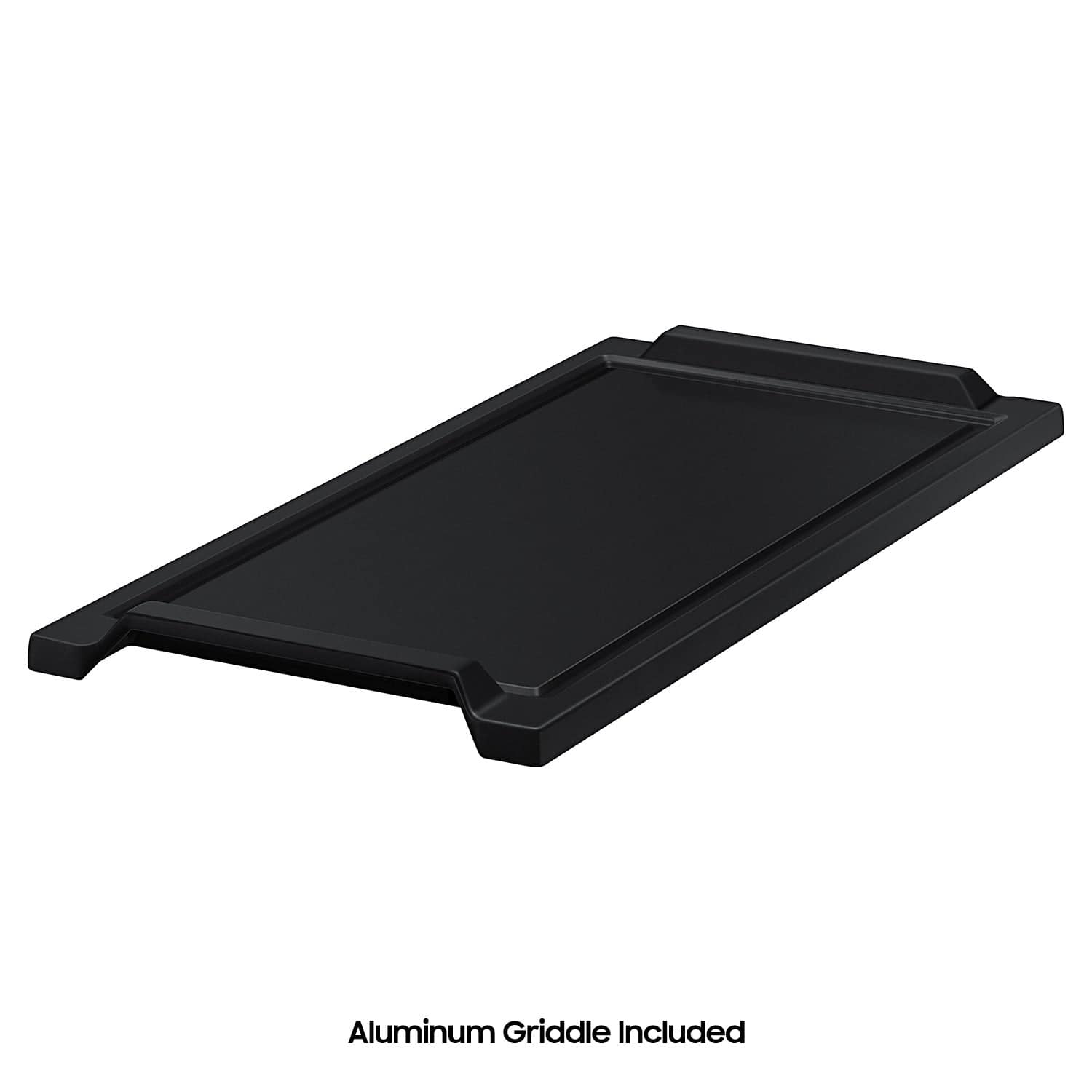
||Posted .This reviewer received promo considerations or sweepstakes entry for writing a review.I love everything about this range! It fit and slid in just perfectly. I like the controls on the back which this one had and made me very happy about. I like that it's a convection oven and therefore I can do air frying as well as more even baking as a result of the convection. This one also has a feature to be able to add a griddle along the far left side due to a bridge heat element. This extra feature is fantastic! I cannot tell you how great it is to be able to do eggs or french toast as well as the sausage and slide them around the griddle like you could do on a professional Grill and move from spot to spot to either heat up more or to just keep warm. This has so many possibilities and it was well worth a little bit extra on top of the price of the range. I was even fortunate enough to catch this item on sale and I felt it was a good enough value at regular price but once on sale there was no question that I was going to get this. I am extremely happy and I wouldn't hesitate to recommend this to anyone looking to buy a new range or oven.
I would recommend this to a friend - Pros mentioned:Features
My new bf
||Posted . Owned for 1 week when reviewed.This reviewer received promo considerations or sweepstakes entry for writing a review.This stove has everything! I love its look and how easy it is to use
I would recommend this to a friend Pretty, but not user friendly
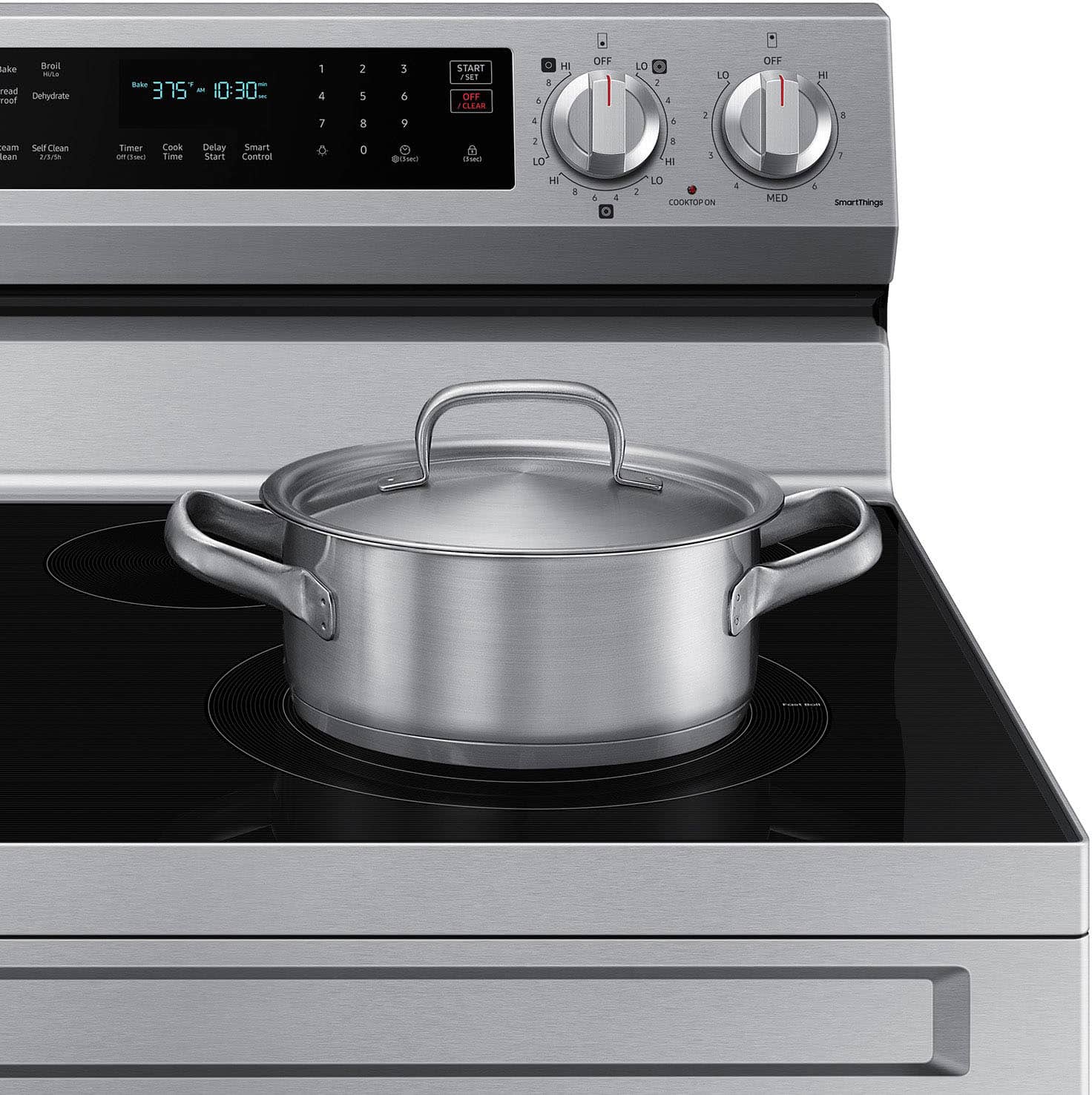
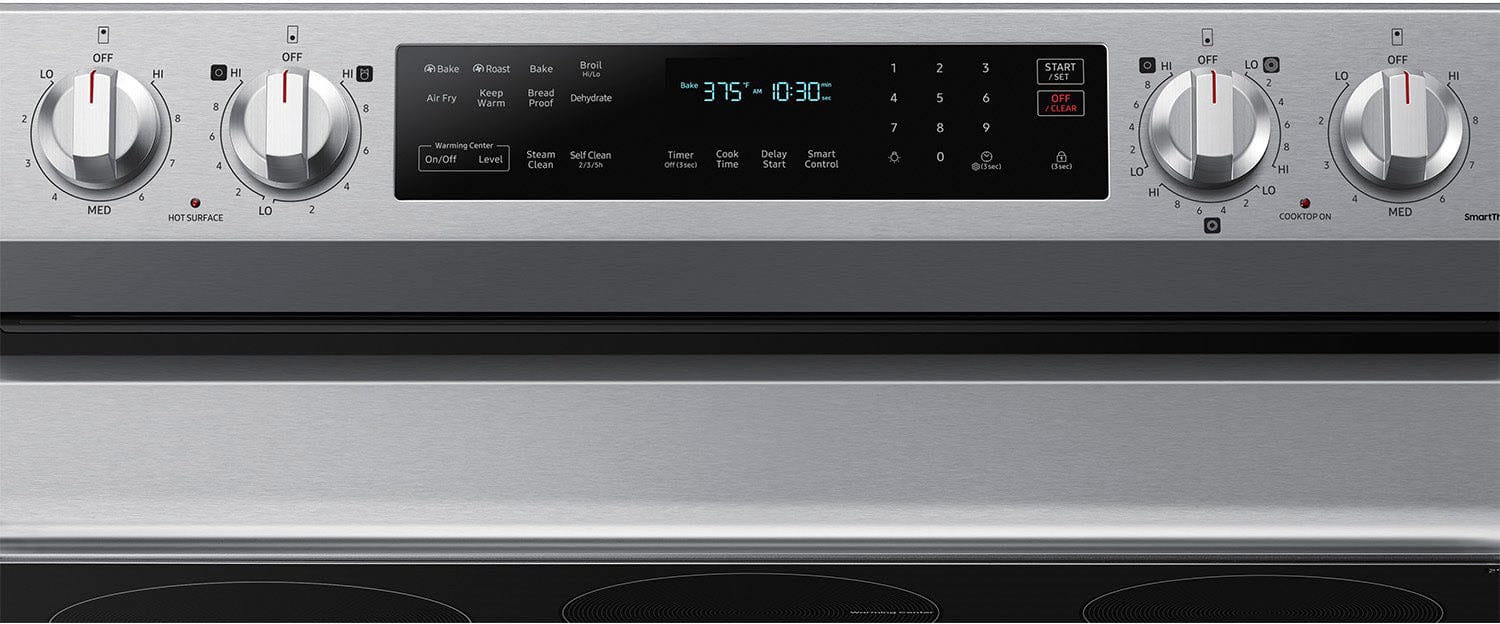
||Posted .This reviewer received promo considerations or sweepstakes entry for writing a review.It's attractive. I'll give it that. But the user interface is confusing with zero explaination of how to use any of the settings or how to even find the settings. They need some documentation that explains what each of the seven settings are and what turning them off or on does. Literally zero documentation. The clock display disappears within a few minutes of touching a button. Clumsy knob placement for each burner. We had a GE Profile which was amazing, this is the same price (over $1,000) yet not nearly as nice or user friendly. If we could do it over, we'd stick with GE. This will be the first and last Samsung kitchen appliance we will own. The top service is nearly impossible to clean without harsh, abrasive cleaners. Never seen anything like it. The simplest spill requires a haz mat suit to remove. It says "Fast Boil" on the front elements, but they actually take considerably longer to get the water to boil than the GE did. The the point we were curious if the burners were even on. Once they do get the boil, you need to turn the burner way down. Very odd.
No, I would not recommend this to a friendBrand response from Samsung
Posted .Hi Mike T,
We understand it can be frustrating when an appliance does not meet your expectations, and we would like to assist.
All Samsung manuals are available as PDFs on Samsung.com/support. For your convenience, here is the user manual for your model:
https://downloadcenter.samsung.com/content/UM/202502/20250219154321810/O_01._IB_FULL_NE5000A_NE63D6711_EN.pdf
This range does not include a setting to keep the clock display always on. The display turning off after a short time is normal and part of the range’s standard operation.
For knob placement, Samsung freestanding ranges have the control knobs positioned at the far end of the range, above the cooktop. Slide-in ranges have the knobs at the front for easier access. The freestanding design provides a clean, continuous cooktop surface and aligns with standard installation configurations.
For help with cleaning your cooktop, visit the following link. The page includes instructions with hyperlinks and a video demonstration:
Clean and care for your Samsung electric cooktop:
https://www.samsung.com/us/support/answer/ANS00060833/
For details on the Fast Boil function of the front-right burner, refer to this page and scroll down to the Fast Boil section:
Samsung electric and induction cooktop temperature issues:
https://www.samsung.com/us/support/troubleshoot/TSG10002324/
Should you need more assistance with your electric range, please feel free to get back to us via the following options:
1. Facebook Messenger: http://m.me/samsungsupport
2. Twitter: https://twitter.com/messages/compose?recipient_id=18768513
3. Samsung Community: https://us.community.samsung.com/t5/Samsung-Community/ct-p/us
When you message us, please provide us with this reference number 1151167646 to help our team pull up your information.
Leo
- Pros mentioned:Features
Greta stove
||Posted .This reviewer received promo considerations or sweepstakes entry for writing a review.Nice stove at a great price. I think the best thing we love about this stove is the griddle we use it often. The only thing is I wish the clock stayed lite up all the time other then that I’m very happy with this product.
I would recommend this to a friend - Pros mentioned:Air bake system, Features
Great value!
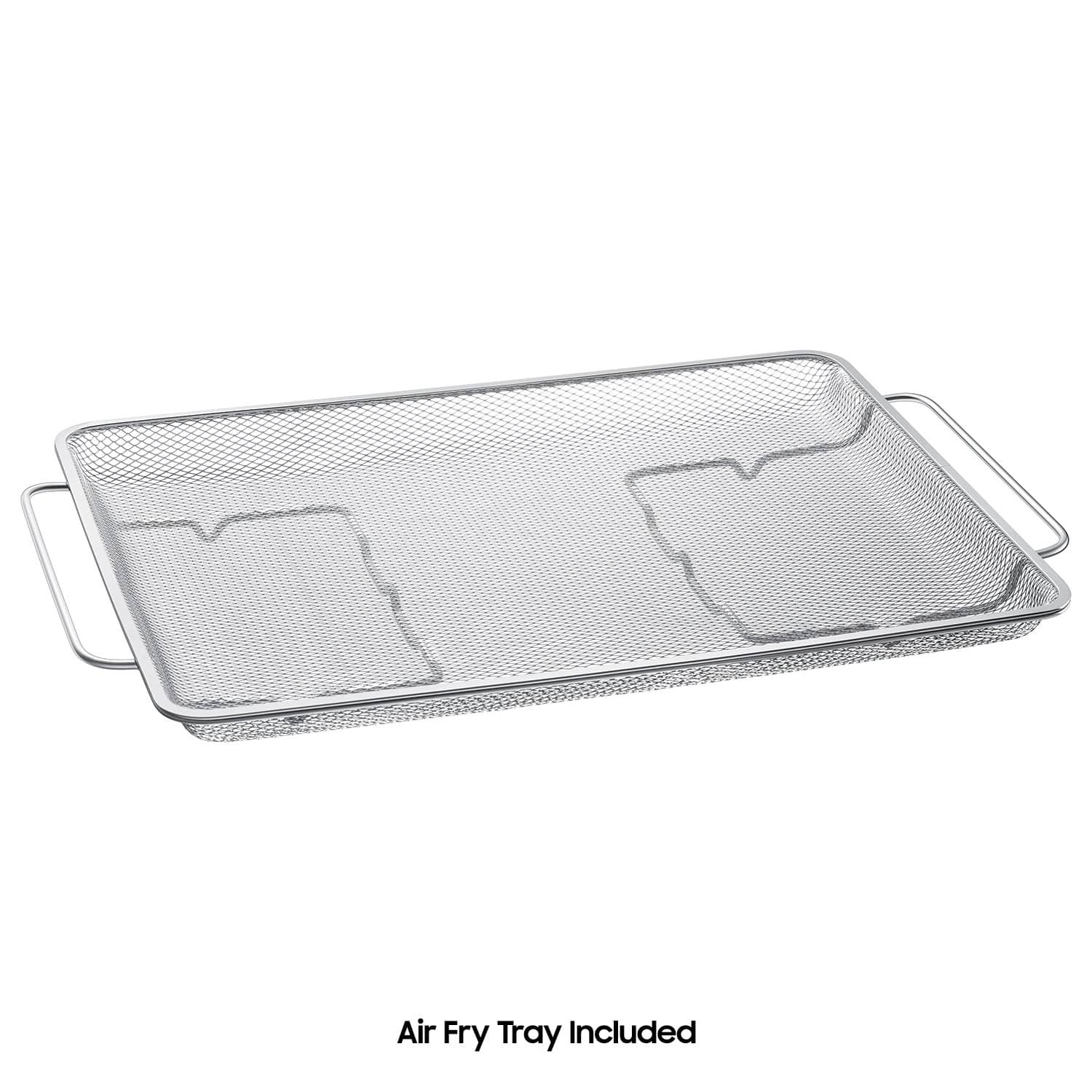
||Posted .This reviewer received promo considerations or sweepstakes entry for writing a review.Excellent electric range! Convection cooking is great! I love that it includes the air fryer and griddle. Easy to use and clean.
I would recommend this to a friend - Pros mentioned:Air bake system, Overall performance
Very Happy Purchase
||Posted . Owned for 1 week when reviewed.This reviewer received promo considerations or sweepstakes entry for writing a review.This stove is nice looking, has everything you need with the griddle and air fryer and preheats very quickly. Would highly recommend
I would recommend this to a friend - Pros mentioned:Overall performance
Electric Stove
||Posted . Owned for 1 month when reviewed.This reviewer received promo considerations or sweepstakes entry for writing a review.Good stove always go with Samsung products in our home
I would recommend this to a friend - Pros mentioned:Air bake system
Great Stove
||Posted . Owned for 2 weeks when reviewed.This reviewer received promo considerations or sweepstakes entry for writing a review.Great stove, the stovetop heats quickly and the oven is awesome, fast preheat and the air bake system is awesome. Glad we bought it!
I would recommend this to a friend - Pros mentioned:Overall performance
Range
||Posted .This reviewer received promo considerations or sweepstakes entry for writing a review.This is a quality product, it works as advertised, I would recomend
I would recommend this to a friend Good for what it is!
||Posted .This reviewer received promo considerations or sweepstakes entry for writing a review.Its a little flimsy compared to its previous model, griddle is neat but doesnt catch greese well!
I would recommend this to a friendInstalation process.
||Posted . Owned for 3 weeks when reviewed.This reviewer received promo considerations or sweepstakes entry for writing a review.Delivery and installation was very smooth and professional. I needed fridge door to be reoriented which was done also. Very satisfied with the service.
I would recommend this to a friendUnacceptable refund handling.
||Posted . Owned for 1 month when reviewed.This reviewer received promo considerations or sweepstakes entry for writing a review.Absolutely unacceptable way of handling the refund. I have retired an item that was picked up over a month ago. Within las 2 week ai have contacted BestBuy 5 times to find out the status of my refund. All what they have done, juts keep transferring me from one agent to another, asking the same verifying question, and all 5 times they have told me totally deferent reasons for delay. neither one of the agents has provided any clear information on the status pf my refund. I would never shop with you again, and would never recommend anyone else.
No, I would not recommend this to a friendBrand response from Samsung
Posted .Hi Ivetta H,
To better assist you with your refund concern, please contact Best Buy's customer service department at (888) 237-8289, open 24 hours a day.
They can either answer your question or transfer you to your local store to answer your specific concern.
Thank you.
Nicole
Pastor
||Posted . Owned for 2 weeks when reviewed.This reviewer received promo considerations or sweepstakes entry for writing a review.The team was gentil and the service was The best i never have. thank you
I would recommend this to a friendDissatisfied
Posted .This reviewer received promo considerations or sweepstakes entry for writing a review.I bought a range in jan. Still having issues with it. As of today im still waiting for the new replacement
No, I would not recommend this to a friendBrand response from Samsung
Posted .Hello Precious,
Thank you for sharing your review, and we appreciate the time you took to let us know about the status of your range replacement.
We recommend reaching out to Best Buy directly, as they will have access to the order records, exchange policies, and the ability to correct any errors that occurred during fulfillment. Best Buy’s Customer Service Department at (888) 237 8289.
Please keep this reference number for your records: 1152224332. We appreciate hearing from you, and Samsung truly values your business.
Nicole
Samsung Care