Customer Ratings & Reviews

- Model:
- GP-U999COVLBDA
- SKU:
- 6333397
Rating by feature
- Value
Rating 4.0 out of 5 stars
- Quality
Rating 4.0 out of 5 stars
- Ease of Use
Rating 3.9 out of 5 stars
Customers are saying
Customers are enthusiastic about the SmartThings Indoor 1080p Wi-Fi Wireless Security Camera's excellent camera quality, ease of use, and effective motion detection. Many appreciate the night vision capabilities and find the price reasonable for the features offered. However, some users experienced connectivity issues and expressed concerns about the cloud storage options, particularly the lack of local storage. A few also noted that the camera can get warm and that the app could be improved.
This summary was generated by AI based on customer reviews.
- Pros mentioned:Camera quality, Motion detection, Night vision

Smile for the Cam!
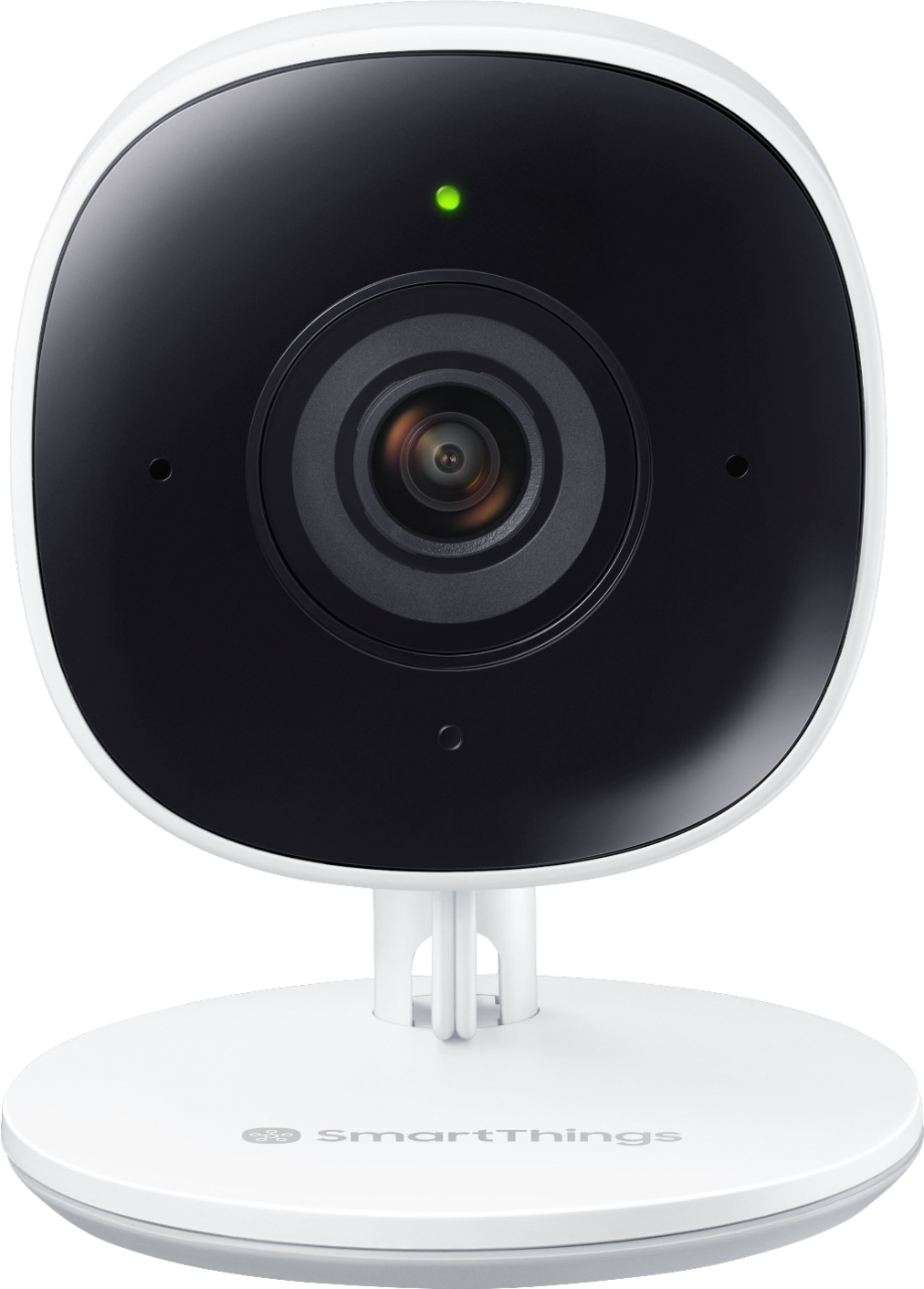
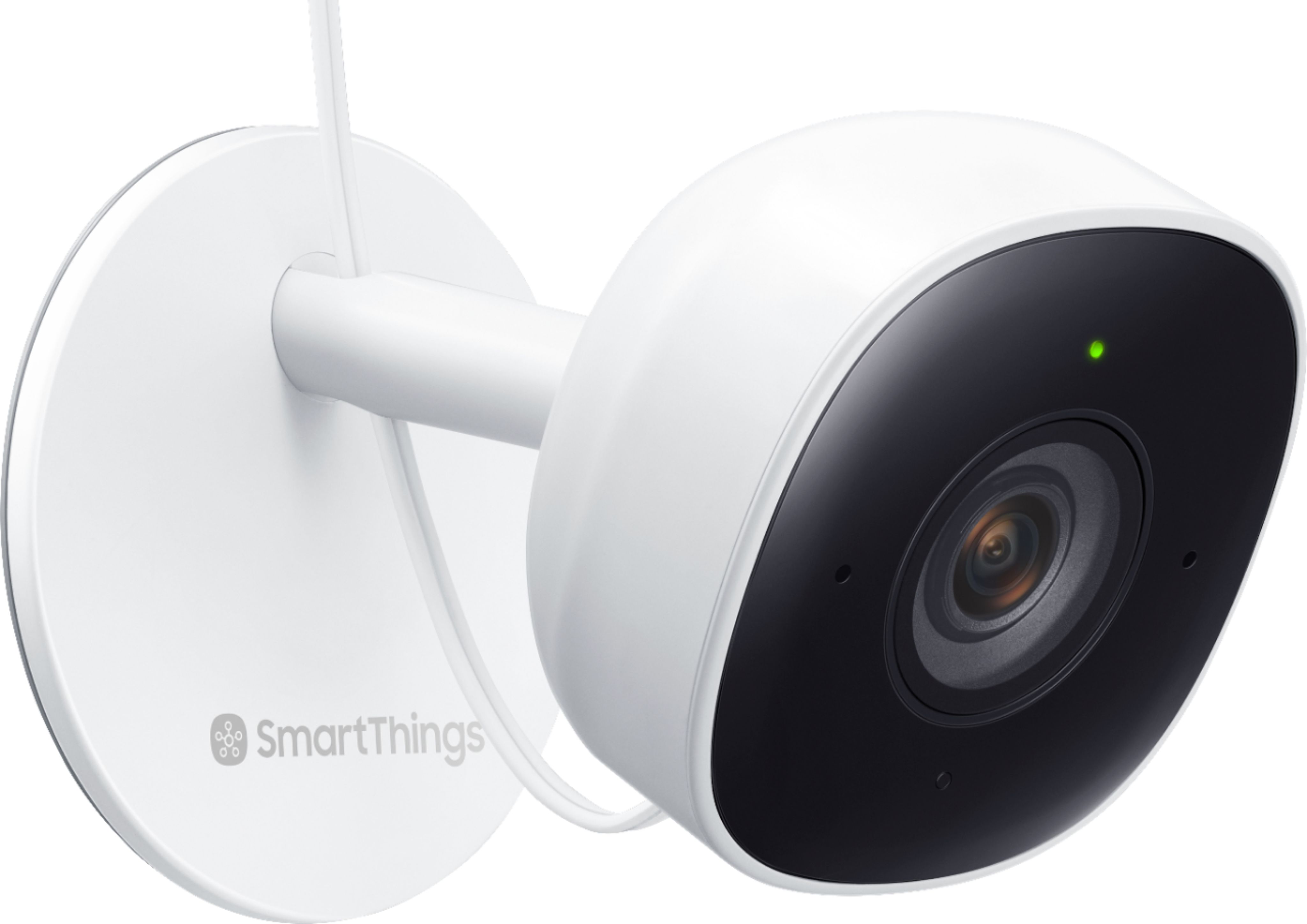
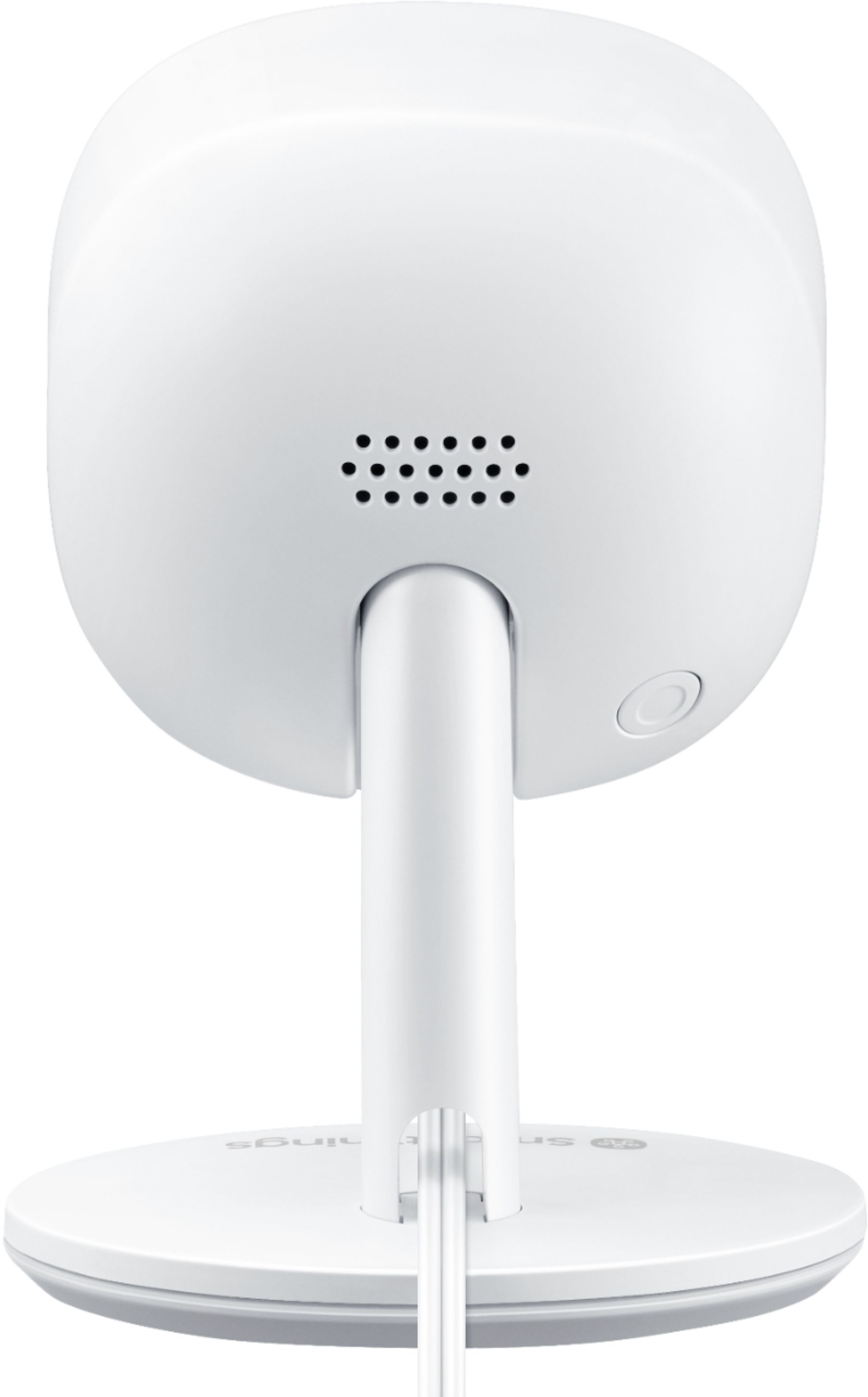
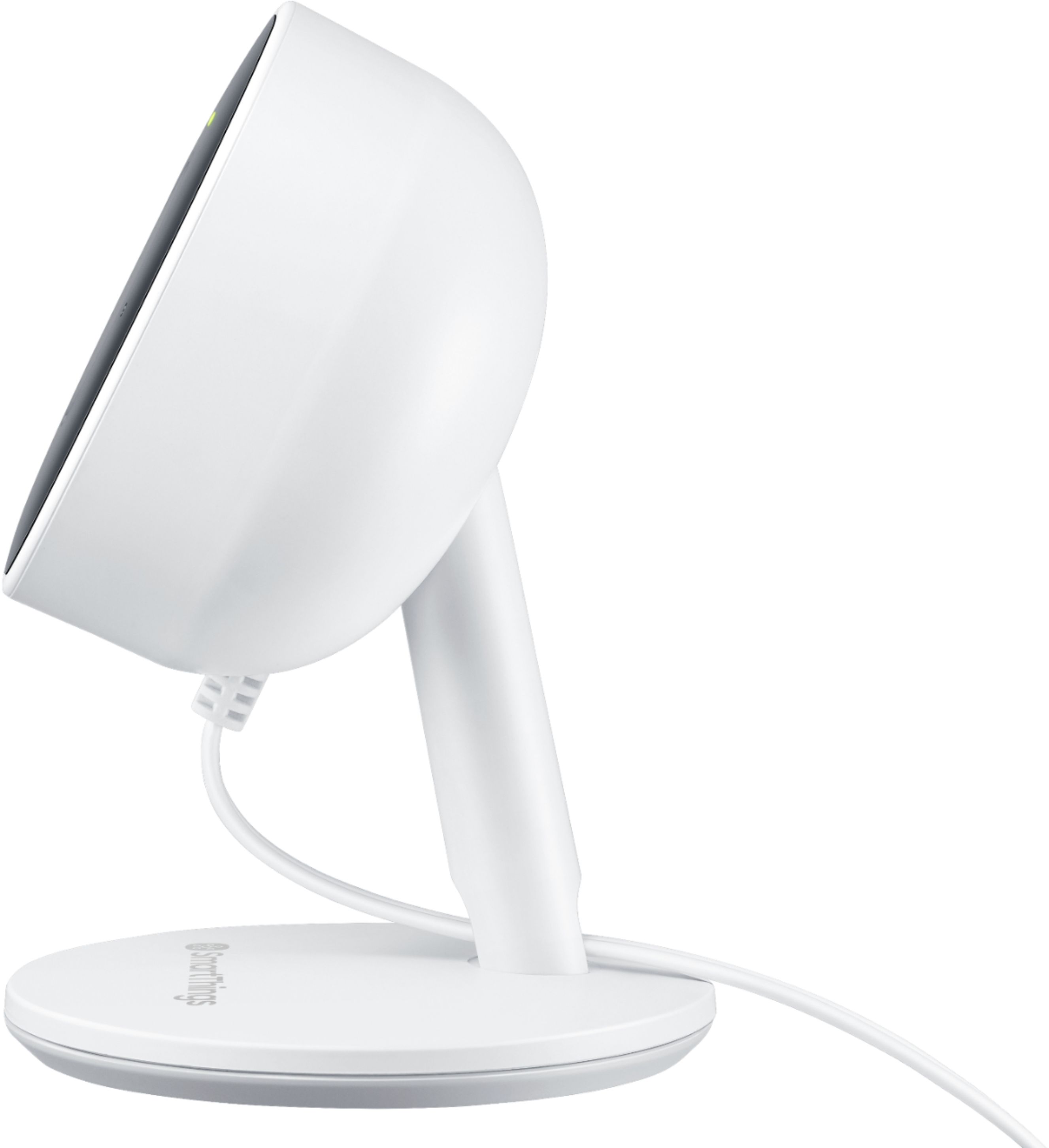
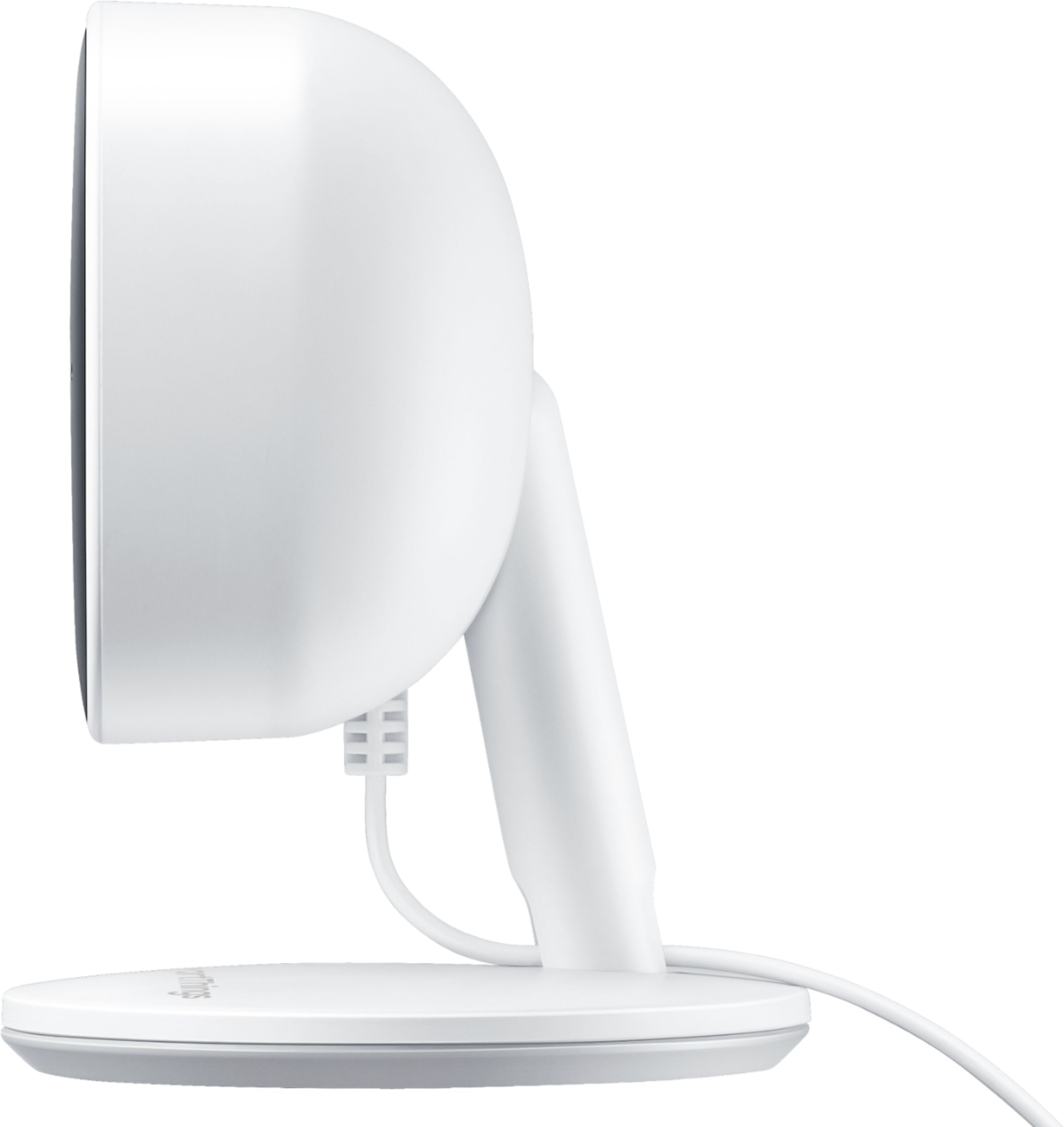
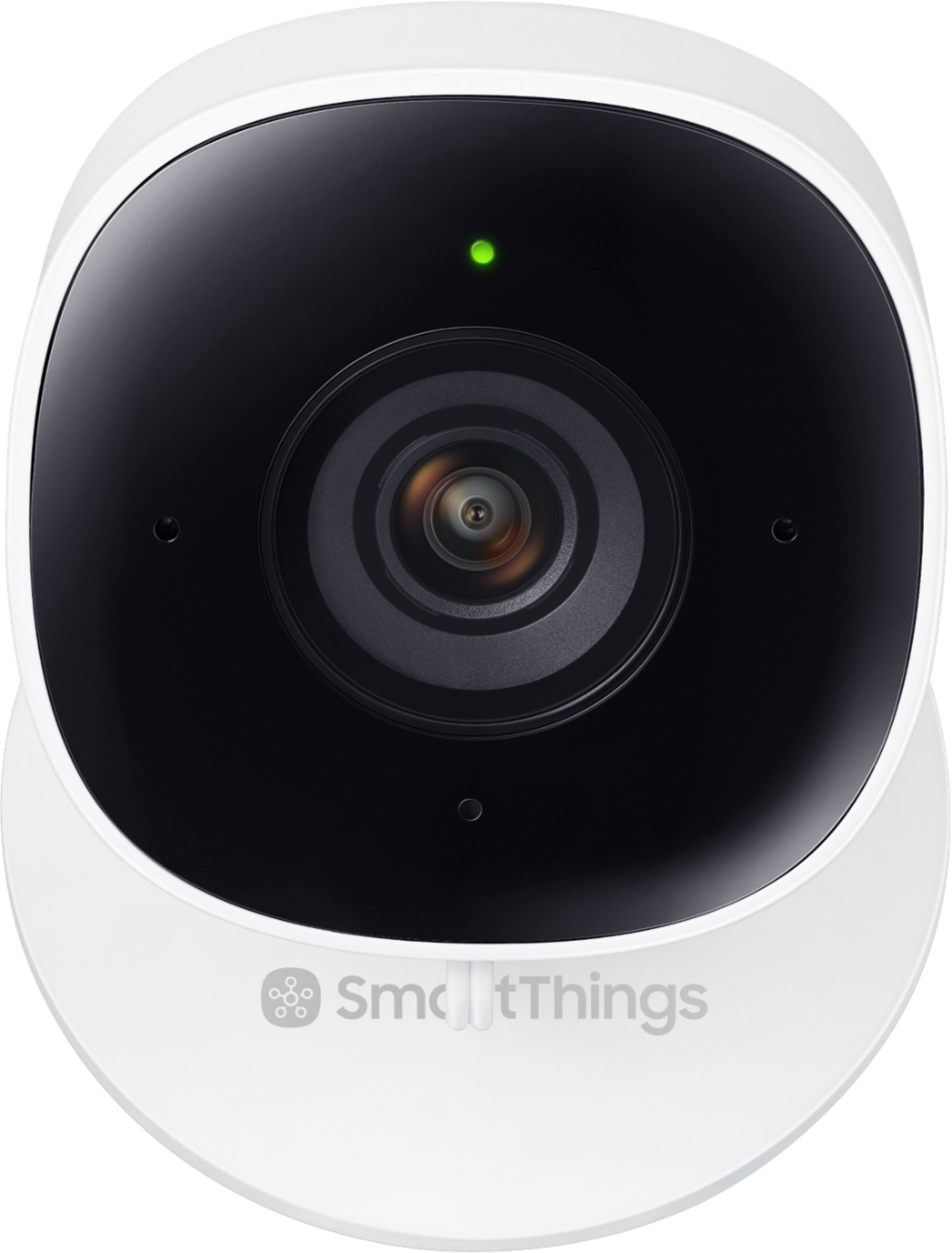
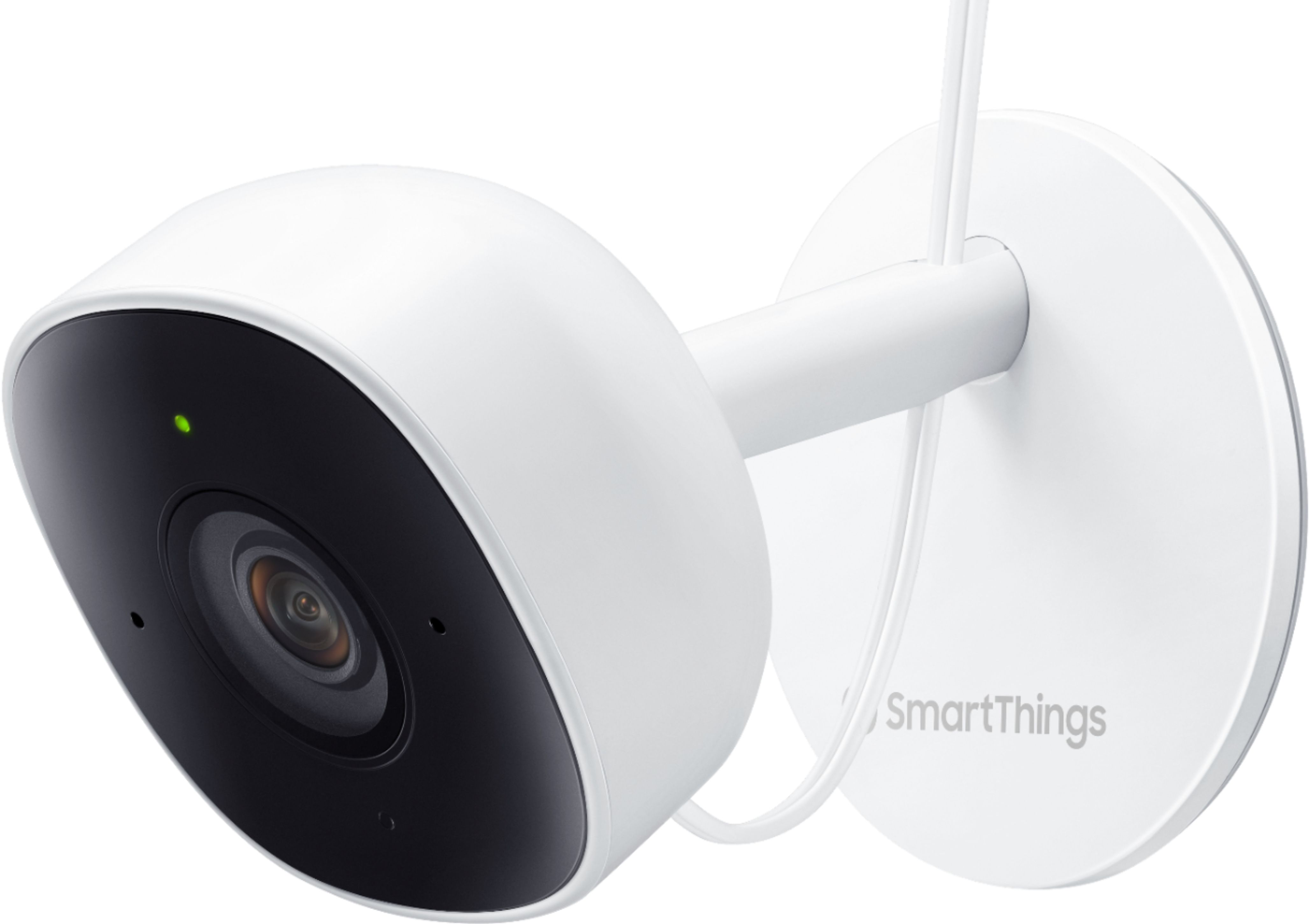
|Posted .This reviewer received promo considerations or sweepstakes entry for writing a review.----- Summary ----- Pros: - Simple setup - Motion and sound detection - Two-way audio - High-quality video - Night vision Cons: - Not weatherproof - Not wireless ----- Review ----- Setup: In the box, you will find the SmartThings Cam, power cord, screws for wall mounting, an instruction manual and safety information. After plugging in the power cord and placing the camera in my desired spot, I used the SmartThings app to simply scan the QR code at the bottom of the camera and follow the instructions within the app to get the camera setup. I was impressed by the ease and quickness of the setup process. If you choose, the SmartThings Camera can be mounted on a wall with the included mounting plate, screws and drywall anchors. I have my camera just resting on a bookcase, but the wall mounting instructions look easy as well. Whether you use the stand or mount the camera on a wall, the camera angle can easily be adjusted by hand if needed. Design: At 3.98 inches tall, 1.82 inches wide and 1.72 inches deep, the SmartThings Cam is compact and slender. I like that it does not take up much space. As I mentioned above, the camera angle can be easily adjusted, thanks to the camera’s ability to pivot on the attached stand. Unfortunately, the camera is not wireless, but on the bright side, the included cord is more than long enough for a variety of potential placement locations. With the exception of the black camera lens and the surrounding panel, the SmartThings Cam is mostly white. On the front, there are two infrared LEDs, a status LED, two microphones, the camera lens, and a light sensor. On the back, there is a speaker, reset button and a power plug. Finally, the bottom has a removable mounting plate that can be used for wall mounting if desired. Features: The SmartThings Cam is a standalone camera that enables easy home viewing and monitoring. After opening the mobile app, a live camera view with HD video quality is available with just one tap, and arming the SmartThings Home Monitor can be done with one tap as well. If I want to check in while away from home, I like that I can do that quickly, and the camera’s night vision allows this whether it is day or night. I tested out arming the home monitor within the SmartThings app several times, and the camera successfully picked up motion and alerted my phone each time. During my testing, I was impressed that I could specify whether I wanted to be alerted for any motion detection or just person detection. Since I have a pet, I use the person detection setting, which has been accurate so far. Other than monitoring alerts, there are quite a few other automations that can be triggered by motion or even sound. Speaking of sound, the SmartThings Cam has two-way audio so you can hear sounds as well as communicate from a mobile device through the camera. I hope to never need the two-way audio feature to alert intruders, but based on my experience, I know that it will work well. I like to have the ability to check in on someone at home and be able to communicate with them through the camera. Performance: On a good internet connection, the SmartThings Cam delivers up to 1080p video with High Dynamic Range (HDR). The video is clear, even in a dim or completely dark environment, thanks to the effective night vision, and I have noticed no lag. Sometimes it takes a few seconds longer than desired for the video feed to open, but that may be a performance issue with the app rather than with the camera. Either way, that is just a minor complaint. I have been continuously impressed with this camera’s ability to provide a reliable and high-quality live video feed and recorded clips. The performance of the SmartThings cam has not let me down. Verdict: If you are already using SmartThings home automation and want to add a video camera to your automation routines, or if you just want a standalone camera that is easy to use, reliable and well performing, the SmartThings Cam is for you. I wish it was weatherproof and wireless so that I could get another one and set it up outside, but I am more than happy with this latest addition to my in-home automation and security.
I would recommend this to a friend - Pros mentioned:Ease of useCons mentioned:Cloud storage
Smart Things Cam equals Smart Security
||Posted . Owned for 1 month when reviewed.This reviewer received promo considerations or sweepstakes entry for writing a review.Excellent and hassle free camera set up on iPhone Smart app. Very easy and took less than 15 minutes. Only down side is subscription based cloud video storage option.
I would recommend this to a friend - Pros mentioned:Night visionCons mentioned:Cloud storage
Great for the price
||Posted . Owned for 1 month when reviewed.This reviewer received promo considerations or sweepstakes entry for writing a review.Marked down from $90 to $30 I ended yo buying 2 of them. I installed one in my garage and my daughter installed the other to watch her dog when she's at work. Setup was easy and the pictures are very clear. I have Nest camera system and the quality was just as good. Night vision is decided and the only downside is video storage. My Nest plan is cheaper and I believe Ring is cheaper also
I would recommend this to a friend - Pros mentioned:Camera quality, Motion detection, Night visionCons mentioned:Cloud storage
Quality Security Camera. Good Price.
|Posted .This reviewer received promo considerations or sweepstakes entry for writing a review.=== My Take === The Samsung SmartThings Smartcam is my second Samsung security camera but my third one for my home (I also have a Logitech Circle 2 and an Arlo Pro 2). After using it for a few days, I can say that I definitely like it. The picture & video quality is great with user-selectable quality settings for HD or FHD, HDR (high dynamic range), Wide View, and Night Vision. Unless your Internet connection is on the slow side, I see no reason to choose HD over FHD as FHD delivers better quality. I was especially impressed with the night vision video quality. Lesser cameras exhibit lots of noise and graininess, especially along the edges of the scene. On the SmartThings Smart Cam, although some softness was apparent as expected, the video looked sharp and clean. It's definitely usable. HDR is executed well as well with smooth brightness transitions and gradients among lighter and darker parts of the scene. The colors are vibrant yet true to life. Activating the Wide Vision mode slightly distorts the scene at the left & right sides but it's not too bad. The quality & execution is definitely acceptable and worth the trade-off for a slightly wider view. Some smart cameras get the speaker part wrong but this one gets it right. The speaker can get loud at max settings and the other people could hear me just fine even with some background noise. Not all is perfect with the Smart Cam though. When it comes to picking up audio recordings, the quality varied. Sometimes it sounded nearly perfect and sometimes the audio distorted a bit through slight "skips" and a bit of "garbleness." It's acceptable but improvements through firmware updates would definitely be appreciated. Having used a previous-generation Samsung smart camera before, I miss the option for local storage. My older Samsung SNH-P6410BN camera is able to record videos to a microSD card which I really like. The real cool part of owning this smart cam is the security notification & alert function of the device. Within the "SmartThings Home Monitor" function of the SmartThings app, one can choose from 3 different security scenarios - Arm (away), Arm (stay), and Disarmed. From there, one can tell the camera to look out for motions (just humans or all motions) then send out push & image snapshot notifications. You can turn off all notifications if you want to. Besides notifications, you can also set motions to set off any sirens (if you have one inside your home), turn on certain smart lights, or play a notification sound through a supported audio device (such as a soundbar). To test out the human motion detection ability, I experimented with my pets (2 dogs and 1 cat). To my pleasant surprise, the camera did a perfect job and sent zero motion detection notifications. When I toggled it to "All motion," the camera began picking up on my pets' movements. I thought my short 4-yr-old daughter would fool the camera but her movements were always flagged as human. I was impressed. Motion events are saved in the cloud and recorded video clips can be as short as 10 seconds to as long as 1 minute. If you're a monthly or yearly paying member, then the clips can be stored for up to 30 days and video recording duration can be as long as 1 minute. For the free or Basic tier, you only get 24-hours of cloud storage (acceptable for me) and the clips are maxed out at 10 seconds. It's too bad Samsung decided to crimp on this feature. Other competitors such as Logitech and Arlo offer longer free video clips even on their Basic (free) subscriptions. With that said, I'm still pretty satisfied with this smart camera for its good visual quality, loud speaker, excellent human motion detection feature (included in the Basic/free subscription), and robust notification system. The price is very good & competitive as well. As a result, it is easy to recommend this camera to all owners of the SmartThings Hub. It'll be a great addition. _____ *Pros: -Easily connected to the SmartThings Hub and setup was simple and fast. -FHD video quality is good during both daytime & nighttime (night vision). -HDR and Wide View video options look good. -Vibrant yet true-to-life colors. -Basic plan gives free 24-hours cloud storage & human motion detection feature. -Solid & reliable connection on 5 GHz WiFi band. -The SmartThings app is easy to use and well laid-out to view Live Feed, take manual photos & video recordings, and speak to the other person. -With the "Smart Home Monitor" function, it's easy to set up Motion & Audio alert notifications. -The camera does an excellent job distinguishing between humans from animals. -Speaker sounds nice & loud. -The price is right. _____ *Neutral: -Audio recordings are not very clear & quality is inconsistent. Some clips can sound somewhat garbled with intermittent noise and skips. -No option for microSD local storage (like on my older Samsung SmartCam). _____ *Cons: -Can't view video feed from within Google Home app (I can with the Arlo Pro 2 camera). -Premium monthly plan is too expensive at $7.99/month or $79.99/year. -The free Basic plan only records up to 10 seconds of footage which is too short. 30 seconds should've been the minimum.
I would recommend this to a friend Basic In-Home Camera
||Posted . Owned for 6 months when reviewed.This reviewer received promo considerations or sweepstakes entry for writing a review.Good enough quality video. Manual up/down tilt, however no left/right tilt available, which means it can't be adjusted once mounted on the wall. The camera is always running very warm/hot even if it's not "ON" which I'd think will affect it's life time. App is not advanced enough to be able to see multiple cameras live at once. Only one account can access the cameras using Smartthings which is very limiting given the fact that Samsung only allows one account per device.
No, I would not recommend this to a friendEasy to set up
||Posted . Owned for 11 months when reviewed.This reviewer received promo considerations or sweepstakes entry for writing a review.Good quality video, very easy to set up and connect to other devices, my kid likes talking to me sitting in the family room through our Samsung refrigerator in the kitchen
I would recommend this to a friendIt should be a good Indoor Cam when it works
||Posted . Owned for less than 1 week when reviewed.This reviewer received promo considerations or sweepstakes entry for writing a review.For some reason, Smartthings doesn't add this device. After I have input the WiFi password, it reports error code. Yes, I did logout my Samsung account, reboot my cell phone, reset the camera. Same error code happens. I still recommend this to my friend in case they can add it, or if not can return it. For the built and value, it's still worth 5-star when it works.
I would recommend this to a friend- Cons mentioned:Connectivity
Constantly Disconnected and Dissatisfied
||Posted . Owned for 1 year when reviewed.This reviewer received promo considerations or sweepstakes entry for writing a review.The camera works fine when its connected. This camera is constantly disconnected. I have tested the camera with 100% wifi signal and it still does not stay connected. If you want a camera that works, find a different product. Owned over a year before leaving this review.
No, I would not recommend this to a friend - Pros mentioned:Camera quality, Motion detection
Nice Home Security Camera for a Techie
|Posted .This reviewer received promo considerations or sweepstakes entry for writing a review.The Samsung SmartThings Camera was the most straightforward home camera installation I have come across. After downloading and installing the SmartThings application onto my iPhone, I plugged in the camera, selected the Add Device icon, and scanned the QR code printed in the base of the camera. The SmartThings app found the camera and presented the settings for configuring and displaying the live video feed. However, once I started trying to set up the recording and security features of the camera, I ran into some minor issues with locating the necessary features and settings. Being a little geeky helped me to find the right settings in the SmartThings application, but it is not something I would ask my mom to do. Pros Some of the features which I really like about this camera are: • Microphone and Speaker are built into the camera for the recording of audio and also for speaking through the camera from the SmartThings app. • The ability to turn on or off the small green LED status light on the camera. • Motion detection zone settings displays a grid over the view and allows the selection of which grids should be monitored for movement. • Integration with the SmartThings app provides the ability to configure the camera for security monitoring. When motion or sound is detected, the app will display a notification and will record the activity. The security monitor can also enable other SmartThings devices when an event happens, such as turning on the lights or activating a siren. • The SmartThings app works with Android and iOS devices. • The view from the camera can be flipped into the correct position if the camera is mounted on a side wall or ceiling. • The FHD video quality is clear and sharp in both standard lighting and night vision mode. • The SmartThings app, once configured, presents an easy interface for controlling any connected device. Cons • The free basic plan of the SmartThings video service only provides recording of events in the past 24 hours for up to 2 camera. A monthly subscription service is required for supporting more cameras and up to 30 days of stored recordings. • Configuration of the recording and notification options for the camera were a little confusing and needed some tweaking with the SmartThings Home Monitor section of the SmartThings app. • The SmartThings app only works in portrait mode on my iOS devices, which is excellent for my phone, but puts a kink in my next when I'm using it on my iPad in landscape orientation. Summary If you can get around some of the configuration quirks of the SmartThings app and how it works with the camera, you'll end up with a nice home security camera. This has provided me with the additional comfort of being able to monitor my home office when I'm away.
I would recommend this to a friend Fast video and easy to use
|Posted .This reviewer received promo considerations or sweepstakes entry for writing a review.I've tried some other WiFi cameras and this one is much faster. Only takes about 3-4 seconds to view live video on your phone from a 1,000 miles away. It can also be used as a motion sensor and automatically record motion or audio events. (10 seconds with basic free plan and up to 60 seconds with premium for a fee). I like that it has person detection option so that my tree in the front yard doesn't set it off every time it's windy. (I have it in my kitchen window with a outside view of the driveway/front door) You can also setup SmartThings home security and "Arm" and "Disarm" the system so that it only records and alerts you when it sees motion when you're not home. Setup was easy, just download the SmartThings app, select it from the list and scan the barcode on the bottom. (The bottom cover was a bit tricky to get off to get to the barcode - just needed to push the front half gently and then slide it forward.) It's "wired" meaning there's no battery so it needs to be plugged in, but also wireless meaning it can be setup and transmit just via wifi. Also works seamlessly with the SmartThings hub and you can then setup all kinds of automated events (sees motion records it, turns on lights in the house, change the temperature, etc. with the appropriate other smart devices.
I would recommend this to a friend- Pros mentioned:Camera quality, Ease of useCons mentioned:Cloud storage
Easy to set up Indoor Camera
||Posted . Owned for 3 weeks when reviewed.This reviewer received promo considerations or sweepstakes entry for writing a review.Setup is easy and requires using the Samsung SmartThings mobile app and account to get it running. Simple Arm Disarm feature that allows you to leave on at all times and use detection to record video or merely just disarm and use as needed. The wide range 180 degree view and the quality of picture is defiantly a plus with this camera. One disadvantage is that the free service that comes with this camera is to record to a cloud. It only holds the video for 24 hours.
I would recommend this to a friend - Pros mentioned:Camera quality, Ease of use
Beautiful Live View
||Posted . Owned for 3 weeks when reviewed.This reviewer received promo considerations or sweepstakes entry for writing a review.If you are familiar with the SmartThings platform, it is quite easy to get this camera working the way you want it to. If you aren't, it could take a bit of effort. Initially setting up the camera is a no-brainer - power it on, wait for it to enter pairing mode, use the SmartThings app (the new one, the classic app can't be used for setup) to scan the camera''s QR code on the bottom of the camera, connect the camera to your network, and you're all set. At this point, even without a SmartThings hub, Alexa can control the camera. Getting the camera to record is the part that can take some effort if not familiar with SmartThings. Once setup, however, the camera works beautifully. It even works with the SmartThings Classic app once the camera is setup.
I would recommend this to a friend - Pros mentioned:Camera quality, Night vision
Nice basic camera
||Posted . Owned for 1 month when reviewed.This reviewer received promo considerations or sweepstakes entry for writing a review.The camera has a great picture in both daylight and night vision. The video clips are easy to bring up and watch. Watching the live video feed over your phone is simple with a nice picture. The cons I have come across so far is the fact the camera can only move up and down. There is no side to side. The camera must be manually positioned. You can not adjust remotely. Lastly, they have a nice phone app for the cameras but there is nothing to watch from a computer.
I would recommend this to a friend - Pros mentioned:Camera quality, Night vision
Good camera, so so app
||Posted . Owned for 2 weeks when reviewed.This reviewer received promo considerations or sweepstakes entry for writing a review.Picked this camera up as I use SmartThings in my house for most of my smart home needs (lights, motions sensors, etc). I have a lot of smart devices, but that tends to mean I'm toggling through a bunch of apps. I wanted to reduce some of the apps so figured this would be good as I can view them within the SmartThings app I already have. The camera itself is really good with full HD, night vision, two way talking and a rolling 24 hours of recording. The camera along is worth the price. What isn't is the app you have to use with it. SmartThings has two apps Classic for people who have been around since they weren't brought by Samsung and their newer app. You have to use the newer app to view the cameras, and unfortunately the newer apps pales in comparison to the classic one. The UI isn't as friendly as the classic app and I can fully commit to using it full time as the functionality of it just isn't as good as the classic one. This truly sucks as it pulls down a decent camera!
I would recommend this to a friendBrand response from Samsung
Posted .Thank you for your feedback on the SmartThings Cam! I am sorry to hear that the new SmartThings App is not meeting your expectations. We are always working to improve the customer experience, and your feedback helps us to do so. You can find helpful tips and tricks, guides, and information on the new SmartThings App on our support page here -- https://support.smartthings.com/hc/en-us/categories/115000465506. If you have questions, or wish to provide more feedback, you can also reach out to our SmartThings team at 1-866-813-2404. Thank you for being a Samsung customer! ~Samsung Brand Ambassador

- Pros mentioned:Camera quality, Motion detection
Small but powerfull
||Posted . Owned for 3 weeks when reviewed.This reviewer received promo considerations or sweepstakes entry for writing a review.I bought this on sale. Did not think much of it. Love that it is samsung, i have a samsung phone so it is convenient for to have. The camera quality is pretty amazing for a small camera. It gives it sort of a 360 view. The nigh mode is amazing as well. I have it to where it only records movements. But it catches the slightest movements. Really good sensors.
I would recommend this to a friend - Pros mentioned:Camera qualityCons mentioned:Connectivity
Great satisfaction, then repeated disappointment
||Posted . Owned for 5 months when reviewed.This reviewer received promo considerations or sweepstakes entry for writing a review.I set up this camera to capture outdoor activities through a storm window. Despite this physical barrier, the images were clear and high quality. I enjoyed the automatic capture in the SmartThings app. Most helpful was the ability to restrict the area within the camera's view for which the camera would push notifications to my phone. However, after owning this camera for 6 months, I cannot even count how often the camera has randomly gone offline. Unlike other SmartThings or devices connected through my SmartHub, there is no notification when this occurs. So for example, one night my van (which is parked outside in the driveway, in the view of the camera) gets "broken into" since somebody left the doors unlocked... Great, no worries. They didn't take the van, and they did very little damage. I intend to report to the police and show them the footage... But guess what?! The camera had randomly gone offline again in the last few days. The very reason I purchased the camera was to curb this type of activity in my neighborhood and capture it when it did occur. Now, this camera largely serves as a decoration and a possible deterrent to breaking into my theft, but I could have bought a nonfunctional "dummy" security camera with a blinking light for much cheaper if I only wanted to pretend to be securing my back door. So yes, it's a nice camera and plays nicely with its app, but don't count on it when you need it.
No, I would not recommend this to a friend - Pros mentioned:Camera quality, Ease of useCons mentioned:Heat
Quality Indoor Camera
||Posted . Owned for 1 month when reviewed.This reviewer received promo considerations or sweepstakes entry for writing a review.I needed this indoor camera to capture instances if someone decides to break into my home. The files get backed up to the cloud which you will need to pay a subscription to have the files but it’s clear, you can speak, and its easy to set up. Only downside is that it does feel hot.
I would recommend this to a friend - Pros mentioned:Camera quality, Ease of use, Night vision
Great camera for the price
||Posted . Owned for 3 weeks when reviewed.This reviewer received promo considerations or sweepstakes entry for writing a review.I have had Piper, Canary, Arlo and a different Samsung in the past. These are awesome! Great picture with awesome clarity that zooms in well. The night vision is great. Easy to set up, would buy again.
I would recommend this to a friend - Pros mentioned:Camera quality, Night vision
My go to camera
||Posted . Owned for 2 weeks when reviewed.This reviewer received promo considerations or sweepstakes entry for writing a review.Got this for my girlfriend after we woke up to get breakfast and her car had a massive dent on the side. Her apartment doesn't have assigned parking be she always parks somwwhere out her window. I set the camera up for her in about 15 minutes. I'm tech savvy but even a amateur could do it in less than 30. She can see a wide angle of the parking lot day or night due to the night vision. The zoom in is pretty good and being able to set up alert zones is really neat. When she comes over to my place, she can still check which one of her neighbors are home or if there is any parking ahead of time. Amazing camera, you don't have to pay a thing if you only have 1, would reccomend!
I would recommend this to a friend - Pros mentioned:Camera quality, Motion detection
best camera, great features!
||Posted . Owned for 1.5 years when reviewed.This reviewer received promo considerations or sweepstakes entry for writing a review.I tried this $80 camera bc I got it on deal for $30 and glad I did! I've tried several brands of home cameras with different functionality & features on each. This camera had an excellent picture, instant live view, indicator light off option, continuous recording & live view at same time (doesn't time-out), motion or sound auto recording, detailed selectable motion detection zones, and my favorite- smart view that can detect people (instead of just all motion in general). I wish these cameras came in a pack like blinks security cameras.
I would recommend this to a friend