Customer Ratings & Reviews
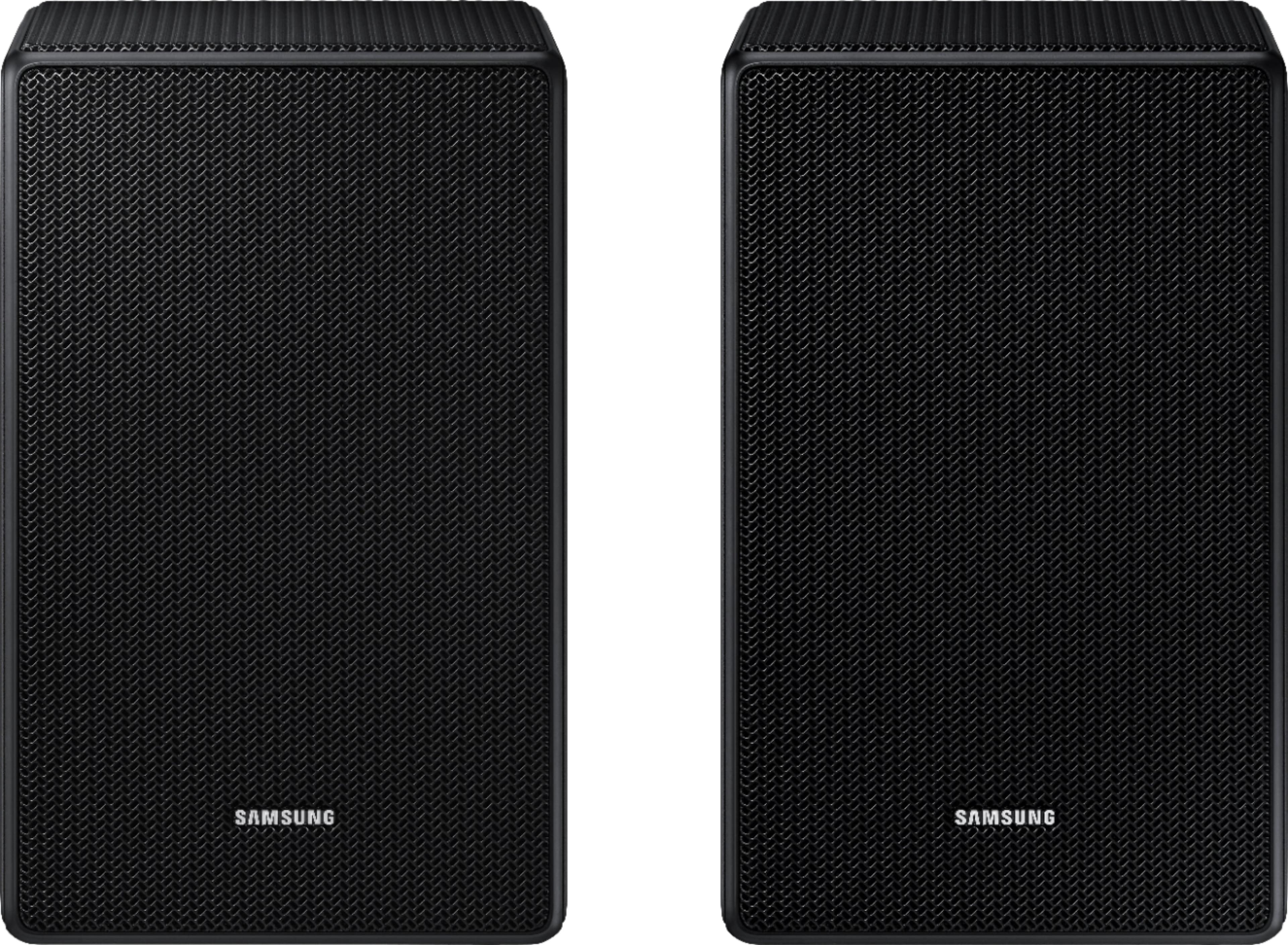
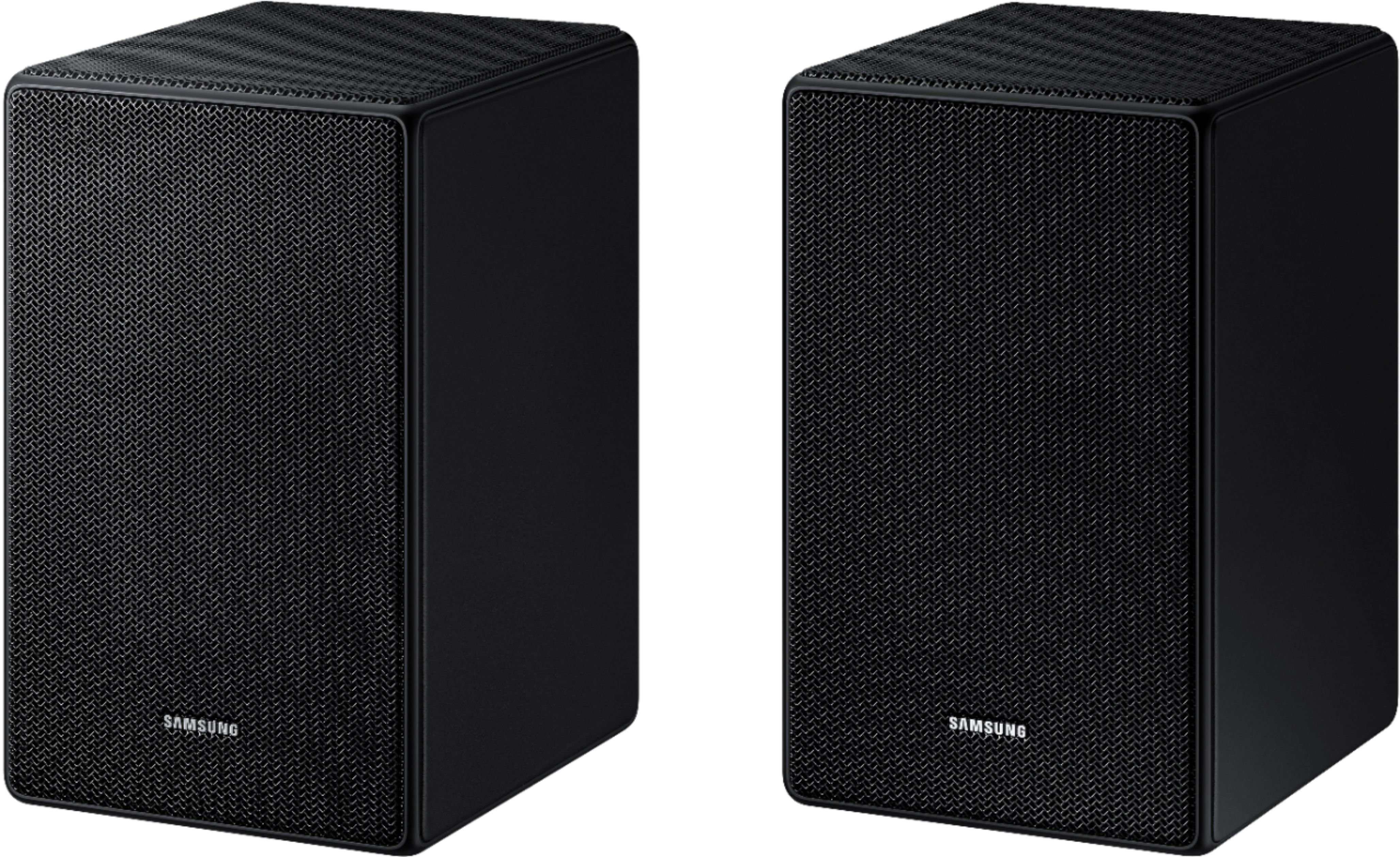
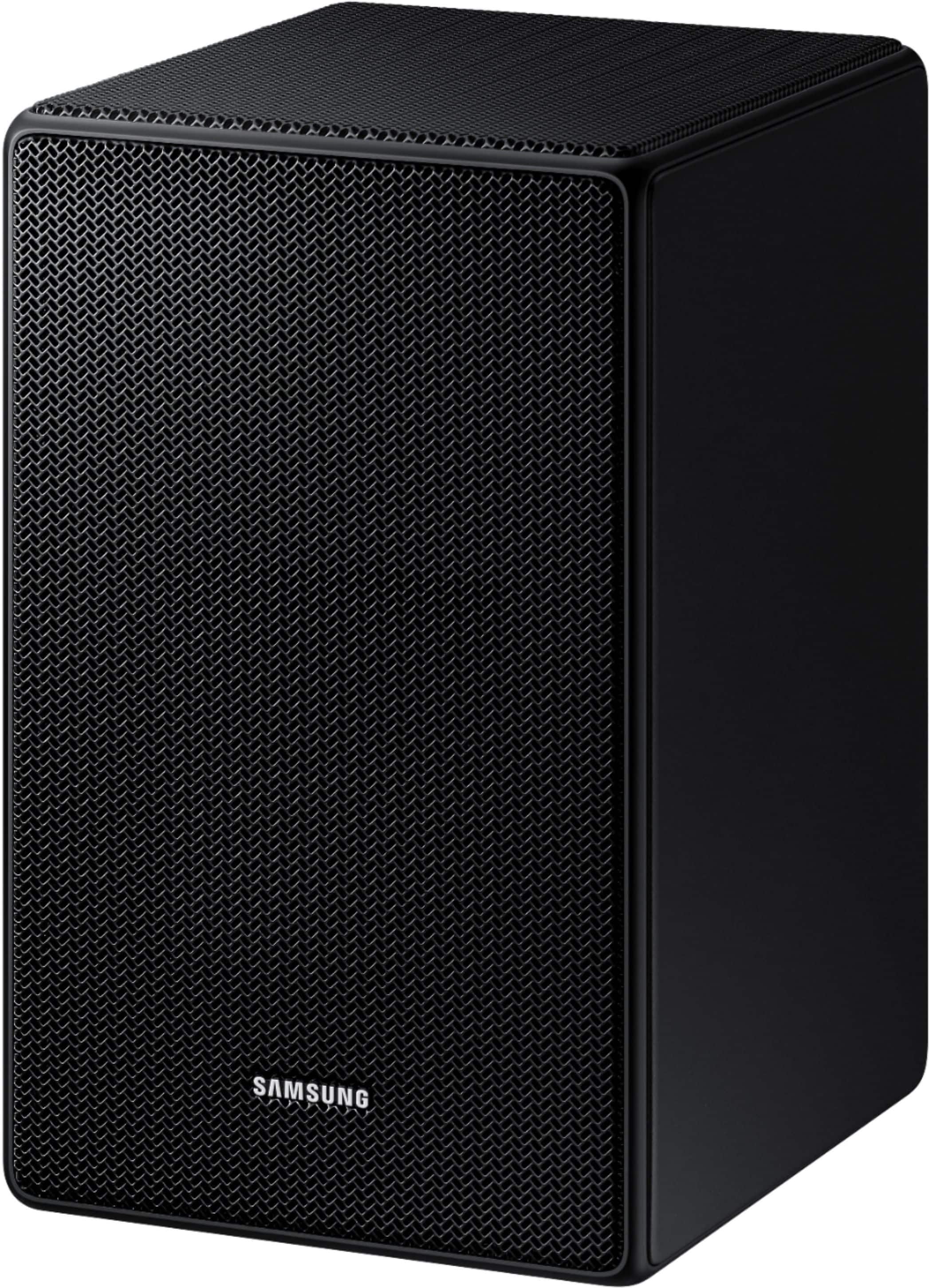
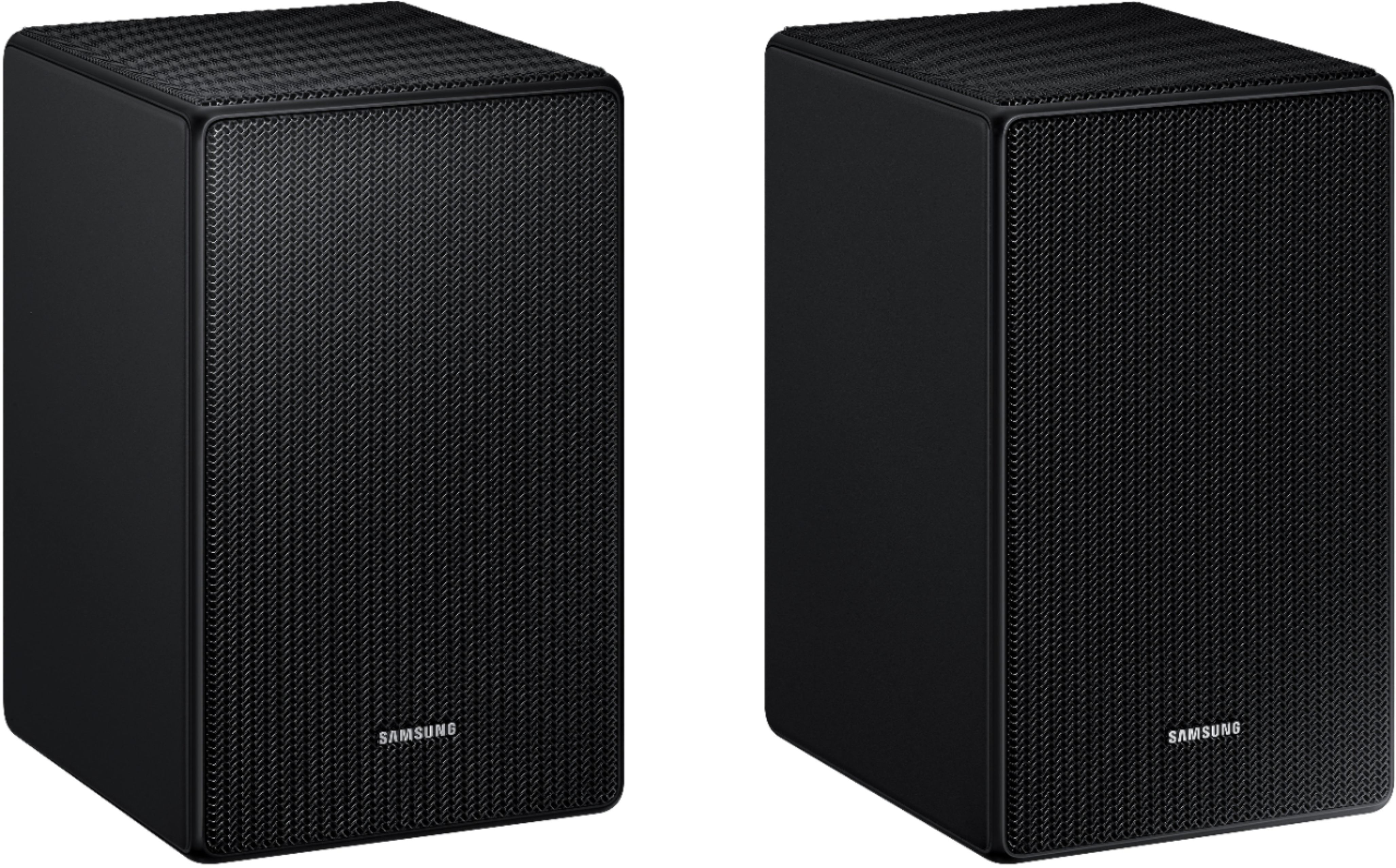
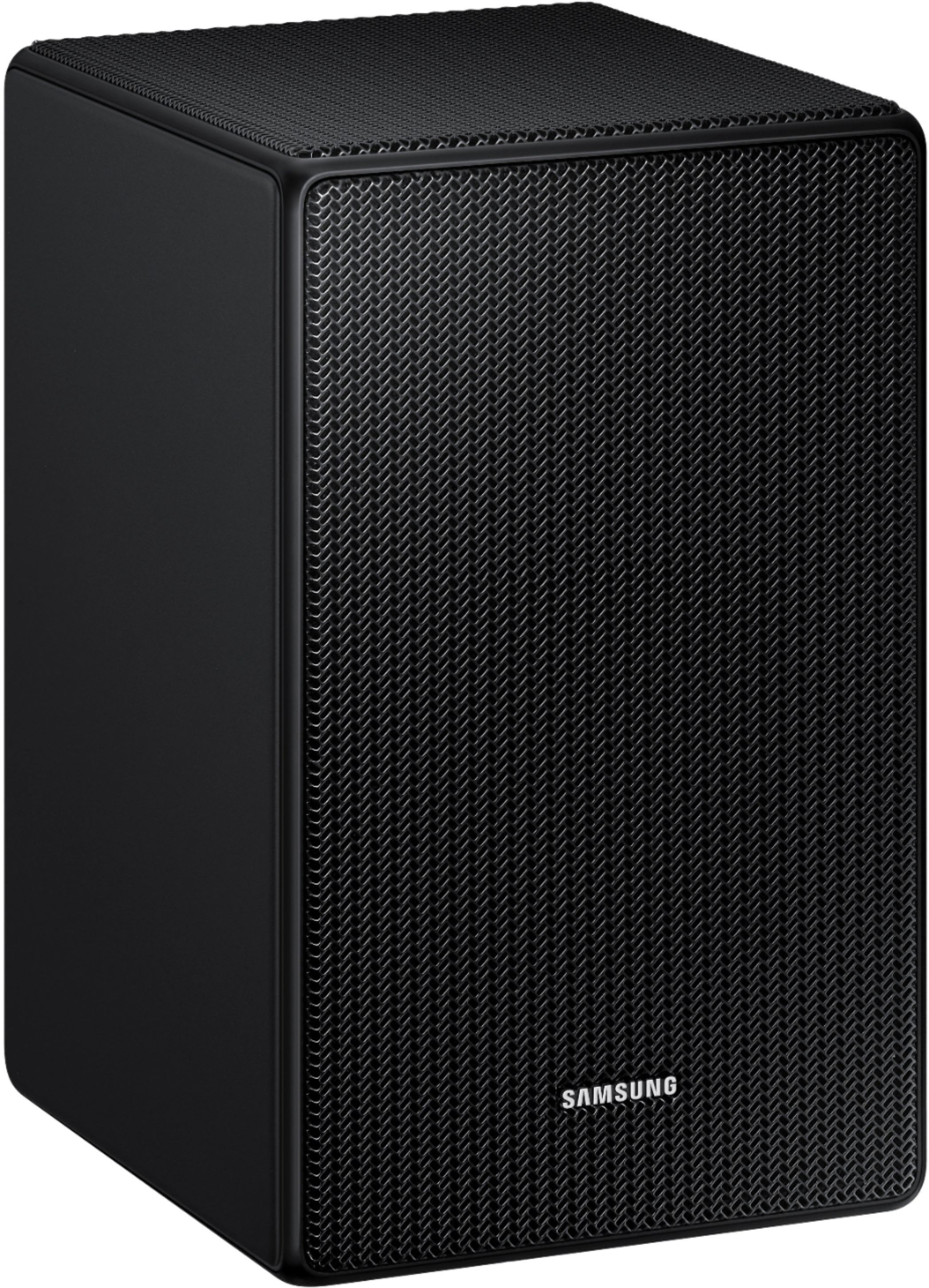
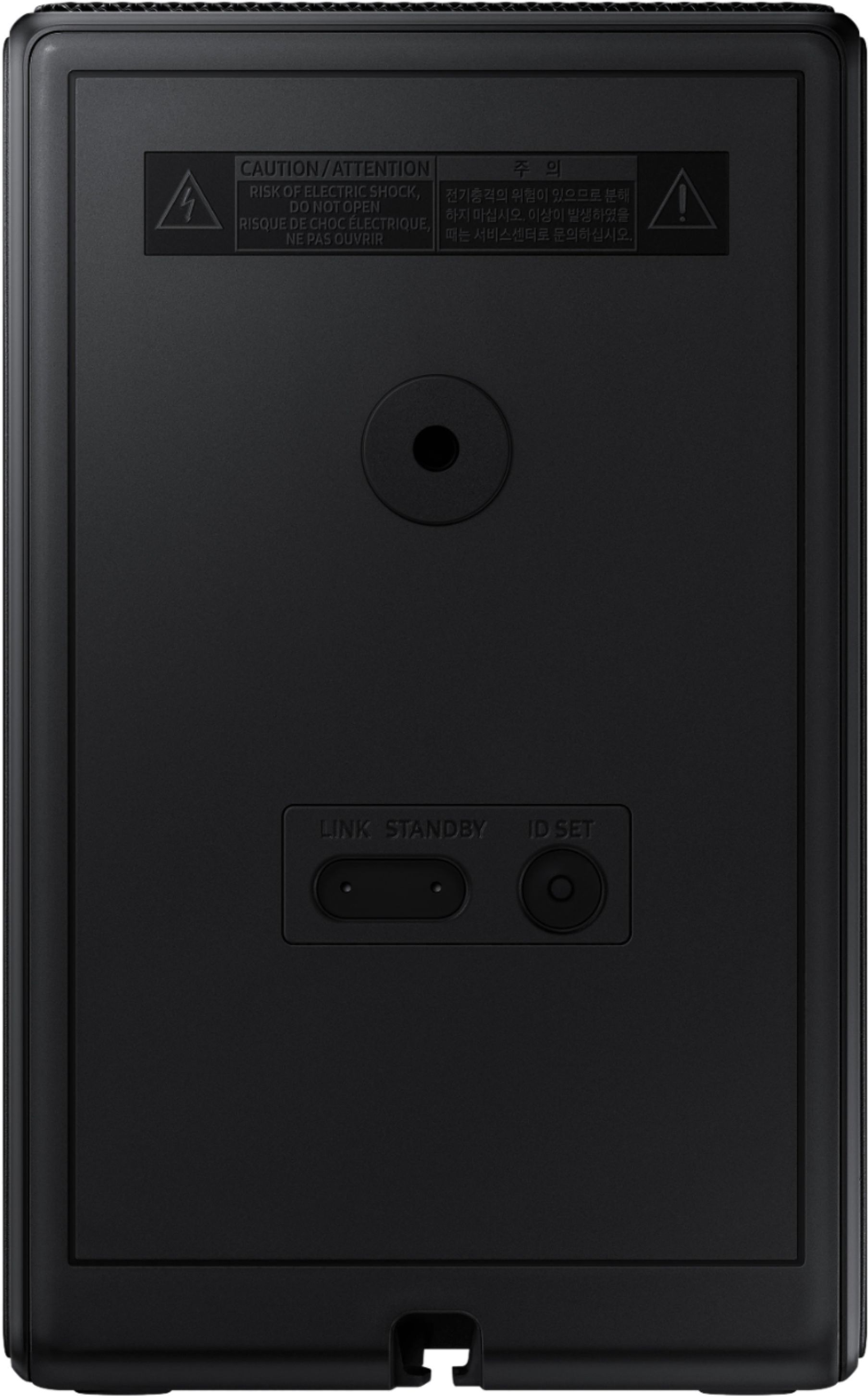

- Model:
- SWA-9500S/ZA
- SKU:
- 10904815
Rating by feature
- Value
Rating 4.3 out of 5 stars
- Quality
Rating 4.5 out of 5 stars
- Ease of Use
Rating 4.4 out of 5 stars
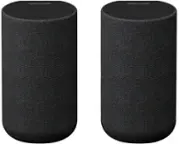
Rear speakers you didn’t know you needed.
||Posted . Owned for 3 weeks when reviewed.This reviewer received promo considerations or sweepstakes entry for writing a review.Run, don’t walk to get these speakers! These front & top firing rear speakers complete your already pricey soundbar so hurry and enhance your listening experience!
I would recommend this to a friendBest speaker for living room
||Posted . Owned for 2 weeks when reviewed.This reviewer received promo considerations or sweepstakes entry for writing a review.Crystal clear sound! Compact yet delivers great sound. Best fit behind couch
I would recommend this to a friendThese Rear Speakers are wonderful
||Posted . Owned for 2 weeks when reviewed.This reviewer received promo considerations or sweepstakes entry for writing a review.Added these rear speakers to my new soundbar and they are awesome once you figure out how to make the needed adjustments for sound
I would recommend this to a friendDouble check your comparability
||Posted . Owned for 2 months when reviewed.This reviewer received promo considerations or sweepstakes entry for writing a review.The speakers wouldn't work with my Samsung sound bar because it was a year different, check on the Samsung website before you buy.
I would recommend this to a friendPerfectly integrated rear speakers
||Posted . Owned for 1 month when reviewed.This reviewer received promo considerations or sweepstakes entry for writing a review.These work seamlessly with the SW800 Q-series soundbar, the Bluetooth connection is simple and robust, there is no lag on the sound. If you have the outlets available for them they are perfect.
I would recommend this to a friendGreat product
||Posted . Owned for 1.5 years when reviewed.This reviewer received promo considerations or sweepstakes entry for writing a review.Great rear speakers! Fulfills the whole surround sound system design! Hear it all over the room, every aspect of sound is heard!
I would recommend this to a friendSatisfied.
||Posted . Owned for 3 weeks when reviewed.This reviewer received promo considerations or sweepstakes entry for writing a review.Overall I am happy with these speakers. The only downside is finding speakers stands that will hide the cords because the outlet part of the chord will not go thru a tube type stand.
I would recommend this to a friendGreat Addition
||Posted . Owned for less than 1 week when reviewed.This reviewer received promo considerations or sweepstakes entry for writing a review.Great addition to my Samsung 700 series sound bar and sub woofer. They gave the system a whole new dimension and it truly is like sitting in a theater.
I would recommend this to a friendGreat Speaker add ons
||Posted . Owned for 2 weeks when reviewed.This reviewer received promo considerations or sweepstakes entry for writing a review.Excellent. Need to be place in the correct position and it sounds like you are in the theater. For example background noise like music is actually now in background not taking over the foreground
I would recommend this to a friendSamsung rear speakers
||Posted . Owned for 2 weeks when reviewed.This reviewer received promo considerations or sweepstakes entry for writing a review.Its been amazing since using them. These speaker adds a great experience. You get a bang for your buck.
I would recommend this to a friendD Jefferson
||Posted . Owned for 1 month when reviewed.This reviewer received promo considerations or sweepstakes entry for writing a review.They add the sound for the rears of your audio, music and movies sound awesomeness and clarity!
I would recommend this to a friendWorks great
||Posted . Owned for 1 month when reviewed.This reviewer received promo considerations or sweepstakes entry for writing a review.Great for use with samsung q800c, open box was a great price and perfect condition
I would recommend this to a friendExcellent Product
||Posted . Owned for 2 weeks when reviewed.This reviewer received promo considerations or sweepstakes entry for writing a review.Excellent speakers. The combination with soundbar is awesome. Totally recommended them.
I would recommend this to a friendGreat rear speakers!
||Posted . Owned for 1 week when reviewed.This reviewer received promo considerations or sweepstakes entry for writing a review.It's a nice addition to my Samsung HW S800B soundbar, I would recommend it!
I would recommend this to a friendGreat Add On for Sound Bars
||Posted . Owned for 2 months when reviewed.This reviewer received promo considerations or sweepstakes entry for writing a review.Great addition to my sound bar. Connecting was east and they sound great. Mounting options leave a bit to be desired, however.
I would recommend this to a friendGreat addition to A900 system
||Posted . Owned for 1 week when reviewed.This reviewer received promo considerations or sweepstakes entry for writing a review.I bought these as an addition to Samsung A900. They work well and complete the surround system. Not necessary needed but great if you can afford it. Makes the movies sound ever better.
I would recommend this to a friendReally adds to watching experience
||Posted . Owned for 2 weeks when reviewed.This reviewer received promo considerations or sweepstakes entry for writing a review.Bought these to pair with SB800 wireless unit. Really brings the sound together.
I would recommend this to a friendSpeaker
||Posted . Owned for 2 weeks when reviewed.This reviewer received promo considerations or sweepstakes entry for writing a review.Ive always wanted surround sound with my soundbar and finally bought the kit and I love it
I would recommend this to a friendAwesome Product
||Posted . Owned for 2 months when reviewed.This reviewer received promo considerations or sweepstakes entry for writing a review.Came in within 3 days and no issues with delivery. Product working as advertised! Would definitely recommend to anyone that likes samsung products! This is a must have
I would recommend this to a friendMixed reaction
||Posted . Owned for 2 months when reviewed.This reviewer received promo considerations or sweepstakes entry for writing a review.When we started looking for speakers to help us hear the TV better I had this idea of just putting a speaker or two at the back of the living room, maybe blue-tooth connected to the TV speaker. We sit about 18 feet away and have to deal with the washer etc. The sound bar gave us clearer speech and let us lower the volume. Our daughter sits about 8 feet away at the front of the room and complains about the volume we need at the back of the room. The Rear speaker kit does not provide constant TV sound as we were originally hoping. But the are really cool when watching things like the Disney channel. When a show starts and the stars or whatever fly towards the front of the screen the sound appears to continues through the room and out the rear window. It depends on how much TV you watch. They make the system close as we will get to true movie theater surround sound. So for some of our DVD's and Netflix the speakers can make a difference. To watch regular programming they make very little difference and I have found no other way to have them play louder to match the volume you get sitting close to the front speakers.
I would recommend this to a friendBrand response from Samsung
Posted .Hi Addedsurroundsound,
Thank you for purchasing the SWA-9500S and for sharing your user experience with this Samsung rear speaker kit. By design, the surround speakers are supposed to simulate sounds happening behind the viewer. Therefore, most of the time the surround channels are only used for ambient sounds, which are naturally lower in volume.
However, there are a few settings you can change to adjust the surround effect to your preference:
1) Make sure that the source (e.g. TV output) is sending surround channels to the Soundbar. If the source is not capable of surround, then set the Surround mode to OFF on the Soundbar by pressing the Surround button on the remote.
2) If the source has surround channels, select the desired Sound Mode from the Soundbar remote.
3) Turn off Dynamic Range Control. This is done by pressing and holding the Sound Mode button while the Soundbar is in standby mode. Depending on your soundbar model, you may or may not have DRC.
4) Increase the volume level of the surround speakers using the Sound Control button on the Soundbar remote control. Press the Sound Control button on the soundbar remote (looks like a gear), then select REAR LEVEL and use the Up/Down buttons to adjust the volume within a -6 to +6 range.
I hope these tips help to enhance your audio enjoyment.
If there is anything we can do to improve your enjoyment -- such as helping to optimize settings for your specific usage scenario -- please let us know. You can reach Samsung Soundbar Support at: 1-800-SAMSUNG (ask for Soundbars), available 8AM - 12AM EST, 7 days a week.
For additional support resources, visit us on the Samsung website and click on the ‘Support’ link in the upper right corner of the homepage for:
1) Contact Us: For additional Chat & Text options, choose ‘TVs & Home Theater’ and select your model & topic.
2) Manuals & Software
3) Warranty Info
4) Register a Product: For access to easy warranty support, convenient opt-in to special promos and offers, faster troubleshooting and service, and quick notification of system updates
~ Samsung Solutions