Customer Ratings & Reviews
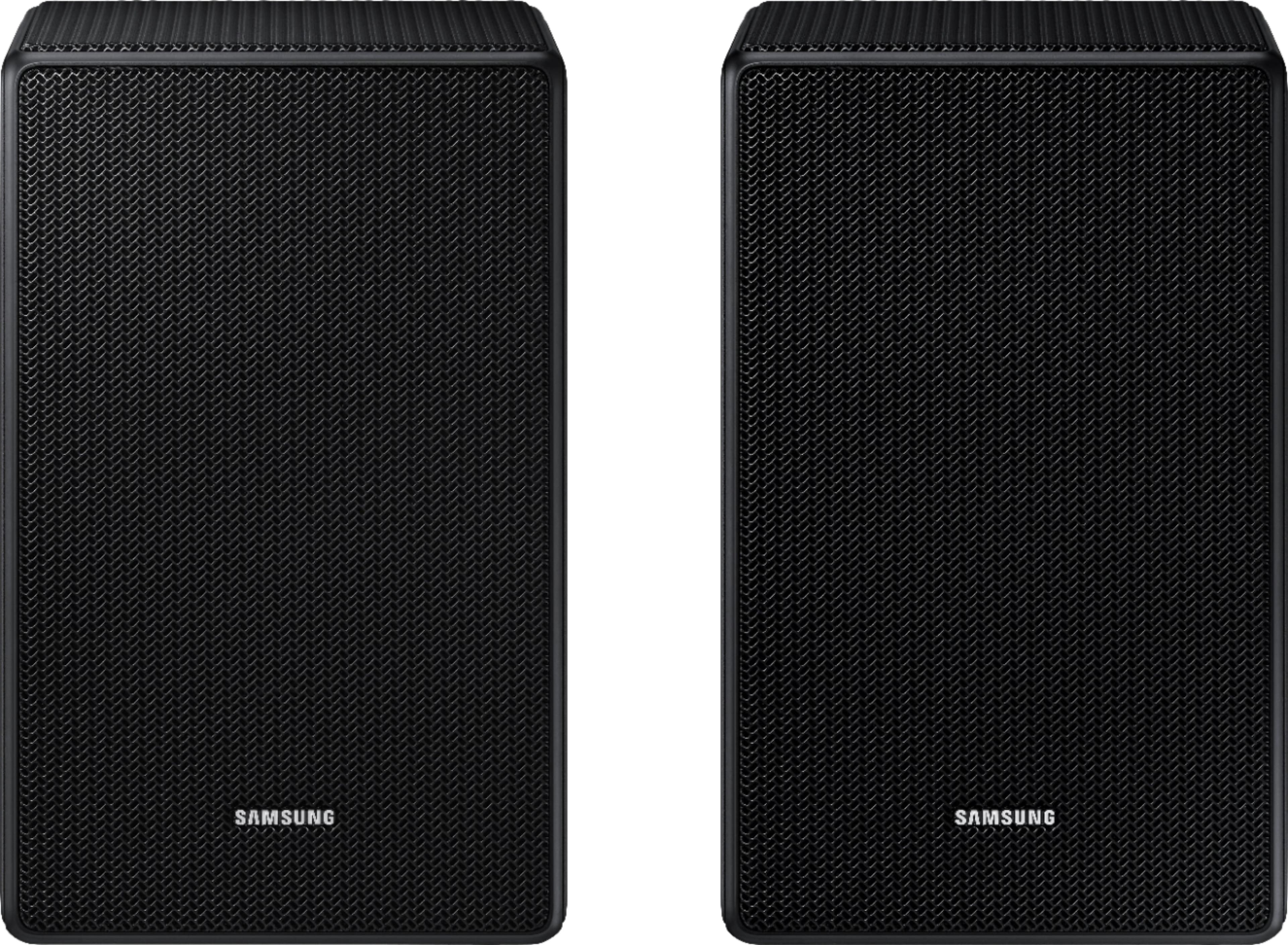

- Model:
- SWA-9500S/ZA
- SKU:
- 10904815
Rating by feature
- Value
Rating 4.3 out of 5 stars
- Quality
Rating 4.5 out of 5 stars
- Ease of Use
Rating 4.4 out of 5 stars
No Good
||Posted . Owned for 3 weeks when reviewed.This reviewer received promo considerations or sweepstakes entry for writing a review.it did not work and more importantly the dealing with BestBuy folks as not less than a nightmare
No, I would not recommend this to a friendBrand response from Samsung
Posted .Hello Ukay,
I am sorry to see that your out-of-box experience was not ideal with the SWA-9500S Wireless Rear Speakers!
Please know that we are here and happy to help you with step-by-step troubleshooting and optimizing your new rears to give you the best experience possible. Call us at 1-800-SAMSUNG (ask for Soundbars), available 8 AM – 12 AM EST, 7 days a week.
LiveChat with an agent by clicking the ‘Support’ link on the Samsung website.
~Samsung Solutions
Terrible/Disappointing
||Posted . Owned for 2 weeks when reviewed.This reviewer received promo considerations or sweepstakes entry for writing a review.You can hardly hear anything out of them.. Terrible, don’t get these for anything! Disappointing and I can’t return them now.
No, I would not recommend this to a friendBrand response from Samsung
Posted .Hi NOTSOHAPPY,
I’m sorry to hear that your experience did not match your expectations. Please know, there are various settings you can adjust to improve your experience with the rear speakers.
You can adjust the volume of the rear speakers by using the remote included with the connected soundbar. Press the Sound Control button on the soundbar remote (looks like a gear), then select REAR LEVEL and use the Up/Down buttons to adjust the volume within a -6 to +6 range.
Additionally, make sure that the source (e.g. TV output) is sending surround channels to the Soundbar. If you are using a format such as PCM, you may experience decreased volume to the rear speakers.
Select Samsung Soundbars allow you to enable or disable Dynamic Range Control. You can try turning off DRC by pressing and holding the Sound Mode button while the Soundbar is in standby mode.
Should you ever have questions or need help, please call us at 1-800-SAMSUNG (ask for Soundbars), available 8AM - 12AM EST, 7 days a week.
For additional support resources, visit us on the Samsung website and click on the ‘Support’ link in the upper right corner of the homepage for:
1) Chat with Us/Product Help: To begin a chat or find solutions, choose ‘TVs & Home Theater’ and select your model & topic.
2) Manuals & Software
3) Warranty Info
4) Register a Product: For access to easy warranty support, convenient opt-in to special promos and offers, faster troubleshooting and service, and quick notification of system updates
5) Contact Us
~ Samsung Solutions
Too expensive
||Posted . Owned for 1 month when reviewed.This reviewer received promo considerations or sweepstakes entry for writing a review.Has to return because it needed a sound bar also. Too expensive. Roku easier to set up and no sound bar needed
No, I would not recommend this to a friendBrand response from Samsung
Posted .Hi Angie,
We appreciate you sharing your experience with us.
Should you ever decide to give Samsung audio products another try and have concerns or questions, please know we are always here to help. You can contact Samsung Customer Support by any of the below options:
1-800-SAMSUNG (ask for Soundbars), available 8 AM – 12 AM EST, 7 days a week.
For additional support resources, visit us on the Samsung website and click on the ‘Support’ link in the upper right corner of the homepage for:
1) Chat with Us/Product Help: To begin a chat or find solutions, choose ‘TVs & Home Theater’ and select your model & topic.
2) Manuals & Software
3) Warranty Info
4) Register a Product: For access to easy warranty support, convenient opt-in to special promos and offers, faster troubleshooting and service, and quick notification of system updates
5) Contact Us
~ Samsung Solutions
Don't Sync
||Posted . Owned for 3 weeks when reviewed.This reviewer received promo considerations or sweepstakes entry for writing a review.Can't get them to sync with the HW Q800c soundbar.
No, I would not recommend this to a friendBrand response from Samsung
Posted .Hello,
Please contact Samsung Customer Support, we are here and happy to help you with step-by-step instructions on how to connect your new SWA-9500S Wireless Rear Speakers to the HW-Q800C Soundbar.
Call us at 1-800-SAMSUNG (ask for Soundbars), available 8 AM – 12 AM EST, 7 days a week.
LiveChat with an agent by clicking the ‘Support’ link on the Samsung website.
~Samsung Solutions
Nope!
||Posted . Owned for 4 months when reviewed.This reviewer received promo considerations or sweepstakes entry for writing a review.Horrible, it never work, no matter how much we try.
No, I would not recommend this to a friendBrand response from Samsung
Posted .Hello YaritzaY,
Thank you for purchasing the Samsung SWA-9500S Soundbar. We appreciate you sharing your experience with us.
Please contact Samsung Customer Support so we can better understand your issue and assist you with step-by-step troubleshooting or warranty service. Call us at 1-800-SAMSUNG (ask for Soundbars), available 8 AM – 12 AM EST, 7 days a week.
LiveChat with an agent by clicking the ‘Support’ link on the Samsung website.
~Samsung Solutions
Horrible product— Does not work
||Posted . Owned for 1 month when reviewed.This reviewer received promo considerations or sweepstakes entry for writing a review.It won’t sync with my Samsung sound bar. Geek squad could not fix
No, I would not recommend this to a friendBrand response from Samsung
Posted .Hello,
Thank you for purchasing the SWA-9500 Wireless Rear Speakers. I'm sorry to hear that you have had difficulty setting up your rear speakers.
So that we can better assist you, please reach out to Samsung Support via:
1) 1-800-SAMSUNG, 8 AM - 12 AM EST, 7 days a week. Ask for "Soundbars."
2) LiveChat with an agent by clicking the ‘Support’ link on the Samsung website homepage.
~Samsung Solutions
Speakers
||Posted . Owned for 3 months when reviewed.This reviewer received promo considerations or sweepstakes entry for writing a review.Did not work with my surround bar at all nice speakers just would not work
I would recommend this to a friendBrand response from Samsung
Posted .Hi Tams,
Thank you for taking a moment to share your feedback with us regarding the SWA-9500S Rear Speaker Kit connectivity with your soundbar. The SWA-9500S is compatible with Samsung Q Series Soundbar models HW-Q700A, HW-Q800A, and HW-Q900A.
If you need assistance finding the correct rear speaker model to pair with your Samsung Soundbar, please contact us at 1-800-SAMSUNG (ask for Soundbars), available 8AM - 12AM EST, 7 days a week.
For additional support resources, visit us on the Samsung website and click on the ‘Support’ link in the upper right corner of the homepage for:
1) Chat with Us/Product Help: To begin a chat or find solutions, choose ‘TVs & Home Theater’ and select your model & topic.
2) Manuals & Software
3) Warranty Info
4) Register a Product: For access to easy warranty support, convenient opt-in to special promos and offers, faster troubleshooting and service, and quick notification of system updates
5) Contact Us
~ Samsung Solutions
Not compatible
||Posted .This reviewer received promo considerations or sweepstakes entry for writing a review.Not connecting with current sound bar, sales person told me it would work
No, I would not recommend this to a friendBrand response from Samsung
Posted .Hi,
Thank you for purchasing the Samsung SWA-9500S Rear Speaker Kit. We appreciate you sharing your feedback on having some trouble setting up your new rear speakers.
Please know, the SWA-9500S is only compatible with the following 2021 soundbars: HW-Q900A, HW-Q800A, HW-Q700A. If you have one of the soundbars listed, follow the steps below to pair the speakers to the soundbar.
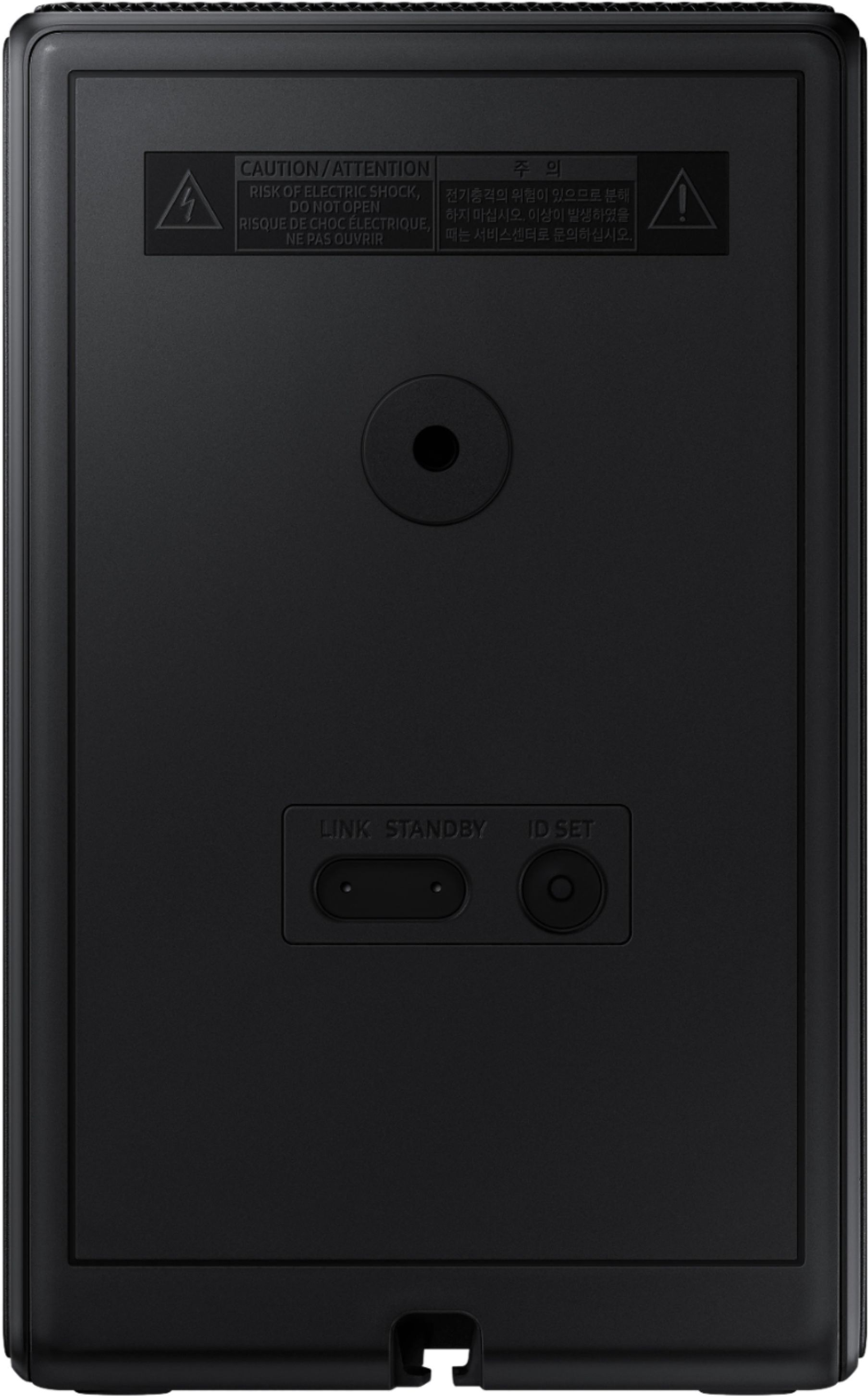
Plug the SWA-9500S power cord into an outlet and into the speakers to turn them on. Turn off your soundbar and press the Up button on the remote for 5 seconds. The ID SET message will appear on the soundbar for a short time and then disappear. After the ID SET process, the soundbar power is automatically turned on. The LINK LED indicator stops blinking and glows a solid blue when a connection is established between the soundbar and the rear speakers.
Please contact Samsung Customer Support if you should need any assistance with setup or troubleshooting.
Call us at 1-800-SAMSUNG (ask for Soundbars), available 8AM - 12AM EST, 7 days a week.
For additional support resources, visit us on the Samsung website and click on the ‘Support’ link in the upper right corner of the homepage for:
1) Chat with Us/Product Help: To begin a chat or find solutions, choose ‘TVs & Home Theater’ and select your model & topic.
2) Manuals & Software
3) Warranty Info
4) Register a Product: For access to easy warranty support, convenient opt-in to special promos and offers, faster troubleshooting and service, and quick notification of system updates
5) Contact Us
~ Samsung Solutions
Samsung 9500 Rear Speakers
Posted .This reviewer received promo considerations or sweepstakes entry for writing a review.These are a great addition to a soundbar that did not come with fear speakers. They are pricy, hence the 4 stars. Huge sound improvement and very easy to pair. I got these as an open box item which made this a super great deal. They do only work with certain samsung 2022 and newer soundbar.
I would recommend this to a friendExcellent rear speaker kit
Posted .This reviewer received promo considerations or sweepstakes entry for writing a review.Set up was painless. Highly recommend these speakers if you have a compatible sound bar. Please do your research before purchasing as these speakers only work with the 2021 Samsung hw-q700a, q800a, and q900a soundbars. I have a q700a and pairing these together has been mind blowing. Dolby atmos content sounds incredible and music sounds amazing as well. 10/10.
I would recommend this to a friendCompleted our sound system!
Posted .This reviewer received promo considerations or sweepstakes entry for writing a review.Better than expected, they work great. Easy to install. Make sure you turn up the volume all the way on the Sound Bar for the rear speakers. The speakers are really cool depending on what your watching. They are great for movies and sports. Highly recommend them.
I would recommend this to a friendHiccups to start, but love them now.
Posted .This reviewer received promo considerations or sweepstakes entry for writing a review.Can potentially be a bit difficult to set up and find the adjustment for these in the SmartThings app. I'd recommend turning these to +6 in the app, as by default, like many others have said, they are a bit quiet. Once that has been adjusted, they really have changed my experience watching movies. FYI, these may be on clearance in store even if your store doesn't have them, they can order them shipped to your house.
I would recommend this to a friendBest Wireless Speakers for Samsung sound bar
Posted .This reviewer received promo considerations or sweepstakes entry for writing a review.Must have paired with HW-Q700A sound bar. Great sound, plug and play. Wireless other than std, 110v outlet for each speaker.
I would recommend this to a friendSamsung wireless rear speaker
Posted .This reviewer received promo considerations or sweepstakes entry for writing a review.Plug them in and works beautiful with Ultra Slim soundbar HW-800B/ZA, The low rear volume was not an issue as I thought based on other people review issue with this speaker. Samsung phone app is very good for control the entire volume and very easy to use.
I would recommend this to a friendCurious
Posted .This reviewer received promo considerations or sweepstakes entry for writing a review.Can you pair these with the q850t 5.1.2? Sound bar an sub
I would recommend this to a friendGood deal with refurb
Posted .This reviewer received promo considerations or sweepstakes entry for writing a review.Got these refurbished and had no issues connecting to my q60c sound bar. Provides excellent rear surround sound.
I would recommend this to a friendBetter Than Expected
Posted .This reviewer received promo considerations or sweepstakes entry for writing a review.I have been wanting these speakers for almost two years. The wait was worth it. Easily paired with my Q800A sound bar. Total set-up time 5 minutes. Amazing additional sounds that just appear from these speaker. I am happy my wait is over.
I would recommend this to a friendGreat pair of Bluetooth speakers!
Posted .This reviewer received promo considerations or sweepstakes entry for writing a review.They pair very easy with our Samsung Soundbar and Samsung TV. The sound is awesome! So glad we purchased them!
I would recommend this to a friendGreat sound for movies
Posted .This reviewer received promo considerations or sweepstakes entry for writing a review.The sound from these powered speakers worked absolutely perfect very satisfied with best buys recommendation
I would recommend this to a friendWorks great
Posted .This reviewer received promo considerations or sweepstakes entry for writing a review.Works great! Turn it up on the smart things app otherwise they will be low volume. Also I have no issues with my s800b bar and these speakers.
I would recommend this to a friend