Customer Ratings & Reviews
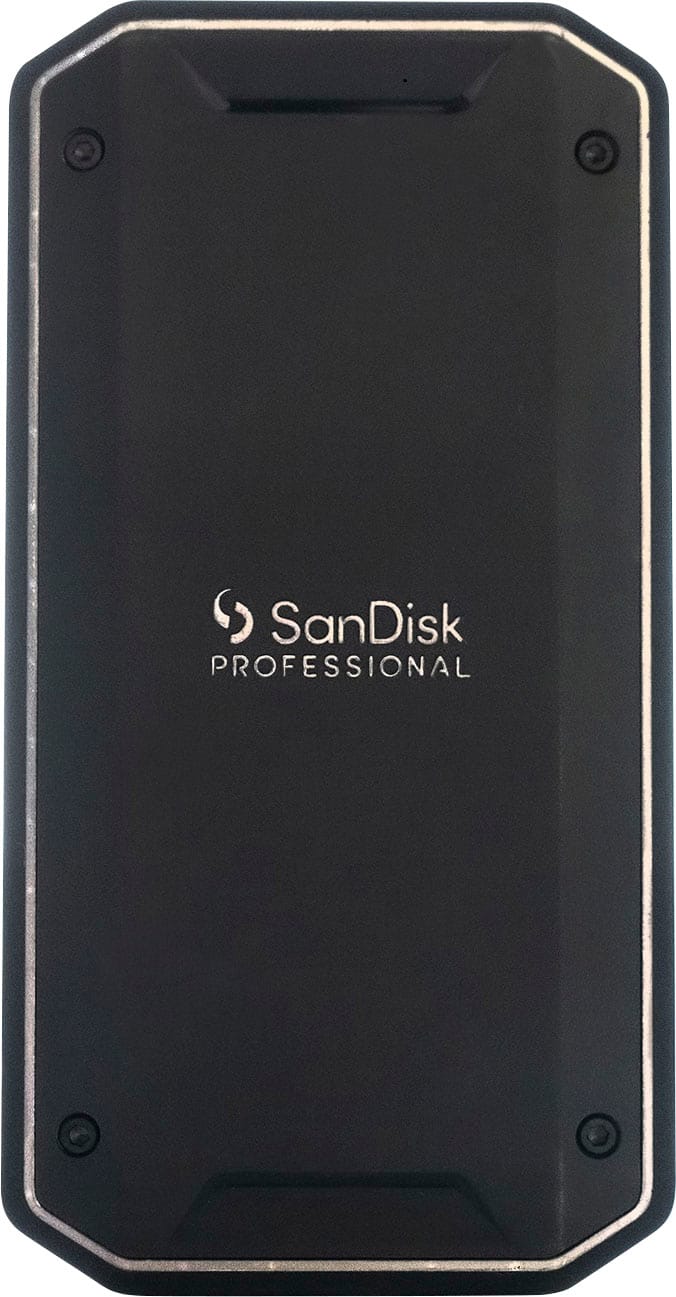

- Model:
- SDPS31H-002T-GBCND
- SKU:
- 6530654
Rating by feature
- Value
Rating 4.5 out of 5 stars
- Quality
Rating 4.7 out of 5 stars
- Ease of Use
Rating 4.7 out of 5 stars
Customers are saying
Customers admire the PRO-G40 SSD for its fast transfer speeds, robust build quality, and convenient portability. Users appreciate its high performance in a portable design and seamless connectivity with MacOS. The only notable drawback mentioned is that some find the included cable to be short. Overall, the positive aspects of the SSD appear to outweigh this minor inconvenience.
This summary was generated by AI based on customer reviews.
- Pros mentioned:Transfer speed
Fast & reliable
||Posted . Owned for 1 month when reviewed.This reviewer received promo considerations or sweepstakes entry for writing a review.Fast & excellent buy. Highly recommended esp. for mac users.
I would recommend this to a friend - Pros mentioned:Performance
Super fast great product that works with iPhone 15
||Posted . Owned for 3 weeks when reviewed.This reviewer received promo considerations or sweepstakes entry for writing a review.Great product and works great with iPhone 15 pro max.
I would recommend this to a friend Top Performer. Runs Hot. Not for iPhone 15 Pro.
||Posted . Owned for 1 month when reviewed.This reviewer received promo considerations or sweepstakes entry for writing a review.A top-end SSD solution. It wasn't the manufacturer's fault that the iPhone 15 Pro Max rejected it as incompatible, but that was a disappointment. Although I had purchased it for that, re-purposing it as the external drive of my MacBook Pro to receive iPhone video was still a win. The real reason for four stars instead of five was that it gets quite hot even when sitting there quiescent doing nothing.
I would recommend this to a friend- Pros mentioned:Performance
Battery
||Posted . Owned for 3 weeks when reviewed.This reviewer received promo considerations or sweepstakes entry for writing a review.Works great! I can store a lot of things on it! Honestly
I would recommend this to a friend SanDisk Professional - PRO-G40 SSD 2TB External Th
||Posted . Owned for 3 weeks when reviewed.This reviewer received promo considerations or sweepstakes entry for writing a review.The equipment arrived on time, I haven't tested it 100% yet but everything seems to be going well.
I would recommend this to a friend- Pros mentioned:Build quality, Connectivity, PortabilityCons mentioned:Cable length

Nice and Compact
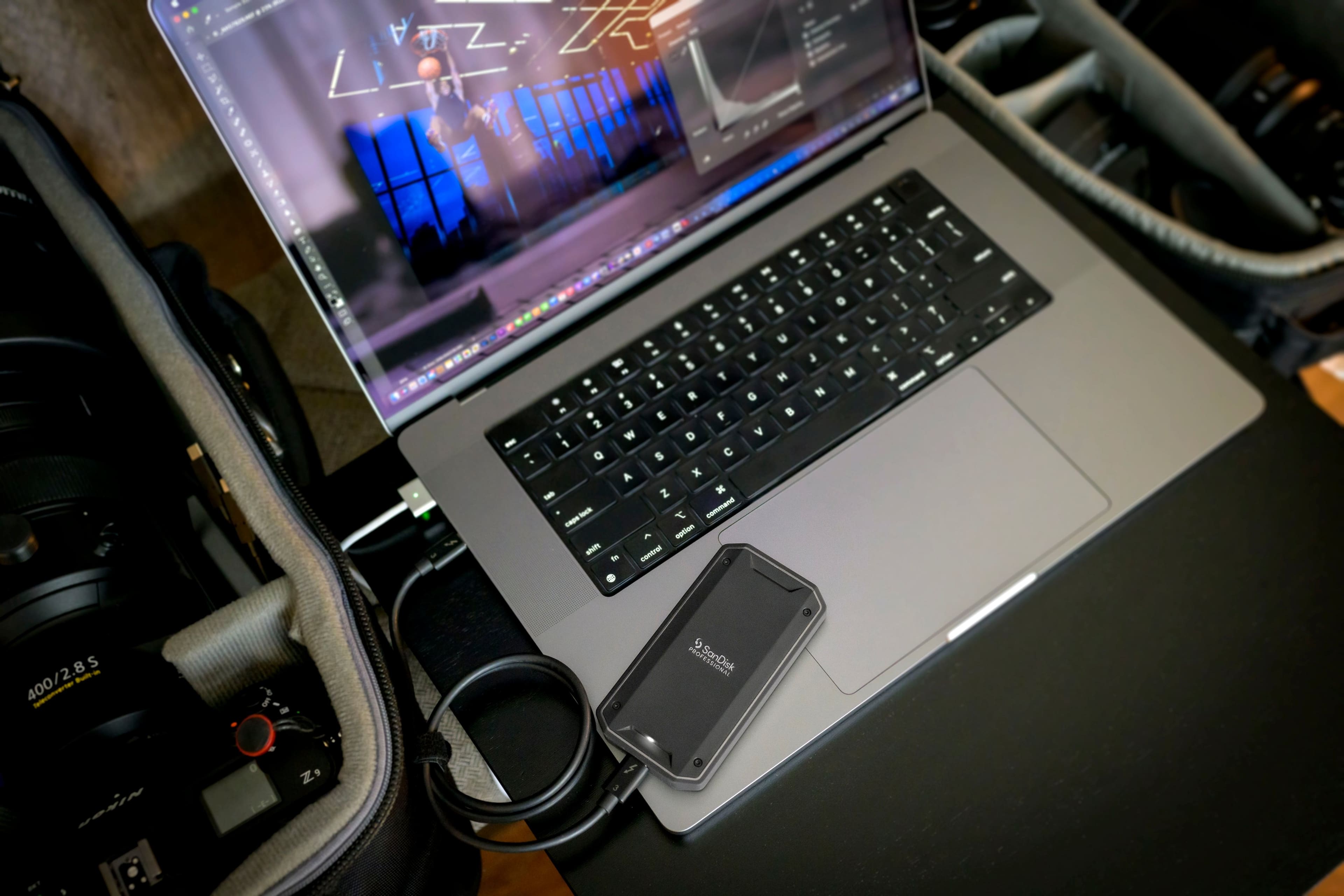
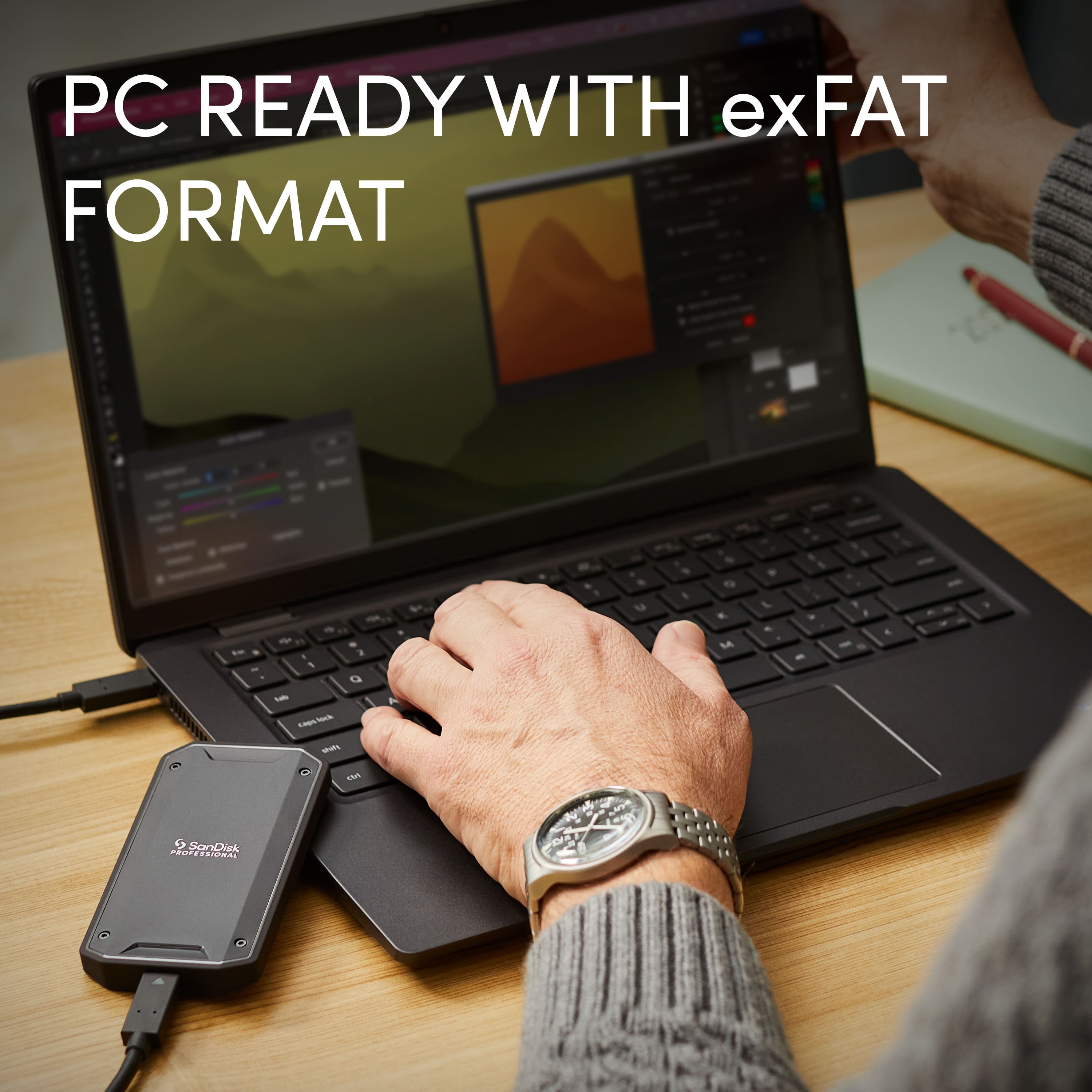
|Posted .This reviewer received promo considerations or sweepstakes entry for writing a review.Sandisk Professional PRO-G40 External hard drive is amazingly compact. The harddrive is very small and compact almost the size of a credit card but of course thicker. Thunderbolt option makes it even better. If you have larger file size such as videos this, make it worth the buy. The time of waiting all day to just transfer a large file from a hard drive to your computer is finally over. This being a solid state drive, and the fact that the product looks very well built almost like a tank just makes me feel comfortable that my files will be safe. This is also compatible with your windows PC but you must format the hard drive before using. One flaw but not a very big flaw is the cable it comes with, its just not long enough, it is only about 5 inches long. Other than that, set up was very simple plug and play. With 2 TB oof space, this offers more than enough available space to be on the go and work on your projects. As the name states it is a portable drive and for some it may be too small but if you are looking to have that compact, nice looking and fast hard drive this is the one for you. Like I said videos transfers are not a big problem any more with this hard drive and best of all you can work directly from it.
I would recommend this to a friend SanDisk Professional - PRO G40
||Posted . Owned for 5 months when reviewed.This reviewer received promo considerations or sweepstakes entry for writing a review.Love the protection against dropping my cell phone.
I would recommend this to a friend- Pros mentioned:Build quality, Performance, Portability
Fantastic External Thunderbolt3 External SSD
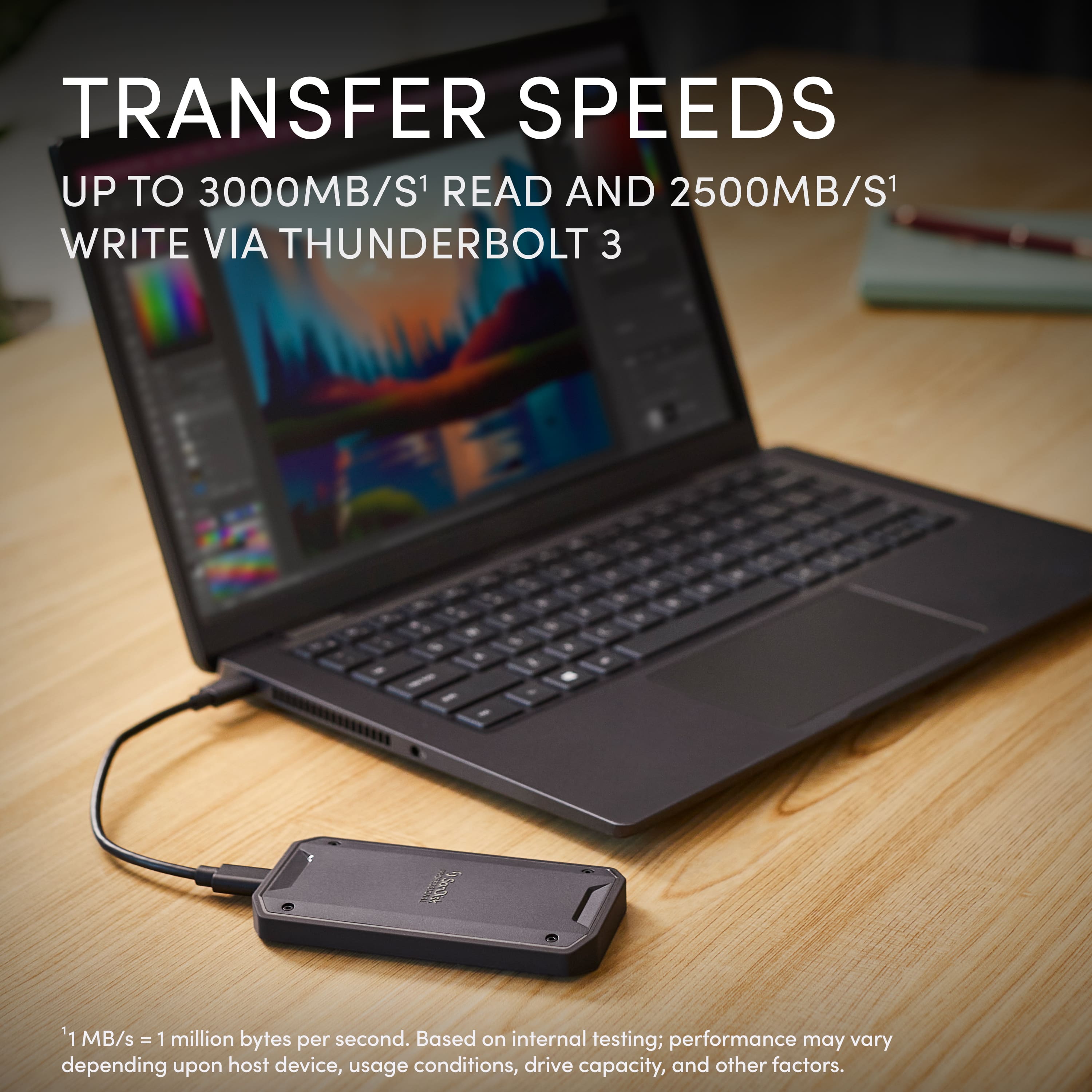
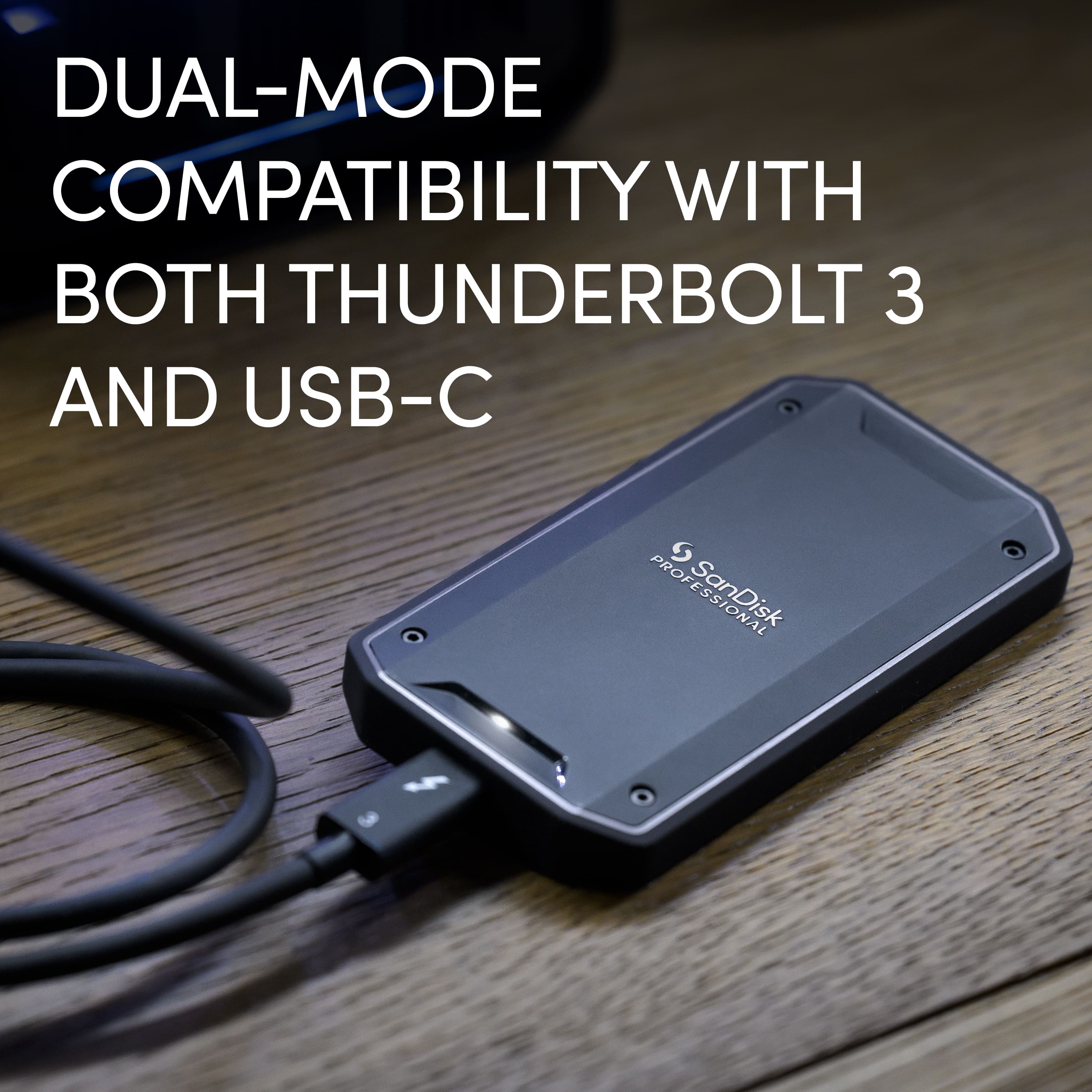
|Posted .This reviewer received promo considerations or sweepstakes entry for writing a review.The SanDisk Pro-G40 external SSD is one of the best, if not the best, external SSD on the market right now. Its perfect for videographers, vloggers, photographers, or anyone else who wants high performance storage in a portable form factor that can attach to a thin/light laptop, like a MacBook Pro for Thunderbolt3 speeds. If you have a newer Intel laptop, you can also take advantage of the Thunderbolt3 speeds, otherwise, PCs over USB-C will fall back to USB-C speeds of 3.2 Gen2x1. Thunderbolt3 offers up to 40Gbps over USB-C, while USB 3.2 Gen2x1 offers only 10Gbps. In real world performance that's about 2700/1900MB/s Read/Write for TB3 and 1000/1000MB/s for USB-C. Pretty big difference so you'll want to make sure your laptop supports TB3 to make the most use out of this SSD. My MacBook Pro has TB3 so it supported the full bandwidth, the main difference for TB3 and TB4 is better minimums on TB4 but the max is still 40Gbps. The beauty of the SanDisk Pro-G40 however isn't just in raw transfer speeds, which are great, but the random I/O and read/write speeds are fantastic for using this drive as a scratch disk. That's really important for large files because storage is at a premium on MacBook Pros and you're not going to want to keep a lot of large files on your local laptop drives if you can help it. So for work flow, I typically connect my Mirrorless digital camera directly over USB-C to my MacBook Pro, then I'll manipulate the files using MacOS and copy over the video files I want to edit directly to the SanDisk Pro-G40. The files never stay on my MacBook. The transfer speed is as fast as the source (Nikon Z30 reading at 150MB/s from SD card), so pretty slow overall, but once it gets to the Pro-G40 that's a different story. From there, I can edit the video files using LightRoom, PhotoShop or Premiere and its all as silky smooth, responsive, and FAST. Its as if the files were on my local SSD o my MacBook Pro. This also saves a lot of Read/Writes on my local drive which can cause the SSD to wear over time, although I've never had a drive fail or lose capacity over this. But if you can offload that wear/tear to an external, why not? Once I'm done editing photos or videos, I can then upload the finished, much smaller edited files first over Wi-Fi to the cloud. Then I can either delete the RAW footage or transfer those to a NAS directly over USB-C as well. The build quality on the Pro-G40 is excellent as well, rugged and premium looking with silver accents and a rubberized finish on one-side so it doesn't mark up or scuff hard surfaces you set it on. The top side is metal and helps the drive stay cool by dissipating heat. The drive is heavy and water resistant and looks and feels amazing. Very good SSD and the 2TB storage is massive. This alone is like a $600 option on the latest MacBook Pro (2TB to 4TB) and you can use this drive again and take it with you if you upgrade again. You can also move it around from laptop to PC or NAS as mentioned so you don't have to deal with slower transfers over WiFi or even NIC (1Gbps vs. 10Gbps). So yeah the Pros far outweigh the cons!
I would recommend this to a friend - Pros mentioned:Build quality, Portability, Transfer speed
Fantastic heavy-duty external SSD!!
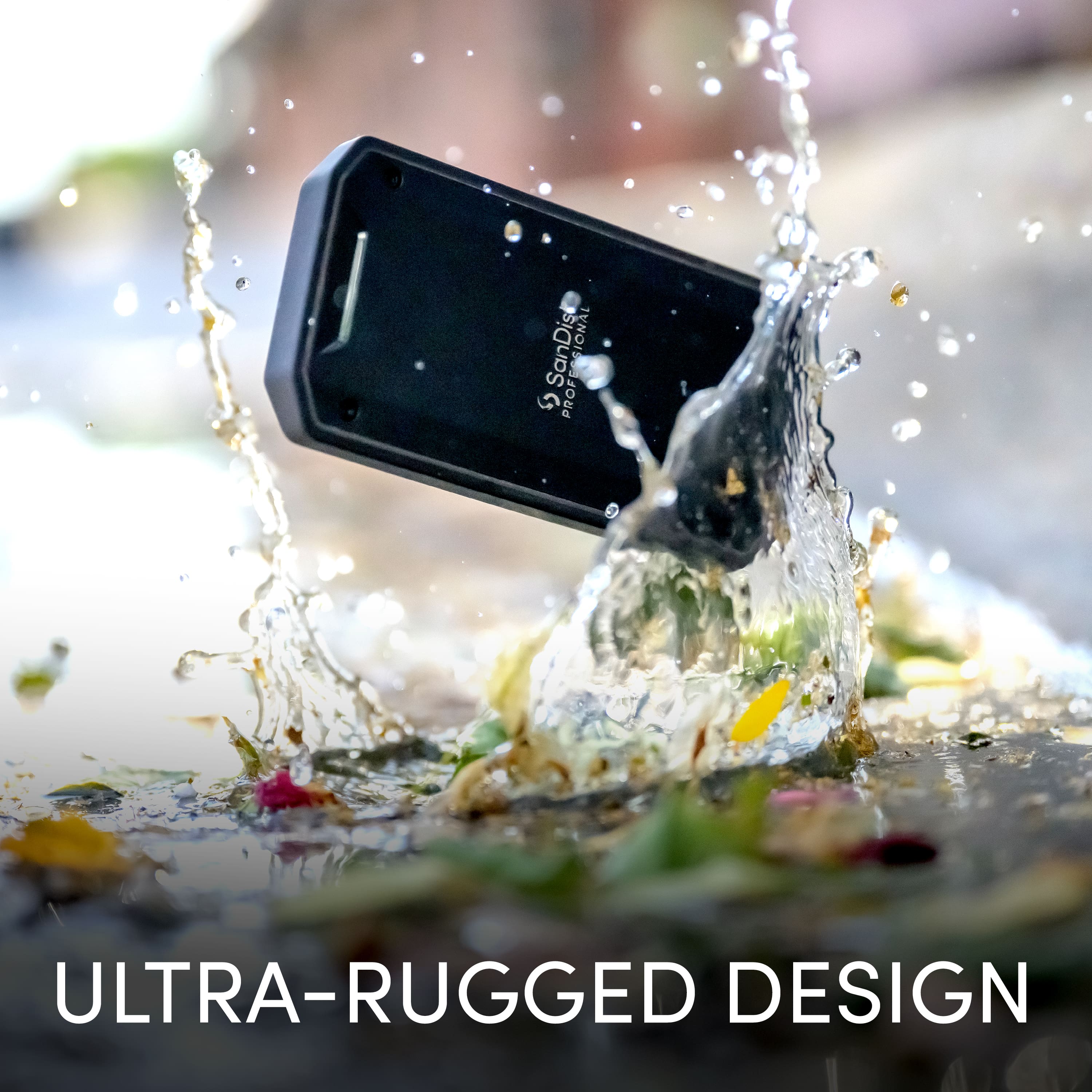
|Posted .This reviewer received promo considerations or sweepstakes entry for writing a review.I was in need of an SSD with a higher than 1TB capacity for use with my MacBook Pro for extended storage and file transfer. I was familiar with the standard SanDisk line of SSDs but was very curious about this Professional series and thought I'd try out the 2TB model. What an excellent decision. The SanDisk Pro-G40 SSD is a dream. First, It's comes pre-formatted in APFS, but can be reformatted for Windows usage as well. It's tiny, very solid, well-built but I truly love its 2700MB per second read speed and its 1900MB per second write speeds! My new MacBook Pro is Thunderbolt 4 ready and this SanDisk drive has Thunderbolt 3 built in, which provides up to 40Gbs transfer speeds...and I see it. I plugged it into my MacBook Pro with the included short Thunderbolt 3/USB 3.2 Gen 2 cable. I transferred 500GB of data from my older SSD to this new drive and it only took a few minutes. I was very pleasantly surprised! Since Im using this drive as an external where I store all my Photoshop/Illustrator and Dimension files, I need that speed. So far, I have had no issues with write/read speed to and from it and saving working files seems instantaneous now. It also is compatible with USB C speeds of 10Gbps in case your laptop/desktop is not Thunderbolt 3 capable. The drive is also tiny at 2.3"w x 4.3"l x .5"h. It's very light and is made from what appears to be aluminum. It's a nice dark slate color and the entire base and sides are rubberized, so there's no slippage or fear of it easily being knocked of my work surface. But, even if it does get knocked off, this drive can handle a 9' drop per SanDisk's specs. It's IP68 rated so it's highly dust and water resistant and it can handle up to 4000 pounds of crush pressure. This thing is a beast! The only gripe I have with this drive is the activity LED. It flickers constantly while it's on and is distracting as I work. I've since covered the LED with black electric tape and annoyance solved! My previous SSD drive had a solid lamp versus flickering and it never bothered me. Overall, I am extremely happy with this drive and if you are in the market for a heavy-duty, external drive that is extremely fast, this is a no brainer. I very highly recommend!
I would recommend this to a friend - Pros mentioned:Build quality, Performance, Portability
Super Speedy Drive
|Posted .This reviewer received promo considerations or sweepstakes entry for writing a review.I only take 4K video these days (except for some 2K video from my Insta360 action camera) then edit and produce content as 4K video. I tested the SanDisk Professional - PRO-G40 SSD portable drive with using my Thunderbolt port on my MacBook Pro 14 M1 Max and Final Cut Pro, the drive is formatted as APFS out of the box. Simple copies and benchmarks confirmed the advertised performance around 1900 MB/s writes and 2700 MB/s reads. Also, I decided to test this drive on my Windows 11 Laptop, attaching it to my USB-C 3.2 Gen 2 port, which required me to format the drive as an NTFS volume. Of course, using USB-C didn’t provide the same level of performance as a Thunderbolt port, but the drive still performed competently and was faster than any storage device I previously attached to this system, doing almost a gigabyte per second read and 825MBs writes. Using the drive as a media source for DaVinci Resolve also produced good results, I usually transfer files to my onboard SSD, but in using this drive that was not necessary. The drive excels and really comes in handy to transfer files quickly or even use in real time to edit video source files or use as a destination drive when rendering video. The build quality of the SanDisk Professional - PRO-G40 SSD portable drive is quite rugged with a rubberized covering with an LED light indicating it is powered on and flickers with activity. Also, when traveling this portable SSD will come in handy, usually I try to upload video content to my Network Attached Storage drive at home or Cloud based storage, but often that is difficult as it is dependent on bandwidth at your travel location. Always having a large capacity portable drive is good and provides some redundancy for storing once in a lifetime travel footage. Pros: - Speed, Performance - Rugged build - 5-year warranty - Thunderbolt/USB compatibility - Formatted for Macs out of the box Cons: - None observed
I would recommend this to a friend Drive failure
||Posted . Owned for 1 week when reviewed.This reviewer received promo considerations or sweepstakes entry for writing a review.Purchased this despite recent warnings about SanDisk (WD) drive failures. Turns out they were right. Drive is unusable - Cannot be reformatted. Thank god for backups.
No, I would not recommend this to a friendDO NOT BUY
||Posted . Owned for 11 months when reviewed.This reviewer received promo considerations or sweepstakes entry for writing a review.This drive completely failed on me less than one year into using it. I lost everything on it.
No, I would not recommend this to a friend- Pros mentioned:Build quality, Transfer speedCons mentioned:Cable length
Fastest transfer speeds I've seen
|Posted .This reviewer received promo considerations or sweepstakes entry for writing a review.SSD cards are very essential in my line of work to say the least; I work in Media. I decided to try out this thunderbold external SSD from SanDisk and I would say, cons do exist, but they are minimal compared to the pros. I can quickly list some: PROS Compact design Solid structure Supperrrr fast transfer speed - over 2300 for both read and write Smart monitoring supported (file health is monitored) CONS transfer cable it comes with is kinda short Expensive If you're not sure what smart monitoring is, it helps maintain the HD quality of the footage so you don't lose it in the repeat transferring of files. I did see another review mention the absence of this item on SanDisks site to register and I can say I had the same issue. Maybe it hasn't yet been added but hopefully soon. Again, the only cons I encountered was the shorter transfer cable, and of course the high price tag. Nonetheless, it is not like the product doesn't live up to the price --- the transfer speeds alone along with the smart monitoring is more than enough to justify. Highly recommended.
I would recommend this to a friend - Pros mentioned:Build quality, Portability, Transfer speed
Fast speed
|Posted .This reviewer received promo considerations or sweepstakes entry for writing a review.The SanDisk Professional Pro has upped my speed in organizing all of my images and documents with ease. I was able to clear out my computer and organize them on this for future use. As a homeschool mom, i like to scan all my childrens workband keep them on file for my records, which that ends uo taking up a lot of space on my computer. I use to delete less important ones but now i can just transfer them over and keep them for records if i were to ever need them for a portfolio. I also transferred tons of images for my buisness that i wanted to keep but didnt need at the moment. Connected this device is easy and quick, transferring was so much faster than a usb, and its more durable-- something i feel i wouldnt lose like a usb. Overall it worled perfectly for what i needed it for and made the transition so much faster saving me a ton of time and work! The device is slim, lightweight, fits in a pocket and made really well. Its hard cover protects it from being dropped and damaged which is something i needed.
I would recommend this to a friend Junk
||Posted . Owned for 3 weeks when reviewed.This reviewer received promo considerations or sweepstakes entry for writing a review.Piece of junk. Constantly loses connection for no explainable reason. 0 Support, should have bought the Samsung.
No, I would not recommend this to a friendHOLY SMOKES IS THIS THING GOOD
|Posted .This reviewer received promo considerations or sweepstakes entry for writing a review.The SanDisk Professional - PRO-G40 2TB External Thunderbolt 3 SSD is by FAR the best external SSD I have ever used. I have been using a SanDisk Extreme SSD for a few years now and have always loved its portability and readability but I am quite frankly blown away by the SanDisk Professional. First off: The design of this product is absolutely Gorgeous. It has a very modern and sleek design and is super light but also very clearly made to absorb impact if dropped or thrown around in a bag. Its a 10/10 for me in regard to design, portability and construction. For those familiar with the extreme the professional is a little bit thicker, wider and longer but really not by much. It is also far and away better looking. The product use itself: I decided to transfer files between the Extreme and the Professional to see if I notice a difference with the read/write speeds. I transferred 205.67GB of videos in 8 minutes....that is incredibly fast. I used this to photo edit some pictures and the instantaneous read/write speeds are remarkable. This is a product that I will be using for a long time and frankly it is not something I would only recommend to professional users. For people who are looking to buy computers with less SSD or HD requirements I would also recommend looking at this storage unit. 2TB of storage is a tremendous amount of storage and is also a good option for that. Especially if you are interested in a laptop with 256GB of SSD.
I would recommend this to a friend- Pros mentioned:Build quality
Rugged must have photo and video storage!
|Posted .This reviewer received promo considerations or sweepstakes entry for writing a review.This drive is the perfect drive if you're a creator or media editor and you have a Macbook. Since getting this drive I have had a chance to compare it to another USB-C drive that I have and, when connected with a Thunderbolt connection, the reads and writes are definitely noticeably faster with large videos or photos when using your editing programs like Adobe Lightroom and After Effects vs. the USB-C drive. It's truly amazing to have an external drive that feels just as fast as an internal drive so you can save all that time copying to/from and/or backing up to an external drive. Granted, the USB-C drive is relatively fast too but for loading/seeking or saving really large videos and photos, this drive does make a difference and makes it feel like the NVME SSD that's in your computer. I love that this drive is large enough to keep large media photos and videos on the drive WHILE you are editing or creating media. It is really important to note that this drive does connect to USB-C gen 2 ports, which is a huge plus so it's compatible with other computers and Macs that don't have Thunderbolt 3 ports. It connected just fine to my PC and is fast but definitely not as fast as when connected to Thunderbolt 3 ports so there is a difference! So, if you have a PC don't get this drive expecting to get Thunderbolt 3 speeds Sandisk states on the box unless you have one that has a Thunderbolt 3 port (which is not all that common in PC's but may exist in some higher end ones)! That said, this drive is built tough, rugged and has a short cable so you can keep it in your bag without fear of the drive being damaged even if it's dropped or something sits on it. In fact, it's more likely that if your bag was crushed that this drive would likely survive when your Macbook probably would not. It's really the perfect pair to a Macbook though and I'd absolutely recommend it if you have a Macbook as this will be the only drive I use on my Macbook now for extra storage.
I would recommend this to a friend - Pros mentioned:Build quality
Sleek & Blazingly Fast
|Posted .This reviewer received promo considerations or sweepstakes entry for writing a review.Just received my SanDisk Professional Pro-G40 2TB External Thunderbolt SSD hard-drive a week ago and have been putting it through its paces. It has become a welcome addition to my home office. Included in my home office is a 2020 M1 Mac mini with Thunderbolt which this SanDisk is compatible with. Inside the box is the SSD and a Thunderbolt 3 USB-C Type cable. The SSD is very sleek with a strong build quality and a professional look. This SSD is very easy to use, simply plug one end of the cable into the SSD and the other a thunderbolt port on the back of your Mac and you’re ready to go. This SSD hard drive comes in hand for me as I take and collect lots of family photos and videos that are taken at family gatherings/reunions. I do mostly photo editing and can now store them onto the SanDisk external hard-drive. This hard drive not only handles tons of photos and videos but you can store other important documents and files as well. I was pleasantly surprised with the read/write speeds. They are just mind-blowing. Copying and pasting large swaths of files at a time took no time. Opening up files and photos were a breeze also. It seems as though this SanDisk Profession Pro SSD can handle anything thrown at it and with amazing speed. Lastly I like that this SSD is portable and can be packed up in and instant along with my M1 Mac Mini for when I traveling.
I would recommend this to a friend