Customer Ratings & Reviews









- Model:
- K50S30
- SKU:
- 12316856
Rating by feature
- Picture Quality
Rating 4.8 out of 5 stars
- Sound Quality
Rating 4.5 out of 5 stars
- Brightness
Rating 4.7 out of 5 stars
I like Sony TVs
||Posted . Owned for 3 weeks when reviewed.This reviewer received promo considerations or sweepstakes entry for writing a review.Fit perfectly. Easy to set up. Good price too. Hone delivery was convenient
I would recommend this to a friendBrand response from SonyListens
Posted .Hi JefferyE, Fantastic! We're thrilled to hear you like the ease of setup, good price, and perfect fit of your new Sony BRAVIA 3 into your home. Thanks for choosing Sony! -Sam

Quality
||Posted . Owned for 1 month when reviewed.This reviewer received promo considerations or sweepstakes entry for writing a review.The picture is not as clear as my last Sony kinda disappointed
No, I would not recommend this to a friendBrand response from SonyListens
Posted .Hi Hammer,
Thank you for sharing your feedback on the BRAVIA 3. We're sorry to hear that the picture clarity isn't meeting the high standard you've come to expect from Sony and your previous TV.
The picture preferences on new models can sometimes feel different right out of the box, but the good news is that the BRAVIA 3 offers extensive customization for picture settings, including clarity.
We have a complete, step-by-step guide designed to help you customize the picture settings—including sharpness and clarity—to perfectly suit your viewing preferences:
https://www.sony.com/electronics/support/articles/00190409?utm_source=glean
Following the steps in this guide can often dramatically improve the clarity and overall viewing experience to your liking.
If you are using external devices such as a cable box, streaming stick, or Blu-ray player, a less-than-optimal connection could also impact picture quality:
Please ensure you are using a High-Speed HDMI cable between the external device and your TV. Standard or older cables might not support the best resolution that the BRAVIA 3 can display.
We are confident that by following the guide and checking your cable connections, you will be able to enjoy the superb picture quality your new Sony TV is capable of.
Thank you for considering Sony!
Regards,
Dominick
- Cons mentioned:Remote control
A bit disappointed
||Posted . Owned for 1 week when reviewed.This reviewer received promo considerations or sweepstakes entry for writing a review.Having a digital only guide is useless. A remote with numbers for station setting would be better.
I would recommend this to a friendBrand response from SonyListens
Posted .Hi PSJ101, Thank you for your honest review. We are glad to hear that you are now enjoying your new TV. Thank you for choosing Sony! -Carl
Best budget TV
||Posted . Owned for 3 weeks when reviewed.This reviewer received promo considerations or sweepstakes entry for writing a review.TV is worth it, coming from a samsung tv, this is definitely an upgrade
I would recommend this to a friendBrand response from SonyListens
Posted .Hi KennethB, Awesome! We are so glad to hear that you are enjoying your new TV! Thank you for choosing Sony! -Carl
Sony Bravia
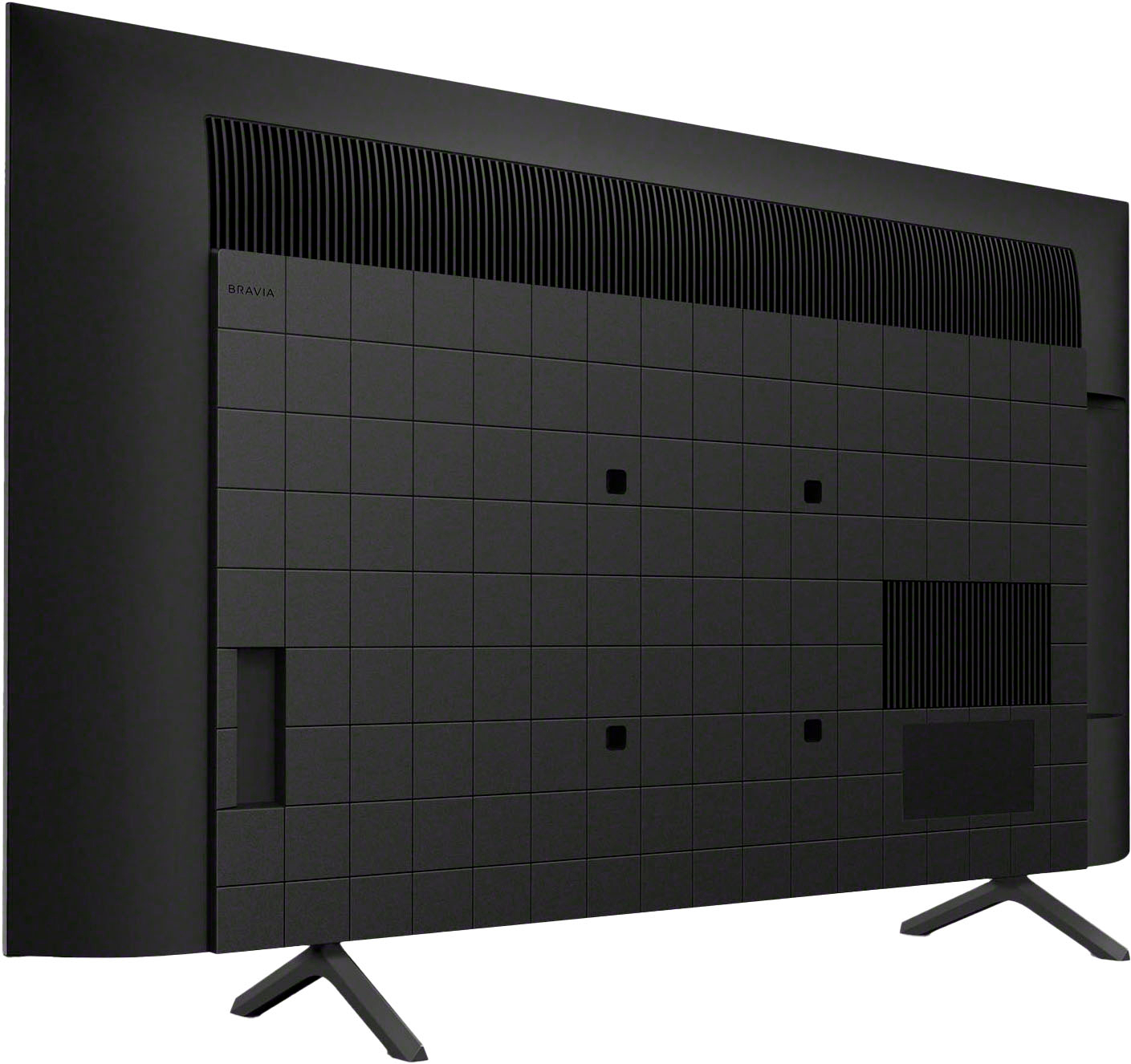
||Posted . Owned for 1 week when reviewed.This reviewer received promo considerations or sweepstakes entry for writing a review.The only problem was it came with adapters to mount the tv to a wall mount but did not supply screws that threaded into the adapter
I would recommend this to a friendBrand response from SonyListens
Posted .Hi DavidD, Thank you for your review! We are glad to hear that you are enjoying your new TV! For the adapter issue, we would like to get in touch with you to know more about the problem and make this a better experience for you. May we contact you to help? If so, please email the below information to [email protected]
Apologies if you disclosed some of this information in your review and to customer service, we just want to ensure that we have your accurate details at the time of communication.
Full Name:
Username:
Telephone Number:
Model Number:
Issue:
Regards,
Carl
Sony tv
||Posted . Owned for 1 month when reviewed.This reviewer received promo considerations or sweepstakes entry for writing a review.I enjoy watching this far but have only had it for two weeks.
I would recommend this to a friendBrand response from SonyListens
Posted .Hi LarryD, Thank you for sharing your fantastic experience with us! We're glad you are enjoying your new Sony BRAVIA 3 TV. Thank you for choosing Sony! Enjoy! -Maria
SONY BRAVIA 3
||Posted . Owned for 2 weeks when reviewed.This reviewer received promo considerations or sweepstakes entry for writing a review.SONY BRAVIA 3 TV GREAT TV WITH APPS, LOTS OF CHANNELS.SONY BRAVIA 3 SMART TV!
I would recommend this to a friendBrand response from SonyListens
Posted .Hello JONV, Fantastic! We're truly delighted to hear about your satisfaction with the amazing features and superb performance of your BRAVIA 3. Thank you so much for choosing Sony! - Romeo
Bravo Bravia
||Posted .This reviewer received promo considerations or sweepstakes entry for writing a review.Great TV. Just need to get use to the new tech. It is always changing.
I would recommend this to a friendBrand response from SonyListens
Posted .Hi user943231, Thank you for your feedback on the BRAVIA 3. We understand that adapting to new technology can take some time, but we hope you enjoy the enhanced viewing experience and the advanced features this TV offers. Thanks for choosing Sony! -Sam
Sony bravia 3
||Posted . Owned for 2 weeks when reviewed.This reviewer received promo considerations or sweepstakes entry for writing a review.Great tv for our bedroom Would definitely recommend to anyone looking fir a new 4ktv in 2024. Now for the bravia 9 for the living room
I would recommend this to a friendBrand response from SonyListens
Posted .Hi PaulP, Awesome! We are so glad to hear that you are happy with your new TV! Thank you for choosing Sony! -Carl
New Sony TV
||Posted . Owned for 1 month when reviewed.This reviewer received promo considerations or sweepstakes entry for writing a review.The salesperson was helpful and the installation tech was timely and did a great job. We are enjoying the new Sony TV.
I would recommend this to a friendBrand response from SonyListens
Posted .Hi JohnT, Thank you for your awesome review! We are glad to hear about your awesome shopping experience! Thank you for choosing Sony! -Carl
super bravia
||Posted . Owned for 3 weeks when reviewed.This reviewer received promo considerations or sweepstakes entry for writing a review.beatyfull tv everything looks good the tv come nice color sound and super smart i liked i make the best shop he
I would recommend this to a friendBrand response from SonyListens
Posted .Hi JoseT, Awesome! We are so glad to hear that you are happy with your new TV! Thank you for choosing Sony! -Carl
Never buying another Sony TV
||Posted . Owned for 3 months when reviewed.This reviewer received promo considerations or sweepstakes entry for writing a review.I've had Sony TVs in the past and really liked them and never had any issues. I decided to replace a 10-yr old Vizio with this Bravia tv. My input source is Nvidia Shield. I have the shield settings all set to turn on the tv, turn to source etc., when shield is activated and the TV settings to turn on to active source when the tv is turned on. This should enable me to use the shield remote to turn the shield and the tv on and the tv should automatically go to the shield hmdi port. But it doesn't. More often than not, the tv either doesn't turn on at all or turns on but with a blank screen. I either have to use the tv remote and change the source manually or I can use the shield remote and turn it on and off a couple of times and usually the tv will then turn on and show the shield home screen. What a hassle. This should be the simplest function to perform other than plugging it in. I have 3 other tvs (LG, older Sony, Roku) all hooked up to a shield source and none of them have this issue. I can active all of them with the shield remote and they all go directly to the shield home screen. For the Bravia, I did set the power on option to 'last used input' and I did set the hdmi input to automatic when a source is activated but neither of those help much. I don't want to use 2 remotes to turn the tv on but I'm stuck with it now and I'll never get another Sony if this is how they will perform going forward. LG is much better all around, at least with the TVs I own. Also, the color only looks really good when your head is directly in the center of the screen. If you move to the side at all, the color looks faded and washed out.
No, I would not recommend this to a friendBrand response from SonyListens
Posted .Hi WillG, We apologize for the inconvenience you're experiencing with your new Bravia 3 TV and Nvidia Shield setup. It seems like there might be an issue with the HDMI-CEC function not working as intended. Here are a few steps you can try to fix the issue:
Ensure that the HDMI cable is securely connected between the Nvidia Shield and the TV. It’s recommended to use high-speed HDMI cables for better performance
Make sure both your TV and Nvidia Shield have the HDMI-CEC function enabled. For the TV, go to Settings > Channels & Inputs > BRAVIA Sync settings > BRAVIA Sync control > turn it ON. And please reach out to NVIDIA to make sure that the HDMI CEC function is enabled.
Ensure that your TV's firmware is updated to the latest version. Updating can resolve compatibility issues and bugs.
Try performing a power reset on both the TV and Nvidia Shield. Unplug them from the power outlet, wait for about 60 seconds, and then plug them back in and turn them on.
If these steps do not resolve the issue, please contact our product support team through this link: https://us.esupport.sony.com/support/s/service?language=en_US. Or email us at [email protected] with the following details:
Name:
Username:
Model Number:
Issue:
Telephone Number:
Sincerely,
Sam
WilliamF
||Posted . Owned for 1 week when reviewed.This reviewer received promo considerations or sweepstakes entry for writing a review.delivery and installation were on time, efficient and well done!
I would recommend this to a friendBrand response from SonyListens
Posted .Hi there WilliamF! Thank you so much for your review! We are so glad to hear that you are happy with your new TV! Thank you for choosing Sony! -Carl
- Cons mentioned:Connectivity
Inferior TV
||Posted . Owned for 1 month when reviewed.This reviewer received promo considerations or sweepstakes entry for writing a review.TV Is inferior. Shuts on and off unexpectedly. Very disappointing.
No, I would not recommend this to a friendBrand response from SonyListens
Posted .Hi JohnF,
We're truly sorry to hear that your experience with the Sony - BRAVIA 3 has been disappointing, especially with the TV shutting on and off unexpectedly. We understand how frustrating this can be, and we'd like to help you resolve it. Here are some troubleshooting steps you can try:
1. Power reset the TV by unplugging it from the power source, wait two minutes, and plug it back in.
2. Update your TV software, you can do this by going to settings > system > about > system software update.
3. Disable the HDMI CEC settings, this can sometimes cause unexpected power behaviors. You can disable it by going to settings > channels and inputs > external inputs > HDMI CEC Settings > Set to off
For additional troubleshooting steps, you can check this guide: https://www.sony.com/electronics/support/articles/00032613?utm_source=glean
If the issue still persists after these steps, we encourage you to reach out to our technical support team so they can investigate further and provide a solution. You can contact them at: https://us.esupport.sony.com/support/s/support-contact?language=en_US&category=tv
We truly appreciate your feedback, and we want to make sure your TV delivers the performance you expect.
Thank you for considering Sony products.
Regards,
Dominick
Sony - 50" Class BRAVIA 3 LED 4K UHD Smart Google
||Posted . Owned for 1 month when reviewed.This reviewer received promo considerations or sweepstakes entry for writing a review.Sony - 50" Class BRAVIA 3 LED 4K UHD Smart Google TV (2024)
I would recommend this to a friendBrand response from SonyListens
Posted .Hi RussellB,
We appreciate the 5-star rating. Thank you for choosing Sony and enjoy your TV!
-David
Do not buy open box
||Posted . Owned for 2 weeks when reviewed.This reviewer received promo considerations or sweepstakes entry for writing a review.I purchased open box excelllent with a geek squad warrenty. Took weeks to receive and tv had blue dots on screen, not the definition of excellent. When I called cs I was Told due to warranty they would replace with new at store. That was a lie. Rude, misleading customer service at store huffing and puffing like I was asking for something weird. not the Best Buy of the past who honored customers
No, I would not recommend this to a friendLightweight
||Posted . Owned for 2 weeks when reviewed.This reviewer received promo considerations or sweepstakes entry for writing a review.I liked how lightweight it was. Cant say anything else. Mine was defective.
No, I would not recommend this to a friendBrand response from SonyListens
Posted .Hi AlecL, We are sorry to hear about your experience with our Bravia 3 TV. We'd love to make sure that you are getting the best experience out of your TV.
May we contact you to help? If so, please email the below information to [email protected]
Apologies if you disclosed some of this information in your review and to customer service, we just want to ensure that we have your accurate details at the time of communication.
Full Name:
Username:
Telephone Number:
Model Number:
Issue:
Regards,
Carl
Nice TV
||Posted . Owned for 1 week when reviewed.This reviewer received promo considerations or sweepstakes entry for writing a review.Seems a little complicated to go from cable to streaming. Sometimes inconsistent steps.
I would recommend this to a friendBrand response from SonyListens
Posted .Hi babbs, Thank you for choosing Sony! We are glad to hear that you are enjoying your new TV! For more information on the TV's features please check out our help guide link: https://helpguide.sony.net/tv/husltn2/v1/en-003/print.html
I hope this helps!
Regards,
Carl
- Pros mentioned:Picture quality
Sony tv
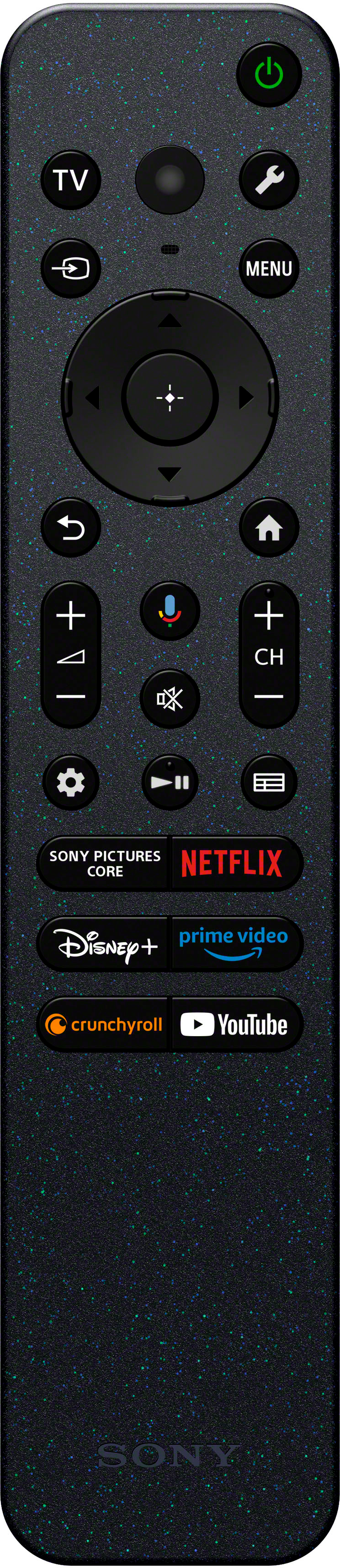
||Posted . Owned for 2 weeks when reviewed.This reviewer received promo considerations or sweepstakes entry for writing a review.Its great quality just odd have to purchase the remote separate
I would recommend this to a friendBrand response from SonyListens
Posted .Hi TurtleBeach, Thanks for the feedback. We're glad you like the quality of the TV. If you purchase the TV brand new, it should come with a Voice Remote Control. If you're missing the remote control, kindly reach out to your dealer. Hope this helps. Regards, -Craig
New Television
||Posted . Owned for 3 weeks when reviewed.This reviewer received promo considerations or sweepstakes entry for writing a review.Good TV. A little pricey. Geek squad installation excellent.
I would recommend this to a friendBrand response from SonyListens
Posted .Hi RogerB, Awesome! We are so glad to hear that you are happy with your new TV! Thank you for choosing Sony! -Carl