Customer Ratings & Reviews











- Model:
- K65XR80
- SKU:
- 10214353
Rating by feature
- Picture Quality
Rating 4.9 out of 5 stars
- Sound Quality
Rating 4.6 out of 5 stars
- Brightness
Rating 4.7 out of 5 stars
sony
||Posted . Owned for 3 weeks when reviewed.This reviewer received promo considerations or sweepstakes entry for writing a review.the remote could be bigger and more self explanitory
I would recommend this to a friendBrand response from SonyListens
Posted .Hi RodneyM,
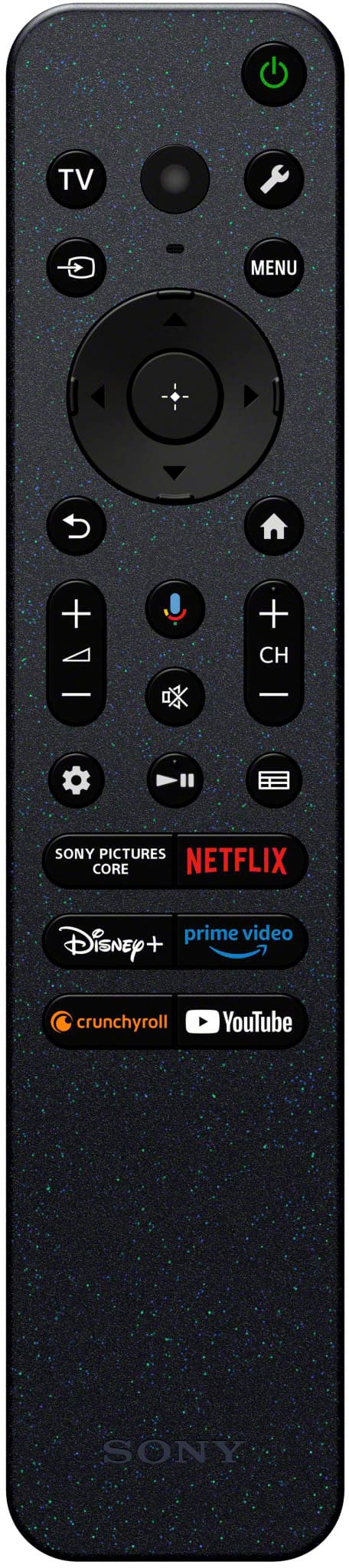
Amazing! It's wonderful to hear that you love the overall performance and smart Google TV features of your BRAVIA 8. Your feedback regarding the remote control is extremely important to us and is very much appreciated.
We do have good information about remote control buttons and available features for a Google TV on this link here: https://www.sony.com/electronics/support/articles/00260979
Thanks for giving the product a perfect rating and for choosing Sony! Enjoy! -Jess
Bravia 8
||Posted . Owned for 2 weeks when reviewed.This reviewer received promo considerations or sweepstakes entry for writing a review.Excellent tv. Great service in store and by the installers, geek squad
I would recommend this to a friendBrand response from SonyListens
Posted .Hi GaryP, We're glad that you are satisfied with the service and your purchase! We appreciate your feedback and thank you for choosing Sony. Erin
My new Sony 65” Bravia OLED tv is a lemon
||Posted . Owned for 4 months when reviewed.This reviewer received promo considerations or sweepstakes entry for writing a review.I have called Sony service several times to have them fix issues with my new Bravia 65” TV. The TV screen will freeze and then turn off and restart. This is happening 3 to 5 times daily. There are times that when I try to turn on the Television and tv is just a black screen, I have to unplug and the plug tv back in for it to turn on. Sometimes when trying to login to Hulu, it will not login. I have to unplug tv and then plug back in to be able to get Hulu to work. There have been 3 times that the tv will just start showing subtitles. I checked out all settings and nothing is turned on for subtitles. I had to uninstall Hulu and then reinstall Hulu to remove subtitles. My last phone call to Sony service on Saturday January 18, 2025 ended with Sony service informing me that I need to call back on Monday to speak to Sony customer relations about a replacement.
No, I would not recommend this to a friendBrand response from SonyListens
Posted .Hi FrancisC,
Thank you for bringing this matter to our attention. We apologize for the unexpected issues you are encountering with your TV, including its intermittent power cycling and random freezing. This is certainly not the buying experience we aim to provide for our customers, and we fully understand your frustration. We would like to examine your case more closely to gather additional details regarding your previous conversations during your call. We also recommend checking the downloads section of your model's support page regularly for updates on any improvements.
We are keen to assist you further. To facilitate this process, kindly email us at [email protected] with the following information:
Apologies if you disclosed some of this information in your review and to customer service, we just want to ensure that we have your accurate details at the time of communication.
Full Name:
Case ID (if any):
Best Buy Username:
Telephone Number:
Sony Model Number:
Additional Information regarding your experience with the BRAVIA 8:
You can also click the link below or call our Product Support directly at 239-245-6354.
https://us.esupport.sony.com/support/s/support-contact?language=en_US
Sincerely,
Jess
Perfect TV
||Posted . Owned for 1 week when reviewed.This reviewer received promo considerations or sweepstakes entry for writing a review.The salesman did a great job. This TV is perfect for my family.
I would recommend this to a friendBrand response from SonyListens
Posted .Hi NelsonHenderson Excellent service! We're also glad that you are enjoying your new TV. Thank you for choosing Sony. Erin
Smart TV not smart enough
||Posted . Owned for 3 weeks when reviewed.This reviewer received promo considerations or sweepstakes entry for writing a review.Had to call Sony help line within first 2 weeks. TV looped and required rebooting.
I would recommend this to a friendBrand response from SonyListens
Posted .Hi AnthonyB,
Thank you for sharing your experience. We’re sorry to hear about the initial challenges with your Sony BRAVIA 8 TV. Your feedback is important to us, and we’re glad you reached out to our support team for assistance. If you encounter any further issues, please don’t hesitate to contact us. We’re here to help!
Thank you for choosing Sony. -Maria
Happy happy happy
||Posted . Owned for 2 weeks when reviewed.This reviewer received promo considerations or sweepstakes entry for writing a review.Love the TV and the Geek Squad installation and instructions
I would recommend this to a friendBrand response from SonyListens
Posted .Hi CarlaM Great service! We're also glad that you are happy with your purchase. Thank you for choosing Sony. Erin
Unwanted functions occurs on its own
||Posted .This reviewer received promo considerations or sweepstakes entry for writing a review.Recently purchased this Bravia8 TV and it’s been a nightmare. The first day after it was installed I turned it off and went to the store. When I came back the tv was on. A few days later the tv would turn off and back on. Then it would turn off and reboot itself or try to turn on but would click on off on off etc. At times the picture would freeze yet you could still hear talking. Sony support instructions said to unplug it for 1 minute and plug in again. The picture is too dark. Night scenes of a movie you can barely see anything. I contacted Sony Support and the person helping me took over control of my remote and disabled a few things that were never turned on in the first place. She even attempted to brighten the screen. A couple days after that the tv started turning it self off and on again. Well that was it. I contacted Best Buy and purchased another tv (Samsung) in exchange for this one. I once thought Sony had one of the best tvs but not so much now. It’s quality has definitely changed. Best Buy understood my issues and assisted me with a smooth exchange.
No, I would not recommend this to a friendBrand response from SonyListens
Posted .Hi DanetteJ, We’re sorry to hear about your experience with the BTAVIA 8 TV. This isn’t the quality we strive for, and we appreciate you giving our support team the opportunity to assist. We understand how frustrating these issues must have been and regret that the TV didn’t meet your expectations. Your feedback is invaluable and helps us identify areas for improvement. While we’re glad Best Buy provided a smooth exchange, we hope to have the opportunity to earn your trust again in the future. Thank you for sharing your experience. -Maria
Sony Bravia 2024 does not work
||Posted . Owned for 3 weeks when reviewed.This reviewer received promo considerations or sweepstakes entry for writing a review.It has been almost a month since the Geek Squad set up my TV on 11/27 and it is still not working (sometimes no volume, or no picture). Another Geek Squad tried to re-program my Harmony on 12/5 but they did not have a computer with Windows. They said they would be back soon and I still haven't heard from them. I now have another Geek Squad appointment on 12/24. If they cannot get my Harmony set up we will have to explore returning it.
No, I would not recommend this to a friendBrand response from SonyListens
Posted .Hi SherylO,
Thank you for reaching out to us with your concern. We’re truly sorry to hear about the inconvenience you’re experiencing with your Sony BRAVIA 8 TV. This is not the experience we want for our customers, and we are committed to making it right for you.
To assist you better, we would appreciate any additional details regarding your setup and the issues you’re facing.
Please email the below information to [email protected].
Apologies if you disclosed some of this information in your review and to customer service, we just want to ensure that we have your accurate details at the time of communication.
Full Name:
Best Buy Username:
Telephone Number:
Sony TV Model Number:
Additional Information regarding your experience with your BRAVIA TV:
Thank you for your patience, and we look forward to improving your experience!
Sincerely,
Maria
- Pros mentioned:Picture quality
Picture quality if good....support is awful
||Posted . Owned for 7 months when reviewed.This reviewer received promo considerations or sweepstakes entry for writing a review.The picture quality is absolutely terrific....when the tv is not randomly shutting itself off. 3 phones calls to Sony support and still no solution. I will NEVER buy another Sony TV again. Geek Squad is completely useless until the TV is out of the manufacturer's warranty. So I have to deal with a broken TV for a year before anything can be done about it.
No, I would not recommend this to a friendBrand response from SonyListens
Posted .Hi Hewi, we're genuinely sorry to hear about the issues you've experienced with your Sony - BRAVIA 8. While we're glad the picture quality has impressed you, the random shut-offs are certainly not what we want for our customers. We apologize that your previous support calls haven't resolve the problem. Please allow us to evaluate your case and make this right for you. You can email the information below to [email protected] so we can work closely with you to find a solution.
Full Name:
Best Buy username:
Telephone Number:
Model Number:
Issue/Concern:
Case number:
We appreciate your feedback, and thank you for considering Sony products!
Best regards,
Dominick
Miss Apple functions
||Posted .This reviewer received promo considerations or sweepstakes entry for writing a review.Tv works great but Apple TV function does not allow purchases and does not support Apple casting - need to buy an Apple TV box to really use it correctly.
I would recommend this to a friendBrand response from SonyListens
Posted .Hi, TomH,
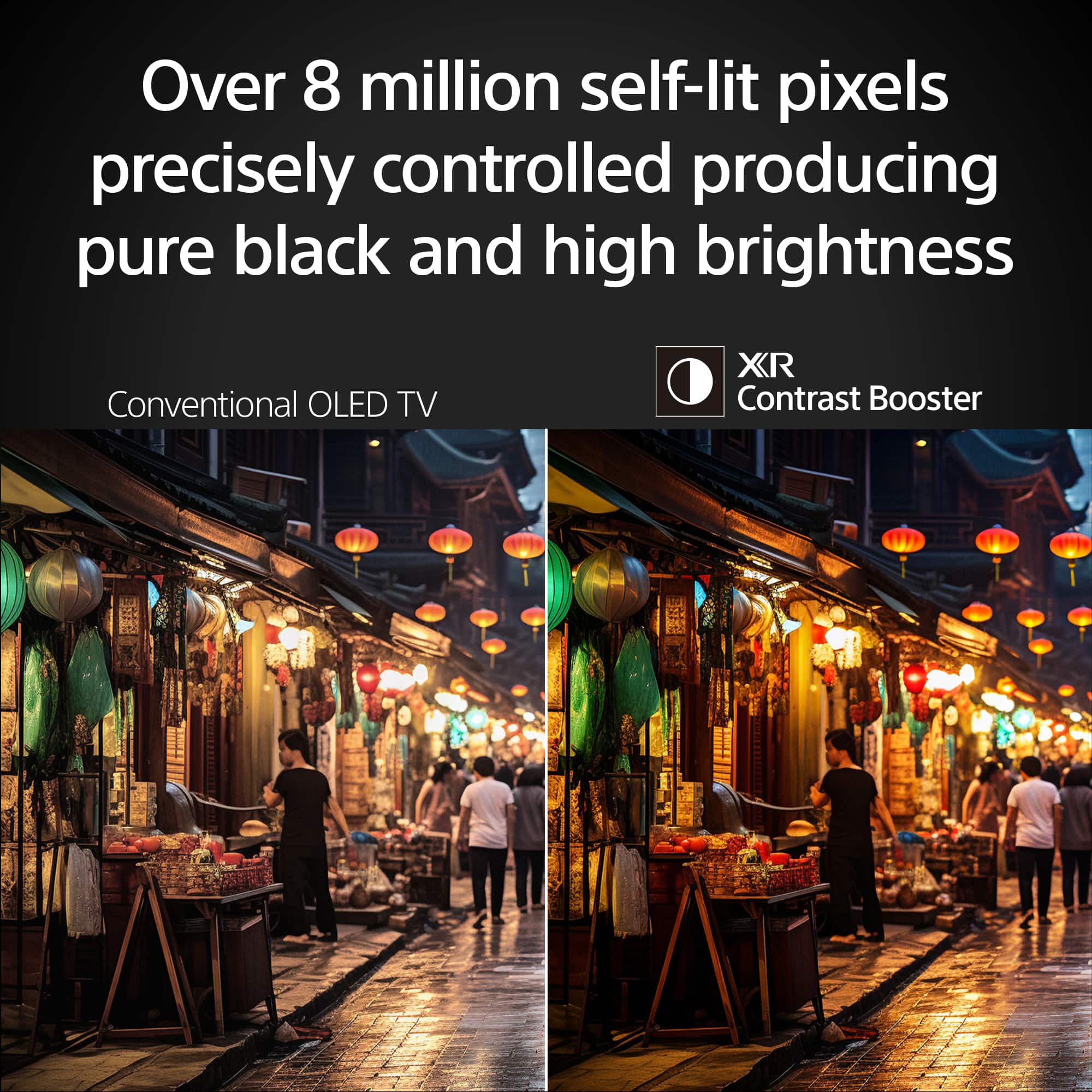
Thanks for the review and the thought regarding the apple casting function. We appreciate feedback and it definitely will be taken in consideration for future references. Although, we are delighted to hear that your BRAVIA is delivering as expected. Delivering over 8 million self-lit pixels, which are precisely controlled to produce pure black with high brightness.
Thanks for choosing Sony, have a nice day!
-DiegoV
Trash
||Posted . Owned for 11 months when reviewed.This reviewer received promo considerations or sweepstakes entry for writing a review.This product is crap, and when it broke a week ago, 10 months into ownership, Sony customer service and warranty claim was a complete and utter joke. Best Buy support that we pay extra for was a bigger joke. We will never purchase another Sony product again and will never purchase another electronic item from Best Buy. Amazon and their third party warranties provide a much easier, seamless and less troublesome experience. Sony and Best Buy together are a dumpster fire.
No, I would not recommend this to a friendReturned
||Posted . Owned for 1 month when reviewed.This reviewer received promo considerations or sweepstakes entry for writing a review.The sound bar wouldn’t hook up so it was returned.
No, I would not recommend this to a friend1. Remaining silent
||Posted . Owned for 1 month when reviewed.This reviewer received promo considerations or sweepstakes entry for writing a review.My television consistently fails to stay on mute when I activate the mute function. Every time I press a button on the remote, it automatically unmutes itself, which is incredibly frustrating. I expect the TV to remain muted until I choose to turn it off, not to resume sound every time I interact with the remote. This issue needs to be addressed.
No, I would not recommend this to a friendBrand response from SonyListens
Posted .Hello MREXCEXPT,
Thank you for your feedback regarding the BRAVIA 8 television. We apologize for the frustration you're experiencing with the mute function. This is certainly not the user experience we intend to provide, and we are going to be more than glad to help you out finding a resolution.
On the meantime, there might be a few troubleshooting steps we can recommend, such as:
1. Restart the TV
You would need to press and hold the power button on the remote control for a few seconds until the option pops out on the TV's screen. After you press restart, and you wait until the TV is back on, we recommend trying out to see if the problem persists
2. Power reset your TV
For this step, you need to unplug the TV from the power source for around 2 minutes. After that, the TV should be coming back on and you should be able to test it out.
3. Check for Software updates.
Sometimes, some minor bugs like this one, are due to a missing software update on the TV's system. Please, navigate to Settings > About > System > Software Update. If there is any firmware update pending we highly recommend installing it a testing the mute again.
In case the problem persists even after all the troubleshooting steps, make sure to reach out to our technical support team at: https://us.esupport.sony.com/support/s/support-contact?language=en_US&category=tv.
Thanks for choosing Sony, have a nice day.
DiegoV
Keeps turning off! Do not buy! BestBuy unless too!
||Posted . Owned for 2 weeks when reviewed.This reviewer received promo considerations or sweepstakes entry for writing a review.The TV keeps turning off. Troubleshooting didn't help. Power/energy saving setup also didn't help. I just passed 14 days return policy at Best Buy. Just one day. And besbuy doesn't want to even exchange the TV for another one. DO NOT BUY FROM BEST BUY. And yes, do not buy this $2000 TV.
No, I would not recommend this to a friendBrand response from SonyListens
Posted .Hi Matias, We are sorry to hear about what happened with your Sony TV. We'd love to troubleshoot the issue and make this a better experience for you. May we contact you to help? If so, please email the below information to [email protected]
Apologies if you disclosed some of this information in your review and to customer service, we just want to ensure that we have your accurate details at the time of communication.
Full Name:
Username:
Telephone Number:
Model Number:
Issue:
Regards,
Carl
Poor Software
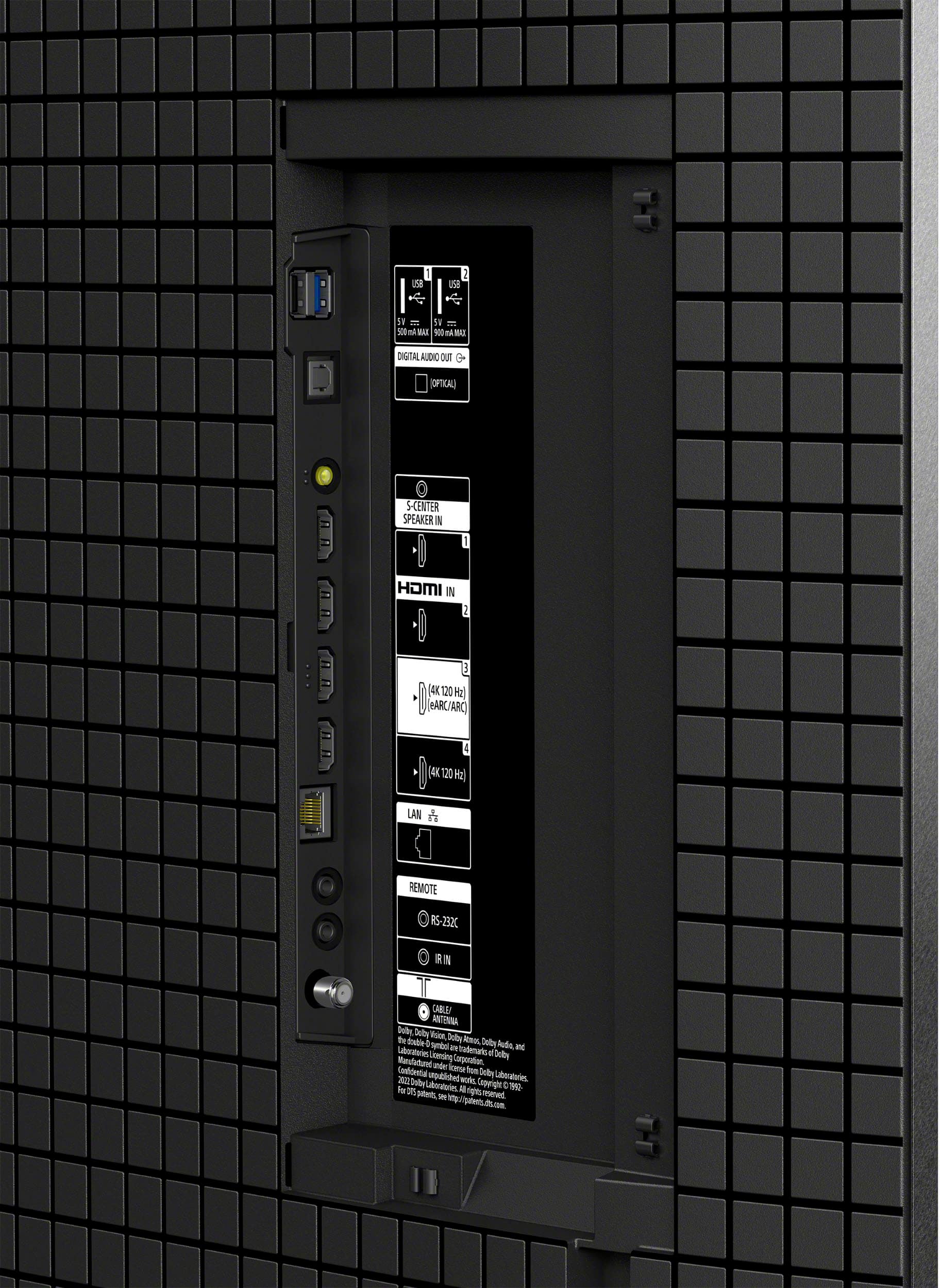
||Posted . Owned for 1 month when reviewed.This reviewer received promo considerations or sweepstakes entry for writing a review.Do not buy. Poor software. HDMI 4 advanced enhanced format doesn't work, screen freezes up. tv startup is annoying, last used input at startup doesn't work properly, it does go to your last input, but then tv reboots and you have to wait about a minute for it to work.
No, I would not recommend this to a friendBrand response from SonyListens
Posted .Hi Good,
Thank you for your feedback. I'm sorry to hear about the issues you're experiencing with your TV. Here are some steps that might help resolve the problems:
1. HDMI 4 Advanced Enhanced Format Issue:
a. Ensure you are using a Premium High-Speed HDMI cable that supports 18Gbps.12
b. Connect the HDMI cable to the 4K compatible HDMI port on the TV.
c. Set the HDMI signal format to Enhanced format. You can do this by accessing the Settings screen:
c.1 Press the HOME button on the remote.
c.2 Select Settings.
c.3 Select External inputs in the TV category.
c.4 Select HDMI signal format and set it to Enhanced format.
2. Screen Freezes:
a. Perform a power reset by turning off the TV, unplugging the power cord for two minutes, and then turning it back on.
b. Restart the TV using the remote control by pressing and holding the POWER button until a menu appears, then select Restart.
c. Install all pending updates from the Google Play Store: Press the HOME button on the remote.
c.1 Go to Apps and select Google Play Store.
c.2 Install all pending updates.
d. Clear the data and cache of the streaming app:
d.1 c.4 Press the HOME button.
d.2 Select Settings.
d.3 Select Apps → See all apps.
d.4 Select the appropriate application.
d.5 Select Clear data and Clear cache.
3. TV Startup and Input Issues:
a. Ensure the TV software is up to date.
b. If the problem persists, consider performing a factory data reset. Note that this will remove all TV customer settings, including apps, channels, and wireless network settings.
For further assistance, please email the below information to [email protected]. Apologies if you disclosed some of this information in your review and to customer service, we just want to ensure that we have your accurate details at the time of communication.
Full Name:
Best Buy Username:
Telephone Number:
Sony TV Model Number:
Additional Information regarding your experience with the BRAVIA 8
We are sorry for the inconvenience and hope to speak to you to resolve this matter.
Sincerely,
Maria
- Pros mentioned:Picture quality
Getting a new one
||Posted . Owned for less than 1 week when reviewed.This reviewer received promo considerations or sweepstakes entry for writing a review.After about a month the tv started acting up, we have to have it replaced. Before going bad we really liked it!
I would recommend this to a friendBrand response from SonyListens
Posted .Hello Joey,
Thank you for considering Sony products. We sincerely regret to learn that your K-65XR80 TV began to experience problems after just a month of use and required replacement, particularly since you were enjoying it so much prior to the issues.
This is certainly not up to the quality standards we strive for, and we appreciate you taking the time to share your feedback. Rest assured, we will forward your comments to our dedicated Sony team for their review as we continue to work diligently to improve our products.
Best regards,
-Fred
Stopped working after 11 months
||Posted . Owned for 11 months when reviewed.This reviewer received promo considerations or sweepstakes entry for writing a review.After 11 months, TV stopped working. 3 blinking red lights is all it does. I didn't notice a better picture from LED and oled is a darker picture. Sony support is horrible. After 2 days, they say they have a repair company and parts are sent. Then the next day they emaied saying they are looking for a service company and parts will be sent when they locate one. It'll be a least a week before it's repaired.
No, I would not recommend this to a friendBrand response from SonyListens
Posted .Thank you for sharing your feedback, Mike.
We are truly sorry to hear that your K-65XR80 television failed after only 11 months, displaying the three flashing red lights, and we sincerely apologize for the frustrating and confusing experience you have had with our support and repair process.
We understand your disappointment regarding the time it is taking to coordinate the repair, and we are especially sorry for the conflicting information you received about the service company and parts. This lack of clarity is unacceptable, and we regret that we have not met your expectations for prompt and seamless customer service.
Please know that we take your satisfaction and this repair delay seriously. To allow us to look into your specific service case and help expedite the process, we kindly ask that you email us at [email protected] with the following information:
- Name
- Username
- Model Number
- Telephone Number
- Case number
We also note your comments regarding the picture quality comparison to LED and OLED technologies. We are sorry to hear the XR80 did not provide the improvement you expected. Our goal is always to deliver a premium viewing experience, and we value this feedback for future product development.
We are committed to resolving this repair for you as quickly as possible. Thank you for your patience and for bringing this to our attention.
Best regards, Gus, Sony Social Media Team
Disappointed and sad
||Posted . Owned for 2 weeks when reviewed.This reviewer received promo considerations or sweepstakes entry for writing a review.The salesman who sold me this television set told me it weighed 37 pounds I don’t know the weight of it but it doesn’t weigh 37 pounds. I had a Soni Bravia before this Tv it lasted 5 years! This set is lower quality than the old set I would never recommend your stuff to a friend of mine.
No, I would not recommend this to a friendGood TV. Not comparable with Soundbar.
||Posted . Owned for 1 month when reviewed.This reviewer received promo considerations or sweepstakes entry for writing a review.Wasn’t comparable and did not work with the JBL soundbar purchase, so had to return the soundbar. Was told the bestbuy card was not a credit card, but that was a lie by the store employee at Beavercreek.
I would recommend this to a friendBrand response from SonyListens
Posted .Hi Lkflygirl,
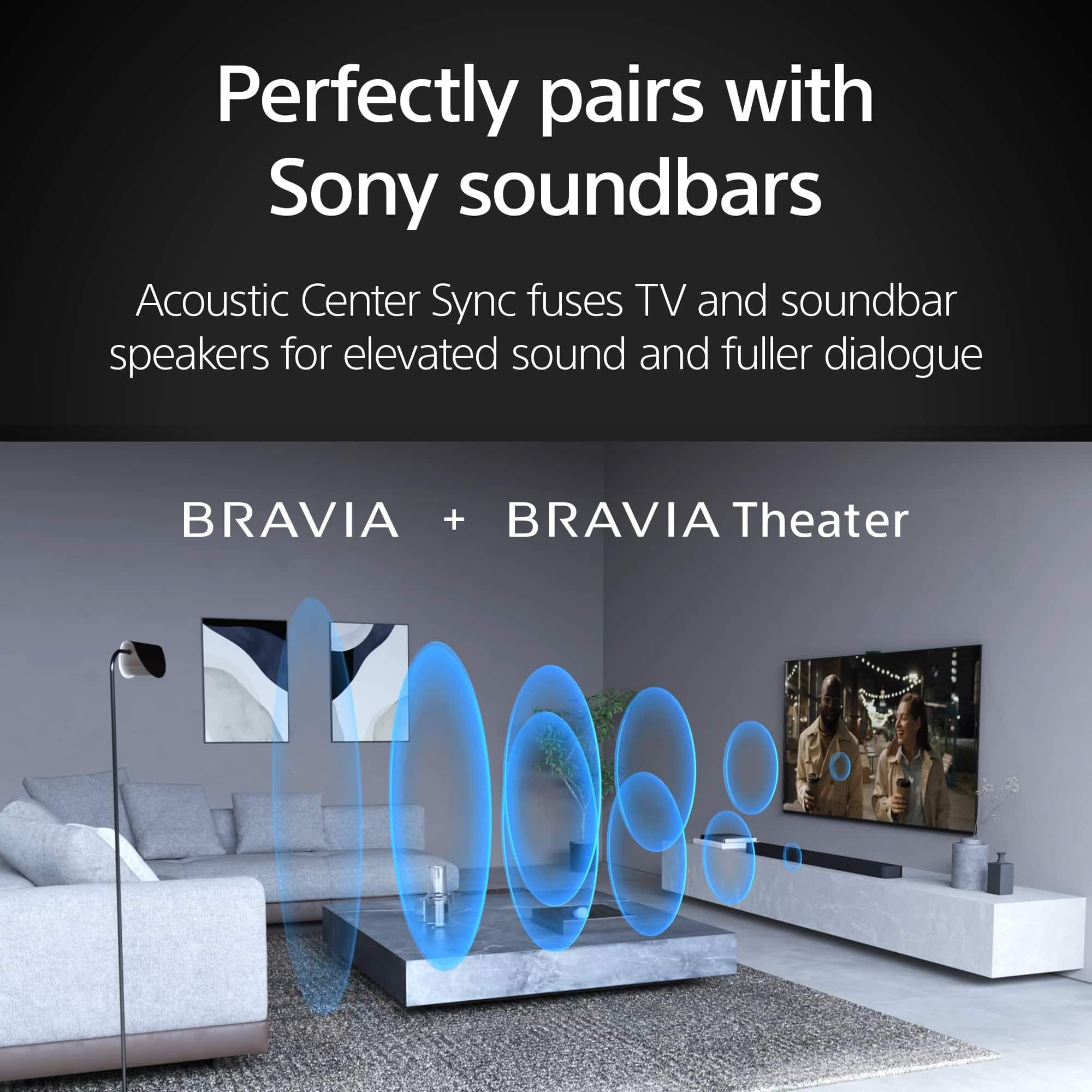
We're sorry to hear about your experience with the compatibility issues between the BRAVIA 8 TV and your JBL soundbar, leading to the return. We appreciate you taking the time to share this feedback. Regarding the Best Buy card issue, we recommend discussing this directly with Best Buy customer service to clarify and resolve the misinformation you've encountered. The method of connecting the TV to the soundbar may vary depending on the specific models in use. For the best connection options, please refer to the following link:
https://www.sony.com/electronics/support/televisions-projectors-oled-tvs-android-/k-65xr80/articles/00231150
Thank you for your input, and we hope you find a suitable audio solution for your BRAVIA 8 TV.
Regards,
Jess
I wish I could love it!
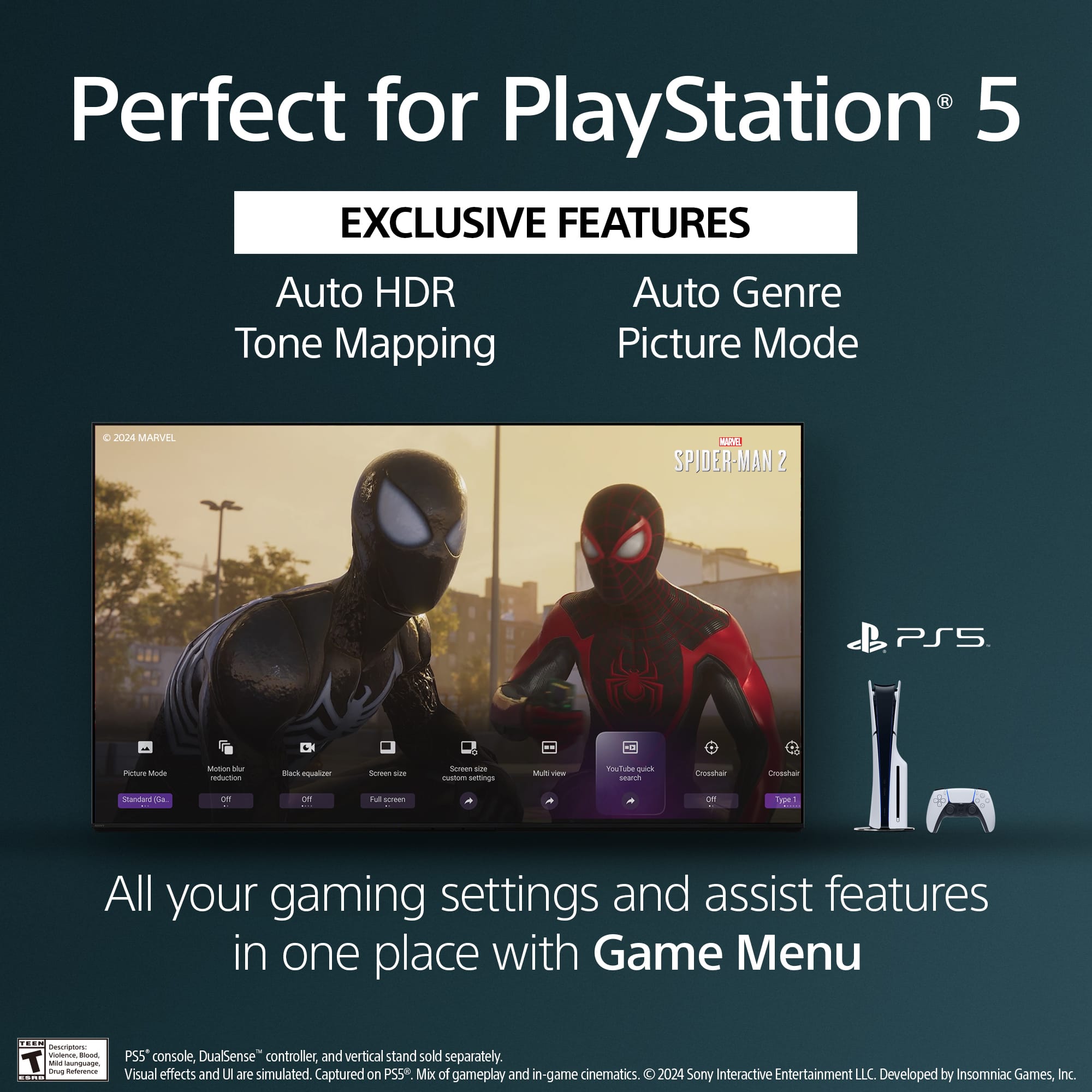
||Posted . Owned for 1 week when reviewed.This reviewer received promo considerations or sweepstakes entry for writing a review.I wanted to love this tv. I did purchase an open box in "excellent condition" by geek squad. Hdmi ports, regardless of which one, my ps5 would make popping noise, and static noise! Secondly in certain scenes, there is picture shuttering. Lastly the picture too dark for my liking, besides that I loved the picture. I personally ended up returning it. The sound is just ok, nothing fantastic.
No, I would not recommend this to a friendBrand response from SonyListens
Posted .Hi Jonnyenoch, We sincerely apologize for the inconvenience you encountered with your TV and fully understand how frustrating this situation can be. We appreciate your feedback regarding your Sony BRAVIA 8 TV, and we hope to have the chance to regain your trust in the future. Thank you for sharing your experience. Sincerely, Maria