Customer Ratings & Reviews
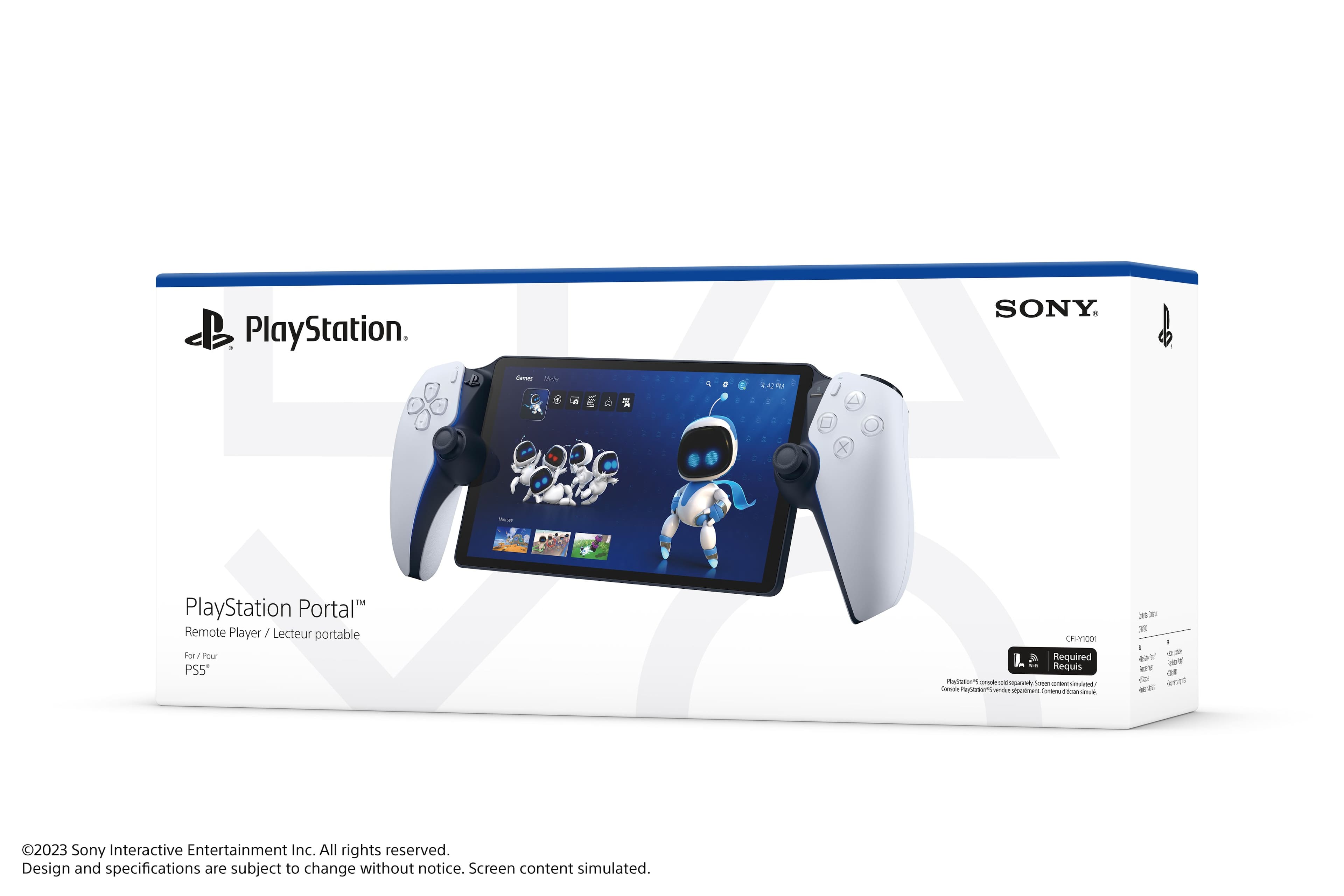
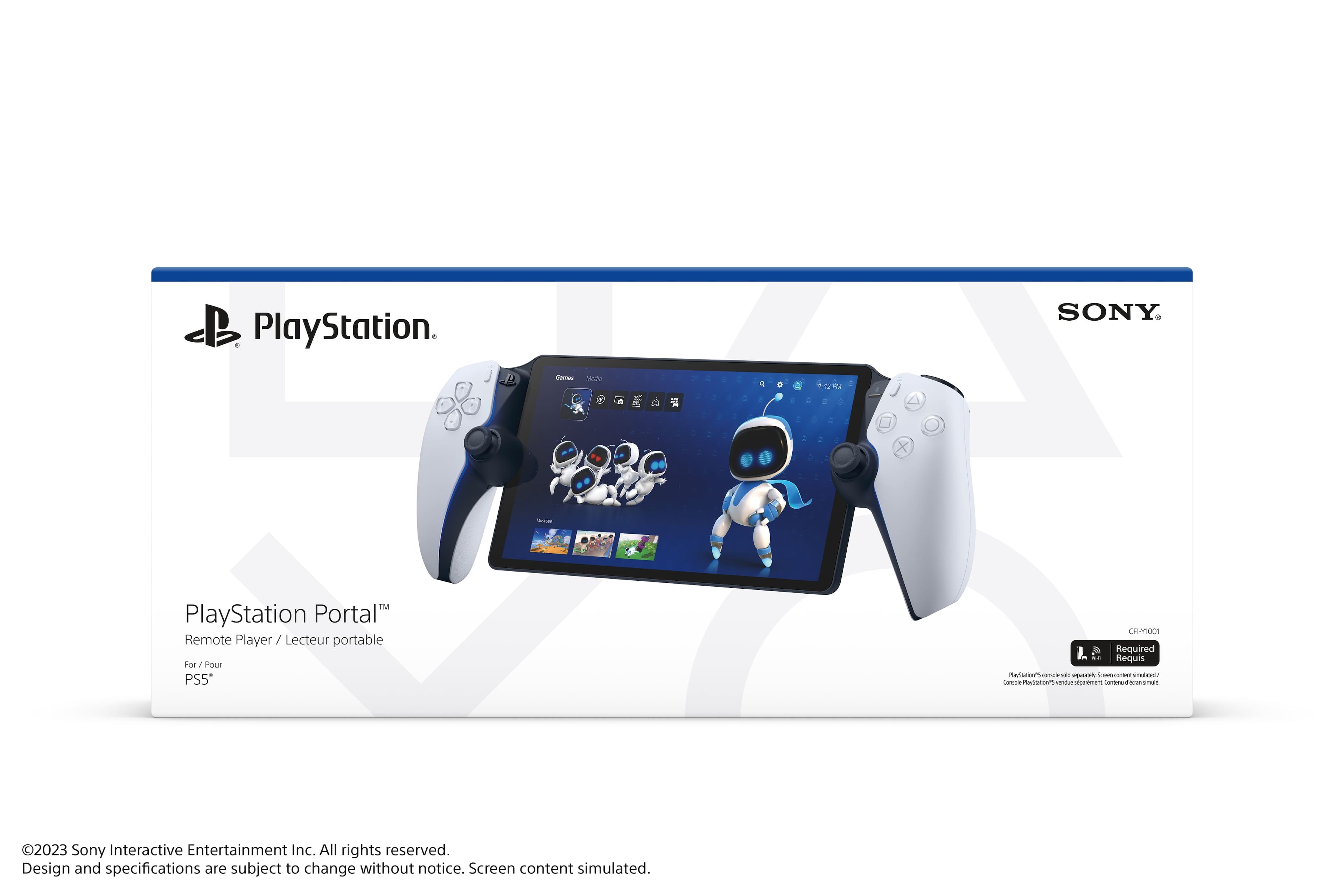
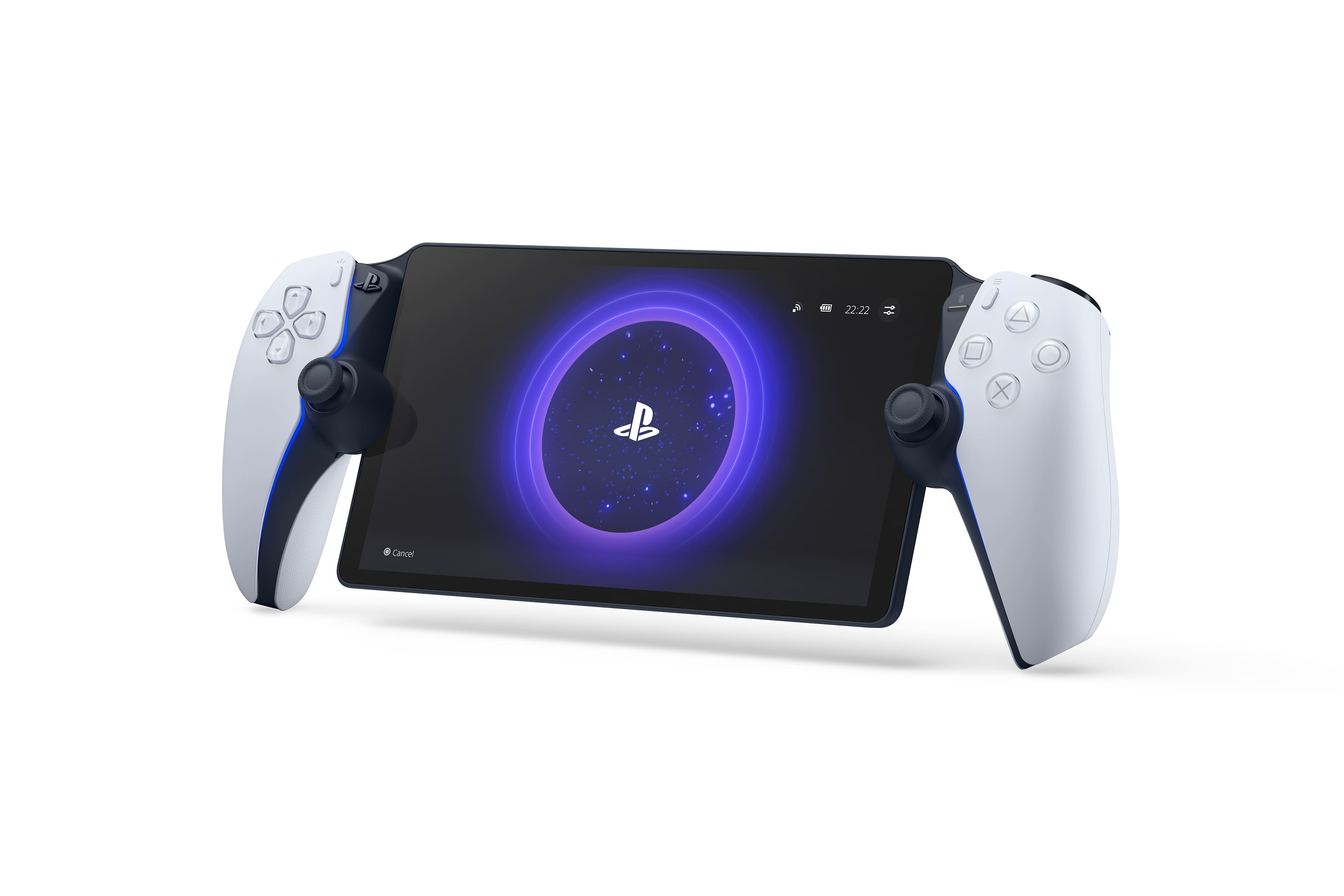
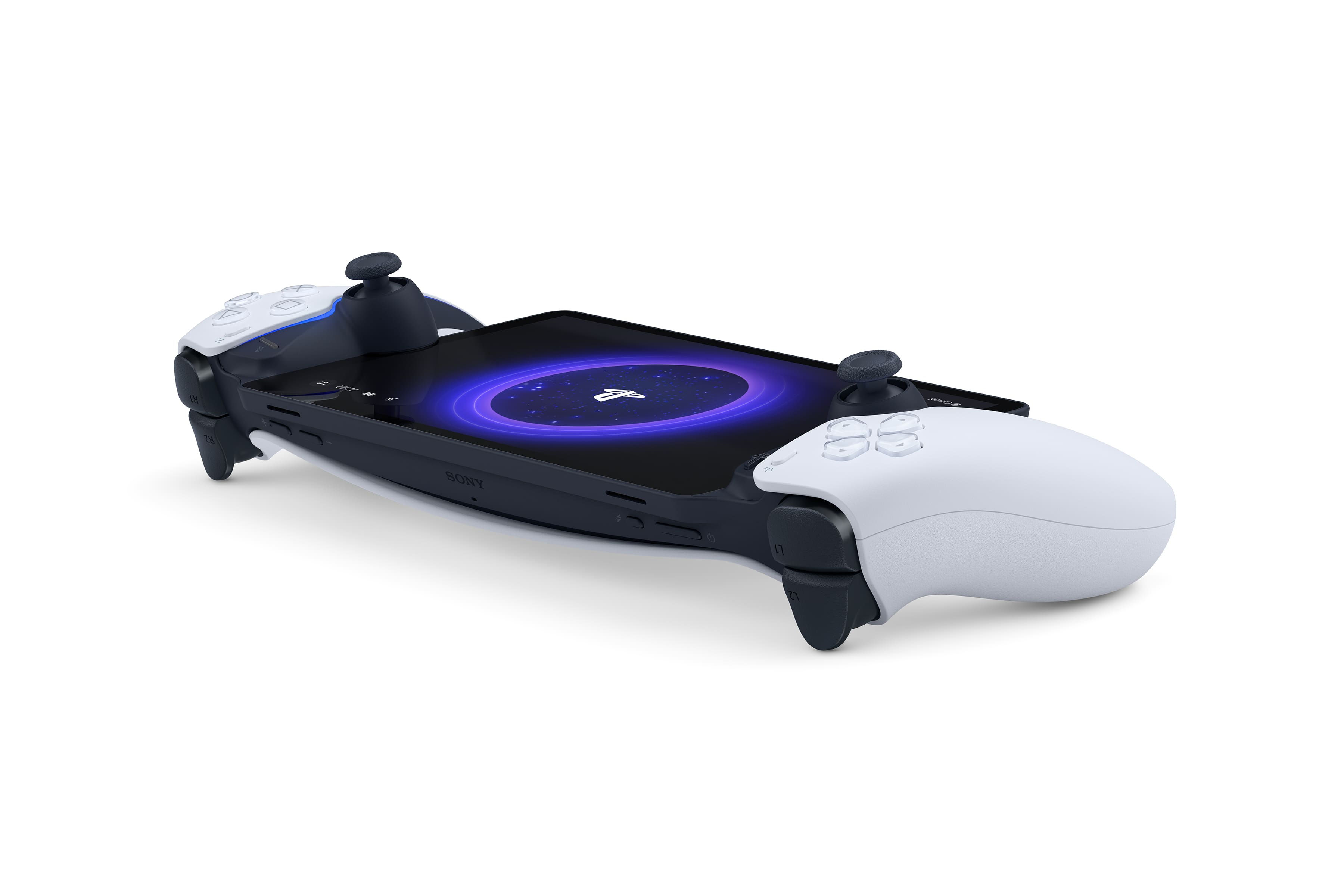
- Model:
- 1000041319
- |
- SKU:
- 6562576
Customer reviews
Rating 4.5 out of 5 stars with 5817 reviews
(5,817 customer reviews)Rating by feature
- Value4.5
Rating 4.5 out of 5 stars
- Quality4.6
Rating 4.6 out of 5 stars
- Ease of Use4.6
Rating 4.6 out of 5 stars
Customers are saying
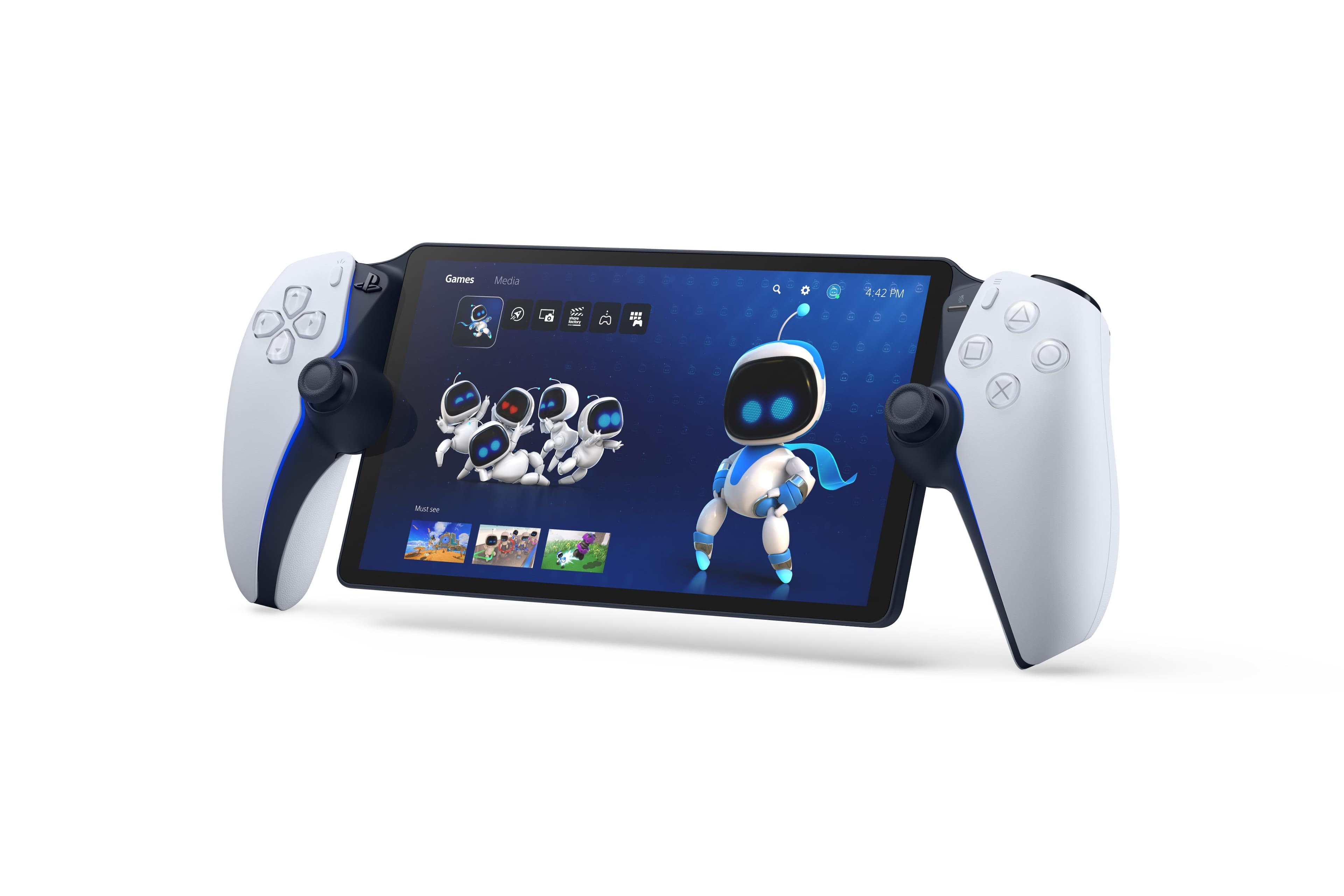
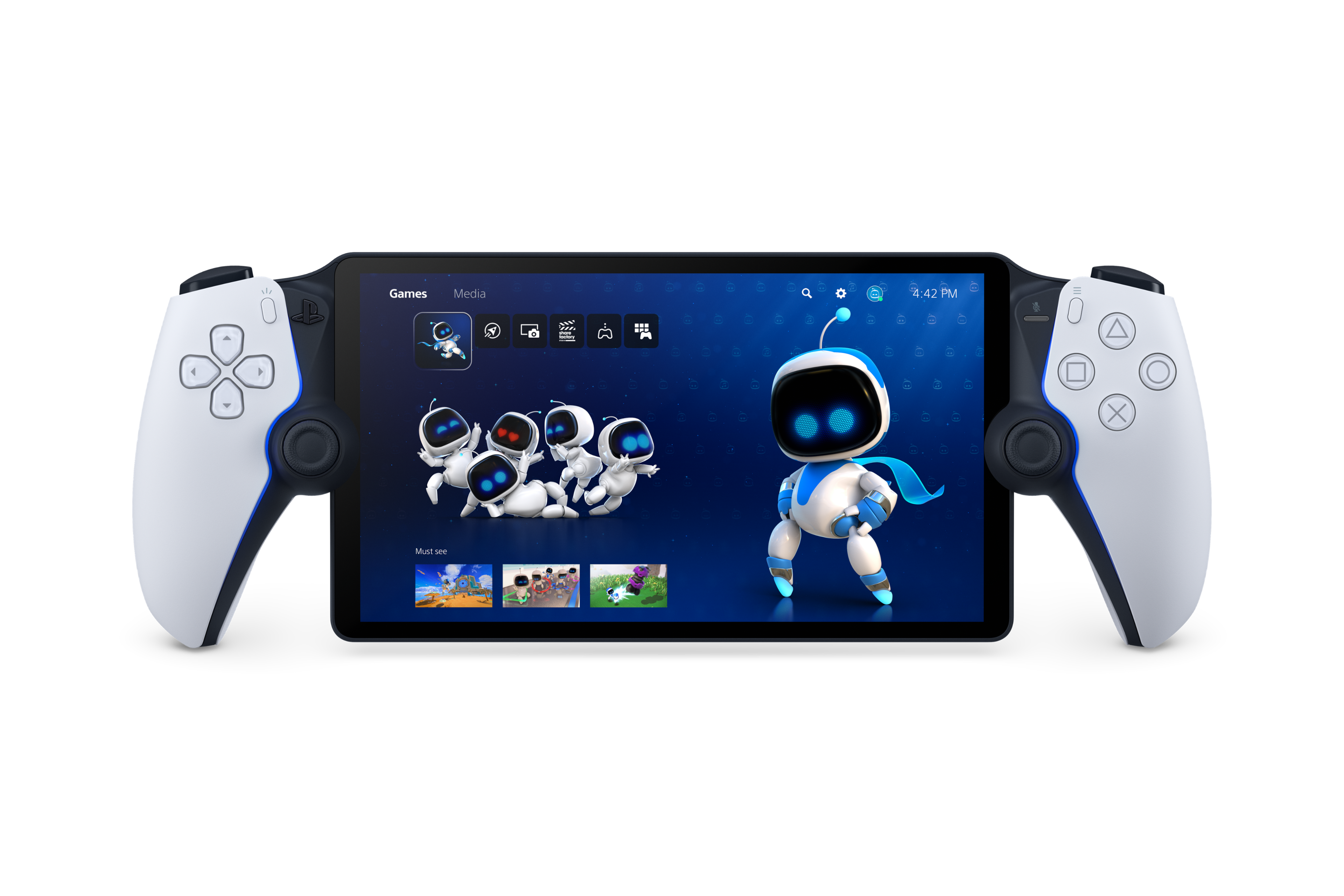
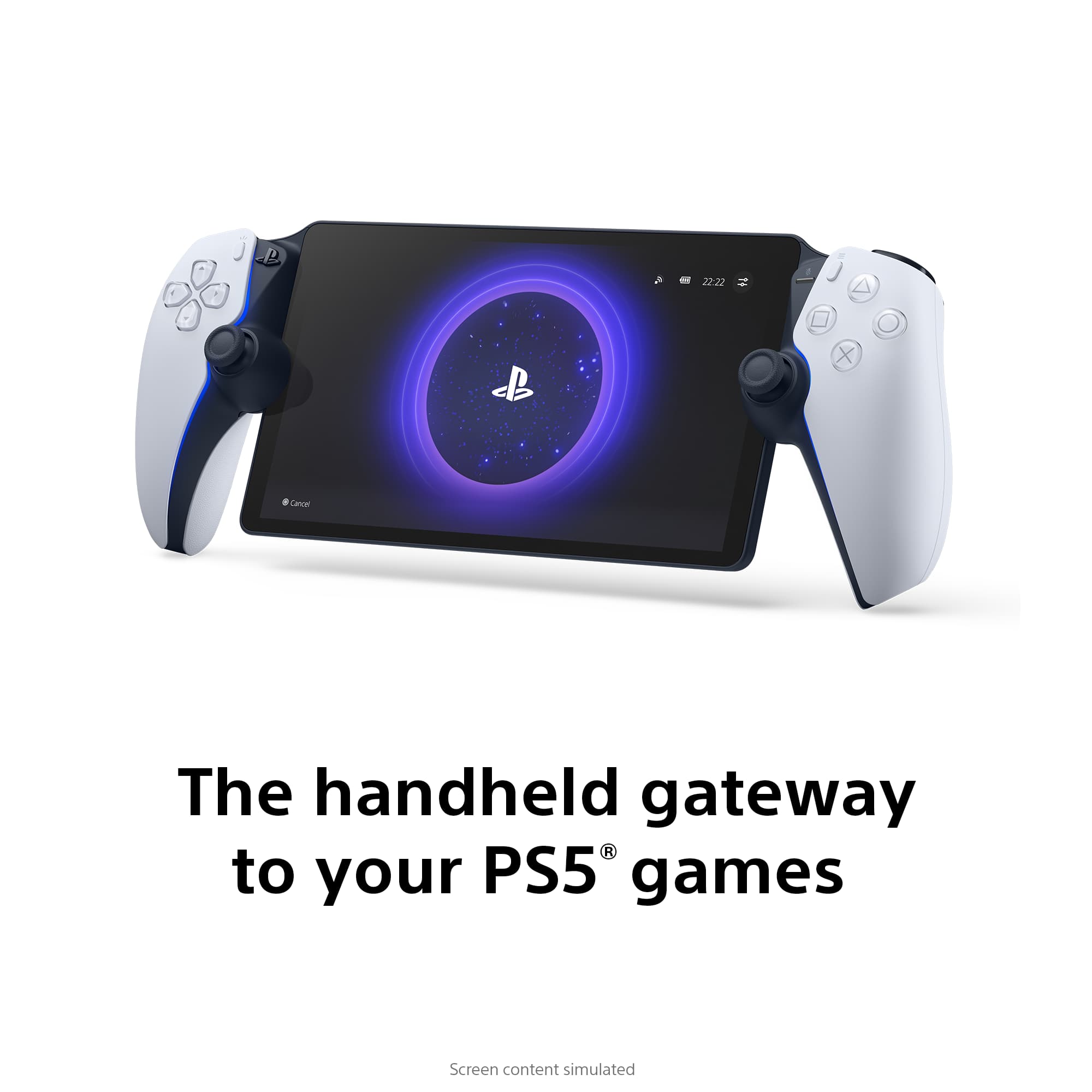
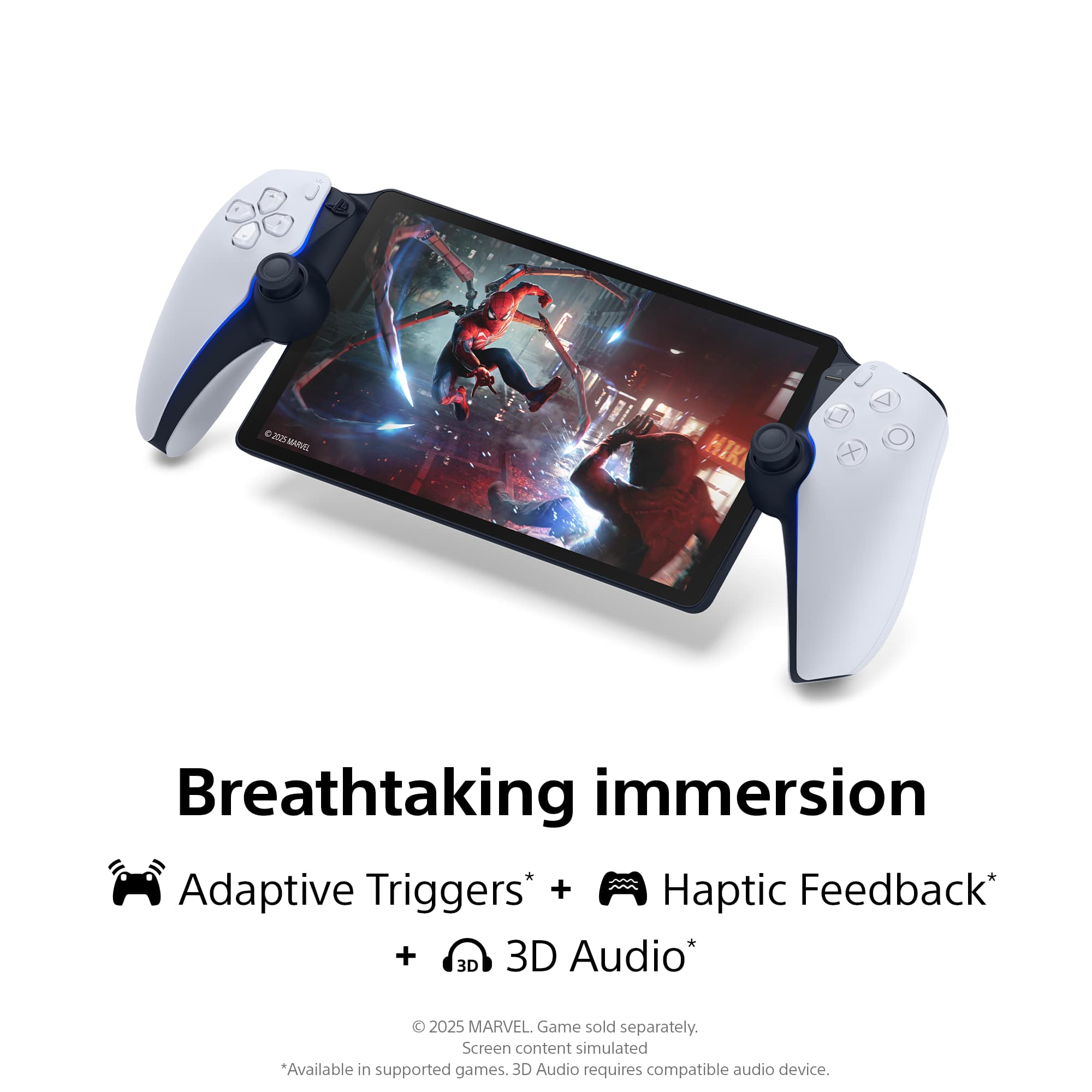
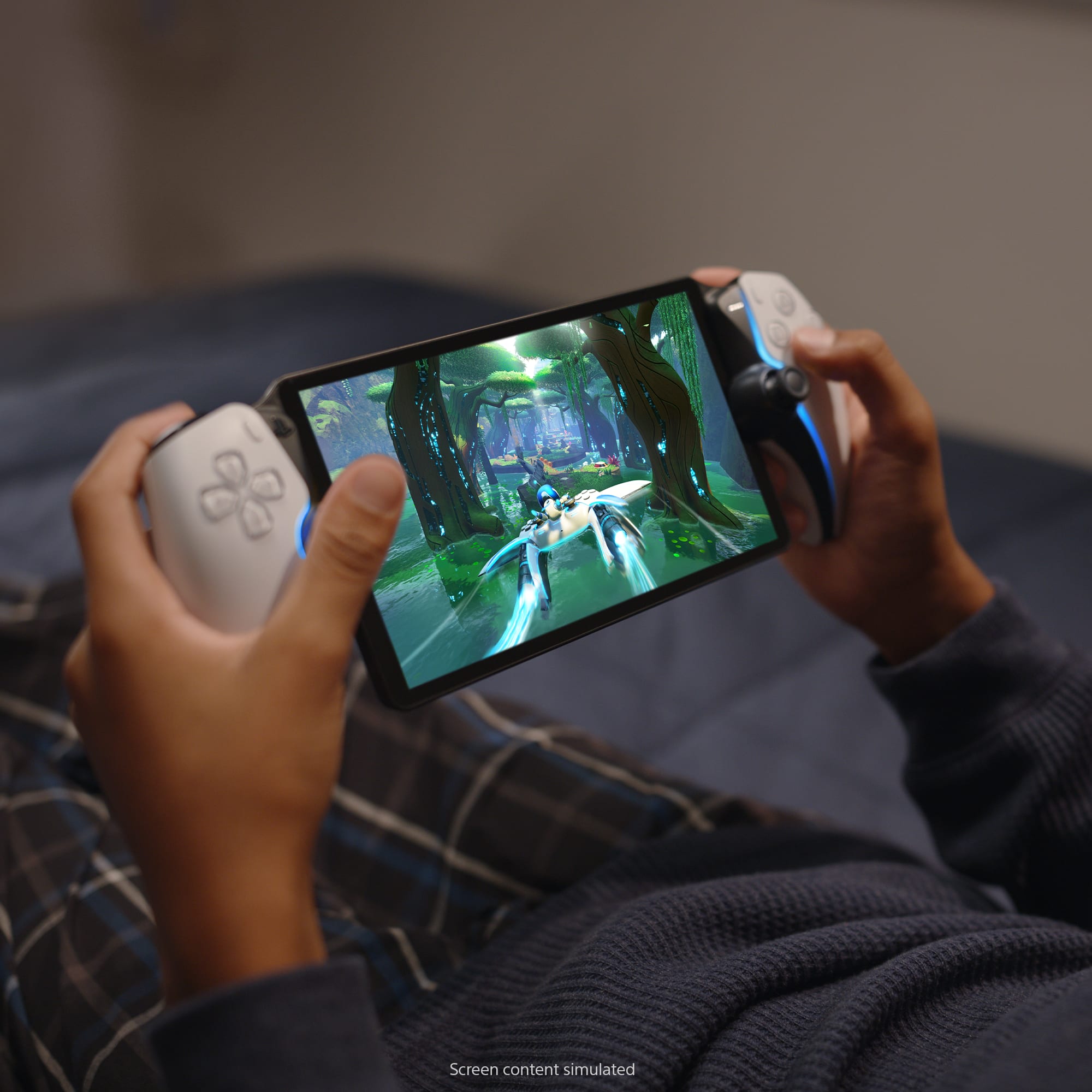
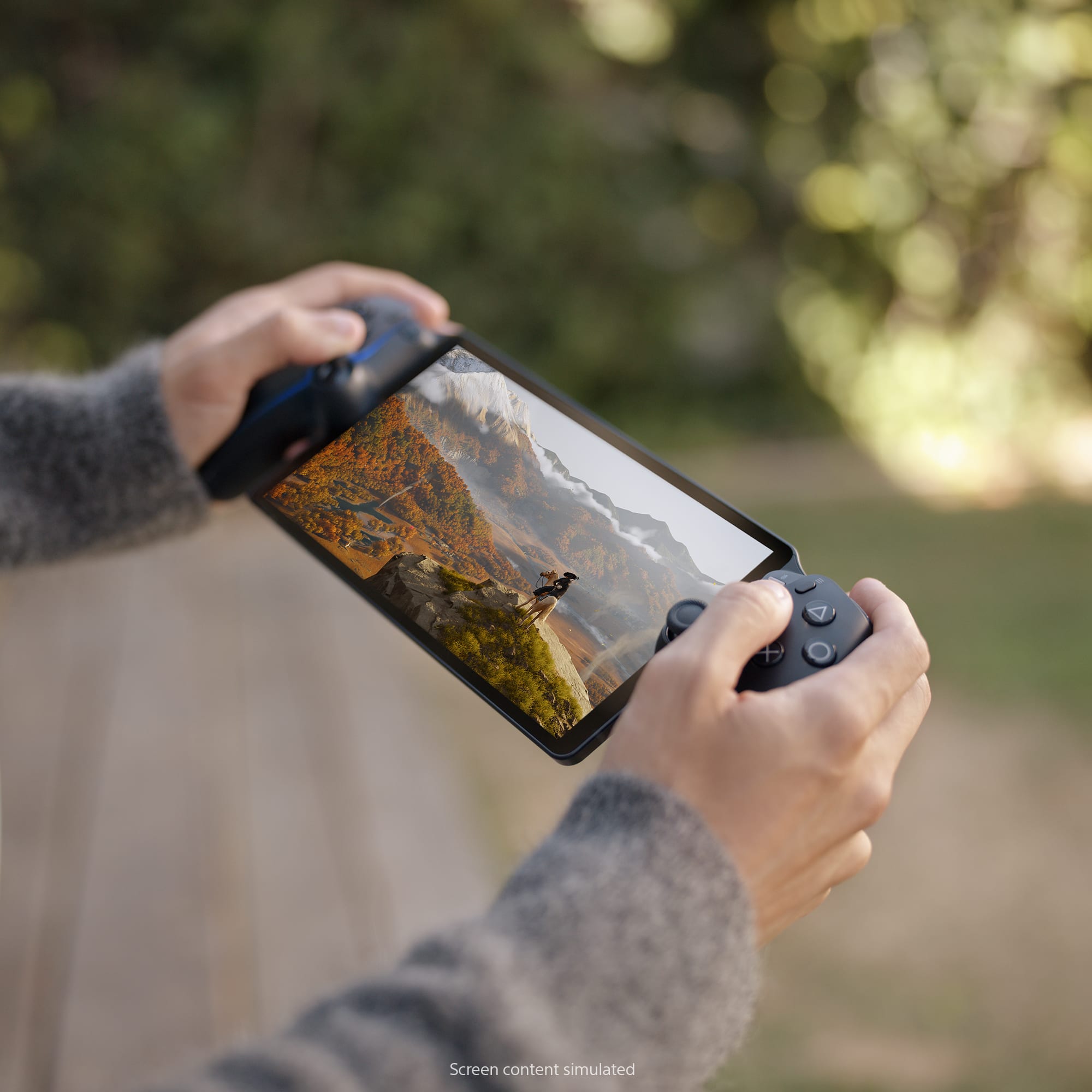
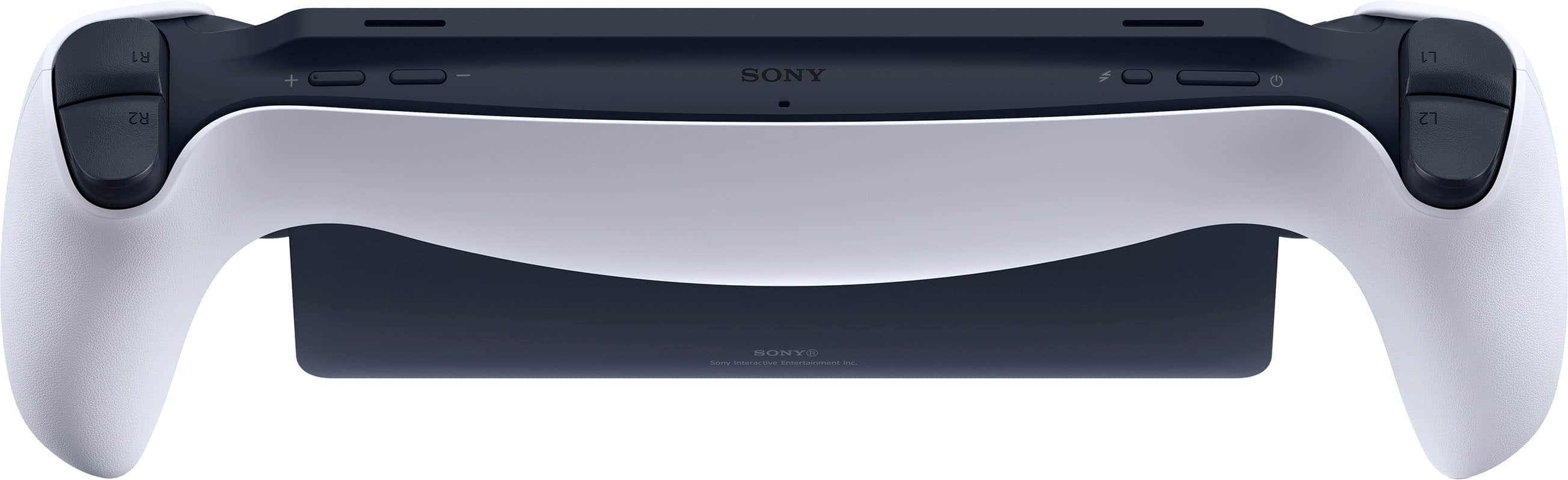
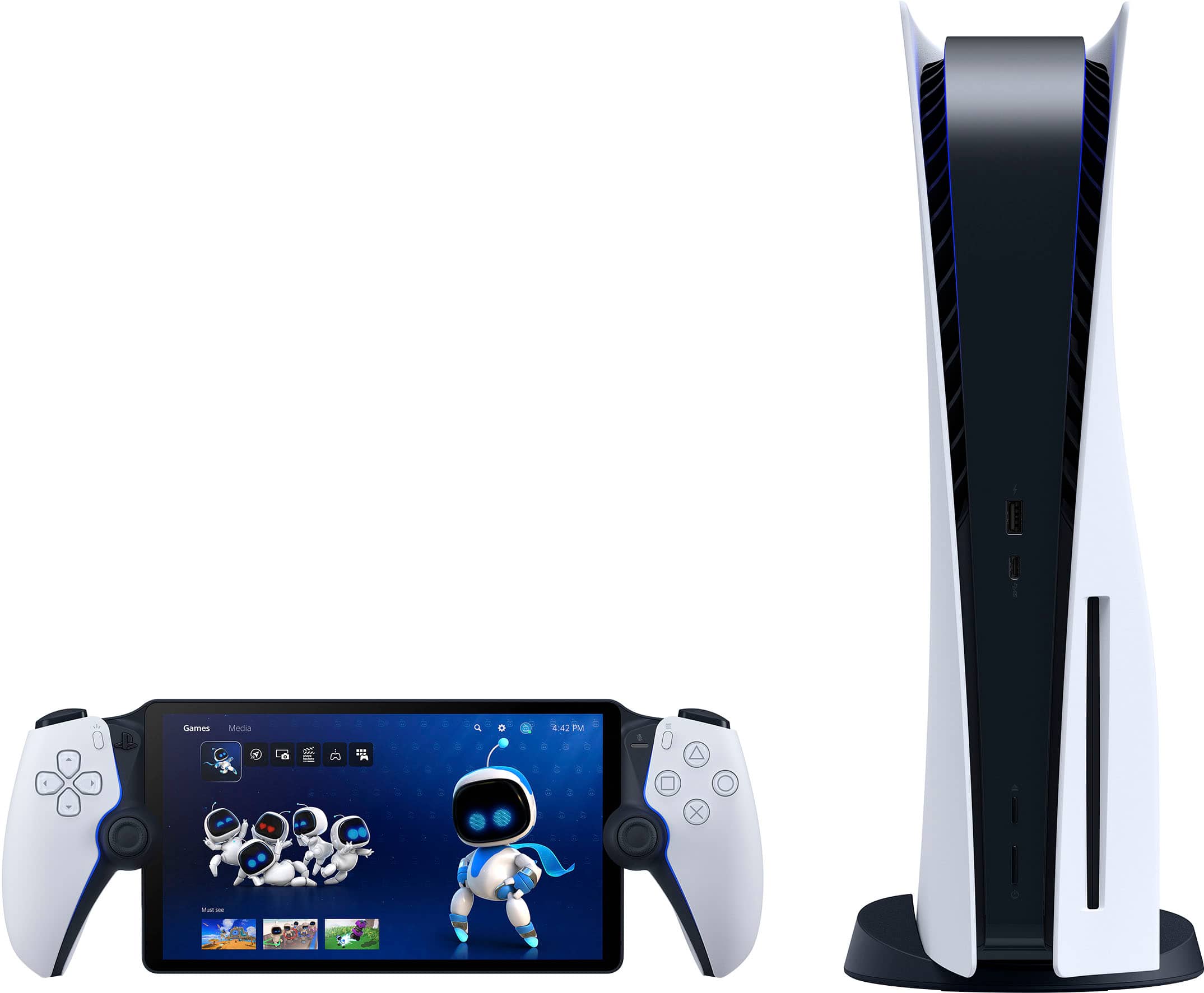
Customers often highlight the PlayStation Portal Remote Player's overall performance, screen quality, and portability as significant advantages. Many find the device comfortable to hold and appreciate its lightweight design. However, some customers have expressed concerns about connectivity issues, occasional lag, and frame rate variations depending on internet connection stability. Despite these drawbacks, the device's battery life is generally considered satisfactory.
This summary was generated by AI based on customer reviews.
- Cons mentioned:Connectivity
Rated 5 out of 5 stars
PS Portal
||Posted .This reviewer received promo considerations or sweepstakes entry for writing a review.Awesome device! Great for playing remotely as long as your main console is connected by Ethernet. WiFi can make difficult..
This review is from Sony Interactive Entertainment - PlayStation Portal Remote Player - Midnight Black
I would recommend this to a friend - Cons mentioned:Connectivity
Rated 4 out of 5 stars
Pretty good
||Posted .This reviewer received promo considerations or sweepstakes entry for writing a review.Love the ability to use it anywhere. Only problem is some connection stability issues depending on your home WiFi strength. Also wish there’s more options for cloud gaming.
This review is from Sony Interactive Entertainment - PlayStation Portal Remote Player - Midnight Black
I would recommend this to a friend Rated 5 out of 5 stars
Good console
||Posted . Owned for 2 weeks when reviewed.This reviewer received promo considerations or sweepstakes entry for writing a review.Not heavy, it’s comfortable and nice model but you need a good internet connection for the console work at 100%.
I would recommend this to a friend- Pros mentioned:Screen quality
Rated 4 out of 5 stars
Very good
||Posted .This reviewer received promo considerations or sweepstakes entry for writing a review.build quality is great so is the screen but definitely make sure you have good internet if you plan on streaming from your PS5
This review is from Sony Interactive Entertainment - PlayStation Portal Remote Player - Midnight Black
I would recommend this to a friend Rated 5 out of 5 stars
GAME CHANGER
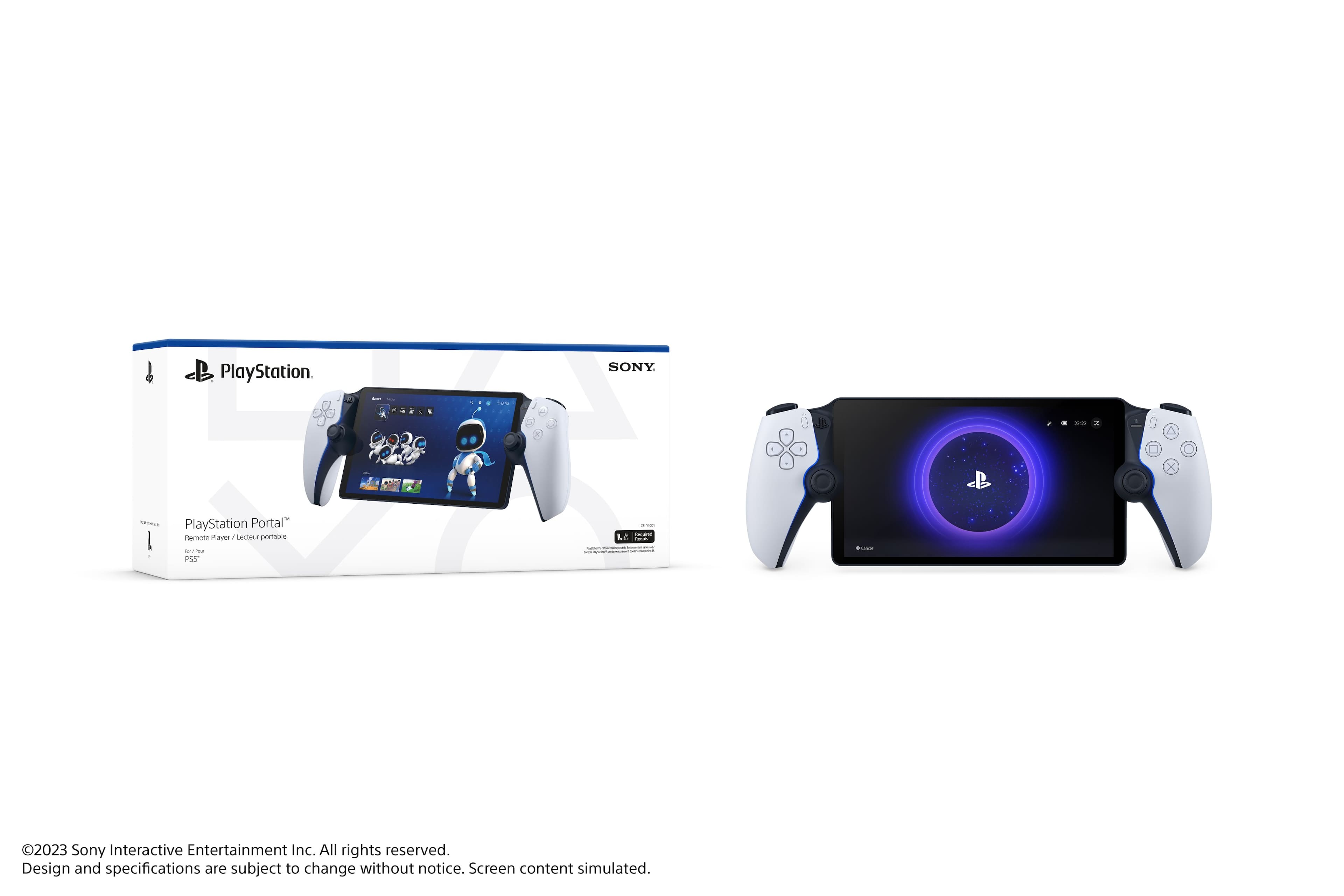
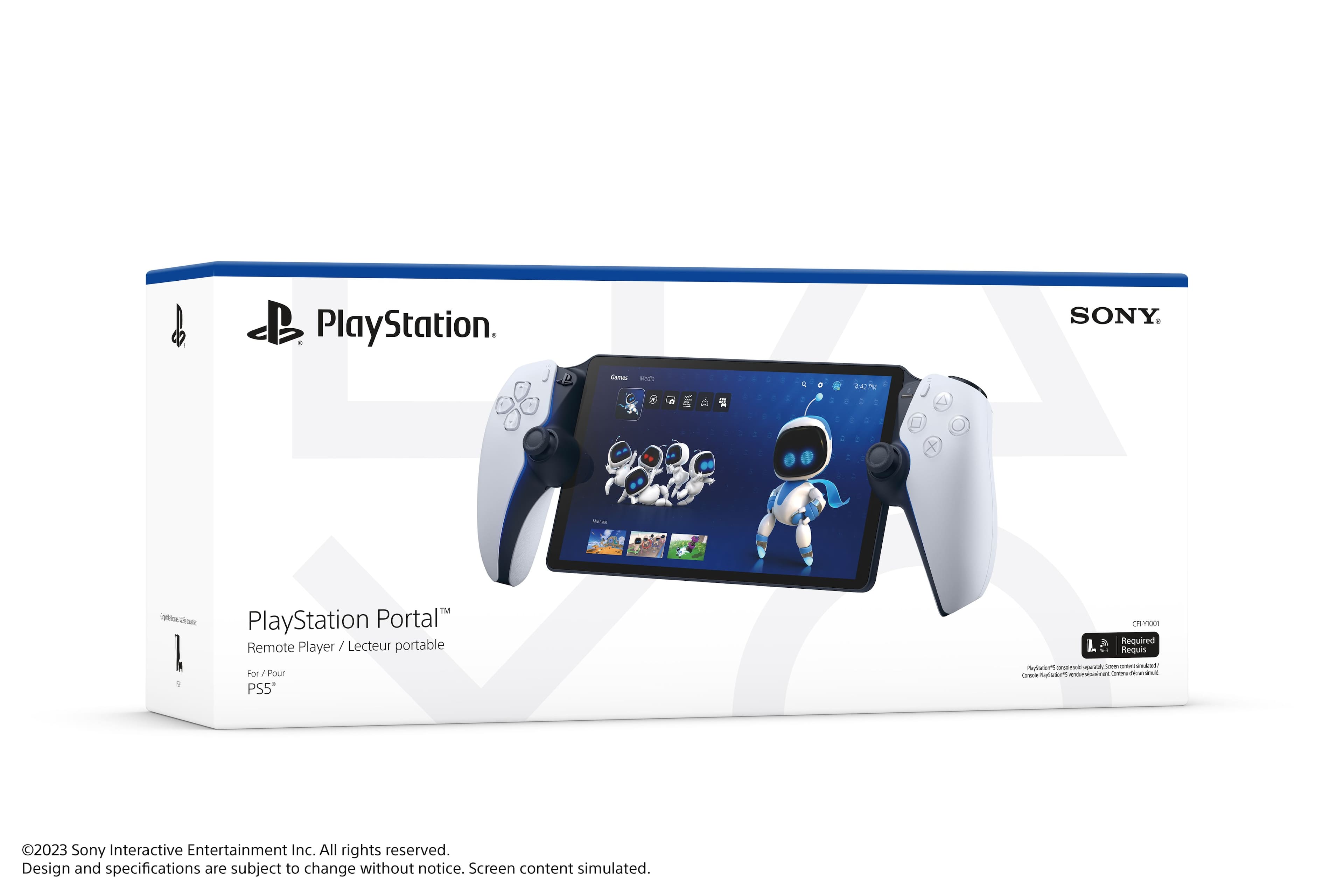
||Posted .This reviewer received promo considerations or sweepstakes entry for writing a review.The sleek white design is visually appealing and fits seamlessly with other PlayStation gear. The setup is straightforward, allowing you to easily connect to your PS5 and start streaming your games in no time. The performance is impressive, with minimal lag and a smooth streaming experience that makes it feel like you're right in front of your console.
I would recommend this to a friendRated 5 out of 5 stars
Great in the right situation
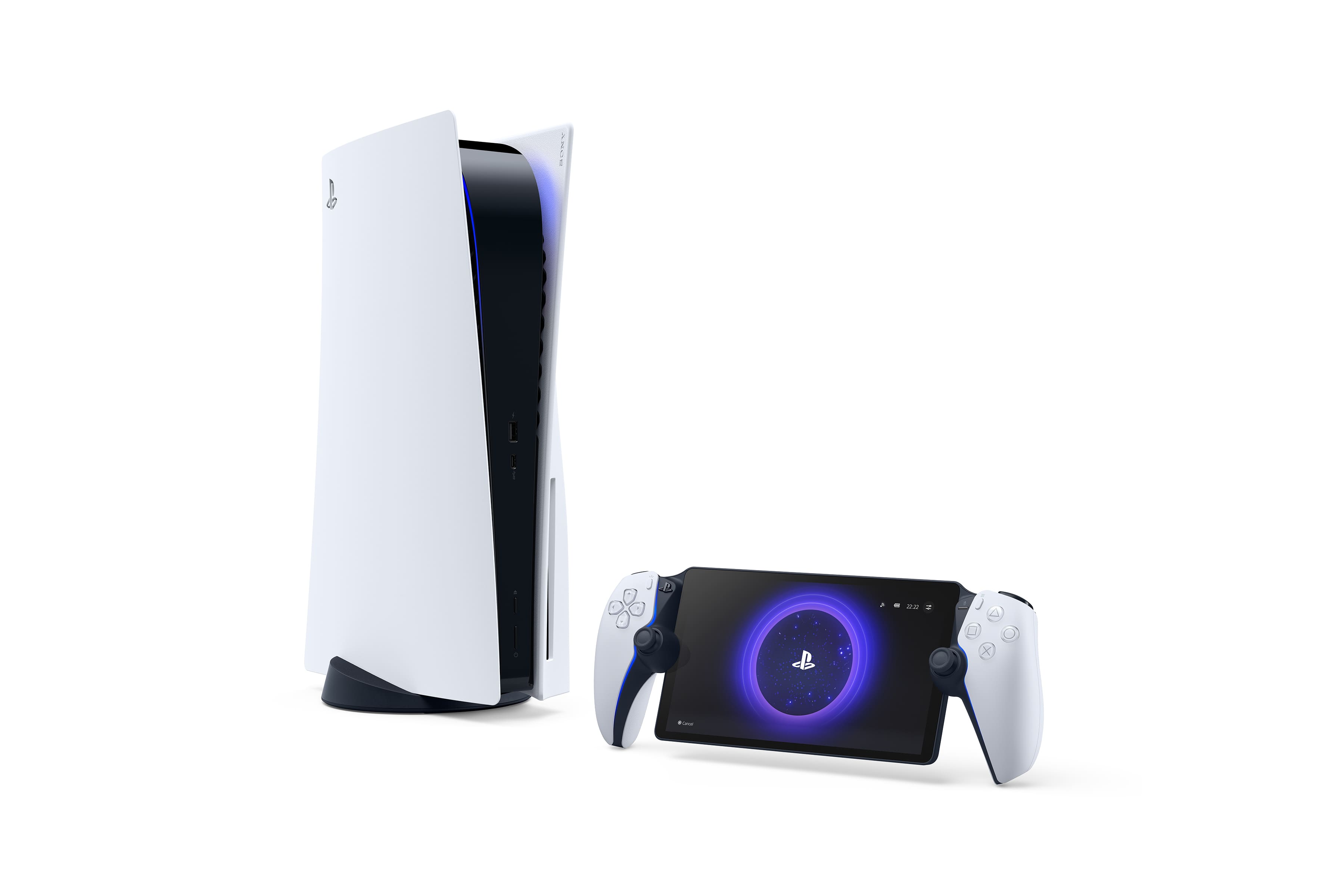
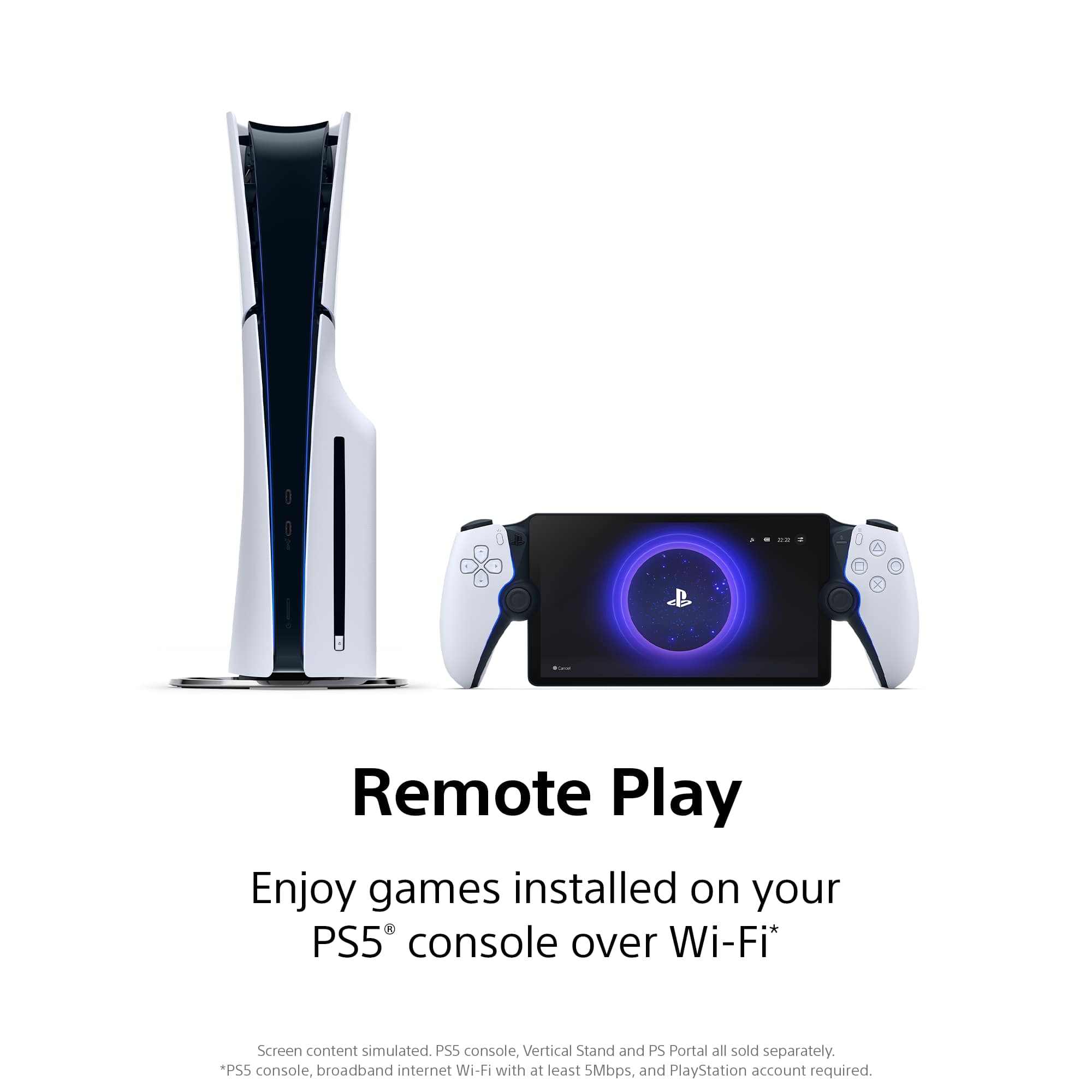
||Posted . Owned for 3 weeks when reviewed.This reviewer received promo considerations or sweepstakes entry for writing a review.This was great for my situation. Basically I wanted the PS5 in the living room so everyone in the house could access it but still wanted a method of playing my games in my room. The wifi router happens to be in my room and my PS5 is connected with an Ethernet cable so I get a perfect connection 99% of the time. Randomly I do get some buffering where the picture gets laggy but it quickly corrects itself. Previously I tried a backbone controller but I really wanted a bigger screen plus with the backbone you basically lose your phone while you play. Now for the cons, the most obvious is there is no Bluetooth and with a handheld that's surprising. Not sure if it was my headphones but the headphone jack on mine seems to lose connection and I have to reinsert it to register. I did buy open box excellent so not really bothered since the speakers largely get the job done. But the thing that bothers me most is the psp portal not being able to turn on your PS5. You either have to leave it in sleep or on all the time from seemless connection to your ps portal. For me I just turn my PS5 on and walk back to my room once it's connected but it's definitely a hassle. Overall I recommend it if you want access to your PS5 in multiple rooms. I can't speak on how it handles out in the world.
I would recommend this to a friendRated 5 out of 5 stars
Couch Gaming And TV Watching Co-exist!
||Posted . Owned for 1 month when reviewed.This reviewer received promo considerations or sweepstakes entry for writing a review.So I'll start off by saying this: I am not a dad. I don't have kids, but my girlfriend does spend a lot of time of YouTube. Sure, she could go to another room and has offered to do so, but I wanted to be able to play games on the couch in the same room as her while she watched whatever she wanted. A lot of people think the Portal is bad compared to something like the Steam Deck or any device capable of Remote Play. Long story short: For the price, you will not find a better device for playing your PS5 off of the TV screen. Sure, the Steam Deck, ROG Ally, or any number of other portable gaming PCs can do MORE, but they're also at least 2-3 times the cost. And when you look at something like the Backbone, the inclusion of an actual Dualsense and an 8" 1080p / 60Hz screen makes it an easy win for the Portal. So now, the cons: Even with a wired connection to the PS5 and my HDMI cable to in unplugged, there still can be some perceptible frame drops. I have fast internet but I also PC game so it's possible that I'm just more sensitive to dips in framerates. Also, don't buy this if your plan is to use it as a streaming device for anything but games. Apps like Netflix and pretty much anything from the "Media" tab will NOT stream to the Portal. Furthermore, if your PS5 goes into Rest Mode while a game is open the Portal will NOT be able to wake it from Rest Mode. You need to make sure everything is closed out before putting it into Rest Mode in order to wake it up with the Portal. If all that sounds okay to you, then I can highly recommend the PlayStation Portal! It's not too heavy, feels premium, and when you realize that a DualSense Edge controller is the same price, it doesn't sound bad. And as long as you have a good wi-fi connection, you can even play it away from home! Definitely pick one up to fill any gaps when your TV is in use.
I would recommend this to a friendRated 5 out of 5 stars
BEST ONE YET
||Posted .This reviewer received promo considerations or sweepstakes entry for writing a review.My Husband has been playing this non-stop! It has so many amenities to the usage of this device. It is amazing.
This review is from Sony Interactive Entertainment - PlayStation Portal Remote Player - Midnight Black
I would recommend this to a friendRated 5 out of 5 stars
It's great. Really.
||Posted . Owned for 3 weeks when reviewed.This reviewer received promo considerations or sweepstakes entry for writing a review.Sometimes I just want to lie in bed and play a game. Sometimes I want to play a game when my main TV is being used. For both cases, the portal is brilliant. I'm still shocked at the little amount of lag there is (tiny) and how good the screen looks. It's also lightweight and has good battery. I don't use it outside my house so it might be different in other scenarios.
I would recommend this to a friendRated 5 out of 5 stars
Better than i expected
||Posted . Owned for 10 months when reviewed.This reviewer received promo considerations or sweepstakes entry for writing a review.its a great device feels good in the hands and the screen quality is great, the battery life lasted longer than i thought it would, overall a great purchase
I would recommend this to a friend- Pros mentioned:Portability
Rated 5 out of 5 stars
PlayStation portal
||Posted . Owned for 5 months when reviewed.This reviewer received promo considerations or sweepstakes entry for writing a review.Amazing product, I’m able to play whenever and wherever I am!
This review is from Sony Interactive Entertainment - PlayStation Portal Remote Player - Midnight Black
I would recommend this to a friend - Cons mentioned:Connectivity
Rated 4 out of 5 stars
Ps portal
||Posted .This reviewer received promo considerations or sweepstakes entry for writing a review.Awesome product but if the internet isnt the best, good luck tring to connect to your ps5. Wish it ran on its own platform.
This review is from Sony Interactive Entertainment - PlayStation Portal Remote Player - Midnight Black
I would recommend this to a friend Rated 5 out of 5 stars
PlayStation portal
Posted .This reviewer received promo considerations or sweepstakes entry for writing a review.Handheld I can take it anywhere with wifi connection
I would recommend this to a friendRated 5 out of 5 stars
Awsome tech
||Posted . Owned for 3 weeks when reviewed.This reviewer received promo considerations or sweepstakes entry for writing a review.The ps portal is convenient sleek and comfortable to use an awsome pick up and continuing to grind on the go.
This review is from Sony Interactive Entertainment - PlayStation Portal Remote Player - Midnight Black
I would recommend this to a friendRated 4 out of 5 stars
Slow at times, but good PS5 add on.
||Posted . Owned for less than 1 week when reviewed.This reviewer received promo considerations or sweepstakes entry for writing a review.Initial opinion: Great clarity, onscreen setup was relatively simple, decent battery life (can also plug-in/charge while playing), good sound quality (has 3.5mm headphone jack, but haven't tried using USB-C to see if that works too), D-pad is replaced with a button on left side. I couldn't find a charging indicator/status light anywhere when I plugged it back in which I thought was odd. After playing a few hours on it, the only downside I found so far is that at times it does lag, freeze, get grainy and that was on the same home WiFi network with the PS5 in the next room. My router is a Netgear AX1800 and both the console/Portal were within 20 feet of the router. Since this isn't an issue of lack of bandwidth, it must be the Portal itself, especially since others have reported the same issue. However, it's nice to be able to play while someone else is watching TV. I was playing a downloaded game and haven't tried it with a physical disc game yet, but the lag may not be tolerable in the middle of an action scene/battle.
I would recommend this to a friendRated 5 out of 5 stars
A great gadget!
||Posted .This reviewer received promo considerations or sweepstakes entry for writing a review.I love the PlayStation Portal. Playing PS5 games anywhere (nearly) is fantastic! Great sound, great screen, no real negatives
I would recommend this to a friend- Pros mentioned:Overall performance
Rated 4 out of 5 stars
Great
||Posted .This reviewer received promo considerations or sweepstakes entry for writing a review.Works great no issues with network plays games with no issues
This review is from Sony Interactive Entertainment - PlayStation Portal Remote Player - Midnight Black
I would recommend this to a friend Rated 5 out of 5 stars
PlayStation Portal Review
||Posted .This reviewer received promo considerations or sweepstakes entry for writing a review.The device is immaculate I love the features my kids will play all day when they don’t have school it’s like an upgraded version of the psp
This review is from Sony Interactive Entertainment - PlayStation Portal Remote Player - Midnight Black
I would recommend this to a friendRated 5 out of 5 stars
Great to play games while family watches tv
||Posted .This reviewer received promo considerations or sweepstakes entry for writing a review.Really great for gaming if you have a fmaily and they need the tv for somthing else, play your PS games while you kids watch there shows. Just be mindful of how far away you are from the Playstation itself and the wifi modem or get somthing to boost or a wifi repeater.
I would recommend this to a friendRated 5 out of 5 stars
Love it!
||Posted . Owned for 3 weeks when reviewed.This reviewer received promo considerations or sweepstakes entry for writing a review.Great addition when you do not wanna move your consle around the house when you wanna play in another room.
This review is from Sony Interactive Entertainment - PlayStation Portal Remote Player - Midnight Black
I would recommend this to a friend
People also viewed
- $199.99Your price for this item is $199.99$269.99The comparable value for this item is $269.99
- $59.99Your price for this item is $59.99$99.99The comparable value for this item is $99.99
- $199.99Your price for this item is $199.99$200.00The comparable value for this item is $200.00
- $199.99Your price for this item is $199.99$329.99The comparable value for this item is $329.99
- $299.99Your price for this item is $299.99
- $79.99Your price for this item is $79.99$99.99The comparable value for this item is $99.99
- Last Minute Deal$69.99Your price for this item is $69.99
- $44.99Your price for this item is $44.99$64.99The comparable value for this item is $64.99
- $89.99Your price for this item is $89.99
- $134.99Your price for this item is $134.99$169.99The comparable value for this item is $169.99
- $199.99Your price for this item is $199.99
- $79.99Your price for this item is $79.99
- $104.99Your price for this item is $104.99$149.99The comparable value for this item is $149.99
- $69.99Your price for this item is $69.99$79.99The comparable value for this item is $79.99
- $279.99Your price for this item is $279.99$399.99The comparable value for this item is $399.99
- $144.99Your price for this item is $144.99$179.99The comparable value for this item is $179.99
- $59.99Your price for this item is $59.99$99.99The comparable value for this item is $99.99
- $30.26Your price for this item is $30.26
- $49.99Your price for this item is $49.99$59.99The comparable value for this item is $59.99