Customer Ratings & Reviews
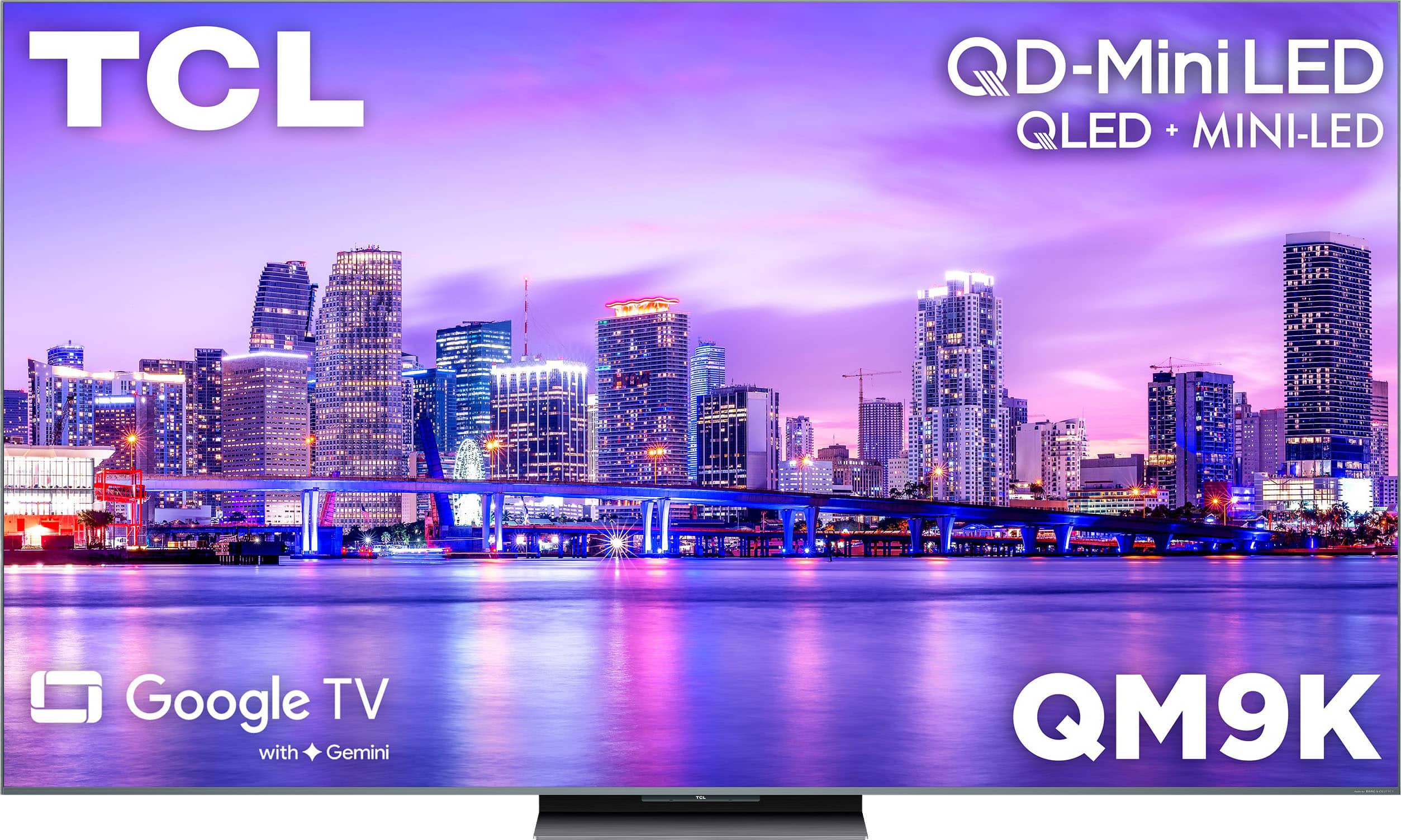
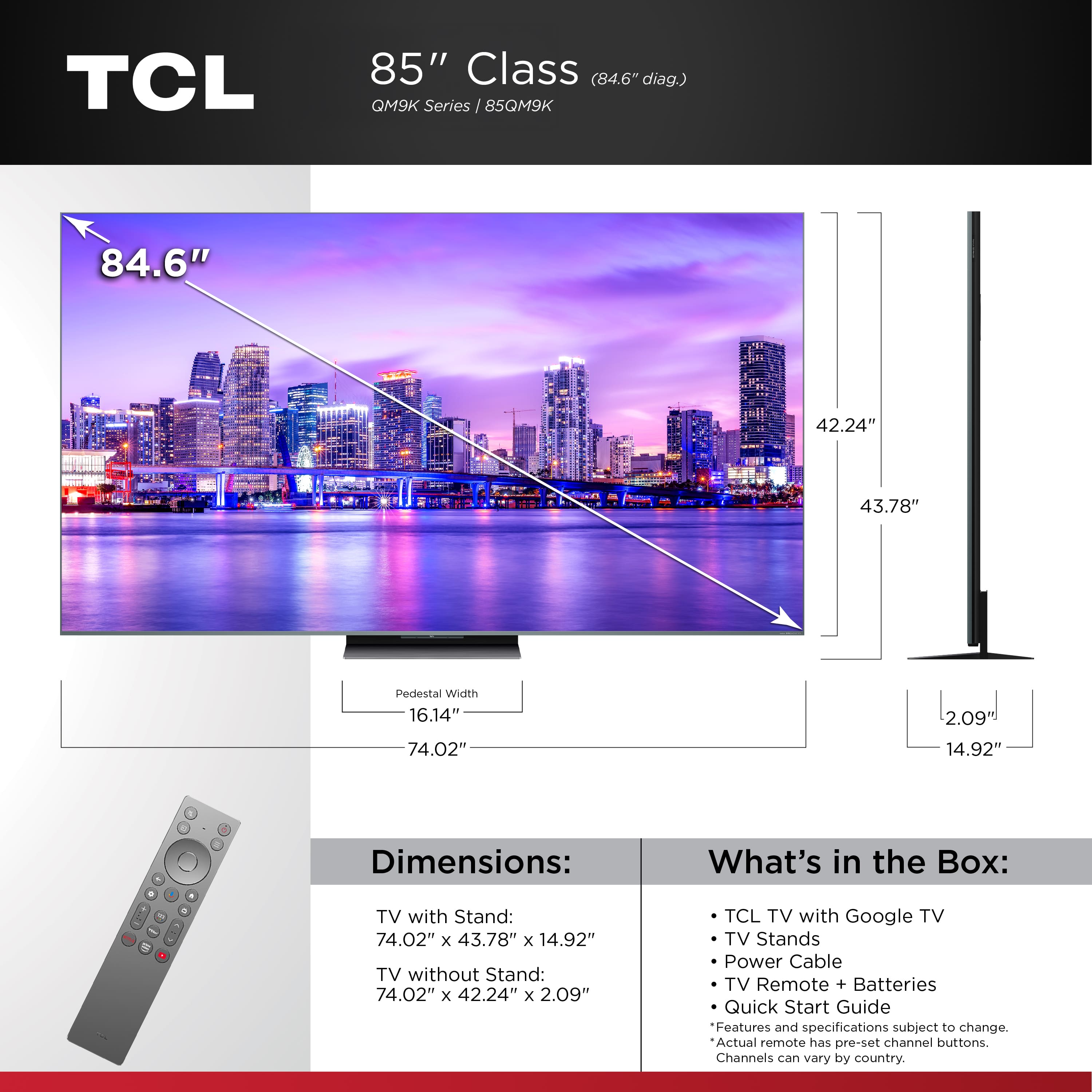


- Model:
- 85QM9K
- SKU:
- 6635428
Rating by feature
- Picture Quality
Rating 4.8 out of 5 stars
- Sound Quality
Rating 4.3 out of 5 stars
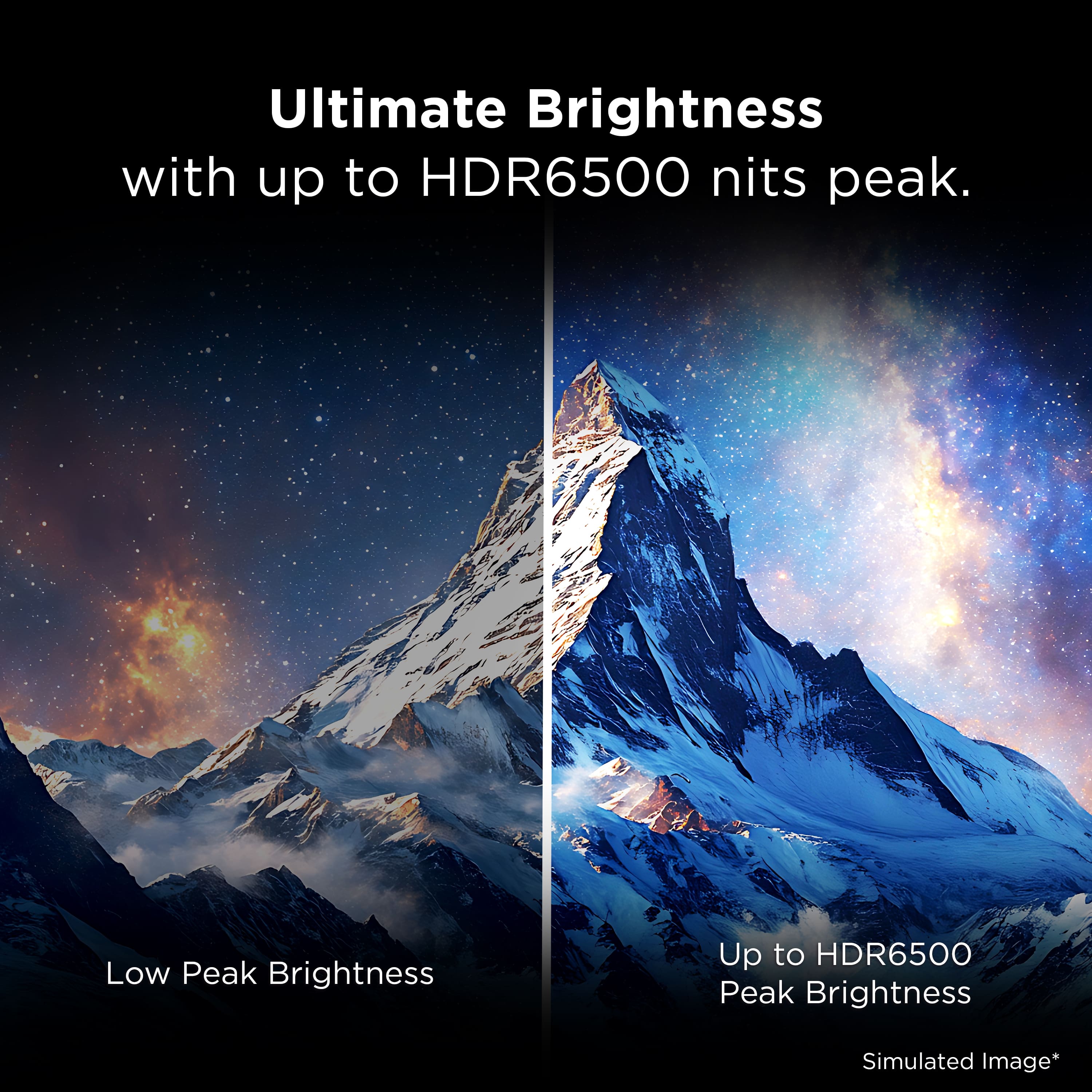
- Brightness
Rating 4.5 out of 5 stars
Customers are saying
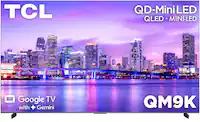
Customers are positive about the 85" Class QM9K Series 4K UHD HDR QD-Mini LED Smart TV with Google TV (2025). The color quality and brightness are receiving high praise from users.
This summary was generated by AI based on customer reviews.
- Pros mentioned:Brightness, Picture quality

Absolutely Stunning TV - Looks and Sounds GREAT
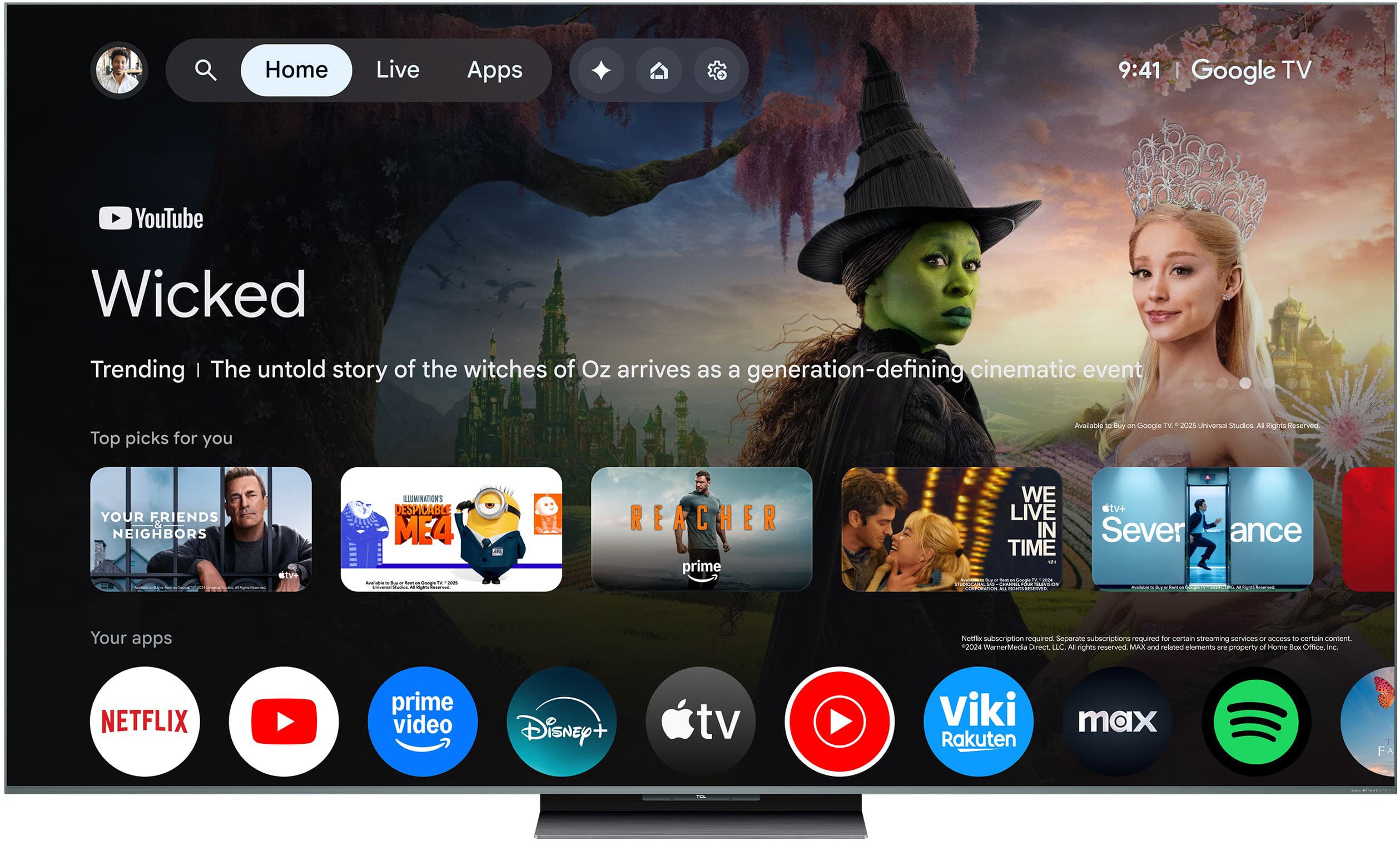
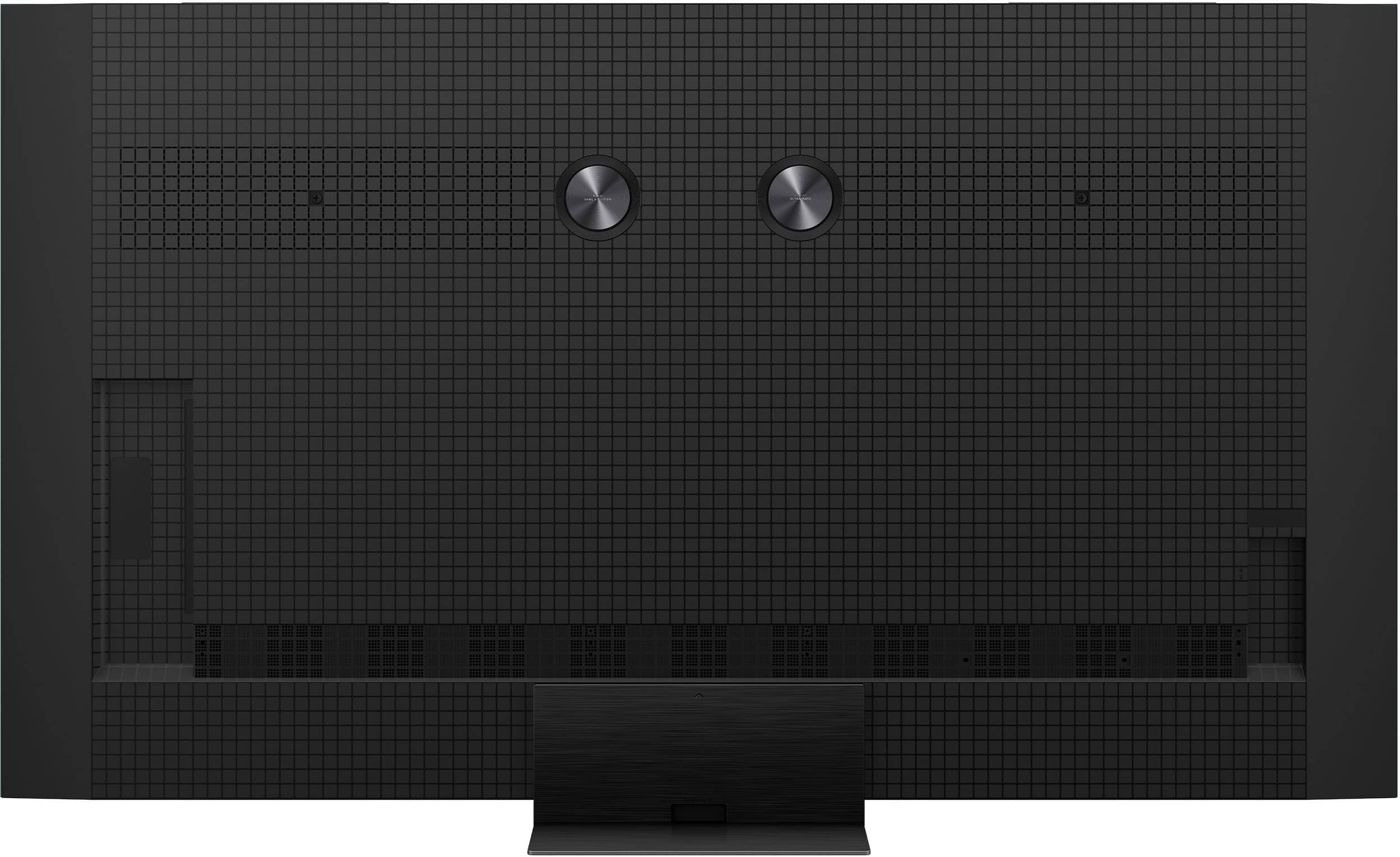
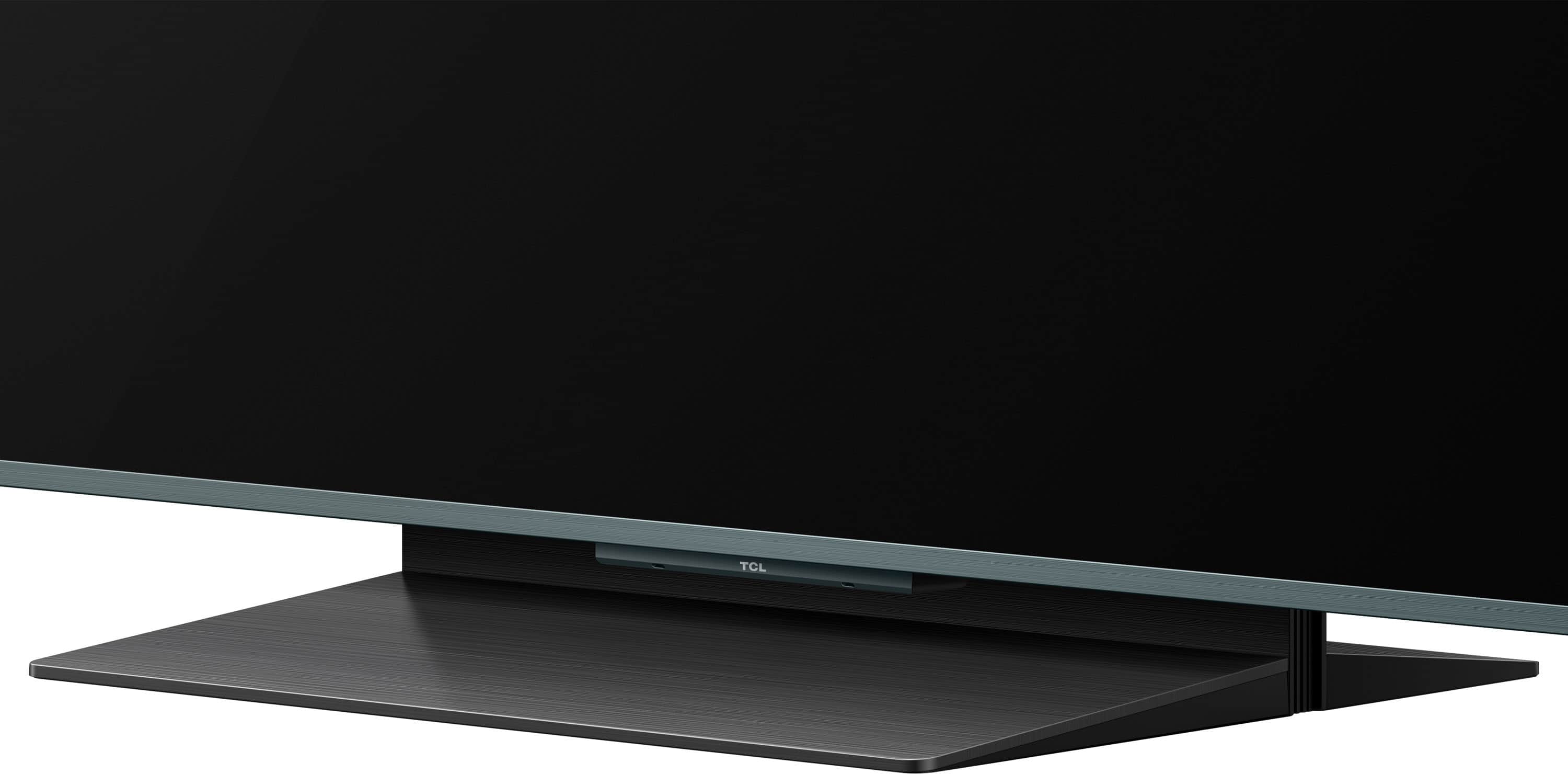
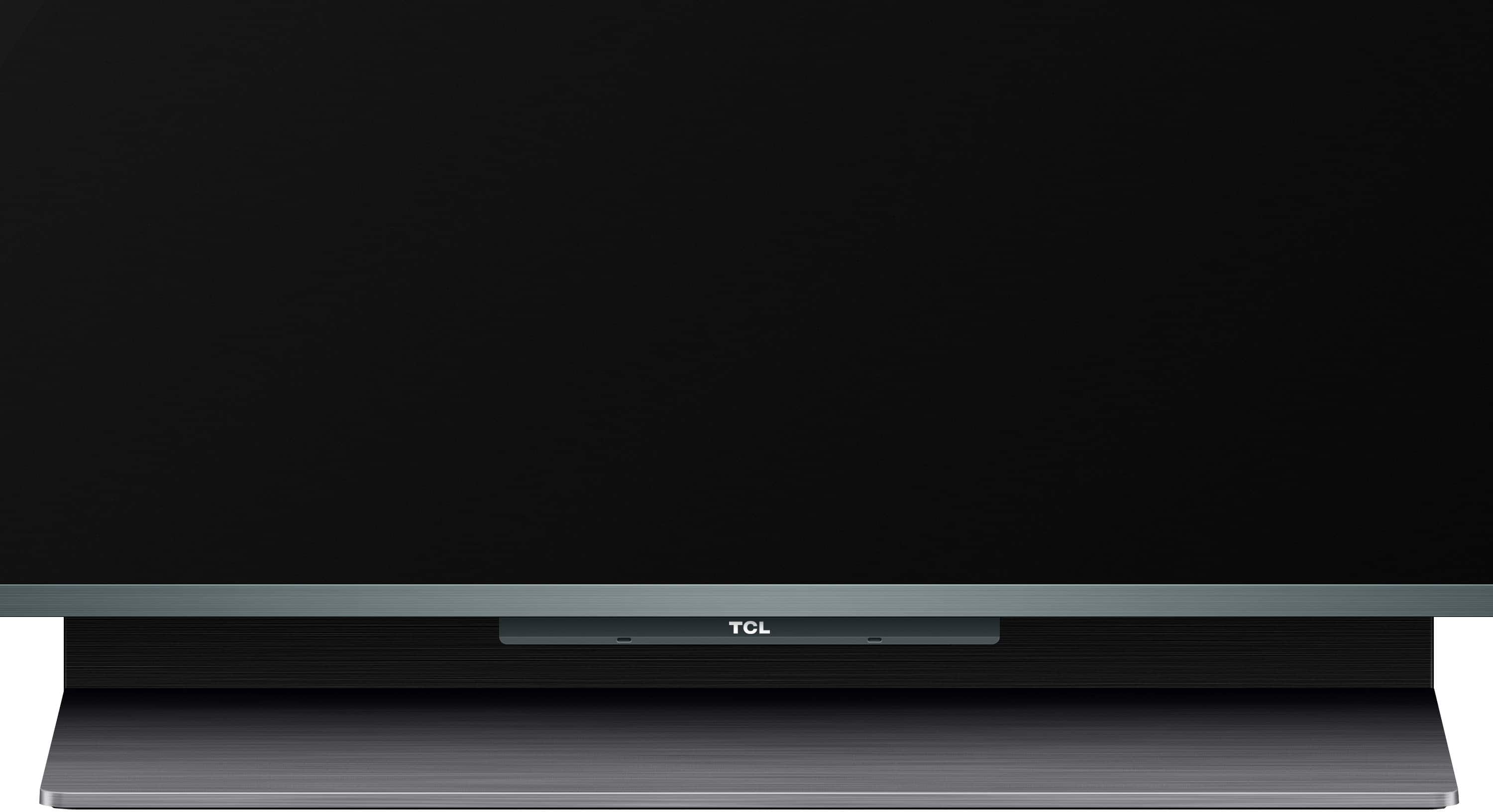
|Posted .This reviewer received promo considerations or sweepstakes entry for writing a review.The TCL QM9K Series is a wonderful TV, with an incredible picture, excellent sound, and features that define it as a flagship TV. Delivery of the TV was exactly as expected, with the courier company calling the day before and arranging a time window for us the following morning. They brought the TV, as agreed, as far as into the garage. My wife and I completed its journey into the house and down into the basement. At about 100 pounds, the weight was manageable between the two of us. Unboxing the unit was a bit different from larger TVs we have gotten in the past. Older sets had the box lift straight over top of the TV, which made it challenging in some locations in the house. However, this TV had the front of the box swing out, which is quite more flexible for unpackaging. The unit itself was very well packaged and protected, with the stand, remote, and abbreviated paperwork easily accessible. Even though the TV was eventually going to be wall mounted, we wanted to check the functionality of the TV before taking that effort. The stand took about 10 minutes to install, and is easiest to do with the TV laying flat. We used sofa cushions instead of the box to support the TV as we installed the stand. The stand is a single center stanchion which is very sturdy and unlike twin foot stands, does not require a TV console that is nearly as wide as the TV. Once we got to wall mounting the TV, I was a bit disappointed I could not use my existing wall mount (which was large enough to hang up to a 95” TV) because the VESA mount configuration on this TCL was not compatible with my mount. The TCL’s VESA pattern is 600mm X 500mm and I discovered that this is not a common VESA size, which made finding a compatible wall mount a bit more challenging. There were several options available to buy online, but be sure to check that the mount you buy accommodates this VESA pattern. The power cord is on the left side of the TV, and the A/V connections are on the right side of the TV. They are both located only a few inches in from the side of the TV and in a nicely recessed pocket. The TV also includes four cable management channels. The wall mount I chose (ProMounts brand) was a near-flush mount. Accessing any of the cables after mounting would be impossible, so I wound up putting in a wood spacer between the wall and the mount to create some additional space for access. It’s a good thing I did because one of my HDMI cables went bad and I had to change it out after mounting the TV. Overall, the TV looks absolutely stunning as a piece on its own—with a thin, matte chrome colored bezel and a nearly flat back. The remote is a matching matte chrome and has some heft. The haptics of the remote are excellent, and the backlighting on it was a pleasant surprise and looks great. As one of TCL’s flagship TVs, it has the hardware to back that up. I won’t recant the hardware features in this review, but just because a TV has top of the line hardware and specs does not mean it will automatically be a great TV. The software and algorithms controlling and leveraging that hardware is just as important. At the store, I viewed a few competitor’s flagship TVs in comparison to this TCL, and I was quite impressed with the similarity of TCL to their performance. There were some minor differences that would really not be discernable without having the two units right next to each other. Also note that in the store, the TVs highlight HDR content. Most content (with the exception of some gaming devices and titles) is not HDR, so the software and algorithms for SDR content is probably more important to most of us than for HDR content. As a Google TV, setup was a snap. The unit used my login configurations from Google Home to connect to my wi-fi network and sign into my Google account. In addition, my bluetooth earbuds paired without issue. Out of the box, the picture on this TV is absolutely stunning. I find RTINGS.com does a really nice job of sharing the most accurate picture settings for TVs. Referencing that website, I only made a few small tweaks to the picture settings for further refinement. The brightness is outstanding, the blacks are as deep as can be, the whites are very white, and the other colors are not over-saturated. There is quite a bit of customization that can be done with the picture settings, and I did appreciate that the motion blur could be turned off—as I find that feature creates very fake motion that looks cartoonish--except at the lowest setting. We christened the TV with “Wonder Woman” (on Blu-Ray), using the sound from the TV instead of my sound system. I think “wow” is the best way to describe the experience. There was absolutely no pixel dragging on fast motion scenes, and darker scenes did not obscure details. The sound from the B&O speakers (which are on the back of the TV) provided crisp and rich sound with decent bass. While certainly not a replacement for a theater sound system, it was legitimately a big step above TVs in lower price ranges. The next selection we watched was streaming “Star Trek: Discovery” Season 1, Episodes 1 and 2. It was just as impressive as “Wonder Woman.” The depth of color and contrast are incredible and the sound was impressive. In addition, there was no bleed or blooming between colors, or even between adjacent black and white. I also must comment that the viewing angle without significant loss of picture quality is very large with this screen. Even at nearly 40 degrees from straight-on, I estimated the picture was still at 95%+ for brightness and contrast. This is great for when the whole family is watching the TV from multiple vantage points. Next, my sons connected their PlayStation 5 and loaded up “College Football 25.” We normally have the PS5 connected to another TV that is several years old, but was considered a mid-range TV for that time. The difference between the two TVs is an incredibly large step function up. The improvement in color depth, sound quality, and pixel dragging was immediately noticeable. The TCL does an outstanding job to take advantage of the high refresh rate and local dimming zones for gaming. I often like to watch older programming on TV when I’m on my cycling trainer. An issue I’ve had with older TVs is that when the native resolution of the source is low, larger TVs just “stretch” the image and the results is grainy and almost unwatchable. Watching “Perry Mason” Season 1 from 1957, this TCL made the watching experience quite enjoyable, with a crisp back and white picture without any graininess. The algorithm for resolution upscaling is outstanding. During these cycling sessions, I have my bluetooth earbuds in. Unlike other TVs, I did not have to adjust the "lag" between the picture and the audio. They synced up on their own rather nicely. I will also add that when using VLC Media Player on my computer to cast to the TV, the connection is quick and reliable. I start the selection on my computer and the TV starts playing it almost immediately--no waiting! In general, the response of the TV is very snappy, navigating through menus, app selections, and such. I have not used the AI (Google Gemini) features of the TV that often, but the TV does offer several voice choices and was responsive by just saying “Hey Google” and then asking a question. I mostly asked where I can watch certain programming or movies, and it would give me a summary of that programming and on what streaming services I could find it on (both pay and free). I did like how I could continue the conversation with follow-up questions. The last feature I will talk about is TCL TV+, which is a free streaming app included with the TV. There is a very large selection of shows and movies that are categorized by genre and presented in a guide-like format. The app has a good search function, but I was only able to scroll through the guide about five hours ahead of the current time. You can “book” shows within the guide, which allows the system to provide you reminders that is coming on or set up recording. Overall, the TCL QM9K series TV is unbelievably impressive. The picture is nothing short of stunning in both SDR and HDR. The sound provided by the rear-facing B&O speakers is rich, crisp and with good bass level. The display really takes advantage of the TV’s top tier hardware specifications by maintaining detail in darker scenes, providing outstanding contrast between blacks and whites and eliminating blooming and pixel dragging. The viewing angle is also very wide. A delightful surprise was the backlit remote. This TV has been an incredible step up for our household for TV content and gaming enjoyment.
I would recommend this to a friend - Pros mentioned:Picture quality
Top-tier experience!
|Posted .This reviewer received promo considerations or sweepstakes entry for writing a review.This TV is massive, and I am all for it. The unboxing can get a bit laborious as the TV came in very well packaged. The process definitely requires at least two able people, and the instructions could have been better, so be ready. The TV is beautiful with a brushed aluminum ultra-slim frame. The stand is made of plastic but surprisingly holds the TV steady. The power cord goes on the left, while all other connections go on the right. I hooked up three consoles and my eARC soundbar. There’s also room for a couple of USB-A devices, an over-the-air antenna (or RF device), optical cable, and an Ethernet port (my preference). The setup was easy. My Pixel phone immediately recognized the TV automatically. All I had to do was to press one button and all Wi-Fi, account, and settings were transferred. Even my most-used apps downloaded, and some were signed-in. After answering a few questions, accepting the agreements, and making some choices, I was up and running in a matter of minutes. My first impression on default settings is pure awe. The picture simply pops, the contrast is well defined, and boy is it bright! On “standard” picture mode in sunny conditions, SDR (regular) content looked vibrant and maybe a bit too bright. There were almost no blooming or haloing effects at lower resolutions. The anti-reflective coating works rather well. The AI and frame insertion smoothed out pictures and movement, creating a cleaner, albeit somewhat unnatural effect. I am still deciding if leaving this feature on is worth it since low-res or older content can get quite grainy and blurry without it. HDR and Dolby Vision content looks simply stunning in this 4k panel. The picture is super-sharp with impressive color depth and saturation. Blacks are deep and whites are clean with distinctive separation with virtually no blooming or haloing. The motion is smooth without blurring, especially when watching UHD disk media. The “Zero Border” display allows IMAX content to be enjoyed at its full potential. The wide viewing angles make for more side seating arrangements. I was pleasantly surprised by the B&O sound signature which was clear and actually had some bass (yes, a TV with actual bass!). While there is decent stereo channel separation, the sound seemed to have a weak soundstage and imaging (even with ATMOS on). Content with lots of dialogue was best. If you do not have a dedicated sound system, which is still highly recommended, this should be good enough. Although the picture presets are welcome and Filmmaker Mode is impressive, I relish micro-managing my settings. I was struck by the number of options in front of me. After getting to know the system and customizing it to my liking, which took quite a while, I was able to finally enjoy the TV on my terms. I am sure I will continue to tinker. I am an avid gamer, and this TV outperformed my previous TV. The TV automatically switches to game mode where the 144Hz VRR takes over and makes gameplay buttery smooth. This is especially noticeable in high-precision, fast-moving competitive and racing games. There is very little lag which helps with response times. There are almost no noticeable screen tearing or stuttering, even when using a mouse and keyboard. This set comes with the full Chrome Chromecast OS experience. If you have a Pixel Tablet, you will find yourself at home. I was able to find most of my streaming apps. The Home screen still feels a bit congested with too many recommendations that make it distracting. Still, navigating is easy. The TV can also become a Home Hub that can manage an entire Google ecosystem. There is also compatibility with Amazon Alexa and Apple HomeKit. Then there is Gemini AI, which can provide information and search content on the fly. The TV can be controlled via voice with or without the remote. The remote is sleek and feels premium, but there are some sharp edges. I love that it lights up when picking it up and that my most-used streaming platforms have a dedicated button. Some cool additions include a light sensor, which handles the picture’s brightness and tone depending on the room’s lighting conditions surprisingly well. There is also a proximity sensor which wakes up the TV when approaching the set. I found this feature a bit annoying since my TV kept turning on at the slightest movement (even at the lowest setting). And finally, putting the TV in screen saver mode shows some beautiful art, personal pictures, and interesting AI-generated visuals before turning off. All of these features, bells, and whistles do come at a price. This TV set is a top-tier flagship model and I can certainly see it. I’d say if your budget allows it, and you are looking for an all-inclusive smart-TV experience with excellent picture quality and deep customization, I believe you’d be more than pleased.
I would recommend this to a friend - Pros mentioned:Picture quality
The Best TV I Have Ever Used!
|Posted .This reviewer received promo considerations or sweepstakes entry for writing a review.This TCL 85” QM9K Smart TV is a stunning piece of technology! I have been using this this tv to play games and watch movies for over a month, and I can confidently say it is the best television I have ever used! At a whopping 85 inches, this mini-led behemoth looks stunning in my game room. I did contact a professional company to help me move this tv and set it up. You can do it yourself, but keep in mind that the box weighs over 100 pounds, and is very large. The team that set up the TV had no issues, and were able to get everything done in about 20 minutes, with 2 people. Once it’s all set up, the tv sits perfectly on its stand, which is placed at the middle of the unit. The bezel on the screen is small, meaning once you’re watching something, it appears to be all screen. The build quality is fantastic, with every material feeling and looking premium and well made. I’ve been primarily watching movies using my Apple TV to stream services like Hulu, Paramount +, and Amazon Prime, and the 4k picture quality is amazing. With the high refresh rate, action scenes are smooth, and images are crystal clear. Colors are vibrant, and the overall picture quality is jaw droppingly gorgeous. I’ve also been playing PS5 games, and with the HDR10 capability, my games are able to go from pitch black scenes, to bright, vivid images at a moment’s notice. The mini-led technology does an absolutely phenomenal job of pumping out the brightness, to the point that I have had to turn down the overall brightness settings on my different picture modes. Fast paced games are displayed perfectly, with the TCL able to keep up to speed with intense and visually demanding scenes in games like Cyberpunk 2077 and Gran Turismo 7. So far, there hasn’t been a game that hasn’t looked insanely good with the TCL, and the built in “Game Master” mode ensures everything stays running smoothly. The TCL has a variety of built in picture modes. I use the movie setting for streaming, and “Game Master” for gaming. The tv will auto detect which input is being used, and will activate the appropriate setting once it is set up. My picture settings are slightly different for each mode, and I love that it automatically keeps everything organized and separate. There are 4 HDMI inputs, with 2 capable of outputting 4K at 120 Hz. I have tested this with my PS5, and if your game supports this feature, it’s pretty cool to see in action! I should note, I did have to upgrade my HDMI cables to ones that support this, as my old ones were outdated (something to keep in mind). Something I love about this TV is that it is easy to use! With past TVs, I rarely changed settings due to how cumbersome the process was. With this TCL, I can easily (and quickly) access menus that lead me to settings, and actually changing the settings is a breeze. While I don’t always fully understand what each setting does, the TV does have a brief explanation of the settings to help you out, if you decide to alter them. The sound quality on this TV is amazing. With sound from Bang & Olufsen and support for all of the latest audio formats, it is no surprise that this TV packs some seriously good speakers. The speakers are placed on the back of the TV and fire towards the wall behind the TV, which really helps with the sound. I’ve been using this TV without my soundbar and subwoofer, to really see what the speakers are capable of. While it lacks the true low end a subwoofer provides, it is surprisingly full-bodied sound, with great mid-range, and high-end performance. Additionally, it is extremely easy to understand dialogue in movies, without having to repeatedly adjust the volume from action scene, to quiet scene. If you do want to use an external soundbar, there is an optical port to ensure the connection is top notch. Another thing I love is that there are no ads with this TV! While there is a “home page” when you turn on the TV, and it shows different types of free content you can access, there are no popup ads, or any other type of ads, EVER with this TV. The TCL has other quality of life features that make it a joy to use. The remote will subtly light up when you move it, to help you see the icons in the dark. The TV will automatically turn itself off after a period of time; if you turn off your PS5, and forget to turn off the TV, for example. You can also set the TV to come on when powering up devices (like a game console or Apple TV), making things streamlined and easy. Overall, I am just impressed with this TV from TCL. As I have used this everyday for over a month, I simply can’t think of anything I would fault, it’s really that good. If you are in the market for an 85” TV, the TCL QM9K should be at the TOP of your list! This is a 5-star product, all the way!
I would recommend this to a friend 95% perfect for my needs!
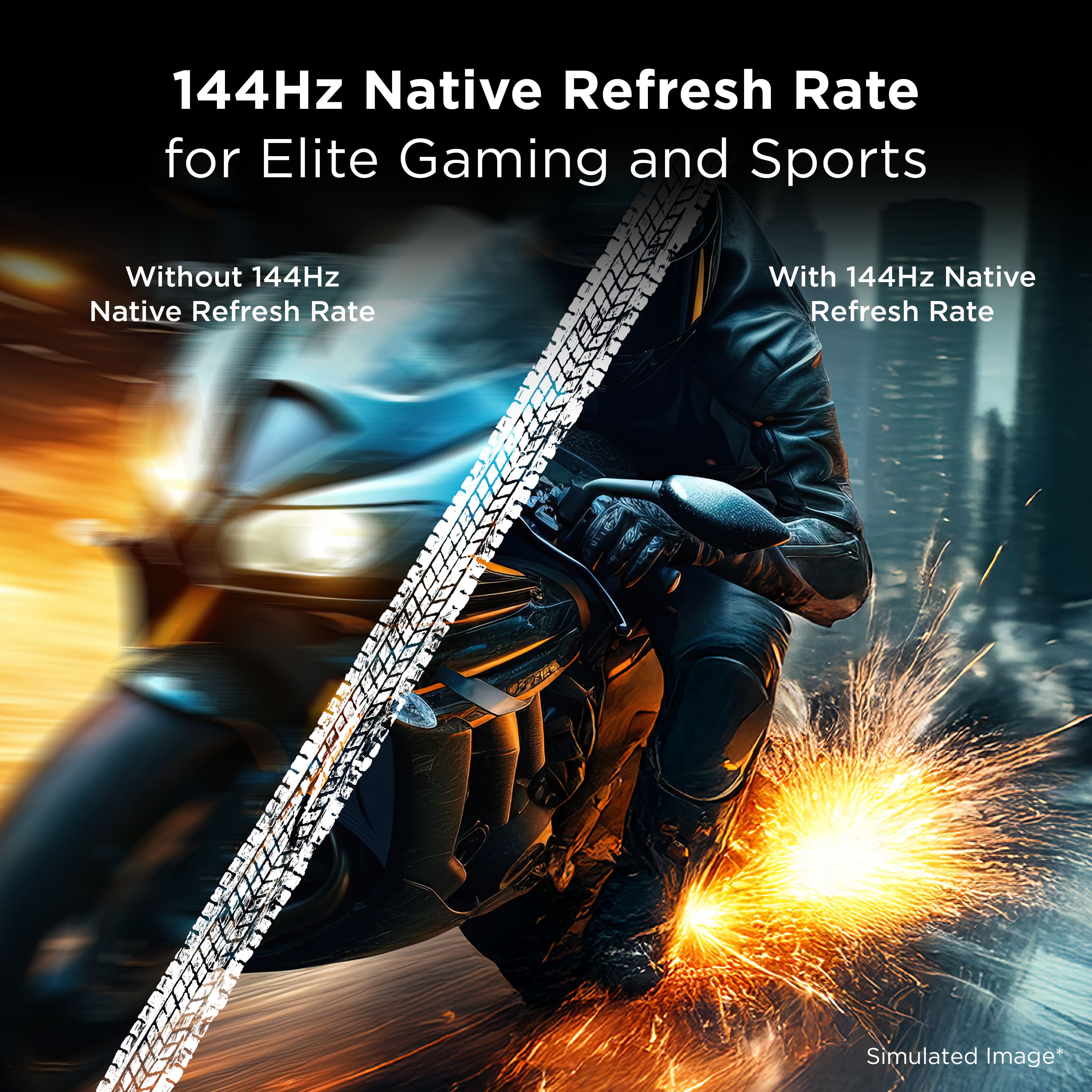
|Posted .This reviewer received promo considerations or sweepstakes entry for writing a review.TL:DR - but it’s not OLED! A large part of me wishes it was OLED mainly because of the motion blur/pixel response times. Compared to my gaming monitor which is OLED, I really can tell and see the blur for fast moving game objects. I don’t really notice it during shows, movies, or sports, but it’s a thing during gaming for sure which is my primary use case! But everything else, brightness, HDR, size, snappiness, etc. It’s great! Highly recommended. — Unboxing - This was easily the biggest headache for me. My little wife and 7 year old daughter assisted the best they could but ultimately due to the size, we ended up postponing wall mounting it until a neighbor or friend could come over and assist with the lift. Finding a entertainment center for it was also a challenge. Basically everything about this size and weight of TV is/was a problem for unboxing. Thankfully, TCL did make it so you can add the stand while it’s in the box, so you don’t have to tip it over and install it or hold it up to install it. Setup - I mean it couldn’t have gone any easier. Google TV is snappy on this TV which is a nice change compared to other models. If I had an Android phone though I think it would have gone faster. Sadly for me with budget cuts at my work, I’m only allowed an iPhone now instead of having both. I’ll probably get a Pixel of some sort from Best Buy eventually, but I digress, set up shouldn’t be a problem for anyone! There was a VERY VERY long update though as soon as it connected to WiFi which was kind of annoying. Ports - I have an Apple TV, PS5 Pro, Xbox Series X and, a sound bar connected to it. I’m able to 120Hz both consoles, and get great picture out of the Apple TV. Also with CEC it works well for all my devices. The only downside is the latency between Apple TV and the remote press is quite large. I may end up using the native Google TV instead of my Apple TV, time will tell. Interface - I struggled with it, there’s a menu button, settings button, and other things that seem to be shortcuts to things, but also not show everything. Took me forever to figure out how to bring up the gaming overlay. It wasn’t intuitive at all. There’s also a weird quirk whenever I turn on the TV, it’ll pop up saying it needs to set up my sound bar, but when I press it, it’ll just take me to the sound setting and say the sound bar is set up. If I do nothing it’ll go away in less than 15 seconds. So I ignore it, but it’s kind of annoying. Other than that I’d say it’s pretty intuitive if you’ve used Google TV before. I imagine it’ll be a better experience if I had an Android phone. Picture (Shows, Movies, Sports) - Great! Between this and OLED, I honestly don’t think I’d notice the difference if they weren’t side by side. The TV is bright, HDR is punchy and beautiful, and from what I can tell, the motion blur is hard to spot. Picture (Gaming) - All of the above is essentially true, but motion blur is obvious and it’s distracting! It is night and day difference between OLED for sure. Against other VA panels though, I wanna say it’s better. But the TV I can compare it to is unfortunately ‘last gen’ tech so kind of unfair I guess. But it’s 100% better than my other one! After awhile though, I kind of get used to it and forget it is there in shooting games like CoD, BF6, HighGuard, The Finals, etc. In slower games like Cyberpunk, or Arc Raiders, Nioh 3, it’s harder to spot when gaming normally. I have to go looking for it to find it. So overall, I don’t think it’s ‘bad’ just not as good as OLED. Sound - Surprisingly good, not good enough for me to ditch a soundbar, but good enough that I’d use it in a pinch. Remote - It’s pretty good, but I don’t like the layout. It’s for some reason hard to get used to and use without looking at. I don’t know what it is, but I’ll often press the wrong thing if I’m not looking at it. The BAD - There’s this flicker on certain scenes that I’m gonna assume is PWM flicker. I’m sensitive to it, but my wife isn’t. She said she doesn’t notice it. But it drives me nuts during some situations. Not only that, if you are using a Google Streamer, the Google Streamer remote doesn’t recognize the TV because either TCL or Google, regardless it is a bummer. Streamer was moved to another TV in the house. No number display for audio when using an external device (soundbar, etc.) just a negative or positive sign. I don’t know why this happens. I get that maybe there’s no way to tell what the sound bar is capable of and if the say 50 is the same 50 that’s on the sound bar, but give me something instead of it’s getting louder and not louder so I can find the sweet spot for one device and the sweet spot for the other without having to rely on sound/ears alone. Overall - I love it, it’s great! I recommend it. It’s not OLED, so don’t think this will be that, but blooming, HDR, color, brightness, is super good maybe even better than OLED, but for gaming there’s significant motion blur, but not so bad that it’s a deal breaker. Highly recommended.
I would recommend this to a friendBrand response from TCLExpert
Posted .Hi GamingBusinessGuy,
Thank you for taking the time to provide your feedback. We're thrilled that you are enjoying your TV thus far! Our TVs are designed and engineered to have a quick and easy setup, be user-friendly, and provide a great viewing experience. We hope you continue to have a great experience and explore more of the great features our TVs have to offer. We are always looking for ways to improve, and your feedback is greatly appreciated! If you need any assistance please contact us at [email protected] with your contact information and a description of what you need help with. Someone will get back to you as soon as they can. Enjoy!
Thank you,
Sara
TCL Customer Support
Excellent, bright picture; Mediocre sound
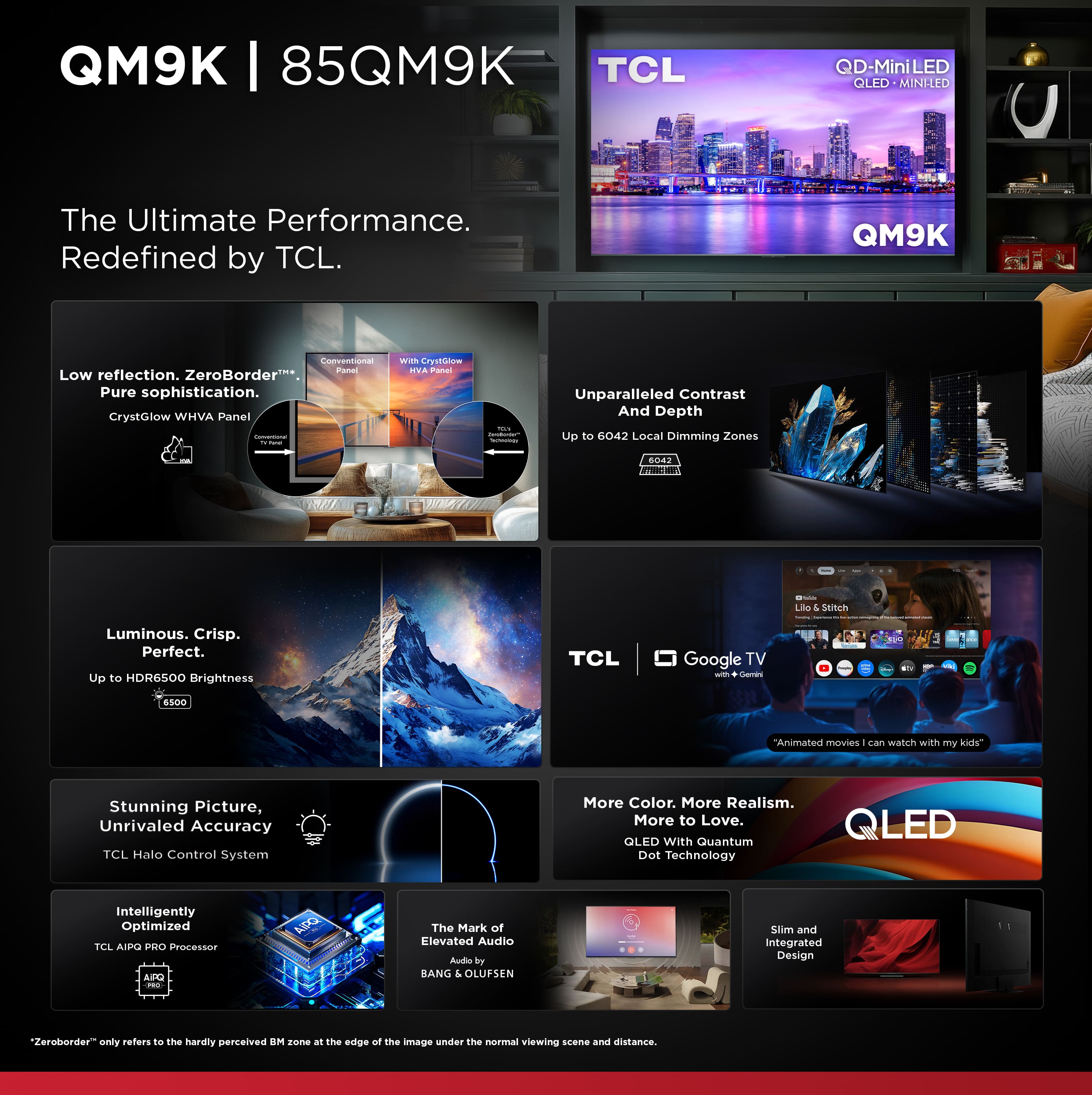
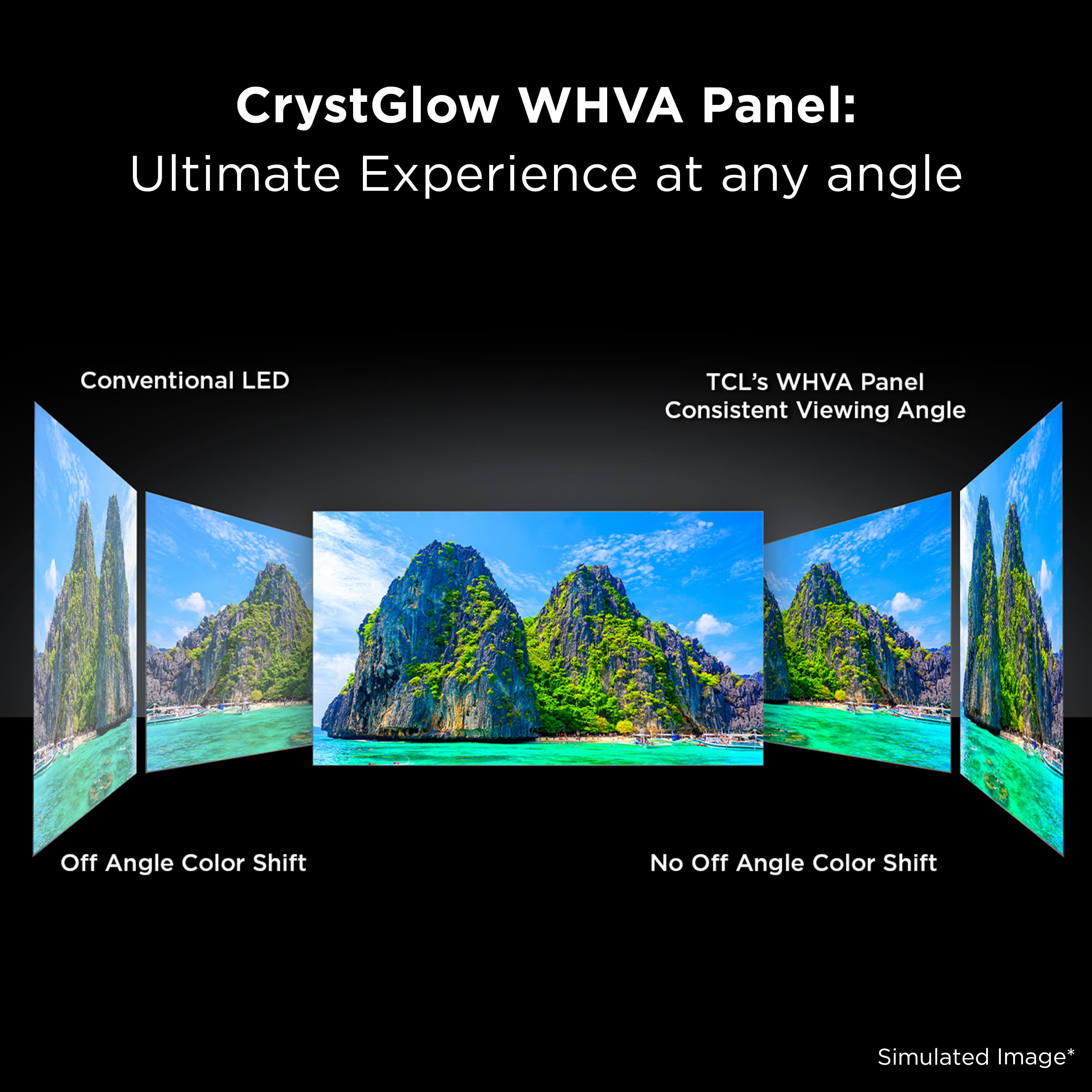
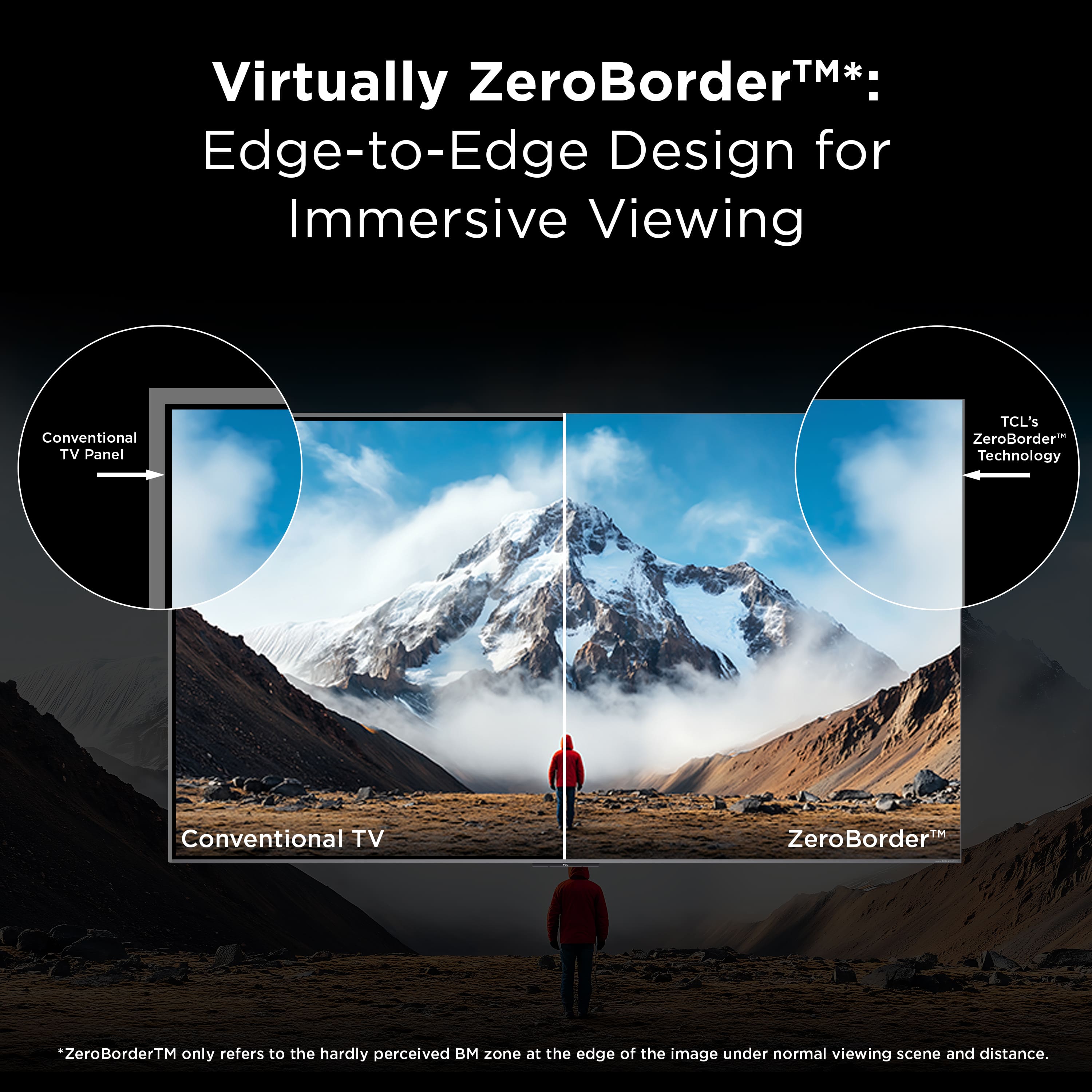
|Posted .This reviewer received promo considerations or sweepstakes entry for writing a review.The TV's stand comes with 2 height position levels, which is tall enough to place a soundbar underneath. It wouldn't fit my bookshelf center speaker though, so I opted for a mounted setup. Otherwise the stand was pretty stable. The TV itself, although made of hard plastic, feels very solid with no creaky or flimsy parts. Mounting was simple because the TV includes the mounting screws that have already been screwed on to the back on the TV in the appropriate holes. You'll just need to be mindful of the VESA hole pattern, which is the larger 600x500. There are VESA extenders you can buy separately if the bracket you currently own was for a smaller VESA pattern. That was what I had to use. For reference, in case you need longer screws for your mount, the mounting screws for the TV are M8. TCL advertises an "anti-reflective screen", with a simulated picture to demonstrate its CrystGlow HVA Panel. I didn't find it to be anything like their example. I could clearly see the reflection of my window and its curtain on the TV, similar to the way it's shown on their "Conventional Panel" example. It's extremely noticeable out of the box. It can be combated by increasing the brightness all the way up, which is one of the strengths of the QM9K. It can get very bright. But the panel being anti-reflective is false advertising. The QM9K also has a pretty limited viewing angle. When viewed from an angle, you lose contrast. This is something to consider if you use it in a small room. You may be better off with a curved TV of this size. The bezels look barely there and are non-intrusive on all sides, which I love. It makes viewing content feel more immersive. I'm not a fan of the remote. An older TCL TV I owned had a rounded edge remote with soft buttons that were brightly backlit. It was the best TV remote I had ever used. Then for this newer model, TCL made the remote's edges angular. It also uses some sort of metallic plate on the surface, or maybe a plastic that just looks metallic. The point is, it's hard. Holding the remote now feels more uncomfortable, and the edges feel sharp. The buttons use white backlight on a metallic grey button, which gives it VERY poor contrast, especially under light, which gave me trouble reading the buttons on the remote. The remote now also comes with less branded convenience buttons, which is not necessarily a bad thing if you never use the services like Apple TV, whose button has been removed. But with the old remote, I could always remap the buttons to repurpose them using a third-party app. With the new remote, there's less buttons to repurpose. Picture quality is the star of the show for the QM9K. Dolby Vision content looks vibrant and bright, while having exceptional contrast. From my experience, I never noticed any blooming, but I'm sure there is. It may be that it's just that much tougher to spot. In everyday use, the brightness looked uniform. Sound was a disappointment. It can get loud but it didn't help for some things I would watch, particularly movies. I had trouble drowning out people talking in the same room while trying to listen to the TV. Bass is also lacking. TCL advertises Dolby Atmos audio, but I never got that all around sound despite the TV informing me that Atmos sound was on. You're better off using the TV with a soundbar or a surround system. The TV's interface uses Google TV, which is relatively quick thanks to the processor, although it has its occasional pauses here and there. For the most part, it's responsive, and a LOT faster than my 2019 Nvidia Shield. The QM9K comes with its own web browser, which is one of the rare ones that's designed for use with a TV remote. Unfortunately, that browser is NOT compatible with a mouse. It has Google Home built into its menu, which opens in a side panel on the right-side of the screen. With this, you'll be able to see your Google Nest doorbell camera video when someone rings your doorbell. Keep in mind that it ONLY works with Google's doorbell videos. It will NOT work with Ring video doorbells, or any other company's video doorbell. You can also turn on/off lights via Google Home, or via the TV's Google Gemini using the microphone button on the remote. If you enabled voice activation, you can also talk to the TV to turn on/off your lights. I have trouble deciding whether to recommend this TV or not. I'd recommend it for the picture quality if you plan to use external sound. The interface is responsive with Google TV, and it's pretty versatile. But I don't recommend it if sound matters to you and you plan on using the TV's speakers. I also don't recommend it if you're placing it in a room with open windows and sunlight, because it is pretty reflective, despite TCL's claims.
I would recommend this to a friendBrand response from TCLExpert
Posted .Hi KusMoG,
Thank you for taking the time to provide your feedback. We’re sorry to hear that you are not having the same great experience that the majority of our customers report having. We would love the opportunity to look into this for you to see if we can assist you. We'd like to gather more information to better understand what is occurring. Please reach out to us at [email protected] with your contact information and a description of what you need help with. Someone will get back to you as soon as they can.
Thank you,
Sara
TCL Customer Support
- Pros mentioned:Brightness, Picture quality
Worthy choice for bright living room
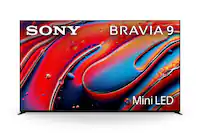
||Posted .This reviewer received promo considerations or sweepstakes entry for writing a review.I was looking for a new TV for the living room. I have been a big fan of OLED and I have an LG C3 in my media room. However, I was concerned that I needed more brightness since our living room is not as light controlled as a media room. I decided on going with a Mini LED TV for this reason. I have been really impressed with the brightness and color on the TCL QM9K. Coming from an OLED I knew the black level and contrast would not be as good. Honestly the boost in brightness and color far exceed any shortfall in black level. I have not been distracted by any blooming at all. So why the QM9K? I really thought I would buy the Sony Bravia 9. However, this TV is $1,000.00 cheaper and "close enough" to the Bravia 9 in my opinion. I also considered the QM8K, but the QM9K was only $500.00 more at the 85" size. The additional dimming zones and brightness were worth it to me. In all, I am pleased with my decision and purchase. Highly recommended value!
I would recommend this to a friendBrand response from TCLExpert
Posted .Hi Jeff,
Thank you for taking the time to provide your feedback. We're thrilled that you are enjoying your TV thus far! Our TVs are designed and engineered to have a quick and easy setup, be user-friendly, and provide a great viewing experience. We hope you continue to have a great experience and explore more of the great features our TVs have to offer. Enjoy!
Thank you,
Sara
TCL Customer Support
- Pros mentioned:Picture quality
More than pleasantly surprised
||Posted .This reviewer received promo considerations or sweepstakes entry for writing a review.I'm really truly enjoying this TV. My 1st TCL & the quality is just superb. I normally purchase a different well known brand but this time i wanted/ was willing to try something different. At this price point the user interface (Google based) , picture quality & features (HDR10+, Dolby Vision, etc,) I'm definitely getting my money's worth. TCL has come a very long way in a short period. I purchased this for my man cave setup & couldn't be more pleased. Has the usual screen cast from Android devices (use my phone) & Apple Airplay (from my iPad) when needed. I personalize my screen saver & customized my setup pretty easily. Most can do so, you don't need to be a techie. 4K picture quality is great. My 1st TV with Dolby Vision & I'm getting used to for my Apple TV, Netflix, etc. I definitely recommend this to all. I also paired it with the TCL 7.1.4 Dolby Atmos Soundbar. The TV speakers are what you'd expect but i wanted more for my setup
I would recommend this to a friend - Pros mentioned:Brightness, Picture qualityCons mentioned:Noise level
Hope you get a working one with the accessories.
||Posted . Owned for 3 weeks when reviewed.This reviewer received promo considerations or sweepstakes entry for writing a review.So far I've ordered two of these. First one had vertical lines in the screen and a humming noise over 40% brightness that's very noticeable. The second one didn't have any of the accessories and Best Buy told me I'd have to order a 3rd TV to get the remote, power cord, and screws that were missing. I ordered a power cord off Amazon and the second screen hums over 40% brightness as well. I've spent 6 hours of driving to my closest Best Buy and it'll be another 2 hours of driving to either exchange or return this second one. Tempted to send Best Buy a bill for wasting an entire day driving around trying to get a TV that works properly. *Had to put a picture quality etc. rating for my review to be submitted. IF you get a fully functioning display the picture quality and brightness is incredible BUT on both of mine so far any time you put the brightness above 40% the TV had a humming noise that got louder the more you increase the brightness level.
No, I would not recommend this to a friendBrand response from TCLExpert
Posted .Hi NathanK,
Thank you for taking the time to provide your feedback. We're sorry to hear about your experience. Our TVs are carefully designed and engineered to give our customers years of entertainment. We take great measures to ensure that the TVs we send out are in great working condition. We would love the opportunity to look into this for you to see if we can assist you. We'd like to gather more information to better understand what is occurring. Please reach out to us at [email protected] with your contact information and a description of what you need help with. Someone will get back to you as soon as they can.
Thank you,
Sara
TCL Customer Support
- Pros mentioned:Picture qualityCons mentioned:Noise level
QM9k review
||Posted . Owned for 1 week when reviewed.This reviewer received promo considerations or sweepstakes entry for writing a review.The picture quality is amazing; it's the best I've seen on a TV. The sound is great as well. However, I've noticed one issue: when the brightness is set above 60, there is a humming sound coming from the back of the TV, specifically around where the power cable connects.
No, I would not recommend this to a friendBrand response from TCLExpert
Posted .Hi JonathanR,
Thank you for taking the time to provide your feedback. We’re sorry to hear that you are not having the same great experience that the majority of our customers report having. We would love the opportunity to look into this for you to see if we can assist you. We'd like to gather more information to better understand what is occurring. Please reach out to us at [email protected] with your contact information and a description of what you need help with. Someone will get back to you as soon as they can.
Thank you,
Sara
TCL Customer Support
- Pros mentioned:Picture quality
Fantastic picture quality for an amazing price.
||Posted .This reviewer received promo considerations or sweepstakes entry for writing a review.Fantastic picture quality with extremely rich colors and impressive dark scenes and dimming control on the display. The menu and control responses are quite snappy and I was extremely pleased with the processor performance on this TV for the price. I purchased a 55" QM5K recently for a bedroom TV and the difference in processing power, speed, and picture quality are night and day on this high end QM9K model. Worth every penny and a great deal when I got it for $1000 off. I use a 5.1 yamaha home theater for audio, but the built in speakers are surprisingly loud and do an excellent job of reflecting sound off the wall as a form of amplification. Also love the google operating system and integrations. You can stream videos directly from a PC over your home network to the TV as long as they're on the same wifi/network, and with only a couple clicks.
I would recommend this to a friendBrand response from TCLExpert
Posted .Hi ColinW,
Thank you for taking the time to provide your feedback. We're thrilled that you are enjoying your TV thus far! Our TVs are designed and engineered to have a quick and easy setup, be user-friendly, and provide a great viewing experience. We hope you continue to have a great experience and explore more of the great features our TVs have to offer. Enjoy!
Thank you,
Sara
TCL Customer Support
- Pros mentioned:Picture qualityCons mentioned:Noise level
Intermittent Buzzing/Humming when bright
||Posted . Owned for 1 month when reviewed.This reviewer received promo considerations or sweepstakes entry for writing a review.Love the picture, it is bright, crisp and clear, unfortunately when the TV adjusts to a bright room, there is an intermittent buzzing/humming, sounds like Morse Code. Best Buy exchanged the first tv which had the same condition and the second one does the same. Very disappointing
No, I would not recommend this to a friendBrand response from TCLExpert
Posted .Hi TheresaB,
Thank you for taking the time to provide your feedback. We’re sorry to hear that you are not having the same great experience that the majority of our customers report having. We would love the opportunity to look into this for you to see if we can assist you. We'd like to gather more information to better understand what is occurring. Please reach out to us at [email protected] with your contact information and a description of what you need help with. Someone will get back to you as soon as they can.
Thank you,
Sara
TCL Customer Support
- Pros mentioned:Picture quality
Amazing Picture
||Posted .This reviewer received promo considerations or sweepstakes entry for writing a review.I have been researching for a new tv to upgrade my current one. From all my research and in-store visits the TCL has been catching my attention. Had a great sell on the QM9K I couldn’t resist! Best tv I’ve owned so far. Hopefully it last long enough for me to get my investments worth
I would recommend this to a friendBrand response from TCLExpert
Posted .Hi Tracy, We appreciate you taking the time to provide your thoughtful feedback. We are pleased to hear that you are enjoying your TV thus far. Hopefully you are able to take your viewing experience to the next level with your new TCL TV. Enjoy! Thank you, Alison TCL Customer Support
- Pros mentioned:Picture quality
TLC is best
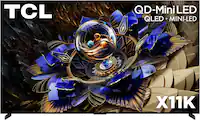
||Posted . Owned for 2 weeks when reviewed.This reviewer received promo considerations or sweepstakes entry for writing a review.I have a 85” GM9K and I absolutely love everything about this piece of precision equipment picture, sound and all features are just what I wanted my only wish is that I could trade up to the 85” TLC X11K.
I would recommend this to a friend Crashed during first week
||Posted . Owned for 1 week when reviewed.This reviewer received promo considerations or sweepstakes entry for writing a review.It has already crashed once in the first week to the point it had to be power-cycled, 120vac un-plugged and re-plugged back in from behind panel. Very surprising for their Flagship model (the 9, direct competition with the Sony Bravia nine model)!
I would recommend this to a friend- Pros mentioned:Picture quality
QM9K TV
||Posted .This reviewer received promo considerations or sweepstakes entry for writing a review.Very nice tv, quality is good and sound is even better.
I would recommend this to a friend Tuning is a hassle
||Posted . Owned for 2 weeks when reviewed.This reviewer received promo considerations or sweepstakes entry for writing a review.This tv required constant adjustments across difference platforms. If there is a sweet spot, I couldn't find it. When you get it right, it looks good, but too much messing around for me. Returning it.
No, I would not recommend this to a friendBrand response from TCLExpert
Posted .Hi ChrisL,
Thank you for taking the time to provide your feedback. We’re sorry to hear that you are not having the same great experience that the majority of our customers report having. We would love the opportunity to look into this for you to see if we can assist you. We'd like to gather more information to better understand what is occurring. Please reach out to us at [email protected] with your contact information and a description of what you need help with. Someone will get back to you as soon as they can.
Thank you,
Sara
TCL Customer Support
- Pros mentioned:Brightness, Picture quality
Nice upgrade from another brand
|Posted .This reviewer received promo considerations or sweepstakes entry for writing a review.I recently mounted the TCL 85 inch QM9K in my living room, and overall it’s been a really solid upgrade from my previous TV. The size immediately fills the space in a good way, and once it was up on the wall it gave our living room a real home-theater feel. Setup was pretty straightforward, and after tweaking a few picture settings the image quality really started to stand out. The picture is bright and detailed with vibrant, natural colors that still feel balanced. Watching movies, streaming shows, and especially live sports has been impressive. I watched the Super Bowl on it and the 4K HDR combined with the smooth motion handling made the game feel really immersive. The picture stayed clear even during fast plays and darker scenes looked rich without losing detail. Google TV has been easy to navigate, with quick access to all the major streaming apps. Apps load quickly and the interface feels snappy, which makes it simple to switch between different content. The built-in speakers are decent for everyday viewing, but pairing it with a soundbar definitely makes a noticeable difference in overall audio quality. After using it for a while, this TV feels like a great balance of size, performance, and ease of use. It delivers an excellent picture for movies, shows, and sports without being overly complicated, and has really elevated our everyday viewing experience.
I would recommend this to a friend - Pros mentioned:Brightness, Picture quality
Very nice TV, great picture and sound.
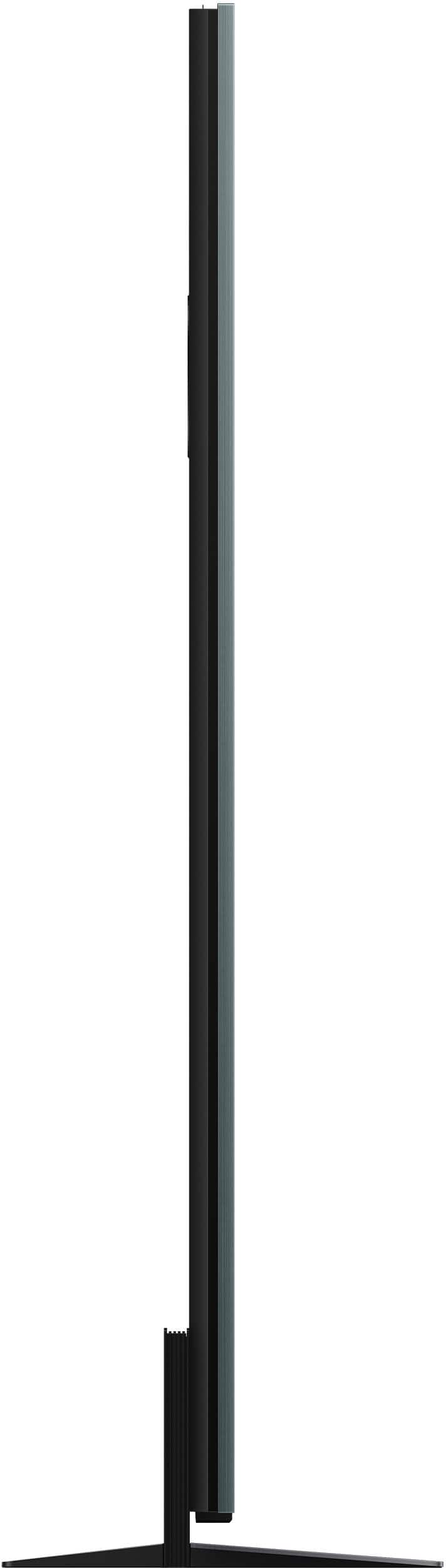
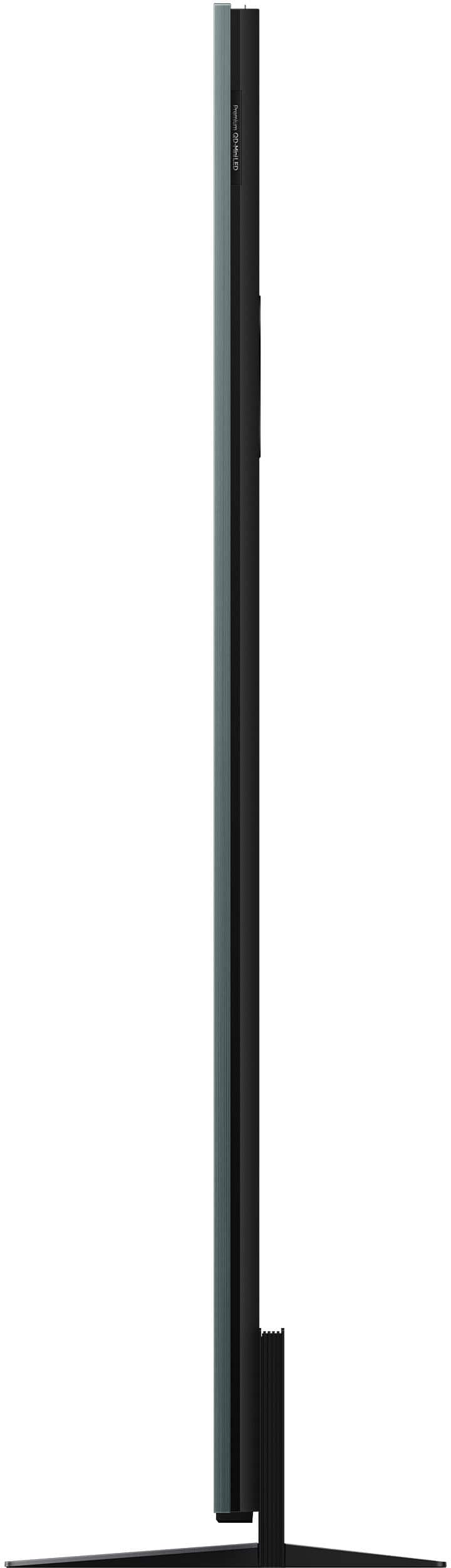
|Posted .This reviewer received promo considerations or sweepstakes entry for writing a review.This 85 inch TV is relatively thick and heavy. 2 inches thick throughout, not just at the base. Thickness here is not a sign of an issue but rather that this TV has a lot of components inside to deliver the quality of vision and sound it offers. Two things do stand out almost immediately as a first impression. The brightness (which can be adjusted either manually or through presets) and the sound quality. The internal speakers are truly powerful. They are mounted in the back. The picture quality is amazing. I tested the picture watching 4K HDR videos on YouTube. They looked so real like you lost were there. Watching sports in 4K produced the same results, with lifelike appearance. This TV has the light sensor so it can adjust the screen brightness to the amount of light in the room. The viewing angle is okay I would say, you can see the picture from a side but as you move your viewing point away from the center the intensity of the colors goes down. Though we are always in front of the TV, so for us it is not an issue. Regarding the HDR, it supports HDR10, HDR10+, Dolby Vision and HLG. The TV senses the corresponding format on its own and makes the appropriate adjustment to take advance of the given HDR life. The sound quality is very decent for a TV. Of course high quality soundbar would deliver better listening experience but the internal speakers are decent enough that you can do without the soundbar. Did not hear any sound distortions and there is a sense of depth to the sound. This TV also comes with the built in Gemini AI which you can utilize by saying hey Google. Frankly I did not find it very useful when asking about the content I was watching. The remote is relatively small in a good sense. It is also backlit so you can see the control buttons in the dark. It comes with three shortcut buttons for Netflix, Prime Video and YouTube. Overall I am satisfied with what I got. Previously I got the TCL QM8 model which so far served me well, this QM9K seems even better. Looking forward to enjoying lots of good programming on this TV.
I would recommend this to a friendBrand response from TCLExpert
Posted .Hi Mahtin,
Thank you for taking the time to provide your feedback. We're thrilled that you are enjoying your TV thus far! Our TVs are designed and engineered to have a quick and easy setup, be user-friendly, and provide a great viewing experience. We hope you continue to have a great experience and explore more of the great features our TVs have to offer. Enjoy!
Thank you,
Sara
TCL Customer Support
Great Built-in Sound, decent picture
|Posted .This reviewer received promo considerations or sweepstakes entry for writing a review.The TCL QM9K 85" TV is an impressive 4k UHD TV driven by the Google TV smart TV platform that tops all other television "operating systems" out there. Mini-LED technology generally provides better brightness at a lower price compared to OLED but struggles to achieve the "true black" that OLED often provides. That holds true for the QM9K--bright, crisp images in any of the preset color scenes (i.e. movie, gaming, sports, vivid, etc.) but a bit washed out when it comes to darker scenes on TV. For example, I watched (in "AI display mode") college football and Bob's Burgers via YouTube TV and was satisfied with the color and the refresh rates with those shows. I then switched to The Walking Dead: Dead City, knowing that most episodes are dark (in the color/shading sense). Compared to another mini-LED TV (65" Bravia) in our home, TCL's handling of "dark" was adequate but a bit more washed out compared to the other television. Switching display modes, rather than relying on the "display intelligence" setting, did not do a lot to improve dark scenes. Nonetheless, I am splitting hairs to a degree. The best way to compare is to ask the Best Buy rep to put the TCL QM9K side-by-side with your next favorite mini-LED or OLED Google TV and see if you notice a difference. Equally important, though, is to think about the brightness of the room you are putting this television in. If it is going in a basement with dim lighting, chances are the darks won't be dark enough for you. In a family room with windows watching Sunday afternoon football, an OLED might not get bright enough for you. I have customized brightness, contrast, and sharpness to a point where I am not frustrated across all the different types of television I watch, but I also am not 100% satisfied yet either shuffling from one show to another. If I was stopping the review here, I would only give it 3-stars as I find the overall image quality acceptable but fairly average. Where this TV shines is in the operating system (Google TV) and the built-in audio. While I likely will add a soundbar and subwoofer to this television, I don't feel an extreme need to for daily viewing. The Bang & Olufson audio is an impressive jump up from most built-in TV speakers. B&O is a fantastic, high-end audio company to pair with. TCL deserves props for using B&O tech in their televisions. My B&O noise canceling headphones, for example, are among the best I have ever tried. The television can handle Atmos, IMAX and "all the Dolbys" and, quite frankly, impresses. Obviously you get more bass with a subwoofer, but the built-in speakers are above average. One quirk that I will eventually get past is that the audio sounds like it is coming from behind the TV (it is). Currently I watch TV in 5.1 through a stereo receiver that includes a dedicated center channel, which is likely why I notice the difference. But...the B&O speakers bring much more sound to life than the average TV speakers. "Surround sounds" are so much better on this TCL TV than other televisions I have watched. This TV also offers the option to use Dolby FlexConnect (I do not have that tech in my home) to wirelessly pair compatible speakers to the TV. As for the Google TV platform, if you have never used it, now is the time! During the TV setup process, I was able to scan a QR code on the screen to transfer my Google Home settings to the TCL TV almost instantly. While I still had to manually sign into all my streaming platforms, half the work was done for me. As with my Bravia, the TCL remote has a "Google Mic" button that will allow you to bypass the stress of trying to figure out what platform has your favorite show or movie. Push the mic on the remote and ask to watch "Toy Story 3" and you will see all the options available through your linked streaming services as well as any "live" versions that might be on right now. There are a few "NOTES" related to this television that should be shared. First of all, ONE PERSON CANNOT UNPACK AND SET UP THIS TELEVISION. It weighs about 90 lbs and even if you are a muscle beach regular, you'd struggle to get your arms around this television to unbox or mount it. Second, read the instructions before trying to attach the TV stand. I mangled and dented the brushed stainless finish of the stand because I misread the tiny printed, kind of poor (in my opinion) instructions. Third, take note that only 2 of the 4 HDMI inputs support 4K @ 144Hz and that the eARC HDMI port only supports 4K @ 60Hz. This doesn't impact me as I am a 100% streamer. Finally, don't buy an 85" television unless you have an environment big enough to support it. If you put an 85" TV in a tiny room it will stress your eyes and, quite honestly, won't look super crisp if you are only 5' away from it. You are going to want to be 8'-11' away for the best experience. Overall, I recommend the QM9K as a good "budget" TV. I do wish the blacks were darker and less washed out and feel, from that standpoint alone, the TV is average but when you add back in the Google platform and the onboard audio and tweak the settings to your viewing preferences, it definitely deserves 4 stars.
I would recommend this to a friendAwesome alternative for bright rooms!
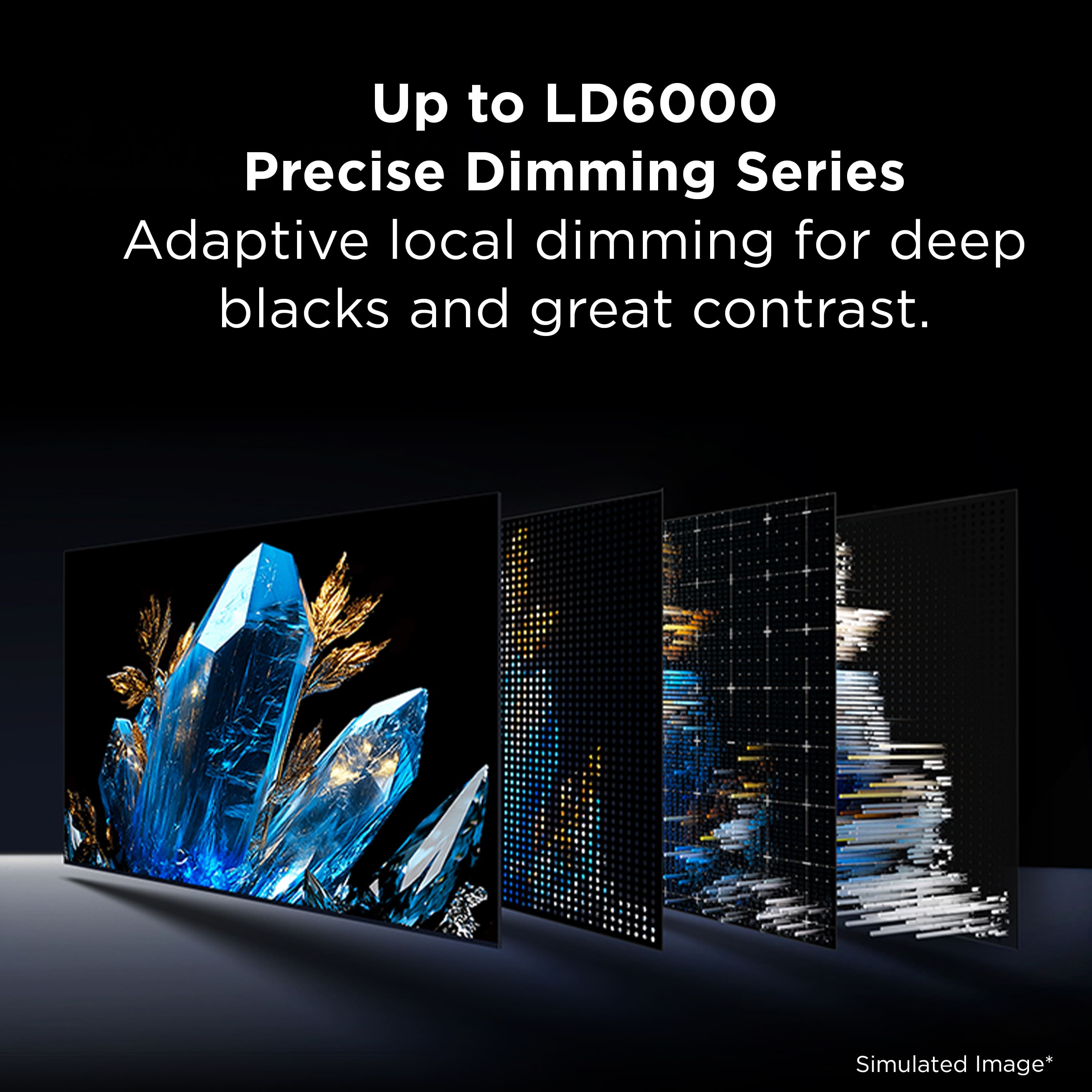
|Posted .This reviewer received promo considerations or sweepstakes entry for writing a review.To start off, this isn't OLED or should be treated like one, but at the same time, I'm actually very impressed with the overall picture quality. I believe it's a VA panel, so viewing angles aren't going to be the absolute best either unless you're looking at the TV straight on from a neutral position. With that said, I think an IPS type of mini LED would have done better here for things like Sports, though the black levels on VA + mini LED are likely the closest overall option you have for for inky blacks. The overall advantage here is PEAK brightness.. which a TV like this excels in. HDR content is superior to most alternative OLED's unless you're in a pitch black room! PROS: -85" and 6500 local dimming zones (Mini LEDS). TV excels at movies in brighter rooms. -Great audio. I use a sound bar, but I'm actually very impressed with the base audio on this model. I've been alternating the eARC to "off" because the built in speakers are all I need. -Center stand. Great for mounting on smaller consoles. Underrated aspect! -144hz @ 85" 4k. Good for gaming. though motion response isn't the best compared to OLED. Can do 288hz in game mode, but I'm unsure if this is interpolated at lower resolution. Rather have native subjectively. -Above average uniformity of panel. (local dimming contributes significantly) -ATSC3.0 support. Antenna reception is better due to new standard on 3.0 spec local channels. -WIFI 6. Not the latest standard, but an improvement over legacy WIFI5 style TV's. - Google TV built in. Works well with Antenna mode. (I'm surprised google or other companies don't sell a standard tuner.) CONS: -Very heavy. Weights around 100lbs and you need 2-3 people to set it up. -Viewing angles aren't perfect, but still overall decent. IPS mini LED or OLED are the better option for sports in a larger room. - Google TV still a little buggy. (not TV's fault). -Bulky design, but that's expected since it's MINI LED. OVERALL: I'm very impressed with what TCL has come up with here. Is it perfect? No, but this would have been "end game" in a pre OLED world. I do have gripes of general viewing angles not being as "good", but the MINI LED setup sorta outweighs that when viewing from head on. Especially in a bright room. No OLED can touch this in that regard. I can recommend this first and mostly to people who want a great TV experience in a lot of natural light. Otherwise, there are other options such as OLED or cheaper mini LED that might fit certain situations better. Solid TV otherwise.
I would recommend this to a friend