Customer Ratings & Reviews



- Model:
- TKTC8GB
- SKU:
- 6537926
Rating by feature
- Value
Rating 4.0 out of 5 stars
- Quality
Rating 4.1 out of 5 stars
- Ease of Use
Rating 3.6 out of 5 stars
Customers are saying
Customers are delighted by the Rechargeable 8-Device Backlit Universal Remote's ease of use and long battery life. The backlight and USB-C charging are also appreciated features. However, some customers have reported issues with compatibility.
This summary was generated by AI based on customer reviews.
- Pros mentioned:Battery life, Button feel, Usb-cCons mentioned:Compatibility

Decent Inexpensive Rechargeable Remote Control
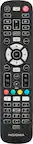
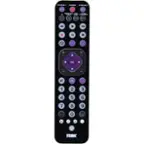
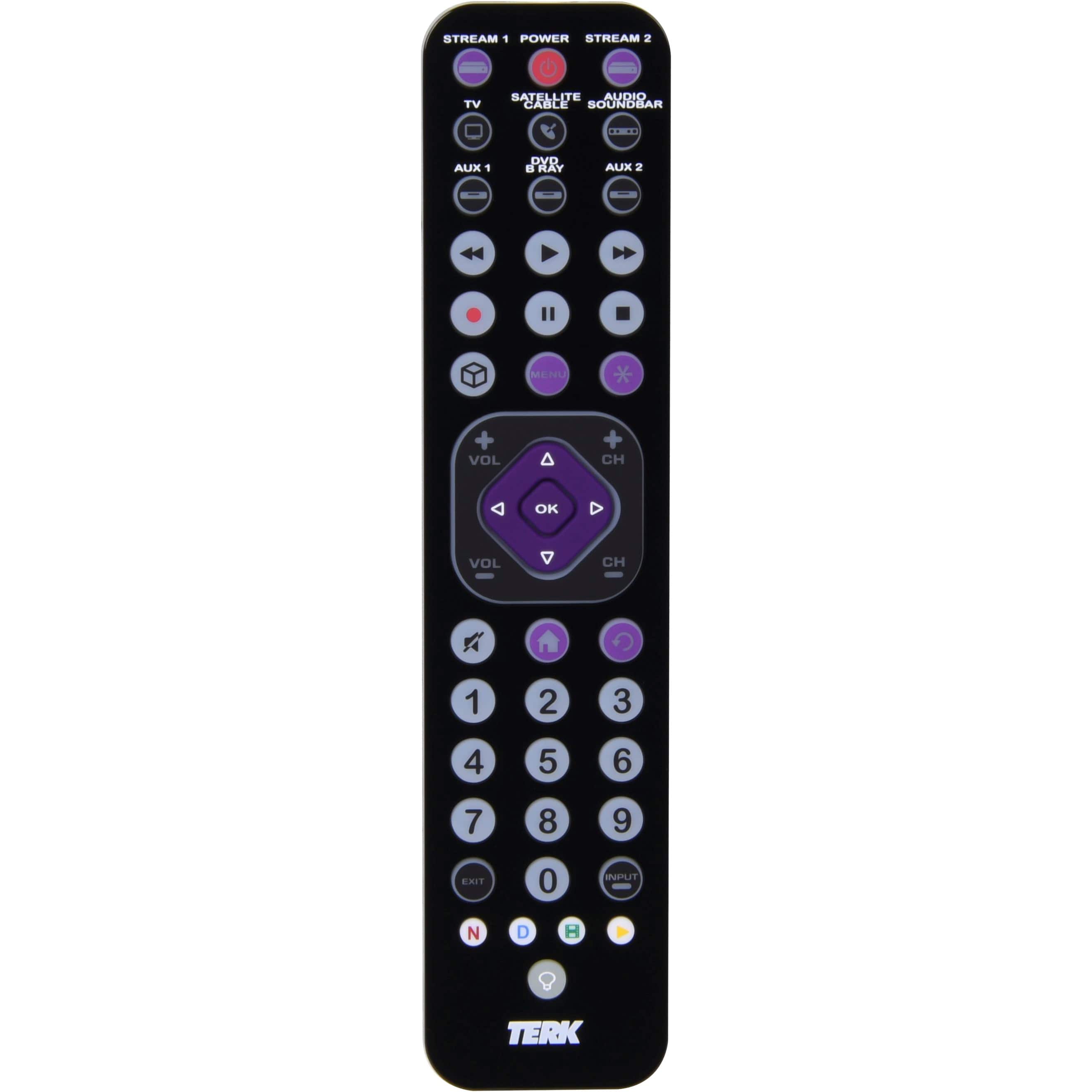
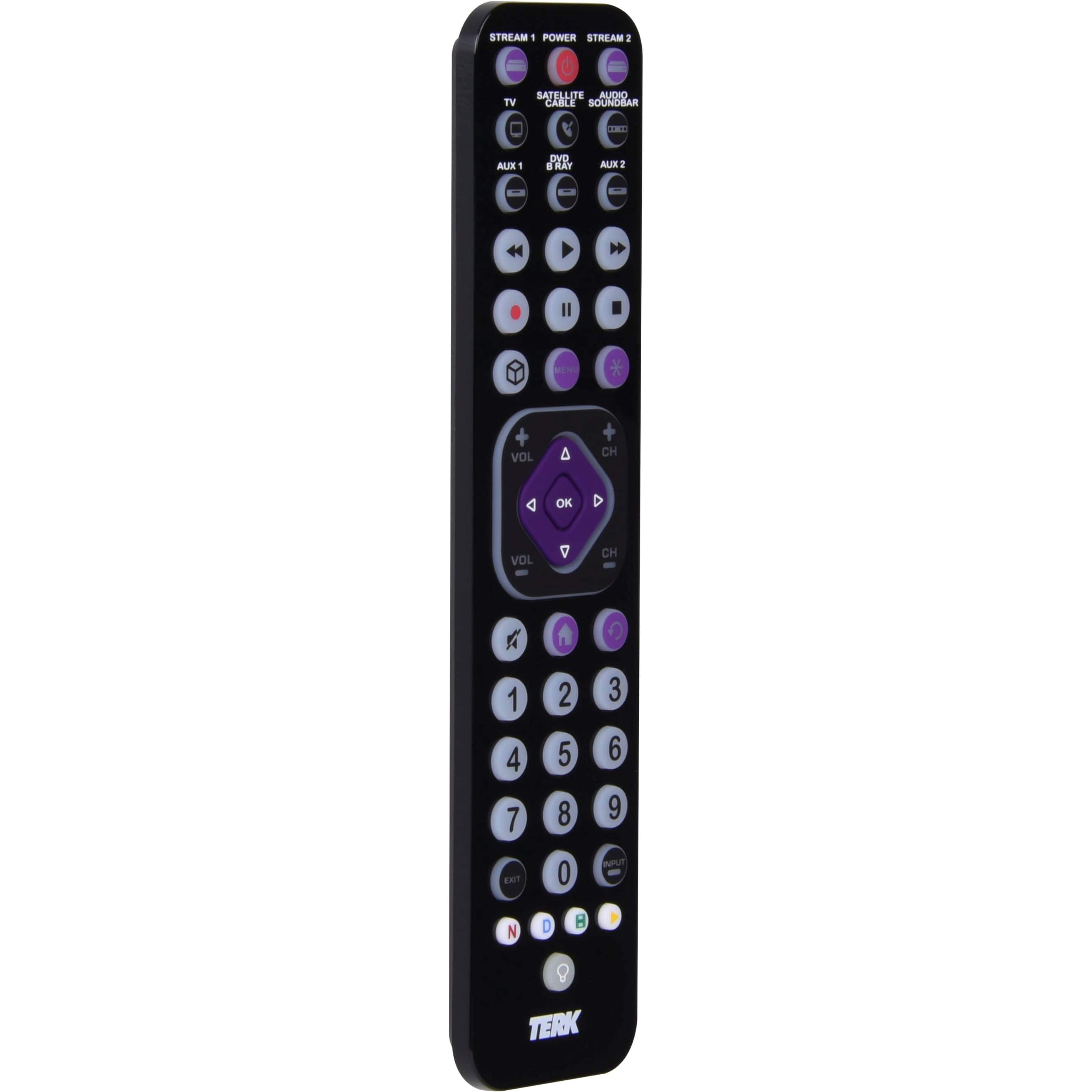
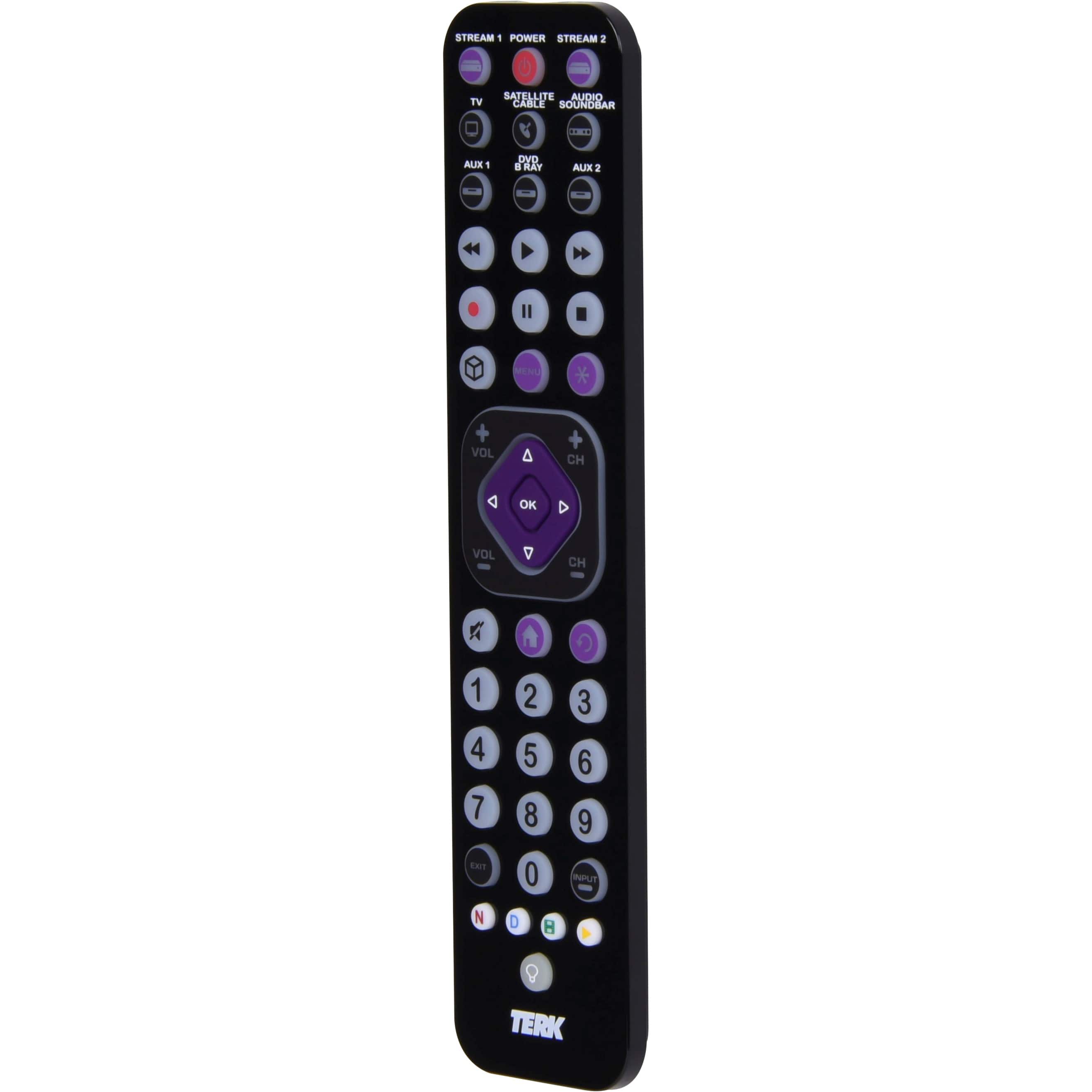
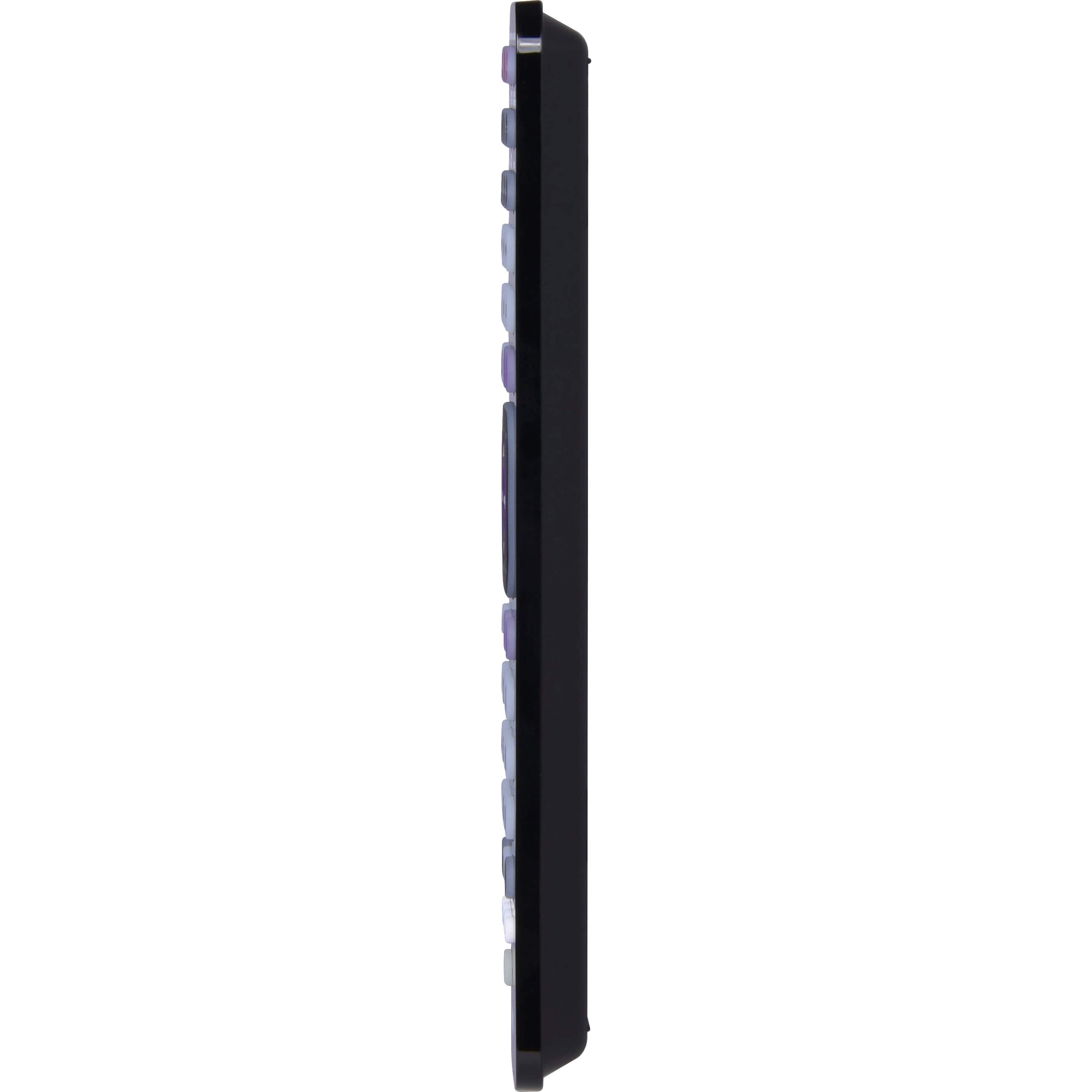
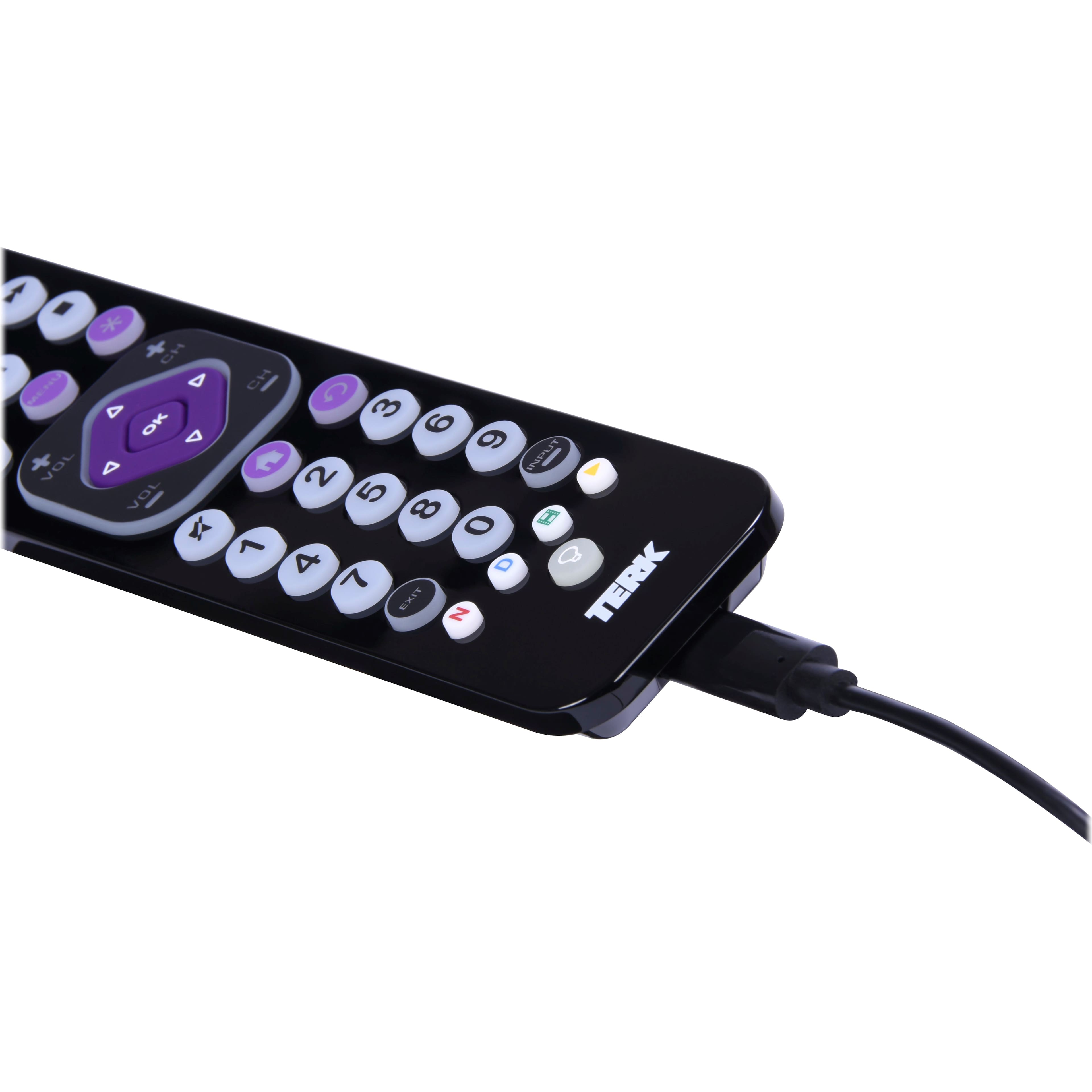
|Posted .This reviewer received promo considerations or sweepstakes entry for writing a review.The Terk – Rechargeable 8-Device Backlit Universal Remote (model TKTC8GB) supports a wide range of brands and models of devices. I was eager to consolidate all of the devices in the family room and store the collection of remotes that live on the table. Some of those devices are admittedly getting old. But I had high hopes when I saw codes for VCRs on the list. What’s in the box: • Rechargeable 8-Device Backlit Universal Remote • Charging Cable • Read me First Instructions • Owner’s Manual • Coupon for Streaming Service Discount The Terk remote is rechargeable with a standard USB-C cable. (One is included, but any charge cable with a USB-C end on it should work.) Points for being rechargeable and using a standard USB-C connection. A charge seems to last a long time. I charged it up when I received the remote a few days ago and it has not run low yet. The backlighting is a nice touch, very handy for dimly lit rooms. The remote is light and thin, easy to pick up and use with one hand. The buttons have a nice tactile feel. There are three different ways to add devices to the remote: 1. Direct Code Entry 2. Auto Code Search Top Brands 3. Auto Code Search All Brands (Note the remote comes preprogrammed for “most” Samsung TVs, DVD and Blu Ray players, Comcast cable boxes, Roku Streaming players and JBL audio products. Try the remote out before attempting to program it.) A long list of supported device types and brands is included. Plus, the devices short cut keys can be reprogrammed to perform simple macros. Instructions for creating macros are included on the instruction sheet. While the device is an IR remote, the instructions indicate it will control CEC enabled RF devices such as Amazon Fire Sticks if they are connected to the TV via HDMI-CEC. The first device I added was my 13-year-old LG TV. I used the direct code entry method and the third code worked. So far, so good. The second device was my aging Denon receiver, so old it does not have HDMI connections. I used the Direct Code Entry method and it worked. The third device was my brand-new Samsung sound bar. I successfully used the direct code method again. The fourth device was a Roku 3, another aging device. I tried all of the listed Roku codes. None turned the device off. Although one code did change the screen. Next, I tried to add the Roku 3 using the Auto Code Search Top Brands method. One code changed the screen, but nothing turned the Roku off. I finally tried the Auto Code Search All Brands method. Same thing. Nothing turned the Roku off, but one did change the screen. I tried to add the old Roku 3 again, entering the code that changed the screen previously. Same results. Then I tried controlling the Roku, thinking if everything else worked I don’t usually turn it off anyway. Nothing else worked like I’d expect. So, I got three out of four initial devices to work on it. Which for an inexpensive, rechargeable remote isn’t actually that bad. I plan to add the DVD player, the Sonos and the Xbox to the remote and I plan to upgrade to a new smart TV soon. So, I think the value is still there even if the remote doesn’t like the aging Roku 3.
I would recommend this to a friend - Pros mentioned:Battery life
Control Remote
||Posted . Owned for 3 weeks when reviewed.This reviewer received promo considerations or sweepstakes entry for writing a review.I'm fascinated with this remote control apart from the fact that you can use it on different devices you don't need batteries you just put it to charge I recommend it it's an excellent investment.
I would recommend this to a friend - Pros mentioned:Backlight, Button feel, Ease of use
The 8 in 1 remote for all your remote needs
|Posted .This reviewer received promo considerations or sweepstakes entry for writing a review.It's hard not to like this universal remote. Terk (which is a brand I had never heard of) did a wonderful job with this remote, not only from a technical standpoint, but also in terms of design. Let's break down what's good and what is not so great. Pros: + Works with a massive amount of devices, including TVs, Bluray/DVD players, sound bars, streaming devices and much, much more + It's rechargeable, which saves cash as you don't need to purchase batteries + It's light and thin but doesn't feel flimsy + All keys are back-lit + Buttons have a good feel to them and are laid out very well + It comes with everything you need, including a quick start manual, a code sheet and a warranty card. Cons: - The plastic is very glossy and will catch fingerprints easily - The battery could last longer There is really nothing fundamentally wrong with this universal remote. I was able to set it up on a TCL smart TV which has Roku integrated without a hitch, same for a Vizio and a Samsung smart TV and sound bar. The setup is very easy and very quick. I can only recommend this remote.
I would recommend this to a friend - Pros mentioned:Battery life, Usb-cCons mentioned:Compatibility
30yr Old Tech, Slightly Updated
|Posted .This reviewer received promo considerations or sweepstakes entry for writing a review.In using this remote for some time, I found myself wanting to go back to my standard smart tv and receiver remotes. Why? Simply because these aftermarket remotes don't give the same functionality and reliability that your manufacturer remote will, at least not at this pricepoint. If you need a remote and just hate having multiple remotes out or to worry about, this isn't a terrible option, as once programmed, it does fairly decent for basic navigation, I also even enjoy the backlit and USB C rechargeable battery. Those being the only reasons this device received more than one star. That being said, the codes used to control the devices you may have, are not complete and don't offer the same functionality you might otherwise have with the included device remote, as to be expected to a degree. I tried multiple codes and have high end and common products/brands. The problem arises in the fact that we are in a much more advanced world than we were decades ago when these remotes were ground-breaking. Unfortunately, they haven't been able to keep up and adapted poorly. Take, for instance, the macros they use for the Netflix/Disney/Hulu/YT buttons. It's simply a button direction of how to move on your home screen to get to them. Example, you turn your tv on and it always goes to the home screen, to get to be Netflix(outside of just pushing the button almost every manufacturer remote has embedded on their remote), you have to go up one click, and over to the right two clicks. Those are the actions the macro for those specialty buttons uses. Now imagine you are on your home screen and in a different spot than where your tv turns on to, it will still just go up one click, and over two clicks, to select whatever that might be. Point being, it isn't directly tied to Netflix. Delete an app that changes the location of your programmed apps, or move them, and you are stuck then rearranging and redoing macros. Or heaven forbid you get an update that somewhat changes your tv layout. You can mitigate this some by making sure it sends the home command each time before moving, ensuring you're at a consistent start point, but it's highly fallible regardless. Add this in to the fact that the buttons are very soft plastic/rubber, with no clear definition on edging of the nav buttons, and operation without looking at the remote becomes more difficult. As well as the piano black gloss finish that smudges with even the cleanest of hands. I can't recommend this remote, unless you, for some reason, absolutely hate the device provided remote and/or can't get a replacement if lost/broken.
No, I would not recommend this to a friend - Pros mentioned:Battery life, Button feel
Great battery life, easy to use, easy backlight
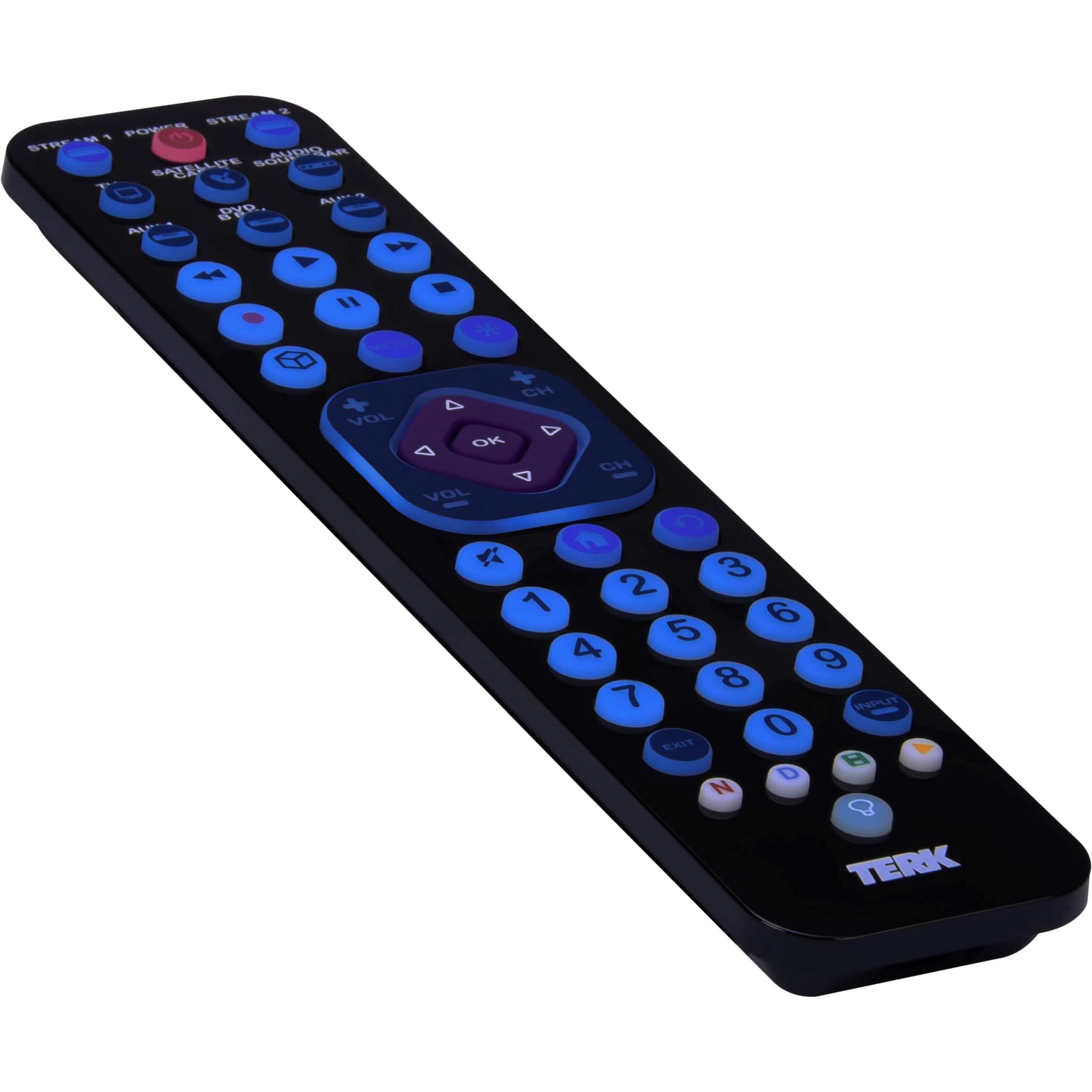
|Posted .This reviewer received promo considerations or sweepstakes entry for writing a review.This backlit remote is a nice surprise. I held out as long as I could to do the review to test the battery life. Even with a lot of use for roughly a month, the battery remains good and I still like it. There have been plenty of other (and more expensive) remotes I used for a week or two and wanted to run them over with the lawn mower. This Terk rechargable has been great. It's not an activity-centric remote where you hit one button and it runs through a bunch of commands, but I'm finding those to be a real hassle. The Terk remote excels at what it's intended for. The first charge (only one I've done so far) only took a few hours. I plugged it in around 11am and expected it to need to charge longer, but the red light turned green sometime in the afternoon so I could use it that evening. The charge status light is a big plus. I tend to charge stuff and occasionally forget to unplug. Programming is well described in the instructions, and I didn't have any issues finding codes for my receiver, satellite box, streaming player, TV, Blu-Ray, etc. My audio receiver is usually the one that trips these up, but it worked on the second code. All-in-all, I think it took about 35 minutes for everything. Operation: The remote works well. My couch is farther away from all the devices and TV than most, and the "universal" remote that comes with my satellite box doesn't have enough reach to activate some of my equipment without holding my arm up and leaning forward to get it to do what I want. With this Terk remote, I don't have to sit up to get it to work. My receiver is somewhat complicated, so I do need to keep that remote somewhat nearby, but it's rare to need it any more. Last, but not least, the backlight. A lot of remotes have really lousy backlighting where even with the backlighting on, you can't tell what anything is. The Terk remote has little symbols on the device buttons and everything else is pretty clear what they are. That's a BIG plus so until I have the buttons memorized well, I can still find what I'm trying to use. I think the ONLY downside to this remote (for what it's intended for) is that the backlight is blue. The button to turn the light on is easy to find at the bottom where there aren't other buttons to press accidentally. However, the blue light is not as easy to look at as red, white, green, or yellow (or purple?) might be. That being said, it's not like I can't see everything and be able to tell what it all is. It's just a preference. So beyond the blue color of the backlight, I have zero complaints and really like how well it projects the signal to my equipment. Unless you have a serious aversion to a blue backlight, I would recommend it for anyone looking to ditch their box full of remotes.
I would recommend this to a friend - Pros mentioned:Backlight, Ease of use
Easily The Best Most Complete Universal Remote Out
|Posted .This reviewer received promo considerations or sweepstakes entry for writing a review.So I have a bunch of devices that I use daily, and of course, my end table has way too many remotes on it. Some combo, but there isn't one that I currently have that could control everything. That has changed now with this universal remote. Right off the bat, the fact that it's rechargeable and doesn't take batteries that I've been used to for so many years is actually amazing. Not only is it amazing, but the fact that it's a USB-C charging port is even better, so there's no real risk of breaking like the micro USB does. When you plug it in there is a red light on the back that tells you its charging and a green when it’s complete. The illumination button makes all the major buttons backlight blue, which looks pretty cool at night and makes it really easy to use. The big kicker here for me is I still use an Xbox One for various things, and yup, you guessed it, this can actually control that too, so I don't have to pick up my actual Xbox controller just to do a couple of button presses and then turn it back off, which saves a lot of time and annoyance. It's really easy to set up, and it comes with a code list of all major brand items, even non-major brand, honestly, and it shows codes for things like projectors, digital TV tuners, DVD players, cable set-top boxes, Blu-ray players, streaming video players like Apple TV, Roku TV, Fire TV, audio receivers, sound bars, CD players - the list goes on. It's actually crazy how complete it is. I assumed I would have to go online and start looking up codes and stuff like in the past, but nope, it's all in the paper that comes with, which is essentially like eight pages long, lol. The shape of the remote is thin and flat. It's up to you how to perceive that. Personally, I like the squared-off edges, feeling like I'm holding something properly rather than rounded edges on something like a Chromecast or something. So, this is probably the most complete and useful universal remote I've ever used in my life. Highly recommended.
I would recommend this to a friend - Pros mentioned:Battery life, Ease of use
Say Goodbye To The Classic Remote.
|Posted .This reviewer received promo considerations or sweepstakes entry for writing a review.I had never programmed a remote before and was intimidated, but the instructions were super easy to follow. I didn't know my device's #, or even that they had them, going in to the process. Iirc, programming the remote took about 2 minutes, and only took that long because I got distracted. Nowadays, as you all know if you are "Vacationer's" many hotels give guests limited remotes that can't access all the TV's features, such as input. This remote can operate with any brand of TV and so far has worked 100% of the time so far with going on recent Vegas Vacations and staying at the Resorts/Casino Hotels. This remote gets my 5 star rate of approval. Don’t think I have ever used anything electronics related, that worked so flawlessly and without effort. I’m impressed. When I received this this it came with the included batteries, and also a "USB" (usb mak take up to an hour for a full charge, that will last up to 13 hr) Turned on my TV, held the button down as directed, worked like a charm. No frustration whatsoever Highly recommend this remote!
I would recommend this to a friend - Pros mentioned:Battery life, Ease of use
Best Universal Remote
||Posted . Owned for 2 weeks when reviewed.This reviewer received promo considerations or sweepstakes entry for writing a review.Terk got it right. This thing is easy to program, can be programmed to mimic darn near anything, and with the rechargeable batteries, I won't be chewing through AAA batteries or needing to reprgram the remote every time I replace said batteries either. A good buy indeed!
I would recommend this to a friend Good product
||Posted . Owned for 1 year when reviewed.This reviewer received promo considerations or sweepstakes entry for writing a review.It works fine when you figure out what all the buttons are for.
I would recommend this to a friend- Pros mentioned:Battery life
Great remote
||Posted . Owned for 1 year when reviewed.This reviewer received promo considerations or sweepstakes entry for writing a review.One of the best remotes around. There is no need to buy batteries and it doesn't need to be charged that often.
I would recommend this to a friend - Pros mentioned:Backlight, Ease of use
The Perfect Universal Remote
||Posted . Owned for 1 month when reviewed.This reviewer received promo considerations or sweepstakes entry for writing a review.Very nice and easy to program. Love the lighted buttons.
I would recommend this to a friend - Pros mentioned:Ease of use
Terk rechargeable 8-device universal remote
||Posted . Owned for 1 month when reviewed.This reviewer received promo considerations or sweepstakes entry for writing a review.I found this to be a very handy and easy to use item.
I would recommend this to a friend It works on MULTIPLE DEVICES BESIDES TV
||Posted . Owned for 3 weeks when reviewed.This reviewer received promo considerations or sweepstakes entry for writing a review.Fast set up and works perfectly with Samsung TV. I like that I can connect MULTIPLE TV AND OTHER DEVICES
I would recommend this to a friendGREAT CHARGER
||Posted .This reviewer received promo considerations or sweepstakes entry for writing a review.I was pleased with my purchase that workrd right out of the box. Triple AAA batteries would have been preferred over AA.
I would recommend this to a friend- Cons mentioned:Compatibility
Universal Remote
||Posted . Owned for 1 month when reviewed.This reviewer received promo considerations or sweepstakes entry for writing a review.It did control. all of my 4 of my devices to some degree. Range was not very far, about 6 feet. It will not control a Fire Stick. Overall disappointed
No, I would not recommend this to a friend - Pros mentioned:Battery life
Best investment ever!
||Posted . Owned for 1 month when reviewed.This reviewer received promo considerations or sweepstakes entry for writing a review.No need to buy batteries ever again! Highly recommend this for those who either lose their remote or don’t wanna buy batteries!
I would recommend this to a friend - Pros mentioned:Backlight
Universal remote
||Posted . Owned for 3 weeks when reviewed.This reviewer received promo considerations or sweepstakes entry for writing a review.I loved the remote . Blue black light is super useful.
I would recommend this to a friend - Pros mentioned:Ease of use
Remote control
||Posted . Owned for 1 month when reviewed.This reviewer received promo considerations or sweepstakes entry for writing a review.It is working really good. Simple to set it up and good price.
I would recommend this to a friend 4 in 1 remotes
||Posted . Owned for 3 weeks when reviewed.This reviewer received promo considerations or sweepstakes entry for writing a review.It was worth it, i went from 4 remotes to 1.. It was very convenient, semi easy to use once you find the codes.
I would recommend this to a friend- Pros mentioned:Ease of use
Universal remote TERK!!
||Posted . Owned for 3 weeks when reviewed.This reviewer received promo considerations or sweepstakes entry for writing a review.Very easy to use and best of all even easier to program!! Highly recommend this product! Thanks RS
I would recommend this to a friend