Customer Ratings & Reviews
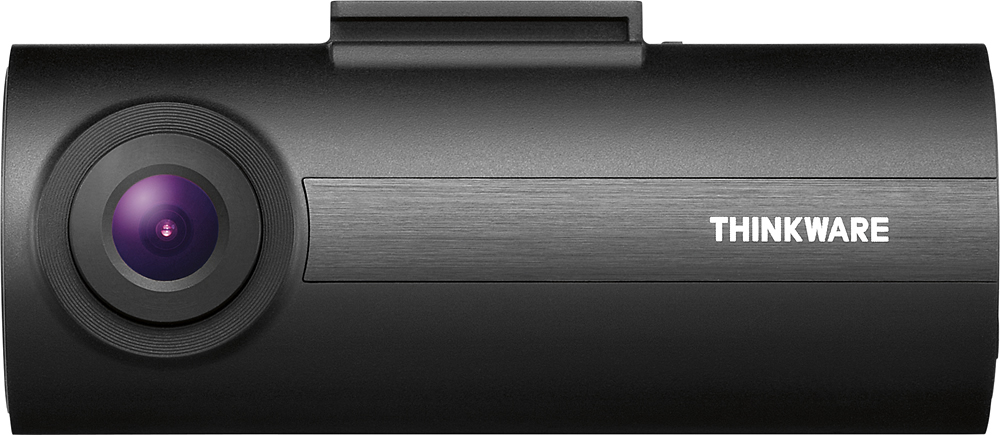
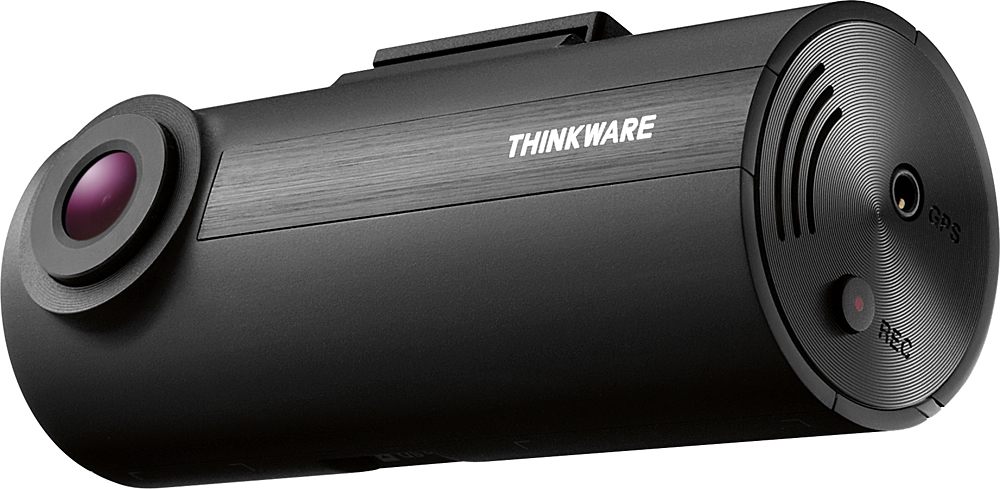
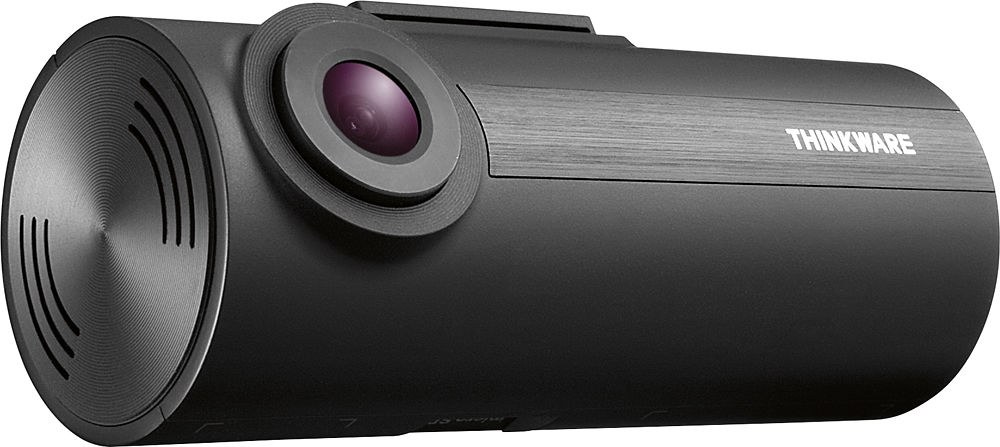
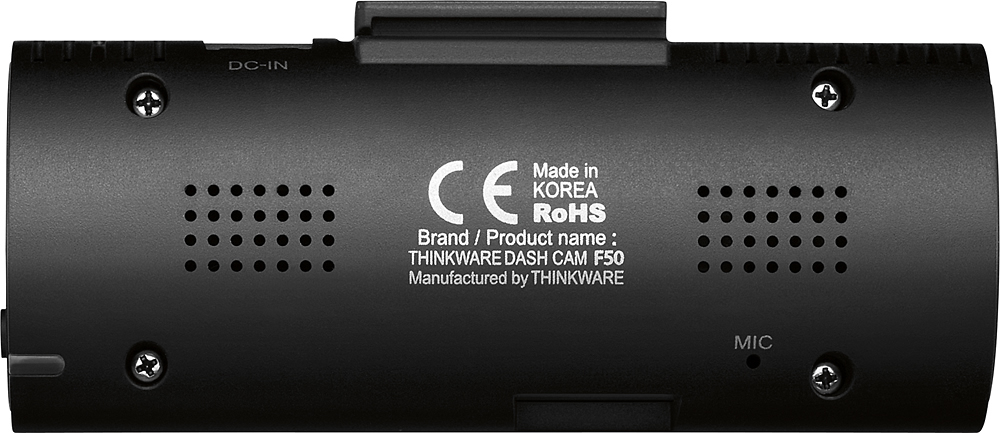

- Model:
- TW-F50
- SKU:
- 5371600
Rating by feature
- Value
Rating 4.7 out of 5 stars
- Quality
Rating 4.7 out of 5 stars
- Ease of Use
Rating 4.7 out of 5 stars
Customers are saying
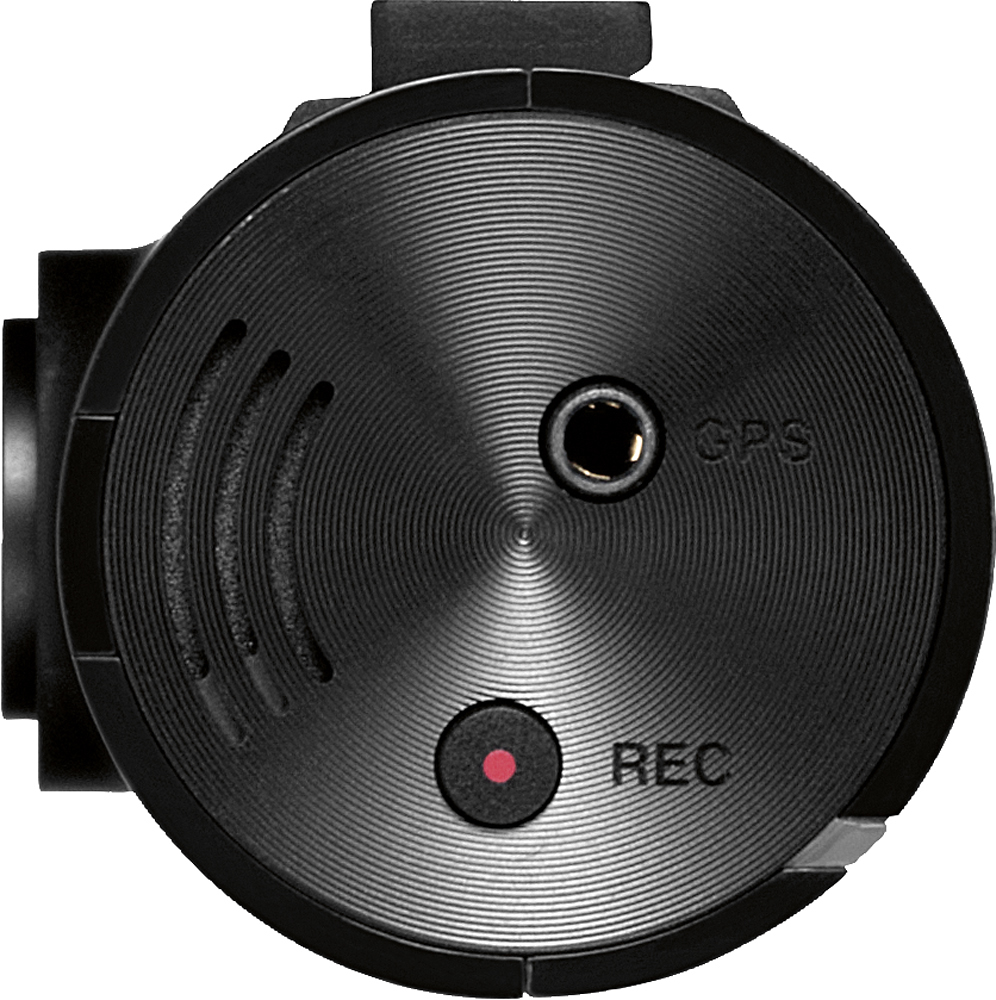
Customers recognize the F50 Dash Cam's excellent video quality and ease of use, praising its small size and affordability. However, some users point out limitations with the included SD card's capacity and the lack of a built-in GPS. A few also mention concerns about the software and the absence of a screen for immediate video playback.
This summary was generated by AI based on customer reviews.
- Pros mentioned:Ease of use
Most have
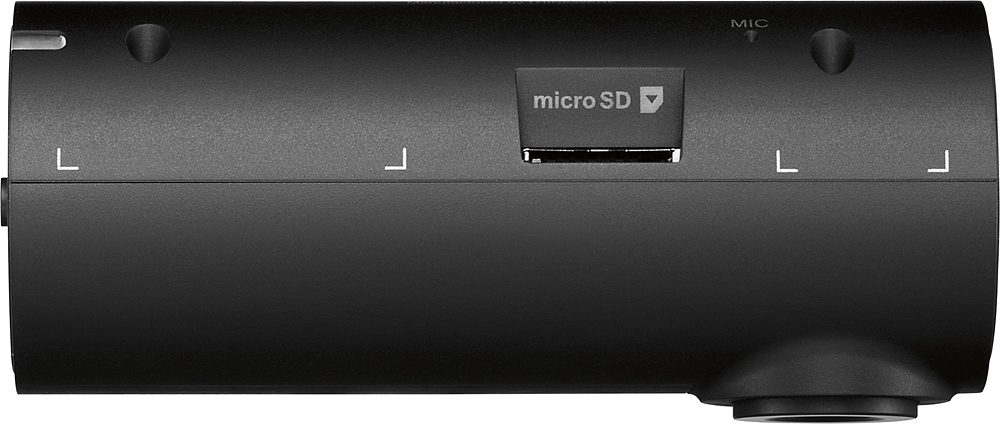
Posted .This reviewer received promo considerations or sweepstakes entry for writing a review.I really like this camera is very easy to use and install the only issue I had at the beginning was installing the software to view clips I went to their website and installed from there after that it was simple although I wish I did not have to remove the micro SD card to view. Also it would be better to have a bigger capacity storage card
I would recommend this to a friend - Cons mentioned:Gps
First dashcam
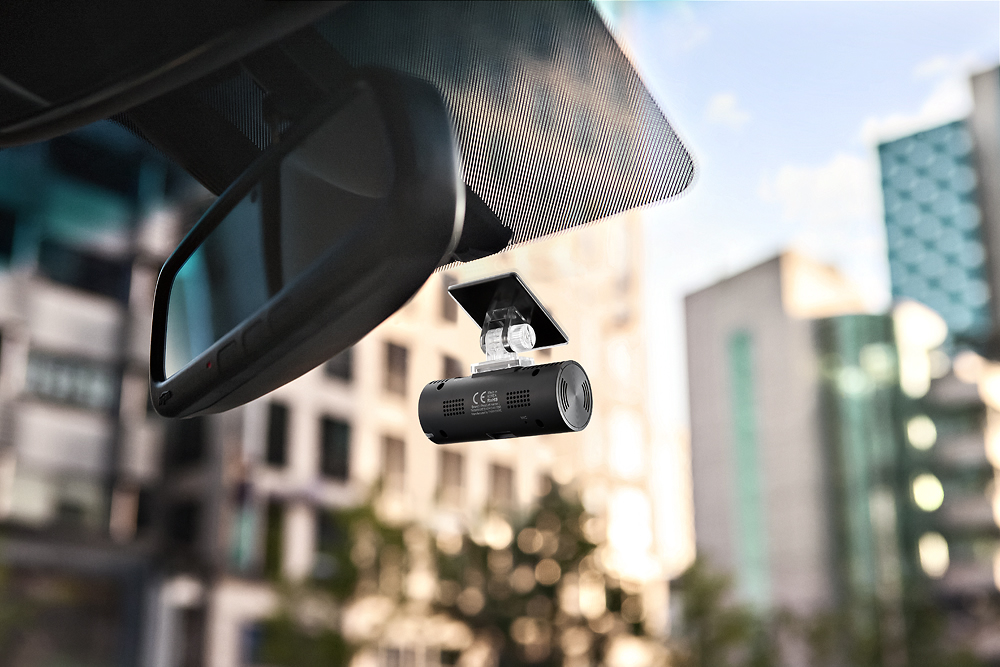
Posted .This reviewer received promo considerations or sweepstakes entry for writing a review.Good points...This unit mounts nicely onto the rear view mirror. The installer took about 30 minutes to hardwire it in and the wires run behind the trim. I hate the suction cups on my GPS (it keeps falling off) so this unit is ideal. It beeps when you hit a traffic bump or bad pothole, I don't know why, but it does. I have no idea how long it loops for before it tapes over an event you want to save. Bad points...I am 55 and cannot figure out how to remove the Micro SD card or even where it is. The instructions are written in type so small I cannot read them without a magnifying glass To make matters worse the instructions do not tell someone how to use the unit. I think I will try a different company for my other cars.
No, I would not recommend this to a friendBrand response from Thinkware Product Expert
Posted .Hi Doug! The beeping you are describing is referring to the impact sensor after it has been triggered. The beeping alerts are in place to let users know that their dash cam has switched from Continuous Recording Mode to Incident Recording Mode, so that users know where to look for the footage later if needed. With the 8GB provided, that provides approximately 1 hour of footage before the dash cam overwrites itself. If you prefer a full instruction manual, we have them available on our website here at: http://bit.ly/2gGUrVJ. We would be happy to assist you with your set-up! Please contact us directly by email ([email protected]) or phone (1-844-865-9273). Kind regards, Thinkware Customer Support

Excelent little dashcam. Korea makes good stuff.
Posted .This reviewer received promo considerations or sweepstakes entry for writing a review.Korea is starting to make the best stuff now. I think that soon they will become the new Japan when making electronics and automobiles. The only thing that I wish this dashcam had was a small video screen that you could plug into it but other wise it's really good. I turned off the voice and beep sounds because the green light says when it is working.
I would recommend this to a friend- Pros mentioned:Ease of use
Meets my needs
Posted .This reviewer received promo considerations or sweepstakes entry for writing a review.I bought the H50. Unfortunately, it is no longer sold at Best Buy. Easy set up and install. Wish the product could be 'leveled' after installing it, and ability to install upside down and adjust capture to be right side up.
I would recommend this to a friend Poor video quality
Posted .This reviewer received promo considerations or sweepstakes entry for writing a review.I had a ton of faith when i purchased this cam. The reviews were great on google and the price was awesome. (79.99) But after using it for 4 days and then reviewing the footage I noticed, I wasn't able to read street signs or license plate numbers. Day or night. I cleaned my windshield inside and out and still the video image was very blurry and grainy. I checked the camera lens to see if maybe I placed a fingerprint on it but no, it was clean. Now I'm going to take it back and try another camera brand . I'm so disappointing because I really wanted this cam to work.
No, I would not recommend this to a friendBrand response from Thinkware Product Expert
Posted .Hi Danny,
We are sorry to hear about your experience with the F50 dash cam. To investigate the issue further, please contact our CS department directly by email ([email protected]) or phone (1-844-865-9273) to speak with a representative.
Kind regards,
Thinkware Customer Support
- Pros mentioned:Video quality
Ok, but hard to adjust
Posted .This reviewer received promo considerations or sweepstakes entry for writing a review.The picture quality is good. The lack of a screen makes for a slimmer dash cam but it is hard to adjust so that it is aimed correctly (that is: not filming just the sky or a large portion of your hood).
No, I would not recommend this to a friend - Cons mentioned:Memory
Not good for hot weather
Posted .This reviewer received promo considerations or sweepstakes entry for writing a review.Living in south Florida we deal with the heat year round, and unfortunately this camera can not resist the heat- i had it for almost a year and always had an issue when it would get to hot outside the camera will start to malfunction--- for ex: turning on and off and constantly repeating " continuous recording will now start" 8 gb memory card will last for about 1 hour and to replay to would have to connect to a computer- not convenient if you have a crash and have to show proof- good for small things but not dependable
No, I would not recommend this to a friendBrand response from Thinkware Product Expert
Posted .Hi Beatriz,
We are sorry to hear about your experience thus far with your F50. Please note that when the camera restarts frequently it is typically the micro SD card that is causing this! Please contact our support team and they will resolve your issue for you.
Phone : 1-844-865-9273 (TNK-WARE)
E-mail : [email protected]
Kind regards,
Thinkware Customer Support.
- Pros mentioned:Ease of use
Video quality could be way better!
Posted .This reviewer received promo considerations or sweepstakes entry for writing a review.I bought this dash cam because I liked the looks and it had good reviews. After having it for over 6 months the only thing I like is that it conceals very nice and is easy to set up. The biggest con to me is that the picture quality is less than desirable. If you are moving you will not have a clear picture and will never make out a license plate no matter how close you get. I have two other dash cams that were about the same price and they have a much better video quality.
No, I would not recommend this to a friendBrand response from Thinkware Product Expert
Posted .Hi there,
We are sorry to hear about your experience with the F50 video quality. In this case, can you please send a couple video files to our customer support email ([email protected]) so that we can investigate the issue further?
Kind regards,
Thinkware Customer Support
Does not work for long
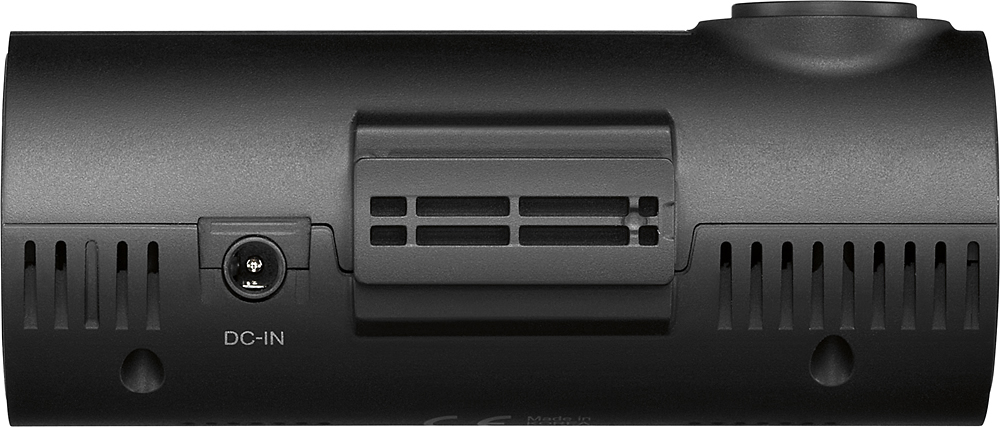
Posted .This reviewer received promo considerations or sweepstakes entry for writing a review.The camera does not have an on off switch so if your lighter plug stays on, the camera stays on. I bought two cameras. I used the first one for one year before it stopped working. Today, I plugged in the brand new camera and it did not work at all. $200 down the drain.
No, I would not recommend this to a friendBrand response from Thinkware Product Expert
Posted .Hi there,
We are sorry to hear about your F50! Please contact our support team so we can resolve your issue as fast as possible! Feel free to contact us directly by email ([email protected]) or phone (1-844-865-9273). Kind regards, Thinkware Customer Support
Very poor info from manual book
Posted .This reviewer received promo considerations or sweepstakes entry for writing a review.Manual book came with the camera look thick but do not expect manual book will tell you how to use this cam , you have to go online and search infomation for how to set it up and how to use it yourself and no matter how i set it , i still can't record longer than 1 minute , very upset when i have to remove adhesive mount from windshield to returns this cam to Bestbuy.
No, I would not recommend this to a friendBrand response from Thinkware Product Expert
Posted .Hi there,
We are sorry to hear about your experience with the F50 dash cam. Please note that the comprehensive manual is available on our product website (Thinkware.com). In regards to the dash cam recording in 1 minute increments, this method acts as a safety measure that seeks to eliminate the risk of all video files becoming corrupted in the event that the unit is damaged. However, we do appreciate the honest feedback and will forward your inquiry to our development team for reference.
Kind regards,
Thinkware Customer Support
video quality
Posted .This reviewer received promo considerations or sweepstakes entry for writing a review.Hello to all ..... For this F50 thinkware dash cam I have done good research on this dashcam it has a very high approval rating and little negative rating it's the best camera for the buck so I went to Best Buy and bought one I have the Plug and Play so all I did was install it and plug it into the cigarette lighter pretty simple follow the directions install the SD card formatted the SD CARD inside the camera install the application on my laptop I have Windows 7 did everything right but unfortunately my video quality is slow and freezing when the camera is recording updated the camera but no change exchange the camera and updated the new camera still I have freezing slow still recorded video that is annoying don't know if I should scrape it off of my windshield put it in the box and get a refund or get a different computer but I do take my hat's off to Best Buy they went the extra mile and exchanged the camera for me
No, I would not recommend this to a friendBrand response from Thinkware Product Expert
Posted .Hi there,
We are sorry to hear about your negative experience with the PC Viewer. In this case, it is usually because the user is using an outdated version of the PC Viewer. Although you upgraded the firmware on the new camera, we strongly recommend updating the PC Viewing software as well.
Thinkware Customer Support
- Pros mentioned:Video quality
Lasted less than 6 months
Posted .This reviewer received promo considerations or sweepstakes entry for writing a review.Good quality image. Poor quality components. Mine lasted 6 months before crapping out. Don’t think it’s intended to have power to it all the time for surveillance mode.
No, I would not recommend this to a friendBrand response from Thinkware Product Expert
Posted .Hi there,
We are sorry to hear about your experience with our F50. The F50 is designed to have power all the time with the Thinkware Hardwiring Cable. Please contact our support team and the will be happy to resolve your issue! Email: [email protected] Phone: 1 (866) 865 9273
Kind regards,
Thinkware Customer Support.
Just choose a Garmin
Posted .This reviewer received promo considerations or sweepstakes entry for writing a review.Was very happy with this camera until I got into an accident and needed to recover the footage. Long story short it didn't start recording until AFTER the accident when I pressed the manual rec button. It didn't even record my morning commute before the accident. YES it was plugged in! Called customer service and they were no help. I'm just going to return this one and switch to a Garmin SMH....
No, I would not recommend this to a friendBrand response from Thinkware Product Expert
Posted .Hi there. We are sorry to hear about your experience with the F50. Please note that users do not have to manually activate the dash cam to record incident footage. Once impact is detected and the dash cam switches into Incident Recording Mode, the dash cam will automatically save the 10 seconds of footage before and after the impact. However, Manual Recording Mode does not have the same feature and because it was activated before the impact, it is why the 10 seconds of footage before incident was not captured. As the 8 GB memory card provided with the F50 stores approximately 1 hour of footage before being overwritten, it is likely that the footage in the morning was overwritten. We hope this clarified the issue! As we would love to assist you, please contact us directly by phone (1-844-865-9273) or email ([email protected]). Thinkware Customer Support
Garbage
Posted .This reviewer received promo considerations or sweepstakes entry for writing a review.Don't waist your time with this dash cam. I purchased this dash cam just in case of a wreck. I waisted my money for a piece of plastic mounted to my wind shield for nothing. I just happened to get in a wreck and the only thing it recorded was a speed bump after the wreck. JUNK.
No, I would not recommend this to a friendBrand response from Thinkware Product Expert
Posted .Hi Corey!
We are sorry to hear about your accident and your negative experience with our camera. We hope no one was injured. Please contact our Customer Support Team and they will resolve any issues you are currently having with your F50.
Email - [email protected]
Phone - 1-844-865-9273
Kind regards,
Thinkware Customer Support.