Customer Ratings & Reviews
- Model:
- TBS-0120-05
- SKU:
- 10917683
Rating by feature
- Value
Rating 4.0 out of 5 stars
- Quality
Rating 4.1 out of 5 stars
- Ease of Use
Rating 4.3 out of 5 stars
Slight inconvenience
||Posted .This reviewer received promo considerations or sweepstakes entry for writing a review.Thumbsticks are highly sensitive which is different than other controllers used in the past. Also had a difficult time connecting the controller to turtle beach account for customization. Overall not a bad controller!
I would recommend this to a friendIt’s a cool controller has a lot of benefits
||Posted . Owned for 1 month when reviewed.This reviewer received promo considerations or sweepstakes entry for writing a review.I wish I knew it was not wireless for Xbox. You have to use a cord so therefore it has cool features, but I give it a grade too cause I don’t have a computer for the wireless. I have an Xbox and I don’t use it very much cause I use my wireless controller instead, so I probably wasted money.
No, I would not recommend this to a friendBrand response from Turtle Beach Support
Posted .Hello Quincy! We are sorry to hear about the experience you've had with your Turtle Beach product. Our products are each sold with a manufacturer's warranty, and we have a dedicated Support Team available to assist as needed. If you have questions or concerns, please reach out directly to our dedicated Support Team so they can lend a hand. They’re always happy to help and can be reached using the “Contact Support” link at the bottom of the Turtle Beach homepage. Best Regards!

Strange buttons
||Posted . Owned for 2 months when reviewed.This reviewer received promo considerations or sweepstakes entry for writing a review.I didnt care for the buttons onnthe controller. I dont know for surebwhat it was just didnt like the feel.
No, I would not recommend this to a friendexcellent
||Posted . Owned for 1 month when reviewed.This reviewer received promo considerations or sweepstakes entry for writing a review.Great controller overall good for fighting games fr
I would recommend this to a friend
Lots of options to customize your way
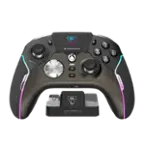
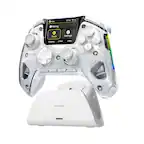
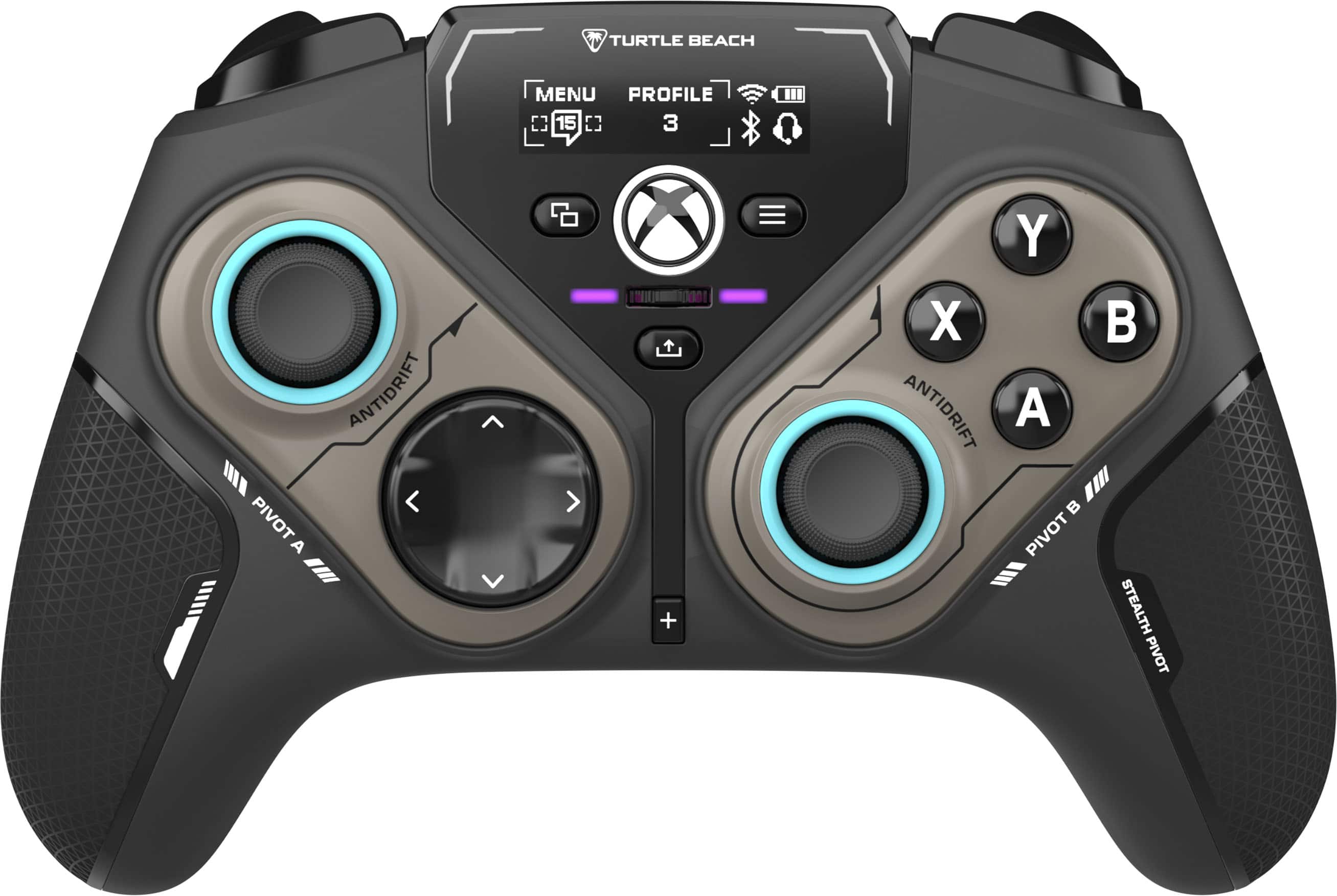
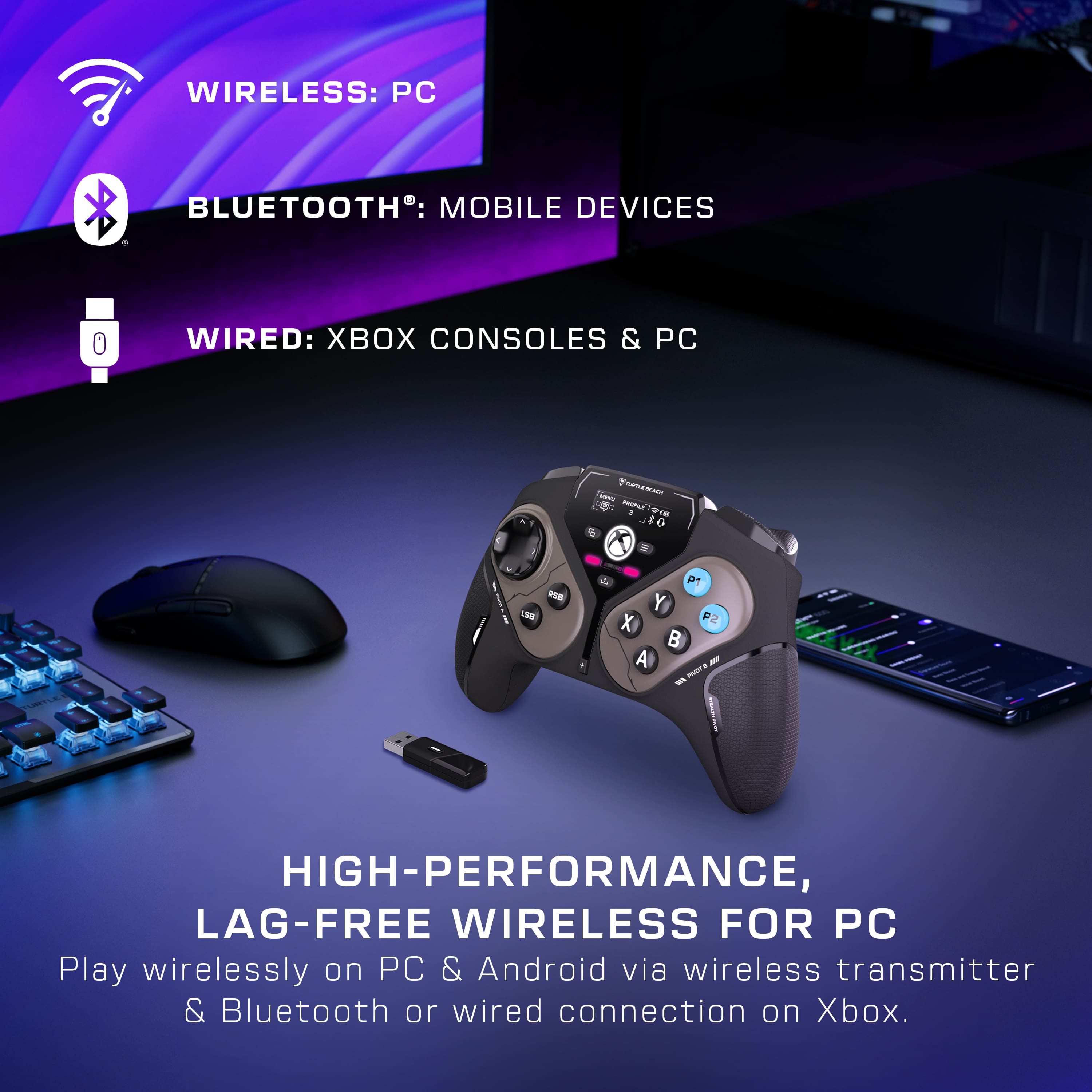
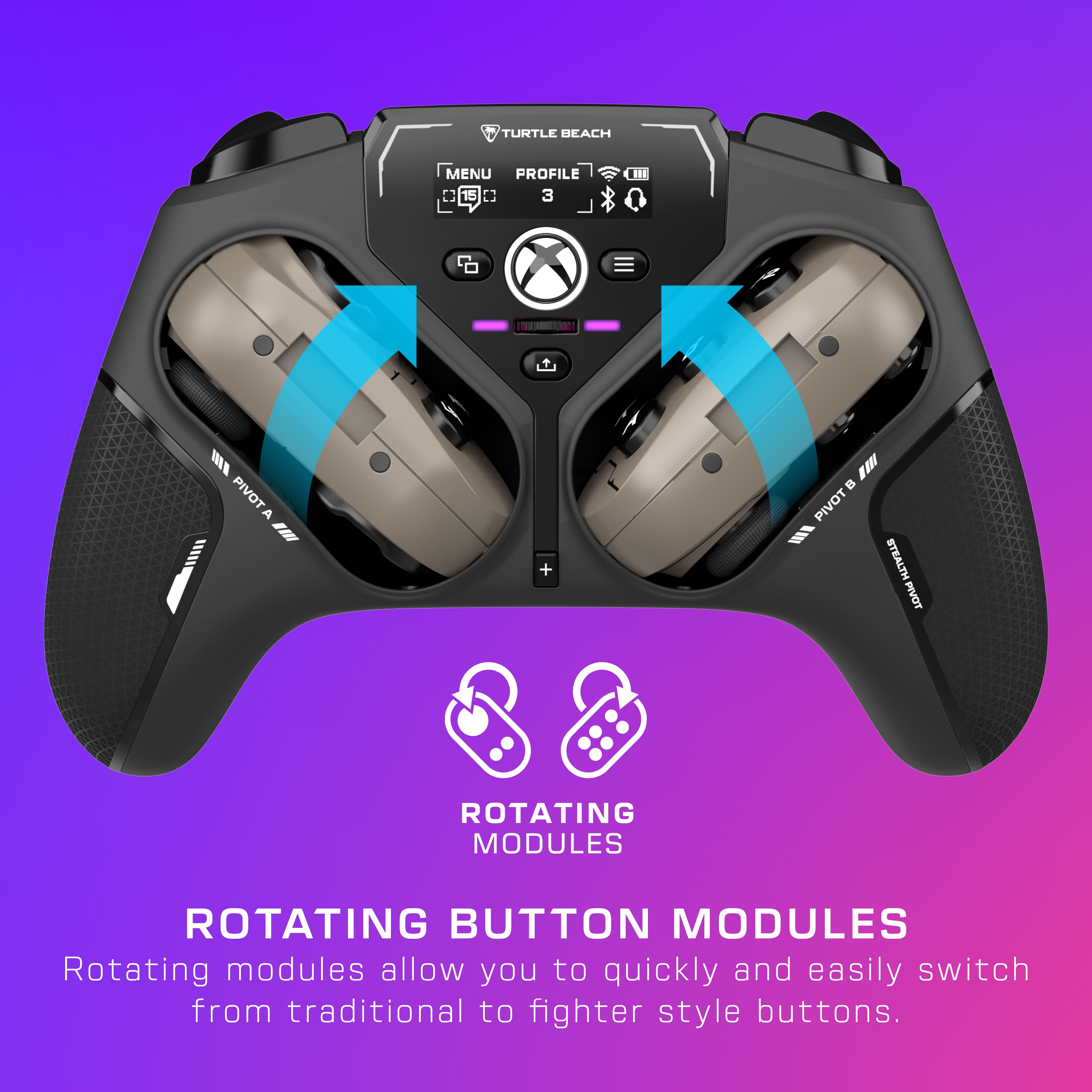
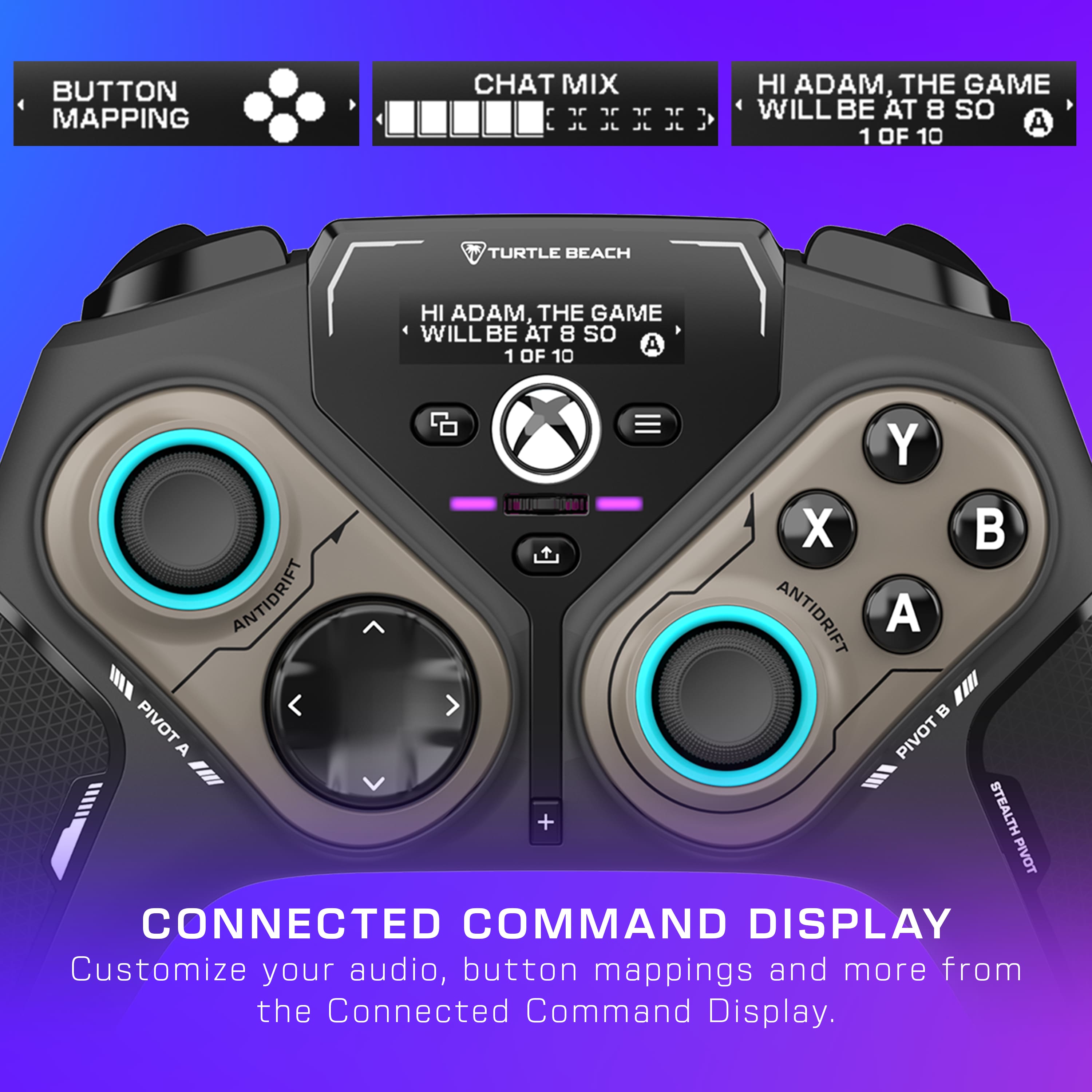
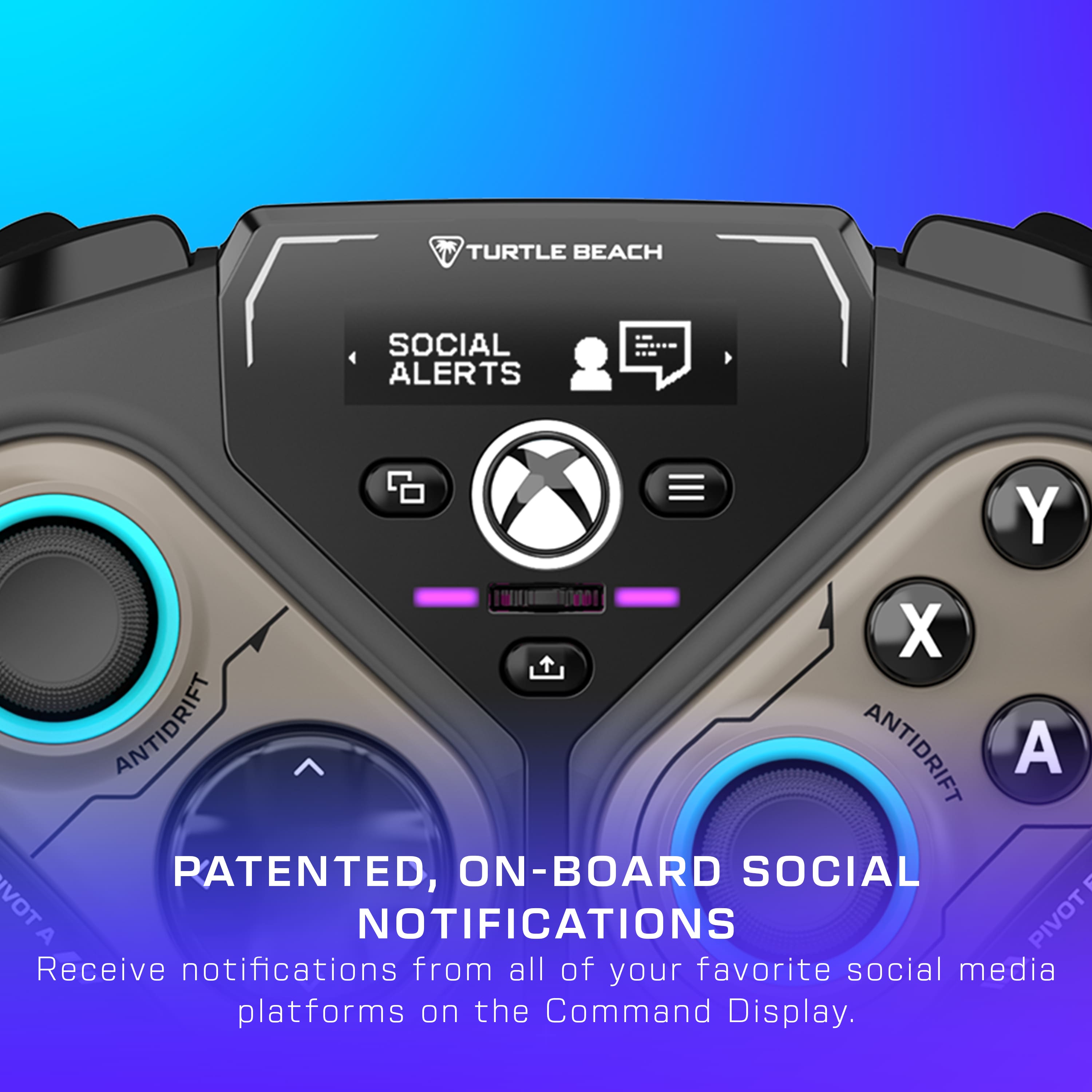
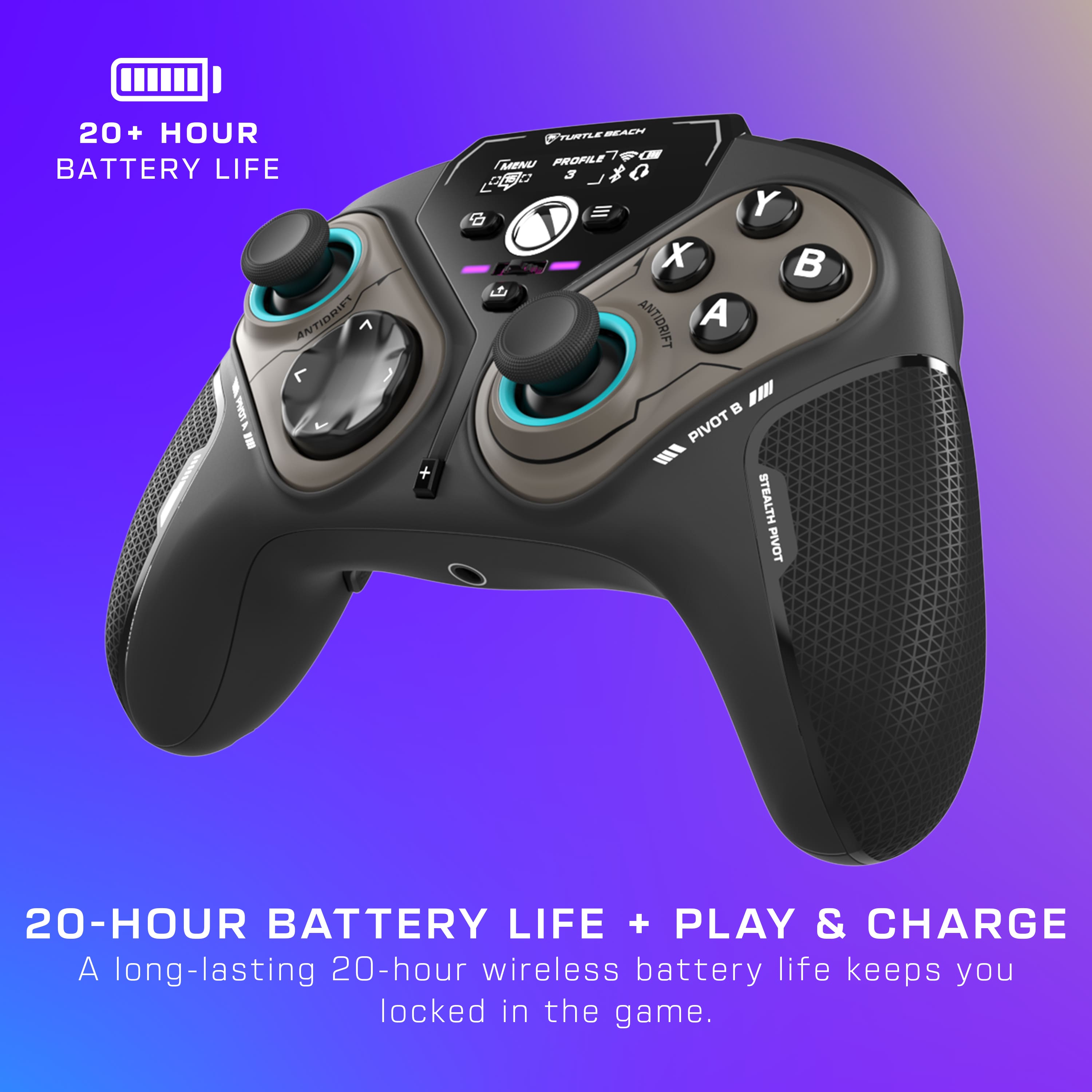
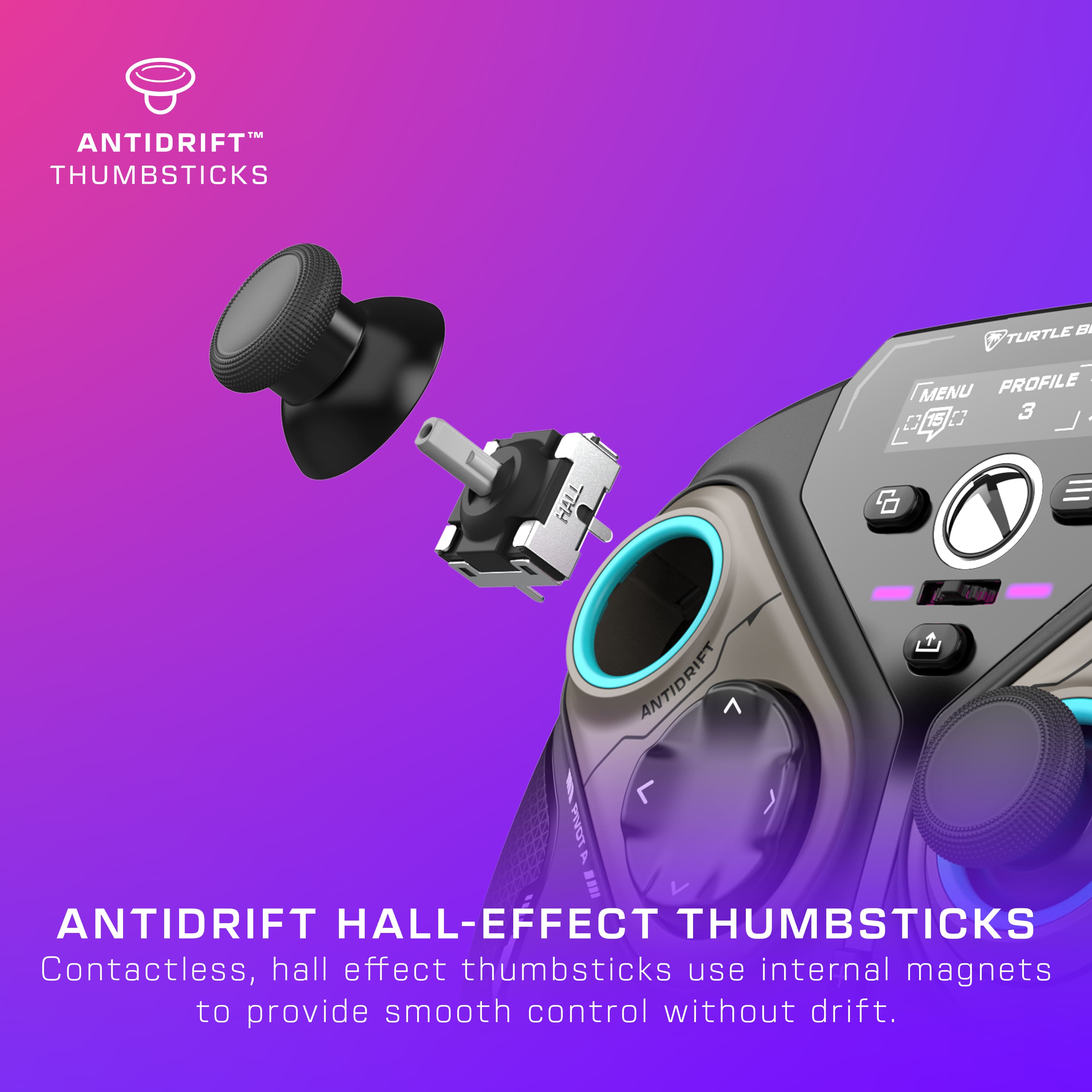
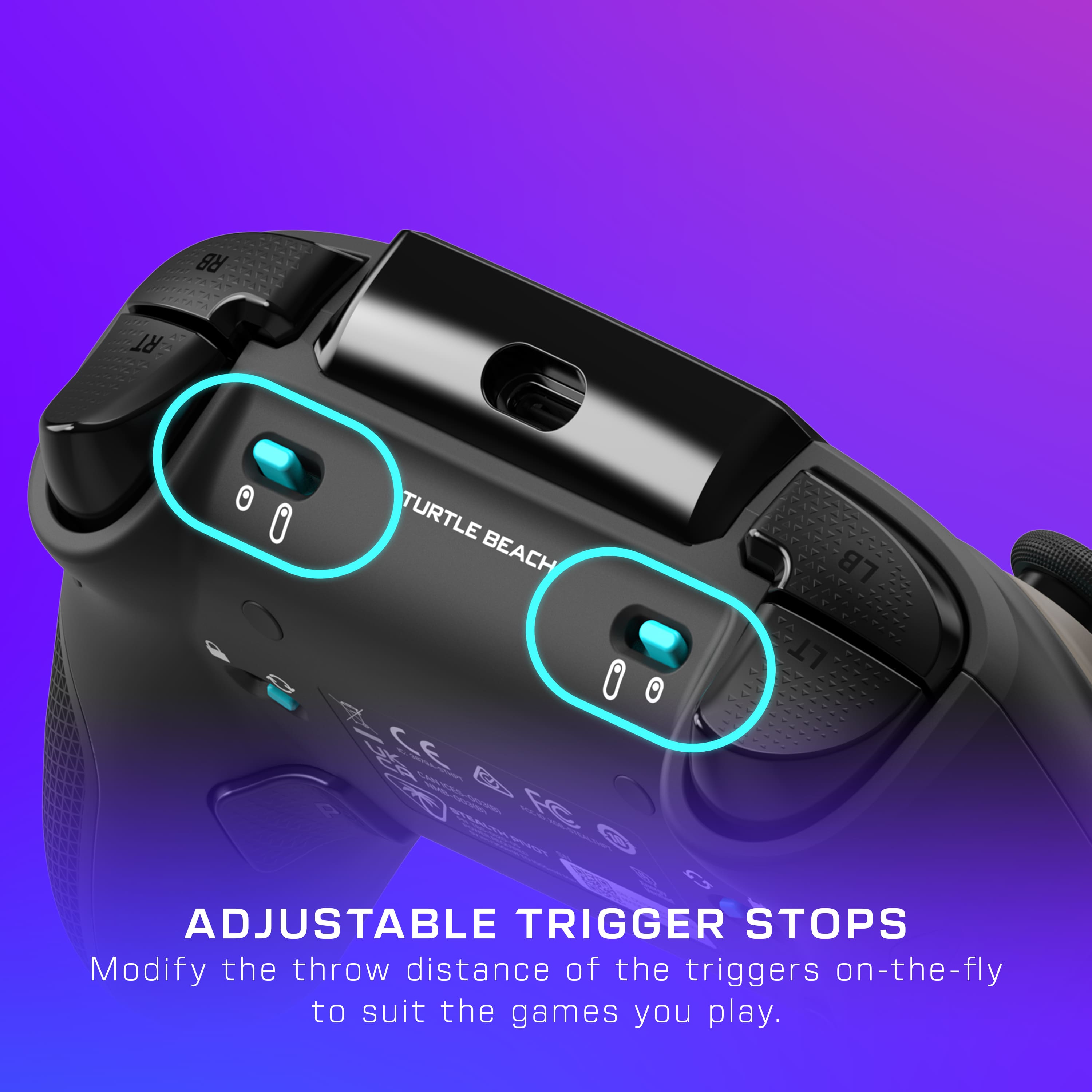
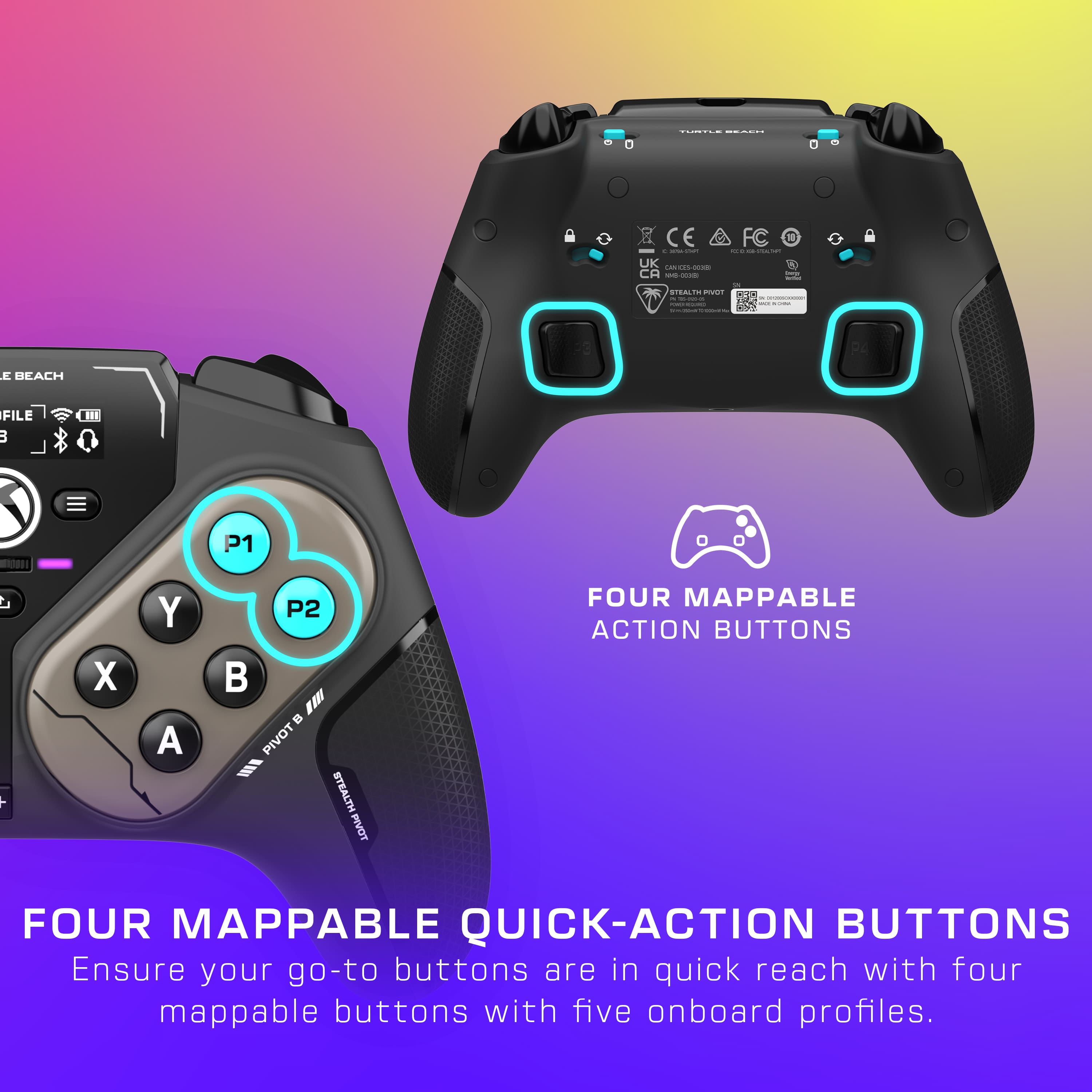
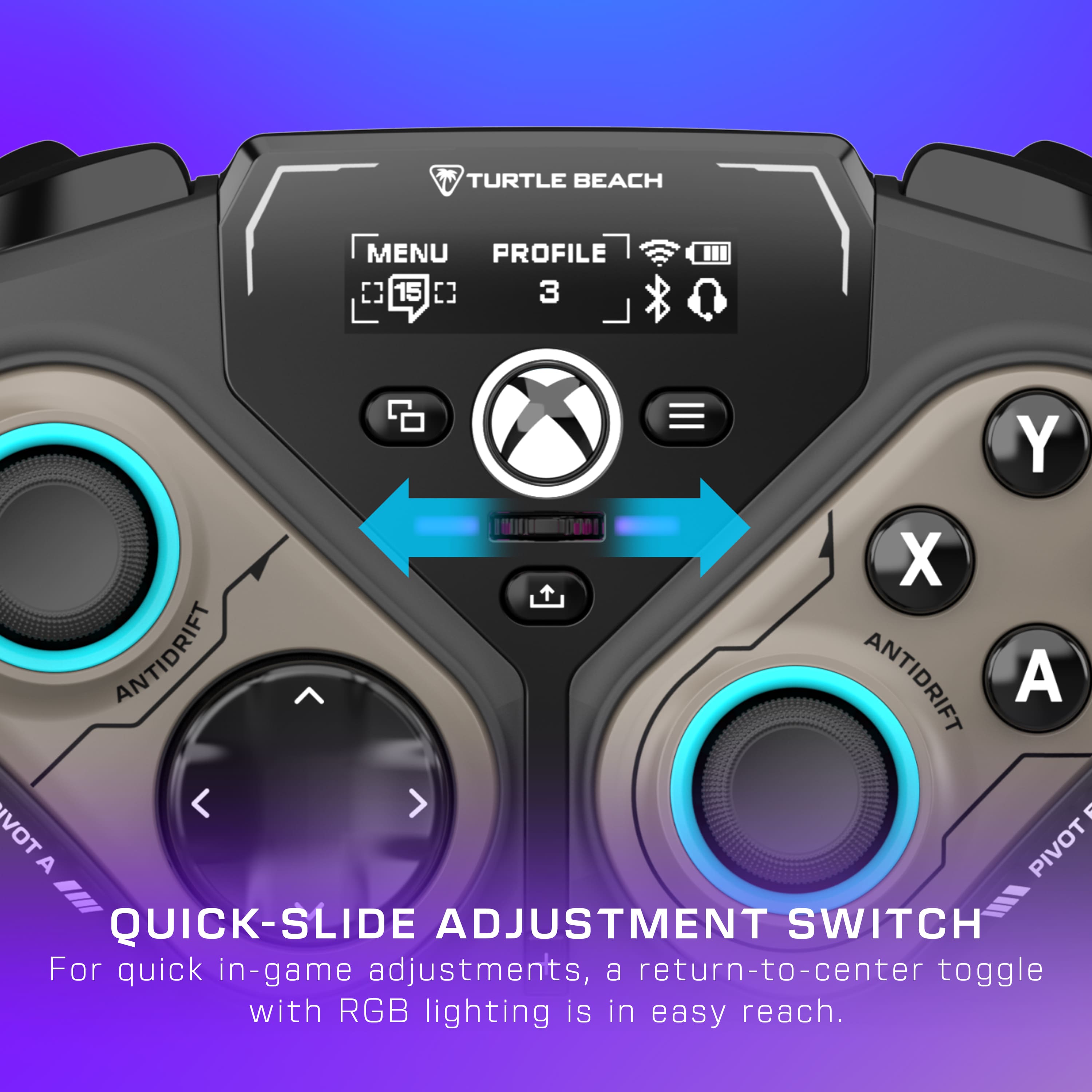
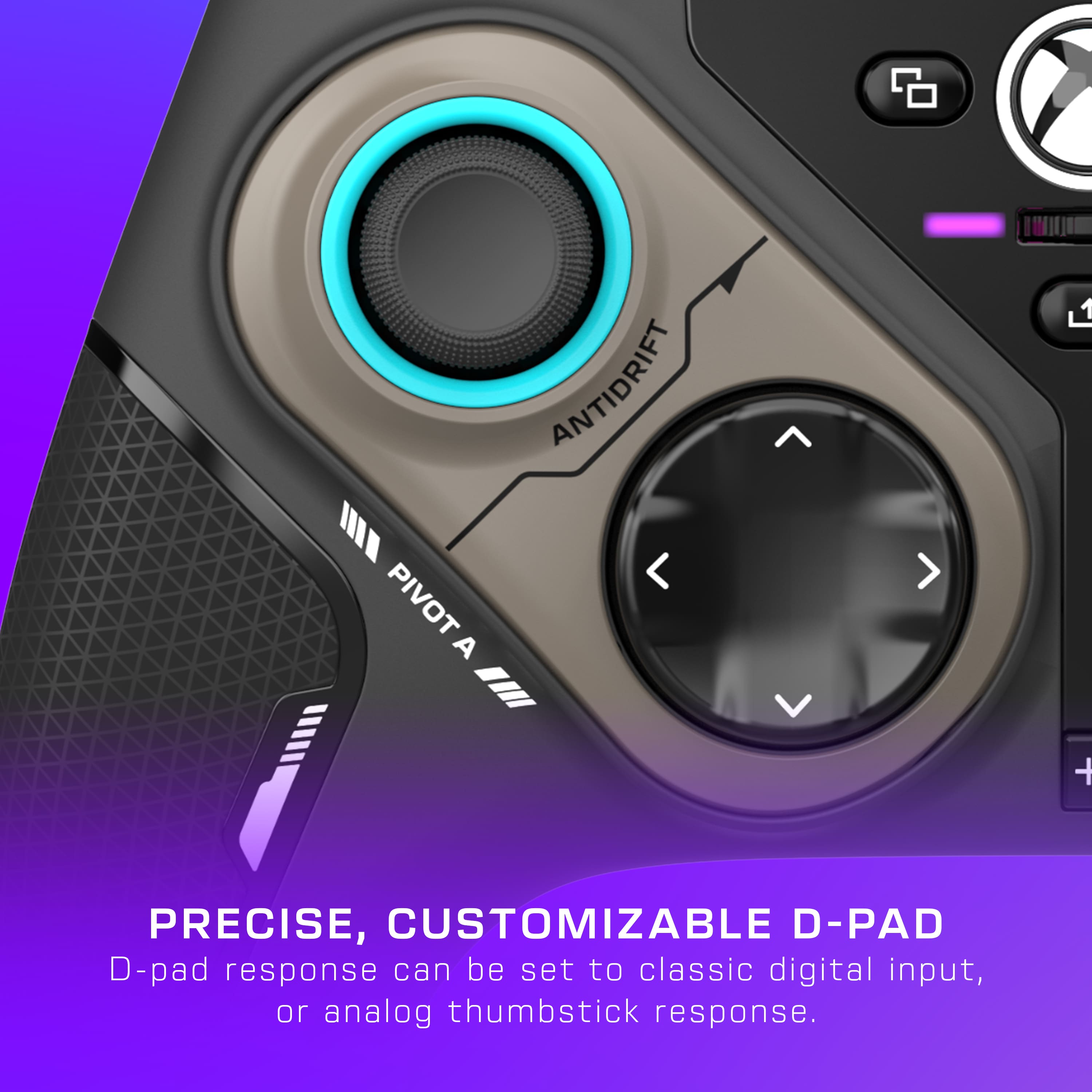
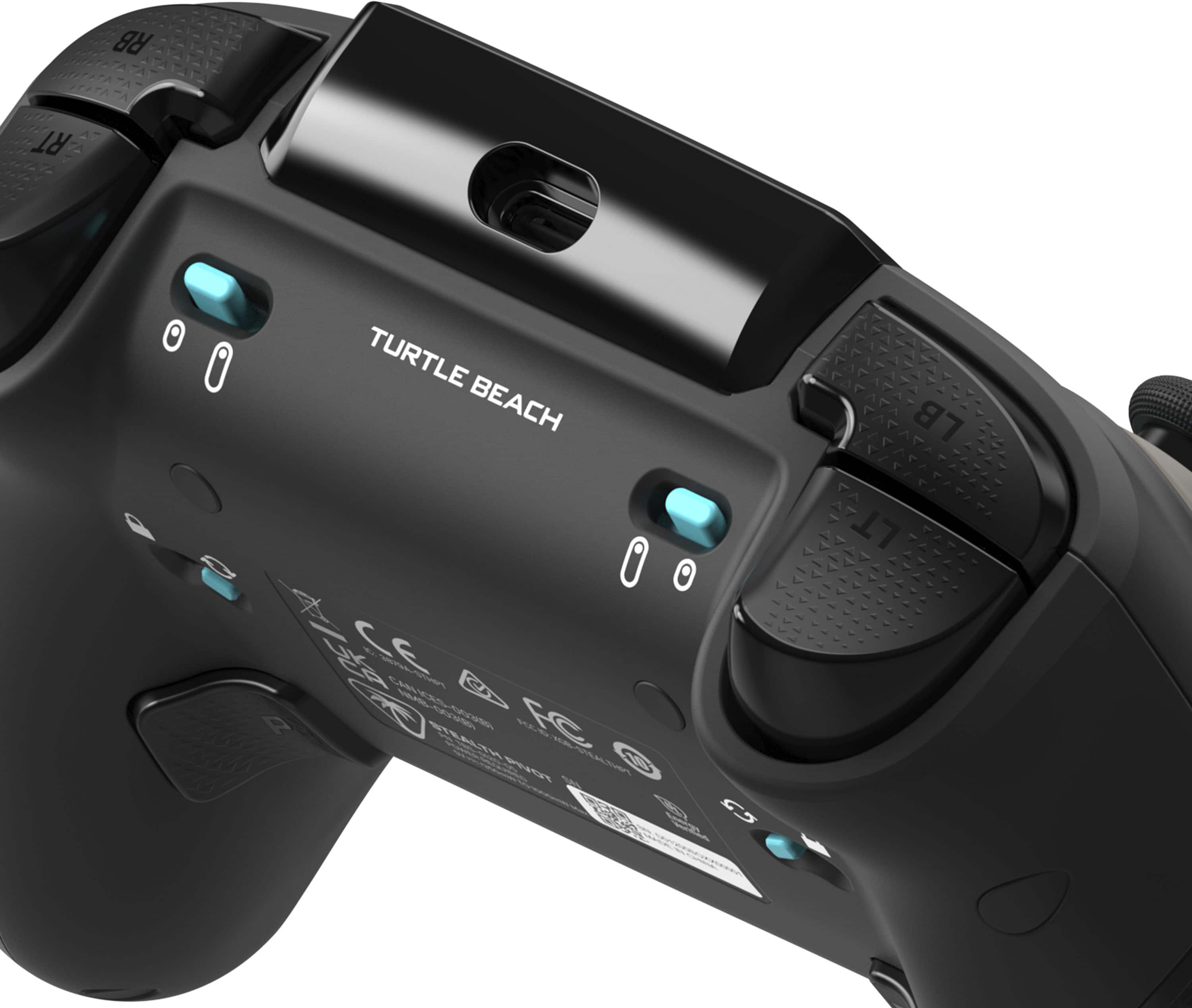
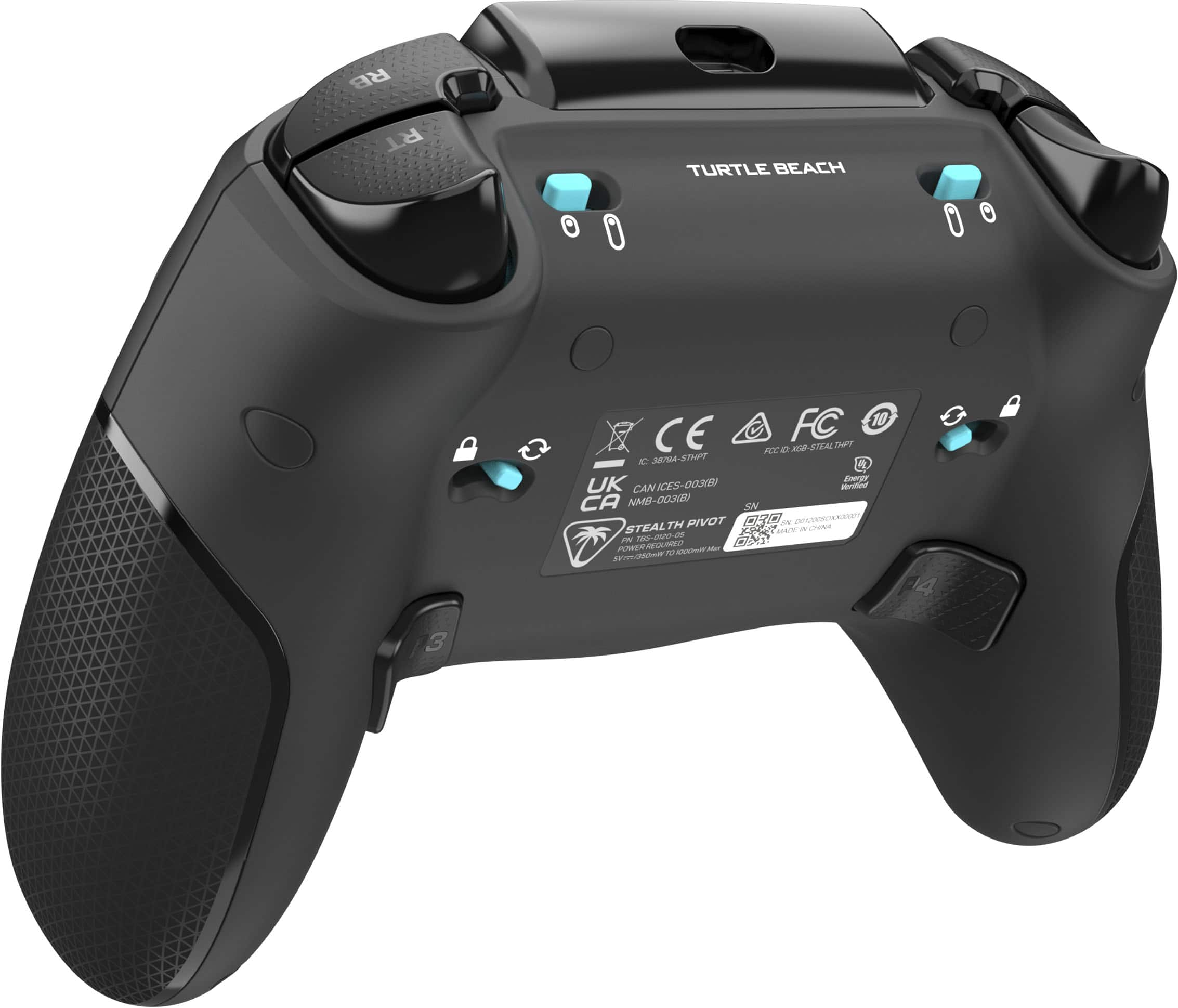
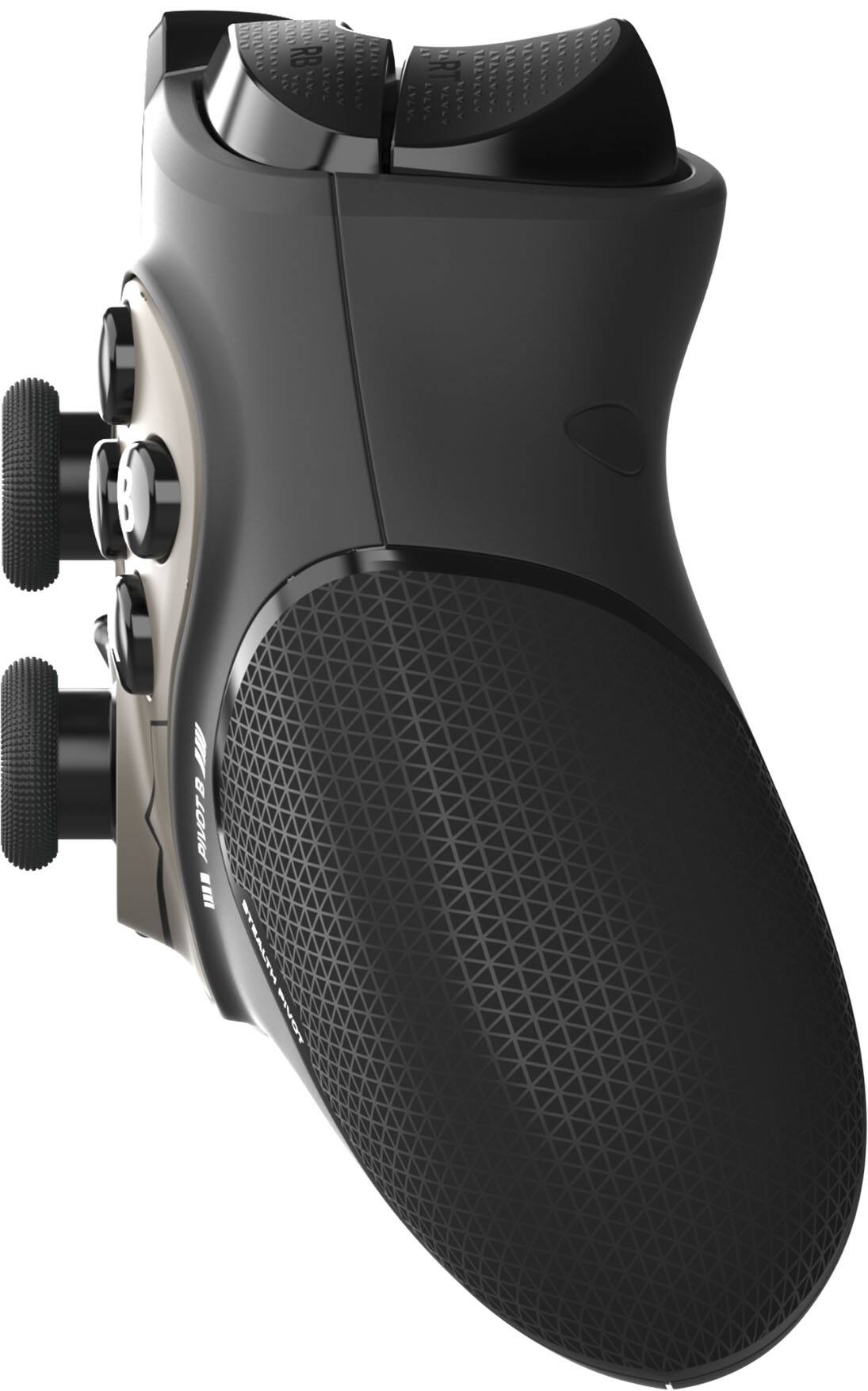
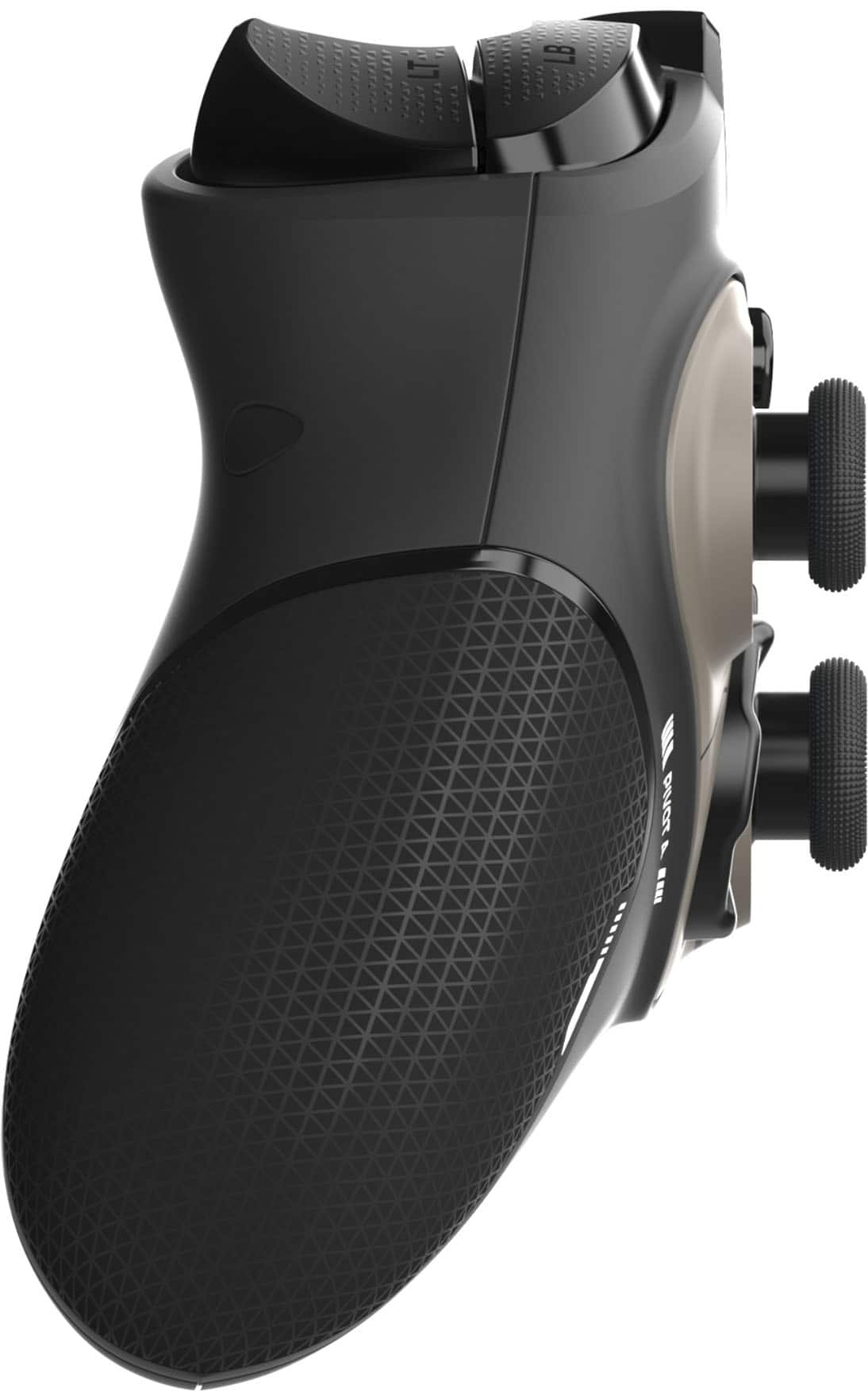
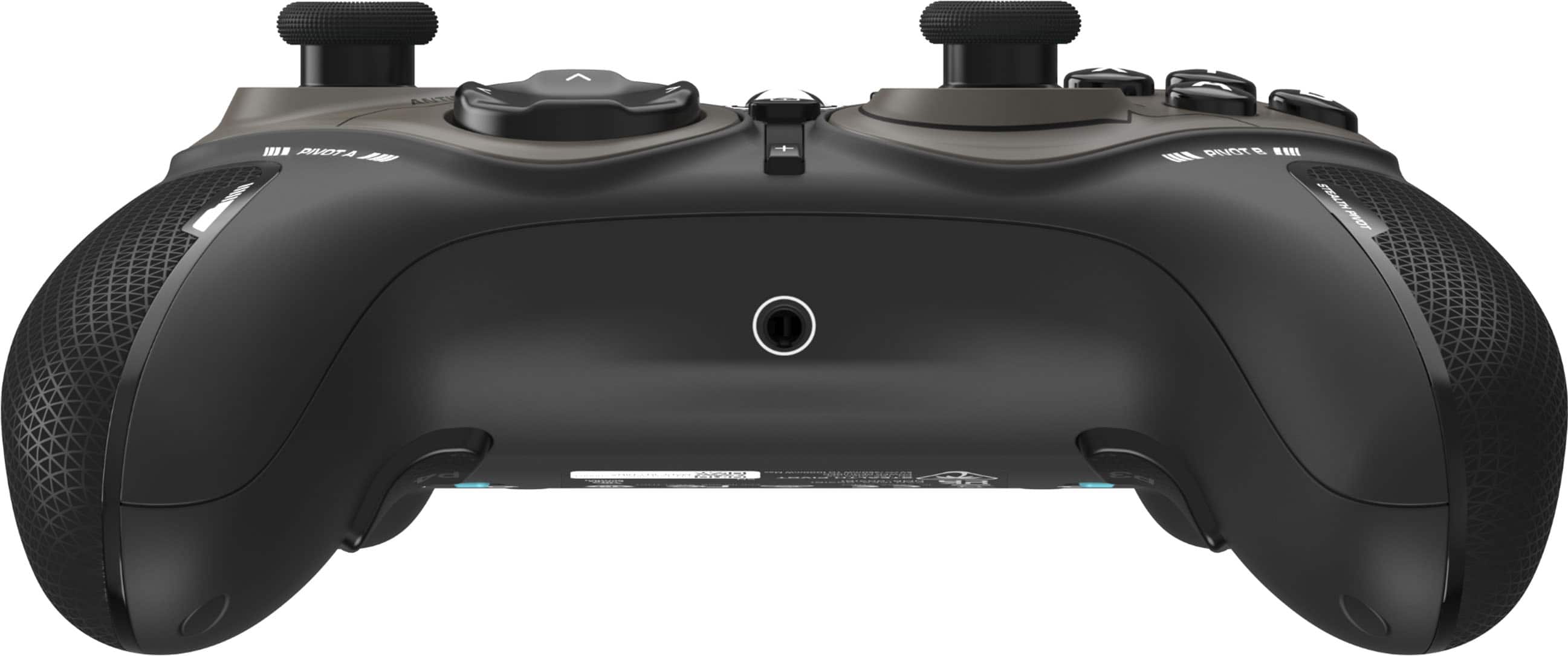
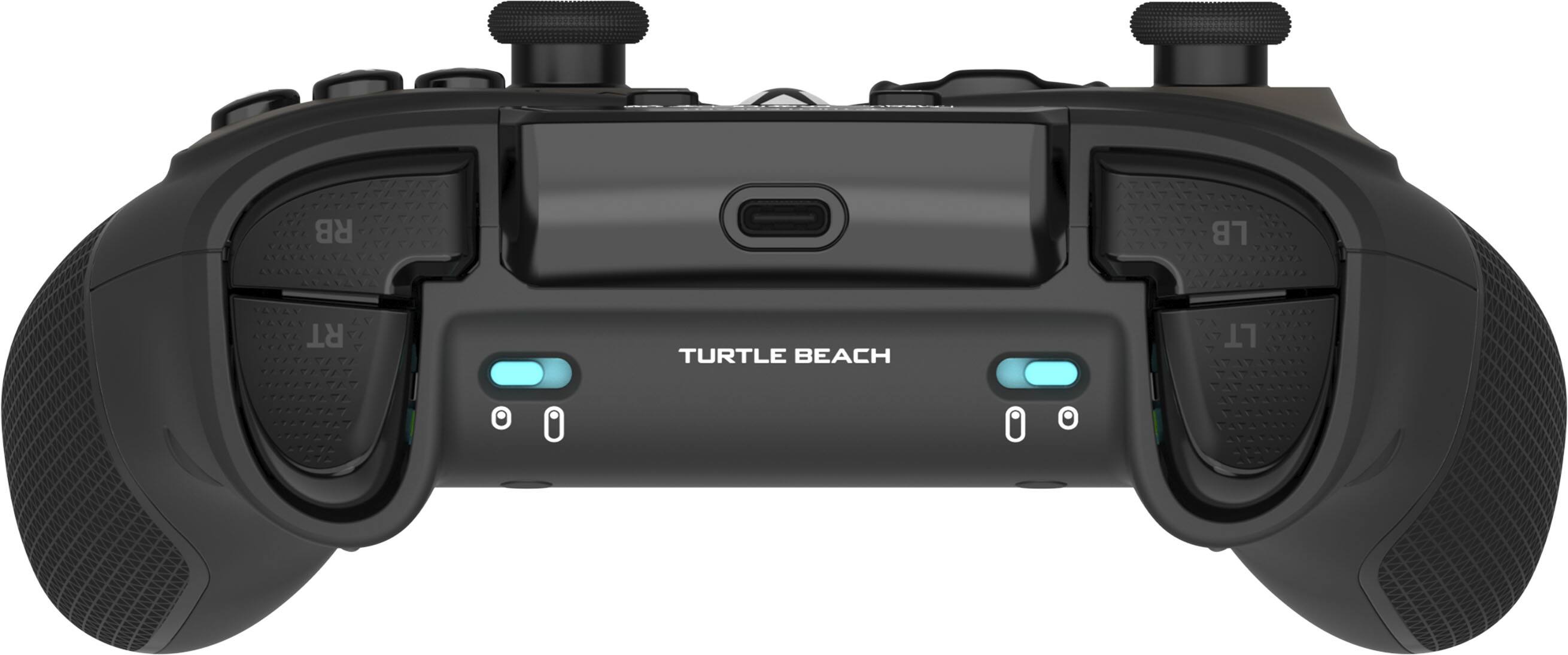
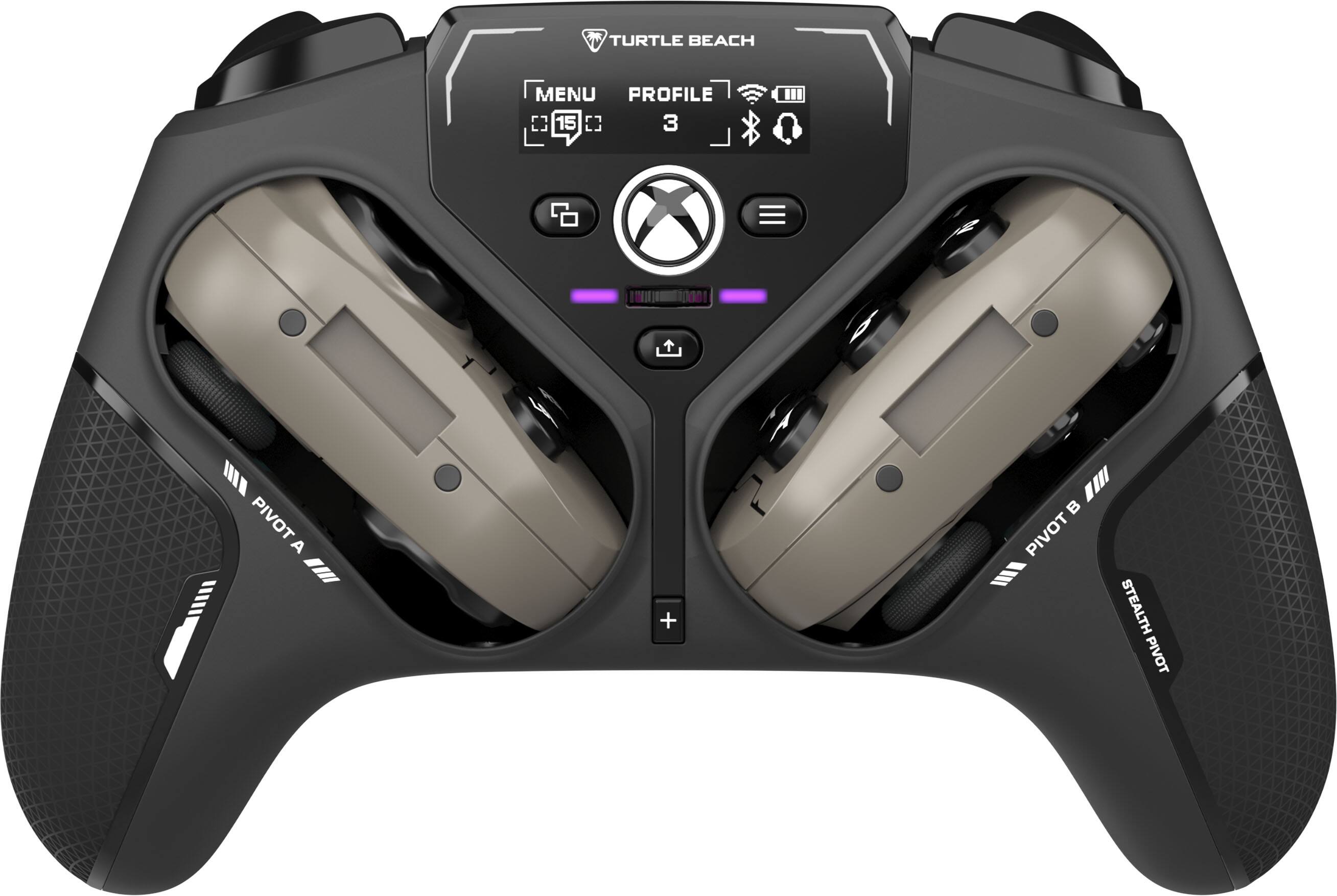
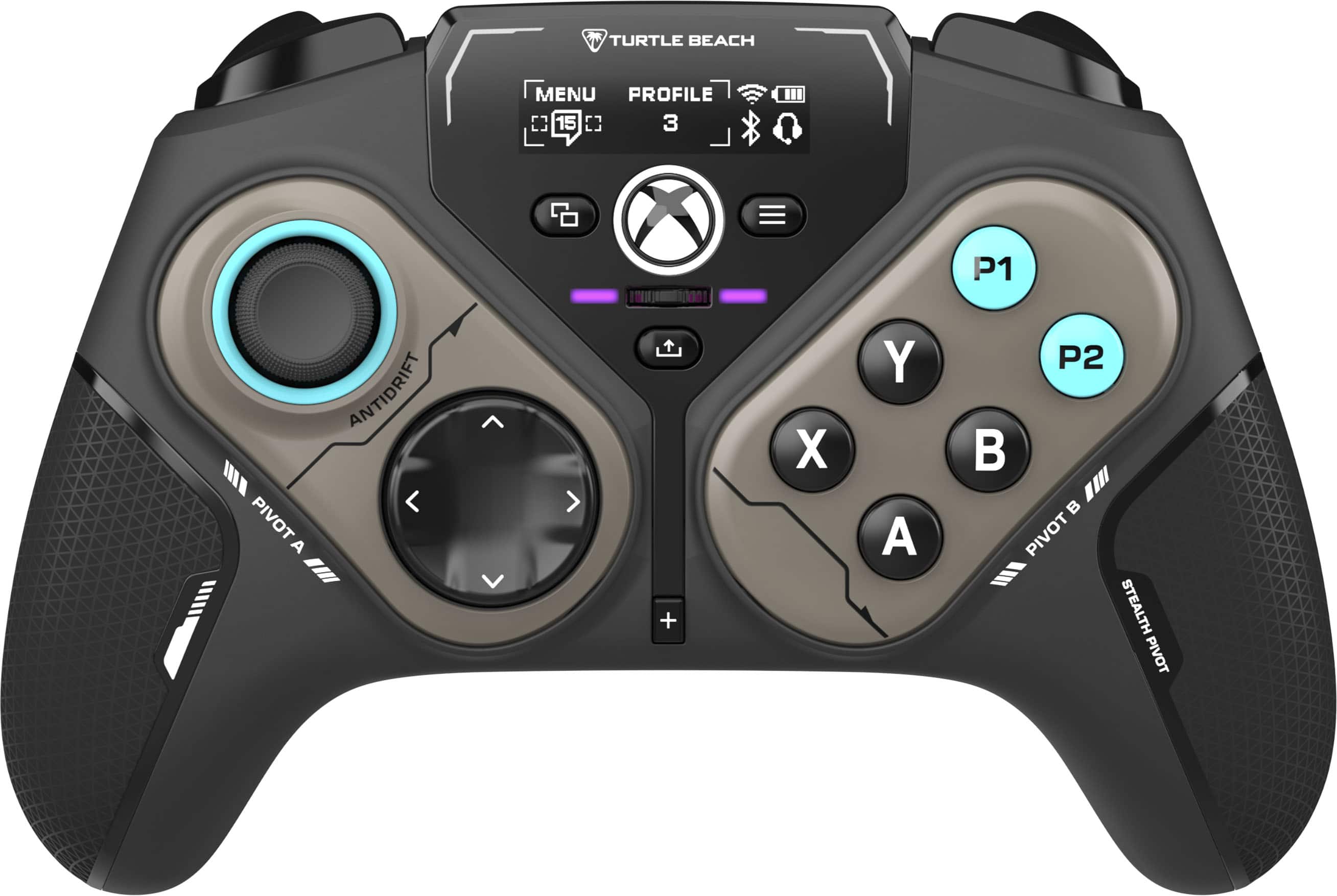
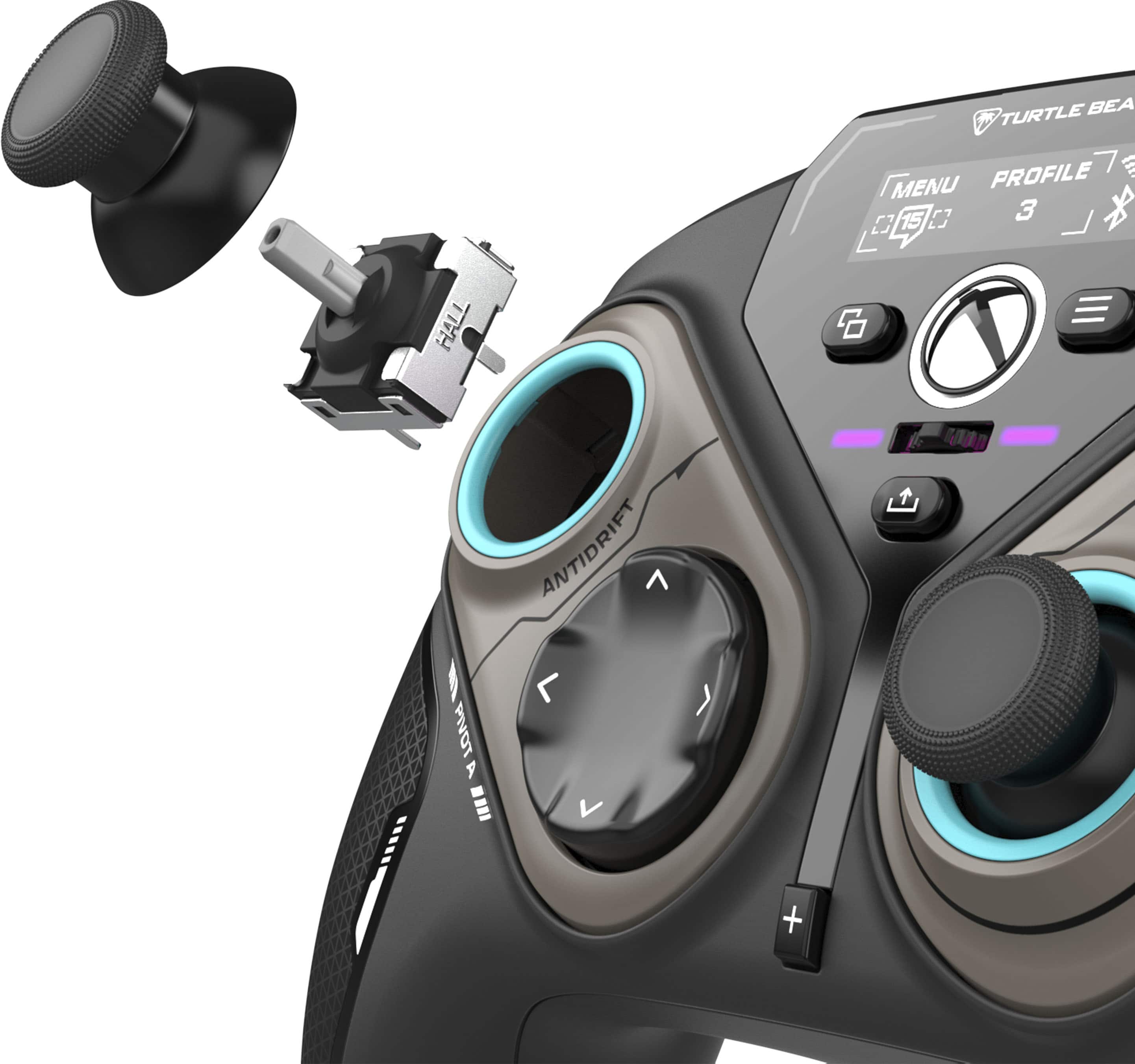
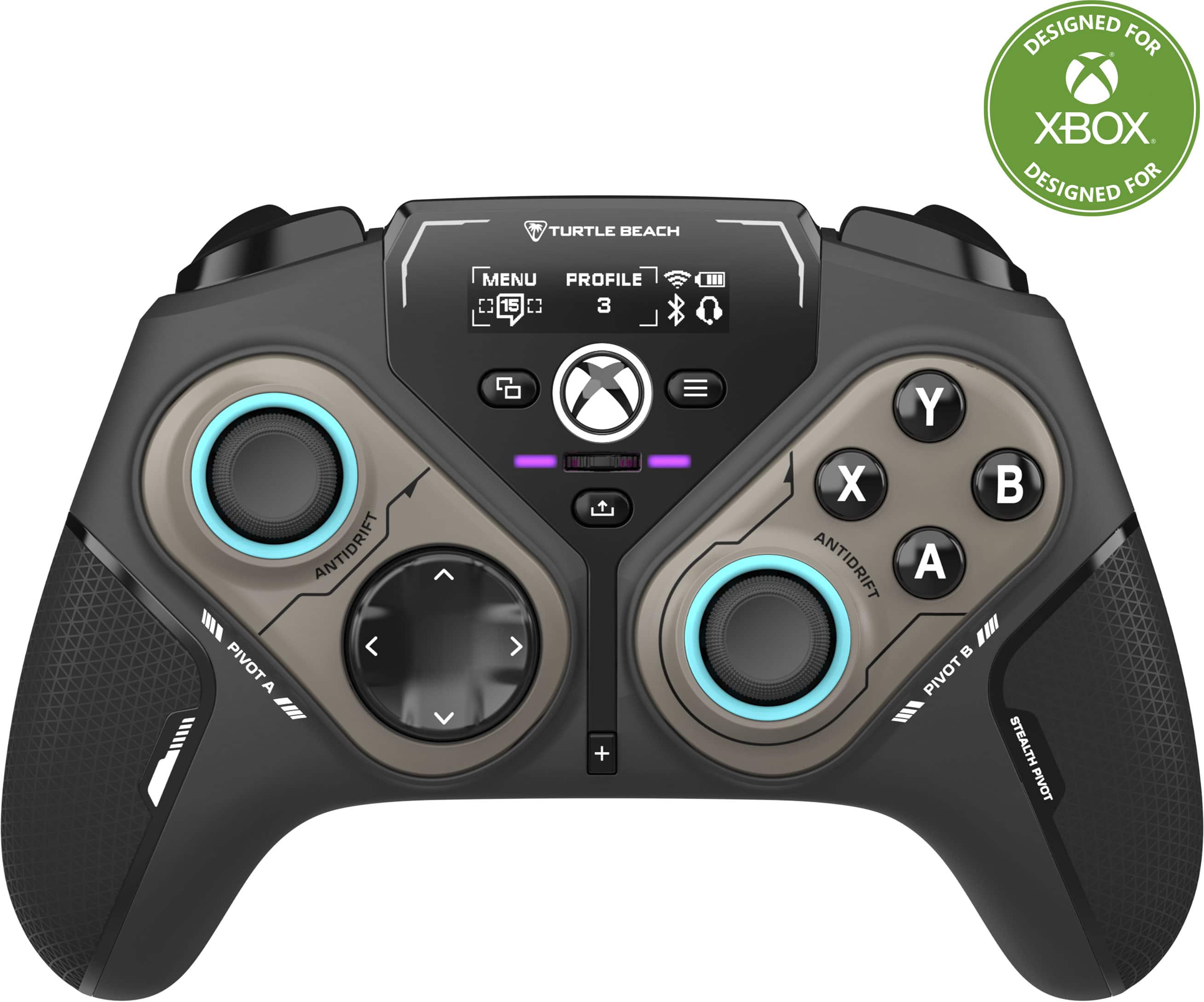
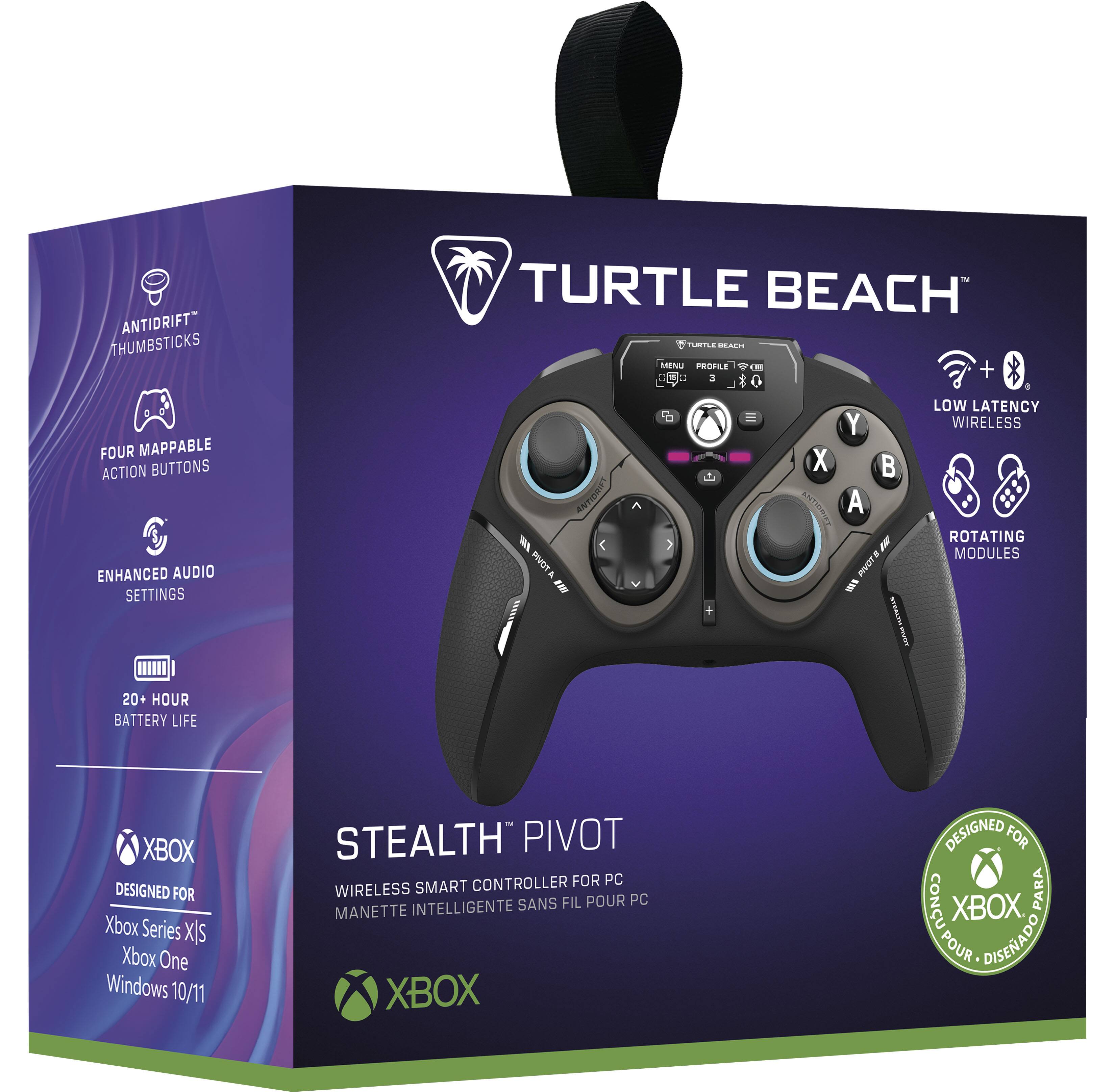
|Posted .This reviewer received promo considerations or sweepstakes entry for writing a review.The Turtle Beach Stealth Pivot Wireless controller is an interesting way to have a self-contained modular controller. I’ve seen other controllers that you can take out and replace modules for more customization, but it also drivers up costs and complexity. The Stealth Pivot finds a nice balance at a good price to give you some customization and flexibility in how you want to use it. It is a little bigger and heavier than a standard plug-in controller, but felt good in my hands, not cramped like other controllers. The grip felt good and stayed in my hands. The colors are nice, and the LEDs not overpowering. There is software to customize the buttons and display. The display is large enough to read and can display social media information if wanted in addition to the controller status. Depending on what you use it with you have 3 different ways to connect. For PC wireless, you have to use the included dongle which takes up a USB-A slot. Wired, you can connect to a PC or X-Box. For Bluetooth (BT) you can only connect to a mobile device. All 3 connections responded well on a PC or Android phone. Responses were good and no lag was evident. The battery is rated for 20 hours of use. On the top you get 2 mini sticks and a D-Pad for movement with 4 buttons. Flipping them over you get D-Pad and 8 buttons. Besides that, you get a slider for audio, on/off button, menu options, analog and button trigger buttons, and 2 buttons underneath. The rotation release, and short/long trigger option buttons are also available. Charging/connecting is done through a USB-C connector on the connector. To the big item, the rotation of the A and B sides. Two things must happen. You must release the lock from underneath and rotate the mini-sticks to the down position. Turning the top of the mini-sticks left or right will raise and lower them. The pivots will only rotate with the min-sticks in the down position. I tried as hard as I could to twist them while playing without grabbing them and was not able too. The force required to rotate the min-sticks won’t allow them to raise or lower by accident, so no worries of the sticks collapsing while playing. I found being able to switch the pivots better than I thought. For driving or flying type sims, the 2 mini-stick layout worked best. For fighting games, rotating the right side to get 6 buttons instead of 4 and min-stick was much better. I usually kept the mini-stick on the left in use with the D-Pad. One D-Pad and 2 buttons didn’t give the best options for most games to me. In changing the pivots you don’t have to do select anything or make additional changes, just flip and the new layout takes over. There is software you can download for PC and mobile to customize the controller. You can also go through the onboard menu options to do all of the major changes you would like. The 3.5 jack volume/mute can be controlled by the slider under the on/off button. You can have chats or other media display on the on-screen display. It’s not big, but good enough to convey information. You can have 5 different profiles to save the layout and colors you want. The software still needs some work, but it gets the job done. All of the options to change are available and not hard to find and change as you want. 20 hours will last for a long gaming session. The force feedback was good and responsive. I had no drift with the sticks. You can adjust the deadzones as wanted in the software for more control. As this can be wireless, it is bit heavier due to having a battery, but I like the feeling of heft is provides and the slightly larger controller in my hands. It’s all plastic, but felt good in my hands, and not slippery. The options to customize are available on the device or through software. The LED display can show useful information, but I kept mine clean with just want was needed. It’s to bad it has BT, but it only works on a mobile device. Being able to connect it to a PC without losing a USB slot would have been nice. Hopefully the software gets better with time, but it does what you need too. You have to connect by wire for some options. I think it’s a fine controller and innovative in giving more options without having to physically replace buttons or controllers.
I would recommend this to a friendThe best controller
||Posted .This reviewer received promo considerations or sweepstakes entry for writing a review.Works great with my xbox and pc there’s no delay or lag
I would recommend this to a friendFun concept
||Posted .This reviewer received promo considerations or sweepstakes entry for writing a review.This concept is so cool. The idea of using both buttons sides is to cool.
I would recommend this to a friendAwesome controller
||Posted . Owned for 1 month when reviewed.This reviewer received promo considerations or sweepstakes entry for writing a review.Works absolutly amazing on pc and is very reactive
I would recommend this to a friendLJ's Play Toy
||Posted . Owned for 1 week when reviewed.This reviewer received promo considerations or sweepstakes entry for writing a review.LJ was surprised and excited when he received the game controller. He's likes the glow- in- the dark features.
I would recommend this to a friendNo work
Posted .This reviewer received promo considerations or sweepstakes entry for writing a review.I bought this controller, I tested it and the right lever didn't turn completely. I downloaded the program to adjust it and it didn't work.
No, I would not recommend this to a friendBrand response from Turtle Beach Support
Posted .Hello Alexander! We are sorry to hear about the experience you've had with your Turtle Beach Product. Our products are each sold with a manufacturer's warranty, and we have a dedicated Support Team available to provide assistance as needed. Please reach out directly to our dedicated Support Team so they can lend a hand. They’re always happy to help and can be reached right from the support section of the Turtle Beach website. Thank you and have a great day!

Aesthetically pleasing
|Posted . Owned for 3 weeks when reviewed.This reviewer received promo considerations or sweepstakes entry for writing a review.Functionality and ease of use could be better and personally, I didn’t need a tiny LED screen on my controllers LOL but other than that, a solid controller overall
I would recommend this to a friendBuy it for the fightpad
||Posted . Owned for 2 weeks when reviewed.This reviewer received promo considerations or sweepstakes entry for writing a review.Its a good fightpad controller. Both dpads are good. Lower dpad is like membrane feel and the flipped over upper dpad is like the xbox series 2 dpad clicky
I would recommend this to a friendGet this controller!!!
||Posted . Owned for less than 1 week when reviewed.This reviewer received promo considerations or sweepstakes entry for writing a review.Great controller with flexibility! I strongly recommend for anyone seriously gaming!
I would recommend this to a friendGreat controller
||Posted . Owned for 1 month when reviewed.This reviewer received promo considerations or sweepstakes entry for writing a review.Love the feel of the controller and buttons, easy button mapping with the app.
I would recommend this to a friendGame changer
||Posted .This reviewer received promo considerations or sweepstakes entry for writing a review.I got this controller for my nephew, he seems to like it so I guess
I would recommend this to a friendhighly recommend
||Posted . Owned for 3 weeks when reviewed.This reviewer received promo considerations or sweepstakes entry for writing a review.got this for a gift and they love this, it’s great and they rave about how cool the controller is
I would recommend this to a friendXbox pro controller
||Posted . Owned for 1 week when reviewed.This reviewer received promo considerations or sweepstakes entry for writing a review.I love my turtle shell Xbox series x pro controller
I would recommend this to a friendTurtle Beack - Stealth Pivot Junk
||Posted . Owned for less than 1 week when reviewed.This reviewer received promo considerations or sweepstakes entry for writing a review.Had two of them break on left thumbstick. horrible quality.
No, I would not recommend this to a friendBrand response from Turtle Beach Support
Posted .Hello Edos! We are sorry to hear about the experience you've had with your Turtle Beach Product. Our products are each sold with a manufacturer's warranty, and we have a dedicated Support Team available to provide assistance as needed. Please reach out directly to our dedicated Support Team so they can lend a hand. They’re always happy to help and can be reached right from the support section of the Turtle Beach website. Thank you and have a great day!
Disappointed Christmas gift
||Posted .This reviewer received promo considerations or sweepstakes entry for writing a review.It broke within 1 hr of my nephew using it. It didn’t last long he got it for Christmas and broke 1 hr after opening it
No, I would not recommend this to a friendBrand response from Turtle Beach Support
Posted .Hello! We are sorry to hear about the experience you've had with your Turtle Beach Controller. Our products are each sold with a manufacturer's warranty, and we have a dedicated Support Team available to provide assistance as needed. Please reach out directly to our dedicated Support Team so they can lend a hand. They’re always happy to help and can be reached right from the support section of the Turtle Beach website. Thank you and have a great day!
Broke in 3 days
||Posted . Owned for 2 weeks when reviewed.This reviewer received promo considerations or sweepstakes entry for writing a review.Worked 3 days and now it wont even turn on. Not happy
No, I would not recommend this to a friendBrand response from Turtle Beach Support
Posted .Hello Kevin! We are sorry to hear about the experience you've had with your Turtle Beach Controller. Our products are each sold with a manufacturer's warranty, and we have a dedicated Support Team available to provide assistance as needed. Please try holding down the Xbox button for 15 seconds to perform a reset, then reach out directly to our dedicated Support Team if you still require assistance. They’re always happy to help and can be reached right from the support section of the Turtle Beach website. Thank you and have a great day!