Customer Ratings & Reviews
- Model:
- TBS-0722-05
- SKU:
- 6524106
Rating by feature
- Value
Rating 4.4 out of 5 stars
- Quality
Rating 4.5 out of 5 stars
- Ease of Use
Rating 4.3 out of 5 stars
Customers are saying
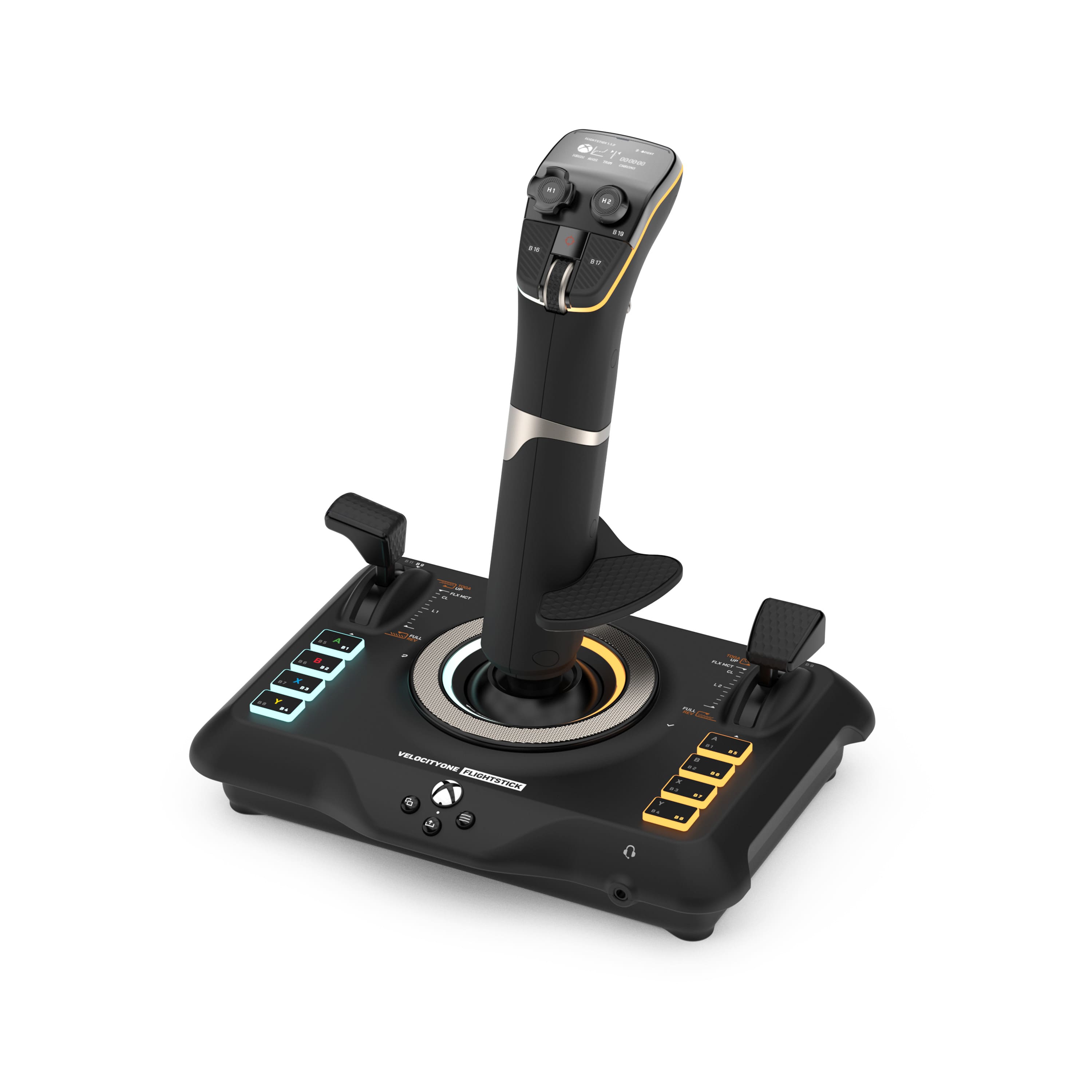
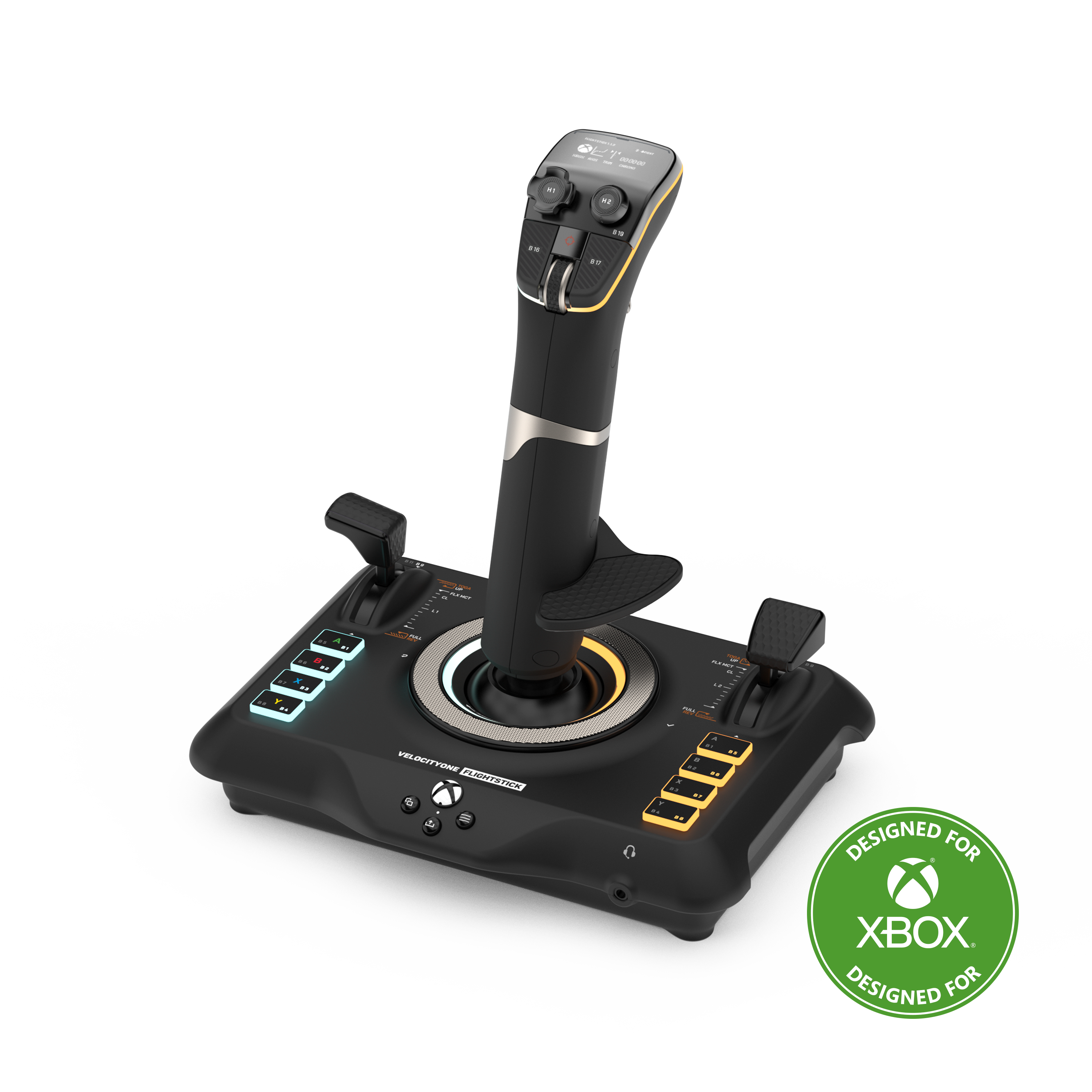
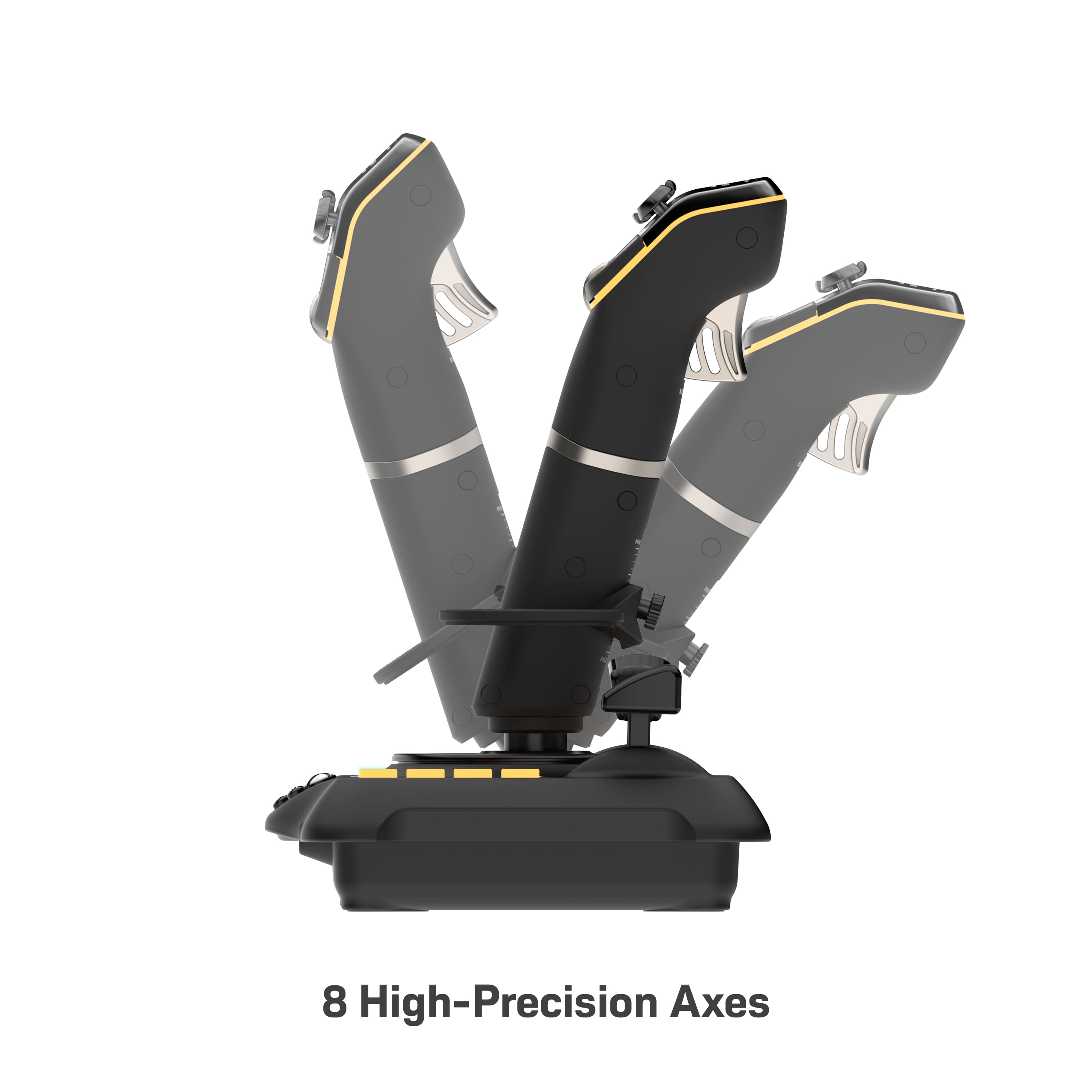
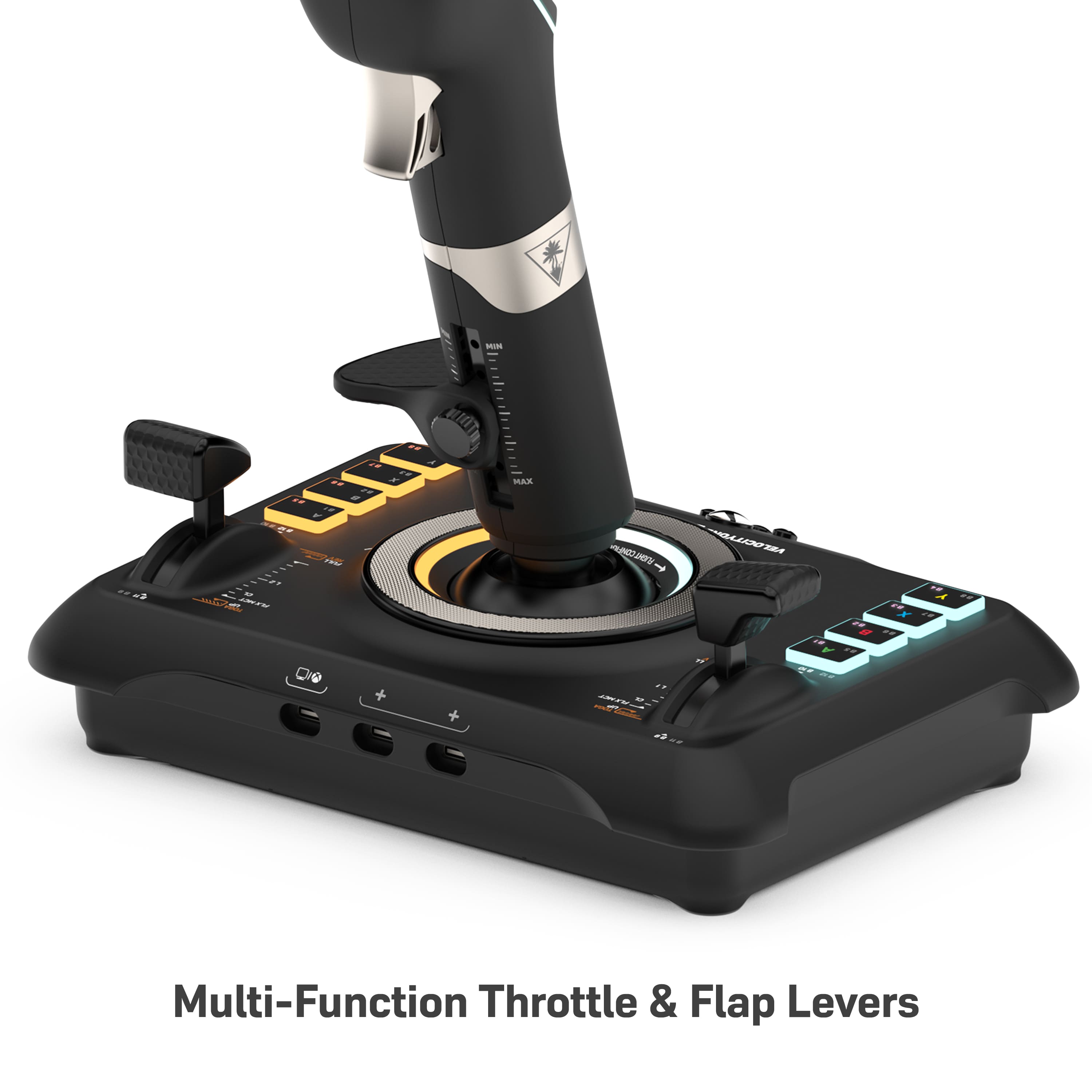
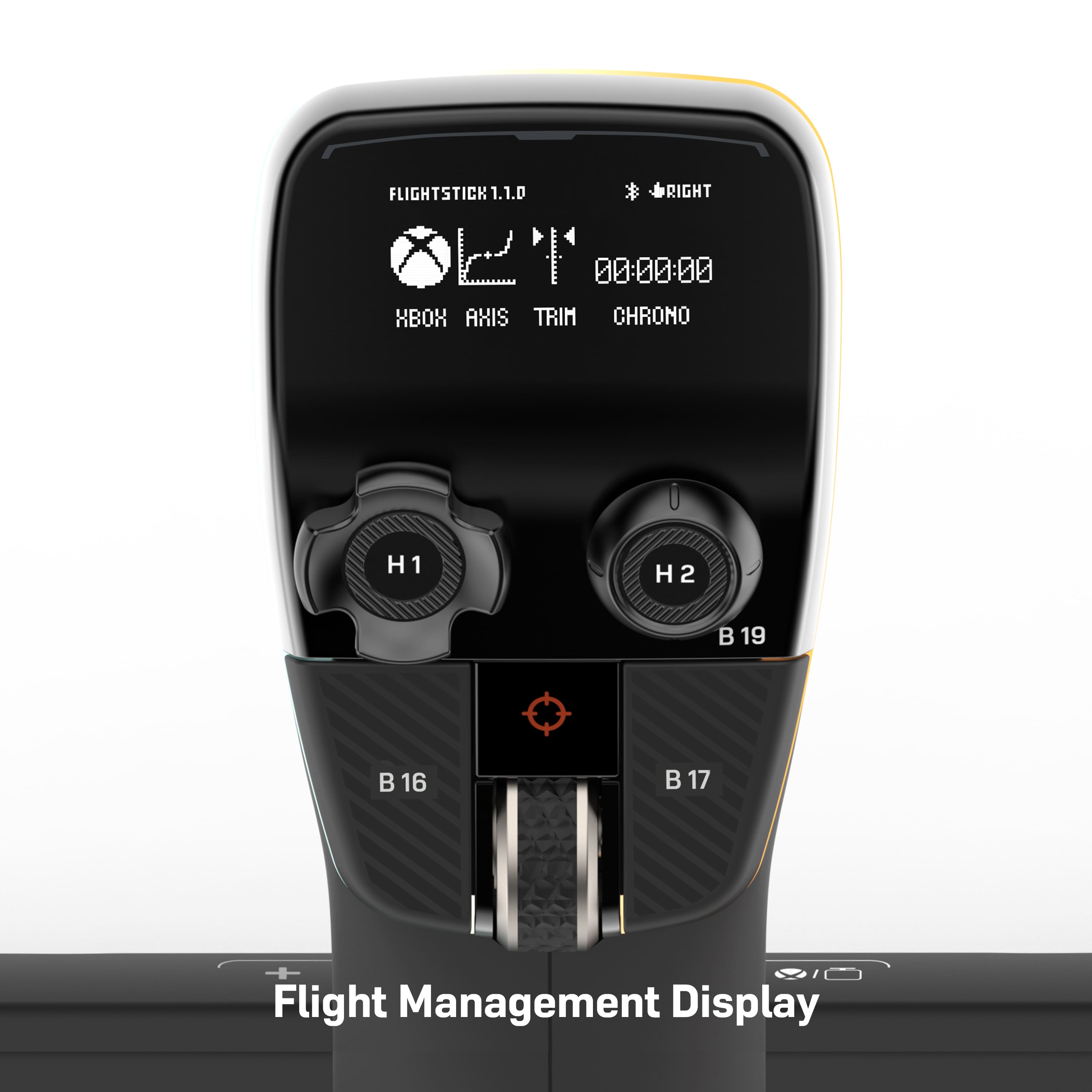
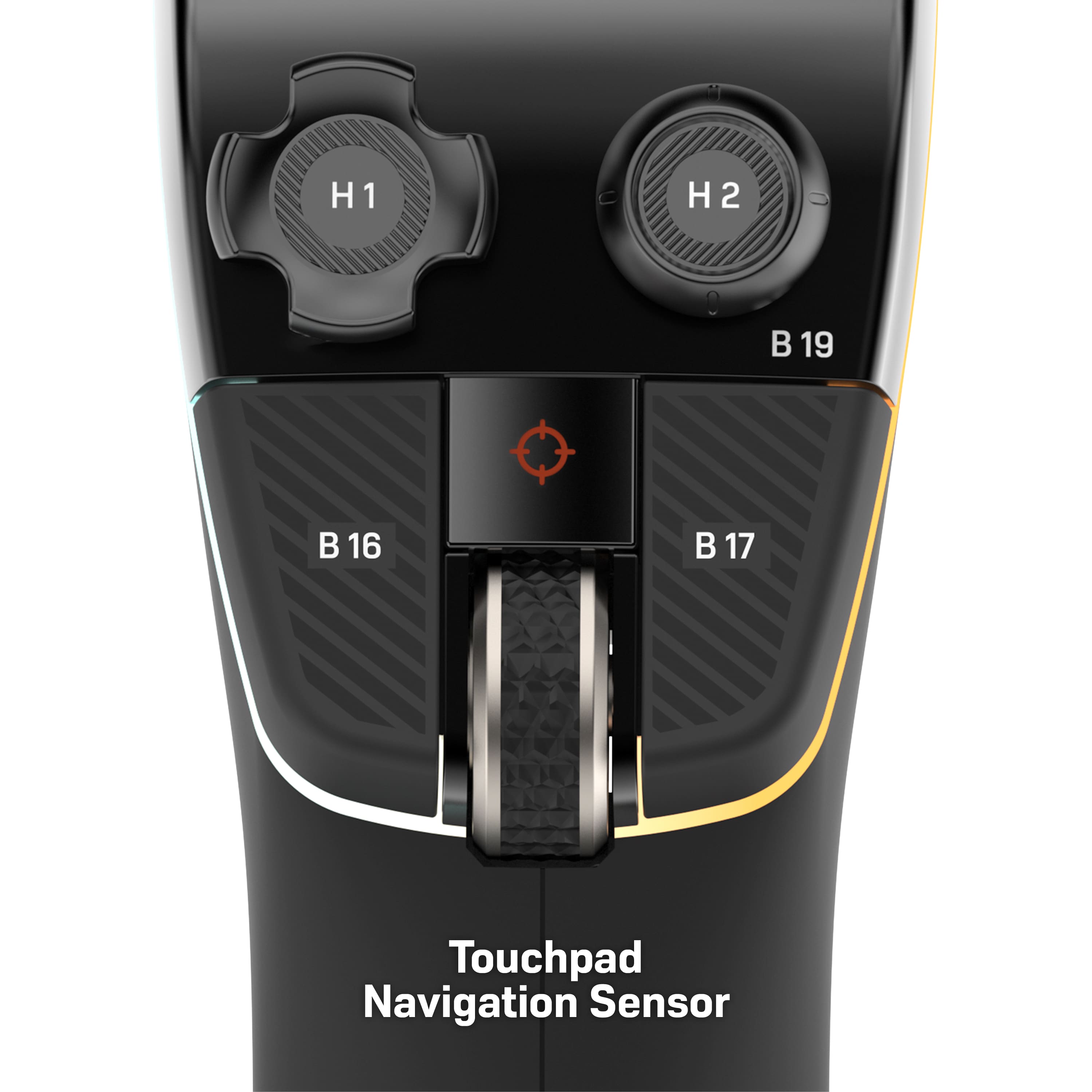
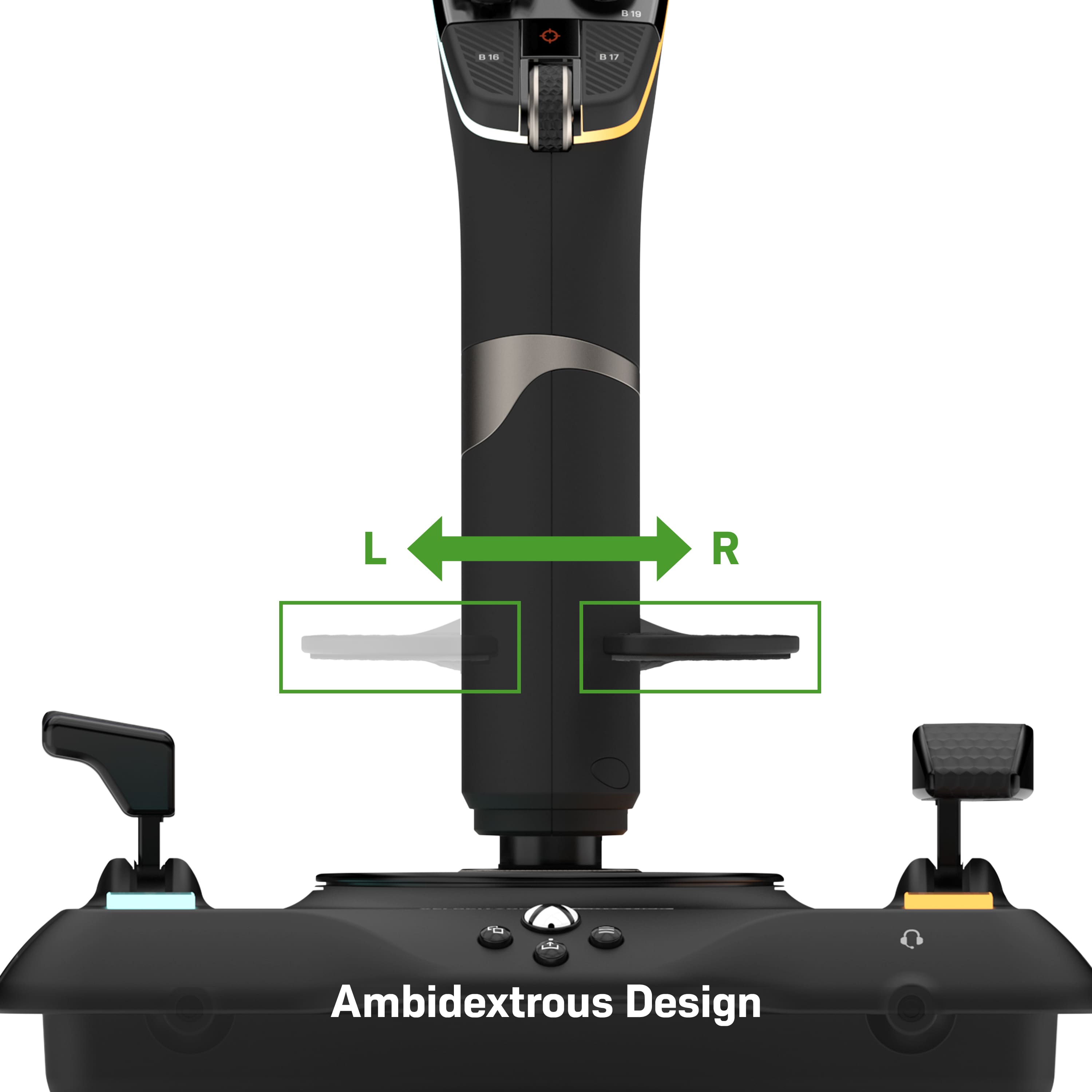
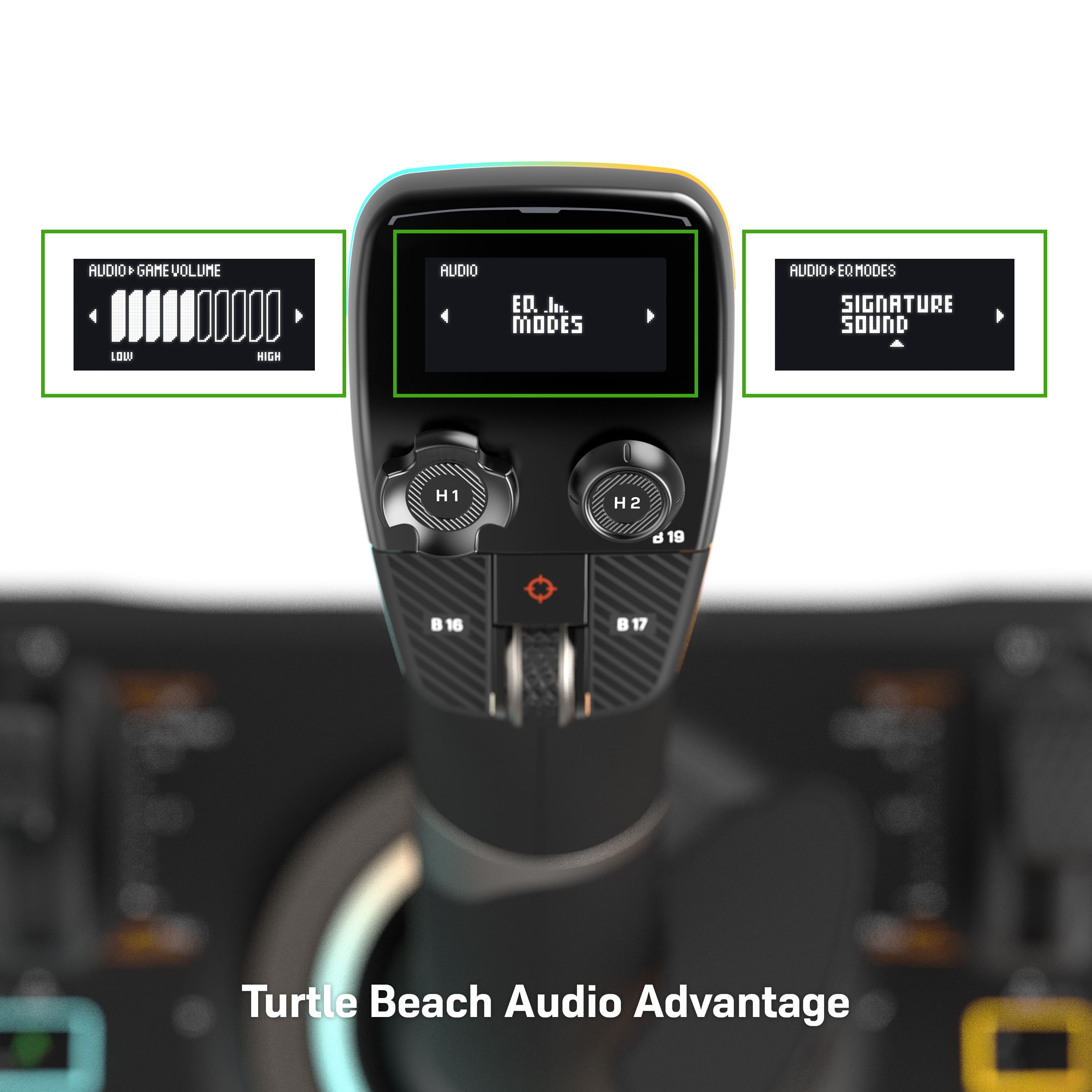
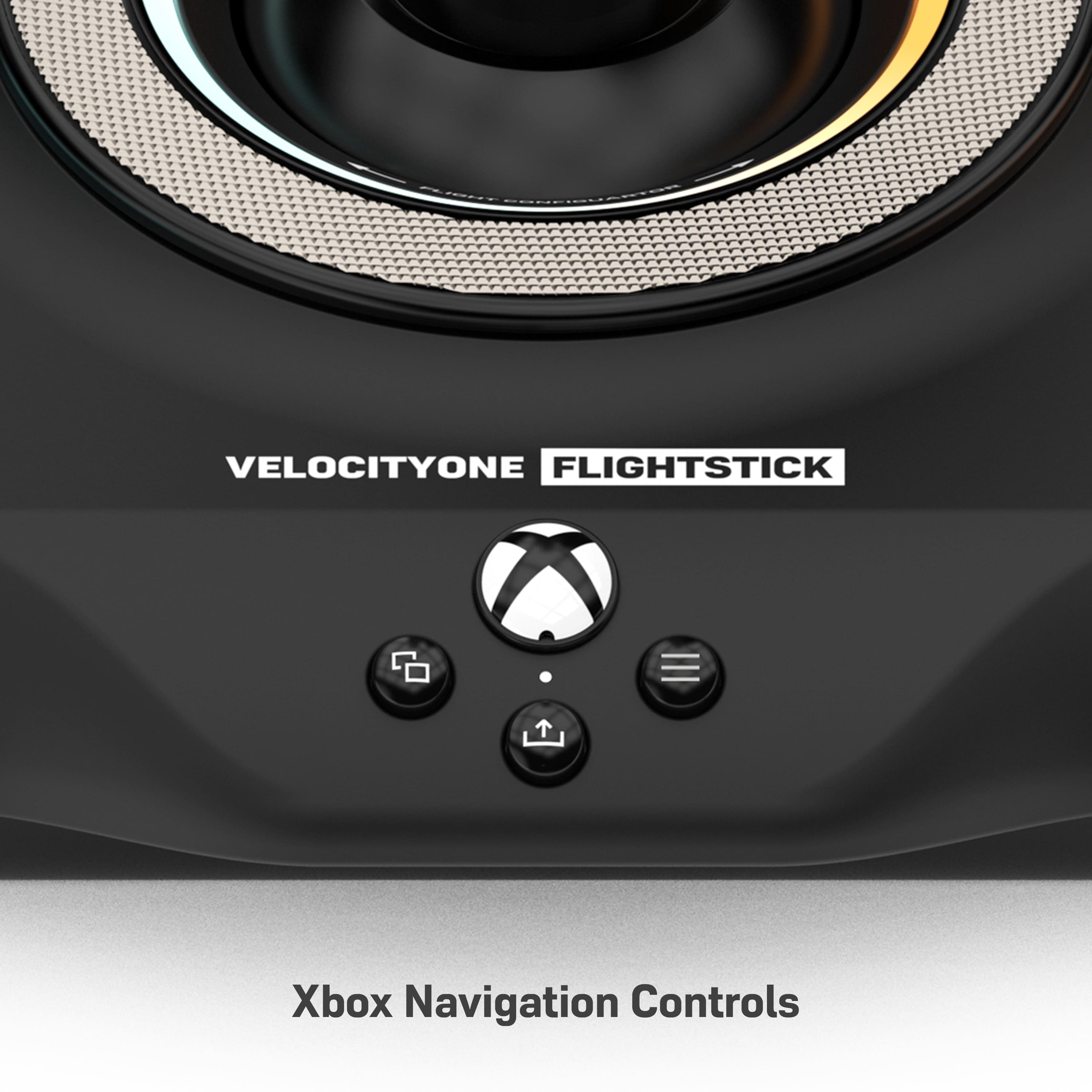
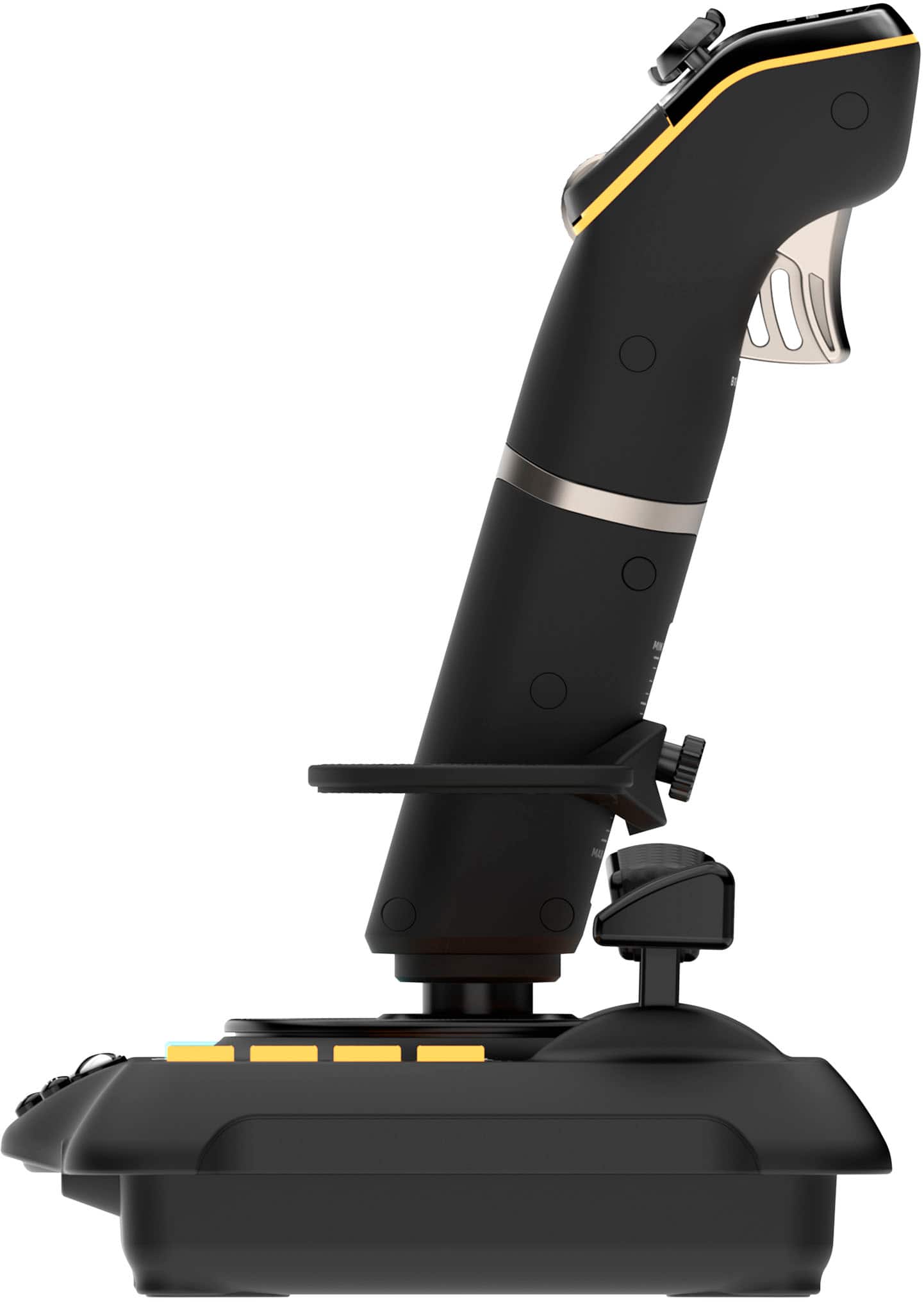
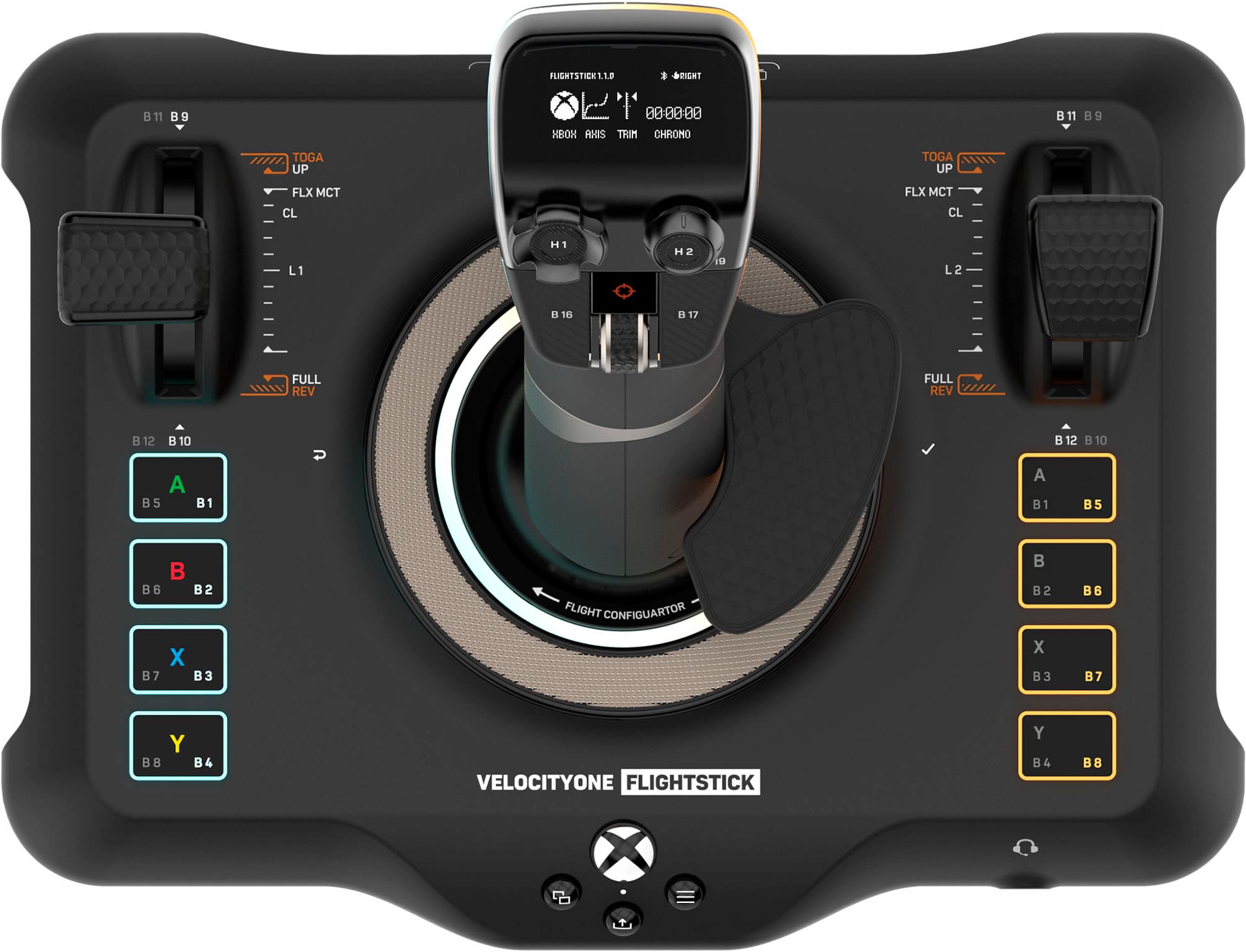
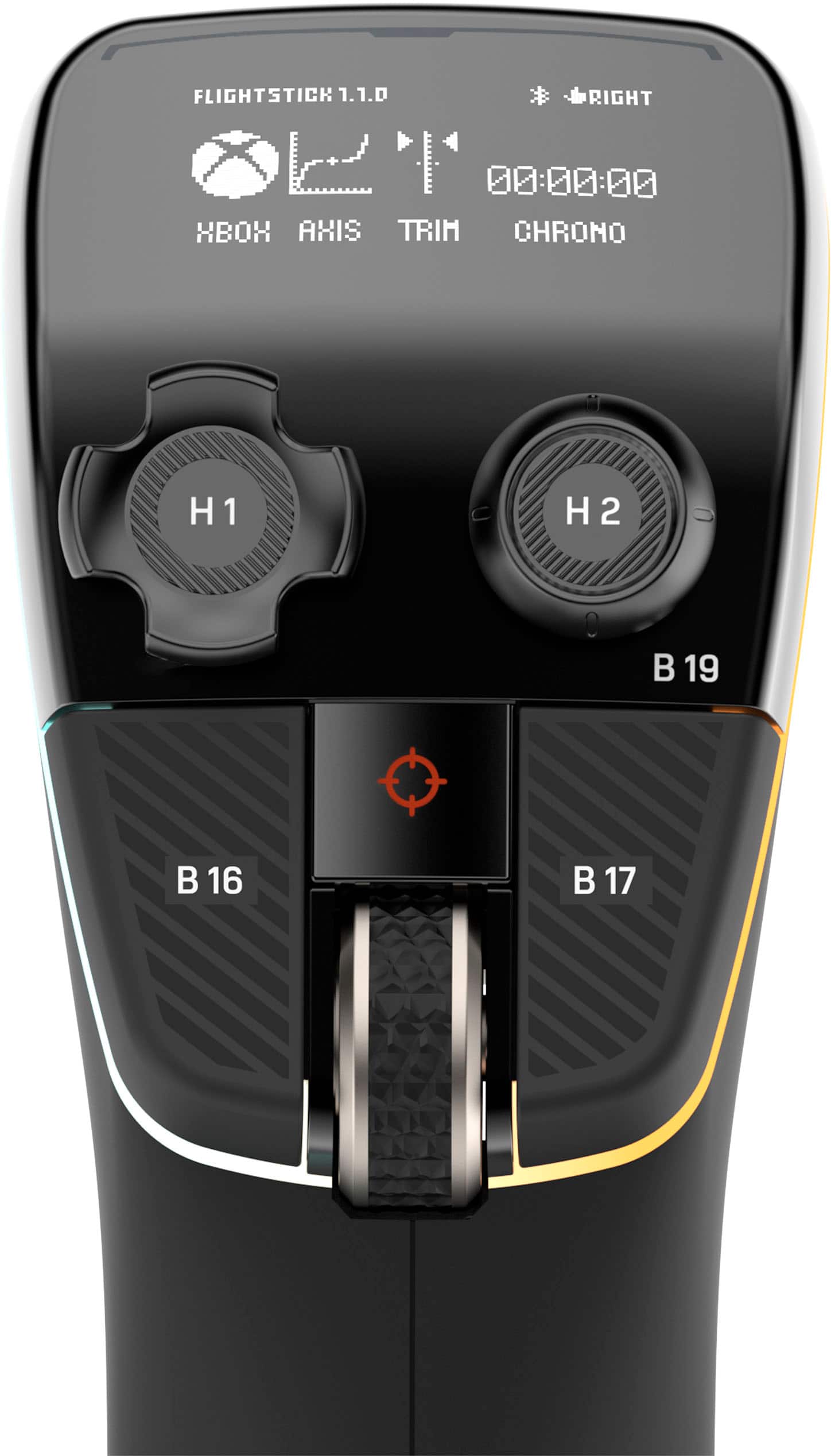
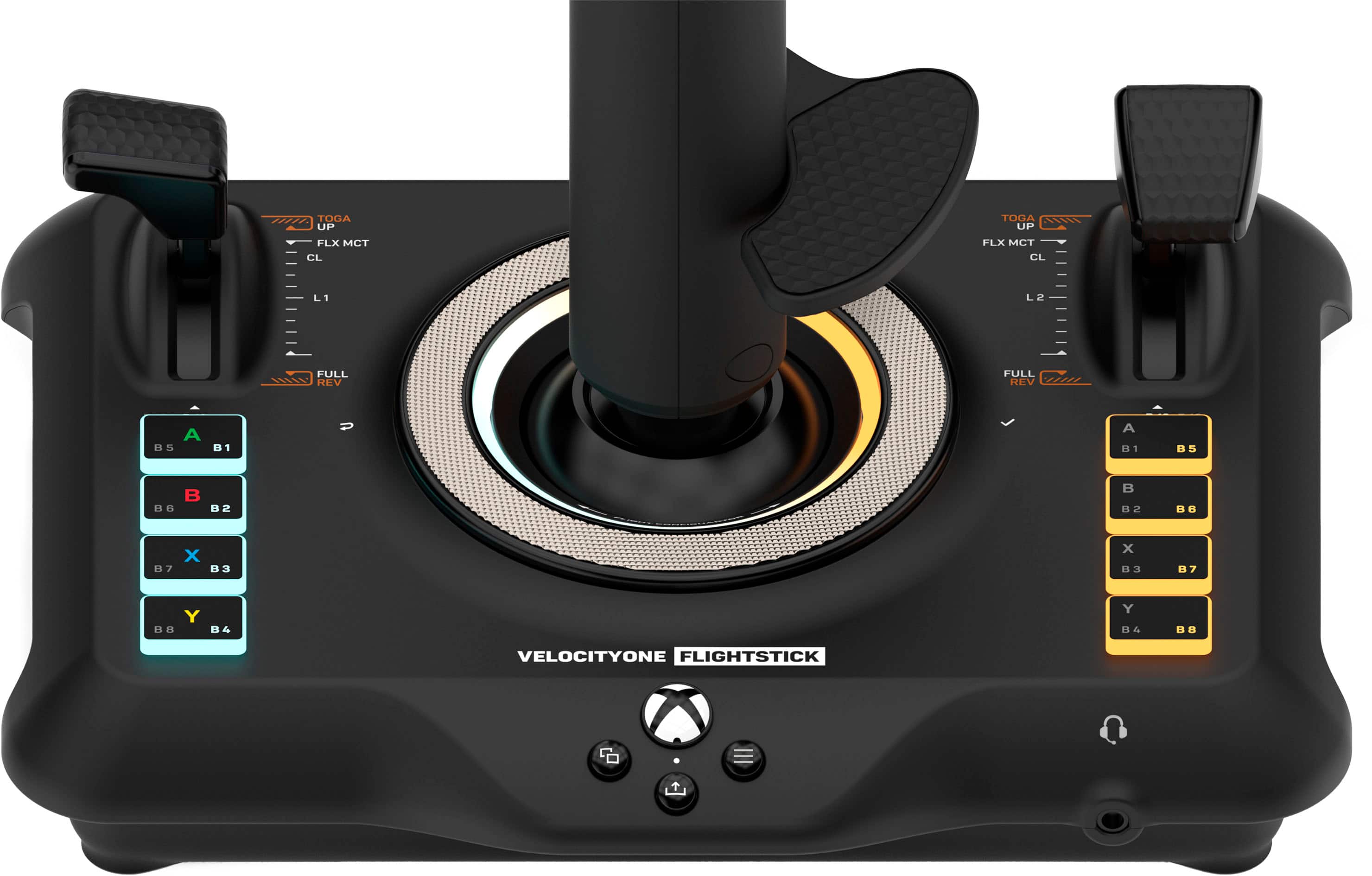
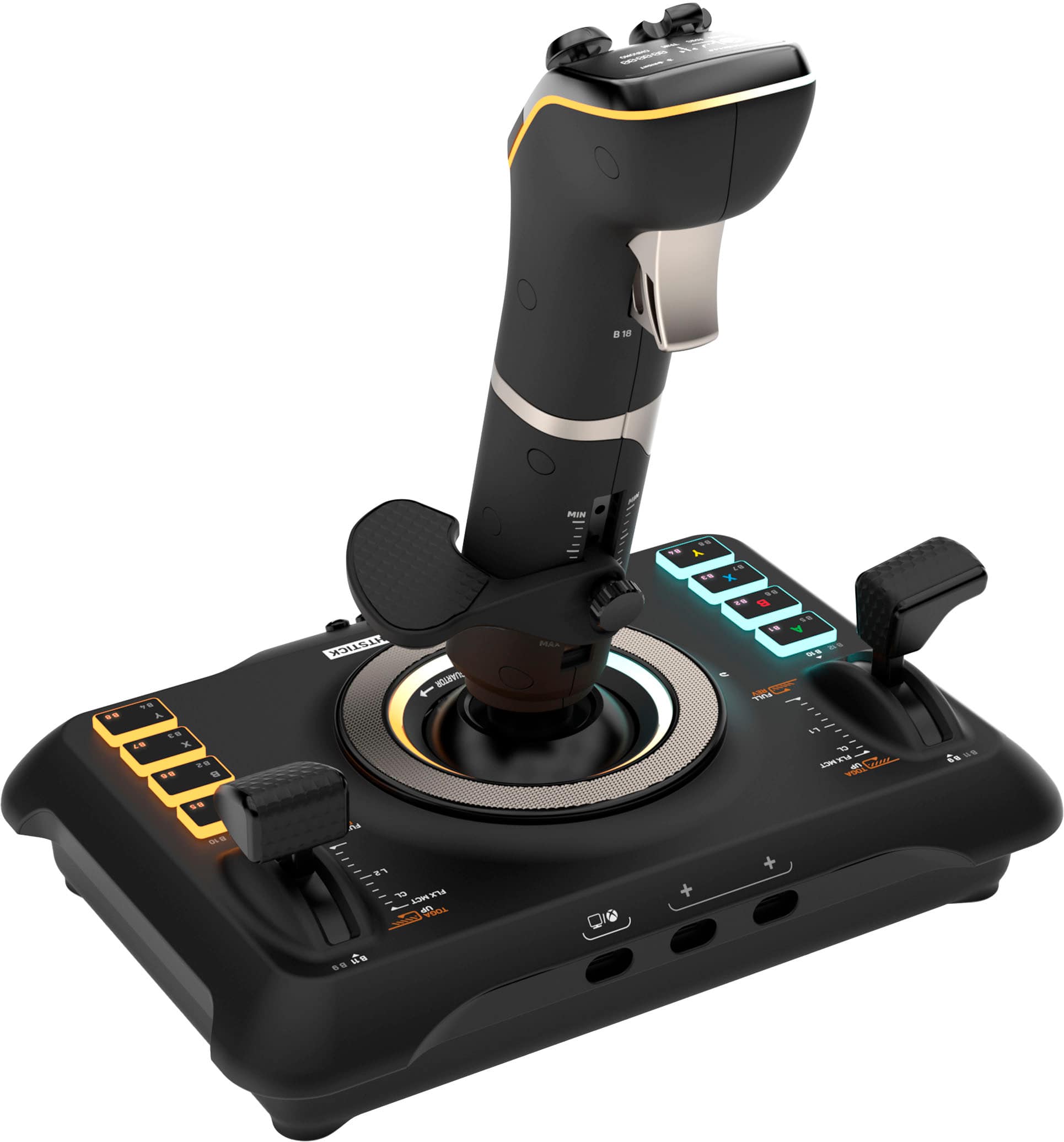
Customers are delighted by the overall performance and user-friendly setup of this flight stick, which integrates seamlessly with flight simulation software. Users frequently praise the premium feel of the hardware, the intuitive button layout, and the vivid clarity of the OLED display. While the device offers excellent control and customization options, some users have noted that the base feels a bit too light, which can impact stability during intense use. Additionally, potential buyers should be aware that the product currently lacks compatibility with Xbox consoles.
This summary was generated by AI based on customer reviews.
Great stick, worth it
||Posted . Owned for 1 month when reviewed.This reviewer received promo considerations or sweepstakes entry for writing a review.One of the best flight sticks you can buy, especially for the price. Only minor drawback is that the spring is a little stiff but other than that it’s an amazing value buy.
I would recommend this to a friend- Cons mentioned:Compatibility
Not impressed
||Posted . Owned for 1 month when reviewed.This reviewer received promo considerations or sweepstakes entry for writing a review.Not impressed at all, had to return it. It worked fine on my laptop (played Starfield 2) but once i tried it on my PC it bricked and got stuck in Xbox mode. Resetting it, flashing firmware - nothing worked. Also the software is utter crap
No, I would not recommend this to a friendBrand response from Turtle Beach Support
Posted .Hello Hamer! We are sorry to hear about the experience you've had with your Turtle Beach Product. Our products are each sold with a manufacturer's warranty, and we have a dedicated Support Team available to provide assistance as needed. In the future, please reach out directly to our dedicated Support Team so they can lend a hand. They’re always happy to help and can be reached right from the support section of the Turtle Beach website. Thank you and have a great day!

Flight sim stick
||Posted . Owned for 3 weeks when reviewed.This reviewer received promo considerations or sweepstakes entry for writing a review.It’s a good starter just a little hard to get used to and bind
I would recommend this to a friendThis thing surprised me.
||Posted . Owned for 2 weeks when reviewed.This reviewer received promo considerations or sweepstakes entry for writing a review.This thing surprised me. I was a bit apprehensive buying a stick without a dedicated throttle but, the layout makes it easy to use. I’m sure they’ll release their own throttle sometime in the future. Xbox support is also clutch. It’s mounted to my rig and I enjoy it.
I would recommend this to a friendAwesome
||Posted . Owned for 3 weeks when reviewed.This reviewer received promo considerations or sweepstakes entry for writing a review.Must have if you love flight sims, very responsive!
I would recommend this to a friendToo little tilt movement
||Posted .This reviewer received promo considerations or sweepstakes entry for writing a review.It does what it claims. However, it doesn’t excel in any aspect. Feels alright but I was constantly tilting too far and bringing it off the table.
No, I would not recommend this to a friendTilly
||Posted . Owned for 3 weeks when reviewed.This reviewer received promo considerations or sweepstakes entry for writing a review.This controller is the cats meow, it will make your gameplay so much better you won’t find anything better.
I would recommend this to a friendGreat flight stick
||Posted . Owned for 4 months when reviewed.This reviewer received promo considerations or sweepstakes entry for writing a review.Great for flight simulator love it works great. Makes light sims so much more enjoyable
I would recommend this to a friendFeels great! Big fan of it!
||Posted . Owned for 1 month when reviewed.This reviewer received promo considerations or sweepstakes entry for writing a review.Good feedback, extra buttons make it easy to use in multiple games. Lots of settings and feels futuristic. Could use some more settings for feedback and others but otherwise great
I would recommend this to a friendIt’s very cool when working
||Posted . Owned for 3 weeks when reviewed.This reviewer received promo considerations or sweepstakes entry for writing a review.It’s cool when it works long as you don’t make to many adjustments because it can throw the whole function of the controller off when adjusting settings so best thing to do as a player don’t try to adjust to much unless you know exactly what you’re doing and how to update with no problem then I guess you’ll be fine
No, I would not recommend this to a friendBrand response from Turtle Beach Support
Posted .Hello! We appreciate the feedback regarding your Turtle Beach Simulation Controller. Our products are each sold with a manufacturer's warranty, and we have a dedicated Support Team available to provide assistance as needed. Please reach out directly to our dedicated Support Team so they can lend a hand. They’re always happy to help and can be reached right from the support section of the Turtle Beach website. Thank you and have a great day!
Best Flight Stick I've Ever Used
||Posted . Owned for 1 month when reviewed.This reviewer received promo considerations or sweepstakes entry for writing a review.I am in school to be a pilot right now, and am working towards my Commercial right now. This is the most realistic and customizable flight stick I've ever used. Top tier.
I would recommend this to a friendMust have
||Posted . Owned for 6 months when reviewed.This reviewer received promo considerations or sweepstakes entry for writing a review.Awesome flight stick, must have for flight simulator hobby.
I would recommend this to a friendVelocity one flight stick
||Posted . Owned for 1 week when reviewed.This reviewer received promo considerations or sweepstakes entry for writing a review.Overall better glight stick than the hotas one bur turtle beach need to do more to correct the software and the interference
No, I would not recommend this to a friendBrand response from Turtle Beach Support
Posted .Hello! We are glad you're enjoying your Turtle Beach VelocityOne Flightstick, but sorry to hear about the experience you've had with with the software and interference. Please reach out directly to our dedicated Support Team with more details so they can assist. They’re always happy to help and can be reached right from the support section of the Turtle Beach website. Thank you!
Great joystick and simple to use
||Posted . Owned for 6 months when reviewed.This reviewer received promo considerations or sweepstakes entry for writing a review.I had to return this item because it was an impulse buy but while I had it i had a blast with flight simulator. Fun lights as well.
I would recommend this to a friendGreat!
||Posted . Owned for 2 weeks when reviewed.This reviewer received promo considerations or sweepstakes entry for writing a review.Lights up! Works great! Keybinds are easy to map over into various Flight Simulators like DCS, or MSFS!
I would recommend this to a friendQuality Quality Quality
||Posted . Owned for less than 1 week when reviewed.This reviewer received promo considerations or sweepstakes entry for writing a review.You get what you pay for best fir Flight Simulator Games ..
I would recommend this to a friend- Cons mentioned:Compatibility
Very stiff
||Posted . Owned for 2 weeks when reviewed.This reviewer received promo considerations or sweepstakes entry for writing a review.This joystick is great value-wise. You get the yoke controls, throttle, and rudder all-in-one (No doubt about it). But, the actually feel and performance of the joystick is poor. It feels very stiff sometimes and you'll experience a limited range of motion. Additionally, it doesn't pair all too well with Microsoft Flight Simulator (had a very annoying experience with it not always connecting). I'd recommend getting a yoke and rudder pedals if you can afford the extra $150. Overall, great value but you get what you paid for :)
No, I would not recommend this to a friendBrand response from Turtle Beach Support
Posted .Hey,
We’re sorry to hear about your experience; however, please know that our dedicated Support Team is available to assist you with your Velocity One and any inconveniences you may be having with it. They’re always happy to help, and they can be reached right from the support section of the Turtle Beach website via the Contact Form listed there.
Thank you and best regards!
Good flight stick with minor issues
||Posted . Owned for 1 month when reviewed.This reviewer received promo considerations or sweepstakes entry for writing a review.The two buttons on either side of the trim wheel are extremely sensitive and very easy to accidentally press. Also the stick tension is a bit too high. Other than these relatively minor issues the stick is excellent.
I would recommend this to a friendGood quality but not suitable for helicopter simul
||Posted . Owned for 2 weeks when reviewed.This reviewer received promo considerations or sweepstakes entry for writing a review.I tried to fly helicopter at c Plane 12, but not suitable for helicopter flight
No, I would not recommend this to a friendBrand response from Turtle Beach Support
Posted .Hello Sercan! We are sorry to hear about the experience you've had with your Turtle Beach product. Our products are each sold with a manufacturer's warranty, and we have a dedicated Support Team available to assist as needed. Please reach out directly to our dedicated Support Team so they can lend a hand. They’re always happy to help and can be reached using the “Contact Support” link at the bottom of the Turtle Beach homepage. Best Regards!
- Cons mentioned:Compatibility
Horrible
||Posted . Owned for 1 week when reviewed.This reviewer received promo considerations or sweepstakes entry for writing a review.Didnt work with anything! PC, xbox, manual configuration nothing!
No, I would not recommend this to a friendBrand response from Turtle Beach Support
Posted .Hello! We are sorry to hear about the experience you've had with your Turtle Beach Product. Our products are each sold with a manufacturer's warranty, and we have a dedicated Support Team available to provide assistance as needed. Please reach out directly to our dedicated Support Team so they can lend a hand. They’re always happy to help and can be reached right from the support section of the Turtle Beach website. Thank you and have a great day!