Customer Ratings & Reviews



- Model:
- TBC-2101-05
- SKU:
- 10968576
Rating by feature
- Value
Rating 4.2 out of 5 stars
- Quality
Rating 4.3 out of 5 stars
- Ease of Use
Rating 4.2 out of 5 stars
BFG PRO - LETS GOOOO
||Posted . Owned for 1 month when reviewed.This reviewer received promo considerations or sweepstakes entry for writing a review.I, like everyone else, suffered stick drift on my Elite 2 controller, it was time for a replacement. I landed on another product first, but returned that quickly. This controller has very high levels of customization, a the battery life on a single charge is great. I game frequently on FPS and this hits the mark. The trigger locks are easy to engage, the controller inputs are snappy and responsive, just a really great controller.
I would recommend this to a friendGreat controller!
||Posted . Owned for 3 weeks when reviewed.This reviewer received promo considerations or sweepstakes entry for writing a review.Great controller...love the customization options, as well as the extra triggers on the back. Battery life is amazing!
I would recommend this to a friendAmazing and super customizable
||Posted . Owned for 1 week when reviewed.This reviewer received promo considerations or sweepstakes entry for writing a review.Using on a PC, was not prepared for how incredibly customizable every feature of this controller is. Has different height joystick replacements, adjustable quick or full triggers, extra pads underneath. Every button customizable via app. Would absolutely recommend.
I would recommend this to a friendTurtle Beach Victrix
||Posted .This reviewer received promo considerations or sweepstakes entry for writing a review.Great product. Controller works without any issue. Easy to connect to console and start using right away
I would recommend this to a friendGot the job done
||Posted .This reviewer received promo considerations or sweepstakes entry for writing a review.Good remote, only issue I had was the interface of controller adjustments.
I would recommend this to a friendVictrix bfg pro reloaded xbox series x controller
||Posted . Owned for 2 weeks when reviewed.This reviewer received promo considerations or sweepstakes entry for writing a review.This is one of the most versatile controllers on thThis is one of the most versatile controllers on the market for those who love fps or fighting game e market
I would recommend this to a friendGreat Controller
||Posted . Owned for 2 weeks when reviewed.This reviewer received promo considerations or sweepstakes entry for writing a review.Grate controller just wish the sticks were more adjustable. Would buy again
I would recommend this to a friend
Tons of customization; but back paddles intrusive
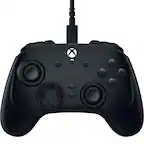
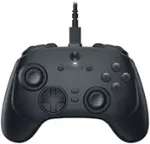
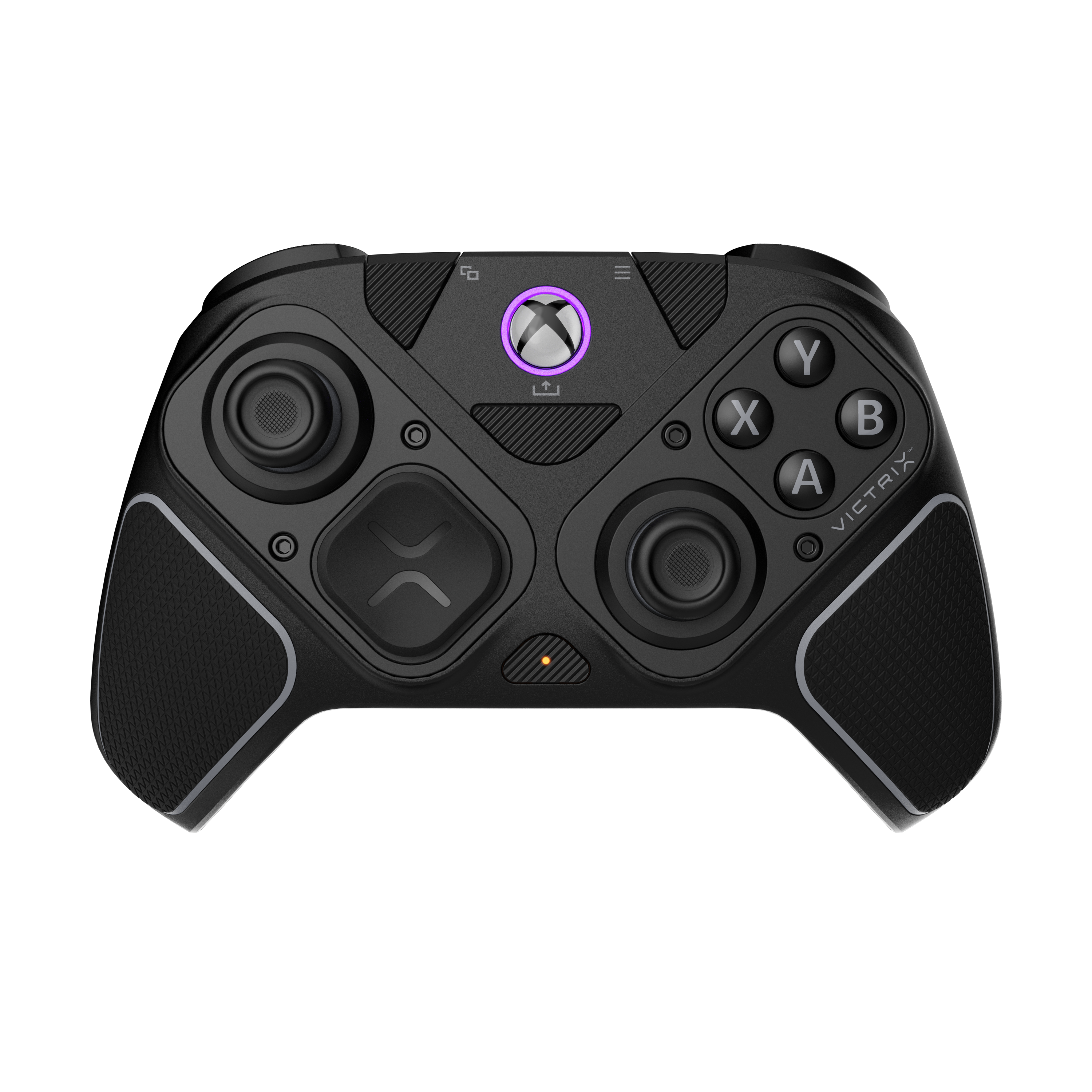
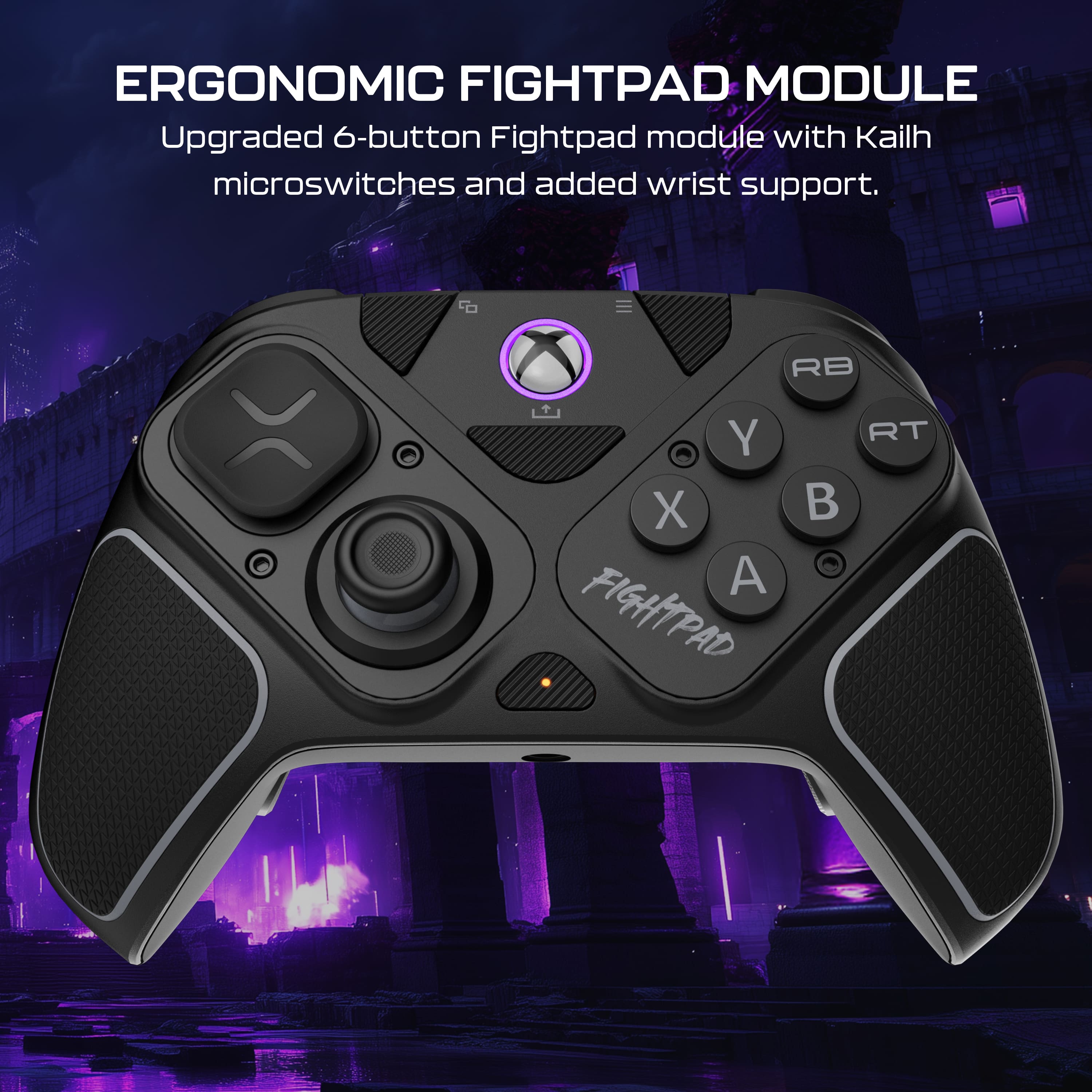
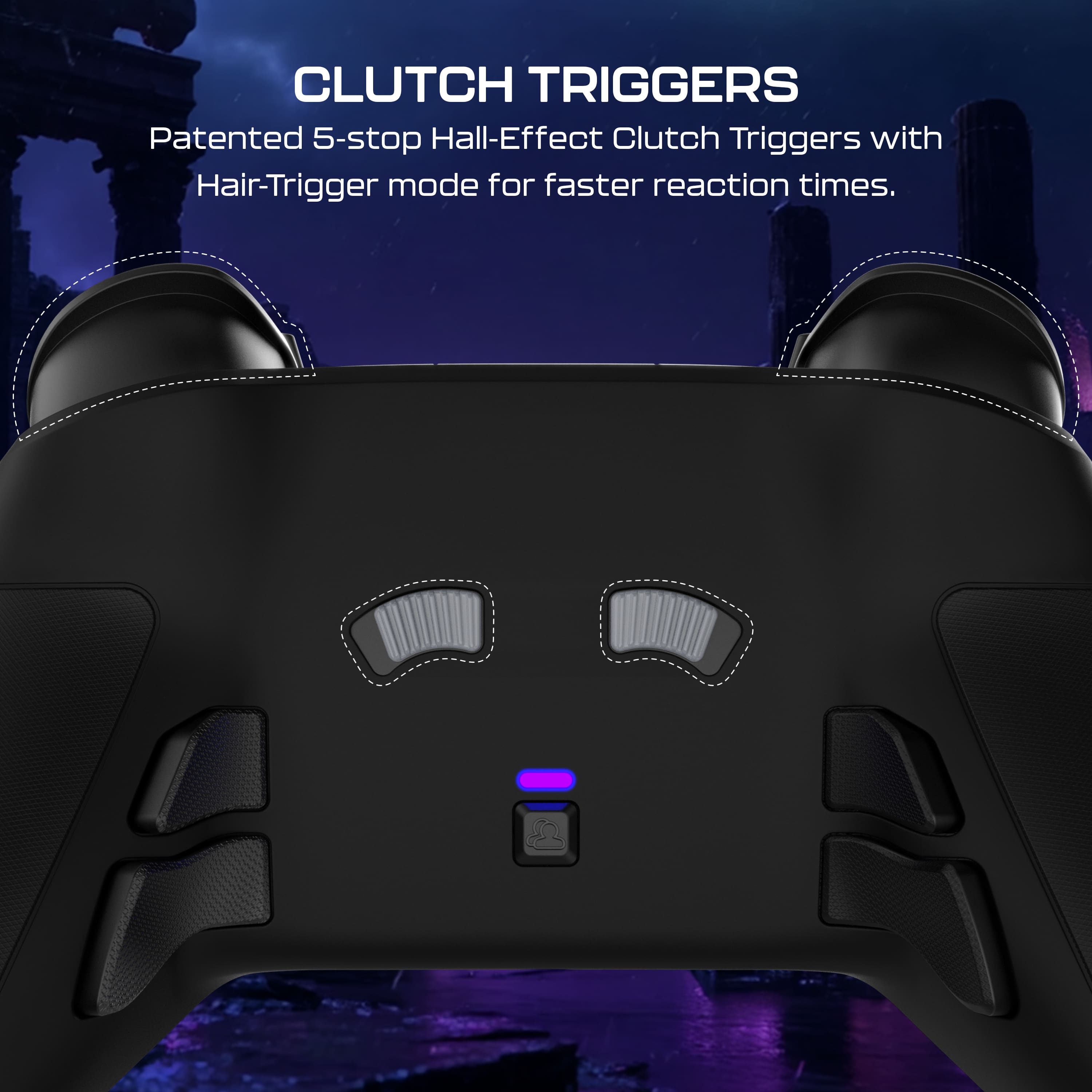
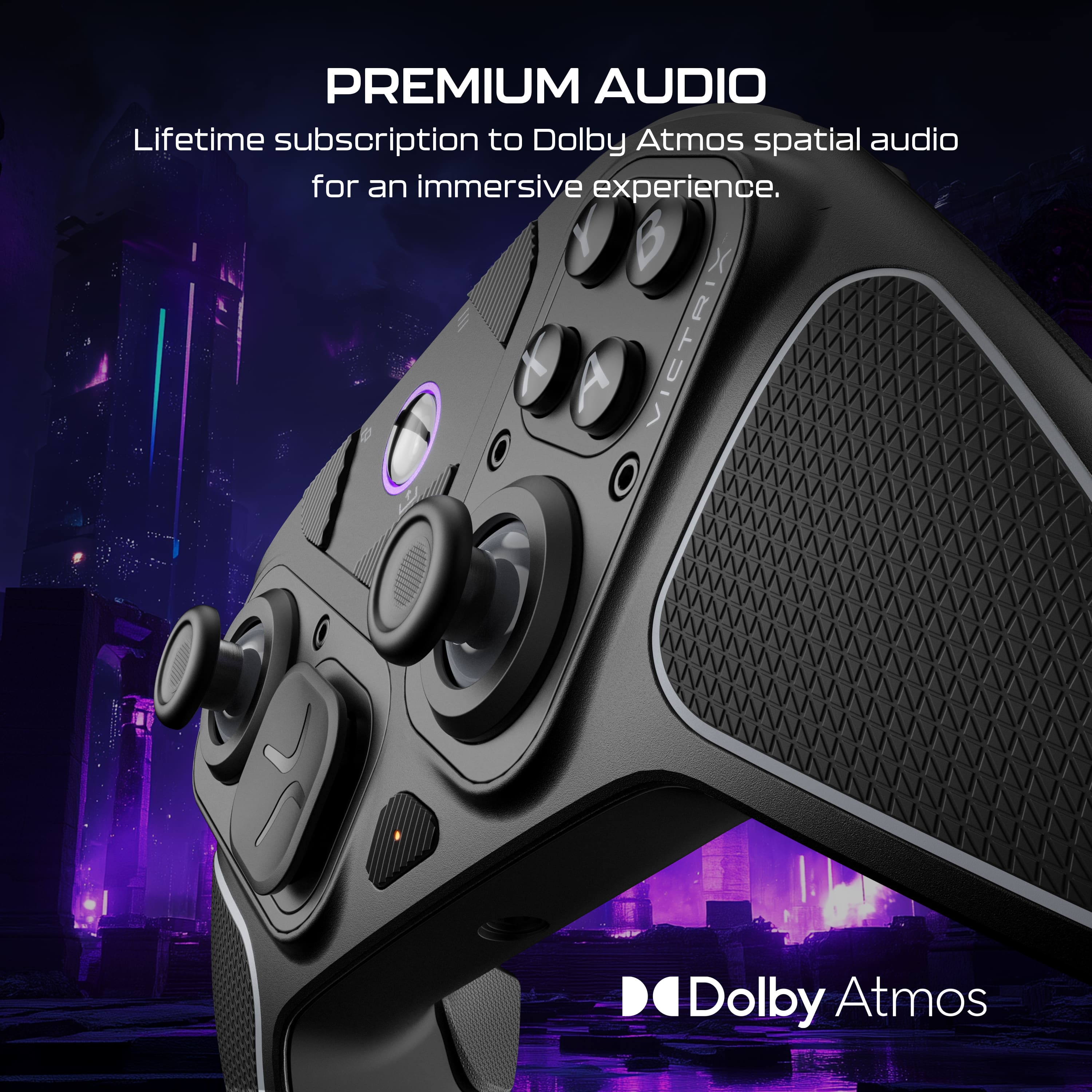
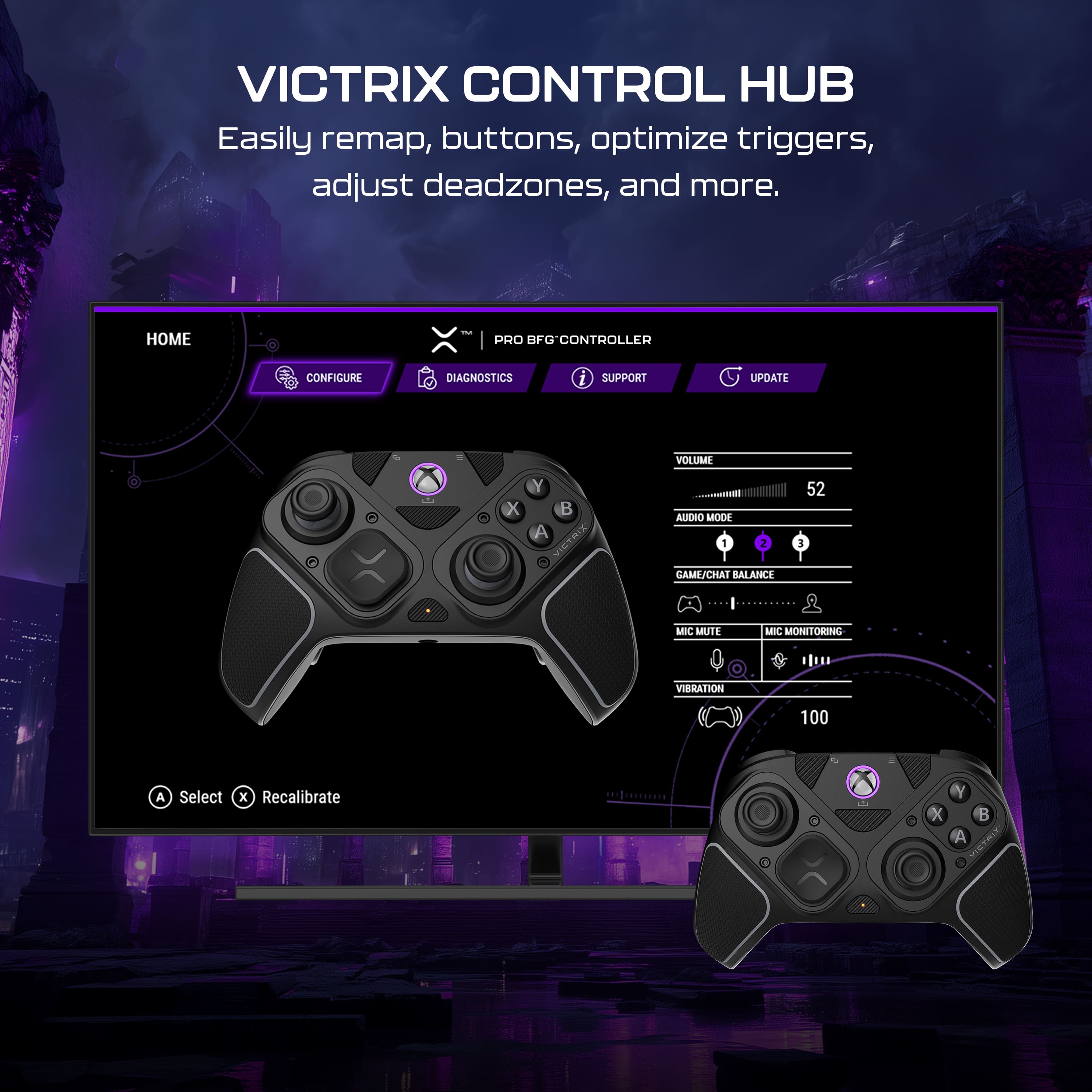
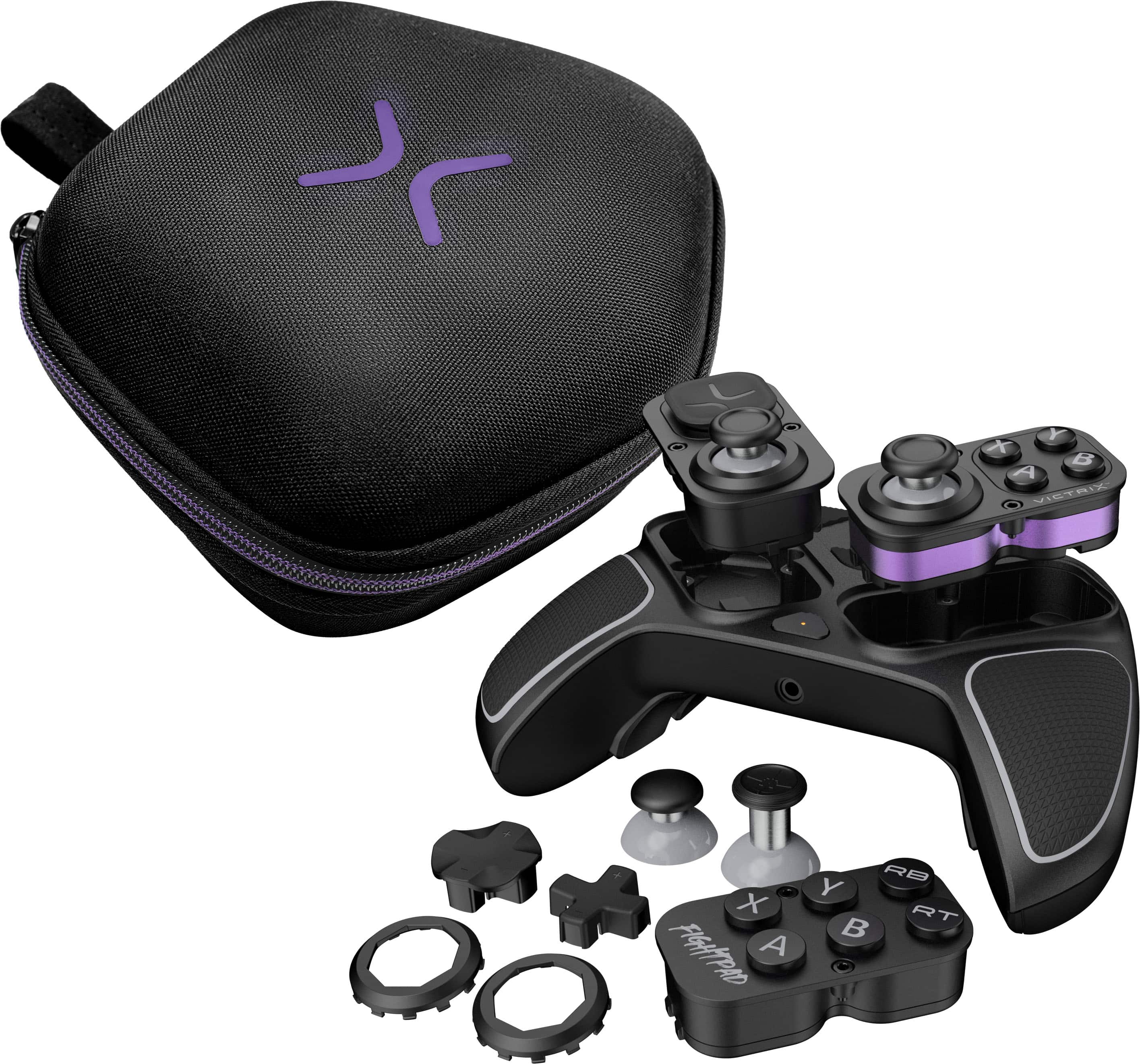
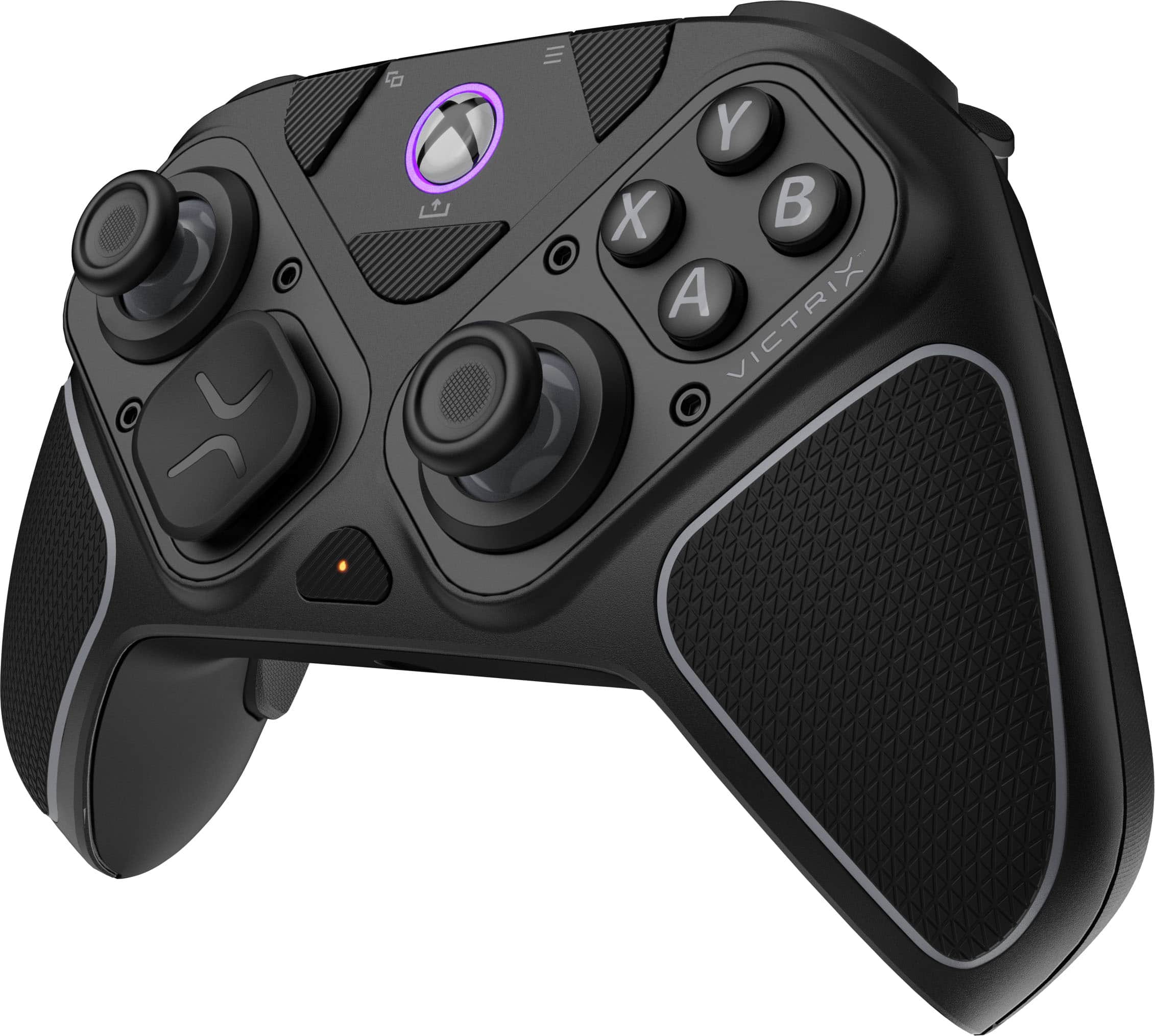
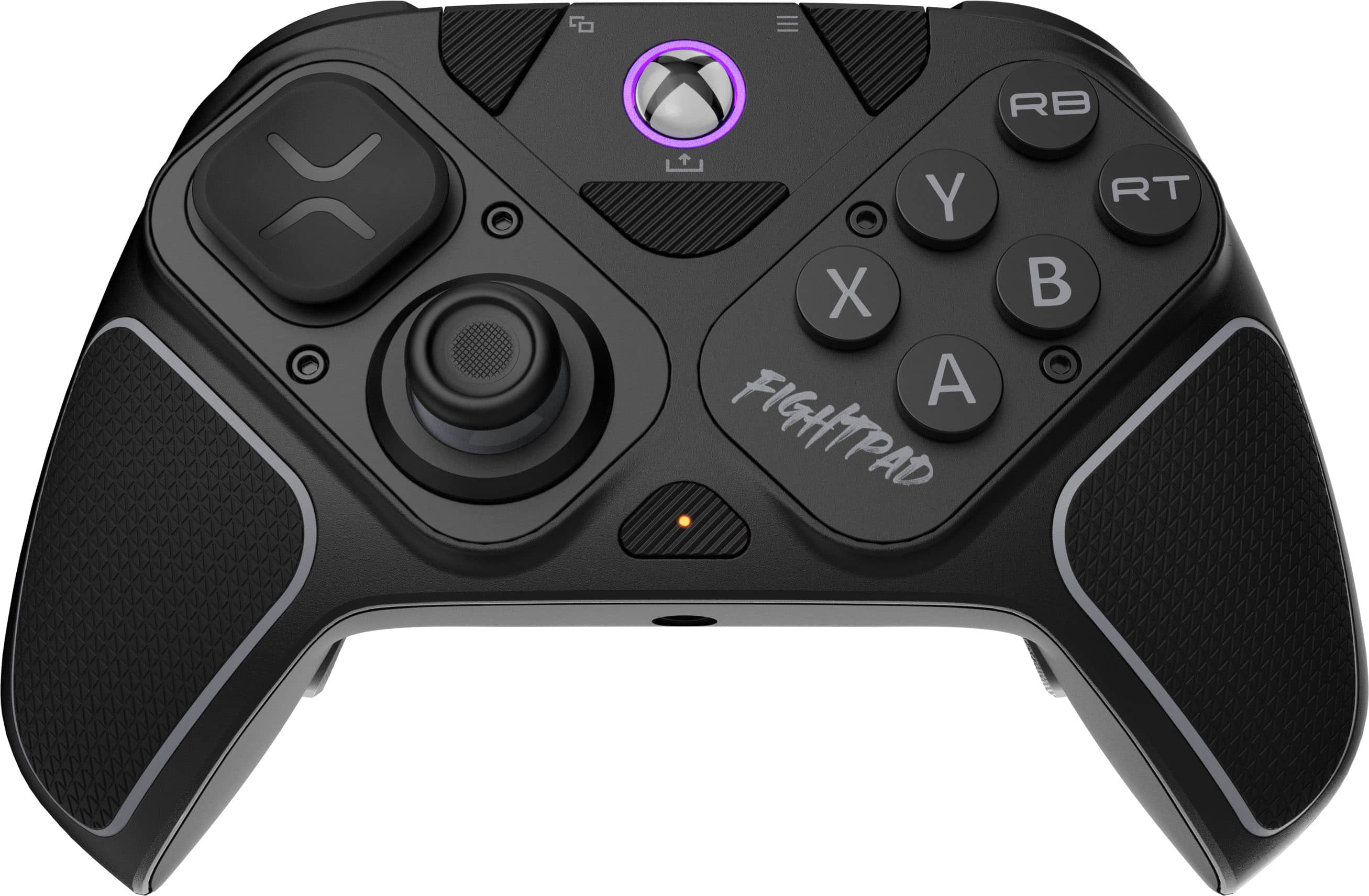
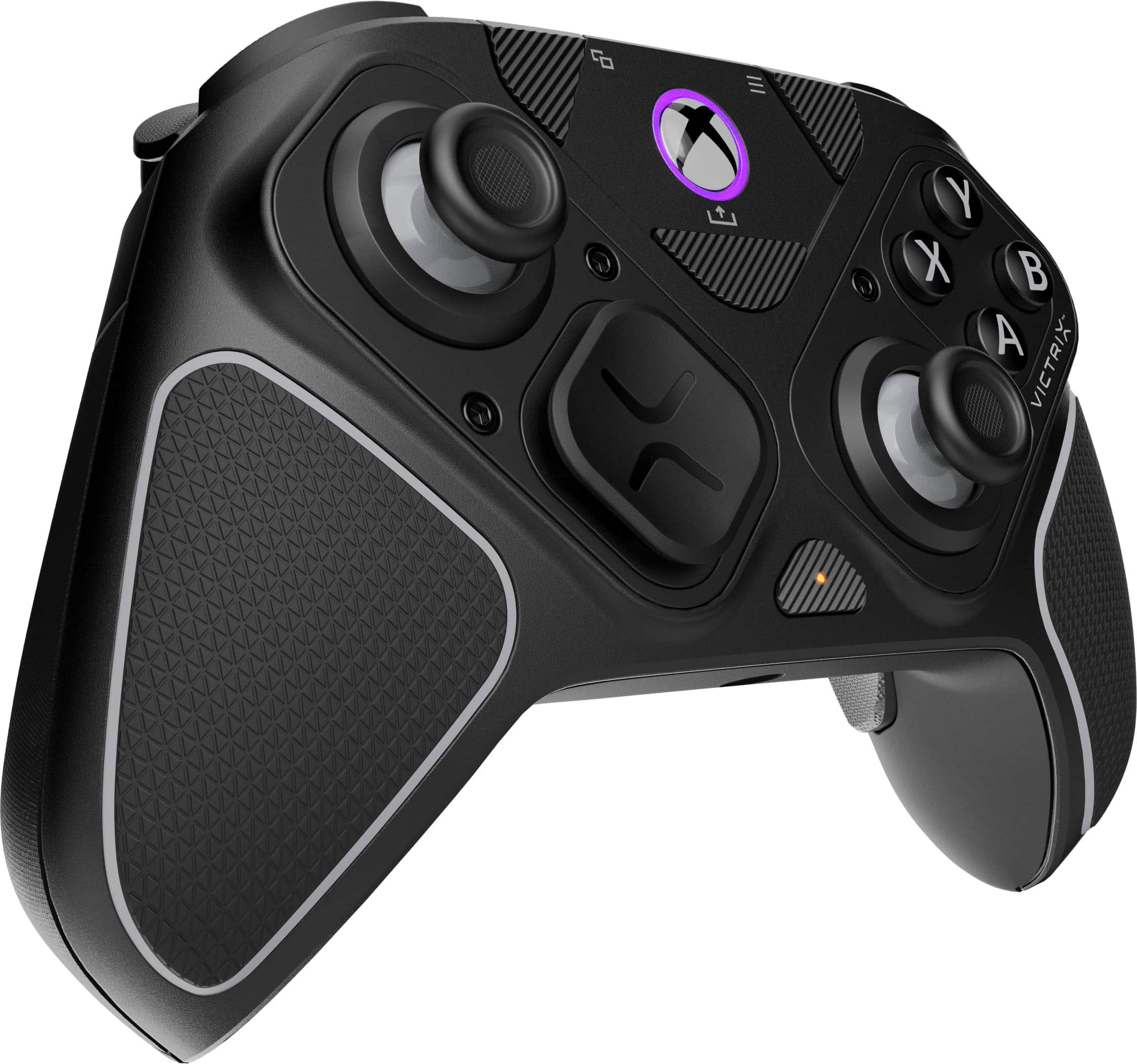
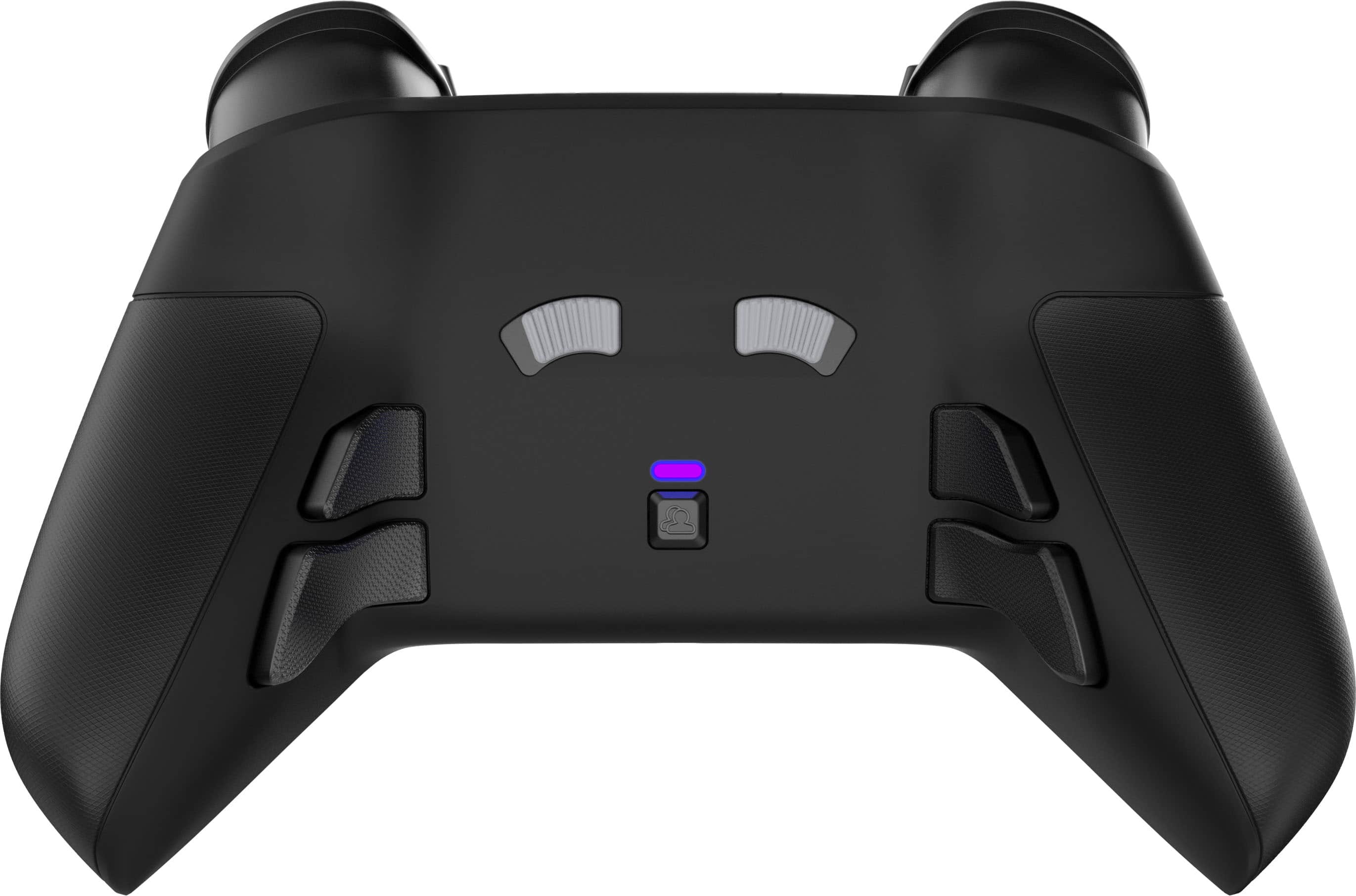
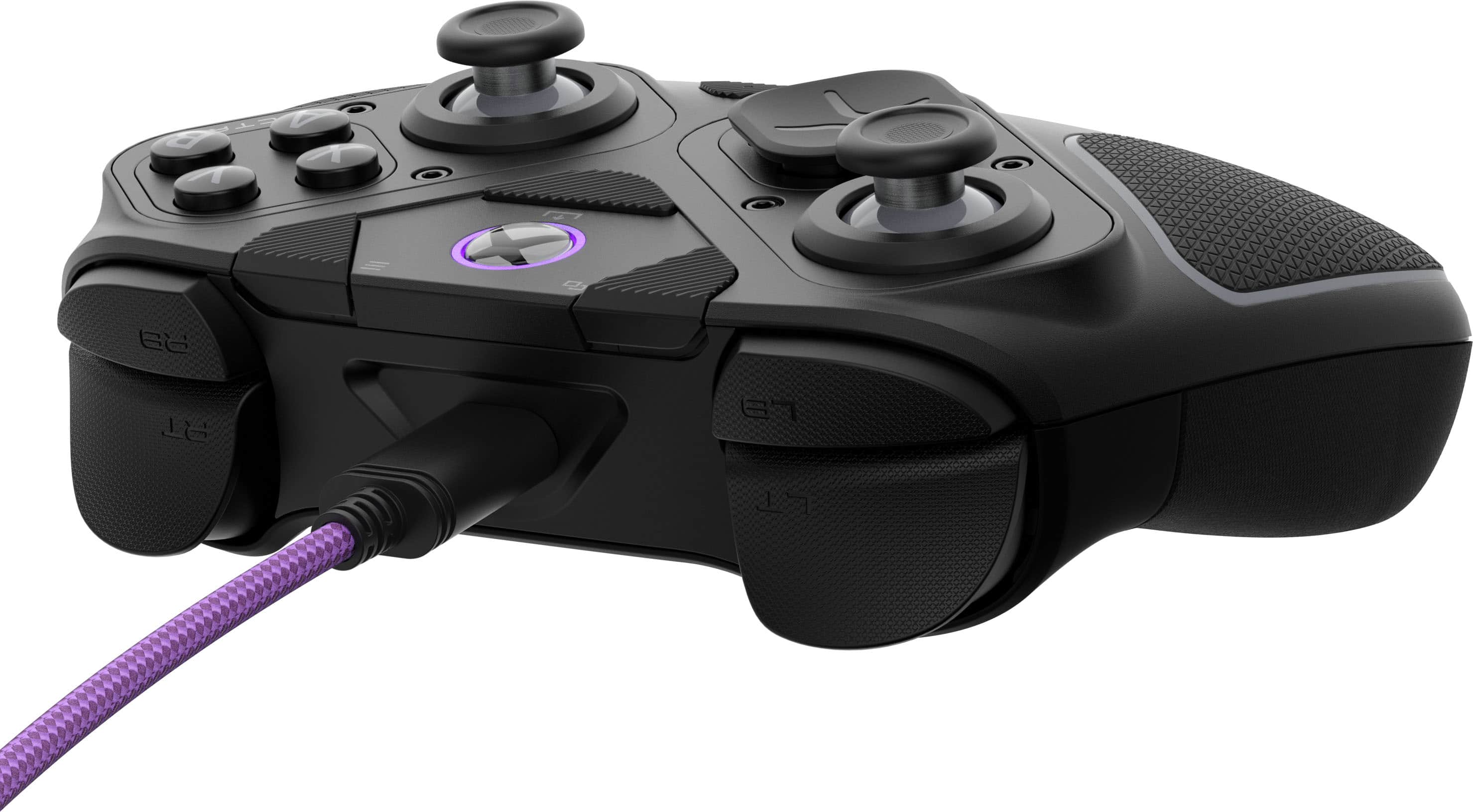
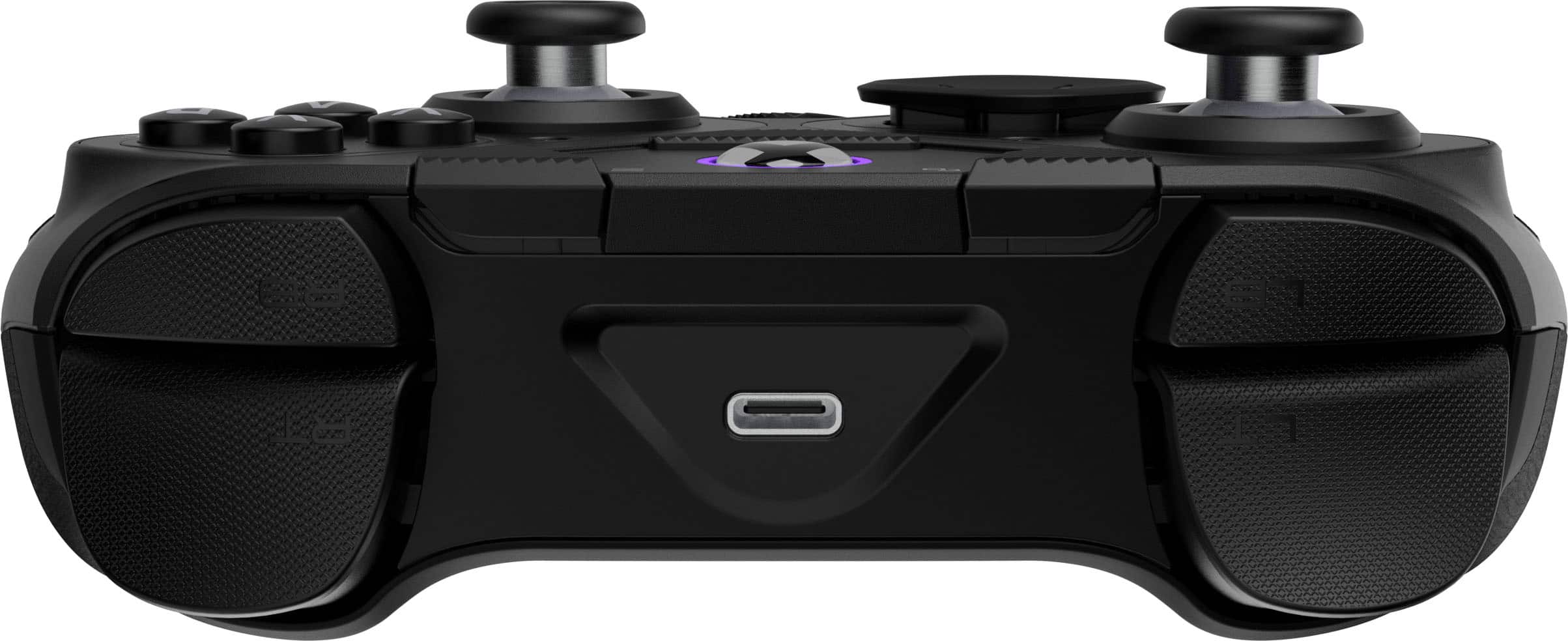
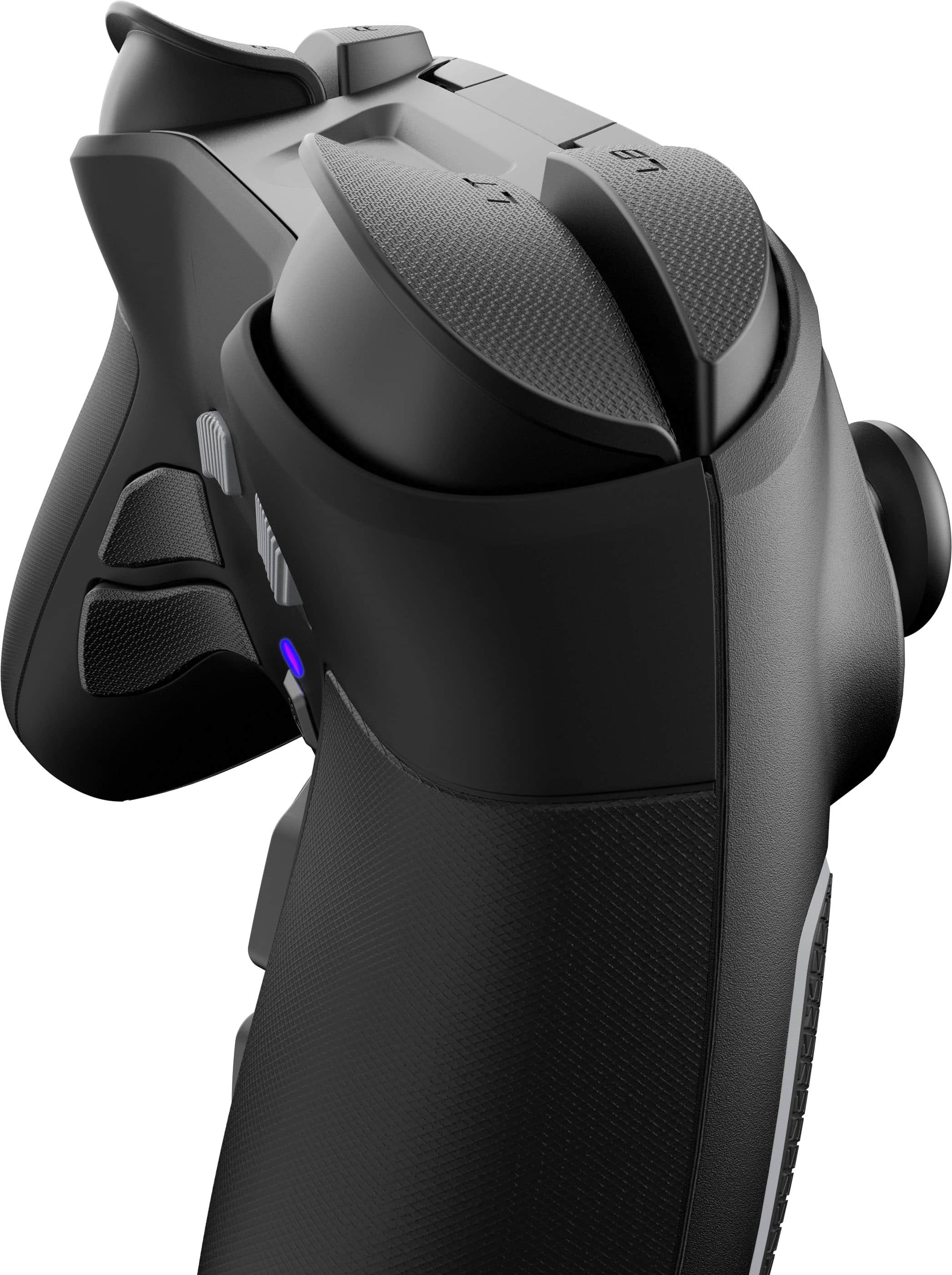
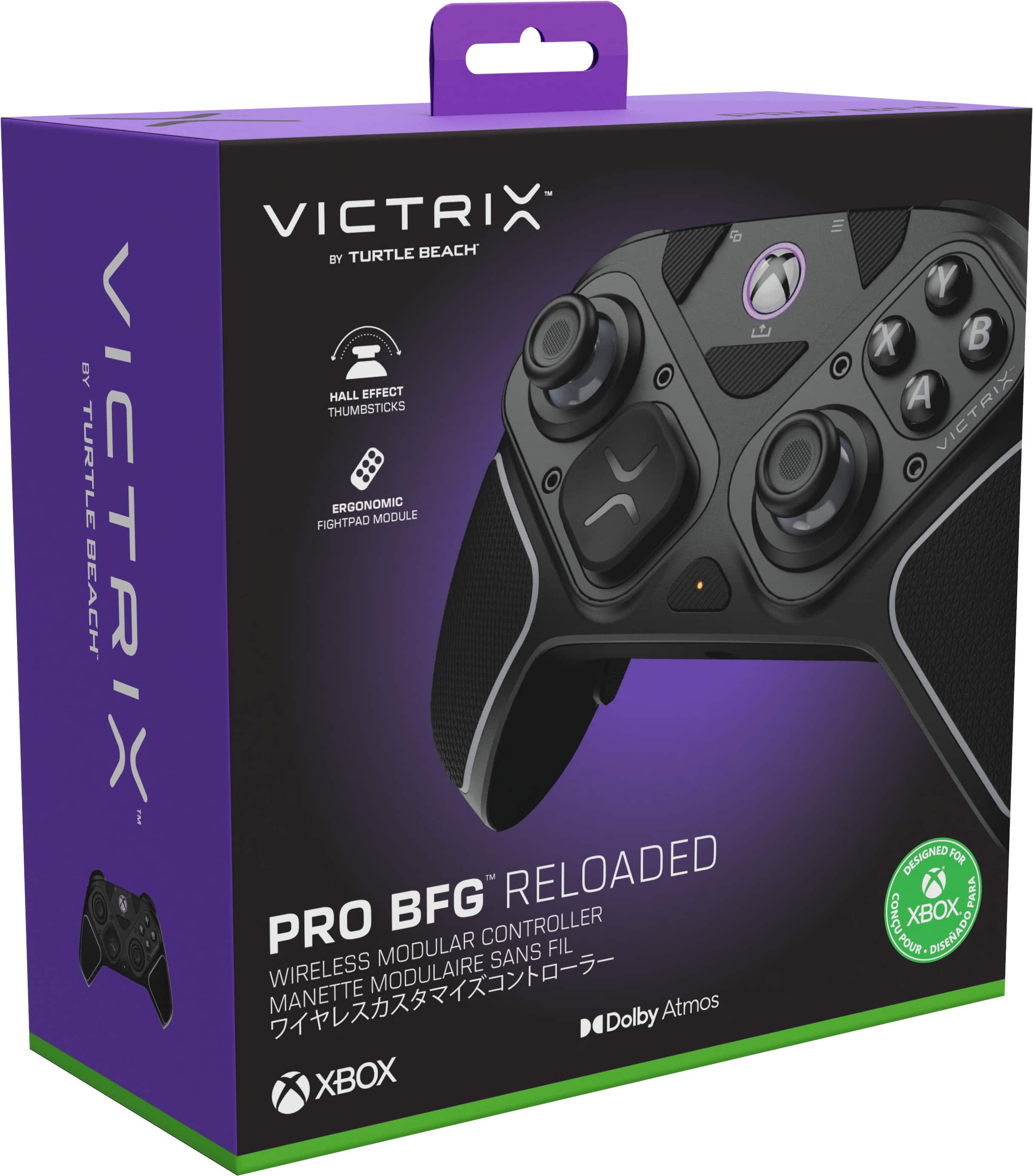
|Posted .This reviewer received promo considerations or sweepstakes entry for writing a review.Pros: -Premium quality feel and materials -Hall Effect analog sticks -Dolby Atmos wired headphone jack -Has rumble Cons: -Back paddles are not modular; likely to press buttons while using controller with a standard grip The Victrix Pro BFG offers tons of customization that's as simple as unscrewing 2 screws, and screwing 2 screws, per module you replace. What I love about the screws is each module that connects to the controller's base has its own set of screws threaded in. So you never need to fully unscrew them to use them for another module. The screws are also threaded to the module in such a way where there's 2 zones. One where you unscrew the screw until it releases itself from the controller. After that you can't unscrew the screw anymore. The screw remains attached to the module. Unless you push it further up with your finger and continue to unscrew it. Only then can you remove the screw entirely from the module. But I love that the screws can stay attached to the module. This way I never really have to worry about losing the screws, which are an essential part to the function of this controller. It's an Xbox controller, so the default layout is that of an Xbox controller's. But if you prefer the PlayStation controller's layout, you can switch up the modules to do that. You can move the d-pad to the top-left corner, and the analog sticks side-by-side on the bottom. The best part is, the face buttons will still be the Xbox buttons, so there's no confusion of memorizing which PlayStation button corresponds to which Xbox button if you were to somehow use a PlayStation controller on an Xbox, or a PC game that uses Xbox controls. Likewise, you can swap the d-pad for something of a more Nintendo controller feel, with the cross d-pad. Unlike the PlayStation version of the Victrix Pro BFG Reloaded, the Xbox version *does* have the rumble feature, which works with both Xbox and PC games. What I also consider as an advantage is that it does not have the touchpad, unlike the PlayStation version, which is great when used as a PC controller because you won't accidentally trigger it, since the PlayStation's DualShock 4 and DualSense touchpad can be used as a mouse and can't be disabled without third party means. Some may consider this as a disadvantage, so bear this in mind. For my use, I found the touchpad to be more intrusive than helpful on PC because of the accidental inputs. The Reloaded version has Hall Effect analog sticks to prevent drifting. From my 100+ hours of using it, I have never experienced any drift issues with either of the analog sticks. Changing the gates for the sticks is as simple as screwing a module, swapping the gate, and screwing the module back in. You can also change the analog stick to a shorter one. As usual, your mileage may vary as far as battery usage goes, but it can go for about 20 hours per charge. I did experience a couple of annoyances with the controller though. It doesn't come with a paper manual. The manual and instructions for the customization can be found on Turtle Bay's website. But the bigger peeve that may be a deal breaker for some users is that the back paddles are not modular. So they will always get in the way of your fingers if you have large hands. To avoid pressing the back paddle buttons, you'd have to have to finger your fingers in, making what would've been a great feeling ergonomic controller into something less comfortable. I will say though, after several days of use, I got used to it. But this also meant me constantly making accidental presses of the back paddles. When I used them as a PC controller, I had to use the controller's PC software to disable the back paddles. Which brings me to my next point. You can customize the function of the buttons using its Windows software. The back paddles are on by default. The back paddles placed on the inside of the grips and easily accessible. The buttons are relatively quiet and feel responsive. The 6 button layout module was perfect for the fighting games I played them with. Unlike the Sega Saturn controller, which is a fan favorite among some fighting game d-pad players, the buttons are all big and equal in size. On the back of the controller is a switch where you can adjust the travel of the trigger buttons. There is a wired headphone jack on the controller that comes with a Dolby Atmos license. You'll be able to get Dolby Atmos spatial sound for games that support it, using any wired headphones you connect to it. If you can get past the intrusive back paddles like I eventually did, it's a comfortable controller that feels great to play on for hours without any cheap feel of annoyingly clicky or mushy buttons, that's also very customizable to your liking.
I would recommend this to a friendTop notch
||Posted . Owned for 2 weeks when reviewed.This reviewer received promo considerations or sweepstakes entry for writing a review.Awesome control no drift great balance all in all one of the controllers I’ve had,,
I would recommend this to a friendBest controller for all gaming.
||Posted . Owned for 3 weeks when reviewed.This reviewer received promo considerations or sweepstakes entry for writing a review.Well just let say this is one of the best controllers that I have used. It is great in shooter and in fighting games and shooters. The fight pad is great .
I would recommend this to a friendLove it
||Posted . Owned for 2 months when reviewed.This reviewer received promo considerations or sweepstakes entry for writing a review.Controller works great, a bit expensive but really good controller
I would recommend this to a friendGood Response
||Posted . Owned for 1 month when reviewed.This reviewer received promo considerations or sweepstakes entry for writing a review.The controller is very sensitive to use. Takes some used too for sure. I have not configured it for PVP yet. I mostly use it for PVE.
I would recommend this to a friendreview
||Posted . Owned for 1 month when reviewed.This reviewer received promo considerations or sweepstakes entry for writing a review.It is good for the price. it definitely not comparable to the elite 2 controllers tho. very light and durable.
I would recommend this to a friendGaming controller
||Posted . Owned for 3 weeks when reviewed.This reviewer received promo considerations or sweepstakes entry for writing a review.Best product ever!!! Has taken my gaming to a whole new experience. Will definitely be buying another one soon!!
I would recommend this to a friendController
||Posted . Owned for 1 week when reviewed.This reviewer received promo considerations or sweepstakes entry for writing a review.I’m trying to get back into gaming so pretty good controller would recommend just more on the pricey side
I would recommend this to a friendPc controller
||Posted . Owned for 1 month when reviewed.This reviewer received promo considerations or sweepstakes entry for writing a review.Nice controller just take a little bit to get used to it
I would recommend this to a friendcontroller
||Posted . Owned for 1 month when reviewed.This reviewer received promo considerations or sweepstakes entry for writing a review.read some bad things about this controller…but for me…it works great!! love how smooth it works
I would recommend this to a friendPremium Feel, Packed w/Features, and Built to Last
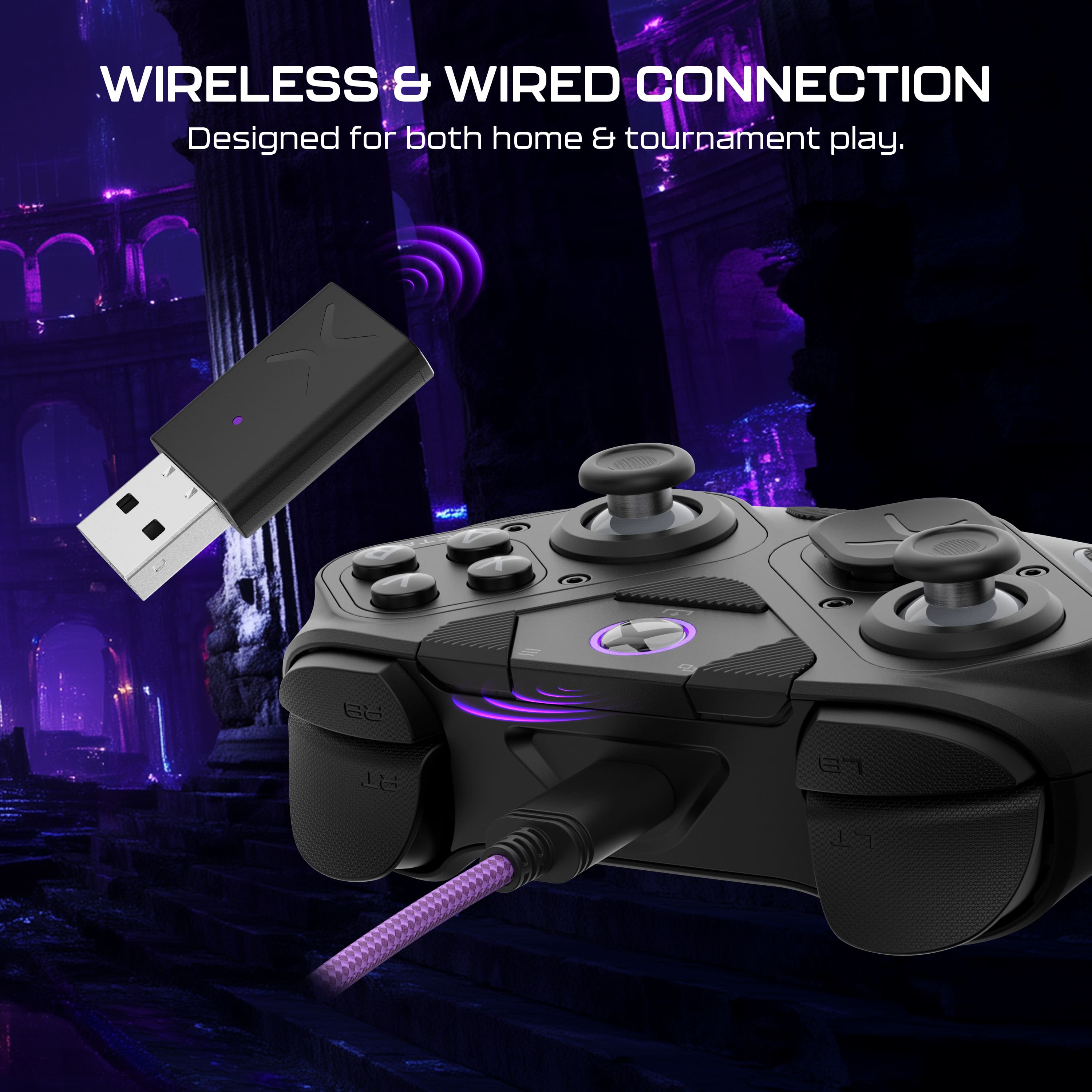
|Posted .This reviewer received promo considerations or sweepstakes entry for writing a review.So far I am really enjoying this controller. It works great with my Xbox One S and seems to have excellent battery life. I primarily play RPGs, sports games, and the occasional adventure title. I do not play many shooters on Xbox, so my focus is more on comfort and build quality than ultra-fast FPS response. From the moment you slide it out of the box, the premium feel is obvious. It comes with a high-quality carrying case and includes a variety of swappable parts like d-pads, thumbsticks, and additional buttons. The fightpad button layout is fantastic for anyone who enjoys fighting games like Mortal Kombat or Street Fighter. It was quick to charge, and setup was easy. The included USB dongle got me up and running on my Xbox with no issues. The Victrix software did not install automatically, but I found it in the Xbox store and downloaded it. It adds some customization options, such as adjusting the vibration and rumble settings, which was a nice touch. Nothing groundbreaking, but still useful. One standout feature is the built-in 3.5mm audio jack that supports Dolby Atmos. I plugged in my headphones and the sound quality was excellent. I have been using the controller for over a week and have not needed to recharge it yet. The purple and black color scheme looks great in person. The controller feels solid, and the buttons and triggers all have a nice tactile feel. The triggers in particular have a soft touch that feels surprisingly natural. One major advantage of this controller is that it uses hall effect sensors in the sticks and buttons. This means they use magnets instead of traditional parts like potentiometers, which should reduce issues like stick drift or button failure over time. Overall, I highly recommend the Victrix Pro BFG Reloaded. It is comfortable, customizable, and performs better than the standard Xbox controller in just about every way. If you are looking for a high-end controller that delivers on build quality and flexibility, this is an excellent choice.
I would recommend this to a friendVitrix bfg pro
||Posted . Owned for 1 month when reviewed.This reviewer received promo considerations or sweepstakes entry for writing a review.Makes warzone playable with button mapping. Would recomend this controller to anyone.
I would recommend this to a friendMust buy controller
||Posted . Owned for 2 weeks when reviewed.This reviewer received promo considerations or sweepstakes entry for writing a review.Great controller. Super sensitive triggers but easy to get use to. Make sure to calibrate on an computer before use then it's great.
I would recommend this to a friend