Customer Ratings & Reviews
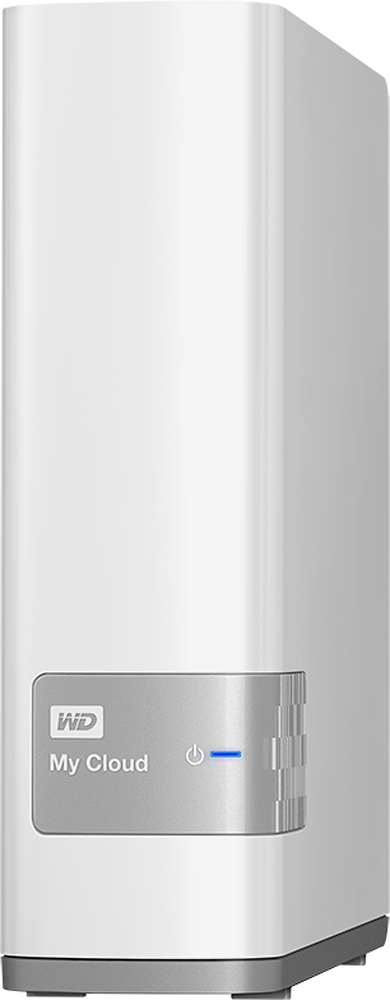
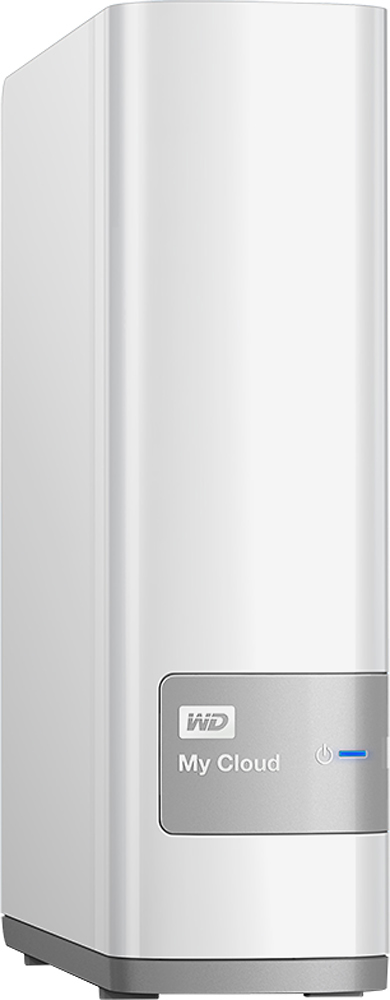
- Model:
- WDBCTL0020HWT-NESN
- |
- SKU:
- 1766059
Customer reviews
Rating 4.3 out of 5 stars with 1113 reviews
(1,113 customer reviews)Rating by feature
- Ease of Use3.9
Rating 3.9 out of 5 stars
Customers are saying
Customers often highlight the ease of use, ample storage, and reliable performance of the My Cloud 2TB External Hard Drive (NAS). Many also appreciate the straightforward setup and find it to be a good value for the price. However, some users experienced issues with network connectivity and found the software less intuitive than expected. A few also noted that the instructions could be improved for clarity.
This summary was generated by AI based on customer reviews.
- Pros mentioned:Storage
Rated 5 out of 5 stars
Great product for everyone.
||Posted .This reviewer received promo considerations or sweepstakes entry for writing a review.I used this product for small business data storage and it worked great. I might need to get another that have larger storage capacity.
I would recommend this to a friend - Pros mentioned:Storage
Rated 5 out of 5 stars
Access files on my iPhone anytime
||Posted .This reviewer received promo considerations or sweepstakes entry for writing a review.This backup device is such a good idea! I don't want all of my stuff archived on some evil empires server, nickel and dimeing along they way. I suggest you do the initial backup to this device with the cat5 cable so that you don't spend 2 days of Wifi usage doing the first backup. After that wireless works great. I Like having access to all videos, photos, scanned receipts, music available on my phone anytime without using phone device storage.
I would recommend this to a friend - Pros mentioned:Ease of use
Rated 5 out of 5 stars
Great backup system for anyone
||Posted .This reviewer received promo considerations or sweepstakes entry for writing a review.I purchased this for a client for a local backup and cloud storage system. It was easy for me to setup and configure. It has plenty of granular configurations for personal or small business use. They remote site is easy to use and configure for remote storage syncing. I will definitely purchase this item again for anyone looking for a great backup system.
I would recommend this to a friend Rated 4 out of 5 stars
Not bad for an impulse buy
||Posted .This reviewer received promo considerations or sweepstakes entry for writing a review.At first, the "cloud" would disappear from my network....ao after a few days of doing the power-off routine, I put in a complaint case to WD, and within short, I had some proposed solutions, which I thought I tried correctly, but it didn't take, so I tried the paper-clip reset again, and this time it worked, and it has been reliable ever since, I can recommend it.
I would recommend this to a friend- Pros mentioned:Ease of use
Rated 5 out of 5 stars
Great product & Brand
||Posted .This reviewer received promo considerations or sweepstakes entry for writing a review.Perfect product for home use easy to install, small footprint and would recommend to anybody.
I would recommend this to a friend - Cons mentioned:Network connectivity, Software
Rated 4 out of 5 stars
Working great after one month
||Posted .This reviewer received promo considerations or sweepstakes entry for writing a review.I did not want to set up mycloud for remote access and preferred to not download a lot of software. In the initial install, I downloaded what I thought was a minimal amount of WD software bit it seemed to have included a bunch of adware and malware that caused a multitude of popups and nasty stuff. I do not know if this was caused by WD software or my own stupidity, but It caused considerable work on my part to get rid of it. That said, once I got it running smoothly with NO WD software, it is doing exactly what I bought it for: a wireless in-home, secure (I hope) shared file system for multiple computers/devices. Sometimes it takes a minute for my windows computers to find it, but it seems to be working well.
I would recommend this to a friend - Pros mentioned:Ease of use, Setup
Rated 4 out of 5 stars
Great device once you figure out how to use it.
||Posted .This reviewer received promo considerations or sweepstakes entry for writing a review.As a grandmother I have thousands of pictures saved on my laptop and "in the Cloud." This allowed me to save everything on my own hard drive and have access to it when not at home. The sales person at Best Buy did tell me my Surface was compatible; it is not. And I had my Surface with me and showed it to her. The set up was very easy. Trying to figure out how to start moving documents required a phone call to WD Technologies. It took about 30 minutes working with the representative to figure it all out. No problems since purchase and a great convenience.
I would recommend this to a friend - Pros mentioned:Storage
Rated 4 out of 5 stars
Works well, but a few quirks
||Posted .This reviewer received promo considerations or sweepstakes entry for writing a review.I set this up to be a library for my various photos and media files to get them off my iPhone and other PC/Macs. Setup was a little more quirky than I had hoped, but I got it all going with only a little head scratching. Of course I have 40 years of engineering experience, so novices might struggle a bit more. The apps for PC/Mac only access the file share. In order to manage the features and setup, you have to access a Web page. This is not so bad, but an extra step and a pain if your router can't locate the drive. Best to allocate a fixed IP address for it. You can't manage from a phone unless you enable Remote Access, which I didn't want, even if the phone is on the same home WiFi. That seems odd. I suppose you could use your phones Web browser to manage it, but I didn't try this. The good news is it works great as an OS X Time Machine backup device. You can set the amount of storage allocated to this, so it won't fill up the entire drive, as some people have worried. The OK news is that it will let you transfer your photos from your iPhone, but the process is via the Share option. It works, but again, it would be nice to have them copied to the cloud drive automatically somehow when the phone is on local WiFi. The not so good news is that, even though it has a built in iTunes Server, that only works to make files available to an iTunes Player on PC or Mac. I wanted to play to Apple TV, but no dice. Apple TV only plays from Home Sharing on a PC or Mac running iTunes, which of course can be connected to the My Cloud. I guess IOS is the same way. This is more Apple's fault than WD's, but be aware of it if you're planning to use the drive to play your music. The DLNA server seems better, so I'll have to try that with my Roku. Overall, I'd recommend this thing, and WD is still my favorite drive maker. If you feel the limitations are not a problem for you, then by all means get one.
I would recommend this to a friend - Pros mentioned:Ease of useCons mentioned:Software
Rated 4 out of 5 stars
Great NAS with cloud services
||Posted .This reviewer received promo considerations or sweepstakes entry for writing a review.I bought this as a replacement to myworldbook nas. That WD device was on its last legs. This new cloud nas was easy to set up and access. I can access the cloud function with my phone when not at home. WD software leaves much to desire. I initially installed the software to assist with accessing the device. But the next day Ibsaw that the s/w was using a lot of computer resourses on two different computers. I ininstalled the s/w from those computers.
I would recommend this to a friend - Pros mentioned:Setup, Storage
Rated 5 out of 5 stars
Store all your videos & photos in one place
||Posted .This reviewer received promo considerations or sweepstakes entry for writing a review.The WD My Cloud provides a very convenient way to store all your photos & videos in one place. Easily access your files, view videos & pix WITHOUT a computer. Imagine sitting in a restaurant somewhere and being able to look at your photos which are stored on the MyCloud at home!! Great device. Easy setup. Comes in 2TB, 3TB, 4TB & 6TB models.
I would recommend this to a friend - Pros mentioned:Ease of use
Rated 5 out of 5 stars
Great storage idea
||Posted .This reviewer received promo considerations or sweepstakes entry for writing a review.This device is great for network sharing and the cloud feature for when you're not in its network. This cloud is much better than spending huge amounts monthly for less storage than this provides. Plus both the network and cloud sharing is extremely secure, I have found. Very user friendly as well if you're not a huge computer person. Great idea if you're looking for more storage.
I would recommend this to a friend - Pros mentioned:Ease of use, Storage
Rated 5 out of 5 stars
Works better than expected.
||Posted .This reviewer received promo considerations or sweepstakes entry for writing a review.I work with many different types of files, Audio, video, jpeg. I usually run into a problem when I'm away from my office and a client needs a quick revision. With the My cloud drive that problem is solved. I just need an Internet connection to download previously saved files and I can make those revisions. Setting up the software is fairly simple, setting up the drive itself is plug and play, and connecting the drive to your router just requires an Ethernet cable and an open Ethernet port. Great product with no cons in my book.
I would recommend this to a friend - Pros mentioned:Ease of use, Storage
Rated 4 out of 5 stars
Good for those who are 1st time users of MyCloud
||Posted .This reviewer received promo considerations or sweepstakes entry for writing a review.MyCloud was fairly hassle free in setting up. It freed up a lot of space from my desktop and I can pull pictures and videos from my phone wherever there is WiFi. It was a little complicated in the beginning but once it's set up, then its easy to use.
I would recommend this to a friend - Pros mentioned:Ease of use, Storage
Rated 4 out of 5 stars
It's good
||Posted .This reviewer received promo considerations or sweepstakes entry for writing a review.I wish it was a little more user friendly, but it has been good. I definitely need to bust out the instruction manual for it. Ton of space on it, easy to make folders to organize, has an app that you put on your phone and is small enough to not be noticeable.
I would recommend this to a friend - Pros mentioned:Storage
Rated 4 out of 5 stars
Great for faster Networks...
||Posted .This reviewer received promo considerations or sweepstakes entry for writing a review.I live in the sticks. I mean a cow field, and so I got this as a plan to save room on my phone which I can't update or replace that often. Cause I need the room on it for other things. So I started transferring over movies, and other things. So one day while in town I decided while waiting to fire it up, and give it a try, and watch a movie. Nope. My home speed of 1.5mbps was like: You can't do this. I'm sure if I had faster speeds it would be great. It just can't deal with slow upload speeds I'm limited too. So beyond that. ITs a great thing to have. I love I can access my pictures anywhere, and share them. Thats the biggest bonus, and #1 reason I did get this.
I would recommend this to a friend - Pros mentioned:Storage
Rated 4 out of 5 stars
good product but really confusing to use
||Posted .This reviewer received promo considerations or sweepstakes entry for writing a review.I use the apple macbook pro. I have to install a special app which allows me to connect the Cloud.(Dropbox is much easier) Also I need to have a extra software to connect with my account, which allows me to manage the setting and permission for other people. Why they don't design it into one thing! or combine the software into the system, like Dropbox does. Anyway, good price for 2TB storage and allows me transfer my data at anywhere.
No, I would not recommend this to a friend - Pros mentioned:Setup, Storage
Rated 5 out of 5 stars
Love my personal cloud
||Posted .This reviewer received promo considerations or sweepstakes entry for writing a review.I wanted a storage device that I could load pictures to when I travel and also not have to take a lot of equipment with me. This always me to send the pictures to another secure area for a backup. Setup was easy. I had to call WD for one minor issue that I could not get to work but it was easily corrected.
I would recommend this to a friend - Pros mentioned:Ease of use, Storage
Rated 4 out of 5 stars
great product
||Posted .This reviewer received promo considerations or sweepstakes entry for writing a review.it has all the features I need very easy to set up and did exactly what I needed it to do to save and access all my photo and to bring free space back to my phone/laptop
I would recommend this to a friend - Pros mentioned:Ease of use
Rated 5 out of 5 stars
Great deal
||Posted .This reviewer received promo considerations or sweepstakes entry for writing a review.I got this on sale and never regretted it. I hooked it up to my router, downloaded the app on my phone and pc, and created a login. I can view my files anywhere without the hassle. Very easy to use. WD does does a great job updating the firmware to ensure stability and security for this cloud.
I would recommend this to a friend - Pros mentioned:Setup
Rated 5 out of 5 stars
Personal Cloud
||Posted .This reviewer received promo considerations or sweepstakes entry for writing a review.I bought the 2 TB WD My Cloud drive to backup photos from my smartphones. The drive is easy to set up and you will also need to download the WD My cloud app to your smartphone. It is similar to using Dropbox or any other cloud based app. The My cloud drive has a USB port to expand the storage or to create a backup of your My drive cloud, aka mirror backup.
I would recommend this to a friend